Latest News - Apple Developer: Recent Episodes
None

It's the final day of WWDC25. Revisit the week's highlights, and dive into group labs on live streaming, immersive video, and spatial audio.
Day 4 is all about Apple Intelligence. Join us in today’s group labs to find out more about making machine learning and Apple Intelligence work for your app. And dive into video sessions to learn all about the latest tools and technologies.
Welcome to Day 2 at WWDC25! Watch the Platforms State of the Union recap, then dive into all the updates to Swift, SwiftUI, and Xcode through group labs and video sessions.
WWDC25 Platforms State of the Union RecapWatch nowExplore Day 2 >
Today’s group labs
Developer Tools group labView nowSwift group labView nowMetal & game technologies group labView nowCamera & Photos frameworks group labView now
Discover the latest advancements on all Apple platforms. With incredible new features in iOS, iPadOS, macOS, tvOS, visionOS, and watchOS, and major enhancements across languages, frameworks, tools, and services, you can create even more unique experiences in your apps and games.
Explore what’s new
The Apple Developer Program License Agreement and App Review Guidelines have been revised to support new features and updated policies, and to provide clarification. Please review the changes below.
Apple Developer Program License Agreement
- Section 3.3.3(D): Updated language on requirements for data and privacy.
- Section 3.3.3(N): Updated requirements for use of the ID Verifier APIs.
- Definitions, 3.3.3(P): Specified requirements for use of the Declared Age Range API.
- Definitions, 3.3.7(G): Specified requirements for use of the Wi-Fi Aware framework.
- Definitions, 3.3.7(H): Specified requirements for use of the TelephonyMessagingKit APIs.
- Definitions, 3.3.7(I): Specified requirements for use of the Default Dialer APIs.
- Definition, Section 3.3.8(H), Attachment 11: Specified requirements for use of EnergyKit.
- Definitions, 3.3.8(I): Specified requirements for use of the Foundation Models framework.
- Definitions, Attachment 4: Specified requirements for use of the iCloud Extended Share APIs.
- Section 6.4: Removed language on Bitcode submissions as it is no longer applicable, and replaced it with terms regarding iOS app widgets on CarPlay.
- Section 7.4(B): Updated and clarified requirements for TestFlight related to digital purchases and tester invitations.
- Section 7.7: Updated language on customization of icons and widgets.
- Section 7.8: Specified terms related to the Apple Games app.
- Attachment 6: Updated terms regarding the entity that distributes the map in China.
App Review Guidelines
- 3.1.2(a), bullet 2: This language has been deleted (“You may offer a single subscription that is shared across your own apps and services”).
- 3.1.2(a), bullet 5: This language has been relocated to Guideline 3.2.2(x).
- 3.2.1(viii): Clarified that financial apps must have necessary licensing and permissions in the locations where developers make them available.
- 3.2.2(x): This new guideline contains the language relocated from Guideline 3.1.2(a), bullet 5, and permits developers to otherwise incentivize users to take specific actions within app.
Please sign in to your account to accept the updated Apple Developer Program License Agreement.
Translations of the guidelines will be available on Apple Developer website within one month.
WWDC25 is here! Watch a quick welcome video to help you get started, then dive into sessions and sign up for tomorrow’s group labs.
Welcome to WWDC25Watch nowExplore Day 1 >
Tuesday’s group labs
Developer Tools group labView nowSwift group labView nowMetal & game technologies group labView nowCamera & Photos frameworks group labView now
An artistic puzzler with a wildlife twist. A translation app powered by machine learning and stickers. And a card game that’s been on quite a run. Say hello to the wildly inventive crop of 2025 Apple Design Award honorees.
View this year's winners and finalists >
WWDC25 is just days away! Here’s everything you need to get ready — and a big announcement to start things off. Say hello to the wildly inventive crop of 2025 Apple Design Award winners and finalists.
Read the full article
WWDC25 is almost here! Find out how to tune in to the Keynote and Platforms State of the Union on Monday, June 9.
Learn more
The App Store is designed to make it easy to sell your digital goods and services globally, with support for 44 currencies across 175 storefronts.
From time to time, we may need to adjust prices or your proceeds due to changes in tax regulations or foreign exchange rates. These adjustments are made using publicly available exchange rate information from financial data providers to help make sure prices for apps and In-App Purchases stay consistent across all storefronts.
Tax and price updates
As of May 16:
Your proceeds from the sale of eligible apps and In‑App Purchases have been modified in Brazil to account for the Contribuições de Intervenção no Domínio Econômico (CIDE) tax introduction of 10% for developers based outside of Brazil.
Beginning June 2:
Pricing for apps and In-App Purchases will be updated for Brazil and Kazakhstan if you haven’t selected one of these storefronts as the base storefront for your app or In‑App Purchase.¹ The updates in Brazil also consider the 10% CIDE tax introduction.
If you’ve selected Brazil or Kazakhstan as the base storefront for your app or In-App Purchase, prices won’t change. On other storefronts, prices will be updated to maintain equalization with your chosen base price.
Prices won’t change in any region if your In‑App Purchase is an auto‑renewable subscription. Prices also won’t change on the storefronts where you manually manage prices instead of using the automated equalized prices.
The Pricing and Availability section of Apps has been updated in App Store Connect to display these upcoming price changes. As always, you can change the prices of your apps, In‑App Purchases, and auto‑renewable subscriptions at any time.
Additional upcoming changes
Beginning August 4:
All auto-renewable subscription price increases in Austria, Germany, and Poland will require customers to consent to the new price for their subscription to continue renewing.
- Price increases scheduled with a start date on or after August 4: All customers must consent to the new price. If a subscriber doesn’t agree to the new price or takes no action, Apple will continue to request consent approximately weekly through email, push notifications, and in-app messaging until their subscription expires at the end of their current billing cycle.
- Price increases scheduled with a start date before August 4: Current notice criteria will remain in effect, even if the renewal occurs after August 4 (for annual subscriptions, renewal could be as late as August 2026). See criteria, noting that consent may apply to customers depending on the size or velocity of your price increases.
To help ensure a smooth transition, we recommend avoiding scheduling price increases with a start date between August 2 and August 4.
Learn more about managing your prices
View or edit upcoming price changes
Edit your app’s base country or region
Pricing and availability start times by country or region
Set a price for an In-App Purchase
Learn more about your proceeds
View payments and proceeds
Download financial reports
¹ Excludes auto-renewable subscriptions.
In this edition: Join us to learn how to make your apps more accessible to everyone. Plus, check out our new and refreshed Pathways, and uncover the time-traveling secrets of the Apple Design Award-winning game The Wreck.
Read the full article
The Wreck is filed under games, but it’s also been called a visual novel, an interactive experience, and a playable movie. Florent Maurin is OK with all of it. “I like to think we’re humbly participating in expanding the idea of what a video game can be,” he says.
Maurin is the co-writer, designer, and producer of The Wreck — and here we’ll let you decide what to call it. The Wreck tells the tale of Junon, a writer who’s abruptly called to a hospital to make a life-changing decision involving her mother. The story is anchored by the accident that lends the game its name, but the ensuing narrative is splintered, and begins to take shape only as players navigate through seemingly disconnected scenes that can be viewed multiple times from different perspectives. The Wreck is far from light. But its powerful story and unorthodox mechanics combine for a unique experience.
“We tried to make a game that’s a bit off the beaten path,” says Maurin, who’s also the president and CEO of The Pixel Hunt studio, “and hopefully it connects with people.”
ADA FACT SHEET
The Wreck Winner: Social impact * Team: The Pixel Hunt * Available on: iPhone, iPad * Team size:* 4
Maurin is a former children’s journalist who worked at magazines and newspapers in his native France. After nearly 10 years in the field, he pivoted to video games, seeing them as a different way to share real stories about real people. “Reality is a source of inspiration in movies, novels, and comic books, but it’s almost completely absent in the gaming landscape,” he says. “We wanted to challenge that.”
Founded in 2014, The Pixel Hunt has released acclaimed titles like the App Store Award–winning historical adventure Inua and the text-message adventure Bury Me, My Love. It was near the end of the development process for the latter that Maurin and his daughter were involved in a serious car accident.
“It was honestly like a movie trope,” he says. “Time slowed down. Weird memories that had nothing to do with the moment flashed before my eyes. Later I read that the brain parses through old memories to find relevant knowledge for facing that kind of situation. It was so sudden and so intense, and I knew I wanted to make something of it. And what immediately came to mind was a game.”
Junon's interactions with the hospital staff drive the narrative in The Wreck.
But Maurin was too close to the source material; the accident had left a lasting impact, and he separated himself from the creative process. “I think I was trying to protect myself from the intensity of that feeling,” he says. “That’s when Alex, our art director, told me, ‘Look, this is your idea, and I don’t think it’ll bloom if you don’t really dig deep and own the creative direction.’ And he was right.”
That was art director Alexandre Grilletta, who helmed the development team alongside lead developer Horace Ribout, animator Peggy Lecouvey, sound designers Luis and Rafael Torres, and Maurin’s sister, Coralie, who served as a “second brain” during writing. (In a nice bit of serendipity, the game’s script was written in an open-source scripting language developed by Inkle, which used it for their own Apple Design Award-winning game, Overboard, in 2022.)
Junon's sister might not be an entirely welcome presence in The Wreck.
The story of The Wreck is split into two parts. The first — what the team calls the “last day” — follows Junon at the hospital while she faces her mother’s situation as well as revealing interactions with her sister and ex-husband. Maurin says the “last day” was pretty straightforward from a design standpoint. “We knew we wanted a cinematic look,” he says, “so we made it look like a storyboard with some stop-motion animation and framing. It was really nothing too fancy. The part that was way more challenging was the memories.”
Those “memories” — and the backstory they tell — employ a clever mechanism in which players view a scene as a movie and have the ability to fast-forward or rewind the scene. These memory scenes feel much different; they’re dreamlike and inventive, with swooping camera angles, shifting perspectives, and words that float in the air. “I saw that first in What Remains of Edith Finch,” says Maurin. “I thought it was an elegant way of suggesting the thing that triggers a character’s brain in that moment.”
Junon's thoughts are often conveyed in floating phrases that surround her in stressful moments.
Successive viewings of these memories can reveal new details or cast doubt on their legitimacy — something Maurin wrote from experience. “I’ll give you an example,” he says. “When my parents brought my baby sister home from the hospital, I remember the exact moment they arrived in the car. It’s incredibly vivid. But the weird part is: This memory is in the third person. I see myself tiptoeing to the window to watch them in the street — which is impossible! I rewrote my own memory for some reason, and only my brain knows why it works like that. But it feels so real.”
Throughout the development process, Maurin and team held close to the idea of a “moving and mature” story. In fact, early prototypes of The Wreck were more gamified — in one version, players grabbed floating items — but playtesters found the activity distracting. “It took them out of the story,” Maurin says. “It broke the immersion. And that was counterproductive to our goal.”
Items in The Wreck — like this tin of peppermints — often carry a larger meaning.
Maurin admits that approaching games with this mindset can be a challenge. “Some players are curious about our games and absolutely love them. Some people think, ‘These don’t fit the perception of what I think I enjoy.’ And maybe the games are for them, and maybe they’re not. But this is what we’ve been doing for 11 years. And I think we're getting better at it.”
Meet the 2024 Apple Design Award winners
Behind the Design is a series that explores design practices and philosophies from finalists and winners of the Apple Design Awards. In each story, we go behind the screens with the developers and designers of these award-winning apps and games to discover how they brought their remarkable creations to life.
The App Review Guidelines have been updated for compliance with a United States court decision regarding buttons, external links, and other calls to action in apps. These changes affect apps distributed on the United States storefront of the App Store, and are reflected in updates to Guidelines 3.1.1, 3.1.1(a), 3.1.3, and 3.1.3(a).
View the App Review Guidelines
Translations of the guidelines will be available on Apple Developer website within one month.
In this edition: Revisit foundational sessions, join us to dive into SwiftUI, and meet an Apple Design Award winner that defies description.
Read the full article
Ask Jason Toff whether his Apple Design Award winner is a game or an app, and his answer is yes.
“There’s no one-sentence description for Rooms, and that can be a blessing,” laughs Toff, CEO and head designer of Things, Inc. “It’s not entirely a game, and it’s not entirely a tool. It’s more like a toy.”
It’s also a blank canvas, cozy game, coding teacher, and social network — but we’re getting ahead of ourselves. At its heart, Rooms is a collection of user-generated 3-D spaces that feels like the open-ended world of the early internet. Start with an empty room or existing template, then fill it with an array of voxel decorations, items, pets, and avatars to create whatever space you like: a college apartment, medieval castle chamber, floating fantasy realm, pirate ship, or a Weezer concert (really), to name just a few. The only limits are the room’s boundaries — and Rooms fans have even gotten around those. “Our 404 page is a room with no walls,” Toff says, “so people just started copying it to work around the constraint.”
ADA FACT SHEET
Rooms Winner: Visuals and Graphics * Team: Things, Inc. * Available on: iOS, iPadOS * Team size:* 4
Learn more about Rooms
Download Rooms from the App Store
In fact, that community element is a strong point: This creative tapestry of quirky games, tranquil havens, and clever ideas has been conjured by real people, which makes Rooms a social network as well. What’s more, users can click on each item to reveal its underlying code, offering them more options for customization.
To create Rooms — which, incidentally, won the ADA for Visuals and Graphics in games — Toff and cofounders Nick Kruge and Bruno Oliveira threw themselves back into their childhoods. “I was obsessed with Legos as a kid,” says Toff, not unexpectedly. “I found myself wondering, ‘What’s the digital equivalent of that?’”
Rooms isn’t just about rooms; creators have plenty of ways to noodle on their ideas.
Drawing on that inspiration — as well as Toff’s experiences with Kid Pix on his dad’s 1989-era Mac — the Rooms team began envisioning something that, as Oliveira says, kept the floor low but the ceiling high. “We wanted anyone from 4-year-olds to their grandparents to be able to use Rooms,” he says, “and that meant making something free-form and creative.”
It also meant building something that gave a sense of approachability and creativity, which led them right to voxels. “Blocks have a charm, but they can also be kind of ugly,” Toff laughs. “Luckily, Bruno’s were cute and soft, so they felt approachable and familiar.” And from Oliveira’s side, blocks offered a practical value. “It’s much easier to do 3-D modeling with blocks,” says Oliveira. “You can just add or remove voxels whenever you want, which lowers the bar for everyone.”
We wanted anyone from 4-year-olds to their grandparents to be able to use Rooms, and that meant making something free-form and creative.
Jason Toff, CEO and head designer of Things, Inc.
Rooms launched in 2023 as a web-based app that included 1,000 voxel objects and allowed users to write their own code. It gained traction through both word of mouth and, more directly, a video that went viral in the cozy-gaming community. “All of a sudden, we had all these people coming,” says Oliveira, “and we realized we needed to prioritize the mobile app. Nick was like, ‘I think we can get feature parity with desktop on the iPhone screen,’ and we basically pulled a rabbit out of a hat.” Today, the vast majority of Rooms users are on mobile, where they spend the bulk of their time editing. “We were just shocked by how much time people were spending making rooms,” he says. “These weren’t quick five-minute projects. We did not anticipate that.”
Of course the Things, Inc. team rebuilt their own offices in Rooms.
All that building fed into a social aspect as well. Toff says most of the items in Rooms are now created, edited, and amplified by lots of different users. “Here’s a good example: We have a sway effect that makes things wave back and forth a little,” he says. “Someone realized that if they put some branches on a tree and added that effect, the tree immediately looked alive. Now everyone’s doing that. There’s a real additive effect to building in Rooms.” Today, the Rooms library contains more than 10,000 items.
There’s a lot of power under the hood, too. “Rooms uses a Lua scripting language that runs in a C++ context,” says Oliveira, “so it’s kind of Lua, encased in C++, encased in Unity, encased in iOS.” Every room, he says, is a new Unity instance. And adding native iOS elements — like sliders on the Explore page and a bottom navigation — gives what he calls the “design chef’s kiss.”
An early sketch of Rooms shows how the room design came together early in the process.
Like its community, the Rooms team is used to moving fast. “One day I said, ‘It would be cool if this had a D-pad and A/B buttons,” says Toff, “and about 10 hours later Bruno was like, ‘Here you go.’” On another lark, Toff mentioned that it would be fun to let users fly around their rooms, and Kruge and Oliveira promptly created a “camera mode” that’s come to be known internally as the “Jason-Cam.”
That’s satisfying to a team that simply set out to build a cutting-edge plaything. “We always had this metaphor that Rooms was a swimming pool with a shallow side and a deep side,” says Oliveira. “It should be fun for people dabbling in the shallow side. But it should also be amazing for people swimming in the deep end. If you just want to look at rooms, you can. But you can also dive all the way down and write complicated code. There’s something for everyone.”
Meet the 2024 Apple Design Award winners
Behind the Design is a series that explores design practices and philosophies from finalists and winners of the Apple Design Awards. In each story, we go behind the screens with the developers and designers of these award-winning apps and games to discover how they brought their remarkable creations to life.
Join the worldwide developer community online for a week of technology and creativity.
Be there for the reveal of the latest Apple tools, frameworks, and features. Learn to elevate your apps and games through video sessions hosted by Apple engineers and designers. Engage with Apple experts in labs and connect with the worldwide developer community. All online and at no cost.
Learn more about WWDC25
It’s an ice-cold late winter’s morning in Canada, but the offices of Ubisoft Quebec are ablaze with excitement.
The Ubisoft team is preparing the release of Assassin’s Creed Shadows, the 14th main entry in the series and an evolution for the franchise in nearly every detail. It’s set in feudal 16th-century Japan, a rich and elegant period that’s been long sought-after by fans and Ubisoft team members alike. It introduces a pair of fierce protagonists: Yasuke, a powerful warrior of African origin, and Naoe, an agile Shinobi assassin, both brought to life with attention to historical accuracy. Its world feels alive with an ever-changing dynamism that’s apparent in everything from the shifting weather to the rotating seasons to the magical interplay of light and shadow.
And what’s more, it’s set to release on Mac the same day it arrives on PCs and consoles.
“It’s been a longtime dream to bring the game to Mac,” says Ubisoft executive producer Marc-Alexis Côté, who debuted the game on Mac during the WWDC24 Keynote. “It’s incredible that I can now open a MacBook Pro and get this level of immersion.” Shadows will also be coming later to iPad with M-series chips.
Naoe, one of the game’s two protagonists, is an agile assassin who’s at her best when striking from the shadows.
Today marks one of the first times that the gaming community will get its hands on Shadows, and to celebrate the occasion, the Ubisoft offices — a mix of cozy chalet-worthy reclaimed wood and wide-open windows that afford a view of snowy Quebec City rooftops — have been reskinned with an Assassin’s Creed theme, including a display that emphasizes the heft of Yasuke’s weapons, especially an imposing-looking 13-pound model of the character’s sword. (On this day, the display is hosted by associate game director Simon Lemay-Comtois, who appears quite capable of wielding it.)
Pre-order Assassin's Creed Shadows from the Mac App Store
Côté calls Shadows his team’s “most ambitious” game. In crafting the game’s expansive world, Ubisoft’s development team took advantage of an array of advanced Mac technologies: Metal 3 (working in concert with Ubisoft’s next-generation Anvil engine), Apple silicon, and a mix of HDR support and real-time ray tracing on Macs with M3 and M4 that Côté says was “transformative” in creating the game’s immersion.
It’s been a longtime dream to bring the game to Mac.
Marc-Alexis Côté, Ubisoft executive producer
“Seeing those millions of lines of code work natively on a Mac was a feeling that’s hard to describe,” Côté says. “When you look at the game’s performance, the curve Apple is on with successive improvements to the M-series chips year after year, and the way the game looks on an HDR screen, you’re like, ‘Is this real?’”
Assassin’s Creed Shadows is a balance of the technical and creative. For the former, associate technical director Mathieu Belanger says the capabilities of Mac laid the groundwork for technical success. “The architecture of the hardware is so well done, thanks in part to the unified memory between the GPU and CPU. That made us think the future is bright for gaming on the platform. So many things about doing this on Mac were great right out of the box.”
Naoe’s counterpart, Yasuke, prefers the use of brute force.
On the creative side, Ubisoft creative director Jonathan Dumont focused on a different opportunity. “The important thing was: Does this feel right? Is it what we want to send to players? And the answer was yes.”
The creative team’s goal was nothing short of “making this world feel alive,” says Martin Bedard, a 20-year Ubisoft veteran who served as the game’s technology director (and is very good at playing as Naoe). “You’re put into a moment that really existed,” he says. “This story is your playground.”
There are also fluffy kittens. We’ll get to those.
The ever-changing seasons lend an incredible variety to the game’s environments.
And there’s tremendous power behind the beauty, because the game’s biomes, seasons, weather, and lighting are all dynamic creations. The sunset hour bathes the mountains in soft purple light; the sun’s rays float in through leaves and temple roofs. Pretty much every room has a candle in it, which means the light is always changing. “Look at the clouds here,” says Bedard, pointing at the screen. “That’s not a rendering. These are all fluid-based cloud simulations.”
“Japan feels like it’s 80 percent trees and mountains,” says Dumont. “If you’re building this world without the rain, and the winds, and the mountains, it doesn’t feel right.”
Wherever you are, wherever you go, everything is beautiful and alive.
Mathieu Belanger, associate technical director
And those winds? “We developed a lot of features that were barely possible before, and one of them was a full simulation of the wind, not just an animation,” says Belanger. “We even built a humidity simulation that gathers clouds together.” For the in-game seasons, Ubisoft developed an engine that depicted houses, markets, and temples, in ever-changing conditions. “This was all done along the way over the past four years,” he says.
To pursue historical accuracy, Dumont and the creative team visited Japan to study every detail, including big-picture details (like town maps) to very specific ones (like the varnish that would have been applied to 16th-century wood). It wasn’t always a slam dunk, says Côté: In one visit, their Japanese hosts recommended a revision to the light splashing against the mountains. “We want to get all those little details right,” he says. (A “full-immersion version,” entirely in Japanese with English subtitles, is available.)
To recreate the world of 16th-century Japan, the Ubisoft creative visited Japan to study every detail.
Ubisoft’s decision to split the protagonist into two distinct characters with different identities, skill sets, origin stories, and class backgrounds came early in the process. (“That was a fun day,” laughs Belanger.) Ubisoft team members emphasize that choosing between Naoe and Yasuke is a matter of personal preference — lethal subtlety vs. brute force. Players can switch between characters at any time, and, as you might suspect, the pair grows stronger together as the story goes on. Much of Naoe’s advantage comes from her ability to linger in the game’s shadows — not just behind big buildings, but wherever the scene creates a space for her to hide. “The masterclass is clearing out a board without being spotted once,” says Bedard.
(The Hideout is) peaceful. You can say, ‘I feel like putting some trees down, seeing what I collected, upgrading my buildings, and petting the cats.’
Jonathan Dumont, Ubisoft creative director
Which brings us to the Hideout, Naoe and Yasuke’s home base and a bucolic rural village that acts as a zen-infused respite from the ferocity of battle. “It’s a place that welcomes you back,” says Dumont. It’s eminently customizable, both from a game-progression standpoint but also in terms of aesthetics. Where the battle scenes are a frenzy of bruising combat or stealth attacks, the Hideout is a refuge for supplies, artwork, found objects, and even a furry menagerie of cats, dogs, deer, and other calming influences. “There are progressions, of course,” says Dumont, “but it’s peaceful. You can say, ‘I feel like putting some trees down, seeing what I collected, upgrading my buildings, and petting the cats.”
“The kittens were a P1 feature,” laughs associate game director Dany St-Laurent.
Yasuke prepares to face off against an opponent in what will likely be a fruitful battle.
Yet for all those big numbers, Dumont says the game boils down to something much simpler. “I just think the characters work super-well together,” he says. “It’s an open-world game, yes. But at its core, it features two characters you’ll like. And the game is really about following their journey, connecting with them, exploring their unique mysteries, and seeing how they flow together. And I think the way in which they join forces is one of the best moments in the franchise.”
And if the Ubisoft team has its way, there will be plenty more moments to come. “I think the game will scale for years to come on the Mac platform,” says Côté. “Games can be more and more immersive with each new hardware release. We’re trying to create something here where more people can come with day-one games on the Mac, because I think it’s a beautiful platform.”
Pre-order Assassin's Creed Shadows from the Mac App Store
In this edition: An incredible AAA game comes to Mac. Plus, the latest on International Women’s Day activities, WeChat, and more.
Read the full article
Check out the official Apple Developer WeChat account to find news, announcements, and upcoming activities for the developer community.
Learn more in Simplified Chinese
The beta versions of iOS 18.4, iPadOS 18.4, macOS 15.4, tvOS 18.4, visionOS 2.4, and watchOS 11.4 are now available. Get your apps ready by confirming they work as expected on these releases. And to take advantage of the advancements in the latest SDKs, make sure to build and test with Xcode 16.3.
As previewed last year, iOS 18.4 and iPadOS 18.4 include support for default translation apps for all users worldwide, and default navigation apps for EU users.
Beginning April 24, 2025, apps uploaded to App Store Connect must be built with Xcode 16 or later using an SDK for iOS 18, iPadOS 18, tvOS 18, visionOS 2, or watchOS 11.
View downloads and release notes
As of today, apps without trader status have been removed from the App Store in the European Union (EU) until trader status is provided and verified by Apple.
Account Holders or Admins in the Apple Developer Program will need to enter this status in App Store Connect to comply with the Digital Services Act.
Learn what a trader is and how to enter your status
You can now take advantage of upgraded security options when creating new token authentication keys for the Apple Push Notification service (APNs).
Team-scoped keys enable you to restrict your token authentication keys to either development or production environments, providing an additional layer of security and ensuring that keys are used only in their intended environments.
Topic-specific keys provide more granular control by enabling you to associate each key with a specific bundle ID, allowing for more streamlined and organized key management. This is particularly beneficial for large organizations that manage multiple apps across different teams.
Your existing keys will continue to work for all push topics and environments. At this time, you don’t have to update your keys unless you want to take advantage of the new capabilities.
For detailed instructions on how to secure your communications with APNs, read Establishing a token-based connection to APNs.
Starting February 14, 2025, new regulatory requirements in South Korea will apply to all apps with offers and trials for auto-renewing subscriptions.
To comply, if you offer trials or offers for auto-renewing subscriptions to your app or game, additional consent must be obtained for your trial or offer after the initial transaction. The App Store will help to get consent by informing the affected subscribers with an email, push notification, and in-app price consent sheet, and asking your subscribers to agree to the new price.
This additional consent must be obtained from customers within 30 days from the payment or conversion date for:
- Free to paid trials
- Discounted subscription offers to standard-price subscriptions
Apps that do not offer a free trial or discounted offer before a subscription converts to the regular price are not affected.
Learn more about this regulation
The App Store is designed to make it easy to sell your digital goods and services globally, with support for 44 currencies across 175 storefronts.
From time to time, we may need to adjust prices or your proceeds due to changes in tax regulations or foreign exchange rates. These adjustments are made using publicly available exchange rate information from financial data providers to help make sure prices for apps and In-App Purchases stay consistent across all storefronts.
Tax and pricing updates for FebruaryAs of February 6:
Your proceeds from the sale of eligible apps and In‑App Purchases have been modified in:
- Azerbaijan: value-added tax (VAT) introduction of 18%
- Peru: VAT introduction of 18%
- Slovakia: Standard VAT rate increase from 20% to 23%
- Slovakia: Reduced VAT rate introduction of 5% for ebooks
- Estonia: Reduced VAT rate increase from 5% to 9% for news publications, magazines, and other periodicals
- Finland: Reduced VAT rate increase from 10% to 14% for ebooks
Exhibit B of the Paid Applications Agreement has been updated to indicate that Apple collects and remits applicable taxes in Azerbaijan and Peru.¹
As of February 24:
Pricing for apps and In-App Purchases will be updated for the Azerbaijan and Peru storefronts if you haven’t selected one of these as the base for your app or In‑App Purchase.² These updates also consider VAT introductions listed in the tax updates section above.
If you’ve selected the Azerbaijan or Peru storefront as the base for your app or In-App Purchase, prices won’t change. On other storefronts, prices will be updated to maintain equalization with your chosen base price.
Prices won’t change in any region if your In‑App Purchase is an auto‑renewable subscription. Prices also won’t change on the storefronts where you manually manage prices instead of using the automated equalized prices.
The Pricing and Availability section of Apps has been updated in App Store Connect to display these upcoming price changes. As always, you can change the prices of your apps, In‑App Purchases, and auto‑renewable subscriptions at any time.
Learn more about managing your prices
View or edit upcoming price changes
Edit your app’s base country or region
Pricing and availability start times by country or region
Set a price for an In-App Purchase
Beginning April 1:
As a result of last year’s change in Japan’s tax regulations, Apple (through iTunes K.K. in Japan) is now designated as a Specified Platform Operator by the Japan tax authority. All paid apps and In-App Purchases, (including game items, such as coins) sold by non-Japan-based developers on the App Store in Japan will be subject to the platform tax regime. Apple will collect and remit a 10% Japanese consumption tax (JCT) to the National Tax Agency JAPAN on such transactions at the time of purchase. Your proceeds will be adjusted accordingly.
Please note any prepaid payment instruments (such as coins) sold prior to April 1, 2025, will not be subject to platform taxation, and the relevant JCT compliance should continue to be managed by the developer.
For specific information on how the JCT affects in-game items, see Question 7 in the Tax Agency of Japan’s Q&A about Platform Taxation of Consumption Tax.
Learn more about your proceeds
View payments and proceeds
Download financial reports
¹ Translations of the updated agreement are available on the Apple Developer website today.
² Excludes auto-renewable subscriptions.
The Vietnamese Ministry of Information and Communications (MIC) requires games to be licensed to remain available on the App Store in Vietnam. To learn more and apply for a game license, review the regulations.
Once you have obtained your license:
- Sign in to App Store Connect.
- Enter the license number and the associated URL in the description section of your game’s product page.
- Note that you only need to provide this information for the App Store localization displayed on the Vietnam storefront.
- Submit an update to App Review.
If you have questions on how to comply with these requirements, please contact the Authority of Broadcasting and Electronic Information (ABEI) under the Vietnamese Ministry of Information and Communications.
View the full law
In this edition: The latest on developer activities, the Swift Student Challenge, the team behind Bears Gratitude, and more.
Read the full article
Here’s the story of how a few little bears led their creators right to an Apple Design Award.
Bears Gratitude is a warm and welcoming title developed by the Australian husband-and-wife team of Isuru Wanasinghe and Nayomi Hettiarachchi.
Journaling apps just don’t get much cuter: Through prompts like “Today isn’t over yet,” “I’m literally a new me,” and “Compliment someone,” the Swift-built app and its simple hand-drawn mascots encourage people to get in the habit of celebrating accomplishments, fostering introspection, and building gratitude. “And gratitude doesn’t have to be about big moments like birthdays or anniversaries,” says Wanasinghe. “It can be as simple as having a hot cup of coffee in the morning.”
ADA FACT SHEET
Bears Gratitude Winner: Delight and Fun * Available on: iOS, iPadOS, macOS * Team size:* 2
Download Bears Gratitude from the App Store
Wanasinghe is a longtime programmer who’s run an afterschool tutoring center in Sydney, Australia, for nearly a decade. But the true spark for Bears Gratitude and its predecessor, Bears Countdown, came from Hettiarachchi, a Sri Lankan-born illustrator who concentrated on her drawing hobby during the Covid-19 lockdown.
Wanasinghe is more direct. “The art is the heart of everything we do,” he says.
Bears Gratitude was developed by the Australian husband-and-wife team of Isuru Wanasinghe and Nayomi Hettiarachchi.
In fact, the art is the whole reason the app exists. As the pandemic months and drawings stacked up, Hettiarachchi and Wanasinghe found themselves increasingly attached to her cartoon creations, enough that they began to consider how to share them with the world. The usual social media routes beckoned, but given Wanasinghe’s background, the idea of an app offered a stronger pull.
“In many cases, you get an idea, put together a design, and then do the actual development,” he says. “In our case, it’s the other way around. The art drives everything.”
The art is the heart of everything we do.
Isuru Wanasinghe, Bears Gratitude cofounder
With hundreds of drawings at their disposal, the couple began thinking about the kinds of apps that could host them. Their first release was Bears Countdown, which employed the drawings to help people look ahead to birthdays, vacations, and other marquee moments. Countdown was never intended to be a mass-market app; the pair didn’t even check its launch stats on App Store Connect. “We’d have been excited to have 100 people enjoy what Nayomi had drawn,” says Wanasinghe. “That’s where our heads were at.”
But Countdown caught on with a few influencers and become enough of a success that the pair began thinking of next steps. “We thought, well, we’ve given people a way to look forward,” says Wanasinghe. “What about reflecting on the day you just had?’”
Hettiarachchi’s art samples get a close inspection from one of her trusted associates.
Gratitude keeps the cuddly cast from Countdown, but otherwise the app is an entirely different beast. It was also designed in what Wanasinghe says was a deliberately unusual manner. “Our design approach was almost bizarrely linear,” says Wanasinghe. “We purposely didn’t map out the app. We designed it in the same order that users experience it.”
Other unorthodox decisions followed, including the absence of a sign-in screen. “We wanted people to go straight into the experience and start writing,” he says. The home-screen journaling prompts are presented via cards that users flip through by tapping left and right. “It’s definitely a nonstandard UX,” says Wanasinghe, “but we found over and over again that the first thing users did was flip through the cards.”
Our design approach was almost bizarrely linear. We purposely didn’t map out the app. We designed it in the same order that users experience it.
Isuru Wanasinghe, Bears Gratitude cofounder
Another twist: The app’s prompts are written in the voice of the user, which Wanasinghe says was done to emphasize the personal nature of the app. “We wrote the app as if we were the only ones using it, which made it more relatable,” he says.
Then there are the bears, which serve not only as a distinguishing hook in a busy field, but also as a design anchor for its creators. “We’re always thinking: ‘Instead of trying to set our app apart, how do we make it ours?’ We use apps all the time, and we know how they behave. But here we tried to detach ourselves from all that, think of it as a blank canvas, and ask, ‘What do we want this experience to be?’”
Early design sketches for Bears Gratitude show the collection of swipe-able prompt cards.
Bears Gratitude isn’t a mindfulness app — Wanasinghe is careful to clarify that neither he nor Hettiarachchi are therapists or mental health professionals. “All we know about are the trials and tribulations of life,” he says.
But those trials and tribulations have reached a greater world. “People have said, ‘This is just something I visit every day that brings me comfort,’” says Wanasinghe. “We’re so grateful this is the way we chose to share the art. We’re plugged into people’s lives in a meaningful way.”
Meet the 2024 Apple Design Award winners
Behind the Design is a series that explores design practices and philosophies from finalists and winners of the Apple Design Awards. In each story, we go behind the screens with the developers and designers of these award-winning apps and games to discover how they brought their remarkable creations to life.
Submissions for the Swift Student Challenge 2025 are now open through February 23. You have three more weeks to design, test, refine, and submit your app playground for consideration to be named one of 350 winners.
What to know:
- The Challenge is free to enter — you just need access to an iPad or Mac with Swift Playground or Xcode.
- The best app ideas are personal — let your passion shine through your work.
- No formal coding experience required — the Challenge is open to students of all levels.
- Your app playground doesn’t need to be intricate — it should be experienced within 3 minutes or less.
Where to start:
- Explore tools and tutorials to build an incredible app playground.
- Get inspired by last year’s Distinguished Winners, learn about their winning apps, and read about their experiences at Apple Park.
Learn more about the Challenge
The App Store facilitates billions of transactions annually to help developers grow their businesses and provide a world-class customer experience. To further support developers’ evolving business models — such as exceptionally large content catalogs, creator experiences, and subscriptions with optional add-ons — we’re introducing the Advanced Commerce API.
Developers can apply to use the Advanced Commerce API to support eligible App Store business models and more flexibly manage their In-App Purchases within their app. These purchases leverage the power of the trusted App Store commerce system, including end-to-end payment processing, tax support, customer service, and more, so developers can focus on providing great app experiences.
Learn about eligibility requirements and how to apply
Starting February 17, 2025: Due to the European Union’s Digital Services Act, apps without trader status will be removed from the App Store in the European Union until trader status is provided and verified, if necessary.
As a reminder, Account Holders or Admins in the Apple Developer Program need to enter trader status in App Store Connect for apps on the App Store in the European Union in order to comply with the Digital Services Act.
Learn what a trader is and how to enter your status
As part of ongoing efforts to improve security and privacy on Apple platforms, the App Store receipt signing intermediate certificate is being updated to use the SHA-256 cryptographic algorithm. This certificate is used to sign App Store receipts, which are the proof of purchase for apps and In-App Purchases.
This update is being completed in multiple phases and some existing apps on the App Store may be impacted by the next update, depending on how they verify receipts.
Starting January 24, 2025, if your app performs on-device receipt validation and doesn’t support the SHA-256 algorithm, your app will fail to validate the receipt. If your app prevents customers from accessing the app or premium content when receipt validation fails, your customers may lose access to their content.
If your app performs on-device receipt validation, update your app to support certificates that use the SHA-256 algorithm; alternatively, use the AppTransaction and Transaction APIs to verify App Store transactions.
For more details, view TN3138: Handling App Store receipt signing certificate changes.
Starting next month, Apple will change the supported algorithms that secure server connections for Apple Pay on the Web. In order to maintain uninterrupted service, you’ll need to ensure that your production servers support one or more of the designated six ciphers before February 4, 2025.
These algorithm changes will affect any secure connection you’ve established as part of your Apple Pay integration, including the following touchpoints:
- Requesting an Apple Pay payment session (Apple Pay on the Web only)
- Renewing your domain verification (Apple Pay on the Web only)
- Receiving and handling merchant token notifications for recurring, deferred, and automatic-reload transactions (Apple Pay on the Web and in app)
- Creating and updating Wallet Orders (Apple Pay on the Web and in app)
- Managing merchant onboarding via the Apple Pay Web Merchant Registration API (payment service provider (PSP) and e-commerce platforms only)
In the first edition of the new year: Bring SwiftUI to your app in Cupertino, get ready for the Swift Student Challenge, meet the team behind Oko, and more.
Read the full article
Oko is a testament to the power of simplicity.
The 2024 Apple Design Award winner for Inclusivity and 2024 App Store Award winner for Cultural Impact leverages Artificial Intelligence to help blind or low-vision people navigate pedestrian walkways by alerting them to the state of signals — “Walk,” “Don’t Walk,” and the like — through haptic, audio, and visual feedback. The app instantly affords more confidence to its users. Its bare-bones UI masks a powerful blend of visual and AI tools under the hood. And it’s an especially impressive achievement for a team that had no iOS or Swift development experience before launch.
“The biggest feedback we get is, ‘It’s so simple, there’s nothing complex about it,’ and that’s great to hear,” says Vincent Janssen, one of Oko’s three Belgium-based founders. “But we designed it that way because that’s what we knew how to do. It just happened to also be the right thing.”
ADA FACT SHEET
From left: Willem Van de Mierop, Michiel Janssen, and Vincent Janssen are the three cofounders of Oko. The app’s name means “eye.”
Oko Winner: Inclusivity * Team: AYES BV * Available on: iPhone * Team size: 6 * Previous accolades:* 2024 App Store Award winner for Cultural Impact; App Store Editors’ Choice
Learn more about Oko
Download Oko from the App Store
For Janssen and his cofounders, brother Michiel and longtime friend Willem Van de Mierop, Oko — the name translates to “eye” — was a passion project that came about during the pandemic. All three studied computer science with a concentration in AI, and had spent years working in their hometown of Antwerp. But by the beginning of 2021, the trio felt restless. “We all had full-time jobs,” says Janssen, “but the weekends were pretty boring.” Yet they knew their experience couldn’t compare to that of a longtime friend with low vision, who Janssen noticed was feeling more affected as the autumn and winter months went on.
“We really started to notice that he was feeling isolated more than others,” says Janssen. “Here in Belgium, we were allowed to go for walks, but you had to be alone or with your household. That meant he couldn’t go with a volunteer or guide. As AI engineers, that got us thinking, ‘Well, there are all these stories about autonomous vehicles. Could we come up with a similar system of images or videos that would help people find their way around public spaces?’”
I had maybe opened Xcode three times a few years before, but otherwise none of us had any iOS or Swift experience.
Vincent Janssen, Oko founder
The trio began building a prototype that consisted of a microcomputer, 3D-printed materials, and a small portable speaker borrowed from the Janssen brothers’ father. Today, Janssen calls it “hacky hardware,” something akin to a small computer with a camera. But it allowed the team and their friend — now their primary tester — to walk the idea around and poke at the technology’s potential. Could AI recognize the state of a pedestrian signal? How far away could it detect a Don’t Walk sign? How would it perform in rain or wind or snow? There was just one way to know. “We went out for long walks,” says Janssen.
And while the AI and hardware performed well in their road tests, issues arose around the hardware’s size and usability, and the team begin to realize that software offered a better solution. The fact that none of the three had the slightest experience building iOS apps was simply a hurdle to clear. “I had maybe opened Xcode three times a few years before,” says Janssen, “but otherwise none of us had any iOS or Swift experience.”
Oko helps people navigate pedestrian walkways through interactive maps and audio, visual, and haptic feedback.
So that summer, the team pivoted to software, quitting their full-time jobs and throwing themselves into learning Swift through tutorials, videos, and trusty web searches. The core idea crystallized quickly: Build a simple app that relied on Camera, the Maps SDK, and a powerful AI algorithm that could help people get around town. “Today, it’s a little more complex, but in the beginning the app basically opened up a camera feed and a Core ML model to process the images,” says Janssen, noting that the original model was brought over from Python. “Luckily, the tools made the conversion really smooth.” (Oko’s AI models run locally on device.)
With the software taking shape, more field testing was needed. The team reached out to accessibility-oriented organizations throughout Belgium, drafting a team of 100 or so testers to “codevelop the app,” says Janssen. Among the initial feedback: Though Oko was originally designed to be used in landscape mode, pretty much everyone preferred holding their phones in portrait mode. “I had the same experience, to be honest,” said Janssen, “but that meant we needed to redesign the whole thing.”
The Oko team navigates through prototypes at a review session in their hometown of Antwerp, Belgium.
Other changes included amending the audio feedback to more closely mimic existing real-world sounds, and addressing requests to add more visual feedback. The experience amounted to getting a real-world education about accessibility on the fly. “We found ourselves learning about VoiceOver and haptic feedback very quickly,” says Janssen.
Still, the project went remarkably fast — Oko launched on the App Store in December 2021, not even a year after the trio conceived of it. “It took a little while to do things, like make sure the UI wasn’t blocked, especially since we didn’t fully understand the code we wrote in Swift,” laughs Janssen, “but in the end, the app was doing what it needed to do.”
We found ourselves learning about VoiceOver and haptic feedback.
Vincent Janssen, Oko founder
The accessibility community took notice. And in the following months, the Oko team continued expanding its reach — Michiel Janssen and Van de Mierop traveled to the U.S. to meet with accessibility organizations and get firsthand experience with American street traffic and pedestrian patterns. But even as the app expanded, the team retained its focus on simplicity. In fact, Janssen says, they explored and eventually jettisoned some expansion ideas — including one designed to help people find and board public transportation — that made the app feel a little too complex.
Today, the Oko team numbers 6, including a fleet of developers who handle more advanced Swift matters. “About a year after we launched, we got feedback about extra features and speed improvements, and needed to find people who were better at Swift than we are,” laughs Janssen. At the same time, the original trio is now learning about business, marketing, and expansion.
At its core, Oko remains a sparkling example of a simple app that completes its task well. “It’s still a work in progress, and we’re learning every day,” says Janssen. In other words, there are many roads yet to cross.
Meet the 2024 Apple Design Award winners
Behind the Design is a series that explores design practices and philosophies from finalists and winners of the Apple Design Awards. In each story, we go behind the screens with the developers and designers of these award-winning apps and games to discover how they brought their remarkable creations to life.
The beta versions of iOS 18.3, iPadOS 18.3, macOS 15.3, tvOS 18.3, visionOS 2.3, and watchOS 11.3 are now available. Get your apps ready by confirming they work as expected on these releases. And to take advantage of the advancements in the latest SDKs, make sure to build and test with Xcode 16.2.
View downloads and release notes
Learn about testing a beta OS
Learn about sending feedback
Join us in celebrating the outstanding work of these developers from around the world.
Meet the winners
Attachment 2 of the Apple Developer Program License Agreement has been amended to specify requirements for use of the In-App Purchase API. Please review the changes and accept the updated terms in your account.
View the full terms and conditions
Translations of the updated agreement will be available on the Apple Developer website within one month.
In this edition: The year in sessions, activities, apps, and games.
Read the full article
The busiest season on the App Store is almost here. Make sure your apps and games are up to date and ready.
App Review will continue to accept submissions throughout the holiday season. Please plan to submit time-sensitive submissions early, as we anticipate high volume and reviews may take longer to complete from December 20-26.
Learn more about submitting to the App Store
Every year, the App Store Awards celebrate exceptional apps and games that improve people's lives while showcasing the highest levels of technical innovation, user experience, design, and positive cultural impact. This year, the App Store Editorial team is proud to recognize over 40 outstanding finalists. Winners will be announced in the coming weeks.
Learn about the finalists
The App Store is designed to make it easy to sell your digital goods and services globally, with support for 44 currencies across 175 storefronts.
From time to time, we may need to adjust prices or your proceeds due to changes in tax regulations or foreign exchange rates. These adjustments are made using publicly available exchange rate information from financial data providers to help make sure prices for apps and In-App Purchases stay consistent across all storefronts.
Tax updates as of October:
Your proceeds from the sale of eligible apps and In‑App Purchases have been increased in:
- Nepal: Apple no longer remits Nepal value-added tax (VAT) for local developers and proceeds were increased accordingly.
- Kazakhstan: Apple no longer remits Kazakstan VAT for local developers and proceeds were increased accordingly.
- Madeira: Decrease of the Madeira VAT rate from 5% to 4% for news publications, magazines and other periodicals, books, and audiobooks.
Exhibit B of the Paid Applications Agreement has been updated to indicate that Apple will not remit VAT in Nepal and Kazakhstan for local developers.
Learn more about your proceeds
View payments and proceeds
Download financial reports
Price updates as of December 2:
- Pricing for apps and In-App Purchases will be updated for the Japan and Türkiye storefronts if you haven’t selected one of these as the base for your app or In‑App Purchases.
If you’ve selected the Japan or Türkiye storefront as the base for your app or In-App Purchase, prices won’t change. On other storefronts, prices will be updated to maintain equalization with your chosen base price.
Prices won’t change in any region if your In‑App Purchase is an auto‑renewable subscription and won’t change on the storefronts where you manually manage prices instead of using the automated equalized prices.
The Pricing and Availability section of Apps has been updated in App Store Connect to display these upcoming price changes. As always, you can change the prices of your apps, In‑App Purchases, and auto‑renewable subscriptions at any time.
Learn more about managing your prices
View or edit upcoming price changes
Edit your app’s base country or region
Pricing and availability start times by country or region
Set a price for an In-App Purchase
Share your app or game’s upcoming content and enhancements for App Store featuring consideration with new Featuring Nominations in App Store Connect. Submit a nomination to tell our team about a new launch, in-app content, or added functionality. If you’re featured in select placements on the Today tab, you’ll also receive a notification via the App Store Connect app.
In addition, you can promote your app or game’s biggest moments — such as an app launch, new version, or select featuring placements on the App Store — with readymade marketing assets. Use the App Store Connect app to generate Apple-designed assets and share them to your social media channels. Include the provided link alongside your assets so people can easily download your app or game on the App Store.
Learn more about getting featured
Submit a Featuring Nomination
The Push Notifications Console now includes metrics for broadcast push notifications sent in the Apple Push Notification service (APNs) production environment. The console’s interface provides an aggregated view of the broadcast push notifications that are successfully accepted by APNs, the number of devices that receive them, and a snapshot of the maximum number of devices subscribed to your channels.
Set up broadcast push notifications
Broadcast updates to your Live Activities
Let’s get this out of the way: Yes, Devin Davies is an excellent cook. “I’m not, like, a professional or anything,” he says, in the way that people say they’re not good at something when they are.
But in addition to knowing his way around the kitchen, Davies is also a seasoned developer whose app Crouton, a Swift-built cooking aid, won him the 2024 Apple Design Award for Interaction.
Crouton is part recipe manager, part exceptionally organized kitchen assistant. For starters, the app collects recipes from wherever people find them — blogs, family cookbooks, scribbled scraps from the ’90s, wherever — and uses tasty ML models to import and organize them. “If you find something online, just hit the Share button to pull it into Crouton,” says the New Zealand-based developer. “If you find a recipe in an old book, just snap a picture to save it.”
And when it’s time to start cooking, Crouton reduces everything to the basics by displaying only the current step, ingredients, and measurements (including conversions). There’s no swiping around between apps to figure out how many fl oz are in a cup; no setting a timer in a different app. It’s all handled right in Crouton. “The key for me is: How quickly can I get you back to preparing the meal, rather than reading?” Davies says.
ADA FACT SHEET
Crouton Winner: Interaction * Available on: iPhone, iPad, Mac, Apple Vision Pro, Apple Watch * Team size:* 1
Learn more about Crouton
Download Crouton from the App Store
Crouton is the classic case of a developer whipping up something he needed. As the de facto chef in the house, Davies had previously done his meal planning in the Notes app, which worked until, as he laughs, “it got a little out of hand.”
At the time, Davies was in his salad days as an iOS developer, so he figured he could build something that would save him a little time. (It’s in his blood: Davies’s father is a developer too.) "Programming was never my strong suit,” he says, “but once I started building something that solved a problem, I started thinking of programming as a means to an end, and that helped.”
Davies’s full-time job was his meal ticket, but he started teaching himself Swift on the side. Swift, he says, clicked a lot faster than the other languages he’d tried, especially as someone who was still developing a taste for programming. “It still took me a while to get my head into it,” he says, “but I found pretty early on that Swift worked the way I wanted a language to work. You can point Crouton at some text, import that text, and do something with it. The amount of steps you don’t have to think about is astounding.”
I found pretty early on that Swift worked the way I wanted a language to work.
Devin Davies, Crouton
Coding with Swift offered plenty of baked-in benefits. Davies leaned on platform conventions to make navigating Crouton familiar and easy. Lists and collection views took advantage of Camera APIs. VisionKit powered text recognition; a separate model organized imported ingredients by category.
“I could separate out a roughly chopped onion from a regular onion and then add the quantity using a Core ML model,” he says. “It’s amazing how someone like me can build a model to detect ingredients when I really have zero understanding of how it works.”
The app came together quickly: The first version was done in about six months, but Crouton simmered for a while before finding its audience. “My mom and I were the main active users for maybe a year,” Davies laughs. “But it’s really important to build something that you use yourself — especially when you’re an indie — so there’s motivation to carry on.”
Davies served up Crouton updates for a few years, and eventually the app gained more traction, culminating with its Apple Design Award for Interaction at WWDC24. That’s an appropriate category, Davies says, because he believes his approach to interaction is his app’s special sauce. “My skillset is figuring out how the pieces of an app fit together, and how you move through them from point A to B to C,” he says. “I spent a lot of time figuring out what to leave out rather than bring in.”
Davies hopes to use the coming months to explore spicing up Crouton with Apple Intelligence, Live Activities on Apple Watch, and translation APIs. (Though Crouton is his primary app, he’s also built an Apple Vision Pro app called Plate Smash, which is presumably very useful for cooking stress relief.)
But it’s important to him that any new features or upgrades pair nicely with the current Crouton. “I’m a big believer in starting out with core intentions and holding true to them,” he says. “I don’t think that the interface, over time, has to be completely different.”
My skillset is figuring out how the pieces of an app fit together, and how you move through them from point A to B to C.
Devin Davies, Crouton
Because it’s a kitchen assistant, Crouton is a very personal app. It’s in someone’s kitchen at mealtime, it’s helping people prepare means for their loved ones, it’s enabling them to expand their culinary reach. It makes a direct impact on a person’s day. That’s a lot of influence to have as an app developer — even when a recipe doesn’t quite pan out.
“Sometimes I’ll hear from people who discover a bug, or even a kind of misunderstanding, but they’re always very kind about it,” laughs Davies. “They’ll tell me, ‘Oh, I was baking a cake for my daughter’s birthday, and I put in way too much cream cheese and I ruined it. But, great app!’”
Meet the 2024 Apple Design Award winners
Behind the Design is a series that explores design practices and philosophies from finalists and winners of the Apple Design Awards. In each story, we go behind the screens with the developers and designers of these award-winning apps and games to discover how they brought their remarkable creations to life.
In this edition: The Swift Pathway, new developer activities around the world, and an interview with the creator of recipe app Crouton.
Read the full article
As part of ongoing efforts to improve security and privacy on Apple platforms, the App Store receipt signing intermediate certificate is being updated to use the SHA-256 cryptographic algorithm. This certificate is used to sign App Store receipts, which are the proof of purchase for apps and In-App Purchases.
This update is being completed in multiple phases and some existing apps on the App Store may be impacted by the next update, depending on how they verify receipts.
Starting January 24, 2025, if your app performs on-device receipt validation and doesn't support a SHA-256 algorithm, your app will fail to validate the receipt. If your app prevents customers from accessing the app or premium content when receipt validation fails, your customers may lose access to their content.
If your app performs on-device receipt validation, update your app to support certificates that use the SHA-256 algorithm; alternatively, use the AppTransaction and Transaction APIs to verify App Store transactions.
For more details, view TN3138: Handling App Store receipt signing certificate change.
Beta testing your apps, games, and App Clips is even better with new enhancements to TestFlight. Updates include:
- Redesigned invitations. TestFlight invitations now include your beta app description to better highlight new features and content your app or game offers to prospective testers. Apps and games with an approved version that’s ready for distribution can also include their screenshots and app category in their invite. We’ve also added a way for people to leave feedback if they didn’t join your beta, so you can understand why they didn’t participate.
- Tester enrollment criteria. You can choose to set criteria, such as device type and OS versions, to more easily enroll qualified testers via a public link to provide more relevant feedback on your invite.
- Public link metrics. Find out how successful your public link is at enrolling testers for your app with new metrics. Understand how many testers viewed your invite in the TestFlight app and chose to accept it. If you’ve set criteria for the public link, you can also view how many testers didn’t meet the criteria.
To get started with TestFlight, upload your build, add test information, and invite testers.
Learn more about TestFlight
The beta versions of iOS 18.2, iPadOS 18.2, and macOS 15.2 are now available. Get your apps ready by confirming they work as expected on these releases. And make sure to build and test with Xcode 16.2 beta to take advantage of the advancements in the latest SDKs.
As previewed earlier this year, changes to the browser choice screen, default apps, and app deletion for EU users, as well as support in Safari for exporting user data and for web browsers to import that data, are now available in the beta versions of iOS 18.2 and iPadOS 18.2.
These releases also include improvements to the Apps area in Settings first introduced in iOS 18 and iPadOS 18. All users worldwide will be able to manage their default apps via a Default Apps section at the top of the Apps area. New calling and messaging defaults are also now available for all users worldwide.
Following feedback from the European Commission and from developers, in these releases developers can develop and test EU-specific features, such as alternative browser engines, contactless apps, marketplace installations from web browsers, and marketplace apps, from anywhere in the world. Developers of apps that use alternative browser engines can now use WebKit in those same apps.
View details about the browser choice screen, how to make an app available for users to choose as a default, how to create a calling or messaging app that can be a default, and how to import user data from Safari.
The Apple Developer Program License Agreement and its Schedules 1, 2, and 3 have been updated to support updated policies and upcoming features, and to provide clarification. Please review the changes below and accept the updated terms in your account.
Apple Developer Program License Agreement
- Definitions, Section 3.3.3(J): Specified requirements for use of App Intents.
- Definitions, Section 3.3.5(C): Clarified requirements for use of Sign in With Apple.
- Definitions, Section 3.3.8(G): Specified requirements for use of the Critical Messaging API.
- Definitions, Sections 3.3.9(C): Clarified requirements for use of the Apple Pay APIs; updated definition of “Apple” for use of the Apple Pay APIs.
- Attachment 2: Clarified requirements for use of the In-App Purchase API.
Schedules 1, 2, and 3
Apple Services Pte. Ltd. is now the Apple legal entity responsible for the marketing and End-User download of the Licensed and Custom Applications by End-Users located in the following regions:
- Bhutan
- Brunei
- Cambodia
- Fiji
- Korea
- Laos
- Macau
- Maldives
- Micronesia, Fed States of
- Mongolia
- Myanmar
- Nauru
- Nepal
- Papua New Guinea
- Palau
- Solomon Islands
- Sri Lanka
- Tonga
- Vanuatu
Paid Applications Agreement (Schedules 2 and 3)
Exhibit B: Indicated that Apple shall not collect and remit taxes for local developers in Nepal and Kazakhstan, and such developers shall be solely responsible for the collection and remittance of such taxes as may be required by local law.
Exhibit C:
- Section 6: Clarified that Apple will apply Korean VAT on the commissions payable by Korean developers to Apple to be deducted from remittance with respect to sales to Korean customers pursuant to local tax laws.
- Section 10: For Singaporean developers who have registered for Singapore GST and have provided their Singapore GST registration number to Apple, clarified that Apple will apply Singaporean GST on the commissions payable by Singaporean developers to Apple to be deducted from remittance with respect to sales to Singaporean customers pursuant to local tax laws.
View the full terms and conditions
Translations of the Apple Developer Program License Agreement will be available on the Apple Developer website within one month.
Starting today, in order to submit updates for apps on the App Store in the European Union (EU) Account Holders or Admins in the Apple Developer Program need to enter trader status in App Store Connect. If you’re a trader, you’ll need to provide your trader information before you can submit your app for review.
Starting February 17, 2025, apps without trader status will be removed from the App Store in the EU until trader status is provided and verified in order to comply with the Digital Services Act.
Learn what a trader is and how to enter your status
The Certification Authority (CA) for Apple Push Notification service (APNs) is changing. APNs will update the server certificates in sandbox on January 20, 2025, and in production on February 24, 2025. All developers using APNs will need to update their application’s Trust Store to include the new server certificate: SHA-2 Root : USERTrust RSA Certification Authority certificate.
To ensure a smooth transition and avoid push notification delivery failures, please make sure that both old and new server certificates are included in the Trust Store before the cut-off date for each of your application servers that connect to sandbox and production.
At this time, you don’t need to update the APNs SSL provider certificates issued to you by Apple.
Get your app up to speed, meet the team behind Lies of P, explore new student resources, and more.
Read the full article
Lies of P is closer to its surprising source material than you might think.
Based on Carlo Collodi’s 1883 novel The Adventures of Pinocchio, the Apple Design Award-winning game is a macabre reimagining of the story of a puppet who longs to be a real boy. Collodi’s story is still best known as a children’s fable. But it’s also preprogrammed with more than its share of darkness — which made it an appealing foundation for Lies of P director Jiwon Choi.
“When we were looking for stories to base the game on, we had a checklist of needs,” says Choi. “We wanted something dark. We wanted a story that was familiar but not entirely childish. And the deeper we dove into Pinocchio, the more we found that it checked off everything we were looking for.”
ADA FACT SHEET
Lies of P Winner: Visuals and Graphics * Team: ROUND8 Studio (developer), NEOWIZ (publisher) * Available on: Mac * Team size: 100 * Previous accolades:* App Store 2023 Mac Game of the Year, App Store Editors’ Choice
Developed by the South Korea-based ROUND8 Studio and published by its parent company, NEOWIZ, Lies of P is a lavishly rendered dark fantasy adventure and a technical showpiece for Mac with Apple silicon. Yes, players control a humanoid puppet created by Geppetto. But instead of a little wooden boy with a penchant for little white lies, the game’s protagonist is a mechanical warrior with an array of massive swords and a mission to battle through the burned-out city of Krat to find his maker — who isn’t exactly the genial old woodcarver from the fable.
“The story is well-known, and so are the characters,” says Choi. “We knew that to create a lasting memory for gamers, we had to add our own twists.”
Those twists abound. The puppet is accompanied by a digital lamp assistant named Gemini — pronounced “jim-i-nee,” of course. A major character is a play on the original’s kindly Blue Fairy. A game boss named Mad Donkey is a lot more irritable than the donkeys featured in Collodi’s story. And though nobody’s nose grows in Lies of P, characters have opportunities to lie in a way that directly affects the storyline — and potentially one of the game’s multiple endings.
We knew that to create a lasting memory for gamers, we had to add our own twists.
Jiwon Choi, Lies of P director
“If you play without knowing the original story, you might not catch all those twists,” says Choi. “But it goes the other way, too. We’ve heard from players who became curious about the original story, so they went back and found out about our twists that way.”
There’s nothing curious about the game’s success: In addition to winning a 2024 Apple Design Award for Visuals and Graphics, Lies of P was named the App Store’s 2023 Mac Game of the Year and has collected a bounty of accolades from the gaming community. Many of those call out the game’s visual beauty, a world of rich textures, detailed lighting, and visual customization options like MetalFX upscaling and volumetric fog effects that let you style the ruined city to your liking.
For that city, the ROUND8 team added another twist by moving the story from its original Italian locale to the Belle Èpoque era of pre-WWI France. “Everyone expected Italy, and everyone expected steampunk,” says Choi, “but we wanted something that wasn’t quite as common in the gaming industry. We considered a few other locations, like the wild west, but the Belle Èpoque was the right mix of beauty and prosperity. We just made it darker and gloomier.”
We considered a few other locations, like the wild west, but the Belle Èpoque was the right mix of beauty and prosperity. We just made it darker and gloomier.
Jiwon Choi, Lies of P director
To create the game’s fierce (and oily) combat, Choi and the team took existing Soulslike elements and added their own touches, like customizable weapons that can be assembled from items lying around Krat. “We found that players will often find a weapon they like and use it until the ending,” says Choi. “We found that inefficient. But we also know that everyone has a different taste for weapons.”
The system, he says, gives players the freedom to choose their own combinations instead of pursuing a “best” pre-ordained weapon. And the strategy worked: Choi says players are often found online discussing the best combinations rather than the best weapons. “That was our intention when creating the system,” he says.
Also intentional: The game’s approach to lying, another twist on the source material. “Lying in the game isn’t just about deceiving a counterpart,” says Choi. “Humans are the only species who can lie to one another, so lying is about exploring the core of this character.”
It’s also about the murky ethics of lying: Lies of P suggests that, at times, nothing is as human — or humane — as a well-intentioned falsehood.
“The puppet of Geppetto is not human,” says Choi. “But at the same time, the puppet acts like a human and occasionally exhibits human behavior, like getting emotional listening to music. The idea was: Lying is something a human might do. That’s why it’s part of the game.”
The Lies of P story might not be done just yet. Choi and team are working on downloadable content and a potential sequel — possibly starring another iconic character who’s briefly teased in the game’s ending. But in the meantime, the team is taking a moment to enjoy the fruits of their success. “At the beginning of development, I honestly doubted that we could even pull this off,” says Choi. “For me, the most surprising thing is that we achieved this. And that makes us think, ‘Well, maybe we could do better next time.’”
Meet the 2024 Apple Design Award winners
Behind the Design is a series that explores design practices and philosophies from finalists and winners of the Apple Design Awards. In each story, we go behind the screens with the developers and designers of these award-winning apps and games to discover how they brought their remarkable creations to life.
We’re thrilled to announce the Swift Student Challenge 2025. The Challenge provides the next generation of student developers the opportunity to showcase their creativity and coding skills by building app playgrounds with Swift.
Applications for the next Challenge will open in February 2025 for three weeks.
We’ll select 350 Swift Student Challenge winners whose submissions demonstrate excellence in innovation, creativity, social impact, or inclusivity. From this esteemed group, we’ll name 50 Distinguished Winners whose work is truly exceptional and invite them to join us at Apple in Cupertino for three incredible days where they’ll gain invaluable insights from Apple experts and engineers, connect with their peers, and enjoy a host of unforgettable experiences.
All Challenge winners will receive one year of membership in the Apple Developer Program, a special gift from Apple, and more.
To help you get ready, we’re launching new coding resources, including Swift Coding Clubs designed for students to develop skills for a future career, build community, and get ready for the Challenge.
Learn more
Apple is committed to making the App Store a safe place for everyone — especially kids. Within the next few months, the following regional age ratings for Australia and France will be implemented in accordance with local laws. No action is needed on your part. Where required by local regulations, regional ratings will appear alongside Apple global age ratings.
Australia
Apps with any instances of simulated gambling will display an R18+ regional age rating in addition to the Apple global age rating on the App Store in Australia.
France
Apps with a 17+ Apple global age rating will also display an 18+ regional age rating on the App Store in France.
Learn more about the age ratings
The App Review Guidelines have been revised to add iPadOS to Notarization.
Starting September 16:
- Users in the EU can download iPadOS apps on the App Store and through alternative distribution. As mentioned in May, if you have entered into the Alternative Terms Addendum for Apps in the EU, iPadOS first annual installs will begin to accrue and the lower App Store commission rate will apply.
- Alternative browser engines can be used in iPadOS apps.
- Historical App Install Reports in App Store Connect that can be used with our fee calculator will include iPadOS.
If you’ve entered into a previous version of the following agreements, be sure to sign the latest version, which supports iPadOS:
- Alternative Terms Addendum for Apps in the EU
- Web Browser Engine Entitlement Addendum for Apps in the EU
- Embedded Browser Engine Entitlement Addendum for Apps in the EU
Learn more about the update on apps distributed in the EU
Translations of the guidelines will be available on the Apple Developer website within one month.
You can now configure win-back offers — a new type of offer for auto-renewable subscriptions — in App Store Connect. Win-back offers allow you to reach previous subscribers and encourage them to resubscribe to your app or game. For example, you can create a pay up front offer for a reduced subscription price of $9.99 for six months, with a standard renewal price of $39.99 per year. Based on your offer configuration, Apple displays these offers to eligible customers in various places, including:
- Across the App Store, including on your product page, as well as in personalized recommendations and editorial selections on the Today, Games, and Apps tabs.
- In your app or game.
- Via a direct link you share using your own marketing channels.
- In Subscription settings.
When creating win-back offers in App Store Connect, you’ll determine customer eligibility, select regional availability, and choose the discount type. Eligible customers will be able to discover win-back offers this fall.
Set up win-back offers
Learn about win-back offers
iOS 18, iPadOS 18, macOS Sequoia, tvOS 18, visionOS 2, and watchOS 11 will soon be available to customers worldwide. Build your apps and games using the Xcode 16 Release Candidate and latest SDKs, test them using TestFlight, and submit them for review to the App Store. You can now start deploying seamlessly to TestFlight and the App Store from Xcode Cloud. With exciting new features like watchOS Live Activities, app icon customization, and powerful updates to Swift, Siri, Controls, and Core ML, you can deliver even more unique experiences on Apple platforms.
And beginning next month, you’ll be able to bring the incredible new features of Apple Intelligence into your apps to help inspire the way users communicate, work, and express themselves.
Starting April 2025, apps uploaded to App Store Connect must be built with SDKs for iOS 18, iPadOS 18, tvOS 18, visionOS 2, or watchOS 11.
Learn about submitting apps
Get your apps ready by digging into these video sessions and resources.
Explore machine learning on Apple platformsWatch nowBring expression to your app with GenmojiWatch nowBrowse new resourcesLearn how to make actions available to Siri and Apple Intelligence.
- Ebook actions
- Camera actions
- Presentation actions
Need a boost?Check out our curated guide to machine learning and AI.
FEATURED
Dive into the latest updates with these developer sessions.
Level up your gamesPort advanced games to Apple platformsWatch nowDesign advanced games for Apple platformsWatch nowBring your vision to lifeDesign great visionOS appsWatch nowDesign interactive experiences for visionOSWatch nowUpgrade your iOS and iPadOS appsExtend your app’s controls across the systemWatch nowElevate your tab and sidebar experience in iPadOSWatch nowBrowse Apple Developer on YouTube
Get expert guidanceCheck out curated guides to the latest features and technologies.
- Games
- visionOS
- iOS and iPadOS
BEHIND THE DESIGN
Rytmos: A puzzle game with a global beatFind out how Floppy Club built an Apple Design Award winner that sounds as good as it looks.
Behind the Design: The rhythms of RytmosView nowMEET WITH APPLE
Reserve your spot for upcoming developer activities* Get discovered on the App Store: Ask about product pages, search and referral traffic, and promotional tools in this online Q&A. (September 10, Cupertino) * Envision the future: Create great apps for visionOS: Find out how to build visionOS apps for a variety of use cases. (October 2, Cupertino) * Build faster and more efficient apps: Learn how to optimize your use of Apple frameworks, resolve performance issues, and reduce launch time. (October 23, Cupertino)
Subscribe to Hello DeveloperWant to get Hello Developer in your inbox? Make sure you’ve opted in to receive emails about developer news and events by updating your email preferences in your developer account.
Share your thoughtsWe’d love to hear from you. If you have suggestions for our activities or stories, please let us know.
Rytmos is a game that sounds as good as it looks.
With its global rhythms, sci-fi visuals, and clever puzzles, the 2024 Apple Design Award winner for Interaction is both a challenge and an artistic achievement. To solve each level, players must create linear pathways on increasingly complex boards, dodging obstacles and triggering buttons along the way. It’s all set to a world-music backdrop; different levels feature genres as diverse as Ethiopian jazz, Hawaiian slack key guitar, and Gamelan from Indonesia, just to name a few.
And here’s the hook: Every time you clear a level, you add an instrument to an ever-growing song.
“The idea is that instead of reacting to the music, you’re creating it,” says Asger Strandby, cofounder of Floppy Club, the Denmark-based studio behind Rytmos. “We do a lot to make sure it doesn’t sound too wild. But the music in Rytmos is entirely generated by the way you solve the puzzles.”
ADA FACT SHEET
Rytmos Winner: Interaction * Team: Floppy Club * Available on: iPhone, iPad * Team size:* 5
Learn more about Rytmos
Download Rytmos from the App Store
The artful game is the result of a partnership that dates back decades. In addition to being developers, Strandby and Floppy Club cofounder Niels Böttcher are both musicians who hail from the town of Aarhus in Denmark. “It’s a small enough place that if you work in music, you probably know everyone in the community,” laughs Böttcher.
The music in Rytmos comes mostly from traveling and being curious.
Niels Böttcher, Floppy Club cofounder
The pair connected back in the early 2000s, bonding over music more than games. “For me, games were this magical thing that you could never really make yourself,” says Strandby. “I was a geeky kid, so I made music and eventually web pages on computers, but I never really thought I could make games until I was in my twenties.” Instead, Strandby formed bands like Analogik, which married a wild variety of crate-digging samples — swing music, Eastern European folk, Eurovision-worthy pop — with hip-hop beats. Strandby was the frontman, while Böttcher handled the behind-the-scenes work. “I was the manager in everything but name,” he says.
The band was a success: Analogik went on to release five studio albums and perform at Glastonbury, Roskilde, and other big European festivals. But when their music adventure ended, the pair moved back into separate tech jobs for several years — until the time came to join forces again. “We found ourselves brainstorming one day, thinking about, ‘Could we combine music and games in some way?’” says Böttcher. “There are fun similarities between the two in terms of structures and patterns. We thought, ‘Well, let’s give it a shot.’”
The duo launched work on a rhythm game that was powered by their histories and travels. “I’ve collected CDs and tapes from all over the world, so the genres in Rytmos are very carefully chosen,” says Böttcher. “We really love Ethiopian jazz music, so we included that. Gamelan music (traditional Indonesian ensemble music that’s heavy on percussion) is pretty wild, but incredible. And sometimes, you just hear an instrument and say, ‘Oh, that tabla has a really nice sound.’ So the music in Rytmos comes mostly from traveling and being curious.”
The game took shape early, but the mazes in its initial versions were much more intricate. To help bring them down to a more approachable level, the Floppy Club team brought on art director Niels Fyrst. “He was all about making things cleaner and clearer,” says Böttcher. “Once we saw what he was proposing — and how it made the game stronger — we realized, ‘OK, maybe we’re onto something.’”
Success in Rytmos isn't just that you're beating a level. It's that you're creating something.
Asger Strandby, Floppy Club cofounder
Still, even with a more manageable set of puzzles, a great deal of design complexity remained. Building Rytmos levels was like stacking a puzzle on a puzzle; the team not only had to build out the levels, but also create the music to match. To do so, Strandby and his brother, Bo, would sketch out a level and then send it over to Böttcher, who would sync it to music — a process that proved even more difficult than it seems.
“The sound is very dependent on the location of the obstacles in the puzzles,” says Strandby. “That’s what shapes the music that comes out of the game. So we’d test and test again to make sure the sound didn’t break the idea of the puzzle.”
The process, he says, was “quite difficult” to get right. “Usually with something like this, you create a loop, and then maybe add another loop, and then add layers on top of it,” says Böttcher. “In Rytmos, hitting an emitter triggers a tone, percussion sound, or chord. One tone hits another tone, and then another, and then another. In essence, you’re creating a pattern while playing the game.”
We’ve actually gone back to make some of the songs more imprecise, because we want them to sound human.
Niels Böttcher, Floppy Club cofounder
The unorthodox approach leaves room for creativity. “Two different people’s solutions can sound different,” says Strandby. And when players win a level, they unlock a “jam mode” where they can play and practice freely. "It’s just something to do with no rules after all the puzzling,” laughs Strandby.
Yet despite all the technical magic happening behind the scenes, the actual musical results had to have a human feel. “We’re dealing with genres that are analog and organic, so they couldn’t sound electronic at all,” says Böttcher. “We’ve actually gone back to make some of the songs more imprecise, because we want them to sound human.”
Best of all, the game is shot through with creativity and cleverness — even offscreen. Each letter in the Rytmos logo represents the solution to a puzzle. The company’s logo is a 3.5-inch floppy disk, a little nod to their first software love. (“That’s all I wished for every birthday,” laughs Böttcher.) And both Böttcher and Strandby hope that the game serves as an introduction to both sounds and people they might not be familiar with. "Learning about music is a great way to learn about a culture,” says Strandby.
But mostly, Rytmos is an inspirational experience that meets its lofty goal. “Success in Rytmos isn’t just that you’re beating a level,” says Strandby. “It’s that you’re creating something.”
Meet the 2024 Apple Design Award winners
Behind the Design is a series that explores design practices and philosophies from finalists and winners of the Apple Design Awards. In each story, we go behind the screens with the developers and designers of these award-winning apps and games to discover how they brought their remarkable creations to life.
The App Store is designed to make it easy to sell your digital goods and services globally, with support for 44 currencies across 175 storefronts.
From time to time, we may need to adjust prices or your proceeds due to changes in tax regulations or foreign exchange rates. These adjustments are made using publicly available exchange rate information from financial data providers to help make sure prices for apps and In-App Purchases stay consistent across all storefronts.
Price updatesOn September 16:
- Pricing for apps and In-App Purchases¹ will be updated for the Chile, Laos, and Senegal storefronts if you haven’t selected one of these as the base for your app or In‑App Purchase.¹ These updates also consider value‑added tax (VAT) introductions listed in the “Tax updates” section below.
If you’ve selected the Chile, Laos, or Senegal storefront as the base for your app or In-App Purchase, prices won’t change. On other storefronts, prices will be updated to maintain equalization with your chosen base price.
Prices won’t change in any region if your In‑App Purchase is an auto‑renewable subscription and won’t change on the storefronts where you manually manage prices instead of using the automated equalized prices.
The Pricing and Availability section of Apps has been updated in App Store Connect to display these upcoming price changes. As always, you can change the prices of your apps, In‑App Purchases, and auto‑renewable subscriptions at any time.
Learn more about managing your prices
View or edit upcoming price changes
Edit your app’s base country or region
Pricing and availability start times by region
Set a price for an In-App Purchase
Tax updatesAs of August 29:
Your proceeds from the sale of eligible apps and In‑App Purchases have been modified in:
- Laos: VAT introduction of 10%
- Senegal: VAT introduction of 18%
- India: Equalization levy of 2% no longer applicable
Exhibit B of the Paid Applications Agreement has been updated to indicate that Apple collects and remits applicable taxes in Laos and Senegal.
Beginning in September:
Your proceeds from the sale of eligible apps and In‑App Purchases will be modified in:
- Canada: Digital services tax introduction of 3%
- Finland: VAT increase from 24% to 25.5%
Learn more about your proceeds
View payments and proceeds
Download financial reports
1: Excludes auto-renewable subscriptions.
Join us for a special Apple Event on September 9 at 10 a.m. PT.
Watch on apple.com, Apple TV, or YouTube Live.
By the end of this year, we’ll make changes to the browser choice screen, default apps, and app deletion for iOS and iPadOS for users in the EU. These updates come from our ongoing and continuing dialogue with the European Commission about compliance with the Digital Market Act’s requirements in these areas.
Developers of browsers offered in the browser choice screen in the EU will have additional information about their browser shown to users who view the choice screen, and will get access to more data about the performance of the choice screen. The updated choice screen will be shown to all EU users who have Safari set as their default browser. For details about the changes coming to the browser choice screen, view About the browser choice screen in the EU.
For users in the EU, iOS 18 and iPadOS 18 will also include a new Default Apps section in Settings that lists defaults available to each user. In future software updates, users will get new default settings for dialing phone numbers, sending messages, translating text, navigation, managing passwords, keyboards, and call spam filters. To learn more, view Update on apps distributed in the European Union.
Additionally, the App Store, Messages, Photos, Camera, and Safari apps will now be deletable for users in the EU.
As a reminder, Account Holders or Admins in the Apple Developer Program need to enter trader status in App Store Connect for apps on the App Store in the European Union (EU) in order to comply with the Digital Services Act.
Please note these new dates and requirements:
- October 16, 2024: Trader status will be required to submit app updates. If you’re a trader, you’ll need to provide your trader information before you can submit your app for review.
- February 17, 2025: Apps without trader status will be removed from the App Store in the EU until trader status is provided and verified.
Learn what a trader is and how to enter your status
Apple Entrepreneur Camp supports underrepresented founders and developers, and encourages the pipeline and longevity of these entrepreneurs in technology. Attendees benefit from one-on-one code-level guidance, receive unprecedented access to Apple engineers and experts, and become part of the extended global network of Apple Entrepreneur Camp alumni.
Applications are now open for female,* Black, Hispanic/Latinx, and Indigenous founders and developers. And this year we’re thrilled to bring back our in-person programming at Apple in Cupertino. For those who can’t attend in person, we’re still offering our full program online. We welcome established entrepreneurs with app-driven businesses to learn more about eligibility requirements and apply today.
Apply by September 3, 2024.
Learn more
- Apple believes that gender expression is a fundamental right. We welcome all women to apply to this program.
In response to the announcement by the European Commission in June, we’re making the following changes to Apple’s Digital Markets Act compliance plan. We’re introducing updated terms that will apply this fall for developers with apps in the European Union storefronts of the App Store that use the StoreKit External Purchase Link Entitlement. Key changes include:
- Developers can communicate and promote offers for purchases available at a destination of their choice. The destination can be an alternative app marketplace, another app, or a website, and it can be accessed outside the app or via a web view that appears in the app.
- Developers may design and execute within their apps the communication and promotion of offers. This includes providing information about prices of subscriptions or any other offer available both within or outside the app, and providing explanations or instructions about how to subscribe to offers outside the application. These communications must provide accurate information regarding the digital goods or services available for purchase.
- Developers may choose to use an actionable link that can be tapped, clicked, or scanned, to take users to their destination.
- Developers can use any number of URLs, without declaring them in the app’s Info.plist.
- Links with parameters, redirects, and intermediate links to landing pages are permitted.
- Updated business terms for apps with the External Purchase Link Entitlement are being introduced to align with the changes to these capabilities.
Learn more by visiting Alternative payment options on the App Store in the European Union or request a 30-minute online consultation to ask questions and provide feedback about these changes.
Bring your app to new marketsGet region-specific insights about the App Store and content localization in these online sessions.
- Expand your app to Southeast Asia >
- Expand your app to Hong Kong and Taiwan >
BEHIND THE DESIGN
Creating the make-believe magic of Lost in PlayDiscover how the developers of this Apple Design Award-winning game conjured up an imaginative world of oversized frogs, mischievous gnomes, and occasional pizzas.
Behind the Design: Lost in PlayView nowGet resourceful* Build local experiences with room tracking: Use room tracking in visionOS to provide custom interactions with physical spaces. * Preview your app’s interface in Xcode: Iterate designs quickly and preview your apps’ displays across different Apple devices.
News snippets* Explore Apple Music Feed: Now available through the Apple Developer Program, Apple Music Feed provides bulk rich catalog metadata for developing experiences that link back to Apple Music. * Updates to runtime protection in macOS Sequoia: Find out about updates to Gatekeeper. * Evaluate your app’s performance: Find out what’s working — and what you can improve — with peer group benchmark metrics across app categories, business models, and download volumes.
SESSION OF THE MONTH
Extend your Xcode Cloud workflowsDiscover how Xcode Cloud can adapt to your development needs.
Extend your Xcode Cloud workflowsWatch nowSubscribe to Hello DeveloperWant to get Hello Developer in your inbox? Make sure you’ve opted in to receive emails about developer news and events by updating your email preferences in your developer account.
Share your thoughtsWe’d love to hear from you. If you have suggestions for our activities or stories, please let us know.
Lost in Play is a game created by and for people who love to play make-believe.
The 2024 Apple Design Award (ADA) winner for Innovation is a point-and-click adventure that follows two young siblings, Toto and Gal, through a beautifully animated world of forbidden forests, dark caverns, friendly frogs, and mischievous gnomes. To advance through the game’s story, players complete fun mini-games and puzzles, all of which feel like a Saturday morning cartoon: Before the journey is out, the pair will fetch a sword from a stone, visit a goblin village, soar over the sea on an enormous bird, and navigate the real-world challenges of sibling rivalry. They will also order several pizzas.
ADA FACT SHEET
Lost in Play Winner: Innovation * Team: Happy Juice Games, Israel * Available on: iPhone, iPad * Team size: 7 * Previous accolades:* iPad Game of the Year (2023)
Download Lost in Play
Learn more about Lost in Play
Lost in Play is the brainchild of Happy Juice Games, a small Israel-based team whose three cofounders drew inspiration from their own childhoods — and their own families. “We’ve all watched our kids get totally immersed playing make-believe games,” says Happy Juice’s Yuval Markovich. “We wanted to recreate that feeling. And we came up with the idea of kids getting lost, partly in their imaginations, and partly in real life.”
The team was well-equipped for the job. Happy Juice cofounders Markovich, Oren Rubin, and Alon Simon, all have backgrounds in TV and film animation, and knew what they wanted a playful, funny adventure even before drawing their first sketch. “As adults, we can forget how to enjoy simple things like that,” says Simon, “so we set out to make a game about imagination, full of crazy creatures and colorful places.”
For his part, Markovich didn’t just have a history in gaming; he taught himself English by playing text-based adventure games in the ‘80s. “You played those games by typing ‘go north’ or ‘look around,’ so every time I had to do something, I’d open the dictionary to figure out how to say it,” he laughs. “At some point I realized, ‘Oh wait, I know this language.’”
The story became a matter of, ‘OK, a goblin village sounds fun — how do we get there?’
Yuval Markovich, Happy Juice Games cofounder
But those games could be frustrating, as anyone who ever tried to “leave house” or “get ye flask” can attest. Lost in Play was conceived from day one to be light and navigable. “We wanted to keep it comic, funny, and easy,” says Rubin. “That’s what we had in mind from the very beginning.”
Lost in Play may be a linear experience — it feels closer to playing a movie than a sandbox game — but it’s hardly simple. As befitting a playable dream, its story feels a little unmoored, like it’s being made up on the fly. That’s because the team started with art, characters, and environments, and then went back to add a hero’s journey to the elements.
“We knew we’d have a dream in the beginning that introduced a few characters. We knew we’d end up back at the house. And we knew we wanted one scene under the sea, and another in a maker space, and so on,” says Markovich. “The story became a matter of, ‘OK, a goblin village sounds fun — how do we get there?’”
Naturally, the team drew on their shared backgrounds in animation to shape the game all throughout its three-year development process — and not just in terms of art. Like a lot of cartoons, Lost in Play has no dialogue, both to increase accessibility and to enhance the story’s illusion. Characters speak in a silly gibberish. And there are little cartoon-inspired tricks throughout; for instance, the camera shakes when something is scary. “When you study animation, you also study script writing, cinematography, acting, and everything else,” Markovich says. “I think that’s why I like making games so much: They have everything.”
The best thing we hear is that it’s a game parents enjoy playing with their kids.
Oren Rubin, Happy Juice games cofounder
And in a clever acknowledgment of the realities of childhood, brief story beats return Toto and Gal to the real world to navigate practical issues like sibling rivalries. That’s on purpose: Simon says early versions of the game were maybe a little too cute. “Early on, we had the kids sleeping neatly in their beds,” says Simon. “But we decided that wasn’t realistic. We added a bit more of them picking on each other, and a conflict in the middle of the game.” Still, Markovich says that even the real-world interludes keep one foot in the imaginary world. “They may go through a park where an old lady is feeding pigeons, but then they walk left and there’s a goblin in a swamp,” he laughs.
On the puzzle side, Lost in Play’s mini-games are designed to strike the right level of challenging. The team is especially proud of the game’s system of hints, which often present challenges in themselves. “We didn’t want people getting trapped like I did in those old adventure games,” laughs Markovich. “I loved those, but you could get stuck for months. And we didn’t want people going online to find answers either.” The answer: A hint system that doesn’t just hand over the answer but gives players a feeling of accomplishment, an incentive to go back for more.
It all adds up to a unique experience for players of all ages — and that’s by design too. “The best feedback we get is that it’s suitable for all audiences,” says Rubin, “and the best thing we hear is that it’s a game parents enjoy playing with their kids.”
Meet the 2024 Apple Design Award winners
Behind the Design is a series that explores design practices and philosophies from finalists and winners of the Apple Design Awards. In each story, we go behind the screens with the developers and designers of these award-winning apps and games to discover how they brought their remarkable creations to life.
In macOS Sequoia, users will no longer be able to Control-click to override Gatekeeper when opening software that isn’t signed correctly or notarized. They’ll need to visit System Settings > Privacy & Security to review security information for software before allowing it to run.
If you distribute software outside of the Mac App Store, we recommend that you submit your software to be notarized. The Apple notary service automatically scans your Developer ID-signed software and performs security checks. When your software is ready for distribution, it’s assigned a ticket to let Gatekeeper know it’s been notarized so customers can run it with confidence.
Learn how to notarize your macOS software
The App Review Guidelines have been revised to support updated policies and upcoming features, and to provide clarification.
- Updated 4.7 to clarify that PC emulator apps can offer to download games.
- Added 4.7, 4.7.2, and 4.7.3 to Notarization.
View the App Review Guidelines
Get resources and support to prepare for App Review
Translations of the guidelines will be available on the Apple Developer website within one month.
Dive into all the new updates from WWDC24Our doors are open. Join us to explore all the new sessions, documentation, and features through online and in-person activities held in 15 cities around the world.
Sign up now >
Join us July 22–26 for online office hours to get one-on-one guidance about your app or game. And visit the forums where more engineers are ready to answer your questions.
Reserve your spot >
Browse the forums >
WWDC24 highlightsView nowBEHIND THE DESIGN
Positive vibrations: How Gentler Streak approaches fitness with “humanity”Find out why the team behind this Apple Design Award-winning lifestyle app believes success is about more than stats.
Behind the Design: Gentler StreakView nowGET RESOURCEFUL
New sample code* Grow your skills with the BOT-anist: Build a multiplatform app that uses windows, volumes, and animations to create a robot botanist’s greenhouse. * Doing the things a particle can: Add a range of visual effects to a RealityKit view by attaching a particle emitter component to an entity. * Chart a course for Destination Video: Leverage SwiftUI to build an immersive media experience.
New in the HIG* Design for games: Make your game feel at home on all Apple devices. * Take control of controls: Provide quick access to a feature of your app from Control Center, the Lock Screen, or the Action button. * Tint your icons: Create dark and tinted app icon variants for iOS and iPadOS.
SESSION OF THE MONTH
Say hello to the next generation of CarPlay design systemLearn how the system at the heart of CarPlay allows each automaker to express their vehicle’s character and brand.
Say hello to the next generation of CarPlay design systemWatch nowSubscribe to Hello DeveloperWant to get Hello Developer in your inbox? Make sure you’ve opted in to receive emails about developer news and events by updating your email preferences in your developer account.
Share your thoughtsWe’d love to hear from you. If you have suggestions for our activities or stories, please let us know.
Gentler Streak is a different kind of fitness tracker. In fact, to hear cofounder and CEO Katarina Lotrič tell it, it’s not really a fitness tracker at all.
“We think of it more as a lifestyle app,” says Lotrič, from the team’s home office in Kranj, Slovenia. “We want it to feel like a compass, a reminder to get moving, no matter what that means for you,” she says.
ADA FACT SHEET
Gentler Streak Winner: Social Impact * Team: Gentler Stories d.o.o., Slovenia * Available on: iPhone, iPad, Apple Watch * Team size: 8 * Previous accolades:* Apple Watch App of the Year (2022), Apple Design Award finalist (Visuals and graphics, 2023)
Download Gentler Streak from the App Store
Learn more about Gentler Streak
Meet the 2024 Apple Design Award winners
That last part is key. True to its name, the Apple Design Award-winning Gentler Streak takes a friendlier approach to fitness. Instead of focusing on performance — on the bigger, faster, and stronger — Gentler Streak meets people where they are, presenting workout suggestions, statistics, and encouragement for all skill levels.
“A lot of mainstream fitness apps can seem to be about pushing all the time,” Lotrič says. “But for a lot of people, that isn’t the reality. Everyone has different demands and capabilities on different days. We thought, ‘Can we create a tool to help anyone know where they’re at on any given day, and guide them to a sustainably active lifestyle?’”
If a 15-minute walk is what your body can do at that moment, that’s great.
Katarina Lotrič, CEO and cofounder of Gentler Stories
To reach those goals, Lotrič and her Gentler Stories cofounders — UI/UX designer Andrej Mihelič, senior developer Luka Orešnik, and CTO and iOS developer Jasna Krmelj — created an app powered by an optimistic and encouraging vibe that considers physical fitness and mental well-being equally.
Fitness and workout data (collected from HealthKit) is presented in a colorful, approachable design. The app’s core functions are available for free; a subscription unlocks premium features. And an abstract mascot named Yorhart (sound it out) adds to the light touch. “Yorhart helps you establish a relationship with the app and with yourself, because it’s what your heart would be telling you,” Lotrič says.
It’s working: In addition to the 2024 Apple Design Award for Social Impact, Gentler Streak was named 2022 Apple Watch App of the Year. What’s more, it has an award-winning ancestor: Lotrič and Orešnik won an Apple Design Award in 2017 for Lake: Coloring Book for Adults, making them the rare double winners for different apps. Krmelj joined them there in 2019.
The trio used the success of Lake to learn more about navigating the industry. But something else was happening during that time: The team, all athletes, began revisiting their own relationships with fitness. Lotrič suffered an injury that kept her from running for months and affected her mental health; she writes about her experiences in Gentler Streak’s editorial section. Mihelič had a different issue. “My problem wasn’t that I lacked motivation,” he says. “It was that I worked out too much. I needed something that let me know when it was enough.”
Statistics are just numbers. Without knowing how to interpret them, they are meaningless.
Katarina Lotrič, CEO and cofounder of Gentler Stories
As a way to reset, Mihelič put together an internal app, a simple utility that encouraged him to move but also allowed time for recuperation. “It wasn’t very gentle,” he laughs. “But the core idea was more or less the same. It guided but it didn’t push. And it wasn’t based on numbers; it was more explanatory.”
Over time, the group began using Mihelič’s app. “We saw right away that it was sticky,” says Lotrič. “I came back to it daily, and it was just this basic prototype. After a while, we realized, ‘Well, this works and is built, to an extent. Why don’t we see if there’s anything here?’”
That’s when Lotrič, Orešnik, and Krmelj split from Lake to create Gentler Stories with Mihelič. "I wanted in because I loved the idea behind the whole company,” Krmelj says. “It wasn’t just about the app. I really like the app. But I really believed in this idea about mental well-being.”
Early users believed it too: The team found that initial TestFlight audience members returned at a stronger rate than expected. “Our open and return rates were high enough that we kept thinking, “Are these numbers even real?’” laughs Lotrič. The team found that those early users responded strongly to the “gentler” side, the approachable repositioning of statistics.
“We weren’t primarily addressing the audience that most fitness apps seemed to target,” says Lotrič. “We focused on everyone else, the people who maybe didn’t feel like they belonged in a gym. Statistics are just numbers. Without knowing how to interpret them, they are meaningless. We wanted to change that and focus on the humanity.” By fall of 2021, Gentler Streak was ready for prime time.
Today’s version of the app follows the same strategy of Mihelič’s original prototype. Built largely in UIKit, its health data is smartly organized, the design is friendly and consistent, and features like its Monthly Summary view — which shows how you’re doing in relation to your history — focus less on comparison and more on progress, whatever that may mean. “If a 15-minute walk is what your body can do at that moment, that’s great,” Lotrič says. “That how we make people feel represented.”
The app’s social impact continues to grow. In the spring of 2024, Gentler Streak added support for Japanese, Korean, and traditional and simplified Chinese languages; previous updates added support for French, German, Italian, Spanish, and Brazilian Portuguese.
And those crucial features — fitness tracking, workout suggestions, metrics, and activity recaps — will remain available to everyone. “That goes with the Gentler Stories philosophy,” says Lotrič. “We’re bootstrapped, but at the same time we know that not everyone is in a position to support us. We still want to be a tool that helps people stay healthy not just for the first two weeks of the year or the summer, but all year long.”
Meet the 2024 Apple Design Award winners
Behind the Design is a series that explores design practices and philosophies from finalists and winners of the Apple Design Awards. In each story, we go behind the screens with the developers and designers of these award-winning apps and games to discover how they brought their remarkable creations to life.
Alternative payment options are now supported starting in visionOS 1.2 for apps distributed on the App Store in the EU.
Learn about alternative payments in the EU
WWDC24 highlightsBrowse the biggest moments from an incredible week of sessions.
Machine Learning & AIBring personal intelligence to your apps.
visionOS The infinite canvas is waiting for you.
Games Create the next generation of games.
Swift Discover updates to Swift and related tools and frameworks.
Developer Tools Explore the tools you need to build the next great app or game.
SwiftUI and UI frameworks Design and build your apps like never before.
iOS & iPadOSLevel up your iOS and iPadOS apps and games.
Design Make your app shine on Apple platforms.
watchOS Find out what’s new in watchOS 11.
The changes for apps in the European Union (EU), currently available to iOS users in the 27 EU member countries, can now be tested in iPadOS 18 beta 2 with Xcode 16 beta 2.
Also, the Web Browser Engine Entitlement Addendum for Apps in the EU and Embedded Browser Engine Entitlement Addendum for Apps in the EU now include iPadOS. If you’ve already entered into either of these addendums, be sure to sign the updated terms.
Learn more about the recent changes:
- Web Distribution
- Alternative marketplaces
- Alternative browser engines
Apple Vision Pro will launch in China mainland, Hong Kong, Japan, and Singapore on June 28 and in Australia, Canada, France, Germany, and the United Kingdom on July 12. Your apps and games will be automatically available on the App Store in regions you’ve selected in App Store Connect.
If you’d like, you can:
- Manage the availability of your visionOS apps and compatible iPhone or iPad apps at any time.
- Request to have your app evaluated directly on Apple Vision Pro.
- Localize your product page metadata for local audiences.
You can also learn how to build native apps to fully take advantage of exciting visionOS features.
Apple is committed to making sure that the App Store is a safe place for everyone — especially kids. Within the next few months, you’ll need to indicate in App Store Connect if your app includes loot boxes available for purchase. In addition, a regional age rating based on local laws will automatically appear on the product page of the apps listed below on the App Store in Australia and South Korea. No other action is needed. Regional age ratings appear in addition to Apple global age ratings.
Australia
A regional age rating is shown if Games is selected as the primary or secondary category in App Store Connect.
- 15+ regional age rating: Games with loot boxes available for purchase.
- 18+ regional age rating: Games with Frequent/Intense instances of Simulated Gambling indicated in App Store Connect.
South Korea
A regional age rating is shown if either Games or Entertainment is selected as the primary or secondary category in App Store Connect, or if the app has Frequent/Intense instances of Simulated Gambling in any category.
- KR-All regional age rating: Apps and games with an Apple global age rating of 4+ or 9+.
- KR-12 regional age rating: Apps and games with an Apple global age rating of 12+. Certain apps and games in this group may receive a KR-15 regional age rating from the South Korean Games Ratings and Administration Committee (GRAC). If this happens, App Review will reach out to impacted developers.
- Certain apps and games may receive a KR-18 regional age rating from the GRAC. Instead of a pictogram, text will indicate this rating.
Thank you to everyone who joined us for an amazing week. We hope you found value, connection, and fun. You can continue to:
- Watch sessions at any time.
- Check out session highlights.
- Read about newly announced technologies.
- Get sample code from sessions.
- Dive into new and updated documentation.
We’d love to know what you thought of this year’s conference. If you’d like to tell us about your experience, please complete the WWDC24 survey.
Take the survey
DAY 5Today @ WWDC24Catch all the highlights from an incredible week at WWDC24.
Machine Learning & AIBring personal intelligence to your apps.
visionOS The infinite canvas is waiting for you.
Games Create the next generation of games.
Swift Discover updates to Swift and related tools and frameworks.
Developer Tools Explore the tools you need to build the next great app or game.
SwiftUI and UI frameworks Design and build your apps like never before.
iOS & iPadOSLevel up your iOS and iPadOS apps and games.
Design Make your app shine on Apple platforms.
watchOS Find out what’s new in watchOS 11.
Browse the biggest moments from an incredible week of sessions.
Machine Learning & AIExplore machine learning on Apple platformsWatch nowBring expression to your app with GenmojiWatch nowGet started with Writing ToolsWatch nowBring your app to SiriWatch nowDesign App Intents for system experiencesWatch nowSwiftWhat’s new in SwiftWatch nowMeet Swift TestingWatch nowMigrate your app to Swift 6Watch nowGo small with Embedded SwiftWatch nowSwiftUI & UI FrameworksWhat’s new in SwiftUIWatch nowSwiftUI essentialsWatch nowEnhance your UI animations and transitionsWatch nowEvolve your document launch experienceWatch nowSqueeze the most out of Apple PencilWatch nowDeveloper ToolsWhat’s new in Xcode 16Watch nowExtend your Xcode Cloud workflowsWatch nowSpatial ComputingDesign great visionOS appsWatch nowDesign interactive experiences for visionOSWatch nowExplore game input in visionOSWatch nowBring your iOS or iPadOS game to visionOSWatch nowCreate custom hover effects in visionOSWatch nowWork with windows in SwiftUIWatch nowDive deep into volumes and immersive spacesWatch nowCustomize spatial Persona templates in SharePlayWatch nowDesignDesign great visionOS appsWatch nowDesign interactive experiences for visionOSWatch nowDesign App Intents for system experiencesWatch nowDesign Live Activities for Apple WatchWatch nowSay hello to the next generation of CarPlay design systemWatch nowAdd personality to your app through UX writingWatch nowGraphics & GamesPort advanced games to Apple platformsWatch nowDesign advanced games for Apple platformsWatch nowBring your iOS or iPadOS game to visionOSWatch nowMeet TabletopKit for visionOSWatch nowApp Store Distribution and MarketingWhat’s new in StoreKit and In-App PurchaseWatch nowWhat’s new in App Store ConnectWatch nowImplement App Store OffersWatch nowPrivacy & SecurityStreamline sign-in with passkey upgrades and credential managersWatch nowWhat’s new in privacyWatch nowApp and System ServicesMeet the Contact Access ButtonWatch nowUse CloudKit Console to monitor and optimize database activityWatch nowExtend your app’s controls across the systemWatch nowSafari & WebOptimize for the spatial webWatch nowBuild immersive web experiences with WebXRWatch nowAccessibility & InclusionCatch up on accessibility in SwiftUIWatch nowGet started with Dynamic TypeWatch nowBuild multilingual-ready appsWatch nowPhotos & CameraBuild a great Lock Screen camera capture experienceWatch nowBuild compelling spatial photo and video experiencesWatch nowKeep colors consistent across capturesWatch nowUse HDR for dynamic image experiences in your appWatch nowAudio & VideoEnhance the immersion of media viewing in custom environmentsWatch nowExplore multiview video playback in visionOSWatch nowBuild compelling spatial photo and video experiencesWatch nowBusiness & EducationIntroducing enterprise APIs for visionOSWatch nowWhat’s new in device managementWatch nowHealth & FitnessExplore wellbeing APIs in HealthKitWatch nowBuild custom swimming workouts with WorkoutKitWatch nowGet started with HealthKit in visionOSWatch now
Revisit the biggest moments from WWDC24Explore the highlights.
WWDC24 highlightsView nowCatch WWDC24 recaps around the worldJoin us for special in-person activities at Apple locations worldwide this summer.
Sign up >
Explore apps and games from the KeynoteCheck out all the incredible featured titles.
Visit the App Store >
How’d we do?We’d love to know your thoughts about this year’s conference.
Take the survey >
Today’s WWDC24 playlist: Power UpGet ready for one last day.
Listen on Apple Music >
And that’s a wrap!Thanks for being part of another incredible WWDC. It’s been a fantastic week of celebrating, connecting, and exploring, and we appreciate the opportunity to share it all with you.
Plan for platformsFind out what’s new across Apple platforms.
Design great visionOS appsWatch nowBring your iOS or iPadOS game to visionOSWatch nowDesign App Intents for system experiencesWatch nowExplore all platforms sessions* Watch on the Apple Developer app and website * Watch on YouTube
GuidesSessions, labs, documentation, and sample code — all in one place.
WWDC24 iOS & iPadOS guideView nowWWDC24 Games guideView nowWWDC24 visionOS guideView nowWWDC24 watchOS guideView nowToday’s WWDC24 playlist: Coffee ShopComfy acoustic sounds for quieter moments.
Listen on Apple Music >
One more to goWhat a week! But we’re not done yet — we’ll be back tomorrow for a big Friday. #WWDC24
All Swift, all dayExplore new Swift and SwiftUI sessions.
What’s new in SwiftWatch nowWhat’s new in SwiftUIWatch nowMeet Swift TestingWatch nowExplore all Swift sessions* Watch on the Apple Developer app and website * Watch on YouTube
GuidesSessions, labs, documentation, and sample code — all in one place.
WWDC24 Swift guideView nowWWDC24 Developer Tools guideView nowWWDC24 SwiftUI & UI Frameworks guideView nowGo further with SwiftConnect with Apple experts and the worldwide developer community.
- Request a consultation in the WWDC labs.
- Explore the Apple Developer Forums.
- Connect with developers all over the world.
Today’s WWDC24 playlist: A jazz thingCutting-edge sounds from the global frontiers of jazz.
Listen on Apple Music >
More to comeThanks for being a part of #WWDC24. We’ll be back tomorrow with even more.
Watch the Platforms State of the Union 5-minute recap* Watch on the Apple Developer app and website * Watch on YouTube
Explore everything announced at WWDC24 >
Introducing Apple IntelligenceGet smarter.
Explore machine learning on Apple platformsWatch nowGet started with Writing ToolsWatch nowBring your app to SiriWatch nowExplore all Machine Learning and AI sessions* Watch on the Apple Developer app and website * Watch on YouTube
GuidesSessions, labs, documentation, and sample code — all in one place.
WWDC24 Machine Learning & AI guideView nowWWDC24 Design guideView nowGo further with Apple Intelligence* Request a consultation in the WWDC labs. * Explore the Apple Developer Forums. * Connect with developers all over the world.
Today’s WWDC24 playlist: Hello sunshineSummer sounds to change your latitude.
Listen on Apple Music >
More tomorrowThanks for being a part of this incredible week. We’ll catch you tomorrow for another big day of technology and creativity. #WWDC24
Discover the latest advancements across Apple platforms, including the all-new Apple Intelligence, that can help you create even more powerful, intuitive, and unique experiences.
To start exploring and building with the latest features, download beta versions of Xcode 16, iOS 18, iPadOS 18, macOS 15, tvOS 18, visionOS 2, and watchOS 11.
Learn about installing beta software
Learn about sharing feedback
DAY 1Today @ WWDC24Your introduction to the first full day of excitement at WWDC24.
Explore the labs
Ask questions and get guidance on designing and building apps for Apple platforms.
Request your spotMachine Learning & AIBring personal intelligence to your apps.
visionOS The infinite canvas is waiting for you.
Games Create the next generation of games.
Swift Discover updates to Swift and related tools and frameworks.
Developer Tools Explore the tools you need to build the next great app or game.
SwiftUI and UI frameworks Design and build your apps like never before.
iOS & iPadOSLevel up your iOS and iPadOS apps and games.
Design Make your app shine on Apple platforms.
watchOS Find out what’s new in watchOS 11.
Browse new and updated documentation and sample code to learn about the latest technologies, frameworks, and APIs introduced at WWDC24.
Explore everything announced at WWDC24 >
WWDC24 GUIDEDesignDiscover how this year’s design announcements can help make your app shine on Apple platforms.
Whether you’re refining your design, building for visionOS, or starting from scratch, this year’s design sessions can take your app to the next level on Apple platforms. Find out what makes a great visionOS app, and learn how to design interactive experiences for the spatial canvas. Dive into creating advanced games for Apple devices, explore the latest SF Symbols, learn how to add personality to your app through writing, and much more.
Get the highlights
Download the design one-sheet.
DownloadVIDEOS
Explore the latest video sessions* Coming Jun 10
Design great visionOS appsWatch now* Coming Jun 10
Design advanced games for Apple platformsWatch now* Coming Jun 11
Create custom environments for your immersive apps in visionOSWatch now* Coming Jun 11
Explore game input in visionOSWatch now* Coming Jun 11
Design Live Activities for Apple WatchWatch now* Coming Jun 12
What’s new in SF Symbols 6Watch now* Coming Jun 12
Design interactive experiences for visionOSWatch now* Coming Jun 12
Design App Intents for system experiencesWatch now* Coming Jun 12
Build multilingual-ready appsWatch now* Coming Jun 13
Add personality to your app through UX writingWatch now* Coming Jun 13
Get started with Dynamic TypeWatch now* Coming Jun 13
Create custom visual effects with SwiftUIWatch nowLABS
Level up your apps and gamesLearn more about design in online labs, where you can book consultations with Apple designers.
Request your spot
FORUMS
Find answers and get adviceAsk questions and get advice about design topics on the Apple Developer Forums.
Design
Spatial computing
COMMUNITY
Meet the communityExplore a selection of developer activities all over the world during and after WWDC.
Meet the community
RESOURCES
Explore the latest resources* Get the latest Apple Design Resources kits and templates. * Explore the latest SF Symbols. * Download the fonts you need to design interfaces for your apps on Apple platforms.
Check out updates to the Human Interface Guidelines* Find out all that’s new in the HIG. * Designing for games: Explore an all-new way to start creating games that feel comfortable and intuitive on Apple platforms. * Tab bars: iPadOS apps now give people the option to switch between a tab bar or sidebar when navigating their app. Plus, items in the tab bar can now be customized. * App icons: Learn how people can customize their Home Screens to show dark and tinted icons. * Controls: Discover how people can quickly and easily perform actions from your app from Control Center, the Lock Screen, and the Action button. * Widgets: Learn how to tint widgets when a person has customized their Home Screen to show dark and tinted icons. * Windows: Learn how to use volumes in visionOS to display 2D or 3D content that people can view from any angle. * Live Activities: Craft Live Activities that look and feel at home in the Smart Stack in watchOS. * Immersive experiences:Explore the latest guidance on immersion, including design environments and virtual hands. * Game controls: Learn how to design touch controls for games on iOS and iPadOS.
WWDC24 GUIDESwiftYour guide to everything new in Swift, related tools, and supporting frameworks.
From expanded support across platforms and community resources, to an optional language mode with an emphasis on data-race safety, this year’s Swift updates meet you where you are. Explore this year’s video sessions to discover everything that’s new in Swift 6, find tools that support migrating to the new language mode at your own pace, learn about new frameworks that support developing with Swift, and much more.
Get the highlights
Download the Swift one-sheet.
DownloadVIDEOS
Explore the latest video sessions* Coming Jun 10
What’s new in SwiftWatch now* Coming Jun 10
What’s new in SwiftDataWatch now* Coming Jun 10
Migrate your app to Swift 6Watch now* Coming Jun 11
Go small with Embedded SwiftWatch now* Coming Jun 11
A Swift Tour: Explore Swift’s features and designWatch now* Coming Jun 11
Create a custom data store with SwiftDataWatch now* Coming Jun 12
Explore the Swift on Server ecosystemWatch now* Coming Jun 13
Explore Swift performanceWatch now* Coming Jun 13
Consume noncopyable types in SwiftWatch now* Coming Jun 13
Track model changes with SwiftData historyWatch nowLABS
Level up your apps and gamesGet answers to your most important Swift questions by booking a consultation with an Apple expert.
Request your spot
FORUMS
Find answers and get adviceFind support from Apple experts and the developer community on the Apple Developer Forums, and check out the Swift Forums on swift.org.
Explore Swift on the Apple Developer Forums
Dive into the Swift Forums
COMMUNITY
Meet the communityExplore a selection of activities hosted by developer organizations during and after WWDC.
Meet the community
RESOURCES
Dive into Apple Developer documentation* Discover new and updated Swift documentation * Explore the Swift Standard Library
Discover Swift community resources* Learn how to migrate your code to Swift 6 * Reference the Swift programming language guide * Read A Swift Tour: An overview of the features and syntax of Swift * Explore the new Swift-dedicated GitHub organization * Learn more about the Swift Package Manager (SwiftPM)
It all starts hereKeynote
The exciting reveal of the latest Apple software and technologies. 10 a.m. PT.
Add to calendar >
Platforms State of the Union
The newest advancements on Apple platforms. 1 p.m. PT.
Add to calendar >
Where to watch
- Apple Developer app and website
- Apple Developer YouTube channel
Sessions drop todayThe full lineup of sessions arrives after the Keynote. And you can start exploring the first batch right after the Platforms State of the Union.
Get ready for sessions >
What to do at WWDC24The Keynote is only the beginning. Explore the first day of activities.
- Request your spot in the labs after the Keynote.
- Explore the Apple Developer Forums.
- Connect with developers all over the world.
Celebrate the 2024 Apple Design Award winnersThe Apple Design Awards recognize unique achievements in app and game design — and provide a moment to step back and celebrate the innovations of the Apple developer community.
Meet this year’s winners >
More to comeThanks for reading and get some rest! We’ll be back tomorrow for a very busy Day 2. #WWDC24
With WWDC24 just days away, there’s a lot of ground to cover, so let’s get right to it.
WWDC24
Introducing the 2024 Apple Design Award winnersInnovation. Ingenuity. Inspiration.
Meet this year’s winners >
WWDC24: Everything you need to knowFrom the Keynote to the last session drop, here are the details for an incredible week of sessions, labs, community activities, and more.
Download the Apple Developer app >
Subscribe to Apple Developer on YouTube >
Watch the KeynoteDon’t miss the exciting reveal of the latest Apple software and technologies at 10 a.m. PT on Monday, June 10.
Add to calendar >
Watch the Platforms State of the UnionHere’s your deep dive into the newest advancements on Apple platforms. Join us at 1 p.m. PT on Monday, June 10.
Add to calendar >
Get ready for sessionsLearn something new in video sessions posted to the Apple Developer app, website, and YouTube channel. The full schedule drops after the Keynote on Monday, June 10.
Learn more >
Prepare for labsHere’s everything you need to know to get ready for online labs.
Read more >
Find answers on the forumsDiscuss the conference’s biggest moments on the Apple Developer Forums.
Join the conversation >
Get the most out of the forums >
Meet the communityExplore a selection of activities hosted by developer organizations during and after WWDC.
Explore community activities >
Say hello to the first WWDC24 playlistThe official WWDC24 playlists drop right after the Keynote. Until then, here’s a teaser playlist to get you excited for the week.
Listen on Apple Music >
Coming up: One incredible weekHave a great weekend, and we’ll catch you on Monday. #WWDC24
WWDC24
Tune in at 1 p.m. PT on June 10 to dive deep into the newest advancements on Apple platforms.
WWDC24
Tune in at 10 a.m. PT on June 10 to catch the exciting reveal of the latest Apple software and technologies.
Every year, the Apple Design Awards recognize innovation, ingenuity, and technical achievement in app and game design.
The incredible developers behind this year’s finalists have shown what can be possible on Apple platforms — and helped lay the foundation for what’s to come.
We’re thrilled to present the winners of the 2024 Apple Design Awards.
Meet this year’s winners
One week to go. Don’t miss the exciting reveal of the latest Apple software and technologies.
Keynote kicks off at 10 a.m. PT on June 10.
Add to calendar
Join us for the Platforms State of the Union at 1 p.m. PT on June 10.
Add to calendar
Learn more
Every year, the Apple Design Awards recognize innovation, ingenuity, and technical achievement in app and game design.
But they’ve also become something more: A moment to step back and celebrate the Apple developer community in all its many forms.
Meet this year’s finalists
Join the worldwide developer community for an incredible week of technology and creativity — all online and free. WWDC24 takes place from June 10-14.
Get ready
The Apple Developer Forums have been redesigned for WWDC24 to help developers connect with Apple experts, engineers, and each other to find answers and get advice.
Apple Developer Relations and Apple engineering are joining forces to field your questions and work to solve your technical issues. You’ll have access to an expanded knowledge base and enjoy quick response times — so you can get back to creating and enhancing your app or game. Plus, Apple Developer Program members now have priority access to expert advice on the forums.
Check out the new forums
It won’t be long now! WWDC24 takes place online from June 10 through 14, and we’re here to help you get ready for the biggest developer event of the year. In this edition:
- Explore Pathways, a brand-new way to learn about developing for Apple platforms.
- Meet three Distinguished Winners of this year’s Swift Student Challenge.
- Get great tips from the SharePlay team.
- Browse new developer activities about accessibility, machine learning, and more.
WWDC24
Introducing PathwaysIf you’re new to developing for Apple platforms, we’ve got an exciting announcement. Pathways are simple and easy-to-navigate collections of the videos, documentation, and resources you’ll need to start building great apps and games. Because Pathways are self-directed and can be followed at your own pace, they’re the perfect place to begin your journey.
Explore Pathways for Swift, SwiftUI, design, games, visionOS, App Store distribution, and getting started as an Apple developer.
Dive into Pathways >
Meet three Distinguished Winners of the Swift Student ChallengeElena Galluzzo, Dezmond Blair, and Jawaher Shaman all drew inspiration from their families to create their winning app playgrounds. Now, they share the hope that their apps can make an impact on others as well.
Meet Elena, Dezmond, and Jawaher >
MEET WITH APPLE EXPERTS
Check out the latest worldwide developer activities* Meet with App Review online to discuss the App Review Guidelines and explore best practices for a smooth review process. Sign up for May 14. * Join us in Bengaluru for a special in-person activity to commemorate Global Accessibility Awareness Day. Sign up for May 15. * Learn how Apple machine learning frameworks can help you create more intelligent apps and games in an online activity. Sign up for May 19.
Browse the full schedule of activities >
NEWS
Explore Apple Pencil ProBring even richer and more immersive interactions to your iPad app with new features, like squeeze gestures, haptic feedback, and barrel-roll angle tracking.
BEHIND THE DESIGN
The rise of Tide GuideHere’s the swell story of how fishing with his grandfather got Tucker MacDonald hooked into creating his tide-predicting app.
‘I taught myself’: Tucker MacDonald and the rise of Tide GuideLots of apps have great origin stories, but the tale of Tucker MacDonald and Tide Guide seems tailor-made for the Hollywood treatment.
View nowGROW YOUR BUSINESS
Explore simple, safe transactions with In-App PurchaseTake advantage of powerful global pricing tools, promotional features, analytics only available from Apple, built-in customer support, and fraud detection.
Learn more >
Q&A
Get shared insights from the SharePlay teamLearn about shared experiences, spatial Personas, that magic “shockwave” effect, and more.
Q&A with the SharePlay teamSharePlay is all about creating meaningful shared experiences in your app. By taking advantage of SharePlay, your app can provide a real-time connection that synchronizes everything from media playback to 3D models to collaborative tools across iPhone, iPad, Mac, Apple TV, and Apple Vision Pro....
View nowDOCUMENTATION
Browse new and updated docs* Explore the new framework for converting Pages, Numbers, and Keynote files to PDF, enabling you to show an inline preview in a web browser. * Check out Writing ARM64 code for Apple platforms for an update on data-independent timing. * Visit the HIG for new and enhanced guidance on virtual hands and interactive elements in visionOS, sheets in iPadOS, and more.
Subscribe to Hello DeveloperWant to get Hello Developer in your inbox? Make sure you’ve opted in to receive emails about developer news and events by updating your email preferences in your developer account.
Share your thoughtsWe’d love to hear from you. If you have suggestions for our activities or stories, please let us know.
SharePlay is all about creating meaningful shared experiences in your app. By taking advantage of SharePlay, your app can provide a real-time connection that synchronizes everything from media playback to 3D models to collaborative tools across iPhone, iPad, Mac, Apple TV, and Apple Vision Pro. We caught up with the SharePlay team to ask about creating great SharePlay experiences, spatial Personas, that magic “shockwave” effect, and more.
How does a person start a SharePlay experience?Anyone can begin a group activity by starting a FaceTime call and then launching a SharePlay-supported app. When they do, a notification about the group activity will appear on all participants’ screens. From there, participants can join — and come and go — as they like. You can also start a group activity from your app, from the share sheet, or by adding a SharePlay button to your app.
Learn more >
How can I use SharePlay to keep media playback in sync?SharePlay supports coordinated media playback using AVKit. You can use the system coordinator to synchronize your own player across multiple participants. If you have an ad-supported app, you can synchronize both playback and ad breaks. SharePlay also provides the GroupSessionMessenger API, which lets participants communicate in near-real time.
What’s the difference between SharePlay and Shared with You? Can they work together?SharePlay allows people to share rich experiences with each other. Shared with You helps make app content that people are sharing in Messages available to your app. For example, if a group chat is discussing a funny meme video from your app, adopting Shared with You would allow your app to highlight that content in the app. And if your app supports SharePlay, you can surface that relevant content as an option for watching together.
Separately, Shared with You offers ways to initiate collaboration on shared, persisted content (such as documents) over Messages and FaceTime. You can choose to support SharePlay on that collaborative content, but if you do, consider the ephemerality of a SharePlay experience compared to the persistence of collaboration. For example, if your document is a presentation, you may wish to leverage Shared with You to get editors into the space while using SharePlay to launch an interactive presentation mode that just isn’t possible with screen sharing alone.
What’s the easiest way for people to share content? When your app lets your system know that your current view has shareable content on screen, people who bring their devices together can seamlessly share that content — much like NameDrop, which presents a brief “shockwave” animation when they do. This method supports the discrete actions of sharing documents, initiating SharePlay, and starting a collaboration. This can also connect your content to the system share sheet and help you expose shareable content to the Share menu in visionOS.
Learn more >
Can someone on iPhone join a SharePlay session with someone on Apple Vision Pro?Yes! SharePlay is supported across iOS, iPadOS, macOS, tvOS, and visionOS. That means people can watch a show together on Apple TV+ and keep their playback synchronized across all platforms. To support a similar playback situation in your app, watch Coordinate media playback in Safari with Group Activities. If you’re looking to maintain your app’s visual consistency across platforms, check out the Group Session Messenger and DrawTogether sample project. Remember: SharePlay keeps things synchronized, but your UI is up to you.
How do I get started adopting spatial Personas with SharePlay in visionOS?When you add Group Activities to your app, people can share in that activity over FaceTime while appearing windowed — essentially the same SharePlay experience they’d see on other platforms. In visionOS, you have the ability to create a shared spatial experience using spatial Personas in which participants are placed according to a template. For example:
Using spatial Personas, the environment is kept consistent and participants can see each others’ facial expressions in real time.
Learn more >
How do I maintain visual and spatial consistency with all participants in visionOS?FaceTime in visionOS provides a shared spatial context by placing spatial Personas in a consistent way around your app. This is what we refer to as “visual consistency.” You can use SharePlay to maintain the same content in your app for all participants.
Learn more >
Can both a window and a volume be shared at the same time in a SharePlay session?No. Only one window or volume can be associated with a SharePlay session, but you can help the system choose the proper window or volume.
Learn more >
How many people can participate in a group activity?SharePlay supports 33 total participants, including yourself. Group activities on visionOS involving spatial Personas support five participants at a time.
Do iOS and iPadOS apps that are compatible with visionOS also support SharePlay in visionOS?Yes. During a FaceTime call, your app will appear in a window, and participants in the FaceTime call will appear next to it.
Learn more about SharePlayDesign spatial SharePlay experiencesExplore the types of shared activities you can create in your visionOS apps and find out how your apps can use Spatial Persona templates to support meaningful interactions between people. Discover how to design your UI around a shared context, handle immersive content in a shared activity, and more.
Watch nowBuild spatial SharePlay experiencesDiscover how you can use the GroupActivities framework to build unique sharing and collaboration experiences for visionOS. We’ll introduce you to SharePlay on this platform, learn how to create experiences that make people feel present as if they were in the same space, and explore how immersive...
Watch nowShare files with SharePlayDiscover how to work with files and attachments in a SharePlay activity. We’ll explain how to use the GroupSessionJournal API to sync large amounts of data faster and show you how to adopt it in a demo of the sample app DrawTogether.
Watch nowAdd SharePlay to your appDiscover how your app can take advantage of SharePlay to turn any activity into a shareable experience with friends! We’ll share the latest updates to SharePlay, explore the benefits of creating shared activities, dive into some exciting use cases, and take you through best practices to create...
Watch now
Lots of apps have great origin stories, but the tale of Tucker MacDonald and Tide Guide seems tailor-made for the Hollywood treatment. It begins in the dawn hours on Cape Cod, where a school-age MacDonald first learned to fish with his grandfather.
“Every day, he’d look in the paper for the tide tables,” says MacDonald. “Then he’d call me up and say, ‘Alright Tucker, we’ve got a good tide and good weather. Let’s be at the dock by 5:30 a.m.’”
That was MacDonald’s first introduction to tides — and the spark behind Tide Guide, which delivers comprehensive forecasts through top-notch data visualizations, an impressive array of widgets, an expanded iPad layout, and Live Activities that look especially great in, appropriately enough, the Dynamic Island. The SwiftUI-built app also offers beautiful Apple Watch complications and a UI that can be easily customized, depending how deep you want to dive into its data. It’s a remarkable blend of original design and framework standards, perfect for plotting optimal times for a boat launch, research project, or picnic on the beach.
Impressively, Tide Guide was named a 2023 Apple Design Award finalist — no mean feat for a solo developer who had zero previous app-building experience and started his career as a freelance filmmaker.
“I wanted to be a Hollywood director since I was in the fifth grade,” says MacDonald. Early in his filmmaking career, MacDonald found himself in need of a tool that could help him pre-visualize different camera and lens combinations — “like a director’s viewfinder app,” he says. And while he caught a few decent options on the market, MacDonald wanted an app with iOS design language that felt more at home on his iPhone. “So I dove in, watched videos, and taught myself how to make it,” he says.
My primary use cases were going fishing, heading to the beach, or trying to catch a sunset.
Tucker MacDonald, Tide Guide
Before too long, MacDonald drifted away from filmmaking and into development, taking a job as a UI designer for a social app. “The app ended up failing, but the job taught me how a designer works with an engineer,” he says. “I also learned a lot about design best practices, because I had been creating apps that used crazy elements, non-standard navigation, stuff like that.”
Armed with growing design knowledge, he started thinking about those mornings with his grandfather, and how he might create something that could speed up the crucial process of finding optimal fishing conditions. And it didn’t need to be rocket science. “My primary use cases were going fishing, heading to the beach, or trying to catch a sunset,” he says. “I just needed to show current conditions.”
I’d say my designs were way prettier than the code I wrote.
Tucker MacDonald, Tide Guide
In the following years, Tide Guide grew in parallel with MacDonald’s self-taught skill set. “There was a lot of trial and error, and I’d say my designs were way prettier than the code I wrote,” he laughs. “But I learned both coding and design by reading documentation and asking questions in the developer community.”
Today’s Tide Guide is quite the upgrade from that initial version. MacDonald continues to target anyone heading to the ocean but includes powerful metrics — like an hour-by-hour 10-day forecast, water temperatures, and swell height — that advanced users can seek out as needed. The app’s palette is even designed to match the color of the sky throughout the day. “The more time you spend with it, the more you can dig into different layers,” he says.
People around the world have dug into those layers, including an Alaskan tour company operator who can only land in a remote area when the tide is right, and a nonprofit national rescue service in Scotland, whose members weighed in with a Siri shortcut-related workflow request that MacDonald promptly included. And as Tide Guide gets bigger, MacDonald’s knowledge of developing — and oceanography — continues to swell. “I’m just happy that my passion for crafting an incredible experience comes through,” he says, “because I really do have so much fun making it.”
Learn more about Tide Guide
Download Tide Guide from the App Store
Behind the Design is a series that explores design practices and philosophies from finalists and winners of the Apple Design Awards. In each story, we go behind the screens with the developers and designers of these award-winning apps and games to discover how they brought their remarkable creations to life.
Core Technology Fee (CTF)The CTF is an element of the alternative business terms in the EU that reflects the value Apple provides developers through tools, technologies, and services that enable them to build and share innovative apps. We believe anyone with a good idea and the ingenuity to bring it to life should have the opportunity to offer their app to the world. Only developers who reach significant scale (more than one million first annual installs per year in the EU) pay the CTF. Nonprofit organizations, government entitles, and educational institutions approved for a fee waiver don’t pay the CTF. Today, we’re introducing two additional conditions in which the CTF is not required:
- First, no CTF is required if a developer has no revenue whatsoever. This includes creating a free app without monetization that is not related to revenue of any kind (physical, digital, advertising, or otherwise). This condition is intended to give students, hobbyists, and other non-commercial developers an opportunity to create a popular app without paying the CTF.
- Second, small developers (less than €10 million in global annual business revenue*) that adopt the alternative business terms receive a 3-year free on-ramp to the CTF to help them create innovative apps and rapidly grow their business. Within this 3-year period, if a small developer that hasn’t previously exceeded one million first annual installs crosses the threshold for the first time, they won’t pay the CTF, even if they continue to exceed one million first annual installs during that time. If a small developer grows to earn global revenue between €10 million and €50 million within the 3-year on-ramp period, they’ll start to pay the CTF after one million first annual installs up to a cap of €1 million per year.
iPadOSThis week, the European Commission designated iPadOS a gatekeeper platform under the Digital Markets Act. Apple will bring our recent iOS changes for apps in the European Union (EU) to iPadOS later this fall, as required. Developers can choose to adopt the Alternative Business Terms for Apps in the EU that will include these additional capabilities and options on iPadOS, or stay on Apple’s existing terms.
Once these changes are publicly available to users in the EU, the CTF will also apply to iPadOS apps downloaded through the App Store, Web Distribution, and/or alternative marketplaces. Users who install the same app on both iOS and iPadOS within a 12-month period will only generate one first annual install for that app. To help developers estimate any potential impact on their app businesses under the Alternative Terms Addendum for Apps in the EU, we’ve updated the App Install reports in App Store Connect that can be used with our fee calculator.
For more details, visit Understanding the Core Technology Fee for iOS apps in the European Union. If you’ve already entered into the Alternative Terms Addendum for Apps in the EU, be sure to sign the updated terms.
Global business revenue takes into account revenue across all commercial activity, including from associated corporate entities. For additional details, read the Alternative Terms Addendum for Apps in the EU.
The App Store was created to be a safe place for users to discover and get millions of apps all around the world. Over the years, we‘ve built many critical privacy and security features that help protect users and give them transparency and control — from Privacy Nutrition Labels to app tracking transparency, and so many more.
An essential requirement of maintaining user trust is that developers are responsible for all of the code in their apps, including code frameworks and libraries from other sources. That‘s why we’ve created privacy manifests and signature requirements for the most popular third-party SDKs, as well as required reasons for covered APIs.
Starting May 1, 2024, new or updated apps that have a newly added third-party SDK that‘s on the list of commonly used third-party SDKs will need all of the following to be submitted in App Store Connect:
- Required reasons for each listed API
- Privacy manifests
- Valid signatures when the SDK is added as a binary dependency
Apps won’t be accepted if they fail to meet the manifest and signature requirements. Apps also won’t be accepted if all of the following apply:
- They’re missing a reason for a listed API
- The code is part of a dynamic framework embedded via the Embed Frameworks build phase
- The framework is a newly added third-party SDK that’s on the list of commonly used third-party SDKs
In the future, these required reason requirements will expand to include the entire app binary. If you’re not using an API for an approved reason, please find an alternative. These changes are designed to help you better understand how third-party SDKs use data, secure software dependencies, and provide additional privacy protection for users.
This is a step forward for all apps and we encourage all SDKs to adopt this functionality to better support the apps that depend on them.
Apple Search Ads helps you drive discovery of your app or game on the App Store. We caught up with the Apple Search Ads team to learn more about successfully using the service, including signing up for the free online Apple Search Ads Certification course.
How might my app or game benefit from promotion on the App Store?With Apple Search Ads, developers are seeing an increase in downloads, retention, return on ad spend, and more. Find out how the developers behind The Chefz, Tiket, and Petit BamBou have put the service into practice.
Where will my ad appear? You can reach people in the following places:
- The Today tab, where people start their App Store visit.
- The Search tab, before people search for something specific.
- Search results, at the top of the results list.
- Product pages, in the “You Might Also Like” section.
How can I learn best practices for creating and managing campaigns?Online Apple Search Ads Certification training teaches proven best practices for driving stronger campaign performance. Certification training is designed for all skill levels, from marketing pros to those just starting out. To become certified, complete all of the Certification lessons (each takes between 10 and 20 minutes), then test your skills with a free exam. Once you’re certified, you can share your certificate with your professional network on platforms like LinkedIn.
Sign up here with your Apple ID.
Will my certification expire? Although your Apple Search Ads certification never expires, training is regularly updated. You can choose to be notified about these updates through email or web push notifications.
Can I highlight specific content or features in my ads?You can use the custom product pages you create in App Store Connect to tailor your ads for a specific audience, feature launch, seasonal promotion, and more. For instance, you can create an ad for the Today tab that leads people to a specific custom product page or create ad variations for different search queries. Certification includes a lesson on how to do so.
Can I advertise my app before launch?You can use Apple Search Ads to create ads for apps you’ve made available for pre-order. People can order your app before it’s released, and it’ll automatically download onto their devices on release day.
Drive discovery and downloads on the App Store with Apple Search Ads in 70 countries and regions, now including Brazil, Bolivia, Costa Rica, the Dominican Republic, El Salvador, Guatemala, Honduras, Panama, and Paraguay.
Visit the Apple Search Ads site and Q&A.
And explore best practices to improve your campaign performance with the free Apple Search Ads Certification course.
Join us for a special Apple Event on May 7 at 7 a.m. PT.
Watch online at apple.com, on Apple TV, or on YouTube Live.
Join us around the world to learn about growing your business, elevating your app design, and preparing for the App Review process. Here’s a sample of our new activities — and you can always browse the full schedule to find more.
- Expand your app to new markets: Learn how to bring your apps and games to Southeast Asia, Hong Kong, and Taiwan in new online sessions with App Store experts.
- Request a one-on-one App Review consultation: Meet online to discuss the App Review Guidelines and explore best practices for a smooth review process.
- Visit the Apple Vision Pro developer labs: Test, refine, and optimize your apps and games for the infinite canvas — with in-person help from Apple.
- Request a design or technology consultation: In this 30-minute online consultation, you’ll get expert advice tailored to your app or game.
Browse the full schedule
Web Distribution lets authorized developers distribute their iOS apps to users in the European Union (EU) directly from a website owned by the developer. Apple will provide developers access to APIs that facilitate the distribution of their apps from the web, integrate with system functionality, and back up and restore users’ apps, once they meet certain requirements designed to help protect users and platform integrity. For details, visit Getting started with Web Distribution in the EU.
The beta versions of iOS 17.5, iPadOS 17.5, macOS 14.5, tvOS 17.5, visionOS 1.2, and watchOS 10.5 are now available. Get your apps ready by confirming they work as expected on these releases. And to take advantage of the advancements in the latest SDKs, make sure to build and test with Xcode 15.3.
View downloads and release notes
Learn about testing a beta OS
Learn about sending feedback
The App Review Guidelines have been revised to support updated policies, upcoming features, and to provide clarification. The following guidelines have been updated:
- 3.1.1(a): Updated to include Music Streaming Services Entitlements.
- 4.7: Added games from retro game console emulator apps to the list of permitted software, and clarifies that mini apps and mini games must be HTML5.
View guidelines
Welcome to Hello Developer — and the kickoff to WWDC season. In this edition:
- Discover what’s ahead at WWDC24 — and check out the new Apple Developer YouTube channel.
- Learn how the all-new Develop in Swift Tutorials can help jump-start a career in app development.
- Find out how Zach Gage and Jack Schlesinger rebooted the crossword puzzle with Knotwords.
WWDC24
The countdown is onWWDC season is officially here.
This year’s Worldwide Developers Conference takes place online from June 10 through 14, offering you the chance to explore the new tools, frameworks, and technologies that’ll help you create your best apps and games yet.
All week long, you can learn and refine new skills through video sessions, meet with Apple experts to advance your projects and ideas, and join the developer community for fun activities. It’s an innovative week of technology and creativity — all online at no cost.
And for the first time, WWDC video sessions will be available on YouTube, in addition to the Apple Developer app and website. Visit the new Apple Developer channel to subscribe and catch up on select sessions.
TUTORIALS
Check out the new Develop in Swift TutorialsKnow a student or aspiring developer looking to start their coding journey? Visit the all-new Develop in Swift Tutorials, designed to introduce Swift, SwiftUI, and spatial computing through the experience of building a project in Xcode.
BEHIND THE DESIGN
Gage and Schlesinger at the crossroadsLearn how acclaimed game designers Zach Gage and Jack Schlesinger reimagined the crossword with Knotwords.
Knotwords: Gage and Schlesinger at the crossroadsLearn how longtime design partners Zach Gage and Jack Schlesinger rebooted the crossword puzzle.
View nowMEET WITH APPLE EXPERTS
Browse new developer activitiesCheck out this month’s sessions, labs, and consultations, held online and in person around the world.
NEWS AND DOCUMENTATION
Explore and create with new and updated docs* Check out two new sample code projects about creating and viewing stereo MV-HEVC movies: Converting side-by-side 3D video to multiview HEVC and Reading multiview 3D video files. * Find out about creating distribution-signed code for macOS, and explore the details of packaging Mac software for distribution. * Learn what’s new in the Human Interface Guidelines, including guidance on displaying virtual hands, organizing your spatial layouts, and using Activity rings in your app.
View the complete list of new resources.
Subscribe to Hello DeveloperWant to get Hello Developer in your inbox? Make sure you’ve opted in to receive emails about developer news and events by updating your email preferences in your developer account.
Share your thoughtsWe’d love to hear from you. If you have suggestions for our activities or stories, please let us know.
Knotwords is a clever twist on crossword puzzles — so much so that one would expect creators Zach Gage and Jack Schlesinger to be longtime crossword masters who set out to build themselves a new challenge.
One would be totally wrong.
“Crosswords never hit with me,” says Gage, with a laugh. “I dragged myself kicking and screaming into this one.”
It’s not about ‘What random box of words will you get?’ but, ‘What are the decisions you’ll make as a player?’
Jack Schlesinger, Knotwords
In fact, Gage and Schlesinger created the Apple Design Award finalist Knotwords — and the Apple Arcade version, Knotwords+ — not to revolutionize the humble crossword but to learn it. “We know people like crosswords,” says Schlesinger, “so we wanted to figure out what we were missing.” And the process didn’t just result in a new game — it led them straight to the secret of word-game design success. “It’s not about ‘What random box of words will you get?’” says Schlesinger, “but, ‘What are the decisions you’ll make as a player?’”
Gage and Schlesinger are longtime design partners; in addition to designing Knotwords and Good Sudoku with Gage, Schlesinger contributed to the 2020 reboot of SpellTower and the Apple Arcade title Card of Darkness. Neither came to game design through traditional avenues: Gage has a background in interactive art, while Schlesinger is the coding mastermind with a history in theater and, of all things, rock operas. (He’s responsible for the note-perfect soundtracks for many of the duo’s games.) And they’re as likely to talk about the philosophy behind a game as the development of it.
I had been under the mistaken impression that the magic of a simple game was in its simple rule set. The magic actually comes from having an amazing algorithmic puzzle constructor.
Zach Gage
“When you’re playing a crossword, you’re fully focused on the clues. You’re not focused on the grid at all,” explains Gage. “But when you’re building a crossword, you’re always thinking about the grid. I wondered if there was a way to ask players not to solve a crossword but recreate the grid instead,” he says.
Knotwords lets players use only specific letters in specific sections of the grid — a good idea, but one that initially proved elusive to refine and difficult to scale. “At first, the idea really wasn’t coming together,” says Gage, “so we took a break and built Good Sudoku.” Building their take on sudoku — another game with simple rules and extraordinary complexity — proved critical to restarting Knotwords. “I had been under the mistaken impression that the magic of a simple game was in its simple rule set,” Gage says. “The magic actually comes from having an amazing algorithmic puzzle constructor.”
Problematically, they didn’t just have one of those just lying around. But they did have Schlesinger. “I said, ‘I will make you a generator for Knotwords in two hours,’” Schlesinger laughs. That was maybe a little ambitious. The first version took eight hours and was, by his own account, not great. However, it proved a valuable learning experience. “We learned that we needed to model a player. What would someone do here? What steps could they take? If they make a mistake, how long would it take them to correct it?” In short, the puzzle generation algorithm needed to take into account not just rules, but also player behavior.
The work provided the duo an answer for why people liked crosswords. It also did one better by addressing one of Gage’s longstanding game-design philosophies. “To me, the only thing that’s fun in a game is the process of getting better,” says Gage. “In every game I’ve made, the most important questions have been: What’s the journey that people are going through and how can we make that journey fun? And it turns out it's easy to discover that if I've never played a game before.”
Learn more about Knotwords
Find Knotwords+ on Apple Arcade
Behind the Design is a series that explores design practices and philosophies from each of the winners and finalists of the Apple Design Awards. In each story, we go behind the screens with the developers and designers of these award-winning apps and games to discover how they brought their remarkable creations to life.
Join the worldwide developer community online for a week of technology and creativity.
Be there for the unveiling of the latest Apple platforms, technologies, and tools. Learn how to create and elevate your apps and games. Engage with Apple designers and engineers and connect with the worldwide developer community. All online and at no cost.
Learn more
To align with the Digital Services Act (DSA) in the European Union (EU), Account Holders and Admins in the Apple Developer Program can now enter their trader status in App Store Connect.
Submission requirementsYou’ll need to let us know whether or not you’re a trader to submit new apps to the App Store. If you’re a trader, you may be asked for documentation that verifies your trader contact information.
We’re providing more flexibility for developers who distribute apps in the European Union (EU), including introducing a new way to distribute apps directly from a developer’s website.
More flexibilityDevelopers who’ve agreed to the Alternative Terms Addendum for Apps in the EU have new options for their apps in the EU:
- Alternative app marketplaces. Marketplaces can choose to offer a catalog of apps solely from the developer of the marketplace.
- Linking out to purchase. When directing users to complete a transaction for digital goods or services on an external webpage, developers can choose how to design promotions, discounts, and other deals. The Apple-provided design templates, which are optimized for key purchase and promotional use cases, are now optional.
Distributing directly from your websiteWeb Distribution, available with a software update later this spring, will let authorized developers distribute their iOS apps to EU users directly from a website owned by the developer. Apple will provide authorized developers access to APIs that facilitate the distribution of their apps from the web, integrate with system functionality, back up and restore users’ apps, and more. For details, visit Getting ready for Web Distribution in the EU.
On its surface, Finding Hannah is a bright and playful hidden-object game — but dig a little deeper and you’ll find something much more.
The Hannah of Finding Hannah is a 38-year-old Berlin resident trying to navigate career, relationships (including with her best friend/ex, Emma), and the nagging feeling that something’s missing in her life. To help find answers, Hannah turns to her nurturing grandmother and free-spirited mother — whose own stories gradually come into focus and shape the game’s message as well.
“It’s really a story about three women from three generations looking for happiness,” says Franziska Zeiner, cofounder and co-CEO of the Fein Games studio. “For each one, times are changing. But the question is: Are they getting better?”
To move the story along, players comb through a series of richly drawn scenes — a packed club, a bustling train, a pleasantly cluttered bookstore. Locating (and merging) hidden items unlocks new chapters, and the more you find, the more the time-hopping story unfolds. The remarkable mix of message and mechanic made the game a 2023 Apple Design Award finalist, as well as a Cultural Impact winner in the 2023 App Store Awards.
Fein Games is the brainchild of Zeiner and Lea Schönfelder, longtime friends from the same small town in Germany who both pursued careers in game design — despite not being all that into video games growing up. “I mean, at some point I played The Sims as a teenager,” laughs Zeiner, “but games were rare for us. When I eventually went to study game design, I felt like I didn’t really fit in, because my game literacy was pretty limited.”
The goal is to create for people who enjoy authentic female experiences in games.
Lea Schönfelder, cofounder and co-CEO of Fein Games
Cofounder and co-CEO Schönfelder also says she felt like an outsider, but soon found game design a surprisingly organic match for her background in illustration and animation. “In my early years, I saw a lot of people doing unconventional things with games and thought, ‘Wow, this is really powerful.’ And I knew I loved telling stories, maybe not in a linear form but a more systematic way.” Those early years included time with studios like Nerial and ustwo Games, where she worked on Monument Valley 2 and Assemble With Care.
Drawing on their years of experience — and maybe that shared unconventional background — the pair went out on their own to launch Fein Games in 2020. From day one, the studio was driven by more than financial success. “The goal is to create for people who enjoy authentic female experiences in games,” says Schönfelder. “But the product is only one side of the coin — there’s also the process of how you create, and we’ve been able to make inclusive games that maybe bring different perspectives to the world.”
Finding Hannah was driven by those perspectives from day one. The story was always meant to be a time-hopping journey featuring women in Berlin, and though it isn’t autobiographical, bits and pieces do draw from their creators’ lives. “There’s a scene inspired by my grandmother, who was a nurse during the second world war and would tan with her friends on a hospital roof while the planes circled above,” says Schönfelder. The script was written by Berlin-based author Rebecca Harwick, who also served as lead writer on June’s Journey and writer on Switchcraft, The Elder Scrolls Online, and many others.
In the beginning, I felt like I wasn’t part of the group, and maybe even a little ashamed that I wasn’t as games-literate as my colleagues. But what I thought was a weakness was actually a strength.
Lea Schönfelder, cofounder and co-CEO of Fein Games
To design the art for the different eras, the team tried not to think like gamers. “The idea was to try to reach people who weren’t gamers yet, and we thought we’d most likely be able to do that if we found a style that hadn’t been seen in games before,” says Zeiner. To get there, they hired Elena Resko, a Russian-born artist based in Berlin who’d also never worked in games. “What you see is her style,” says Schönfelder. “She didn’t develop that for the game. I think that’s why it has such a deep level of polish, because Elena has been developing her style for probably a decade now.”
And the hidden-object and merge gameplay mechanic itself is an example of sticking with a proven success. “When creating games, you usually want to invent a new mechanic, right?” says Schönfelder. “But Finding Hannah is for a more casual audience. And it’s been proven that the hidden-object mechanic works. So we eventually said, ‘Well, maybe we don’t need to reinvent the wheel here,’” she laughs.
The result is a hidden-object game like none other, part puzzler, part historically flavored narrative, part meditation on the choices faced by women across generations. And it couldn’t have come from a team with any other background. “In the beginning, I felt like I wasn’t part of the group, and maybe even a little ashamed that I wasn’t as games-literate as my colleagues,” says Schönfelder. “But what I thought was a weakness was actually a strength. Players don’t always play your game like you intended. And I felt a very strong, very sympathetic connection to people, and wanted to make the experience as smooth and accessible as possible. And I think that shows.”
Learn more about Finding Hannah
Download Finding Hannah from the App Store
Behind the Design is a series that explores design practices and philosophies from finalists and winners of the Apple Design Awards. In each story, we go behind the screens with the developers and designers of these award-winning apps and games to discover how they brought their remarkable creations to life.
Security is at the core of every Apple platform. The Mac notary service team is part of Apple Security Engineering and Architecture, and in this Q&A, they share their tips on app distribution and account security to help Mac developers have a positive experience — and protect their users.
When should I submit my new app for notarization? Apps should be mostly complete at the time of notarization. There’s no need to notarize an app that isn’t functional yet.
How often should I submit my app for notarization? You should submit all versions you might want to distribute, including beta versions. That’s because we build a profile of your unique software to help distinguish your apps from other developers’ apps, as well as malware. As we release new signatures to block malware, this profile helps ensure that the software you’ve notarized is unaffected.
What happens if my app is selected for additional analysis? Some uploads to the notary service require additional evaluation. If your app falls into this category, rest assured that we’ve received your file and will complete the analysis, though it may take longer than usual. In addition, if you’ve made changes to your app while a prior upload has been delayed, it’s fine to upload a new build.
What should I do if my app is rejected?Keep in mind that empty apps or apps that might damage someone’s computer (by changing important system settings without the owner’s knowledge, for instance) may be rejected, even if they’re not malicious. If your app is rejected, first confirm that your app doesn’t contain malware. Then determine whether it should be distributed privately instead, such as within your enterprise via MDM.
What should I do if my business changes? Keep your developer account details — including your business name, contact info, address, and agreements — up to date. Drastic shifts in account activity or software you notarize can be signs that your account or certificate has been compromised. If we notice this type of activity, we may suspend your account while we investigate further.
I’m a contractor. What are some ways to make sure I’m developing responsibly?Be cautious if anyone asks you to:
- Sign, notarize, or distribute binaries that you didn’t develop.
- Develop software that appears to be a clone of existing software.
- Develop what looks like an internal enterprise application when your customer isn’t an employee of that company.
- Develop software in a high-risk category, like VPNs, system utilities, finance, or surveillance apps. These categories of software have privileged access to private data, increasing the risk to users.
Remember: It’s your responsibility to know your customer and the functionality of all software you build and/or sign.
What can I do to maintain control of my developer account? Since malware developers may try to gain access to legitimate accounts to hide their activity, be sure you have two-factor authentication enabled. Bad actors may also pose as consultants or employees and ask you to add them to your developer team. Luckily, there’s an easy solve: Don’t share access to your accounts.
Should I remove access for developers who are no longer on my team? Yes. And we can revoke Developer ID certificates for you if you suspect they may have been compromised.
Learn more about notarizationNotarizing macOS software before distribution
Developer agreement for notarizing macOS applications
Two-factor authentication for developer accounts
Welcome to Hello Developer. In this edition:
- Find out what you can do at the Apple Developer Centers in Bengaluru, Cupertino, Shanghai, and Singapore.
- Learn how the team behind Finding Hannah created a hidden-object game with a meaningful message.
- Get security tips from the Mac notary service team.
- Catch up on the latest news and documentation.
FEATURED
Step inside the Apple Developer CentersThe new Apple Developer Centers are open around the world — and we can’t wait for you to come by. With locations in Bengaluru, Cupertino, Shanghai, and now Singapore, Apple Developer Centers are the home bases for in-person sessions, labs, workshops, and consultations around the world.
Whether you’re looking to enhance your existing app or game, refine your design, or launch a new project, there’s something exciting for you at the Apple Developer Centers. Browse activities in Bengaluru, Cupertino, Shanghai, and Singapore.
BEHIND THE DESIGN
Uncover the hidden joys of Finding HannahOn its surface, Finding Hannah is a bright and playful hidden-object game — but dig a little deeper and you’ll find something more. “It’s really a story about three women from three generations looking for happiness,” says Franziska Zeiner, cofounder and co-CEO of the Fein Games studio. “For each one, times are changing. But the question is: Are they getting better?” Find out how Zeiner and her Berlin-based team created this compelling Apple Design Award finalist.
Uncovering the hidden joys of Finding HannahLearn how Fein Games created a hidden object game with big aspirations.
View nowQ&A
Get answers from the Mac notary service teamSecurity is at the core of every Apple platform. The Mac notary service team is part of Apple Security Engineering and Architecture, and in this Q&A, they share their tips on app distribution and account security to help Mac developers have a positive experience — and protect their users.
Q&A with the Mac notary service teamGet tips on Mac app distribution and account security.
View nowVIDEOS
Improve your subscriber retention with App Store featuresIn this new video, App Store experts share their tips for minimizing churn and winning back subscribers.
Improve your subscriber retention with App Store featuresLearn how to minimize churn and win back subscribers on the App Store. Explore App Store data, review different types of subscriber churn, discover tools you can use to enhance your retention efforts, and learn implementation best practices.
Watch nowGROW YOUR BUSINESS
Make the most of custom product pagesLearn how you can highlight different app capabilities and content through additional (and fully localizable) versions of your product page. With custom product pages, you can create up to 35 additional versions — and view their performance data in App Store Connect.
Plus, thanks to seamless integration with Apple Search Ads, you can use custom product pages to easily create tailored ad variations on the App Store. Read how apps like HelloFresh, Pillow, and Facetune used the feature to gain performance improvements, like higher tap-through and conversion rates.
DOCUMENTATION
Find the details you need in new and updated docs* Create complex materials and effects for 3D content with Shader Graph, a node-based material editor in Reality Composer Pro. * Use SwiftData to add persistence to your app with minimal code and no external dependencies. Check out new documentation on classes, macros, and structures. * Learn how to share configurations across Xcode Cloud workflows. * Explore HIG updates about visionOS support, including new details on immersive experiences, the virtual keyboard, layout, color, and motion. * New in Technotes: Learn how to identify and handle CloudKit throttles. Plus, find out how to recognize and resolve synchronization issues when working with NSPersistentCloudKitContainer, and how to explore details inside the container by capturing and analyzing a sysdiagnose.
View the full list of new resources
NEWS
Catch up on the latest updates* App Store Connect upload requirement: Starting April 29, 2024, uploaded apps must be built with Xcode 15 for iOS 17, iPadOS 17, tvOS 17, or watchOS 10. * Updates to support app distribution changes in the European Union: Learn how we’re continuing to provide new ways to understand and utilize these changes. * App Store Connect update: Learn about changes to app statuses and support for features related to alternative app distribution in the EU. * App Store Connect API 3.3: Manage distribution keys, alternative distribution packages, and marketplace search for alternative app distribution in the EU.
Subscribe to Hello DeveloperWant to get Hello Developer in your inbox? Make sure you’ve opted in to receive emails about developer news and events by updating your email preferences in your developer account.
Share your thoughtsWe’d love to hear from you. If you have suggestions for our activities or stories, please let us know.
We’re expanding the analytics available for your apps to help you get even more insight into your business and apps’ performance.
Over 50 new reports are now available through the App Store Connect API to help you analyze your apps’ App Store and iOS performance. These reports include hundreds of new metrics that can enable you to evaluate your performance and find opportunities for improvement. Reports are organized into the following categories:
- App Store Engagement — the number of users on the App Store interacting with a developer’s app or sharing it with others
- App Store Commerce — downloads, sales, pre-orders, and transactions made with the secure App Store In-App Purchase system
- App Usage — active devices, installs, app deletions, and more
- Frameworks Usage — an app’s interaction with OS capabilities, such as PhotoPicker and Widgets
- Performance — how your apps perform and how users interact with specific features
Additionally, new reports are also available through the CloudKit console with data about Apple Push Notifications and File Provider.
- Apple Push Notifications — notification states as they pass through the Apple Push Notification service (APNs)
- File Provider — usage, consistency, and error data
Over the past several weeks, we’ve communicated with thousands of developers to discuss DMA-related changes to iOS, Safari, and the App Store impacting apps in the European Union. As a result of the valuable feedback received, we’ve revised the Alternative Terms Addendum for Apps in the EU to update the following policies and provide developers more flexibility:
- Decisioning by membership: To make it easier for more developers to sign up for the new terms, we’ve removed the corporate entity requirement that the Addendum must be signed by each membership that controls, is controlled by, or is under control with another membership. This means an entity can now choose to sign up for the new terms at the developer account level.
- Switching back: To help reduce the risk of unexpected business changes under the new terms, such as reaching massive scale more quickly than anticipated, or if you simply change your mind, we’ve created a one-time option to terminate the Addendum under certain circumstances and switch back to Apple’s standard business terms for your EU apps. For details, view the Addendum.
- Alternative app marketplace requirements: To make it easier for developers who want to create alternative app marketplaces, we’ve added a new eligibility criteria that lets developers qualify without a stand-by letter of credit. For details, view the marketplace support page.
If you’ve already entered into the Addendum, you can sign the updated version here.
You can now submit your apps and games built with Xcode 15.3 and all the latest SDKs for iOS 17.4, iPadOS 17.4, macOS 14.4, tvOS 17.4, visionOS 1.1, and watchOS 10.4.
Developers who have agreed to the Alternative Terms Addendum for Apps in the EU can now submit apps offering alternative payment options in the EU. They can also now measure the number of first annual installs their apps have accumulated.
If you’d like to discuss changes to iOS, Safari, and the App Store impacting apps in the EU to comply with the Digital Markets Act, request a 30-minute online consultation with an Apple team member.
The App Store Review Guidelines have been revised to support updated policies, upcoming features, and to provide clarification.
- The title of the document has been changed to App Review Guidelines.
- The Introduction section explains that in the European Union, developers can also distribute notarized iOS apps from alternative app marketplaces. This section provides links to further information about alternative app marketplaces and Notarization for iOS apps.
The following guidelines have been updated:
- 2.3.1: Added that a violation of this rule is grounds for an app being blocked from installing via alternative distribution.
- 2.3.10: Added that developers cannot include names, icons, or imagery of other mobile platforms or alternative app marketplaces in their apps or metadata, unless there is specific, approved interactive functionality.
- 3.1.3(b): Added a link to 3.1.1 to make clear that 3.1.1(a) applies, and multiplatform services apps can use the 3.1.1(a) entitlement.
- 4.8 Login Services: Updated to make clear that the login service cannot collect interactions with your app for advertising purposes without consent. It also adds that another login service is not required if your app is an alternative app marketplace, or an app distributed from an alternative app marketplace, that uses a marketplace-specific login for account, download, and commerce features.
- 5.1.1(viii): Added that apps that compile personal information from any source that is not directly from the user or without the user’s explicit consent, even public databases, are not permitted on alternative app marketplaces.
- 5.4 and 5.5: Updated to state that apps that do not comply with these guidelines will be blocked from installing via alternative distribution.
- Bug Fix Submissions: Added that bug fixes will not be delayed for apps that are already on alternative app marketplaces, except for those related to legal or safety issues.
View the App Review Guidelines
Translations of the guidelines will be available on the Apple Developer website within one month.
Developers are responsible for all code included in their apps. At WWDC23, we introduced new privacy manifests and signatures for commonly used third-party SDKs and announced that developers will need to declare approved reasons for using a set of APIs in their app’s privacy manifest. These changes help developers better understand how third-party SDKs use data, secure software dependencies, and provide additional privacy protection for users.
Starting March 13: If you upload a new or updated app to App Store Connect that uses an API requiring approved reasons, we’ll send you an email letting you know if you’re missing reasons in your app’s privacy manifest. This is in addition to the existing notification in App Store Connect.
Starting May 1: You’ll need to include approved reasons for the listed APIs used by your app’s code to upload a new or updated app to App Store Connect. If you’re not using an API for an allowed reason, please find an alternative. And if you add a new third-party SDK that’s on the list of commonly used third-party SDKs, these API, privacy manifest, and signature requirements will apply to that SDK. Make sure to use a version of the SDK that includes its privacy manifest and note that signatures are also required when the SDK is added as a binary dependency.
This functionality is a step forward for all apps and we encourage all SDKs to adopt it to better support the apps that depend on them.
Submit in App Store ConnectiOS 17.4, iPadOS 17.4, macOS 14.4, tvOS 17.4, visionOS 1.1, and watchOS 10.4 will soon be available to customers worldwide. Build your apps and games using the Xcode 15.3 Release Candidate and latest SDKs, then test them using TestFlight. You can submit your iPhone and iPad apps today.
Apps in the European UnionDevelopers who’ve agreed to the Alternative Terms Addendum for Apps in the EU can set up marketplace distribution in the EU. Eligible developers can also submit marketplace apps and offer apps with alternative browser engines.
Once these platform versions are publicly available:
- First annual installs for the Core Technology Fee begin accruing and the new commission rates take effect for these developers.
- Apps offering alternative payment options in the EU will be accepted in App Store Connect. In the meantime, you can test in the sandbox environment.
If you’d like to discuss changes to iOS, Safari, and the App Store impacting apps in the EU to comply with the Digital Markets Act, request a 30-minute online consultation to meet with an Apple team member. In addition, if you’re interested in getting started with operating an alternative app marketplace on iOS in the EU, you can request to attend an in-person lab in Cork, Ireland.
Sign in to App Store Connect
Apple developer activities are in full swing. Here’s a look at what’s happening:
- Join an online session to learn to minimize churn and win back subscribers hosted by App Store experts.
- Celebrate International Women’s Day with special in-person activities in Bengaluru, Cupertino, Shanghai, Singapore, Sydney, and Tokyo.
- Visit an Apple Vision Pro developer lab in Cupertino, London, Munich, Singapore, Sydney, or Tokyo to test and refine your apps for the infinite canvas.
- Meet with an Apple team member to discuss changes to iOS, Safari, and the App Store impacting apps in the European Union to comply with the Digital Markets Act.
And we’ll have lots more activities in store — online, in person, and in multiple languages — all year long.
Browse the schedule
Writing is fundamental — especially in your apps and games, where the right words can have a profound impact on your experience. During WWDC23, the Apple UX writing team hosted a wide-ranging Q&A that covered everything from technical concepts to inspiring content to whether apps should have “character.” Here are some highlights from that conversation and resources to help you further explore writing for user interfaces.
Writing for interfacesThe words and phrases you choose for your app matter. Whether you’re writing an alert, building an onboarding experience, or describing an image for accessibility, learn how you can design through the lens of language and help people get the most from your app. We'll show you how to create clear,...
Watch nowMy app has a lot of text. What’s the best way to make copy easier to read?Ask yourself: What am I trying to accomplish with my writing? Once you’ve answered that, you can start addressing the writing itself. First, break up your paragraphs into individual sentences. Then, go back and make each sentence as short and punchy as possible. To go even further, you can start each sentence the same way — like with a verb — or add section headers to break up the copy. Or, to put it another way:
Break up your paragraphs into individual sentences.
Make each sentence as short and punchy as possible.
Start each sentence the same way — like with a verb.
Keep other options in mind too. Sometimes it might be better to get your point across with a video or animation. You might also put a short answer first and expand on it elsewhere. That way, you’re helping people who are new to your app while offering a richer option for those who want to dive a little deeper.
What’s your advice for explaining technical concepts in simple terms?First, remember that not everyone will have your level of understanding. Sometimes we get so excited about technical details that we forget the folks who might be using an app for the first time.
Try explaining the concept to a friend or colleague first — or ask an engineer to give you a quick summary of a feature.
From there, break down your idea into smaller components and delete anything that isn’t absolutely necessary. Technical concepts can feel even more intimidating when delivered in a big block of text. Can you link to a support page? Do people need that information in this particular moment? Offering small bits of information is always a good first step.
How can I harness the “less is more” concept without leaving people confused?Clarity should always be the priority. The trick is to make something as long as it needs to be, but as short as it can be. Start by writing everything down — and then putting it away for a few days. When you come back to it, you’ll have a clearer perspective on what can be cut.
One more tip: Look for clusters of short words — those usually offer opportunities to tighten things up.
How should I think about writing my onboarding?Naturally, this will depend on your app or game — you’ll have to figure out what’s necessary and right for you. But typically, brevity is key when it comes to text — especially at the beginning, when people are just trying to get into the experience.
Consider providing a brief overview of high-level features so people know why they should use your app and what to expect while doing so. Also, think about how they got there. What text did they see before opening your app? What text appeared on the App Store? All of this contributes to the overall journey.
Human Interface Guidelines: Onboarding
Should UX writing have a personal tone? Or does that make localization too difficult?When establishing your voice and tone, you should absolutely consider adding elements of personality to get the elusive element of “character.” But you're right to consider how your strings will localize. Ideally, you’ll work with your localization partners for this. Focus on phrases that strike the tone you want without resorting to idioms. And remember that a little goes a long way.
How should I approach writing inclusively, particularly in conveying gender?This is an incredibly important part of designing for everyone. Consider whether specifying gender is necessary for the experience you’re creating. If gender is necessary, it’s helpful to provide a full set of options — as well as an option to decline the question. Many things can be written without alluding to gender at all and are thus more inclusive. You can also consider using glyphs. SF Symbols provides lots of inclusive options. And you can find more guidance about writing inclusively in the Human Interface Guidelines.
Human Interface Guidelines: Inclusion
What are some best practices for writing helpful notifications?First, keep in mind that notifications can feel inherently interruptive — and that people receive lots of them all day long. Before you write a notification at all, ask yourself these questions:
- Does the message need to be sent right now?
- Does the message save someone from opening your app?
- Does the message convey something you haven’t already explained?
If you answered yes to all of the above, learn more about notification best practices in the Human Interface Guidelines.
Human Interface Guidelines: Notifications
Can you offer guidance on writing for the TipKit framework?With TipKit — which displays tips that help people discover features in your app — concise writing is key. Use tips to highlight a brand-new feature in your app, help people discover a hidden feature, or demonstrate faster ways to accomplish a task. Keep your tips to just one idea, and be as clear as possible about the functionality or feature you’re highlighting.
What’s one suggestion you would give writers to improve their content?One way we find the perfect (or near-perfect) sentence is to show it to other people, including other writers, designers, and creative partners. If you don’t have that option, run your writing by someone else working on your app or even a customer. And you can always read out loud to yourself — it’s an invaluable way to make your writing sound conversational, and a great way to find and cut unnecessary words.
Welcome to the first Hello Developer of the spatial computing era. In this edition: Join us to celebrate International Women’s Day all over the world, find out how the Fantastical team brought their app to life on Apple Vision Pro, get UX writing advice straight from Apple experts, and catch up on the latest news and documentation.
FEATURED
Join us for International Women's Day celebrationsThis March, we’re honoring International Women’s Day with developer activities all over the world. Celebrate and elevate women in app development through a variety of sessions, panels, and performances.
FEATURED
“The best version we’ve ever made”: Fantastical comes to Apple Vision Pro The best-in-class calendar app Fantastical has 11 years of history, a shelf full of awards, and plenty of well-organized fans on iPad, iPhone, Mac, and Apple Watch. Yet Fantastical’s Michael Simmons says the app on Apple Vision Pro is “the best version we’ve ever made.” Find out what Simmons learned while building for visionOS — and what advice he’d give fellow developers bringing their apps to Apple Vision Pro.
“The best version we’ve ever made”: Fantastical comes to Apple Vision Pro Flexibits CEO Michael Simmons discusses bringing the calendar app to visionOS.
View nowQ&A
Get advice from the Apple UX writing teamWriting is fundamental — especially in your apps and games, where the right words can have a profound impact on your app’s experience. During WWDC23, the Apple UX writing team hosted a wide-ranging Q&A that covered everything from technical concepts to inspiring content to whether apps should have “character.”
Q&A with the Apple UX writing teamGet tips on writing clear onboarding flows, uplifting content, and effective notifications.
View nowNEWS
Download the Apple Developer app on visionOSApple Developer has come to Apple Vision Pro. Experience a whole new way to catch up on WWDC videos, browse news and features, and stay up to date on the latest Apple frameworks and technologies.
Download Apple Developer from the App Store
VIDEOS
Dive into Xcode Cloud, Apple Pay, and network selectionThis month’s new videos cover a lot of ground. Learn how to connect your source repository with Xcode Cloud, find out how to get started with Apple Pay on the Web, and discover how your app can automatically select the best network for an optimal experience.
Connect your project to Xcode CloudUnlock the benefits of continuous integration and delivery in Xcode Cloud with source code management tools. Learn how to set up Xcode Cloud with a self-hosted source control management provider like GitHub Enterprise, troubleshoot common issues, and explore key project maintenance tips.
Watch nowGet started with Apple Pay on the WebAdding Apple Pay to your website elevates your customer experience. Learn how to present Apple Pay as a payment option, validate your merchant session, and authenticate and process payments. You’ll also find out how to configure your environment, set up transactions using the Apple Pay demo site,...
Watch nowAdapt to changing network conditionsApple devices can connect to multiple networks at the same time. Learn how your app can automatically select the best one for an optimal experience. Explore the different types of networks and review their characteristics. And discover how to use URLSession and Network framework to best describe...
Watch nowBEHIND THE DESIGN
Rebooting an inventive puzzle game for visionOSBringing the mind-bending puzzler Blackbox to Apple Vision Pro presented Ryan McLeod with a challenge and an opportunity like nothing he'd experienced before. Find out how McLeod and team are making the Apple Design Award-winning game come to life on the infinite canvas. Then, catch up on our Apple Vision Pro developer interviews and Q&As with Apple experts.
Blackbox: Rebooting an inventive puzzle game for visionOSThe incredible puzzler comes to the infinite canvas.
View nowApple Vision Pro developer stories and Q&AsMeet some of the incredible teams building for visionOS, and get answers from Apple experts on spatial design and creating great apps for Apple Vision Pro.
View nowMEET WITH APPLE EXPERTS
Sign up for developer activitiesThis month, you can learn to minimize churn and win back subscribers in an online session hosted by App Store experts, and meet with App Review to explore best practices for a smooth review process. You can also request to attend an in-person lab in Cork, Ireland, to help develop your alternative app marketplace on iOS in the European Union. View the full schedule of activities.
DOCUMENTATION
Explore and create with new and updated docs* Track specific points in world space: In this new sample app, you’ll learn to use world anchors along with an ARKit session’s WorldTrackingProvider to create coherence and continuity in a 3D world. * Explore over 400 newly localized SF symbols: Download the latest version of SF Symbols to browse the updates. * Preview your app's interface in Xcode: Iterate designs quickly and preview your displays across Apple devices. * Set up or add a Border Router to your Thread network: Configure a Border Router as a bridge between the Thread and Wi-Fi or Ethernet networks in a home.
View the full list of new resources.
Discover what’s new in the Human Interface Guidelines.
NEWS
Catch up on the latest updates* Swift Student Challenge applications are open: Learn about past Challenge winners and get everything you need to create an awesome app playground. * App Store Connect API 3.2: Manage your apps on the App Store for Apple Vision Pro and download new Sales and Trends install reports, including information about historical first annual installs. * New StoreKit entitlement: If your app offers in-app purchases on the App Store for iPhone or iPad in the United States, you can include a link to your website to let people know of other ways to purchase your digital goods or services. * New reports and sign-in options: You’ll soon be able to view over 50 new reports to help measure your apps’ performance. And you can take advantage of new flexibility when asking users to sign in to your app. * App distribution in the European Union: We’re sharing some changes to iOS, Safari, and the App Store, impacting developers’ apps in the EU to comply with the Digital Markets Act. * App Store Review Guideline update: Check out the latest changes to support updated policies and provide clarification.
Subscribe to Hello DeveloperWant to get Hello Developer in your inbox? Make sure you’ve opted in to receive emails about developer news and events by updating your email preferences in your developer account.
Share your thoughtsWe’d love to hear from you. If you have suggestions for our activities or stories, please let us know.
The best-in-class calendar app Fantastical has more than a decade of history, a shelf full of awards, and plenty of well-organized fans on iPad, iPhone, Mac, and Apple Watch. Yet Michael Simmons, CEO and lead product designer for Flexibits, the company behind Fantastical, says the Apple Vision Pro app is “the best version we’ve ever made.” We asked Simmons about what he’s learned while building for visionOS, his experiences visiting the developer labs, and what advice he’d give fellow developers bringing their apps to Vision Pro.
What was your initial approach to bringing Fantastical from iPad to Apple Vision Pro? The first thing we did was look at the platform to see if a calendar app made sense. We thought: “Could we do something here that’s truly an improvement?” When the answer was yes, we moved on to, “OK, what are the possibilities?” And of course, visionOS gives you unlimited possibilities. You’re not confined to borders; you have the full canvas of the world to create on.
We wanted to take advantage of that infinite canvas. But we also needed to make sure Fantastical felt right at home in visionOS. People want to feel like there’s a human behind the design — especially in our case, where some customers have been with us for almost 13 years. There’s a legacy there, and an expectation that what you’ll see will feel connected to what we’ve done for more than a decade.
I play guitar, so to me it felt like learning an instrument.
Michael Simmons, CEO and lead product designer for Flexibits
In the end, it all felt truly seamless, so much so that once Fantastical was finished, we immediately said, “Well, let’s do [the company’s contacts app] Cardhop too!”
Was there a moment when you realized, “We’ve really got something here”?It happened as instantly as it could. I play guitar, so to me it felt like learning an instrument. One day it just clicks — the songs, the notes, the patterns — and feels like second nature. For me, it felt like those movies where a musical prodigy feels the music flowing out of them.
How did you approach designing for visionOS?We focused a lot on legibility of the fonts, buttons, and other screen elements. The opaque background didn’t play well with elements from other operating systems, for example, so we tweaked it. We stayed consistent with design language, used system-provided colors as much as possible, built using mainly UIKit, and used SwiftUI for ornaments and other fancy Vision Pro elements. It’s incredible how great the app looked without us needing to rewrite a bunch of code.
How long did the process take?It was five months from first experiencing the device to submitting a beautiful app. Essentially, that meant three months to ramp up — check out the UI, explore what was doable, and learn the tools and frameworks — and two more months to polish, refine, and test. That’s crazy fast! And once we had that domain knowledge, we were able to do Cardhop in two months. So I’d say if you have an iPad app and that knowledge, it takes just months to create a Apple Vision Pro version of your app.
What advice would you give to other developers looking to bring their iPhone or iPad apps to Apple Vision Pro? Make sure your app is appropriate for the platform. Look at the device — all of its abilities and possibilities — and think about how your app would feel with unlimited real estate. And if your app makes sense — and most apps do make sense — and you’re already developing for iPad, iPhone, or Mac, it’s a no-brainer to bring it to Apple Vision Pro.
Download Fantastical from the App Store
We recently announced changes to iOS, Safari, and the App Store impacting developers’ apps in the European Union (EU) to comply with the Digital Markets Act (DMA), supported by more than 600 new APIs, a wide range of developer tools, and related documentation.
And we’re continuing to provide new ways for developers to understand and utilize these changes, including:
- Online consultations to discuss alternative distribution on iOS, alternative payments on the App Store, linking out to purchase on their webpage, new business terms, and more.
- Labs to help develop alternative app marketplaces on iOS.
Developers who have agreed to the new business terms can now use new features in App Store Connect and the App Store Connect API to set up marketplace distribution and marketplace apps, and use TestFlight to beta test these features. TestFlight also supports apps using alternative browser engines, and alternative payments through payment service providers and linking out to a webpage.
And soon, you’ll be able to view expanded app analytics reports for the App Store and iOS.
Apps uploaded to App Store Connect must be built with Xcode 15 for iOS 17, iPadOS 17, tvOS 17, or watchOS 10, starting April 29, 2024.
Learn about submitting your apps
Every year, the Swift Student Challenge aims to inspire students to create amazing app playgrounds that can make life better for their communities — and beyond.
Have an app idea that’s close to your heart? Now’s your chance to make it happen. Build an app playground and submit by February 25.
All winners receive a year of complimentary membership in the Apple Developer Program and other exclusive awards. And for the first time ever, we’ll award a select group of Distinguished Winners a trip to Apple Park for an incredible in-person experience.
Apply now
Meet with an Apple team member to discuss changes to iOS, Safari, and the App Store impacting apps in the European Union to comply with the Digital Markets Act. Topics include alternative distribution on iOS, alternative payments in the App Store, linking out to purchase on your webpage, new business terms, and more.
Request a 30-minute online consultation to ask questions and provide feedback about these changes.
In addition, if you’re interested in getting started with operating an alternative app marketplace on iOS in the European Union, you can request to attend an in-person lab in Cork, Ireland.
If you’ve ever played Blackbox, you know that Ryan McLeod builds games a little differently.
In the inventive iOS puzzler from McLeod’s studio, Shapes & Stories, players solve challenges not by tapping or swiping but by rotating the device, plugging in the USB cable, singing a little tune — pretty much everything except touching the screen.
“The idea was to get people in touch with the world outside their device,” says McLeod, while ambling along the canals of his Amsterdam home base.
I’m trying to figure out what makes Blackbox tick on iOS, and how to bring that to visionOS. That requires some creative following of my own rules — and breaking some of them.
Ryan McLeod
In fact, McLeod freed his puzzles from the confines of a device screen well before Apple Vision Pro was even announced — which made bringing the game to this new platform a fascinating challenge. On iOS and iPadOS, Blackbox plays off the familiarity of our devices. But how do you transpose that experience to a device people haven’t tried yet? And how do you break boundaries on a canvas that doesn’t have any? “I do love a good constraint,” says McLeod, “but it has been fun to explore the lifting of that restraint. I’m trying to figure out what makes Blackbox tick on iOS, and how to bring that to visionOS. That requires some creative following of my own rules — and breaking some of them.”
After a brief onboarding, the game becomes an all-new visionOS experience that takes advantage of the spatial canvas right from the first level selection. “I wanted something a little floaty and magical, but still grounded in reality,” he says. “I landed on the idea of bubbles. They’re like soap bubbles: They’re natural, they have this hyper-realistic gloss, and they move in a way you’re familiar with. The shader cleverly pulls the reflection of your world into them in this really believable, intriguing way.”
And the puzzles within those bubbles? “Unlike Blackbox on iOS, you’re not going to play this when you’re walking home from school or waiting in line,” McLeod says. “It had to be designed differently. No matter how exciting the background is, or how pretty the sound effects are, it’s not fun to just stare at something, even if it’s bobbing around really nicely.”
Now, McLeod cautions that Blackbox is still very much a work in progress, and we’re certainly not here to offer any spoilers. But if you want to go in totally cold, it might be best to skip this next part.
In Blackbox, players interact with the space — and their own senses — to explore and solve challenges. One puzzle involves moving your body in a certain manner; another involves sound, silence, and a blob of molten gold floating like an alien in front of you. A second puzzle involves Morse code. And solving a third puzzle causes part of the scene to collapse into a portal. “Spatial Audio makes the whole thing kind of alarming but mesmerizing,” he says.
There's an advantage to not knowing expected or common patterns.
Ryan McLeod
It's safe to say Blackbox will continue evolving, especially since McLeod is essentially building this plane as he’s flying it — something he views as a positive. “There’s an advantage to not knowing expected or common patterns,” he says. “There’s just so much possibility.”
Download Blackbox for Vision from the App Store
Meet some of the incredible teams building for visionOS, and get answers from Apple experts on spatial design and creating great apps for Apple Vision Pro.
Developer stories“The best version we’ve ever made”: Fantastical comes to Apple Vision Pro Flexibits CEO Michael Simmons discusses bringing the calendar app to visionOS.
View nowBlackbox: Rebooting an inventive puzzle game for visionOSThe incredible puzzler comes to the infinite canvas.
View now“The full impact of fruit destruction”: How Halfbrick cultivated Super Fruit Ninja on Apple Vision ProLearn how Halfbrick Studios reimagined Fruit Ninja for the infinite canvas.
View nowRealizing their vision: How djay designed for visionOSThe team behind djay reveals why Apple Vision Pro represents “the culmination of everything” for their app.
View nowJigSpace is in the driver’s seatThe company is leaning on the new platform to create avenues of creativity and collaboration never before possible.
View nowPTC is uniting the makersApple Vision Pro offers PTC an opportunity to bring together components of the engineering and manufacturing process like never before.
View nowQ&AsQ&A: Spatial design for visionOSGet expert advice from the Apple design team on creating experiences for Apple Vision Pro.
View nowQ&A: Building apps for visionOSView now
The App Store is designed to make it easy to sell your digital goods and services globally, with support for 44 currencies across 175 storefronts.
From time to time, we may need to adjust prices or your proceeds due to changes in tax regulations or foreign exchange rates. These adjustments are made using publicly available exchange rate information from financial data providers to help ensure that prices for apps and in-app purchases remain consistent across all storefronts.
Price updatesOn February 13, pricing for apps and in-app purchases* will be updated for the Benin, Colombia, Tajikistan, and Türkiye storefronts. Also, these updates consider the following tax changes:
- Benin: value-added tax (VAT) introduction of 18%
- Tajikistan: VAT rate decrease from 15% to 14%
Prices will be updated on the Benin, Colombia, Tajikistan, and Türkiye storefronts if you haven’t selected one of these as the base for your app or in‑app purchase.*
Prices won’t change on the Benin, Colombia, Tajikistan, or Türkiye storefront if you’ve selected that storefront as the base for your app or in-app purchase.* Prices on other storefronts will be updated to maintain equalization with your chosen base price.
Prices won’t change in any region if your in‑app purchase is an auto‑renewable subscription and won’t change on the storefronts where you manually manage prices instead of using the automated equalized prices.
The Pricing and Availability section of My Apps has been updated in App Store Connect to display these upcoming price changes. As always, you can change the prices of your apps, in‑app purchases, and auto‑renewable subscriptions at any time.
Learn more about managing your pricesView or edit upcoming price changes
Edit your app’s base country or region
Pricing and availability start times by region
Set a price for an in-app purchase
Tax updatesYour proceeds for sales of apps and in-app purchases will change to reflect the new tax rates and updated prices. Exhibit B of the Paid Applications Agreement has been updated to indicate that Apple collects and remits applicable taxes in Benin.
On January 30, your proceeds from the sale of eligible apps and in‑app purchases were modified in the following countries to reflect introductions or changes in VAT rates.
- Benin: VAT introduction of 18%
- Czechia: VAT rate decreased from 10% to 0% for certain eBooks and audiobooks
- Czechia: VAT rate increased from 10% to 12% for certain eNewspapers and Magazines
- Estonia: VAT rate increased from 20% to 22%
- Ireland: VAT rate decreased from 9% to 0% for certain eBooks and audiobooks
- Luxembourg: VAT rate increased from 16% to 17%
- Singapore: GST rate increased from 8% to 9%
- Switzerland: VAT rate increased from 2.5% to 2.6% for certain eNewspapers, magazines, books and audiobooks
- Switzerland: VAT rate increased from 7.7% to 8.1% for all other apps and in-app purchases
- Tajikistan: VAT rate decreased from 15% to 14%
Learn more about your proceedsView payments and proceeds
Download financial reports
*Excludes auto-renewable subscriptions.
The beta versions of iOS 17.4, iPadOS 17.4, macOS 14.4, tvOS 17.4, and watchOS 10.4 are now available. Get your apps ready by confirming they work as expected on these releases. And to take advantage of the advancements in the latest SDKs, make sure to build and test with Xcode 15.3 beta.
View downloads and release notes
Learn about testing a beta OS
Learn about sending feedback
New analytics reports coming in March for developers everywhere
Developers can also enable new sign-in options for their apps
Today, Apple is introducing new options for how apps globally can deliver in-app experiences to users, including streaming games and mini-programs. Developers can now submit a single app with the capability to stream all of the games offered in their catalog.
Apps will also be able to provide enhanced discovery opportunities for streaming games, mini-apps, mini-games, chatbots, and plug-ins that are found within their apps.
Additionally, mini-apps, mini-games, chatbots, and plug-ins will be able to incorporate Apple’s In-App Purchase system to offer their users paid digital content or services for the first time, such as a subscription for an individual chatbot.
Each experience made available in an app on the App Store will be required to adhere to all App Store Review Guidelines and its host app will need to maintain an age rating of the highest age-rated content included in the app.
The changes Apple is announcing reflect feedback from Apple’s developer community and is consistent with the App Store’s mission to provide a trusted place for users to find apps they love and developers everywhere with new capabilities to grow their businesses. Apps that host this content are responsible for ensuring all the software included in their app meets Apple’s high standards for user experience and safety.
New app analyticsApple provides developers with powerful dashboards and reports to help them measure their apps’ performance through App Analytics, Sales and Trends, and Payments and Financial Reports. Today, Apple is introducing new analytics for developers everywhere to help them get even more insight into their businesses and their apps’ performance, while maintaining Apple’s long-held commitment to ensure users are not identifiable at an individual level.
Over 50 new reports will be available through the App Store Connect API to help developers analyze their app performance and find opportunities for improvement with more metrics in areas like:
Engagement — with additional information on the number of users on the App Store interacting with a developer’s app or sharing it with others;
Commerce — with additional information on downloads, sales and proceeds, pre-orders, and transactions made with the App Store’s secure In-App Purchase system;
App usage — with additional information on crashes, active devices, installs, app deletions, and more.
Frameworks usage — with additional information on an app’s interaction with OS functionality such as PhotoPicker, Widgets, and CarPlay.
Additional information about report details and access will be available for developers in March.
Developers will have the ability to grant third-party access to their reports conveniently through the API.
More flexibility for sign in options in appsIn line with Apple’s mission to protect user privacy, Apple is updating its App Store Review Guideline for using Sign in with Apple. Sign in with Apple makes it easy for users to sign in to apps and websites using their Apple ID and was built from the ground up with privacy and security in mind. Starting today, developers that offer third-party or social login services within their app will have the option to offer Sign in with Apple, or they will now be able to offer an equivalent privacy-focused login service instead.
We’re sharing some changes to iOS, Safari, and the App Store, impacting developers’ apps in the European Union (EU) to comply with the Digital Markets Act (DMA). These changes create new options for developers who distribute apps in any of the 27 EU member states, and do not apply to apps distributed anywhere else in the world. These options include how developers can distribute apps on iOS, process payments, use web browser engines in iOS apps, request interoperability with iPhone and iOS hardware and software features, access data and analytics about their apps, and transfer App Store user data.
If you want nothing to change for you — from how the App Store works currently in the EU and in the rest of the world — no action is needed. You can continue to distribute your apps only on the App Store and use its private and secure In-App Purchase system.
Learn about the updates
The App Store Review Guidelines have been revised to support updated policies, upcoming features, and to provide clarification. We now also indicate which guidelines only apply to Notarization for iOS apps in the European Union.
The following guidelines have been divided into subsections for the purposes of Notarization for iOS apps in the EU:
- 2.3.1
- 2.5.16
- 4.1
- 4.3
- 4.6
- 5.1.4
- 5.2.4
The following guidelines have been deleted:
- 2.5.7
- 3.2.2(vi)
- 4.2.4
- 4.2.5
- 4.4.3
2.5.6: Added a link to an entitlement to use an alternative web browser engine in your app in the EU.
3.1.6: Moved to 4.9.
3.2.2(ii): Moved to 4.10.
4.7: Edited to set forth new requirements for mini apps, mini games, streaming games, chatbots, and plug-ins.
4.8: Edited to require an additional login service with certain privacy features if you use a third-party or social login service to set up or authenticate a user’s primary account.
4.9: The original version of this rule (Streaming games) has been deleted and replaced with the Apple Pay guideline.
5.1.2(i): Added that apps may not require users to enable system functionalities (e.g., push notifications, location services, tracking) in order to access functionality, content, use the app, or receive monetary or other compensation, including but not limited to gift cards and codes. A version of this rule was originally published as Guideline 3.2.2(vi).
After You Submit — Appeals: Edited to add an updated link for suggestions for changes to the Guidelines.
The term “auto-renewing subscriptions” was replaced with “auto-renewable subscriptions” throughout.
View guidelines
Translations of the guidelines will be available on the Apple Developer website within one month.
We’re so excited applications for the Swift Student Challenge 2024 will open on February 5.
Looking for some inspiration? Learn about past Challenge winners to gain insight into the motivations behind their apps.
Just getting started? Get tools, tips, and guidance on everything you need to create an awesome app playground.
Fruit Ninja has a juicy history that stretches back more than a decade, but Samantha Turner, lead gameplay programmer at the game’s Halfbrick Studios, says the Apple Vision Pro version — Super Fruit Ninja on Apple Arcade — is truly bananas. “When it first came out, Fruit Ninja kind of gave new life to the touchscreen,” she notes, “and I think we have the potential to do something very special here.”
What if players could squeeze juice out of an orange? What if they could rip apart a watermelon and cover the table and walls with juice?
Samantha Turner, lead gameplay programmer at Halfbrick Studios
Turner would know. She’s worked on the Fruit Ninja franchise for nearly a decade, which makes her especially well suited to help grow the game on a new platform. “We needed to understand how to bring those traditional 2D user interfaces into the 3D space,” she says. “We were full of ideas: What if players could squeeze juice out of an orange? What if they could rip apart a watermelon and cover the table and walls with juice?” She laughs, on a roll. “We were really playing with the environment.”
But they also needed to get people into that environment. “That’s where we came up with the flying menu,” she says, referring to the old-timey home screen that’ll feel familiar to Fruit Ninja fans, except for how it hovers in space. “We wanted a friendly and welcoming way to bring people into the immersive space,” explains Turner. “Before we landed on the menu, we were doing things like generating 3D text to put on virtual objects. But that didn’t give us the creative freedom we needed to set the theme for our world.”
That theme: The good citizens of Fruitasia have discovered a portal to our world — one that magically materializes in the room. “Sensei steps right through the portal,” says Turner, “and you can peek back into their world too.”
Next, Turner and Halfbrick set about creating a satisfying — and splashy — way for people to interact with their space. The main question: What’s the most logical way to launch fruit at people?
“We started with, OK, you have a couple meters square in front of you. What will the playspace look like? What if there’s a chair or a table in the way? How do we work around different scenarios for people in their office or living room or kitchen?” To find their answers, Halfbrick built RealityKit prototypes. “Just being able to see those really opened up the possibilities.” The answer? A set of cannons, arranged in a semicircle at the optimal distance for efficient slashing.
Instead of holding blades, you simply use your hands.
Samantha Turner, lead gameplay programmer at Halfbrick Studios
It also let them move onto the question of how players can carve up a bunch of airborne bananas in a 3D space. The team experimented with a variety of hand motions, but none felt as satisfying as the final result. “Instead of holding blades, you simply use your hands,” she says. “You become the weapon.”
And you’re a powerful weapon. Slice and dice pineapples and watermelons by jabbing with your hands. Send bombs away by pushing them to a far wall, where they harmlessly explode at a distance. Fire shuriken into floating fruit by brushing your palms in an outward direction — a motion Turner particularly likes. “It’s satisfying to see it up close, but when you see it happen far away, you get the full impact of fruit destruction,” she laughs. All were results of hand gesture explorations.
“We always knew hands would be the center of the experience,” she says. “We wanted players to be able to grab things and knock them away. And we can tailor the arc of the fruit to make sure it's a comfortable fruit-slicing experience — we’re actually using the vertical position of the device itself to make sure that we're not throwing fruit over your head or too low.”
The result is the most immersive — and possibly most entertaining — Fruit Ninja to date, not just for players but for the creators. “Honestly,” Turner says, “this version is one of my favorites.”
Find Super Fruit Ninja on Apple Arcade
Starting today, because of a recent United States Court decision, App Store Review Guideline 3.1.1 has been updated to introduce the StoreKit Purchase Link Entitlement (US), which allows apps that offer in-app purchases in the iOS or iPadOS App Store on the United States storefront the ability to include a link to the developer’s website that informs users of other ways to purchase digital goods or services.
We believe Apple’s in-app purchase system is the most convenient, safe, and secure way for users to purchase digital goods and services. If you’re considering using this entitlement along with in‑app purchase, which continues to be required for the purchase of digital goods and services within your app — it’s important to understand that some App Store features, such as Ask to Buy or Family Sharing, won’t be available to your customers when they make purchases on your website. Apple also won’t be able to assist customers with refunds, purchase history, subscription management, and other issues encountered when purchasing digital goods and services. You will be responsible for addressing such issues with customers.
A commission will apply to digital purchases facilitated through the StoreKit Purchase Link Entitlement (US). For additional details on commissions, requesting the entitlement, usage guidelines, and implementation details, view our support page.
Years ago, early in his professional DJ career, Algoriddim cofounder and CEO Karim Morsy found himself performing a set atop a castle tower on the Italian coast. Below him, a crowd danced in the ruins; before him streched a moonlit-drenched coastline and the Mediterranean Sea. “It was a pretty inspiring environment,” Morsy says, probably wildly underselling this.
Through their app djay, Morsy and Algoriddim have worked to recreate that live DJ experience for nearly 20 years. The best-in-class DJ app started life as boxed software for Mac; subsequent versions for iPad offered features like virtual turntables and beat matching. The app was a smashing success that won an Apple Design Award in both 2011 and 2016.
But Morsy says all that previous work was prologue to djay on the infinite canvas. “When we heard about Apple Vision Pro,” he says, “it felt like djay was this beast that wanted to be unleashed. Our vision — no pun intended — with Algoriddim was to make DJing accessible to everyone,” he says. Apple Vision Pro, he says, represents the realization of that dream. “The first time I experienced the device was really emotional. I wanted to be a DJ since I was a child. And suddenly here were these turntables, and the night sky, and the stars above me, and this light show in the desert. I felt like, ‘This is the culmination of everything. This is the feeling I’ve been wanting people to experience.’”
When we heard about Apple Vision Pro, it felt like djay was this beast that wanted to be unleashed.
Karim Morsy, Algoriddim cofounder and CEO
Getting to that culmination necessitated what Morsy calls “the wildest sprint of our lives.” With a 360-degree canvas to explore, the team rethought the entire process of how people interacted with djay. “We realized that with a decade of building DJ interfaces, we were taking a lot for granted,” he says. “So the first chunk of designing for Apple Vision Pro was going back to the drawing board and saying, ‘OK, maybe this made sense 10 years ago with a computer and mouse, but why do we need it now? Why should people have to push a button to match tempos — shouldn’t that be seamless?’ There was so much we could abstract away.”
They also thought about environments. djay offers a windowed view, a shared space that brings 3D turntables into your environment, and several forms of full immersion. The app first opens to the windowed view, which should feel familiar to anyone who’s spun on the iPad app: a simple UI of two decks. The volumetric view brings into your room not just turntables, but the app’s key moment: the floating 3D cube that serves as djay’s effects control pad.
But those immersive scenes are where Morsy feels people can truly experience reacting to and feeding off the environment. There’s an LED wall that reflects colors from the artwork of the currently playing song, a nighttime desert scene framed by an arena of lights, and a space lounge — complete with dancing robots — that offers a great view of planet Earth. The goal of those environments is to help create the “flow state” that’s sought by live DJs. “You want to get into a loop where the environment influences you and vice versa,” Morsy says.
In the end, this incredible use of technology serves a very simple purpose: interacting with the music you love. Morsy — a musician himself — points to a piano he keeps in his office. “That piano has had the same interface for hundreds of years,” he says. “That’s what we’re trying to reach, that sweet spot between complexity and ease of use. With djay on Vision Pro, it’s less about, ‘Let’s give people bells and whistles,’ and more, ‘Let’s let them have this experience.’”
Download djay from the App Store
Welcome to Hello Developer. In this Apple Vision Pro-themed edition: Find out how to submit your visionOS apps to the App Store, learn how the team behind djay approached designing for the infinite canvas, and get technical answers straight from Apple Vision Pro engineers. Plus, catch up on the latest news, documentation, and developer activities.
FEATURED
Submit your apps to the App Store for Apple Vision ProApple Vision Pro will have a brand-new App Store, where people can discover and download all the incredible apps available for visionOS. Whether you’ve created a new visionOS app or are making your existing iPad or iPhone app available on Apple Vision Pro, here’s everything you need to know to prepare and submit your app to the App Store.
BEHIND THE DESIGN
Realizing their vision: How djay designed for visionOSAlgoriddim CEO Karim Morsy says Apple Vision Pro represents “the culmination of everything” for his app, djay. In the latest edition of Behind the Design, find out how this incredible team approached designing for the infinite canvas.
Realizing their vision: How djay designed for visionOSThe team behind djay reveals why Apple Vision Pro represents “the culmination of everything” for their app.
View nowQ&A
Get answers from Apple Vision Pro engineersIn this Q&A, Apple Vision Pro engineers answer some of the most frequently asked questions from Apple Vision Pro developer labs all over the world.
Q&A: Building apps for visionOSView nowCOLLECTION
Reimagine your enterprise apps on Apple Vision ProDiscover the languages, tools, and frameworks you’ll need to build and test your apps for visionOS. Explore videos and resources that showcase productivity and collaboration, simulation and training, and guided work. And dive into workflows for creating or converting existing media, incorporating on-device and remote assets into your app, and much more.
Reimagine your enterprise apps on Apple Vision ProDiscover the languages, tools, and frameworks you’ll need to build and test your apps in visionOS.
View nowMEET WITH APPLE EXPERTS
Submit your request for developer labs and App Review consultationsJoin us this month in the Apple Vision Pro developer labs to get your apps ready for visionOS. With help from Apple, you’ll be able to test, refine, and finalize your apps and games. Plus, Apple Developer Program members can check out one-on-one App Review, design, and technology consultations, offered in English, Spanish, Brazilian Portuguese, and more.
DOCUMENTATION
Check out visionOS sample apps, SwiftUI tutorials, audio performance updates, and moreThese visionOS sample apps feature refreshed audio, visual, and timing elements, simplified collision boxes, and performance improvements.
- Hello World: Use windows, volumes, and immersive spaces to teach people about the Earth.
- Happy Beam: Leverage a Full Space to create a game using ARKit.
- Diorama: Design scenes for your visionOS app using Reality Composer Pro.
- Swift Splash: Use RealityKit to create an interactive ride in visionOS.
And these resources and updated tutorials cover iOS 17, accessibility, Live Activities, and audio performance.
- SwiftUI Tutorials: Learn the latest best practices for iOS 17.
- Accessibility Inspector: Review your app’s accessibility experience.
- Starting and updating Live Activities with ActivityKit push notifications: Use push tokens to update and end Live Activities.
- Analyzing audio performance with Instruments: Ensure a smooth and immersive audio experience using Audio System Trace.
View the full list of new resources.
Discover what’s new in the Human Interface Guidelines.
NEWS
Catch up on the latest updates* Announcing contingent pricing: Give customers discounted pricing when they’re subscribed to a different subscription on the App Store. * Updated agreements and guidelines now available: Check out the latest changes that have been made to support updated policies and provide clarification.
Subscribe to Hello DeveloperWant to get Hello Developer in your inbox? Make sure you’ve opted in to receive emails about developer news and events by updating your email preferences in your developer account.
Share your thoughtsWe’d love to hear from you. If you have suggestions for our activities or stories, please let us know.
Over the past few months, Apple experts have fielded questions about visionOS in Apple Vision Pro developer labs all over the world. Here are answers to some of the most frequent questions they’ve been asked, including insights on new concepts like entities, immersive spaces, collision shapes, and much more.
How can I interact with an entity using gestures?There are three important pieces to enabling gesture-based entity interaction:
- The entity must have an InputTargetComponent. Otherwise, it won’t receive gesture input at all.
- The entity must have a CollisionComponent. The shapes of the collision component define the regions that gestures can actually hit, so make sure the collision shapes are specified appropriately for interaction with your entity.
- The gesture that you’re using must be targeted to the entity you’re trying to interact with (or to any entity). For example:
private var tapGesture: some Gesture { TapGesture() .targetedToAnyEntity() .onEnded { gestureValue in let tappedEntity = gestureValue.entity print(tappedEntity.name) }}
It’s also a good idea to give an interactive entity a HoverEffectComponent, which enables the system to trigger a standard highlight effect when the user looks at the entity.
Should I use a window group, an immersive space, or both?Consider the technical differences between windows, volumes, and immersive spaces when you decide which scene type to use for a particular feature in your app.
Here are some significant technical differences that you should factor into your decision:
- Windows and volumes from other apps the user has open are hidden when an immersive space is open.
- Windows and volumes clip content that exceeds their bounds.
- Users have full control over the placement of windows and volumes. Apps have full control over the placement of content in an immersive space.
- Volumes have a fixed size, windows are resizable.
- ARKit only delivers data to your app if it has an open immersive space.
Explore the Hello World sample code to familiarize yourself with the behaviors of each scene type in visionOS.
How can I visualize collision shapes in my scene?Use the Collision Shapes debug visualization in the Debug Visualizations menu, where you can find several other helpful debug visualizations as well. For information on debug visualizations, check out Diagnosing issues in the appearance of a running app.
Can I position SwiftUI views within an immersive space?Yes! You can position SwiftUI views in an immersive space with the offset(x:y:) and offset(z:) methods. It’s important to remember that these offsets are specified in points, not meters. You can utilize PhysicalMetric to convert meters to points.
What if I want to position my SwiftUI views relative to an entity in a reality view?Use the RealityView attachments API to create a SwiftUI view and make it accessible as a ViewAttachmentEntity. This entity can be positioned, oriented, and scaled just like any other entity.
RealityView { content, attachments in // Fetch the attachment entity using the unique identifier. let attachmentEntity = attachments.entity(for: "uniqueID")! // Add the attachment entity as RealityView content. content.add(attachmentEntity) } attachments: { // Declare a view that attaches to an entity. Attachment(id: "uniqueID") { Text("My Attachment") }}
Can I position windows programmatically?There’s no API available to position windows, but we’d love to know about your use case. Please file an enhancement request. For more information on this topic, check out Positioning and sizing windows.
Is there any way to know what the user is looking at?As noted in Adopting best practices for privacy and user preferences, the system handles camera and sensor inputs without passing the information to apps directly. There's no way to get precise eye movements or exact line of sight. Instead, create interface elements that people can interact with and let the system manage the interaction. If you have a use case that you can't get to work this way, and as long as it doesn't require explicit eye tracking, please file an enhancement request.
When are the onHover and onContinuousHover actions called on visionOS?The onHover and onContinuousHover actions are called when a finger is hovering over the view, or when the pointer from a connected trackpad is hovering over the view.
Can I show my own immersive environment textures in my app?If your app has an ImmersiveSpace open, you can create a large sphere with an UnlitMaterial and scale it to have inward-facing geometry:
struct ImmersiveView: View { var body: some View { RealityView { content in do { // Create the sphere mesh. let mesh = MeshResource.generateSphere(radius: 10) // Create an UnlitMaterial. var material = UnlitMaterial(applyPostProcessToneMap: false) // Give the UnlitMaterial your equirectangular color texture. let textureResource = try await TextureResource(named: "example") material.color = .init(tint: .white, texture: .init(textureResource)) // Create the model. let entity = ModelEntity(mesh: mesh, materials: [material]) // Scale the model so that it's mesh faces inward. entity.scale.x *= -1 content.add(entity) } catch { // Handle the error. } } }}
I have existing stereo videos. How can I convert them to MV-HEVC?AVFoundation provides APIs to write videos in MV-HEVC format. For a full example, download the sample code project Converting side-by-side 3D video to multiview HEV.
To convert your videos to MV-HEVC:
- Create an AVAsset for each of the left and right views.
- Use AVOutputSettingsAssistant to get output settings that work for MV-HEVC.
- Specify the horizontal disparity adjustment and field of view (this is asset specific). Here’s an example:
var compressionProperties = outputSettings[AVVideoCompressionPropertiesKey] as! [String: Any] // Specifies the parallax plane. compressionProperties[kVTCompressionPropertyKey_HorizontalDisparityAdjustment as String] = horizontalDisparityAdjustment // Specifies the horizontal FOV (90 degrees is chosen in this case.) compressionProperties[kCMFormatDescriptionExtension_HorizontalFieldOfView as String] = horizontalFOV
* Create an AVAssetWriterInputTaggedPixelBufferGroupAdaptor as the input for your AVAssetWriter.
* Create an AVAssetReader for each of the left and right video tracks.
* Read the left and right tracks, then append matching samples to the tagged pixel buffer group adaptor:
// Create a tagged buffer for each stereoView. let taggedBuffers: [CMTaggedBuffer] = [ .init(tags: [.videoLayerID(0), .stereoView(.leftEye)], pixelBuffer: leftSample.imageBuffer!), .init(tags: [.videoLayerID(1), .stereoView(.rightEye)], pixelBuffer: rightSample.imageBuffer!) ] // Append the tagged buffers to the asset writer input adaptor. let didAppend = adaptor.appendTaggedBuffers(taggedBuffers, withPresentationTime: leftSample.presentationTimeStamp)
How can I light my scene in RealityKit on visionOS?You can light your scene in RealityKit on visionOS by:
- Using a system-provided automatic lighting environment that updates based on real-world surroundings.
- Providing your own image-based lighting via an ImageBasedLightComponent. To see an example, create a new visionOS app, select RealityKit as the Immersive Space Renderer, and select Full as the Immersive Space.
I see that CustomMaterial isn’t supported on visionOS. Is there a way I can create materials with custom shading?You can create materials with custom shading in Reality Composer Pro using the Shader Graph. A material created this way is accessible to your app as a ShaderGraphMaterial, so that you can dynamically change inputs to the shader in your code.
For a detailed introduction to the Shader Graph, watch Explore materials in Reality Composer Pro.
How can I position entities relative to the position of the device?In an ImmersiveSpace, you can get the full transform of the device using the queryDeviceAnchor(atTimestamp:) method.
Learn more about building apps for visionOSQ&A: Spatial design for visionOSGet expert advice from the Apple design team on creating experiences for Apple Vision Pro.
View nowSpotlight on: Developing for visionOSLearn how the developers behind djay, Blackbox, JigSpace, and XRHealth started designing and building apps for Apple Vision Pro.
View nowSpotlight on: Developer tools for visionOSLearn how developers are using Xcode, Reality Composer Pro, and the visionOS simulator to start building apps for Apple Vision Pro.
View nowSample code contained herein is provided under the Apple Sample Code License.
Apple Vision Pro will have a brand-new App Store, where people can discover and download incredible apps for visionOS. Whether you’ve created a new visionOS app or are making your existing iPad or iPhone app available on Apple Vision Pro, here’s everything you need to know to prepare and submit your app to the App Store.
Find out more
The Apple Developer Program License Agreement has been revised to support updated policies and provide clarification. The revisions include:
- Definitions, Section 3.3.3(N): Updated "Tap to Present ID" to "ID Verifier"
- Definitions, Section 14.10: Updated terms regarding governing law and venue
- Section 3.3: Reorganized and categorized provisions for clarity
- Section 3.3.3(B): Clarified language on privacy and third-party SDKs
- Section 6.7: Updated terms regarding analytics
- Section 12: Clarified warranty disclaimer language
- Attachment 1: Updated terms for use of Apple Push Notification Service and Local Notifications
- Attachment 9: Updated terms for Xcode Cloud compute hours included with Apple Developer Program membership
View full terms and conditions
Contingent pricing for subscriptions on the App Store — a new feature that helps you attract and retain subscribers — lets you give customers a discounted subscription price as long as they’re actively subscribed to a different subscription. It can be used for subscriptions from one developer or two different developers. We’re currently piloting this feature and will be onboarding more developers in the coming months. If you’re interested in implementing contingent pricing in your app, you can start planning today and sign up to get notified when more details are available in January.
Learn about contingent pricing and sign up to get notified
The beta versions of iOS 17.3, iPadOS 17.3, macOS 14.3, tvOS 17.3, and watchOS 10.3 are now available. Get your apps ready by confirming they work as expected on these releases. And to take advantage of the advancements in the latest SDKs, make sure to build and test with Xcode 15.2 beta.
View downloads and release notes
Learn about testing a beta OS
Learn about sending feedback
Welcome to Hello Developer. In this edition: Check out new videos on Game Center and the Journaling Suggestions API, get visionOS guidance straight from the spatial design team, meet three App Store Award winners, peek inside the time capsule that is Ancient Board Game Collection, and more.
VIDEOS
Manage Game Center with the App Store Connect APIIn this new video, discover how you can use the App Store Connect API to automate your Game Center configurations outside of App Store Connect on the web.
Manage Game Center with the App Store Connect APIDiscover how you can use the App Store Connect API to automate your Game Center configurations outside of App Store Connect on the web. Find out how the API can help you create achievements and leaderboards and share them between related games using groups. And learn how to enable and configure...
Watch nowAnd find out how the new Journaling Suggestions API can help people reflect on the small moments and big events in their lives through your app — all while protecting their privacy.
Discover the Journaling Suggestions APIFind out how the new Journaling Suggestions API can help people reflect on the small moments and big events in their lives though your app — all while protecting their privacy. Learn how to leverage the API to retrieve assets and metadata for journaling suggestions, invoke a picker on top of the...
Watch nowQ&A
Get your spatial design questions answeredWhat’s the best way to make a great first impression in visionOS? What’s a “key moment”? And what are some easy methods for making spatial computing visual design look polished? Get answers to these questions and more.
Q&A: Spatial design for visionOSGet expert advice from the Apple design team on creating experiences for Apple Vision Pro.
View nowFEATURED
Celebrate the winners of the 2023 App Store AwardsEvery year, the App Store celebrates exceptional apps that improve people’s lives while showcasing the highest levels of technical innovation, user experience, design, and positive cultural impact. Find out how the winning teams behind Finding Hannah, Photomator, and Unpacking approached their incredible work this year.
“We’re trying to drive change": Meet three App Store Award-winning teamsRead the stories behind Finding Hannah, Photomator, and Unpacking.
View nowMissed the big announcement? Check out the full list of 2023 winners.
NEWS
Xcode Cloud now included with membershipStarting January 2024, all Apple Developer Program memberships will include 25 compute hours per month on Xcode Cloud as a standard, with no additional cost. Learn more.
BEHIND THE DESIGN
Travel back in time with Ancient Board Game CollectionKlemens Strasser’s Ancient Board Game Collection blends the new and the very, very old. Its games date back centuries: Hnefatafl is said to be nearly 1,700 years old, while the Italian game Latrunculi is closer to 2,000. “I found a book on ancient board games by an Oxford professor and it threw me right down a rabbit hole,” Strasser says. Find out how the Austria-based developer and a team of international artists gave these ancient games new life.
With Ancient Board Game Collection, Klemens Strasser goes back in timeDiscover how the title blends the new and the (very) old.
View nowDOCUMENTATION
Get creative with 3D immersion, games, SwiftUI, and moreThis month’s new sample code, tutorials, and documentation cover everything from games to passing control between apps to addressing reasons for common crashes. Here are a few highlights:
- Game Center matchmaking essentials, rules, and testing: Learn how to create custom matchmaking rules for better matches between players and test the rules before applying them.
- Incorporating real-world surroundings in an immersive experience: This sample code project helps you use scene reconstruction in ARKit to give your app an idea of the shape of the person’s surroundings and to bring your app experience into their world.
- Creating a macOS app: Find out how to bring your SwiftUI app to macOS, including adding new views tailored to macOS and modifying others to work better across platforms.
- Creating a watchOS app: Find out how to bring your SwiftUI app to watchOS, including customizing SwiftUI views to display the detail and list views on watchOS.
View the full list of new resources.
View what’s new in the Human Interface Guidelines.
NEWS
Catch up on the latest updates* App Store holiday schedule: We’ll remain open throughout the holiday season and look forward to accepting your submissions. However, reviews may take a bit longer to complete from December 22 to 27. * Sandbox improvements: Now you can change a test account’s storefront, adjust subscription renewal rates, clear purchase history, simulate interrupted purchase flows directly on iPhone or iPad, and test Family Sharing. * New software releases: Build your apps using the latest developer tools and test them on this week’s OS releases. Download Xcode 15.1 RC, and the RC versions of iOS 17.2, iPadOS 17.2, macOS 14.2, tvOS 17.2, and watchOS 10.2.
Subscribe to Hello DeveloperWant to get Hello Developer in your inbox? Make sure you’ve opted in to receive emails about developer news and events by updating your email preferences in your developer account.
Share your thoughtsWe’d love to hear from you. If you have suggestions for our activities or stories, please let us know.
Spatial computing offers unique opportunities and challenges when designing apps and games. At WWDC23, the Apple design team hosted a wide-ranging Q&A to help developers explore designing for visionOS. Here are some highlights from that conversation, including insights on the spectrum of immersion, key moments, and sound design.
What’s the best way to make a great first impression on this platform?While it depends on your app, of course, starting in a window is a great way to introduce people to your app and let them control the amount of immersion. We generally recommend not placing people into a fully immersive experience right away — it’s better to make sure they’re oriented in your app before transporting them somewhere else.
What should I consider when bringing an existing iPadOS or iOS app to visionOS?Think about a key moment where your app would really shine spatially. For example, in the Photos app for visionOS, opening a panoramic photo makes the image wrap around your field of view. Ask yourself what that potential key moment — an experience that isn’t bound by a screen — is for your app.
From a more tactical perspective, consider how your UI will need to be optimized for visionOS. To learn more, check out “Design for spatial user interfaces”.
Design for spatial user interfacesLearn how to design great interfaces for spatial computing apps. We’ll share how your existing screen-based knowledge easily translates into creating great experiences for visionOS. Explore guidelines for UI components, materials, and typography and find out how you can design experiences that...
Watch nowCan you say a bit more about what you mean by a “key moment”?A key moment is a feature or interaction that takes advantage of the unique capabilities of visionOS. (Think of it as a spatial or immersive highlight in your app.) For instance, if you’re creating a writing app, your key moment might be a focus mode in which you immerse someone more fully in an environment or a Spatial Audio soundscape to get them in the creative zone. That’s just not possible on a screen-based device.
I often use a grid system when designing for iOS and macOS. Does that still apply here? Definitely! The grid can be very useful for designing windows, and point sizes translate directly between platforms. Things can get more complex when you’re designing elements in 3D, like having nearby controls for a faraway element. To learn more, check out “Principles of spatial design.”
Principles of spatial designDiscover the fundamentals of spatial design. Learn how to design with depth, scale, windows, and immersion, and apply best practices for creating comfortable, human-centered experiences that transform reality. Find out how you can use these spatial design principles to extend your existing app or...
Watch nowWhat’s the best way to test Apple Vision Pro experiences without the device?You can use the visionOS simulator in Xcode to recreate system gestures, like pinch, drag, tap, and zoom.
What’s the easiest way to make my spatial computing design look polished?As a starting point, we recommend using the system-provided UI components. Think about hover shapes, how every element appears by default, and how they change when people look directly at them. When building custom components or larger elements like 3D objects, you'll also need to customize your hover effects.
What interaction or ergonomic design considerations should I keep in mind when designing for visionOS?Comfort should guide experiences. We recommend keeping your main content in the field of view, so people don't need to move their neck and body too much. The more centered the content is in the field of view, the more comfortable it is for the eyes. It's also important to consider how you use input. Make sure you support system gestures in your app so people have the option to interact with content indirectly (using their eyes to focus an element and hand gestures, like a pinch, to select). For more on design considerations, check out “Design considerations for vision and motion.”
Design considerations for vision and motionLearn how to design engaging immersive experiences for visionOS that respect the limitations of human vision and motion perception. We’ll show you how you can use depth cues, contrast, focus, and motion to keep people comfortable as they enjoy your apps and games.
Watch nowAre there design philosophies for fully immersive experiences? Should the content wrap behind the person’s head, above them, and below them?Content can be placed anywhere, but we recommend providing only the amount of immersion needed. Apps can create great immersive experiences without taking over people's entire surroundings. To learn more, check out the Human Interface Guidelines.
Human Interface Guidelines: Immersive experiences
Are there guidelines for creating an environment for a fully immersive experience?First, your environment should have a ground plane under the feet that aligns with the real world. As you design the specifics of your environment, focus on key details that will create immersion. For example, you don't need to render all the details of a real theater to convey the feeling of being in one. You can also use subtle motion to help bring an environment to life, like the gentle movement of clouds in the Mount Hood environment.
What else should I consider when designing for spatial computing?Sound design comes to mind. When designing for other Apple platforms, you may not have placed as much emphasis on creating audio for your interfaces because people often mute sounds on their devices (or it's just not desirable for your current experience). With Apple Vision Pro, sound is crucial to creating a compelling experience.
People are adept at understanding their surroundings through sound, and you can use sound in your visionOS app or game to help people better understand and interact with elements around them. When someone presses a button, for example, an audio cue helps them recognize and confirm their actions. You can position sound spatially in visionOS so that audio comes directly from the item a person interacts with, and the system can use their surroundings to give it the appropriate reverberation and texture. You can even create spatial soundscapes for scenes to make them feel more lifelike and immersive.
For more on designing sound for visionOS, check out “Explore immersive sound design.”
Explore immersive sound designDiscover how you can use sound to enhance the experience of your visionOS apps and games. Learn how Apple designers select sounds and build soundscapes to create textural, immersive experiences. We’ll share how you can enrich basic interactions in your app with sound when you place audio cues...
Watch nowLearn more For even more on designing for visionOS, check out more videos, the Human Interface Guidelines, and the Apple Developer website.
Develop your first immersive appFind out how you can build immersive apps for visionOS using Xcode and Reality Composer Pro. We’ll show you how to get started with a new visionOS project, use Xcode Previews for your SwiftUI development, and take advantage of RealityKit and RealityView to render 3D content.
Watch nowGet started with building apps for spatial computingGet ready to develop apps and games for visionOS! Discover the fundamental building blocks that make up spatial computing — windows, volumes, and spaces — and find out how you can use these elements to build engaging and immersive experiences.
Watch nowBuild great games for spatial computingFind out how you can develop great gaming experiences for visionOS. We’ll share some of the key building blocks that help you create games for this platform, explore how your experiences can fluidly move between levels of immersion, and provide a roadmap for exploring ARKit, RealityKit, Reality...
Watch nowHuman Interface Guidelines
Design for visionOS
Every year, the App Store Awards celebrate exceptional apps that improve people’s lives while showcasing the highest levels of technical innovation, user experience, design, and positive cultural impact.
This year’s winners were drawn from a list of 40 finalists that included everything from flight trackers to retro games to workout planners to meditative puzzles. In addition to exhibiting an incredible variety of approaches, styles, and techniques, these winners shared a thoughtful grasp and mastery of Apple tools and technologies.
Meet the winners and finalists of the 2023 App Store Awards
For the team behind the hidden-object game Finding Hannah, their win for Cultural Impact is especially meaningful. “We’re trying to drive change on the design level by bringing more personal stories to a mainstream audience,” says Franziska Zeiner, cofounder and managing director of the Fein Games studio, from her Berlin office. “Finding Hannah is a story that crosses three generations, and each faces the question: How truly free are we as women?”
The Hannah of Finding Hannah is a 39-year-old Berlin resident trying to navigate a career, relationships (including with her best friend/ex, Emma), and the meaning of true happiness. Players complete a series of found-object puzzles that move along the backstory of Hannah’s mother and grandmother to add a more personal touch to the game.
We’re trying to drive change on the design level by bringing more personal stories to a mainstream audience.
Franziska Zeiner, Fein Games co-founder and managing director
To design the art for the game’s different time periods, the team tried a different approach. “We wanted an art style that was something you’d see more on social media than in games,” says Zeiner. “The idea was to try to reach people who weren’t gamers yet, and we thought we’d most likely be able to do that if we found a style that hadn’t been seen in games before. And I do think that added a new perspective, and maybe helped us stand out a little bit.”
Learn more about Finding Hannah
Download Finding Hannah from the App Store
Pixelmator, the team behind Mac App of the Year winner Photomator, is no stranger to awards consideration, having received multiple Apple Design Awards in addition to their 2023 App Store Award. The latter is especially meaningful for the Lithuania-based team. “We’re still a Mac-first company,” says Simonas Bastys, lead developer of the Pixelmator team. “For what we do, Mac adds so many benefits to the user experience.”
To start adding Photomator to their portfolio of Mac apps back in 2020, Bastys and his team of engineers decided against porting over their UIKit and AppKit code. Instead, they set out to build Photomator specifically for Mac with SwiftUI. “We had a lot of experience with AppKit,” Bastys says, “but we chose to transition to SwiftUI to align with cutting-edge, future-proof technologies.”
The team zeroed in on maximizing performance, assuming that people would need to navigate and manipulate large libraries. They also integrated a wealth of powerful editing tools, such as repairing, debanding, batch editing, and much more. Deciding what to work on — and what to prioritize — is a constant source of discussion. “We work on a lot of ideas in parallel,” Bastys says, “and what we prioritize comes up very naturally, based on what’s ready for shipment and what new technology might be coming.” This year, that meant a focus on HDR.
We had a lot of experience with AppKit, but we wanted to create with native Mac technologies.
Simonas Bastys, lead developer of the Pixelmator team
How does Bastys and the Pixelmator team keep growing after so long? “This is the most exciting field in computer science to me,” says Bastys. “There’s so much to learn. I’m only now starting to even understand the depth of human vision and computer image processing. It’s a continuous challenge. But I see endless possibilities to make Photomator better for creators.”
Learn more about Photomator
Download Photomator from the Mac App Store
To create the Cultural Impact winner Unpacking, the Australian duo of creative director Wren Brier and technical director Tim Dawson drew on more than a decade of development experience. Their game — part zen puzzle, part life story — follows a woman through the chapters of her life as she moves from childhood bedroom to first apartment and beyond. Players solve puzzles by placing objects around each new dwelling while learning more about her history with each new level — something Brier says is akin to a detective story.
“You have this series of places, and you’re opening these hints, and you’re piecing together who this person is,” she says from the pair’s home in Brisbane.
Brier and Dawson are partners who got the idea for Unpacking from — where else? — one of their own early moves. “There was something gamelike about the idea of finishing one box to unlock the one underneath,” Brier says. “You’re completing tasks, placing items together on shelves and in drawers. Tim and I started to brainstorm the game right away.”
While the idea was technically interesting, says Dawson, the pair was especially drawn to the idea of unpacking as a storytelling vehicle. “This is a really weird example,” laughs Dawson, “but there’s a spatula in the game. That’s a pretty normal household item. But what does it look like? Is it cheap plastic, something that maybe this person got quickly? Is it damaged, like they’ve been holding onto it for a while? Is it one of those fancy brands with a rubberized handle? All of that starts painting a picture. It becomes this really intimate way of knowing a character.”
There was something game-like about the idea of finishing one box to unlock the one underneath.
Wren Brier, Unpacking creative director
Those kinds of discussions — spatula-based and otherwise — led to a game that includes novel uses of technology, like the haptic feedback you get when you shake a piggy bank or board game. But its diverse, inclusive story is the reason behind its App Store Award nod for Cultural Impact. Brier and Dawson say players of all ages and backgrounds have shared their love of the game, drawn by the universal experience of moving yourself, your belongings, and your life into a new home. “One guy even sent us a picture of his bouldering shoes and told us they were identical to the ones in the game,” laughs Brier. “He said, ‘I have never felt so seen.’”
Learn more about Unpacking
Download Unpacking from the App Store
Klemens Strasser will be the first to tell you that prior to launching his Ancient Board Game Collection, he wasn’t especially skilled at Hnefatafl. “Everybody knows chess and everybody knows backgammon,” says the indie developer from his home office in Austria, “but, yeah, I didn’t really know that one.”
Today, Strasser runs what may well be the hottest Hnefatafl game in town. The Apple Design Award finalist for Inclusivity Ancient Board Game Collection comprises nine games that reach back not years or decades but centuries — Hnefatafl (or Viking chess) is said to be nearly 1,700 years old, while the Italian game Latrunculi is closer to 2,000. And while games like Konane, Gomoku, and Five Field Kono might not be household names, Strasser’s collection gives them fresh life through splashy visuals, a Renaissance faire soundtrack, efficient onboarding, and even a bit of history.
Strasser is a veteran of Flexibits (Fantastical, Cardhop) and the developer behind such titles as Letter Rooms, Subwords and Elementary Minute (for which he won a student Apple Design Award in 2015). But while he was familiar with Nine Men’s Morris — a game popular in Austria he’d play with his grandma — he wasn’t exactly well versed in third-century Viking pastimes until a colleague brought Hnefatafl to his attention three years ago. “It was so different than the traditional symmetric board games I knew,” he says. “I really fell in love with it.”
Less appealing were mobile versions of Hnefatafl, which Strasser found lacking. “The digital versions of many board games have a certain design,” he says. “It’s usually pretty skeuomorphic, with a lot of wood and felt and stuff like that. That just didn’t make me happy. And I thought, ‘Well, if I can’t find one I like, I’ll build it.’”
I found a book on ancient board games by an Oxford professor and it threw me right down a rabbit hole.
Klemens Strasser
Using SpriteKit, Strasser began mocking up an iOS Hnefatafl prototype in his downtime. A programmer by trade — “I’m not very good at drawing stuff,” he demurs — Strasser took pains to keep his side project as simple as possible. “I always start with minimalistic designs for my games and apps, but these are games you play with some stones and maybe a piece of paper,” he laughs. “I figured I could build that myself.”
His Hnefatafl explorations came surprisingly fast — enough so that he started wondering what other long-lost games might be out there. “I found a book on ancient board games by an Oxford professor and it threw me right down a rabbit hole,” Strasser laughs. “I kept saying, ‘Oh, that’s an interesting game, and that’s also an interesting game, and that’s another interesting game.’” Before he knew it, his simple Hnefatafl mockup had become a buffet of games. “And I still have a list of like 20 games I’d still like to digitize,” he says.
For the initial designs of his first few games, Strasser tried to maintain the simple style of his Hnefatafl prototype. “But I realized that I couldn’t really represent the culture and history behind each game in that way,” he says, “so I hired people who live where the games are from.”
That’s where Ancient Board Game Collection really took off. Strasser began reaching out to artists from each ancient game’s home region — and the responses came fast. Out went the minimalist version of Ancient Board Game Collection, in came a richer take, powered by a variety of cultures and design styles. For Hnefatafl, Strasser made a fortuitous connection with Swedish designer Albina Lind. “I sent her a few images of like Vikings and runestones, and in two hours she came up with a design that was better than anything I could have imagined,” he says. “If I hadn’t run into her, I might not have finished the project. But it was so perfect that I had to continue.”
Lind was a wise choice. The Stockholm-based freelance artist had nearly a decade of experience designing games, including her own Norse-themed adventure, Dragonberg. “I instantly thought, ‘Well, this is my cup of tea,’” Lind says. Her first concept was relatively realistic, all dark wood and stone textures, before she settled on a more relaxed, animation-inspired style. “Sometimes going unreal, going cartoony, is even more work than being realistic,” she says with a laugh. Lind went on to design two additional ancient games: Dablot, the exact origins of which aren’t known but it which first turned up in 1892, and Halatafl, a 14th century game of Scandinavian origin.
Work arrived from around the globe. Italian designer Carmine Acierno contributed a mosaic-inspired version of Nine Men’s Morris; Honolulu-based designer Anna Fujishige brought a traditional Hawaiian flavor to Konane. And while the approach succeeded in preserving more of each game’s authentic heritage, it did mean iterating with numerous people over numerous emails. One example: Tokyo-based designer Yosuke Ando pitched changing Strasser’s initial designs for the Japanese game Gomoku altogether. “Klemens approached me initially with the idea of the game design to be inspired by ukiyo-e (paintings) and musha-e (woodblocks prints of warriors),” Ando says. “Eventually, we decided to focus on samurai warrior armor from musha-e, deconstructing it, and simplifying these elements into the game UI.”
While the design process continued, Strasser worked on an onboarding strategy — times nine. As you might suspect, it can be tricky to explain the rules and subtleties of 500-year-old games from lost civilizations, and Strasser’s initial approach — walkthroughs and puzzles designed to teach each game step by step — quickly proved unwieldy. So he went in the other direction, concentrating on writing “very simple, very understandable” rules with short gameplay animations that can be accessed at any time. “I picked games that could be explained in like three or four sentences,” he says. “And I wanted to make sure it was all accessible via VoiceOver.”
In fact, accessibility remained a priority throughout the entire project. (He wrote his master’s thesis on accessibility in Unity games.) As an Apple Design Award finalist for Inclusivity, Ancient Board Game Collection shines with best-in-class VoiceOver adoption, as well as support for Reduce Motion, Dynamic Type, and high-contrast game boards. “It’s at least some contribution to making everything better for everyone,” he says.
I picked games that could be explained in like three or four sentences. And I wanted to make sure it was all accessible via VoiceOver.
Klemens Strasser
Ancient Board Game Collection truly is for everyone, and it’s hardly hyperbole to call it a novel way to introduce games like Hnefatafl to a whole new generation of players. “Most people,” he says, “are just surprised that they’ve never heard of these games.”
Learn more about Ancient Board Game Collection
Download Ancient Board Game Collection from the App Store
Behind the Design is a series that explores design practices and philosophies from each of the winners and finalists of the Apple Design Awards. In each story, we go behind the screens with the developers and designers of these award-winning apps and games to discover how they brought their remarkable creations to life.
Explore more of the 2023 Behind the Design series
Xcode Cloud, the continuous integration and delivery service built into Xcode, accelerates the development and delivery of high-quality apps. It brings together cloud-based tools that help you build apps, run automated tests in parallel, deliver apps to testers, and view and manage user feedback.
We’re pleased to announce that as of January 2024, all Apple Developer Program memberships will include 25 compute hours per month on Xcode Cloud as a standard, with no additional cost. If you’re already subscribed to Xcode Cloud for free, no additional action is required on your part. And if you haven’t tried Xcode Cloud yet, now is the perfect time to start building your app for free in just a few minutes.
Learn more about Xcode Cloud
Third-party SDK privacy manifest and signatures. Third-party software development kits (SDKs) can provide great functionality for apps; they can also have the potential to impact user privacy in ways that aren’t obvious to developers and users. As a reminder, when you use a third-party SDK with your app, you are responsible for all the code the SDK includes in your app, and need to be aware of its data collection and use practices.
At WWDC23, we introduced new privacy manifests and signatures for SDKs to help app developers better understand how third-party SDKs use data, secure software dependencies, and provide additional privacy protection for users. Starting in spring 2024, if your new app or app update submission adds a third-party SDK that is commonly used in apps on the App Store, you’ll need to include the privacy manifest for the SDK. Signatures are also required when the SDK is used as a binary dependency. This functionality is a step forward for all apps, and we encourage all SDKs to adopt it to better support the apps that depend on them.
Learn more and view list of commonly-used third-party SDKs
New use cases for APIs that require reasons. When you upload a new app or app update to App Store Connect that uses an API (including from third-party SDKs) that requires a reason, you’ll receive a notice if you haven’t provided an approved reason in your app’s privacy manifest. Based on the feedback we received from developers, the list of approved reasons has been expanded to include additional use cases. If you have a use case that directly benefits users that isn’t covered by an existing approved reason, submit a request for a new reason to be added.
Starting in spring 2024, in order to upload your new app or app update to App Store Connect, you’ll be required to include an approved reason in the app’s privacy manifest which accurately reflects how your app uses the API.
Learn more and view list of APIs and approved reasons
Have questions on designing your app or implementing a technology? We’re here to help you find answers, no matter where you are in your development journey. One-on-one consultations with Apple experts in December — and newly published dates in January — are available now.
We’ll have lots more consultations and other activities in store for 2024 — online, in person, and in multiple languages.
Browse the schedule
The busiest season on the App Store is almost here! Make sure your apps and games are up to date and ready in advance of the upcoming holidays. We’ll remain open throughout the season and look forward to accepting your submissions. On average, 90% of submissions are reviewed in less than 24 hours. However, reviews may take a bit longer to complete from December 22 to 27.
Learn about submitting apps
Join us in celebrating the work of these outstanding developers from around the world!
Discover the winners
Every year, the App Store celebrates exceptional apps that improve people’s lives while showcasing the highest levels of technical innovation, user experience, design, and positive cultural impact. This year we’re proud to recognize nearly 40 outstanding finalists. Winners will be announced in the coming weeks.
Learn about the finalists
In this series of videos, you can learn how to level up your pro app or game by harnessing the speed and power of Apple platforms. We’ll discover GPU advancements, explore new Metal profiling tools for M3 and A17 Pro, and share performance best practices for Metal shaders.
Explore GPU advancements in M3 and A17 ProLearn how Dynamic Caching, the next-generation shader core, hardware-accelerated ray tracing, and hardware-accelerated mesh shading of Apple family 9 GPUs can improve the performance of your Metal apps and games.
Watch nowDiscover new Metal profiling tools for M3 and A17 ProLearn how the new profiling tools in Xcode 15 can help you achieve the best Metal performance on Apple family 9 GPUs. Discover how to use shader cost graphs, performance heat maps, and shader execution history tools to profile and optimize your Metal code. Find out how to use new GPU counters to...
Watch nowLearn performance best practices for Metal shadersDiscover how you can improve Metal shader performance using some of the latest advancements in Apple GPUs. Learn to reduce a shader’s execution time by configuring function constants, and investigate ways to increase compiler optimization with function groups. Find out how to save run time by...
Watch nowNew to developing games for Apple platforms? Familiarize yourself with the tools and technologies you need to get started.
APPLE VISION PRO APPS FOR ENTERPRISE
PTC’s CAD products have been at the forefront of the engineering industry for more than three decades. And the company’s AR/VR CTO, Stephen Prideaux-Ghee, has too. “I’ve been doing VR for 30 years, and I’ve never had this kind of experience before,” he says. “I almost get so blasé about VR. But when I had [Apple Vision Pro] on, walking around digital objects and interacting with others in real time — it’s one of those things that makes you stop in your tracks."
Prideaux-Ghee says Apple Vision Pro offers PTC an opportunity to bring together components of the engineering and manufacturing process like never before. “Our customers either make stuff, or they make the machines that help somebody else make stuff,” says Prideaux-Ghee. And that stuff can be anything from chairs to boats to spaceships. “I can almost guarantee that the chair you’re sitting on is made by one of our customers,” he says.
As AR/VR CTO (which he says means “a fancy title for somebody who comes up with crazy ideas and has a reasonably good chance of implementing them”), Prideaux-Ghee describes PTC’s role as the connective tissue between the multiple threads of production. “When you’ve got a big, international production process, it's not always easy for the people involved to talk to each other. Our thought was: ‘Hey, we’re in the middle of this, so let’s come up with a simple mechanism that allows everyone to do so.’”
I’ve been doing VR for 30 years, and I’ve never had this kind of experience before.
Stephen Prideaux-Ghee, AR/VR CTO of PTC
For PTC, it’s all about communication and collaboration. “You can be a single user and get a lot of value from our app,” says Prideaux-Ghee, “but it really starts when you have multiple people collaborating, either in the same room or over FaceTime and SharePlay.” He speaks from experience; PTC has tested its app with everyone in the same space, and spread out across different countries.
"It enables some really interesting use cases, especially with passthrough," says Prideaux-Ghee. "You can use natural human interactions with a remote device."
Development is going fast. In recent weeks, PTC completed a prototype in which changes made on their iPad CAD software immediately reflect in Apple Vision Pro. “Before, we weren’t able to drive from the CAD software,” he explains. “Now, one person can run our CAD software pretty much unmodified and another can see changes instantly in 3D, at full scale. It’s really quite magical.”
Read moreBusinesses of all kinds and sizes are exploring the possibilities of the infinite canvas of Apple Vision Pro — and realizing ideas that were never before possible.
JigSpace is in the driver’s seatThe company is leaning on the new platform to create avenues of creativity and collaboration never before possible.
View now
APPLE VISION PRO APPS FOR ENTERPRISE
It’s one of the most memorable images from JigSpace’s early Apple Vision Pro explorations: A life-size Alfa Romeo C43 Formula 1 car, dark cherry red, built to scale, reflecting light from all around, and parked right in the room. The camera pans back over the car’s front wings; a graceful animation shows airflow over the wings and body.
Numa Bertron, cofounder and chief technology officer for JigSpace — the creative and collaborative company that partnered with Alfa Romeo for the model — has been in the driver’s seat for the project from day one and still wasn’t quite prepared to see the car in the spatial environment. “The first thing everyone wanted to do was get in,” he says. “Everyone was stepping over the side to get in, even though you can just, you know, walk through.”
The F1 car is just one component of JigSpace’s grand plans for visionOS. The company is leaning on the new platform to create avenues of creativity and collaboration never before possible.
Bertron brings up one of JigSpace’s most notable “Jigs” (the company term for spatial presentations): an incredibly detailed model of a jet engine. “On iPhone, it’s an AR model that expands and looks awesome, but it’s still on a screen,” he explains. On Apple Vision Pro, that engine becomes a life-size piece of roaring, spinning machinery — one that people can walk around, poke through, and explore in previously unimaginable detail.
“One of our guys is a senior 3D artist,” says Bertron, “and the first time he saw one of his models in space at scale — and walked around it with his hands free — he actually cried.”
We made that F1 Jig with tools everyone can use.
Numa Bertron, JigSpace cofounder and chief technology officer
Getting there required some background learning. Prior to developing for visionOS, Bertron had no experience with SwiftUI. “We’d never gone into Xcode, so we started learning SwiftUI and RealityKit. Honestly, we expected some pain. But since everything is preset, we had really nice rounded corners, blur effects, and smooth scrolling right off the bat.”
For people who’ve used JigSpace on iOS, the visionOS version will look familiar but feel quite different. “We asked ourselves: What's the appropriate size for an object in front of you?” asks Bertron. “What’s comfortable? Will that model be on the table or on the floor? Spatial computing introduces so many more opportunities — and more decisions.”
In the case of the F1 example, it also offers a chance to level up visually. “For objects that big, we’d never been able to achieve this level of fidelity on smaller devices, so we always had to compromise,” says Bertron. In visionOS, they were free to keep adding. “We’d look at a prototype and say, ‘Well, this still runs, so let’s double the size of the textures and add more screws and more effects!’” (It’s not just about functionality, but fun as well. You can remove a piece of the car — like a full-sized tire — and throw it backwards over your head.)
The incredible visual achievement is matched by new powers of collaboration. “If I point at the tire, the other person sees me, no matter where they are,” says Bertron. “I can grab the wheel and give it to them. I can circle something we need to fix, I can leave notes or record audio. It’s a full-on collaboration platform.” And it’s also for everyone, not just F1 drivers and aerospace engineers. “We made that F1 Jig with tools everyone can use.”
Download JigSpace from the App Store
Read moreBusinesses of all kinds and sizes are exploring the possibilities of the infinite canvas of Apple Vision Pro — and realizing ideas that were never before possible.
PTC is uniting the makersApple Vision Pro offers PTC an opportunity to bring together components of the engineering and manufacturing process like never before.
View now
Games simply don’t get much cuter than Kimono Cats, a casual cartoon adventure about two cats on a date (awww) that creator Greg Johnson made as a present for his wife. “I wanted to make a game she and I could play together,” says the Maui-based indie developer, “and I wanted it to be sweet, creative, and romantic.”
Kimono Cats is all three, and it’s also spectacularly easy to play and navigate. This Apple Design Award finalist for Interaction in games is set in a Japanese festival full of charming mini-games — darts, fishing, and the like — that are designed for maximum simplicity and casual fun. Players swipe up to throw darts at balloons that contain activities, rewards, and sometimes setbacks that threaten to briefly derail the date. Interaction gestures (like scooping fish) are simple and rewarding, and the gameplay variation and side activities (like building a village for your feline duo) fit right in.
“I’m a huge fan of Hayao Miyazaki and that kind of heartfelt, slower-paced style,” says Johnson. “What you see in Kimono Cats is a warmth and appreciation for Japanese culture.”
You also see a game that’s a product of its environment. Johnson’s been creating games since 1983 and is responsible for titles like Starfight, ToeJam and Earl, Doki-Doki Universe, and many more. His wife, Sirena, is a builder of model houses — miniature worlds not unlike the village in Kimono Cats. And the game’s concept was a reaction to the early days of COVID-19 lockdowns. “When we started building this in 2020, everybody was under so much weight and pressure,” he says. “We felt like this was a good antidote.”
To start creating the game, Johnson turned to artist and longtime collaborator Ferry Halim, as well as Tanta Vorawatanakul and Ferrari Duanghathai, a pair of developers who happen to be married. “Tanta and Ferrari would provide these charming little characters, and Ferry would come in to add animations — like moving their eyes,” says Johnson. “We iterated a lot on animating the bubbles — how fast they were moving, how many there were, how they were obscured. That was the product of a lot of testing and listening all throughout the development process.”
When we started with this in 2020, everybody was under so much weight and pressure. We felt like this was a good antidote.
Greg Johnson, Kimono Cats
Johnson notes that players can select characters without gender distinction — a detail that he and the Kimono Cats team prioritized from day one. “Whenever any companion kisses the player character on the cheek, a subtle rainbow will appear in the sky over their heads,” Johnson says. “This allows the gender of the cat characters to be open to interpretation by the users.”
Kimono Cats was designed with the simple goal of bringing smiles. “The core concept of throwing darts at bubbles isn't an earth-shaking idea by any stretch,” says Johnson, “but it was a way to interact with the storytelling that I hadn’t seen before, and the festival setting felt like a natural match.”
Learn more about Kimono Cats
Find Kimono Cats on Apple Arcade
Behind the Design is a series that explores design practices and philosophies from each of the winners and finalists of the Apple Design Awards. In each story, we go behind the screens with the developers and designers of these award-winning apps and games to discover how they brought their remarkable creations to life.
Explore more of the 2023 Behind the Design series
Businesses of all kinds and sizes are exploring the possibilities of the infinite canvas of Apple Vision Pro — and realizing ideas that were never before possible. We caught up with two of those companies — JigSpace and PTC — to find out how they’re approaching the new world of visionOS.
JigSpace is in the driver’s seatThe company is leaning on the new platform to create avenues of creativity and collaboration never before possible.
View nowPTC is uniting the makersApple Vision Pro offers PTC an opportunity to bring together components of the engineering and manufacturing process like never before.
View now
Discover the languages, tools, and frameworks you’ll need to build and test your apps in visionOS. Explore videos and resources that showcase productivity and collaboration, simulation and training, and guided work. And dive into workflows for creating or converting existing media, incorporating on-device and remote assets into your app, and much more.
Apple Vision Pro at workKeynoteThe Apple Worldwide Developers Conference kicks off with exciting news, inspiration, and new opportunities. Join the worldwide developer community for an in-depth look at the future of Apple platforms, directly from Apple Park.
Watch nowKeynote (ASL)The Apple Worldwide Developers Conference kicks off with exciting news, inspiration, and new opportunities. Join the worldwide developer community for an in-depth look at the future of Apple platforms, directly from Apple Park.
Watch nowPlatforms State of the UnionTake a deeper dive into the latest tools, technologies, and advances across Apple platforms to help you create even better apps.
Watch nowPlatforms State of the Union (ASL)Take a deeper dive into the latest tools, technologies, and advances across Apple platforms to help you create even better apps.
Watch nowDesign for Apple Vision ProWWDC sessions
Design for spatial inputLearn how to design great interactions for eyes and hands. We’ll share the design principles for spatial input, explore best practices around input methods, and help you create spatial experiences that are comfortable, intuitive, and satisfying.
Watch nowDesign for spatial user interfacesLearn how to design great interfaces for spatial computing apps. We’ll share how your existing screen-based knowledge easily translates into creating great experiences for visionOS. Explore guidelines for UI components, materials, and typography and find out how you can design experiences that...
Watch nowPrinciples of spatial designDiscover the fundamentals of spatial design. Learn how to design with depth, scale, windows, and immersion, and apply best practices for creating comfortable, human-centered experiences that transform reality. Find out how you can use these spatial design principles to extend your existing app or...
Watch nowDesign considerations for vision and motionLearn how to design engaging immersive experiences for visionOS that respect the limitations of human vision and motion perception. We’ll show you how you can use depth cues, contrast, focus, and motion to keep people comfortable as they enjoy your apps and games.
Watch nowExplore immersive sound designDiscover how you can use sound to enhance the experience of your visionOS apps and games. Learn how Apple designers select sounds and build soundscapes to create textural, immersive experiences. We’ll share how you can enrich basic interactions in your app with sound when you place audio cues...
Watch nowSample code, articles, documentation, and resources
Destination Video
Diorama
Hello World
Happy Beam
Discover Apple Design Resources
Design for visionOS
Developer paths to Apple Vision Pro WWDC sessions
Go beyond the window with SwiftUIGet ready to launch into space — a new SwiftUI scene type that can help you make great immersive experiences for visionOS. We’ll show you how to create a new scene with ImmersiveSpace, place 3D content, and integrate RealityView. Explore how you can use the immersionStyle scene modifier to...
Watch nowMeet SwiftUI for spatial computingTake a tour of the solar system with us and explore SwiftUI for visionOS! Discover how you can build an entirely new universe of apps with windows, volumes, and spaces. We’ll show you how to get started with SwiftUI on this platform as we build an astronomy app, add 3D content, and create a fully...
Watch nowMeet ARKit for spatial computingDiscover how you can use ARKit’s tracking and scene understanding features to develop a whole new universe of immersive apps and games. Learn how visionOS and ARKit work together to help you create apps that understand a person’s surroundings — all while preserving privacy. Explore the latest...
Watch nowWhat’s new in SwiftUILearn how you can use SwiftUI to build great apps for all Apple platforms. Explore the latest updates to SwiftUI and discover new scene types for visionOS. Simplify your data models with the latest data flow options and learn about the Inspector view. We’ll also take you through enhanced...
Watch nowDiscover Observation in SwiftUISimplify your SwiftUI data models with Observation. We’ll share how the Observable macro can help you simplify models and improve your app’s performance. Get to know Observation, learn the fundamentals of the macro, and find out how to migrate from ObservableObject to Observable.
Watch nowEnhance your spatial computing app with RealityKitGo beyond the window and learn how you can bring engaging and immersive 3D content to your apps with RealityKit. Discover how SwiftUI scenes work in tandem with RealityView and how you can embed your content into an entity hierarchy. We’ll also explore how you can blend virtual content and the...
Watch nowBuild spatial experiences with RealityKitDiscover how RealityKit can bring your apps into a new dimension. Get started with RealityKit entities, components, and systems, and learn how you can add 3D models and effects to your app on visionOS. We’ll also take you through the RealityView API and demonstrate how to add 3D objects to...
Watch nowEvolve your ARKit app for spatial experiencesDiscover how you can bring your app’s AR experience to visionOS. Learn how ARKit and RealityKit have evolved for spatial computing: We’ll highlight conceptual and API changes for those coming from iPadOS and iOS and guide you to sessions with more details to help you bring your AR experience to...
Watch nowCreate immersive Unity appsExplore how you can use Unity to create engaging and immersive experiences for visionOS. We’ll share how Unity integrates seamlessly with Apple frameworks, take you through the tools you can use to build natively for the platform, and show you how volume cameras can bring your existing scenes...
Watch nowBring your Unity VR app to a fully immersive spaceDiscover how you can bring your existing Unity VR apps and games to visionOS. We’ll explore workflows that can help you get started and show you how to build for eyes and hands in your apps and games with the Unity Input System. Learn about Unity’s XR Interaction Toolkit, tips for foveated...
Watch nowMeet Safari for spatial computingDiscover the web for visionOS and learn how people can experience your web content in a whole new way. Explore the unique input model powering this platform and learn how you can optimize your website for spatial computing. We’ll also share how emerging standards are helping shape 3D experiences...
Watch nowRediscover Safari developer featuresGet ready to explore Safari’s rich set of tools for web developers and designers. Learn how you can inspect web content, find out about Responsive Design Mode and WebDriver, and get started with simulators and devices. We’ll also show you how to pair with Vision Pro, make content inspectable in...
Watch nowDesign for spatial inputLearn how to design great interactions for eyes and hands. We’ll share the design principles for spatial input, explore best practices around input methods, and help you create spatial experiences that are comfortable, intuitive, and satisfying.
Watch nowExplore the USD ecosystemDiscover the latest updates to Universal Scene Description (USD) on Apple platforms and learn how you can deliver great 3D content for your apps, games, and websites. Get to know USD for visionOS, explore MaterialX shaders and color management, and find out about some of the other improvements to...
Watch nowExplore USD tools and renderingDiscover the latest advancements in tooling to help you generate, inspect, and convert Universal Scene Description (USD) assets. We'll learn about updates to these tools and help you integrate them into your content creation pipeline. We'll also explore the power of USD Hydra rendering, and show...
Watch nowSample code, articles, documentation, and resources
Unity – Unity for visionOS
Unity – XR Interaction Toolkit package
Unity – How Unity builds applications for Apple platforms
three.js – webGL and WebXR library
babalon.js – webGL and WebXR library
PlayCanvas – webGL and WebXR library
w3.org – Model element
AOUSD – Alliance for OpenUSD
Immersiveweb – WebXR Device API
WebKit.org – Bug tracking for WebKit open source project
Frameworks to exploreWWDC sessions
Discover streamlined location updatesMove into the future with Core Location! Meet the CLLocationUpdate class, designed for modern Swift concurrency, and learn how it simplifies getting location updates. We’ll show you how this class works with your apps when they run in the foreground or background and share some best practices.
Watch nowMeet Core Location MonitorDiscover how Core Location Monitor can help you better understand location and beacon events in your app. Learn how to use Core Location Conditions to describe and track the state of events in your app, and find out how you can better respond to transitions in your apps through Swift semantics and...
Watch nowMeet MapKit for SwiftUIDiscover how expanded SwiftUI support for MapKit has made it easier than ever for you to integrate Maps into your app. We’ll show you how to use SwiftUI to add annotations and overlays to a map, control the camera, and more.
Watch nowWhat's new in MapKitCome along with us as MapKit enters a new dimension. We'll show you how you can upgrade your app to use the latest map and support the highly-detailed 3D City Experience. Learn how you can visualize data using overlays while ensuring they integrate smoothly into the 3D map. We’ll also cover how...
Watch nowBuild spatial SharePlay experiencesDiscover how you can use the GroupActivities framework to build unique sharing and collaboration experiences for visionOS. We’ll introduce you to SharePlay on this platform, learn how to create experiences that make people feel present as if they were in the same space, and explore how immersive...
Watch nowShare files with SharePlayDiscover how to work with files and attachments in a SharePlay activity. We’ll explain how to use the GroupSessionJournal API to sync large amounts of data faster and show you how to adopt it in a demo of the sample app DrawTogether.
Watch nowDesign spatial SharePlay experiencesExplore the types of shared activities you can create in your visionOS apps and find out how your apps can use Spatial Persona templates to support meaningful interactions between people. Discover how to design your UI around a shared context, handle immersive content in a shared activity, and more.
Watch nowDiscover Quick Look for spatial computingLearn how to use Quick Look on visionOS to add powerful previews for 3D content, spatial images and videos, and much more. We’ll show you the different ways that the system presents these experiences, demonstrate how someone can drag and drop Quick Look content from an app or website to create a...
Watch nowCreate 3D models for Quick Look spatial experiences Discover best practices when creating 3D content for Quick Look on visionOS. We’ll explore a few different ways to prepare your models for Quick Look, cover important considerations for 3D quality and performance, and show you how to use Reality Composer Pro and Reality Trace to inspect and...
Watch nowExplore pie charts and interactivity in Swift ChartsSwift Charts has come full circle: Get ready to bake up pie and donut charts in your app with the latest improvements to the framework. Learn how to make your charts scrollable, explore the chart selection API for revealing additional details in your data, and find out how enabling additional...
Watch nowElevate your windowed app for spatial computingDiscover how you can bring your multiplatform SwiftUI app to visionOS and the Shared Space. We’ll show you how to add the visionOS destination to an existing app and view your app in the Simulator. Explore how your SwiftUI code automatically adapts to support the unique context and presentation...
Watch nowCreate a great spatial playback experienceGet ready to support video in your visionOS app! Take a tour of the frameworks and APIs that power video playback and learn how you can update your app to play 3D content. We’ll also share tips for customizing playback to create a more immersive watching experience.
Watch nowDeliver video content for spatial experiencesLearn how to prepare and deliver video content for visionOS using HTTP Live Streaming (HLS). Discover the current HLS delivery process for media and explore how you can expand your delivery pipeline to support 3D content. Get up to speed with tips and techniques for spatial media streaming and...
Watch nowSample code, articles, documentation, and resources
Placing content on detected planes
Incorporating real-world surroundings in an immersive experience
Tracking specific points in world space
Tracking preregistered images in 3D space
Explore a location with a highly detailed map and Look Around
Drawing content in a group session
Supporting Coordinated Media Playback
QuickLook example files
Visualizing your app’s data
Adopting live updates in Core Location
Monitoring location changes with Core Location
Access enterprise data and assetsWWDC sessions
Meet Swift OpenAPI GeneratorDiscover how Swift OpenAPI Generator can help you work with HTTP server APIs whether you’re extending an iOS app or writing a server in Swift. We’ll show you how this package plugin can streamline your workflow and simplify your codebase by generating code from an OpenAPI document.
Watch nowAdvances in Networking, Part 1Keep up with new and evolving networking protocols and standards by leveraging the modern networking frameworks on all Apple platforms and following best practices for efficiency and performance. In this session, learn about Low Data Mode, Combine in URLSession, WebSocket, and improvements to...
Watch nowAdvances in App Background ExecutionBackground execution is a powerful tool your app can leverage to provide a great user experience. Learn about best practices to follow when running in the background, especially if you use VoIP or silent pushes, and an all-new scheduling API that enables long running processing and maintenance...
Watch nowThe Push Notifications primerHelp people get the most out of your app with push notifications for important events and updates — and by delivering up-to-date data in the background, so that it is ready when they open your app. Discover how you can use notifications and alert people to timely and relevant information. Learn...
Watch nowPower down: Improve battery consumptionDiscover how you can limit your power usage and help people get even more out of your app. We'll show you how you can reduce battery drain from your app by making four key changes to your code. Learn how to add Dark Mode to your app and benefit from OLED displays, audit frame rates from secondary...
Watch nowBuild robust and resumable file transfersFind out how URLSession can help your apps transfer large files and recover from network interruptions. Learn how to pause and resume HTTP file transfers and support resumable uploads, and explore best practices for using URLSession to transfer files even when your app is suspended in the...
Watch nowEfficiency awaits: Background tasks in SwiftUIBackground Tasks help apps respond to system events and keep time-sensitive data up to date. Learn how you can use the SwiftUI Background Tasks API to handle tasks succinctly. We’ll show you how to use Swift Concurrency to handle network responses, background refresh, and more — all while...
Watch nowUse async/await with URLSessionDiscover how you can adopt Swift concurrency in URLSession using async/await and AsyncSequence, and how you can apply Swift concurrency concepts to improve your networking code.
Watch nowMeet SwiftDataSwiftData is a powerful and expressive persistence framework built for Swift. We’ll show you how you can model your data directly from Swift code, use SwiftData to work with your models, and integrate with SwiftUI.
Watch nowExplore the USD ecosystemDiscover the latest updates to Universal Scene Description (USD) on Apple platforms and learn how you can deliver great 3D content for your apps, games, and websites. Get to know USD for visionOS, explore MaterialX shaders and color management, and find out about some of the other improvements to...
Watch nowWhat’s new in App Store server APIsDiscover the latest updates to the App Store Server API and App Store Server Notifications. Explore the current API offerings and learn how to track subscription status with notifications, work with transactions on your server, and efficiently recover missed notifications. We’ll also show you how...
Watch nowSample code, articles, documentation, and resources
grpc-swift
swift-protobuf
Apple is proud to support and uplift the next generation of student developers, creators, and entrepreneurs. The Swift Student Challenge has given thousands of students the opportunity to showcase their creativity and coding capabilities through app playgrounds, and build real-world skills that they can take into their careers and beyond. From connecting their peers to mental health resources to identifying ways to support sustainability efforts on campus, Swift Student Challenge participants use their creativity to develop apps that solve problems they’re passionate about.
We’re releasing new coding resources, working with community partners, and announcing the Challenge earlier than in previous years so students can dive deep into Swift and the development process — and educators can get a head start in supporting them.
Applications will open in February 2024 for three weeks.
New for 2024, out of 350 overall winners, we’ll recognize 50 Distinguished Winners for their outstanding submissions and invite them to join us at Apple in Cupertino for three incredible days next summer.
Learn more
Ready to level up your app or game? Join us around the world for a new set of developer labs, consultations, sessions, and workshops, hosted in person and online throughout November and December.
You can explore:
- App Store activities: Learn about discovery, engagement, in-app events, custom product pages, subscription best practices, and much more.
- Apple Vision Pro developer labs: Apply to attend a lab in Cupertino, London, Munich, New York City, Shanghai, Singapore, Sydney, or Tokyo.
- Apple Vision Pro activities: Learn to design and build an entirely new universe of apps and games for visionOS.
- Design and technology consultations: Sign up for one-on-one guidance on app design, technology implementation, and more.
Discover activities in multiple time zones and languages.
Browse the full schedule
The App Store’s commerce and payments system was built to enable you to conveniently set up and sell your products and services on a global scale in 44 currencies across 175 storefronts. Apple administers tax on behalf of developers in over 70 countries and regions and provides you with the ability to assign tax categories to your apps and in‑app purchases.
Periodically, we make updates to rates, categories, and agreements to accommodate new regulations and rate changes in certain regions. As of today, the following updates have been made in App Store Connect.
Tax ratesYour proceeds from the sale of eligible apps and in‑app purchases (including auto‑renewable subscriptions) have been increased to reflect the following reduced value-added tax (VAT) rates. Prices on the App Store haven’t changed.
- Austria: Reduced VAT rates for certain apps in the Video tax category
- Cyprus: Reduced VAT rate of 3% for certain apps in the following tax categories: Books, News Publications, Audiobooks, Magazines and other periodicals
- Vietnam: Eliminated VAT for certain apps in the following tax categories: Books, News Publications, Magazines, and other periodicals
Tax categories* New Boosting category: Apps and/or in-app purchases that offer resources to provide exposure, visibility, or engagement to enhance the prominence and reach of specific content that’s experienced or consumed in app (such as videos, sales of “boosts” in social media apps, listings, and/or other forms of user-generated content). * New attribute for books: Textbook or other educational publication used for teaching and studying between ages 5 to 18 * New attributes for videos: Exclusively features live TV broadcasting and/or linear programming. Public TV broadcasting, excluding shopping or infomercial channels.
If any of these categories or attributes are relevant to your apps or in-app purchases, you can review and update your selections in the Pricing and Availability section of My Apps.
Learn about setting tax categories
Paid Applications Agreement* Exhibit C Section 1.2.2: Updated language to clarify the goods and services tax (GST) requirements for developers on the Australia storefront.
The beta versions of iOS 17.2, iPadOS 17.2, macOS 14.2, tvOS 17.2, and watchOS 10.2 are now available. Get your apps ready by confirming they work as expected on these releases. And to take advantage of the advancements in the latest SDKs, make sure to build and test with Xcode 15.1 beta.
To check if a known issue from a previous beta release has been resolved or if there’s a workaround, review the latest release notes. Please let us know if you encounter an issue or have other comments. We value your feedback, as it helps us address issues, refine features, and update documentation.
View downloads and release notes
Learn about testing a beta OS
Learn about sending feedback
TestFlight provides an easy way to get feedback on beta versions of your apps, so you can publish on the App Store with confidence. Now, improved controls in App Store Connect let you better evaluate tester engagement and manage participation to help you get the most out of beta testing. Sort testers by status and engagement metrics (like sessions, crashes, and feedback), and remove inactive testers who haven’t engaged. You can also filter by device and OS, and even select relevant testers to add to a new group.
Learn about managing testers
Learn about TestFlight
The Push Notifications Console now includes metrics for notifications sent in production through the Apple Push Notification service (APNs). With the console’s intuitive interface, you’ll get an aggregated view of delivery statuses and insights into various statistics for notifications, including a detailed breakdown based on push type and priority.
Introduced at WWDC23, the Push Notifications Console makes it easy to send test notifications to Apple devices through APNs.
Learn more
We’re thrilled with the excitement and enthusiasm from developers around the world at the Apple Vision Pro developer labs, and we’re pleased to announce new labs in New York City and Sydney. Join us to test directly on the device and connect with Apple experts for help with taking your visionOS, iPadOS, and iOS apps even further on this exciting new platform. Labs also take place in Cupertino, London, Munich, Shanghai, Singapore, and Tokyo.
Submit a lab request
Learn about other ways to work with Apple to prepare for visionOS.
The team behind Plex has a brilliant strategy for dealing with bugs and addressing potential issues: Find them first.
“We’ve got a pretty good process in place,” says Steve Barnegren, Plex senior software engineer on Apple platforms, “and when that’s the case, things don’t go wrong.”
Launched in 2009, Plex is designed to serve as a “global community for streaming content,” says engineering manager Alex Stevenson-Price, who’s been with Plex for more than seven years. A combination streaming service and media server, Plex aims to cover the full range of the streaming experience — everything from discovery to content management to organizing watchlists.
This allows us more time to investigate the right solutions.
Ami Bakhai, Plex product manager for platforms and partners
To make it all run smoothly, the Plex team operates on a six-week sprint, offering regular opportunities to think in blocks, define stop points in their workflow, and assess what’s next. “I’ve noticed that it provides more momentum when it comes to finalizing features or moving something forward,” says Ami Bakhai, product manager for platforms and partners. “Every team has their own commitments. This allows us more time to investigate the right solutions.”
The Plex team iterates, distributes, and releases quickly — so testing features and catching issues can be a tall order. (Plex releases regular updates during their sprints for its tvOS flagship, iOS, iPadOS, and macOS apps.)
Though Plex boasts a massive reach across all the platforms, it’s not powered by a massive number of people. The fully remote team relies on a well-honed mix of developer tools (like Xcode Cloud and TestFlight), clever internal organization, Slack integration, and a thriving community of loyal beta testers that stretches back more than a decade. “We’re relatively small,” says Danni Hemberger, Plex director of product marketing, “but we’re mighty.”
Over the summer, the Plex team made a major change to their QA process: Rather than bringing in their QA teams right before the release, they shifted QA to a continuous process that unfolds over every pull request. “The QA team would find something right at the end, which is when they’d start trying to break everything,” laughs Barnegren. “Now we can say, ‘OK, ten features have gone in, and all of them have had QA eyes on them, so we’re ready to press the button.’”
Now we can say, ‘OK, ten features have gone in, and all of them have had QA eyes on them, so we’re ready to press the button.'
Steve Barnegren, Plex senior software engineer on Apple platforms
The continuous QA process is a convenient mirror to the continuous delivery process. Previously, Plex tested before a new build was released to the public. Now, through Xcode Cloud, Plex sends nightly builds to all their employees, ensuring that everyone has access to the latest version of the app.
Once the release has been hammered out internally, it moves on to Plex’s beta testing community, which might be more accurately described as a beta testing city. It numbers about 8,000 people, some of whom date back to Plex’s earliest days. “That constant feedback loop is super valuable, especially when you have power users that understand your core product,” says Stevenson-Price.
All this feedback and communication is powered by TestFlight and Plex’s customer forums. “This is especially key because we have users supplying personal media for parts of the application, and that can be in all kinds of rare or esoteric formats,” says Barnegren.
[CI] is a safety net. Whenever you push code, your app is being tested and built in a consistent way. That’s so valuable, especially for a multi-platform app like ours.
Alex Stevenson-Price, Plex engineering manager
To top it all off, this entire process is automated with every new feature and every new bug fix. Without any extra work or manual delivery, the Plex team can jump right on the latest version — an especially handy feature for a company that’s dispersed all over the globe. “It’s a great reminder of ‘Hey, this is what’s going out,’ and allows my marketing team to stay in the loop,” says Hemberger.
It’s also a great use of a continuous integration system (CI). “I’m biased from my time spent as an indie dev, but I think all indie devs should try a CI like Xcode Cloud,” says Stevenson-Price. “I think some indies don’t always see the benefit on paper, and they’ll say, ‘Well, I build the app myself, so why do I need a CI to build it for me?’ But it’s a safety net. Whenever you push code, your app is being tested and built in a consistent way. That’s so valuable, especially for a multi-platform app like ours. And there are so many tools at your disposal. Once you get used to that, you can’t go back.”
Learn more about Plex
Download Plex from the App Store
Steffan Glynn’s Automatoys is a mix between a Rube Goldberg machine and a boardwalk arcade game — and there’s a very good reason why.
In 2018, the Cardiff-based developer visited the Musée Mécanique, a vintage San Francisco arcade packed with old-timey games, pinball machines, fortune tellers, and assorted gizmos. On that same trip, he stopped by an exhibit of Rube Goldberg sketches that showcased page after page of wildly intricate machines. “It was all about the delight of the pointless and captivating,” Glynn says. “There was a lot of crazy inspiration on that trip.”
That inspiration turned into Automatoys, an Apple Design Award finalist for Interaction in games. Automatoys is a single-touch puzzler in which players roll their marble from point A to point B by navigating a maze of ramps, elevators, catapults, switches, and more. True to its roots, the game is incredibly tactile; every switch and button feels lifelike, and players even insert a virtual coin to launch each level. And it unfolds to a relaxing and jazzy lo-fi soundtrack. “My brief to the sound designer was, ‘Please make this game less annoying,’” Glynn laughs.
While Automatoys’ machines may be intricate, its controls are anything but. Every button, claw, and catapult is controlled by a single tap. “And it doesn’t matter where you tap — the whole machine moves at once,” Glynn says. The mechanic doesn’t just make the game remarkably simple to learn; it also creates a sense of discovery. “I like that moment when the player is left thinking, ‘OK, well, I guess I’ll just start tapping and find out what happens.’”
To design each of the game’s 12 levels, Glynn first sketched his complex contraptions in Procreate. The ideas came fast and furious, but he found that building what he’d envisioned in his sketches proved elusive — so he changed his strategy. “I started playing with shapes directly in 3D space,” he says. “Once a level had a satisfying form, I’d then try to imagine what sort of obstacle each part could be. One cylinder would become a ferris wheel, another would become a spinning helix for the ball to climb, a square panel would become a maze, and so on.”
The game was a four-year passion project for Glynn, a seasoned designer who in 2018 left his gig with State of Play (where he contributed to such titles as Lumino City and Apple Design Award winner INKS.) to focus on creating “short, bespoke” games. There was just one catch: Though he had years of design experience, he’d never written a single line of code. To get up to speed, he threw himself into video tutorials and hands-on practice.
In short order, Glynn was creating Unity prototypes of what would become Automatoys. “As a designer, being able to prototype and test ideas is incredibly liberating. When you have those tools, you can quickly try things out and see for yourself what works.”
Learn more about Automatoys
Download Automatoys from the App Store
Behind the Design is a series that explores design practices and philosophies from each of the winners and finalists of the Apple Design Awards. In each story, we go behind the screens with the developers and designers of these award-winning apps and games to discover how they brought their remarkable creations to life.
Explore more of the 2023 Behind the Design series
Find out about our latest activities (including more Apple Vision Pro developer lab dates), learn how the Plex team embraced Xcode Cloud, discover how the inventive puzzle game Automatoys came to life, catch up on the latest news, and more.
Meet with Apple ExpertsHosted in person and online, our developer activities are for everyone, no matter where you are on your development journey. Find out how to enhance your existing app or game, refine your design, or launch a new project. Explore the list of upcoming activities worldwide.
Get ready for a new round of Apple Vision Pro developer lab datesDevelopers have been thrilled to experience their apps and games in the labs, and connect with Apple experts to help refine their ideas and answer questions. Ben Guerrette, chief experience officer at Spool, says, “That kind of learning experience is incredibly valuable.” Developer and podcaster David Smith says, “The first time you see your own app running for real is when you get the audible gasp.” Submit a lab request.
You can also request Apple Vision Pro compatibility evaluations. We’ll evaluate your apps and games directly on Apple Vision Pro to make sure they behave as expected and send you the results.
“Small but mighty”: Go behind the scenes with PlexDiscover how the streaming service and media player uses developer tools like Xcode Cloud to maintain a brisk release pace. “We’re relatively small,” says Danni Hemberger, director of product marketing at Plex, “but we’re mighty.”
“Small but mighty”: How Plex serves its global communityFind out how the team behind Plex serves its global community.
View nowMeet the mind behind Automatoys“I like the idea of a moment where players are left to say, ‘Well, I guess I’ll just start tapping and see what happens,’” says Steffan Glynn of Apple Design Award finalist Automatoys, an inspired puzzler in which players navigate elaborate contraptions with a single tap. Find out how Glynn brought his Rube Goldberg-inspired game to life.
The gorgeous gadgets of AutomatoysDiscover the wild inspirations behind Steffan Glynn’s perfectly perplexing puzzler.
View nowCatch up on the latest news and updatesMake sure you’re up to date on feature announcements, important guidance, new documentation, and more.
- Get ready with the latest beta releases: Build your apps using the latest developer tools and test them on the most recent OS releases. Download Xcode 15.1 beta, and the beta 2 versions of iOS 17.1, iPadOS 17.1, macOS 14.1, tvOS 17.1, and watchOS 10.1.
- Use RealityKit to create an interactive ride in visionOS: The developer sample project “Swift Splash” leverages RealityKit and Reality Composer Pro to create a waterslide by combining modular slide pieces. And once you finish your ride, you can release an adventurous goldfish to try it out.
- Take your iPad and iPhone apps even further on Apple Vision Pro: A brand‑new App Store will launch with Apple Vision Pro, featuring apps and games built for visionOS, as well as hundreds of thousands of iPad and iPhone apps that run great on visionOS too.
- App Store Connect API 3.0: This release includes support for Game Center, pre-orders by region, and more.
- Debugging universal links: Investigate why your universal links are opening in Safari instead of your app.
Share your thoughtsWe’d love to hear from you. If you have suggestions for our activities or stories, please let us know.
The beta versions of iOS 17.1, iPadOS 17.1, macOS 14.1, tvOS 17.1, and watchOS 10.1 are now available. Get your apps ready by confirming they work as expected on these releases. And to take advantage of the advancements in the latest SDKs, make sure to build and test with Xcode 15.
To check if a known issue from a previous beta release has been resolved or if there’s a workaround, review the latest release notes. Please let us know if you encounter an issue or have other feedback. We value your feedback, as it helps us address issues, refine features, and update documentation.
View downloads and release notes
Learn about testing a beta OS
Learn about sending feedback
Join us around the world for a variety of sessions, consultations, labs, and more — tailored for you.
Apple developer activities are for everyone, no matter where you are on your development journey. Activities take place all year long, both online and in person around the world. Whether you’re looking to enhance your existing app or game, refine your design, or launch a new project, there’s something for you.
Learn more
Offering your app for pre-order is a great way to build awareness and excitement for your upcoming releases on the App Store. And now you can offer pre-orders on a regional basis. People can pre-order your app in a set of regions that you choose, even while it’s available for download in other regions at the same time. With this new flexibility, you can expand your app to new regions by offering it for pre-order and set different release dates for each region.
Learn about pre-orders
Learn how to manage your app’s availability
iOS 17, iPadOS 17, macOS Sonoma, tvOS 17, and watchOS 10 will soon be available to customers worldwide. Build your apps and games using the Xcode 15 Release Candidate and latest SDKs, test them using TestFlight, and submit them for review to the App Store. You can now start deploying seamlessly to TestFlight and the App Store from Xcode Cloud. With exciting new capabilities, as well as major enhancements across languages, frameworks, tools, and services, you can deliver even more unique experiences on Apple platforms.
Xcode and Swift. Xcode 15 enables you to code and design your apps faster with enhanced code completion, interactive previews, and live animations. Swift unlocks new kinds of expressive and intuitive APIs by introducing macros. The new SwiftData framework makes it easy to persist data using declarative code. And SwiftUI brings support for creating more sophisticated animations with phases and keyframes, and simplified data flows using the new Observation framework.
Widgets and Live Activities. Widgets are now interactive and run in new places, like StandBy on iPhone, the Lock Screen on iPad, the desktop on Mac, and the Smart Stack on Apple Watch. With SwiftUI, the system adapts your widget’s color and spacing based on context, extending its usefulness across platforms. Live Activities built with WidgetKit and ActivityKit are now available on iPad to help people stay on top of what’s happening live in your app.
Metal. The new game porting toolkit makes it easier than ever to bring games to Mac and the Metal shader converter dramatically simplifies the process of converting your game’s shaders and graphics code. Scale your games and production renderers to create even more realistic and detailed scenes with the latest updates to ray tracing. And take advantage of many other enhancements that make it even simpler to deliver fantastic games and pro apps on Apple silicon.
App Shortcuts. When you adopt App Shortcuts, your app’s key features are now automatically surfaced in Spotlight, letting people quickly access the most important views and actions in your app. A new design makes running your app’s shortcuts even simpler and new natural language capabilities let people execute your shortcuts with their voice with more flexibility.
App Store. It’s now even simpler to merchandise your in-app purchases and subscriptions across all platforms with new SwiftUI views in StoreKit. You can also test more of your product offerings using the latest enhancements to StoreKit testing in Xcode, the Apple sandbox environment, and TestFlight. With pre-orders by region, you can build customer excitement by offering your app in new regions with different release dates. And with the most dynamic and personalized app discovery experience yet, the App Store helps people find more apps through tailored recommendations based on their interests and preferences.
And more. Learn about advancements in machine learning, Object Capture, Maps, Passkeys, SharePlay, and so much more.
Starting in April 2024, apps submitted to the App Store must be built with Xcode 15 and the iOS 17 SDK, tvOS 17 SDK, or watchOS 10 SDK (or later).
Download Xcode
Learn more about submitting apps
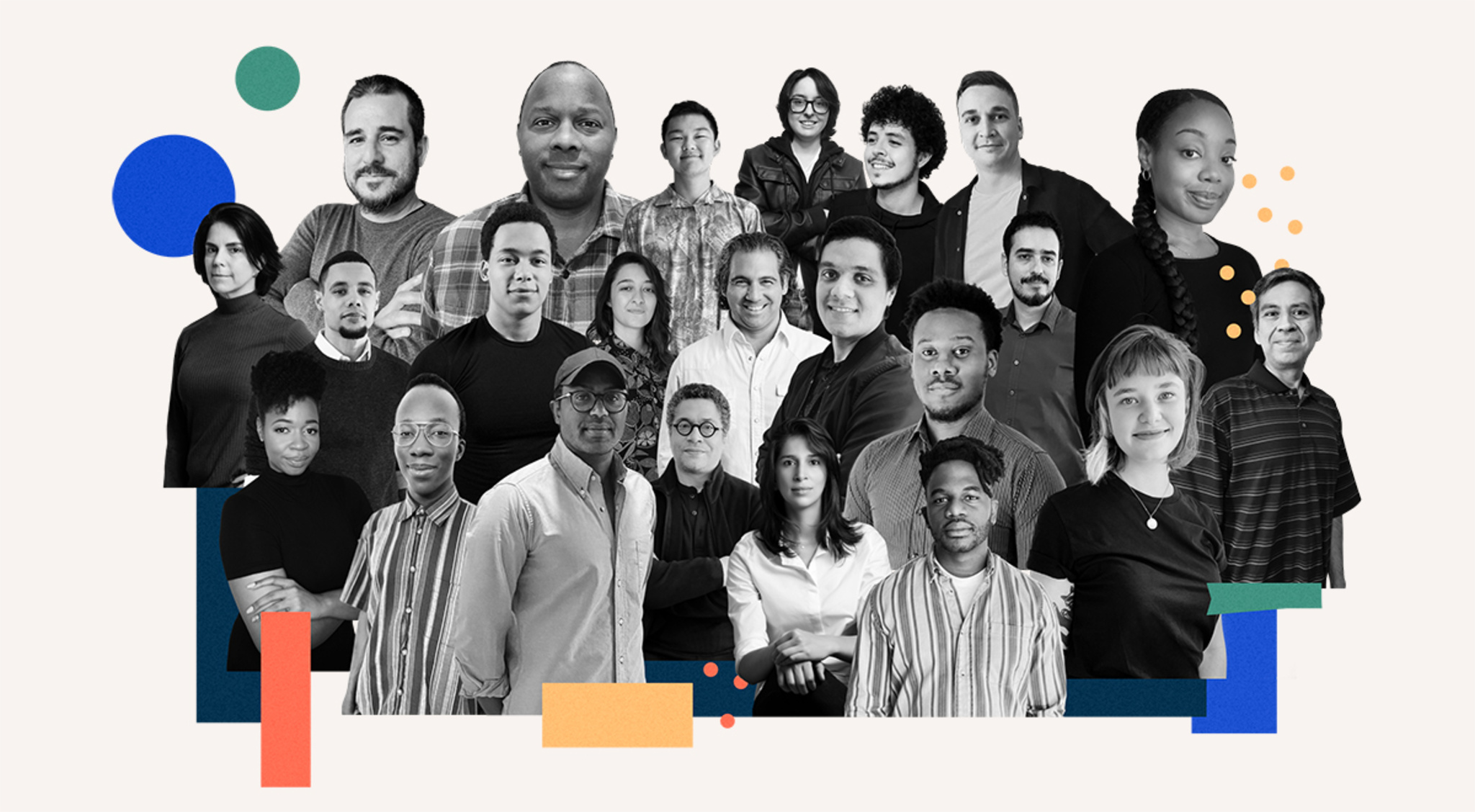
Apple Entrepreneur Camp supports underrepresented founders and developers, and encourages the pipeline and longevity of these entrepreneurs in technology. Building on the success of our alumni from cohorts for female*, Black, and Hispanic/Latinx founders, starting this fall, we’re expanding our reach to welcome professionals from Indigenous backgrounds who are looking to enhance and grow their existing app-driven businesses. Attendees benefit from one-on-one code-level guidance, receive insight, inspiration, and unprecedented access to Apple engineers and experts, and become part of the extended global network of Apple Entrepreneur Camp alumni.
Applications are now open for founders and developers from these groups who have either an existing app on the App Store, a functional beta build in TestFlight, or the equivalent. Attendees will join us online starting in October 2023. We welcome eligible entrepreneurs with app-driven organizations to apply and we encourage you to share these details with those who may be interested.
Apply by September 24, 2023.
* Apple believes that gender expression is a fundamental right. We welcome all women to apply to this program.
A brand‑new App Store will launch with Apple Vision Pro, featuring apps and games built for visionOS, as well as hundreds of thousands of iPad and iPhone apps that run great on visionOS too. Users can access their favorite iPad and iPhone apps side by side with new visionOS apps on the infinite canvas of Apple Vision Pro, enabling them to be more connected, productive, and entertained than ever before. And since most iPad and iPhone apps run on visionOS as is, your app experiences can easily extend to Apple Vision Pro from day one — with no additional work required.
Timing. Starting this fall, an upcoming developer beta release of visionOS will include the App Store. By default, your iPad and/or iPhone apps will be published automatically on the App Store on Apple Vision Pro. Most frameworks available in iPadOS and iOS are also included in visionOS, which means nearly all iPad and iPhone apps can run on visionOS, unmodified. Customers will be able to use your apps on visionOS early next year when Apple Vision Pro becomes available.
Making updates, if needed. In the case that your app requires a capability that is unavailable on Apple Vision Pro, App Store Connect will indicate that your app isn’t compatible and it won’t be made available. To make your app available, you can provide alternative functionality, or update its UIRequireDeviceCapabilities. If you need to edit your existing app’s availability, you can do so at any time in App Store Connect.
To see your app in action, use the visionOS simulator in Xcode 15 beta. The simulator lets you interact with and easily test most of your app’s core functionality. To run and test your app on an Apple Vision Pro device, you can submit your app for a compatibility evaluation or sign up for a developer lab.
Beyond compatibility. If you want to take your app to the next level, you can make your app experience feel more natural on visionOS by building your app with the visionOS SDK. Your app will adopt the standard visionOS system appearance and you can add elements, such as 3D content tuned for eyes and hands input. To learn how to build an entirely new app or game that takes advantage of the unique and immersive capabilities of visionOS, view our design and development resources.
Join us for a special Apple Event on September 12 at 10 a.m. PT.
Watch it live at apple.com.
The Apple Developer Program License Agreement have been revised to support updated policies and upcoming features, and to provide clarification. The revisions include:
- Definitions, Section 3.3.39: Specified requirements for use of the Journaling Suggestions API.
- Schedule 1 Section 6.3 and Schedules 2 and 3 Section 7.3: Added clarifying language that the content moderation process is subject to human and systematic review and action pursuant to notices of illegal and harmful content.
- Schedule 1 Exhibit D Section 3 and Schedules 2 and 3 Exhibit E Section 3: Added language about the Digital Services Act (DSA) redress options available to developers based in the European Union.
View full terms and conditions
As CEO of Flexibits, the team behind successful apps like Fantastical and Cardhop, Michael Simmons has spent more than a decade minding every last facet of his team’s work. But when he brought Fantastical to the Apple Vision Pro labs in Cupertino this summer and experienced it for the first time on the device, he felt something he wasn’t expecting.
“It was like seeing Fantastical for the first time,” he says. “It felt like I was part of the app.”
That sentiment that’s been echoed by developers around the world. Since debuting in early August, the Apple Vision Pro labs have hosted developers and designers like Simmons in London, Munich, Shanghai, Singapore, Tokyo, and Cupertino. During the day-long lab appointment, people can test their apps, get hands-on experience, and work with Apple experts to get their questions answered. Developers can apply to attend if they have a visionOS app in active development or an existing iPadOS or iOS app they’d like to test on Apple Vision Pro.
Learn more about Apple Vision Pro developer labs
For his part, Simmons saw Fantastical work right out of the box. He describes the labs as “a proving ground” for future explorations and a chance to push software beyond its current bounds. “A bordered screen can be limiting. Sure, you can scroll, or have multiple monitors, but generally speaking, you’re limited to the edges,” he says. “Experiencing spatial computing not only validated the designs we’d been thinking about — it helped us start thinking not just about left to right or up and down, but beyond borders at all.”
And as not just CEO but the lead product designer (and the guy who “still comes up with all these crazy ideas”), he came away from the labs with a fresh batch of spatial thoughts. “Can people look at a whole week spatially? Can people compare their current day to the following week? If a day is less busy, can people make that day wider? And then, what if like you have the whole week wrap around you in 360 degrees?” he says. “I could probably — not kidding — talk for two hours about this.”
‘The audible gasp’David Smith is a prolific developer, prominent podcaster, and self-described planner. Shortly before his inaugural visit to the Apple Vision Pro developer labs in London, Smith prepared all the necessary items for his day: a MacBook, Xcode project, and checklist (on paper!) of what he hoped to accomplish.
All that planning paid off. During his time with Apple Vision Pro, “I checked everything off my list,” Smith says. “From there, I just pretended I was at home developing the next feature.”
I just pretended I was at home developing the next feature.
David Smith, developer and podcaster
Smith began working on a version of his app Widgetsmith for spatial computing almost immediately after the release of the visionOS SDK. Though the visionOS simulator provides a solid foundation to help developers test an experience, the labs offer a unique opportunity for a full day of hands-on time with Apple Vision Pro before its public release. “I’d been staring at this thing in the simulator for weeks and getting a general sense of how it works, but that was in a box,” Smith says. “The first time you see your own app running for real, that’s when you get the audible gasp.”
Smith wanted to start working on the device as soon as possible, so he could get “the full experience” and begin refining his app. “I could say, ‘Oh, that didn’t work? Why didn’t it work?’ Those are questions you can only truly answer on-device.” Now, he has plenty more plans to make — as evidenced by his paper checklist, which he holds up and flips over, laughing. “It’s on this side now.”
‘We understand where to go’When it came to testing Pixite’s video creator and editor Spool, chief experience officer Ben Guerrette made exploring interactions a priority. “What’s different about our editor is that you’re tapping videos to the beat,” he says. “Spool is great on touchscreens because you have the instrument in front of you, but with Apple Vision Pro you’re looking at the UI you’re selecting — and in our case, that means watching the video while tapping the UI.”
The team spent time in the lab exploring different interaction patterns to address this core challenge. “At first, we didn’t know if it would work in our app,” Guerrette says. “But now we understand where to go. That kind of learning experience is incredibly valuable: It gives us the chance to say, ‘OK, now we understand what we’re working with, what the interaction is, and how we can make a stronger connection.’”
Chris Delbuck, principal design technologist at Slack, had intended to test the company’s iPadOS version of their app on Apple Vision Pro. As he spent time with the device, however, “it instantly got me thinking about how 3D offerings and visuals could come forward in our experiences,” he says. “I wouldn’t have been able to do that without having the device in hand.”
‘That will help us make better apps’As lab participants like Smith continue their development at home, they’ve brought back lessons and learnings from their time with Apple Vision Pro. “It’s not necessarily that I solved all the problems — but I solved enough to have a sense of the kinds of solutions I’d likely need,” Smith says. “Now there’s a step change in my ability to develop in the simulator, write quality code, and design good user experiences.”
I've truly seen how to start building for the boundless canvas.
Michael Simmons, Flexibits CEO
Simmons says that the labs offered not just a playground, but a way to shape and streamline his team’s thinking about what a spatial experience could truly be. “With Apple Vision Pro and spatial computing, I’ve truly seen how to start building for the boundless canvas — how to stop thinking about what fits on a screen,” he says. “And that will help us make better apps.”
As announced in April, your customers will soon be able to resolve payment issues without leaving your app, making it easier for them to stay subscribed to your content, services, and premium features.
Starting August 14, 2023, if an auto-renewable subscription doesn’t renew because of a billing issue, a system-provided sheet will appear in your app with a prompt that lets customers update the payment method for their Apple ID. You can test this sheet in Sandbox, as well as delay or suppress it using messages and display in StoreKit. This feature is available in iOS 16.4 and iPadOS 16.4 or later, and no action is required to adopt it.
Learn about the system-provided sheet
Learn how to test billing issues in Sandbox
Apple is committed to protecting user privacy on our platforms. We know that there are a small set of APIs that can be misused to collect data about users’ devices through fingerprinting, which is prohibited by our Developer Program License Agreement. To prevent the misuse of these APIs, we announced at WWDC23 that developers will need to declare the reasons for using these APIs in their app’s privacy manifest. This will help ensure that apps only use these APIs for their intended purpose. As part of this process, you’ll need to select one or more approved reasons that accurately reflect how your app uses the API, and your app can only use the API for the reasons you’ve selected.
Starting in fall 2023, when you upload a new app or app update to App Store Connect that uses an API (including from third-party SDKs) that requires a reason, you’ll receive a notice if you haven’t provided an approved reason in your app’s privacy manifest. And starting in spring 2024, in order to upload your new app or app update to App Store Connect, you’ll be required to include an approved reason in the app’s privacy manifest which accurately reflects how your app uses the API.
If you have a use case for an API with required reasons that isn’t already covered by an approved reason and the use case directly benefits the people using your app, let us know.
View list of APIs and approved reasons
Submit a request for a new approved reason
Join us for online sessions August 1 through 24 to learn about the latest App Store features and get your questions answered. Live presentations with Q&A are being held in multiple time zones and languages.
- Explore App Store pricing upgrades, including enhanced global pricing, tools to manage pricing by storefront, and additional price points.
- Find out how to measure user acquisition with App Analytics and grow your subscription business using App Store features.
- Discover how product page optimization lets you test different elements of your product page to find out which resonate with people most.
- Understand how custom product pages let you create additional product page versions to highlight specific features or content.
- Learn how to boost discovery and engagement with Game Center and how to configure in-app events.
Learn more
View schedule
Apple Vision Pro compatibility evaluationsWe can help you make sure your visionOS, iPadOS, and iOS apps behave as expected on Vision Pro. Align your app with the newly published compatibility checklist, then request to have your app evaluated directly on Vision Pro.
Learn more
Apple Vision Pro developer labsExperience your visionOS, iPadOS, and iOS apps running on Vision Pro. With support from Apple, you’ll be able to test and optimize your apps for the infinite spatial canvas. Labs are available in Cupertino, London, Munich, Shanghai, Singapore, and Tokyo.
Learn more
Apple Vision Pro developer kitHave a great idea for a visionOS app that requires building and testing on Vision Pro? Apply for a Vision Pro developer kit. With continuous, direct access to Vision Pro, you’ll be able to quickly build, test, and refine your app so it delivers amazing spatial experiences on visionOS.
Learn more
The App Store’s commerce and payments system was built to empower you to conveniently set up and sell your products and services on a global scale in 44 currencies across 175 storefronts. When tax regulations or foreign exchange rates change, we sometimes need to update prices on the App Store in certain regions and/or adjust your proceeds. These updates are done using publicly available exchange rate information from financial data providers to help ensure prices for apps and in‑app purchases stay equalized across all storefronts.
On July 25, pricing for apps and in‑app purchases (excluding auto‑renewable subscriptions) will be updated for the Egypt, Nigeria, Tanzania, and Türkiye storefronts. These updates also consider the following tax changes:
- Egypt: introduction of a value‑added tax (VAT) of 14%
- Tanzania: introduction of a VAT of 18% and a digital service tax of 2%
- Türkiye: increase of the VAT rate from 18% to 20%
How this impacts pricing* If you’ve selected Egypt, Nigeria, Tanzania, or Türkiye as the base storefront for your app or in‑app purchase (excluding auto‑renewable subscriptions), the price won’t change on that storefront. Prices on other storefronts will be updated to maintain equalization with your chosen base price. * If the base storefront for your app or in‑app purchase (excluding auto‑renewable subscriptions) isn’t Egypt, Nigeria, Tanzania, or Türkiye, prices will increase on the Egypt, Nigeria, Tanzania, and Türkiye storefronts. * If your in‑app purchase is an auto‑renewable subscription or if you manually manage prices on storefronts instead of using the automated equalized prices, your prices won’t change.
The Pricing and Availability section of My Apps has been updated in App Store Connect to display these upcoming price changes. As always, you can change the prices of your apps, in‑app purchases, and auto‑renewable subscriptions at any time.
How this impacts proceeds and tax administrationYour proceeds for sales of apps and in-app purchases (including auto‑renewable subscriptions) will change to reflect the new tax rates and updated prices. Exhibit B of the Paid Applications Agreement has been updated to indicate that Apple collects and remits applicable taxes in Egypt and Tanzania.
Learn more about managing your pricesViewing new pricing
Selecting a base country or region
Pricing and availability start times by region
Setting in‑app purchase pricing
The App Store was created to be a safe and trusted place for users to get apps, and a great business opportunity for developers. Apple platforms and the apps you build have become important to many families, as children use our products and services to explore the digital world and communicate with family and friends. We hold apps for kids and those with user-generated content and interactions to the highest standards. To continue delivering safe experiences for families together, we wanted to remind you about the tools, resources, and requirements that are in place to help keep users safe in your app.
Made for KidsIf you have an app that’s intended for kids, we encourage you to use the Kids category, which is designed for families to discover age-appropriate content and apps that meet higher standards that protect children’s data and offer added safeguards for purchases and permissions (e.g., for Camera, Location, etc).
Learn more about building apps for Kids.
Parental controlsYour app’s age rating is integrated into our operating systems and works with parental control features, like Screen Time. Additionally, with Ask To Buy, when kids want to buy or download a new app or in-app purchase, they send a request to the family organizer. You can also use the Managed Settings framework to ensure the content in your app is appropriate for any content restrictions that may have been set by a parent. The Screen Time API is a powerful tool for parental control and productivity apps to help parents manage how children use their devices. Learn more about the tools we provide to support parents to help them know, and feel good about, what kids are doing on their devices.
Sensitive and inappropriate contentApps with user-generated content and interactions must include a set of safeguards to protect users, including a method for filtering objectionable material from being posted to the app, a mechanism to report offensive content and support timely responses to concerns, and the ability to block abusive users. Apps containing ads must include a way for users to report inappropriate and age-inappropriate ads.
iOS 17, iPadOS 17, macOS Sonoma, and watchOS 10, introduce the ability to detect and alert users to nudity in images and videos before displaying them onscreen. The Sensitive Content Analysis framework uses on-device technology to detect sensitive content in your app. Tailor your app experience to handle detected sensitive content appropriately for users that have Communication Safety or Sensitive Content Warning enabled.
Supporting usersUsers have multiple ways to report issues with an app, like Report a Problem. Users can also communicate app feedback to other users and developers by writing reviews of their own; users can Report a Concern with other individual user reviews. You should closely monitor your user reviews to improve the safety of your app, and have the ability to address concerns directly. Additionally, if you believe another app presents a trust or safety concern, or is in violation of our guidelines, you can share details with Apple to investigate.
These user review tools are critical to informing the work we do to keep the App Store safe. Apple deploys a combination of machine learning, automation, and human review to monitor concerns related to abuse submitted via user reviews and Report a Problem. We monitor for topics of concern such as reports of fraud and scams, copycat violations, inappropriate content and advertising, privacy and safety concerns, objectionable content and child exploitation; and use techniques such as semi-supervised Correlation Explanation (CorEx) models, and Bidirectional Encoder Representations from Transformers (BERT)-based large language models specifically trained to recognize these topics. Flagged topics are then surfaced to our App Review team, who investigate the app further and take action if violations of our guidelines are found.
We believe we have a shared mission with you as developers to create a safe and trusted experience for families, and look forward to continuing that important work. Here are some resources that you may find helpful:
Sensitive Content Analysis framework
Learn about Ratings, Reviews, and Responses
Report a Trust & Safety concern related to another app
Learn about the ScreenTime Framework
Learn about building apps for Kids
Now it’s even easier to design your apps quickly and accurately with new and updated design resources for creating apps on Apple platforms.
- visionOS design library and templates for Figma and Sketch.
- iOS 17 and iPadOS 17 design kits for Figma and Sketch.
- macOS Sonoma design kits for Figma and Sketch.
- watchOS 10 design kit for Sketch.
- SF Symbols 5 beta, with over 700 new symbols.
- Updated Human Interface Guidelines, now in Chinese and Japanese.
- SF script extensions, now with Armenian, Georgian, and Hebrew.
You can now start creating cutting-edge spatial computing apps for the infinite canvas of Apple Vision Pro. Download Xcode 15 beta 2, which includes the visionOS SDK and Reality Composer Pro (a new tool that makes it easy to preview and prepare 3D content for visionOS). Add a visionOS target to your existing project or build an entirely new app, then iterate on your app in Xcode Previews. You can interact with your app in the all-new visionOS simulator, explore various room layouts and lighting conditions, and create tests and visualizations. New documentation and sample code are also available to help you through the development process.
Download Xcode 15 beta 2
Learn about developing for visionOS
With the visionOS SDK, developers worldwide can begin designing, building, and testing apps for Apple Vision Pro.
For Ryan McLeod, creator of iOS puzzle game Blackbox, the SDK brought both excitement and a little nervousness. “I didn’t expect I’d ever make apps for a platform like this — I’d never even worked in 3D!” he says. “But once you open Xcode you’re like: Right. This is just Xcode. There are a lot of new things to learn, of course, but the stuff I came in knowing, the frameworks — there’s very little change. A few tweaks and all that stuff just works.”
visionOS is designed to help you create spatial computing apps and offers many of the same frameworks found on other Apple platforms, including SwiftUI, UIKit, RealityKit, and ARKit. As a result, most developers with an iPadOS or iOS app can start working with the platform immediately by adding the visionOS destination to their existing project.
“It was great to be able to use the same familiar tools and frameworks that we have been using for the past decade developing for iOS, iPadOS, macOS, and watchOS,” says Karim Morsy, CEO and co-founder of Algoriddim. “It allowed us to get our existing iPad UI for djay running within hours.”
Even for developers brand new to Apple platforms, the onboarding experience was similarly smooth. “This was my first time using a Mac to work,” says Xavi H. Oromí, chief engineering officer at XRHealth. “At the beginning, of course, a new tool like Xcode takes time to learn. But after a few days of getting used to it, I didn’t miss anything from other tools I’d used in the past.”
In addition to support for visionOS, the Xcode 15 beta also provides Xcode Previews for visionOS and a brand new Simulator, so that people can start exploring their ideas immediately. “Transitioning between ideas, using the Simulator to test them, it was totally organic,” says Oromí. “It’s a great tool for prototyping.”
In the visionOS simulator, developers can preview apps and interactions on Vision Pro. This includes running existing iPad and iPhone apps as well as projects that target the visionOS SDK. To simulate eye movement while in an app, you can use your cursor to focus an element, and a click to indicate a tap gesture. In addition to testing appearance and interactions, you can also explore how apps perform in different background and lighting scenarios using Simulated Scenes. “It worked out of the box,” says Zac Duff, CEO and co-founder of JigSpace. “You could trust what you were seeing in there was representative of what what you would see on device.”
The SDK also includes a new development tool — Reality Composer Pro — which lets you preview and prepare 3D content for your visionOS apps and games. You can import and organize assets, add materials and particle effects, and bring them right back into Xcode with thanks to tight build integration. “Being able to quickly test things in Reality Composer Pro and then get it up and running in the simulator meant that we were iterating quickly,” says Duff. “The feedback loop for developing was just really, really short.”
McLeod had little experience with 3D modeling and shaders prior to developing for visionOS, but breaking Blackbox out of its window required thinking in a new dimension. To get started, McLeod used Reality Composer Pro to develop the almost-ethereal 3D bubbles that make up Blackbox’s main puzzle screen. “You can take a basic shape like a sphere and give it a good shader and make sure that it's moving in a believable way,” says McLeod. “That goes incredibly far.”
The visionOS SDK also brings new Instruments like RealityKit Trace to developers to help them optimize the performance of their spatial computing apps. As a newcomer to using RealityKit in his apps, McLeod notes that he was “really timid” with the rendering system at first. “Anything that's running every single frame, you're thinking, 'I can't be checking this, and animating that, and spawning things. I'm going to have performance issues!'” he laughs. “I was pretty amazed at what the system could handle. But I definitely still have performance gains to be made.”
For developers like Caelin Jackson-King, an iOS software engineer for Splunk’s augmented reality team, the SDK also prompted great team discussions about updating their existing codebase. “It was a really good opportunity to redesign and refactor our app from the bottom up to have a much cleaner architecture that supported both iOS and visionOS,” says Jackson-King.
The JigSpace team had similar discussions as they brought more RealityKit and SwiftUI into their visionOS experience. “Once we got comfortable with the system, it was like a paradigm shift,” says Duff. “Rather than going, ‘OK, how do we do this thing?’, we could be more like, ‘What do we want to do next?’ Because we now have command of the tools.”
You can explore those tools now on developer.apple.com along with extensive technical documentation and sample code, design kits and tools for visionOS, and updates to the Human Interface Guidelines.
Download the visionOS SDK
Learn more about developing for visionOS
Prepare your apps for visionOS
Explore sessions about visionOS
Thank you to everyone who joined us for an amazing week. We hope you found value, connection, and fun. You can continue to:
- Watch sessions at any time.
- Check out session highlights.
- Read about newly announced technologies.
- Get sample code from sessions.
We’d love to know what you thought of this year’s conference. If you’d like to tell us about your experience, please complete the WWDC23 survey.
Take the survey
Looking to explore all the big updates from an incredible week of sessions? Start with this collection of essential videos across every topic. And as always, you can watch the full set of sessions any time.
Spatial Computing
Principles of spatial design Discover the fundamentals of spatial design. Learn how to design with depth, scale, windows, and immersion, and apply best practices for creating comfortable, human-centered experiences that transform reality. Find out how you can use these spatial design principles to extend your existing app or...
Watch now
Meet SwiftUI for spatial computing Take a tour of the solar system with us and explore SwiftUI for visionOS! Discover how you can build an entirely new universe of apps with windows, volumes, and spaces. We’ll show you how to get started with SwiftUI on this platform as we build an astronomy app, add 3D content, and create a fully...
Watch now
Meet UIKit for spatial computing Learn how to bring your UIKit app to visionOS. We'll show you how to build for a new destination, explore APIs and best practices for spatial computing, and take your content into the third dimension when you use SwiftUI with UIKit in visionOS.
Watch now
Design for spatial user interfaces Learn how to design great interfaces for spatial computing apps. We’ll share how your existing screen-based knowledge easily translates into creating great experiences for visionOS. Explore guidelines for UI components, materials, and typography and find out how you can design experiences that...
Watch now
Get started with building apps for spatial computing Get ready to develop apps and games for visionOS! Discover the fundamental building blocks that make up spatial computing — windows, volumes, and spaces — and find out how you can use these elements to build engaging and immersive experiences.
Watch now
Build great games for spatial computing Find out how you can develop great gaming experiences for visionOS. We'll share some of the key building blocks that help you create games for this platform, explore how your experiences can fluidly move between levels of immersion, and provide a roadmap for exploring ARKit, RealityKit, Reality...
Watch now
Develop your first immersive app Find out how you can build immersive apps for visionOS using Xcode and Reality Composer Pro. We'll show you how to get started with a new visionOS project, use Xcode Previews for your SwiftUI development, and take advantage of RealityKit and RealityView to render 3D content.
Watch now
Meet Object Capture for iOS Discover how you can offer an end-to-end Object Capture experience directly in your iOS apps to help people turn their objects into ready-to-use 3D models. Learn how you can create a fully automated Object Capture scan flow with our sample app and how you can assist people in automatically...
Watch now
Meet Safari for spatial computing Discover the web for visionOS and learn how people can experience your web content in a whole new way. Explore the unique input model powering this platform and learn how you can optimize your website for spatial computing. We'll also share how emerging standards are helping shape 3D experiences...
Watch now Developer Tools
What's new in Xcode 15 Discover the latest productivity and performance improvements in Xcode 15. Explore enhancements to code completion and Xcode Previews, learn about the test navigator and test report, and find out more about the streamlined distribution process. We’ll also highlight improved navigation, source...
Watch now Swift
What’s new in Swift Join us for an update on Swift. We’ll show you how APIs are becoming more extensible and expressive with features like parameter packs and macros. We'll also take you through improvements to interoperability and share how we're expanding Swift’s performance and safety benefits everywhere from...
Watch now
Meet SwiftData SwiftData is a powerful and expressive persistence framework built for Swift. We’ll show you how you can model your data directly from Swift code, use SwiftData to work with your models, and integrate with SwiftUI.
Watch now SwiftUI & UI Frameworks
What's new in SwiftUI Learn how you can use SwiftUI to build great apps for all Apple platforms. Explore the latest updates to SwiftUI and discover new scene types for visionOS. Simplify your data models with the latest data flow options and learn about the Inspector view. We’ll also take you through enhanced...
Watch now
What's new in UIKit Explore enhancements and updates to UIKit and learn how to build better iOS, iPadOS, and Mac Catalyst apps. We'll show you the latest features and improvements in UIKit and share API refinements, performance improvements, and much more.
Watch now
What's new in AppKit Discover the latest advances in Mac app development. We'll share improvements to controls and menus and explore the tools that can help you break free from your (view) bounds. Learn how to add motion to your user interface, take advantage of improvements to text input, and integrate your existing...
Watch now Design
What’s new in SF Symbols 5 Explore the latest updates to SF Symbols, Apple’s library of iconography designed to integrate seamlessly with San Francisco, the system font for Apple platforms. Learn about symbol animations: a collection of expressive, configurable animations that can make your interface feel more lively and...
Watch now
Meet watchOS 10 Discover some of the most significant changes to Apple Watch since its introduction as we tour the redesigned user interface and the new Smart Stack. Learn how Apple designers approached the design of watchOS 10 as we explore layout, navigation, and visual style, and find out how you can apply them...
Watch now
Design dynamic Live Activities Live Activities allow your app to display live information in key system locations on iOS and iPadOS. Learn the best way to create graphically rich layouts that update seamlessly on the Lock Screen, in StandBy, and in the Dynamic Island. Incorporate interactivity and animation to help people stay...
Watch now Graphics & Games
Bring your game to Mac, Part 1: Make a game plan Bring modern, high-end games to Mac and iPad with the powerful features of Metal and Apple silicon. Discover the game porting toolkit and learn how it can help you evaluate your existing Windows game for graphics feature compatibility and performance. We'll share best practices and technical...
Watch now
Your guide to Metal ray tracing Discover how you can enhance the visual quality of your games and apps with Metal ray tracing. We'll take you through the fundamentals of the Metal ray tracing API. Explore the latest enhancements and techniques that will enable you to create larger and more complex scenes, reduce memory usage and...
Watch now App Store Distribution & Marketing
What's new in App Store Connect Discover the latest updates to App Store Connect, the suite of tools used to manage and submit apps to the App Store. Explore how you can use the latest features to test, price, promote, and automate the management of your app more easily. We'll also share enhancements to tools like TestFlight and...
Watch now
Explore App Store Connect for spatial computing App Store Connect provides the tools you need to test, submit, and manage your visionOS apps on the App Store. Explore basics and best practices for deploying your first spatial computing app, adding support for visionOS to an existing app, and managing compatibility. We’ll also show you how...
Watch now ML & Vision
Discover machine learning enhancements in Create ML Find out how Create ML can help you do even more with machine learning models. Learn about the latest updates to image understanding and text-based tasks with multilingual BERT embeddings. Discover how easy it is to train models that can understand the content of images using multi-label...
Watch now
Lift subjects from images in your app Discover how you can easily pull the subject of an image from its background in your apps. Learn how to lift the primary subject or to access the subject at a given point with VisionKit. We’ll also share how you can lift subjects using Vision and combine that with lower-level frameworks like Core...
Watch now Privacy & Security
What's new in privacy At Apple, we believe that privacy is a fundamental human right. Learn about new technologies on Apple platforms that make it easier for you to implement essential privacy patterns that build customer trust in your app. Discover privacy improvements for Apple's platforms, as well as a study of how...
Watch now App Services
What's new in Core Motion Learn how you can use the latest Core Motion updates to expand how your app uses motion data. Discover how to stream higher-frequency sensor data when recording a HealthKit workout on Apple Watch. We'll show you how you can get submersion data — including water depth and temperature — during...
Watch now
What's new in Wallet and Apple Pay Discover the latest updates to Wallet and Apple Pay. Learn how to take advantage of preauthorized payments, funds transfer, and Apple Pay Later merchandising to create great Apple Pay experiences in your app or for the web. Explore improved support for Mail, Messages, Safari, and third-party apps...
Watch now
Meet StoreKit for SwiftUI Discover how you can use App Store product metadata and Xcode Previews to add in-app purchases to your app with just a few lines of code. Explore a new collection of UI components in StoreKit and learn how you can easily merchandise your products, present subscriptions in a way that helps users...
Watch now
Meet MapKit for SwiftUI Discover how expanded SwiftUI support for MapKit has made it easier than ever for you to integrate Maps into your app. We'll show you how to use SwiftUI to add annotations and overlays to a map, control the camera, and more.
Watch now Safari & Web
What's new in Safari extensions Learn about the latest improvements to Safari extensions. We'll take you through new APIs, explore per-site permissions for Safari app extensions, and share how you can make sure your extensions work great in both Private Browsing and Profiles.
Watch now
What's new in web apps Discover web apps for Mac — a powerful way to experience your website from the Dock. Learn how you can customize your web app to give people the best experience when they add your site. We'll also share how to take advantage of push notifications and badging for web apps for Mac and Home Screen...
Watch now
Explore media formats for the web Learn about the latest image formats and video technologies supported in Safari 17. Discover how you can use JPEG XL, AVIF, and HEIC in your websites and experiences and learn how they differ from previous formats. We'll also show you how the Managed Media Source API draws less power than Media...
Watch now Accessibility & Inclusion
Build accessible apps with SwiftUI and UIKit Discover how advancements in UI frameworks make it easier to build rich, accessible experiences. Find out how technologies like VoiceOver can better interact with your app’s interface through accessibility traits and actions. We'll share the latest updates to SwiftUI that help you refine your...
Watch now
Perform accessibility audits for your app Discover how you can test your app for accessibility with every build. Learn how to perform automated audits for accessibility using XCTest and find out how to interpret the results. We'll also share enhancements to the accessibility API that can help you improve UI test coverage.
Watch now Photos & Camera
Discover Continuity Camera for tvOS Discover how you can bring AVFoundation, AVFAudio, and AudioToolbox to your apps on tvOS and create camera and microphone experiences for the living room. Find out how to support tvOS in your existing iOS camera experience with the Device Discovery API, build apps that use iPhone as a webcam or...
Watch now
Create a more responsive camera experience Discover how AVCapture and PhotoKit can help you create more responsive and delightful apps. Learn about the camera capture process and find out how deferred photo processing can help create the best quality photo. We'll show you how zero shutter lag uses time travel to capture the perfect action...
Watch now Audio & Video
What's new in voice processing Learn how to use the Apple voice processing APIs to achieve the best possible audio experience in your VoIP apps. We'll show you how to detect when someone is talking while muted, adjust ducking behavior of other audio, and more.
Watch now
Add SharePlay to your app Discover how your app can take advantage of SharePlay to turn any activity into a shareable experience with friends! We’ll share the latest updates to SharePlay, explore the benefits of creating shared activities, dive into some exciting use cases, and take you through best practices to create...
Watch now System Services
What's new in Core Data Elevate your app's data persistence with improvements in Core Data. Learn how you can use composite attributes to create more intuitive data models. We'll also show you how to migrate your schema through disruptive changes, when to defer intense migrations, and how to avoid overhead on a person's...
Watch now Business & Education
Meet device management for Apple Watch Organizations can now deploy and configure Apple Watch in addition to other Apple devices. Learn how to implement device management for watchOS to help organizations improve productivity, support wellness, and provide additional support for their employees.
Watch now
Explore advances in declarative device management Learn how you can help IT administrators get the tools they need to manage their organization's devices. Discover the latest changes to declarative device management, including software update management, additional asset types, status reporting for FileVault, and more.
Watch now
What’s new in managing Apple devices Learn about the latest management capabilities for iOS, iPadOS, and macOS. Discover how you can streamline the setup experience with enhancements to automated device enrollment and a new return-to-service option for iOS and iPadOS devices. We'll share how to use your identity provider in even more...
Watch now Health & Fitness
Build custom workouts with WorkoutKit WorkoutKit makes it easy to create, preview, and schedule planned workouts for the Workout app on Apple Watch. Learn how to build custom intervals, create alerts, and use the built-in preview UI to send your own workout routines to Apple Watch.
Watch now
Build a multi-device workout app Learn how you can get iPhone involved in your Apple Watch-based workout apps with HealthKit. We'll show you how to mirror workouts between devices and take a ride with cycling data types. Plus, get to know HealthKit for iPad.
Watch now
Accessibility & Inclusion Build great apps and games for everyone.
App Services Extend your app's experience.
App Store Distribution & Marketing Market your app and grow your audience.
Audio & Video Build audio and video experiences for your app.
Business & Education Deploy and manage Apple devices in your classroom or office.
Coding & Design Essentials New to WWDC? Start right here.
Design Create compelling interfaces and experiences.
Developer Tools Explore the tools you need to build the next great app or game.
Graphics & Games Launch your games and level up your graphics.
Health & Fitness Get your health and fitness app in great shape.
Maps & Location Help people find where they are and where they’re going.
ML & Vision Bring the power of machine learning to your app.
Photos & Camera Focus on the latest in camera and photography apps.
Privacy & Security Tighten the privacy and security of your apps and games.
Safari & Web Explore Safari and web technologies.
Spatial Computing Get ready to build and design an entirely new universe of apps and games.
Swift Learn the latest updates for Swift.
SwiftUI & UI Frameworks Build interfaces that feel right at home on Apple platforms.
System Services Empower your app by leveraging the system.
The final day of WWDC is upon us — but before we power down, here's a look at some of the activities and sessions available today.
Get ready for day fiveWe’ve saved some of the best for last. Pop into Slack to learn more about Metal, meet some super SwiftUI presenters, and explore spatial computing.
Q&A: Games for visionOS Ask Apple engineers about the latest tools, technologies, and frameworks during this 1 hour text-based Q&A. We would love to brainstorm, answer questions, and meet folks that are excited to build games for Vision Pro.
View now
Q&A: Bring your ARKit app to visionOS Ask Apple engineers about bringing your existing ARKit app on iOS or iPadOS to visionOS during this hour long text-based Q&A. Stop in to request guidance on a code-level question, ask for clarifications, or learn from others.
View now
Q&A: SwiftUI for visionOS Ask Apple engineers about the latest tools, technologies, and frameworks during this 1 hour text-based Q&A. Stop in to request guidance on a code-level question, ask for clarifications, or learn from others.
View now
Q&A: Spatial design Join the Apple Design team in this 1 hour text-based Q&A on spatial design. Bring your questions about UI and UX best practices for creating a great experience on visionOS.
View now
Q&A: Metal Ask Apple Metal engineers about the latest tools, techniques, and technologies during this 1 hour text-based Q&A. Stop in to request guidance on a code-level question, ask for clarifications, or learn from others.
View now
Meet the presenters: Design with SwiftUI Meet the presenters of “Design with SwiftUI” and join a text-based watch party followed by a short Q&A. The watch party begins 5 minutes after the start of this activity — so don’t be late!
View now In today’s new sessions, you can learn to animate with springs, explore Core Motion, and get a taste of the SwiftUI cookbook for focus.
Animate with springs Discover how you can bring life to your app with animation! We'll show you how to create amazing animations when you take advantage of springs and help you learn how to use them in your app.
Watch now
What's new in Core Motion Learn how you can use the latest Core Motion updates to expand how your app uses motion data. Discover how to stream higher-frequency sensor data when recording a HealthKit workout on Apple Watch. We'll show you how you can get submersion data — including water depth and temperature — during...
Watch now
The SwiftUI cookbook for focus The SwiftUI team is back in the coding "kitchen" with powerful tools to shape your app's focus experience. Join us and learn about the staple ingredients that support focus-driven interactions in your app. Discover focus interactions for custom views, find out about key-press handlers for keyboard...
Watch now
Elevate your windowed app for spatial computing Discover how you can bring your multiplatform SwiftUI app to visionOS and the Shared Space. We’ll show you how to add the visionOS destination to an existing app and view your app in the Simulator. Explore how your SwiftUI code automatically adapts to support the unique context and presentation...
Watch now It’s your last chance to take part in Dev Tools Trivia Time! Plus, make new friends at the Friday icebreaker.
Dev Tools Trivia Time Trivia Night returns to the Developer Tools channel! Test your trivia knowledge with multiple-choice questions on WWDC23 sessions, tools, frameworks, and Apple history.
View now
Immersive icebreaker In this lightning-round icebreaker, chat with Apple engineers who work on visionOS and the developer community to share ideas, discuss favorite sessions, and get to know each other.
View now Check out podcasts from WWDCCatch up on the week with podcasts from developers and developer advocates, recorded at Apple Park.
Apple Bitz XL
Connected
The Vergecast
Waveform
Send us your feedbackWe’d love to know what you liked about WWDC23 — and how we can do even better. Send in your feedback about this year’s conference.
Take the WWDC23 survey
And that's a wrap!Thanks for being part of another incredible WWDC. It’s been a fantastic week of meeting and celebrating, connecting online through labs and activities, and exploring all the new sessions. We appreciate the opportunity to share all of this with you.
Accessibility & Inclusion Build great apps and games for everyone.
App Services Extend your app's experience.
App Store Distribution & Marketing Market your app and grow your audience.
Audio & Video Build audio and video experiences for your app.
Business & Education Deploy and manage Apple devices in your classroom or office.
Coding & Design Essentials New to WWDC? Start right here.
Design Create compelling interfaces and experiences.
Developer Tools Explore the tools you need to build the next great app or game.
Graphics & Games Launch your games and level up your graphics.
Health & Fitness Get your health and fitness app in great shape.
Maps & Location Help people find where they are and where they’re going.
ML & Vision Bring the power of machine learning to your app.
Photos & Camera Focus on the latest in camera and photography apps.
Privacy & Security Tighten the privacy and security of your apps and games.
Safari & Web Explore Safari and web technologies.
Spatial Computing Get ready to build and design an entirely new universe of apps and games.
Swift Learn the latest updates for Swift.
SwiftUI & UI Frameworks Build interfaces that feel right at home on Apple platforms.
System Services Empower your app by leveraging the system.
Every year, the Swift Student Challenge recognizes students all over the world who’ve created remarkable app playgrounds.
The 2023 edition drew submissions from more than 30 countries and regions, and covered topics as varied as healthcare, sports, entertainment, and the environment. And while the submissions were diverse, their creators had a common goal: To share their passions with the world through coding.
Coding gives me the freedom to feel like an artist — my canvas is the code editor, and my brush is the keyboard.
Yemi Agesi, 2023 Swift Student Challenge winner
This year, Apple increased the number of winners from 350 to 375 to recognize even more students for their artistry and ingenuity — and we’re proud to introduce three of them. Meet first-time Swift Student Challenge winners Asmi Jain, Yemi Agesin, and Marta Michelle Caliendo.
Read the full story on Apple Newsroom
Accessibility & Inclusion Build great apps and games for everyone.
App Services Extend your app's experience.
App Store Distribution & Marketing Market your app and grow your audience.
Audio & Video Build audio and video experiences for your app.
Business & Education Deploy and manage Apple devices in your classroom or office.
Coding & Design Essentials New to WWDC? Start right here.
Design Create compelling interfaces and experiences.
Developer Tools Explore the tools you need to build the next great app or game.
Graphics & Games Launch your games and level up your graphics.
Health & Fitness Get your health and fitness app in great shape.
Maps & Location Help people find where they are and where they’re going.
ML & Vision Bring the power of machine learning to your app.
Photos & Camera Focus on the latest in camera and photography apps.
Privacy & Security Tighten the privacy and security of your apps and games.
Safari & Web Explore Safari and web technologies.
Spatial Computing Get ready to build and design an entirely new universe of apps and games.
Swift Learn the latest updates for Swift.
SwiftUI & UI Frameworks Build interfaces that feel right at home on Apple platforms.
System Services Empower your app by leveraging the system.
Day four is here — and a fresh round of sessions, labs, and activities await.
Get started with labs and sessionsCurious about the difference between the Shared Space and a Full Space in visionOS? Want to learn more about Observable? There’s a Q&A for that. Kick off another full day by chatting with engineers and designers about SwiftUI, Xcode, and all things spatial.
Q&A: SwiftUI for visionOS Ask Apple engineers about the latest tools, technologies, and frameworks during this 1 hour text-based Q&A. Stop in to request guidance on a code-level question, ask for clarifications, or learn from others.
View now
Q&A: Build UIKit apps for visionOS Ask Apple engineers about building UIKit for visionOS during this text-based Q&A. Stop in to request guidance on a code-level question, ask for clarifications, or learn from others.
View now
Q&A: Bring your ARKit app to visionOS Ask Apple engineers about bringing your existing ARKit app on iOS or iPadOS to visionOS during this hour long text-based Q&A. Stop in to request guidance on a code-level question, ask for clarifications, or learn from others.
View now
Q&A: SwiftUI Ask Apple engineers about the latest tools, technologies, and frameworks during this 2 hour text-based Q&A. Stop in to request guidance on a code-level question, ask for clarifications, or learn from others.
View now
Q&A: Xcode Ask Apple engineers about the latest tools, technologies, and frameworks during this 2 hour text-based Q&A. Stop in to request guidance on a code-level question, ask for clarifications, or learn from others.
View now We’ve got incredible new sessions on Live Activities, Metal, spatial experiences, and more.
Design dynamic Live Activities Live Activities allow your app to display live information in key system locations on iOS and iPadOS. Learn the best way to create graphically rich layouts that update seamlessly on the Lock Screen, in StandBy, and in the Dynamic Island. Incorporate interactivity and animation to help people stay...
Watch now
Optimize GPU renderers with Metal Discover how to optimize your GPU renderer using the latest Metal features and best practices. We’ll show you how to use function specialization and parallel shader compilation to maintain responsive authoring workflows and the fastest rendering speeds, and help you tune your compute shaders for...
Watch now
Explore rendering for spatial computing Find out how you can take control of RealityKit rendering to improve the look and feel of your apps and games on visionOS. Discover how you can customize lighting, add grounding shadows, and control tone mapping for your content. We’ll also go over best practices for two key treatments on the...
Watch now
Create a great spatial playback experience Get ready to support video in your visionOS app! Take a tour of the frameworks and APIs that power video playback and learn how you can update your app to play 3D content. We'll also share tips for customizing playback to create a more immersive watching experience.
Watch now And there are even more exciting activities happening today, including an informal icebreaker and another fierce round of Dev Tools Trivia Time.
Immersive icebreaker In this lightning-round icebreaker, chat with Apple engineers who work on visionOS and the developer community to share ideas, discuss favorite sessions, and get to know each other.
View now
Dev Tools Trivia Time Trivia Night returns to the Developer Tools channel! Test your trivia knowledge with multiple-choice questions on WWDC23 sessions, tools, frameworks, and Apple history.
View now If you haven’t signed up for a one-on-one lab this week, time is running out! Today is your last day to request an appointment for Friday. To make a request, visit the WWDC tab in the Apple Developer app or go to the WWDC labs webpage. App Store labs are also available in Chinese, Japanese, and Korean.
Learn more about labs at WWDC23
Download the new Figma design kitNow, by popular demand, you can download an all-new iOS and iPadOS design kit for Figma.
Apple Design Resources – iOS 17 and iPadOS 17
Discover documentation and sample codeBrowse new and updated documentation and sample code to learn about the latest technologies, frameworks, and APIs introduced at WWDC23. You’ll find new ways to enhance your apps targeting the latest platform releases.
Apple Developer Documentation
Browse portraits of the 2023 Apple Design Award winnersWe snapped some great portraits of our Apple Design Award-winning developers at Monday’s ceremony. Take a look at all 12 below, and then dive deeper into the stories of their apps through our Behind the Design series.
Behind the Design: 2023 Apple Design Awards Meet 12 incredible teams from around the world and learn how they brought their winning ideas to life.
View now Evan Kice, Afterplace
Luke Beard, Any Distance
Bob Meese, Duolingo
Philipp Nägelsbach, Endling
Ryan Jones, Flighty
Jeff Birkeland, Headspace
Ben Brode, MARVEL SNAP
Luke Spierewka, Railbound
Tsuyoshi Kanda, Resident Evil Village
Jakob Lykkegaard, stitch.
Swupnil Sahai, SwingVision
Joseph Cohen, Universe
Have fun out there, and we’ll catch you tomorrow for the final day of WWDC!
Browse new and updated documentation and sample code to learn about the latest technologies, frameworks, and APIs introduced at WWDC23. You’ll find new ways to enhance your apps targeting the latest platform releases.
Explore highlights of new technologies introduced at WWDC23
Two days are in the books — and there’s so much more to come. Get ready for another big day at WWDC.
Dive into sessions and activitiesStart off in Slack, where you can connect with Apple engineers and designers on spatial design, WidgetKit, machine learning, 3D content, and much more.
We’ve also posted new sessions on topics like SwiftUI, widgets, SwiftData, and Xcode test reports.
Design with SwiftUI Discover how SwiftUI can help you quickly iterate and explore design ideas. Learn from Apple designers as they share how working with SwiftUI influenced the design of the Maps app in watchOS 10 and other elements of their work, and find out how you can incorporate these workflows in your own...
Watch now
Bring widgets to life Learn how to make animated and interactive widgets for your apps and games. We'll show you how to tweak animations for entry transitions and add interactivity using SwiftUI Button and Toggle so that you can create powerful moments right from the Home Screen and Lock Screen.
Watch now
Build an app with SwiftData Discover how SwiftData can help you persist data in your app. Code along with us as we bring SwiftData to a multi-platform SwiftUI app. Learn how to convert existing model classes into SwiftData models, set up the environment, reflect model layer changes in UI, and build document-based applications...
Watch now
Fix failures faster with Xcode test reports Discover how you can find, debug, and fix test failures faster with the test report in Xcode and Xcode Cloud. Learn how Xcode identifies failure patterns to help you find the right place to start investigating. We'll also show you how to use the UI automation explorer and video recordings to...
Watch now Test your knowledge in Dev Tools Trivia Time, WWDC’s fiercest competition! And come hang out with the SwiftUI team and chat about sessions, meet other members of the community, and share tips and tricks.
There’s still time to request lab appointments to meet one-on-one with experts about technology, design, app review, the App Store, and more. To make a request, visit the WWDC tab in the Apple Developer app or the go to the WWDC labs webpage.
Learn more about labs at WWDC23
A sneak peek at the visionOS SDKDevelopers attending the special event at Apple Park visited the Apple Developer Center on Tuesday to learn more about building apps for Apple's new spatial operating system. “Going in, I was under the impression it was going to be tricky, or hard, or ‘where do I start?’” says Paul Hudson, iOS developer and founder of Hacking with Swift. “But actually — if you take what you know and add a little bit, you can make something good and then increment from there. It doesn’t take much to get something great. That’s my main takeaway.”
Find out how developers of apps like JigSpace, Blackbox, and djay are starting to build for spatial computing.
Learn more about developing for visionOS
Spotlight on developing for visionOS Learn how the developers behind djay, Blackbox, JigSpace, and XRHealth started designing and building apps for Apple Vision Pro.
View now 你好,こんにちは、Human Interface Guidelines!The Human Interface Guidelines are now available in Chinese and Japanese! And you can check out updated design recommendations for watchOS, App Shortcuts, widgets, and all the latest platform releases.
Human Interface Guidelines
Enjoy your day and we’ll catch you tomorrow for day four!
Accessibility & Inclusion Build great apps and games for everyone.
App Services Extend your app's experience.
App Store Distribution & Marketing Market your app and grow your audience.
Audio & Video Build audio and video experiences for your app.
Business & Education Deploy and manage Apple devices in your classroom or office.
Coding & Design Essentials New to WWDC? Start right here.
Design Create compelling interfaces and experiences.
Developer Tools Explore the tools you need to build the next great app or game.
Graphics & Games Launch your games and level up your graphics.
Health & Fitness Get your health and fitness app in great shape.
Maps & Location Help people find where they are and where they’re going.
ML & Vision Bring the power of machine learning to your app.
Photos & Camera Focus on the latest in camera and photography apps.
Privacy & Security Tighten the privacy and security of your apps and games.
Safari & Web Explore Safari and web technologies.
Spatial Computing Get ready to build and design an entirely new universe of apps and games.
Swift Learn the latest updates for Swift.
SwiftUI & UI Frameworks Build interfaces that feel right at home on Apple platforms.
System Services Empower your app by leveraging the system.


Welcome to day two of WWDC! There’s more than ever to explore this week: Xcode is getting updated, SwiftUI is getting animated, and — did we mention? — apps are getting a lot more spatial. Here’s a guide to what happened yesterday and what’s on tap today.
Catch up on day one
For the second year in a row, we welcomed more than 1,000 developers to Apple Park for the WWDC keynote and Platforms State of the Union to learn about the future of Apple platforms.
With new frameworks, a new spatial operating system, and new hardware designed for developers, there’s an incredible amount to dig into this year. Catch up quickly with this recap of the most important big (and little!) moments from the keynote:

17 big & little things at WWDC23
Here’s your guide to some of the big (and little) things announced on the first day of WWDC.
Watch nowWant the complete experience? Here are the full replays for each event.

Keynote
The Apple Worldwide Developers Conference kicks off with exciting news, inspiration, and new opportunities. Join the worldwide developer community for an in-depth look at the future of Apple platforms, directly from Apple Park.
Watch now
Platforms State of the Union
Learn about the latest tools, technologies, and advancements to help you create even better apps across Apple platforms, including the all-new visionOS.
Watch nowMeet Apple Vision Pro
On day one of WWDC, you got a peek at visionOS, Apple’s new spatial operating system — and that was just the beginning. There are familiar and new frameworks to learn, new tools like Reality Composer Pro to explore, and new in-person programs coming soon.
Learn more about developing for visionOS
Prepare your apps for visionOS
Explore sessions about visionOS
Start your Tuesday
We’re off and running with with more than 60 sessions, 100 online activities, and the opportunity to schedule one-on-one lab appointments with Apple experts. Here’s a quick look at all we’ve got in store:

What Apple developers need to know at WWDC23
There’s never been a better time to create for Apple platforms — including iOS, iPadOS, macOS, tvOS, and all-new visionOS.Get insights from Apple engineers and designers with over 175 brand-new instructional video sessions covering the latest in hardware and software. All to help bring your...
Watch nowNeed a place to start? Check out the latest updates to watchOS 10, an introduction to SwiftData, and the principles of spatial design.

Meet watchOS 10
Discover some of the most significant changes to Apple Watch since its introduction as we tour the redesigned user interface and the new Smart Stack. Learn how Apple designers approached the design of watchOS 10 as we explore layout, navigation, and visual style, and find out how you can apply them...
Watch now
Meet SwiftData
SwiftData is a powerful and expressive persistence framework built for Swift. We’ll show you how you can model your data directly from Swift code, use SwiftData to work with your models, and integrate with SwiftUI.
Watch now
Principles of spatial design
Discover the fundamentals of spatial design. Learn how to design with depth, scale, windows, and immersion, and apply best practices for creating comfortable, human-centered experiences that transform reality. Find out how you can use these spatial design principles to extend your existing app or...
Watch nowNew this year: Many session videos now offer chapter markers, so you can skip right to the content you’re looking for. (You’ll find chapter markers for the keynote, as well.)
Join us in Slack to connect with the presenters of sessions like “Meet SwiftUI for spatial computing” and “What’s new in SwiftUI” and join Q&As about game design, Xcode 15, and much more.
Dev Tools Trivia Time is bigger and better than ever — test your knowledge in WWDC’s fiercest competition!
And connect with Apple experts directly by requesting one-on-one lab appointments for answers to your questions about technology, design, and maximizing your App Store presence. To make a request, visit the WWDC tab in the Apple Developer app, or go to the Apple Developer website.
Learn more about labs at WWDC23
Congrats to the 2023 Apple Design Award winners
Yesterday, we handed out the 2023 Apple Design Awards and added 12 new titles to the list of the greatest apps and games ever created for Apple platforms. Check out the complete list of 2023 winners and finalists below. Then, get up close and personal with the winning developers, designers, and teams in our Behind the Design series.
Discover the 2023 Apple Design Award winners

Behind the Design: 2023 Apple Design Awards
Meet 12 incredible teams from around the world and learn how they brought their winning ideas to life.
View nowPress play: WWDC23 playlists are here
Lastly, here’s an audio gift for you! Spin up our official playlists — the perfect soundtrack to an incredible week.
Playlist: WWDC23 Coding Energy
That's it for now. Have a great day, and we'll see you tomorrow!
Online labs and activities are a great way to connect with Apple engineers, designers, and experts all week long.
One-on-one labs
Get personalized guidance about development basics, complex concepts, and everything in between. Learn how to implement new Apple technologies, explore UI design principles, improve your App Store presence, and much more.
Activities
There are plenty of exciting activities happening daily on Slack.
- Ask engineering and design questions in Q&As.
- Join or follow real-time conversations while watching session videos together, and stay for a Q&A with the presenter.
- Get to know other developers and teams from Apple in community icebreakers.
- Test your trivia expertise starting on June 6.
Labs and activities are open to all members of the Apple Developer Program and Apple Developer Enterprise Program, as well as 2023 Swift Student Challenge applicants.
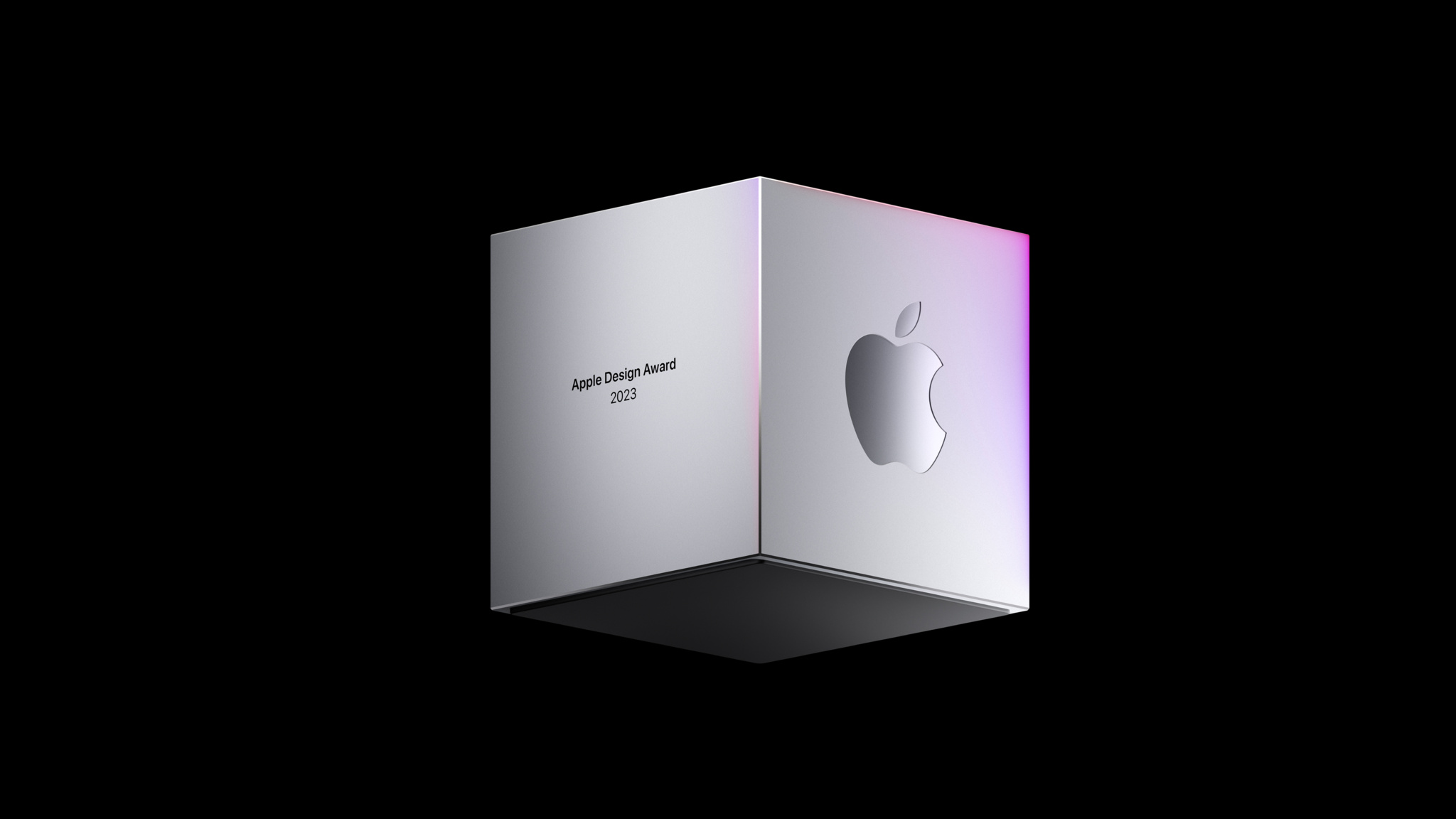
Every year, the Behind the Design series takes a special look at the remarkable teams behind the Apple Design Award-winning apps and games. Read on to meet 12 incredible teams from around the world and learn how they brought their winning ideas to life.
Winners in the category provide a great experience for all by supporting people from a diversity of backgrounds, abilites, and languages.
App
Universe
Launched in 2017, the powerful, versatile, and almost unbelievably simple Universe makes creating a website as easy as building with blocks. The app operates on a grid system. To create a site, add blocks to the grid, and to edit a site, move those blocks around. The app doesn’t just remove barriers, it bulldozes them. “Our goal is making this technology available to everybody,” says founder Joseph Cohen.

Behind the Design: Universe
Discover how Universe makes creating a website as easy as building with blocks.
Game
stitch.
For all its many genres and styles, the gaming world has been awfully threadbare when it comes to experiences about embroidery. That all changes with stitch., a charming cross between casual puzzler, meditative exercise, and afternoon craft project — and as cross-generational a game as you’re likely to find. “We pride ourselves on making games that anyone can play,” says Jakob Lykkegaard, founder of Lykke Studios, the team behind stitch. “It’s important to spend the time to make them available for everyone.”

Behind the Design: stitch.
Find out how Lykke Studios sewed up its embroidery-themed puzzle game.
Winners in this category provide memorable, engaging, and satisfying experiences that are enhanced by Apple technologies.
App
Duolingo
What makes Duolingo such an engaging way to learn a language? The answer is hiding in plain sight. “The secret to Duolingo is that we’re not an education company. We’re a fun and motivation company,” says Ryan Sims, VP of design. “Fun is the most important part of the work we do.”

Behind the Design: Duolingo
Learn the design strategies behind the language app's incredible success.
Game
Afterplace
At first glance, Evan Kice’s Afterplace appears to have time-traveled from the late 1980s. But it’s a decidedly modern game too — fast, fluid, and incredibly easy to pick up. Enemies lurk everywhere and levels stretch out in all directions; what looks like a humble library is secretly a multilevel maze. “I always loved it when a game just kept going,” says Kice. “I was fascinated by the idea that a game could hold an entire country.”

Behind the Design: Afterplace
Find out how Evan Kice created the throwback pixelated adventure game Afterplace.
Winners in this category deliver intuitive interfaces and effortless controls that are perfectly tailored to their platform.
App
Flighty
Flighty might be the easiest thing travelers navigate on their entire trip. “Travel can be a high-stress situation,” says Ryan Jones, the Austin-based developer who founded the app in 2019. “We want Flighty to work so well that it feels almost boringly obvious.”

Behind the Design: Flighty
Find out how Ryan Jones created this best-in-class travel app.

Game
Railbound
In Railbound, players are challenged to link train cars in proper order by laying down track through a mechanic that’s as simple as finger painting. “I pay a lot of attention to input,” says Luke Spierewka of the game’s Afterburn studio. “For Railbound, I wanted a system where you basically paint rail tiles with one finger.

Behind the Design: Railbound
Learn how the Afterburn game studio created this tricky track puzzler.
Winners in this category improve lives in a meaningful way and shine a light on crucial issues.

App
Headspace
Few apps have made mindfulness as accessible as Headspace. More than a decade since its launch, the app continues to set the standard for mental health apps. “Mindfulness, meditation, mental health — none of these are easy to navigate,” says Jeff Birkeland, senior vice president for member products. “An app that feels warm, friendly, and easy to use can provide approachable support for tough issues.”

Behind the Design: Headspace
Find out how the Headspace team made its app "approachable and friendly."
Game
Endling
Endling is a 3D adventure in which you play as a fox navigating a land charred by environmental disaster and human impact. It’s also a powerful mix of medium and message. “It’s a survival game, but a simplified one that focuses more on telling a story,” says Philipp Nägelsbach, game designer and producer at HandyGames.

Behind the Design: Endling
How the HandyGames team created this powerful mix of medium and message.
Winners in this category feature stunning imagery, skillfully drawn interfaces, and high-quality animations that lend to a distinctive and cohesive theme.
App
Any Distance
Luke Beard, the Atlanta-based designer who created Any Distance with engineer Daniel Kuntz, says the app is “for everyone, not just athletes.” Their app is a design-forward fitness tracker and social network that delivers workout stats in beautiful and shareable formats — dynamic charts and graphs, animated 3D maps, AR experiences, and gorgeous cards — that can integrate photos. And its name is also its philosophy: Any distance counts, not just a swim or bike ride, but a walking meeting, stroller run, or its most popular option, a dog walk.

Behind the Design: Any Distance
Learn how Luke Beard and Daniel Kuntz created the design-forward fitness tracker Any Distance.

Game
Resident Evil Village
The horror adventure comes to Mac with Apple silicon, with all the visual achievements fans of the long-running series could hope for. From its creepy castle to its decrepit factories to its magnificently hideous villains, Village offers some of the most realistic graphics ever seen on Apple devices. “The concept was a horror theme park with unique characters that stand out against a beautiful environment,” says producer Tsuyohi Kanda.

Behind the Design: Resident Evil Village
Learn how the stunningly beautiful horror adventure came to life on Mac.
Winners in this category provide a state-of-the-art experience through novel use of Apple technologies that set them apart in their genre.
App
Swingvision
When Swupnil Sahai started creating SwingVision, he had no app-building experience — but he’d played a lot of tennis. “The initial idea was, ‘Maybe we can use the accelerometer and gyroscope on Apple Watch to figure out how fast I’m swinging, and maybe we can use the [Apple Watch] screen to keep score,’” says Sahai. “That was really it.” Today, SwingVision has become an integral part of the tennis community.

Behind the Design: SwingVision
Discover how the SwingVision team served up the definitive tennis app.
Game
MARVEL SNAP
MARVEL SNAP reboots the collectible-card-game genre with brisk gameplay, a wild cast of superheroes, and its “snap” mechanic, a double-or-nothing bet that adds whole new layers of strategy-slash-psychological warfare. “Our goal as designers is to maximize that ratio of complexity and depth,” says Ben Brode, chief development officer for Second Dinner.

Behind the Design: MARVEL SNAP
Find out how the SNAP team rebooted the entire collectible-card game universe.
As a kid, Universe founder Joseph Cohen loved nearly everything about the internet: how it brought people together, created avenues for his twin passions of creativity and commerce, and democratized the flow of information. “I grew up in New York,” Cohen says, “but I like to say that I really grew up on the internet.”
Today, Cohen’s passion is still the internet — but he’s no longer just living in it. He’s striving to improve it. “Our goal is making this technology available to everybody,” he says.
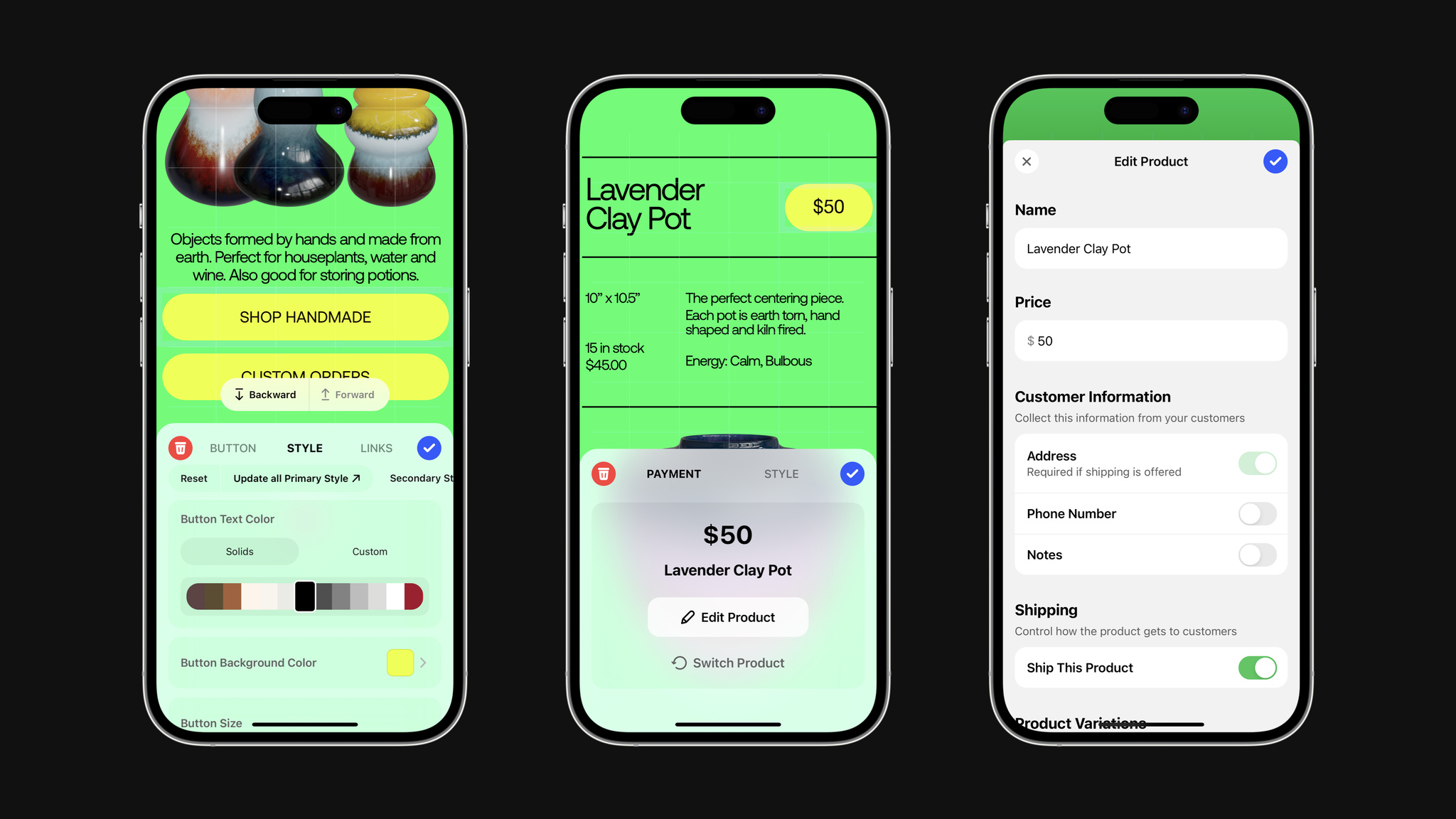
Launched in 2017, the powerful, versatile, and almost unbelievably simple Universe makes creating a website as easy as building with blocks. The app operates on a grid system. To create a site, add blocks to the grid, and to edit a site, move those blocks around. No knowledge of coding, design, or publishing is necessary — Universe even handles the process of acquiring and publishing to specific domain names. The app doesn’t just remove barriers, it bulldozes them. And today, Universe currently powers storefronts, artist portfolios, musician pages, community group hubs, personal web presences, and everything in between.
In the past year, Universe empowered more people than ever with a series of accessibility upgrades directly inspired by people’s feedback. In one example, a high-school student in California who is blind reached out to ask for better VoiceOver support — and the Universe team quickly came up with an elegant idea.
Our goal is making this technology available to everybody.
Joseph Cohen, Universe founder
“We learned that the grid system we designed is perfectly fitted to screen readers,” he says. “VoiceOver works by reading from the top left of the page, so when you have a grid-based coordinate system, it will walk right through what’s on the screen. It’ll say, ‘OK, in position one and two, you have an image of flowers,’ and so forth.”
The team refined the feature by working closely with a number of people who are blind or have low vision — many of whom have Universe-created sites online right now. And they kept going, adding Dynamic Type to scale text as well as accessibility upgrades to the app’s general navigation, settings, audience metrics, and more.
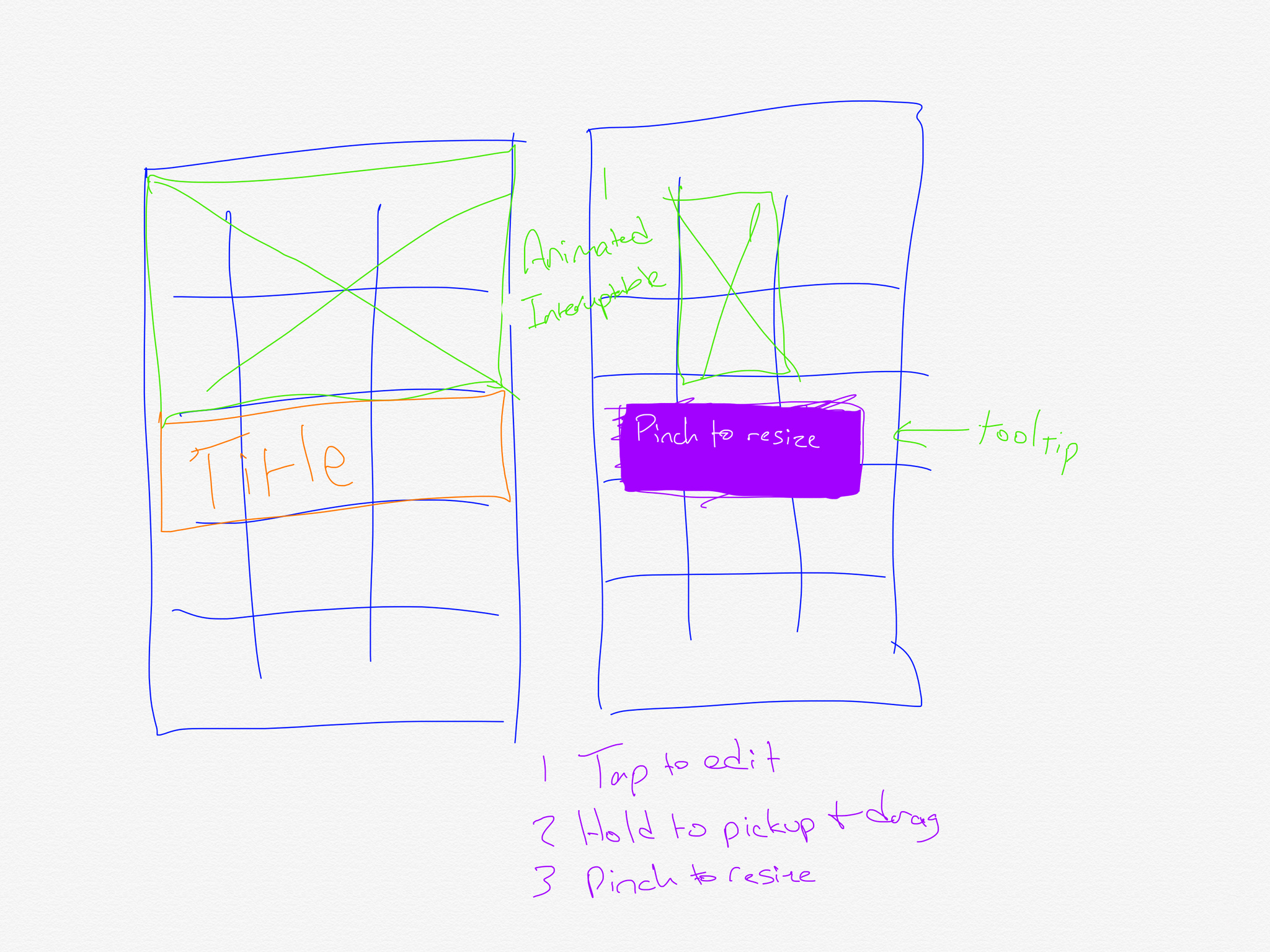
The team's latest project aims to make it even easier for anyone to get started with web design. Cohen and team are working on an AI feature that will instantly generate or refine a custom website based on natural language descriptions. Tell Universe, “Make a pink site with sparkles for my custom nail business in Chicago,” and the results will appear in seconds.
“It’ll be a dialogue; it’s not a one-way street,” says Cohen. “You can still edit your site manually, or you can ask it to change the theme or background color.” (The AI designer is named GUS, both because it stands for “generative Universe sites” and because Universe employs a very skilled designer named Gus. “We have to call him Human Gus now,” laughs Cohen.)
Cohen plans to build the AI feature “in public,” releasing regular video updates about the team’s progress as part of a way to garner people’s feedback on the fly. It’s another example of his drive to make the app — and the internet — more open to everyone. “I still live in New York, and the best part of New York is that it’s incredibly diverse,” he says. “It’s gritty and organic and very human. I think the internet can look like that — but you need great tools to enable it.”
Download Universe - Website Builder from the App Store
Behind the Design is a series that explores design practices and philosophies from each of the winners of the Apple Design Awards. In each story, we go behind the screens with the developers and designers of these award-winning apps and games to discover how they brought their remarkable creations to life.
MARVEL SNAP reboots the entire collectible-card game universe.
The game is stacked with incredible visuals, a multiverse of gameplay variations, and a “snap” mechanic — a double-or-nothing bet — that’s as simple as it is revolutionary. It’s got an encyclopedic collection of iconic and deep-cut Marvel characters, but players don’t need a background in comic-book lore or collectible-card games in order to participate. And with brilliantly intuitive touch controls and speedy gameplay, it’s perfect for mobile devices.
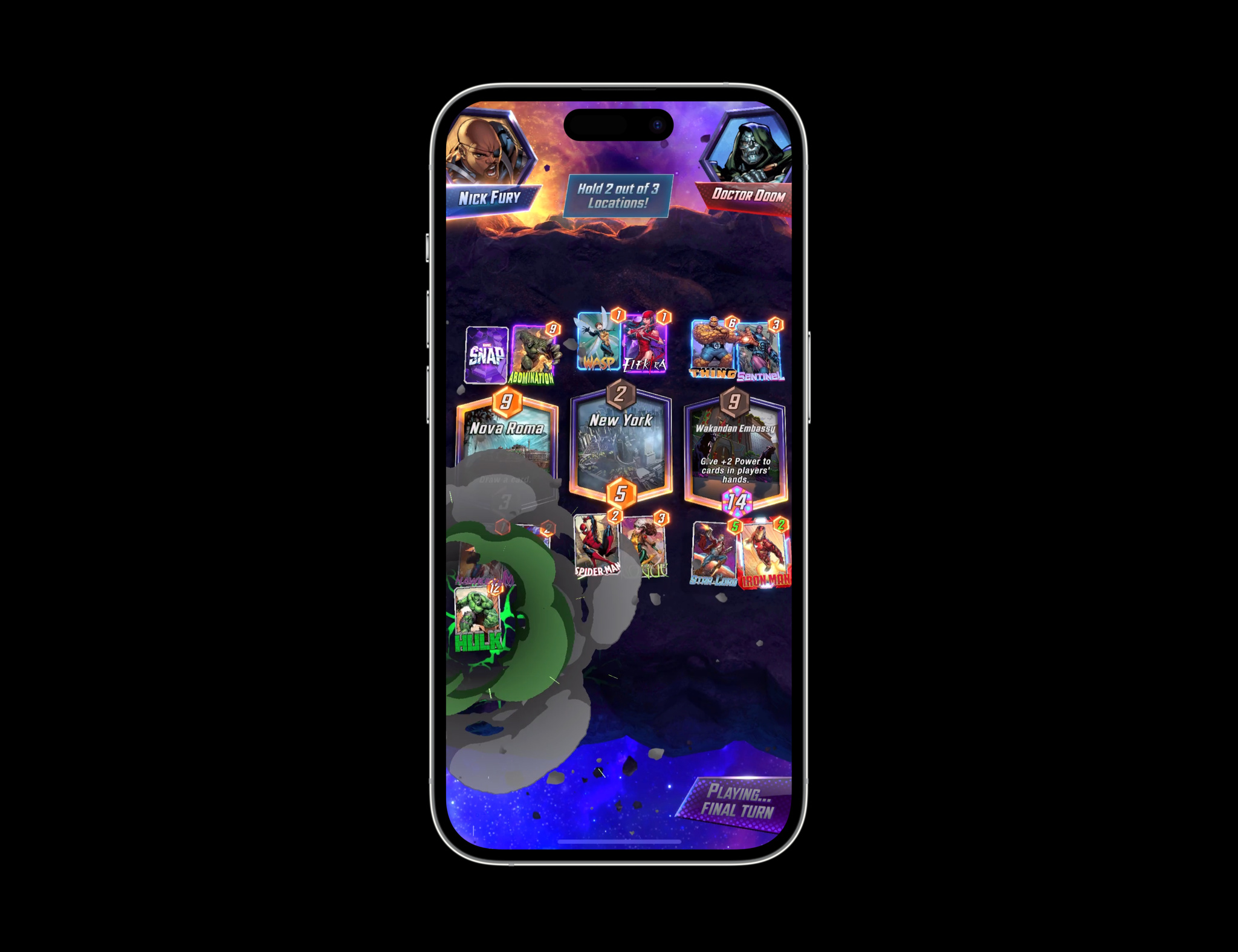
MARVEL SNAP is the brainchild of Ben Brode and Hamilton Chu, the masterminds behind Hearthstone, which itself redefined the collectible-card genre upon its 2014 release. In 2018, the duo launched their own studio, Second Dinner, with big aspirations and an even bigger problem: “We didn’t have any ideas,” laughs Brode, the studio’s chief development officer. “It’s a little terrifying to sit down at your new job and think, ‘OK, we have to come up with a game, and we have nothing.’”
To break their creative block, Brode and Chu started playing every board game they could get their hands on. “That’s the soup that SNAP arose from,” Brode explains. It also led them to the early breakthrough — what Brode calls Chu’s genius idea — that would define the game. “He said, ‘You know what would be really fun? Incorporating the doubling cube from backgammon,’” says Brode. "We tried it and immediately realized we were onto something.”
From there, things moved fast. The pair had inked a deal with Marvel, so they sat down to think about what made Marvel special. “It’s the conflict between heroes and villains, right?” he continues. “It’s not about mowing down enemies, it’s about that heroic 1v1 standoff. So we said, ‘That’s it. Let’s try a card game.’” The pair played the earliest rounds of SNAP on the back of business cards and the game’s foundations were established in all of two days.
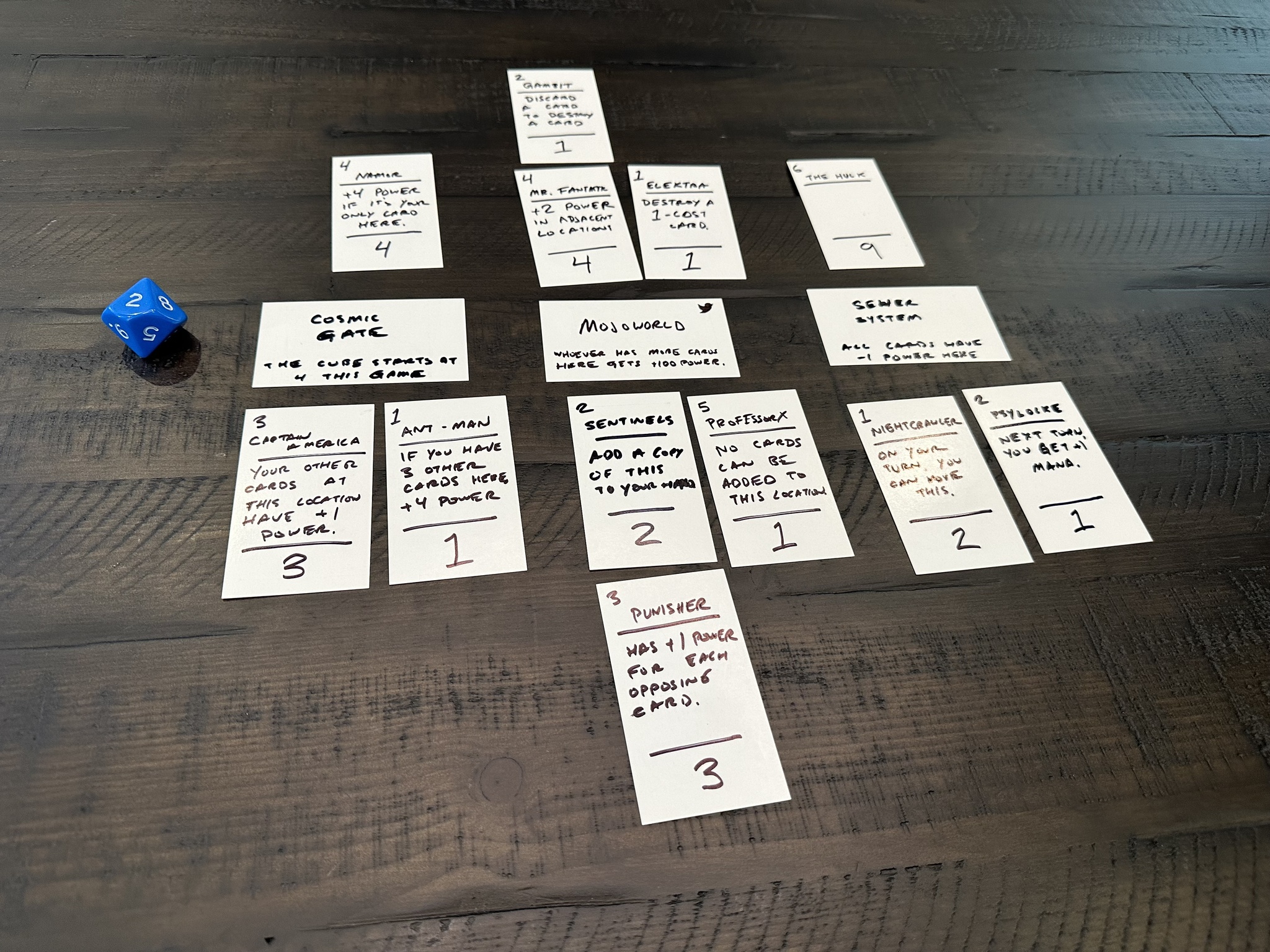
While the core game was built fast, the iterations took much longer. Over the next four years, Second Dinner played, refined, and simplified — to a degree. “It was honestly less about making the game simple and more about maximizing the depth of the complexity we chose to add,” Brode says.
On one hand, SNAP is an incredibly simple game with one card type, three locations, and six turns. Rules for those card types and locations are easy to follow. Battles last a matter of minutes.
But those basic components combine for a game of near-infinite complexity — and perfectly calibrated balance. “Most people misunderstand randomness by thinking of it as a scale,” Brode says. “That absolutely is not how randomness works. While no two games of SNAP are alike, in every game you have to think: ‘How can I win this time?’ It’s about the intersection between randomness and skill. And if you lose, you always have an opportunity to reflect on how you could have done something differently.”
While no two games of SNAP are alike, in every game you have to think: ‘How can I win this time?’ It’s about the intersection between randomness and skill.
Ben Brode, MARVEL SNAP creator
Even the game’s language keeps players engaged. For instance, retreating in SNAP isn’t necessarily an admission of defeat; it might be a considered decision to minimize loss. “If you decide to leave because it’s strategically correct, that’s not losing!” says Brode. As such, players who retreat get a screen that says “Escaped!” — a much more palatable outcome than losing. “‘Escaped’ zeroes out the emotional negativity,” Brode notes.
As befitting its comic-book origins, SNAP is a visual feast. Characters have their own unique animations, like Ghost Rider using his chain to yank a discarded card back into the match or Devil Dinosaur unleashing a board-rattling roar. Players can even enable a 60 fps setting to make a Hulk smash look truly incredible. Even “snapping” an opponent triggers a dramatic light show and haptic feedback.
While SNAP certainly includes top-line Avengers, they’re by no means the game’s heaviest hitters. Big wins can come courtesy of characters like Blue Marvel, Mister Fantastic, Misty Knight, and Enchantress — names you’ve maybe not heard in a while, if you’ve heard them at all. Brode says showcasing lesser-known characters was part of the strategy to appeal to a wider audience, but also a nod to his own comic-book past. (Naturally, those who worked on the game also have their favorites — art director Jomaro Kindred is a big Black Panther fan, while producer Gareth Ackerman is really into Armor.)
It’s a comic-book game for non-comic-book people, a collectible-card battler for those who’ve never heard the phrase, and an incredible achievement that appeals to players of all ages. “I got a suggestion this week from a 5-year-old in Wales who had an idea for a new location,” says Brode. “His parents forwarded it to me with a note that said, ‘We play this together as a family, and he’s learning numbers and math through this game and these characters.’ That’s incredibly rewarding, and it feels awesome.”
Download MARVEL SNAP from the App Store
Behind the Design is a series that explores design practices and philosophies from each of the winners of the Apple Design Awards. In each story, we go behind the screens with the developers and designers of these award-winning apps and games to discover how they brought their remarkable creations to life.
What makes Duolingo such an engaging way to learn a language? The answer is hiding in plain sight. “The secret to Duolingo is that we’re not an education company. We’re a fun and motivation company,” says Ryan Sims, VP of design. “Fun is the most important part of the work we do.”
More than a decade since its launch, Duolingo continues to boast best-in-class design, great interactions, and an easy-to-follow UI. It’s filled with fun touches, like gamified lessons, hilarious characters, and a learning path that leans on actual conversations. And then there’s Duo, the famously tenacious owl mascot who achieved viral notoriety for his skill at encouraging people to extend their learning streaks. The app has figured out how to make a daily language lesson feel not like classwork but a joy.
This past year, Duolingo launched a major learning path redesign. In previous versions, it focused on a main screen — known as “the tree” — that let people explore numerous routes. “Two people could spend the same number of hours doing the same number of lessons, but end up in different places,” says Sims. Today, all Duolingo users follow a single route. “We call it ‘the path,’” says Sims. “It was a complete reboot of our product strategy.”
The path redesign coincided with another important update: animations for Duolingo’s wonderful cast of characters. There’s Lily, a perpetually unimpressed teen with a dismissive slow-clap; Oscar, a dramatic teacher who takes his job very seriously; and Eddy, a fitness buff with an enthusiasm for just about everything. Their subtle animations when people get something right are a reward in themselves. “A lot of that character interaction was informed by seeing how people connected with Duo,” says Sims.
The secret to Duolingo is that we’re not an education company. We’re a fun and motivation company.
Ryan Sims, Duolingo VP of design
Filling the app with memorable personalities required world-building — a process not often found in language apps. “It’s such a gigantic task,” says Sims, “and it really just started with our head of art, Greg Hartman, who began drawing characters and saying, ‘Wouldn’t it be cool if you encountered the same people through the entire experience?’” And of course, there’s a team of experts on hand to make sure every character’s story is consistent. “There are quite a few people whose job is to help write these stories and make sure they don’t contradict each other,” says Sims, with a laugh.
Duolingo’s approach under the hood may have changed, but the sense of fun is still front and center.
The lessons are brisk and breezy, emphasizing the building blocks of language through repeated phrases and sentences. And it’s all designed not just to attract learners, but to get them to stick around through quick lessons, compelling rewards, and unapologetic encouragement to keep their streaks alive. “You learn a language to connect to another human. That’s all it comes down to,” says Sims. “That’s why we’re passionate about teaching folks to speak new languages — because it brings everyone together.”
Download Duolingo from the App Store
Behind the Design is a series that explores design practices and philosophies from each of the winners of the Apple Design Awards. In each story, we go behind the screens with the developers and designers of these award-winning apps and games to discover how they brought their remarkable creations to life.
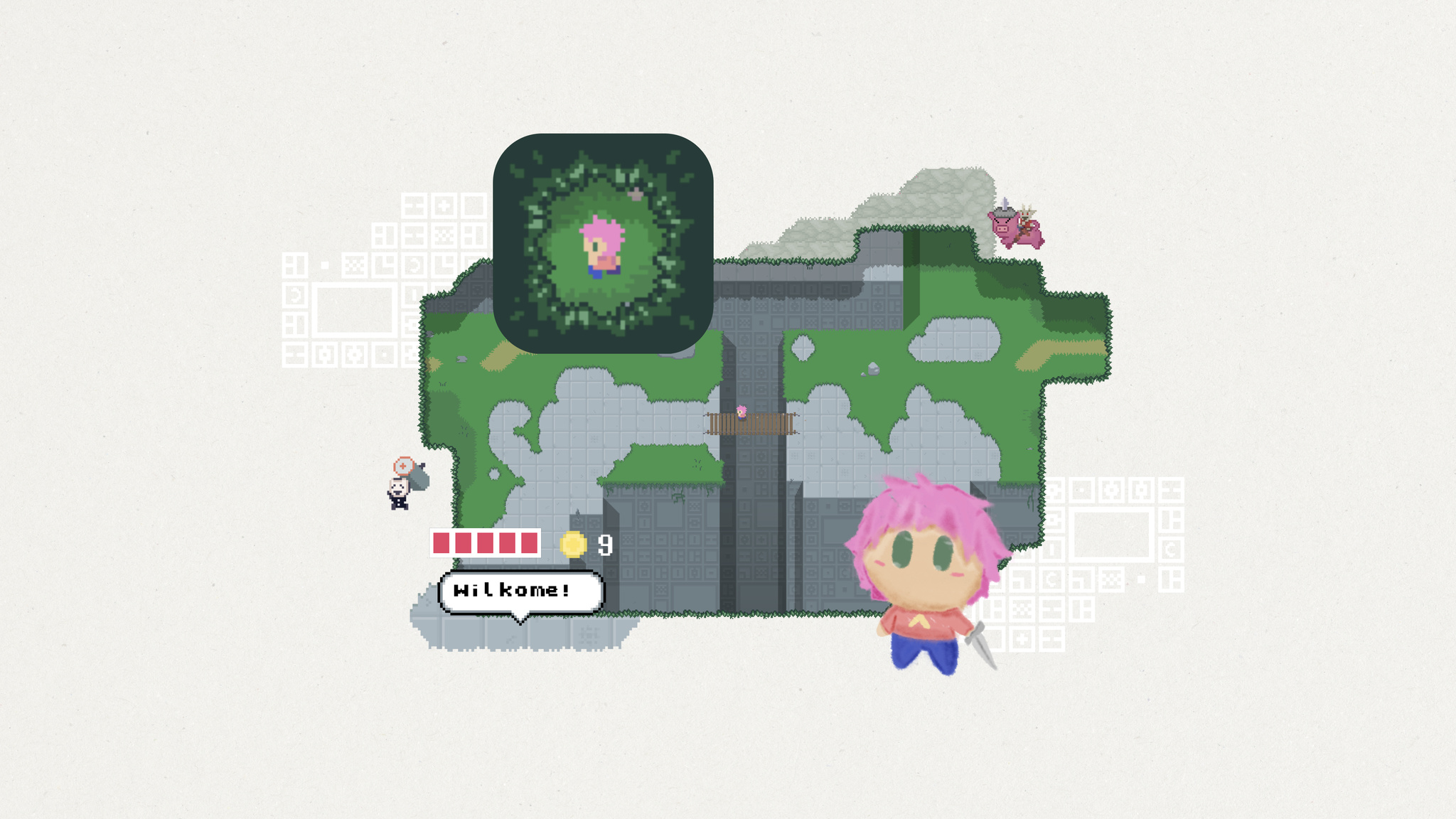
At first glance, Evan Kice’s Afterplace appears to have time-traveled from the late 1980s. It’s a 2D top-down pixelated adventure game full of blocky characters, blippy music, and retro typefaces. If you were ever into the games of the era — and Kice very much was — it feels like a delightful visit from an old friend.
“I grew up on those games,” says Kice. “I was always carrying them around. And I was also the kind of kid who’d look at a manhole cover and think, ‘That is definitely the entrance to a dungeon.’”
Yet for all its nostalgia, Afterplace is a decidedly modern game too. It’s fast, fluid, incredibly easy to pick up, and features a surprisingly huge map. Its characters look like 1989 but talk like 2023, especially the sarcastic vending machine that dispenses random jokes and the friendly rabbit that provides advice. (For instance: “If you think something’s going to attack you, don’t be there anymore. Like, move away.”)
It’s especially impressive when you realize that Kice is the game’s sole designer, developer, and artist. He began making video games at age 11, studied software engineering in college, and took a few game design courses. But mostly, he taught himself along the way. “Honestly, I just watched a lot of tutorials,” he says. “YouTube is how I learned art, sound, music, and basically everything that wasn’t programming or game design.”
The game is also brilliantly designed for mobile, with one-finger controls that make it easy to explore. Tap to interact with an object or slash your way out of trouble. Or tap and drag anywhere on the screen to move around. In fact, one of Kice’s earliest design decisions was to lean on touch screen interaction paradigms instead of drawing controls on screen. “I was never a fan of virtual buttons or d-pads,” says Kice. “I’ve played a lot of those kinds of games, and often ended up going a direction I didn’t want to go. And I personally enjoyed being able to play with one thumb while standing in line somewhere.”

That drive for simplicity also informed the interactions between hero and enemy. “Some games have simple enemies but a complex you,” he says. “Afterplace has a simple you but complex enemies. Whenever you walk up to something, you have to say, ‘What is this guy gonna do? I gotta figure this out.’ That’s your whole job. You’re not worried about doing double backflips because you’re too busy trying not to get smashed in the face.”
I was never a fan of virtual buttons or d-pads. And I personally enjoyed being able to play with one thumb while standing in line somewhere.
Evan Kice, Afterplace creator
Enemies lurk everywhere in Afterplace’s massive worlds. Levels stretch out in all directions; what looks like a humble library is secretly a multilevel maze. “I always loved it when a game just kept going,” says Kice. “I was fascinated by the idea that a game could hold an entire country.”
He was also fascinated by vintage heroes and villains. “All the characters in Afterplace are the same resolution as the characters in my favorite childhood games,” he says. “I really, really loved those characters. But they were just static images; they faced four directions and had a blank stare on them. As a kid, I would think, ‘I would love it if they did anything more than stand in place and say one line of dialogue.” Inspired, he challenged himself on Afterplace to see how expressive that vintage resolution could be. “Turns out they’re pretty expressive!” he laughs.
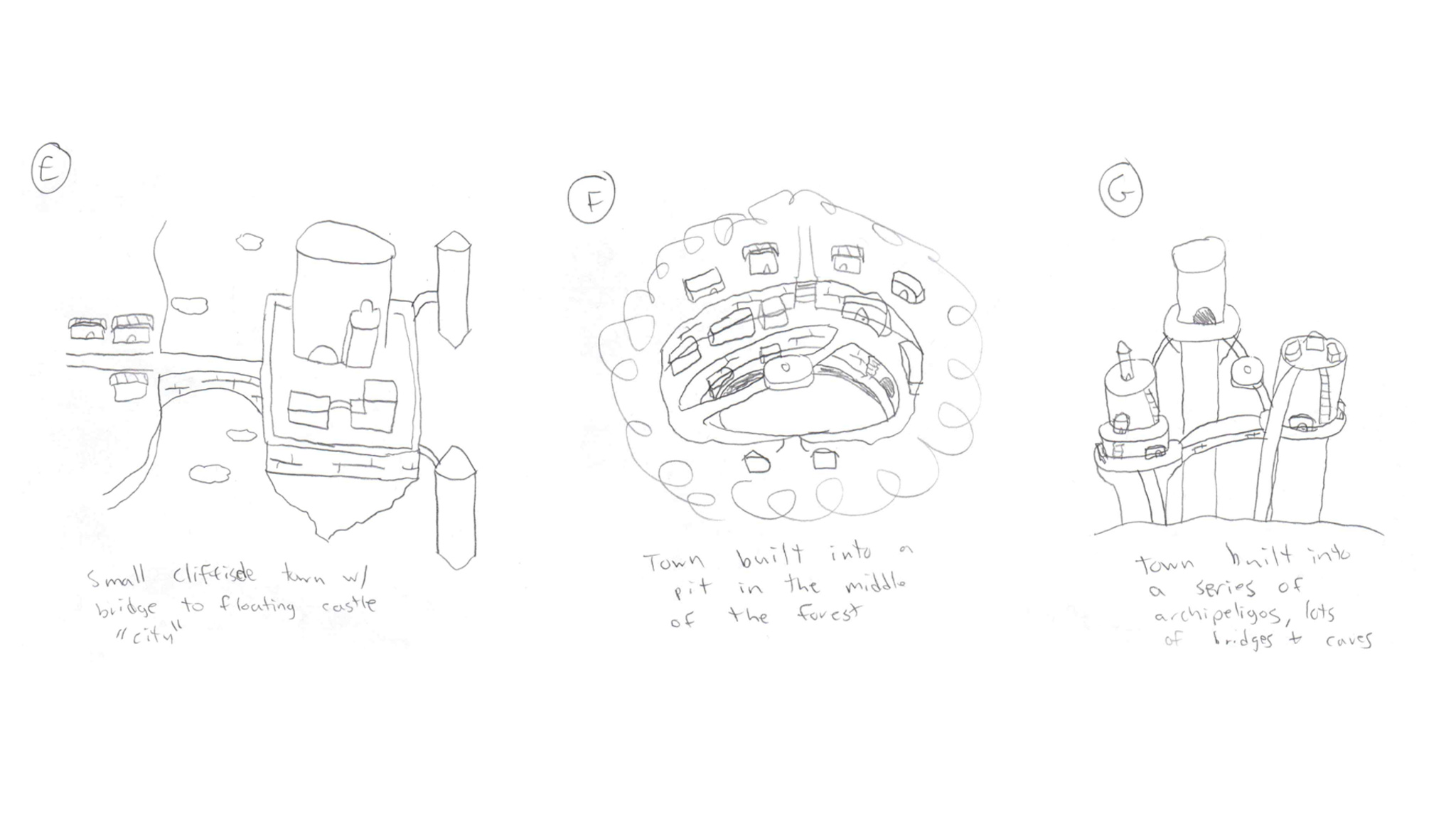
Afterplace’s expressiveness comes through in its clever dialogue, like the character who encourages players to be more strategic in their attacks by saying, “You wouldn’t imagine how many dunderheads just keep swingin’ away at a monster.” The game’s music — which Kice wrote and performed — starts in an 8-bit style but expands to become more orchestral later on, a trick he picked up from the game Undertale. “If you start out the game with a retro sound, then later break out the string quartet or horror violins, it has a lot more impact,” he says. “The rest of the game has maybe three melodies in it. I’ll pretend that’s because I’m a cool designer using leitmotifs, but it’s actually the maximum number of melodies I could think of.”

Never a fan of intro cutscenes, Kice designed Afterplace’s onboarding to get players right into the action. “I love story in games, but I almost always skip those introductions. I’m just not invested yet," he says.
Afterplace also features a bevy of accessibility options that let players adjust text scaling, camera shake amount, contrast, and more. There’s even an invincibility mode, if players are really having trouble with those monsters. It’s all part of a strategy to appeal to anyone, regardless of their video game history — if they have one at all.
I love story in games, but I almost always skip those introductions.
Evan Kice, Afterplace creator
“Afterplace is very niche," he says. It’s for people who maybe don’t play games on mobile. But if it helps bring more people into gaming, I think that’s great.”
Download Afterplace from the App Store
Behind the Design is a series that explores design practices and philosophies from each of the winners of the Apple Design Awards. In each story, we go behind the screens with the developers and designers of these award-winning apps and games to discover how they brought their remarkable creations to life.
When Swupnil Sahai started creating SwingVision, he had no app-building experience — but he’d played a lot of tennis.
“The initial idea was, ‘Maybe we can use the accelerometer and gyroscope on Apple Watch to figure out how fast I’m swinging, and maybe we can use the [Apple Watch] screen to keep score,’” says Sahai from his workspace in the Bay Area. “That was really it.”
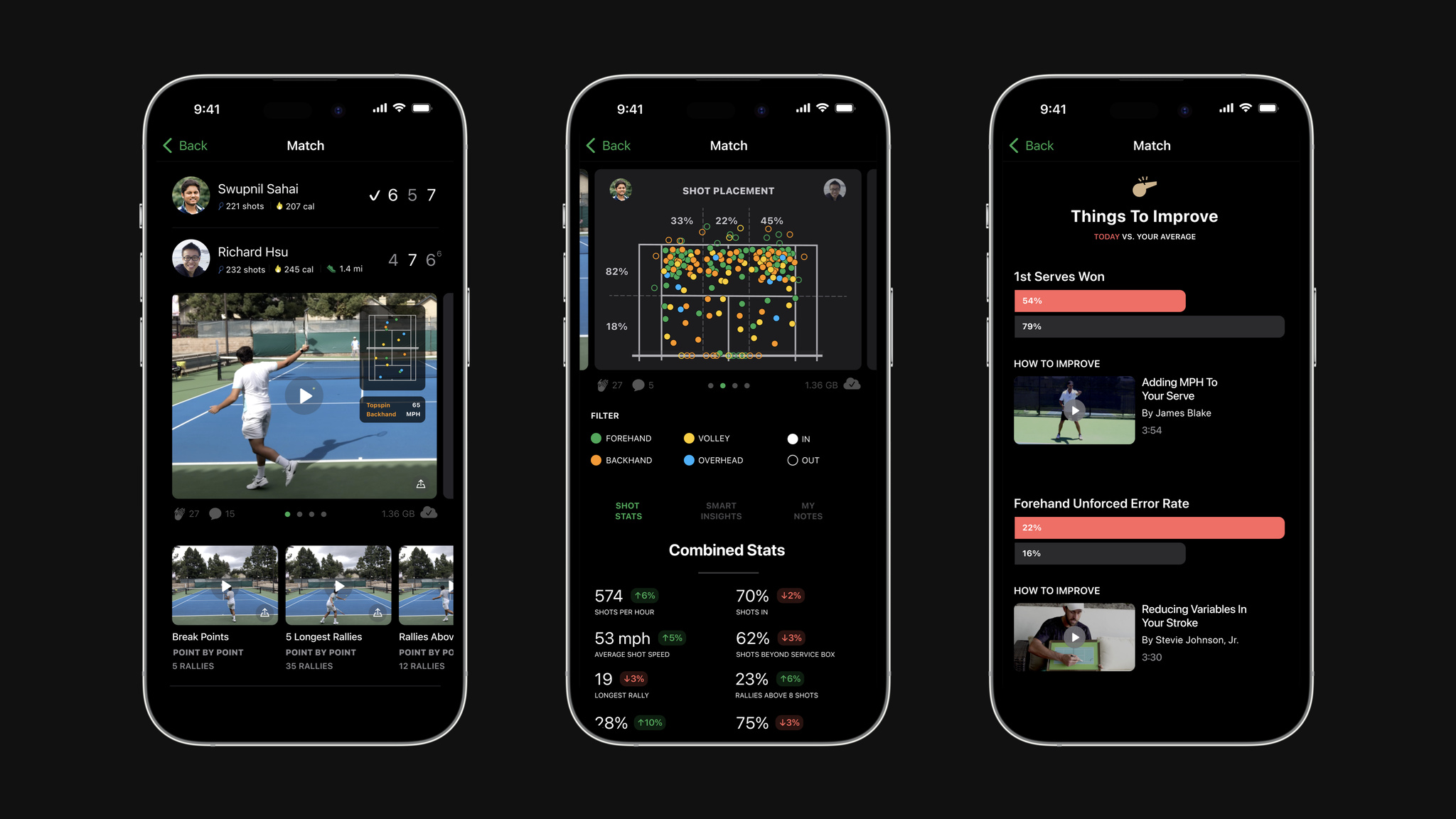
The app was a true passion project for Sahai, who jumped into SwingVision pretty much cold. “Although I’d programmed in other languages, Swift seemed much more approachable, so I thought 'Maybe I can pick this up on my own.’” He not only picked it up, he found the learning curve so speedy and enjoyable that he was staying up later and later to plunge into SwingVision and Swift. “I was building in Xcode on day one,” he says. “I don’t think I’ve ever had so much fun working.”
Today, SwingVision has become the definitive tennis app, and an incredible example of the combined power of cameras, machine learning, and the concept of filling a need. It’s beautifully and exclusively designed for iOS, with an easy-to-navigate UI that makes it accessible to both officially sanctioned matches and people practicing on the weekends.
I was building in Xcode on day one. I don’t think I’ve ever had so much fun working.
Swupnil Sahai, SwingVision founder
It’s also become an integral part of the tennis community. SwingVision is now used for line calling, the definitive say on whether a ball is in or out — a call that’s still left to players themselves. “It’s rare to have judges on the court in tennis,” says Sahai. “In baseball, you have umpires. Even middle-school basketball has referees. Somehow in tennis you have to do everything yourself.”
Founded in 2015 by Sahai, along with close friend and current CTO Richard Hsu, the app couldn’t be simpler. Point your iPhone or iPad camera at the court and SwingVision tells you how fast you’re serving, the consistency of your shots, and how to shape up your posture and footwork. It does so by using advanced machine learning to track shots (a pretty intensive process). “It allows you to call lines more accurately than you could with your own eyes. But if you don’t record at 60 fps, you won’t even see the ball bounce — it just moves too fast,” he says. “Of course, 1080p video is very, very high resolution. It’s something like 2 million pixels that all have to be processed 60 times a second. We had to innovate a lot to make these models as lean as possible. This app is basically not possible without Neural Engine.”
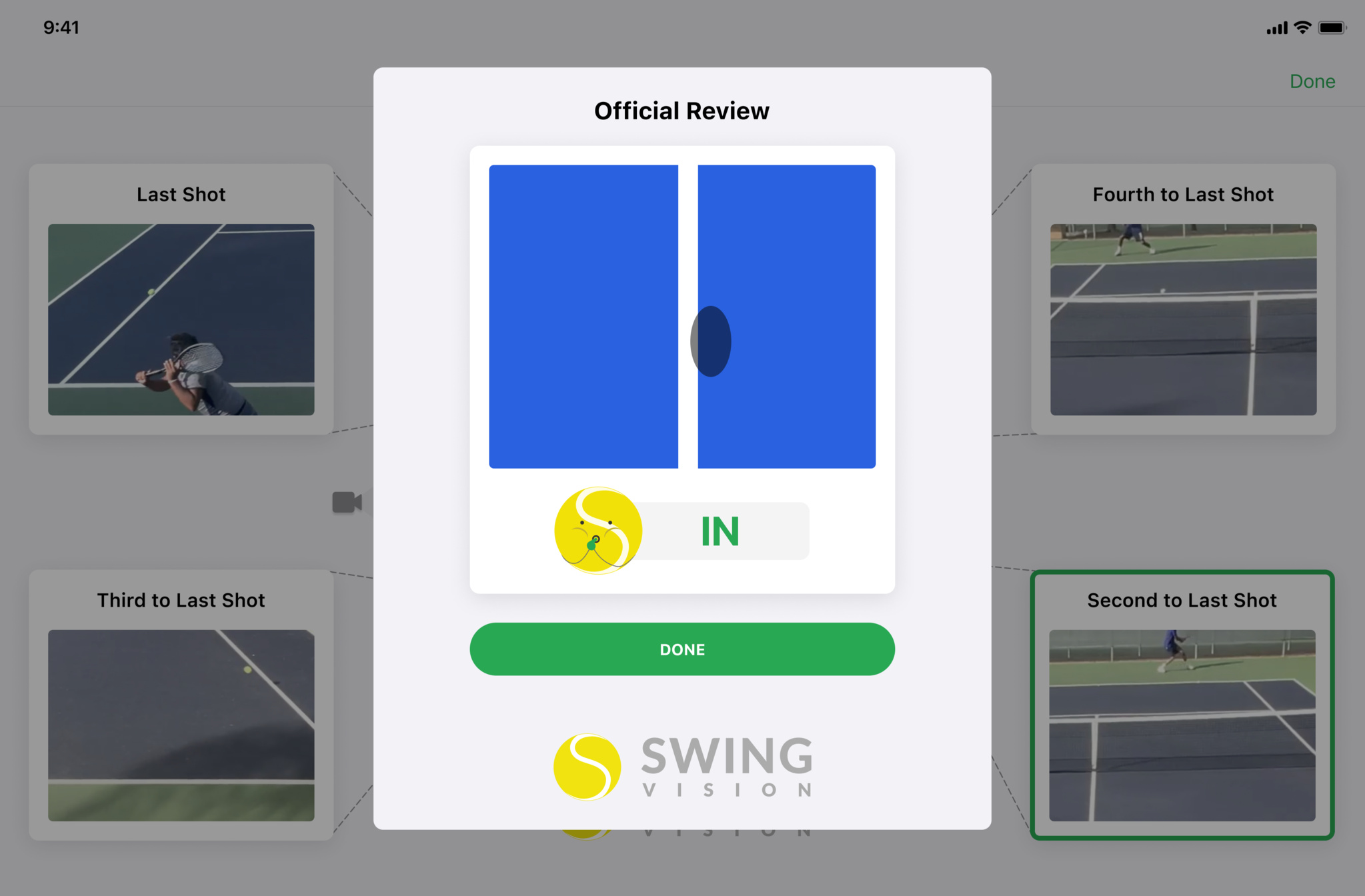
SwingVision, now powered by a team of 23, has evolved quite a bit. Players can now stream matches live — both the video and the on-screen data — and afterward, the app creates an easily shareable highlight reel. One of its latest features sets up “target zones” on the court to help players practice their serves — a great example of how the video-centric app integrates tightly with Apple Watch. “Serving is traditionally the most boring thing to practice,” laughs Sahai. “So we gamified it with different sound effects and a progress monitor on Apple Watch. Even with all our video, Apple Watch is still critical because it elevates the experience.”
In addition to driving the success of his app, Sahai shares his development expertise by continuing to teach a UC Berkeley course called Data 8: Foundations of Data Science — currently the largest class on campus. He’s known as “the SwingVision guy.” “Sometimes I’ll see a post from a student that says, ‘Wait, you made that?’” he laughs. “The community there is very supportive.”
Download SwingVision from the App Store
Behind the Design is a series that explores design practices and philosophies from each of the winners of the Apple Design Awards. In each story, we go behind the screens with the developers and designers of these award-winning apps and games to discover how they brought their remarkable creations to life.

Few apps have made mindfulness as accessible as Headspace.
More than a decade since its launch, the app continues to set the standard for mental health apps — an especially notable accomplishment, as it can be difficult to communicate challenging topics like mindfulness and mental health through an app. "Demystification is a word we use a lot,” says Jeff Birkeland, Headspace senior vice president and general manager for member products. “Mindfulness and mental health can seem complex, perhaps mystical, maybe even inaccessible. So how do we make it approachable and friendly? And how do we get people to the right content faster?”
The answer is an intentional mix of design, organization, and style. “I think the root of our success from the very beginning was creating a warm feel and brand,” he says.
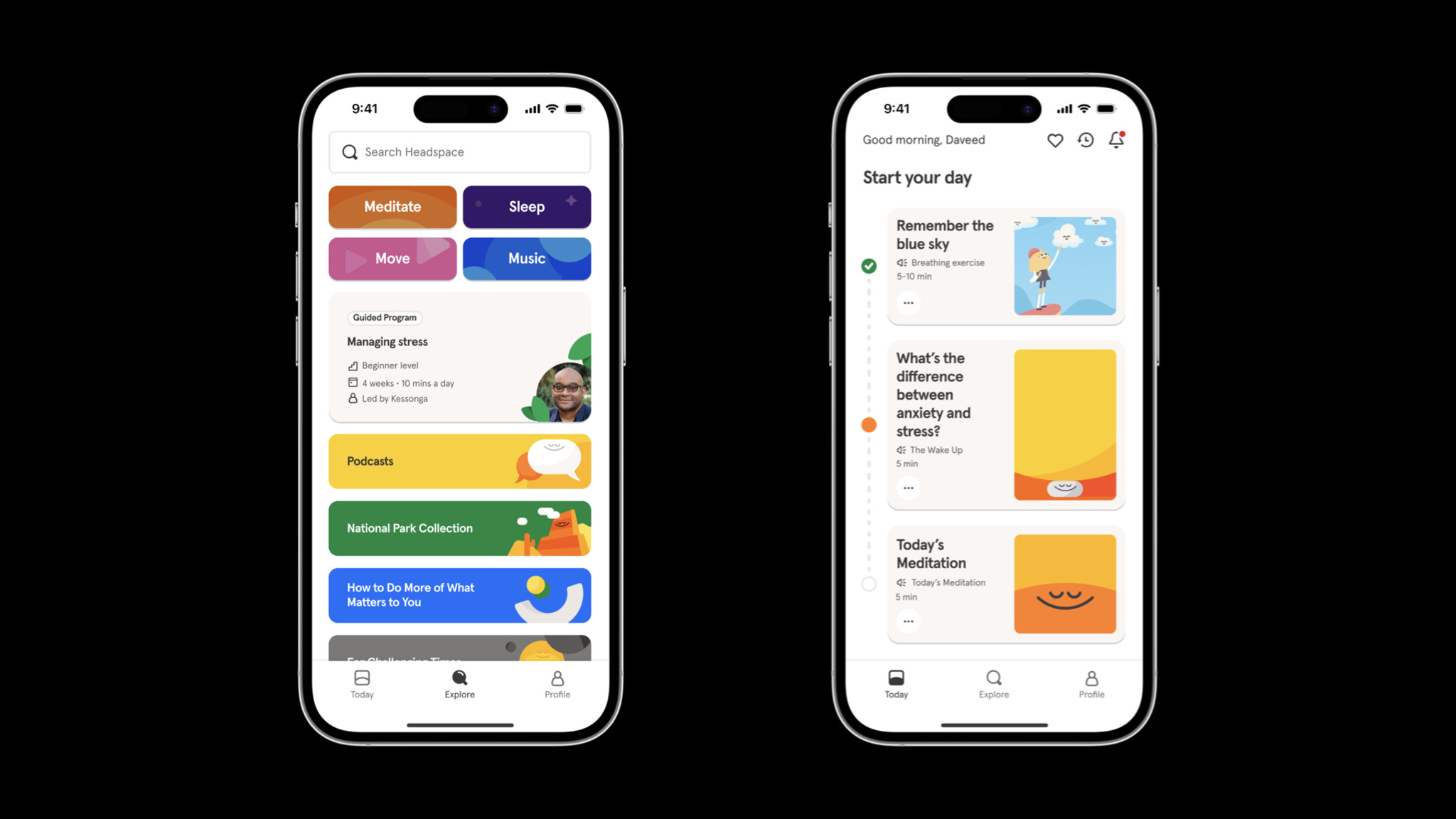
It’s hardly an overstatement to say that Headspace has been part of a tremendous social change regarding mental health. Birkeland says the app has been used by more than 100 million people in nearly 200 countries and regions, and it’s easy to see why. Headspace is an incredibly versatile tool for anyone looking for a quick clarity break, longer guided sessions, or help with sleep or exercise. And its huge library of resources is there whenever people need it.
How do we make [mindfulness and mental health] approachable and friendly? And how do we get people to the right content faster?
Jeff Birkeland, Headspace senior vice president for member products
Headspace smartly organizes its library of resources through language. Collections and exercises are labeled with understandable purposes, like Unlocking Creativity, Mindful Eating, and The Shine Collection, a set of activities drawn from Headspace’s recent merger with Shine, a mindfulness app dedicated to providing inclusive and accessible mental health resources that support marginalized communities. “It’s still a simple app,” Birkeland says, “but it’s not a very long trip into an extensive archive.”
In previous versions of Headspace, the core navigation included tabs for meditation, focus, movement, and sleep. But Birkeland says user research convinced the team to strip away that complexity and focus instead on the app’s Today tab, which facilitates one-tap access to activities of varying lengths for morning, afternoon, and night. Importantly, it does so without bringing up specific categories.

The Explore tab, meanwhile, is the gateway to that vast bank of content — including those former category-based parts of the core navigation. “There’s still simplicity at the surface,” says Birkeland. “But there’s an incredible depth of content underneath.” This tab is also where people find collections and activities of all kinds, including those with titles like Cultivating Black Joy and Navigating Injustice that illustrate Headspace’s commitment to representation.
“Mindfulness, meditation, mental health — none of these are easy to navigate,” Birkeland says. “An app that feels warm, friendly, and easy to use can provide approachable support for tough issues.”
Download Headspace from the App Store
Behind the Design is a series that explores design practices and philosophies from each of the winners of the Apple Design Awards. In each story, we go behind the screens with the developers and designers of these award-winning apps and games to discover how they brought their remarkable creations to life.
Workout tracking has never looked — or felt — like it does in Any Distance.
“We’re building something for everyone, not just athletes,” says Luke Beard, the Atlanta-based designer who created this Swift app with engineer Daniel Kuntz. “We’re not athletically inclined people. We’re kind of dorks! I want to retire and take photos in Iceland one day. Dan wants to retire and play music in the desert. We’re not looking to go to the Olympics, but we do want to live long, healthy lives.”
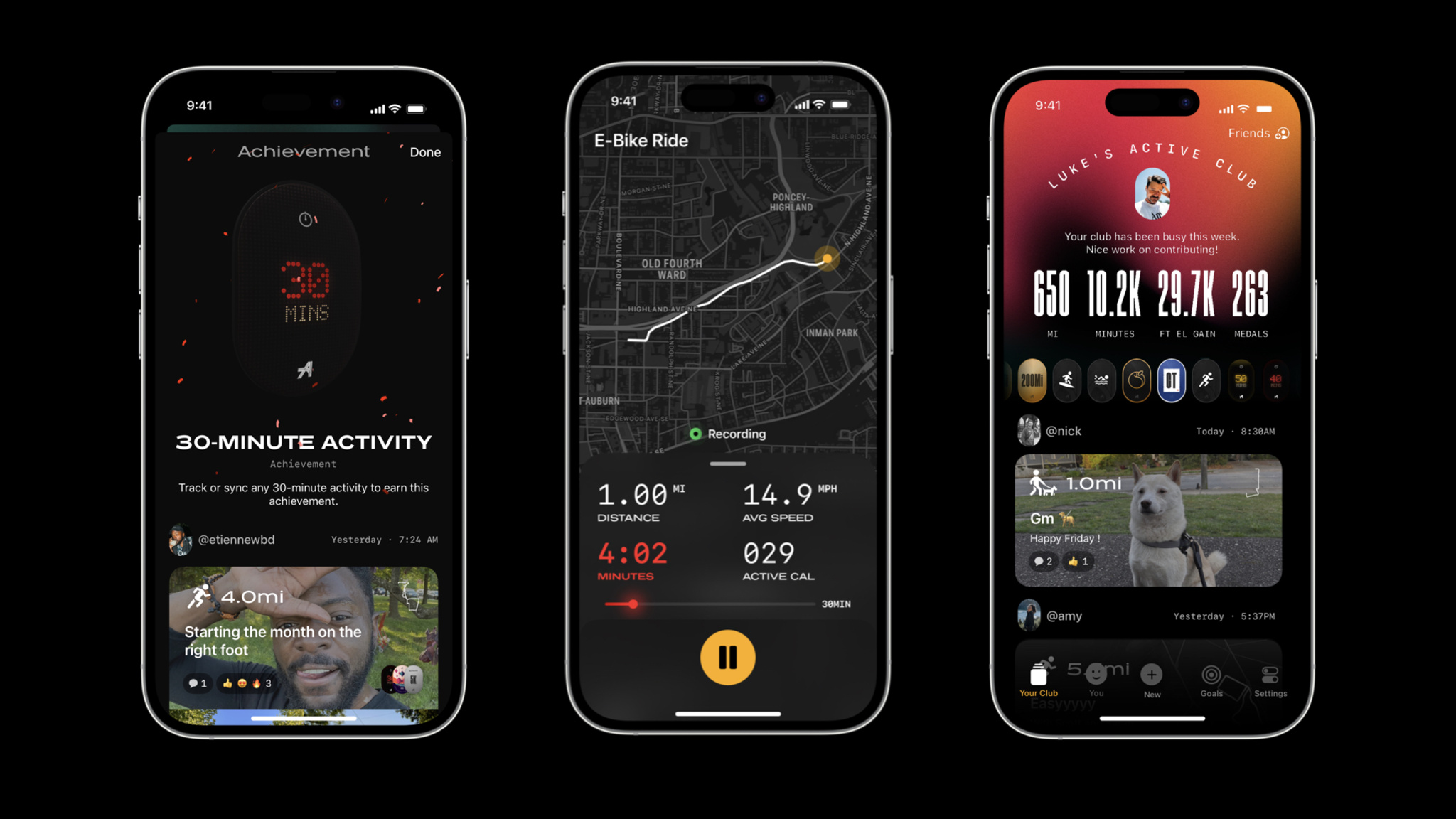
Their app is a design-forward fitness tracker and social network that delivers workout stats in beautiful and shareable formats — dynamic charts and graphs, animated 3D maps, AR experiences, and gorgeous cards — that can integrate photos. It draws heavily on SF Symbols — as Beard cheekily puts it, “SF Symbols is the single greatest contribution to design Apple has ever made.” It offers elegant in-app collectibles and an in-house social network aimed at connecting people with a small circle of friends. And its name is also its philosophy: Any Distance counts, not just a swim or bike ride, but a walking meeting, stroller run, or its most popular option, a dog walk.
SF Symbols is the single greatest contribution to design Apple has ever made.
Luke Beard, Any Distance founder
Any Distance is heavily powered by Apple tools and technologies. It uses ARKit for rendering routes, HealthKit for workout data, Metal rendering for what Kuntz calls the “gradient background swirly thing,” SceneKit for rendering, MapKit, Apple Watch integration, and more. It also demonstrates Any Distance's commitment to privacy. "Your data is all in HealthKit; we don’t store it unless you post it to your friends,” Beard says. “We don’t let you share a map. Route clipping (in which the beginning and end of your routes are trimmed from public view) is on by default.” And people can choose exactly what data they want to share with friends by simply tapping the eye icon under each metric.
Beard conceived of the idea for Any Distance during the pandemic, when his lifestyle wasn’t quite as healthy as he would have liked. To shake himself out of his funk, he began going on long walks, posting photos of his journeys along the way. “I’m a chronic oversharer,” laughs Beard, “and a photographer at heart. And I was getting good feedback.” Eventually, he started designing templates for his social media posts. “Honestly, it was just a photo in a mask — the oval that’s now one of our main brand characteristics — with the route and stats in a fun font. But people would ask, ‘What app is making those?’”
By this point, he’d already connected with Daniel Kuntz, a programmer and musician who already had a few titles on the App Store. “As a developer, I’m often asked, ‘Hey, can you make this app?’ And I’m always like, ‘Nah,’” says Kuntz. “In this case, Luke had it all fleshed out. He had iOS components and a Sketch file. It was simple and clear and really cool.”
This year, the team also plans to add more unorthodox activity options like trick-or-treating. “Eventually we want to organize group bike rides or group dog walks,” says Beard. “The last few years have accelerated the loneliness epidemic so much, and we think working out or being active together is the new hanging out. It doesn’t matter if you’re walking half a mile, taking a stroller walk with your kid, or walking with a cane — there should be a space for you.”
Download Any Distance from the App Store
Behind the Design is a series that explores design practices and philosophies from each of the winners of the Apple Design Awards. In each story, we go behind the screens with the developers and designers of these award-winning apps and games to discover how they brought their remarkable creations to life.
The Apple Design Awards celebrate apps and games that excel in the categories of Inclusivity, Delight and Fun, Interaction, Social Impact, Visuals and Graphics, and Innovation. Learn about the 2023 winning apps and the talented developers behind them.
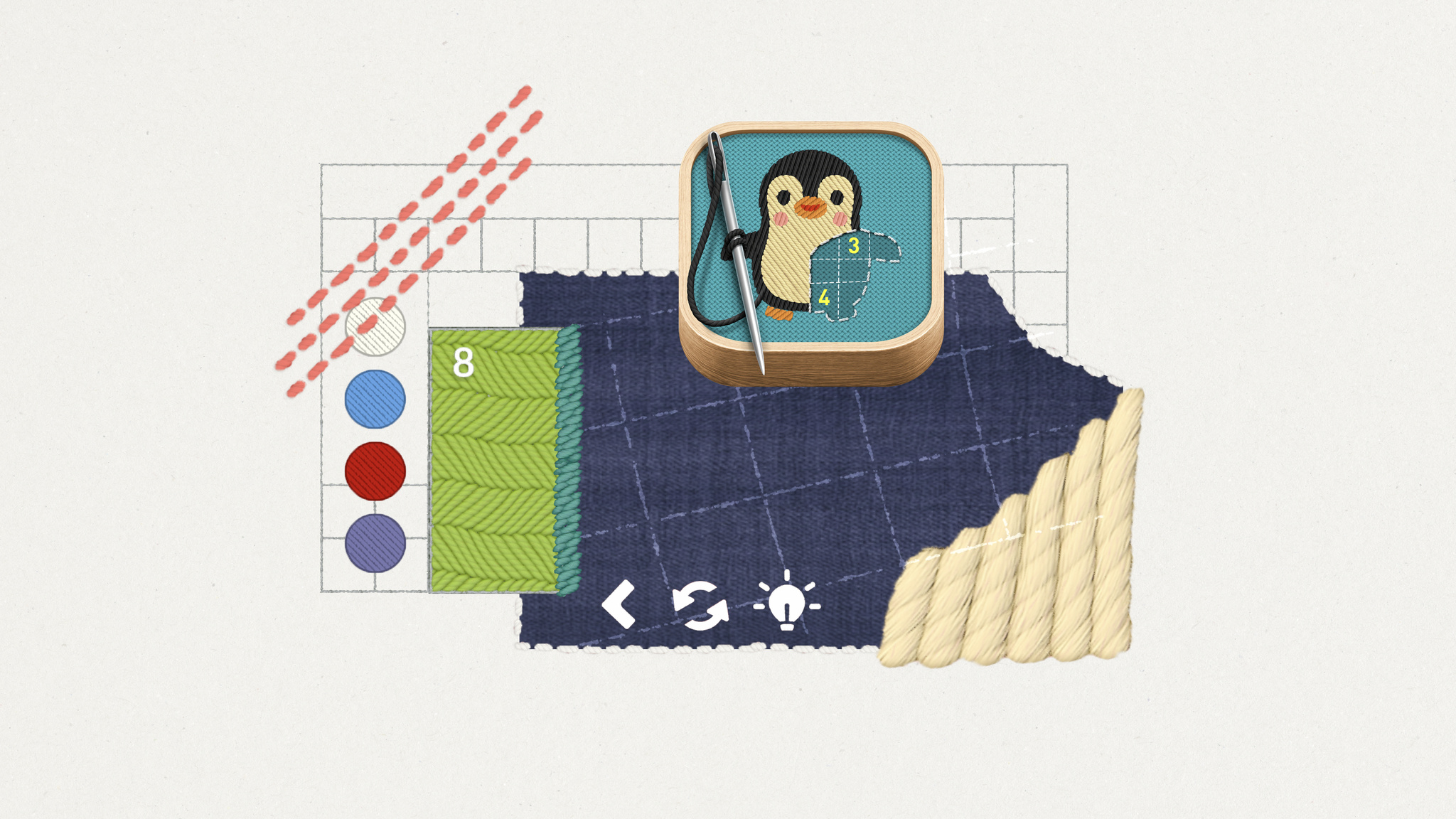
For all its many genres and styles, the gaming world has been awfully threadbare when it comes to experiences about embroidery. That all changes with stitch., a charming cross between casual puzzler, meditative exercise, and afternoon craft project — and as cross-generational a game as you’re likely to find.
“We pride ourselves on making games that anyone can play,” says Jakob Lykkegaard, founder of Lykke Studios, the team behind stitch. “It’s important to spend the time to make them available for everyone.”
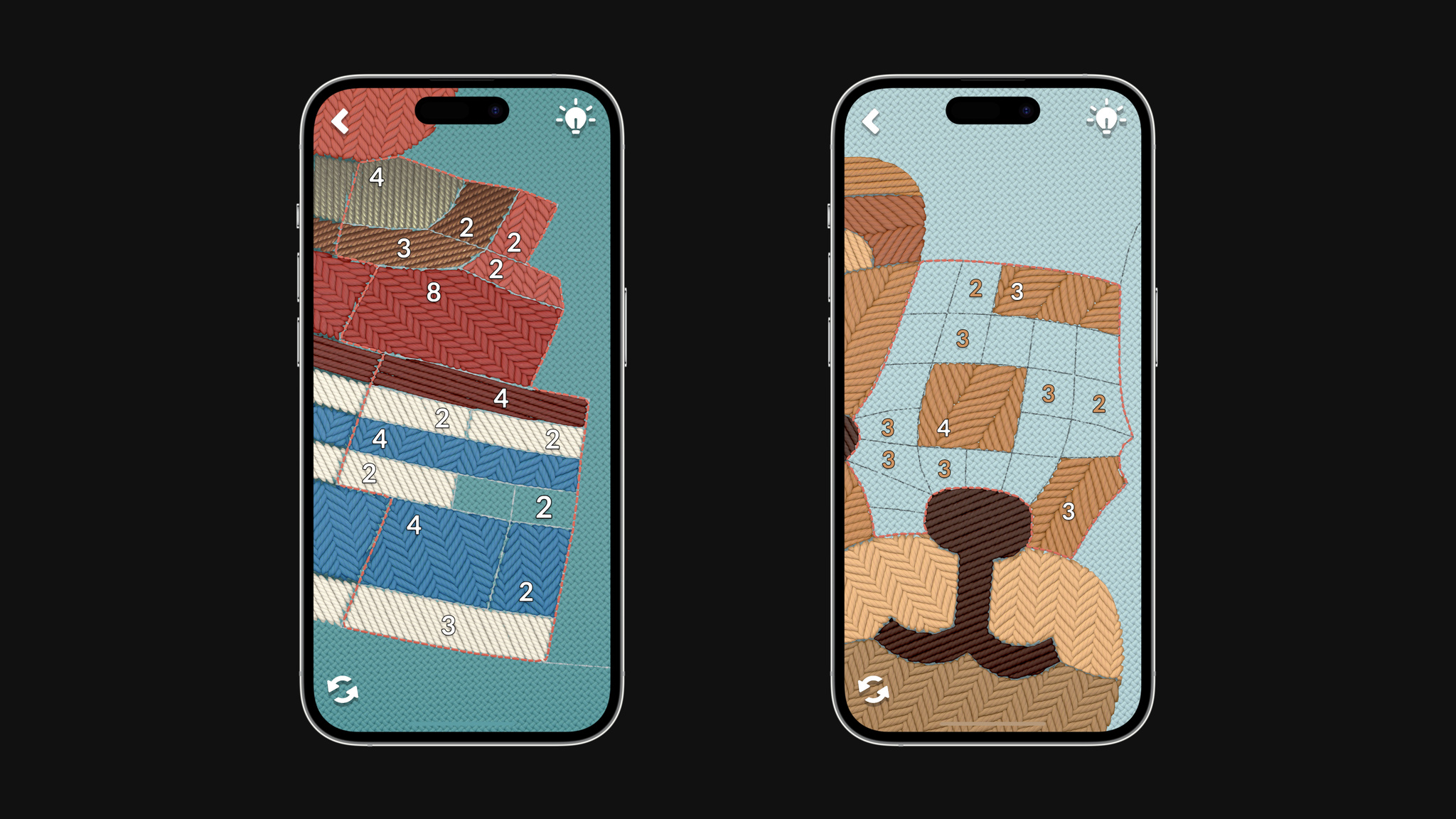
stitch. sets up embroidery-based puzzles that players complete to finish a pattern, like an adorable penguin or a love note to bacon. Players swipe over an incredibly lifelike and beautifully textured surface that feels like it’s just beneath the display. There’s no linear progression in stitch.; challenges are presented in the form of “hoops” that players can explore at their own pace. And the game supports multiple languages and custom accessibility tools for people with color blindness, low vision, and motion sensitivities.
There’s precedent for those choices. Lykke Studios’ painting puzzler tint. was nominated for a 2022 Apple Design Award in the Inclusivity category, thanks in part to a colorblind mode that lets players solve each watercolor-based puzzle by using patterns and texture instead of color.
We pride ourselves on making games that anyone can play.
Jakob Lykkegaard, founder of Lykke Studios
With stitch., which was built with Unity, the studio explored accessibility features even further. “Number Outlines” creates sharper and more contrasting outlines on the puzzles’ numbers. “Big Numbers” makes them larger and easier to read. “Reduce Motion” limits sudden movements and animations. And the left-handed mode shifts problematic UI out of the way for left-handed players. Lykkegaard says, “Originally, the icon indicator was actually under the hand for left-handed people. We thought, ‘That’s an issue we hadn’t considered. How can we fix it?’”
Lykkegaard says the team took an unusual approach to sewing up the idea for stitch. “We build games a little bit upside down,” he says. “It usually starts with us falling in love with some material and building a game mechanic around it later. We’ll see how it feels on device and, if it’s not working, we’ll kill the project and move on to another material.” For stitch., that material came from a serendipitous day on social media. “We honestly just saw a post about embroidery and thought, ‘Wow, that looks really nice.’”
For that mechanic, the team found inspiration in an unlikely analog source: a geometric grid-based puzzle game called Shikaku found in Japanese newspapers. “We took the grid and skewed it into something that looks nice but isn’t uniform,” he says. “From there, we had a lot of options for how players could fill it out.”
As with tint., the team looked to strike a balance that would challenge players without making them feel lost or intimidated. “We didn’t want to make a game like sudoku where people thought, ‘Oh, that’s too difficult for me.’ But we also didn’t want something that was just an endless series of careless clicks. stitch. couldn’t be too hard for kids, but it couldn’t be too childish either.”
It’s working. Lykkegaard has heard from 8-year-olds and 80-year-olds who’ve been drawn to the game’s approachable, accessible style. “The question is: How can we get a player to enjoy it, feel smart, and want to relax with the game? Once you’ve generated that feeling, players will come back. And we want to make everyone feel like this is a game for them.”
Download stitch. from Apple Arcade
Behind the Design is a series that explores design practices and philosophies from each of the winners of the Apple Design Awards. In each story, we go behind the screens with the developers and designers of these award-winning apps and games to discover how they brought their remarkable creations to life.
Flighty might be the easiest thing travelers navigate on their entire trip. “Travel can be a high-stress situation,” says Ryan Jones, the Austin-based developer who founded the app in 2019. “We want Flighty to work so well that it feels almost boringly obvious.”
Conceived during — when else? — a long flight delay, Flighty puts key information front and center with an immediately understandable interface, live maps, and a look that mirrors time-honored airport design conventions. The best-in-class travel app is a flight tracker, airport navigator, and concierge — and with incredible implementations of Live Activities and the Dynamic Island, a companion that makes key information available at all times.
“There’s something comforting about information always being there,” Jones says. “You don’t have to check your phone and think, ‘OK, I have to be at the gate in 32 minutes,’ and then, ‘Now I have to be there in 29 minutes.’ And I don’t know about you, but every time I walk on a plane, I look at my seat number, put it down, and immediately say, ‘Wait, what was my seat number?’”
Since its 2019 launch, Flighty has been an incredible example of the carefully crafted use of Apple technologies. “We’re really doing this out of a passion and love for the product,” says Jones, “We all had our lives changed by iOS and mobile, so we get really excited about adopting new technologies.”
We want Flighty to work so well that it feels almost boringly obvious.
Ryan Jones, Flighty founder
They’ve added a lot. Flighty supports widgets on the Home Screen and Lock Screen, highlighting content using Shared with You, and more. With a few taps, travelers can even live-share their flight path and arrival time with loved ones who may not even have the app installed — a wonderfully convenient feature for coordinating airport pickups.
Flighty is consistently impressive in adjusting to the unpredictable nature of travel. “We really have to shine when things go awry,” says Jones. For instance, the app must account for how every single person will, at some point, lose their internet connection. “Whenever [someone] takes off, we have to assume that we won’t see them again until they land,” says Jones. The solve? At a certain point before a flight takes off, the Dynamic Island switches over to flight progress bars and counters, displaying minimal presentation in a simple circular chart that tracks a flight’s duration.
Visually, both Live Activities and the Dynamic Island are designed to recall airport signage conventions that have been in place for decades. “That’s our real-world analogy,” Jones says. “Those airport boards have one line per flight, and that’s a good guiding light — they’ve had 50 years of figuring out what’s important.”
While the design process is comprehensive, it’s not always fast. “It’s so tempting to start pulling from your existing asset library to see if you can quickly put something together,” he says. To avoid falling back on old ideas, the Flighty team creates 20 design ideas during the concept phase. “It’s what fits on a sheet of paper,” he says with a smile. “You get to six or seven ideas and think, ‘OK, that’s it, there’s none left.’ But then you think, ‘Well, I have an idea that will probably look bad,’ and then you try it and it’s not bad at all.”
Flighty is even fun at home. The Flighty Passport feature shows flights, miles, and travel stats through gorgeous, shareable custom artwork. It’s just more proof that Flighty really is for every step of the journey — even being back home.
Download Flighty from the App Store
Behind the Design is a series that explores design practices and philosophies from each of the winners of the Apple Design Awards. In each story, we go behind the screens with the developers and designers of these award-winning apps and games to discover how they brought their remarkable creations to life.

Evil has never looked better than it does in Resident Evil Village.
The AAA horror adventure is a masterpiece of visual detail on Mac, a feast of creepy castles, decrepit factories, and majestically gothic villains. The game’s bleak village is thick with details and dread; characters like Lady Dimitrescu and the game’s army of mutant lycans nearly pop out of the screen. Simply put, Resident Evil Village contains some of the most realistic graphics ever seen on Apple hardware. And the lavish visuals don’t just look amazing; they drag players into the game’s horrifying landscape and through dark mysteries, vicious confrontations, and mind-blowing plot twists.

It’s all powered by a remarkable assembly of cutting-edge Apple technologies. Resident Evil Village takes full advantage of Apple silicon, ProMotion, Metal 3, and extended dynamic range to serve up its breathtaking visual achievements. “The game is very pretty, but it has this incredible sense of fear,” says Tsuyoshi Kanda, one of the game’s producers. “In some of the first scenes, you end up battling this horde of lycans. The sheer amount of them is impressive. But each has its own intention and personality. We’re happy with how it turned out.”
Those achievements are especially clear in the game’s village, which feels like a character in itself. The village shines in its decay; it’s a showcase of textures, geometry, and complex shaders. And players can enable MetalFX Upscaling to make it look especially breathtaking. Kazuki Kawato from the game’s engine team says the game benefits from both spatial and temporal upscaling. “Both were easy to use and gave us the results we wanted,” he says.
Masaru Ijuin, senior manager in the engine development team, says he always knew the game was beautiful. “Our main focus was taking the base game and making it run as fast and as stable as possible on Mac,” he says, “and I think we did that.”

Kanda calls out the Castle Dimitrescu, home of the game’s breakout villain, the 9-foot-tall vampire giantess Lady Dimitrescu. “The castle looks incredible no matter where you are,” he says. “There’s an entrance hall with a chandelier inside that we’re all really proud of. The team worked hard to create the best graphics possible on the hardware.”
The concept is a horror theme park, with characters that stand out against this beautifully rendered environment.
Tsuyoshi Kanda, Resident Evil Village producer
The game’s visuals are deserving of acclaim, but Resident Evil Village also boasts an incredible story and character design. It’s a masterclass in horror pacing that skillfully mixes bursts of frantic action with long stretches of good old dread-building. Kanda says the team paid special attention to creating what he proudly calls a “variety of horrific entertainment.”
“The concept is a horror theme park with characters that stand out against this beautifully rendered environment,” he says. “The stages cycle between horror and action to help players stay balanced. That’s something we learned from other Resident Evil games.”
Balance was also key in creating the game’s story, which had to fit into the Resident Evil universe (Village is the eighth major game in the series) while taking the storyline in wild new directions. “One of the base concepts was Ethan Winters at home with his wife and baby daughter, Rose,” says Kanda. “You see Ethan’s fatherly love all throughout the game.”
But in the game’s intro, Rose is kidnapped from the family home in a shocking confrontation with Chris Redfield, a character who’s been around since the first Resident Evil. “Chris was such a big part of world-building this; the way he enters the game was so important,” says Kanda. “We didn’t want you to know his intentions until the ending.”

To get to that ending — which is as dramatic as Kanda promises — players must battle through a murderer’s row of memorable villains that look alive, even if they’re (probably?) not. There’s Salvatore Moreau, a hideous mutant; Karl Heisenberg, who runs a factory with some serious health-code violations; Donna Beneviento and her scary doll, which is probably all we need to say about that; and Lady Dimitrescu, the superstar with huge claws, a deathly gothic wardrobe, and a surprisingly devoted fan base.
“The idea for Lady Dimitrescu was a huge character who was too big for the castle itself,” says Kanda. “She has to duck to get through the doors. And when she comes at you, you really feel her presence.”
As an incredible example of Mac gaming, Resident Evil makes its presence felt too. But this story has a twist ending of its own: Kanda, Ijuin, and Kawato personally aren’t all that into horror. “The (Resident Evil) creative team loves horror movies,” laughs Kanda, “but I’m more into the not-too-scary stuff.”
Learn more about Resident Evil Village
Download Resident Evil Village from the Mac App Store
Behind the Design is a series that explores design practices and philosophies from each of the winners of the Apple Design Awards. In each story, we go behind the screens with the developers and designers of these award-winning apps and games to discover how they brought their remarkable creations to life.

For a creative guy, Luke Spierewka, founder of the Poland-based game studio Afterburn, is certainly a fan of limitations.
“We make comfy puzzle games that convey an idea quickly,” he says, “but they’re all about using a limited amount of something, which is where the challenge comes in.”
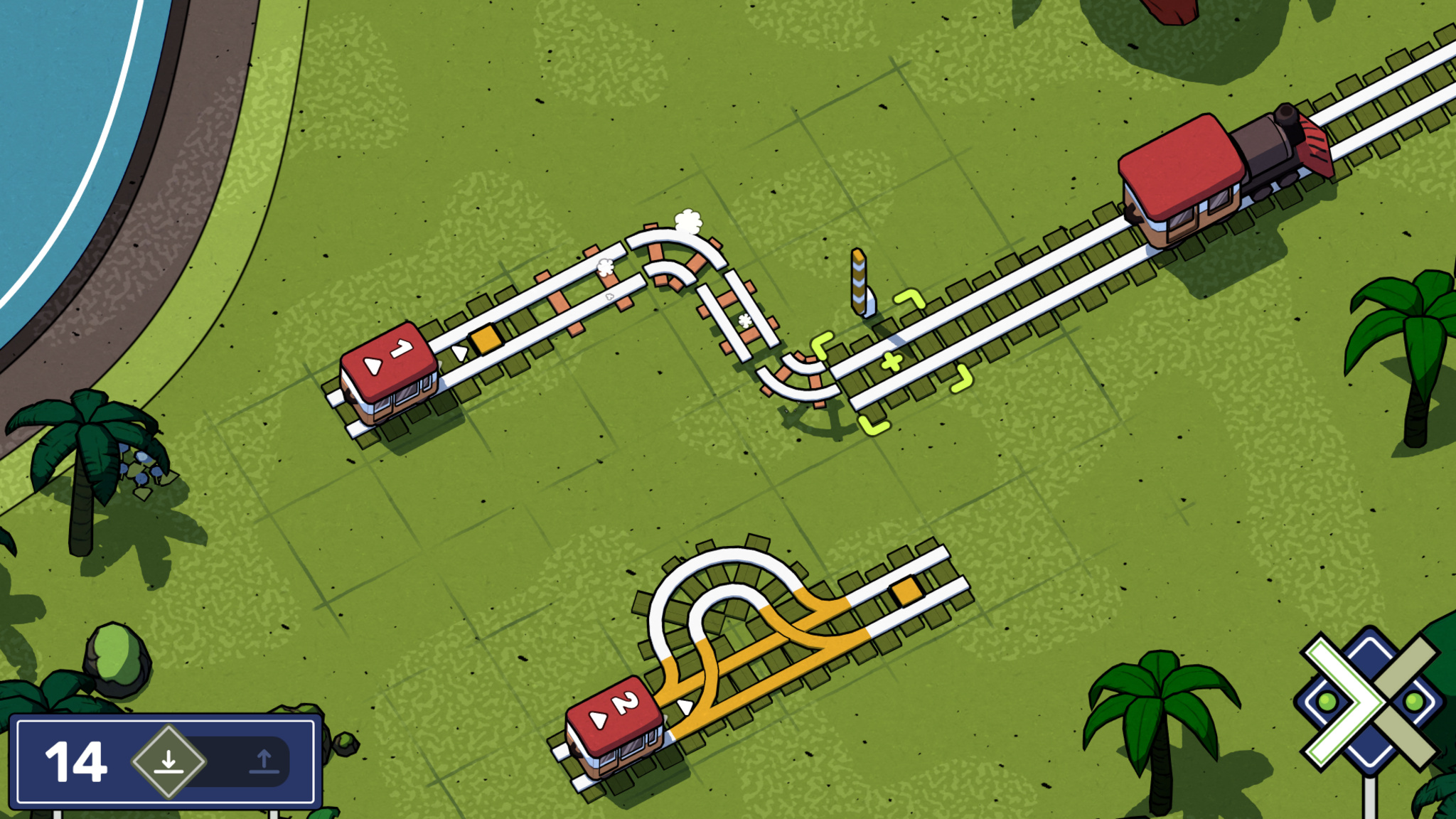
In Afterburn’s Railbound, players are challenged to link train cars in proper order by laying down track, manipulating switches, and navigating an increasingly convoluted series of gates, tunnels, and stations. While the puzzles may be tricky, interacting with them is sheer joy. The track-laying mechanic is as simple as finger painting, mistakes can be easily undone, and the game is full of thoughtful details, like its duo of canine conductors or the squiggly frustration cloud that appears over a misdirected train car. And it’s all presented in a bright cartoon style inspired by European comics.
Railbound’s interaction design is the product of Spierewka’s drive to make his studio’s games ever easier to play. “I pay a lot of attention to input. For Railbound, I wanted a system where you basically paint rail tiles with one finger,” he says. “I knew if we didn’t make that mechanic fun and malleable, people would be much less inclined to play. And I think we got there,” he says, before pausing and adding, “but I’m still thinking about how to make it more intuitive.”

The studio, which Spierewka runs with his wife, Kamila, also paid close attention to the size of the puzzles. “In games like Stephen’s Sausage Roll or A Monster’s Expedition, the size of the level is exactly what you need to solve it. I’m not gonna pretend we’re as elegant as those, but I try to constrain our puzzles and space as much as I can, and leave only the stuff you need.”
That strategy also applies to the game’s onboarding, a process that’s largely wordless because of the unsubtle lessons the Afterburn team learned on previous games. “The first version of [our earlier game] Golf Peaks had all this onboarding text,” he says. “The first level introduced five different concepts. The second level was like, ‘This is a new tile type, deal with it.’ The third level was like, ‘Here’s another new type, deal with that too,’” he laughs. “And nobody read them! Every single person I handed a phone to tapped right past the blocks of onboarding text. It was kind of a shock, really.”
Nobody read them! Every single person I handed a phone to tapped right past the blocks of onboarding text. It was kind of a shock, really.
Luke Spierewka, Afterburn
For Railbound, Spierewka jettisoned words entirely. “We thought, ‘What is the simplest way we can break down and teach mechanics?’” The answer was to integrate them into early gameplay. Railbound’s first level gives players just one way to place a track; it’s actually impossible not to beat. In levels 1 through 3, you learn to bend and rotate tiles. “You’re not even taught how to delete tiles until several levels in, because you don’t need to yet. It’s all a dance of introducing and reinforcing concepts at the right pace.” In other words, even the onboarding is an example of using only the stuff you need.
Download Railbound from the App Store
Behind the Design is a series that explores design practices and philosophies from each of the winners of the Apple Design Awards. In each story, we go behind the screens with the developers and designers of these award-winning apps and games to discover how they brought their remarkable creations to life.
Endling is all about survival in a changed world — and it’s a powerful mix of medium and message.
The game is a gorgeous adventure in which you play as a fox navigating a land charred by environmental disaster and human impact. Endling is not subtle — particularly when the fox starts defending its tiny offspring from an ever-increasing array of man-made dangers. Still, it draws players in with beautiful visuals, lush animations, a moody soundtrack, and brilliantly intuitive gameplay.
“It’s a survival game, but a simplified one that focuses more on telling a story,” says Philipp Nägelsbach, game designer and producer at HandyGames.
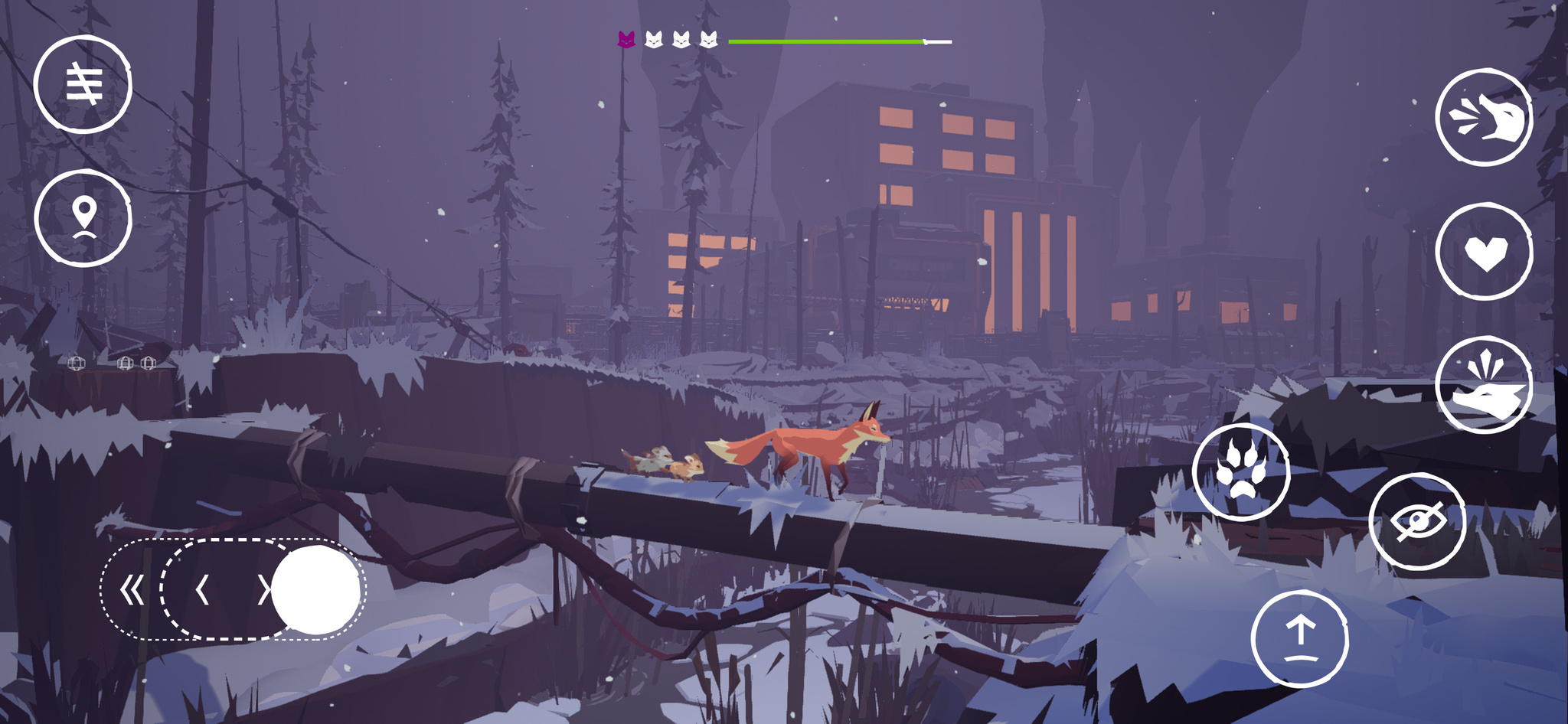
When creating such a game, balance is paramount. “You need to have cute scenes with the foxes safe in their lair, learning and growing,” says Nägelsbach. “And you have to have dramatic scenes to illustrate the real dangers.”
After an onboarding process that drops players into the heat of the action, the game becomes an open-world adventure that rewards exploration. That wasn’t always the case; Nägelsbach notes that the game’s earliest versions had a more linear structure. “It didn’t suit the message as well,” he says. “It’s much easier to show the ecological impact humans have when you visit the same spot several times and see a river that’s full of trash or a forest that’s been cut down.”
To control the fox, players operate a simple one-thumb control on the lower-left corner of the screen. The game gradually introduces additional interactions, like the ability to climb or jump over an obstacle. “That’s the moment people realize this isn’t entirely a side-scroller,” says Nägelsbach.
It’s a survival game, but a simplified one that focuses more on telling a story.
Philipp Nägelsbach, game designer and producer at HandyGames
And then there’s the fox itself. Endling casts players as the animal in distress to create an instant sense of empathy — and their choice of animal was well-considered. "Foxes are some of the most adaptable animals in the world,” says Nägelsbach. “They’re not the biggest or smallest; they’re in the middle of the food chain. But if they’re close to extinction, things are really bad.”
Doing so required numerous design considerations. The fox needed to be adorable enough to engage with, realistic enough to feel authentic, and believable enough to navigate the apocalyptic landscape. The fox doesn’t realize what’s happening to the environment; only the player recognizes the meaning of factories, careening trucks, and men in hazmat suits. “And the fox can only do things real foxes can do,” says Naegelsbach. “We couldn’t have the fox pushing buttons or solving complex puzzles.”

Extra attention was paid to the fox’s kits, who grow and develop unique personalities as the game goes on. Each kit represents a player’s life and has an instrument attached to it; when players lose kits, the game feels quieter and more lonely.
Nägelsbach says the teams did make adjustments to ensure the game wasn’t too severe, including the ability to replay parts of the story after a loss instead of starting over. The kits have only one owl enemy; they can’t be directly hurt by humans or dogs. And the fox’s cute bark is a mix of several different animal sounds. “In the real world, foxes aren’t very pleasant to listen to,” says Nägelsbach, “and you shouldn’t be annoyed by your protagonist.”
Endling ultimately delivers a message that sticks around long after gameplay ends. "The message is harsh,” says QA lead and producer Jan Pytlik, “but the game didn’t need to be harsh too. We worked and fine-tuned and I think we hit the mark.”
Download Endling from the App Store
Behind the Design is a series that explores design practices and philosophies from each of the winners of the Apple Design Awards. In each story, we go behind the screens with the developers and designers of these award-winning apps and games to discover how they brought their remarkable creations to life.
What’s it like to develop for visionOS? For Karim Morsy, CEO and co-founder of Algoriddim, “it was like bringing together all of the work we've built over many years.”
Algoriddim’s Apple Design Award-winning app djay has long pioneered new ways for music lovers and professional DJs alike to mix songs on Apple platforms; in 2020, the team even used hand pose detection features to create an early form of spatial gesture control on iPad. On Apple Vision Pro, they’ve been able to fully embrace spatial input, creating a version of djay controlled entirely by eyes and hands.
“I've been DJing for over twenty years, in all sorts of places and with all sorts of technology, but this frankly just blew my mind,” says Morsy. "It's a very natural way to interact with music, and the more we can embrace input devices that allow you to free yourself from all these buttons and knobs and fiddly things — we really feel it's liberating.”
“It’s emotional — it feels real.”It’s a sentiment shared by Ryan McLeod, creator of Apple Design Award-winning puzzle game Blackbox. “You have a moment of realizing — it's not even that interacting this way has become natural. There is nothing to ‘become natural’ about it. It just is!” he says. “I very vividly remember laughing at that, because I just had to stop for a moment and appreciate it — you completely forget that this [concept] is wild.”
Blackbox is famous on iOS for “breaking the fourth glass wall,” as McLeod puts it, using the sensors and inputs on iPhone in unusual ways to create dastardly challenges that ask you to do almost everything but touch the screen. Before bringing this experience to visionOS, however, McLeod had his own puzzle to solve: how to reimagine the game to take advantage of the infinite canvas offered by Vision Pro.
“You really have to go back to those first principles: What will feel native and natural on visionOS, and within a person’s world?” he says. “What will people expect — and what won’t they? How can you exist comfortably like that, and then tweak their expectations to create a puzzle, surprise, and satisfaction?”
After some early prototyping of spatial challenges, audio quickly became a core part of the Blackbox story. While McLeod and sound designer Gus Callahan had previously created sonic interfaces for the iOS app, Spatial Audio is bringing a new dimensionality to their puzzles in visionOS. “It’s a very fun, ineffable thing and completely changes the level of immersion,” he says. “Having sounds move past you is a wild effect because it evokes emotion — it feels real.”
“It will take you minutes to have your own stuff working in space.”As someone who had exclusively developed for iOS and iPadOS for almost a decade — and had little experience with either 3D modeling or RealityKit — McLeod was initially trepidatious about trying to build an app for spatial computing. “I really hadn’t done a platform switch like that,” he says. But once he got started in Xcode, “there was a wild, powerful moment of recognizing how to set this up.”
visionOS is built to support familiar frameworks, like SwiftUI, UIKit, RealityKit, and ARKit, which helps apps like Blackbox bring over a lot of their existing codebase without having to rewrite from scratch. “What gets me excited to tell other developers is just — you can make apps really easily,” says McLeod. “It will take you minutes to have your own stuff working in space.”
Even for developers working with a more complex assortment of frameworks, like the team behind augmented reality app JigSpace, the story is a similar one. “Within three days, we had something up and running,” says CEO and co-founder Zac Duff, crediting the prowess of his team for their quick prototype.
One member of that team is JigSpace co-founder Numa Bertron, who spent a few days early in their development process getting to know SwiftUI. “He’d just be out there, learning everything he could, playing with Swift Playgrounds, and then he’d come back the next day and go: ‘Oh, boy, you won’t believe how powerful this thing is,’” Duff says.
Though new to SwiftUI, the JigSpace team is no stranger to Apple’s augmented reality framework, having used it for years in their apps to help people learn about the world using 3D objects. On Vision Pro, the team is taking advantage of ARKit features to place 3D objects into the world and build custom gestures for scaling — all while keeping the app’s main interface in a window and easily accessible.
JigSpace is also exploring how people can work together with SharePlay and Spatial Personas. “It's a fundamental rethink of how people interact together around knowledge,” says Duff. “Now, we can just have you experience something right in front of you. And not only that — you can bring other people into that experience, and it becomes much more about having all the right people in the room with you.”
“You want to feel at home.”Shared experiences can be great for education and collaboration, but for Xavi H. Oromí, chief engineering officer at XRHealth, it’s also about finding new and powerful ways to help people. While Oromí and his team are new to Apple platforms, they have significant expertise building fully immersive experiences: They were creating apps for VR headsets as early as 2012 in order to assist people in recognizing phobias, physical rehabilitation, mental health, and other therapy services.
Vision Pro immediately clicked for Oromí and the team, especially the fluidity of immersion that visionOS provides. “Offering some sort of gradual exposure and letting the person decide what that should look like — it’s something that’s naturally very integrated with therapy itself,” says Oromí.
With that principle as their bedrock, the team designed an experience to help people with acrophobia (fear of heights), built entirely with Apple frameworks. Despite having no prior development experience with Swift or Xcode, the team was able to build a prototype they were proud of in just a month.
In their visionOS app, a person can open a portal in their current space that gives them the feeling of being positioned at a significant height without fully immersing themselves in that app’s environment. For Oromí, this opens up new possibilities to connect with patients and help them feel grounded without overtaxing their comfort level. “You want to feel at home,” says Oromí, “The alternative before [in a completely immersive experience] was that I needed to remove the headset, and then I totally broke the immersion.”
It also has the added benefit of giving people a way to stay true to themselves. In some of their previous immersive experiences on other platforms, Oromí notes, patients’ hands and bodies were represented in the space using virtual avatars. But this had its own challenges: “We had a lot of patients saying that they felt their body was not theirs,” he says. “It’s very difficult for our society that’s so diverse to create representations of avatars that match everyone in the world... [In Vision Pro], where you can see your own body through the passthrough, we don’t need to create a representation.”
When combined with SharePlay, people can stay connected and supported with their virtual therapists while pushing their boundaries and challenging common fears. “Years from now, when we look back,” Oromí says, “we will be able to say it all started with the launch of Vision Pro — it’s where we truly enabled real virtual therapy.”
“You’re off to the races.”When the SDK arrives later this month, developers worldwide will be able to download Xcode and start building their own apps and games for visionOS. With 46 sessions focused on Apple Vision Pro premiering at WWDC, there’s a lot of new knowledge to explore — but Duff and McLeod have a few supplemental recommendations.
“Pick up SwiftUI if you haven't yet,” says McLeod, noting that getting to know the framework can help developers add core platform functionality to their existing app. He also suggests getting comfortable with basic modeling and Reality Composer Pro. “At some point, you're gonna want to come off the page,” he says. But, he notes with a smile, you don't need to become a 3D graphics expert to build for this platform. "You can get really far with a simple model and [Reality Composer Pro] shaders."
Duff mirrors these recommendations, adding one last framework to the list: RealityKit. “If you’re transitioning from [other renderers] there are some fundamental changes you have to get to know,” he says. “But with those three things, you’re off to the races.”
Learn more about developing for visionOS and what you can do to get ready for the SDK on developer.apple.com.
Learn more about developing for visionOS
Prepare your apps for visionOS
Explore sessions about visionOS
Accessibility & Inclusion Build great apps and games for everyone.
App Services Extend your app's experience.
App Store Distribution & Marketing Market your app and grow your audience.
Audio & Video Build audio and video experiences for your app.
Business & Education Deploy and manage Apple devices in your classroom or office.
Coding & Design Essentials New to WWDC? Start right here.
Design Create compelling interfaces and experiences.
Developer Tools Explore the tools you need to build the next great app or game.
Graphics & Games Launch your games and level up your graphics.
Health & Fitness Get your health and fitness app in great shape.
Maps & Location Help people find where they are and where they’re going.
ML & Vision Bring the power of machine learning to your app.
Photos & Camera Focus on the latest in camera and photography apps.
Privacy & Security Tighten the privacy and security of your apps and games.
Safari & Web Explore Safari and web technologies.
Spatial Computing Get ready to build and design an entirely new universe of apps and games.
Swift Learn the latest updates for Swift.
SwiftUI & UI Frameworks Build interfaces that feel right at home on Apple platforms.
System Services Empower your app by leveraging the system.
Get ready to design and build an entirely new universe of apps and games for Apple Vision Pro.
Discover how you can prepare for the visionOS SDK, learn about best-in-class frameworks and tools, and explore programs and events to help support you along your development journey.
Learn more about developing for visionOS
Prepare your apps for visionOS
Explore sessions about visionOS
Discover the latest advancements on all Apple platforms. With an incredible new opportunity in spatial computing in visionOS, new features in iOS, iPadOS, macOS, tvOS, and watchOS, and major enhancements across languages, frameworks, tools and services, you can create even more unique experiences for users worldwide.
Learn what’s new
Apple Vision Pro is a revolutionary spatial computer that seamlessly blends digital content with the physical world, while allowing users to stay present and connected to others. Apple Vision Pro creates an infinite canvas for apps that scales beyond the boundaries of a traditional display and introduces a fully three-dimensional user interface controlled by the most natural and intuitive inputs possible — a user’s eyes, hands, and voice. Featuring visionOS, the world’s first spatial operating system, Apple Vision Pro lets users interact with digital content in a way that feels like it is physically present in their space. The breakthrough design of Apple Vision Pro features an ultra-high-resolution display system that packs 23 million pixels across two displays, and custom Apple silicon in a unique dual-chip design to ensure every experience feels like it’s taking place in front of the user’s eyes in real time.
Discover the resources you can use to bring your spatial computing creations to life with a new, yet familiar, way to build apps that reimagine what it means to be connected, productive, and entertained.
Learn more about visionOS
The App Store Review Guidelines, the Apple Developer Program License Agreement, and the Apple Developer Agreement have been updated to support updated policies and upcoming features, and to provide clarification. Please review the changes below and accept the updated terms as needed.
App Store Review Guidelines* Added to 2.5.18: “Apps that contain ads must also include the ability for users to report any inappropriate or age-inappropriate ads.” * Revised bullet point 11 of 3.1.2(a): “Cellular carrier apps may include auto-renewing music and video subscriptions when purchased in bundles with new cellular data plans, with prior approval by Apple. Other auto-renewing subscriptions may also be included in bundles when purchased with new cellular data plans, with prior approval by Apple, if the cellular carrier apps support in-app purchase for users. Such subscriptions cannot include access to or discounts on consumable items, and the subscriptions must terminate coincident with the cellular data plan.” * Added to 4.1: “Submitting apps which impersonate other apps or services is considered a violation of the Developer Code of Conduct and may result in removal from the Apple Developer Program.” * Revised 4.4: “Apps hosting or containing extensions must comply with the App Extension Programming Guide, the Safari App Extensions Guide, or the Safari Web Extensions documentation and should include some functionality, such as help screens and settings interfaces where possible.” * Revised 4.4.2: “Safari extensions must run on the current version of Safari on the relevant Apple operating system.”
Developer Program License Agreement* Purpose; Definitions; Sections 2.6, 3.2, 3.3.4, 3.3.38, 3.3.63, 5.1, 6.3, 6.6, 7, 7.3, 7.5, 7.6, 14.2; Attachment 7: Specified requirements and functionality for apps on visionOS. * Definitions: Updated requirements for Corresponding Products. * Definitions; Section 3.1: Specified requirements for universities and their Authorized Student Developers. * Definitions; Section 3.3.62: Specified requirements for use of the Tap to Present ID API. * Definitions; Sections 3.3.40, 3.3.64, 5.1, 10; Attachment 10: Specified requirements for use of mobile device management (MDM). * Definitions; Section 3.3.65: Specified requirements for use of the iWork Document Exporting API. * Definitions; Section 3.3.67: Specified requirements for use of the Sensitive Content Analysis Framework. * Definitions; Attachment 3: Updated requirements for development of Passes. * Section 3.3.9: Added requirements for use of third-party SDKs and certain APIs, clarified restrictions on use of data derived from a device. * Section 3.3.42: Added requirements for use of certain Apple Pay APIs. * Section 3.3.63: Specified requirements for providing a partially immersive experience in an app. * Section 3.3.66: Specified requirements for the use of the Shallow Depth and Pressure feature. * Section 6.7: Added information on App Analytics. * Attachment 2: Clarified requirements for use of the In-App Purchase API.
Apple Developer Agreement* Sections 4, 6: Updated requirements for access to and use of pre-release materials.
View agreements and guidelines
At Apple, we believe privacy is a fundamental human right. That is why we’ve built a number of features to help users understand developers’ privacy and data collection and sharing practices, and put users in the driver’s seat when it comes to their data. App Tracking Transparency (ATT) empowers users to choose whether an app has permission to track their activity across other companies’ apps and websites for the purposes of advertising or sharing with data brokers. With Privacy Nutrition Labels and App Privacy Report, users can see what data an app collects and how it’s used.
Many apps leverage third-party software development kits (SDKs), which can offer great functionality but may have implications on how the apps handle user data. To make it even easier for developers to create great apps while informing users and respecting their choices about how their data is used, we’re introducing two new features.
First, to help developers understand how third-party SDKs use data, we’re introducing new privacy manifests — files that outline the privacy practices of the third-party code in an app, in a single standard format. When developers prepare to distribute their app, Xcode will combine the privacy manifests across all the third-party SDKs that a developer is using into a single, easy-to-use report. With one comprehensive report that summarizes all the third-party SDKs found in an app, it will be even easier for developers to create more accurate Privacy Nutrition Labels.
Additionally, to offer additional privacy protection for users, apps referencing APIs that could potentially be used for fingerprinting — a practice that is prohibited on the App Store — will now be required to select an allowed reason for usage of the API and declare that usage in the privacy manifest. As part of this process, apps must accurately describe their usage of these APIs, and may only use the APIs for the reasons described in their privacy manifest.
Second, we want to help developers improve the integrity of their software supply chain. When using third-party SDKs, it can be hard for developers to know the code that they downloaded was written by the developer that they expect. To address that, we’re introducing signatures for SDKs so that when a developer adopts a new version of a third-party SDK in their app, Xcode will validate that it was signed by the same developer. Developers and users alike will benefit from this feature.
We’ll publish additional information later this year, including:
- A list of privacy-impacting SDKs (third-party SDKs that have particularly high impact on user privacy)
- A list of “required reason” APIs for which an allowed reason must be declared
- A developer feedback form to suggest new reasons for calling covered APIs
- Additional documentation on the benefits of and details about signatures, privacy manifests, and when they will be required
Join us for an exhilarating week of technology and community. Be among the first to learn the latest about Apple platforms, technologies, and tools. You’ll also have the opportunity to engage with Apple experts and other developers. All online and at no cost.
Experience WWDC here and on the Apple Developer website.
Keynote and State of the UnionThe Apple Worldwide Developers Conference kicks off with exciting reveals and new opportunities. Join the developer community for an in-depth look at the future of Apple platforms, directly from Apple Park.
- WWDC23
Keynote The Apple Worldwide Developers Conference kicks off with exciting news, inspiration, and new opportunities. Join the worldwide developer community for an in-depth look at the future of Apple platforms, directly from Apple Park.
- WWDC23
Platforms State of the Union Learn about the latest tools, technologies, and advancements to help you create even better apps across Apple platforms, including the all-new visionOS.
Apple Design AwardsThe Apple Design Awards celebrate apps and games that excel in the categories of Inclusivity, Delight and Fun, Interaction, Social Impact, Visuals and Graphics, and Innovation. Join us in congratulating this year’s finalists and winners.
June 5, 6:30 p.m. PT.
Discover the finalists
SessionsLearn how to create your most innovative apps and games yet by taking advantage of the latest updates on Apple platforms. New videos and transcripts will be posted daily from June 6 through 9. Watch on the web or in the Apple Developer app for iPhone, iPad, Mac, and Apple TV.
Learn more
LabsGet one-on-one guidance from Apple engineers, designers, and other experts. Learn how to implement new Apple technologies, explore UI design principles, improve your App Store presence, and much more.
Learn more
ActivitiesJoin Apple engineers, designers, and other experts for Q&As, Meet the Presenter, icebreakers, and more.
Learn more
Sign up
ForumsConnect with the community on the Apple Developer Forums. Find WWDC23 content quickly and easily by searching conference-specific tags.
Learn more
Beyond WWDCDiscover even more opportunities for learning, networking, and fun outside of the conference.
Learn more
Stay connectedWe’ll be posting WWDC announcements leading up to and during the conference.
Check your email settings in your Apple Developer account. Check your notification settings in the Account tab.
Watching session videos, viewing related documentation and sample code, and posting on the forums are available to anyone. To request a lab appointment or sign up for activities, you must be a current member of the Apple Developer Program or Apple Developer Enterprise Program, or a 2023 Swift Student Challenge applicant.
The Xcode 15 beta supports the latest SDKs for iOS, iPadOS, macOS, tvOS, and watchOS. This version of Xcode helps you code and design your apps faster with enhanced code completion, interactive previews, and live animations. Use Git staging to craft your next commit without leaving your code. Explore and diagnose your test results with redesigned test reports with video recording. And start deploying seamlessly to TestFlight and the App Store from Xcode Cloud.
Learn more
Check out the session schedule to plan your week! Sessions will be posted daily and will include links to resources and forums tags. And you can now request one-on-one lab appointments to get your questions answered, whether you’re just starting out or need to solve an advanced issue.
Learn more
The App Store’s commerce and payments system was built to empower you to conveniently set up and sell your products and services at a global scale in 44 currencies across 175 storefronts. Apple administers tax on behalf of developers in over 70 countries and regions and provides you with the ability to assign tax categories to your apps and in‑app purchases. Periodically, we update your proceeds in certain regions based on changes in tax regulations.
On May 31, your proceeds from the sale of apps and in‑app purchases (including auto‑renewable subscriptions) will be adjusted to reflect the tax changes listed below. Prices will not change.
- Ghana: Increase of the VAT rate from 12.5% to 15%.
- Lithuania: Reduction of the VAT rate from 21% to 9% for eligible e‑books and audiobooks.
- Moldova: Reduction of the VAT rate from 20% to 0% for eligible e‑books and periodicals.
- Spain: Digital services tax of 3%.
Due to changes to tax regulations in Brazil, Apple now withholds taxes for all App Store sales in Brazil. We’ll administer the collection and remittance of taxes to the appropriate tax authority on a monthly basis. You can view the amount of tax deducted from your proceeds starting in June 2023 with your May earnings. Developers based in Brazil aren’t impacted by this change.
Once these changes go into effect, the Pricing and Availability section of My Apps will be updated in App Store Connect. As always, you can change the prices of your apps and in‑app purchases (including auto‑renewable subscriptions) at any time. And now you can change them for any storefront with 900 price points to choose from.
Mark your calendars for an exhilarating week of technology and community. Be among the first to learn the latest about Apple platforms, technologies, and tools. You’ll also have the opportunity to engage with Apple experts and other developers. All online and at no cost.
Experience WWDC here and on the Apple Developer website.
Keynote and State of the Union
The Apple Worldwide Developers Conference kicks off with exciting reveals and new opportunities. Join the developer community for an in-depth look at the future of Apple platforms, directly from Apple Park.
Keynote
June 5, 10 a.m. PT
State of the Union
June 5, 1:30 p.m. PT
Apple Design Awards
The Apple Design Awards celebrate apps and games that excel in the categories of Inclusivity, Delight and Fun, Interaction, Social Impact, Visuals and Graphics, and Innovation. Join us in congratulating this year’s finalists and winners.
June 5, 6:30 p.m. PT.
Sessions
Learn how to create your most innovative apps and games yet by taking advantage of the latest updates on Apple platforms. New videos and transcripts will be posted daily from June 6 through 9. Watch on the web or in the Apple Developer app for iPhone, iPad, Mac, and Apple TV.
Labs
Get one-on-one guidance from Apple engineers, designers, and other experts. Learn how to implement new Apple technologies, explore UI design principles, improve your App Store presence, and much more.
Activities
Join Apple engineers, designers, and other experts for Q&As, Meet the Presenter, icebreakers, and more.
Forums
Connect with the community on the Apple Developer Forums. Find WWDC23 content quickly and easily by searching conference-specific tags.
Beyond WWDC
Discover even more opportunities for learning, networking, and fun outside of the conference.
We’ll be posting WWDC announcements leading up to and during the conference.
Check your email settings in your Apple Developer account. Check your notification settings in the Account tab.
Watching session videos, viewing related documentation and sample code, and posting on the forums are available to anyone. To request a lab appointment or sign up for activities, you must be a current member of the Apple Developer Program or Apple Developer Enterprise Program, or a 2023 Swift Student Challenge applicant.
WWDC23 is almost here. We’ll be kicking off with the Apple Keynote on June 5 at 10:00 a.m. PT. Watch online at apple.com or in the Apple Developer app. You can even use SharePlay to watch with friends.
Activities are now open for sign-up for eligible developers. Designed to connect you with the developer community and Apple experts, they’ll feature Q&As, Meet the Presenters, and community icebreakers in online group chats.

We’ve updated the Apple Developer app to version 10.4, which adds support for the WWDC23 online experience, including session videos, activities in Slack, 1-on-1 labs, and more.
This version of the app no longer supports the latest feature stories, videos, news, or WWDC23 updates. Please visit the App Store to download the latest version of the Apple Developer app for iPhone, iPad, Mac, or Apple TV.
This version of the Apple Developer app doesn't support WWDC23 updates. Please visit the App Store to download the latest version.
As part of ongoing efforts to improve security and privacy on Apple platforms, the App Store receipt signing intermediate certificate that’s used to verify the sale of apps and associated in‑app purchases is being updated to use the SHA‑256 cryptographic algorithm. This update will be completed in multiple phases and new apps and app updates may be impacted, depending on how they verify receipts.
What to expect
If your app verifies App Store transactions using the AppTransaction and Transaction APIs, or the verifyReceipt web service endpoint, no action is required.
If your app validates App Store receipts on device, make sure your app will support the SHA-256 version of this certificate. New apps and app updates that don’t support the SHA-256 version of this certificate will no longer be accepted by the App Store starting August 14, 2023.
Important dates
- June 20, 2023. Receipts in the sandbox environment will be signed with the SHA‑256 version of this certificate for devices running a minimum of iOS 16.6, iPadOS 16.6, tvOS 16.6, watchOS 9.6, or macOS Ventura 13.5.
- August 14, 2023. Receipts in new apps and app updates submitted to the App Store, as well as all apps in sandbox, will be signed with the SHA‑256 intermediate certificate.
For more details, view TN3138: Handling App Store receipt signing certificate change.
As announced last year at WWDC, if you notarize your Mac software with the Apple notary service using the altool command-line utility or Xcode 13 or earlier, you’ll need to transition to the notarytool command-line utility or upgrade to Xcode 14 or later. Starting November 1, 2023, the Apple notary service will no longer accept uploads from altool or Xcode 13 or earlier. Existing notarized software will continue to function properly.
The Apple notary service is an automated system that scans Mac software for malicious content, checks for code-signing issues, and returns the results quickly. Notarizing your software assures users that Apple has checked it for malicious software and none was detected.
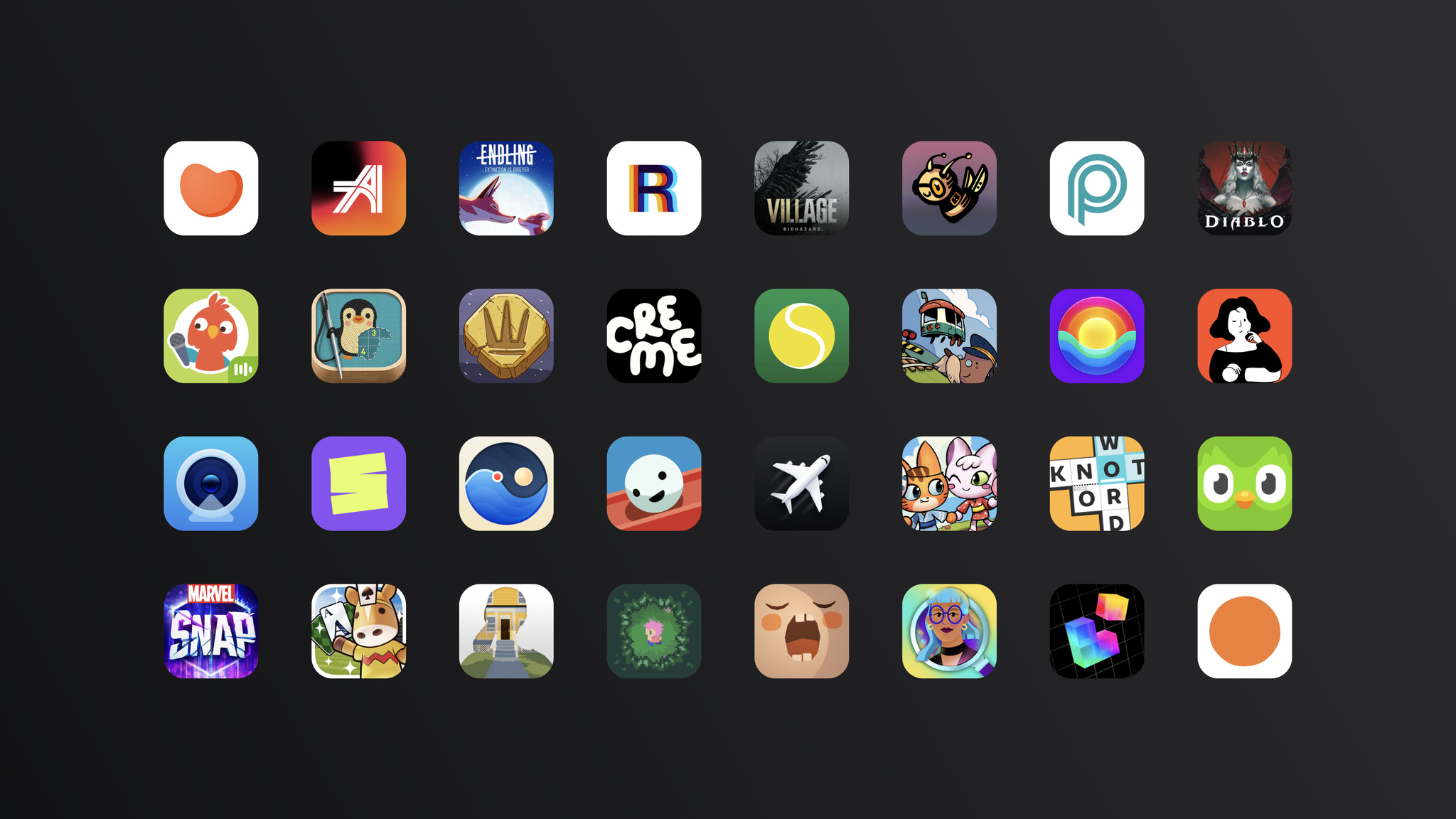
The Apple Design Awards celebrate apps and games that excel in the categories of Inclusivity, Delight and Fun, Interaction, Social Impact, Visuals and Graphics, and Innovation. Discover this year’s finalists, then check back June 5 at 6:30 p.m. PT to learn about the winners.
Get ready for an action-packed online experience at WWDC23. Join the developer community for a week of sessions, labs, and activities, starting June 5 at 10:00 a.m. PT.
The beta versions of iOS 16.6, iPadOS 16.6, macOS 13.5, tvOS 16.6, and watchOS 9.6 are now available. Get your apps ready by confirming they work as expected on these releases. And to take advantage of the advancements in the latest SDKs, make sure to build and test with Xcode 14.3.1.
To check if a known issue from a previous beta release has been resolved or if there’s a workaround, review the latest release notes. Please let us know if you encounter an issue or have other feedback. We value your feedback, as it helps us address issues, refine features, and update documentation.

Bugs are an inevitable part of the development process. Though they can be frustrating, you can help squash these sorts of problems quickly by identifying the issue you’re running into, reproducing it, and filing a report through Feedback Assistant.
Discover how you can make sure your feedback is clear and actionable.
Get ready for a world without passwords.
Passkeys are a replacement for passwords, offering a faster, easier, and more secure sign-in experience for your apps and websites. They’re strong, resistant to phishing, and designed to work across Apple devices and nearby non-Apple devices. Best of all, there’s nothing for people to create, guard, or remember.
To help explain how to implement passkeys, the Apple privacy and security team hosted a Q&A to answer common questions about device support, use cases, account recovery, and more. Here are some highlights from that conversation.
How do passkeys work?
Passkeys are based on public key cryptography, which matches a private key saved on a device with a public key sent to a web server. When someone signs in to an account, their private key is verified by your app or website’s public key. That private key never leaves their device, so apps and websites never have access to it — and can’t lose it or reveal it in a hacking or phishing attempt. There’s nothing secret about the public key; it offers no access to anything until paired with the private key.
Which devices support passkeys?
Passkeys work on devices running a minimum of iOS 16 on iPhone 8; iPadOS 16 on iPad 5th generation, iPad mini 5th generation, iPad Air 3rd generation, all iPad Pro models that offer Touch ID or Face ID; macOS Ventura; and tvOS 16. Passkeys are also supported in Safari 16 on macOS Monterey and Big Sur.
When Touch ID or Face ID can’t be used, people can enter their device passcode or system password to authenticate passkey credentials.
How do I adopt passkeys?
The first step is to adopt WebAuthn on your back-end server and add our platform-specific API to your app. Take a deeper dive into next steps by watching the video below:

Meet passkeys
It’s time for a security upgrade: Learn how to add support for passkeys to create a quick and easy sign in experience for people, all while offering a radical increase to account security. Passkeys are simple and strong credentials built to eliminate phishing attacks. We’ll share how passkeys...
What happens if a device is lost or stolen?
Data remains safe. Passkeys are end-to-end encrypted through iCloud Keychain and require biometrics, such as Face ID or Touch ID, or the device passcode to decrypt them. Without these, passkeys remain securely stored on the lost device. For extra peace of mind, you can always remotely wipe your device with Find My.
What does account recovery look like for someone who’s only ever signed in with a passkey?
The recovery method is independent of the authentication mechanism. Apps and websites are welcome to maintain the same recovery methods they use today (such as sending a link in an email to create a new passkey). Recovery will likely be a much less common scenario with passkeys, which are saved by the device. There’s nothing for a human to forget.
Can someone have multiple passkeys for my app; for instance, passkeys generated from multiple devices?
Yes, someone can have one passkey per account per platform. In the special case that someone has more than one account for an app, they’ll have discrete passkeys for each account too.
What’s the difference between passkeys and multifactor authentication?
Multifactor authentication adds additional layers of security on top of an existing password, but generally still leaves the possibility of phishing. Since passkeys eliminate the most pressing problems with passwords and are resistant to phishing, additional user-visible steps aren’t needed.
Is it possible to use an email address as the visible account identifier instead of a username?
Yes, it’s definitely possible. Our videos and documentation use usernames and email addresses as examples. Nothing about account identifiers has to change.
Resources
Meet passkeys
It’s time for a security upgrade: Learn how to add support for passkeys to create a quick and easy sign in experience for people, all while offering a radical increase to account security. Passkeys are simple and strong credentials built to eliminate phishing attacks. We’ll share how passkeys...

Spotlight on: Passkeys
Find out how Instacart, Robinhood, and Kayak are helping unlock a password-free future.
Security is at the core of every Apple platform. Discover how you can help guard your apps and games against potential threats, add support for passkeys, streamline authentication and authorization flows, and more. You’ll also get to know Developer Mode, which lets you develop, test, and deploy your products.
Videos

Get to know Developer Mode
Meet Developer Mode — required on iOS 16, iPadOS 16, and watchOS 9 to install, run, and debug your apps during development. We'll show you how you to opt in to Developer Mode on your devices, and how to enable Developer Mode in your automation workflows.

Improve DNS security for apps and servers
Discover the latest ways to ensure that DNS — the foundation of internet addressing — is secure within your app. Learn how to authenticate DNS responses in your app with DNSSEC and enable DNS encryption automatically with Discovery of Designated Resolvers (DDR).
Meet passkeys
It’s time for a security upgrade: Learn how to add support for passkeys to create a quick and easy sign in experience for people, all while offering a radical increase to account security. Passkeys are simple and strong credentials built to eliminate phishing attacks. We’ll share how passkeys...

Replace CAPTCHAs with Private Access Tokens
Don’t be captured by CAPTCHAs! Private Access Tokens are a powerful alternative that help you identify HTTP requests from legitimate devices and people without compromising their identity or personal information. We’ll show you how your app and server can take advantage of this tool to add...

Streamline local authorization flows
Discover how you can use the latest authorization-focused APIs in LocalAuthentication to protect the privacy and security of people’s data. We’ll show you how LocalAuthentication can authorize access to secrets, keys, and other sensitive resources in your app, all while reducing complexity and...

What’s new in notarization for Mac apps
Notarization works in tandem with macOS to help people safely download software for their Mac outside of the App Store. Learn about the required transition from altool to notarytool and how the Xcode GUI can help you achieve better overall performance when notarizing your app. We'll also share...

Mitigate fraud with App Attest and DeviceCheck
Discover how to use App Attest and DeviceCheck, Apple’s powerful anti-fraud tools, created to safeguard your apps and content. Unlock the secrets of deploying App Attest by incorporating it into your app to block unauthorized modifications of your app and content. We'll also show you how to use...

Safeguard your accounts, promotions, and content
Discover how to keep your accounts, apps, and content protected. We’ll explore the tools Apple has built to help developers keep their apps and systems safe and secure, and show you how to safeguard against attackers, bad actors and nefarious activity to help protect your ecosystem.

Secure your app: threat modeling and anti-patterns
It's more important than ever to consider vulnerabilities and potential threats and recognize where you should apply safeguards in your app. Understand how to identify potential risks through threat modeling and how to avoid common anti-patterns. Learn coding techniques and how to take advantage of...
Feature stories
Spotlight on: Passkeys
Find out how Instacart, Robinhood, and Kayak are helping unlock a password-free future.

Q&A with the passkeys team
Get answers from the passkeys team about adoption, account recovery, multiple devices, and more.
Resources
If you’ve ever dreamed of creating a more secure and phishing-resistant sign-in experience, we have good news.
“There is a high chance that in a few years, Apple’s release of passkeys as part of iOS 16 will be remembered as the beginning of a revolutionary change in how companies implement sign-in for their products,” wrote Matthias Keller, Kayak chief scientist and SVP of technology, in a 2022 op-ed piece on the subject.
Passkeys offer a faster, easier, and more secure sign-in experience for your apps and websites. They’re strong, resistant to phishing, and designed to work across Apple devices, as well as nearby non-Apple devices. And because they’re integrated with Touch ID and Face ID, people can use passkeys like they would any other sign-in system or routine.
A passkey is a cryptographic entity used in place of a password that’s made up of two keys: one public, one private. The public key is registered with an app or website and kept on a web server, while the private key is stored on devices. When someone attempts to sign in, the app or website creates a challenge. The private key signs the challenge to create a signature and the public key is used to verify that signature without revealing what the private key is.
While there’s a lot going on behind the scenes, most people won’t know — or need to think about — any of it. With passkeys, there’s nothing to create, guard, or remember. Plus, the private key is stored in iCloud Keychain and is end-to-end encrypted for another layer of security.
Kayak: “You just initiate the process”
Kayak’s Keller isn’t just a longtime digital security evangelist with years of history in the field. He's also a dad — and that poses its own host of security challenges.
“Between activities and school, I’m constantly creating accounts and passwords, all of which have a variety of stipulations,” Keller says. “Some can’t be longer than 16 characters, some require special symbols, and others won’t even recognize an exclamation point. And I know from experience that companies face similar challenges when it comes to protecting passwords.”
Keller has been involved with Kayak’s various login approaches throughout his 10 years with the company. Prior to passkeys, the app relied largely on “magic links” sent via email. “But it was getting more and more complex to ensure the security of magic links, especially when supporting logins across devices,” Keller says.
Between activities and school, I'm constantly creating accounts and passwords, all of which have a variety of stipulations.
Matthias Keller, Kayak chief scientist and SVP of technology
When Keller first heard about passkeys, he knew they were right for Kayak. “The moment it clicked for me was when I saw the first prototype and how easy it was to use,” he says. Kayak was one of the very first to support passkeys, releasing their update at the same time as the feature’s public release in September 2022.
The Kayak team was able to adopt passkeys so quickly in part because of the underlying framework and documentation supporting the feature. “Working on the server is my day-to-day, but I’m not afraid of doing a little bit of Swift, too,” he says. “Luckily, integrating passkeys was light on the UI side. We only had to initiate the experience provided by Apple.”
Feedback was overwhelmingly positive. In the feature’s first three weeks of availability, thousands of people created passkeys on Kayak. Almost 20 percent of those were existing users who manually opted into the new technology.
“The world before passkeys was broken,” he says. “You have all these obscure password rules, as well as expiration and compliance issues — and it can be extremely expensive to offer authentication because you have to buy security products or hire someone to run it for you.” Keller’s work at Kayak is part of a larger drive to get more companies around the world to support this new open standard — one that protects its developers as much as its customers. “You no longer need to protect millions of passwords. Now we only store public keys, which are pretty useless to hackers.”
For Keller, passkeys are now a crucial part of Kayak’s security strategy. “We’ve got a long journey until the last password is gone, but it's exciting to see where we're headed,” he says.
Robinhood: "We're talking about the emotional angle"
For investment app Robinhood, passkeys provide a key advantage over other secure sign-in options: speed.
“Robinhood is a product where you may want to sign in and complete a time-sensitive action,” says Hannarae Nam, the app’s product manager for account security. “Maybe the market’s opening and [you] want to make a trade immediately.” Typing a password or engaging in two-factor authentication can eat up precious seconds — and could cost you a deal or a valuable trade.
We're talking about the emotional angle of instantly accessing your account.
Yong Rhee, Robinhood product lead for customer trust and safety
With passkeys, the app can provide a speedy login process that also offers maximum security. “It’s critical to understand that we’re not talking about just the ability to engage with Robinhood to invest and trade,” says Yong Rhee, the product lead for customer trust and safety. “We’re talking about the emotional angle of instantly accessing your account.”
Ensuring that customers aren’t locked out is “critical” to Robinhood, says Rhee. Passkeys are managed by the operating system and backed up, synced, and available across all of someone’s devices. There's no typing needed and nothing to remember. And people can easily get back in to their accounts even if they lose their phone.
Robinhood’s security team pushed for passkeys early as a potential solution for their customers. “They’ve been a strong proponent of bringing up the vulnerabilities of passwords,” says Rhee. The team rolled out passkeys to a percentage of customers in December 2022, though they plan to continue maintaining their existing password and two-factor authentication system as passkeys adoption rolls out. “I think when customers catch up to the technology, they’ll understand and feel more confident in account security,” says Rhee.
Instacart: “It seemed like a perfect match”
Instacart senior mobile engineer Josh Schroeder was on paternity leave when passkeys were introduced at WWDC22, but he made a note to dig into the idea upon his return. “Between the reduced friction and improved security, it seemed like a perfect match,” he says.
The Instacart team signed off on the idea quickly, encouraged by the opportunity to reduce sign-in friction. “That was the biggest selling point for me,” says Brandon Lawrence, Instacart’s senior software engineer. “Well, that and not having to remember another password.”
We believe in passkeys, and we think this will become really common.
Josh Schroeder, Instacart senior mobile engineer
For Instacart, there was a second benefit as well: the opportunity to pare down duplicate accounts. “When they don’t remember their password, a lot of people just create another account,” says Schroeder. Passkeys avoid that unnecessary (and annoying) duplication. Because devices keep track of passkeys, there's nothing to remember.
The early implementation process made Lawrence — who spent part of his pre-tech career as a meteorologist in the Marines — feel like something of a passkeys pioneer. “For much of what we build, we can look at the many people who’ve done it before. This time there was a lot more exploration, a little more feeling like we were in uncharted territory. Once we got it into place, it was relatively smooth.”
Today, passkeys are presented as the default sign-in option when creating an Instacart account with an email address (although if someone declines, the app offers the option to create a traditional password). More than half of new Instacart customers who created accounts with an email address have adopted the feature, and plans are underway to gradually convert existing accounts as well. “We believe in passkeys,” says Schroeder, “and we think this will become really common.”
Resources
Meet passkeys
It’s time for a security upgrade: Learn how to add support for passkeys to create a quick and easy sign in experience for people, all while offering a radical increase to account security. Passkeys are simple and strong credentials built to eliminate phishing attacks. We’ll share how passkeys...
Q&A with the passkeys team
Get answers from the passkeys team about adoption, account recovery, multiple devices, and more.
Soon it will be easier than ever for your customers to resolve payment issues, so they can stay subscribed to your content, services, and premium features. Starting this summer, if an auto-renewable subscription doesn’t renew due to a billing issue, a system-provided sheet appears in your app with a prompt that lets customers update their payment method for their Apple ID. No action is required to adopt this feature. Starting today, you can get familiar with the sheet in Sandbox. You can also test delaying or suppressing it using messages and display in StoreKit. This feature will require a minimum of iOS 16.4 or iPadOS 16.4.
All of this adds to existing powerful App Store features that help you retain subscribers. For example, if a subscription is in the billing retry state, Apple uses machine learning to optimize payment retries for the best possible recovery rate. And when you enable Billing Grace Period, customers can continue accessing their subscriptions while Apple attempts to collect payment.
The App Store’s world-class commerce and payments system provides a convenient and effective way to set equalized prices across international markets, adapt to foreign exchange rate or tax changes, and manage prices per storefront. Last month, we introduced major pricing upgrades, including enhanced global pricing, across all purchase types. Now more customer friendly, the new price points follow the most common conventions in each country or region, and are globally equalized to your selected base country or region using publicly available exchange rate information from financial data providers.
As reminder, on May 9, 2023, pricing for existing apps and one-time in-app purchases will be updated across App Store storefronts using your current price in the United States as the basis—unless you’ve made relevant updates after March 8, 2023. You can update your base country or region at anytime using App Store Connect or the App Store Connect API. If you choose to do so, prices in your selected base country or region won’t be adjusted when prices are globally equalized on the App Store to account for foreign currency changes or new taxes. You can also choose to manually adjust prices on multiple storefronts of your choice instead of using the equalized price.
Learn how to select a base country or region

We’re excited to continue our long-standing support of students around the world who love to code. Show us your passion for coding by submitting an incredible app playground on the topic of your choice using Swift Playgrounds or Xcode. Winners will receive an award, recognition, and more.
Mark your calendars for an exhilarating week of technology and community. Be among the first to learn the latest about Apple platforms, technologies, and tools. You’ll also have the opportunity to engage with Apple experts and other developers. All online and at no cost.
Special event at Apple Park
In addition, Apple will host a special all-day event for developers and students on June 5 at Apple Park. Watch the keynote and State of the Union videos together, meet some of the teams at Apple, celebrate great apps at the Apple Design Awards ceremony, and enjoy activities into the evening.
Swift Student Challenge
Calling all talented students! Show us your creativity and passion for coding to be selected for an award. Apply by April 19.
We’ll be posting WWDC announcements leading up to and during the conference.
Check your email settings in your Apple developer account.Check your push notification settings on the Account Tab.
Mark your calendars June 5 through 9 for an exhilarating week of technology and community. Be among the first to learn the latest about Apple platforms, technologies, and tools. You’ll also have the opportunity to engage with Apple experts and other developers. All online and at no cost.
In addition, Apple will host a special all‑day event for developers and students on June 5 at Apple Park. Watch the keynote and State of the Union videos together, meet some of the teams at Apple, celebrate great apps at the Apple Design Awards ceremony, and enjoy activities into the evening.
Talented students can showcase their creativity for the opportunity to receive an award in the Swift Student Challenge.
The beta versions of iOS 16.5, iPadOS 16.5, macOS 13.4, tvOS 16.5, and watchOS 9.5 are now available. Get your apps ready by confirming they work as expected on these releases. And to take advantage of the advancements in the latest SDKs, make sure to build and test with Xcode 14.3.
To check if a known issue from a previous beta release has been resolved or if there’s a workaround, review the latest release notes. Please let us know if you encounter an issue or have other feedback. We value your feedback, as it helps us address issues, refine features, and update documentation.
Starting April 25, 2023, iOS, iPadOS, and watchOS apps submitted to the App Store must be built with Xcode 14.1 or later. The latest version of Xcode 14, which includes the latest SDKs for iOS 16, iPadOS 16, and watchOS 9, is available for free on the Mac App Store.
When building your app, we highly recommend taking advantage of the latest advances in iOS 16, iPadOS 16 and watchOS 9.
iOS 16 enhances iPhone with all-new personalization features, deeper intelligence, and more seamless ways to communicate and share. Take advantage of Live Activities to help people stay on top of what’s happening live in your app, right from the Lock Screen and the Dynamic Island on iPhone 14 Pro. Use App Intents to help users quickly accomplish tasks related to your app by voice or tap. And get the most out of the latest enhancements in MapKit, ARKit, Core ML, and more.
iPadOS 16 introduces new productivity features that let you deliver compelling collaboration experiences and build more capable, intuitive apps and powerful pro workflows on iPad. You can bring desktop-class features, such as an editor-style navigation bar, enhanced text editing menu, and external display support, to your iPad app. Metal 3 introduces powerful features that help your games and pro apps tap into the full potential of Apple silicon on the latest generations of iPad Pro and iPad Air.
watchOS 9 provides new and powerful communication features for watchOS apps. You can deliver timely information with rich complications on more Apple Watch faces, enable sharing of your app content, let users make VoIP calls directly from Apple Watch, and more. And with a simplified watchOS app structure, managing your projects is simpler than ever.
With Live Activities, your app can provide up-to-date, glanceable information — like weather updates, a plane’s departure time, or how long it’ll be until dinner is delivered — right on the Lock Screen. What’s more, thanks to lively features like the Dynamic Island on iPhone 14 Pro and iPhone 14 Pro Max, Live Activities can also be a lot of fun.
Apple evangelists, designers, and engineers came together at Ask Apple to answer your questions about Live Activities and the Dynamic Island. Here are a few highlights from those conversations, including guidance about sizing and styling, when to dismiss a Live Activity, and why widgets and Live Activities are different (except when they’re not).
How do I update a Live Activity without using Apple Push Notification service (APNs)?
Your app can use a pre-existing background runtime functionality, such as Location Services, to provide Live Activity updates as you see fit. You can also use BGProcessingTask and background pushes to provide less frequent updates to your Live Activity. Keep in mind that these background tasks aren’t processed immediately by the system. You can read more below:
Displaying live data with Live Activities
The 4-hour default to dismiss a Live Activity is too long for my use case. What are the guidelines for dismissing a Live Activity after it ends?
When ending a Live Activity, you can provide an ActivityUIDismissalPolicy to tell the system when to dismiss your UI. Alternatively, you can choose to dismiss the Live Activity immediately or after a certain time has passed.
How can my app detect when someone dismisses a Live Activity?
The Activity.activityUpdates static var is an async sequence that will announce updates to all of your app’s Live Activities, including ones that get dismissed. Alternatively, the activityStateUpdates async sequence will announce a new state if your app already has a reference to the Live Activity.
When an app is force quit, is the associated Live Activity dismissed?
Live Activity life cycles aren’t tied to the host app’s process, so they’ll stay if the app is force quit. Your widget extension’s life cycle is also separate. It’s entirely possible that different instances of the widget extension are called to render views for the same Live Activity, so it’s important not to store any state locally in the widget extension.
How do Live Activities and widgets differ?
Live Activities and widgets both provide glanceable information at a moment’s notice. Live Activities are great for displaying situational information related to an ongoing task that someone initiated. Good examples include food deliveries, workouts, and flight departure times. Widgets can provide glanceable information that’s always relevant. Good examples include to-do lists, this week’s weather forecast, or how close someone is to closing their rings on Apple Watch.
While both Live Activities and widgets rely on WidgetKit to lay out their UI, they’re structured a bit differently. Live Activities are a single view that updates programmatically, while widgets consist of a timeline of preconstructed views.
Should my Live Activity attempt to change the background color of the Dynamic Island?
The Dynamic Island is most immersive when you don’t provide background color or imagery — think of it purely as a canvas of foreground view elements. More design guidance is provided in the Human Interface Guidelines.
Human Interface Guidelines - Live Activities
Do Live Activities support interactive buttons?
Live Activities on the Lock Screen and in the Dynamic Island don’t support interactive buttons or other controls. Including buttons in your Live Activity could confuse someone into thinking they’re able to interact with the view. For this reason, you should avoid displaying anything in your UI that resembles a button.
The best user experience exists within your app, which is why all interaction with a Live Activity results in opening your app. A Live Activity’s Lock Screen presentation and expanded presentation can include multiple links into your app, so you can provide different destinations, depending on the context of your Live Activity.
Are Live Activities the only way to support the Dynamic Island?
Your app can implement other system services, such as CallKit and Now Playing, that display system UI in the Dynamic Island. However, Live Activities are the only way for your app to provide its own UI in the Dynamic Island.
Is it possible to add animations to the Dynamic Island?
While there’s no support for arbitrary animations in your Live Activity views, your app can change how a Live Activity’s content updates from one state to the next. Read more in the “Animate content updates” section of the article below.
Displaying live data with Live Activities
Where can I find more documentation about Live Activities?
The ActivityKit documentationprovides a wealth of information about implementing Live Activities, including how to update and end a Live Activity using APNs. In addition, the Human Interface Guidelinesoffer design guidance and recommended sizes for the various presentations. You can also find some inspiration in the Food Truck sample project from WWDC22.
Human Interface Guidelines - Live Activities
Displaying live data with Live Activities
Updating and ending your Live Activity with ActivityKit push notifications

Discover how you can bring a new dimension of sound to your apps and games with Spatial Audio. We'll show you how you can easily bring immersive audio to listeners with compatible hardware, help you take advantage of the PHASE and Audio Engine APIs, and offer recommendations on tailoring your project's experience to tell stories in new, exciting ways. We'll also share how apps like Endel and Odio added Spatial Audio to deliver incredible sound.
Videos

Immerse your app in Spatial Audio
Discover how spatial audio can help you provide a theater-like experience for media in your apps and on the web. We’ll show you how you can easily bring immersive audio to those listening with compatible hardware, and how to automatically deliver different listening experiences depending on...

Discover geometry-aware audio with the Physical Audio Spatialization Engine (PHASE)
Explore how geometry-aware audio can help you build complex, interactive, and immersive audio scenes for your apps and games. Meet PHASE, Apple’s spatial audio API, and learn how the Physical Audio Spatialization Engine (PHASE) keeps the sound aligned with your experience at all times — helping...

Design for spatial interaction
Discover the principles for creating intuitive physical interactions between two or more devices, as demonstrated by Apple designers who worked on features for iPhone, HomePod mini, and AirTag. Explore how you can apply these patterns to your own app when designing features for Apple platforms, and...
Feature stories

Spotlight on: Spatial Audio
Learn how developers are creating immersive surround-sound experiences.

Behind the Design: Odio
Discover how this app conjures up its 3D soundscapes.
Resources

When designing soundscapes for apps and games, the right notes can make all the difference. And when those notes are built to support multichannel audio, they might even turn someone’s head. (Literally.)
Endel and Odio are just two of the many apps and games taking advantage of Spatial Audio. They use multichannel mixes, Core Audio, and AVFoundation to add texture and dimensionality, creating resonating surround-sound experiences that further immerse listeners into the world within their apps.
Design for spatial interaction
Discover the principles for creating intuitive physical interactions between two or more devices, as demonstrated by Apple designers who worked on features for iPhone, HomePod mini, and AirTag. Explore how you can apply these patterns to your own app when designing features for Apple platforms, and...
Endel (pictured above) conjures up personalized and adaptive soundscapes based on biometrics and environment to help people focus and get better sleep. Its inaugural Spatial Audio soundscape — one with the satisfyingly otherworldly name of Spatial Orbit — brings the app’s remarkable mix of art and AI to a new dimension.
“It feels like you’re inside a vast, glittery space,” says Dmitry Evgrafov, Endel cofounder and chief sound officer. “It’s almost like the sonic equivalent of pointillism, where the small dots create a structure themselves and you kind of drown in the thing. It’s a very beautiful state, and it’s not something you can reproduce in stereo.”

When bringing Spatial Audio into their ecosystem, the Endel team’s first task was determining if the technology was compatible with their ever-changing, generative soundscape. That job fell largely to Kyrylo Bulatsev, cofounder and chief technology officer. “[Spatial Audio] meant we had to add one more dimension to the non-static element,” he says. “Besides choosing what sound to play and when, we had to think about where the sound would be and how it would move around you.”
That soundscape also had to hit the “thin line between augmenting an experience and making it distracting,” Evgrafov says. That’s because while most apps (and games and movies and songs) are designed for active engagement, Endel aims to be a perfect background companion — enhancing your experience without pulling from your focus. “Our use case is different from other products that utilize the technology,” says Evgrafov (whom fellow cofounder Oleg Stavisky credits with “all the beautiful sounds in the app”).
It’s almost like the sonic equivalent of pointillism.
Dmitry Evgrafov, *Endel* cofounder and chief sound officer
A pianist and musician with 10 albums to his credit, Evgrafov certainly knows his way around stereo. “But randomization of the position of audio in the space? That’s a whole different beast,” he says.
The first serious prototype of Spatial Orbit was earthbound, set to a realistic jungle scene. “The idea was you’d walk around this magical Garden of Eden and exotic tropical animals would sing around you,” he says. “We had a harp playing by the water, a creek, birds that don’t exist in the real world, stuff like that.”
Similar ideas kept coming: a Gregorian choir that slowly shuffled past you while chanting, field recordings from inside a cave. Although the concepts were cool and the prototypes sounded great, the team kept running up against the same problem. “They weren’t Endel,” says Evgrafov. “They transported you to a place, but that meant people were using the app consciously. They didn’t match what we stood for.”

The final version of Spatial Orbit does match what Endel stands for — and achieves the synthesis of art and technology that Endel strives for. “The rain [in our soundscape] is almost metaphorical,” says Evgrafov. “It’s got this slightly augmented feel that allows you to just drown a little and be with your thoughts, focus on your book, or whatever you’re doing.”
Tweaking the soundscape was an adventure in itself. “Watching people test Endel is kind of a funny exercise,” laughs Stavitsky. That’s because there’s really not an established way to test an personalized auto-generated soundscape for a group of people all at once.
[The rain has] this slightly augmented feel that allows you to just drown a little and be with your thoughts, focus on your book, or whatever you’re doing.
Dmitry Evgrafov
“We invented the process and the toolset,” says Evgrafov. It involved a lot of people wandering Endel’s Berlin offices... and elsewhere. “It was also a lot of me in public spaces just staring at nothing, like a cat.”
In the end, Spatial Orbit captures that elusive mix of innovative technology and artistic resolve. “When we realized the science was there and that it still checked all the Endel boxes, it was a big relief,” says Evgrafov. “We thought, ‘OK, we can be non-intrusive and Spatial at the same time.’”
Download Endel from the App Store
Odio also focuses on creating great ambient soundscapes — but with a sci-fi twist. “I want our composers to imagine inventing planets and filling them up with sound,” says Joon Kwak, the app’s Seoul-based cofounder. “We want to walk people through these new planets.”
The app’s soundscapes, which can evoke anything from a crashing waterfall to a buzzy digital backdrop to the spooky calm of the deep sea, use head tracking and multichannel audio to create a truly mesmerizing mix. (The app is also a visual feast, with each soundscape accompanied by ever-shifting techno-tinged art.)
But you’re no passive listener in these audio realms. The individual elements that make up each soundscape can be manipulated through an imaginative, playful UI that lets you reposition each audio element (like that waterfall) anywhere you like.

Befitting its futuristic feel, Odio's backstory is one of serendipitous meetings, well-timed hardware and software releases, and a stroke of good fortune. Kwak conceived the app’s initial version as a graduation project at the Design Academy Eindhoven. Originally known as Virtual Sky, the prototype contained the bones of what would become Odio, but was largely grounded in real-world sounds. It also required a mess of hardware and special equipment — all of which was rendered pretty much irrelevant once AirPods with Spatial Audio arrived.
“I was depressed for a while,” laughs Kwak. “I was like, ‘I’ve been working on this for months, and now it’s pointless!’ But then I thought about it more deeply and realized, ‘Oh, this just means I don’t need to provide hardware,’ and it was actually great.”
Kwak partnered with Volst, a company that was interested in a 3D soundscape app. With the building blocks in place, Odio's UI developer and designer, Rutger Schimmel, took on the challenge of bringing Kwak’s project to life — a process that went much faster than expected.
I want our composers to image inventing planets and filling them up with sound.
Joon Kwak, *Odio* cofounder
“We knew the AirPods had [surround sound] support, but we were skeptical,” he says. “We thought, ‘OK, they have head tracking, but it’s probably just for first-party stuff.’ But we were still excited, so we quickly set up an Xcode project to get the data from the AirPods to the device.”
They had a prototype up and running on the headphones within minutes. “We were blown away by how easy it was,” Schimmel says. “And in about an hour we decided on excellent 3D audio frameworks from Apple that were the perfect foundation for what we were working on.” Coding began in January. By April, the team had a Swift-built demo ready to go.
To build an Odio soundscape, composers like Kwak, Odio sound designer Max Frimout, and a team of outside musicians collaborate — generally in Logic Pro — by blending ambient sounds, synthetic bells and whistles, and music.

After the soundscapes are completed and duly field-tested in coffee shops, parks, and subways, the artists hand their files over to Schimmel. For a role that involves cutting-edge design, immersive audio, and incredible degrees of customization, Schimmel’s toolbox is surprisingly uncluttered: AVAudioEnvironmentNode (AVKit) for creating the 3D audio environment, CMHeadphoneMotionManager (Core Motion) to access headphone motion data, and Sentry for error tracking and QA.
“Everything else in Odio is created from scratch in Swift — from data management to interacting with soundscapes to real-time buffering the interactive sound files,” Schimmel says.
The result is a remarkable example of the power and simplicity of designing for Spatial Audio. “Honestly,” Schimmel says, “most of the hard work is done by the composer.”
Download Odio from the App Store
Discover geometry-aware audio with the Physical Audio Spatialization Engine (PHASE)
Explore how geometry-aware audio can help you build complex, interactive, and immersive audio scenes for your apps and games. Meet PHASE, Apple’s spatial audio API, and learn how the Physical Audio Spatialization Engine (PHASE) keeps the sound aligned with your experience at all times — helping...
Immerse your app in Spatial Audio
Discover how spatial audio can help you provide a theater-like experience for media in your apps and on the web. We’ll show you how you can easily bring immersive audio to those listening with compatible hardware, and how to automatically deliver different listening experiences depending on...
In December, we announced the most comprehensive upgrade to pricing capabilities since the App Store first launched, including additional price points and new tools to manage pricing by storefront. Starting today, these upgrades and new prices are now available for all app and in‑app purchase types, including paid apps and one‑time in‑app purchases.
More flexible price points. Choose from 900 price points — nearly 10 times the number of price points previously available for paid apps and one‑time in‑app purchases. These options also offer more flexibility, increasing incrementally across price ranges (for example, every $0.10 up to $10, every $0.50 between $10 and $50, etc.).
Enhanced global pricing. Use globally equalized prices that follow the most common pricing conventions in each country or region, so you can provide pricing that’s more relevant to customers.
Worldwide options for base price. Specify a country or region you’re familiar with as the basis for globally equalized prices across the other 174 storefronts and 43 currencies for paid apps and one‑time in‑app purchases. Prices you set for this base storefront won’t be adjusted by Apple to account for taxes or foreign currency changes, and you’ll be able to set prices for each storefront if you prefer.
Regional options for availability. Define the availability of in‑app purchases (including subscriptions) by storefront, so you can deliver content and services customized for each market.
Get ready for enhanced global pricing updates in May
The App Store’s global equalization tools provide a simple and convenient way to manage pricing across international markets. On May 9, 2023, pricing for existing apps and one‑time in‑app purchases will be updated across all 175 App Store storefronts to take advantage of new enhanced global pricing. The updated prices will be globally equalized to your selected base country or region using publicly available exchange rate information from financial data providers. These price points will also follow the most common conventions in each country or region so that prices are more relevant to customers.
You can now update your current pricing to take advantage of the enhanced global pricing using App Store Connect or the App Store Connect API. If you haven’t made price updates for your existing apps and one‑time in‑app purchases by May 9, Apple will update them for you using your current price in the United States as the basis. If you’d like a different price to be used as the basis, update the base country or region for your apps or in‑app purchases to your preferred storefront. You can also choose to manually manage prices on storefronts of your choice instead of using the equalized price.
Learn how to select a base storefront
This International Women's Month, we’re celebrating women founders, creators, developers, and designers. Read on to learn more about their journeys and the stories behind their apps and games.
Behind the Design: Rebel Girls
The Rebel Girls app uses immersive audio experiences, gorgeous art, and clever interactive elements to spotlight its historic heroines. “We’re creating an omnichannel for girls,” says Jes Wolfe, CEO of Rebel Girls. “The app takes the best of our books, podcasts, and audio stories and puts them into a flagship destination.”

Behind the Design: Rebel Girls
Find out how the groundbreaking book became an ADA-winning app.
Download Rebel Girls from the App Store
Behind the Design: Wylde Flowers
This charming Apple Design Award-winning game is a cross-pollination of farming simulation, eerie mystery, optional love story, and exploration of tolerance and understanding. Also, you’re a witch who sometimes turns into a cat. “The Wylde Flowers experience is a bit different for everybody,” says Amanda Schofield, cofounder, creative director, and managing director of indie developer Studio Drydock. “It’s all about self-expression and self-exploration.”

Behind the Design: Wylde Flowers
Discover how Studio Drydock created this charming Apple Design Award-winning game.
Download Wylde Flowers from Apple Arcade
Developer Spotlight: Rootd
When she started having panic attacks as a university student, Ania Wysocka (pictured above) wanted "to look for an app that could explain what was happening to me,” she says. But when the hypnosis and therapy apps she downloaded didn’t have what she was seeking, she decided to create Rootd to demystify panic attacks and bring on-the-spot relief.

Developer Spotlight: Rootd
Talk about an impressive résumé.
Download Rootd from the App Store
Behind the Design: Overboard!
In the evocative murder mystery game Overboard!, you play not as the detective but the murderer most foul — Veronica Villensey, a fading 1930s starlet who’s tossed her husband off a cruise ship. To bring the story to life, artist and designer Anastasia Wyatt trawled into the rich potential of the game’s vintage setting, pulling designs from 1930s fashion, magazines, and even sewing pattern books.

Behind the Design: Overboard!
How Inkle built an upside-down whodunit in just 100 days.
Download Overboard! from the App Store
Behind the Design: Pok Pok Playroom
When the husband-and-wife team of Esther Huybreghts and Mathijs Demaeght first began dreaming up Pok Pok Playroom, they made a solemn vow: parents shouldn't need to mute the app in a restaurant. “We didn’t want media and jingles and jangles that get stuck in your head,” Huybreghts laughs. “We wanted a quieter experience.”

Behind the Design: Pok Pok Playroom
Pok Pok Playroom is a quiet feast for little senses. There are switches to flip, gears to grind, blobs to plop together, and bells to ring — and those are just a handful of the animations designed to make the app feel like a tactile, handmade toy.
Download Pok Pok Playroom from the App Store
Developer Spotlight: Ground News
In 2017, Harleen Kaur launched Ground News, a news aggregator that helps you see how media outlets across the political spectrum are covering—or ignoring—a topic. Not only does it let you read coverage from thousands of publications worldwide, it also shows the political bent of an article or outlet (which is ranked by a third-party service and Ground News users themselves).

Developer Spotlight: Ground News
Talk about an impressive résumé.
Download Ground News from the App Store
Developer Spotlight: Prêt-à-Template
When Prêt-à-Template founder and CEO Roberta Weiand launched her app in 2014, it quickly became a darling among fashion designers around the world. With its library of templates, textures, and patterns, the app lets anyone sketch their dream outfit.

Developer Spotlight: Prêt-à-Template
Download Prêt-à-Template from the App Store
Developer Spotlight: The Dyrt
Sarah Smith, an avid camper and cofounder of The Dyrt, was frustrated by how hard it was to find details on a campsite before you booked. She wanted to know that, say, site 2 was next to a busy road, while site 7 was along a river. She wondered why nobody seemed to be solving the problem. Then she had a thought that changed everything: “Why can’t I do it?”

Developer Spotlight: The Dyrt
Download The Dyrt from the App Store
Read more
App Analytics in App Store Connect is a helpful tool with a breadth of features to help you understand and improve how your app is performing on the App Store. With metrics related to acquisition, usage, and monetization strategy, App Analytics enables you to monitor results in each stage of the customer lifecycle, from awareness to conversion and on to retention. Starting today, you can put your app’s performance into context using peer group benchmarks, which compare your app’s performance to that of similar apps on the App Store. Now you’ll have even more insights to help you identify growth opportunities.
Peer group benchmarks provide powerful new insights across the customer journey, so you can better understand what works well for your app and find opportunities for improvement. Apps are placed into groups based on their App Store category, business model, and download volume to ensure relevant comparisons. Using industry-leading differential privacy techniques, peer group benchmarks provide relevant and actionable insights — all while keeping the performance of individual apps private.
Review your new benchmark data, then leverage other tools in App Store Connect to improve conversion rates, proceeds, crash rates, and user retention. You can test different elements of your product page to find out which resonate with people most, create additional product page versions to highlight specific features or content, get feedback on beta versions of your app, offer in‑app events to encourage engagement, and so much more.

Join us for online sessions February 28 to April 13 to learn about the latest App Store features and get your questions answered. Find out how to measure user acquisition with App Analytics and grow your subscription business using App Store features. Explore how product page optimization lets you test different elements of your product page to find out which resonate with people most and how custom product pages let you create additional product page versions to highlight specific features or content. Learn how to boost discovery and engagement with Game Center and how to configure in‑app events. Apple Developer Program members can register for sessions today.
The beta versions of iOS 16.4, iPadOS 16.4, macOS 13.3, tvOS 16.4, and watchOS 9.4 are now available. Get your apps ready by confirming they work as expected on these releases. And to take advantage of the advancements in the latest SDKs, make sure to build and test with Xcode 14.3.
To check if a known issue from a previous beta release has been resolved or if there’s a workaround, review the latest release notes. Please let us know if you encounter an issue or have other feedback. We value your feedback, as it helps us address issues, refine features, and update documentation.
Explore the latest developer videos and learn about Metal, SharePlay, enterprise apps and more.
What's new for enterprise developers
Discover how you can build compelling apps for your business on iOS, iPadOS, macOS, and watchOS. We'll take you through a curated overview of the latest updates to Apple platforms and show you how to transform workflows, inform business decisions, and boost employee productivity.

What's new for enterprise developers
Discover how you can build compelling apps for your business on iOS, iPadOS, macOS, and watchOS. We'll take you through a curated overview of the latest updates to Apple platforms and explore relevant features that you can use to create engaging enterprise apps to transform workflows, inform...
Discover Metal Performance HUD
Get to know the new Metal Performance heads-up display panel built to help you analyze graphics performance in real time. Metal Performance HUD displays key graphics statistics so you can monitor, log, and identify tough-to-spot performance problems.

Discover Metal Performance HUD
Get to know the new heads-up display panel built to help you analyze graphics performance in real time. Metal Performance HUD displays key graphics statistics so you can monitor, log, and identify tough-to-spot performance problems.
Add SharePlay to your multiplayer game with Game Center
Learn how to let your players jump into games with friends they're on FaceTime calls with, using SharePlay. We'll show you how easy it is to turn on SharePlay support if you are already using the Game Center multiplayer UI. And if you’ve built a custom interface, we’ll give you the few lines of code you need to support SharePlay.

Add SharePlay to your multiplayer game with Game Center
Learn how to let your players jump into games with friends they're on FaceTime calls with, using SharePlay. We'll show you how easy it is to turn on SharePlay support if you are already using the Game Center multiplayer UI. And if you’ve built a custom interface, we’ll give you the few lines of...
Migrate custom intents to App Intents
Learn how you can easily convert your existing custom intents to App Intents. We'll take you through the conversion of your intents to Swift and discuss how you can improve discoverability of your app features when you create App Shortcuts.

Migrate custom intents to App Intents
Learn how you can easily convert your existing custom intents to App Intents. We'll take you through the conversion of your intents to Swift and discuss how you can improve discoverability of your app features when you create App Shortcuts.To learn more about App Intents, watch "Implement App...
Implement Apple Pay and order management
Explore Apple Pay, an easy and secure way for people to make payments in your iOS, iPadOS, and watchOS apps and on the web. We'll take you through the entire Apple Pay implementation workflow – including how you can signal support for Apple Pay, request payment and handling updates, and add order details at the end of a payment flow to help people track their purchases.

Implement Apple Pay and order management
Apple Pay provides an easy and secure way for people to make payments in your iOS, iPadOS, and watchOS apps as well as on the web. We'll take you through the entire Apple Pay implementation workflow – including how you can signal support for Apple Pay, request payment and handling updates, and...
The App Store’s commerce and payments system was built to empower you to conveniently set up and sell your products and services at a global scale with 44 currencies across 175 Storefronts. Periodically, we update prices on the App Store in certain regions based on changes in taxes and foreign exchange rates. This is done using publicly available exchange rate information from financial data providers to help ensure prices for apps and in‑app purchases stay equalized across all storefronts.
On February 13, 2023, prices of apps and in-app purchases (excluding auto-renewable subscriptions) on the App Store will increase in Colombia, Egypt, Hungary, Nigeria, Norway, South Africa, and the United Kingdom. Prices in Uzbekistan will decrease to reflect a reduction of the value-added tax rate from 15% to 12%. Your proceeds will be adjusted accordingly and will be calculated based on the tax-exclusive price.
While prices on the App Store in Ireland, Luxembourg, Singapore, and Zimbabwe won't change, your proceeds will be adjusted to reflect the following tax changes:
- Ireland: Reduction of value-added tax rate on electronic newspapers and periodicals from 9% to 0%
- Luxembourg: Reduction of value-added tax rate from 17% to 16%
- Singapore: Increase of goods and services tax rate from 7% to 8%
- Zimbabwe: Increase of value-added tax rate from 14.5% to 15%
Additionally, by the end of January proceeds will increase for local developers selling in Cambodia, Kyrgyzstan, Indonesia, Singapore, South Korea, Tajikistan, Thailand, and Uzbekistan.
Apple will estimate and remove taxes based on the tax category information you have provided before calculating commission. Exhibit B of the Paid Applications Agreement will be updated to reflect this change.
Once these changes go into effect, the Pricing and Availability section of My Apps will be updated. As always, you can change the price of your apps and in-app purchases (including auto-renewable subscriptions) at any time in App Store Connect. If you offer subscriptions, you can choose to preserve prices for existing subscribers.
And as previously announced, in spring 2023, upgraded pricing capabilities for apps and in-app purchases will provide you 700 additional price points and more flexibility to set prices per storefront, so you can manage foreign exchange rate changes independent of globally equalized prices.
Thank you to everyone who joined us during three great weeks of Ask Apple in October, November, and December. Q&As remain available in Slack for Ask Apple participants to review as needed.
If you haven’t already told us about your experience in Q&As, we’d love to get your feedback in our short survey. It only takes a few minutes to complete and your responses will be anonymous.
We’re excited to connect with you again soon.
Starting January 18, 2023, the App Store receipt signing certificate will use a new WWDR intermediate certificate. The existing intermediate certificate expires on February 7, 2023. In most cases, this certificate change won’t require changes to apps. However, we recommend reviewing how you verify the sale of your apps and in-app purchases from the App Store to make sure your apps aren’t impacted.
If you verify App Store transactions using the AppTransaction and Transaction APIs, or the verifyReceipt web service endpoint, no action is required.
If you validate App Store receipts on device using the App Store receipt signing certificate, make sure you haven’t hardcoded the intermediate certificate and verify that the chain of trust for the container’s signature matches the Apple Inc. Root Certificate.
Additional details on App Store receipt validation:
When it comes to designing creative interactions, the Procreate team knows how to get the job done.
The illustration app kicked off in 2011 with touch-based controls — "just five fingers of input," says CEO James Cuda — and won a rare pair of Apple Design Awards over the next decade for their innovative approaches to digital drawing, sketching, and painting.
While finger painting remains a core part of the app, Apple Pencil has become a significant part of Procreate's story. Apple Pencil gives artists customization and control of their line width and opacity, stroke style, and quick-access controls. And with the introduction of Apple Pencil hover, the Procreate team is investing even more heavily in the stylus. “It’s truly made a profound impact in our design phase,” says Cuda.
Hover over your canvas, and X marks the spot.
As with pretty much any other digital or analog drawing tool, Apple Pencil operates on the X and Y axes of a canvas, requiring direct input from the stylus nib to draw a line or select a tool. The second-generation Apple Pencil also adds support for direct input along the side of the stylus — which gives developers an option to add shortcuts within their apps. Now, Apple Pencil hover is bringing tool and previewing shortcuts into an entirely new dimension. (The Z-axis, specifically.)
“[It's] a whole new layer of interaction," says Cuda. “Everything springs to life as your Apple Pencil comes near.”
With ColorDrop, you can precisely preview your colors before tapping your canvas.
Apple Pencil hover activates when the nib is up to 12 mm above the display on iPad Pro with the M2 chip. Developers can customize what the feature does within their app, including offering tool variations, menu selection, and even previewing lines themselves — so artists can draw, sketch, and color with even greater control. "The ability to not make a commitment or damage the artwork is transformative," Cuda says.
And the feature's functionality is only half the fun. “It makes everything feel so playful,” says Claire d’Este, Procreate’s chief product officer. “I find myself rolling up and down menus just to see it responding. There’s something so nice about everything lighting up as I’m thinking about what to do next.”
The ability to not make a commitment or damage the artwork is transformative.
James Cuda, Procreate CEO
The Procreate team has hidden these sorts of playful moments throughout the entire app. In the gallery view, hovering over thumbnails expands the image or previews animations. Tools like the color picker or menu buttons react as you move across them. And then, of course, there's the canvas.
With your iPad on a desk or table, hover works in conjunction with Multi-Touch capabilities.
‘Your mind starts racing’
"There are two phases with something like this,” says Procreate chief technology officer Lloyd Bottomley. “The first is the initial, ‘Wow, this is cool.’ But then your mind starts racing because you’re trying to think of all the things you could do with it.”
With so many possibilities open to them, the Procreate team had to approach each idea with care and scrutiny to ensure they were aiding and improving design and creation workflows rather than hindering them. “We’re obsessed with keeping people focused on that point of interaction,” Bottomley says.
One area that proved surprisingly challenging: the brush cursor. “Honestly, we thought we'd have just one design through the entire brush library," says Cuda. “The problem was there's not one singular representation of that hover mark, because our brushes can do anything — you can have brushes inside brushes; you can have brushes that move across each other. To represent all that in a hover state was really challenging.”
We're obsessed with keeping people focused on that point of interaction.
Lloyd Bottomley, Procreate chief technology officer
After a few weeks of back and forth, the team landed on a solution: customizable cursors that change with different brushes. “We needed to move away from that idea of ‘one thing to rule them all’ to a series of settings that could get us there,” says Cuda. “Now, all the brush-makers out there can customize what their hover state will look like.”
A second target was the app's ColorDrop feature, which instantly fills a section of your artwork when you drag and drop a color on it, paint-by-numbers style. Using Apple Pencil hover, people can preview of what the artwork will look like before committing to a color, speeding up the process dramatically. "If you’re doing inking — comic book art, for instance — it’s huge,” says d’Este.
If you’re doing inking — comic book art, for instance — it’s huge.
Claire d’Este, Procreate chief product officer
It’s also a timely example of how a small change can make a massive improvement in an artistic workflow. “Those kinds of interactions take a surprising amount of time,” says Bottomley. “Even moving your arm across the screen takes time. Now you barely have to move.”
Hover over your color, then drop it on your canvas.
The saga of the sliders
While the Procreate team delighted in improving interactions for brush cursors and ColorDrop, they had a much bigger problem they hoped Apple Pencil hover would solve: a little piece of UI that had been bothering the team since the app's very first days.
“Our goal is to put absolute focus on the artist’s content,” says Cuda. Procreate's interface has long championed minimalistic tool windows and intuitive gestures like tap-to-undo to keep the canvas clear for the work. But they hit a proverbial artistic wall when trying to build UI for repetitive interactions like adjusting brush size or opacity.
Iterations came and went; the pair tried variations on pinching and zooming and tapping and holding, but nothing felt properly connected to the rest of the Procreate experience. “We ditched it all,” says Bottomley, “and went with that very conventional set of sliders you see on the left hand side of the screen.”
The sliders were functional. They were intuitive enough. But whenever the team thought about features they really liked about the app, the sliders were conspicuously absent — until Apple Pencil hover. “Once hover was announced, we realized we could work with Multi-Touch like we couldn’t before,” says Cuda.
With Apple Pencil hover, could they at last kill the sidebar? “We developed a gesture we thought would be just so ubiquitous and approachable,” says Cuda. “The idea was you would use two fingers to pinch and zoom while you’ve got hover up, so you could clearly see where your brush is and how it changes in size before you mark the screen. We were convinced it would be the way of the future.”
And then they began testing.
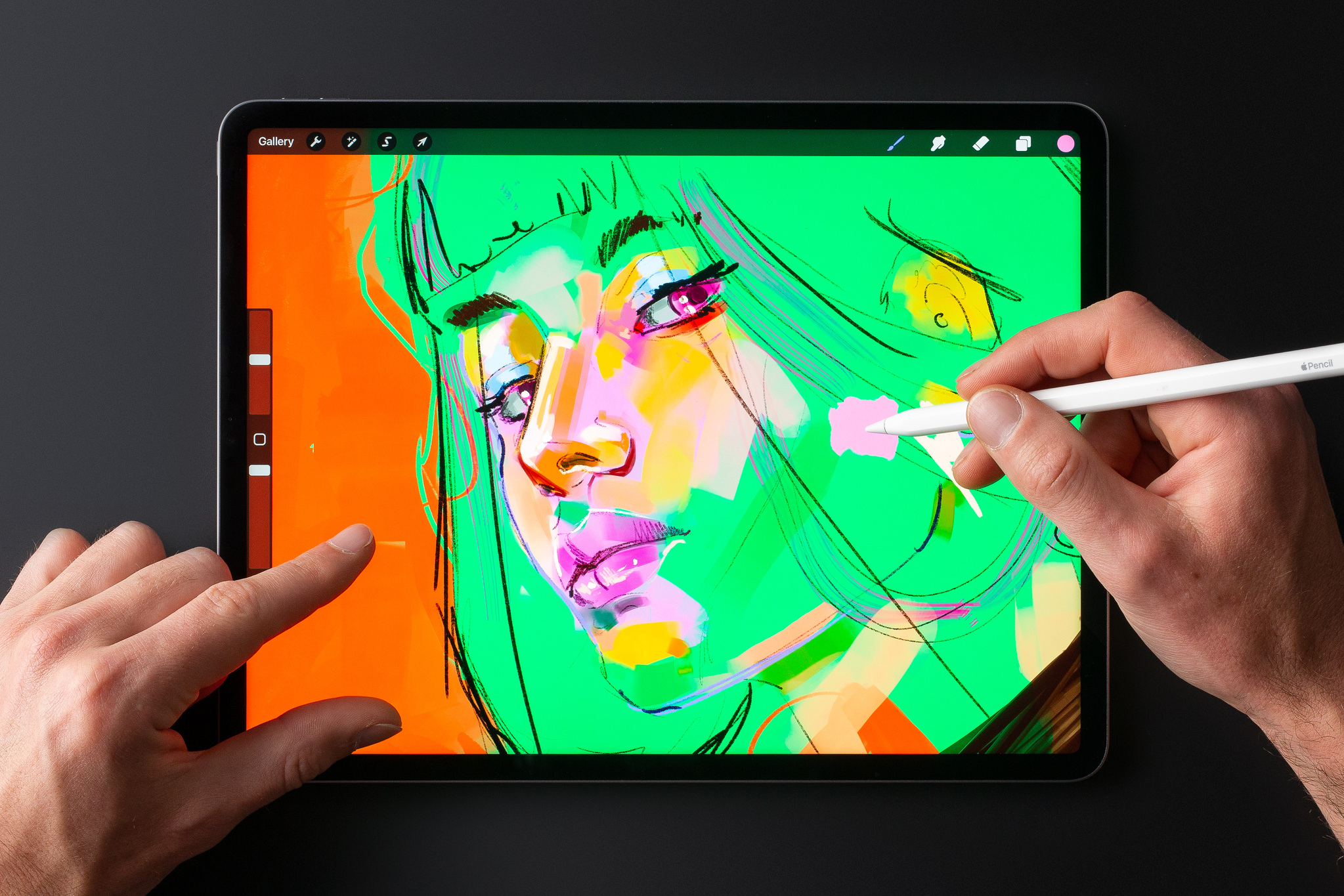
Place iPad on a surface to use hover with MultiTouch gestures…
"We realized we were wrong as soon as we put it in practice," says Cuda. The gesture worked brilliantly when iPad was sitting on a table or against a stand — a common-enough use case — but anyone using the tablet on a couch had a different experience. "You’re clutching the device with two hands," he says. "And as soon as you pinch and hover, the device is no longer, uh, in your clutches.”
We had to put our egos aside and go, ‘OK, maybe we were wrong.’
James Cuda, Procreate CEO
The challenge was enough to send the team back to the drawing board. “The gesture is useful; it’s just not the singular interface methodology were hoping to create,” says Cuda. “We had to put our egos aside and go, ‘OK, maybe we were wrong.’ And we had to think about what was best for the customer.”
For customers holding the device, it meant the return of the sliders. “We’re keeping them for mobile drawing,” Cuda says. “On a desk or stand, when you’ve got both hands free, the sidebar goes away and we get exactly what we wanted. So it was a wild ride for a couple of weeks making those calls.”
… or use the sliders on the edge of the screen.
‘It’s hard to go back’
People using iPad Pro with the M2 chip and the second-generation Apple Pencil, can explore Procreate's Apple Pencil hover features now. But Cuda and the team are focused strongly on the future, regarding hover as an important new tool in the shed — enough so that Cuda says it already “solves a bunch of things” in regards to upcoming projects.
“It doesn’t feel like we’re tapping into a technology but creating a natural extension of what you could already do,” d’Este says. “Once you’ve experienced this, it’s hard to go back.”
The beta versions of iOS 16.3, iPadOS 16.3, macOS 13.2, tvOS 16.3, and watchOS 9.3 are now available. Get your apps ready by confirming they work as expected on these releases. And to take advantage of the advancements in the latest SDKs, make sure to build and test with Xcode 14.2.
To check if a known issue from a previous beta release has been resolved or if there’s a workaround, review the latest release notes. Please let us know if you encounter an issue or have other feedback. We value your feedback, as it helps us address issues, refine features, and update documentation.

Join us for another exciting week of Ask Apple, where you can connect directly with Apple experts to get your latest technical and design questions answered — or just hang out and learn from the conversation. Ask about using the latest frameworks, improving your app’s UI design, developing with beta OS software and tools, and so much more.
Online one-on-one consultations and group Q&As will run December 12 to 16, with activities in multiple languages and time zones. Registration is open now to current members of the Apple Developer Program and Apple Developer Enterprise Program.
Developers will also gain new flexibility to manage pricing globally
Apple today announced the most comprehensive upgrade to pricing capabilities since the App Store first launched, providing developers with 700 additional price points and new pricing tools that will make it easier to set prices per App Store country or region, manage foreign exchange rate changes, and more.
Since the App Store’s inception, its world-class commerce and payments system has empowered developers to conveniently set up and sell their products and services on a global scale. The App Store’s commerce and payments system offers developers an ever-expanding set of capabilities and tools to grow their businesses, from frictionless checkout and transparent invoicing for users to robust marketing tools, tax and fraud services, and refund management.
Pricing has been foundational to these capabilities, enabling developers to choose from a variety of business models, such as one-time purchases and multiple subscription types. These new pricing enhancements will be available for apps offering auto-renewable subscriptions starting today, and for all other apps and in-app purchases in spring 2023, giving all developers unprecedented flexibility and control to price their products in 45 currencies throughout 175 storefronts.
Under the updated App Store pricing system, all developers will have the ability to select from 900 price points, which is nearly 10 times the number of price points previously available for most apps. This includes 600 new price points to choose from, with an additional 100 higher price points available upon request. To provide developers around the world with even more flexibility, price points — which will start as low as $0.29 and, upon request, go up to $10,000 — will offer an enhanced selection of price points, increasing incrementally across price ranges (for example, every $0.10 up to $10; every $0.50 between $10 and $50; etc.). See the table below for details.

In each of the App Store’s 175 storefronts, developers will be able to leverage additional pricing conventions, including those that begin with two repeating digits (e.g., ₩110,000), and will be able to price products beyond $0.99 or €X.99 endings to incorporate rounded price endings (e.g., x.00 or x.90), which are particularly useful for managing bundles and annual plans.
Starting today, developers of subscription apps will also be able to manage currency and taxes across storefronts more effortlessly by choosing a local storefront they know best as the basis for automatically generating prices across the other 174 storefronts and 44 currencies. Developers will still be able to define prices per storefront if they wish. The pricing capability by storefront will expand to all other apps in spring 2023.
For developers distributing their apps around the world, the App Store’s global equalization tools have given them a simple and convenient way to manage pricing across international markets. Today’s enhancements expand upon these capabilities, allowing developers to keep their local currency constant in any storefront of their choice, even as foreign exchange and taxes fluctuate. This means, for example, a Japanese game developer who gets most of their business from Japanese customers can set their price for the Japan storefront, and have their prices outside of the country update as foreign exchange and tax rates change. All developers will also be able to define availability of in-app purchases by storefront.
Periodically, Apple updates prices in certain regions based on changes in taxes and foreign exchange rates. This is done using publicly available exchange rate information from financial data providers to help ensure prices for in-app purchases stay equalized across all storefronts. Currently, developers can adjust pricing at any time to react to tax and foreign currency adjustments. Coming in 2023, developers with paid apps and in-app purchases will be able to set local territory pricing, which will not be impacted by automatic price adjustments.
These newly announced tools, which will begin rolling out today and continue throughout 2023, will create even more flexibility for developers to price their products while staying approachable to the hundreds of millions of users Apple serves worldwide, and in turn help developers continue to thrive on the App Store.
The busiest season on the App Store is almost here! Make sure your apps and product pages are up to date and ready in advance of the upcoming holidays. We’re pleased to remain open throughout the season again this year and look forward to accepting your submissions. On average, 90% of submissions are reviewed in less than 24 hours. However, reviews may take a bit longer to complete from December 23 to 27.
Learn about submitting apps
Get tips to prevent review issues
For over a decade, the App Store editorial team has taken a moment at the end of the year to celebrate the very best apps and games. We’ve heralded the work of individual self-taught developers and huge international teams.
With so many wonderful apps on the App Store all over the world, selecting just a few award winners is no easy task. As always, we focus on technical innovation, user experience, and design. Then we consider the impact these apps have had on our lives.
It’s our honor to celebrate this year’s winners. Enjoy!
iPhone App of the Year: BeReal
A social media sensation that gave us an authentic look into the lives of our friends and family.
Download BeReal from the App Store
iPhone Game of the Year: Apex Legends Mobile
This thoughtfully reengineered groundbreaking battle royale is its best version to date.
Download Apex Legends Mobile from the App Store
iPad App of the Year: GoodNotes 5
With best-in-class Apple Pencil support and powerful collaboration tools, the gold standard of digital notetaking got even better.
Download GoodNotes 5 from the App Store
iPad Game of the Year: Moncage
A stunningly fresh spin on mobile puzzling that expanded our minds and got us thinking in thrilling new ways.
Download Moncage from the App Store
Mac App of the Year: MacFamilyTree
We loved documenting and visualizing our family history with this comprehensive genealogy app.
Download MacFamilyTree from the Mac App Store
Mac Game of the Year: Inscryption
The surprises never stop in this deep deck-building adventure.
Download Inscryption from the Mac App Store
Apple Watch App of the Year: Gentler Streak
A fitness tracker that encouraged us to tune in to our bodies—and take a rest when we needed.
Download Gentler Streak from the App Store
Apple TV App of the Year: ViX
A Spanish-language streamer that brought together the drama we love and the sports that get our heart pumping.
Download ViX from the App Store
Apple TV Game of the Year: El Hijo
We loved how this spirited stealth adventure values brains over brawn—and looks stunning on the big screen.
Download El Hijo from the App Store
Arcade Game of the Year: Wylde Flowers
With remarkably authentic diversity, this life sim’s idyllic world makes free expression (and casting spells) incredibly fun.
Download Wylde Flowers from Apple Arcade
Cultural Impact Winners:Dot’s Home
Shining a spotlight on historical injustices through a compelling time-travel tale.
Download Dot's Home
How We Feel
Helping us engage more deeply with our emotions—and providing strategies for addressing them in the moment.
Download How We Feel from the App Store
Inua
Honoring the heritage of the Inuit, whose folklore gives a breathtaking tale its beating heart.
Download Inua from the App Store
Locket Widget
Bringing friends and family closer by helping us see the small moments we otherwise might miss.
Download Locket Widget from the App Store
Waterllama
Encouraging everyone to stay hydrated through a winning combination of gentle guidance and adorable characters.
Download Waterllama from the App Store
Originally published on November 28, 2022 on the App Store Today tab.
Every year, the App Store editorial team celebrates exceptional apps that improve people’s lives while showcasing the highest levels of technical innovation, user experience, design, and positive cultural impact. Join us in celebrating the work of outstanding developers from around the world.
View this year’s selections
Connect with experts online to learn how to make the most of App Store features. Discover how to attract new customers, test marketing strategies, add subscriptions, and so much more. Live presentations with Q&A are being held through December 8 in multiple time zones and languages. Register today if you’re a member of the Apple Developer Program.
Learn more
View schedule
For the inaugural edition of Ask Apple, members of our Design Evangelism team got together to answer your Slack questions about design philosophy, color guidelines, keyboard shortcuts, and much more. Here are a few highlights from that conversation, including guidance about the HIG, tips on reducing clutter, and a very important message about the tab bar.
Do you ever feel like your design isn’t quite right, but you’re not sure why? All the time! In fact, “Feeling like the design isn’t quite right” can sometimes seem like an everyday mood. When this happens, there are a few strategies we find helpful, and the first is: Phone a friend! Sometimes it takes another person to gut-check why we’re feeling uncertain about a design, and it’s always great to engage in a conversation and critique. Plus, this not only requires you to explain the problem (which alone can help you identify what’s not working), it also allows you to personally step away from it — at least for a moment.
How do you know when to start cutting features to make your app less cluttered and more user-friendly? This is a great exercise for a whiteboard or sticky notes. First, write down all the features/areas of your app. Then, bucket them into what fulfills the goals your users will have. If something feels superfluous, consider whether you need that feature. There's a balance between what you need visible all the time, what can be a few taps away, and what doesn't need to be there at all. (It's also a helpful way to prioritize the most important functionality of your app — which can help you better organize your app's hierarchy!)
Is is considered best practice to limit device orientation on iPhone? You should really leave device orientation up to users. We love when apps support both portrait and landscape and would only recommend limiting orientation in certain app scenarios, such as when movement or device mounting would make orientation-switching feel distracting.
What are some guidelines for colors and shades? Using color for actions is a subtle way to brand the interface without being distracting or intrusive. Start by selecting a main tint color, establishing your workflows and actions, then sketching those out with the tint color representing actions. (You’ll notice our first-party apps all have one key tint color; for instance, Mail is blue and Podcasts is purple.) When you’re working on high-fidelity visual designs, use a palette that complements that color.
Is it necessary to include tab bar labels for common tabs like Home, Search, or Profile?In many cases, labels are recommended for clarity and accessibility. Home, Search, and Profile are generally sufficient for communicating meaning on their own, but they’re exceptions to the rule. Many icons are not as widely understood. Tab bar labels create a stronger distinction from toolbars, which don’t have labels. Plus, removing the labels doesn’t provide much benefit to users. It doesn’t save any space, nor does it significantly reduce visual information from the interface.
How should I think about keyboard shortcuts that feel intuitive and don’t interfere with system shortcuts? When should I use one modifier over another (for instance, Option vs. Shift vs. Command)?In general, the go-to modifier key is Command because it’s easiest to reach with your left thumb. And speaking of, here are a few more rules of thumb:
- The fewer modifier keys, the better.
- Using the first letter of the action name helps people remember the shortcut.
- From an ergonomic standpoint, keys nearest modifiers and easily reachable using one's index and middle fingers — Q, W, E, A, S, D, O, and P — tend to be more successful as shortcuts.
Want to dive in a little deeper? You’ll find lots of good information in the HIG.
Human Interface Guidelines - Keyboards
How large are the specified margins for the iOS and iPadOS safe areas?On iOS and iPadOS, the layout margins are 16pt in the compact width size class and 20pt in the regular width size class. But we typically think of safe areas as distinct things that work in tandem with margins. Safe areas are highly dynamic and change with device orientation, screen size, and a variety of other factors (like whether navigation bars, toolbars, or tab bars are displayed). You’ll find lots of information in the HIG.
Human Interface Guidelines - Layout
When designing for lists, how can I stop rows and cells from feeling overcrowded?Think about progressive disclosure and hierarchy. What information do people need at each level of your app? When cells feel overcrowded, question the purpose of each element. Maybe a photo or icon isn’t beneficial, or maybe the secondary text can be a description on the detail view.
Do you always try to adhere as much as possible to the HIG, or do you try to do something different with every design?Great question! We do try to adhere to our foundations and follow our own design patterns for the benefit of consistency and understanding. (We also try to use system components because they're so efficient to build with.) But that being said, we're also willing to push on the HIG where it makes sense — if it means an overall benefit for users. We're pretty adamant that the HIG shouldn't be a set of rules, but very good suggestions. And we evolve it constantly based on what we're seeing in the community and how we want to push our own aesthetics and interactions for the future.
Is it good practice to hide the tab bar when navigating to sub-pages?Nope. :)
(It’s OK to cover it for brief periods when a modal sheet is displayed. Otherwise, hiding a tab bar can make people feel lost.)
Join us for another exciting week of the Ask Apple developer series, where you can connect directly with Apple experts. Ask about integrating the latest technologies into your apps, designing intuitive UIs, testing on the latest software, and so much more.
Online one-on-one consultations and group Q&As will run November 14 to 18, with activities in multiple languages and time zones. Registration is open now to current members of the Apple Developer Program and Apple Developer Enterprise Program.
And stay tuned for details on the next round of the Ask Apple developer series taking place in December.
Learn more
Shape-shifting animations. Effervescent effects. And a downright playful name. “I genuinely wasn’t expecting [the Dynamic Island],” says Christian Selig, developer of popular Reddit client Apollo. “That’s what blew me away: It’s just not something that’s been around.”
The feature brings liveliness — and Live Activities — to the status bar on iPhone 14 Pro and iPhone 14 Pro Max, transforming notifications, alerts, and activities into a fluid and interactive piece of animation. Whether tracking a delivery, following the game, or checking the status of an upcoming flight, the Dynamic Island helps keep people up to date without distraction.
“(The Dynamic Island is) perfect for us,” says Ryan Jones, developer of the travel-tracking app Flighty. “For travel, which can make you stress about missing something, it offers easy background reassurance.”
We caught up with five developers — including Selig and Jones — to learn how they’re designing and building for Live Activities and the Dynamic Island.
Citymapper: ‘It’s what we’ve been dreaming about for years’If you’re an app that wants to help people move around a city, it’s hard to overstate the power of live updating in the Dynamic Island. “Live Activities changes everything here,” says Victor Wang, head of product for route-planning app Citymapper. “It’s what we’ve been dreaming about for years, and it’s a big step toward our vision of being a personal assistant in your pocket.”
For Citymapper, the Dynamic Island is less about transit and more about comfort. On iPhone 14 Pro and iPhone 14 Pro Max, the app’s signature GO feature — which helpfully lays out the path of your entire journey or commute — uses the Dynamic Island in place of notifications or simply checking the app.
It offers a single live-updating view that communicates key information: how long you’ll have to wait for the next bus, how many more stops until you disembark, and when you need to get off the train or bus (and, by association, your phone). “[The Dynamic Island] will show a countdown so you can understand, ‘OK the bus will be here in 10 minutes — now 5 — now 2,” says Wang. “Our hope is that you’ll feel more comfortable waiting.”
Citymapper’s Dynamic Island shifts based on where you are in your journey, in this case on your train (left), at your stop (center), and walking to your destination (right).
iOS designer Jason Hibbs shares that the Citymapper team initially thought Live Activities would function as an enhanced set of notifications. “But we’re actually able to say not just ‘Turn left,’ but also ‘Here’s how many minutes you have until the bus arrives.’”
Live Activities can help you feel more on top of things.
Victor Wang, Citymapper
Citymapper breaks each trip into four phases: walking to a stop, waiting at a stop, riding, and then walking to your destination. In each phase, Dynamic Island will show a small icon — like a bus, train, or walking person — with a countdown to your next destination or transfer. The team discarded other ideas in pursuit of that simplicity — eschewing, among other things, turn-by-turn directions. “We didn’t want it to get in your way,” says Wang. “The idea is that you can still read or play your game or do whatever you’re doing.”
In short, you can do anything you like — save for worry about your trip. “Live Activities can help you feel more on top of things,” says Wang. “You can plan better and have sufficient confidence for the next step.”
Download Citymapper from the App Store
Apollo for Reddit: ‘It’s kind of hard not to go wild’When he first learned about the Dynamic Island, Christian Selig pounced. “The way the engineers built the APIs, it’s kind of hard not to go wild,” Selig laughs. “It’s like you write four lines and the widgets are done. It’s pretty magical.”
Ideas for Apollo, his Reddit client, came almost immediately: “Say a new episode comes out, and you’re following a subreddit and reacting with other fans,” Selig says. “The Dynamic Island will auto-refresh and show you new content and comments as they come in.”
Apollo’s Dynamic Island shows new content and comments — like fun Easter eggs in TV shows — as they come in.
If so moved, you could stream the show in one app while tracking new posts on the subreddit through updates in the Dynamic Island. “In compact presentation, you’ll see the current number of comments. When you go to (the expanded presentation), you’ll see high-performing comments — like if someone caught a reference you missed.”
Outside of the Dynamic Island, Apollo’s Live Activities are robust as well: You can keep tabs on what’s trending, follow your Reddit karma, and — this is true — track the actual physical distance you’ve scrolled in Apollo (measured in feet, miles, or by the Eiffel tower). “This has been one of the more fun experiences I've had doing iOS development in quite a while,” Selig says, “and it’s a fun job, so that says a lot.”
Download Apollo for Reddit from the App Store
SmartGym: ‘I had to focus on staying out of the way’SmartGym's Matt Abras sees the Dynamic Island more as a coach than a static feature: His app is exploring something that displays both your current workout and the rests between each set — so you know when it’s time to get back to work.
“It’s easy to be distracted by your phone during rests, right? A 30- or 45-second break can become a few minutes,” Abras says. “This is way better than getting a notification that says, ‘Hey, rest ended.’”
SmartGym’s Dynamic Island shows the type and duration of your current workout — and prepares you for your next one.
Abras went through a number of iterations when designing Live Activities for SmartGym. He’d initially tried using the Dynamic Island to display heart rate and calories during a workout, but it felt superfluous. “In order to track health data, you need Apple Watch, which is already showing that information,” he says. “What’s really important to show at that time? Health metrics? A large countdown? How many sets you’ve done and how many you have left? There’s a lot of potential information.”
What’s really important to show at that time?
Matt Abras, SmartGym
Instead, Abras refocused, using the Dynamic Island to share metrics and reps. “When someone’s working out, they need to do what they need to do without realizing the app is there,” he says. “I had to focus on staying out of the way.”
How did he keep that balance between practicality and invisibility? “It’s all about taste,” he says, with a smile.
Download SmartGym from the App Store
Flighty: ‘We really have to shine when things go awry’Apps can easily take advantage of the Dynamic Island to quickly spotlight a single nugget of key information. When it came to Flighty, however, Ryan Jones wanted to tackle a slightly more daunting project: showcasing multiple nuggets of information — departure times, gate changes, baggage claim numbers, and the like — that could all change on the fly.
Flighty is at its best when dealing with such “IRROPS” — the industry abbreviation for irregular operations. “We really have to shine when things go awry,” says Jones. But that meant accounting for every thunderstorm, equipment delay, or late plane into Dallas.
“People want different data points [like]… what time is a flight leaving, where is it leaving from, how long until you land,” says Jones. But this information is almost always time-dependent; after your flight departs, for example, you likely won’t need information about your departure gate.
Flighty’s Dynamic Island helps guide your travel every step of the way, from before you board (above) to after you take off (below).
After exploring a few possibilities for the Dynamic Island and Live Activities, Jones and the team decided to make the information within the Dynamic Island — well — dynamic. Before your gate departure, for example, Flighty’s information within the Dynamic Island will operate like a departure sign at a big airport. “That’s our real-world analogy,” Jones says. “Those signs have one line per flight, and that’s a good guiding light — they’ve had 50 years of figuring out what’s important.”
In addition to the unpredictable nature of travel, Jones and team must also account for how every single person will, at some point, lose their connection. “Whenever [someone] takes off, we have to assume that we won’t see them again until they land,” says Jones.
The solve: Once a plane pushes back, Flighty is ready to go offline at any minute. From that point on, the Dynamic Island switches over to flight progress bars and counters; the minimal presentation is a simple circular chart that tracks your flight’s duration.
No matter where someone is in their flight, the Dynamic Island can help them feel confident and comfortable in their travel routine. “That’s a big change from ‘I’ve gotta be listening for notifications all the time,’” Jones says. And it’s one that Flighty welcomes.
Download Flighty from the App Store
Wakeout: ‘Like a healthy work coach’Workout-anywhere app Wakeout encourages regular breaks during the day — not only for brief bursts of aerobic exercise, but also for pauses to reduce eye strain, grab a sip of water, or simply clear your mind. “It’s all about: How can we help people break up their sedentary moments but stay in their flow states?” says developer Pedro Wunderlich.
Many of these activities take as little as 15 seconds, making the Dynamic Island a reliable resource for helping people using the app. “I want to find the teams behind the Dynamic Island and Live Activities and ask, ‘Were you thinking of us? Is this a love letter?’” he laughs.
Wakeout's Dynamic Island nudges you to exercise and encourages you to focus.
Wakeout has long used push notifications, but the ActivityKit framework in iOS 16 gave Wunderlich a new way to help people stay on top of their routines. “Our customers have actually told us they want more notifications, not fewer,” says Wunderlich. “We hear, ‘Wakeout is really helpful, but only if it interrupts me.’ So Live Activities is what our customers have been asking for without knowing it.”
When designing for the Dynamic Island, Wunderlich kept both tiny tasks and longer aerobic breaks in mind. “[It’s] such a great way to maintain a presence and let people know when it’s a good time to hydrate, move, close your eyes for 30 seconds, and do all these healthy little breaks that add up.”
For smaller pauses, Wakeout’s compact presentation in the Dynamic Island shows a countdown along with a small icon (like a water bottle) to remind you about your next task. If that upcoming rest is a brief one and you’re locked into what you’re doing, you can ignore the countdown with no consequence; the alert will simply slip away “like a ship in the night,” says Wunderlich.
It’s all about: How can we help people break up their sedentary routines but stay in their flow states?
Pedro Wunderlich, Wakeout
But if the break is major and there’s a walk, squats, or a set of pushups in your future, the Dynamic Island will spur you to action more insistently. “An actual exercise break — which is Wakeout’s speciality — does stop that timer. Our customers generally do 45-minute focus sessions, so that’s the limit of the sedentary period. After that, we say, ‘OK, it’s time to move your neck, move your shoulders, or stand up.’”
Wunderlich considers the two approaches entirely separate. “The healthy moments are passive; if you don’t pay attention, they dismiss themselves,” he says. “The exercise break is more of a big state change on screen.”
It’s notifications versus interruptions, or reminders versus celebrations. But they all tie back into Wakeout’s goal to keep you firmly on a healthy track throughout your day. “We’re shifting our focus toward healthy work in a more holistic way,” Wunderlich says. “Wakeout has become almost like a healthy work coach.”
Download Wakeout from the App Store
Explore Live Activities and the Dynamic Island
The beta versions of iOS 16.2, iPadOS 16.2, macOS 13.1, tvOS 16.2, and watchOS 9.2 are now available. Get your apps ready by confirming they work as expected on these releases. And to take advantage of the advancements in the latest SDKs, make sure to build and test with Xcode 14.1 RC 2.
To check if a known issue from a previous beta release has been resolved or if there’s a workaround, review the latest release notes. Please let us know if you encounter an issue or have other feedback. We value your feedback, as it helps us address issues, refine features, and update documentation.
View downloads and release notes
Learn about testing a beta OS
Learn about sending feedback
Apple Search Ads makes it easy to promote your app on the App Store. And now with new Today tab and product page ad placements, you can drive discovery of your app in more moments across the App Store — when customers first arrive, search for something specific, and browse apps to download.
Learn more
Get ready to connect with experts online to learn how to make the most of App Store features. Discover how to attract new customers, test marketing strategies, add subscriptions, and so much more. Live presentations with Q&A will be held this November and December in multiple time zones and languages. Register today if you’re a member of the Apple Developer Program.
Learn more
The SKAdNetwork API lets advertisers measure the success of advertisements by attributing app installations to specific ad campaigns — all while maintaining user privacy. It supports multiple ad formats, including static images, videos, audio, and interactive ads. With SKAdNetwork 4.0, now available in iOS 16.1 and iPadOS 16.1, it provides more insight into the performance of ads for apps:
- Hierarchical source identifiers: Identify which campaign an installation was attributed to, as well as additional attribution information.
- Coarse conversion values: Receive less specific attribution information when the privacy thresholds for conversion values are not met, or more detailed attribution information when additional privacy thresholds are met.
- Multiple conversions: Receive up to three postbacks to better understand how often someone who installed an app from a campaign engages with the app over time.
- SKAdNetwork for web ads: Attribute web advertising that directs to App Store product pages.
Learn more about SKAdNetwork
The App Store Review Guidelines have been updated to support new features in upcoming OS releases, better protect customers, and help your apps go through the review process as smoothly as possible.
- Revised in Before You Submit: “Provide App Review with full access to your app. If your app includes account-based features, provide either an active demo account or fully-featured demo mode, plus any other hardware or resources that might be needed to review your app (e.g. login credentials or a sample QR code).”
- Revised 1.1.4: “This includes ‘hookup’ apps and other apps that may include pornography or be used to facilitate prostitution, or human trafficking and exploitation.”
- Added 1.1.7: “Harmful concepts which capitalize or seek to profit on recent or current events, such as violent conflicts, terrorist attacks, and epidemics.”
- Added to 2.1: “If you are unable to provide a demo account due to legal or security obligations, you may include a built-in demo mode in lieu of a demo account with prior approval by Apple. Ensure the demo mode exhibits your app’s full features and functionality.”
- Added 2.5.17: “Apps that support Matter must use Apple’s support framework for Matter to initiate pairing. In addition, if you choose to use any Matter software component in your app other than the Matter SDK provided by Apple, the software component must be certified by the Connectivity Standards Alliance for the platform it runs on.”
- Moved language from 3.1.7 to 2.5.18: “Display advertising should be limited to your main app binary, and should not be included in extensions, App Clips, widgets, notifications, keyboards, watchOS apps, etc. Ads displayed in an app must be appropriate for the app’s age rating, allow the user to see all information used to target them for that ad (without requiring the user to leave the app), and may not engage in targeted or behavioral advertising based on sensitive user data such as health/medical data (e.g. from the HealthKit APIs), school and classroom data (e.g. from ClassKit), or from kids (e.g. from apps in the Kids Category), etc. Interstitial ads or ads that interrupt or block the user experience must clearly indicate that they are an ad, must not manipulate or trick users into tapping into them, and must provide easily accessible and visible close/skip buttons large enough for people to easily dismiss the ad.”
- Revised 3.1.1: “Apps may not use their own mechanisms to unlock content or functionality, such as license keys, augmented reality markers, QR codes, cryptocurrencies and cryptocurrency wallets, etc.”
- Added to 3.1.1: “Apps may use in-app purchase to sell and sell services related to non-fungible tokens (NFTs), such as minting, listing, and transferring. Apps may allow users to view their own NFTs, provided that NFT ownership does not unlock features or functionality within the app. Apps may allow users to browse NFT collections owned by others, provided that the apps may not include buttons, external links, or other calls to action that direct customers to purchasing mechanisms other than in-app purchase.”
- Added 3.1.3(g): “Advertising Management Apps: Apps for the sole purpose of allowing advertisers (persons or companies that advertise a product, service, or event) to purchase and manage advertising campaigns across media types (television, outdoor, websites, apps, etc.) do not need to use in-app purchase. These apps are intended for campaign management purposes and do not display the advertisements themselves. Digital purchases for content that is experienced or consumed in an app, including buying advertisements to display in the same app (such as sales of “boosts” for posts in a social media app) must use in-app purchase.”
- Revised 3.1.5(iii): “Exchanges: Apps may facilitate transactions or transmissions of cryptocurrency on an approved exchange, provided they are offered only in countries or regions where the app has appropriate licensing and permissions to provide a cryptocurrency exchange.”
- Revised 5.2.5: “Music from iTunes and Apple Music previews may not be used for their entertainment value (e.g. as the background music to a photo collage or the soundtrack to a game) or in any other unauthorized manner. If you provide music previews from iTunes or Apple Music, you must display a link to the corresponding music in iTunes or Apple Music.”
For full details, read the App Store Review Guidelines.
iOS 16.1 and iPadOS 16.1, the world’s most advanced mobile operating systems, will soon be available to customers worldwide. Take advantage of Live Activities to help people stay on top of what’s happening live in your app, right from the Lock Screen and Dynamic Island on iPhone. Bring desktop-class features, such as an editor-style navigation bar and enhanced text editing menu to your iPad app, and get the most out of the latest advancements in MapKit, Metal, ARKit, Core ML, and more.
Build your app using Xcode 14.1 Release Candidate, then test and submit it for review. Please note, starting April 2023, all iOS and iPadOS apps submitted to the App Store must be built with Xcode 14.1 and the iOS 16.1 SDK.
Learn about submitting iOS apps
Learn about submitting iPadOS apps
Integrate new and powerful communication features in your app with watchOS 9. Deliver timely information with rich complications on more Apple Watch faces, enable sharing of your app content, let users make VoIP calls directly from Apple Watch, and more. And with a simplified watchOS app structure, managing your projects is easier than ever.
Build your app using Xcode 14.1 Release Candidate, then test and submit it for review. Please note, starting April 2023, all watchOS apps submitted to the App Store must be built with Xcode 14.1 and the watchOS 9.1 SDK.
Learn about submitting watchOS apps
macOS Ventura makes the things you do most on Mac even better, with powerful new ways to get more done, share and collaborate in your favorite apps, immerse yourself in next‑level games, and take full advantage of your other devices. Machine learning enhancements make it even easier to provide intelligent experiences. SharePlay enables the sharing of synchronized experiences in your app while connecting via Messages. With Metal 3, you can create next-generation Mac games that run effortlessly from MacBook Air to Mac Studio, thanks to Apple silicon. And Continuity Camera provides access to camera input, features, and effects on iPhone.
Build your app using Xcode 14.1 Release Candidate, then test and submit it for review.
Learn about submitting macOS apps
Integrate your tvOS app with your iOS, iPadOS, or watchOS app to unlock new experiences on Apple TV. Adopt multiuser support to make it easier for people to enjoy your Apple TV app with improved system integration for user profiles, and customize your app’s interface and provide even more functionality with SwiftUI.
Learn about submitting tvOS apps
Apple Entrepreneur Camp supports underrepresented founders and developers with app-driven organizations as they build the next generation of cutting-edge apps and helps form a global network that encourages the pipeline and longevity of these entrepreneurs in technology.
Apply now for one of three online cohorts for female, Black, or Hispanic/Latinx founders starting in January 2023. Attendees will receive code-level guidance, mentorship, and inspiration with unprecedented access to Apple engineers and leaders. Applications close on December 5, 2022.
Learn more
Explore apps from our alumni
Join us for Ask Apple, a new series for developers to connect directly with Apple experts. Ask about integrating the latest technologies into your apps, designing intuitive UIs, testing on the latest software, and so much more.
Ask Apple runs for the first time from October 17 to 21 and features online one-on-one consultations and group Q&As. Activities are available in multiple languages and time zones. Registration is open now to current members of the Apple Developer Program and Apple Developer Enterprise Program.
Learn more
Discover how you can build rich photography apps with the latest Camera capture capabilities and by integrating with the system Photos library. We’ll take you through updates to the built-in Photos Picker, PhotoKit framework, and Camera APIs for iOS, iPadOS, macOS, tvOS, and watchOS. Find out how you can get accurate depth data through the LiDAR sensor, use the iPhone as an external camera in your macOS app, observe changes to images in the Photos library, and more.
- WWDC22
Bring Continuity Camera to your macOS app Discover how you can use iPhone as an external camera in any Mac app with Continuity Camera. Whether you’re building video conferencing software or an experience that makes creative use of cameras, we’ll show you how you can enhance your app with automatic camera switching. We’ll also explore...
- WWDC22
Create camera extensions with Core Media IO Discover how you can use Core Media IO to easily create macOS system extensions for software cameras, hardware cameras, and creative cameras. We'll introduce you to our modern replacement for legacy DAL plug-ins — these extensions are secure, fast, and fully-compatible with any app that uses a...
- WWDC22
What's new in the Photos picker PHPicker provides simple and secure integration between your app and the system Photos library. Learn how SwiftUI and Transferable can help you offer integration across iOS, iPadOS, macOS, and watchOS.
We’ll also show you how you can use AppKit and NSOpenPanel to bring the Photos picker on Mac...
- WWDC22
Discover PhotoKit change history PhotoKit can help you build rich, photo-centric features. Learn how you can easily track changes to image assets with the latest APIs in PhotoKit. We’ll introduce you to the PHPhotoLibrary change history API and demonstrate how you can persist change tokens across launches to help your app...
- WWDC22
Discover advancements in iOS camera capture: Depth, focus, and multitasking Discover how you can take advantage of advanced camera capture features in your app. We'll show you how to use the LiDAR scanner to create photo and video effects and perform accurate depth measurement. Learn how your app can use the camera for picture-in-picture or multitasking, control...
- WWDC22
Add Live Text interaction to your app Learn how you can bring Live Text support for still photos or paused video frames to your app. We'll share how you can easily enable text interactions, translation, data detection, and QR code scanning within any image view on iOS, iPadOS, or macOS. We'll also go over how to control interaction...
Creating a camera extension with Core Media I/O
Accessing the camera while multitasking
Scanning data with the camera
Ask Apple Q&As
Live Activities display your app’s most current data on the iPhone Lock Screen and in the Dynamic Island, helping people keep track of tasks and events that they care about. Discover how you can use ActivityKit to build compelling Live Activities for your apps, and explore the Human Interface Guidelines to learn how to design for the Dynamic Island and Lock Screen. We’ll show you how you can display up-to-date information — like progress, events, scores, or tasks — at a glance, and learn how you can update your Live Activities remotely using Apple Push Notification service (APNs).
To get the most out of these resources, we recommend some familiarity with SwiftUI and WidgetKit.
ActivityKit
Human Interface Guidelines - Live Activities
Updating and ending your Live Activity with remote push notifications
Displaying live data with Live Activities
WidgetKit
Ask Apple Q&As
Apple Watch development has never been simpler with watchOS 9: Discover how you can more easily accomplish common tasks in Xcode, including file management and icon design. Explore the latest native controls like sharing features and steppers, check out SwiftUI-driven components like Swift Charts and improved navigation, and learn how to schedule and manage background tasks. And we’ll help you streamline your complications with WidgetKit.
- WWDC22
Build a productivity app for Apple Watch Your wrist has never been more productive. Discover how you can use SwiftUI and system features to build a great productivity app for Apple Watch. We’ll show you how you can design great work experiences for the wrist, and explore how you can get text input, display a basic chart, and share...
- WWDC22
Efficiency awaits: Background tasks in SwiftUI Background Tasks help apps respond to system events and keep time-sensitive data up to date. Learn how you can use the SwiftUI Background Tasks API to handle tasks succinctly. We’ll show you how to use Swift Concurrency to handle network responses, background refresh, and more — all while...
- WWDC22
Meet Transferable Meet Transferable: a model-layer protocol that allows for effortless support for sharing, drag and drop, copy/paste, and other features in your app.
We'll explore how you can use the API for common use cases, and take advantage of advanced features to customize the behavior. We'll also share how...
- WWDC22
Go further with Complications in WidgetKit Discover how you can use WidgetKit to create beautiful complications on watch faces. We'll introduce you to the watchOS-specific features found in WidgetKit, and help you migrate from existing ClockKit complications.
For more on WidgetKit, watch “Complications and Widgets: Reloaded” from...
Build a Workout App for Apple Watch
Ask Apple Q&As
Learn how you can create great glanceable experiences with WidgetKit. We’ll show you how you can build a complication for Apple Watch and provide the same great experience for the iPhone Lock Screen. Discover how you can migrate your complications from ClockKit. And we’ll explore how widgets and complications have shared inspiration from their earliest foundations.
- WWDC22
Complications and widgets: Reloaded Our widgets code-along returns as we adventure onto the watchOS and iOS Lock Screen. Learn about the latest improvements to WidgetKit that help power complex complications on watchOS and can help you create Lock Screen widgets for iPhone. We’ll show you how to incorporate the latest SwiftUI views...
- WWDC22
Go further with Complications in WidgetKit Discover how you can use WidgetKit to create beautiful complications on watch faces. We'll introduce you to the watchOS-specific features found in WidgetKit, and help you migrate from existing ClockKit complications.
For more on WidgetKit, watch “Complications and Widgets: Reloaded” from...
- WWDC20
Meet WidgetKit Meet WidgetKit: the best way to bring your app’s most useful information directly to the home screen. We'll show you what makes a great widget and take a look at WidgetKit's features and functionality. Learn how to get started creating a widget, and find out how WidgetKit leverages the power of...
- WWDC20
Widgets code-along
- WWDC20
Build complications in SwiftUI Spice up your graphic complications on Apple Watch using SwiftUI. We’ll teach you how to use custom SwiftUI views in complications on watch faces like Meridian and Infograph, look at some best practices when creating your complications, and show you how to preview your work in Xcode 12.
To get...
WidgetKit
Ask Apple Q&As
Whether you’re creating a new app or adding features like Swift Charts or widgets to an existing project, discover how the latest updates to SwiftUI can help you build powerful and flexible user interfaces. Explore improvements to SwiftUI’s syntax, including structural improvements that supercharge navigation and windowing. We’ll also show you how to build a desktop-class iPad app with a few simple (and familiar) modifiers. Visualize your data with Swift Charts and discover how conforming to Transferable opens up the world of transport APIs. And we’ll take you on a tour of one of SwiftUI’s core principles to help you when building your own APIs.
- WWDC22
What's new in SwiftUI It's a SwiftUI party — and you're invited! Join us as we share the latest updates and a glimpse into the future of UI framework design. Discover deep levels of customization, advanced techniques for layout, elegant strategies for sharing, and rock-solid structural approaches for designing an app...
- WWDC22
The SwiftUI cookbook for navigation The recipe for a great app begins with a clear and robust navigation structure. Join the SwiftUI team in our proverbial coding kitchen and learn how you can cook up a great experience for your app. We’ll introduce you to SwiftUI’s navigation stack and split view features, show you how you can...
- WWDC22
Compose custom layouts with SwiftUI SwiftUI now offers powerful tools to level up your layouts and arrange views for your app’s interface. We’ll introduce you to the Grid container, which helps you create highly customizable, two-dimensional layouts, and show you how you can use the Layout protocol to build your own containers...
- WWDC22
SwiftUI on iPad: Organize your interface It’s time to supercharge the interface of your iPad app with SwiftUI lists and tables. We’ll show how you can add selection interactions and context menus and help people who use your app be more productive. We'll also give you best practices on structuring your navigation and explore how you...
- WWDC22
SwiftUI on iPad: Add toolbars, titles, and more Get ready to tune up your iPad app’s toolbars with SwiftUI. We’ll show you how you can structure toolbars to take advantage of the space available on iPad and help people maximize their productivity. We’ll also take you through customization, explore the latest ways you can represent...
- WWDC22
The craft of SwiftUI API design: Progressive disclosure Explore progressive disclosure — one of SwiftUI’s core principles — and learn how it influences the design of our APIs. We’ll show you how we use progressive disclosure, discuss how it can support quick iteration and exploration, and help you take advantage of it in your own code.
- WWDC22
Bring multiple windows to your SwiftUI app Discover the latest SwiftUI APIs to help you present windows within your app’s scenes. We’ll explore how scene types like MenuBarExtra can help you easily build more kinds of apps using SwiftUI. We’ll also show you how to use modifiers that customize the presentation and behavior of your app...
- WWDC22
Meet Transferable Meet Transferable: a model-layer protocol that allows for effortless support for sharing, drag and drop, copy/paste, and other features in your app.
We'll explore how you can use the API for common use cases, and take advantage of advanced features to customize the behavior. We'll also share how...
- WWDC22
Hello Swift Charts Say hello to Swift Charts — a flexible framework that helps you create charts entirely in SwiftUI that look and feel right at home on all Apple platforms. Discover how you can use compositional syntax to make informative, delightful, and accessible charts with less code. We’ll share the...
- WWDC22
Swift Charts: Raise the bar Dive deep into data visualizations: Learn how Swift Charts and SwiftUI can help your apps represent complex datasets through a wide variety of chart options. We’ll show you how to plot different kinds of data and compose marks to create more elaborate charts. We’ll also take you through Swift...
- WWDC22
Efficiency awaits: Background tasks in SwiftUI Background Tasks help apps respond to system events and keep time-sensitive data up to date. Learn how you can use the SwiftUI Background Tasks API to handle tasks succinctly. We’ll show you how to use Swift Concurrency to handle network responses, background refresh, and more — all while...
Learn how you can speed up common tasks for people using your app when you use the App Intents framework. Discover how you can programmatically bring your app’s content and functionality to system services like Siri and the Shortcuts app. We’ll show you how you can supply metadata, UI information, activation phrases, and other information the system might need. We’ll also explore how App Intents and App Shortcuts work together, and dive deep on the design of a compelling shortcut. Find out how you can use App Intents to change app content and behaviors based on someone’s active Focus state.
- WWDC22
Implement App Shortcuts with App Intents Discover how you can create Shortcuts in your app with zero user setup. We'll show you how App Intents can help you present custom Shortcuts views, and explore how you can add support for parameterized phrases to allow people to quickly express their intent. We'll also share how you can make your...
- WWDC22
Design App Shortcuts Learn how you can surface great features from your app directly in Siri, Spotlight, and the Shortcuts app. We'll introduce you to App Shortcuts, provide best practices to help you evaluate features in your app that would work well as App Shortcuts, and take you through the process of creating one...
- WWDC22
Dive into App Intents Learn how you can make your app more discoverable and increase app engagement when you use the App Intents framework. We'll take you through the powerful capabilities of this Swift framework, explore the differences between App Intents and SiriKit Intents, and show you how you can expose your app's...
- WWDC22
Meet Focus filters Discover how you can customize app behaviors based on someone's currently enabled Focus. We'll show you how to use App Intents to define your app's Focus filters, act on changes from the system, and present your app's views in different ways. We'll also explore how you can filter notifications and...
App Shortcuts
App Intents
Ask Apple Q&As
Swift offers built-in support for asynchronous and concurrent code to help you optimize parallelization of tasks — especially on machines with more cores. With Swift concurrency, you can ensure small tasks that require UI updates can be prioritized while longer tasks continue in the background. Discover how you can started with Swift concurrency, debug your tasks and actors, explore the latest tools, and much more. We’ll also show you how you can optimize the execution of asynchronous and parallel tasks when using Swift concurrency without interacting directly with threads.
Get started
- WWDC21
Meet async/await in Swift Swift now supports asynchronous functions — a pattern commonly known as async/await. Discover how the new syntax can make your code easier to read and understand. Learn what happens when a function suspends, and find out how to adapt existing completion handlers to asynchronous functions.
- WWDC21
Discover concurrency in SwiftUI Discover how you can use Swift’s concurrency features to build even better SwiftUI apps. We’ll show you how concurrent workflows interact with your ObservableObjects, and explore how you can use them directly in your SwiftUI views and models. Find out how to use await to make your app run...
- WWDC21
Use async/await with URLSession Discover how you can adopt Swift concurrency in URLSession using async/await and AsyncSequence, and how you can apply Swift concurrency concepts to improve your networking code.
- WWDC21
Meet AsyncSequence Iterating over a sequence of values over time is now as easy as writing a “for” loop. Find out how the new AsyncSequence protocol enables a natural, simple syntax for iterating over anything from notifications to bytes being streamed from a server. We'll also show you how to adapt existing code...
- WWDC22
Meet distributed actors in Swift Discover distributed actors — an extension of Swift’s actor model that simplifies development of distributed systems. We'll explore how distributed actor isolation and location transparency can help you avoid the accidental complexity of networking, serialization, and other transport concerns...
- WWDC22
Visualize and optimize Swift concurrency Learn how you can optimize your app with the Swift Concurrency template in Instruments. We'll discuss common performance issues and show you how to use Instruments to find and resolve these problems. Learn how you can keep your UI responsive, maximize parallel performance, and analyze Swift...
- WWDC22
Meet Swift Async Algorithms Discover the latest open source Swift package from Apple: Swift Async Algorithms. We'll explore algorithms from this package that you can use with AsyncSequence, including zip, merge, and throttle. Follow along with us as we use these algorithms to build a great messaging app. We'll also share best...
The Swift Programming Language: Concurrency
Best Practices
- WWDC21
Swift concurrency: Update a sample app Discover Swift concurrency in action: Follow along as we update an existing sample app. Get real-world experience with async/await, actors, and continuations. We’ll also explore techniques for migrating existing code to Swift concurrency over time.
To get the most out of this code-along, we...
- WWDC21
Swift concurrency: Behind the scenes Dive into the details of Swift concurrency and discover how Swift provides greater safety from data races and thread explosion while simultaneously improving performance. We’ll explore how Swift tasks differ from Grand Central Dispatch, how the new cooperative threading model works, and how to...
- WWDC21
Protect mutable state with Swift actors Data races occur when two separate threads concurrently access the same mutable state. They are trivial to construct, but are notoriously hard to debug.
Discover how you can stop these data races in their tracks with Swift actors, which help synchronize access to data in your code. Discover how...
- WWDC21
Explore structured concurrency in Swift When you have code that needs to run at the same time as other code, it’s important to choose the right tool for the job. We'll take you through the different kinds of concurrent tasks you can create in Swift, show you how to create groups of tasks, and find out how to cancel tasks in progress....
- WWDC22
Eliminate data races using Swift Concurrency Join us as we explore one of the core concepts in Swift concurrency: isolation of tasks and actors. We'll take you through Swift’s approach to eliminating data races and its effect on app architecture. We'll also discuss the importance of atomicity in your code, share the nuances of Sendable...
Updating an App to Use Swift Concurrency
As early as October 5, 2022, prices of apps and in-app purchases (excluding auto-renewable subscriptions) on the App Store will increase in Chile, Egypt, Japan, Malaysia, Pakistan, Poland, South Korea, Sweden, Vietnam, and all territories that use the euro currency. In Vietnam, these increases also reflect new regulations for Apple to collect and remit applicable taxes, being value added tax (VAT) and corporate income tax (CIT) at 5% rates respectively.
Your proceeds will be adjusted accordingly and will be calculated based on the tax-exclusive price. Exhibit B of the Paid Applications Agreement will be updated to indicate that Apple collects and remits applicable taxes in Vietnam.
Once these changes go into effect, the Pricing and Availability section of My Apps will be updated. You can change the price of your apps and in-app purchases (including auto-renewable subscriptions) at any time in App Store Connect. If you offer subscriptions, you can choose to preserve prices for existing subscribers.
View the updated price tier charts
Like the groundbreaking women it spotlights, the Rebel Girls app has a remarkable story.
It began a mere six years ago with a book called Good Night Stories for Rebel Girls. Written and art-directed by Elena Favilli and Francesca Cavallo, the premise was simple: amplify the stories of history’s most influential women.
The result? Not so much an amplification as a worldwide shockwave. Good Night Stories quickly became one of the most successful publishing campaigns in Kickstarter history and Favilli and Cavallo soon found themselves with an entire Rebel Girls franchise. To date, the brand has sold more than 8 million books, been translated into nearly 50 languages, and seen more than 18 million downloads of its podcast. And the Rebel Girls app, launched just over a year ago, recently won an Apple Design Award for Social Impact.
“We’re creating an omnichannel for girls,” says Jes Wolfe, CEO of Rebel Girls since April 2020. “The app takes the best of our books, podcasts, and audio stories and puts them into a flagship destination.”
The Rebel Girls app uses immersive audio experiences, gorgeous art, and clever interactive elements to spotlight its historic heroines. The women span cultures and centuries: You can get inspired by the careers of Ruth Bader Ginsburg, Amanda Gorman, and Mae Jemison; explore the creativity of Frida Kahlo, Taylor Swift, and Joan Jett; learn about athletes like Simone Biles, Megan Rapinoe, and Chloe Kim; dive into historical icons like the pharaoh Hatshepsut, the pirate Grace O’Malley, and the Egyptian astronomer Hypatia; and much more. Each story is accompanied by immersive soundscapes and original illustrations from female and non-binary artists.
Olympic gymnast Simone Biles is one of the many world-class athletes spotlighted in Rebel Girls.
Rebel Girls also deepens the stories of its paperbound cousins: While book blurbs are around 300 words, a podcast or audio version can number closer to 2,000. “Everything we do needs to be in support of storytelling,” Wolfe says. “We don’t need a whole lot more, because the stories are so rich and empowering.”
Wolfe’s current focus is the new book Good Night Stories for Rebel Girls: 100 Inspiring Young Changemakers, the fifth title in the Good Night Stories series and one that focuses on women under 30. “It’s the first time we’ve done something 100 percent contemporary,” says Wolfe. Arriving Oct. 4 and featuring a foreword by Bindi Irwin, it spotlights such modern luminaries as Greta Thunberg, Bethany Hamilton, Zendaya, and the Linda Lindas. Those stories and others may well cross over to the podcast and app as well. But regardless of where it appears, that story is always the cornerstone.
‘This is really an audio experience’The Rebel Girls app started out as something very different: hardware. “The initial idea was a speaker with a projector attached to it that would go on a girl's bedside table,” says Wolfe. “The plan was to showcase the stories on the wall or ceiling.”
But the team had little experience with hardware, and wanted to move faster than the plan allowed. “The thought became, ‘How can we do audio theater?’” says Wolfe. “The app came from that. And Ter’s job was to adapt the artwork.”
The app’s Discover page is filled with colorful illustrations and diverse art styles.
Ter is Terenig Topjian, art director and UI/UX lead for the Rebel Girls app. He’s been with the project since Day 1, art-directing illustrations and backgrounds and aligning the app’s design with the well-established Rebel Girls aesthetic and purpose. “The design is essentially a container for the stories,” says Topjian. “[It] should be beautiful and memorable, but it shouldn’t be flashy. This is really an audio experience.”
The thought became, "How can we do audio theater?'
Jes Wolfe, Rebel Girls CEO
At the time, it was also a very relaxing audio experience. The earliest versions of the app — then titled Rebel Girls Dream On — focused on sleep stories. “That’s part of why you see such toned-down colors and an uncluttered look,” says Topjian. But with time and testing, the team found that kids and parents were listening not just at nighttime but on the way to school, while cleaning up their rooms, or just hanging out. As the use cases expanded, the app became simply Rebel Girls.
While the app’s look and feel might have been quiet, its development pace was anything but. The team typed its first lines of Swift code in early January 2021; just five months later, Rebel Girls soft-launched on the App Store.
“The reason we went from zero code to being quietly live five months later was to get actual data of people using the app,” says Wolfe.
Those early months involved a near-constant flow of prototyping. The team partnered with 80 families who supplied timely feedback on story content, wireframes, and even the color palette. “I remember testing out this one color and asking for the kids’ thoughts, and so many were like, ‘No no no, the book is this color,’ and it’s of course that bold dark,” says Wolfe. “The families helped with everything.”
‘It’s not really a kids’ design’When it came to visual design, the original Good Night Stories provided much of the inspiration for the app’s interface, typography, and more. “It’s a dreamy style — pastel colors, imaginative illustrations — that’s at the core of the Rebel Girls branding,” says Topjian. “But while it’s dreamy in the literal sense, it’s also metaphorical: We want it to feel aspirational, to convey dreams and confidence.”
Illustrations of nine women profiled in Rebel Girls (left to right, top to bottom): Greta Thunberg, Simone Biles, Jane Goodall, Shirley Chisolm, Ruth Bader Ginsburg, Frida Kahlo, Joan Jett, Aisholpan Nurgaiv, and Junko Tabei.
To that end, Topjian and team adopted a running strategy for the work. “We treated each piece of artwork like a little movie poster,” says Topjian. Framing it that way helped the team communicate a piece’s mood while providing a chance to integrate little details about the subject — "just as a great movie poster does,” he says.
The people who create the artwork should be as diverse as the subjects we profile.
Jes Wolfe, Rebel Girls CEO
A typical Rebel Girls story begins with the company’s in-house creative teams, who select subjects and match them with a writer, illustrator, and producer. At any given time, there are a half dozen or so stories in the works; two new ones appear in the app every week.
That creative team is diverse by design. “We pride ourselves on creating a platform for a plurality of voices,” says Wolfe. “Representative storytelling — having this huge stable of illustrators, writers, editors, narrators, and producers — is in our DNA.” To date, Rebel Girls has worked with more than 400 artists from more than 50 countries; their Good Night Stories book 100 Real-Life Tales of Black Girl Magic was illustrated entirely by Black artists, while 100 Inspiring Young Changemakers was drawn by artists under 30. “The people who create the artwork should be just as diverse as the subjects we profile,” says Wolfe.
The app’s illustration of indigenous rights activist and clean water advocate Autumn Peltier integrates visual hints about her work.
Each story features interactive elements and Easter eggs to enhance the narrative. The artwork for indigenous rights activist and clean water advocate Autumn Peltier integrates colorful waves; illustrations for designer Isabella Springmuhl Tejada are based on her own clothing and work. “For [meterological scientist and entrepreneur] Paige Brown’s illustration, we created a patterned skyscape full of the balloons that carried her experiments,” says Topjian. “This piece was also a sleep story, so we created an illustration with darker tones and a beautiful night sky.”
The interface feels almost tactile — all the buttons and icons are hand-drawn — and is geared mostly toward the primary audience of 6- to 12-year-olds. But Wolfe says 60 percent of Rebel Girls books and 70 percent of their podcasts are experienced together. “We design everything to be enjoyed by parent and child,” says Wolfe. “That’s why it’s not really a kids’ design.”
Establishing that balance — the sense of being a kids’ app that doesn’t entirely feel like a kids’ app — is part of what drew Topjian to the job in the first place. “We think of it as an elevated kids’ app,” Topjian says. “It’s sketchy but it doesn’t feel scribbled. As a designer, I really appreciated how they treated the child as a person who’s growing.”
‘Like a live demo’As you might expect from such a young app, Rebel Girls is a work in progress. “We’re learning and trying and experimenting,” says Wolfe. “It’s kind of like a live demo.”
Currently, the team is experimenting with more interactive content like polls, quizzes, and solicitations for reader submissions — like art for a soundscape on a bird sanctuary. The app is also leaning into shorter, snackable stories that clock in around five minutes. And Rebel Girls’ new paper book will feature QR codes that link to the audio version of a subject’s story in the app.
Though the styles may change, the app’s illustrations are designed to feel “part of the Rebel Girls universe,” says CEO Jes Wolfe. Pictured (left to right, top to bottom) are: Ada Lovelace, Megan Rapinoe, Grace O’Malley, Madam C.J. Walker, Josephine Baker, Autumn Peltier, Yoky Matsouka, Isabella Springmuhl Tejada, and Wang Zhenyi.
Wolfe is certainly pleased about the attention the app has received in such a short time from young girls and families, but she says her most surprising feedback came from a demographic she wasn’t expecting. “We get emails quite frequently from 14-year-olds and 19-year-olds who say, ‘Look, we may be too old for this, we're not your target audience, but we love these stories so much. They're just like a constant source of inspiration in our lives.’ That's pretty great.”
Learn more about Rebel Girls
Download Rebel Girls from the App Store
Behind the Design is a weekly series that explores design practices and philosophies from each of the 12 winners of the 2022 Apple Design Awards. In each story, we go behind the screens with the developers and designers of these award-winning apps and games to discover how they brought their remarkable creations to life.
Explore more of the 2022 Behind the Design series
Discover how you can build Live Activities for your apps using the new ActivityKit framework, now available in iOS 16.1 beta and Xcode 14.1 beta. Live Activities help people keep track of your app’s content with real-time updates. Your app’s Live Activities display on the Lock Screen and in Dynamic Island — a new design that introduces an intuitive, delightful way to experience iPhone 14 Pro and iPhone 14 Pro Max.
Live Activities and ActivityKit will be included in iOS 16.1, available later this year. Once the iOS 16.1 Release Candidate is available, you’ll be able to submit apps with Live Activities to the App Store.
View ActivityKit documentation
View Human Interface Guidelines
The beta versions of Xcode 14.1, iOS 16.1, iPadOS 16.1, tvOS 16.1, and watchOS 9.1 are now available. Get your apps ready by confirming they work as expected on these releases. And to take advantage of the advancements in the latest SDKs, make sure to build and test with Xcode 14.1 beta.
To check if a known issue from a previous beta release has been resolved or if there’s a workaround, review the latest release notes. Please let us know if you encounter an issue or have other feedback. We value your feedback, as it helps us address issues, refine features, and update documentation.
View downloads and release notes
Learn about testing a beta OS
Learn about sending feedback
WeatherKit brings valuable weather information to your apps and services through a wide range of data that can help people stay up to date, safe, and prepared. It’s easy to use WeatherKit in your apps for iOS 16, iPadOS 16, macOS 13, tvOS 16, and watchOS 9 with a platform-specific Swift API, and on any other platform with a REST API. Up to 500,000 API calls per month are included with Apple Developer Program membership. And now, Account Holders can subscribe for more calls in the Apple Developer app.
Get started with WeatherKit
The murder mystery game Overboard! is a whodunit with a killer twist: You done it… and now you have to get away with it.
In Overboard!, you play not as the detective but the murderer most foul — Veronica Villensey, a fading 1930s starlet who’s tossed her husband off a cruise ship. Now, you have just eight in-game hours to pin the crime on somebody else. Chat with unsuspecting (and suspecting) shipmates, eliminate problematic evidence, blackmail a spy, seduce a potential ally, show up to breakfast on time, cheat at a card game, visit a chapel (awkward), and lie — to everyone, basically all the time. (Did we mention the game won its 2022 Apple Design Award for “Delight and Fun”?)
To get away with the crime, you'll need to keep your story straight.
The upside-down narrative noir mystery is full of vintage style, stabs of dark humor, and a proper cast of murder-novel players: the fetching dame in the Lauren Bacall hat, the dashing ship commander, the crusty old woman with many axes to grind, and more. Made in just 100 pandemic days, it’s also a relatively breezy game that you can play in about 20 minutes — and then promptly replay to properly discover all of its multiple storylines and endings.
“We looked around and thought, ‘How has no one done Agatha Christie yet?’” says Jon Ingold, co-founder of game studio Inkle and the game’s author. But the magic is how Overboard! takes on Christie from the other side — while the Death on the Nile-inspired chess pieces seem familiar, the construct certainly isn’t. “I definitely had the most fun job here,” he says.
Generally you don’t see this type of behavior from non-guilty people.
The game's development came as a surprise — even to the studio itself. Inkle’s acclaimed portfolio includes titles like Sorcery!, Heaven’s Vault, and Jules Verne adventure 80 Days, and Ingold and studio co-founder Joe Humfrey had been heads down on their next release: a game set in the Scottish highlands. In December 2020, however, Ingold turned up with an idea about a golden-age throwback mystery — a palate-cleansing side hustle that could be hammered out quickly.
“When you’re working on a big project, you’re always dying to work on something smaller,” says Humfrey. “So we thought, let’s just do a one-month game jam! It’s not like it’ll destroy the other project! It ended up taking three months instead of one, but the attitude was refreshing. You don’t labor over your decisions, and you’re ruthless about coming up with elegant design.”
For Ingold, that speed became a delightful mechanic in of itself. “We had this bizarre constraint of trying to go as fast as we could,” laughs Ingold. “We kept saying, ‘This isn’t even what we’re supposed to be doing right now! We can’t let this get out of the box!’” Luckily, they had a studio full of tools that gave them a big head start.
Writing with InkTwelve years ago, Humfrey and Ingold left company jobs to launch their own game studio — and became accidental inventors in the process. “Inkle is a bit unusual in that we have a narrative engine that we built for ourselves,” Ingold says.
That proprietary engine, Ink, is essentially a word processor that lets Ingold and the Inkle team write a branching narrative story straight through — “like a film script,” Ingold says — before going back to flesh it out, expand the story, and sprinkle in all the choices, branches, and detours. “It’s like Markdown for interactive fiction,” says Humfrey.
Meet Clarissa, Anders, and Subedar-Major Singh, three of the game’s characters / victims / accomplices / suspects.
They wanted to create a tool that prioritized words rather than structure. “Most branching story editors are presented as flowcharts,” says Ingold. “But the truth about flowcharts is that they make things seem more complicated than they actually are; they’re spread out all over the page.”
Ink, by contrast, scrolls like a traditional document. “When you’re writing a scene with choices, you have a beginning, middle, and maybe multiple ends. But they’re all going in one direction,” says Ingold. As a lightweight markup language, Ink uses symbols to indicate elements: an asterisk is a choice, a → shifts to another part of the story. “You can essentially write a linear script, then go back through and say, ‘OK, I’m gonna pull this out,’ or ‘I’m gonna branch this bit,’ or ‘I’m gonna make this a long sidetrack that eventually joins back up.’” Bonus: Changing the script is a matter of copy-and-pasting, not rejiggering an entire flowchart. If this sounds interesting, you can check it out yourself: Ink has been open-sourced for the past five years, where Humfrey notes that “hundreds” of games have put it to good use.
(Ink is) like Markdown for interactive fiction.
Joe Humfrey, Inkle co-founder
With Ink, Ingold could focus on the 75,000-word script and its pacing. “Good interactive scenes aren’t good because they have a funky structure. They’re good because they’re well-written,” he says. “The most important thing is allowing the human at the keyboard to get on with [the game].”
Veronica threatens the good commander — at least in this version of the script.
In just about three weeks, Ingold had knocked out a “minimum viable story” on Ink before a single line of Overboard! code was written. “I basically scribbled the opening scene out as is — Ink works really well as a notepad,” he says. “But that scene ends when the steward knocks on the door, and you have to ask yourself: Are you going to lie? It’s such a great first decision, and it leads to, OK, if you lie, what’s the consequence of that?” He smiles at the memory. “Naturally, that makes you want to write the next scene.”
‘As little development as possible’With the game-jam timeline marching on — “so fast that we barely had time to think about whether this was a good or bad idea,” laughs Humfrey — the other members of the Overboard! team began to think about populating their boat.
By late January, the team had a rough prototype ready to go. “It was very unpolished,” says Humfrey. “It wasn’t even a minimum viable product. But you could play it through, and because the core concept was so simple, we could spend loads of time polishing it.”
Wyatt and the Overboard! team tried a number of color combinations to set the appropriately sinister mood, eventually settling on the last.
While historically a jack-of-all-trades for Inkle games, Humfrey served strictly as art director for Overboard!, while Tom Kail handled the UI and artist Anastasia Wyatt drew up the cast of shady shipmates. To kick off art direction, Humfrey went back to Inkle’s rich catalog. “The aim was to build it like a sequel to 80 Days,” says Humfrey. “Of course, it diverged and had its own unique UI requirements. But the technology we’d developed internally was already set up for a project like this,” he says.
In addition to the 80 Days skeleton, the team was able to repurpose existing Inkle systems for testing, gathering feedback, and creating animations; Ink even plugs right into Unity. “That’s one of the reasons we could do this in 100 days,” says Humfrey.
People would say, ‘I wonder what happens if I take this object and show it to that person?’ and I’d be like, ‘Yeah! Good question!’
Jon Ingold, Inkle co-founder and Overboard! writer
Once the game was technically operational, playtesting started remarkably early, when the script was only about 30% finalized. “It was like pouring water into a bucket to find the cracks,” Ingold says. “Everything has to make sense. People would say, ‘I wonder what happens if I take this object and show it to that person?’ and I’d be like, ‘Yeah! Good question!’”
Can characters who drink martinis this dramatically be trusted?
Even Ink did its part to help test and polish gameplay. Ingold added a feature that automatically speed-ran the game in Ink to explore the varying branches, so plot holes could be plugged before they even made it into the Unity build. In the final version, the software even keeps track of not only what you know (for instance, that you tossed a diamond earring out of a porthole), but what the other characters know too (for instance, that you’re acting real squirrelly about when you were up on the deck). It’ll also show you the choices you made before, in case you maybe wanna steal those sleeping pills this time around.
“The replayablity mechanic is one of the features we’re most proud of,” says Humfrey. “It’s so easy for a narrative game to feel repetitive, like you’re seeing the same thing multiple times.” To get around it, he looked to films like Groundhog Day, the 1993 comedy about a guy doomed to relive the same day over and over. “That movie cut things down really tightly, so every time they did a time loop you saw just enough context to understand where you were in the loop. I think we managed to make that work quite well.”
As the guilty Veronica, you'll have to plead your case to more than just a few shipmates.
The speedy timeline meant the script didn’t require much editing, since anything extraneous never made it there in the first place. Instead, revisions involved adding dialogue, sprinkling in a few zingers, or testing the boundaries of the game’s tone. (A slapsticky scene in which Veronica finds out a higher power is disappointed with her life choices stayed in; a scene where she attacks someone with a cross did not.)
But sometimes, Ingold just wanted to fit in a scene he liked. “And that’s just sheer joy, because all you’re doing is saying, ‘I wish there was a scene where I could break into the old lady’s room, so I’ll slot that in here.” The characters also lent themselves to wild interactions. “Everybody clashes on the boat,” Ingold says. “Veronica wants everyone to be in awe of her, but the old lady isn’t bothered by her at all. It’s essentially a comedy.”
Humfrey puts it another way. “The thing that Jon’s managed to crack is that Overboard! doesn’t take itself too seriously,” he says.
‘That’s the sort of person she is’The job of bringing those clashing characters to screen fell to artist and designer Anastasia Wyatt, who, from her home office in Manchester, raced to bring the Overboard! cast to life; in fact, what you’re playing on your device is probably pretty close to what she initially dreamed up. “In a lot of cases, I went with the first design that came into my head,” says Wyatt.
For those designs, Wyatt trawled into the rich potential of the game’s vintage setting, pulling designs from 1930s fashion, magazines, and even sewing pattern books to outfit background players like the irritatingly effective detective Subedar-Major Singh, the curiously sad Clarissa Turpentine, and Veronica (who required extra care since she essentially never leaves the screen). “I saw a picture of this particular hat and the way it sat on a woman’s head,” Wyatt says, “and I could visualize the whole character from that one piece of clothing.”
Wyatt’s early takes on Veronica Villensey were all about hats and hairstyles.
For the backgrounds, Wyatt found herself drawn to the art deco style of vintage British railway posters, all promising exotic globe-trotting adventure. “They were all advertising — ‘Visit Aberystwyth!’ — but they had this great palette of bright, hyper-cheery colors,” says Wyatt.
Wyatt and the design team took pains to make it an inspiration, rather than full recreation; Humfrey also brought in a bit of the comic book pop-art style from the ‘50s (all bold colors and slant-edged panels) to add a bit of playfulness to the dark surroundings. “We tried to push the boundaries, but not so much that it don’t look like the ‘30s anymore,” she says. “You have to find that balance between cartoonifying people and keeping them recognizable in real life.”
Early versions of the caustic but stylish Lady H, complete with outlandish furs.
Wyatt also worked in a few Easter eggs — like Veronica’s stylish hat, which casts an exaggerated shadow. “It’s definitely what you’d see in a character you can’t trust,” says Wyatt (even if, as the game goes on, you learn more about the character’s backstory). Wyatt also draped Lady Honoria Armstrong’s shoulders in an enormous fox fur, a grotesque touch of overamplified high society that’s intentionally out of place. “Obviously you wouldn’t wear a big fur coat with a whole dead fox around your neck in the summer,” Wyatt laughs, “but that’s the sort of person she is.”
‘You should always trade up’Overboard! is designed for maximum replayability; even if you get away with murder the first time, there’s plenty of story left to unpack. “With any of our games, you might only see 20% of the material on the first playthrough,” says Humfrey. You can replay to score insurance money, check off a list of in-game objectives, or discover hidden storylines. According to the internet, some players have even been known to play through to try and eradicate everyone on the ship.
Justice is served — in this ending, anyway.
All of that replayability, the sense that the mystery is yours to do with as you please, is the best possible outcome for such a mystery, says Ingold. Overboard! is done; no updates or additional content are planned, though Humfrey admits to thinking about a sequel. If it happens, Ingold is on board. “As a writer, you should always trade up,” he says. “Is Overboard! what I started off with? No, it’s a version that’s been traded up and up and up.”
Learn more about Overboard!
Download Overboard! from the App Store
Behind the Design is a weekly series that explores design practices and philosophies from each of the 12 winners of the 2022 Apple Design Awards. In each story, we go behind the screens with the developers and designers of these award-winning apps and games to discover how they brought their remarkable creations to life.
Explore more of the 2022 Behind the Design series
Now that you’ve watched the Apple Event, get ready for the release of iOS 16, tvOS 16, and watchOS 9. Learn how you can submit apps for each platform and explore how you can support the latest software features in your apps and games.
Submit your apps
Get ready for iOS 16, tvOS 16, and watchOS 9
Apple Developer Documentation
Xcode Cloud, the continuous integration and delivery service built into Xcode, accelerates the development and delivery of high-quality apps. Get started by configuring a workflow in Xcode and receive 25 compute hours per month at no cost until the end of 2023. And now, Account Holders can subscribe for more compute hours in the Apple Developer app.
Get started with Xcode Cloud
Build, test, and distribute great apps using Apple’s continuous integration and delivery service, Xcode Cloud. This toolkit provides you with all the information you need to manage and optimize your workflow. Learn how to set up your first workflow, develop a workflow strategy — Xcode Cloud supports both solo developers and large teams — and build your test suite to help you deliver great apps.
Meet Continuous Integration and Delivery with Xcode CloudEverything you need to know to begin.
About continuous integration and delivery with Xcode Cloud
Requirements for using Xcode Cloud
Get startedExplore the basics of Xcode Cloud and set up your first workflow.
- WWDC21
Meet Xcode Cloud Get to know Xcode Cloud, Apple's continuous integration and continuous delivery (CI/CD) service for building apps and frameworks for all Apple platforms. Find out how Xcode Cloud can improve both the productivity of your team and the quality of your products. We’ll show you how to start your...
- WWDC21
Explore Xcode Cloud workflows Learn how Xcode Cloud workflows can help you and your team automate building, analyzing, testing, archiving, and distributing your apps and frameworks. They are flexible, extensible, and can be configured around your team’s development and distribution process. Find out the basics of Xcode Cloud...
Configuring your first Xcode Cloud workflow
Manage your workflowsLearn the ins and outs of workflow strategy and configuration.
- WWDC22
Deep dive into Xcode Cloud for teams Learn how you can use Apple’s continuous integration and continuous delivery (CI/CD) service with development teams of any size to help you deliver high-quality apps. We’ll show you how to integrate Xcode Cloud into your team’s existing app development process and efficiently use Xcode Cloud...
Xcode Cloud workflow reference
Developing a workflow strategy for Xcode Cloud
Configuring Xcode Cloud for your team
Optimize your workflowsDive deeper into Xcode Cloud’s powers.
- WWDC22
Get the most out of Xcode Cloud Discover how you can get the most out of Xcode Cloud, Apple’s continuous integration and continuous delivery (CI/CD) service. We'll take you through an overview of Xcode Cloud and how it connects with Xcode and App Store Connect. We'll also explore the Xcode Cloud Usage Dashboard in App Store...
- WWDC21
Customize your advanced Xcode Cloud workflows Xcode Cloud integrates with Apple Developer tools and services, all major source control management services, and even social collaboration tools like Slack. If your development process relies on additional tools and external services, however, you can fine-tune your workflows and the behavior of...
- WWDC22
Author fast and reliable tests for Xcode Cloud Discover how you can create effective testing plans for Xcode Cloud, Apple’s continuous integration and continuous delivery service. We'll show you how testing can be an essential tool to consistently verify your code works correctly. Learn how you can author fast, reliable, and efficient tests...
Few things are more emotionally gratifying than checking something off a to-do list (well, for some of us, anyway).
But if that sort of thing pleases you currently, wait until you get a load of the (Not Boring) Habits approach. The app’s checkbox is no mere tappable square — it's an interactive event replete with explosive 3D animations, custom sounds, and playful haptics, all designed to make you feel less like you marked off a task and more like you landed on the moon.
“We went all out,” says Andy Allen, the app's developer. “There was a lot of room to wrap something special around that box.”
The mighty checkbox of (Not Boring) Habits is an experience in and of itself. “We went all out,” says Andy Allen.
Magically transforming everyday events into bold, brash experiences is the driving philosophy around the (Not Boring) suite of apps from Andy Works, the studio founded by Allen and Mark Dawson. Like its siblings Weather, Calculator, and Timer, (Not Boring) Habits wildly amplifies a pretty mild-mannered category, tearing down the traditional approach in favor of eye-popping aesthetics, zingy haptics, spiffy 3D animations, and plenty of the delight and fun that nabbed the app its 2022 Apple Design Award.
“It’s about adding something extra,” says Allen. “You can write a to-do list on a piece of paper and it works just the same, right?” If strict practicality is your goal, the app ecosystem is swimming in weather apps and habit trackers, and Allen is the first to admit that (Not Boring) apps aren’t for everyone. “But,” he says with a smile, ”they’re definitely really for some people.”
'A joyful and maybe surprising ritual’In the summer of 1970, the painter John Baldessari, who’d been working for nearly two decades, decided he’d had quite enough. He collected all the paintings he’d made between May 1953 and March 1966 that were in his possession, broke them into pieces, brought them to a San Diego mortuary, and lit them all on fire. One year later, he created a lithograph called I Will Not Make Any More Boring Art, consisting entirely of that single phrase, written over and over like he’d gotten in trouble with the teacher.
Allen was taken with the blaze of glory — particularly the notion of a hard break with the past. He’d studied filmmaking and worked for years as an animator, but gradually found himself drawn more to the “personal connections” possible with apps — especially in the nascent age of mobile development. One of his first apps was the hit drawing experience Paper, which won he and his FiftyThree studio an Apple Design Award in 2012.
“There was such a spirit of experimentation back then,” Allen says. “Today, and often for the right reasons, patterns and systems have been built up, and it’s certainly easier to build now. But what if we built software that embodied some of those experimental values, that tried to differentiate not purely on functionality but also design? Every day you look at the weather, or a clock, or a list of stuff to do. Why not make that a joyful — and maybe surprising — ritual?”
Andy Works co-founders Mark Dawson and Andy Allen model the company's official logo.
This philosophy wasn’t just a design approach; it was a function of the company's size. “There’s only two of us,” Dawson says. “Big teams will always have more features than we do — we just can’t compete there. But design is difficult to copy. You can have your own style. You can make it beautiful. And that’s something we can do while still having an opinionated feature set.”
Big teams will always have more features than we do — we just can’t compete there. But design is difficult to copy.
Mark Dawson, Andy Works co-founder
To create Habits, they started by rebranding the habit tracker. “We consider it a habit builder,” says Allen. “We try to think about it as loving the journey of creating a new habit.”
They cast that journey as an actual, well — journey — with its roots in the mythic hero quest, taking someone through dark forests and over looming mountains en route to a preordained destiny. Habits is predicated on research that indicates it takes 66 days to build a new habit; in certain ways, it’s a video game with 66 levels.
“It’s always felt a little weird that games are seen as separate in the product design world,” Allen says. “You’ll hear people referencing movies or architecture, but it’s like, ‘Well, what about this incredibly rich domain of creativity that’s super-adjacent to what we’re doing?’ Why does work have to be over here and fun over there?”
To Allen, design is a way of life. “Every day you look at the weather, or a clock, or a list of stuff to do. Why not make that a joyful and maybe surprising ritual?”
Besides, what’s a really good way to convince someone to do a job? Turn it into a game. “My daughter and I were playing Wilmot’s Warehouse, where you’re literally organizing things in a warehouse,” Allen laughs. “But it’s a game! It has a goal and challenges you! Lots of fun, basic principles can be applied to utility apps in the very same way, but for whatever reason, I just haven’t seen it. A big thing with (Not Boring) was breaking down the barrier between apps, utilities, and games.”
'Fairly off-the-shelf' (Not Boring) Habits required the nifty zing of its brand, but it also needed to be a lightweight, quick-launching, scannable daily utility app. And the road to get there was about as traditional as it gets.
The app’s 3D animations are authored in the open-source modeling tool Blender, built in SceneKit — which Allen chose for its easy integration with Apple tools — and tied together with UIKit and SwiftUI views. “Most of [our] standard controls are fairly off-the-shelf, which makes things very simple and predictable,” says Allen. “We didn’t have to rethink how a button or a popover works. And SceneKit’s interfaces with UIKit and standard UI controls make it all feel more seamless, like one environment,” he says.
The levels of your habit-building journey, seen here in prototype form.
Part of Allen’s goal with building Habits was proving that such a visual experience could be built with the basics. “We chose [Blender] because we wanted to prove out a possible pipeline that didn’t require people to spend thousands of dollars on 3D software and then spend months trying to figure out how it worked,” Allen says. “We wanted to show how you could build custom, rich experiences with off-the-shelf pieces. The pipeline didn’t really exist; we had to piece it together. But once we got it working, things rolled fairly quickly.” He’s not kidding: (Not Boring) Habits was developed in all of two months.
This brings us back to the checkbox. The gonzo version of the box in the app is result of a complex, iterative design strategy that went like this: Add stuff, keep adding stuff, and follow with the inclusion of — you guessed it — yet more stuff. Here again, Allen drew from the world of gaming.
“Game designers are amazing at taking very simple inputs — like a one-button press — and turning into something much bigger,” says Allen. “The same button can feel like you’re tiptoeing around or smashing something with a sledgehammer. That was our idea: How do we take principles and techniques from games — the haptics and sounds and particle animations — and apply them to something as basic as a checkbox?”
“A big thing with (Not Boring) Habits was breaking down the barrier between apps, utilties and games,” says Allen.
In contrast with his history (“There was some real tension there with my minimalist graphic design background,” he laughs), the checkbox was an exercise in more. In fact, the more Allen added, the more he felt closer to his desired feeling. “Experiences on our phones are still trapped behind a screen,” he says, ”so you have to put in what’s taken away, and so you have to intentionally layer and layer and push and push.“
For instance, the Habits checkbox can’t merely be ticked; you have to intentionally press on the screen for longer than you might think to trigger the animation. “It’s a very big, gross interaction,” he says. “But after prototyping, we found we had to make it much more intentional; we needed feedback that told you you needed to keep holding." Then came the iterations, sounds, and custom haptics to make it feel like more of an explosion. “There were thousands of iterations,” he laughs. “I’d do something and think, ‘OK, this is way over the top and I’m gonna do it anyway.’ And then I put it in and it’s like, ‘You know, it’s not that bad!’”
I don’t want to live in a perfectly white-walled museum all the time. I want to live where there’s richness and texture and fun.
Andy Allen, Andy Works co-founder
The language of gaming gave him much more room to play. “There’s an understanding of how much feedback you should get from a game, and honestly, the bar is pretty high. We added maybe six or seven things in the checkbox, but most games probably have two or three times that for any one interaction.” In other words, sometimes you have to get loud. “Look, minimalism is a fun place to visit for me, but it’s not somewhere I want to live,” he laughs. “I love visiting an art gallery. But I don’t want to live in a perfectly white-walled museum all the time. I want to live where there’s richness and texture and fun.”
Pushing 'the language of product design'As the saying goes, (Not Boring) is more than an app; it’s a lifestyle. “It’s tricky sometimes to communicate that you’re trying to sell someone on design,” says Dawson. “A lot of people might say, ‘Oh I don’t want to pay for that.’ But maybe it gives you new experiences — or maybe you just want to open your app and feel good.”
Win the final battle and your new habit is complete.
In the short term, Allen and Dawson are hoping for an elevated experience; in the long term, they wouldn’t mind a wholesale design revolution. “Our primary goal is to inspire other app creators to be more adventurous, to push the language of product design,” says Allen. “There’s been a coalescence over the last few years about what product should look like, and some of that is for the better, sure. But I believe we need people who want to explore new territory and find new patterns. There’s so much space with apps to connect with people in their daily lives; I’d love to see a world where we’re all immersed in amazing, interesting ideas.”
Learn more about (Not Boring) Habits
Download (Not Boring) Habits from the App Store
Behind the Design is a weekly series that explores design practices and philosophies from each of the 12 winners of the 2022 Apple Design Awards. In each story, we go behind the screens with the developers and designers of these award-winning apps and games to discover how they brought their remarkable creations to life.
Explore more of the 2022 Behind the Design series
You can now watch the Keynote, Platforms State of the Union, and nearly 200 sessions from this year’s Apple Worldwide Developers Conference with Japanese, Korean, and Simplified Chinese subtitles. Available on the web or the Apple Developer app for iPhone, iPad, Mac, and Apple TV.
View WWDC22 videos
Join us for a special Apple Event on September 7 at 10 a.m. PT. Watch it live at apple.com.
The world of Lego Star Wars: Castaways contains many wonders — amazing animation, delightful storylines, and pitch-perfect physical comedy. Perhaps the most impressive among them, however, is this: If you had a big enough pile of bricks (and a big enough basement), you could build the whole game yourself.
Everything in the game — the massive array of ships, the mixed-and-matched characters, the expansive alien backgrounds, the planets floating in the distance, the docking bays, the outskirts of Jabba’s palace, and even new character Bossig the Hutt — is designed to be structurally sound and “Lego legit.”
“Every single brick you see, every Lego plate, connects the way it’s supposed to connect in the real world,” says Jacques Durand, the game’s creative director. Accuracy wasn’t enough for the Montreal-based game design studio Gameloft — this game had to be reproducible.
Everything in Lego Star Wars: Castaways, from military-gray Imperial ships to fiery background planets, is what Gameloft calls 'Lego legit.'
The challenge of physically recreating the entire game is maybe only a little more imposing than the one posed to the Gameloft team when they launched the development process: Design a console-worthy Apple Arcade game set in the Star Wars galaxy, evoke the boundless free-play spirit of Lego, merge sci-fi action with exploratory gameplay, and make the whole thing feel like playing with little pieces of plastic on your playroom floor.
“We wanted to make a game that let you mix and match as much as you want,” says Durand, who’s also a lifelong Star Wars fan and self-professed AFOL (adult fan of Lego). “If you want to customize your character with a Tusken Raider head on top of X-wing pilot suits with Boba Fett’s pants, you should be able to do that.”
‘An incredible freedom’In keeping with the improvisational spirit of Lego play, the action-adventure game is powered by a lack of boundaries. It’s all about exploring and battling through (sometimes unreliable) simulations set in the Star Wars galaxy; one minute you’re fighting off waves of stormtroopers with friends to protect Hoth’s Echo Base, the next you’re wielding the Force to not-so-gently nudge opponents off ledges in PvP arenas. The game’s place in the Star Wars timeline is unestablished, and its fun island-planet setting is new to the Star Wars galaxy. “It’s more [Gilligan’s Island] than Lost,” laughs Durand.
Lego Star Wars: Castaways is set on a tropical world that isn't as relaxing as it might look.
The island is designed as a kind of repository of Star Wars history, an elegant construct that allows the game to sporadically cross paths with the existing movies and shows — if it wants to. When the game does intersect with familiar scenes, they’re either a simulation brought on by a droid guide named TU-T0R, or entertainment for the pleasure of Bossig the Hutt, a Roman emperor-type kingpin who demands diversion.
“It gave us an incredible freedom to put content into the game without having to follow the timeline,” says Durand, “and it let us add more content, like a rancor pit or a Tatooine hangar.”
An early sketch of the game's island marketplace (which includes Easter eggs like the toppled AT-AT in the lower right corner).
To create this galactic playground, Gameloft — in partnership with Lego and Lucasfilm Games — built the game around a few core principles. The first: The game should prioritize self-expression. After all, what better way to start off an all-new story than by creating an all-new character? “From the start, the message is, ‘You’re not playing as Luke or Leia,” says Durand. “You’re in a different location and in a different timeline. The experience of creating a character was at the core.”
You're not playing as Luke or Leia. You're in a different location and in a different timeline.
Jacques Durand, creative director
This included fully customizable in-game minifigs, which Durand likens to the build-your-own tables at IRL Lego stores, where you can rifle through drawers full of heads, torsos, and legs to assemble the proper avatar. “We often said to the team, ‘I want to feel like I can physically reach into the game and feel the plastic under my finger,’” says Durand.
Durand wanted the game's character customization screens to feel like building real-life minifigs.
The second and most important idea was that everything in the game — from the scorching sands of Tatooine to the craterlike surface of the Death Star — needed to feel just as real as its physical counterpart. From their Lego-littered offices, Gameloft ensured every environment looked hand-built. And they only needed two huge pieces of cutting-edge software to do it.
‘How can we technically do that?’There had never been a game designed quite like Lego Star Wars: Castaways — but there had been a few movies. The Gameloft team drew heavily from the rapid-fire richly textured imagery of The Lego Movie and its equally effervescent sequel. “Everything is Lego in those movies, down to the backgrounds,” says Lee Kaburis, game manager for Lego Star Wars: Castaways. “We investigated the matter a little further, decided it was feasible, and said, ‘OK, we’re going all in.’ We wanted that full immersion of being in a Lego world.”
The catch: “Bricks are complex objects!” says Kaburis. “It takes a lot of processing power. So we had to figure out a way to be as efficient as possible so we could run not only on a device as big as an Apple TV, but also something as small as the older generation iPhone.”
Stage Lego battles by land, sea, and air.
To build the game elements, the team relied heavily on an adapted version of Lego Digital Designer. It’s very conveniently the exact same software Lego uses to create its own physical bricks — from single Lego Dots to this year’s ginormous Titanic — and the team employed it to imagine Lego versions of X-wings, brand-new Hutts, and one particularly tricky Corellian freighter.
The game’s version of the Millennium Falcon is based on the physical Ultimate Collector’s Series set — one of the largest Lego sets in history, with just over 7,500 pieces. “We really wanted players to be able to go beneath the Falcon and see not only the pieces but the Lego studs — and even the Lego logo on top of the individual studs,” says Durand.
But the more complex the shape, the more polygons you have to draw — and the Falcon’s polygons numbered in the millions. “When we first put the Falcon in, it immediately crashed the game,” laughs Durand. But the team persevered, and Gameloft’s performance engineers came on board for a tune up, creating a process to optimize the complex model without losing its visual detail.
When we first put the Falcon in, it immediately crashed the game.
Jacques Durand, creative director
Engineers used lighting to help identify the model pieces that were crucial to the game’s visual look and feel. As soon as something received initial build approval, the team ran it back through the machine to cast lights on it. Any surface that rebalanced that light was kept; every piece of the model that didn’t was removed from its geometry. Durand estimates that decision saved 90 percent of the work — and polygons.
While this process was perfect for man-made environments and objects, the team ran into challenges rendering scenes like the docking bay or the rough cliffs surrounding Jabba’s palace. “It just would have been [impossible] with thousands — or millions — of bricks,” says Kaburis.
Turns out the Gameloft team likes sand: Exteriors, including the sandy wastes surrounding Jabba's palace, were rendered by software dubbed 'the Lego-Lyzer'.
Instead, anything too unwieldy for Lego Digital Designer went to a second piece of software — the ‘Lego-Lyzer’ — that read the scene, ship, building, or background and speedily produced a game-ready Lego replica. Durand and the team found it the perfect solution for the game’s backgrounds and more distant objects: “At that distance, you’re maybe not seeing Lego studs, but you’ll definitely see the edges of each brick.”
Once levels were built, the Gameloft team embraced constant playtesting in their weekly meetings. “The first 15 minutes were updates about progress, what everybody’s doing,” Kaburis laughs. “The last 45 minutes were playtime.”
Lego Boba Fett? Where?
Kaburis says playtime — which involved nearly everyone on the team — was the most important part of development. But the game’s most valuable playtesters were also its smallest: Kid playtesters helped the team refine the game’s perspective from an initial top-down perspective to a behind-the-ship point of view, and helped them develop and refine the onboarding process.
“The first time you play, you see a pop-up screen that says ‘Hold your tablet or phone with two hands,’” says Kaburis. “That’s because in a lot of the play tests, we saw kids putting the phone down and playing with one finger.”
The result is a game that balances the adventurous spirit of Star Wars with the tactile joy of a Lego set. “Nowadays, games have the ability to immerse you with story and audio and visuals that are akin to watching a movie,” says Kaburis. “I’ve always loved games that can do that.”
With Lego Star Wars: Castaways, he and his team made one — and brought balance to the Force.
STAR WARS © & TM 2022 Lucasfilm Ltd. All rights reserved.
Learn more about Lego Star Wars: Castaways
Download Lego Star Wars: Castaways from Apple Arcade
Behind the Design is a weekly series that explores design practices and philosophies from each of the 12 winners of the 2022 Apple Design Awards. In each story, we go behind the screens with the developers and designers of these award-winning apps and games to discover how they brought their remarkable creations to life.
Explore more of the 2022 Behind the Design series
Starting next week, prices of apps and in-app purchases (excluding auto-renewable subscriptions) on the App Store will increase in Ghana and Turkey. In Ghana, these increases also consider a new value-added tax of 12.5% and additional levies of 6%.
Your proceeds will be adjusted accordingly and will be calculated based on the tax-exclusive price. Exhibit B of the Paid Applications Agreement has been updated to indicate that Apple collects and remits applicable taxes in Ghana.
In addition, proceeds for e-publications in Estonia have been adjusted to reflect a value-added tax decrease from 9% to 5%, if you’ve selected the appropriate tax category in App Store Connect.
Once these changes go into effect, the Pricing and Availability section of My Apps will be updated. You can change the price of your apps and in-app purchases (including auto-renewable subscriptions) at any time in App Store Connect. If you offer subscriptions, you can choose to preserve prices for existing subscribers.
View the updated price tier charts
It is a demonstrable fact of app development that most great ideas arrive in late-night diners.
At least, that’s how it went for Curtis Herbert — creator and mastermind behind the ski-tracking app Slopes. One evening during a winter trip to the Poconos, Herbert and some friends hit up a Denny’s for a late-night feast, where talk quickly turned to the day’s activities: Who was the fastest on the mountain? Who had the longest run? How far did the group ski in total?
In response to one of the questions, Herbert pulled out the skiing app he’d been using to track stats — and found the UX equivalent of a yard sale. The stats were there, but buried amidst graphs and maps; to find enough data to compare (and brag about, probably), Herbert had to cross-reference three screens and a table view.
“It was really well-engineered, but the UX left a lot to be desired,” says Herbert from his elevation-appropriate home in Boulder, Colorado. “They clearly had skiers on the team, but it felt like something got lost in translation… I thought, ‘You know, I can do better than this.’”
Curtis Herbert, taking Slopes out on the slopes.
Herbert made good on his thought — and ten years of ski runs and late-night meals later, Slopes won an Apple Design Award for its remarkably accurate and comprehensive digital diary of your skiing day. The tracking app is a veritable mountain of data for skiers and snowboarders. It includes all the stats Herbert was seeking out over dinner: speeds, miles, and vertical drops, as well as the locations of your friends and family members on the mountain during runs. It’s all done automatically using GPS on iPhone and Apple Watch, and it’s presented in a crisp, concise design that speaks to the sport.
“Runners have Runkeeper, Nike Training Club, and Strava for keeping stats, but when I started, there just wasn’t much for skiers,” says Herbert. “There was even less that felt part of the skiing community. I needed an app written by a skiier or snowboarder. And I wanted it to feel as human as possible.”
That human factor is part of what helps elevate Slopes beyond simple stat tracking. Rather, the app affords skiers of all levels — from beginners on their inaugural bunny slopes to the human rockets on double black diamonds — a way to quantitatively gauge themselves via rich performance metrics. Or, to put it simply: It tells you how much better you’re getting.
To use Slopes, just press record — the app takes care of the rest.
“It’s really easy to overwhelm with stats,” says Herbert, who’s known as “The Slopes Guy” on the mountain. (Meeting him IRL is an in-app achievement that scores you a special pin.) “You really have to pick what matters to tell the story. I designed Slopes to be as human as possible because I view it as a journal for your memories. Sure, you’re gonna faceplant a few times. But when you get to your first intermediate run, and then to your first advanced run, you become the hero of your own story.”
‘You can tune out the world’The story of Slopes involves several regions that aren’t mountainous and several seasons that aren’t winter. Herbert hails from the suburbs of Philadelphia, an area not exactly known for its soaring mountain ranges. Strictly speaking, he was a programmer before he was a skier. (“My seventh-grade math teacher gave me a programmable TI calculator because she was annoyed me with interrupting class all the time,” he laughs). But he’s been on the mountains since he was a Boy Scout, first on skis and then on a snowboard. “You can reach a real Zen state out there,” he says. “You’re paying attention to your body. You’re paying attention to the environment. You can be reflective and tune out the world.”
On flat land, Herbert found his way into web development and then app design, taking quickly to Objective-C and Swift. He knocked around corporate and consulting work and kicked around a few of his own ideas, but nothing really clicked. “I always had the itch to write my own app, but I figured it would never be worth it,” he says. “Plus, I’m pretty critical of my own ideas.”
Slopes shows you where you’ve been on the mountain — and how fast you got there.
Even after the Poconos diner, Herbert sat on Slopes for months, drawn to the idea but unsure how to make it profitable. He finally took the plunge in April 2013, but quickly encountered a significant scheduling issue: There’s not usually a lot of snow on the mountain in April, which makes it difficult to test skiing apps. Happily, a workaround presented itself. “My beta testers were mountain bikers,” Herbert says. “Resorts open up to them in the summers, so I just asked a couple of friends, “Hey, can you keep a phone in your pocket while you ride?” Herbert’s ad-hoc beta testing team hauled their bikes up on the lifts, then rode them down the pathways of the once-and-future ski runs. “One of the first things I did was write a harness where I could replay data on my computer,” he says. “Then it was: How do I break it up? How do I present it?”
The app remained a side hustle until 2015, when Herbert switched to a subscription model and started noticing downloads picking up. Spurred by the new traction, Herbert made Slopes his full-time job — and dug back into the design. “I’ve put the app through the wringer,” he says. “I need to make sure it’s easy to use in the real world, not just at my desk.”
‘I get to cheat’Creating designs for your hobby can be a huge time-saver.
“I get to a cheat a little because I’m the snowboarder, designer, developer, and product manager,” Herbert says. “Snowboarders or skiers might not necessarily know what’s possible from a technical perspective, and engineers might just try to go the default way.”
It’s helped that Herbert’s evolution as a snowboarder has mirrored the app’s growth. “I’m fortunate in that I only started snowboarding 10 years ago,” he says. “It’s a recent enough memory that I can put myself in the shoes of beginners. I mean, you’re going downhill at 30 or 40 miles per hour — and that’s intimidating! And I can remember, ‘OK, this is where people just getting into the sport might struggle,’ or ‘Here’s a thing that made me feel really good.’”
Slopes shows where your friends are on the mountain.
Still, a skiing app presents a novel set of challenges, both technical (How do you ensure the GPS is accurately reporting your true location and speed?) and practical (How do you tap a screen while wearing puffy gloves in sub-zero temperatures on a flying bench?).
“The design of Slopes is very much informed by the situation,” he says. “For a lot of apps, you’re at your desk, or in a car, or on the train… on a lift, you’re 100 feet up. You don’t necessarily want to pull your phone out and fumble with it. So for me, there has to be a lot of thought about: What are the main interactions that really need to happen, and what device is the best to do that with?”
The iPhone app’s record button, for instance, is mirrored on the Apple Watch app, which is more accessible on a lift or in a line. “A lot of interaction design is thinking holistically about the ski experience,” he says. “To me, having a great experience means: Does the thing on screen react the way I’d expect it to? Can I physically interact with this digital concept? Does it feel real?… Not in a skeumorphic way, but in a ‘can-I-manipulate-it?’ way.”
On a lift, you’re 100 feet up. You don’t necessarily want to pull your phone out and fumble with it.
Curtis Herbert, Slopes creator
Beyond Slopes’s people-friendly interface and powerful stat-tracking, Herbert is particularly proud of the app’s 3D mapping support for resorts and runs. “Skiers and snowbarders think in 3D,” he says. “Going into this, one of my big ideas was the ability to look back at my runs and see the 3D profile. I don’t want to have to assemble the puzzle. I want to see, ‘Oh, here’s where I went really fast,’ or, ‘Here was that really steep turn.’”
The skiing apps he’d used prior to creating Slopes only offered top-down or side-profile views, which was workable — but ultimately lacking. In part, there simply weren’t great data sets for resorts, runs, and lifts.
So Herbert turned to GPS data to help. He’d already planned to offer the full Slopes experience even if someone only had GPS enabled, as cellular connectivity could be dicey in the backcountry. “[So] we had to figure out how to pull that data and translate in 3D,” he says. With no 3D experience to speak of, Herbert taught himself SceneKit to create the feature.
Herbert’s app has reached both hardcore skiers and those new to the sport. “It’s fun to hear that it’s bringing families together,” he says.
This summer — nearly a decade later — Herbert and the growing Slopes team are expanding their mapping offerings to help you better locate your friends and family during a ski trip; with an Apple Maps-esque interface, the app will show you the routes — easy and hard ones — between you and your friends.
Here again, the human element comes into play. “There can be a lot of intimidation about going somewhere for the first time,” he says. “You might look at a map and say, ‘Am I gonna be able to get back here? Am I gonna end up going off a cliff on a double-diamond?’ I think this’ll take the edge off for a lot of people.”
In recent years, Herbert and the team have focused more on those collaborative features to bring people together. “I hear from a lot of families who’ve used it to get their sons or daughters into skiing. I’ll hear about people trying to beat their mom at a top speed — and I don’t encourage racing on the mountains! — but it’s fun to hear that it’s bringing families together.”
(It can also bring you closer to the developer; Herbert makes his location public when skiing; you can find him to say hi and get that pin. “It’s basically Where’s Waldo,” he says with a grin. “It makes for good stories.”)
But it turns out that goes for his own family too. “My niece recently learned to ski at Killington, so I said, ‘Here, put this phone in your pocket.’ And she lit up at the end of the day, like ‘Look how far I went!’ It’s hard to get that perspective until you see it with numbers on a map, especially if you did much more than you thought. Hearing that it brings people together at the end of the day, sitting around the fire comparing stats, making a sport that I love more enjoyable to people — that’s the best stuff.”
Learn more about Slopes
Download Slopes from the App Store
Behind the Design is a weekly series that explores design practices and philosophies from each of the 12 winners of the 2022 Apple Design Awards. In each story, we go behind the screens with the developers and designers of these award-winning apps and games to discover how they brought their remarkable creations to life.
Explore more of the 2022 Behind the Design series
Connect with experts online to learn how to make the most of App Store features. Discover how to attract new customers, test marketing strategies, add subscriptions, and so much more. Live presentations with Q&A are being held throughout August in multiple time zones and languages. Register today if you’re a member of the Apple Developer Program.
Learn more
View schedule
Marvel Future Revolution pulls off a balancing act that’s nothing short of heroic.
Netmarble’s open-world superhero MMORPG is a massive Marvel mashup that unites heroes and villains from all universes, timelines, and realities for a giant free-for-all. The cast of characters is nothing short of epic — all-timers like Captain America, Iron Man, and Black Widow join cult favorites like the Egyptian god-avatar Moon Knight, feisty rodent Rocket Raccoon, and floating noggin M.O.D.O.K. Open interdimensional portals as Doctor Strange or crush enemies with Captain Marvel’s mighty photon blasts; play out a story or toggle on auto-play mode.
Captain America, Captain Marvel, and their powerful associates battle it out in Crown City, the capital of Sakaar.
For Netmarble production director Joe Lee, staffing the ultimate comic-book all-star game was only half the battle. For his game to be truly revolutionary, Lee and his team knew they needed to level up the gameplay mechanics, storyline, and visuals. After all, with great power comes… well, you know.
“The goal was to bring the full superhero experience to the widest possible audience,” says Lee. “Marvel has such a huge crowd and so many different characters. We needed to find our own big tweak, the thing that would get us to stand apart from everybody else.”
Lee speaks with pride about the game’s range — how its characters intermingle and cross dimensions, and how it truly stretches across the Marvel universe. Future Revolution begins in New Stark City, a gleaming metropolis patrolled by reportedly friendly Ultrons. Before long, however, you’re off exploring realms like Midgardia (a fantasy land reminiscent of Thor and Loki’s homeworld) and Xandearth (a war zone full of alien tech). But despite its grand scope, the game’s multiversal chaos, galaxy-snapping enemies, and feisty rodents are grounded in one single design principle — something that’s driven the team from the begininng: “In a game like this, when you’re making big, important decisions, you always have to just go back to your common sense.”
‘I live to be a clown’Lee broke into the game industry nearly two decades ago on the business development side, where he learned the ins and outs of partnering with big companies like Marvel — but before his impressive career, the lifelong gamer and business pro had a different passion: hip-hop dancing.
“I think I live to be a clown,” laughs Lee from Netmarble’s offices in South Korea. “I like to bring a good time to the people around me. The greatest part about dancing is that you’re trying to make other people happy, but the happiest person in the moment is yourself. I think that’s maybe why I got into games.”
Need some big green backup? As you progress through the game, you'll join up with powerful companions. Here, Hulk pitches in on a boss fight against Loki's blood father, Laufey.
It’s paid off: Games have driven his entire career. In the mid-2010s, Lee became production director for Marvel: Future Fight, a role-playing dungeon crawler and something of an ancestor to Future Revolution. The game was — and is — a smashing success, one that just celebrated its seventh anniversary. “When you’re dancing, you’re performing for couple dozen or maybe a hundred people,” says Lee. “When I started out, I thought, ‘If I want to be a clown, I’d rather serve the bigger crowd.’ And in games, you’re working for millions. That’s what I live for.”
While Future Fight’s impact was becoming clear, Lee was already brainstorming for the sequel. “We were always thinking, ‘What if we had a better framework? What if we could use more recent technologies?’” he says. “We had a yearning for something bigger.”
We wanted to convince core fans first.
Joe Lee, Netmarble production director
In Lee’s mind, the potential sequel would elevate the superhero experience as much as humanly possible. “We thought, ‘OK, to give a true superhero experience to the player — all the powers from the comic books, all the experiences from the movies — we need a bigger space,” he says. “And if we’re talking bigger space, maybe it’s open world. And what’s the most suitable genre for that? MMORPG.”
Big stakes, but common sense. The team’s next challenge involved crafting a story that paid homage to Marvel’s epic history, served as a gripping narrative in its own right, drew on familiar heroes and planets and powers, and would find the approval of both hardcore fans and newcomers.
“We wanted to convince core fans first,” he says. “We wanted every setting to actually make sense. And we needed, say, multiple Captain Americas and Scarlet Witches playing side-by-side with each other. That’s how we landed on the convergence.”
Early sketches of Scarlet Witch's 'Rise of the East' costume theme. The winner: Version B, which became the basis for the final costume.
The “convergence” provided an elegant solution to the story issue — if you can call multiple realities and multiple Earths colliding with each other a solution. Powered by multiversal magic and some good old-fashioned comic book logic, the convergence storyline not only allowed an endless stream of battles but also established a world in which Iron Man can fly through a portal and talk to Other Iron Man without either of them batting an eye (such as it is).
Plus, it was a total sandbox. Marvel Future Revolution scenes could take place pretty much everywhere. (The script is credited to Marc Sumerak, who worked on Future Fight.) It also allowed for chaos — the best kind. “There’s a mode called Omega War that finds all these heroes fighting each other in a group,” says Lee. “Why would they do that? Because they’re actually getting prepared for something bigger that’s coming.”
The ‘flashiest superhero game’To pick the game’s heroes — a sort of gym-class dodgeball draft with some of history’s greatest comic-book characters — Lee and his team relied again on common sense. “With the characters, it’s about what the game needed,” says Lee, “not necessarily what was new.”
Selecting and plotting characters — the most crucial aspect of the game’s design — was more about filling holes than drafting the biggest IP; the key was to balance the various mathematical formulas that power such games while also offering players fantastic characters to play.
Netmarble executive producer Doohyun Cho reviews cutscene storyboards to determine the most effective ways to show Rocket Raccoon in a very short time.
“When we’re adding a character, we’ll think, ‘OK, we already have a few sorcery characters and damage dealers — maybe we need a close-quarter character?” says Lee. “But also: If we already have Doctor Strange, do we need Wanda Maximoff too? In that sort of case, we’ll add special tweaks, based on the source material, to even things out.” The game’s version of the good Doctor is more about damage dealing, while its Wanda — with her well-documented reality-bending abilities — is more geared toward crowd control.
“We defined visual direction for the characters first: a photorealistic style that could compete with AAA games,” says Netmarble executive producer Doohyun Cho. Some characters have a lean, sleek look, while others come off more sturdy and rough. Each costume has a number of player-controlled variants, too: Prefer Black Widow with an all-black or magenta-streaked uniform? Go for it. Want Captain America with a scary-looking shield with menacing spikes? Make it happen.
Early sketches show how Netmarble defined costume components for their characters’ crafty color variants.
“The ‘flashiest superhero game’ was our internal motto,” Cho says. “We wanted to see heroes being heroes, instead of being stationary and repeating similar moves over and over again.” Future Revolution superheroes attack and slash, duck and evade, fly and crash back to the ground again.
There were a few twists to consider, like the mix of airborne and non-airborne characters. “Flying is surely a bonus when it comes to gameplay, but we wanted to even out the benefits,” says Cho. Ground-based characters are highly maneuverable; Captain America, for instance, can super-sprint while Magik can teleport — both helpful skills when you’re fending off wave after wave of malfunctioning flying Ultrons.
Flying is surely a bonus when it comes to gameplay, but we wanted to even out the benefits.
Doohyun Cho, Netmarble executive producer
The team took pains to avoid “throwing too much information on the screen, as all game developers should.” But at the same time, hiding information behind menus would have forced players to go through multiple levels of hierarchy — also not a great experience. “We decided to balance by selecting information players would need to be constantly aware of,” says Cho. “Most of that is combat-sensitive information, like, health, skill button, and guard status.”
When it came time to design the map, the team started small. “It’s a pretty huge map,” laughs Lee, “and we wanted to see the target quality as soon as possible. So we’d start by focusing on a small corner of the map, one landmark, one enemy and maybe one NPC.” From there, they’d sketch out the combat and drop in some dialogue. Once that was settled? “It pretty much goes out the window,” laughs Lee. “By the time we’re done, we’ve evolved so much. But at least we got the vision of, ‘OK, this is what we’re expecting.’”
Spider-Man surveys the moonlit Hand Fortress, home to a powerful cabal of dark ninjas (and the starting region for Black Widow).
For those finding their way around the game — or those who’d prefer to watch the battles unfold — Future Revolution offers an auto-play mode, a concept that was also a frequent topic of conversation in the offices. “Auto-play can be a tricky thing,” says Cho. “Some may see it as robbing the real gameplay experience, while others see it as a convenient feature. But for a game like this that requires players to play for a long time, we thought some people would find it useful.”
The feature had two internal rules: First, manual play had to be a great, fully-featured option for players. Second, when players had auto-play enabled, there still had to be room for them to manually intervene and make a difference — where and when to evade, for instance, or when to unleash an ultimate skill. “All games need to be easy to learn but hard to master,” says Cho. “Even with auto-play on, you’ll need to find your own way of mastering auto and manual play combined!”
‘Here we were, contradicting the golden rule’This brings us to the opening mini-movie — a prologue that features a massive city battle, multiple flying villains, dramatically-arriving heroes, and a surprising sacrifice. “We wanted to wow players from the get-go,” says Cho.
That said, Lee noted that including the scene was an early topic of debate amongst the team. “One of the most common-sense rules when designing a game is to get to the meat of the experience as soon as possible,” he says, “And here we were, contradicting the golden rule!”
Midgardia, before and after the addition of the Bifrost Bridge.
Rather than focus on gaming conventions, however, the Netmarble team strove to consider the big picture — particularly the army of well-conditioned Marvel fans who’d be coming to the game with elevated expectations. “When you’re creating this kind of game, you know it’s going to appeal to a huge crowd,” he says. “We thought about what our audiences would be like, and what they would expect and deserve. And we thought it was essential to have a proper intro to a world that they’d hopefully [be] diving into at least a few hours every day,” he adds.
The opening scene’s story twist wasn’t simply meant to draw people in; it also brought weight to the experience. And that’s what it’s all about, says Lee. “A great game has to have emotional moments… It has to be the great time you’re having. It could be the feeling of defeating a huge boss that you weren’t able to beat for the first four or five rounds. Maybe it’s the reward you get after getting the sweet, sweet victory you achieved. Maybe it could be the sum of all the rewards.”
These moments elevate Future Revolution to create a truly super experience for its players — and the Netmarble team is still hard at work to make the game even better. “Everyone here is a Marvel nerd now,” Lee says.
Learn more about Marvel Future Revolution
Download Marvel Future Revolution from the App Store
Behind the Design is a weekly series that explores design practices and philosophies from each of the 12 winners of the 2022 Apple Design Awards. In each story, we go behind the screens with the developers and designers of these award-winning apps and games to discover how they brought their remarkable creations to life.
Explore more of the 2022 Behind the Design series
Apple Entrepreneur Camp supports underrepresented founders and developers of app-driven organizations as they build the next generation of cutting-edge apps and helps form a global network that encourages the pipeline and longevity of these entrepreneurs in technology.
Apply now for one of three online cohorts for female, Black, or Hispanic/Latinx founders starting in October 2022. Attendees will receive code-level guidance, mentorship, and inspiration with unprecedented access to Apple engineers and leaders. Applications close on August 24, 2022.
Learn more
Explore apps from our alumni
Max Frimout is an audio engineer for Odio, and it’s his job to transport you and your ears to a different world.
From his home studio in the Netherlands — stocked with keyboards, instruments, and a tangle of wires and boards more suited to a ‘50s B-movie than a cutting-edge audio app — Frimout creates the inventive 3D soundscapes that helped Odio secure its 2022 Apple Design Award.
“I want to create a different sensation in the space around me,” says Frimout. “Sometimes that can be airy and comforting; sometimes it’s way sweeter than I am, or more melodic than I imagine. In the end, it has to be interesting — but also easy to ignore.”
With Odio, you can immerse yourself in an existing soundscape, or customize one to your liking by moving each element around your head.
Like Frimout, Odio strikes a perfect balance between cutting-edge tech and artistic resolve. The app employs a mesmerizing mix of Spatial Audio and head-tracked audio to conjure up its chill AR soundscapes, which can be everything from a rushing forest waterfall to a buzzy digital atmosphere. “Turn on your soundscape, put in your AirPods, and you’re there,” says the app’s designer, Roger Kemp.
But you’re no passive listener in these realistic realms: You can manipulate every soundscape within the app through a clever system of sliders that help you reposition sonic elements — like a babbling river, dreamy whale song, or wash of digital static — around your head. Want the waterfall behind you? Just slide the arc backward. Want to hear the crisp, calming sizzle of Frimout’s digital artistry above all else? Bring that arc control to the center.
The Odio team (from left): Mees Boeijen, Roger Kemp, Max Frimout, Rutger Schimmel, and Joon Kwak.
Odio is geared to two different audiences, says Kemp, who co-founded Volst, the app’s Netherlands-based studio. “We have people who say, ‘I just want to zone out, get into the flow, or sleep better… But we also have creators who want to make this their own.”
From the very beginning, Volst sought to make Odio work well for both groups. “We try to make it so everybody, with a little effort, can work on the app,” says Kemp. “The bare essence is basically a blank canvas where the artist and listener can do whatever they want with a soundscape.”
‘That was the easy part’Kemp didn’t start out as a designer. He initially went to school for architecture in the Netherlands, then spent the ‘90s building websites and CD-ROMs — where he found a shocking number of similarities. “You navigate through a building, and you navigate through a website or an app,” he says. “You have an entrance and an exit. You have different rooms, views, and features. It’s the same with an app.”
“There’s a lot of overlap between architecture and software development,” says Volst founder Roger Kemp.
Kemp spent eight years in the Bay Area before returning to the Netherlands to explore a career as a freelancer. “A lot of it was fun, but some major projects got really frustrating,” he says. “I wanted to work on something meaningful, and after a while I thought, ‘I might as well put all this energy into my own company.’”
Odio was partly the product of serendipitous timing. Joon Kwak, a design student from South Korea who had created a spatialized sound app in Unity for his graduation project, reached out to Kemp for a consultation. “We’d been looking for projects in the visual audio realm, and we loved it. Within two or three weeks, we had a working concept demo of a spatial environment where you could move sounds around.” Kemp stops to laugh. “That was the easy part.”
We thought, ‘What if we have musicians compose their own environments?’
Roger Kemp, Volst founder
The hard part was all the other apps doing the same thing. “We thought, ‘If this is so easy, there must be other apps like it.’ And there were!” says Kemp. “That’s when Max came along and said, ‘OK, how do we make something really special out of this?”
Frimout, who knew Kemp and others from the local nightlife scene, had the idea to focus less on nature sounds — the chirping birds, crackling fires, and rushing winds that tend to populate ambient sound apps — and put the emphasis instead on human creativity. “We thought, ‘What if we have musicians compose their own environments?’ Why not create a new platform for artists to publish their work?” says Kemp. “That’s when it all clicked.”
Frimout says his soundscapes have to be both interesting and “easy to ignore.”
Frimout already had a bit of experience with spatialized audio. In addition to his music work, he’s studying electroacoustic composition at the Institute of Sonology in the Hague. Appropriately enough, he spoke with us from what he calls the “most advanced wavefield synthesis system in the world,” surrounded by boxes that contain 26 tweeters and two subwoofers — a massive setup designed to recreate big spaces in a smaller one. The place is full of archaeological recording equipment too — it has its roots in a Philips lab that played home to early experiments with electronic music.
Frimout, one of the app’s five composers, begins creating his Odio soundscapes on instruments or analog equipment in a manner that’s not too different from his day (well, night) job. Start with a base, create a mood, build on it, patch it all together. The only difference: the 3D configuration.
That patching is done in Logic Pro, with which he can position the channels in real time and test the results on his AirPods Max. “That’s how I look around to see how it feels three-dimensionally,” he says, rotating his head around for emphasis, “and it’s where I start to play around.” The results are effects and flourishes with names like “synthetic water,” “moving chords,” and “filtered drone,” all of which can be muted, amplified, or rotated as the user sees fit.
Frimout created his “Wow!” soundscape in Logic Pro — and tested the results on his AirPods Max.
Inspiration comes from anywhere. Listen close and you can hear analog touches — like Frimout’s largely unrecognizable harp, Heartbreak. (“It’s just three chordal structures,” he says with a laugh, “but they’ve been processed and processed and processed.” ) The Institute is full of vintage equipment from the ‘50s, ’60s, and ‘70s that can be used to conjure up abstract, weirdly nostalgic riffs and fuzzes and sounds. “I like to take some of these ideas from the past and translate them,” he says. “Basically, I fiddle around until I hear something I like.”
The ‘complete package’The app is also a visual feast, with each soundscape accompanied by ever-shifting original art and cutting-edge visuals inspired by something as analog as it gets — the humble album cover. “They’re small books!” Kemp says. “With all their artwork and lyrics, they were a complete package. We thought, ‘Well, why not approach it that way? Why not have a visual artist work with a composer to create that complete package?’”
The final design — like every Odio soundscape and feature — is the result of significant back and forth, a strategy Kemp calls “ping-ponging the design.” “We’ll work on something for a few days, then take it to the whole team for a critique,” he says. Sometimes it takes one step; sometimes it can be four or five. “But in the end,” he says, “we get a result everybody likes.”
The prototype for the soundscape “Atlantis” (left) and the finished version (right).
To be fair, Kemp wasn’t initially sold on that approach. “I thought this would be really hard!” he says. “People could be critiquing your work before it’s even finished. But we’ve found that it speeds up the procress tremendously. And we’ve been doing it now for three or four years.”
Odio publishes new soundscapes every month; their artist roster includes composers from Germany, Korea, and elsewhere. The plan is to keep expanding — partly because that’s what Kemp is cut out to do.
“The most challenging part of design for me is knowing when to stop, when to leave something alone and stop tinkering with it,” he says. “I always think, ‘Maybe if I change the color or stroke width, it’ll be better. But at a certain point you have to stop because the project is done. It’s published.”
He pauses to laugh. “But I still go back to designs and try to tinker. And the team tells me, “No! Don’t do it! It’s done!”
Learn more about Odio
Download Odio from the App Store
Behind the Design is a weekly series that explores design practices and philosophies from each of the 12 winners of the 2022 Apple Design Awards. In each story, we go behind the screens with the developers and designers of these award-winning apps and games to discover how they brought their remarkable creations to life.
Explore more of the 2022 Behind the Design series
Live Activities help people stay on top of what’s happening in your app in real time, right from the Lock Screen. You can now get started with Live Activities and the new ActivityKit framework, which are available in the beta 4 version of iOS 16.
Please note that Live Activities and ActivityKit won’t be included in the initial public release of iOS 16. Later this year, they'll be publicly available in an update and you’ll be able to submit your apps with Live Activities to the App Store.
Learn more about Live Activities and ActivityKit
Get ready to connect with experts online to learn how to make the most of App Store features. Discover how to attract new customers, test marketing strategies, add subscriptions, and so much more. Live presentations with Q&A will be held throughout August in multiple time zones and languages. Register today if you’re a member of the Apple Developer Program.
Learn more
View schedule
Lots of games defy easy explanation, but Wylde Flowers is a particularly rare bloom.
This charming Apple Design Award-winning game is a cross-pollination of farming simulation, eerie mystery, optional love story, and exploration of tolerance and understanding.
Also, you’re a witch who sometimes turns into a cat.
“The Wylde Flowers experience is a bit different for everybody,” says Amanda Schofield, the co-founder, creative director and managing director of indie developer Studio Drydock. “It’s all about self-expression and self-exploration.” And as the game elegantly shifts from cozy sim to curious mystery — and introduces a gratifyingly diverse cast of characters — that experience transforms, too.
Tara begins life in Fairhaven as a mild-mannered farmer, but there’s more to the town than meets the eye.
Wylde Flowers is set in the idyllic town of Fairhaven, a pastoral little hamlet where everyone knows everyone (for reasons the game turns into a winking challenge) and the most urgent menace appears to be the rotting boards blocking the entrance to an old mine.
Fairhaven — and Schofield — make your welcome as comfortable as an old cardigan. You play as Tara, a young woman who’s fled the city after a tough breakup to recharge and reconnect with her Grandma Hazel — who keeps secrets of her own but whose love for Tara radiates from the first cutscene. “The first thing we do is literally wrap you in a warm hug from Grandma,” says Schofield. “That’s the personality of the game. We’re saying this is a safe space, where things are they way they should be. I think that’s quite needed at the moment.”
Once in town, however, who Tara is — and what she becomes — is entirely up to you. Your in-game decisions shape the direction of her friendships, possible love life, and farming skills. Serendipitous interactions move the story along; bump into the gregarious bartender Damon or the flirty doctor Amira at the right moment, and you might change your plans (or unlock a special cutscene or quest). In that early conversation with Grandma, you even decide who Tara broke up with.
Fairhaven’s cast includes the friendly merchant Kai, the kindly Grandma Hazel, and the guarded Kim.
Such inclusivity is certainly intentional; townsfolk like the non-binary butcher Kim and the married couple Angus and Francis play key roles in the story and date back to the game’s earliest prototypes. Yet at the same time, Wylde Flowers isn’t a game that strives to make its points. “The LGBTQ+ characters aren’t defined by their queerness,” says Studio Drydock marketing lead Victoria Kershaw. “It’s a part of who they are, but it’s not their story arc. In Fairhaven, everyone is accepted as human beings.”
In that way, Fairhaven mirrors the ethos of Studio Drydock itself. “We’re creating a game for young women in a formative part of their lives, women who are dealing with problems that they might not necessarily have the tools to broach,” Schofield says. “We wanted to show them a world where all their choices could be accepted. So we didn’t need to make a story about people trying to find acceptance. Let’s just assume this place has evolved past that.”
‘Just a little bit longer than War and Peace’While Wylde Flowers kicks off with a Tara making Grandma a nice mushroom risotto, things, as they say, escalate quickly. Without giving too much away, the story soon takes a peculiar turn, one that involves a dark forest with a mysterious gate, a shady-looking company of hooded figures in masks, curiously specific plant requests, and a cat that just keeps showing up. “We needed the story to be a slow-boiling frog,” Schofield says.
We needed you to walk in and feel comfortable, but we didn’t want you to think you were just playing a farming game.
Amanda Schofield, Studio Drydock creative and managing director
A farming sim that also includes rebound relationships, undisclosed trapdoors, 30 chatty characters, and a sprinkling of witchcraft is not exactly a simple undertaking; Schofield jokes that the game’s script is “just a little bit longer than War and Peace.” The game’s tone was the subject of daily discussion: Was it dark enough? Was it cozy enough? Did the mystery unfold at the right cadence, and did it pair with that warm welcome? “We needed you to walk in and feel comfortable,” says Schofield, “but we didn’t want you to think you were just playing a farming game.”
That script fell first to Desiree Cifre, the game’s narrative director. Cifre signed onto the game a few months into development — the protagonist had a backstory, but (at the time) no name. “We made the choice to have a designed character,” says Cifre. “We wanted her to have specific depth in her backstory.” Cifre calls it a controversial choice. “But we felt it would ultimately give us more freedom in helping the players decide what kind of Tara their Tara is,” she says.
Early sketches of Tara show how the character (and her hair) evolved throughout the development process.
Much as finding the tone was a balancing act, Tara’s story needed to hit some consistent marks. “Often, I’m brought onto a project at the end, after they’ve decided on the design. It’s basically creating narrative reasons for why the design is the way it is,” says Cifre, with a laugh. “With this, Amanda’s design was developed in tandem with the narrative, which is why is works so well.”
To begin sketching out the narrative, Schofield drew on her past experience as a senior producer on Sims FreePlay, where she had helped add a “story arc” to the game’s famous open-world structure. “My epiphany was that people love making their own stories, but that doesn’t mean they don’t like engaging with other handcrafted stories too,” she says.
The initial draft came quickly. Cifre — alongside co-writer Elizabeth Ballou, who was brought in midway through production — wrote for a world that had “a foot in fantasy” but stayed close to the human element. “We didn’t want something that was arch or twee,” Cifre says, “but we wanted to tell players, ‘It’s OK for you to get really invested in these people.’”
The game would be a farming sim with a malleable storyline that prized inclusivity and acceptance. To do that, the studio needed a way to tell a story about prejudice without necessarily targeting a particular group — and still match the game’s vibe. They found their answer in an unlikely set of headlines. “We got the idea to focus on witchcraft while watching an election in the United Kingdom,” she says. “A group of individuals had decided to hex the government as part of their campaign. It seemed like an appropriate idea for us.”
Early sketches of the game’s mysterious witches, who harbor a surprising secret.
It was appropriate on a number of levels. “Historically, [the witchcraft label] has been applied to groups — predominantly women — that people were afraid of,” Schofield says. “It’s been applied to healers, to people who have deep connections with the Earth. There’s always been an element of distrust for powerful women who are able to do things other people don’t understand.” Cifre dove into the literature of witchcraft, infusing the story with a melting pot of history and mythology drawn from Russia, South Africa, Iran, and more.
In addition to core plot points, the script had to allow for enough agency in a player’s choices so that they could feel ownership over the direction of the story. Tara needed to be sincere and irreverent but also a little lost, adrift after the loss of her job and relationship. Her experience discovering the town — and being “gobsmacked” by her new reality, as Cifre puts it — mirrors the player’s experience. Serendipitously, the character, town, and game grew together.
And then, there was the cat.
Schofield says the game’s cats were “the most critical things to get perfect,” and she might not be kidding.
“OK, so everyone in the studio is cat-obsessed,” says Schofield. “We have whole channels of pictures of cats. Honestly, the cats in the game were the most critical things to get perfect.” (She’s kidding — probably.)
There was just one kitty-catch: The lone non-cat person in the room was Mike Taylor, a 20-year game design veteran — and the animation director charged with bringing them to life. “Mike probably had the most stressful job in the game,” Schofield laughs. “We’d have meetings with 25 people telling him, ‘No, this is how the cat should sound! More real! But also more cozy!”
She laughs. “If you’ve never been in a video call with 25 people meowing, it’s something.”
‘It wasn’t competition’Schofield and Studio Drydock co-founder Alex Holkner first conceived of Wylde Flowers with a team of about a dozen, plotting out a snappy narrative that mirrored the “spring” section of the game. But after the initial development phase, they found the game expanding fourfold. “You know that meme with the red strings all over the wall?” she says. “That’s what our hires looked like after that first year.”
Tara hits the lunch counter at Sophia’s diner.
“No studio goes into their first game saying, ‘Let’s build the biggest game we’ve all ever done!’” Schofield laughs. “As a producer, I’m supposed to manage scale creep.”
But the team’s passion rendered her pleasantly powerless — something was clearly happening. Ideas came from anywhere: Cifre pitched a character whose feet are backwards, concept artists furnished quests. Cultural consultants were brought in to ensure dialect and dialogue were accurate and respectful, sometimes changing a word or two of the script or even redrawing entire dwellings.
“The animator would come in and say, ‘Look, I made this character’s hair move dynamically in the wind,’ and then the character artist would see it and say, ‘Well jeez, now I have to make the hair look better,’” she says. “It wasn’t competition. It was everyone wanting to meet a standard.”
A look at Studio Drydock’s prototypes of the gregarious barman Damon.
All told, Wylde Flowers has about 18 hours of dialogue, 350 cutscenes, and 230 names in the credits. (To be fair, that last figure does include the orchestra.) Reaching those figures took about three years. Early game designs experimented with a top-down view (the better for mobile play), but Drydock quickly determined that play felt too disconnected from the characters, especially in a game with so much acting. Subsequent versions brought the view down to an angle — and would zoom in and in until it got as close to the characters as it could.
The scaled-way-up game’s story and visuals were taking shape, the growing team was deeply invested, and the town of Fairhaven was coming slowly to life. There was just one thing missing: its citizens.
‘So many Taras!’Schofield had been noticing the degree to which game studios were bringing in voice actors, especially the K-pop or J-pop stars turning up in games produced in Asia. The voices, she knew, were key. “We couldn’t have gotten away with calling it a narrative game without voicing it,” she says.
Studio Drydock — and its gifted voice director, Krizia Bajos — took immense care in casting its voice actors; Kershaw laughs at how the the team auditioned “so many Taras” in pursuit of the magic combination of humor, lightheartedness, and deep emotion. Their choice was Valerie Rose Lohman (she/they), who earned a BAFTA nomination for her work in What Remains of Edith Finch. “It’s important that the voices of the characters are portrayed by the community being represented,” says Lohman.
For the character of Kim, a non-binary (and emotionally guarded) town butcher, Drydock brought on Erika Ishii (she/they), a strong advocate for the LGBTQ+ community on social media. “The writing for Kim was so natural and the script was so rounded and fleshed-out,” Ishii says. “It was a dream.” The cast also includes BAFTA award-winning actor Cissy Jones as Hazel, Baraka May as Amira, and Michael Scott as Damon.
“The writing for Kim was so natural,” says voice actor Erika Ishii.
Story and game iteration was a running process; the team tested play and cutscenes on a shared Unity build, tweaking on the fly. Even in the recording studio, actors would sometimes improvise lines, or ask Cifre and Ballou to rewrite on the fly over Slack. The storyline’s pliable nature meant the actors would often play the same scene numerous ways. The scene in which Tara proposes, for instance, offered Lohman an especially engaging challenge since the game offers seven potential suitors. “Every time I recorded the proposal scenes, I was a giggling mess,” says Lohman. “The scope of representation was so fun, and I’d perform differently with, say, Kim than I would with Amira or Wesley. I feel like I got to help create seven lovely love stories.”
“Every time I recorded the proposal scenes, I was a giggling mess,” says Valerie Rose Lohman, who plays Tara.
It also helped that the actors shared a near-eerie similarity with their characters. Lohman had recently gone through a rough break-up and has an honest-to-goodness Grandma Hazel; Ishii, like Kim, is a queer non-binary Japanese/Chinese/American with a side shave.
For its actors, Wylde Flowers was more than a job — it was an avenue to connect with a real-world community. “I’ve never worked on a project so thorough in its representation of diversity,” Lohman says. “I do believe that (games) have the power to change someone’s mind, because gaming makes you live in someone else’s shoes. That’s powerful.”
Residents of Fairhaven gather for a town meeting (and a little music).
“This has spoiled me for life,” laughs Cifre. “This came at a perfect time, when people were looking for these kinds of experiences. This game is about community, and it’s wonderful to see it resonate.”
In other words, the experience was just a bit magic. “It was such a culture of supportiveness and kindness,” says Schofield. “It was lightning in a bottle.”
Learn more about Wylde Flowers
Download Wylde Flowers from Apple Arcade
Behind the Design is a weekly series that explores design practices and philosophies from each of the 12 winners of the 2022 Apple Design Awards. In each story, we go behind the screens with the developers and designers of these award-winning apps and games to discover how they brought their remarkable creations to life.
Explore more of the 2022 Behind the Design series
The App Store Connect REST API lets you customize and automate tasks across developer tools, giving you greater flexibility and efficiency in your workflows. Starting in November 2022, you’ll need to use this API instead of the XML feed to automate management of in-app purchases, subscriptions, metadata, and app pricing. The XML feed will continue to support existing Game Center management functionality.
Learn about the App Store Connect API
Procreate needs little introduction. For more than a decade, the world-class design app has served anyone looking to create high-caliber art: pro designers, calligraphers, influencers, schools making prom flyers, and pretty much everyone in between. Its ubiquity is equally matched by industry praise — in 2022, Procreate became the rare app to take home a second Apple Design Award, bookending its initial win back in 2013.
“For that to happen again is humbling and disorienting and hugely energizing,” said Claire d’Este, Procreate chief product officer. “I feel like there’s now a fire for us to keep pushing harder.”
“We’ve always tried to keep the barrier to entry low,” says Claire d’Este, Procreate chief product officer.
Procreate’s latest win came in the Inclusivity category; judges called out how the app expanded its accessibility support by adding features like motion filtering and color description notifications — all atop Procreate's existing support for options like VoiceOver, Dynamic Type, and AssistiveTouch. Such additions are part of the natural evolution of an app that’s well into its second decade, but they also speak to the app’s guiding principle: Art is for everyone.
“It’s not just a poster on a wall,” says Procreate CEO and co-founder James Cuda from Hobart, Tasmania, where the app’s 60-member team is based. “It’s a human condition to want to create. We’re trying to amplify that. And as the app grows, we want people to grow with it.”
James Cuda, Procreate CEO and co-founder, says his design approach is to “get in there, roll my sleeves up, and have a bit of a mess.”
Accessibility has been a Procreate priority since the app’s launch back in March 2011. “We’ve always tried to keep the barrier to entry low and have a friendly first experience,” says d’Este. “You can jump in and start drawing and it doesn't feel at all intimidating.”
The app is also localized in 16 languages, though it refrains from using words as labels wherever possible so that it can remain easy to use in non-localized regions. “Iconography is a universal language,” says Cuda.
‘It must have been so simple!'To add the motion filtering and color description notification features, Cuda, d’Este, and the Procreate team stuck with an intricate and well-honed design strategy that’s served them for years: Do it and find out what happens. “We're sort of more like musicians than designers,” says Cuda. “We go into a room, huddle around, and hammer things out.”
That approach has served Cuda his whole life. “I’ve always been a hacker,” he laughs. “I like to just get in there, roll my sleeves up, and have a bit of a mess.” For the most part, that means no wireframes, no sketches, and not a lot of overthinking.
Cuda and the Procreate team take a stroll through their Tasmanian home base.
“I did more mind-mapping back in the early days,” he says, “but personally I got muddled in that process because it’s such an abstract way of looking at things. The customer doesn’t see a wireframe; they see a product, and it’s much more meaningful when they can interact with that product. I just always found it easier to create pixel-perfect mockups — and Claire is great at hacking out quick examples of experience flows.”
To illustrate, Cuda shares the tale of Quick Shape, a Procreate feature that helps people draw perfect circles and other shapes. For quite a while, customers had been asking for analog tools — rules, protractors, and the like — but the Procreate team resisted the addition of buttons and menus. “We thought, ‘Well, people don’t really need more accessories, they’re just trying to draw a circle.’ So we devised a gesture. When you draw your circle or shape, you just hold it and the app figures out what you’re trying to draw.”
We always want to add more functionality, but we don't want the app to become overburdened.
Claire d'Este, Procreate chief product officer
It was an elegant fix that fit right into the app’s existing interface — no extra buttons or menu dives required. “That was one of those really good breakthroughs,” Cuda shares. “It’s very intuitive, but it’s not conventional.”
Even with their slightly unorthodox approach to brainstorming and creation, Procreate’s UI and features still go through hundreds of iterations — Quick Shape took nearly three years to ship inside the app. “Making something simple is really complex,” says Cuda. “The beauty of the product is its accessibility.”
d’Este and the Procreate team like to surround themselves with inspiration.
The challenge is to maintain that accessibility while growing with the times. “We always want to add more functionality, but we don't want the app to become overburdened,” says d’Este. “The challenge is always: How do we keep that simplicity and those low barriers — but still give everyone the power they need to solve the problems they have?”
'It feels like magic'The idea for motion filtering — an expanded version of the app’s Stabilization feature and one of the features that propelled the app to its ADA win — followed all those paths, and a few more. “If the customer is experiencing any kind of shakes or tremors as they're creating, we filter those out so the customer creates a beautifully perfect line, just like they intended,” says Cuda. “It feels like magic.”
But it didn’t entirely start that way. The team first began exploring the idea through the app’s existing Streamline feature, which designers and calligraphers use to create beautiful, curved strokes. “We thought, ‘Why don’t we start there? Why don’t we turn up all the dials and see if it works for people who have any kind of tremors or motion issues?” says Cuda.
There was just one problem: It didn’t work very well. “We had to scrap what we did and go back to the drawing board.”
Procreate’s motion filtering tool — found in the Pressure and Smoothing menu — was a big part of the app's Apple Design Award win for inclusivity.
The winning concept came from Lloyd Bottomley, the app’s first engineer and currently the company’s chief research officer. “He said, ‘What if we use something like audio signal processing? That essentially modulates the peaks and troughs of audio. Can we use that in a different way to smooth out the strokes?’”
Bottomley worked for weeks, maybe months. “It was a long process!” laughs Cuda. “But when I saw the demo actually working, I remember grabbing a Pencil and seeing if I could disrupt it,” says Cuda. He couldn’t.
The foundation was there, and the team got together to start riffing on it. “We were all drawing with him, so we were able to add comments like, ‘OK, so at this particular pressure level, could we smooth it out to this degree?’ and such. It sounds so ephemeral. But it was a really lovely kind of back and forth that got us there.”
It’s also something that can be used by anyone. “It started out trying to help a certain demographic,” says Cuda, “but it’s great for everyone. I turned it on for almost everything I did.”
The app’s brush library offers something for artists of all stripes.
In the end, the feature not only represented a cool technological achievement but also tied fundamentally into the app’s mission. “When we talk about ‘Art is for everyone,’ we think: Well, does this appeal to everyone? Does it work for everybody?” says Cuda. “I think a lot of people think design is the wallpaper that you put up once you build something, or even a blanket term for making anything visual. But it’s really about solving problems. It’s about interfacing with machines in a very human way.”
Learn more about Procreate
Download Procreate from the App Store
Behind the Design is a weekly series that explores design practices and philosophies from each of the 12 winners of the 2022 Apple Design Awards. In each story, we go behind the screens with the developers and designers of these award-winning apps and games to discover how they brought their remarkable creations to life.
Explore more of the 2022 Behind the Design series
Press play on Charles Bardin’s A Musical Story, and you might find yourself traveling back in time.
“It’s all about the freedom of ‘70s music,” says Bardin, the French composer/developer who created the Apple Design Award-winning game along with Alexandre Rey, Valentin Ducloux, and Maxime Constantinian. “We were inspired by the sense that, back then, anything could happen.”
That ‘70s game: A Musical Story’s outfits and hairstyles were inspired by the “freedom” of the decade.
Those initial notes of inspiration led to the harmonious mix of music, narrative, art, and novel gameplay present in A Musical Story. The rhythm game explores the primal, powerful connection between music and memory, following the protagonist as he reflects on moments from his past. It’s easy to spot the spirit of the ‘70s in the story’s dreamlike visuals: There are vintage guitars, fashion, and hairstyles aplenty, painted vividly in neon-splashed excess and washed-out color. There are scenes that defy comprehension (at one point, cackling cartoon birds make an appearance). And there’s a lot of great music.
While A Musical Story was Bardin’s first time designing a game, he’s had a lot of experience with the genre. After studying at the Conservatoire de Musique de Lyon, he spent more than a decade creating (and covering) music for games. “In one game, you can mix everything. You can have electronic music with Japanese instruments and African drums,” he says. “I love changing things up like that.”
Listen to the soundtrack to A Musical Story
In 2014, he launched a YouTube series called After Bit, in which he and his longtime friend and collaborator Ducloux interviewed prominent video game music composers about their craft and catalogs. Just three years later, the two began exploring a different partnership — the as-yet-untitled project that would become A Musical Story.
As longtime fans of rhythm games, the team knew their strengths — but wanted to explore a project that put more emphasis on the music itself. “In most rhythm games, the notes come down on the screen and you play them when they arrive,” Bardin says. “I love that, but it’s also something you can play without any sound. I wanted [to create] a game that really relied on listening.”
Meet the band: From left, art director Alexandre Ray, developer Maxime Constantinian, composer Valentin Ducloux, and developer and composer Charles Bardin.
With that in mind, the team began prototyping scenes where the player would play short sequences of music using an intuitive two-button system. The simplified controls helped players focus on the music, rather than placement of their hands or physical patterns they needed to remember.
These explorations also helped define the core narrative of the game for Bardin and the team: What if its mechanics could play into the story? “We thought: Let’s dive into a character who’s trying to remember something,” he says.
Rhythm games aren’t traditionally known for their storytelling prowess — there aren’t many places to insert dialogue and exposition outside of song lyrics, and it’s all too easy to tune those out when trying to accomplish a tricky combo. Instead, A Musical Story uses visuals, musical motifs, and the occasional vocal moment to express an important moment or pivotal scene.
I wanted a game that really relied on listening.
Charles Bardin, composer/developer
For example, early on in the game, you play a song called "Her," in which the protagonist “goes to a pub, sees a girl playing music, and instantly falls in love with her,” says Bardin. “It begins with just a Rhodes piano and some bass and drums, but as you move closer to the stage, you hear more and more of the music. When you get close enough, you discover her face and her voice.”
That voice belongs to singer Priscilla Cucciniello, and the scene marks the only time vocals appear in the game itself (though they reappear in the credits). “We wanted this moment to be powerful,” Bardin says. “This is the voice of the most important character in the game.”
Listen to "Her" from the soundtrack to A Musical Story
Each scene has its own distinct combination of music and visuals to move the story forward, but one interface element remains consistent: the circular bubbles you play to create the song in each scene. During their initial story explorations, Bardin was reminded of a French phrase — “bulles de memoire,” or memory bubbles. “I always found that term really charming,” he shares. It resonated with the rest of the team as well, and its visual representation became a core part of both gameplay mechanics and the overall feel of the game.
Will it go ‘round in circles: Tap the bubbles in time with the music.
As with the interface, mechanics, story, and visuals, the songs required a bit of a rethink on the traditional structures of a rhythm game. “Musical games tend to rely on electronic or techno music, where the beat is very clear,” Bardin says. “We wanted to prove that we could do it with more organic music — something that wasn’t quite so thump-thump-thump-thump.”
Bardin and team spent a good bit of time shuffling through genres. “We wrote something like seven stories for the game,” says Bardin. “We had one version that was more modern, a classical version with more piano, and one that felt a bit more like (the French duo) Air.”
In the end, Bardin simply went back to his own record collection, drawing inspiration from ‘70s heavy hitters like Pink Floyd, Led Zeppelin, and Jimi Hendrix, as well as the endlessly inventive sound of Radiohead.
The game’s soundtrack is inspired by some of Bardin’s favorite bands: Pink Floyd, Led Zeppelin, Jimi Hendrix, and Radiohead.
To bring that vibe to the game, he recorded everything but drums on analog instruments: a Fender Rhodes keyboard, Hammond organ, and guitars with big, crunchy sounds. The songs were assembled in Wwise; the rest of the game was built in Unity.
While the music of A Musical Story is designed to tell its story best in concert with the visuals and gameplay, when played back-to-back, the 26 songs form an hour-long concept album. “If you listen straight through, it never stops,” he says. “It’s one big piece.”
Listen to the soundtrack to A Musical Story
But though it was conceived as a whole, the soundtrack has moments that stand out for Bardin and provide the backdrop to especially meaningful moments, like "Her." It’s the only song in the game to feature vocals — albeit vocals in an invented language, mixing together French, Spanish, English, and Esperanto.
Even if the lyrics are obfuscated, they’re still important. “[They] mean something,” Bardin smiles, “though I’d never tell what. But if you take the time to understand the story, and what happens when you listen to the voice at the end of the game, you’ll get it.” For the record, we didn’t get the answer from him either. But we’re pretty sure it’s something that would be meaningful in any decade.
Learn more about A Musical Story
Download A Musical Story from the App Store
Behind the Design is a weekly series that explores design practices and philosophies from each of the 12 winners of the 2022 Apple Design Awards. In each story, we go behind the screens with the developers and designers of these award-winning apps and games to discover how they brought their remarkable creations to life.
Explore more of the 2022 Behind the Design series
Halide Mark II's Sebastiaan de With is an analog guy in a digital world. As co-founder and creative lead at Lux Optics — the company behind the Apple Design Award-winning camera app — de With is no stranger to design or digital photography. But he’s also a big fan of falling off the grid.
“I love grabbing a pen and a notebook, going into the woods, and drawing and drawing,” de With says.
That dual passion for analog art and digital design shines in Halide Mark II, an app that combines the power of a modern DSLR with the joy and beauty of a classic manual camera. “Cameras are just so fun to use,” de With says. “Give a child a camera and they’ll play with the aperture ring and the dials and the switches. I thought, ‘Maybe we can bring a semblance of that delight to an app on a piece of glass.’”
Lens flair: Halide’s Sebastiaan de With designed the minimalist camera app to offer “excitement without intimidation.”
Packed with pro-grade features but accessible to those learning their way around ISO settings, Halide beautifully strikes a balance between the professional and the practical. And its uncluttered, beautifully-organized feature set means that even high-end settings like depth mode and histograms are never more than a few taps away. “We didn’t say we made an app,” says de With. “We say we made a camera. That was a philosophical underpinning of everything we did.”
de With and Lux Optics co-founder Ben Sandofsky know a thing or two about cameras. They bonded on social media over their shared love of photo gear, and a partnership soon followed: The duo released the first version of Halide in 2016, aiming to capture the accessibility of Apple’s camera app while providing easy access to advanced features. “The complexity is there,” says de With, “it’s just not going to overwhelm you. When you’re offered a somewhat accessible way into this world, it can kindle excitement without intimidation.”
Halide provides both pro-grade manual controls and powerful autofocus settings.
That philosophy was a key factor in recruiting Lux Optics’s third team member, iOS developer Rebecca Slatkin. “I really admired — and aligned with — their pragmatic approach to software development,” she says. “They weren’t reinventing the wheel. It was all simplicity.”
While Slatkin had grown up around photography, her camera usage had been far more casual than either de With’s or Sandofsky’s — but that perspective brought even greater accessibility to Halide for people across all skill sets. “You know in bowling, where they put bumpers in the gutters to make sure you at least hit a pin?” says Slatkin. “We support [people] like that. No matter your background, you can take a great photo.”
To translate this ethos to interface, the team designed the app’s controls to largely stay out of the way. “Other camera apps looked like flight simulators with lots of dials, which was intimidating, even for someone like me who loves film cameras,” de With says. "A camera is an extension of your body, and it works best when it creates muscle memory. We need to have consistent gestures. We need to be flexible without changing buttons around all the time.”
Halide’s Ben Sandofsky — seen here testing the app firsthand — connected with de With over their shared love of photo gear.
Color, too, is used carefully and deliberately in Halide, with a single yellow highlight color (another homage to classic cameras) used to indicate active state for a feature. When the team was redesigning Halide in 2020 for its Mark II release, however, they discovered that color wasn’t always enough to help someone identify what tools they were using — a lesson Slatkin learned the hard way when trying to experiment with the app’s RAW feature.
“I remember I went to the Adirondacks and took all these photos, and was excited to show Sebastiaan and Ben and my dad,” she recounts, “and I got back and none of them were in RAW — because I thought the deactivated state was the opposite.” While frustrating, the real-world test helped the team update the feature’s button design to better reflect each individual mode when selected.
Halide’s powerful macro mode is always just a few taps away.
The team’s focus on simplicity for Halide goes beyond interface design — they also bring it to the design and implementation of their advanced camera features. Take their approach to RAW photography: While pros may love working with uncompressed images because it offers them more color data to manipulate, RAW processing can often be confusing and time-consuming for first-time photographers. In response, the team developed Instant RAW, which uses machine learning to help people shoot and process RAW images instantly. “It’s all about what you create,” says de With. “So we thought, ‘Let’s just skip to the part where you create nice photos.’”
Sometimes, the team builds features that grow beyond Halide itself. Spectre Camera, a machine learning-powered long exposure app and the App Store’s 2019 App of the Year, was one such project; the team is also currently hard at work on Light Forecast, an app that uses machine learning and predictive models to alert you when a particularly picturesque sunset is coming up. (You might have caught a peek in the WWDC22 keynote.) Originally conceived as a Lock Screen widget, the app has evolved into a passion project for Slatkin.
“As I was learning photography, I was trying to become more aware of light and golden hour,” she says, “and I found that being able to predict cloud coloration, sky coloration, and air quality makes a huge difference.” She’s spent the past several months collecting data, partnering with weather services, and tracking 30 webcams all over the country. “I’ve learned that we’ve been sleeping on some really good sunsets,” she says.
Rebecca Slatkin and de With often find themselves learning from their own app. “I find myself being a lot more observant about my surroundings,” says Slatkin.
That experience — and that unexpected delight — is what Lux Optics hopes people get out of their apps: the sense that cameras, even the complicated ones, are accessible to anyone with a device and a scenic location. “I hike a lot, and I find myself being a lot more observant about my surroundings,” says Slatkin. “It’s made me appreciate the beauty of things I wouldn’t have noticed before.”
Simply put: You don’t need be to a pro photographer to use a pro camera app. "It’s a lie to say that some people have a creative gift and some don’t,” de With says. “Everybody has a unique perspective on the world. We hope we can help people discover theirs.”
Learn more about Halide Mark II
Download Halide Mark II from the App Store
Behind the Design is a weekly series that explores design practices and philosophies from each of the 12 winners of the 2022 Apple Design Awards. In each story, we go behind the screens with the developers and designers of these award-winning apps and games to discover how they brought their remarkable creations to life.
Explore more of the 2022 Behind the Design series
Now your apps can create 3D floor plans — including key characteristics, such as dimensions and types of furniture. Powered by ARKit, this new Swift API utilizes the camera and LiDAR Scanner on iPhone and iPad to bring surroundings into your apps.
Learn about RoomPlan
Apple designed the App Store to be a safe and trusted place to discover and download apps. Apple’s in-app purchase system, an integral part of our world-class commerce platform, offers people around the world a private and secure user experience across apps and Apple devices, and makes it easy for them to manage their purchases and subscriptions for digital goods and services.
The Telecommunications Business Act in South Korea was recently amended to mandate that apps distributed by app market operators in South Korea be allowed to offer an alternative payment processing option within their apps. To comply with this law, developers can use the StoreKit External Purchase Entitlement. This entitlement allows apps distributed on the App Store solely in South Korea the ability to provide an alternative in-app payment processing option. Developers who want to continue using Apple’s in-app purchase system may do so and no further action is needed.
If you’re considering using this entitlement, it’s important to understand that some App Store features, such as Ask to Buy and Family Sharing, will not be available to your users, in part because we cannot validate payments that take place outside of the App Store’s private and secure payment system. Apple will not be able to assist users with refunds, purchase history, subscription management, and other issues encountered when purchasing digital goods and services through an alternative purchasing method. You will be responsible for addressing such issues.
Learn more
Why design games? For Apple Design Award winner Felix Bohatsch, it’s about more than creating delightful diversions or telling a great story.
“[They’re] a kind of asynchronous communication,” says the Vienna-based designer. “I can share topics and thoughts with people all over the world. I find that very rewarding — if it turns out well!” he adds with a laugh.
Gibbon: Beyond the Trees turned out pretty well. Developed by Broken Rules, of which Bohatsch is a co-founder, Gibbon casts you as an ape who flings, swings, and slides their way through a beautifully realized landscape. The flinging-around-trees mechanic is unique, but easy to learn — even for earthbound humans.
Welcome to the jungle: Gibbon begins in a gorgeously drawn forest.
“The goal was to create a flow state with the gameplay, where players get into the swinging and jumping without thinking too much about it,” says Bohatsch, who conceived the game with Clemens Scott, Broken Rules’s creative director and lead artist. “What we hope is that the device sort of vanishes, and all you have is the players, world and characters.”
Still, there’s more to Gibbon than free-flying fun. “We quickly realized we couldn’t just build this purely escapist infinite runner, where everything’s lush and beautiful and happy,” Bohatsch says. “Gibbons are endangered. They’re losing their habitats and their forests are being destroyed. And that led to my second motivation: To show the world the difficulties gibbons face. Not to be preachy — but to show how it might feel to lose your family, or to live in a world where there’s maybe not much place for you.”
The game’s bustling cityscapes are a commentary on how gibbons are losing their habitats, says Bohatsch.
The digital drawFor a short while, Bohatsch felt that there might not be a place for him in design. He applied to university with the hopes of studying graphic design but wasn’t accepted to the program he was aiming for. “I thought, well, I’ll learn more about computers, since that’s what designers use,” he says.
He spent the next few years learning the tools of the trade and the science behind it. Though he certainly played his share of games, he never considered himself a hardcore gamer. What he did feel was the draw of games — the way they could unify graphic design, interactive design, and computer science.
When an opportunity to study game design materialized, he jumped at the chance. “I’d never seen myself as a game designer, but that moment was where I realized I could combine my passions and put them to good use.”
I wanted to evoke feelings that might be linked to the natural world [without] re-creating it.
Felix Bohatsch, Broken Rules co-founder
Appropriately enough, the idea for Gibbon came from a family trip to the zoo, where Bohatsch found himself noticing the animals’ remarkable agility and almost otherworldly movements.
The Broken Rules team explored variations on that idea over several years as they worked on other projects, trying to find the right translation of that motion to a screen. “We didn’t want a simulation game; we wanted a sense of abstraction,” Bohatsch says. “I wanted to evoke feelings that might be linked to the natural world [without] re-creating it.”
To breathe life into the game’s rich hand-drawn look — the lush forests full of spreading branches, inviting vines, and mighty tree trunks — the team turned to London-based artist and designer Catherine Unger, a game veteran who’d worked on such titles as Tangle Tower.
“The goal was for the visuals to look like an illustration,” says Unger. That meant adding hand-painted 3D textures, rough edges, and even a little wobble in the game’s linework to capture that storybook feeling.
The team initially used 2D assets to create a parallaxing environment with the game, then experimented with turning the canopies themselves into 3D splines. “It looked amazing!” says Unger. “That snowballed into a discussion that led to [more] 3D foreground elements that gave the game a whole new level of depth.”
'There was a lot of debate'When it came time to replicate the animals’ movements in the game, the Broken Rules team, well, broke the rules.
“Gibbon has a kind of inverted control scheme.” Bohatsch says. “You hold when the gibbon has to hold, and release when the gibbon has to jump. Basically, whenever the gibbon collides or interacts with a tree or a vine, that’s when you touch the device.”
Early sketches show how the Broken Rules team reached for a “poetic connection” between player and character.
To refine the mechanic, Broken Rules brought on Canadian developer Eddy Boxerman to sharpen the game’s main physics and movement. “We never wanted it to be about pixel-perfect timing, but we did want some kind of challenge that gave you agency over your actions.” The team tried out alternate outcomes for not lifting your finger at the right time, including one that levied a penalty and another that... did pretty much nothing. “The gibbon would just jump away on his own. It was easier for some players,” laughs Bohatsch, “but it was getting pretty boring.”
Gibbon's jump-to-release mechanic subverts the traditional press-to-jump action of most games, but the Broken Rules team stands by it. “There was a lot of debate about whether this was a good idea,” he says, “but I think it creates a kind of poetic connection between you and the character.”
The mechanic created a challenge for Unger too. “It was particularly difficult to create the art style for the trees; the gameplay meant that the trees looked a bit alien and unusual,” she says. It was game co-creator Scott who solved that challenge, suggesting that Unger and team limit tree canopies to the background branches and keep the main gameplay branches free for gibbon swinging.
The games we want to build aren’t necessarily about being realistic, but about developing emotions.
Felix Bohatsch, Broken Rules co-founder
The poetic connection Bohatsch mentions is the keystone of the game — and it’s been Broken Rules’s specialty since the studio's 2009 inception. The Broken Rules catalog includes such well-regarded titles as And Yet It Moves and Secrets of Raetikon, as well as two more Apple Design Award winners: Eloh, a rhythmic puzzle game, and Old Man’s Journey, whose main character follows his own arc of loss, regret, and reconciliation.
“It's really about emotion, right?" he says. “The games we want to build aren’t necessarily about being realistic, but about developing emotions. When I was younger I played a game called Ico, and there was a moment when you held a button to grab hands with a secondary character. It felt so great. All you did was press a button. But the characters and their reactions were so natural and evocative. That showed me how games can create a whole range of different emotions.”
In the end, Gibbon is about a search for family.
Emotion isn’t the only thing at play in Gibbon — the team has a careful eye on embodiment, too. “Players tend to have a bias toward the characters we play,” says Bohatsch. “In Old Man’s Journey, we heard from players about how, as they played, the developed more empathy for the old man.” It’s the same with Gibbon — putting yourself in the hands of another creature creates that connection from the first jump.
This immersion carries through in the game’s environments. When play begins, you’re in a lush forest: swinging amongst spreading branches, inviting vines, and mighty tree trunks. As the game continues, however, those forests begin to thin out. The primal green backdrop so familiar to those early moments is replaced by harsh, chugging construction vehicles and the dissonant rumble of man-made machinery.
“I wanted the deforestation scenes to feel starkly different from the jungle scenes, not just for visual variety but also for emotional impact,” says Unger. “The more realistic desaturated tones in the deforested areas mirror the empty feelings of the gibbons in the game. But they’re also a true-to-life representation of a jungle devastated by human impact.”
The game’s deforestation scenes have a dark, unsettling feel — especially when contrasted with the natural beauty of previous levels.
In the end, Gibbon takes its place among Broken Rules’s titles as a game that’s something more. "I want people to think about gibbons and about how much space we can still give them,” he says. “We want to linger in people’s minds after they’ve played.”
And he wants to continue creating games that speak to something bigger, something more universal, something that can’t be created in a vacuum — or, sometimes, even a studio.
“If I had any advice for aspiring designer, it would be to go out in the world and live a life outside of games,” he says. “Travel, talk to lots of people, read books, go to concerts. Play games, sure, but don’t spend all your time with them. There’s so much inspiration in the world, whether it’s coming from nature or other human beings or other species. That’s what we’re trying to design: new ways to look at the world through the gaming lens.”
Learn more about Gibbon: Beyond the Trees
Download Gibbon: Beyond the Trees from Apple Arcade
Behind the Design is a weekly series that explores design practices and philosophies from each of the 12 winners of the 2022 Apple Design Awards. In each story, we go behind the screens with the developers and designers of these award-winning apps and games to discover how they brought their remarkable creations to life.
Explore more of the 2022 Behind the Design series
Creating a great app, game, or product takes work. Brainstorming ideas, thoughtful iteration, and — as Apple’s Prototyping team knows all too well — feedback. Constant feedback. “If we’re not getting feedback on something, we’re just not showing it to the right people,” says Apple designer Julian Missig.
Missig and several other members of the Prototyping team recently hosted a conversation in the Design Digital Lounge for WWDC22 attendees, where they shared their approaches to creating useful prototypes, the value of outside feedback, bringing that special ✨sparkle✨ to early experiences, and design best practices. Check out a few of the highlights from that conversation below.
What’s your process when beginning a new prototyping project?We make something, show it to people, learn from their feedback — and do it over and over again. We don't really count how many "drafts" we make, but everything we work on undergoes many, many iterations.
How do you even know where to start?It’s important to know your biggest questions around an idea. For example, when we were working on Scribble for iPad and Apple Pencil, we really wanted to understand how people reacted to their handwriting being converted to digital text. What made that process more understandable? What kinds of input could lead to confusing situations?
The goal of prototypes is to answer these kinds of questions before investing a lot of time into making things real — hence why it's important to keep your prototyping process light and nimble. We try not to be too rigid. Often, we’re starting with a specific problem to solve. But sometimes we make things just because they seem interesting, and then figure out why and what they can help solve. It’s about giving ourselves space to figure out what feels great.
What kinds of tools do you use for initial sketches and ideas?The best tool is whatever you're most comfortable with — what is going to let you try things rapidly? For some people, that's code; others, sketching on iPad or animation. Everyone on our team uses different tools and has workflows that work for them.
We’ve also found that [Apple Design Award winner] Looom makes animating so fast that we can create simple hand-drawn animations to describe the kinds of interactions and motion we want in a prototype during a meeting (or immediately after one).
How do you deal with creative blocks and starting from a blank page?Spending time doing things that aren’t design-related! Playing music, spending time outdoors, reading books about random obscure topics... these can all spark unexpected connections and inspirations that find their way into our work. It's also great to dive into the history of a topic — for example, the history of handwriting through various cultures proved very inspirational when working on Apple Pencil.
What’s the ratio of looks to functionality when making a prototype?Looks for the sake of looks are rarely worth spending lots of early time on, but sometimes different aesthetic directions or visual metaphors are definitely things you want to prototype! The key is to make the least amount you need and still learn something.
How extensively do you test your early designs — do you only share it within your team?We definitely show prototypes to broader teams as well as our own. It's less about testing in a traditional, thorough sense, and more about getting lots of people from different backgrounds to try it and tell us what they think.
How do you approach giving feedback to each other?Always bring positive feedback when sharing the work. It should never be about personal judgement, but how to make the app experience better. For example, avoid something like "I don't like this color" in favor of a comment like "I think blue instead of red would better communicate what the experience is about."
How often do you change direction or evolve a prototype after feedback sessions?We try to keep more than one direction open at a time. It might mean having multiple different prototypes, or a single option that has sliders and preferences and can be adjusted. If someone gives us good feedback, we’ll incorporate it or try it out. If it’s in conflict with the previous direction, we keep both around to let people compare.
Have you ever had a product that had little to no changes after feedback? A “hole-in-one”?Never! If we’re not getting feedback on something, we’re just not showing it to the right people. We’ll eventually show it to someone who will have feedback — either improvements or reasons why it won’t work. That’s the fun part about working with a whole lot of people who are very talented at what they do.
How do you go about adding magic, delight, and whimsy to a prototype?Give yourself time to not worry about solving the problem. “What other ideas does this give us?” can mean [something] completely unrelated. But if something seems interesting, it’s worth trying. Those weird-but-interesting ideas can inspire us to connect the weird/whimsical inspiration to something that actually solves the problem.
How does your team go about prototyping advanced interactions without having to fully build something?We find a way to fake it! “Prototyping for AR“ from WWDC18 has good examples of clever prototyping that don’t involve code at all. There are ways to fake things with paper printouts or clever video capture too. And simple Keynote animations can teach a lot.
- WWDC18
Prototyping for AR Designing for AR can be intimidating and discovering design flaws late in the process can be costly. See how low-tech traditional prototyping techniques can help you validate and refine your AR app and game design ideas.
Are there any other good WWDC sessions on prototyping past or present you’d recommend?You can search "prototyping" in the Developer app or on developer.apple.com to find all sessions we’ve worked on, including "Fake it ‘till you make it" from WWDC14 and "The life of a button" from WWDC18. There’s also "Discoverable design" from WWDC21, which is more about discoverability — something we care a lot about!
- WWDC18
The Life of a Button An in-depth exploration of essential interaction, visual and sound design principles and techniques through the design of a simple button.
- WWDC14
Prototyping: Fake It Till You Make It Make better apps by trying things out first, before you write any code. Get a glimpse of Apple's prototyping process and the range of tools and techniques we use, some of which might surprise you.
- WWDC21
Discoverable design Discover how you can create interactive, memorable experiences to onboard people into your app. We’ll take you through discoverable design practices and learn how you can craft explorable, fun interfaces that help people grasp the possibilities of your app at a glance. We’ll also show you how...
Do you ever have to stop and refocus a vision or design — say, if too many new ideas have been added?Definitely. When that happens, we typically try to focus on what people loved the most. If you have dozens of things competing for your attention, focusing on the two or three that seem to be winning hearts over is a good way to move forward without getting bogged down. Also, sometimes you may have to accept that while you have a bunch of kinda cool things, there's no one true winner. That's OK! There's always a way for things you liked to make their way into other work in the future.
What’s one piece of advice you’d want to share?Always remember what you’re building a prototype for and what you’re trying to answer. We sometimes get caught up in trying for a perfectly polished prototype. But it should always be about quickly and efficiently testing a panel of different ideas. Sometimes it helps to get away from the screen and use low-tech tools.
How would you sum up the team’s design philosophy?Make things, show them to people, learn from their feedback! That should be a tattoo at this point.
The Apple Design Awards honors excellence in innovation, ingenuity, and technical achievement in app and game design. Our award-winning designers take thoughtful and creative approaches to their apps and games, giving people new ways to work, play, or imagine things that were never before possible.
To celebrate our 2022 Apple Design Award-winning apps and games, we've put together a series of interviews with their creators. Starting June 27, go behind the design and learn about our winners' creative process, challenges, and how they brought their bold and distinctive ideas to life.
Gibbon: Beyond the TreesWhy design games? For Apple Design Award winner Felix Bohatsch, it’s about more than creating delightful diversions or telling a great story.
- Articles
Behind the Design: Gibbon: Beyond the Trees Why design games? For Apple Design Award winner Felix Bohatsch, it’s about more than creating delightful diversions or telling a great story.
Halide Mark IIDiscover how this Apple Design Award winner created a minimalist camera with (lens) flair.
- Articles
Behind the Design: Halide Mark II Discover how this Apple Design Award winner created a minimalist camera with (lens) flair.
A Musical StoryPress play on Charles Bardin’s A Musical Story, and you might find yourself traveling back in time.
- Articles
Behind the Design: A Musical Story A harmonious mix of songs, narrative, art, and novel gameplay.
ProcreateLearn how the team behind Procreate champions ‘Art is for everyone’.
- Articles
Behind the Design: Procreate The design app's ADA is driven by the Procreate team's guiding principle: Art is for everyone.
Wylde FlowersDiscover how Studio Drydock created this charming Apple Design Award-winning game.
- Articles
Behind the Design: Wylde Flowers Discover how Studio Drydock created this charming Apple Design Award-winning game.
OdioDiscover how this app conjures up its 3D soundscapes.
- Articles
Behind the Design: Odio Discover how this app conjures up its 3D soundscapes.
MARVEL Future RevolutionDiscover the origin story of the biggest MMORPG in the multiverse.
- Articles
Behind the Design: Marvel Future Revolution The origin story of the biggest MMORPG in the multiverse.
SlopesLearn how Curtis Herbert built his ADA-winning ski tracking app.
- Articles
Behind the Design: Slopes Learn how Curtis Herbert built his ADA-winning ski tracking app.
LEGO Star Wars CastawaysDiscover how Gameloft made this ADA-winning game “Lego legit.”
- Articles
Behind the Design: Lego Star Wars: Castaways Discover how Gameloft made this ADA-winning game “Lego legit.”
(Not Boring) Habits(Not Boring) Habits reboots a traditional app category with spiffy aesthetics, zingy haptics, and plenty of fun.
- Articles
Behind the Design: (Not Boring) Habits (Not Boring) Habits reboots a traditional app category with spiffy aesthetics, zingy haptics, and plenty of fun.
Overboard!Coming September 6.
Rebel GirlsComing September 12.
Thank you to everyone who joined us for an amazing week. We hope you found value, connection, and fun. You can continue to:
- Watch sessions at any time.
- Read about newly announced technologies.
- Get sample code from sessions.
- Post on the Apple Developer Forums.
We’d love to know what you thought of this year’s conference. If you’d like to tell us about your experience, please complete the WWDC22 survey.
Take the survey
Following productive conversations with the Netherlands Authority for Consumers and Markets (ACM), today we’re introducing additional adjustments to Apple’s plan to comply with the regulator’s order pertaining to dating apps on the App Store in the Netherlands:
- Developers of dating apps in the Netherlands can use the StoreKit External Purchase Entitlement, the StoreKit External Purchase Link Entitlement, or both entitlements.
- In accordance with the ACM’s wishes, we’ve made adjustments to the user interface requirements announced this past March for developers who choose to use either or both of the entitlements.
- We’ve adjusted the payment processing provider criteria for developers who wish to use either of the entitlements.
- The 3 percent commission discount also applies to in-app purchases that qualify for a lower commission rate (for example, App Store Small Business Program enrollees or subscription services after one year of paid service — both of which already qualify for a 15% commission).
As a reminder, developers of dating apps who want to continue using Apple’s in-app purchase system — which we believe is the safest and most secure way for users to purchase digital goods and services — may do so and no further action is needed.
We don’t believe some of these changes are in the best interests of our users’ privacy or data security. Because Apple is committed to constructive engagement with regulators, we’re making the additional changes at the ACM’s request. As we’ve previously said, we disagree with the ACM’s original order and are appealing it.
Learn more
And now, a brief message from your friend, the Mac menu bar:
Hi! ?? I’m the menu bar! I always love making File → New Friends. We might have first met in the early 1980s, but I’ve only gotten more powerful and helpful (Format → Font → Humble Brag).
I’ve always had opinions. During the 90s, I was the one who told you you were exceptional every night (Special → Sleep). I have constant viewpoints about what time it is. And I don’t mean to Window → Minimize my contributions, but even Siri wants to hang out with me.
I have enjoyed capturing your full attention for some years. But now I’ve decided to share the Spotlight. Menu bar extras have arrived in SwiftUI!
So here's your challenge: Build me a menu bar extra in SwiftUI that I’d wear with pride. I’d drop down with joy if you’d make a little utility for me, and I'd be a click above ecstatic if you gave me the honor of hosting a small portion of your app.
Begin the challengeTo help you build a menu bar extra and complete the Mac menu bar's challenge, we've compiled a few resources to help you get started:
- WWDC22
Bring multiple windows to your SwiftUI app Discover the latest SwiftUI APIs to help you present windows within your app’s scenes. We’ll explore how scene types like MenuBarExtra can help you easily build more kinds of apps using SwiftUI. We’ll also show you how to use modifiers that customize the presentation and behavior of your app...
MenuBarExtra
Explore the Human Interface Guidelines for menu bar extras
We welcome you to visit the SwiftUI Study Hall to collaborate on this challenge! Ask questions, connect with other developers, and share your creations.
And to close out this challenge, one more note from the menu bar:
Make sure you File → Share with me what you did on Twitter with the hashtag #WWDC22Challenges. We hope you’ve had a great Edit → Select All → WWDC22!
Welcome! It's time for our final morning briefing. (We know — we can't believe it's Friday, either.) Before we power down for the week, however, we’ve got one more great day of events and activities.
Let’s begin by catching up on Day 4:
- WWDC22
WWDC22 Day 4 recap It's time to review Day 4. Check out the Thursday highlights and tune in for a quick preview of the last day of WWDC22.
Send us your feedback about WWDC22Spent time watching sessions, participating in Digital Lounges, attending labs, or trying out challenges this week as part of WWDC22? We’d love to know what you thought. Take five minutes out of your day — less time than a coffee break! — and fill out the WWDC22 Developer Survey.
Take part in the WWDC22 Developer Survey
Spotlight on sessions, Digital Lounges, and labsOur final day packs in a bunch of great sessions: Discover how you can accelerate machine learning with Metal, bring multiple windows to your SwiftUI app, and learn how to optimize your app or game’s memory and battery consumption.
- WWDC22
Accelerate machine learning with Metal Discover how you can use Metal to accelerate your PyTorch model training on macOS. We'll take you through updates to TensorFlow training support, explore the latest features and operations of MPS Graph, and share best practices to help you achieve great performance for all your machine learning...
- WWDC22
Bring multiple windows to your SwiftUI app Discover the latest SwiftUI APIs to help you present windows within your app’s scenes. We’ll explore how scene types like MenuBarExtra can help you easily build more kinds of apps using SwiftUI. We’ll also show you how to use modifiers that customize the presentation and behavior of your app...
- WWDC22
Power down: Improve battery consumption Discover how you can limit your power usage and help people get even more out of your app. We'll show you how you can reduce battery drain from your app by making four key changes to your code. Learn how to add Dark Mode to your app and benefit from OLED displays, audit frame rates from secondary...
- WWDC22
Profile and optimize your game's memory Learn how Apple platforms calculate and allocate memory for your game. We'll show you how to use Instruments and the Game Memory template to profile your game, take a memory graph to monitor current memory use, and analyze it using Xcode Memory Debugger and command line tools. We'll also explore...
Caught up on sessions for the day? Join us in the Digital Lounges for Q&As with our ARKit, WidgetKit, Metal teams, and more — and enjoy a live watch party with the presenter of "Explore the machine learning developer experience."
Live from the Developer CenterThe Developer Center played host to several developer podcasts during WWDC week, including Under the Radar, Swift by Sundell, Hacking with Swift, and The Talk Show.
Apple senior vice president of worldwide marketing Greg Joswiak and senior vice president of software engineering Craig Federighi chat with John Gruber during a taped broadcast of The Talk Show.
Listen to Under the Radar to learn how you can visit the new Developer Center, catch up on all the new SwiftUI features in iOS 16 with Hacking with Swift, and — in an exclusive reveal — find out on The Talk Show the hair accessory senior vice president of software engineering Craig Federighi almost wore during the keynote.
The Talk Show: WWDC22
Hacking with Swift: What's new in SwiftUI for iOS 16
Swift by Sundell: Swift 5.7, generics, and the road to Swift 6
Under the Radar: WWDC 2022 Special
Peek behind the designWWDC22 may be winding down, but the Behind the Design series is just ramping up.
Starting June 27, check back weekly for behind-the-scenes interviews with the creators of our 2022 Apple Design Award-winning apps and games.
A WWDC22 wrapThanks for coming to a magical, memorable WWDC. It’s been an incredible week — welcoming people to the Developer Center and Apple Park, connecting online in the lounges and labs, exploring sessions and documentation — and we appreciate the opportunity to share it with you.
Best of WWDC22WWDC may have come to a close, but there's still so much to explore. Catch up on the highlights and enjoy videos all year long.
WWDC22 daily dispatchesIf it's a quick daily report you need or a catchup on all the special events of the week, we've got you covered.
- WWDC22
WWDC22 Day 1 recap It's time for your Day 1 report from Apple HQ. Check out all the exciting announcements and new technologies unveiled at WWDC22 — and learn more about what's coming tomorrow.
- WWDC22
WWDC22 Day 2 recap Ready for your Day 2 briefing? Catch up on all the great sessions from Tuesday and get a sneak peek at the day ahead.
- WWDC22
WWDC22 Day 3 recap Your Day 3 status report is here. Catch up on the latest from WWDC22 and discover what's coming to a Thursday near you.
- WWDC22
WWDC22 Day 4 recap It's time to review Day 4. Check out the Thursday highlights and tune in for a quick preview of the last day of WWDC22.
- WWDC22
WWDC22 Day 5 recap It's time to close out Day 5 of WWDC with one last report.
Best of Accessibility & InclusionLearn how to build apps and games for everyone.
- WWDC22
Add accessibility to your Unity games Learn how you can make your Unity games accessible on Apple platforms using our open source Accessibility plug-in. Follow along as we add support for assistive technologies like VoiceOver and Switch Control to a sample Unity game project. We'll show you how you can automatically scale text with...
- WWDC22
Design for Arabic · صمّم بالعربي تعرّف على المبادئ الأساسية لتصميم الواجهات الرقمية باللغة العربية. سواء كنت تود تصميم تطبيق أو لعبة خصيصًا للاستخدام العربي، أو تود ترجمة تطبيق من لغة أخرى إلى...
- Topic Pages
Accessibility & Inclusion
Best of App ServicesExtend your app experience with App Intents, SharePlay, WidgetKit, Focus, and more.
- WWDC22
Complications and widgets: Reloaded Our widgets code-along returns as we adventure onto the watchOS and iOS Lock Screen. Learn about the latest improvements to WidgetKit that help power complex complications on watchOS and can help you create Lock Screen widgets for iPhone. We’ll show you how to incorporate the latest SwiftUI views...
- WWDC22
Enhance collaboration experiences with Messages Discover how you can help improve communication and collaboration in your app with Collaboration in Messages. Learn how to tie a document to Messages conversations for simple sharing and discussion. Explore how you can keep everyone in the conversation up to date on the latest activity in the...
- WWDC22
Meet WeatherKit WeatherKit offers valuable weather data for your apps and services to help people stay up to date on the latest conditions.
Learn how to use Swift and REST APIs to access information about the current weather, 10-day hourly forecasts for temperature, expected precipitation, wind reports, the UV...
- WWDC22
Dive into App Intents Learn how you can make your app more discoverable and increase app engagement when you use the App Intents framework. We'll take you through the powerful capabilities of this Swift framework, explore the differences between App Intents and SiriKit Intents, and show you how you can expose your app's...
- WWDC22
Make a great SharePlay experience Discover how you can design and build a great SharePlay experience. We'll show you how to identify activities in your app that can help bring everyone together — even while they're apart. Learn best practices to help you design for group activities, create intuitive interactions, and build...
- Topic Pages
App Services
Best of App Store Distribution & MarketingDiscover effective strategies for growing your audience.
- WWDC22
What's new with SKAdNetwork SKAdNetwork helps advertisers measure the success of ad campaigns while maintaining user privacy. We'll explore the latest updates to ad attributions including hierarchical source IDs, hierarchical conversion values, multiple conversions, and SKAdNetwork attributions for web ads. We'll also take...
- WWDC22
What's new in App Store Connect Discover the latest updates to App Store Connect, your suite of tools to create, manage, and submit apps on the App Store. Learn about enhancements to the submission experience — including the ability to manage submissions in App Store Connect on iOS and iPadOS — as well as the newest updates...
- Topic Pages
App Store Distribution & Marketing
Best of Audio & VideoLearn about improvements to AVFoundation, MusicKit, ShazamKit, and more.
- WWDC22
Meet ScreenCaptureKit Learn how ScreenCaptureKit can deliver high-performance screen capture for your macOS screen sharing applications, video conferencing apps, game streaming services, and more. We'll explore the building blocks of this API, learn how to configure streams to capture on-screen video and audio content,...
- WWDC22
Create a great video playback experience Find out how you can use the latest iOS and iPadOS system media players to build amazing media apps. We’ll share how we designed the updated player and give you best practices and tips to help you design media experiences of your own. We’ll also explore Live Text for video and show you how to...
- WWDC22
Support multiple users in tvOS apps Discover how you can create personalized, individual experiences in your tvOS app. We’ll show you how you can offer a single checkbox to store profile data, game save states, and more, providing each person with the same level of data separation they'd have on a personal device like iPhone....
- Topic Pages
Audio & Video
Best of Augmented RealityExplore new realities in your app with RoomPlan, ARKit, and RealityKit.
- WWDC22
Discover ARKit 6 Discover how you can build more refined and powerful augmented reality apps with ARKit 6. We'll explore how you can create AR experiences rendered in 4K HDR and take you through camera settings customizations for your app. We'll also share how you can export high-resolution still images from an...
- WWDC22
Create parametric 3D room scans with RoomPlan RoomPlan can help your app quickly create simplified parametric 3D scans of a room. Learn how you can use this API to easily add a room scanning experience. We'll show you how to adopt this API, explore the 3D parametric output, and share best practices to help your app get great results with every...
- WWDC22
Qualities of great AR experiences Discover best practices and techniques to help craft magical AR experiences for iPhone and iPad. We’ll provide guidance to help you determine if AR is a good fit for your experience, explore examples of great AR apps, and take you through key considerations when designing for augmented reality.
- Topic Pages
Augmented Reality
Best of Business & EducationBring Apple hardware, software, and services into your classroom and office.
- WWDC22
What's new in managing Apple devices Explore enhancements to device management across Apple platforms. Improve device deployment workflows using the latest version of Apple Configurator for iPhone. Learn about identity technologies and MDM protocol updates for macOS, iOS and iPadOS. We'll also share an exciting change in how we...
- WWDC22
Discover Sign in with Apple at Work & School Learn how you can support Sign In with Apple for Managed Apple IDs in organizational settings. We'll introduce you to Sign In with Apple at Work & School and explore how education apps can harness the power of this REST API to streamline the import process for student and class information. We’ll...
- WWDC22
Explore Apple Business Essentials Learn more about Apple Business Essentials — a complete solution that brings together device management, 24/7 support, and cloud storage for your small business. We'll explore how you can use features like Collections to manage apps and settings for every iPhone, iPad, Mac, and Apple TV in your...
- WWDC22
Create engaging content for Swift Playgrounds Learn how you can build guided instructional content designed for Swift Playgrounds. Follow along with us as we explore how you can add a guide to a completed sample code project. We'll demonstrate how to add tasks to your learning center to show off relevant code and optional experiment tasks that...
- Topic Pages
Business & Education
Best of DesignLearn how to ideate, iterate, and create great interfaces and experiences.
- WWDC22
What's new in SF Symbols 4 Explore the latest updates to SF Symbols, Apple’s extensive library of iconography designed to integrate seamlessly with San Francisco, the system font for all Apple platforms. Discover the latest additions to the SF Symbols library and new categories in the app. Learn about the new Automatic...
- WWDC22
Design App Shortcuts Learn how you can surface great features from your app directly in Siri, Spotlight, and the Shortcuts app. We'll introduce you to App Shortcuts, provide best practices to help you evaluate features in your app that would work well as App Shortcuts, and take you through the process of creating one...
- WWDC22
Explore navigation design for iOS Familiar navigation patterns can help people easily explore the information within your app — and save them from unnecessary confusion. We’ll show you how to take advantage of existing navigation structures to simplify complex interactions in your app without compromising its personality. Learn...
- WWDC22
Writing for interfaces The words and phrases you choose for your app matter. Whether you’re writing an alert, building an onboarding experience, or describing an image for accessibility, learn how you can design through the lens of language and help people get the most from your app. We'll show you how to create clear,...
- WWDC22
Design app experiences with charts Learn how you can enhance your app with charts to communicate data with more clarity and appeal. We'll show you when to use charts, how to use them and how they work together in a chart design system.
- Topic Pages
Design
Best of Developer ToolsEverything you need to know to build the next great app or game.
- WWDC22
What's new in Xcode Discover the latest productivity and performance advancements in Xcode 14. We’ll introduce you to the fully redesigned SwiftUI canvas experience, explore enhancements to code completion and navigation, and take you through performance improvements we’ve made throughout the entire development...
- WWDC22
Get the most out of Xcode Cloud Discover how you can get the most out of Xcode Cloud, Apple’s continuous integration and continuous delivery (CI/CD) service. We'll take you through an overview of Xcode Cloud and how it connects with Xcode and App Store Connect. We'll also explore the Xcode Cloud Usage Dashboard in App Store...
- WWDC22
Use Xcode to develop a multiplatform app Learn how you can build apps for multiple Apple platforms using Xcode 14. We'll show you how to streamline app targets, maintain a common codebase, and share settings by default. We'll also explore how you can customize your app for each platform through conditionalizing your settings and code.
- Topic Pages
Developer Tools
Best of Graphics & GamesLevel up your apps and games with Metal 3.
- WWDC22
Discover Metal 3 Harness the full potential of Apple silicon in your app with Metal 3. We'll introduce you to the latest features, improvements, and tooling. We'll also explore how you can use advanced features and compiler tools to load resources faster, compile shader binaries at build time, process complex...
- WWDC22
Plug-in and play: Add Apple frameworks to your Unity game projects Help make your Unity app or game an even better experience on Apple platforms. Learn how you can add Apple technologies directly to your projects with six plug-ins: Apple.Core, Game Center, Game Controller, Accessibility, Core Haptics, and PHASE. We'll show you how you can add new gameplay...
- Topic Pages
Graphics & Games
Best of Health & FitnessGet your app in shape with the latest in health and fitness technologies.
- WWDC22
What's new in HealthKit Bring the latest HealthKit features to your health & fitness app. We'll show you how to capture more detailed sleep data through sleep stages, track swim-bike-run and interval workouts with the enhanced Workout API, and save vision prescriptions — including an image of the physical prescription...
- WWDC22
Get timely alerts from Bluetooth devices on watchOS Find out how Bluetooth devices can send timely and relevant alerts to Apple Watch. We'll show you how to take advantage of periodic data in complications, explore background peripheral discovery, and help you learn how to use characteristic monitoring in watchOS. We'll also share best practices and...
- WWDC22
Build device-to-device interactions with Network Framework Learn how you can create integrated content experiences across multiple devices. We’ll introduce you to DeviceDiscoveryUI, which makes it easy to set up communication pathways and connect Apple TV with other devices like iPhone, iPad and Apple Watch. We'll also explore common scenarios and...
- Topic Pages
Health & Fitness
Best of Maps & LocationExplore the latest updates to MapKit.
- WWDC22
What's new in MapKit Come along with us as MapKit enters a new dimension. We'll show you how you can upgrade your app to use the latest map and support the highly-detailed 3D City Experience. Learn how you can visualize data using overlays while ensuring they integrate smoothly into the 3D map. We’ll also cover how...
- WWDC22
Meet Apple Maps Server APIs Simplify your app’s mapping architecture by implementing the Apple Maps stack across MapKit, MapKit JS, and Apple Maps Server APIs. Learn how these APIs can reduce network calls and increase power efficiency, which can help improve the overall performance of your app. We'll show you how to use...
- Topic Pages
Maps & Location
Best of ML & VisionPut machine learning to work in your app.
- WWDC22
What's new in Create ML Discover the latest updates to Create ML. We’ll share improvements to Create ML’s evaluation tools that can help you understand how your custom models will perform on real-world data. Learn how you can check model performance on each type of image in your test data and identify problems within...
- WWDC22
What's new in Vision Learn about the latest updates to Vision APIs that help your apps recognize text, detect faces and face landmarks, and implement optical flow. We’ll take you through the capabilities of optical flow for video-based apps, show you how to update your apps with revisions to the machine learning...
- WWDC22
Explore the machine learning development experience Learn how to bring great machine learning (ML) based experiences to your app. We'll take you through model discovery, conversion, and training and provide tips and best practices for ML. We'll share considerations to take into account as you begin your ML journey, demonstrate techniques for...
- Topic Pages
ML & Vision
Best of Photos & CameraDiscover the latest in camera and photo library improvements.
- WWDC22
What's new in the Photos picker PHPicker provides simple and secure integration between your app and the system Photos library. Learn how SwiftUI and Transferable can help you offer integration across iOS, iPadOS, macOS, and watchOS.
We’ll also show you how you can use AppKit and NSOpenPanel to bring the Photos picker on Mac...
- WWDC22
Discover advancements in iOS camera capture: Depth, focus, and multitasking Discover how you can take advantage of advanced camera capture features in your app. We'll show you how to use the LiDAR scanner to create photo and video effects and perform accurate depth measurement. Learn how your app can use the camera for picture-in-picture or multitasking, control...
- WWDC22
Bring Continuity Camera to your macOS app Discover how you can use iPhone as an external camera in any Mac app with Continuity Camera. Whether you’re building video conferencing software or an experience that makes creative use of cameras, we’ll show you how you can enhance your app with automatic camera switching. We’ll also explore...
- Topic Pages
Photos & Camera
Best of Privacy & SecurityLearn how to create private and secure apps and games.
- WWDC22
What’s new in privacy At Apple, we believe that privacy is a fundamental human right, and protecting people’s privacy is at the center of everything we do. Discover how our engineering teams build privacy into all of our products and developer frameworks, and learn about the technologies and patterns you can adopt in...
- WWDC22
Meet passkeys It’s time for a security upgrade: Learn how to add support for passkeys to create a quick and easy sign in experience for people, all while offering a radical increase to account security. Passkeys are simple and strong credentials built to eliminate phishing attacks. We’ll share how passkeys...
- WWDC22
Get to know Developer Mode Meet Developer Mode — required on iOS 16, iPadOS 16, and watchOS 9 to install, run, and debug your apps during development. We'll show you how you to opt in to Developer Mode on your devices, and how to enable Developer Mode in your automation workflows.
- WWDC22
Replace CAPTCHAs with Private Access Tokens Don’t be captured by CAPTCHAs! Private Access Tokens are a powerful alternative that help you identify HTTP requests from legitimate devices and people without compromising their identity or personal information. We’ll show you how your app and server can take advantage of this tool to add...
- Topic Pages
Privacy & Security
Best of Safari & WebExplore the web with Safari and WebKit.
- WWDC22
What's new in Safari and WebKit Explore the latest features in Safari and WebKit and learn how you can make better and more powerful websites. We’ll take you on a tour through the latest updates to HTML, CSS enhancements, Web Inspector tooling, Web APIs, and more.
- WWDC22
Meet Web Push for Safari Bring better notifications to your websites and web apps in Safari on macOS with Web Push. We’ll show you how you can remotely send notifications to people through the web standards-based combination of Push API, Notifications API, and Service Workers.
- WWDC22
What’s new in Safari Web Extensions Learn how you can use the latest improvements to Safari Web Extensions to create even better experiences for people browsing the web. We'll show you how to upgrade to manifest version 3, adopt the latest APIs for Web Extensions, and sync extensions across devices.
- Topic Pages
Safari & Web
Best of SwiftDiscover the latest updates to Swift.
- WWDC22
What's new in Swift Join us for an update on Swift. We'll take you through performance improvements, explore more secure and extensible Swift packages, and share advancements in Swift concurrency. We'll also introduce you to Swift Regex, better generics, and other tools built into the language to help you write more...
- WWDC22
Meet Swift Async Algorithms Discover the latest open source Swift package from Apple: Swift Async Algorithms. We'll explore algorithms from this package that you can use with AsyncSequence, including zip, merge, and throttle. Follow along with us as we use these algorithms to build a great messaging app. We'll also share best...
- WWDC22
Meet Swift Regex Learn how you can process strings more effectively when you take advantage of Swift Regex. Come for concise literals but stay for Regex builders — a new, declarative approach to string processing. We'll also explore the Unicode models in String and share how Swift Regex can make Unicode-correct...
- WWDC22
Meet distributed actors in Swift Discover distributed actors — an extension of Swift’s actor model that simplifies development of distributed systems. We'll explore how distributed actor isolation and location transparency can help you avoid the accidental complexity of networking, serialization, and other transport concerns...
- WWDC22
Use Xcode to develop a multiplatform app Learn how you can build apps for multiple Apple platforms using Xcode 14. We'll show you how to streamline app targets, maintain a common codebase, and share settings by default. We'll also explore how you can customize your app for each platform through conditionalizing your settings and code.
Best of SwiftUI & FrameworksBuild interfaces that feel right at home on Apple platforms.
- WWDC22
What's new in SwiftUI It's a SwiftUI party — and you're invited! Join us as we share the latest updates and a glimpse into the future of UI framework design. Discover deep levels of customization, advanced techniques for layout, elegant strategies for sharing, and rock-solid structural approaches for designing an app...
- WWDC22
What's new in UIKit Discover the latest updates and improvements to UIKit and learn how to build better iPadOS, iOS, and Mac Catalyst apps. We’ll take you through UI refinements, productivity updates, API enhancements, and more. We’ll also help you explore improvements to performance, security, and privacy.
- WWDC22
What's new in AppKit Discover the latest advances in Mac app development using AppKit. We’ll take you through the latest updates to SF Symbols, show you how you can elevate your interface with enhanced controls, and help you learn to coordinate your windows with Stage Manager. We’ll also explore the latest sharing...
- WWDC22
Hello Swift Charts Say hello to Swift Charts — a flexible framework that helps you create charts entirely in SwiftUI that look and feel right at home on all Apple platforms. Discover how you can use compositional syntax to make informative, delightful, and accessible charts with less code. We’ll share the...
- WWDC22
Meet desktop-class iPad Learn how you can bring desktop-class features to your iPad app. Explore updates to UINavigationBar that bring more discoverability and customizability to your app’s features. Find out how the latest updates to UIKit can help make it easier and faster for people to explore content in your app....
- Topic Pages
SwiftUI & UI Frameworks
Best of System ServicesSupport your apps at the system level with networking, Core Data, CloudKit, and more.
- WWDC22
Enhance voice communication with Push to Talk We’re coming in loud and clear to help you bring walkie-talkie communication to your app — over! Discover how you can add prominent system UI to your Push to Talk app, enabling rapid communication with the tap of a button. We’ll introduce you to the PushToTalk framework and show you how to...
- WWDC22
Optimize your use of Core Data and CloudKit Join us as we explore the three parts of the development cycle that can help you optimize your Core Data and CloudKit implementation. We'll show you how you can analyze your app's architecture and feature set to verify assumptions, explore changes in behavior after ingesting large data sets, and...
- WWDC22
Evolve your Core Data schema Learn how you can cleanly migrate Core Data schemas after updating your app, and breeze through data model changes. We’ll show you how you can take advantage of built-in migration tools to keep your data storage up to date, and let Core Data analyze your schema to infer data model migrations....
- Topic Pages
System Services
Get your imagination ready for some high-quality visualization: We invite you to envision an animation and bring it to life using SwiftUI and Swift Playgrounds. Your animation can include text, shapes, colors, sounds, explosions, dancing cats — whatever brings you joy.
You could create a visualization that melts colors across an iPad screen as you tilt the device using CoreMotion, or code an animation that responds to environmental sounds from the microphone. Maybe your animation is generated by an AI; maybe it’s manually created through custom gestures.
Visit the Developer Tools Study Hall to collaborate on this challenge! Ask questions, connect with other developers, and share your creations.
Begin the challengeTo help get you started, check out the Animating Shapes project in Swift Playgrounds, which teaches you the basics of creating animations in SwiftUI and lets you browse a range of sample animations created using the framework. Use this as a jumping-off point for your own animation — or create a new project and start hacking from scratch.
Download Swift Playgrounds for macOS
Download Swift Playgrounds for iOS
Learn more about Swift Playgrounds
Need a bit of inspiration? Check out Animating Shapes, navigate to RollinRainbow.swift, and check out the wave effect applied across each column of a grid. Elsewhere, visit DancingDots.swift to see how you can use observable objects to animate a dynamic range of scale, color, and offset changes.
To find more resources, check out "Add rich graphics to your SwiftUI app" from WWDC21 or the web tutorial "Animating Views and Transitions." And you can also explore using the SwiftUI Canvas to draw rich, dynamic graphics. Good luck!
- WWDC21
Add rich graphics to your SwiftUI app Learn how you can bring your graphics to life with SwiftUI. We’ll begin by working with safe areas, including the keyboard safe area, and learn how to design beautiful, edge-to-edge graphics that won’t underlap the on-screen keyboard. We’ll also explore the materials and vibrancy you can use...
Animating Views and Transitions
Canvas
Share your SwiftUI animations on Twitter with the hashtag #WWDC22Challenges, or show off your work in the Developer Tools Study Hall. And if you’d like to discuss animation or other aspects of SwiftUI and Swift Playgrounds, join the teams at events throughout the remainder of the week at WWDC22.
Explore #WWDC22Challenges on social media
Read the WWDC22 Challenges Terms and Conditions
Private Access Tokens are powerful tools that prove when HTTP requests are coming from legitimate devices without disclosing someone's identity. This proof can help you reduce how often you show CAPTCHAs to people. They are simple to set up and test — and so we're inviting you in this challenge to try out Private Access Tokens on your own server.
Before you begin, be sure to watch "Replace CAPTCHAs with Private Access Tokens" for an overview of the feature.
- WWDC22
Replace CAPTCHAs with Private Access Tokens Don’t be captured by CAPTCHAs! Private Access Tokens are a powerful alternative that help you identify HTTP requests from legitimate devices and people without compromising their identity or personal information. We’ll show you how your app and server can take advantage of this tool to add...
Begin the challengeIt’s easy to add support for Private Access Tokens on your servers: Your server can send an HTTP authentication challenge to request clients to present a token that is signed by a token issuer you trust. You can then validate tokens using that issuer’s public key.
Choose a Token Issuer
To adopt Private Access tokens, you'll first need to choose a token issuer. Your server must include the token issuer’s hostname and public key in challenges sent to clients. You can test with token issuers from Cloudflare and Fastly when using iOS 16 and macOS Ventura. For each issuer, you can look up the public key using the URL format https://<issuer name>/.well-known/token-issuer-directory. You can fetch one of the following URLs from your server to get the issuer information:
``` Cloudflare — https://demo-pat.issuer.cloudflare.com/.well-known/token-issuer-directory
Fastly — https://demo-issuer.private-access-tokens.fastly.com/.well-known/token-issuer-directory ``` Learn more about Private Access Tokens and Cloudflare
Learn more about Private Access Tokens and Fastly
Token Challenge and Redemption To send a challenge, your server needs to post a HTTP 401 response to a request made by the client with a “WWW-Authenticate” header containing a “PrivateToken” challenge. This header contains two attributes: “challenge”, which contains a TokenChallenge structure in base64url encoding; and “token-key”, which contains a token issuer’s public key using base64url encoding.
WWW-Authenticate: PrivateToken challenge=, token-key=
The TokenChallenge structure contains the type of token, the hostname of the issuer, an optional context to bind to your challenge, and the hostname of your server. iOS 16 and macOS Ventura support token type 2, which uses publicly verifiable RSA Blind Signatures.
struct {
    uint16_t token_type;               // 0x0002, in network-byte order
    uint16_t issuer_name_length;       // Issuer name length, in network-byte order
    char issuer_name[];                // Hostname of the token issuer
    uint8_t redemption_context_length; // Redemption context length (0 or 32)
    uint8_t redemption_context[];      // Redemption context, either 0 or 32 bytes
    uint16_t origin_info_length;       // Origin info length, in network-byte order
    char origin_info[];                // Hostname of your server
} TokenChallenge;
Token responses come in an “Authorization” header. This contains the “token” attribute, which is a RSA Blind Signature token using base64url encoding. Use the token issuer’s public key to verify this token.
Authorization: PrivateToken token=
Note: When you send token challenges, don’t block the main page load. Make sure that any clients that don’t support tokens still can access your website!
Adopt the "PrivateToken" HTTP authentication scheme
Issuance Protocol for Publicly Verifiable Tokens
Now that you know how to set up Private Access Tokens, explore sending token challenges in your own website. Test your site with clients that support Private Access Tokens — and ones that don’t! — and discover how you can make your CAPTCHAs only show for clients that don’t support Private Access Tokens.
Have questions about adopting this feature? Check out our Q&A on Private Access Tokens on Thursday morning. And don't forget to share your CAPTCHA-free experiences on Twitter with the hashtag #WWDC22Challenges!
Explore #WWDC22Challenges on social media
Read the WWDC22 Challenges Terms and Conditions
It's Day 4 of WWDC and a fresh round of Digital Lounges, labs, and activities awaits you. Before we kick off Thursday, catch up on yesterday's dispatch:
- WWDC22
WWDC22 Day 3 recap Your Day 3 status report is here. Catch up on the latest from WWDC22 and discover what's coming to a Thursday near you.
Spotlight on sessions, Digital Lounges, and labsWe’ve got a packed Thursday for you! Discover the latest updates to Vision, learn how to write for interfaces and collaborate with Messages, find out how to use SwiftUI with UIKit, create complications with WidgetKit, and — a WWDC first! — watch "Design for Arabic" delivered in Arabic by presenter Mohamed Samir.
- WWDC22
What's new in Vision Learn about the latest updates to Vision APIs that help your apps recognize text, detect faces and face landmarks, and implement optical flow. We’ll take you through the capabilities of optical flow for video-based apps, show you how to update your apps with revisions to the machine learning...
- WWDC22
Design for Collaboration with Messages Discover how you can design great collaboration experiences using Apple platforms. We’ll show you how to combine the Share Sheet, live editing notifications, Messages, FaceTime, and your app’s existing collaboration features to help people connect and collaborate effortlessly.
(Note: API will...
- WWDC22
Writing for interfaces The words and phrases you choose for your app matter. Whether you’re writing an alert, building an onboarding experience, or describing an image for accessibility, learn how you can design through the lens of language and help people get the most from your app. We'll show you how to create clear,...
- WWDC22
Use SwiftUI with UIKit Learn how to take advantage of the power of SwiftUI in your UIKit app. Build custom UICollectionView and UITableView cells seamlessly with SwiftUI using UIHostingConfiguration. We’ll also show you how to manage data flow between UIKit and SwiftUI components within your app.
To get the most out...
- WWDC22
Design for Arabic · صمّم بالعربي تعرّف على المبادئ الأساسية لتصميم الواجهات الرقمية باللغة العربية. سواء كنت تود تصميم تطبيق أو لعبة خصيصًا للاستخدام العربي، أو تود ترجمة تطبيق من لغة أخرى إلى...
And once you're finished watching sessions for the day, join the Digital Lounges for more great Q&A from our design, photos, and Swift teams as well as live watch parties with the presenter of "Explore design navigation on iOS."
Thursday is also your final day to request a lab appointment for a conversation with Apple engineers and designers. Come say hi and ask your questions!
Trivia Night is backWWDC Trivia Night returns tonight at 6 p.m. PT in the Developer Tools Lounge. Put your brain to the test on such pressing questions as: What was the first supported programming language for Mac development? What’s the deal with 9:41? Come test your wits, compete with your friends and Apple staff, and suggest questions to stump the experts in the room.
Where we're going, we don't need roadsWe're going back in time with our Thursday Throwback SwiftUI challenge! Create a SwiftUI view that reimagines your app clothed in the interfaces of the past. Dress your UI up in the grayscale style of System 6, the linen of early iPhoneOS, or another time period entirely! Visit the SwiftUI Study Hall to collaborate on the “Throwback Thursday” coding challenge. Ask questions, connect with other developers, and share your creations or on Twitter using the hashtag #WWDC22Challenges.
Headphones onAn immersive app doesn’t only look and feel great — it has to sound incredible, too. During WWDC, we spoke with four Apple Design Award finalists about the sensational sounds of their apps and games: the incredible and immersive soundscape app Odio; the elegant and jazz-fueled Please, Touch the Artwork; the longstanding mindfulness resource Headspace; and the gorgeous tap-along rhythm game A Musical Story.
- WWDC22
Sound advice Inside the sublime audio of four Apple Design Award finalists.
Spin the music of WWDCAnd speaking of music: Give our official WWDC playlists a listen — they’re perfect if you need chill background music or a little audio kick to get you going.
Listen to WWDC22 playlists on Apple Music
Have fun out there, and we’ll see you tomorrow to close out WWDC22!
Mirror, mirror on the ... other mirror. In this challenge, we invite you to explore bindless rendering in Metal 3 and reflect rays on mirrored surfaces.
Thanks to the bindless enhancements in Metal 3, the HybridRendering sample app looks better than ever. It makes all scene resources available to its shaders using Argument Buffers, then uses Metal ray tracing to produce reflections on metallic surfaces — like the ones below.
But as beautifully as the app has drawn this scene, there’s still a limitation: It’s unable to show reflections within reflections, like the mirrored floor reflecting the mirrored sphere.
In fairness: It’s hard to show mirrors reflecting mirrors! Light infinitely bounces between the two surfaces, creating a situation that can’t be solved computationally. Ray tracing apps work around this issue by adding a limited number of light (or ray) “bounces” in the scene to provide more realism.
In this challenge, we invite you to extend that ray tracing code and increase your image’s realism by adding one (or more) extra ray bounces.
Begin the challengeBefore entering this hall of mirrors, we recommend first watching "Go bindless with Metal 3." After you watch, download the "Rendering reflections in real time using ray tracing" sample code — we'll be using it for this challenge.
- WWDC22
Go bindless with Metal 3 Learn how you can unleash powerful rendering techniques like ray tracing when you go bindless with Metal 3. We'll show you how to make your app’s bindless journey a joy by simplifying argument buffers, allocating acceleration structures from heaps, and benefitting from the improvements to the...
Rendering reflections in real time using ray tracing
The app has a dedicated compute pass that calculates reflections from a thin G-Buffer containing positions and normals for each pixel in the image.
The ray tracing shader reads this data and uses it with the camera’s view direction to calculate the direction of the reflected rays. It then uses Metal to trace these rays, find intersections, and shade reflections.
``` raytracing::ray r; r.origin = positions.read(tid).xyz; r.direction = normalize(directions.read(tid).xyz); r.min_distance = 0.1; r.max_distance = FLT_MAX;
raytracing::intersector
But there’s a problem! The fire trucks are missing from the sphere’s reflection on the floor. We challenge you to reveal the missing trucks by modifying the ray tracing shader, rtReflection, to add an additional ray trace step.
To complete this challenge, you’ll:
- Use the reflected normal and intersection position to calculate the next bounce of rays.
- Extract the material shading logic into a helper function that allows you to shade reflections within the reflections.
- Combine all reflected colors and write them into the
outImage.
When you’re done, use the screenshot tool, GPU Debugger, or QuickTime to capture your solution and show us your work by posting it on Twitter with the hashtag #WWDC22Challenges. And if you’d like to discuss bindless ray tracing and other Graphics & Games topics, join the team at events throughout the remainder of the week at WWDC22.
Explore #WWDC22Challenges on social media
Read the WWDC22 Challenges Terms and Conditions
Calling all designers: We're inviting you to use your powers to design a "super" navigation experience for an app that helps our developer heroes fight code-tastrophes and design disasters.
In this challenge, you’ll design a tab bar and screen of a fictional app to help your favorite superheroes. Whatever kind of app you decide to create, your challenge is to organize its core functionality into sections on a tab bar.
Bonus: If you’re feeling super-creative, design the root screen of one of that app’s tabs. What would your heroes need to view? What actions would they take? (Note: Though you’re just designing one screen, the features designed in this view should work in harmony with the other tabs in your proposed app.)
We also welcome you to visit the Design Study Hall to collaborate on this challenge! Ask questions, connect with other developers, and share your creations.
Begin the challengeTo get started, we recommend watching “Explore design navigation for iOS” to learn how you can take advantage of existing navigation structures to simplify complex interactions in your app without compromising its personality. Explore best practices and common pitfalls when working with tab bars, modality, and more.
We also recommend checking out “Writing for interfaces” to find out more about creating clear, conversational, and helpful labels and writing in your app.
- WWDC22
Explore navigation design for iOS Familiar navigation patterns can help people easily explore the information within your app — and save them from unnecessary confusion. We’ll show you how to take advantage of existing navigation structures to simplify complex interactions in your app without compromising its personality. Learn...
- WWDC22
Writing for interfaces The words and phrases you choose for your app matter. Whether you’re writing an alert, building an onboarding experience, or describing an image for accessibility, learn how you can design through the lens of language and help people get the most from your app. We'll show you how to create clear,...
Once you're ready to start designing, visit the Apple Design Resources page to download the iOS design template and get access to tab bar symbols and iOS system colors. We also recommend downloading and exploring the SF Symbols app to create compelling iconography for your tab bar.
iOS apps can have between two and five tabs — so consider which features would be most relevant for the superhero app you’re designing. Don’t forget to use descriptive and succinct labels for each tab!
Apple Design Resources
Download SF Symbols
Show us your super work by posting it on Twitter with the hashtag #WWDC22Challenges, or share your work in the Design Study Hall. And if you'd like to discuss other Design topics, join the team at events all throughout the remainder of the week at WWDC22.
Explore #WWDC22Challenges on social media
Read the WWDC22 Challenges Terms and Conditions
Ready to add some chic retro styling to your SwiftUI views? In this challenge, we're inviting you to create a SwiftUI view that reimagines your app or concept clothed in the interfaces of the past. Dress your UI up in the gorgeous grayscale of System 6, the linen of early iPhoneOS, or another time period entirely!
We also welcome you to visit the SwiftUI Study Hall to collaborate on this challenge. Ask questions, connect with other developers, and share your creations.
Begin the challengeTo get started, pick a year, era, or color scheme. Then, snap a screen from your app and take it back to those glory days. If you need a boost (or a challenge), use a random number generator to choose a year between 1984 and 2013 — or open up a Swift Playground:
print("Reimagine your app's interface like it's from the year \(myCoolRetroYear)!")
let myCoolRetroYear = Int.random(in: 1984..<2013)
Wherever you land, think about the Apple Design Languages prominent during that era. If you’re newer to SwiftUI, experiment with Xcode Previews to see how much code the tools will write for you. If you have more experience, take this chance to play around. (And we love a reboot: If you joined us for the original 2021 SwiftUI Throwback Challenge, feel free to resurrect your 2021 project.)
Next stepsShare your time-machine masterpiece on Twitter with the hashtag #WWDC22Challenges, or share your work in the SwiftUI Study Hall. And if you’d like to discuss other SwiftUI topics, join the team at events throughout the remainder of the week at WWDC22.
Explore #WWDC22Challenges on social media
Read the WWDC22 Challenges Terms and Conditions
An immersive app doesn’t only look and feel great — it has to sound incredible, too. During WWDC, we spoke with four Apple Design Award finalists about the sensational sounds of their apps and games. Come with us as we travel on a musical journey through cool jazz, Spatial Audio soundscapes, and even original album-length compositions from artists like Arcade Fire, St. Vincent, and Madlib.
Please, Touch the Artwork: A jazz thingThomas Waterzooi's elegant puzzle game Please, Touch the Artwork is inspired by Dutch painter Piet Mondrian, who, with his iconic style of lines, squares, and primary colors, is considered a pioneer of 20th century abstract art. And that kind of guy? He needs the right kind of music.
“I tried to imagine what Mondrian would listen to while painting in his workshop,” says Waterzooi, the game’s Brussels-based developer. “Some kind of jazz. And since the game is designed to be relaxing, it would have to be a calm, dynamic kind of jazz.”
That mix of timeless art and cool soundtrack creates a classy vibe in Please, Touch the Artwork, whose puzzles are based on three of Mondrian's most famous works: Composition with Red, Blue, and Yellow; Broadway Boogie Woogie; and New York City I.
As the puzzles grow and change, so does the music, which was created by composer Lars Burgwal. The music for the New York City section begins with only bass — and as you progress through each puzzle, the piano, saxophone, and vibraphone all come to play. (Waterzooi also added a little drum flourish whenever you tap a painting.) “With puzzle games, the music has to be relaxing," says Waterzooi. “It can't annoy you at any point.”
So not so much Broadway boogie woogie for Broadway Boogie Woogie? “It would be too fast!” laughs Waterzooi. “We couldn’t swing nearly that much.” He has, however, worked in a little nod to the style.
"The goal of that game is to join characters named Boogie and Woogie,” he says, “and when you do, there’s a little completion animation with a musical accent. It’s not much — just three or four notes — but it’s based on some boogie-woogie right-hand piano schemes.”
Download Please, Touch the Artwork from the App Store
Odio: Absolutely SpatialAudio apps don’t get much more immersive than Odio. The Apple Design Award-winning 3D audio app employs a mesmerizing mix of Spatial Audio and head tracking to conjure up its AR soundscapes.
While you might flow between a rushing waterfall, the deep sea, and even a world of calming digital ambience, you’re no passive listener in these realistic realms: Each soundscape can be manipulated through a clever system of arcing sliders that reposition each sonic element — a rushing river, dreamy whalesong, or wash of digital static — around your head in 360 degrees.
Max Frimout is the app's audio engineer, and though his work is heavy on synthetic, otherworldly digital elements, his audio career started with something considerably more analog. “I was originally a harpist,” he says. "One day I opened the ES1 Synthesizer in Logic Pro, and now I’m here!"
Odio originally focused on nature sounds, but after a few months of development, the Netherlands-based team at Volst wanted more. “‘What if we have musicians compose their own environments?’” says Roger Kemp, co-founder and designer at Volst. “That’s when it all clicked.”
Frimout is also one of the app’s five composers. A musician and DJ by trade, he began creating his Odio soundscapes with lines of melody, then layered in effects and flourishes with names like “synthetic water,” “moving chords,” and “filtered drone.” Soundscapes are built in Logic Pro and tested with AirPods Max. “That’s how I look around to hear how it feels,” he says.
Most of Frimout’s compositions are the result of sonic experimentation, but the soundscape called “Wow!” followed a more organic path. “I started with a series of melodies that basically all came to me in the same evening,” he says. “I think that shows how you can have all this equipment and all these concepts but still be incredibly inspired by a single event.”
And yes, it contains harp: That’s Frimout playing on the loop called Heartbreak — though you might not recognize the sound as strings. "It’s just three chordal structures,” he says with a laugh, “but they’ve been processed and processed and processed.”
Download Odio from the App Store
A Musical Story: That ‘70s gameA Musical Story is inspired by a very groovy time: “It’s all about the freedom of ‘70s music,” says Charles Bardin, the French composer/developer who created the game with art director Alexandre Rey, composer Valentin Ducloux, and developer Maxime Constantinian. “Mostly, we were inspired by the sense that, back then, anything could happen.”
Conceived in 2017 and launched in March 2022, A Musical Story is a harmonious mix of song, narrative, and art. The story follows an up-and-coming band trying to break into the business, replete with vintage guitars, outfits, and hairstyles. To move the narrative along, you tap your screen to the beat, creating some great soul- and R&B-inflected music in the process.
But the game is mostly wordless, driven by the primal, powerful connection between music and memory. It’s an ideal playground for Bardin, who studied at the Conservatoire de Musique de Lyon and who’s been creating and covering game music for more than a decade.
As it happens, the development process didn’t begin with the music — Bardin and Rey started by establishing the circular tap-along play mechanic. “In most games, the notes come down on the screen and you play them when they arrive,” says Bardin. “I love that, but it’s also something you can play without any sound. I wanted a game that really relies on listening.”
Once the team landed on the mechanic, it was time to tune into the songs themselves. "We knew we wanted short sequences of music to unlock the story,” says Bardin, “but a lot of musical games rely on electronic or techno music, where the beat is very clear. We wanted to prove that we could make more organic music — something that wasn’t quite so thump-thump-thump-thump.”
He also made sure the music drove the story along. “I wrote a song called Her for a scene in which the character goes to a pub, sees a girl playing music, and instantly falls in love with her,” says Bardin. “It begins with just a Rhodes piano and some bass and drums, but as you move closer to the stage, you hear more and more of the music. When you get close enough, you discover her face and her voice.” It’s the only time vocals appear in the game itself aside from the credits. “We wanted this moment to be powerful,” Bardin says. “This is the voice of the most important character in the game.”
Download A Musical Story from the App Store
Headspace: The music of mindfulnessOver the past few years, the meditation and mindfulness app Headspace has partnered with A-list musical artists to help people concentrate, relax, lock in, or nod off. With Focus Music (found, appropriately, in the Focus tab), the app has amassed an array of original music and playlists from artists like Arcade Fire, St. Vincent, Erykah Badu, Madlib, and even film composer Hans Zimmer.
Focus Music was designed in part by John Legend, the app’s chief music officer. “There’s so much possibility right here on our phones,” says Legend. “It can be a scary thing for some artists; it’s not what we’re used to. But if we take advantage of the possibilities, there are all these different ways to reach people.”
The singer-songwriter Aluna trained in reflexology, transcendental meditation, and tai chi — all skills she wove into her hour-long Headspace composition. To create it, she designed six-minute blocks of sound, grounded in specific spaces like a crackling campfire, bustling park in late afternoon, or dripping cave.
Strictly speaking, it was not her usual approach. “Normally when you write a song, you’re doing wordplay and you want dynamics,” she says. “It’s completely different from music that for an hour has no start and no finish.” (It’s also more complicated than it sounds — there’s a lot of difference between the sound of water dripping from a cave and dripping from your faucet.)
The science at the intersection of music and mindfulness is clear, says UC Berkeley cognitive neuroscience professor Sahar Yousef, who partnered with Headspace on Focus Music. “We know that when we play music in rehab facilities, people improve quicker,” Yousef says.
Here’s the (extremely abridged) explanation of what’s going on when you listen: Your brain forges connections via neural networks, the little zaps of electricity that constitute all your thoughts. The good news is that these networks can be manipulated, and you’re probably doing it right now. You can train yourself to think that the aroma of coffee means it’s time to wake up, and you can train your brain to recognize the music designed to chill you out.
In other words, these soundscapes serve as little life hacks. “Michael Phelps listened to Eminem before every race,” says Yousef. “This is the same thing.”
Download Headspace from the App Store
Register for labs and Digital Lounges to connect with Apple engineers, designers, and experts online all week long.
Digital LoungesA wide variety of exciting activities are happening daily on Slack.
- Ask questions at engineering and design Q&As.
- Join or follow real-time text-based conversations while watching a session video together, and stay for a short Q&A at Meet the Presenter activities.
- Get to know other developers and teams from Apple in a casual setting during icebreakers.
- Experiment with the latest frameworks, try out design concepts, participate in challenges, and share your creations in study halls.
- Test your trivia expertise against the best in the business on June 9.
LabsReceive one-on-one guidance about development basics, complex concepts, and everything in between. Learn how to implement new Apple technologies, explore UI design principles, improve your App Store product page, and much more.
Lounges and labs are open to all members of the Apple Developer Program and Apple Developer Enterprise Program, as well as 2022 Swift Student Challenge winners.
Register for labs
Register for lounges
Learn about WWDC22
Bring on the noise: It's time for a sound design challenge! We're inviting you to experiment with creative ways to manipulate sound on iPhone and iPad using its myriad sensors, inputs, and variable states. (Think of typing on the iOS keyboard — where the key sounds get gradually quieter the faster you type.) Explore over 70 audio files from Apple sound designers and create a sonic experience of your very own!
We also welcome you to visit the Design Study Hall during the day to collaborate on this challenge! Ask questions, connect with other developers and designers, and share your creations.
Begin the challengeFirst, download our challenge sound library. In it, you’ll find more than 70 audio files from Apple sound designers, including:
- ChromaticScale: Includes 13 one-shot audio files that make up the musical notes of a chromatic scale.
- InstrumentalLoops: 155 bpm sound files that can be seamlessly looped, combined, and layered.
- OneShots: One-shot sounds that can be used as alerts, notifications, and more.
- Samples: Sustaining samples of one note each.
- SineLoops: Looping pad sounds formed with sine waves. Much like the InstrumentalLoops, they can be layered, added, and removed.
- SwitchesAndTaps: User-interface sounds.
- Misc: A collection of fun and inspiring sounds.
Download sounds for the challenge
Using any of these attached sounds and AVAudioEngine, we invite you to create a sonic on-device experience that changes based on sensor input or device state. Consider factors like touch input, motion and acceleration sensing, GPS or compass position, ambient light sensing, and camera or microphone input.
- Could you use touch gestures to morph a looping sound’s frequency or amplitude?
- Could you use a device’s motion sensor to trigger a sound — or use the accelerometer to change the relative volumes of multiple sounds triggered at once?
- Could you use GPS to change a notification sound based on your distance from home?
- If your app detected a clap through the microphone input, could it trigger a sound? Could you use the amplitude of that microphone input to determine which sound plays?
- Are there other variables that could be used to affect audio playback — time of day, weather, stock prices?
- How could these ideas impact your existing projects?
For inspiration, check out the Human Interface Guidelines on creating great audio experiences, and explore Apple developer documentation.
Human Interface Guidelines - Playing Audio
AVAudioEngine
Core Motion
Core Location
Nearby Interaction
CMHeadphoneMotionManager
Share your sonic creations on Twitter with the hashtag #WWDC22Challenges, or share your work in the Design Study Hall. And if you'd like to discuss sound design and other design topics, join the team at events all throughout the week at WWDC22.
Explore #WWDC22Challenges on social media
Read the WWDC22 Challenges Terms and Conditions
With its robots, spaceships, and occasional brains floating in jars, science fiction is the perfect playground for a creative challenge with SwiftUI. And so we’re inviting you to conceptualize or recreate a scene from your sci-fi dreams. Whether you use floating numbers, glowing monochrome code, or something from another universe, this is your chance to build the interface of your science-fiction dreams… or nightmares!
Begin the challengeSet the scene and picture the science-fiction world you want to create. Are you in the near future? Part of an underground insurgency questioning the status quo? Inside a mysterious building, known only to those who work there? Floating out by a broken moon?
How would you interact with devices in this world? What sort of technology would you use? Your mission is to create a SwiftUI view in Xcode that brings that interface into our reality. For inspiration, try out SwiftUI tricks like layout and content transitions, which can help you peer through the fabric of spacetime (design-wise, at least).
Next stepsWhen you’ve finished your dystopian masterpiece, share it on Twitter with the hashtag #WWDC22Challenges, or share your work in the SwiftUI Study Hall. And if you'd like to discuss this or other SwiftUI topics, join the team at events all throughout the week at WWDC22.
Explore #WWDC22Challenges on social media
Read the WWDC22 Challenges Terms and Conditions
Take a glance at this WidgetKit challenge, won't you? With glanceable experiences coming to the Lock Screen in iOS 16, it’s the perfect time to try building your very own Lock Screen widget.
Begin the challengeIf you’re exploring glanceable technologies for the first time, welcome! Before we get started with the challenge, check out “Complications and widgets: Reloaded” for an overview of the latest updates to WidgetKit.
- WWDC22
Complications and widgets: Reloaded Our widgets code-along returns as we adventure onto the watchOS and iOS Lock Screen. Learn about the latest improvements to WidgetKit that help power complex complications on watchOS and can help you create Lock Screen widgets for iPhone. We’ll show you how to incorporate the latest SwiftUI views...
Once you’re ready to begin, it’s time to examine your app: What parts of it might work as a widget? After you’ve identified an aspect, explore configuration options and the best timeline for your model.
If you already have a Home Screen widget, you can also explore reusing your SwiftUI code. Not every Home Screen widget is a great candidate for a Lock Screen widget, so consider different approaches to find the right one for your app.
For extra credit: What happens when you deploy your code to the Apple Watch? Have you found yourself most of the way to an awesome watchOS complication? Would you make any modifications to make your experience feel at home on Watch?
How will you transform your Lock Screen? Show us what you’ve made on Twitter with the hashtag #WWDC22Challenges, or share your work in the WidgetKit Study Hall. And if you'd like to chat more about WidgetKit, join the team at events all throughout the week at WWDC22.
Explore #WWDC22Challenges on social media
Read the WWDC22 Challenges Terms and Conditions
Metal is the foundation for accelerated graphics and compute power on Apple platforms — and if you’re familiar with C++, now’s the perfect time to explore its incredible power. For this challenge, we're inviting you to try out metal-cpp and render your own triangle, sphere, or even a mesh in Xcode.
We also welcome you to visit the Graphics & Games Study Hall during the day to collaborate on this challenge! Ask questions, connect with other developers, and share your creations.
Begin the challengeBefore you begin, you’ll want to watch “Program Metal in C++ with metal-cpp” and download the LearnMetalCPP project, which contains a series of C++ samples.
- WWDC22
Program Metal in C++ with metal-cpp Your C++ games and apps can now tap into the power of Metal. We'll show you how metal-cpp helps you bridge your C++ code to Metal, explore how each manages object lifecycles, and demonstrate utilities that can help these language cooperate in your app. We'll also share best practices for designing...
Download the LearnMetalCPP project
Open the project in Xcode, and choose 00-window.cpp as your base code. To render your image, you’ll need to set up a few things within your project.
First, create a MTL::RenderPipelineState object with a MTL::RenderPipelineDescriptor. To do this, you’ll need to create a function, like buildShaders(). In the code snippet below, we’ve provided the shader code needed to render a single triangle.
``` void Renderer::buildShaders() { using NS::StringEncoding::UTF8StringEncoding;
const char* shaderSrc = R"(
    #include <metal_stdlib>
    using namespace metal;
    struct AAPLVertex
    {
        float3 position;
        half3  color;
    };

    // Welcome to modify the mesh as you want
    constant AAPLVertex triangles[] = {
        { float3{ -0.8f,  0.8f, 0.0f }, half3{  1.0, 0.3f, 0.2f } },
        { float3{  0.0f, -0.8f, 0.0f }, half3{  0.8f, 1.0, 0.0f } },
        { float3{ +0.8f,  0.8f, 0.0f }, half3{  0.8f, 0.0f, 1.0 } }
    };

    struct v2f
    {
        float4 position [[position]];
        half3 color;
    };

    v2f vertex vertexMain( uint vertexId [[vertex_id]])
    {
        v2f o;
        o.position = float4( triangles[ vertexId ].position, 1.0 );
        o.color = half3 ( triangles[ vertexId ].color );
        return o;
    }

    half4 fragment fragmentMain( v2f in [[stage_in]] )
    {
        return half4( in.color, 1.0 );
    }
)";
// TODO: Create a MTL::RenderPipelineDescriptor
// TODO: Allocate a MTL::RenderPipelineState object
}
``
Then, extend the
Renderer::draw( MTK::View* pView)function by setting aMTL::RenderPipelineState` and inserting draw calls.
void Renderer::draw(  MTK::View* pView  )
{
...
    // TODO: Set MTL::RenderPipelineState
    // TODO: Draw a single triangle or more!
...
}
After that:
- Create the
MTL::RenderPipelineDescriptorobject and set up some properties. - Create the
MTL::RenderPipelineStateobject. - Tip: Be careful with object lifecycles.
Ready to share your metal-cpp art with the community? Show us what you’ve made on Twitter with the hashtag #WWDC22Challenges, or share your work in the Graphics & Games Study Hall. And if you'd like to discuss metal-cpp and other Graphics & Games topics, join the team at events all throughout the week at WWDC22.
Explore #WWDC22Challenges on social media
Read the WWDC22 Challenges Terms and Conditions
What’s better than people loving your app on iPhone? People loving your app on iPad and Mac, too! This challenge invites you to explore the ways you can expand your app’s presence in the Apple ecosystem. Explore prototyping your iPhone app for iPad, adding new desktop-class features to your iPad app, or bringing your app to macOS. Whatever it means to you, think big!
We also welcome you to visit the UI Frameworks Study Hall to collaborate on this challenge! Ask questions, connect with other developers, and share your creations.
Begin the challengeBefore you begin this challenge, check out our sessions on creating desktop-class iPad apps.
- WWDC22
Meet desktop-class iPad Learn how you can bring desktop-class features to your iPad app. Explore updates to UINavigationBar that bring more discoverability and customizability to your app’s features. Find out how the latest updates to UIKit can help make it easier and faster for people to explore content in your app....
- WWDC22
Build a desktop-class iPad app Discover how you can create iPad apps that take advantage of desktop class features. Join Mohammed from the UIKit team as we explore the latest navigation, collection view, menu, and editing APIs and learn best practices for building powerful iPad apps. Code along with this session in real time or...
- WWDC22
Adopt desktop-class editing interactions Discover advanced desktop-class editing features that can help people accelerate their productivity in your app. Learn how you can provide more interactions inline with your UI to help people quickly access editing features and make your iPadOS app feel right at home on macOS with Mac Catalyst....
If you already have an iPad app, this challenge is a great opportunity to refine it. If your iPad app is already at the top of its game, explore bringing it to Mac with Mac Catalyst — and consider the differences in the iPad and Mac idioms.
Don’t have an iPad app? Take this opportunity to start prototyping one! And if you’re only on iPhone, never fear – iPhone apps on the Mac are a quick and easy way to offer your iPhone app to M1 customers, no changes needed.
Tell us about the path you chose — and show us your progress! — in the UI Frameworks Study Hall. And don’t forget to show us what you’ve made on Twitter with the hashtag #WWDC22Challenges.
Explore #WWDC22Challenges on social media
Read the WWDC22 Challenges Terms and Conditions
In the lead-up to Apple’s Worldwide Developers Conference, young people from around the globe used Swift Playgrounds to showcase their coding skills as part of the Swift Student Challenge. This year, they include submissions from first-time participants Jones Mays II, Angelina Tsuboi, and Josh Tint.
All three teens are harnessing the power of coding to create apps that help solve problems in their communities — and are among more than 350 students from 40 countries and regions who were selected as 2022 challenge winners.
Learn more about some of the WWDC22 Swift Student Challenge winners
Welcome to Wednesday at WWDC! We’re almost halfway through the week, and there’s so much still to come. But first: Let’s get the dispatch from day 2.
- WWDC22
WWDC22 Day 2 recap Ready for your Day 2 briefing? Catch up on all the great sessions from Tuesday and get a sneak peek at the day ahead.
Spin the music of WWDCWhether you want a musical break or some bluesy background beats, you can drop the needle on the official WWDC playlists right now.
Listen to WWDC22 playlists on Apple Music
Spotlight on Digital Lounges and labsIf you haven’t registered for Digital Lounges this week, you’re missing out on great discussions, SwiftUI watch parties, and a truly... iconic... monochrome pixel art challenge.
Just a few of the fantastic pixel icons created for Tuesday’s “Pixel perfect design” challenge in the Design Lounge.
But don’t fret: Even if you miss a day, you can catch up at any time this week by joining us on Slack and reading through past messages.
Register for Digital Lounges
And we’ve got another packed day today: Join us on Slack for live text-based watch parties of “Build a desktop-class iPad app” and “Compose custom layouts with SwiftUI,” ask questions about RoomPlan, WidgetKit, and Shortcuts, and join the Accessibility team for a community panel.
We’re also hosting dedicated labs for Accessibility, CarPlay, App Intents, Design, Xcode, and much much more.
Request a WWDC22 lab appointment
And that’s just the tip of the iceberg! You can check out our complete schedule on the WWDC tab in the Developer app or on developer.apple.com.
Meet the new Human Interface GuidelinesApple’s Human Interface Guidelines (HIG) is a comprehensive resource for designers and developers looking to create great experiences across Apple platforms. Now, it’s been fully redesigned and refreshed to meet your needs — from your first sketch to the final pixel. Take a moment this Wednesday and explore the new guidelines.
- Articles
Meet the new Human Interface Guidelines Apple’s Human Interface Guidelines (HIG) is a comprehensive resource for designers and developers looking to create great experiences across Apple platforms. Now, it’s been fully redesigned and refreshed to meet your needs — from your first sketch to the final pixel.
Human Interface Guidelines
Sign up for a sci-fi challengeFloating numbers! Neon code screens! Expand your reality in today’s SwiftUI science fiction challenge, where you’ll create a futuristic-looking screen that will bend the very fabric of spacetime (or at least look really cool). To join, visit the SwiftUI Study Hall in the Digital Lounges, where you can also ask questions, connect with other devs, and share your progress.
Ready to take on more challenges? Over in the Design lounge, we’re inviting you to put your sonic skills to good use and manipulate audio from Apple sound designers with Apple sensing frameworks. Elsewhere, you can try your hand at creating or drawing with metal-cpp, designing Lock Screen widgets with WidgetKit, and expanding your iPhone app to iPad and Mac.
Have a great Wednesday — we’ll see you tomorrow for Day 4 of WWDC!
Meet the new Human Interface GuidelinesApple’s Human Interface Guidelines (HIG) is a comprehensive resource for designers and developers looking to create great experiences across Apple platforms. Now, it’s been fully redesigned and refreshed to meet your needs — from your first sketch to the final pixel.
Human Interface Guidelines
The HIG has merged its platform-specific guidance into a unified document, making it simpler to explore common design approaches while still preserving relevant details about each platform. The overhauled navigation also helps you browse components, technologies, design patterns, and foundational principles: Larger sections include a visual index, while each individual page features links to related resources like videos, articles, and API documentation. You can also search directly within the HIG to find a specific page. And coming later this year, the HIG will sport change logs that record updates and edits as they happen — both for each updated page and for the entire set of guidelines.
The Human Interface Guidelines have come a long way.
The HIG is deeply rooted in the design principles Apple helped pioneer decades ago. It has a rich legacy that reaches back to the early days of the graphical user interface and is a living document that provides the latest design guidance for Apple platforms, adapting to new devices, technologies, and updates.
Whether you’re just starting out or a veteran Apple developer, the HIG is a key resource for creating amazing experiences on all platforms.
Bring valuable weather information to your apps and services through a wide range of data that can help people stay up to date, safe, and prepared. It’s easy to use WeatherKit in your apps with a platform-specific Swift API, and on any other platform with a REST API.
Learn about WeatherKit
WWDC isn’t only about exploring the brand-new frameworks and APIs — it’s also an excuse to give yourself time to experiment and play with the APIs that already exist. Whether you've got a problem you've been itching to solve or you just want a blank canvas to try out an animation or view, Swift Playgrounds makes it easy to build apps and projects. And that’s what we’re inviting you to do with this challenge: play!
Begin the challengeToday is all about experimentation and having fun: Download the Swift Playgrounds app on iPad or Mac and experiment with an existing framework, idea, animation, or app concept that you’ve always wanted to try but haven’t had the time to explore. Discover the tools available, incorporate packages, build prototypes, and most importantly, enjoy yourself!
Download Swift Playgrounds for macOS
Download Swift Playgrounds for iOS
Learn more about Swift Playgrounds
You can collaborate on this challenge with others in the Digital Lounges Study Hall, or explore a solo challenge. And if you have questions about the app or building your own software, you can meet the presenter behind “Build your first app in Swift Playgrounds” for a text-based conversation and short group Q&A.
Make something you want to share with the world? Feel free to show it off in the Digital Lounges or on Twitter using #WWDC22Challenges.
Explore #WWDC22Challenges on social media
Read the WWDC22 Challenges Terms and Conditions
Move over, Taco Tuesday. This week, it’s Toolbar Transformation Tuesday! With iOS 16 and iPadOS 16, you can now adopt powerful productivity improvements in your app like customizable bar button items, inline search bars, and document menu support.
So today, we're challenging you to transform your own toolbars. We also welcome you to visit the UI Frameworks Study Hall during the day to collaborate on this challenge! Ask questions, connect with other developers, and share your creations.
Begin the challengeThe transformation all starts with Xcode 14: download the app and and check out your existing projects within it. We also recommend watching “Meet desktop-class iPad” and “Adopt desktop-class editing interactions” from WWDC22 to explore the possibilities for your UI.
- WWDC22
Meet desktop-class iPad Learn how you can bring desktop-class features to your iPad app. Explore updates to UINavigationBar that bring more discoverability and customizability to your app’s features. Find out how the latest updates to UIKit can help make it easier and faster for people to explore content in your app....
- WWDC22
Adopt desktop-class editing interactions Discover advanced desktop-class editing features that can help people accelerate their productivity in your app. Learn how you can provide more interactions inline with your UI to help people quickly access editing features and make your iPadOS app feel right at home on macOS with Mac Catalyst....
Begin the transformation for your app by exploring buried functionality and adding items to the center section of the toolbar. Check out all the available customization options that can make it easy for people to put the tools they need front and center.
You can also try adding a title menu with UINavigationItem.titleMenuProvider to enable workflows that cover the entire document; centralize sharing and drag and drop by adopting UIDocumentProperties; and power up your searches by adding search suggestions to help people find exactly what they’ve been seeking.
We’d love to check out your progress! Show us what you’ve made in the Digital Lounges or on Twitter with the hashtag #WWDC22Challenges. If you'd like to discuss toolbars and other UI frameworks topics, join the team at events all throughout the week at WWDC22. And — if you're so moved — please enjoy a taco today in celebration.
Explore #WWDC22Challenges on social media
Read the WWDC22 Challenges Terms and Conditions
Learn more about a critical assistive technology this WWDC and solve a matching game using only Switch Control!
We're inviting you to expand your skillset and familarize yourself with Switch Control, an assistive technology used by mobility-impaired individuals to help navigate and operate iOS. We'll show you how to set up a screen switch, use automatic scanning, and control the Switch Control menu system. From there, dive deeper and learn how you can customize and enhance the experience for people using Switch Control through a specific accessibility API.
You can share your progress with others on this challenge in the Digital Lounges Study Hall, or explore a solo challenge.
Begin the challengeTo start this challenge, you'll need to first download and run the sample code project and set up Switch Control.
Note: This project requires an iPhone or iPad running iOS 16 or iPadOS 16. You won't be able to to run it in Simulator.
WWDC22 Challenge: Learn Switch Control through gaming
Configure and enable Switch Control
Switch Control is an accessibility feature that helps you interact with your device using a variety of software and hardware switches. These can be located on the screen, and can use the camera, sounds, or connected accessories.
First, configure the switch you'll need for the challenge:
- Open the Settings app.
- Choose Accessibility > Switch Control > Switches.
- Select Add New Switch.
- Add a switch by navigating to Switches > Screen Switch > Full Screen. Choose Select Item.
Choose your scanning time in Auto Scanning Time. The default is one second, which means the Switch Control focus will wait one second on each element before moving on to the next. You can adjust this time as you like.
Alternatively, you can choose Bluetooth Devices, select a device to use as a switch, and select an action for that switch.
After you’ve finished setting up your switch, you’re ready to enable Switch Control on your device. If you don’t typically use Switch Control, you can set up an Accessibility Shortcut to quickly enable or disable it for the purposes of this challenge. Here’s how:
- Open the Settings app.
- Choose Accessibility > Accessibility Shortcut.
- Select Switch Control. Make sure this is the only enabled item in the list.
You can now triple-click the Side button or Home button on your device to trigger the Accessibility Shortcut and toggle Switch Control on or off.
Set up the challenge
Now that you've got Switch Control enabled, it's time to explore the project.
- Go to Settings > Accessibility > Accessibility Shortcut and select Switch Control.
- Download the Xcode project and run it on your iPad or iPhone.
Once the app is running, you can match two boxes with the same symbol by tapping one on the screen while Switch Control is focused on a box. Then choose Tap in the Switch Control menu. Then, select the other matching item. Repeat until all icons have been exposed to solve the challenge!
Figured out the puzzle? Post your accomplishment on Twitter with the hashtag #WWDC22Challenges. And if you'd like to discuss Switch Control and other accessibility topics, join the team at events all throughout the week at WWDC22.
- Topic Pages
Accessibility & Inclusion
Explore #WWDC22Challenges on social media
Read the WWDC22 Challenges Terms and Conditions
Ready to show off your pixel perfect design skills? We're challenging you to embrace the constraints of a grid and design an app icon at pixel level using only black and white colors. When we design icons today, we create work for high-resolution HDR screens, with millions of pixels and color at our disposal. But there’s joy in embracing a bit of retro restraint: pixel grids can help you distill the essence of your design and make sure your icon is clear and understandable at all sizes.
Challenge yourself to embrace constraints and design an app icon using only black and white colors on a 48x48 pixel grid.
Pixel icons have a rich history on the Mac. MacPaint was a raster graphics editor released as part of the original Macintosh in 1984, and its icons were playful, simple and recognizable to people around the world. Many of the defining icons for modern drawing and design tools – such as the paint brush, lasso, and hand tool – were originally created for MacPaint by Susan Kare, one of the original designers for the Mac.
App icons for MacPaint, MacDraw, and MacWrite, originally created by Mac designer Susan Kare.
Kare designed these icons with the monochromatic limits of the first Mac display in mind, using a grid-lined notebook to map out each pixel. While we’re no longer limited by hardware, you can explore those same design principles to help you create fun, interesting, and visually stunning icons.
Begin the challengeWe’re inviting you to create an app icon at pixel level using only black and white colors on a 48×48 pixel, 32×32 pixel, or 16×16 pixel canvas. You may design for every size, for two sizes, or just one size. You can draw your icon on paper or using your favorite program; we’ve also provided a pixel grid for download.
Download a pixel grid for the challenge
- Before you start drawing on the canvas, think about your goal: Are you designing a brand new app icon, or recreating something that already exists?
- Once you’ve decided, explore a single element that captures the essence of the app, and express that element in a simple, unique shape. For example, the Mail app icon uses an envelope, which is universally associated with mail.
- Add details cautiously. If the content or shape is overly complex, details can be hard to discern. Icons at all three sizes should generally match in appearance, although you can explore subtle, richer, or more detailed additions at 48×48 pixel size.
Explore #WWDC22Challenges on social media
Read the WWDC22 Challenges Terms and Conditions
What’s piping hot, golden-crusted, and filled with mystery ingredients? A divine hotdish, you betcha! But this SwiftUI challenge doesn’t involve tater tots or cream of mushroom soup; in fact, we’re inviting you to throw away the recipe book and mix up your own ingredients for a new kind of navigation supper.
Prep your ChallengeContentView to create a hotdish of your own, mixing together SwiftUI navigation ingredients like stack view, multicolumn layout, and state restoration.
Begin the challengeBefore you become a SwiftUI hotdish chef, it’s important to understand the techniques behind a variety of recipes. Make sure to watch The SwiftUI Cookbook for Navigation from WWDC22 to get started on your culinary adventure.
- WWDC22
The SwiftUI cookbook for navigation The recipe for a great app begins with a clear and robust navigation structure. Join the SwiftUI team in our proverbial coding kitchen and learn how you can cook up a great experience for your app. We’ll introduce you to SwiftUI’s navigation stack and split view features, show you how you can...
For this dish, you’ll be cooking with the “Bringing robust navigation structure to your SwiftUI app” sample code. Download it to your device to start the challenge.
Bringing robust navigation structure to your SwiftUI app
You can get a feel for your SwiftUI ingredients by exploring and modifying StackContentView, TwoColumnContentView, or ThreeColumnContentView in the project.
Once you’re feeling ready, head to the ChallengeContentView, where you can mix and match any navigation ingredients you might need to craft a prize-winning hotdish! (You can even pick up a few new APIs from “What’s new in SwiftUI” to add some spice to your meal.) Incorporate your own app’s ingredients and voila! You’ve got a secret recipe for the ages.
- WWDC22
What's new in SwiftUI It's a SwiftUI party — and you're invited! Join us as we share the latest updates and a glimpse into the future of UI framework design. Discover deep levels of customization, advanced techniques for layout, elegant strategies for sharing, and rock-solid structural approaches for designing an app...
Explore #WWDC22Challenges on social media
Read the WWDC22 Challenges Terms and Conditions
We've been waiting all year to say it: WWDC is here! And after a packed day 1, we’re ready to get down to business — it's time to check out the new sessions, labs, and Digital Lounges. Here's a brief day 1 rundown along with some highlights to get excited about.
Revisit a very big Day 1Want to catch up on Monday’s excitement? Your mission is to watch the official debrief, where you’ll find out about the exciting announcements and new technologies unveiled at WWDC22 — and learn more about what’s in store for the rest of the week.
- WWDC22
WWDC22 Day 1 recap It's time for your Day 1 report from Apple HQ. Check out all the exciting announcements and new technologies unveiled at WWDC22 — and learn more about what's coming tomorrow.
Have a bit more time on your hands? Check out full replays of Keynote, Platforms State of the Union, and the Apple Design Awards.
Watch the Keynote
Watch the Platforms State of the Union
Watch the Apple Design Awards
Welcome to the Developer Center and Apple ParkOn the eve of WWDC, we invited developers to the new Apple Developer Center — a world-class facility designed for our worldwide community to meet, learn from, and collaborate with Apple — and then over to Apple Park to take in screenings of Keynote “Being in a space like this gives you chills,” said Vitalii Mogylevets, creator of the Apple Design Award-nominated Waterllama. “It feels like you’re a part of something really big.” Check out these pictures from an incredible day.
Celebrate the winners of the Apple Design Awards12 apps and games became Apple Design Award winners on Monday, winning in categories like Inclusivity, Delight and Fun, Interaction, Social Impact, Visuals and Graphics, and Innovation. “We couldn’t believe it,” says Charles Bardin, creator of A Musical Story, which won for innovation in games. “We thought, 'OK, we’re very small, we’re just happy to be here.' But it means a lot that a big company recognizes our work.”
For others, it meant a validation of years of effort. “When we won, I was thinking, ‘I wish the whole team could be here,” said Amanda Schofield, co-founder and and creative director at Studio Drydock, which won for its game Wylde Flowers. “Every single person put everything they had into it.”
Missed the Apple Design Awards? Read more about each winner on the Apple Developer website.
Explore the winners of the WWDC22 Apple Design Awards
Explore the Digital Lounges and labs It’s a packed first day of Digital Lounges and labs. Don’t miss a few favorites:
- Design labs are open all week — request an appointment for a conversation about the latest design principles, best practices, design patterns, and more.
- Meet the team behind “What’s New in SwiftUI” and join a text-based watch party for the session, followed by a short Q&A.
- Meet the Accessibility team in an icebreaker session where you chat about your favorite WWDC moments and share tips and tricks.
- Meet the presenter of “Bring Continuity Camera to Your macOS app,” and stick around after for a short Q&A. And that’s just for starters.
Tune in to the WWDC jukeboxThe WWDC playlists are here! Spin up WWDC22 playlists for the perfect soundtrack to your day — no matter what kind of day it might be. Find official curated mixes to help you Power Up, Focus, Chill, and Energy.
Listen to WWDC22 playlists on Apple Music
Have fun out there, and we’ll see you tomorrow for Day 3!
The Apple Design Awards celebrate apps and games that excel in the categories of Inclusivity, Delight and Fun, Interaction, Social Impact, Visuals and Graphics, and Innovation. Learn about the winning apps and the talented developers behind them.
Discover the winners
The Apple Design Awards honors excellence in innovation, ingenuity, and technical achievement in app and game design. Watch along as we reveal and celebrate the 2022 winners.
- WWDC22
Apple Design Awards The Apple Design Awards honors excellence in innovation, ingenuity, and technical achievement in app and game design. Watch along as we reveal and celebrate the 2022 winners.
- WWDC22
Apple Design Awards (ASL) The Apple Design Awards honors excellence in innovation, ingenuity, and technical achievement in app and game design. Watch along as we reveal and celebrate the 2022 winners.
Xcode Cloud is a continuous integration and delivery service built into Xcode and designed expressly for Apple developers. It accelerates the development and delivery of high-quality apps by bringing together cloud-based tools that help you build apps, run automated tests in parallel, deliver apps to testers, and view and manage user feedback. This service is now available for all Apple Developer Program members.
Learn about Xcode Cloud
Get the Xcode 14 beta, which includes SDKs for all Apple platforms. Leverage the simplicity and power of Swift and SwiftUI with a new multiplatform app experience, code faster with enhanced editor features, and start testing and deploying from Xcode Cloud to TestFlight and the App Store.
Download Xcode 14 beta
You can now connect on the Apple Developer Forums through WWDC22 tags specific to sessions and topics.
Learn more
The latest exciting advancements in iOS 16, iPadOS 16, macOS 13, tvOS 16, and watchOS 9 help you create powerful new experiences. Your apps can deliver information in new ways, make it easier for people to share your content, offer more intelligent features, improve productivity, and so much more.
Learn about what's new
Developer Mode protects people from inadvertently installing potentially harmful software on their devices, and reduces attack vectors exposed by developer-only functionality. Make sure to enable Developer Mode on your device when testing apps on iOS 16, iPadOS 16, or watchOS 9 or later, so you can grant permission to run locally-installed apps on these platforms.
Learn more
The Apple Developer Program License Agreement and the App Store Review Guidelines have been updated to support new features in upcoming OS releases, better protect users, and help your apps go through the review process as smoothly as possible.
Please review the changes below and accept the updated terms as needed.
App Store Review Guidelines* 2.5.4: Deleted requirement that apps using location background mode include a reminder that doing so may dramatically decrease battery life. * 4.2.3: Deleted requirement to include sufficient content in the binary for the app to function at launch. * 4.7: Deleted restriction on lotteries or charitable donations in code that is not embedded in the binary. * 5.2.5: If your app displays Apple Weather data, it should follow the attribution requirements provided in the WeatherKit documentation. * 5.3.3: Deleted restriction on purchasing lottery or raffle tickets or initiating fund transfers in the app.
View the App Store Review Guidelines
Program License Agreement* Definitions: Clarified where to find user limits for TestFlight. * Definitions and Sections 3.3.13, 3.3.17, Attachment 6: Specified requirements for use of the Apple Maps Server API. * Definitions and Sections 3.3.53: Specified requirements for use of the Roster API. * Definitions and Sections 3.3.54: Specified requirements for use of Sign In with Apple at Work & School. * Definitions and Sections 3.3.58, 3.3.59: Specified requirements for use of the Tap to Pay APIs. * Definitions and Sections 3.3.60: Specified requirements for use of the BackgroundAssets Framework. * Definitions and Sections 3.3.61, Attachment 8: Specified requirements for use of the WeatherKit APIs. * Section 3.3.43: Specified requirements for use of the Apple Pay APIs with WKWebView. * Section 3.3.9: Clarified language on data collection. * Section 3.3.12: Updated terminology on tracking preferences. * Section 3.3.56: Clarified terms regarding use of Xcode Cloud. * Section 11.3: Updated survival provisions to add Attachment 8 and encompass all of section 3.2. * Section 14.10: Updated arbitration language for international, intergovernmental organizations that are immune from litigation. * Attachment 2: Updated language on rental of content, and on sending purchase consumption information. * Attachment 9: Specified terms for subscriptions purchased through the Apple Developer app.
Review the updated Program License Agreement
WWDC22 is all-online and bigger than ever. With so much to watch, explore, and interact with throughout the week, it’s helpful to have a place to start. Here’s everything you need to know to get the most out of your week.
Watch Keynote, Platforms State of the Union, and Apple Design AwardsKeynote offers an in-depth look at the future of Apple platforms, beginning at 10 a.m. PT on June 6.
Watch the Keynote
Platforms State of the Union kicks off at 1 p.m. PT and dives deeper into the latest tools, technologies, and advances across Apple platforms.
Watch the Platforms State of the Union
The Apple Design Awards celebrate apps and games that excel in the categories of Inclusivity, Delight and Fun, Interaction, Social Impact, Visuals and Graphics, and Innovation. Watch the film and discover the winners at 5 p.m. PT.
Watch the Apple Design Awards
Browse WWDC22The Developer app is the best place to explore every aspect of the conference. Check the Discover tab daily for the latest news, announcements, and community stories, and explore the WWDC tab to find a complete schedule of sessions, labs, Digital Lounges activities, and Coding & Design Challenges. You can bookmark sessions you’re interested in watching, register for Digital Lounges, request lab appointments, and more.
Tip: Enable notifications in the Developer app to get updates about new videos, labs, Digital Lounges activities, and more.
Start your morning on the WWDC tab with the WWDC Daily Digest — your at-a-glance report. New videos also arrive each morning, with labs and Digital Lounges activities happening throughout the day.
Want to know what’s happening in Design, SwiftUI, or another topic? Check out our dedicated areas to browse videos, labs, Digital Lounges, and collections on those specific subjects. And if you're new to WWDC or Apple development, check out the Coding & Design Essentials topic area, which features all the content you’ll need to get started with our latest frameworks and APIs.
- Topic Pages
Coding & Design Essentials
Explore labs and Digital LoungesThere are more ways than ever to connect with Apple engineers, designers, and experts online at WWDC.
Labs
Whether you have a question about a new API, want design guidance, have a question for the App Store Review team, or simply want to understand a bit more about a technology, WWDC developer labs are a great opportunity to connect one-on-one with Apple engineers, designers, and specialists.
- Articles
Explore developer labs at WWDC22 Whether you have a question about a new API, want design guidance, have a question for the App Store Review team, or simply want to understand a bit more about a technology, WWDC developer labs are a great opportunity to connect one-on-one with Apple engineers, designers, and specialists.
Digital Lounges
Feel more comfortable asking questions of Apple engineers and designers in a community setting? Digital Lounges offer text-based group Q&As with engineering and design teams across more than 15 topics, all week long. These activities focus on answering general questions about the latest technologies and frameworks in addition to providing insights and best practices.
Digital Lounges are also a great place for community, featuring live text-based watch parties with the presenters, conversations with engineering and design teams, and daily coding and design challenges.
- Articles
Get the most out of Digital Lounges at WWDC22 Whether this is your first time participating in Digital Lounges or you’re a returning pro, here’s what you need to know to help you make the most of your week.
Apple Developer Forums
The Apple Developer Forums are available all year long to engage with the developer community, share thoughts, and ask questions. During WWDC week, the forums have special tags to help you find the latest on new frameworks and APIs, and discuss your thoughts with the community.
- Articles
Discover the Apple Developer forums The Apple Developer Forums are a great place to discuss and share information about all Apple platforms.
Challenge yourselfWant to experiment with the latest frameworks or explore a new design concept? Coding and design challenges are returning for WWDC22!
Browse daily challenges in the Developer app or on developer.apple.com, and join all-day Study Halls in Digital Lounges to collaborate on projects with others and share your progress. Don’t forget to share your creations using #WWDC22Challenges!
Get inspired with some of the challenges from WWDC21:
- WWDC21
Coding & Design Challenges Discover fun, interactive ways to learn about the latest technologies and frameworks.
Dive into documentationFind the latest updates to documentation on the Apple Developer Documentation website, where you can learn more about recent API documentation, featured tutorials, and other development resources. The website also offers quick links to the latest sample code, new technologies announced at WWDC, and the latest release notes to help you find out about known issues and workarounds for Apple platforms and tools.
- Articles
Find the right documentation Want to learn more about implementing WidgetKit or exploring SwfitUI? Apple Developer Documentation offers resources, sample code, and articles that support the latest frameworks and technologies.
Get beta readyWith exciting updates to Apple tools, technologies, and platforms right around the corner, take the time now to re-familiarize yourself with a few tips and strategies for working with beta software, filing great bug reports, and enhancing those reports with debug profiles and logging.
- Articles
How to test your app on beta software Apple regularly provides platform updates to add new features, fix bugs, and continue to improve the experience for everyone who uses our products. As part of that process, we offer beta software for developers as well as a Public Beta Software Program. This lets developers test apps on upcoming...
- Articles
How to file great bug reports Bugs are an inevitable part of the development process. Though they can be frustrating to bump up against, you can help squash these sorts of problems quickly by identifying the issue you’re running into, reproducing it, and filing a bug report. Here are some of our top tips for making sure your...
- Articles
Enhance bug reports with debug profiles and logging When you file bug reports through Apple’s Feedback Assistant, you’re helping flag issues, improve our platforms, and make the experience better for developers and customers alike.
Learn more about Feedback Assistant
Digital Lounges are back for WWDC22! Starting June 7, Apple engineers and designers will be hosting text-based Q&As, watch parties, and community events across more than 15 topics. Whether this is your first time participating in Digital Lounges or you’re returning for year two, here’s what you need to know to help you make the most of your week.
Register for Digital LoungesYou can now register for Digital Lounges to automatically gain access to activities you’re interested in attending — choose from topics like Design, SwiftUI, Developer Tools, Machine Learning, and more. To provide the best experience for everyone, space is limited for each topic, and registering early is the best way to guarantee access to your preferred topics and activities.
Register for Digital Lounges
You can register for Digital Lounges if you’re a current member of the Apple Developer Program, Apple Developer Enterprise Program, or a WWDC22 Swift Student Challenge winner. To register, sign in with your Apple ID, choose one or more topics, and enter your information. We want to make sure these spaces are helpful and welcoming for everyone — developers and Apple employees alike — and we ask all attendees during registration to review and follow the WWDC22 Interactive Events Policy.
Read the WWDC22 Interactive Events Policy
Once your initial registration is processed, you’ll receive an email with more details on participating and a link to access Digital Lounges.
Browse the scheduleYou can browse the full list of Digital Lounge activities from the WWDC tab of the Developer app or on developer.apple.com and add them to your personal calendar. With more than 100 activities available to try throughout the week, here are a few tips:
- Engineering and design Q&As are a great opportunity to submit questions and learn from Apple engineers and designers in a group setting. Whether you have a burning query about the latest frameworks or you want to sit back and learn from others’ questions, Q&As have something for everyone.
- Fun fact: Meet the Presenter activities aren’t just a Q&A with the session presenters — they also include live watch parties! You can join or follow along with real-time text conversation as everyone watches the session, followed by a short Q&A. (Presenters begin the live rewatch at 5 minutes after the activity begins, so don’t be late!)
- For some community connection, check out icebreakers throughout the week to get to know your fellow developers as well as the people behind teams like Accessibility, Design, Games, SwiftUI, and more.
- Trivia Night returns to the Developer Tools Digital Lounge on Thursday at 6 p.m. PT. Get ready to test your expertise against the best in the business (and claim some bragging rights).
- Want to experiment with the latest frameworks during WWDC or try out a new design concept? Check out the Study Halls throughout the week to participate in coding and design challenges, collaborate with other developers, and share your creations.
Spot an activity you want to attend but didn’t pre-register for that topic? You can register for additional topics at any time through June 10 as space allows.
Participate in activitiesDigital Lounges kick off bright and early on June 7 at 8 a.m. PT, with activities happening each day through June 10. We’re hosting all activities in Slack — so make sure you’ve completed the registration process and downloaded the Slack app on your platform of choice before activities begin.
Download Slack for Mac
Download Slack for iPhone and iPad
After you register for a topic, you’ll gain access to all channels within that topic. You can switch channels at any time from the Slack sidebar; you can also open a specific activity directly from the schedule in the Developer app or on developer.apple.com.
To ensure we can find and answer your question during an activity, new messages can only be posted in channels while an activity is in session. At the beginning of each activity, our moderators will unlock the channel and — depending on the activity — welcome you to start posting inside the channel, in threads, or through our “Ask a question” submission form.
Have a question? Ask the help deskHaving trouble accessing a channel or need some assistance? After you’ve registered you’ll gain access to the Help Desk channel, which can help you with any questions you might have about Digital Lounges during WWDC22.
Additionally, if you have a concern about a specific post during an activity, you can use the “Flag a message” button to alert the Digital Lounges moderation team.
Take a deeper dive into the latest tools, technologies, and advances across Apple platforms to help you create even better apps
- WWDC22
Platforms State of the Union Take a deeper dive into the latest tools, technologies, and advances across Apple platforms to help you create even better apps.
- WWDC22
Platforms State of the Union (ASL) Take a deeper dive into the latest tools, technologies, and advances across Apple platforms to help you create even better apps.
Want to learn more about implementing WidgetKit or exploring SwfitUI? Apple Developer Documentation offers resources, sample code, and articles that support the latest frameworks and technologies.
Explore the latest and greatestVisit the Apple Developer Documentation website to learn about recent API documentation, featured tutorials, and other development resources. The website also offers quick links to sample code projects, new technologies announced at WWDC, and release notes that help you find out about known issues and workarounds for Apple platforms and tools.
Apple Developer Documentation
New Technologies WWDC22
Browse the latest sample code
Browse betterThe Documentation Technologies page provides a concise overview of every framework, technology, and service on Apple platforms. By default, they’re organized alphabetically, and you can easily filter down to see just the ones you need.
Here are some tips to help you find the right information, faster:
Use keywords: To quickly locate a specific framework or technology, enter a keyword in the Filter field or select a suggested tag. For example, type “watch” and select the “Apple Watch” tag to see all Watch-related frameworks. For more precise filtering, enter multiple keywords or select multiple tags.
Dive deeper: Once you've selected something, the navigator helps you browse documentation and find APIs easily. Click the disclosure indicators to explore different levels of the API hierarchy and type in API names to find those pages quickly. Use tags to filter results to show just sample code, tutorials, or articles. You can even hide deprecated pages.
See what’s changed: The API Changes dropdown shows all frameworks with new, modified, and deprecated information. It’s a great resource for comparing the SDKs in the latest version of Xcode with older versions. When API Changes is set to "Show," the navigator shows a filterable list of added, modified, and deprecated APIs.
Toggle between Swift and Objective-C: Use the Language selector at the top of a documentation page in a Swift/Objective-C framework to switch between languages.
The Apple Worldwide Developers Conference kicks off with exciting reveals, inspiration, and new opportunities. Join the worldwide developer community for an in-depth look at the future of Apple platforms, directly from Apple Park.
- WWDC22
Keynote The Apple Worldwide Developers Conference kicks off with exciting reveals, inspiration, and new opportunities. Join the worldwide developer community for an in-depth look at the future of Apple platforms, directly from Apple Park.
- WWDC22
Keynote (ASL) The Apple Worldwide Developers Conference kicks off with exciting reveals, inspiration, and new opportunities. Join the worldwide developer community for an in-depth look at the future of Apple platforms, directly from Apple Park.
The Apple Developer Forums are a great place to discuss and share information about all Apple platforms. You can use the forums to interact with the community and explore the latest technologies and frameworks. Here are some tips to getting the most out of your time in the forums.
Visit the Apple Developer Forums
Learn more about the Apple Developer Forums
Personalize your profileWhile anyone can browse the forums, you’ll need to sign in with your Apple ID to ask or answer questions. Once a post has been approved, the community can rank and promote it. Moderators may review posts to ensure a safe and secure platform.
Customize your profile with a preset avatar, location (if you choose), and links to your apps on the App Store. You can also personalize your homepage with the tags and threads you’re most interested in.
Just follow a few simple steps:
- Sign into your account.
- Go to your profile silhouette in the upper right corner of the screen.
- Click or tap on your silhouette.
- Click or tap Edit Profile.
From there, you can change whatever you’d like to change, as well as choose to show information like how long you’ve been on the forums.
Post like a proReady to ask a question or share your insights? Here are some easy ways to maximize your post:
Provide crucial context: When posting a question, provide as much background as possible. Try to mention any relevant limitations, assumptions, or simplifications. If possible, add an image or visual aid. If you need to make a quick fix, no worries: You can edit your post for up to 30 minutes after posting.
Attach a log: Log content can add valuable additional context to your post. To add log content, click or tap on the attachment icon in the text editor. Then add a title, paste your log content, and click Add Text.
Mark it down: Take advantage of Markdown to quickly and easily style your text with headers, ordered and unordered lists, bold and italic text, links, code and syntax highlighting, blockquotes, and more.
Share and share alike: Share an original post or reply with the Share button, which can be found inline to the right of the post.
Accept your answers: If you get a great answer to your question, be sure to mark it as “accepted.” You can only mark one reply as solved, and it can’t be unmarked. (Please note you can’t solve your own question!)
Maximize tagsThe forums are organized by tags: When someone asks a new question, they can add up to four tags to help categorize their post. If you have a question about building watchOS apps with SwiftUI, for example, you might tag that post SwiftUI and watchOS, and people searching either topic would get it in their search results.
Tags are listed on every post in the forums: You can view all of the most recent questions filed under a given tag by clicking or tapping on it — as well as check out any relevant technical documentation or information for that tag. You can also subscribe to an RSS feed for any tag.
See all available tags on the forums
Help solve problemsReady to help out? Reply to any post with your suggested solution. If the original author finds it useful, they can mark the question Answered — and get you reputation points. (More on those below.) If an Apple staff member agrees, they may promote your answer to Apple Recommended — and net you even more reputation. When viewing threads, you can spot Apple Recommended answers along the left side of the screen; they’re represented with a black circular logo with the Apple icon inside it.
Improve your reputationParticipating in threads and constructively providing answers helps you gain points and privileges. Your profile shows the number of Accepted answers you’ve provided; if an answer has been promoted to Apple Recommended, you’ll receive that badge on your profile as well. You can report posts for being duplicates or spam, and you can downvote questions or replies.
While on the forums, you can gain points by:
- Providing an answer marked as Apple Recommended: 25 points
- Providing a reply marked as Answered by the author: 15 points
- Asking a question that gets upvoted: 5 points
- Providing a reply that gets upvoted: 5 points
You can lose points by:
- Having an upvote for your question or reply rescinded: -5 points
- Providing a question or reply that gets downvoted: -2 points
- Posting spam or inappropriate/abusive content that gets removed: -15
Search swiftlyUse the powerful and versatile search bar to quickly find information and people in the forums. You can search by keyboard, tag, or a combination of the two.
Keyword search: Type in a word that’s three characters or longer and hit return to get question titles or descriptions related to the word (or words) you’ve typed.
Tag search: Want to search for a tag? Type it in brackets, like so: [mac]
This query will return information on tags with the word “mac” in them. Type in the name of a specific tag, and you’ll go straight to the tag’s landing page, which contains a brief description of the tag and a list of recently tagged questions.
Combination searches: If you know the name of a specific tag or multiple tags, you can combine them with a keyword to further refine your search. For example:
[macOS][Beta] Catalyst
This search will return all questions that have “Catalyst” in their title or description and are tagged with both “macOS” and “Beta.”
Categories: Not sure which tags to search? Categories group tags together to aid discoverability.
Save it for later: Want to keep tabs on a conversation even after you leave your web browser? You can watch threads and get notified via email when people post new replies to the thread.
Find a person: Want to take a look at someone’s profile? Use the following:
user:username
Replace “username” with the person’s username that you’re looking for to get a list of matching people (or, if you’ve entered an exact match, you’ll visit that person’s profile).
Follow WWDCPosts tagged WWDC can be viewed by anyone. Share your thoughts on the conference by using the WWDC22 Community tag, or request help with conference logistics by using the WWDC22 Support tag.
Send us your feedbackWe’d love to hear from you! Send feedback through Apple Developer Support or by creating a post and adding the Forums Feedback tag.
Whether you have a question about a new API, want design guidance, have a question for the App Store Review team, or simply want to understand a bit more about a technology, WWDC developer labs are a great opportunity to connect one-on-one with Apple engineers, designers, and specialists.
If this is your first time requesting an online lab — or you want to brush up on the process — here are a few tips and tricks to help you get the most out of your WWDC week.
Who should request a lab appointment?Anyone who wants to chat with us — no matter your skill level or the complexity of your question. Requests are open to all current members of the Apple Developer Program and the Apple Developer Enterprise Program, as well as our WWDC22 Swift Student Challenge winners. We offer labs on all major technologies and frameworks along with dedicated time for design reviews, App Store consultations, and open hours with Developer Technical Support.
If you’re unsure whether your question merits a dedicated conversation — please consider applying anyway! We want to hear from you. Even if we can’t accommodate your request, it can help our staff better understand the developer community’s overall needs and questions.
Feel more comfortable asking questions of Apple engineers and designers in a community setting? WWDC22’s Digital Lounges offer text-based group Q&As with engineering and design teams all week long. These events focus on answering more general questions about the latest technologies and frameworks in addition to providing insights and best practices. If you have questions about how an API specifically affects your app, lab appointments remain the best way to get guidance in that area.
- Articles
Get the most out of Digital Lounges at WWDC22 Whether this is your first time participating in Digital Lounges or you’re a returning pro, here’s what you need to know to help you make the most of your week.
Browse lab appointmentsThe complete labs schedule will be available on the WWDC tab from the Developer app or on developer.apple.com immediately after the Keynote on Monday, June 6.
To browse the schedule, sign into the Developer app with the Apple ID associated with your Apple Developer Program membership. At this time, you can also start requesting appointments for technology labs, App Store consultations, and open hours. Lab requests remain open through 6 p.m. PDT the day prior to the lab, and you may apply for as many labs as you like.
Appointment requests for design labs follow the same schedule, but are limited to one appointment request per day and one confirmed appointment for the duration of the conference. Please note that cancelling a confirmed appointment will not allow you to request another design lab appointment.
Request a lab appointmentTo request a lab appointment, double-check that you’re signed into the Developer app or developer.apple.com with the Apple ID associated with your Apple Developer Program membership.
From there, select the labs you wish to attend, add information on what you’d like to chat about, and press Submit. If you’ve filed a related report using Feedback Assistant, please include the Feedback ID in your submission.
We review all lab requests to better connect developers with appropriate contacts. Please note labs have limited capacity. You’ll receive an email at 10 p.m. PDT the night before the lab to let you know the status of your request. If you don’t receive an appointment, you can submit a request on another day.
Though we may not be able to accommodate every appointment, we welcome you to connect with Apple staff in Digital Lounges as well as on the Apple Developer Forums.
- Articles
Discover the Apple Developer forums The Apple Developer Forums are a great place to discuss and share information about all Apple platforms.
Get ready for your lab appointmentNo matter what you want to discuss, we encourage preparing for your appointment by watching the latest session videos on topics you’re interested in, jotting down notes about what you’d like to discuss, and making sure you have any code, design wireframes, or other visual aids ready to share.
We look forward to chatting with you in the labs!
Apple regularly provides platform updates to add new features, fix bugs, and continue to improve the experience for everyone who uses our products. As part of that process, we offer beta software for developers — as well as a Public Beta Software Program — so that people can test their apps against upcoming software updates, address pesky bugs, and share feedback with Apple about upcoming changes and improvements.
Download the latest developer beta software
Apple Beta Software Program
While we encourage people to only install beta software on secondary devices, you may still find that some of your customers want to run your app while using a beta version of an operating system. We’ve put together a few recommendations to help you test and troubleshoot your apps when they’re running in a beta environment, collect actionable feedback from people, and provide feedback of your own.
Test early, test oftenOnce a new beta is released, we recommend downloading and running it on development devices as soon as possible so that you can test it against your existing apps. Not only does this let you confirm that your app functions properly, it also puts you in a great position to explore the latest platform APIs and features.
The earlier you test, the earlier you can identify possible bugs, issues, or regressions and flag them to Apple engineers. It’s also your best opportunity to register feedback about new features and influence future operating system updates.
Triage the troubleSometimes, changes to frameworks in an early beta may seriously affect your app. This is never a great feeling, but don’t panic! Chances are, many of your fellow developers are in the same position.
To start addressing the problem, first do a bit of triage to identify what’s going on. Is it a system issue? Is it a latent bug in your own code? Isolate your issue by creating a minimally reproducible case in a new Xcode project. When you focus on the code that causes the bug, you can make the problem easier to troubleshoot — and it also saves you from attaching your entire app project to a feedback submission.
If a beta does reveal an existing bug in your code, you may be able to fix it immediately and provide an update that makes your app more stable for both the current release and future releases.
Sometimes you may be able to isolate the code in such a way that you can also reproduce the issue on currently-released software. If that’s the case and if you need help fixing it, submit a Technical Support Incident for code-level support.
If an issue with the beta itself is preventing you from providing a fix, it’s time to file feedback. Even if you believe others have filed this bug before, you should always send in a report: Your reproduction steps and data could be the key that unlocks the problem — or pushes the issue to a higher level of prioritization.
- Articles
How to file great bug reports Bugs are an inevitable part of the development process. Though they can be frustrating to bump up against, you can help squash these sorts of problems quickly by identifying the issue you’re running into, reproducing it, and filing a bug report. Here are some of our top tips for making sure your...
Submit feedback
Amidst all the work you’re already doing on your app, you may be tempted to post a blanket statement to your website or within your app that you aren’t providing support for people who use beta software. We strongly discourage this approach: Your customers may be fellow developers or people who need to run beta software for other reasons, and deterring them from running your app may make them feel shut out — or lose trust in your software.
Instead, if you’re running into a serious problem on a beta that may make for a sub-par experience and you won’t be able to address it in an update, consider sharing your issue — as well as the steps you’re taking to address it — on your website to help inform people who might need to use your app.
Foster feedbackWhile people running beta software won’t be able to leave reviews for your app in the App Store, they can still provide valuable feedback. Consider creating an easy method for your customers to provide bug reports — they may find something you’ve missed!
Additionally, if you’re struggling to fix an issue brought on by a beta update, consider reaching out to the broader developer community through platforms like the Apple Developer Forums. Your question may be able to help others who may be struggling with similar challenges.
Future-proof your appOutside of the beta release cycle, it’s worth regularly evaluating your project (and any server-side code you maintain) to consider if there are ways you can improve and future-proof aspects of your app. A few questions to ask yourself:
- Are there warnings in your Xcode project that you can fix or remove?
- Do you have any code that relies on a specific platform or deprecated API that you can update or make platform-agnostic?
- Are you using any third-party frameworks that rely on deprecated code?
- Can you improve your app’s error handling to continue gracefully when encountering unexpected issues?
When you file bug reports through Apple’s Feedback Assistant, you help flag issues, improve our platforms, and elevate the experience for developers and customers alike.
You can supply more information about bugs you come across — and improve the quality of your reports — when you provide a sysdiagnose from your device and logging generated from a debug profile. Both can help engineers reproduce bugs and increase the likelihood of an issue being fixed. As always, the sooner you submit a new problem — and the more information you provide — the higher likelihood you have of getting it resolved in a future software version.
- Articles
File effective bug reports Explore this collection for some of our top tips for making sure your bug report is clear, actionable, and - most importantly — fixable.
Sysdiagnoses and debug profilesSysdiagnoses can be a crucial part of the bug-solving process. They contain logs that include additional information gathered from apps and frameworks that you can submit as part of your bug report.
That said, a sysdiagnose can contain a lot of information, and you can help the engineers triaging your issue by providing helpful context.
That’s where Apple’s Profiles and Logs page comes in: It provides supplemental instructions when reporting an issue with specific frameworks. If you think you know the framework that’s causing your problem, check its bug reporting and logging instructions; you may be able to provide additional information to help make your report more actionable.
Visit the Profiles and Logs section of the Apple Developer website to find out more about filing supplemental information for a bug.
Sometimes, a sysdiagnose is not enough, even with supplemental instruction. Debug profiles can help capture specific details about a technology or framework to aid engineers in diagnosing the problem. To install a debug profile, download it to your device from the Profiles and Logs page and follow the instructions to capture the requested information.
Learn more about Profiles and Logs
Sysdiagnoses and debug profiles are especially crucial when filing bugs against beta software, as prioritizations around fixes have to be made in early seeds. If you file a detailed bug with logs and a clear reproduction path, you have a much better chance to have your problem prioritized and fixed during the beta process.
Bugs are an inevitable part of the development process. Though they can be frustrating to bump up against, you can help squash these sorts of problems quickly by identifying the issue you’re running into, reproducing it, and filing a bug report through Apple’s Feedback Assistant.
Learn more about Feedback Assistant
Learn more about our privacy policy when filing bugs with Feedback Assistant
You should always file feedback for any bugs you find while developing for Apple platforms; after all, we can’t fix problems we don’t know about. But how can you be sure that the information you provide is helpful for triaging the issue, rather than a bug-solving dead end? Here are our top tips for making sure your bug report is clear, actionable, and — most importantly — fixable.
Be clear, direct, and detailedWhen logging any new bug report, be as descriptive as you can, starting with a title that clearly describes both the issue and the inciting factor. A title like “Calendar events are missing” leaves out important information like how or why, while a title like “Calendar events on macOS 12.4 are missing after creating a quick event” provides more actionable detail.
Tip: It’s often helpful for bug screeners to understand how issues might affect app development. If you identify a problem while developing your app, include the name and version of your app in both the title and description field — even if you can reproduce the problem in a standalone sample project — and add a link to your App Store record or a TestFlight build.
When writing up your problem, describe each step thoroughly — it’s often helpful to pretend that whoever reads your report has never encountered the app or system you’re writing about. For example, a statement like, “When I create an event in Calendar, it disappears in a moment” omits many of the details necessary to reproduce the issue. Are you creating a Calendar event through the Quick Event button, through Siri, or are you dragging to add a new event? How long is a moment? Did the event disappear after multitasking, or did you remain in the app?
Whenever a bug screener has to pause and consider this kind of question, it reduces the likelihood that your problem can get fixed quickly. Instead, consider how you could describe your bug in detail. For instance, you could write:
``` 1. Click Quick Event button in the Calendar app. 2. Fill out an event with any title. 3. Hit Return.
Actual Results: The event appears in the right place in my calendar but then disappears.
Expected Results: The Calendar event should appear and stay on my calendar. ``` After you fill out your reproduction steps and expected result, consider any additional factors that could influence the problem. Are you signed into iCloud? Do you have any Accessibility settings turned on? Can you reproduce the issue elsewhere in the operating system? The more information you include in the initial report, the faster the screener can triage it effectively and get it over to the right team for a fix.
Add a few visualsA screenshot or screen recording of the reproduced bug can provide valuable clues — and might include details you may not have considered writing in the description field. If you have an issue with UI, you should always include visuals.
Log the crashUnfortunately, not all bugs are reproducible or have easy-to-follow steps. For these trickier cases, consider providing logging information like a sysdiagnose; if you’re filing a bug on iPhone or iPad, you can use the Feedback Assistant app to capture one automatically. If you’re filing through Apple’s web portal, you can install profiles to help you manually gather a sysdiagnose.
You can also provide any additional logging relevant to the issue. For example, if you’re experiencing a crash, include your app’s crash logs. If you’re reporting a performance regression, include an Instruments Trace on iOS or iPadOS, or a Sample on macOS.
Create a sample projectRunning into an issue while developing an app? Consider isolating the problem into a small sample project or Swift Playgrounds project that compiles. Not only can it help you narrow down the specific bug you’re facing, it’s also one of the easiest ways for bug screeners and engineers to triage the problem. If you can’t produce a full sample project, sample code is also helpful — all additional information that can help narrow down the issue is valuable.
Escalate your reportIf you’re a paid member of the Apple Developer Program, Enterprise Program, or MFi Program having a technical issue with one of Apple’s platforms on a production release, consider filing a Technical Support Incident. This is a request for code-level support for Apple frameworks, APIs, and tools when you can’t fix a bug, encounter trouble when implementing a specific technology, or have general questions about your code.
Request technical support
Bugs are an inevitable part of the development process. Though they can be frustrating to bump up against, you can help squash these sorts of problems quickly by identifying the issue you’re running into, reproducing it, and filing a bug report. Here are some of our top tips for making sure your bug report is clear, actionable, and — most importantly — fixable.
- Articles
How to test your app on beta software Apple regularly provides platform updates to add new features, fix bugs, and continue to improve the experience for everyone who uses our products. As part of that process, we offer beta software for developers as well as a Public Beta Software Program. This lets developers test apps on upcoming...
- Articles
How to file great bug reports Bugs are an inevitable part of the development process. Though they can be frustrating to bump up against, you can help squash these sorts of problems quickly by identifying the issue you’re running into, reproducing it, and filing a bug report. Here are some of our top tips for making sure your...
- Articles
Enhance bug reports with debug profiles and logging When you file bug reports through Apple’s Feedback Assistant, you’re helping flag issues, improve our platforms, and make the experience better for developers and customers alike.
- WWDC19
Great Developer Habits Successful app development requires mastering a lot of different things. Discover practices you can incorporate into your development workflow to enhance your productivity, and improve your app’s performance and stability. Learn how to improve the quality of code you write with Xcode. Gain a...
WWDC22 is almost here. We’ll be kicking off with the Apple Keynote on June 6 at 10:00 a.m. PT. Watch online at apple.com or in the Apple Developer app. You can even use SharePlay to watch with friends.
Digital Lounges are now open for registration for eligible developers. Designed to connect you with the developer community and Apple experts, they’ll feature text-based Q&As, session watch parties with the presenters, community icebreakers, and more.
In addition, a variety of developer organizations will host events throughout the week of WWDC. Find even more opportunities for learning, networking, and fun.
Visit the updated WWDC22 site
The Apple Design Awards celebrate apps and games that excel in the categories of Inclusivity, Delight and Fun, Interaction, Social Impact, Visuals and Graphics, and Innovation. Discover this year’s finalists, then tune in June 6 at 5 p.m. PT to watch the event as part of WWDC22.
Discover the finalists
Welcome to the latest version of the Apple Developer app — your resource to help you create great apps for Mac, iPhone, iPad, Apple Watch, and Apple TV, and the best way to experience WWDC.
Whether you’re a veteran UI designer, computer science student, or developer just starting your journey, you can turn to the Developer app for best practices, tips, tricks, and resources for every part of your process. Learn about the latest Apple technologies and explore new ideas through session videos, articles, and related documentation. Get alerted to the latest news and announcements. Explore events and activities like labs, Digital Lounges, and Coding and Design Challenges. And find inspiration from the stories of the Apple developer community.
Plot out your WWDC weekThe Developer app is your home for this year’s online WWDC experience. On June 6, join millions of developers around the world to learn about the future of Apple platforms at the Keynote and Platforms State of the Union — and then come back later to discover the winners of our annual Apple Design Awards.
Throughout the week, you can browse the WWDC tab for the complete schedule of each day’s session videos, labs, Digital Lounge activities, and Coding and Design Challenges. You can sign up for labs and Digital Lounges right in the app, too — don’t miss out on a chance to connect with Apple engineers, designers, and business and marketing specialists.
Want to learn more about a specific subject? Check out our WWDC topic sections, which feature dedicated schedules and highlights for areas like Design, SwiftUI, Machine Learning, and more.
SharePlay alongThe Developer app now supports SharePlay so that you can watch videos together with your friends and colleagues. To get started, simply initiate a FaceTime call, then go to the Developer app to begin playback. Once inside the app, you can choose whether to play the video on your own device or share it with everyone on the call. On iOS and iPadOS, you can also start SharePlay from the share sheet.
Search with substanceNeed more information about an API like AsyncImage or slicing attributed strings? The Developer app supports full transcript and code snippet search of all our content, both in the app and via Spotlight on Mac, iOS, and iPadOS.
As a reminder, apps that support account creation must let users initiate deletion of their account within the app starting June 30, 2022, as described in App Store Review Guideline 5.1.1(v). This deadline was extended to provide additional time for implementation of this requirement.
Please keep these requirements in mind when updating your app:
- The account deletion option should be easy to find in your app.
- If your app offers Sign in with Apple, you’ll need to use the Sign in with Apple REST API to revoke user tokens when deleting an account.
- It’s insufficient to only provide the ability to temporarily disable or deactivate an account. People should be able to delete the account along with their personal data.
- Apps in highly-regulated industries may provide additional customer service flows to confirm and facilitate the account deletion process.
- Follow applicable legal requirements for storing and retaining user account information, and for handling account deletion. This includes complying with local laws in different countries or regions. As always, check with your legal counsel.
Learn about offering account deletion
Get ready for June 6 at 10:00 a.m. PT, when WWDC22 gathers the developer community for an exciting online experience. Mark your calendars for the keynote and Platforms State of the Union. Learn about sessions, one-on-one labs, Digital Lounges, and more.
Learn more
The App Store provides a wealth of tools, resources, and features you can use to help people discover and engage with your app or game. Check out a few of the latest videos we've put together to help you get the most out of your App Store product pages, in-app events, and subscriptions.
Explore in-app eventsIn-app events are timely events within apps and games such as game competitions, movie premieres, live-streamed experiences, and more. On iOS 15 and iPadOS 15 and later, in-app events appear on your App Store product page, in search results, and in editorially curated selections and personalized recommendations. This can help you encourage new people to download your app, keep current users interested, or bring back people who haven’t engaged with your app recently.
Learn more about the in-app events feature and get recommendations, tips, and best practices for helping people discover content or events within your app.
- Tech Talks
Get started with in-app events Discover how you can highlight your app or game's content on the App Store. We'll take you through the in-app events feature and provide recommendations, tips, and best practices for helping people discover content or events within your app.
In-App Events
Create custom product pagesDid you know you can create additional versions of your App Store product page on iOS and iPadOS 15? With custom product pages, you can showcase different features or content within your app. For example, you might highlight a particular sport, character, show, or gameplay feature or even seasonal or culturally relevant content. Each custom product page can include screenshots, promotional text, and app previews that are different from those on your default product page. You share each custom product page with different audiences through unique URLs.
Discover how you can set up custom product pages in App Store Connect and measure their performance in App Analytics as well as strategies for success.
- Tech Talks
Get started with custom product pages Learn how you can create additional versions of your App Store product page and showcase different features or content within your app. We'll explore how you can create pages for a specific aspect of your app or a specific audience, show you how to set it up in App Store Connect, and highlight...
Custom Product Pages Overview
Optimize your product pageWith product page optimization, you can test different elements of your App Store product page to understand which resonate with people most. Alternate versions of your product page, called “treatments” in App Store Connect, are shown to a percentage of people on iOS 15 and iPadOS 15 or later, who are selected at random. You can view and compare how each treatment performs against your original product page and use this insight to optimize your product page, including applying the elements of a better performing treatment to your product page.
Find out how you can use product page optimization to make your App Store product page even more relevant and effective. You’ll also learn more about the setup process in App Store Connect; how to test different app icons, screenshots, and app previews; and testing strategies to help you get started.
- Tech Talks
Get started with product page optimization Help make your App Store product page even more relevant and effective with product page optimization. We’ll explore details of the feature, take you through the setup process in App Store Connect including how to test different app icons, screenshots and app previews, and share testing...
Product Page Optimization Overview
Discover custom offer codes for subscriptionsOffer codes can help you acquire, retain, and win back subscribers by providing an auto-renewable subscription at a discount or for free for a limited time. You can create two types of offer codes — one-time-use codes and custom codes — and distribute them through online or offline channels.
Learn about offer codes for subscriptions, including the latest enhancements to offer codes, how to set up custom offer code campaigns, implementation tips, best practices, and more. We’ll also review how can complement your existing offer codes campaigns with custom codes to provide even more flexibility to acquire and retain subscribers.
- Tech Talks
Get started with custom offer codes Discover how you can complement existing offer codes campaigns with custom, repeatable codes to provide even more flexibility to acquire and retain subscribers. We'll take you through the latest enhancements to offer codes, provide engineering guidance, explore best practices, and show you how to...
Providing Subscription Offers
Optimize subscriptions for successLooking to optimize your app’s subscription strategy? Start here and explore subscriber acquisition strategies, implementation best practices, and how to integrate these processes into your app for success.
- Tech Talks
Optimize subscriptions for success: acquisition Learn how you can acquire subscribers and grow your business using App Store features. We'll explore subscriber acquisition strategies, share implementation best practices, and show you how to integrate these processes into your app for success.
Auto-renewable Subscriptions
Auto-renewable subscriptions are a great way to let people access content, services, or premium features in your app. And Apple continues to set the bar in making it easy and transparent for subscribers to view, cancel, or manage their subscriptions. Our comprehensive approach includes providing email, push notifications, and in-app messaging to let subscribers know about upcoming changes and how to manage their subscriptions, or cancel if they prefer.
Currently, when an auto-renewable subscription price is increased, subscribers must opt in before the price increase is applied. The subscription doesn’t renew at the next billing period for subscribers who didn't opt in to the new price. This has led to some services being unintentionally interrupted for users and they must take steps to resubscribe within the app, from Settings on iPhone and iPad, or in the App Store on Mac.
With this update, under certain specific conditions and with advance user notice, developers may also offer an auto-renewable subscription price increase, without the user needing to take action and without interrupting the service. The specific conditions for this feature are that the price increase doesn’t occur more than once per year, doesn’t exceed US$5 and 50% of the subscription price, or US$50 and 50% for an annual subscription price, and is permissible by local law. In these situations, Apple always notifies users of an increase in advance, including via email, push notification, and a message within the app. Apple will also notify users of how to view, manage, and cancel subscriptions if preferred.
For all subscription price increases that are above the thresholds, exceed the annual limit, or occur within territories where the law requires it, subscribers must opt in before the price increase is applied. The subscription won’t renew at the next billing period for subscribers who didn’t opt in to the new price. They can always resubscribe within the app, from Settings on iPhone and iPad, or in the App Store on Mac.
For details, view App Store Connect Help.
We’re hosting a special all-day experience at Apple Park on June 6 to kick off WWDC22, and we can’t wait to connect in person. Members of the Apple Developer Program and Apple Developer Enterprise Program, and 2022 Swift Student Challenge applicants can submit their request to be included in the random selection process starting today until May 11 at 9 a.m. PT.
This celebration marks the start of an inspiring week of sessions, labs, and lounges — all online and with more activities than ever.
Learn more
User trust in quality apps is the basis for all we have done in building and running the App Store.
Back in 2016, to ensure a great user experience and at the suggestion of developers, we launched the App Store Improvements process to remove apps that no longer function as intended, don’t follow current review guidelines or are outdated. This helps us ensure apps work for the vast majority of users and support our latest innovations in security and privacy. Over the course of the past six years, we have removed almost 2.8 million apps as part of this process.
Users and developers alike have benefitted from this effort, including:
- Discoverability. Users are able to find great apps that fit their needs more easily when outdated apps are no longer on the App Store. This in turn helps developers’ apps become more easily discoverable on the store.
- Security and privacy. Apple hardware and software are constantly evolving, and we frequently provide developers with new tools to enhance performance, security and privacy. When developers update their apps to incorporate such technologies, they’re doing their part to help safeguard user safety and security.
- User experience. Keeping apps up to date to conform with modern screen sizes, SDKs, APIs, and all of the other features offered on iOS, iPadOS, and macOS ensures users can have a great experience with any app they get from the App Store.
As part of the App Store Improvements process, developers of apps that have not been updated within the last three years and fail to meet a minimal download threshold — meaning the app has not been downloaded at all or extremely few times during a rolling 12 month period — receive an email notifying them that their app has been identified for possible removal from the App Store.
Apple always wants to help developers get and keep quality software on the App Store. That’s why developers can appeal app removals. And developers, including those who recently received a notice, will now be given more time to update their apps if needed — up to 90 days. Apps that are removed will continue to function as normal for users who have already downloaded the app on their device.
To learn more, visit the revised App Store Improvements Support Page.
Last year, Apple announced a $100 million fund to assist US small developers. Eligible developers have until May 20, 2022 to submit a request to an independent administrator to receive payment. The fund is open to all developers based in the United States who:
- Sold paid apps or in-app purchases (including subscriptions) through the App Store between June 4, 2015 and April 26, 2021; and
- Earned proceeds equal to or less than $1 million through the US storefront in each calendar year in which they had a developer account between 2015 to 2021.
Learn more at https://smallappdeveloperassistance.com/
When taxes or foreign exchange rates change, we sometimes need to update prices on the App Store in certain regions and/or adjust your proceeds.
In the next few days, prices of apps and in-app purchases (excluding auto-renewable subscriptions) on the App Store will increase in Cambodia, Hungary, Kazakhstan, Kyrgyzstan, Pakistan, and Uganda. The increases also consider the following tax changes:
- Cambodia: New value-added tax of 10% for developers based outside of Cambodia
- Kazakhstan: New value-added tax of 12%
- Kyrgyzstan: New value-added tax of 12% for developers based outside of Kyrgyzstan
- Uganda: New value-added tax of 18%
Your proceeds will be adjusted accordingly and will be calculated based on the tax-exclusive price. Exhibit B of the Paid Applications Agreement will be updated to indicate that Apple collects and remits applicable taxes in these locations.
In addition, prices on the App Store in Indonesia will not change, but proceeds for developers based outside of Indonesia will be adjusted to reflect an increase of value-added tax from 10% to 11%.
Once these changes go into effect, the Pricing and Availability section of My Apps will be updated. You can change the price of your apps and in-app purchases (including auto-renewable subscriptions) at any time in App Store Connect. If you offer subscriptions, you can choose to preserve prices for existing subscribers.
View the updated price tier charts
Join developers worldwide from June 6 to 10 for an inspiring week of technology and community. Get a first look at Apple’s latest platforms and technologies in sessions, explore the newest tools and tips, and connect with Apple experts in labs and digital lounges. All online and at no cost.
In addition to the online conference, Apple will host a special day for developers and students at Apple Park on June 6 to watch the keynote and State of the Union videos together, along with the online community. Space is limited and details on how to apply to attend will be provided soon.
Wherever you watch from, get ready for a fantastic WWDC.
Talented students can showcase their creativity for the opportunity to receive an award in the Swift Student Challenge.
Visit the WWDC website
Last year, Apple announced an update coming to the App Store in early 2022 that would allow developers of “reader” apps to include an in-app link to their website for account creation and management purposes. Starting today, with the update of App Store Review guideline 3.1.3(a), developers of reader apps can now request access to the External Link Account Entitlement. This entitlement lets reader apps link to a website that is owned or maintained by the developer, so that users can create or manage their account outside of the app. Reader apps are apps that provide one or more of the following digital content types — magazines, newspapers, books, audio, music, or video — as the primary functionality of the app.
Learn about the External Link Account Entitlement
Since February of this year, developers of dating apps on the App Store in the Netherlands have been able to use the StoreKit External Purchase Entitlement or the StoreKit External Purchase Link Entitlement to enable the capability to sell services through a payment system other than Apple’s in-app purchase system. Apple established these entitlements as part of our plan to comply with a recent Netherlands Authority for Consumers and Markets (ACM) order. Today we’ve introduced changes to these entitlements, which include:
- Removal of the Separate Binary Requirement: Apple is eliminating the requirement that developers of dating apps in the Netherlands who choose to use the above entitlements must create and use a separate binary. This change means that developers may include either entitlement in their existing dating app, but still must limit its use to the app in the Netherlands storefront and on devices running iOS or iPadOS.
- Payment Service Provider Criteria: Apple is providing updated and more-specific criteria to evaluate non-Apple payment service providers that developers of dating apps in the Netherlands may use.
- Consumer Disclosures: Apps that use either entitlement need to include an in-app modal sheet that explains to users that they’re going to make purchases through an external payment system, and the potential impact that choice could have on the user. Apple is adjusting the language on the modal sheet and reducing the number of times the sheet must be displayed.
Developers of dating apps who want to continue using Apple’s in-app purchase system — which we believe is the safest and most secure way for users to purchase digital goods and services — may do so and no further action is needed.
As we have previously said, we disagree with the ACM’s original order and are appealing it. In the meantime, the changes we’ve made today demonstrate Apple’s ongoing commitment to fulfill its legal obligations in the Netherlands.
Learn more
You’ve made a great app and published it on the App Store. Now, it’s time to help people find out about it. We’ll review how you can use the App Store’s existing tools, promotional offers, and more to drive downloads, in-app purchases, and subscriptions for your app. Check out these five tips for promoting your apps and introducing new people to your ideas.
Highlight specific content with custom product pagesCustom product pages allow you to share additional versions of your product page on the App Store to highlight different features or content within your app. These are discoverable through unique URLs that you share and can have different screenshots, app previews, and promotional text — and they’re fully localizable, too. You can design custom product pages that focus on a particular sport, spotlight a specific character or show from your app’s content library, point to specific and unique gameplay features, and more. And you can publish up to 35 custom product pages per app, giving you the flexibility and freedom to market your app to multiple audiences.
- Tech Talks
Get started with custom product pages Learn how you can create additional versions of your App Store product page and showcase different features or content within your app. We'll explore how you can create pages for a specific aspect of your app or a specific audience, show you how to set it up in App Store Connect, and highlight...
Custom Product Pages Overview
Boost your content with custom assets and linksHelp people download your app with the App Store Marketing Tools. Use the site to generate a content link, short link, or QR code that takes people directly to your product page on the App Store. You can also generate “Download on the App Store” badges — including localized versions of these assets — and embed them in your marketing communications to promote downloads of your app. You can even customize your marketing with banners and images and add preset messages in multiple languages to promote your apps in your advertising efforts.
To get started, simply find your app, then copy and embed the URL and add it on your website or other promotional efforts. Be sure to review the App Store Marketing and Identity Guidelines for information on proper badge use and graphic standards.
App Store Marketing Tools
Create Smart App Banners to promote your app from a websiteMake it easy for people to download or open your app from your website on iOS and iPadOS. With Safari’s Smart App Banners, you can display an unobtrusive banner that provides a direct link to your app on the App Store or directly opens the app if it’s already installed.
Promoting Apps with Smart App Banners
Generate promo codes to raise awareness of your appGive people, press, and influencers early access to your app or its in-app purchases with promo codes. These codes are configured in App Store Connect and can be created, distributed, and redeemed even before your app is live on the App Store. You can give away up to 100 promo codes per version of your app, per platform — and up to 100 promo codes per in-app purchase.
Manage promo codes
Submit your app for feature consideration on the App StoreThe App Store editorial team helps shine a spotlight on App Store developers doing incredible work as well as the apps that impact the lives of people around the world. If your app, game, or development team has a unique story, the App Store’s editors would love to hear about it.
For best results, submit your story to the App Store editorial team at least six to eight weeks in advance of your launch or update.
Tell us about your app or game
Getting Featured on the App Store
ResourcesCreating Your Product Page
Discovery on the App Store and Mac App Store
Optimizing for App Store search
There’s still time to connect with Apple experts through online sessions where you can learn about the latest App Store features and get your questions answered. Find out how to create product pages that resonate best with the people you’d like to reach, provide great subscription experiences, distribute custom offer codes, and promote your in-app events. Register today if you’re a member of the Apple Developer Program.
View schedule
Starting April 25, 2022, iOS, iPadOS, and watchOS apps submitted to the App Store must be built with Xcode 13, which includes the SDKs for iOS 15, iPadOS 15, and watchOS 8.
Make the most of the exciting features in iOS 15, iPadOS 15, and watchOS 8 to offer even more intuitive and valuable user experiences. Improve your app’s performance by refactoring your code to take advantage of asynchronous functions in Swift. And with the latest updates to SwiftUI, you can enhance your apps with new features, such as improved list views, better search experiences, and support for control focus areas.
iPhone and iPad apps. iOS 15 and iPadOS 15 let you take advantage of Safari web extensions, SharePlay and the Group Activities API, Focus, ShazamKit, Create ML, and more. You can also publish custom product pages and in-app events, and run product page optimization tests on the App Store on these platforms.
Learn more
Apple Watch apps. New watchOS 8 features include the Always-On Retina Display so your apps always stay visible, Bluetooth connections from complications, region-based user notifications, and more.
Learn more
Family Sharing helps people share access to eligible auto-renewable subscriptions with up to five iCloud family members across their Apple devices. You can enable Family Sharing for your subscriptions to grow your subscription business, encourage paid memberships, and improve subscriber retention. Learn how you can set up Family Sharing for your subscriptions and discover some of the benefits of opting into this feature.
- Tech Talks
Family Sharing for in-app purchases Family Sharing for in-app purchases lets people share their auto-renewable subscriptions and non-consumables with up to five additional family members, helping you attract new subscribers, increase user engagement, and improve retention. We’ll review how to enable in App Store Connect and provide...
How to enable Family Sharing for your subscriptionsYou can turn on Family Sharing for your subscription in App Store Connect. You can enable this feature on a per-subscription basis, and support either new or existing subscriptions. Please note that once you enable Family Sharing for a subscription, you won’t be able to turn this feature off.
- Go to App Store Connect.
- From the My Apps section, select your app.
- Select In-App Purchases and pick the Manage option.
- Select the auto-renewable subscription you’d like to enable Family Sharing for.
- Click or tap “Turn On.”
To verify the purchase and provide access to subscribers and their family, make sure to perform purchase validation. If you choose to offer Family Sharing as a higher level of service, be sure to rank this subscription in the same level as the individual subscription in App Store Connect so customers can upgrade if they wish.
Leveraging server to server receipt validation
Explore default sharing behavior Whether a Family Sharing-enabled subscription is shared automatically with a purchaser’s family depends on their subscription sharing settings and whether the subscription was purchased before or after you enabled Family Sharing.
By default, customers are opted in to share eligible new subscriptions with their family, and they can go to the Manage Subscriptions page under their App Store account or Apple ID settings to opt out at any time. To ensure user privacy, existing subscriptions that were purchased before Family Sharing was enabled are not shared by default.
Subscribers who don’t share their subscription by default will receive a push notification from Apple that their subscription can be shared with their Family Sharing members. This notification links to the Manage Subscriptions page, where subscribers can choose to share the subscription with their family group.
Highlight Family Sharing subscriptions in your appTo help people make a selection that best fits their needs, there are several different ways you can merchandise Family Sharing within your app.
Promote Family Sharing pre-purchase. When crafting a signup screen for your subscription, we recommend highlighting that Family Sharing is an included benefit. If you offer multiple subscription options including a higher-priced option that includes Family Sharing, consider noting this on your signup screen along with the incremental cost increase, so customers can distinguish their options.
Highlight the feature for existing subscribers. As a reminder, even if a subscription supports Family Sharing, it may not be shared by default depending on someone’s subscription sharing settings and whether they purchased the subscription prior to Family Sharing being enabled in App Store Connect. You can remind subscribers of this functionality — for example, as part of onboarding for new purchasers, or for existing subscribers via an in-app message — in order to help build awareness and encourage sharing. Consider including instructions on how they can make sure they’ve turned on Family Sharing for your subscription.
Offer Family Sharing as an upgrade. You can display in-app messaging to existing individual subscribers to let them know a subscription with Family Sharing is available and encourage them to upgrade. This can help customers upgrade their subscription without leaving your app. Be sure you’ve ranked the updated subscriptions within the same subscription level in App Store Connect to provide a smooth upgrade path.
You might also indicate that Family Sharing is available by including it in the subscription’s display name. This makes it easy for people to distinguish if a subscription offers this functionality when viewing their subscription options and managing their subscription.
Build awareness with family members. You can provide custom messaging within your app depending on who purchased the subscription. Use ownershipType to identify whether you’re providing information to the purchaser or another family member. For example, during onboarding you might ask the purchaser to verify their Family Sharing settings as well as provide opportunities for them to share the app through a share extension.
ResourcesLearn more about Family Sharing subscriptions
Learn more about designing subscriptions
Supporting Family Sharing in Your App
Connect with Apple experts through online sessions February 15 to March 29 to learn about the latest App Store features and get your questions answered. Find out how to create product pages that resonate best with the people you’d like to reach, provide great subscription experiences, distribute custom offer codes, and promote your in-app events. Register today if you’re a member of the Apple Developer Program.
View schedule
Throughout its history, Apple’s App Store has helped drive innovation in the Netherlands. Today, the iOS app economy supports over 184,000 Dutch jobs, and we have helped Dutch developers access markets and customers in 175 regions around the world through the App Store.
A key reason for this success is that users have come to trust the App Store as the safest and most secure way to purchase digital goods and services. Apple’s in-app purchase system, an integral part of our world-class commerce platform, offers people a private and secure user experience across apps and Apple devices, and makes it easy for them to manage their purchases and subscriptions.
A recent order from the Netherlands Authority for Consumers and Markets (ACM) will allow developers of dating apps on the Netherlands App Store to use alternate payment processing options. These changes will compromise the user experience, and create new threats to user privacy and data security. We have appealed the ACM’s decision. In the meantime, we are required to make the mandated changes and are providing further details today which satisfy our legal obligations in the Netherlands while helping to protect users from these increased risks.
Developers of dating apps who want to continue using Apple’s in-app purchase system, which we believe is the safest and most secure way for users to purchase digital goods and services, may do so and no further action is needed. Developers of dating apps on the Netherlands App Store who would like to offer an alternate payment method can complete a request for one of two optional entitlements. The entitlements provide the capability to sell services through a payment system other than Apple’s in-app purchase system.
Before considering using one of these entitlements, it’s important to understand that some App Store features that you may use won’t be available to your customers, in part because we cannot validate the security and safety of payments that take place outside of the App Store’s private and secure payment system. Because Apple will not be aware of purchases made using alternative methods, Apple will not be able to assist users with refunds, purchase history, subscription management, and other issues encountered when purchasing digital goods and services through these alternative purchasing methods. You will be responsible for addressing such issues with customers.
If you’re interested in using one of these entitlements with your dating app distributed in the Netherlands, we’ve provided more information on requesting the entitlement, usage guidelines, and implementation details.
Learn more
As a reminder, the intermediate certificate updates are now available for the Apple Push Notification service (APNs) and Developer ID.
Apple Worldwide Developer Relations Intermediate Certificate (G4)APNs SSL certificates are now issued from a new intermediate certificate (Worldwide Developer Relations G4 sub CA) exclusively focused on APNs. Use this certificate to send push notifications to apps (including VoIP), complications, websites on Safari, and Apple Wallet passes.
Apple Developer ID Intermediate Certificate (G2)The digital certificates you use to sign your software and installer packages on macOS are now issued from a new Developer ID Intermediate Certificate that expires on September 16, 2031. Newly issued Developer ID certificates associated with the new intermediate certificate can be used to sign software on Xcode 11.4.1 and later. If you’re running Xcode 13.2 or later, the updated certificate will download automatically when you sign software after January 28, 2022. If you’re using an earlier version of Xcode, download the certificate manually or create certificates compatible with previous versions of Xcode.
Your existing certificates will continue to function until expiration or revocation, whichever comes first.
Download the updated certificates
With custom product pages, you can create up to 35 additional versions of your App Store product page to showcase different app features, content, or promotions. And now, new seamless integration with Apple Search Ads lets you easily use these pages to create tailored ad variations on the App Store.
Learn about custom product pages
Learn about Apple Search Ads
The App Store Connect API now offers greater flexibility to automate and customize workflows for your app. With these new capabilities, you can create and submit in-app events, custom product pages, and product page optimization tests. This release also includes support for the updated App Store submission experience, which lets you submit multiple items, submit without a new app version, and retrieve submission statuses.
Learn about the API
In order to provide more time for you to update your apps, we’ve changed the following requirement deadlines to June 30, 2022.
Online group event in-app purchasesIn 2020, we chose to support apps and developers that needed to adapt services from in-person to digital as a result of the COVID-19 pandemic. Specifically, we deferred App Store Review Guideline 3.1.1, which requires apps offering paid online group services to do so via in-app purchase.
Given the recent resurgence of COVID and its continued impact on in-person services, we’ve extended the most recent deadline to June 30, 2022.
As a reminder, guideline 3.1.3(d) allows apps offering realtime person-to-person services between two individuals (for example, tutoring students, medical consultations, real estate tours, or fitness training) to use purchase methods other than in-app purchase.
Account deletion within appsApp Store Review Guideline 5.1.1 provides people with greater control over their personal data by stating that all apps that allow for account creation must also allow users to initiate deletion of their account from within the app. This requirement was set to apply to all app submissions by January 31, 2022. Due to the complexity of implementing this requirement, we’ve extended the deadline to June 30, 2022 to give you more time.
Please keep these requirements in mind when updating your app:
- The account deletion option should be easy to find in your app.
- It’s insufficient to only provide the ability to temporarily disable or deactivate an account. People should be able to delete the account along with their personal data.
- Apps in highly-regulated industries may need to provide additional support flows to confirm and facilitate the account deletion process.
- Follow applicable legal requirements for storing and retaining user account information. This includes complying with local laws in different countries or regions. As always, check with your legal counsel.
Learn more about account deletion in the Human Interface Guidelines:
iOS and iPadOS apps
macOS apps
tvOS apps
Now it's even easier to acquire, retain, and win back subscribers. In addition to one-time-use codes, you can now create custom codes in App Store Connect — each with a unique name that you choose (such as SPRINGPROMO). Each code can be redeemed through a direct URL or within your app.
Learn how to set up custom offer codes
Learn about offer codes
Discover how you can add support for in-app events, develop for Apple Watch, learn about Metal for A15, and more.
- Tech Talks
Build and deploy Safari Extensions for iOS Safari web extensions for iOS use standard web technologies to provide powerful browser customizations. Learn how you can build an extension that works for iPhone and iPad, and discover how you can publish your extension on the App Store.
- Tech Talks
Get started with custom product pages Learn how you can create additional versions of your App Store product page and showcase different features or content within your app. We'll explore how you can create pages for a specific aspect of your app or a specific audience, show you how to set it up in App Store Connect, and highlight...
- Tech Talks
Get started with product page optimization Help make your App Store product page even more relevant and effective with product page optimization. We’ll explore details of the feature, take you through the setup process in App Store Connect including how to test different app icons, screenshots and app previews, and share testing...
- Tech Talks
Deploy iOS 15 in your organization Discover the latest platform changes for deploying iOS 15 and iPadOS 15 in your business or education organization. Learn about deploying both organization-owned and personally-owned iPhone and iPad devices. Explore fundamentals and new updates for deployment workflows including enrollment, ongoing...
- Tech Talks
Prepare your organization for macOS Monterey Discover the latest platform changes for deploying macOS Monterey in your business or education organization. Learn about changes to initial enrollment, ongoing management, and return to service including managing software updates and the new Erase All Content and Settings feature for macOS.
- Tech Talks
Tips for preventing common review issues Prepare your app for review with these tips from the App Review team. Learn how to prevent the most common issues and discover best practices for an easy and straightforward review experience.
- Tech Talks
Explore and manipulate data in Swift with TabularData Discover how you can use the TabularData framework to load, explore, and manipulate unstructured data in Swift — whether you need to pre-process data for a machine learning task or digest data on-the-fly in your app. Learn how this framework can help you handle large datasets, join multiple...
- Tech Talks
Metal Compute on MacBook Pro Discover how you can take advantage of Metal compute on the latest MacBook Pro. Learn the fundamental principles of high-performance Metal compute and find out how you can take advantage of the framework to create better workflows for your development process and even better apps for creative pros.
- Tech Talks
Explore unlisted app distribution Discover a new way you can distribute apps to limited audiences on the App Store. We’ll take you through the differences between using unlisted distribution and standard distribution on the App Store, show you how to share apps with a direct link, and more.
- Tech Talks
Get the most out of CloudKit Sharing Discover how apps can use CloudKit to share records with others. We'll show you how to encourage collaboration between people using your app and support those interactions with Apple frameworks. Learn how to create and manage shares, explore sharing options like public permissions, and find out how...
- Tech Talks
Tune CPU job scheduling for Apple silicon games Graphically-intensive games can be very demanding on hardware resources, requiring hundreds or even thousands of CPU jobs to be processed every frame. We’ll show you how you can organize those jobs to maximize CPU efficiency and performance on the M1, M1 Pro, and M1 Max chips. Learn how you can...
- Tech Talks
Support customers with StoreKit 2 and App Store Server API Discover how you can use StoreKit 2, App Store Server API, and App Store Server Notifications to create great in-app purchase experiences for your customers and offer support and refunds. We’ll explore implementation approaches, provide best practices and take you through customer management and...
- Tech Talks
Get started with in-app events Discover how you can highlight your app or game's content on the App Store. We'll take you through the in-app events feature and provide recommendations, tips, and best practices for helping people discover content or events within your app.
- Tech Talks
Meet Apple Watch Series 7 Apple Watch Series 7 introduces new device sizes and a display that features a subtle wraparound effect. Learn how you can adapt your watchOS app design to look great on all screen sizes: We'll show you how to take advantage of a larger content area, create clearer hierarchy using color and...
- Tech Talks
Discover advances in Metal for A15 Bionic Discover how you can elevate your apps and games with Metal and the A15 Bionic. We'll help you take advantage of Apple GPU family 8 with the latest Metal features: Learn how to save memory with Lossy Compression, dive into complex shadow mapping techniques with Sparse Depth and Stencil Textures,...
Apple designed the App Store to be a safe and trusted place for people to discover and download apps. Apple’s in-app purchase system, an integral part of our world-class commerce platform, offers people a private and secure user experience across apps and Apple devices, and makes it easy for them to manage their purchases and subscriptions for digital goods and services. Recent orders from the Netherlands Authority for Consumers and Markets (ACM) will allow developers of dating apps on the App Store in the Netherlands to share additional payment processing options with users. Because we do not believe these orders are in our users’ best interests, we have appealed the ACM’s decision to a higher court. We’re concerned these changes could compromise the user experience, and create new threats to user privacy and data security. In the meantime, we are obligated to make the mandated changes which we’re launching today and we will provide further information shortly.
To comply with the ACM’s order, we’re introducing two optional new entitlements exclusively applicable to dating apps on the Netherlands App Store that provide additional payment processing options for users. Dating app developers who want to continue using Apple’s in-app purchase system may do so and no further action is needed. Before considering applying for one of these entitlements, it’s important to understand that some App Store features that you may use won’t be available to your customers, in part because we cannot validate the security and safety of payments that take place outside of the App Store’s private and secure payment system. Because Apple will not be directly aware of purchases made using alternative methods, Apple will not be able to assist users with refunds, purchase history, subscription management, and other issues encountered when purchasing digital goods and services through these alternative purchasing methods. You will be responsible for addressing such issues with customers.
Learn more about these entitlements
Last year, we introduced an updated way to submit apps, in-app events, custom product pages, and product page optimization tests for review in App Store Connect. Starting January 25, 2022, the submission experience will be automatically updated for all App Store Connect accounts. You’ll be able to submit multiple items, submit without needing a new app version, view past submissions, and more.
If you’re ready to try it beforehand, Apple Developer Program Account Holders can enable the experience, which applies the update for all team members. No action is required if you’re already using the updated experience or you prefer to wait for the automatic update.
Learn more
When taxes or foreign exchange rates change, we sometimes need to update prices on the App Store in certain regions and/or adjust your proceeds.
In the next few days, prices of apps and in-app purchases (excluding auto-renewable subscriptions) on the App Store will increase in the following regions. Your proceeds will be adjusted accordingly and will be calculated based on the tax-exclusive price.
- Bahrain: Increase of value-added tax from 5% to 10%
- Ukraine: New value-added tax of 20%
- Zimbabwe: New digital services tax of 5%
Prices on the App Store in the following regions will not change, but your proceeds will be adjusted to reflect the following tax changes:
- The Bahamas: Decrease of value-added tax from 12% to 10%
- Oman: New value-added tax of 5%
- Tajikistan: Decrease of value-added tax from 18% to 15%
In addition, your proceeds will be adjusted accordingly to reflect tax changes for the following content types, if you’ve selected the appropriate tax category in App Store Connect and the changes impact your proceeds:
- Austria: Value-added tax rate reversion to 10% after temporary decrease to 5% for qualifying e-books and audiobooks
- Latvia: Value-added tax rate decrease from 21% to 5% for qualifying e-books and e-publications
- Romania: Value-added tax rate decrease from 19% to 5% for qualifying e-books, audiobooks, and e-publications
Once these changes go into effect, the Pricing and Availability section of My Apps will be updated. You can change the price of your apps and in-app purchases (including auto-renewable subscriptions) at any time in App Store Connect. If you offer subscriptions, you can choose to preserve prices for existing subscribers.
View the updated price tier charts
App Analytics in App Store Connect helps you see how people discover and engage with your apps. You can now view information about your in-app events, including event page views, reminder and notification data, and the number of downloads and redownloads that were driven by your in-app events. Each metric can be viewed by territory, source type, device, and more, so you can understand how your in-app events are influencing your apps’ growth and success.
Learn about App Analytics
Learn about in-app events
Maps Web Snapshots let you visually share important points of interest and details including business locations, geographic boundaries, and routes — simply by loading a URL. Snapshots work well when you’d like to replace a static image on your website, within an email, or in another location where JavaScript isn’t available and you don't have need for a fully interactive map.
You’ve probably seen Maps Web Snapshots in action if you’ve used DuckDuckGo as your search engine.
To function, a Snapshot URL requires basic account information — including your Team ID and a Key ID you’ll create specifically for accessing Apple Maps — along with a physical location to center the map. You’ll also append a signature to ensure that the map request isn’t altered anywhere between your server and Apple Maps.
https://snapshot.apple-mapkit.com/api/v1/snapshot?center=[location name or coordinates]&teamId=[Team ID]&keyId=[Maps Key ID]&signature=[base64_url_encoded_signature]
The center point of a map is the only required parameter for the URL, and can be either a comma-separated latitude and longitude pair or a physical address. For example, use center="Apple Park" to request a snapshot centered on Apple Park in California.
Add query parametersMaps Web Snapshots can be further customized by adding query parameters to display different annotations and overlay styles, alternate map types, and a choice of light or dark color schemes to better match your embedded content.
Create a Maps Web Snapshot
Add map annotations To add one or more annotations, use the annotations parameter and include an array of JSON Annotation objects representing the bottom center-point of each. To place the default style, append annotations=["point":"37.33489990234375,-122.00901794433594"] to your snapshot URL.
You can additionally customize an annotation object to alter its color, style, size, or add a custom image.
Set the color scheme Using the colorScheme parameter, you can generate Maps Web Snapshots to match the content and the Appearance setting of a person's device. For example, to fetch and display a snapshot of Apple Park when the device is set to Dark Appearance, you can append colorScheme=dark to your snapshot URL.
Choose your terrain To display a particular type of map, append the parameter with correct map value: standard, satellite, or hybrid. For example, to fetch the satellite rendition of the Apple Park map, append t=satellite to your snapshot URL.
Explore Snapshots StudioNow that you understand the fundamentals of Maps Web Snapshots, the best way to become familiar with the full extent of capabilities is by experimenting with Snapshots Studio.
Visit Snapshots Studio
Start a snapshot To preview a snapshot, begin by selecting an address or point of interest and choose your desired image dimensions and language.
Then, click the Show Snapshot button to see the default representation of your chosen location.
To modify results, you can use the snapshot map preview to customize the default annotation, choose a map type, and set the zoom factor.
Create your own snapshots Want to build embeddable Maps Web Snapshots? You’ll want to make sure you have the appropriate credentials. If you haven't already created a Maps ID and MapKitJS private key, here’s how to do so:
- Create a new identifier (Maps ID) in your developer account. Like a bundle ID, a Map ID is created in reverse domain name notation.
*maps.*will be prepended to the string you enter. With your Map ID created, you’ll next create your MapKitJS private key. - Create and register a MapKitJS Private Key in your developer account. First, enter a unique name in the Key Name field, select the checkbox next to MapKit JS, and click Continue.
- Pick the Configure button. You’ll link the key to the Maps ID you created previously by selecting it from the Maps ID dropdown menu.
- Click the Save button.
- Press Continue.
- Click Register on the next screen.
- When finished, click to download your MapKitJS Private key. Remember, after you’ve downloaded your key, it cannot be re-downloaded as the server copy is removed. Be sure to save a backup in a secure place.
- With your key downloaded, click the Done button and you’re ready to create your own Maps Web Snapshots.
Learn how to create an identifier for your developer account
Learn how to create and register a private key
With the above credentials ready, head back to Snapshots Studio. Enter your developer team ID, MapKitJS key information, the domain you’ll refer the Snapshot from, then press the OK button to validate your credentials.
After validation, click the Show Snapshot button one more time.
Now, your map preview image will include a URL that can be placed on your website and linked to from wherever you wish.
Explore Dynamic Snapshots While the generated Maps URL contains all the maps details you configured in Snapshots Studio, it’s actually a flexible template with customizable parameters you can adjust each time the snapshot is requested. To explore all the options you can customize, check out the Maps Web Snapshots documentation for more information.
Maps Web Snapshots
Learn more about MapKitJS
Make the most of your Maps Web SnapshotsBy default, you can display up to 25,000 unique Maps Web Snapshots requests free with your Apple Developer Program membership.
To avoid accesses that count toward your service limit, we recommend retrieving, storing, then embedding the rendered image rather than serve a link that retrieves the image at display time. If you need additional capacity for your implementation, please contact Developer Relations.
Request a MapKit JS Capacity Increase
Starting January 27, 2022, intermediate certificate updates will be available for the Apple Push Notification service (APNs) and Developer ID.
Apple Worldwide Developer Relations Intermediate Certificate (G4) APNs SSL certificates will be issued from a new intermediate certificate (Worldwide Developer Relations G4 sub CA) exclusively focused on APNs. Once the new certificate is active and available for download, you’ll be able to use it to send push notifications to apps (including VoIP), complications, websites on Safari, and Apple Wallet passes.
Apple Developer ID Intermediate Certificate (G2) The digital certificates you use to sign your software and installer packages on macOS will be issued from a new Developer ID Intermediate Certificate that expires on September 16, 2031. Newly issued Developer ID certificates associated with the new intermediate certificate can be used to sign software on Xcode 11.4.1 and later. If you’re running Xcode 13.2 or later, the updated certificate will download automatically when you sign software after January 28, 2022. If you’re using an earlier version of Xcode, you can download the certificate manually or create certificates compatible with previous versions of Xcode.
Your existing certificates will continue to function until expiration or revocation, whichever comes first.
Learn about Developer ID Intermediate Certificate updates
Learn about Developer Relations Intermediate Certificate updates
Swift Playgrounds is the best and easiest way to learn how to code. And with Swift Playgrounds 4, you have the tools to build iPhone and iPad apps right on iPad and submit them directly to App Store Connect, providing a new way for you to easily create apps and share them with the world. Code is immediately reflected in the live preview as you build apps, and you can run your apps full screen to test them out. A new open project format based on Swift packages can be opened and edited in Swift Playgrounds for iPad, as well as within Xcode on Mac, offering you even more versatility to develop apps across iPad and Mac.
Learn more
The Apple Developer Agreement, Program License Agreement, and Schedules 1, 2, and 3 have been updated to provide clarification, and to support updated policies and upcoming features. Please review the changes below and accept the updated terms as needed.
Program License Agreement* Definitions and Sections 2.1, 3.3.1, 7.5, and 14.11: Specified requirements with respect to the use of Swift Playgrounds to develop applications. * Definitions and Sections 3.3.56 and 3.3.57: Specified requirements and restrictions with respect to the use of Xcode Cloud. * Section 3.2: Specified requirements and restrictions with respect to the use of the Apple Software and Apple Services. * Sections 3.3.10, 3.3.14, and 3.3.37: Replaced pronouns with gender-neutral language. * Section 3.3.39: Clarified requirements with respect to the use of the HealthKit APIs and the Motion & Fitness APIs. * Section 6.6: Specified requirements with respect to the submission of app symbol information. * Section 7.4: Clarified requirements and restrictions with respect to the use of TestFlight. * Section 9.1: Deleted language that deemed Schedules 2 and 3 to be Apple Confidential Information. * Sections 11.2 and 14.8: Clarified requirements for export compliance. * Section 14.3: Updated information on how to submit a request for Apple’s consent to assignment.
Schedule 1* Exhibit C: Replaced uses of "Custom Codes” with "Promotional Codes” and otherwise revised language to align with Promo Code functionality in App Store Connect. * Replaced references to “country” with “region.”
Schedules 2 and 3 (Paid Applications Agreement)* Section 1.1: Added Legacy Contacts to the definition of eligible End-Users associated with an individual purchaser’s account. * Section 1.2: Included Legacy Contacts in the list of users authorized to access a developer’s Licensed Application information and associated metadata saved onto the End-User’s account. * EULA minimum terms: Added Legacy Contacts to the scope of the End-User license. * Exhibit B: Added Barbados and Ukraine to list of countries where Apple collects and remits taxes. * Exhibit C: In Section 5.1, clarified developers’ responsibility to appoint their own tax administrator in Japan.
Apple Developer Agreement* Section 16: Clarified requirements for export compliance.
View all terms and guidelines
When taxes or foreign exchange rates change, we sometimes need to update prices on the App Store in certain regions and/or adjust your proceeds.
In the next few days, prices of apps and in-app purchases (excluding auto-renewable subscriptions) on the App Store will increase in Turkey. Your proceeds will be adjusted accordingly and will be calculated based on the tax-exclusive price.
Once these changes go into effect, the Pricing and Availability section of My Apps will be updated. You can change the price of your apps and in-app purchases (including auto-renewable subscriptions) at any time in App Store Connect. If you offer subscriptions, you can choose to preserve prices for existing subscribers.
View the updated price tier charts
You can now take advantage of two exciting new features that help you build more effective App Store product pages.
Product page optimization. Try out alternate versions of your app's product page with different icons, screenshots, and app previews to find out which one gets the best results. Each version is shown to a percentage of randomly selected, eligible App Store users and results appear in App Analytics, so you can set the best performing one to display to everyone on the App Store.
Custom product pages. Create additional versions of your app's product page to highlight specific features or content, discoverable through unique URLs that you share. Custom product pages can have different screenshots, app previews, and promotional text — and are fully localizable — so you can showcase a particular sport, character, show, gameplay feature, and more.
Program members can get details and ask questions at the Tech Talks product page optimization session and custom product pages session.
Learn about product page optimization
Learn about custom product pages
Originally published December 2 on the App Store Today tab.
For over a decade, we’ve taken a moment at the end of the year to celebrate the very best apps and games on the App Store. We’ve heralded the work of individual self-taught developers as well as huge international teams.
With so many wonderful apps on the App Store, selecting just 15 award winners has been no easy task. As always, we put a focus on technical innovation, user experience, and design. Then we considered the impact these apps had on our lives.
Some helped us learn, others enhanced our work, and one even let us save the world as our favorite superheroes. It’s our honor to celebrate this year’s winners.
iPhone App of the Year: Toca Life WorldAn interactive playground that continues to invent fun new ways for kids to explore, all while teaching self-expression and emotional growth with a refreshingly inclusive world of characters anyone can relate to.
Download Toca Life World from the App Store
iPhone Game of the Year: League of Legends: Wild RiftA landmark MOBA that transforms one of the world’s most popular and competitive PC games into a mobile experience everyone can enjoy.
Download League of Legends: Wild Rift from the App Store
iPad App of the Year: LumaFusionThis easy-to-use video editor for both professional and aspiring creators gives you precision storytelling tools to make your feature-length films and social media videos truly cinematic.
Download LumaFusion from the App Store
iPad Game of the Year: Marvel Future RevolutionA superhero brawler that makes everyone the star of their own cutting-edge superhero story, set against a backdrop of stunning graphics and exciting battles.
Download Marvel Future Revolution from the App Store
Mac App of the Year: CraftA versatile note-taking app, word processor, and personal documents organizer all in one that makes productivity as intuitive, fun, and stylish as you are.
Download Craft from the App Store
Mac Game of the Year: MystA remake that’s the most stunning version yet of one the most fascinating worlds in gaming history.
Download Myst from the App Store
Apple Watch App of the Year: Carrot WeatherA best-in-class weather app with helpful customizations, built-in watch faces, and, of course, that satirical robot named Carrot, who laughs at us all.
Download CARROT Weather from the App Store
Apple TV App of the Year: DAZNA streaming app that simplifies the often challenging process of watching sports live and on demand, while serving up the best local games and matches to fans around the world.
Download DAZN from the App Store
Apple TV Game of the Year: Space Marshals 3A space western with tense, tactical combat that’s even more gripping when played on the big screen.
Download Space Marshals 3 from the App Store
Arcade Game of the Year: FantasianAn epic that brings us back to the golden age of role-playing with an incredible art style and a fantastic soundtrack.
Download Fantasian from the App Store
Trend of 2021: Apps that brought us togetherAmong Us! Connecting friends (and impostors!) all over the world through a wildly popular social game of whodunit.
Download Among Us! from the App Store
Canva Connecting us to our own entrepreneurial spirit with collaborative design tools and thousands of templates to make everything from your résumé to social media posts sparkle.
Download Canva from the App Store
Peanut Connecting women experiencing life milestones—from pregnancy to menopause and every moment in between.
Download Peanut from the App Store
Bumble Connecting users to social hubs for making friends, professional networking, and, of course, finding someone special, and it all grew from a women-powered shift in the dating dynamic.
Download Bumble from the App Store
EatOkra Connecting communities to Black-owned restaurants and food services with an innovative online marketplace, creating an invaluable guide to cities across the U.S.
Download EatOkra from the App Store
Every year, the App Store celebrates exceptional apps that improve people’s lives while showcasing the highest levels of technical innovation, user experience, design, and positive cultural impact. Join us in celebrating the work of outstanding developers from around the world.
View this year’s selections
Ariel Vardi’s road to launching Facer started a long way away. Mars, specifically.
In 2015 he released the official Apple Watch game The Martian, based on the film starring Matt Damon. “You played directly from your wrist, interacting in real time with Damon’s character,” says Vardi.
His game studio, Little Labs, started by developing watch games before moving over to Vardi’s other Apple Watch interest: design. Facer is now among the world’s largest open marketplaces for watch-face creators, with more than 30,000 of them sharing their wares — joined by traditional watch brands like Mr. Jones, AVI-8, and Maurice Lacroix.
We spoke to Vardi from his L.A. home base to talk about bringing watch design to everyone and how to tell if an idea is truly original.
With Facer, your watch face is a blank slate — one that can be designed any way you like.
Who is Facer for?
Facer was always intended to be an open marketplace; we would make tools to allow non-devs to create watch faces without writing a single line of code. Anyone with a bit of design sense can create a watch face in literally 30 seconds. The bulk of faces today are coming from indie designers. But fairly early on we partnered with brands like Star Trek, Tetris, and Garfield.
What has this meant for the watch-design community?
The traditional watch world has always been very closed. There’s a group, mostly coming out of Switzerland and a few other parts of the world, that have historically had the privilege to design watches. A lot of people have dreamed of designing watches themselves but couldn’t. The smartwatch and watch-face worlds have opened up that opportunity.
How do you handle customer feedback for a community of Facer’s size?
We don’t have a separate customer support team. I’m part of the customer support team! But we do have around a hundred designers in the watch-face community we chat with every day. If something’s broken, someone will hear about it.
What’s your approach to creating new features?
We try to resist the inclination to start building because something feels cool. What feels cool to an engineer is not necessarily what feels cool to regular users, and those are the people you’re building apps for. For any new product or feature, we sit down, write out what it is, and come up with proof for why it’s going to succeed.
What advice do you have for developers who are just starting out?
If a product makes sense to you, you’ve probably already got competitors. Smart people tend to have the same ideas; if you’re really the first, there’s a good chance you don’t have the right one. So think hard about what makes you truly different. It’s easy to say, “Oh, my product is going to be better,” but you need to find that specific differentiating point. If you’re not confident about it, think some more or find another idea.
Download Watch Faces by Facer from the App Store
Learn more about the App Store Small Business Program
Connect with Apple experts to learn how to create best-in-class apps through office hours and live sessions with Q&As until December 17. The final set of Tech Talks activities have been released, so register today if you're a member of the Apple Developer Program or Apple Developer Enterprise Program.
Learn more
It’s time for our fourth and final Tech Talks digest, and we’ve got one last round of sessions and office hours for you to peruse and enjoy. Tech Talks events are running through December 17 — don’t miss your chance to learn more about Object Capture or HealthKit, get your questions answered, and more.
Explore the scheduleYou can currently browse and register for all Tech Talks activities taking place through December 17.
Note: To register for sessions or request office hour appointments, you must be a current member of the Apple Developer Program or Apple Developer Enterprise Program.
Get notified about new activities and your appointment requests by opting in to push notifications in the Apple Developer app or signing up for email notifications. To enable push notifications, visit the Account tab in the Apple Developer app. To enable email notifications, sign in to your developer account, open the top-right menu, and click Email Settings.
One last time: Don’t miss a conversation with SwiftUI engineeringThe SwiftUI engineering team is hosting one last chat before the end of Tech Talks on December 14: Join members of the team for a full hour of live Q&A, dedicated to answering your queries and questions around all things SwiftUI.
What sorts of questions can the team answer? Well, during November’s chat, we highlighted a SwiftUI debugging tool that helps track down rendering or high cpu usage issues: Check it out yourself by calling Self._printChanges() inside the body of a view to print out the changes that have triggered the view update.
This session will be presented in English live from Cupertino on December 14.
Don’t miss: Simplify 3D content creation with Object Capture On December 6, learn how you can best use the Object Capture API to create lifelike 3D models of real-world objects. The team will cover best practices with object selection and image capture to help you create 3D models, and share a peek at several top-notch content creation apps that use Object Capture to bring their assets to life.
This session will be presented in English live from Cupertino and London on December 6 and December 13.
Don’t forget: Explore the future of Photos access in your appDiscover how PHPicker and the Limited Photos Library can provide your app with secure, private, and modern access to the Photos library. The session explores how you can integrate directly with someone's image library while ensuring privacy and giving people direct control over which pictures your app can access. Presenters will take you through recent improvements to PHPicker, the simplest and most secure integration for your app, and explore how to use the Limited Photos Library for experiences that need a deeper integration. And lastly, learn best practices for migrating off the deprecated ALAssetsLibrary APIs so that your app can continue to deliver a great, integrated experience with the Photos library.
This session will be presented in English live from London and Cupertino on December 7 and 13.
Share your thoughtsThank you for checking out Tech Talks 2021! Whether you attended a session, office hour appointment, or followed along through these digests, we'd love to know what you thought.
Share your feedback on Tech Talks
Isharna Walsh was several years into a long-term relationship when she had a life-changing realization.
“We’d hit that point where the sex sort of decreases,” Walsh says, “and I realized I had no idea how to consistently create intimacy, talk about sex, or navigate the things I was experiencing.”
She started looking for resources and quickly discovered she was hardly alone — lots of people needed such help. “I had this light-bulb moment,” she says. “Improving this part of our lives flows into everything else; it’s foundational to our health and happiness.”
Walsh partnered with a who’s-who of intimacy experts — including psychologists, therapists, educators, and researchers — to create Coral. The app uses science-based lessons, conversations, and guided meditations and exercises to help users deepen their intimacy. Walsh hopes that, on a bigger scale, Coral can help normalize sex and remove some of the baggage many people have around it.
We caught up with the Los Angeles–based founder to chat about the advantages of being a first-time app creator and the challenges of being a groundbreaker.
Through a series of simple questions, Coral walks you through the process of exploring intimacy.
Coral tackles a subject that’s sensitive for a lot of people. How do you design for that?
There’s a lot of nuance around sexuality and intimacy. It’s a very taboo topic, and there’s a deep vulnerability in opening up to someone intimately. But there’s also excitement and fun. In the design, we want to make you feel very safe, like this is a place where you’re going to be respected and seen. At the same time we want to make you feel curious. That’s a hard needle to thread.
How do you ensure the app speaks to everyone?
Personalization is one of our core guiding principles. Are you seeing content tailored toward people with vulvas or people with penises? Or toward people who are in relationships? We also have content versioned around what we learn about you. If you identify yourself as having experienced trauma, you’re going to see something a little different.
Does your mission expand beyond intimacy?
I’ve been really interested in mental health for years, and I see this as the biggest opportunity to drive change in the space. Sleep, nutrition, exercise, sex, and intimacy — they impact the way we feel on a daily basis. From a more holistic perspective, we’re trying to unpack a lot of the shame and baggage around a very natural and healthy aspect of our being.
What’s been your biggest challenge?
We’re trying to create something brand new. There’s no, “OK, here’s what a sexual self-improvement practice is.” We’re figuring all of that out. And there are issues around advertising policies: Are we a sex product, or are we mindfulness and psychology? Being a female founder in this context has its own challenges too. But we have a deep belief in the changes we’re making and the inevitability of our success. Maybe our path isn’t going to be as clear as some others, but I just know that this needs to exist.
Where does the name come from?
I love to scuba dive, and the first time I went diving I thought, “There’s a whole world here, but we never see it.” Sexuality is similar. It exists but is often hidden. You don’t really know what’s there until you go take a look.
Download Coral: Relationship self-care from the App Store
Learn more about the App Store Small Business Program
Self-professed “photo nerds,” Ben Sandofsky and Sebastiaan de With built Halide to mimic the tactile feel of a professional-grade camera — and that meant focusing on every detail, right down to fonts that simulate the classic etched-in-metal look of traditional cameras.
“We didn’t see any apps that did exactly what we wanted, like letting you dial in settings as you would with a DSLR or film camera,” says de With. “We wanted something more pro and elegantly designed.”
Alongside iOS developer Rebecca Slatkin, the pair have turned Halide into one of the App Store’s most popular pro camera apps, bringing histograms, waveforms, color zebras, and RAW+JPEG capture to all. Spectre Camera, the team’s remarkable long-exposure app, was named 2019 iPhone App of the Year.
We spoke with Sandofsky, Slatkin, and de With about overnight success and the challenge of being popular.
Halide brings a full suite of manual options typically found on traditional cameras to iPhone and iPad.
When did you decide to create Halide?
de With: Ben slid into my Twitter DMs back in 2016. We interacted about photo gear and tech, then decided to make an app as a pure passion project. When we launched, I remember my mother saying, “There are a lot of camera apps out there.” But Ben and I had to scratch this itch.
What’s been your greatest challenge so far?
Sandofsky: When Halide started getting popular. People liked it so much more than we could have guessed. That got us to realize it could be a real business — and that we needed help. At the start, we’d have never imagined hiring someone else to help us with Halide and then Spectre. To have Rebecca on our team is a dream scenario.
What did you have to learn to launch Halide?
Slatkin: I didn’t know a ton about photography, so I faced a steep learning curve. But my dad was a professional photographer, and we had detailed, technical conversations about what he’s dedicated his life to. It’s been great to connect on that.
de With: Rebecca made our app appeal to more than just hardcore photo nerds. She brings the perspective of someone who loves taking photos but hasn’t been shooting with a Leica M8 for a decade. We needed that. We’re making a pro-level app, but we want to be sure we’re still approachable for people as they grow as photographers.
Can you share one of your most rewarding moments?
Sandofsky: Sebastiaan curates photos submitted to us by users, and at the end of the year he makes a calendar just for the three of us. Looking through that calendar is wildly inspiring. To see people using what you made with friends to express themselves is one of the coolest things you can experience.
What advice would you give to aspiring app developers?
Slatkin: Trust yourself. Every time you feel overwhelmed or intimidated, know that things are within your reach. When I feel that way, I break things down into small problems.
Sandofsky: Don’t get caught up in measuring yourself against others. Sometimes it’s luck, but people usually reach success after a lot of hard work. People who look like overnight successes have actually been working on their craft for 10 years. Everyone’s journey is different, and setbacks will happen. Just stay focused on what you want to do and why you want to do it.
Download Halide Mark II from the App Store
Learn more about the App Store Small Business Program
Connect with Apple experts to learn how to create best-in-class apps. Tech Talks 2021 features office hours and live sessions with Q&As, so you can get your questions answered. We’ve updated the schedule with the third set of new content (including new office hours for App Store business and marketing), and the last set will be released in two weeks. Register today if you’re a member of the Apple Developer Program or Apple Developer Enterprise Program.
Learn more
It’s time once again for the Tech Talks Digest. We’ve got new sessions and office hours for you to explore, recaps for the events you missed, and a few tips on making the most of your office hours appointment.
Check out the latest activities, which run through December 3. These sessions and office hours are designed to help you learn more about our latest technologies, get your questions answered, and receive one-on-one guidance.
We’ll publish the final digest on November 29, highlighting updates to the sessions schedule, office hours signups, and more — so stay tuned!
Explore the scheduleYou can browse and register for all Tech Talks activities taking place through December 3. We release new sessions and appointments for one-on-one office hours every two weeks, so check back on November 29 for the final round of activities through December 17.
Note: To register for sessions or request office hour appointments, you must be a current member of the Apple Developer Program or Apple Developer Enterprise Program.
Get notified about new activities and your appointment requests by opting in to push notifications in the Apple Developer app or signing up for email notifications. To enable push notifications, visit the Account tab in the Apple Developer app. To enable email notifications, sign in to your developer account, open the top-right menu, and click Email Settings.
Get the most out of office hoursEach Thursday, we offer office hours: 25-minute one-on-one appointments with a member of Apple’s Evangelism, App Review, Developer Technical Support, App Store Connect, or App Store Business teams. We encourage anyone who works on an app to apply for an appointment — especially if you’re a newer designer or developer. Each conversation is unique and tailored for you and your app, and all questions are welcome.
We’ve put together a short guide to help you decide which kind of appointment is right for you. If you don’t receive an appointment, please consider requesting another one in the future and providing more detail in your request. Since we have a limited number of spots, we prioritize requests based on where we can be most helpful.
Technology & Design Evangelism
What can you do to make your app not just good, but great? Whether you need advice on designing or developing for Apple platforms, exploring a new native framework or technology, or want advice on a specific experience within your app, the Apple Evangelism team has extensive expertise designing for or developing on Apple platforms and wants to help take your app to the next level.
Apply if… You’re an engineer or designer and want advice and feedback on improving your app, or want a fresh take on your app’s experience.
Prepare by… Including as much detail as possible in your request. Do you want feedback on specific technologies or areas within your app? Do you have general questions about adding a new framework or exploring a new design idea? If you’re asking about an existing app, make sure to include a link (or TestFlight invitation) to your app — this helps us explore your app in advance and make the most of our time together. If you’d like to share content during your appointment, make sure you’ve set up your computer for screen sharing.
Learn how to set up your Mac for screen sharing
Learn how to share your screen in a meeting
During the appointment... We’ll discuss your goals, provide feedback, and answer any follow-up questions. Be prepared to show device screens or comps if needed.
Developer Technical Support
Want help implementing SharePlay or chasing down a pesky error? DTS can help you with direct, personalized technical guidance on resolving a crash in your app, fixing a bug, or understanding a specific framework in more detail.
Apply if... You have code-level questions or an open Technical Support Incident (TSI) and want in-person guidance on resolving your problem.
Prepare by... Providing a clear, detailed description of your issue or question in your request. If you have an open TSI, be sure to include your follow-up number to continue the conversation. If you plan to show an Xcode project, set the theme to Presentation Mode in the Xcode Font & Colors preferences.
During the appointment... We’ll take a look at your issue and provide support to help find a resolution.
App Review
Our App Review specialists are here to chat about the App Store Guidelines, preparing your app for review, or reasons for common rejections.
Apply if... You want to know how your app can best align with the guidelines, how to get ready to submit your app, or what to expect during review.
Prepare by... Letting us know what you’d like to discuss in as much detail as possible, so we can assign your request to the right specialist. You may also want to take a look at the App Review page on the Apple Developer website.
Learn more about App Review
During the appointment... We’ll go over your questions and provide advice on how to help the review process go more smoothly.
App Store Connect
Whether you’re getting your app on the App Store for the first time or configuring a new feature like in-app events, you can request an appointment with the App Store Connect team for help with uploading, submitting, managing, or monitoring your apps.
Apply if... You need insight into any feature of App Store Connect, such as configuring in-app purchases, beta testing with TestFlight, monitoring performance with App Analytics, and much more.
Prepare by... Writing a descriptive request that helps us understand what you’d like to do in App Store Connect or what issues you’re running into. You may also want to take a look at App Store Connect Help on the Apple website.
Learn more about App Store Connect
During the appointment... We’ll go over your questions and provide support so you can move forward with distributing great apps and content.
App Store Business & Marketing
Are you looking to explore different business models, marketing options, and opportunities? Would you want to learn how to increase engagement in your app? The App Store Business & Marketing team is here to help.
Apply if... You want to learn more about marketing, engagement, subscription models, or expanding to different international markets.
Prepare by... Giving a thorough description of what you’d like to learn about so we can connect you with the right person. If you have an existing app, include a link (or TestFlight invitation) to help us explore your app in advance and make the most of our time together.
During the appointment... We’ll review your goals and possible options — and provide guidance on how to choose what’s best for your app.
Recap: Build smart app experiences with audio recognition and classificationWe had a bit of fun on November 8 when we hosted a miniature audio challenge, asking developers to recognize the audio signature of a song using Siri or Shazam. This challenge — which most of our audience successfully completed! — was part of a session that explored the technologies you can use to “listen” to the world. Afterward, evangelists and the Shazam engineering team hosted over an hour of Q&A about implementation, recognition, and great experiences with audio.
If you missed this session, we're presenting it again live from London on November 22. And for more information on using audio classification models, check out "Train custom Core ML models within your app" on November 29.
Don't miss: Explore the ingredients of a great AR experienceWhether you have an app that uses augmented reality (AR) already on the App Store or you’re just starting to explore potential AR opportunities, this session can help you understand some of the key ingredients for creating a great experience on Apple platforms. First we'll show you how to craft an immersive onboarding flow, then we'll go over techniques that can help you blend digital content effectively with reality for compelling and persuasive interactions.
Share your thoughtsHave thoughts about Tech Talks? We’d love to know what’s on your mind.
Share your feedback on Tech Talks
There are many, many magical parts of being a parent. Assigning chores isn’t one of them.
S’moresUp can help. The app democratizes household tasks by establishing an easy, simple-to-follow calendar for the whole family that makes it clear who does what and when — and lets parents offer rewards for going above and beyond.
In the four-plus years since its launch, the app has helped more than 130,000 families spread the chores around — and not just to kids, according to founder Priya Rajendran.
“The first feedback we got was ‘Why can’t I assign chores to my husband or partner? Why is it only for kids?’” laughs Rajendran. “We made changes to open it up to families of all kinds.”
We caught up with Rajendran and cofounder Reeves Xavier to discuss the story behind S’MoresUp and why things seem to go wrong on birthdays.
S’moresUp incentivizes tidying the kitchen, finishing homework, and keeping those teeth clean.
How did you get the idea for S’moresUp?
Rajendran: I was a divorced single mother with a daughter in seventh grade. I needed to figure out how to manage her time between two houses and how to bring consistency into her life. I thought, “Well, there’s an app for everything, I’ll look there.” I found a lot of apps that did one thing very well, but I never found one that did everything.
What was the early feedback like?
Rajendran: We had kids telling us, “We hate you! You’re making me do chores every day!” [Laughs.]
What features of the app have you seen resonate?
Xavier: For older kids, the financial-education side is gaining popularity. Kids can cash out their accounts, so they learn how to save toward a goal and how to spend smart.
How has S’moresUp evolved since launch?
Xavier: The family setup in the past 20 years has changed drastically, and we got constant feedback on that: “How do we bring in more people — a grandparent or a nanny? How do I make sure my son’s chores transfer to a parent in another home?” Also, we no longer ask for a name; all we need is a nickname and age so we can give you age-appropriate chores.
What’s been your biggest challenge?
Rajendran: The past two years, we’ve had a major production outage on the day before my birthday. It’s as if someone knew! Last year I was on the road, so I pulled over to call my team in India and troubleshoot on the fly. My team wished me happy birthday and then went back to sleep. We’re a small operation — when things go bad, you just have to roll up your sleeves and get to it.
Download S'moresUp - Best Chores App from the App Store
Learn more about the App Store Small Business Program
This year, we’re pleased to continue accepting submissions in App Store Connect throughout the upcoming holidays. Make sure your apps are up to date and ready for the busiest season on the App Store. Due to anticipated high volume, plan to send time-sensitive submissions early. Please note that reviews may take longer to complete from November 24 to 28 and December 23 to 27.
Learn about submitting apps
Last year, to support apps that adapted services from in-person to digital, we temporarily deferred the requirement to offer paid online group event services (one-to-few and one-to-many realtime services) through in-app purchase in accordance with App Store Review Guideline 3.1.1.
In November 2020 we extended the deadline to June 2021, and in April 2021 we extended it again to December 31, 2021. These extensions were granted to support businesses and provide time for you to update your apps to comply with long standing in-app payment rules.
As a reminder, new apps and updates offering these realtime one-to-few and one-to-many services must use in-app purchase by December 31, 2021, or they won’t be approved per guideline 3.1.1. Apps offering realtime person-to-person services between two individuals (for example, tutoring students, medical consultations, real estate tours, or fitness training) can continue using purchase methods other than in-app purchase.
Learn about implementing in-app purchase
You can now invite people to try out beta versions of your Mac apps and provide valuable feedback before release. Invite up to 10,000 external testers using their email address or by sharing a public link, create multiple groups of internal testers and configure build access for each one, and more.
Learn about TestFlight
Andrés Ugarte is the type of person who’s always on the lookout for the perfect app to help him navigate life, but he never found one for managing his money. “I lost count of how many I tried,” he says.
So in 2018 he quit his job as a software engineer and started working on Copilot. This privacy-first app lets you view details across all your accounts with a clear, colorful interface. Machine learning automatically categorizes spending to help you budget, while elegant charts make financial data — not always the zingiest of topics — easy to make sense of.
We caught up with the New York–based founder to chat about when he knew Copilot was an idea he could bank on and why a CEO should always code.
Copilot categorizes your transactions using machine learning (on your device, not in the cloud) to help you stick to a budget.
How long did it take to launch Copilot? Roughly a year and a half. For the first six months, it was just me designing, prototyping, and building. We had seven users, and each week I would launch new features and send out an email.
How did you persuade people to trust Copilot with their financial information? I’m wary of sharing my personal data, and that was one thing that bugged me with other apps: They’re free, but since the company has to make money, they’re selling your data. In the early days users told us, “Please don’t sell my data or put in ads. I’m willing to pay a few bucks for this service.” That was when we decided to charge a subscription, even though nobody really charges in this category. We can cover the cost of growing the business and building new features.
What’s been your biggest challenge? In the early days, it was fundraising. I thought I was going to be able to fundraise with just an idea, honestly, but I got a lot of pushback: “People have done this. You’re wasting your time. Do you have any other ideas?” That’s why we started fully bootstrapped. But once we had a product — and with the type of love we get from users — the dynamic changed.
From a technical standpoint, what else is key to the Copilot experience? We want you to open Copilot and feel like it’s a first-class app. I believe that having a native Swift app makes a difference the moment you start interacting with it. We invest a lot of engineering resources in crafting an experience you want to come back to.
What’s it been like to go from software engineer to CEO? I still code. Not as much as I used to, but I believe that to be an effective leader, I need to stay close to that. Engineers and designers are often told they should focus on the technical aspects or the design and leave the rest to businesspeople. I believe that’s fundamentally wrong. We have a little bit of a superpower when it comes to understanding what goes into crafting a product that people want to use. At the end of the day, users can tell if you’re doing something with passion and love.
Download Copilot: The Smart Money App from the App Store
Learn more about the App Store Small Business Program
Tech Talks 2021 features live online sessions and office hours through December 17, so you can connect with Apple experts to learn how to create best-in-class apps. We’ve updated the schedule with new content, and will post more every two weeks.
Based on your overwhelming response, we’re increasing capacity for all sessions and repeating our most-attended sessions. Register today if you're a member of the Apple Developer Program or Apple Developer Enterprise Program.
Learn more
Welcome to the second Tech Talks Digest. After a fantastic start last week, we’re adding more sessions, more office hours, and — you asked for it! — more capacity.
Check out our latest activities, which run through November 19. These sessions and office hours are designed to help you learn more about our latest technologies, get your questions answered, and offer one-on-one guidance.
Due to popular demand, we’re re-presenting several of our most-attended sessions from last week. We’ve also increased the capacity of our sessions, and we’re offering two chances to sign up: We’re releasing half of the available spots today at 9 a.m., and the remaining half will be released at 11:59 p.m. PT to support developers worldwide.
Did you miss a session, or want a recap of some of the highlights from week one? Read on to learn helpful tips from the SwiftUI team, find out the latest updates to App Clips, and answer the question: just how old is AVFoundation?
We’ll publish a new digest every two weeks highlighting updates to the sessions schedule, new office hours signups, and more — so stay tuned!
Explore the scheduleYou can currently browse and register for all Tech Talks activities taking place through November 19. We release new sessions and appointments for one-to-one office hours every two weeks, so check back on November 15 for the next round of activities.
Note: To register for sessions or request office hour appointments, you must be a current member of the Apple Developer Program or Apple Developer Enterprise Program.
Get notified about new activities and your appointment requests by opting in to push notifications in the Apple Developer app or signing up for email notifications. To enable push notifications, visit the Account tab in the Apple Developer app. To enable email notifications, sign in to your developer account, open the top-right menu, and click Email Settings.
It’s back: A conversation with SwiftUI engineeringOur SwiftUI engineers enjoyed answering your questions so much that they’re returning for another round! Technology Evangelist Betsy Langowski joins members of the SwiftUI engineering team to showcase some of the latest improvements to SwiftUI, explore the life cycle of a bug report, and answer your questions.
This session will be presented in English live from Cupertino on November 16.
Recap: Design delightful App ClipsOne of the first sessions we hosted was Design Evangelist Doug LeMoine’s “Design delightful App Clips,” which took developers and designers through some of the latest changes to App Clips. Doug covered October’s update to the App Store Connect API, exploring the new automated registration and maintenance process for both default and advanced App Clip experiences and the metadata requirements for creating an App Clip card. He also showed attendees how they could create multiple App Clip experiences using the bulk upload functionality.
Doug also covered one of the most common questions we get around App Clips: What do I need to do to make my App Clip invocable from Maps? There are a few steps to follow, including using the Apple Business Registry to create a place association and releasing your App Clip on the App Store. For more details, check out the “Places on Maps“ page on apple.com.
Places on Maps
Missed “Design delightful App Clips“? We’ll present this session again live from Cupertino on November 16. We’ll also host this presentation in Japanese live from Tokyo on November 1, in English live from Tel Aviv on November 2, and in English live from Singapore on November 16.
Recap: Create controls for Center Stage and Video Effects in your appOur Technology Evangelists and engineers came together on Wednesday with attendees from Bangladesh, Belarus, Canada, Croatia, Germany, Italy, Japan, Ukraine, and the United States to explore the Center Stage, Portrait mode, and Mic mode features available in iOS 15 and iPadOS 15. During the session, Evangelists Eric Hanson and Charlyn Keating explained how to best incorporate these features into your app, build in direct UI controls, and disable options when not appropriate for your experience.
We also learned a fun fact about AVFoundation during the Q&A, when an attendee asked about the venerable framework's history. Did you know: AVFoundation premiered in 2008 with iOS 2.2 and came to the Mac in 2011 with OS X Lion! Its origins, however, lie in the QuickTime framework, QTKit, which launched as part of OS X Tiger back in 2005.
We’ll present this session again in Japanese and Mandarin live from Tokyo and Shanghai on November 8 and November 15.
Don’t miss: Explore interruptions, Time Sensitive notifications, and FocusWant to improve your app’s notification experience on iOS 15, macOS Monterey, and watchOS 8? We’ll help you learn how to craft meaningful moments through interruption levels and Time Sensitive notifications. And we'll also introduce you to Focus and Focus status, which allows your app to convey someone's availability to others.
To get the most out of this session, we recommend having some experience with creating local and remote notifications.
This session will be presented in English live from Cupertino on November 9, and presented in Japanese live from Tokyo on November 15.
Share your thoughtsHave thoughts about Tech Talks? We’d love to know what’s on your mind.
Share your feedback on Tech Talks
SharePlay is now available in iOS 15.1, iPadOS 15.1, and tvOS 15.1, giving people the ability to share synchronized experiences right inside their FaceTime calls. You can submit your apps that support SharePlay today.
It’s also enabled in macOS 12.1 beta, so you can now build SharePlay experiences across Apple platforms using the GroupActivities entitlement, without the need for the SharePlay Development Profile.
Learn about SharePlay
iOS 15 and iPadOS 15 introduced the Record App Activity feature, allowing people to save a summary of sensor, data, and internet access from apps on their device. This activity can be exported in JSON format by tapping Save App Activity. For an overview of recorded app activity, watch the WWDC21 session “Apple's privacy pillars in focus”.
In iOS 15.2 beta and iPadOS 15.2 beta, this activity will be presented in a new UI called App Privacy Report. This is a great opportunity to review your app's sensor, data, and internet usage. To view your app's activity in the report, install the beta releases, then go to Settings > Privacy > App Privacy Report > Turn On App Privacy Report. Activity will show once you use your app.
Learn about inspecting app activity data
Learn about indicating the source of network activity
Built in collaboration with a team of child-development experts, OK Play’s interactive stories do more than entertain, says the app’s chief scientist, Colleen Russo Johnson: They give kids a space to express what they want and need.
To do so, the inventive app makes children the stars. As they discover pirate treasure and encounter planet-size smoothies, they’ll record their own dialogue, color in scenery, and snap selfies to make each story character as unique as they are.
We spoke with Russo Johnson and founder Travis Chen about the importance of emotional learning, why building a responsive development team is key, and how the app has helped families through difficult times.
OK Play puts kids in the middle of the action (sometimes with a giant robot).
How is OK Play different from other education apps for children?
Russo Johnson: Starting with social-emotional learning was very intentional for us. As parents, we saw something missing in the apps our kids use. There’s a lot of ABCs and 123s and not a lot of focus on social-emotional learning. The way OK Play uses interactive technology lets kids place themselves in the stories — not just read about what it feels like to be mad or sad or happy, but actually act it out. They can see themselves making those faces.
What learning curve did you have to overcome to launch the app?
Chen: Well, Colleen wasn’t part of the group back when we first had the idea for OK Play. We all had our superpowers across product and play design, the business side and fundraising, but we didn’t have the skill set on the science of how kids build confidence, empathy, kindness. As soon as we met Colleen, there was no question that she was the superhero we were missing: someone who’d devoted their entire life — academically, professionally, and personally — to child development.
What’s been the most rewarding feedback from OK Play’s audience?
Russo Johnson: In our very early days of beta testing, a mother of two brought us to tears sharing what OK Play did for her children. This pandemic has been hard on all of us, and our stories were helping her daughters understand it’s OK to feel emotions in very real ways. She also shared how their faces light up when they see themselves as the stars of our stories, since, as an African American family, they rarely see characters who look like them onscreen.
What’s a technical achievement that you’re particularly proud of?
Chen: We’ve built our team and technical infrastructure to be able to update the app really quickly. In one story, a character falls down a well, and we got feedback from a parent that their kid was very scared when that happened. We updated the story so the character pops back up out of the hole, and we pushed it live within the day. To be able to respond so quickly and make our stories as inclusive as possible is something I’m really proud of.
Any advice for fellow app developers?
Chen: I think you need two very important things. One is to create ways to listen to and interact with your users, specifically to aid the development of your app. You don’t want it to be totally open-ended, because you could get flooded with feedback that can be hard to make sense of. Then second, you need a team and fundamental technical infrastructure that allows you to quickly adapt. These two go hand in hand. Once you get that user feedback, you need to move quick.
Download OK Play from the App Store
Learn more about the App Store Small Business Program
Apple Entrepreneur Camp supports underrepresented founders and developers as they build the next generation of cutting-edge apps and helps form a global network that encourages the pipeline and longevity of these entrepreneurs in technology.
Apply now for one of three newly announced online cohorts for Black, Hispanic/Latinx, or female founders starting late January 2022. Attendees receive code-level guidance, mentorship, and inspiration with unprecedented access to Apple engineers and leaders. Applications close on November 28, 2021.
Learn more
The App Store is a safe and trusted place for customers to discover and download apps, and a great opportunity for developers. The following updates to the App Store Review Guidelines support new features in upcoming OS releases, better protect customers, and help your apps go through the review process as smoothly as possible.
- Added 2.3.13. “In-app events are timely events that happen within your app. To feature your event on the App Store, it must fall within an event type provided in App Store Connect. All event metadata must be accurate and pertain to the event itself, rather than the app more generally. Events must happen at the times and dates you select in App Store Connect, including across multiple storefronts. You may monetize your event so long as you follow the rules set forth in Section 3 on Business. And your event deep link must direct users to the proper destination within your app. Read In-App Events for detailed guidance on acceptable event metadata and event deep links.”
- Deleted from 3.1.3. “Developers cannot use information obtained within the app to target individual users outside of the app to use purchasing methods other than in-app purchase (such as sending an individual user an email about other purchasing methods after that individual signs up for an account within the app).”
- Added 5.1.1 (x). “Apps may request basic contact information (such as name and email address) so long as the request is optional for the user, features and services are not conditional on providing the information, and it complies with all other provisions of these guidelines, including limitations on collecting information from kids.”
For full details, read the App Store Review Guidelines.
Starting next week, your in-app events can be discovered right on the App Store, giving you a whole new way to showcase your events and expand their reach. You can now create in-app events in App Store Connect and schedule them to appear on the App Store. These timely events, such as game competitions, movie premieres, and livestreamed experiences, can encourage people to try your app, provide existing users with new ways to enjoy your app, and give former users reasons to return. Events will appear on the App Store on iOS 15 and iPadOS 15 starting October 27, 2021.
Learn about in-app events
Welcome to the Tech Talks Digest, where you can find everything you might want to know about our latest developer event. Tech Talks runs from October 25 to December 17, and features live sessions and one-to-one conversations where you can learn more about our latest technologies, ask questions, and get guidance from Apple experts.
We’re excited to kick off Tech Talks with you on October 25. In the meantime, check out an overview of the event, learn how to register for sessions and office hours, and check out a few upcoming sessions that you won’t want to miss. We’ll publish a new digest every two weeks with the latest updates — stay tuned!
Explore the scheduleYou can currently browse and register for all Tech Talks activities taking place October 25 to November 5. We release new sessions and appointments for one-to-one office hours every two weeks, so check back on November 1 for the next round of activities.
Note: To register for sessions or request office hour appointments, you must be a current member of the Apple Developer Program or Apple Developer Enterprise Program.
Get notified about new activities and your appointment requests by opting in to push notifications in the Apple Developer app or signing up for email notifications. To enable push notifications, visit the Account tab in the Apple Developer app. To enable email notifications, sign in to your developer account, open the top-right menu, and click Email Settings.
Explore Tech Talks sessionsWhether you want to know more about a technology released at WWDC or chat with the teams responsible for your favorite features, our live sessions can help you connect with Apple experts worldwide to get your questions answered. All Tech Talks sessions feature a live presentation to help you integrate the latest technologies into your apps followed by a Q&A or a roundtable. Note that sessions have limited capacity to make sure we can provide a great experience for live attendees and answer as many questions as possible.
In addition to offering activities in English broadcast live from Cupertino, we’re also offering certain sessions in English, Japanese, Korean, Mandarin, Brazilian Portuguese, and Spanish in local time zones.
Apply for office hour appointmentsWith office hours, we’re opening our virtual doors to connect with you for a one-on-one conversation. You can request appointments by topic, depending on your needs. Connect with our Design Evangelism team for UI reviews and design considerations, talk with a member of our Technology Evangelism about APIs and implementation, discuss your app with our App Review team, troubleshoot with Developer Technical Support, get help with app distribution from the App Store Connect team, or simply connect with us to provide feedback.
Don’t miss: A conversation with SwiftUI engineeringHang out with some of the minds behind SwiftUI and learn how your bug reports can help improve Apple frameworks and APIs. Technology evangelist Betsy Langowski joins members of the SwiftUI engineering team to showcase some of the latest improvements to SwiftUI, explore the life cycle of a bug report, and answer your questions.
This session will be presented in English live from Cupertino on October 25 at 1 p.m. PDT.
Session spotlight: Get started with in-app eventsYou’ll soon be able to publish your in-app events on the App Store: Learn more about this feature and how to make the most of it in a session delivered by members of the App Store team. Discover recommendations, tips, and best practices for helping people discover content or events within your app.
This session will be presented in English live from Cupertino multiple times starting November 2 at 9 a.m. PDT.
Share your thoughtsHave thoughts about Tech Talks? We’d love to know what’s on your mind.
Share your feedback on Tech Talks
Join us for over 100 live online sessions and connect with Apple experts at office hours to help you create your best apps yet. Tech Talks kicks off on October 25 and runs through December 17. Registration is now open to current members of the Apple Developer Program and Apple Developer Enterprise Program.
Learn more
According to Caribu cofounder Maxeme Tuchman, her app was inspired by one powerful image: a photo of a soldier reading to his child online while awkwardly holding up a picture book to the camera.
So she set out to make it easy for children to read — and learn — with parents, grandparents, and friends from afar. With Caribu, a 2020 App Store Trend of the Year winner, kids can turn the pages of a Thomas the Tank Engine book, invite aunts and uncles to help with a math worksheet, or play a word game with cousins — all while interacting face-to-face over video.
We caught up with Tuchman to talk about how Caribu has thrived without venture capital investment and why every founder should build a diverse team from day one.
Caribu keeps a video chat window in view as kids and family members connect over puzzles, games, and stories.
How did your background lead to creating a learning app like Caribu? I’m the daughter of Cuban immigrants and the granddaughter of Holocaust survivors. It has been ingrained in me that the only thing you can take with you in the middle of the night when you’re fleeing your home is what’s in your head. To me, education is the biggest lever for change.
What was the biggest challenge you faced when launching Caribu? Fundraising. Fewer than 2 percent of all VC dollars go to women and people of color. That’s an industry problem. We had a lot of people say, “If you don’t move to Silicon Valley, we’re not going to fund you.” But we’ve run through walls — we’ve figured it out through grants, angels, and corporate investment.
What’s been essential to your success? The ability to see a problem and believe I could solve it. Throughout my career, I’ve constantly been pushed to go into new environments, learn new languages — the government uses a different language than MBAs, for example. That’s been the greatest gift. I’m excited to wake up every morning and think, “I don’t know what is going to happen.”
What advice would you give to other entrepreneurs? Build a diverse team from the beginning. It’s the best business decision you will make. Don’t have a bunch of dudes making an app that may be used by 94 percent women. Don’t build a team that’s 95 percent men or white people and then think, “Oh, we should diversify.” Have your team reflect the people you serve. We have customers in 200-plus countries and territories. You have to have that empathy.
How did you arrive at the name Caribu? Alvaro noticed many kids’ apps had animal-based names, so he looked at migratory animals and learned about the caribou — the Canadian reindeer. We spell it in Spanish because he’s from Spain and I’m Cuban. Also, it was easier to get the Twitter handle!
Download Caribu: Playtime Is Calling from the App Store
Learn more about the App Store Small Business Program
The most powerful MacBook Pro ever is here. With the blazing-fast M1 Pro or M1 Max chip your apps can take advantage of groundbreaking performance and amazing battery life. And along with a powerful Neural Engine for supercharged machine learning and upgraded media engines with ProRes support, the new MacBook Pro allows your apps to do things they never could before. Get your apps ready for the new supercharged MacBook Pro today.
Build Universal apps with Xcode 13.1. To take advantage of the incredible performance of Macs with M1, M1 Pro, and M1 Max, use Xcode 13.1 to build your Mac app as a Universal app. Xcode automatically creates a binary slice optimized for Apple silicon Macs and another for Intel-based Macs, then puts them together as a single app bundle thats ready to distribute or submit to the Mac App Store.
Optimize for the new MacBook Pro display. The new MacBook Pro introduces a Liquid Retina XDR display that expands the active area of the display up around the new 1080p FaceTime HD camera. If your app delivers a full-screen experience and uses the default system menus, macOS Monterey automatically accounts for the area around the camera. If your app provides a custom full-screen experience or draws content over the menu bar, you may need to make a few adjustments to provide the best experience on this incredible new display. Learn about running your app in compatibility mode.
Download Xcode 13.1 RC
macOS Monterey offers powerful features and technologies that help you deliver elevated user experiences. Take advantage of SwiftUI, new and improved APIs for apps built with Mac Catalyst, an unparalleled suite of advanced GPU debugging tools and new features in Metal, the power of Shortcuts on Mac, the new StoreKit In-App Purchase API, and ShazamKit.
Build Universal apps with Xcode 13.1. To take advantage of the incredible performance of Macs with M1, M1 Pro, and M1 Max, use Xcode 13.1 to build your Mac app as a Universal app. Xcode automatically creates a binary slice optimized for Apple silicon Macs and another for Intel-based Macs, then puts them together as a single app bundle that’s ready to submit to the Mac App Store. Update your product pages and submit your apps for review.
Please note that if you’re updating to macOS Monterey, you’ll also need to update to Xcode 13 (compatible with macOS Big Sur 11.3 or later).
Learn about submitting Mac apps
When taxes or foreign exchange rates change, we sometimes need to update prices on the App Store in certain regions and/or adjust your proceeds. In the next few days, prices of apps and in-app purchases (excluding auto-renewable subscriptions) on the App Store will increase in:
- Thailand: New value-added tax of 7% that applies to developers based outside of Thailand
- The Bahamas: New value-added tax of 12%
- Turkey
Your proceeds will be adjusted accordingly and will be calculated based on the tax-exclusive price. Exhibit B of the Paid Applications Agreement has been updated to indicate that Apple collects and remits applicable taxes in these locations.
Once these changes go into effect, the Pricing and Availability section of My Apps will be updated. You can change the price of your apps and in-app purchases (including auto-renewable subscriptions) at any time in App Store Connect. If you offer subscriptions, you can choose to preserve prices for existing subscribers.
View the updated price tier charts
App Analytics in App Store Connect helps you see how people discover and engage with your app. Now you can view powerful new transaction metrics, including redownloads, total downloads, proceeds, pre-orders, and updates. Each metric can be displayed by territory, source type, device, and more, helping you understand what drives your app's growth and success.
In addition, as of September 20, 2021, all sales metrics include data from Apple School Manager and Apple Business Manager, and from devices running iOS 7, macOS 10.14, tvOS 8, and earlier.
Learn about App Analytics
The updates to App Store Review Guideline 5.1.1 last June provided users with greater control over their personal data, stating that all apps that allow for account creation must also allow users to initiate deletion of their account from within the app. This requirement applies to all app submissions starting January 31, 2022. We encourage you to review any laws that may require you to maintain certain types of data, and to make sure your app clearly explains what data your app collects, how it collects that data, all uses of that data, your data retention/deletion policies, and more as described in the guideline. Examples of this type of data include electronic health records, and sales and warranty records. Please also confirm that the app privacy information on your product page is accurate.
View the guideline
The App Store provides a safe and trusted place to discover apps that meet high standards for privacy, security, and content. Since its introduction, the App Store has supported a way for users to report problems with their apps and purchases, and to request refunds. Now App Store product pages on iOS 15, iPadOS 15, and macOS Monterey display a “Report a Problem“ link, so users can more easily report concerns with content they’ve purchased or downloaded. This feature is currently available for users in Australia, Canada, New Zealand, and the United States, and will expand to other regions over time. In addition, users worldwide can now choose from “Report a scam or fraud” and “Report offensive, abusive, or illegal content” options at reportaproblem.apple.com, and report issues with their apps, including free apps that do not offer in-app purchases. Apple’s App Review, Discovery Fraud and Live Moderation, and Financial Fraud teams investigate reported problems for signs of fraud, manipulation, abuse and other violations of the App Store Review Guidelines, and will reach out to developers to resolve issues.
Problematic apps diminish the App Store experience for users and developers, and we’re constantly expanding techniques to identify even more types of problematic content for removal. If we suspect that a developer has engaged in purposeful manipulation, fraud or abuse, we will notify them and take action. Consequences may include removal of apps and may impact their Apple Developer Program membership, as described in App Store Review Guideline 5.6.
We are deeply committed to protecting users from problematic apps so that the App Store continues to provide an incredible opportunity for all developers.
Starting in October 2021, regulatory requirements in India will apply to the processing of recurring transactions. The Reserve Bank of India has issued a directive that will affect purchases in India initiated via credit cards and debit cards for auto-renewable subscriptions. This directive requires banks, financial institutions, and gateways to obtain user approval by conducting transaction notifications, e-mandates, and Additional Factors of Authentication (AFA) before the transaction can be completed. As a result, some transactions that don’t meet these requirements will be declined by banks or card issuers. For more information and updates, see the Reserve Bank of India website.
If you offer auto-renewable subscriptions in your app, you can do the following to help prevent or resolve declined transactions on the App Store:
Promote paying with Apple ID. Users who pay with their Apple ID balance will not be impacted by these requirements at this time. Users can add funds to their Apple ID using most credit and debit cards, Net Banking, RuPay, and UPI.
Provide a billing grace period. Enable Billing Grace Period in App Store Connect so subscribers with declined transactions or other payment issues have time to update their payment information while retaining access to your app’s paid content. There won’t be any interruption to the subscription’s days of paid service or to your revenue if payment is successful within the grace period.
When an issue occurs, you can provide in-app messaging that lets the user know about it and mention available payment methods, such as Apple ID balance, so they can fix the issue and retain access.
Learn about enabling Billing Grace Period for auto-renewable subscriptions.
The new iPad mini introduces a new screen resolution and aspect ratio with an edge-to-edge 8.3-inch Liquid Retina display, enabling even more immersive app and game experiences. If you’re following best practices with Auto Layout and size classes, your app’s interface will dynamically adapt to the new dimensions. However, if you’ve added UIRequiresFullScreen=YES to your app’s Info.plist in order to keep your app full screen during multitasking, you’ll need to recompile with Xcode 13 and the SDK for iPadOS 15 to take advantage of the full screen size. Test and submit your updated app in App Store Connect today.
Download Xcode 13
StoreKit 2. StoreKit 2 introduces powerful new Swift-based APIs that make supporting in-app purchases and subscriptions easier than ever. You can now easily determine product entitlements and eligibility for offers, quickly get a user’s history of in-app purchases, find out the latest status of a subscription with one simple check, provide a way to request refunds and manage subscriptions from within your app, and more. StoreKit 2 also uses Swift concurrency and JSON Web Signature to simplify how you retrieve product information and handle transactions. Available on iOS 15, iPadOS 15, tvOS 15, and watchOS 8.
App Store Server API. Support users and resolve in-app purchase issues more quickly with new App Store Server API now available in production.
- In-App Purchase History. Get a user’s history of in-app purchases.
- Subscription Status. Determine whether a subscription is active, expired, in billing retry, or in billing grace period.
App Store server notifications. Coming soon. Get real-time updates on your in-app purchases, so you can create customized experiences for your users. You can now take advantage of new notification types that cover more user events, including subscription expirations, offer redemptions, refunds, and more. You can also enter an optional URL in App Store Connect to receive server notifications in the App Store sandbox environment, separate from the URL that you use for production.
Learn about StoreKit 2
Learn about App Store server APIs
Learn about App Store server notifications
With iOS 15, users can download and store verifiable health records, including COVID-19 vaccinations and test results, in the Health app. Verifiable health records in the Health app are based on the SMART Health Cards specification. Users can choose to share verifiable health records stored in the Health app with approved third-party apps requesting this information, like airlines, event venues, and other businesses that facilitate in-person interactions. And in an upcoming software update, they can also choose to add verifiable COVID-19 vaccination records as a vaccination card in Apple Wallet to present to businesses, venues, and more.
Organizations that issue SMART Health Cards will soon be able to use a new button to let users know that they can securely download and store their vaccination information in the Health app and quickly add and present it from Wallet. Artwork and usage guidelines will be available soon.
Learn about verifiable health records
As you plan to update to macOS Monterey after the public release this fall, you’ll also need to update to Xcode 13 (which includes Xcode Cloud and the latest SDKs for iOS, iPadOS, macOS, tvOS, and watchOS). Xcode 13 is compatible with macOS Big Sur 11.3 or later.
Learn about Xcode 13
Transport Layer Security (TLS) is a critical security protocol used to protect web traffic. It provides confidentiality and integrity of data in transit between clients and servers exchanging information. As part of ongoing efforts to modernize platforms, and to improve security and reliability, TLS 1.0 and 1.1 have been deprecated by the Internet Engineering Task Force (IETF) as of March 25, 2021. These versions have been deprecated on Apple platforms as of iOS 15, iPadOS 15, macOS 12, watchOS 8, and tvOS 15, and support will be removed in future releases.
If your app has enabled App Transport Security (ATS) on all connections, no changes are required. If your app continues to use legacy TLS 1.0 or 1.1, please make plans to transition to TLS 1.2 or later. We recommend supporting TLS 1.3, as it’s faster and more secure. Make sure your web servers support the later versions and remove the following deprecated Security.framework symbols from your app:
tls_protocol_version_t.TLSv10tls_protocol_version_t.TLSv11tls_protocol_version_t.DTLSv10
You can now easily create custom marketing assets — such as banners and images — to promote your apps on social media and more. Simply select your app, choose a template, customize your design, and add preset messages in multiple languages. Your assets will be available instantly in all the right sizes, making sharing easier than ever. You can also continue to use these App Store marketing tools to create short links or embeddable code that lead to your App Store product page and display your app icon, a QR code, or an App Store badge.
View marketing tools
iOS 15 and iPadOS 15, the world’s most advanced mobile operating systems, will soon be available to customers worldwide. Improve your app’s performance by refactoring your code to take advantage of asynchronous functions in Swift. Use SwiftUI to enhance your apps with new features, such as improved list views, better search experiences, and support for control focus areas. Take advantage of new notification APIs, offer Safari Web Extensions, and much more.
Build your apps using Xcode 13 Release Candidate, test them on devices running iOS 15 and iPadOS 15 Release Candidates, and submit them for review. Starting April 2022, all iOS and iPadOS apps submitted to the App Store must be built with Xcode 13 and the iOS 15 SDK.
Learn more
Deliver even more powerful and personal apps for Apple Watch with the new capabilities of watchOS 8. With the Always-On Retina Display, your apps are always available at a quick glance. Gather HealthKit data and connect to Bluetooth peripherals in the background, delivering up-to-date information to your complications. AssistiveTouch makes your apps more accessible than ever. And the powerful new SwiftUI Canvas API lets you take advantage of the GPU in Apple Watch for rich programmatic drawing.
Build your apps using Xcode 13 Release Candidate, test them on devices running watchOS 8 Release Candidate and submit them for review. Starting April 2022, all watchOS apps submitted to the App Store must be built with Xcode 13 and the watchOS 8 SDK.
Learn more
With the tvOS 15 SDK, you can let people sign in to your app and authorize purchases using Face ID or Touch ID on their iPhone or iPad. A redesigned playback UI provides users with convenient access to relevant controls and information while always focusing on the content. MusicKit makes it easy to integrate Apple Music into your tvOS apps using Swift. And the App Attest API helps validate the integrity of your app before your server provides access to sensitive data.
Build your apps using Xcode 13 Release Candidate, test them on Apple TV running tvOS 15 Release Candidate, and submit them for review.
Learn more
It wasn’t long after Prêt-à-Template founder and CEO Roberta Weiand launched her app in 2014 that it became a darling among fashion designers around the world.
With its library of templates, textures, and patterns, the app lets anyone sketch their dream outfit. Start with the outline of a model (there are dozens of body types to choose from). Add an article of clothing—whether a cropped jacket or an A-line dress. Then let your imagination run wild by using true-to-life brushes, textile patterns, and more to bring the details of your vision to life.
We spoke to Weiand about her inspiration and how users are finding their creativity in the app.
Paint with patterns, textures, and colors to make each design your own.
What inspired you to create Prêt-à-Template? I went to university for fashion design, and after graduation I taught at a university in my hometown. But I always had a problem: I didn’t know how to design on a big scale on the big whiteboards. I started to download many design apps, but I couldn’t find any related to fashion. So I thought, why not create one?
What has the response been like? Many people don’t take fashion courses because they don’t know how to draw, but they tell us that the app makes it much easier to develop an idea. It streamlines the prototyping process as well.
How has the app evolved since launch? We have many body templates. We heard from a student who was passionate about dwarfism and she asked us why we didn’t have those templates in the app. We started to research, and with her help we created them.
What’s next for Prêt-à-Template? We’re working to make it feel more alive. We also develop Prêt-à-Makeup, and in that app we have a lot of realism in the brushes; if you turn the iPad, you can see the light changing. We’re going to borrow the realism we started in that app for Prêt-à-Template’s textures.
What advice do you have for aspiring developers? Look for something that has meaning in your life, that solves a problem. Form a good team that believes in the same things as you. Always be open and listen to your users — nothing is more valuable than what they have to contribute.
Download Prêt-à-Template from the App Store
Learn more about the App Store Small Business Program
Enrollment is now open for the News Partner Program, designed for subscription news publications that provide their content to Apple News in Apple News Format. Publishers that work with Apple News may qualify for a commission rate of 15% on qualifying in-app purchase subscriptions from day one. The program is available to Apple Developer Program members globally.
Learn more
If Loki the sheepdog hadn’t been so smart — or if his owners had a backyard — the dog-training app Puppr might not exist.
Developers Michael Gao and Alice Mongkongllite got their first dog when they were newlyweds living in a Los Angeles apartment. “A good way to keep him engaged was to teach him tricks,” Gao says. “Loki’s supersmart and would pick up things quickly.”
But training Loki to behave in their pet-friendly offices was more challenging. They didn’t want to have to lug around a book or a clicker, explains Gao. “We thought we could solve our own problem by making something with videos, a community, and the ability to track our progress.”
Puppr’s lessons, created with celebrity dog trainer Sara Carson, range from basics to circus tricks. There are community photo challenges (because who doesn’t like to share dog pics?), and subscribers can turn to Carson for answers and advice.
We spoke to Gao and Mongkongllite about the power of cold-calling and taking things one step at a time.
Puppr can help teach your pet to shake hands, cross paws, and maybe even say hi.
How much experience with apps did you have before Puppr? Gao: Alice and I met in college at UCLA, where I majored in computer science and she studied design and media arts. We’d published two games when we were traveling around China for a few years after college. We would spend half the day working out of coffee shops and the rest of the day exploring the city.
How did you connect with celebrity dog trainer Sara Carson? Mongkongllite: When I searched for tags like “dog training” and “dog tricks,” Sara’s videos came up. The things her dogs could do blew my mind. So we DMed her.
Gao: She said, “I’m actually headed up to L.A. this weekend.” Later we found out she was there to audition for America’s Got Talent. The deadline for Puppr’s release ended up being defined by the airdate for her episode.
What was your biggest challenge in building Puppr? Mongkongllite: The photography and the editing took a lot of time. We bought this really cheap green screen, and I ended up having to take the green out of Sara’s hair. And the fur—the fur!
What’s your biggest challenge today? Mongkongllite: Balancing mom life and work life. Time management is difficult.
If you could go back in time, what advice would you give to your younger selves? Gao: Build momentum. One of my early goals was to work on Puppr every single day, even if it was just writing one line of code. Without that, I think we wouldn’t have been able to ship when we did.
Download Puppr from the App Store
Learn more about the App Store Small Business Program
Due to changes in local regulations, the bank account holder’s address is now required if you have bank account information in App Store Connect. Account Holders, Admins, and Finance roles can now provide a valid address in the Agreements, Tax, and Banking section. Please provide this information by October 22, 2021, in order to avoid a potential interruption of your payments.
Learn more
Sarah Smith, an avid camper and cofounder of The Dyrt, was frustrated by how hard it was to find details on a campsite before you booked. She wanted to know that, say, site 2 was next to a busy road, while site 7 was along a river.
She wondered why nobody seemed to be solving the problem. Then she had a thought that changed everything: “Why can’t I do it?” she says.
Four years later she launched The Dyrt to help nature lovers find and review campsites all over the country. Last year members planned more than 55 million miles of trips.
We caught up with Smith to chat about transitioning from education to technology, the importance of starting slow, and why it pays to learn on the fly.
The Dyrt can point you to the perfect campsite.
Before creating The Dyrt, did you have any tech background? None whatsoever! I was in education. My cofounder and husband has a background in tech and apps, but he didn’t come on board until I had already built something.
Were any of your skills from your career in education transferable? I did have one skill from my 10 years of living abroad and helping students study abroad: adaptability. When I think of every job I’ve done for The Dyrt — from scribbling out wireframes to figuring out a payroll system to creating more strategic partnerships — it’s always about being flexible while keeping the end goal in mind.
How long did it take to bring The Dyrt into the world? We did it pretty slowly at the beginning. I built a rudimentary beta version of the website in WordPress in 2014, and a better beta the next year. In 2015, we started raising money and hiring people. But our first app didn’t come out until March 2017. It took years for something I thought would take not that long.
What was the trickiest part? It’s not hard to create a directory of campgrounds, but it is hard to create a platform that people want to contribute to. We did it by incentivizing people through contests: We choose the top reviewer from each region and work with brands to give prizes. But getting brands involved was challenging at first; we started talking to them before we had a website launched, so they had to believe in the dream.
What advice would you give to other aspiring developers? Start small and iterate. I can’t say I knew that when I started — I couldn’t afford to do it any other way at the time. But I did have a hunch that I shouldn’t put my life savings into this until I had an idea that other people wanted this problem solved too.
Download The Dyrt from the App Store
Learn more about the App Store Small Business Program
SharePlay has been disabled for use in the developer beta 6 versions of iOS 15, iPadOS 15, and tvOS 15, and will be disabled in the upcoming beta 6 release of macOS Monterey. SharePlay will also be disabled for use in their initial releases this fall. SharePlay will be enabled for use again in future developer beta releases and will launch to the public in software updates later this fall.
We’re thrilled with the high level of enthusiasm we’ve seen from the developer community for SharePlay, and we can’t wait to bring it to users so that they can experience your apps with their friends and family in a whole new way.
We appreciate how many teams have been hard at work building SharePlay experiences and to ensure there is no interruption in your development, we have provided a SharePlay Development Profile which will enable successful creation and reception of GroupSessions via the Group Activities API.
If your team plans to submit an update to your app for the initial release of these platforms, please remove the GroupActivities entitlement. We will provide guidance when SharePlay is re-enabled in a future developer beta, at which point we encourage you to include the GroupActivities entitlement in your code.
Download the SharePlay Development Profile
In five years, Revry has gone from an idea among friends to the biggest LGBTQ+ streaming service on the App Store, with a huge library of original movies, shows, music, and podcasts — and it’s growing by the day.
Founded in 2016 by Damian Pelliccione, Alia Daniels, LaShawn McGhee, and Christopher Rodriguez, Revry began as a bare-bones operation but is expanding quickly. In the past 18 months alone, the team has doubled in size to 30 employees.
We caught up with Pelliccione on the set of House of Pride, the app’s new variety show, to talk about the power of street marketing and what true representation looks like.
Stream new movies, classic series, and exclusive live shows by LGBTQ+ creators.
Revry is now an industry leader in LGBTQ+ media, but in the early days, how did you get the word out? Before we launched, we hit the streets in San Francisco the Saturday before Pride; we had printed T-shirts and obnoxious giant flyers, and we were going around demoing the app. We weren’t the best at it, but people would ask us, “Are you in street marketing?” and I’d say, “No, I’m the CEO, that’s the CBO, that’s our CFO.” By the end of the weekend we had done interviews with Macworld and Oakland TV.
How do you find new talent and content to grow Revry’s library? We’ve traveled to film fests from Brazil to Israel to Mumbai; we scour YouTube for great videos we want to license. Right now I’m walking around the soundstage of our variety show in L.A.; we’ve got 25 influencers and musicians and comedians and drag queens.
Can you tell us about the team behind Revry? We represent so many communities: immigrants, nonbinary people, Hispanic people, African Americans, LGBTQ+, veterans. I’m proud to say that over 65 percent of our staff are people of color, and almost 70 percent are women. In the special I’m working on today, our director is female, and our producer is a trans male. That’s not forced — that’s organic. This is what representation looks like, and it starts with ownership and it starts with leadership.
A sample of Revry’s incredible well of content.
What advice would you give to other aspiring entrepreneurs? Fail fast and learn big. Those failings are your school — that’s life teaching you how to succeed. When you’re ready to receive the world, the world will be there to give itself to you.
What’s been your most inspiring moment? I still have a letter from a queer kid in Saudi Arabia who wrote to say, “I identify as gay, and I never knew this community existed until I downloaded your app. For the first time in my life, I saw myself represented.” That’s not the last letter we’ve gotten like that, but it was the first. It’s framed and on a coffee table in my office. That’s my inspiration for going to work; it’s like winning an Academy Award over and over and over again.
Download Revry from the App Store
Learn more about the App Store Small Business Program
The “Memgraph Capture the Flag” challenge invites you to learn and practice memory debugging and symbolication with command line tools. If you haven’t yet attempted the challenge or otherwise don’t want to be spoiled on the necessary steps to complete it, we recommend returning to the original challenge page. Otherwise, read on!
- WWDC21
Challenge: Memgraph Capture the Flag One of our engineers has hidden a memory easter egg in our secret app. We need your help to find it.
The challenge begins with the following: “One of our engineers has hidden a memory easter egg in our secret app. We're trying to track it down but all we know is that it has format flag_<unknown_string_here>@WWDC. You’ll have to use the command line tools offered by macOS to investigate the memory issue, recover missing symbols, and and capture the rogue flag.”
The following solution is one of the possible paths to capture the flag. To start, the challenge article supplies you with a memgraph file and a dSYM, along with the following hint: “Memgraph is a special binary plist. What can you find in its properties?”
To look at the properties of a Memgraph, use plutil. In the output, you’ll find more hints:
$ plutil -p secret.memgraph
...
"hint" => "the flag is hiding in a memory leak"
...
"one_more_hint" => "you might also want to explore the 'symbols' in the dSYM”
...
The hint invites you to investigate the memory leak, while one_more_hint directly encourages you to use the symbols CLI tool. In the WWDC21 session “Symbolication: Beyond the basics,” engineer Alejandro Lucena mentions that it’s a good idea to specify the architecture with this tool. As such, you can use the memgraph to learn the “secret” app’s architecture.
You can try heap, leaks or vmmap. When used with a memgraph, the first few lines are the same in the output of each of these tools. This is how you learn which architecture the “secret" process uses: Code Type: X86-64.
As detailed in the WWDC21 session “Detect and diagnose memory problems,” you can use the vmmap command against memgraph files in addition to targeting the running process. Running it agaisnt this memgraph provides the following information:
$ vmmap -summary secret.memgraph
Process:         secret [2901]
Path:            /Users/*/secret
Load Address:    0x10d264000
Identifier:      secret
Version:         0
Code Type:       X86-64
Platform:        macOS
Parent Process:  zsh [1438]
...
Now you’re ready to use the symbols command. Use the -noSources option to restrict the output to symbol names so you have less output to look through. Hidden amidst the symbols in the “secret” dSYM, you’ll find another breadcrumb towards the solution:
$ symbols -arch x86_64 -noSources secret.dSYM [macOS Monterey+, Xcode 13+]
or
$ symbols -arch x86_64 -noSources secret.dSYM/Contents/Resources/DWARF/secret [macOS before Monterey, Xcode before 13]
...
hint_find_the_secret_addresses_of_the_memory_leak
...
The leaked memory in this memgraph is definitely starting to sound interesting — it’s probably a specific leaked address. Let’s see which secret addresses the hint is referring to. To determine if the “secret” app was leaking memory, you can check the memgraph for leaks with the leaks command line tool.
You’ll want to pay attention to this portion of the output:
$ leaks secret.memgraph
...
STACK OF 5 INSTANCES OF 'ROOT LEAK: <CFArray>':
6   hint                               0x7fff204edf3d how would you translate secret Addresses TO Symbols? + 1
5   secret                                0x10d267ee8 0x10d264000 + 16104
4   secret                                0x10d267dc5 0x10d264000 + 15813
3   secret                                0x10d267ccf 0x10d264000 + 15567
2   com.apple.CoreFoundation           0x7fff2059576f __CFArrayCreateInit + 190
1   com.apple.CoreFoundation           0x7fff2054df07 _CFRuntimeCreateInstance + 587
0   libsystem_malloc.dylib             0x7fff20314071 _malloc_zone_malloc + 242
...
In this output, you’ll spot five leaks, all of which originated from the same place in code. They are united by the same call stack backtrace each time a CFArray was allocated, but never freed. You’ll find three secret addresses here — 0x10d267ee8, 0x10d267dc5 and 0x10d267ccf — along with a new hint sporting some interesting capitalization. This clue hints that you should try and use atos tool to symbolicate the secret addresses.
To call atos, you need several components: The DWARF binary in the dSYM, architecture, and addresses to symbolicate. You’re missing the load address, however, and can find it for the “secret” binary image within the call stack of the leaks next to all three secret addresses: 0x10d264000. You can also find it in the the process description and list of binary images portions of the leaks output:
$ leaks secret.memgraph
Process:         secret [2901]
Path:            /Users/*/secret
Load Address:    0x10d264000
...
Binary Images:
       0x10d264000 -        0x10d267ff7 +secret (0) <6676D338-8C26-3019-B919-88C1CB4AA324> /Users//secret
...
Now, you can use atos to translate the secret addresses to symbols:
$ atos -o secret.dSYM/Contents/Resources/DWARF/secret -arch x86_64 -l 0x10d264000 0x10d267ee8 0x10d267dc5 0x10d267ccf
main (in secret) (main.m:226)
very_nice_function (in secret) (main.m:205)
good_job_but_the_flag_is_inlined (in secret) (main.m:186)
You’re getting close: The flag is inlined, so you need to add the -i command line option while calling atos to display the inlined functions too:
``` $ atos -o secret.dSYM/Contents/Resources/DWARF/secret -arch x86_64 -l 0x10d264000 0x10d267ee8 0x10d267dc5 0x10d267ccf -i main (in secret) (main.m:413)
very_nice_function (in secret) (main.m:392)
IGZsYWdfbWVNMHJ5VDBPTHNEZWJ1R0cxbmdQcjBAV1dEQyAg (in secret) (main.m:86) whats_wrong_with_encoding (in secret) (main.m:204) omg_you_found_it (in secret) (main.m:333) good_job_but_the_flag_is_inlined (in secret) (main.m:373) ``` Closer still! Run this command and you’ll get a string of gibberish that looks like it might be base64-encoded. Run that decode and you get:
$ echo "IGZsYWdfbWVNMHJ5VDBPTHNEZWJ1R0cxbmdQcjBAV1dEQyAg" | base64 -d
 flag_meM0ryT0OLsDebuGG1ngPr0@WWDC  %
As a note: Make sure you also pass the -arch flag to atos, because atos defaults to the architecture you're actively using. For example, if you run this command from x86_64 (either on x86 hardware or in Rosetta 2), you won't see any change. But if you run the tool from an Apple Silicon machine without the -arch flag, you'll get strings delivered for the wrong architecture:
IOKdmuKWiOKVkOKVkOKWiOKdmiAg4p2a4paI4pWQ4pWQ4paI4p2a (in secret) (main.m:396)
IOKWhyDiloUg4paIIOKWhSDilocg4paCIOKWgyDiloEg4paB (in secret) (main.m:381)
Convert those from their base64 encoding, and you'll get some very pretty ASCII art weights.
``` ❚█══█❚ ❚█══█❚
▇ ▅ █ ▅ ▇ ▂ ▃ ▁ ▁
``
While these might be helpful for filling the fitness rings on your Apple Watch, you need the
-arch x86_64` parameter to capture this particular flag.
One last tip: The secret.memgraph was generated when the “secret” process was running with MallocStackLogging enabled; this allows you to see the call stack of the leak. Don’t forget to enable MallocStackLogging for your own app when generating memgraphs. This can be done in the scheme settings in Xcode (Run > Diagnostics > MallocStackLogging = Live Allocations Only) or with the environment variable when launching from a terminal:
`$ MallocStackLogging=lite <command>`
This is just one path you can follow to get the flag using the command line tools built into macOS for memory debugging and symbolication. Check out the full repository of Coding and Design Challenges for other fun coding and design explorations, or dive deeper into debugging with our most recent WWDC21 videos.
Resources
- WWDC21
Symbolication: Beyond the basics Discover how you can achieve maximum performance and insightful debugging with your app. Symbolication is at the center of tools such as Instruments and LLDB to help bridge the layers between your application’s runtime and your source code. Learn how this process works and the steps you can take...
- WWDC21
Detect and diagnose memory issues Discover how you can understand and diagnose memory performance problems with Xcode. We’ll take you through the latest updates to Xcode’s tools, explore Metrics, check out the memgraph collection feature in XCTest, and learn how to catch regressions using a Performance XCTest.
Explore more coding & design challenges
When the husband-and-wife team of Esther Huybreghts and Mathijs Demaeght first began dreaming up Pok Pok Playroom, they made a solemn vow: parents shouldn't need to mute the app in a restaurant.
“We didn’t want media and jingles and jangles that get stuck in your head,” Huybreghts laughs. “We wanted a quieter experience.”
To the delight of dining parents everywhere, they got it: Their inventive children’s sandbox is a quiet feast for little senses. There are switches to flip, gears to grind, blobs to plop together, and bells to ring — and those are just a handful of the animations designed to make the app feel like a tactile, handmade toy.
Huybreughts and Demaeght began their careers in the film and game design worlds before finding work with the independent Canadian studio Snowman (creators and producers of titles like Alto’s Odyssey and Alto’s Adventure as well as Where Cards Fall and Skate City for Apple Arcade). The duo began pondering developing an app for young children after they struggled to find the right kind of experience for their own kids. “We didn’t want anything loud and overstimulating,” Huybreughts says. “We wanted something quieter and educational, and we really didn’t find anything that checked all those boxes.”
Instead, they decided to try and check those boxes themselves, building Pok Pok Playroom on the side with frequent input from the duo’s own in-house play-testers before eventually joining forces with their employers at Snowman. (The Snowman team loved the spirit of the app so much that they spun out a separate company, Pok Pok, focusing solely on educational children’s entertainment.)
Huybreghts and Demaeght carefully designed the app’s digital toybox atmosphere to both fire up children’s minds and leave space for them to fill in details with their own imaginations. “Kids develop differently, and everyone who plays Pok Pok approaches it with a different mindset,” says Huybreghts. “That’s the wonderful quality of open-ended play. There’s something new to discover every time.”
To perfect the app’s handcrafted look, Huybreghts dove back into her own art and animation history. “I’ve been drawing my whole life,” she says, “but it’s always been more on the sketchy side. Give me a pencil and a napkin and I’m happy,” she laughs.
Huybreghts struggled to find Pok Pok’s look for some time, long enough that her husband stepped in to issue a nautical challenge. “Mathijs held up this toy boat that was lying around our living room among the millions of other toys and said, ‘OK, Esther, stop stressing about it. Use only these three colors: red, yellow and blue.”
As a lifelong creative, Huybreghts was duly horrified. “I was like, ‘I can’t do that!’” she laughs. “How would I even draw a tree?”
But the little boat (and its guidelines) proved inspiring. The new strategy — a mix of free play with friendly guidelines — also gave her room to experiment. “I didn’t want the artwork to be perfect, because that would mean I’d have to animate everything perfectly. The rule was that everything could jitter a little bit, which took a lot of the pressure off me. Making everything too clean and too nice would have been too much work, especially since it was often just me drawing with one hand with a baby in the other.” (Fun fact: All of Pok Pok’s designs began as iPad sketches.)
With the visuals in motion, the challenge of matching audio fell to sound designer Matt Miller, who ended up recording every sound in the playroom: all the sloshing mops, sizzling grills, and wordless dialogue. “The idea was to create calming sounds,” says Miller, “something that could be heard a number of times without becoming fatiguing.”
Initially, Miller and Demaeght wanted to use a small number of real-world objects, but they quickly realized that the app’s thousands of animations required a broader arsenal of sounds — so Miller went on a hunt. “I got wooden blocks, pots from the kitchen, stuff I bought at a local thrift store,” Miller says, pointing to a boxes of “Foley objects” in the background of his home studio. “I’d just walk into a music store and start pinging on things.”
His biggest challenge came in the app’s “musical blobs” section, an abstract playspace of movable shapes not unlike that lava lamp you had in college. “We wanted to do something musical,” Huybreghts says, “but every kids’ app that musical has a figurative aspect, where it’s a person or animal singing or using visual recognizable instruments.”
The answer lay in the abstract. “A musical blob is a completely new idea,” Miller says. “A lot has to come together for that to work.” For instance: The color blue is always a C, while circles (the simplest of shapes) are represented by a single sine wave (the simplest of sounds). “There needs to be a consistency.”
Miller also found room for a little play, however: One of his favorite effects involves a dung beetle that raises its back legs and rolls the dung away. “That rolling sound is just me rolling over the edges of a soup can,” he says with a laugh. “When we can be literal, we’re literal. But it’s fun to throw curveballs too.”
In a way, Pok Pok Playroom is a curveball of its own, something that stands out by virtue of its simplicity. “We’re people, we’re not computers building this,” says Huybreghts. “It’s not vector art. It’s all hand-drawn and hand-animated. We’re not a giant, polished company. You can really see everyone’s impression, everyone’s mark, on every single thing they make in the app.”
Learn more about Pok Pok Playroom
Download Pok Pok Playroom from the App Store
Matt Abras kept three words in mind when creating SmartGym: simplicity, simplicity, and simplicity.
“Many workout apps have a throw-spaghetti-at-the-wall-and-see-what sticks plan,” says the Brazil-based developer. “I don’t like that approach.”
With SmartGym’s illustrated library of more than 620 exercises, you can put together your own workout routine or have the app’s Smart Trainer create one for you. When you’re at the gym, the app calls out each exercise and start timers as needed. And with the Apple Watch app, all that happens right from your wrist.
We spoke to the Brazil-based developer about what drew him to Apple Watch, his Smart Trainer, and why you need to dream big.
SmartGym selects the best exercises for your needs — and shows you exactly how to do them right.
How did you start developing apps? I went to college and studied computer science, but I never wanted to become a developer — I wanted to work at Pixar! I loved the idea of inspiring and bringing joy to people. But when Steve Jobs introduced the iPhone in 2007, I knew it would change the world — my life included. And when I first saw the Apple Watch, I knew it would be the future — just like the iPhone.
Was SmartGym always designed to be Apple Watch–first? Absolutely, from day one. Every feature in our iPhone app, including the AI Smart Trainer that creates personalized routines for you, is completely implemented on the watch. With Apple Watch, there are no distractions — it’s focused only on your training.
What inspired you to create SmartGym? People can be intimidated to go to the gym. Others might have no idea which exercises to do. I wanted to give users the confidence they need to start going. That’s why SmartGym begins with questions everyone knows how to answer: Which muscles do you want to target? What’s your experience level? It will create a workout for you, and then Smart Trainer will continually suggest changes as you progress.
What’s your design philosophy? The app needs to be simple. It needs to be transparent. I have users who are 70. I’ve heard from army veterans and people deployed in Afghanistan. There’s a huge range of people in different scenarios in different cultures.
What advice would you give to developers just starting out? I received advice a long time ago that really shaped me: Dream really big, because God is huge. Always do everything with excellence. Pay attention to the smallest details, because everything matters. Persevere. Do what you love with passion. And always create things that will change the world for the better.
Download SmartGym from the App Store
Learn more about the App Store Small Business Program
When taxes or foreign exchange rates change, we sometimes need to update prices on the App Store in certain regions and/or adjust your proceeds.
In the next few days, prices of apps and in-app purchases (excluding auto-renewable subscriptions) on the App Store will decrease in:
- South Africa
- United Kingdom
- All territories that use the Euro currency
Prices will increase in Georgia and Tajikistan. The increases also consider the following tax changes, and Exhibit B of the Paid Applications Agreement has been updated to indicate that Apple collects and remits applicable taxes in these locations.
- Georgia: New value-added tax of 18%
- Tajikistan: New value-added tax of 18% that applies to developers based outside of Tajikistan
Your proceeds will be adjusted accordingly and will be calculated based on the tax-exclusive price.
In addition, your proceeds on the App Store in Italy will be increased to reflect a change to the Digital Services Tax effective rate.
Once these changes go into effect, the Pricing and Availability section of My Apps will be updated. You can change the price of your apps and in-app purchases (including auto-renewable subscriptions) at any time in App Store Connect. If you offer subscriptions, you can choose to preserve prices for existing subscribers.
View the updated price tier charts
Starting August 4, 2021, a new certificate for server-based Game Center verification will be available via the publicKeyUrl. The previous certificate will no longer be available after this date. As a reminder, make sure your app always retrieves and uses the current publicKeyUrl value so it automatically uses the new certificate. If your app caches the certificate or hardcodes the certificate URL, it will require an update.
Please note, this root certificate issuer has been updated from Symantec Corporation to DigiCert, Inc. Make sure to check that the new root certificate issuer is on your list of trusted CAs. You can download the trusted root CA (DigiCert trusted G4) here.
Learn more
Generally speaking, weather apps don’t threaten your life.
They don’t insult your life choices. They don’t tell you that the sun makes your skin look, and we’re quoting here, “like curdled oatmeal.” And they rarely, if ever, try to conquer the world.
Carrot Weather does all three — pretty much on a daily basis. But that’s not the most interesting thing about the meteorological marvel created by mild-mannered Philadelphia native Brian Mueller. Prior to launch, Mueller had no background in development, less background in meteorology, and frankly seems way too nice to have won an Apple Design Award with an app that routinely calls those who use it “meatbags.”
No, the most interesting thing is this: Underneath his humble (and objectively non-murderous) exterior, Mueller knew that meme-worthy jokes wouldn’t be enough — Carrot had to be a best-in-class weather app, too.
“There are basically two apps here,” says Mueller, who codes, designs, illustrates, and writes the (often real-time) gags himself. “One is an entertainment app — something you want to open apart from learning about temperatures and conditions. The other is a professional weather app. I wanted both.”
He got them. Carrot Weather presents its meteorological metrics — humidity, UV index, and sunrise and sunset — in splashy, colorful screens that match its acerbic voice. (“Does the sun really think he can hide? We see you behind those clouds, stupid star.”) The app is available on for iPhone, iPad, Apple Watch, and Apple TV. And earlier in 2021, Mueller released an update that lets users customize Carrot however they please, creating, in essence, a “Choose Your Own Weather App“ experience (albeit one that occasionally threatens you with scary clowns).
Carrot Weather’s creator, Brian Mueller
It’s a long way to go for a guy who started developing on the side seven years ago while pursuing a full-time career as — not entirely surprisingly — a screenwriter. “I’m an English major with a creative writing minor,” Mueller says. “I love to write and create characters and tell stories, but I had no real idea of what I would do with my life.” He found the idea of apps intriguing, but had no experience to draw from. “I figured if I was going to build an app, I’d just hire someone to do it for me,” he says. “I got a book on iOS development, mostly so I could flip through the vocabulary and not sound like a complete idiot. But it wasn’t anywhere near as over my head as I thought, so I just started building.”
In a matter of months, Mueller had his first title, a to-do list app called Grailr whose mascots were an Indiana Jones-type character and his cartoon dog sidekick. “The dog’s name was Sir Waffles, and he had a top hat and monocle,” Mueller laughs. “I liked him. But it was way too hard for me to animate a cartoon dog.”
Instead, he popped into Photoshop, drew a simple pattern of three circles, and then began playing around with animation, eventually landing on a nefarious-looking pulsing red light drawn straight from the HAL and GLaDOS school of evil sentient robots. “There was no genius idea,” he says. “That was basically the extent of what I could do in Core Animation in iOS at the time.”
This necessity became Carrot’s look. Her dark, devious personality, however, comes from those closest to Mueller: his mom, sister, and wife — all of whom tease one another relentlessly. (Sister Beth, for instance, commemorated Carrot’s Apple Design Award win by emailing him the following: “You’re probably getting lots of congratulatory messages, so I just wanted to remind you that you are the worst.”)
“A lot of the dialogue for Carrot is drawn out of stuff that we’ve actually said to each other,” he says. “Every time my wife says something funny, I write it down. Sometimes she gets annoyed by that, but she’s a lot funnier than I am.”
With his robot ready, Mueller began releasing a series of apps — Carrot To-Do, Carrot Fit — all with the same distinct approach to motivation. His to-do list yells when you fail to complete a task. His alarm clock mocks you for sleeping in. His fitness app shames you for slacking off.
Weather was a logical next step. Carrot Weather began strictly as an entertainment app — one that leaned in entirely on Mueller’s digital doppelganger. “It was a cool, gimmicky kind of thing, and people liked it,” he says. But over time, people started asking for more metrics: cloud cover, wind speed, pressure. Data, data, and more data. “I’d spend an hour or so sketching and figuring out how to fit things in,” he says. “That’s how I started learning how to solve design challenges.”
The inaugural version of Carrot Weather focused almost entirely on the current temperature; the second version began to dig in on forecast, radar, and notifications. But its next redesign was a big one: The 2017 model brought Carrot to Apple Watch, which Mueller says was the “turning point” in transitioning the app into something more than a repository of jokes.
“I couldn’t really have long jokes on the Watch, so I had to focus on making a really good weather app,” he says. “I started over from scratch. I tried to use all of the hardware features built into the Watch as much as possible to abstract away a lot of what would normally be visual in the interface on the iPhone."
Mueller focused the experience on a few key data points and used color to communicate weather conditions so that people could quickly get a sense of their forecast. From there, he worked in reverse, bringing his favorite features back into the iPhone and iPad app.
Today, the Carrot universe comprises seven iOS apps and an iOS sticker pack, as well as Apple Watch, Apple TV, and Mac versions of Carrot Weather. The app now offers a fully customizable interface for those who want to craft their perfect weather app. You can record customizable weather reports replete with sassy teleprompter dialogue, or have Carrot taunt you in augmented reality. (She turns red if you annoy her. You’ll probably annoy her.)
There have been upgrades on the sarcastic side too: Mueller regularly updates the app’s text to reflect current events, which means he can respond to current events — everything from political headlines to console releases — within minutes. “People are tweeting me all the time how they get their news from a weather app,” he laughs.
And yes, if so moved, you can even mitigate the darker sides of Carrot’s personality. “I wanted an option for people who were more interested in the cool professional features — or maybe for the people who don’t want the ‘Oh, Carrot wants to kill you,’ kind of thing” he laughs. “Even if you turn off the personality completely, you’ll still get the fun animations and features.”
For all his success, Mueller remains humble (even a little bemused) by all this attention. His design process, he jokes, isn’t as formal as many of his Apple Design Award-winning peers — it’s “basically throwing a bunch of stuff on a screen until I don’t think it’s hideous.”
Even so, it’s that singular focus and care (and dash of self-deprecation) that makes Carrot stand out. Mueller’s constant iteration and exploration — whether he’s iterating on interface designs, supporting new API, or crafting a late-breaking joke — keep the app fresh and entertaining long after you’ve checked the day’s weather.
Learn more about Carrot Weather
Download CARROT Weather from the App Store
Bringing CARROT Weather to Apple Watch
Apple Entrepreneur Camp supports underrepresented founders and developers as they build the next generation of cutting-edge apps and helps form a global network that encourages the pipeline and longevity of these entrepreneurs in technology. Applications are open now for the next cohort for Black founders and developers, which runs online from October 26 to November 4, 2021. Attendees receive code-level guidance, mentorship, and inspiration with unprecedented access to Apple engineers and leaders. Applications close on August 17, 2021.
Learn more about Entrepreneur Camp
Learn about some of our inspiring alumni
Ladder is a self-care and mindfulness app built for the Black, Indigenous, and people of color (BIPOC) community — or, as founder Don Le puts it, “people like us.”
The app helps you establish positive, productive daily routines to reduce anxiety, improve your sleep, amp up your physical activity, and more. The Ladder difference: Its trainers, coaches, and experts are all from the BIPOC community. “It’s not often that most — or in our case, all — of the voices in an app are people of color,” says Le, who founded Ladder with Thuc Tran.
Build better habits by keeping track of your streaks and filling in that pleasingly color-coded chart.
We caught up with Le to discuss the benefits of bugs, the virtues of journaling, and diversity in the self-care space.
Were you into mindfulness and self-care before launching Ladder? My background was in investing — I used to work at a growth equity firm. But the idea for Ladder came from my own journey. I was getting burned out, so I started looking for tools to get out of the rut I was in. I began meditating and journaling, then realized I could find ways to not just share what I’d learned but also make it more accessible.
What were your first steps? I started going to mental health conferences and local support groups. There I saw how people often didn’t have access to — or couldn’t afford — traditional mental health care tools. Or they went through the process and felt it just didn’t work for them.
Did you design Ladder for a BIPOC audience from the outset? We did. As I started digging more into the research, I came across some pretty crazy stats: Over 85 percent of psychologists working in the U.S. are white, and the remaining 10 percent are split between Black, Hispanic, Indigenous, and others. You look at the mindfulness and mental health apps out there and they are predominantly white too. When we reached out to wellness experts and content producers, they’d tell us they felt the lack of diversity — that the audience they were reaching wasn’t as diverse as they’d have liked. So the next step for us was expanding that library of trainers even more.
Which of the features you’ve built were you most surprised to see resonate with customers? Early on, our users were tracking their habits and building healthier ones. But as the app progressed, we saw people really caring more about the daily check-in. Being able to log emotions and journal their thoughts became the most important feature for many people. We don’t know if that’s COVID-related or a natural progression, but it’s become our most winning feature.
What advice do you have for developers just starting out? Direct-to-consumer apps are notoriously brutal; it can be really hard to find a market fit. So talk to users. Talk to them more than you think you need to. Get in a feedback loop as soon as you can. You’ll really come to understand how people are using your app. They might see things that you might not see as very important.
Download Ladder from the App Store
Learn more about the App Store Small Business Program
Four years ago, Noted cofounders Terenze Yuen and Fai Tung came out of an hours-long client meeting with two things: a very lengthy recording and a total lack of enthusiasm for transcribing it. “You can imagine the pain,” Yuen says.
Happily, that pain inspired the pair to create Noted, a recording app that lets you add text annotations and hashtags to your recordings as you’re making them. After you tap the big red button, anything you type — “launch update,” “convoluted calculus formula,” “funniest quote of the interview” — is automatically time-stamped.
With its mix of audio and text, Noted is one of the most powerful note-taking apps in the galaxy.
We caught up with Yuen to talk about his app’s growth, Michelle Obama’s inspiring words at the Apple Worldwide Developers Conference (WWDC), and the challenge of getting artificial intelligence to understand with silence.
You’ve said you and your cofounder were inspired by a very long meeting… We were! When we came out, he said, “Do you remember the time they mentioned this and that?” I sent him the recording, but neither of us could remember the timeline. We thought, “Why can’t we marry note-taking and audio recording, so when someone asks for that time, you can tap back to a hashtag? That was the core of the idea.
After you launched, where did you see Noted used most? Classes and meetings. We got a lot of images from users in lecture halls and conferences, including WWDC. Journalists use it all the time; songwriters use it to write lyrics and play them back.
Add time stamps and hashtags to key moments in your recordings.
What surprised you about how people were using Noted? One thing was hearing from users who are blind. Then, in 2017, we heard Michelle Obama talk at WWDC about imagining someone, somewhere, whom you could lift up with your work. I asked myself, “Are we really building for everyone? Are we doing all that we can?” I realized we had room to improve. We started integrating VoiceOver, then worked with blind people to improve that. A teacher at a school in New Zealand reached out to help her kids take notes during class. This is something that touches our hearts.
Noted can automatically skip over long silences in your recordings. How did you create that feature? We got a lot of suggestions from people who were in lectures all day. Their recordings were three or four hours long because they forgot to stop recording when there was a break, and they’d have to scrub through those 30 minutes or whatever it was. So we put our thinking caps on and looked into machine learning. We struggled with that! But when Core ML released, one of our guys sat down and went through thousands of hours of audio to train it. We knew it was doable.
What advice would you give to developers who are just starting out? You can’t do everything yourself. One person isn’t a symphony — you need everyone to play. When your app gets out the door, that’s the start of the whole thing, not the end. You need people in customer support. You need people in design. You need marketing people, you need engineers. You need different types of people to do distinct things.
Download Noted from the App Store
Learn more about the App Store Small Business Program
The App Store makes it easy for you to manage transactions in 175 territories, and Apple administers tax on behalf of developers in 64 of those territories. Now App Store Connect provides the ability to assign tax categories to your apps and in-app purchases. These categories are based on your app's content (for example, videos, books, or news publications) and determine which tax regulations apply in each territory, allowing Apple to administer tax for you at specific rates.
To assign categories, visit the Pricing and Availability section for your app in App Store Connect. If a category applies to your app, select it at the app level to apply it to the app and its associated in-app purchases. You can also manage each in-app purchase individually. Your selections will be applied to future transactions. If you choose not to make any changes, your apps and in-app purchases will be assigned the App Store software category at the same tax rate used today. Adjust these settings at any time as the characterization of your apps or in-app purchases evolve or as tax legislation changes.
Learn more about setting tax categories
Updated on June 17, 2022
Andrew Yanchurevich’s inspiration for Loóna came, appropriately enough, at night-night time.
As a father of a 3-year-old son, Yanchurevich was well in the habit of reading bedtime stories nearly every night. One evening, he realized his son wasn’t the only one getting drowsy. “What worked well for him was also working for me,” says Yanchurevich. “As I read, I forgot about my thoughts and my plans. My mind came down.”
While that night brought Yanchurevich pleasant drowsiness, it also sparked the beginnings of an idea: an app that paired the beauty of a great bedtime story with soothing interactive experiences to help you drift off to dreamland. Together with co-founder and former product designer Eugene Nevgen, they dreamt up a product as gorgeous as it is effective: Loóna.
The app winds you down with “sleepscapes,” interactive episodes designed to soothe your mind at the end of your day. “People use their phones at bedtimes, so we wanted to give them a more meaningful way to do it,” Yanchurevich says. “You can spend 20 or 30 minutes with Loóna and be ready to fall asleep.”
The idea, as Yanchurevich says, is to “recreate this safe bubble from your childhood,” just as he was doing for his son. In the introductory sleepscape “The Dragon’s Shrine,” you’ll explore a beautifully rendered marble pagoda while an appropriately mellifluous voice guides you through calming tasks. As you progress through sleepscapes, you’ll lose yourself in a fairytale kingdom, explore a dark forest, or simply cozy up to a crackling fire.
Co-founder Nevgen says his goal with Loóna wasn’t just to build a great mindfulness app, but to create “the most beautiful in the category.” That’s turned out to be a big job: There are more than 55 sleepscapes in the app, each of which took some 500 hours to build.
People use their phones at bedtimes, so we wanted to give them a more meaningful way to do it.
Luckily, the minds behind Loóna had a unique blend of skill sets. Nevgen and Yanchurevich are former product designers; co-founder Sergey Gonchar is a veteran engineer (along with Nevgen, he launched the now-defunct face-filter app MSQRD); co-founder Dmitri Doryn has a background in 3D graphics and training as an architect; and sound designer Ivan Senkevich has a long history in audio.
Sleepscape ideas range from esoteric notions like “the light of hope” or “the luminous realm” to something more concrete, like a Parisian park or a throwback Brooklyn. A bustling New York city may not be exactly the first thing that comes to mind when you think of a relaxing place. “Generally, people expect to see rainbows or forests in an app that promotes relaxation and sleep,” says Loóna CPO Mike Chernetsov, who leads the writing team. “Here you’ve got an old city building in the late evening.”
But part of the team’s goal is expanding the idea of what a relaxing place can be. “We don’t want to just do stereotypical places,” Chernetsov says. “Sometimes, we want to show places from a totally different perspective. If you look (at ‘Heartwarming Brooklyn’), it refers to a feeling that resonates with everyone: nostalgia. When we’re not feeling good, we all want a place to escape to, a moment where we can feel safe and secure. And from a visual standpoint, Brooklyn is really very soothing.”
Yanchurevich says the Brooklyn sleepscape is also easily one of the app’s most popular. “People have messaged us wanting the address to the building,” he says. “They want to grab a pizza in that cafe.”
Every soundscape the team creates involves this level of exploration and storytelling. While co-founder Doryn gets to work drafting a 3D model of the potential world, Chernetsov and the writing team are focused on exploring the narrative: What would bring you to this place? What would you do there? What sort of meditative activities would keep you the right level of engaged? It’s not storytelling in the traditional sense, but the writers so have an advantage: they can plunge into Doryn’s early sketches themselves to, as he says, “fly around the scene to finish the story.”
We want to show places from a totally different perspective. If you look (at ‘Heartwarming Brooklyn’), it refers to a feeling that resonates with everyone: nostalgia. When we’re not feeling good, we all want a place to escape to, a moment where we can feel safe and secure.
While the story is coming together, the app’s team of musicians and sound designers also get to work laying the sleepy sonic groundwork, much of which is recorded live in the team’s hometown of Minsk, Belarus. “I often come into my village to record,” says Senkevich. “The region has a great natural sound.”
To create the appropriately somnolent aural environment, Senkevich often hits the road in search of animal noises, breezy forests, babbling rivers, and the buzz of insect life. “Some of the sleepscapes are more cartoonish and some more realistic. But we always try to show that natural-ness of the sound.” (Some sounds, he notes, did come from libraries. “You can’t record the sea in Minsk,” Senkevich says with a laugh.)
Still, at the end of the day (well, the night), Loóna’s goal is to get you to turn the app off. The key is to strike an artful balance between meditative activity and relaxation; if a sleepscape is working, you’ll shut it down well before you’re finished (which is OK, you can pick it tomorrow night). Doryn says that finding that tightrope-sized balance is not always easy.
“It’s an iterative process,” Doryn says,“ and sometimes we do go too far. Our animation team always wants to do more. Something more beautiful, something more glowy and shiny and with lots of jiggling wiggling stuff in the scene,” he laughs.
To find that balance, Loóna trusts their team of testers, who interact, color, unpack, and play with each soundscape to make sure the worlds help lull their participants without distracting them. A sleepscape called The Rusty Rooster Inn, for example, initially featured dozens of roof tiles that needed to be individually lit; their testers found it too much, however, so the Loóna team went back to grouping tiles together.
Finding that balance, Doryn says, is a constant job. “There’s no simple recipe, no silver bullet.” he says. “It’s all responding to user feedback. We’re constantly running tiny surveys, and always improving things from a technical and performance standpoint.”
With nearly 100 more sleepscapes in the works, Loóna is growing fast. From a creative standpoint, the team is working to craft an interconnected “Loóna universe,” where elements, themes, and even Easter eggs pop up across the app’s bank of sleepscapes. “We want to offer a journey to a whole universe of interconnected worlds,” says Chernetsov. "We want you to find a place where you’ll feel safe and secure, every night."
Learn more about Loona
Download Loona from the App Store
In the universe of astrology, Chani Nicholas is a shining star — she has a New York Times best-seller (You Were Born for This: Astrology for Radical Self-Acceptance), a massive and devoted podcast audience, and a huge social media following.
With Chani, Nicholas says, she wanted to provide an experience only an app could, by “creating a personalized guide through life’s ups and downs.”
If you’re accustomed to reading astrology in short blurbs, Chani will be a revelation: Extensive horoscopes and birth charts deliver insights based on your birth date and time, and the current position of every planet (and Pluto).
There’s more to Chani than (really comprehensive) horoscopes. Guided meditations, journal prompts, and more are core to the experience.
Equally important to Nicholas are the app’s social justice initiatives: Chani was built by AnnieCannons, a queer-led development group whose engineers are predominantly survivors of human trafficking or gender-based violence. And 5 percent of the app’s revenue goes to survivors of gender-based violence through FreeFrom.org, an organization run by Nicholas’ wife, Sonya Passi, who also serves as CEO of Chani Nicholas Inc.
We caught up with Nicholas and Passi to discuss the importance of creating a dialogue with your chart, and how all Geminis aren’t the same.
Why did you decide to develop an app?
Nicholas: I’ve taught workshops online for the past six years; they were really successful, but they were delivered in a fairly archaic way. Building an app seemed like the most organic thing to do next.
Passi: It was important for us to make this system of knowledge extremely accessible. We talk about the app being the blueprint of your life in the palm of your hand. But we don’t want to just give your horoscope in tidbits; we want to give you the tools to be in a constant dialogue with your own chart.
The app is full of very specific, personalized information. Who provides all the content?
Nicholas: Every single word is written by me and a team of astrologers who have years, if not decades, of experience. And the planets never stop moving! Whatever you write is gone by the end of the week.
The app includes workshops designed to bring you into a closer relationship with your chart.
What has the response been like?
Nicholas: What I note from people is how it’s become a ritual: listening to the podcast, doing the workshops, checking in. It’s evolving in a way where people are making it part of their self-care; there’s such community participation. On Sundays and Mondays, people post a lot of weekend pictures of themselves in the bath to social media. I hope their devices are OK!
What were the early days like after you launched the app?
Passi: I must have answered about 1,200 customer service emails! We’ll look back on that time with turned stomachs and tremendous fondness, because that’s the beauty of it, right? The struggle and the success, seeing it all come together and remembering what you did to get it there. Now — and I’m certain a lot of app developers feel the same way — the ideas are coming faster than we can build.
What can astrology mean to the world today?
Nicholas: It really can feel empowering to know things about yourself, but it’s also about having a relationship with the story. People whose sign is, say, Gemini — the world tells them what they are, based on that. But obviously, everybody with the Gemini sign is very, very different. I wanted to subvert things and have you be more on the inside of your chart.
Passi: I didn’t know a lot about astrology before Chani and I met. Once I did learn, it felt like my life began. My healing journey began. My acceptance of who I am and what I’m here to do began. It’s important to me that everyone can have that.
Learn more about CHANI on the App Store
Learn more about the App Store Small Business Program
As a student in India, Kushagra Agarwal’s favorite subject had always been art, until he started having difficulty identifying the color brown. By sixth grade, dark green, red, and brown became almost indistinguishable to him.
As he grew older, Agarwal was disappointed by the lack of tools for people with color-blindness, so he got to work: Coding with Swift, he built the app Cone, which uses the iPhone or iPad’s camera—and Apple’s AVFoundation framework—to identify colors in photos or any environment.
Agarwal designed Cone to serve as a guide for those with color-blindness.
The App Store spoke to Agarwal about color temperatures, the design world, and picking ripe mangoes.
What inspired you to create Cone? There were other options for color-blind people, but they never worked reliably for me. Some would read only limited hues. Some would read only the color of the exact pixel you were pointing to, which would result in inaccuracies. Individual pixels never tell the whole story—the colors you see, especially in high-resolution photos, are an average of all the colors in a small area.
When did you realize you were onto something? I’d heard it’s possible to tell if a mango is ripe by its color. I could never do that because I have a hard time differentiating between yellow-orange and green. So one day I had the app look at a few mangoes in the kitchen and found some of them were green! To my eyes, they were different shades of the same color, but Cone told me the real story. I still use Cone to identify ripe mangoes!
What was the early response to your app? Initially, people—mostly from Reddit’s r/colorblind community—were skeptical about Cone’s accuracy, mainly because of two problems in existing apps: inaccurate color readings in different lighting conditions and the tendency for apps to read only a single pixel value. I introduced a color-temperature control so Cone could read colors accurately in different lighting conditions. I also had Cone read every color around a point and show the average result. People enjoyed this attention to detail.
How has Cone evolved since launch? Before Cone was released to the public, it was a simple color-identification tool for personal use. Once I started polishing it for release, I figured out another use case that would help me as a designer: the ability to store and manage colors in a library. So over time, Cone evolved to be a utility for designers. It’s now used by UI designers, interior designers, graphic designers, print designers, and more.
The app has become an invaluable tool for many people. What has it meant for you? Now I make fewer mistakes seeing colors, so I am able to always wear matching clothes!
Learn more about Cone on the App Store
Learn more about the App Store Small Business Program
At Apple, we believe privacy is a fundamental human right. When people connect to a public Wi-Fi hotspot, they expect to use your app to send and receive data without worrying that someone in the vicinity could intercept their connection and gain access to unencrypted data. Allowing even seemingly-innocuous data to remain unencrypted can expose people to snooping and fingerprinting by anyone on the network.
Transport Layer Security (TLS) uses encryption to protect connections from prying eyes, and URLSession provides strong TLS connections by default with App Transport Security (ATS).
If you need to connect to older servers that don't support TLS, however, you can now add ATS exceptions to your app. Ideally, exceptions should just carve out the specific domains or frameworks that make insecure connections, and you should limit any exceptions you do request. Avoid sending data unencrypted except when absolutely necessary for your app to function.
Identify necessary ATS exceptionsTo make sure your app — and the data used within it — is as secure as possible, it’s important to identify whether your app is currently making insecure connections.
To check, disable all your active ATS exceptions by setting their values in your Info.plist to “NO.” From there, open your app or run your unit tests. If your app makes an insecure connection, Xcode will generate runtime errors for each one.
If your app is generating insecure connections, there are a few steps you can take to remove them.
Secure your servers
If your app connects to servers you control, make sure those servers support secure connections. This requires a TLS certificate. If you use a hosting service, check whether they offer certificates, and make sure those certificates meet the requirements detailed in “Preventing Insecure Network Connections.”
Preventing Insecure Network Connections
Use HTTPS
If your app connects to servers you don’t control, you should always attempt to connect to those servers over HTTPS instead of HTTP. You can identify whether a server supports HTTPS by simply changing “http://” to “https://” in your URL string and trying to load data from that website. You can check this manually in a browser, or run code as follows:
let request = URLRequest(url: URL(string: “https://www.example.com”)!)
Many websites redirect HTTP connections to HTTPS. Connecting over HTTPS first can often improve the performance of your app. Note, however, that while a website may use HTTPS, that doesn’t mean it’s ATS-compatible. For instance, it may be using an outdated version of TLS, which, on Safari, displays a “This Connection Is Not Private” warning.
Remove unnecessary exceptions On websites where you no longer receive ATS runtime errors, you can remove those exceptions. Locate “App Transport Security Settings” in your Info.plist and click the “-” icon to remove the exceptions in question.
Configure exception domainsIf your app still needs to make insecure connections to specific domains, you can configure ATS exceptions for just those domains.
-
Add Exception Domains directly to your app’s Info.plist or in the project editor. Navigate to “Signing & Capabilities” and choose the “+ Capability” option.
-
Select “App Transport Security Exception” from the list.
-
This will add an “App Transport Security Exception” section to your capabilities:
-
Click the “+” icon to add domains that your app needs to connect to insecurely.
- Enter a domain here to connect over HTTP to that domain and its subdomains. If you need to alter these settings, you can make changes directly in your Info.plist.
Configure framework and class exceptionsOn rare occasion, you still may need to make an insecure connection to an unknown domain. In this case, there are two broader exceptions you can consider offering.
-
If your app needs to make insecure connections through WKWebView, add “Allows Arbitrary Loads In Web Content” to your Info.plist:
-
If your app needs to make insecure connections through AVFoundation, add “Allows Arbitrary Loads for Media”:
These exceptions will ensure that your app only makes insecure connections via AVFoundation or WKWebView, leaving the rest of your app protected by ATS. Because these are relatively broad exceptions, however, they will allow every part of your app that uses AVFoundation or WKWebView to make insecure connections which can be intercepted and inspected.
Keep your app securePeople want to trust your app, and ATS can help you build that trust by handling their data responsibly while in transit. To get the most out of ATS:
- Make sure that your app connects to servers over HTTPS instead of HTTP.
- Tailor your ATS exceptions to your app as closely as possible.
- Periodically review your exceptions to check whether servers have started supporting HTTPS or your app no longer needs to connect those servers to make insecure connections.
Resources
- WWDC15
Networking with NSURLSession Learn about App Transport Security, HTTP/2 protocol support, new NSURLSession API, and best practices for networking in apps, extensions, and WatchKit apps.
NSAppTransportSecurity
Preventing Insecure Network Connections
NSExceptionDomains
NSAllowsArbitraryLoadsForMedia
NSAllowsArbitraryLoadsInWebContent
WKWebView
Learn more about App Transport Security on the Developer Forums
While WWDC has come to a close, you can still explore the pavilions and check out some of the best sessions and challenges from the week. And to get you started, here are some of our favorites.
WWDC21 Daily Recaps
- WWDC21
Monday@WWDC21 Trying to make sense of all the exciting announcements, new technologies, and Fall previews at WWDC this year? Let's break it down for you. Check out a recap of everything that happened on Day 1 of WWDC — and get a sneak peek at all the great stuff coming tomorrow.
- WWDC21
Tuesday@WWDC21 The day's almost over, but there's still so much to explore: Catch up on the best of Day 2 at WWDC and check out a few of the great sessions and activities still to come.
- WWDC21
Wednesday@WWDC21 Well hello, Wednesday! Time to catch up on Day 3 at WWDC and find out what's coming to a Thursday near you.
- WWDC21
Thursday@WWDC21 Where did the WWDC week go? We'll tell you: Check out everything you missed on Thursday and tune in for a quick preview of our final day at Dub Dub.
- WWDC21
Friday@WWDC21 It's time to say adieu to the week, and what a week it was! Tune in as we recap Friday and close out WWDC21.
Best of Accessibility & Inclusion
- WWDC21
The practice of inclusive design An inclusive app or game is not only usable by different people, but also welcomes people from diverse backgrounds and perspectives. Discover how you can design inclusive content for your interface, language, imagery, and marketing materials and support the broadest possible range of people with...
- WWDC21
SwiftUI Accessibility: Beyond the basics Go beyond the basics to deliver an exceptional accessibility experience. Learn how to use the new SwiftUI Previews in Xcode to explore the latest accessibility APIs and create fantastic, accessible apps for everyone. Find out how you can customize the automatic accessibility built into SwiftUI to...
- WWDC21
Create accessible experiences for watchOS Discover how you can build a top-notch accessibility experience for watchOS when you support features like larger text sizes, VoiceOver, and AssistiveTouch. We’ll take you through adding visual and motor accessibility support to a SwiftUI app built for watchOS, including best practices around API...
Best of App Services
- WWDC21
Meet CloudKit Console Discover how CloudKit Console can help you better interact with your containers. We’ll show you how to put the database app to work and define, modify, and deploy schema changes with confidence. You’ll learn how to craft queries in the query builder and filter your records with ease. And...
- WWDC21
Meet Shortcuts for macOS Shortcuts is coming to macOS, and your apps are a key part of that process. Discover how you can elevate the capabilities of your app by exposing those features as Shortcuts actions. We’ll show you how to build actions for your macOS apps built with Catalyst or AppKit, deploy actions across...
Best of Audio & Video
- WWDC21
Meet Group Activities Learn more about the framework powering SharePlay, and discover the different types of shared experiences you can implement for people who use your app. Explore a high-level overview of the framework’s architecture and concepts, including how Group Activities and AVFoundation work in tandem, and...
- WWDC21
Create custom audio experiences with ShazamKit Bring custom audio matching to your app with ShazamKit. Discover how you can use Shazam's exact audio matching to recognize audio against any source when you use custom catalogs on device.
Download our starter project and code along with the presenter as we guide you through the process of...
- WWDC21
Deliver a great playback experience on tvOS Find out how you can use Apple TV’s redesigned playback interface to build great media experiences in your apps. Learn how the latest interface helps people access relevant controls and information while maintaining focus on content. We’ll show you how you can adopt AVPlayerViewController and...
Best of Augmented Reality
- WWDC21
Explore ARKit 5 Build the next generation of augmented reality apps with ARKit 5. Explore how you can use Location Anchors in additional regions and more easily onboard people into your location-based AR experience. Learn more about Face Tracking and Motion Capture. And discover best practices for placing your AR...
- WWDC21
Dive into RealityKit 2 Creating engaging AR experiences has never been easier with RealityKit 2. Explore the latest enhancements to the RealityKit framework and take a deep dive into this underwater sample project. We’ll take you through the improved Entity Component System, streamlined animation pipeline, and the...
- WWDC21
AR Quick Look, meet Object Capture Discover simple ways to bring your Object Capture assets to AR Quick Look while optimizing for visual quality and file size. Explore ways you can integrate AR Quick Look and Object Capture to help create entirely new experiences.
To get the most out of this session, we recommend first watching...
Best of Business & Distribution
- WWDC21
Meet StoreKit 2 StoreKit 2 delivers powerful, Swift-native APIs for in-app purchases and auto-renewable subscriptions. Learn how you can easily implement in-app purchases and subscriptions, and discover APIs for retrieving product information, handling transactions, determining product entitlements and customer...
- WWDC21
Meet privacy-preserving ad attribution Discover how you can measure your ad campaigns in apps and on the web without compromising privacy. We'll introduce you to Private Click Measurement and explore SKAdNetwork, which provides you with a more secure, private, and useful way to measure your app installs.
- WWDC21
Meet TestFlight on Mac TestFlight has come to Mac. Learn how you can manage builds and testers, collect feedback, and deploy your macOS app. Discover enhancements for internal testing and new features that integrate with Xcode Cloud to make testing even easier on all platforms.
Best of DesignExplore SF Symbols 3
- WWDC21
Discoverable design Discover how you can create interactive, memorable experiences to onboard people into your app. We’ll take you through discoverable design practices and learn how you can craft explorable, fun interfaces that help people grasp the possibilities of your app at a glance. We’ll also show you how...
- WWDC21
Design for spatial interaction Discover the principles for creating intuitive physical interactions between two or more devices, as demonstrated by Apple designers who worked on features for iPhone, HomePod mini, and AirTag. Explore how you can apply these patterns to your own app when designing features for Apple platforms, and...
Best of Developer Tools
- WWDC21
Meet Xcode Cloud Get to know Xcode Cloud, Apple's continuous integration and continuous delivery (CI/CD) service for building apps and frameworks for all Apple platforms. Find out how Xcode Cloud can improve both the productivity of your team and the quality of your products. We’ll show you how to start your...
- WWDC21
Meet DocC documentation in Xcode Discover how you can use DocC to build and share documentation for Swift packages and frameworks. We’ll show you how to begin generating documentation from your own code — or from third-party code you depend upon — and write and format it using Markdown. And we’ll also take you through the...
- WWDC21
Explore Xcode Cloud workflows Learn how Xcode Cloud workflows can help you and your team automate building, analyzing, testing, archiving, and distributing your apps and frameworks. They are flexible, extensible, and can be configured around your team’s development and distribution process. Find out the basics of Xcode Cloud...
Best of Education & Enterprise
- WWDC21
Meet ClassKit for file-based apps The ClassKit framework can help surface educational activities within your app to teachers using the Schoolwork app. Discover how you can provide teachers with greater insights into student learning by adopting the latest file-based API to report student progress data within your app. We’ll also...
- WWDC21
Meet the Screen Time API Explore the Screen Time API and learn how you can build apps that support customized parental controls — all while putting privacy first. Learn how you can use key features like core restrictions and device activity monitoring to create safe, secure experiences in your app while providing...
- WWDC21
Extract document data using Vision Discover how Vision can provide expert image recognition and analysis in your app to extract information from documents, recognize text in multiple languages, and identify barcodes. We’ll explore the latest updates to Text Recognition and Barcode Detection, show you how to bring all these tools...
Best of Essentials
- WWDC21
What's new in App Clips Discover how App Clips can elevate quick and focused experiences for specific tasks, the moment your customer needs them. We’ll take you through some of the latest improvements to App Clips, including launching an experience directly from an app, testing your App Clip locally, and creating App...
- WWDC21
Principles of great widgets Explore the foundations of great widgets by keeping them relevant and customizable. Learn how to keep widgets up to date with timeline entries and TimelineReloadPolicies. Discover how to adapt your widget to different presentation environments and physical location. And lastly, find out how to...
- WWDC21
What’s new in SF Symbols Explore the latest updates to SF Symbols, Apple’s iconography library. Designed to integrate seamlessly with San Francisco — the system font for Apple platforms — SF Symbols can help you create beautiful and consistent iconography for your app while supporting accessibility features like...
Best of Graphics & Games
- WWDC21
What’s new in Game Center: Widgets, friends, and multiplayer improvements Power up your online gaming experience with GameKit and adopt features like multiplayer, leaderboards, and achievements in your game. We’ll take you through the latest improvements to Game Center, including player matching and multiplayer APIs, and explore how you can boost discovery of your game.
- WWDC21
Practice audio haptic design Discover how you can deliver rich app experiences that include animation, sound, and haptics on iPhone. Learn key concepts for designing multimodal experiences within the Core Haptics framework. We’ll take you through our sample HapticRicochet app — where haptic and sound feedback is designed...
- WWDC21
Discover geometry-aware audio with the Physical Audio Spatialization Engine (PHASE) Explore how geometry-aware audio can help you build complex, interactive, and immersive audio scenes for your apps and games. Meet PHASE, Apple’s spatial audio API, and learn how the Physical Audio Spatialization Engine (PHASE) keeps the sound aligned with your experience at all times — helping...
Best of Health & FitnessWhat's new in health and fitness
- WWDC21
Explore Verifiable Health Records Find out how you can securely request access to someone’s verifiable health records and incorporate that data safely into your app. The Health app helps people download, view, and share their health records, including their COVID-19 immunization and test results — and iOS 15 brings support for...
Code-Along: Build a Research and Care app
Best of ML & Vision
- WWDC21
Classify hand poses and actions with Create ML With Create ML, your app’s ability to understand the expressiveness of the human hand has never been easier. Discover how you can build off the support for Hand Pose Detection in Vision and train custom Hand Pose and Hand Action classifiers using the Create ML app and framework. Learn how simple...
- WWDC21
Detect people, faces, and poses using Vision Discover the latest updates to the Vision framework to help your apps detect people, faces, and poses. Meet the Person Segmentation API, which helps your app separate people in images from their surroundings, and explore the latest contiguous metrics for tracking pitch, yaw, and the roll of the...
- WWDC21
Discover built-in sound classification in SoundAnalysis Explore how you can use the Sound Analysis framework in your app to detect and classify discrete sounds from any audio source — including live sounds from a microphone or from a video or audio file — and identify precisely in a moment where that sound occurs. Learn how the built-in sound...
Best of Photos & Camera
- WWDC21
What’s new in camera capture Learn how you can interact with Video Effects in Control Center including Center Stage, Portrait mode, and Mic modes. We’ll show you how to detect when these features have been enabled for your app and explore ways to adopt custom interfaces to make them controllable from within your app....
- WWDC21
Improve access to Photos in your app PHPicker is the simplest and most secure way to integrate the Photos library into your app — and it’s getting even better. Learn how to handle ordered selection of images in your app, as well as pre-selecting assets any time the picker is shown. And for apps that need to integrate more deeply...
- WWDC21
Use the camera for keyboard input in your app Learn how you can support Live Text and intelligently pull information from the camera to fill out forms and text fields in your app. We’ll show you how to apply content filtering to capture the correct information when someone uses the camera as keyboard input and apply it to a relevant...
Best of Privacy & Security
- WWDC21
Apple’s privacy pillars in focus At Apple, we believe that privacy is a fundamental human right. Learn about our four pillars of privacy, how we brought these principles together to design iCloud Private Relay, and how you can approach building privacy in your app in line with those fundamentals. Explore how you can build data...
- WWDC21
Move beyond passwords Despite their prevalence, passwords inherently come with challenges that make them poorly suited to securing someone’s online accounts. Learn more about the challenges passwords pose to modern security and how to move beyond them. Explore the next frontier in account security with...
- WWDC21
Get ready for iCloud Private Relay iCloud Private Relay is an iCloud+ service that prevents networks and servers from monitoring a person's activity across the internet. Discover how your app can participate in this transition to a more secure and private internet: We'll show you how to prepare your apps, servers, and networks to...
Best of Safari & Web
- WWDC21
Meet Safari Web Extensions on iOS Safari Web Extensions use HTML, CSS, and JavaScript to offer people powerful browser customizations — and you can now create them for every device that supports Safari. Learn how to build a Safari Web Extension that works for all devices, and discover how you can convert an existing extension to...
- WWDC21
Secure login with iCloud Keychain verification codes Learn how you can support on-device verification codes in your app or website for a more secure sign-in experience. We’ll explore the latest updates to the iCloud Keychain password manager and discover how verification codes, AutoFill, iCloud Keychain sync, and two-tap setup simplify the...
Best of Swift
- WWDC21
Meet async/await in Swift Swift now supports asynchronous functions — a pattern commonly known as async/await. Discover how the new syntax can make your code easier to read and understand. Learn what happens when a function suspends, and find out how to adapt existing completion handlers to asynchronous functions.
- WWDC21
What‘s new in Swift Join us for an update on Swift. Discover the latest language advancements that make your code easier to read and write. Explore the growing number of APIs available as Swift packages. And we’ll introduce you to Swift’s async/await syntax, structured concurrency, and actors.
Best of SwiftUI & Frameworks
- WWDC21
Demystify SwiftUI Peek behind the curtain into the core tenets of SwiftUI philosophy: Identity, Lifetime, and Dependencies. Find out about common patterns, learn the principles that drive the framework, and discover how you can use them to guarantee correctness and performance for your app.
- WWDC21
What's new in SwiftUI There’s never been a better time to develop your apps with SwiftUI. Discover the latest updates to the UI framework — including lists, buttons, and text fields — and learn how these features can help you more fully adopt SwiftUI in your app. Find out how to create beautiful, visually-rich...
- WWDC21
Discover concurrency in SwiftUI Discover how you can use Swift’s concurrency features to build even better SwiftUI apps. We’ll show you how concurrent workflows interact with your ObservableObjects, and explore how you can use them directly in your SwiftUI views and models. Find out how to use await to make your app run...
Best of System Services
- WWDC21
Explore Nearby Interaction with third-party accessories Discover how your app can interact with Ultra Wideband (UWB) third-party accessories when running on a U1-equipped device. We’ll show you how to use the Nearby Interaction framework’s standards-based technology to implement precise and directionally-aware experiences with accessories. Learn...
- WWDC21
Connect Bluetooth devices to Apple Watch Discover how you can integrate data from Bluetooth accessories into Apple Watch apps and complications. Bluetooth devices can provide medical data, sports stats, and more to Apple Watch, and help people get more out of your software in the process. We’ll show you how to connect to these devices...
- WWDC21
Add support for Matter in your smart home app The enhanced and new APIs in HomeKit enable smart home developers to integrate with the new Matter protocol in the most convenient way. Tour the Matter protocol, and discover how to set up and manage Matter accessories on our platforms and within your smart home apps.
Thank you to everyone who joined us for an amazing week. We hope you found value, connection, and fun. You can continue to:
- Watch sessions at any time.
- Review key newly announced technologies.
- View sample code from sessions.
- Post on the Apple Developer Forums.
We’d love to know what you thought of this year’s conference. If you’d like to tell us about your experience, please complete the WWDC21 survey.
Take the survey
The DocC documentation compiler, available in Xcode 13, converts Markdown-based text into rich documentation for Swift frameworks and packages and displays it right in the Xcode documentation window. DocC also powers the interactive developer tutorials featured on developer.apple.com. In this challenge, we invite you to explore the tutorial functionality and design and build step-by-step instructions for an existing project you’ve created or an open source Swift package.
Begin the challengeTo get started writing a tutorial, add a Documentation Catalog to your existing project, or create a new framework project.
You’ll write your tutorial content in Markdown, and use directives to define specific types of pages and elements, like introductions, sections, steps, and assessments. Then, use the Build Documentation feature of Xcode — which runs the DocC compiler — to render your tutorial in a rich, interactive learning format.
Resources
- WWDC21
Meet DocC documentation in Xcode Discover how you can use DocC to build and share documentation for Swift packages and frameworks. We’ll show you how to begin generating documentation from your own code — or from third-party code you depend upon — and write and format it using Markdown. And we’ll also take you through the...
Create great documentation with DocC
- WWDC21
Build interactive tutorials using DocC Discover how you can author immersive tutorials from scratch with DocC. We’ll demonstrate how you can bring together rich instructions, example code, and images through the DocC syntax to showcase your Swift framework in action. And we’ll go over how to create progressive training that can...
- WWDC21
Elevate your DocC documentation in Xcode Great documentation can help people effectively and easily adopt your Swift framework. Discover how you can create rich, conceptual articles to accompany your API. You’ll learn best practices for writing articles, including how to structure your documentation, and find out how to create...
Visit the Apple Developer Forums
Building an Interactive Tutorial
SlothCreator: Building DocC Documentation in Xcode
Read the WWDC21 Challenges Terms and Conditions
This is it! The final day of WWDC. (We can’t believe it, either.) Before we power down, however, we’ve got one more big day of events and activities for you.
Relive the weekIt’s been a busy week — and we understand if you missed some of the action. Catch up quickly with our video recaps of Day 1, Day 2, Day 3, and Day 4.
- WWDC21
Thursday@WWDC21
- WWDC21
Wednesday@WWDC21
- WWDC21
Tuesday@WWDC21
- WWDC21
Monday@WWDC21
Day 5 in the WWDC pavilionsThere’s still lots to explore in the pavilions. Discover how to design for Safari 15 in the Safari & Web pavilion. Learn how to practice audio haptic design in the Audio & Video pavilion. And find out how to build a research and care app in the Health & Fitness pavilion.
- WWDC21
Design for Safari 15
- WWDC21
Practice audio haptic design
Code-Along: Build a Research and Care app
Code-Along: Build a great Mac app in SwiftUI
- WWDC21
Write a DSL in Swift using result builders
- WWDC21
Explore advanced project configuration in Xcode
- WWDC21
Create 3D workflows with USD
Accept these Friday challengesThe responses to the #WWDC21Challenges this week have been fantastic. You’ve captured 3D objects and designed SwiftUI interfaces for your apps in the style of old Apple design language. You’ve resolved pesky memory issues in code by capturing flags, and designed and created ShazamKit companion apps.
Developer Laurence Moroney built an app for the “Build an app using built-in Sound Classification” challenge that takes the built-in sound classes and renders them as emoji.
We’re wowed by the things you’ve created — and now, it’s the last day to show off your skills.
Explore #WWDC21Challenges on social media
Explore spatial audio soundscapes and learn how to craft compelling stories with multichannel audio. Build a prototype in SwiftUI. And solve a pitch-black maze entirely using VoiceOver.
Challenge: Prototype with SwiftUI
Challenge: Explore spatial audio soundscapes
Challenge: VoiceOver Maze
Drop in on the Digital LoungesThe WWDC21 Digital Lounges have been so much fun, but it’s almost time to say goodbye. The lounges will close at 5 p.m. PDT on Friday, but there’s still time to stop by SwiftUI Office Hours, meet the presenters in the Machine Learning lounge, and connect with the developer tools and accessibility teams. Don’t be shy — if you haven’t stopped by the Digital Lounges yet, we’d love to meet you still.
Explore the Accessibility Digital Lounge
Explore the Developer Tools Digital Lounge
Explore the Machine Learning Digital Lounge
Explore the SwiftUI Digital Lounge
Spotlight on accessibilityHow do you approach creating apps for everyone? Learn from developers who are blind or deaf themselves as they discuss the process of making technology accessible. Discover how their unique perspectives have sparked innovation at their companies and helped make their apps even more inclusive.
- WWDC21
Developer spotlight: Accessibility
Join our final Mindful Cooldown for CodingThere’s been so much excitement this week: At 3 p.m. PDT, wind down with one final Mindful Cooldown for Coding from our friends at Fitness+.
And that’s a wrap! Thank you for spending your week with us, watching sessions, participating in our Digital Lounges, asking questions in the Developer Forums and 1-to-1 labs, trying daily challenges, and having fun.
And remember: While WWDC21 may be over, our session and labs content will be available all year round in the Developer app for you to consult when you’re ready to start working on the next thing.
Can you escape from Castle Park using only VoiceOver? Challenge yourself to solve this puzzle while getting familiar with VoiceOver, an assistive technology for people who are blind and low-vision. VoiceOver is a screen reader that allows people who are blind and low-vision to completely operate Apple’s products. On iOS, people can touch and swipe on the screen in order to navigate items, with each item’s name and status spoken aloud using synthesized speech.
In this challenge, we invite you to escape the maze of Castle Park. But there’s a catch: There is no visual interface in this iOS app! You must rely completely on VoiceOver to navigate the maze and escape.
How to enable VoiceOverYou have a few options to enable or disable VoiceOver.
- You can ask Siri to turn VoiceOver on or off for you at anytime.
- You can use the Accessibility Shortcut in Settings > Accessibility and set the shortcut to VoiceOver. Now, when you triple click the side button (or Home button, depending on your device), you can quickly turn VoiceOver on or off.
Begin the challengeTo start this accessibility challenge, download the Xcode project linked below and run it on iPhone or iPad. Use VoiceOver to explore the app and make decisions to help you escape.
Tip: Once you’ve enabled VoiceOver, there are three main gestures to help you navigate:
- Touch to speak
- Swipe left or right to move previous or next
- Double-tap to activate
And once you complete this challenge, consider exploring how your own app behaves with VoiceOver. How can you make it better for people who rely on a screen reader to interact with their device?
- WWDC21
SwiftUI Accessibility: Beyond the basics Go beyond the basics to deliver an exceptional accessibility experience. Learn how to use the new SwiftUI Previews in Xcode to explore the latest accessibility APIs and create fantastic, accessible apps for everyone. Find out how you can customize the automatic accessibility built into SwiftUI to...
- WWDC21
Tailor the VoiceOver experience in your data-rich apps Learn how to present complex data through VoiceOver with the Accessibility Custom Content API. Discover how you can deliver accessibility information in a concise form, and only when someone wants it. We’ll show you how you can integrate AXCustomContent and help people who want VoiceOver enabled...
- WWDC18
VoiceOver: App Testing Beyond The Visuals VoiceOver provides spoken descriptions and braille output of onscreen elements. Learn how to go beyond the visuals to identify VoiceOver and functional issues to help improve the experience for all users.
ResourcesWWDC21 Challenge: VoiceOver Maze
Enhance the VoiceOver experience in your app
Read the WWDC21 Challenges Terms and Conditions
While SwiftUI is a powerful framework, one of its key features is its simplicity. Designers with very little knowledge of code can easily create prototypes with human-readable syntax and interactive Xcode Previews. In this challenge, we invite you to say “hello, world” with a brilliant SwiftUI-based prototype.
Begin the challengeWhat’s an app you’d love to build right now? Take charge of SwiftUI and Xcode Previews and turn that idea into a prototype: Explore what interfaces you can create with Xcode Preview, and let the tools write the code for you. (And pick up a little SwiftUI code knowledge along the way.)
Start fresh with a new Xcode project, or explore prototyping a new view in SwiftUI for your existing app. Need support, or want help from the community in prototyping? You can share prototyping projects in progress on the Developer Forums. Already working on a prototype in UIKit or AppKit? Explore creating a new view in SwiftUI.
Visit the Apple Developer Forums
Share your new SwiftUI views with us over the summer. We can’t wait to see what you can build with SwiftUI and Xcode Previews, and to hear about what you learn!
ResourcesCode-Along: Build a great Mac app in SwiftUI
- WWDC20
Introduction to SwiftUI Explore the world of declarative-style programming: Discover how to build a fully-functioning SwiftUI app from scratch as we explain the benefits of writing declarative code and how SwiftUI and Xcode can combine forces to help you build great apps, faster.
Introducing SwiftUI
Read the WWDC21 Challenges Terms and Conditions
When you support multichannel audio in your app, game, or audiovisual content, you can add dimensionality to your storytelling, transport listeners out of a conventional audio experience, and bring people further into the worlds you’re creating. In this challenge, we invite you to explore a soundscape in intentional stereo, stereo spatialization, and multichannel formats, consider the differences between each, and brainstorm how spatial audio could enhance your own stories.
Begin the challengeIn the demo for “Immerse your app in spatial audio,” the presenter, Simon, has his spatial audio demonstration video ‘fail’ on him. After a few moments of panic and quick thinking, he decides he’s going to describe the events of this failed video — and as he does, those events begin to come to life. In each scene, different audio techniques create a fully-imagined environment for the audience to inhabit, drawing them into Simon’s described world.
- WWDC21
Immerse your app in spatial audio Discover how spatial audio can help you provide a theater-like experience for media in your apps and on the web. We’ll show you how you can easily bring immersive audio to those listening with compatible hardware, and how to automatically deliver different listening experiences depending on...
For this challenge, we’re inviting you to explore this demo and listen to the differences as you move between intentional stereo, spatialized stereo, and multichannel formats. You’ll need a pair of spatial audio-compatible accessories, like AirPods Pro, as well as a device running iOS 14 or macOS Big Sur. To explore the spatialized stereo format, you’ll need a device running iOS 15 or macOS Monterey. As you listen, consider how each version of the experience feels different.
Listen to the demo in intentional stereo Watch the session on iOS 14 or macOS Big Sur in the Developer app or on developer.apple.com. You’ll hear this demo delivered in stereo, with visual cues on screen indicating the full surround experience.
What do you notice, listening to this experience? How does the audio shift and change as we move through each of Simon’s soundscapes?
Listen to the demo for "Immerse your app in spatial audio" in the Developer app
Listen to the demo in spatialized stereo To hear the spatialized stereo version of “Immerse your app in spatial audio,” watch this demo on a device running the iOS 15 or macOS Monterey developer betas.
How does this change the experience for the listener compared to the intentional stereo version? Are there sounds or moments you find yourself noticing that you haven’t before?
Listen to the demo for "Immerse your app in spatial audio" in the Developer app
Listen to the demo in multichannel You can stream a full multichannel mix of this demo in spatial audio on either iOS 14 or iOS 15 using the link below.
As you listen to this multichannel mix, divide the world into three distances: Background, foreground, and personal space. Think about where the sounds are coming from. What do these different distances and orientations add to the experience? How does the positioning of sound further enhance this story?
Listen to the demo for "Immerse your app in spatial audio" in multichannel audio
Now, think about a moment from your app, game or audiovisual content. How does the audio currently sound in this moment? How can you improve that experience by bringing distance and orientation into your soundscape? Where could supporting multichannel and spatial audio help draw people into your story?
Spatialize your experiences With more support for spatial audio experiences coming with iOS 15 and macOS Monterey later this year, now is a great time to consider how you currently approach telling stories through audio. Listen to your stereo experiences on the developer betas and listen to how they change when played back in spatialize stereo. Consider how you can augment those existing moments by creating multichannel mixes. And explore what kinds of entirely new experiences you can provide listeners with spatial audio. For game designers, we also recommend watching “Discover geometry-aware audio with the Physical Audio Spatialization Engine (PHASE)” to learn about new ways you can create spatial audio experiences that adapt to the environment of your game.
Note: if you’re curious about experimenting further with multichannel, you can try creating a multichannel audio experience of your own by exploring the binaural and surround mixing tools in digital audio workstations (DAWs) like Logic Pro X. (To properly mix and play back your audio in surround, however, you’ll need a multichannel speaker setup.)
Want to share your thoughts on this demo, or how you’d adapt your existing experiences for spatial audio? Head over to the Developer Forums.
Visit the Apple Developer Forums
Resources
- WWDC21
Immerse your app in spatial audio Discover how spatial audio can help you provide a theater-like experience for media in your apps and on the web. We’ll show you how you can easily bring immersive audio to those listening with compatible hardware, and how to automatically deliver different listening experiences depending on...
- WWDC21
Discover geometry-aware audio with the Physical Audio Spatialization Engine (PHASE) Explore how geometry-aware audio can help you build complex, interactive, and immersive audio scenes for your apps and games. Meet PHASE, Apple’s spatial audio API, and learn how the Physical Audio Spatialization Engine (PHASE) keeps the sound aligned with your experience at all times — helping...
Read the WWDC21 Challenges Terms and Conditions
The Apple Design Awards honor excellence in innovation, ingenuity, and technical achievement in app and game design. Learn about these winning apps and the talented developers behind them.
View the award winners
When you create achievements that truly surprise and delight your players as they make their way through a game, you can help elicit a feeling of accomplishment, or even make the player laugh. Most of us have experienced playing games where we have unlocked some kind of achievement or trophy that stirs some of these emotions. This is exactly what we want you to consider when you create Game Center achievements for your apps or games — and now, we’re challenging you to show the developer community your best, funniest, strangest, and most delightful achievements.
Begin the challengeThis achievements challenge focuses on sequencing achievements to encourage people to complete a specific set of tasks. Progress-based achievements are the most common types of rewards players can earn, and coupling some of them together can help create an even stronger narrative within your app or game.
Whether your game is divided into chapters, levels, or some other way, today’s challenge is to create a series of at least 2-3 achievements that break up the narrative in a unique and interesting way. Think about how you might add titles and descriptions in both the locked and unlocked versions of the achievement that indicate to the player these are connected together and need to be unlocked in that specific order. (And as always, bonus points for puns and amazing alliteration.)
We welcome all achievements, new, old, existing, or imaginary: Show off your “Series Finale” achievements from one of your existing apps or games, or put your wordsmithery to work and create an entirely new set of achievements. You can share these with the developer community on the Developer Forums.
Best of all, we’ve made it easy for you to participate and dream up awesome achievements even if you haven’t yet implemented Game Center or you want to try writing something entirely new: Just download the attached Game Center achievement template.
Visit the Apple Developer Forums
Best practices for great achievementsIt’s a lot of fun to create unique and engaging achievements to connect people with your app or game. Below are a few of our recommendations when thinking about writing and designing achievements.
Be creative with an achievement’s title, but straightforward with its description Although most people appreciate entertaining titles, they expect an achievement’s description to specify how to earn it. If you were to create a WWDC21 achievement, for instance, you might write the following:
Title: Code Completionist
Description: Watched every WWDC21 Code-Along session.
Be succinct
The Game Center achievement card limits your title and description to two lines each before truncating the text — brevity is key to a great achievement.
Think inclusively Follow the Human Interface Guidelines around inclusivity when creating achievements. The best jokes, puns, and wordplay are those that are intuitive and friendly to everyone who might interact with your app or game, and make players feel recognized and rewarded.
Add unique, high-quality images People appreciate earning unique achievements that remind them of each accomplishment. When you create custom artwork, you can help that achievement stand out from the others in your app or game and make it more recognizable to people who interact with it.
You can learn more about how to design great achievements in Apple’s Human Interface Guidelines, and in the WWDC20 session “Design for Game Center.”
- WWDC20
Design for Game Center Get your game's interface ready for Game Center. We’ll show you how to deliver personalized touches to the GameKit interface that provide a rich experience for players, with features like achievements, leaderboards, and multiplayer gaming. Learn how to customize your game’s access point, design...
Download the Achievement Unlocked Challenge material
Learn more about designing achievements
Read the WWDC21 Challenges Terms and Conditions
With device input — as with all things in life — where you put your focus matters. Focus can help people move through your app, whether they’re using the keyboard, Siri Remote, Apple Watch Digital Crown, or accessibility features — and you can make that experience even better with SwiftUI’s Focus APIs.
Begin the challengeOur challenge to you: Find a part of your app where you can use the SwiftUI Focus APIs to fine-tune that interaction. That could include testing a great new tvOS implementation, polishing keyboard-driven navigation, or crafting a great accessibility experience.
Need support, or want help from the community as you explore the Focus APIs? You can share your progress in the Developer Forums.
Visit the Apple Developer Forums
Resources
- WWDC21
Direct and reflect focus in SwiftUI With device input — as with all things in life — where you put focus matters. Discover how you can move focus in your app with SwiftUI, programmatically dismiss the keyboard, and build large navigation targets from small views. Together, these APIs can help you simplify your app’s interface...
- WWDC21
SwiftUI Accessibility: Beyond the basics Go beyond the basics to deliver an exceptional accessibility experience. Learn how to use the new SwiftUI Previews in Xcode to explore the latest accessibility APIs and create fantastic, accessible apps for everyone. Find out how you can customize the automatic accessibility built into SwiftUI to...
Read the WWDC21 Challenges Terms and Conditions
In the "Detect and diagnose memory issues" session at WWDC21, we explored how debugging memory problems can help improve your app’s performance, while “Symbolication: Beyond the basics” showcased debug symbols and how symbolication helps us connect the dots during code debugging. Now, it’s time to put those new skills to work.
If you like solving puzzles, you’re in the right place. One of our engineers has hidden a memory easter egg in our secret app. We're trying to track it down but all we know is that it has format flag_<unknown_string_here>@WWDC. You’ll have to use the command line tools offered by macOS to investigate the memory issue, recover missing symbols, and and capture the rogue flag.
Begin the challengeTo get started, download the challenge .zip attached to this article and unzip the folder. We also have a message from our engineer to get you on the right track: "Memgraph is a special binary plist. What can you find in its properties?”
Download the Memgraph Capture the Flag Challenge material
And once you’ve explored the challenge, check out one solution to find the flag.
- Articles
Challenge: Solution to “Memgraph Capture The Flag” The “Memgraph Capture the Flag” challenge invites you to learn and practice memory debugging and symbolication with command line tools. If you haven’t yet attempted the challenge or otherwise don’t want to be spoiled on the necessary steps to complete it, we recommend returning to the...
You can solve these kinds of puzzles and track down memory issues in your own app, too. Try creating reference cycles in your app, saving a memgraph, and tracing them back to your source code. And for more debugging details, check out the WWDC21 sessions below.
Resources
- WWDC21
Symbolication: Beyond the basics Discover how you can achieve maximum performance and insightful debugging with your app. Symbolication is at the center of tools such as Instruments and LLDB to help bridge the layers between your application’s runtime and your source code. Learn how this process works and the steps you can take...
- WWDC21
Detect and diagnose memory issues Discover how you can understand and diagnose memory performance problems with Xcode. We’ll take you through the latest updates to Xcode’s tools, explore Metrics, check out the memgraph collection feature in XCTest, and learn how to catch regressions using a Performance XCTest.
Read the WWDC21 Challenges Terms and Conditions
Explore Xcode's new documentation features and learn how to add documentation to your own framework or package — or to your favorite open source project. For this challenge, we’re asking you to create documentation for your own framework or package (or your favorite open source project). Use Xcode 13 to build documentation from the header comments in your Swift framework, and add a Documentation Catalog to organize your content.
Begin the challengeOpen up your project in Xcode, and start adding documentation comments in your source by using Swift DocC markdown syntax. DocC uses the comments you write in your source code as the content for the documentation pages it generates. At a minimum, add basic documentation comments to the framework’s public symbols for DocC to use as their single-sentence abstracts or summaries. Here’s an example:
/// A model representing a sloth.
///
/// Sloths are mammals noted for their slowness of movement. They spend most of their
/// lives hanging upside down in trees.
public struct Sloth {
    /// The species of the sloth.
    public var species: Species
Once you’ve finished your documentation, select Product > Build Documentation to generate your source docs for Quick Help and the Developer Documentation window.
Need help writing or constructing your documentation? You can share your progress on the Developer Forums.
Visit the Apple Developer Forums
ResourcesRead the WWDC21 Challenges Terms and Conditions
Challenge yourself to make your app accessible through Voice Control and provide support for voice-based interaction. Voice Control is a feature built into iOS, iPadOS, and macOS, and empowers those who can’t use traditional input devices to control their Mac, iPhone, and iPad entirely with their voices. For people with motor limitations, having full voice control of their devices is truly transformative. People can gesture with their voices to click, swipe, and tap anywhere — they can do everything someone could do with a mouse or with touch. On iOS and iPadOS, Voice Control has the additional option to show Item Names, which place a name next to each tappable item. In this challenge, we’ll be making the “Show Names” experience better.
Suppose that you create a button that looks like a paper airplane. What do you say to tap? “Tap send”? “Tap reply”? “Tap airplane”? In UIKit you can use the accessibilityUserInputLabels string array to respond to these prompts, while in SwiftUI you’d use the .accessibilityInputLabels modifier.
How to enable Voice ControlTo use Voice Control, go to Settings > Accessibility > Voice Control. If it’s your first time enabling this setting, you'll be asked to Set Up Voice Control and download a short file.
Once Voice Control has been set up, you can enable it in a few different ways:
- You can ask Siri to turn Voice Control on or off for you at anytime.
- You can use the Accessibility Shortcut in Settings > Accessibility and set the shortcut to Voice Control. Now, when you triple click the side button (or Home button, depending on your device), you can quickly turn Voice Control on or off.
Use Voice Control to interact with iPhone
Begin the challengeWe’re challenging you to make your app’s UI as easy to navigate by voice as possible and improve the Voice Control experience in your app. Start by turning on Voice Control by visiting Settings > Accessibility > Voice Control, and enable Overlay > Show Names.
Next, take a screenshot of your interface with the “Show names” overlay displaying on top of it. Explore what it’s like to navigate your app by Voice Control alone. What experience are you giving people right now? Are you struggling with any common tasks? How could you make it better?
Once you’ve spent some time with your app in Voice Control mode, it’s time to make some improvements. Here are a few tweaks you can make to your code to make your experience better for everyone.
Explore accessibilityInputLabels
First, you can implement accessibilityInputLabels to create short, concise labels that someone could easily speak by voice.
Button(action: {
    sendMessage = true
}) {
    Image(systemName: "paperplane")
        .font(.title)
        .accessibilityInputLabels(["send", "reply", "airplane"])
}
Tips:
- Your primary string is the first string in the array, and will be the one that Voice Control shows on screen.
- Brevity is key: use short, succinct words.
- Localize your strings using NSLocalizedString and avoid special symbols in your labels.
- When it comes to number of synonyms, add them judiciously. Limit the number of possible strings to a max of 4, as to not overload the recognition system.
You may have multiple elements in your UI that could be described the same way: One example is an image browser, where each image might be described as “Screenshot”. You can rely on Voice Control’s disambiguation feature in these cases to keep your label names short. When someone says “Screenshot”, a list of numbers will appear over all elements named “Screenshot” for someone to choose from.
Shorten label names
If your app already incorporates accessibilityLabel, you’ve done a lot of the work already — but your labels may be too long to speak! You can take advantage of accessibilityUserInputLabels (or, in SwiftUI, .accessibilityInputLabels) to keep the speakable label short, while leaving the valuable information your current accessibilityLabel conveys to an audience that relies on it.
Share your experiences As you add support for Voice Control to your app, share your implementation with the developer community. After you’ve made changes or improvements to your app, take another screenshot of your UI with the “Show names” overlay enabled. Share “before” and “after” screenshots on the Developer Forums. (And don’t forget to add alt text to your screenshot images on platforms that support it!)
ResourcesVisit the Apple Developer Forums
Voice Control
accessibilityUserInputLabels
accessibilityInputLabels(_:)
Read the WWDC21 Challenges Terms and Conditions
Ever wonder how to make it seem like confetti is raining down from the sky? Or how to create a kaleidoscope effect using code? In this challenge, your goal is to create a compelling visual effect using the Shapes book from the Swift Playgrounds app. Maybe it’s a constellation of objects revolving in intriguing mathematical patterns, or a textural and fluid shape that adapts to your touch. It’s all up to you: What kind of visual effect would you like to dream up?
Begin the challengeTo get started, download and open Swift Playgrounds on your iPad or Mac, then select See All from the lower right corner to launch the Swift Playgrounds content screen. From here, you can find the Shapes book under “Starting Points” and download a copy to your device.
The Shapes starting point has some great examples to reference as you get started. Check out the page “Shape Graphics” to explore the book’s basic API for creating all shape types and placing them in the scene. “Touches and Animations” will show you how to apply animations to shapes and use touch events to drive behaviors. And finally “Sprite Shapes” can help you learn how to set up physics interactions between different shapes. From there, you’ll have all you need to create your own visual composition.
Want to show off your visual concept to the community? You can share your creation (or creation-in-progress) on the Developer Forums.
Visit the Apple Developer Forums
ResourcesDownload Swift Playgrounds for macOS
Learn more about Swift Playgrounds
Read the WWDC21 Challenges Terms and Conditions
Wi-Fi and LTE have long helped apps deliver connected experiences like video streaming, social networking, and online gaming — and 5G networking can provide even more opportunities to take advantage of high-bandwidth and low-latency connections in your app. Discover how you can optimize your existing app or build a new product from the ground up with 5G in mind so that you can move more data faster and deliver a great experience to people around the world.
Up your 5G gameOne of the best ways you can take advantage of 5G’s high-performance characteristics is to offer multiple versions of an asset depending on someone’s network connection. If a person using your app is on a lower-bandwidth connection, your app can download or deliver files appropriate for that network; likewise, you can deliver higher-bandwidth assets when the connection supports it so that you can provide more information quickly. You can apply this to multiple different types of apps, including:
Streaming apps Video streaming apps can incorporate intelligent buffering and playback with AVFoundation to serve 4K (or 4K HDR) content to devices on 5G networks as well as lower-bandwidth options when connected to LTE.
Learn more about AVFoundation
Games Use the bandwidth available on 5G networks to deliver higher quality visuals and game play with larger texture maps and higher-poly models than you might otherwise on lower-bandwidth networks. Additionally, 5G’s lower-latency connection provides for faster overall play and state-saving actions between players and your server backend.
Learn more about SceneKit
Machine Learning apps If your app uses Core ML, you can improve both the speed and reliability of your on-device intelligence when connected to a 5G network by automatically retrieving larger .mlmodel and .mlarchive files from your server to run locally on someone’s device.
Core ML
AR apps While on 5G, you can provide a greater number of high-resolution objects within your ARKit scenes to provide a richer augmented experience for people interacting with your app. You can also use the extra bandwidth available over 5G networks to share even larger ARWorldMap and ARPointCloud objects in a shared AR experience — for instance, working collaboratively to lay out physical spaces with virtual objects from your app.
ARKit
Tune your transfersApple networking APIs automatically provide optimized management and performance for each platform and network type. In addition, you can further optimize your app to address potential cellular issues like movement speed and direction, cellular infrastructure demand, and interference.
Forget the network Because 5G networks typically offer better performance than Wi-Fi, it’s up to you to decide how your app best utilizes network resources — and you no longer need to rely on overall network type (cellular or Wi-Fi) to do so. Instead, you can use Constrained and Expensive to describe various network states. Each of these states relies on information from a person’s Data Mode choices (as defined in Settings > Cellular > Cellular Data Options) as well as their cellular plan restrictions.
isExpensive
isConstrained
For example, the network automatically switches to Constrained when someone enables Low Data Mode. When a person’s network is listed as Constrained, your app should minimize network data usage regardless of the value of Expensive. If the network is Expensive but not Constrained, your app should be considerate when fetching network resources while not imposing strict restraints. If the network is neither Constrained nor Expensive, your app can focus on providing the highest quality experience with minimal consideration for data usage.
Each networking framework uses the Constrained and Expensive indicators in specific ways. When using URLRequest, for example, your app can indicate which resource should be retrieved by setting the appropriate value on the allowsConstrainedNetworkAccess and allowsExpensiveNetworkAccess properties. In contrast, when using NWConnection, your app can access the state of the network through stateUpdateHandler as the isConstrained isExpensive properties of your connection’s currentPath. And, if your app uses AVFoundation instead of the Network framework or URLRequest, there are similar keys including AVURLAssetAllowsConstrainedNetworkAccessKey and AVURLAssetAllowsExpensiveNetworkAccessKey.
Regardless of technique, remember that the values for Constrained and Expensive are transient and can change as someone moves from one type of network connection to another. If your app dynamically monitors these changes, you’ll always provide the best experience for people, no matter their connection.
allowsExpensiveNetworkAccess
prohibitExpensivePaths
Provide a fallback Unless your app is designed specifically for a network with guaranteed performance characteristics, like a corporate or private connection, you should always make sure it functions well — even when there’s no network available at all. When someone initially downloads your app, make sure it delivers acceptable-quality assets as part of the bundle. If the app has periods of fast connectivity, you can then download higher-quality files and store them locally to ensure they're available when someone leaves network range or goes offline entirely.
Support your surroundings Most cellular providers have prioritized 5G rollouts in high-density areas: entertainment venues such as sports stadiums and amphitheaters, transportation hubs like train stations and airports, centers for business and education, and points of interest like public parks and tourist landmarks. When people recognize they’re in a high-performance networking location, they may want to explicitly enable caching and other features in your app before heading to a destination with reduced coverage — consider incorporating interface elements that notify and enable people to immediately download any relevant content
Take advantage of built-in frameworks Apple’s hardware and on-device frameworks are tuned to deliver advanced functionality in a power-efficient manner. For example, you can use Core ML for on-device intelligence instead of client-server round trips, or ARKit and the Vision framework for capturing, processing, and presenting insightful information in the field. On-device processing minimizes the need to exchange large amounts of data — let alone potentially personally identifiable information — and eliminates the need for having to connect to a back-end process in order to provide a useful service in your app.
When you do need to move large amounts of data, you can lean on Smart Data Mode for 5G-enabled devices. This feature monitors your app’s state along with any Apple frameworks you’re currently using to automatically switch between existing cellular frequencies in a manner that ensures your app receives the highest possible bandwidth — all without sacrificing battery life.
For example, when an app is in the foreground and playing video using the AVFoundation framework, Smart Data Mode ensures that high-bandwidth 5G is enabled. In addition, Smart Data Mode monitors the streaming experience while someone is connected to a 5G network. If the stream is throttled due to traffic shaping — either by the cellular provider or the limitations of your CDN — the feature will identify the throttled throughput and move the stream to an LTE connection to conserve power. Background requests for data using the core networking frameworks can be served just as well over LTE or lower power frequencies.
Get out therePreviously, testing your app’s networking code involved toggling the network state, switching between Wi-Fi and cellular data, and then using a network conditioner and other tools to alter various characteristics. While this is still a great way to test for basic use cases, nothing beats getting out and exploring the edge-case scenarios only a deployed network can throw your way.
Start small The App Store has a variety of apps you can use to determine the network characteristics for a given area. With one of these apps and a regional carrier’s wireless coverage map, you can track down the perfect spots in your area to ensure your app is selecting the correct resources at the right time. And once you’ve found that perfect 5G networking spot, move to another where your coverage is sub-optimal and check your app. Did it keep running? Did your streaming content degrade as expected or move to local resources? Did it deliver acceptable-quality assets after fresh install? The more real-world use cases you can test in advance, the better the experience overall will be for people around the world.
Go big While many third-party websites provide performance data for cellular networks, they are an aggregate statistic and only an approximation of the performance at the location where someone might be using your app. Because this data is only valuable as a baseline, it’s not a substitute for knowing how your app performs in the wild. You can use Testflight for iOS to scale your beta testing to people and networks around the world. You may also want to consider creating a TestFlight group — not only to ensure your app is bug-free, but that it performs well based on the overall network characteristics of the cohort you’ve assembled.
Move to the edge While the location of your server isn’t something you can always control, at least try to influence or decide where your server infrastructure resides and take steps to minimize the distance between your server and your app. When you reduce the distance between people and your backend, it can vastly improve the network performance of your app. One way you can improve your own app’s connection is by selecting a hosting provider that can federate your server back-end to map closely to the cellular networks your app uses. Alternatively, you may also want to consider using a few strategically-located CDNs.
Reach out5G networks provide a real opportunity to enhance your existing app with richer data or build entirely new experiences that were previously not possible. If youʼre working on creating an amazing experience with 5G and would like to share it with us, let us know.
Contact us
Learn more about supporting 5G in your apps
Welcome to day 4 of WWDC, or — as we’re calling it — Apple Design Awards day! We’ve got a fresh round of session videos, labs, challenges and some hardware to hand out later on, as well as lots of other fun activities in our pavilions and digital lounges. Read on.
And the Apple Design Award winners are…... being announced this afternoon! Stream the live presentation of the Apple Design Awards starting at 2 p.m. PDT. (Virtual rounds of applause will be accepted.)
- WWDC21
WWDC21 Apple Design Awards
- WWDC21
WWDC21 Apple Design Awards (ASL)
Get all caught upMissed any of the fun this week? No worries: Our official recap videos will get you caught up in no time.
- WWDC21
Wednesday@WWDC21
- WWDC21
Tuesday@WWDC21
- WWDC21
Monday@WWDC21
Day 4 in the WWDC pavilionsAnother set of great sessions, labs, and activities have arrived in the pavilions: Try out a Framework Freestyle in the Essentials pavilion and learn a new framework in 100 lines of code or less. Discover how to design memorable SharePlay experiences in the Audio and Video pavilion. Sign up for one of Friday’s design labs in the Design pavilion. And get a glimpse of a magnificent future without passwords in the Privacy & Security pavilion.
- WWDC21
Design for spatial interaction
- WWDC21
Design for Group Activities
- WWDC21
Discover rolling clips with ReplayKit
- WWDC21
Create image processing apps powered by Apple Silicon
- WWDC21
Optimize high-end games for Apple GPUs
Challenge: Framework Freestyle
- WWDC21
Build Mail app extensions
- WWDC21
Swift concurrency: Behind the scenes
Learn to meditate (even if you’re fidgety)At 11 a.m. PDT, hear from special guest speaker Dan Harris, an Emmy-winning journalist, Good Morning America anchor and author of the best-selling book Meditation for Fidgety Skeptics. After having a nationally televised panic attack in 2004, Harris found himself on a long and often bizarre journey that ended with the discovery of mindfulness meditation. Today, Harris will discuss his journey, as well as the books, podcast, and app that have helped millions manage the stress and anxieties of today’s world—including previous non-believers like himself. (Want a sneak peek? Check out Harris’s app Ten Percent Happier.)
- WWDC21
Meditation for fidgety skeptics
Lock down a lab appointmentThere’s still one more day to register for a lab appointment with Apple engineers, designers, and specialists for 1-to-1 guidance and conversation.
Until Day 5…That’s it for today! But rest up — we’ve got one more big day for you tomorrow.
No matter your level of expertise, it can be daunting to step out of your comfort zone when you’re first learning about new frameworks or technologies. Our challenge today presents a fun and interactive way to encourage you to try something new with an ARKit sample app and one framework of your choosing. What can you create in 100 lines of code or less?
Begin the challengeThis challenge is a gamified Augmented Reality experience created with RealityKit and ReplayKit. To participate, you’ll need to have downloaded the developer beta for iOS 15 and Xcode 13. After you do, download the Framework Freestyle sample project from this challenge and open it in Xcode, then build and run the app on your iOS device.
When you engage with the app, it triggers a mystery sequence of Apple frameworks, randomly selecting one of them. Here comes the fun part: We’re asking you to build something new using whatever framework the randomizer lands on — and do so using 100 lines of code or less! For example, if it lands on SwiftUI, you could experiment in Xcode with the canvas, or try making a basic search bar with .searchable. Don’t worry too much about building something perfect: Use this challenge to break the ice, learn, and have fun.
ResourcesWWDC21 Challenge: Framework Freestyle
Read the WWDC21 Challenges Terms and Conditions
Just like our senses, our devices constantly gather data from their environment, and can use that information to do interesting and important things. In this challenge, you'll harness your iPad’s sensor data to create a visualization or experience of your choosing.
Begin the challengeTo get started, download and open Swift Playgrounds on your iPad, then select See All from the lower right corner to launch the Swift Playgrounds content screen. From here, you can find the Sensor Create book under “Starting Points” and download a copy to your device.
In this challenge, you’ll use the Sensor Create playground book to gather some data from the world around you. You can use audio data (frequency, volume) from the microphone, light data (color, brightness) from the camera, and also gyroscope data (movement in X, Y, Z coordinates) from the motion sensor of the device. The book has some great reference material to help you get started: Check out “Using Device Motion,” “Using Light to Play Sound,” “Clappy Fish,” and “Synesthesia.”
Think about the types of things you could decipher about your environment based upon this sensor data. Given this, how can you write some code that visualizes this information in interesting ways? For example, you could create an alarm that goes off when the volume around you is too high, or create a notification that displays when you quickly accelerate or decelerate, asking if you or your device has fallen. These are just examples: Use your imagination and come up with an idea you love!
ResourcesDownload Swift Playgrounds for iOS
Learn more about Swift Playgrounds
Read the WWDC21 Challenges Terms and Conditions
Do the people in your life know your favorite animal noise? How about the book that changed your life? Your least favorite pizza topping? Design a “How well do you know me?” quiz to see who knows the most about your quirks and interests.
Begin the challengeThis challenge invites you to create a quiz using the Answers book in Swift Playgrounds. Your “How do you know me” quiz should ask a series of questions and ultimately return a score (and possibly a colorful description!) based upon how many questions were answered correctly.
To get started, download and open Swift Playgrounds on your iPad or Mac, then select See All from the lower right corner to launch the Swift Playgrounds content screen. From here, you can find the Answers book under “Starting Points” and download a copy to your device.
Use the Swift Playgrounds app to download the Answers book for this challenge.
The Answers starting point contains a page called “API Overview,” which dives into the API for this playground. You can use the show call to display text or images, and use several different ask calls to request feedback from the player and store their response as variables. You can use the combination of these API calls to build up your own custom quiz questions and check responses against your own answer key.
You can use Answers to build all sorts of different text-based trees and quizzes, and if you feel strongly about making a different type of quiz, please do! We highly encourage you to explore different ways of using this starting point to make something that you’re excited about. And if you’d like to share what you’ve built with the community, post a video of your quiz in action or share a link in the Developer Forums.
Visit the Apple Developer Forums
ResourcesDownload Swift Playgrounds for macOS
Learn more about Swift Playgrounds
Read the WWDC21 Challenges Terms and Conditions
When you create achievements that truly surprise and delight your players as they make their way through a game, you can help elicit a feeling of accomplishment, or even make the player laugh. Most of us have experienced playing games where we have unlocked some kind of achievement or trophy that stirs some of these emotions. This is exactly what we want you to consider when you create Game Center achievements for your apps or games — and now, we’re challenging you to show the developer community your best, funniest, strangest, and most delightful achievements.
Begin the challengeFor this challenge, we’re inviting you to share or create an achievement that rewards people for not coming out out top. Perhaps they’ve failed in a spectacularly short period of time or ended up going out in a hilariously fun way. Maybe they were a bit too curious about tapping that button. Sometimes failing can be just as fun as winning — and however they’ve failed, it’s time to show off how you reward them for it.
We welcome all achievements, new, old, existing, or imaginary: Show off an existing “failure” achievement from your app or game, or put your wordsmithery to work and create an entirely new one. You can share your best “failure” achievement with the developer community on the Developer Forums.
Best of all, we’ve made it easy for you to participate and dream up awesome achievements even if you haven’t yet implemented Game Center or you want to try something entirely new: Just download the attached Game Center achievement template.
Visit the Apple Developer Forums
Best practices for great achievementsIt’s a lot of fun to create unique and engaging achievements to connect people with your app or game. Below are a few of our recommendations when thinking about writing and designing achievements.
Be creative with an achievement’s title, but straightforward with its description Although most people appreciate entertaining titles, they expect an achievement’s description to specify how to earn it. If you were to create a WWDC21 achievement, for instance, you might write the following:
Title: Code Completionist
Description: Watched every WWDC21 Code-Along session.
Be succinct
The Game Center achievement card limits your title and description to two lines each before truncating the text — brevity is key to a great achievement.
Think inclusively Follow the Human Interface Guidelines around inclusivity when creating achievements. The best jokes, puns, and wordplay are those that are intuitive and friendly to everyone who might interact with your app or game, and make players feel recognized and rewarded.
Add unique, high-quality images People appreciate earning unique achievements that remind them of each accomplishment. When you create custom artwork, you can help that achievement stand out from the others in your app or game and make it more recognizable to people who interact with it.
You can learn more about how to design great achievements in Apple’s Human Interface Guidelines, and in the WWDC20 session “Design for Game Center.”
- WWDC20
Design for Game Center Get your game's interface ready for Game Center. We’ll show you how to deliver personalized touches to the GameKit interface that provide a rich experience for players, with features like achievements, leaderboards, and multiplayer gaming. Learn how to customize your game’s access point, design...
Download the Achievement Unlocked Challenge material
Learn more about designing achievements
Read the WWDC21 Challenges Terms and Conditions
Whether you’ve been coding for 40 years, you’re new to the SwiftUI scene, or you’re a designer — everyone loves a good throwback. Give in to the nostalgia and imagine what your app might look like if designed for the Mac or iPhone interfaces of yesteryear. Are you a fan of the refreshing feel of 2000s-era Aqua? Perhaps you prefer the iconic grayscale of System 6. Or maybe you’ve been hoping for a return to the early days of iPhoneOS skeumorphism. Now’s your chance: Travel back in time with us and design a SwiftUI view that embraces that retro styling.
Begin the challengeBefore you travel through time, it’s important to choose your digital companion: are you designing a view for an existing app, or bringing an entirely new view idea along for the ride? Once you’ve decided, it’s time to fire up Xcode. Use your favorite random number generator to choose a year between 1984 and 2013 — or if you like, open up a Swift Playground to take you back in time:
let myCoolRetroYear = Int.random(in: 1984..<2013)
print("Reimagine your app's interface like it's from the year \(myCoolRetroYear)!")
Once you’ve settled on a year, begin imagining your interface with the Apple Design Languages prominent during that time! For designers and those newer to the world of code, explore how much UI you can create with the help of Xcode Previews. And when it’s time to start adding code, see how simple and fun SwiftUI makes it. For seasoned code warriors, further your SwiftUI knowledge and explore the new features of SwiftUI that will take your recreated artifact to the next level.
Want to share your work-in-progress or collaborate with other developers? You can show off your finished design in the Developer Forums.
Visit the Apple Developer Forums
Resources
- WWDC20
Introduction to SwiftUI Explore the world of declarative-style programming: Discover how to build a fully-functioning SwiftUI app from scratch as we explain the benefits of writing declarative code and how SwiftUI and Xcode can combine forces to help you build great apps, faster.
Read the WWDC21 Challenges Terms and Conditions
AVSpeechSynthesizer is the engine that helps generate synthetic speech on iOS. Screen readers like VoiceOver rely on speech synthesis to help communicate information about items on the screen. It’s a foundational aspect for assistive technology, and a valuable tool for creating accessible apps and augmenting existing experiences for people and those who uses assistive technology.
We’re inviting you to take AVSpeechSynthesizer for a spin out into the world. Using our ARKit-powered sample app, design a conversation between two animated birds, powered entirely by speech synthesis. You pick the scene, and the script.
Begin the challengeTo join this challenge, download the sample project and add the app to your iPhone. Choose where you want to film your conversation, as well as the tone and style. And don’t forget a set of dynamic and entertaining dialogue.
WWDC21 Challenge: Speech Synthesizer Simulator
Your scene could be an exchange between friends, a romantic comedy, or even an award-winning drama. While AVSpeechSynthesizer can read any string, keep your scenes respectful and inclusive. There’s no limit to what you can make, and we’re looking forward to learning what brilliant and funny scenes you create. And, for a bit of extra fun, try exploring some of the synthesizer properties to achieve different tones and inflections!
Once you’ve staged and directed your scene, do a screen recording and share your creation with the developer community. You can also share your progress on the Developer Forums.
Visit the Apple Developer Forums
Resources
- WWDC18
AVSpeechSynthesizer: Making iOS Talk Speech can enhance the audio experience of your app, whether you are generating spoken feedback for accessibility, or providing critical information beyond simple alerts or notifications. AVSpeechSynthesizer produces synthesized speech from text and allows you to control and monitor the progress of...
- WWDC20
Create a seamless speech experience in your apps Augment your app’s accessibility experience with speech synthesis: Discover the best times and places to add speech APIs so that everyone who uses your app can benefit. Learn how to use AVSpeechSynthesizer to complement assistive technologies like VoiceOver, and when to implement alternative...
Read the WWDC21 Challenges Terms and Conditions
Dynamic Type allows people to choose the size of textual content displayed on the screen. You can use this feature to help people who prefer larger text to enhance their readability experience. Additionally, you can do something similar for those who prefer smaller text, allowing more information to be presented on screen. When designing apps to support Dynamic Type, it’s important to keep the adaptability of your interface in mind: This allows people to have a great experience with your app, no matter their preferred text size.
Begin the challengeWe've prepared a sample app for you in which some UI Elements are defying our layout and wreaking havoc with text throughout the app. These elements are causing text to become truncated, go off screen, and sometimes even forcing other text elements to be hidden. With the help of an astounding magic tap, however, you can modify the elements on the screen. UI Elements react to your Magic Tap by asking how they should change their behavior, and will update based on your choices. Explore various scenarios, helping to get the UI Elements in line and make your text readable once more.
WWDC21 Challenge: Large Text Challenge
As you go through these exercises, here are a few good questions to ask:
- Should this text be truncated or should it wrap at the boundary?
- Are there images that are growing too large in size?
- Are we able to scroll to view all text that’s being presented?
These sorts of questions are also great starting points when considering how Dynamic Type may behave in your own app. Once you’ve completed the challenge, we encourage you to explore this project in Xcode and view how we support Dynamic Type in each scenario. We then encourage you to look at your own app — can you apply these concepts to your own project?
ResourcesScaling Fonts Automatically
Read the WWDC21 Challenges Terms and Conditions
Welcome to day 3 of WWDC! Hope you’re staying fresh and focused — we’ve got a lot to show you today. Here’s a look at what the day has in store. (And make sure you don’t miss a thing this week by signing up for WWDC notifications in the Developer app — available for iPhone, iPad, and Mac.)
Travel back in timeBut only to yesterday: Here’s the official recap of WWDC21, Day 2.
- WWDC21
Tuesday@WWDC21
Symbols, signals, and sessionsCheck out more than 60 new sessions: Demystify SwiftUI. Strike a pose (a hand pose, that is). And explore a series of concurrency sessions (which happen one at a time, we promise) in Swift.
- WWDC21
Demystify SwiftUI
Explore SF Symbols 3
- WWDC21
Discoverable design
- WWDC21
Review code and collaborate in Xcode
- WWDC21
Discover geometry-aware audio with the Physical Audio Spatialization Engine (PHASE)
- WWDC21
Detect people, faces, and poses using Vision
- WWDC21
Explore advanced rendering with RealityKit 2
- WWDC21
Enhance your app with Metal ray tracing
- WWDC21
AR Quick Look, meet Object Capture
- WWDC21
Meet TextKit 2
- WWDC21
Adopt Quick Note
- WWDC21
Secure login with iCloud Keychain verification codes
- WWDC21
Triage TestFlight crashes in Xcode Organizer
- WWDC21
Symbolication: Beyond the basics
- WWDC21
Swift concurrency: Update a sample app
Is that a challenge?Discover fun, interactive ways to learn about the latest technologies and frameworks. Challenge yourself to explore something new this WWDC — and share your creations with others through the Developer Forums (WWDC21-challenges), select Digital Lounges, and social media (#WWDC21Challenges).
Challenge: Animated artistry in SwiftUI
Challenge: Large Text
Challenge: Throwback with SwiftUI
Challenge: Design multi-step Shortcuts
Challenge: Achievement Unlocked – Title Teasers
Challenge: Create a musical instrument in Swift Playgrounds
Challenge: Design for declarative device management in your MDM solution
A trivial night in the loungesTonight is Trivia Night in the Developer Tools Digital Lounge, where you’ll face rapid-fire multiple choice questions on tools and frameworks starting at 7 p.m. PDT. And at midday, we host engineers Josh Shaffer and Jacob Xiao for a live Q&A starting at 3 p.m. PT.
Register for the Digital Lounges
Visit the Developer Tools Digital Lounge (Requires registration)
Explore an accessible worldAt 11 a.m. PDT, engineers and designers behind the Apple Watch share stories about Apple’s approach to accessible design, constant iteration, and community engagement.
- WWDC21
Accessibility by design: An Apple Watch for everyone
Speaking of music...We explored the power of music and audio with the sonic wizards behind five of our favorite apps: the kids’ sandbox Pok Pok Playroom, the interactive bedtime story Loona, the incredible AI-powered NaadSadhana, the inclusive and inventive If Found…, and the extremely summery Poolsuite FM. Find out how they make their apps sound note-perfect right here.
Music makers
Mindful Cooldowns for Coding… powered by Fitness+Close out Wednesday at WWDC at 3 p.m. PDT with a 10-minute Mindful Cooldown for Coding with Fitness+ trainer Jessica Skye.
That’s it! See you tomorrow!
Calling all MDM developers and enterprise administrators! Explore designing new declarative device management solutions that move management policies from the MDM server to the device. By sending declarations to the device and utilizing the status channel, that device becomes more autonomous and proactive. And your MDM solution will manage many facets of the device experience using the MDM protocol.
Begin the challengeStart to identify important areas of the solution that would most benefit from adopting a declarative management approach. What one or more areas would that be? What challenges, if any, would there be to adopt this new approach into your solution?
If you are a developer of an MDM solution, you can consider how this integrates into your existing product. If you don’t have an existing MDM solution but are considering building a new one for general or specific use, how can declarative device management accelerate your development?
If you’re a device administrator at an organization, consider how you would want your MDM solution to adapt to the new paradigm. And consider those who use managed devices. How might this improve their experience?
Resources
- WWDC21
Meet declarative device management The future of device management is here: Learn how you can support mobile device management while allowing individual devices to be autonomous and proactive, bringing both increased performance and scalability. We'll show you how you can incorporate this declarative model in your MDM solution.
Read the WWDC21 Challenges Terms and Conditions
The best shortcuts help us get things done, faster: Show us your best multi-step shortcuts for designer and developer productivity.
A multi-step shortcut is composed of multiple actions, often from different apps. The best multi-step shortcuts can be used across platforms, helping people to quickly get things done, often without even needing to open an app. These sorts of shortcuts are a perfect fit for macOS, and now that the Shortcuts app is on the Mac, we want to know how you plan to use your shortcuts to simplify tasks, remove complexity, or just make things in your life easier.
Begin the challengeWe’re challenging you to share your favorite multi-step shortcuts for designer and developer productivity. Ideally, these shortcuts should meet one or more of the following criteria:
- Does it employ multiple steps in a novel or interesting way?
- Does it have a great experience both when used with a tap or click and when used with Siri?
- Is it uniquely useful on the Mac?
- Extra credit if the shortcut is fun or enjoyable!
You can create an entirely new shortcut for this challenge, or nominate one you’ve already created. Share your shortcut with the developer community on the Developer Forums.
Visit the Apple Developer Forums
Resources
- WWDC21
Design great actions for Shortcuts, Siri, and Suggestions Actions are the building blocks of shortcuts. They allow people to take advantage of your app’s functionality even when they're not looking at your app’s interface. We'll show you how to design actions that are useful, easy-to-use, and can be incorporated into powerful multi-step shortcuts....
- WWDC21
Meet Shortcuts for macOS Shortcuts is coming to macOS, and your apps are a key part of that process. Discover how you can elevate the capabilities of your app by exposing those features as Shortcuts actions. We’ll show you how to build actions for your macOS apps built with Catalyst or AppKit, deploy actions across...
Read the WWDC21 Challenges Terms and Conditions
The first part to composing a musical masterpiece? Making your own instrument from scratch! In this challenge, you’ll use graphical tools to create a musical instrument in Swift Playgrounds and give a performance that will leave your audience floored (and waiting for an encore)!
Begin the challengeThe Swift Playgrounds app includes several Playgrounds books with starting points to help you explore different coding concepts and ideas. For this challenge, we're asking you to use the Sonic Create book in the Swift Playgrounds app to build a musical instrument of your own creation. Now, this musical instrument doesn’t have to look or sound like an ordinary instrument — it could be a bunch of crystal pianos laid out like piano keys, or a beat-maker board that plays notes on a constant loop. Sonic Create comes with an entire set of sounds and instruments, as well as great graphics for building the look and feel of your instrument.
Before you make your own creation, you can use the Sonic Workshop book to learn how to use graphics to play sounds and loops.
If you’d like to get in a little musical practice before venturing into the virtual instrument-making world, we recommend first downloading the Sonic Workshop challenge book from Swift Playgrounds, where you can explore using graphics to play sounds and loops. Once you’re familiar with some of the API, you can start creating graphic instances to respond to touch or drag events. You can also check out some of the musical examples provided in the Sensor Create book (iPad only), including “Using Light to Play Sound,” “Synesthesia,” and “Beat Maker.”
Ready to build your own instrument? Think about how you might want to make music with only these objects to guide you, and the kinds of sounds you want to create. Consider how the code you write influences the objects — their placement, their resonance, and the kinds of music you can make. How can you design your instrument to be intuitive, and also to invite people to explore and play? As a developer, the tools you make for yourself or others can completely change how other people use those tools and experience the world. (Pretty cool when you think about it!)
Once you’ve created something you like, share it with community on the Developer Forums.
Visit the Apple Developer Forums
ResourcesDownload Swift Playgrounds for macOS
Download Swift Playgrounds for iOS
Learn more about Swift Playgrounds
Read the WWDC21 Challenges Terms and Conditions
An immersive app doesn’t just look or feel great: It has to sound amazing, too. We asked several of our Apple Design Award-nominated developers to share their philosophy around making music, audio design, and sound. (And occasionally frogs.)
Poolsuite FM: Hot fun in the summertimeLet’s just come right out and say it: Poolsuite FM is the perfect summer mood. This bitmapped, genre-hopping, beach party jukebox immerses you in 90s design nostalgia while maintaining a great technical experience behind the scenes. And it was invented not by a reggae artist or an Ibiza DJ but an affable Scot named Marty Bell who, prior to developing his poolside player, had no musical training, no tech background, no money to hire help, and — this part is key — definitely no pool.
What he did have was the keen idea to synthesize that summer feeling and his well-honed ability to curate music that sounds like sunshine. “I have a pool in my head,” Bell says. “I imagine 10 people hanging out. They’re all way cooler than me. And I think, ‘OK, would I play this song in that scenario?’” he laughs. “The stakes are really high.”
Poolsuite FM (known until very recently as Poolside FM) was conceived during the uncommonly dismal Scottish winter of 2014. “It was a very gray time,” Bell says from his home in the Scottish highlands (though he’d recently returned from a “seven-month Covid escape” to the Dominican Republic). “It was cold and spitting rain all the time. Listening to this music just boosted the serotonin in my brain.”
Bell wanted to spread sunshine to others, but as a longtime party planner, he also knew that a simple playlist app would be a hard sell. “Everybody thinks they have the best playlist,” he laughs. “I thought, ‘Why don’t I take this summer thing that makes me feel happy and pair with something else that makes me feel happy: cheesy ‘80s beach movies on VHS?”
Properly drenched in technological nostalgia and positive vibrations, Poolsuite FM made an instant splash. Its look mirrored the Mac you had in 1994; its playlists were curated by Bell and often drawn from under-the-radar artists on Soundcloud and YouTube; and its sound was decidedly all over the map. “There’s disco, indie rock, and electronic music,” he says, “but I feel like it’s all in the same family.”
Today, Poolsuite FM has a deep well of stations like Indie Summer, Hangover Club, Tokyo Disco, and Friday Nite Heat. Its primary channel has 600 tracks; Bell adds a dozen or so every week through his own curation and submissions he gets on social media. “I’d far prefer Poolsuite to be bursting with artists people had never heard of,” he says.
And there’s one last surprise: Poolsuite FM has never monetized. Bell relies on volunteer help; to start bringing in money, he’s launched a sunscreen line. “I don’t ever want to monetize Poolsuite,” he says. “I don’t want to track metrics and KPIs and all that. It would kill the vibe.” And summer is nothing if not a vibe.
If Found: Intergalactic planetaryIf Found isn’t like any other game. Or app. (Frankly we’re still working out what to call it.) It’s an immersive sci-fi coming-of-age story centered around a journal kept by its protagonist, a young transgender woman named Kasio. To (greatly) simplify the experience, you progress through the story by erasing each scene with your finger, gradually unifying the (seemingly very disparate) narrative strands as you scrub. All the while, you’re gently guided along by audio designers/composers Eli Rainsberry and Matt Hopkins.
“I wanted to get the feeling that you could open this journal and hear everything in your head, like you were daydreaming,” says Rainsberry.
A gaming industry vet whose work can also be heard on Bird Alone, A Monster’s Expedition, and Wilmot’s Warehouse, Rainsberry strongly connected with If Found’s subtler, more emotional “notebook” sequences. “That’s where I could work more intimately with the erasing system,” they say. “The cliffside scenes start with softer winds; as Kasio moves along in the story, things gets colder and thinner.” Rainsberry felt the arc of the notebook scenes called for an analog approach, one heavy on acoustic guitar, mandolin, and harmonica. “I wanted to replicate memories fading away,” they say.
Hopkins, who records under the moniker 2 Mello, composed the more dramatic scenes — including a cinematic and celestial opening sequence, which drops you into deep space and gradually compels you to erase entire planets (and then something even bigger).
To do so, he drew on 90s electronica, leaning in equally to the frenetic roar of The Prodigy and the more analog approach of Aphex Twin. “It’s pretty rare that you get asked to do anything that sounds like pop music for a video game,” he says. “It’s usually more about emotions and mood. But that was my inspiration this time. I even managed to sneak a little breakbeat in there.”
If this all sounds a little mysterious, that’s the idea: If Found’s storylines weave around each other like ribbons, coalescing in an ending that also unifies the pair’s work. “I sampled some of Eli’s stuff there, where the notebook is constantly switching places with real life,” says Hopkins. Rainsberry has their own notes about it: “I provide quiet moments to give people space to process what’s going on, and then Matt comes in with incredible climax music. It’s a really nice balance.”
Pok Pok Playroom: The kids are alrightWhile crafting the inventive children’s sandbox Pok Pok Playroom, Esther Huybreghts and Mathijs Demaeght made a solemn vow: “We wanted something parents wouldn’t have to mute in a restaurant,” Huybreghts laughs. “We didn’t want media and jingles and jangles that get stuck in your head. We wanted a quieter experience.”
To the delight of grown-up diners everywhere, they got it: Pok Pok Playroom is a tasteful feast for little senses. There are hand-drawn switches to flip, gears to grind, blobs to plop together, and bells to ring. But they’re all done with a judicious aural balance that activates young minds while also leaving space for kids to fill in details with their own imaginations. That’s all thanks of sound designer Matt Miller, who took initial audio ideas from Demaeght and jumped into the project with his entire … well, mouth.
“I started by making little sounds: ‘choo choo, quack quack,’” says the Toronto-based Miller. “It was all very embarrassing.”
It also worked. Miller went on to record every sound in the Playroom: all the sloshing mops, sizzling grills, and wordless dialogue were entirely provided by he and his wife, Cathy. “The idea was to create calming sounds,” says Miller, “something that could be heard a number of times without becoming fatiguing.” (Here we’ll give parents and caregivers a moment to nod appreciatively.)
Initially, Miller and Demaeght wanted to use a small number of real-world objects, but they quickly realized that the app’s 500 animations required a broader arsenal of sounds — so Miller went on a hunt. “I got wooden blocks, pots from the kitchen, stuff I bought at a local thrift store,” Miller says, pointing to a boxes of “Foley objects” in the background of his home studio. “I’d just walk into a music store and start pinging on things.”
His biggest challenge came in the app’s “musical blobs” section — an abstract playspace of movable shapes. “A musical blob is a completely new idea,” Miller says. “A lot has to come together for that to work.” For instance: The color blue is always a C, while circles (the simplest of shapes) are represented by a single sine wave (the simplest of sounds). “There needs to be a consistency,” says Miller.
But like his target audience, Miller also found room for a little play: One of his favorite effects involves a dung beetle that raises its back legs and rolls the dung away. “That rolling sound is just me rolling over the edges of a soup can,” he laughs. “When we can be literal, we’re literal. But it’s fun to throw curveballs, too.”
Loona: Night time is the right timeOne workday morning last year, Loona founder Andrew Yanchurevich texted team sound director Ivan Senkevich to ask why he wasn’t in the office yet. Luckily, Senkevich had very good answer: He was out looking for frogs.
More specifically, Senkevich was looking for the sounds of frogs — recordings he could integrate into his team’s sleep app. “My region has a great natural sound,” says Senkevich of the area around his hometown of Minsk, Belarus. “I came into my village often to record.”
He had plenty of reason to do so. Part bedtime story, part interactive activity, and all gorgeous, Loona is an app that winds you down with “sleepscapes” — blends of sound, story, and narration designed to soothe your mind at bedtime. (Think of them as meditative interactive storybooks.)
To create the appropriately somnolent aural environment, Senkevich often hit the road, traveling around town in search of not just amphibian friends but breezy forests, babbling rivers, and the buzz of insect life. “Some of the sleepscapes are more cartoonish and some more realistic. But we always try to show the natural-ness of the sound.” (Some sounds, he notes, did come from libraries. “You can’t record the sea in Minsk,” Senkevich says with a laugh.)
Sound is a crucial ingredient in Loona’s restful recipe of art, storytelling, graphics, music, and sleep science. To hear Yanchurevich tell it, that magical mix is driven by Senkevich’s history in both graphics and audio design. “Ivan came to us with experience in both,” says Yanchurevich. “He feels that connection between two worlds. That’s his superpower.”
The resulting app is designed, as Yanchurevich says, to “recreate this safe bubble from your childhood.” In the introductory sleepscape “The Dragon’s Shrine,” you’ll explore a beautifully-rendered marble pagoda while an appropriately-mellifluous voice guides you through calming, repetitive tasks like lighting lanterns and coloring in architectural details. As you progress through sleepscapes, you’ll lose yourself in a fairytale kingdom, explore a dark forest (which sounds a lot like Minsk), or simply cozy up to a crackling fire. Music comes from a team of sound freelance musicians that stretches from Brazil to Asia to the United States and incorporates the culture of each. But the final product is a single design. “We try to present the graphics and audio as one thought,” Senkevich says.
NaadSadhana: Extraordinary machineNaadSadhana is the sort of astonishing, future-world app that could only be created by someone with an extremely specialized, almost-impossible skill set.
Sandeep Ranade was that someone.
With the help of AI, the app listens as you improvise a vocal line, then generates a backing track to match — all in real time. NaadSadhana (a mix of the Sanskrit words for “essence of sound” and “systemic practice”) has neither stock riffs nor repeating loops; its 10 instruments, including virtual tanpura, tabla, and harmonium, are as spontaneous as your vocals. And with features like visual biofeedback, it’s a powerful tool for blind or hard-of-hearing people.
Ranade was perfectly positioned to create such a project. The Pune-based developer began singing at 4; by the 11th grade, he was an excellent singer who also exhibited skill in software engineering. “I needed to decide whether to go into either software or music,” Ranade says, “and I decided I wanted to do both professionally.”
He pursued that dual track for years (as well as a few others: Ranade has a masters from Johns Hopkins, two decades of tech-world experience, and a thriving career as a Hindustani classical vocalist). All the while, he kept teaching, but inefficiencies in the process nagged at him. Training for Indian classical singing is an intense and demanding process; in the “ancient system,” Ranade says, students would live with their teachers and practice for 10 hours a day, every day. Today, that timing isn’t possible, but the work remains the same.
“If you don’t have frequent course correction, your neural pathways won’t converge to where they need to be,” he says. “I needed something that would tell students, ‘You’re just a little bit flat here, a little sharp there.’” Unable to find a solution — and despite having no background in Swift, Xcode, AI, graphic design, or designing mobile apps — he set out to build it himself.
From there, Ranade began tweaking. He added an AI to detect what was singing and what was not, but felt room for more. “I wanted accompaniment,” he says. “Instruments like a swarmandal, which has 40 strings, are hard to tune and travel with. I thought, ‘What if something could play close to as well as I can, stay in tune, and fit on my phone?’”
He gave the app a test run by recording “Na Corona Karo,” a song about taking precautions against COVID-19 that became a viral hit shared by A.R. Rahman and others. But Ranade was most moved by the reaction he got from the leaders in his field. “Musical geniuses like my late guru thought it was real human accompaniment,” he says. “They were astonished it was software.”
Today, NadSaadhana features automatic harmonies on violin, piano, and harmonium as well as percussion instruments like shakers and ankle bells. Its AI is trained not to adjust to the complexities of each instrument, but to the mix of the orchestra and the mood of the singer. “It’s not as simple as ‘This is the note he’s singing, so here are the chords,’” Ranade says. “There has to be context: Is he singing slower or faster? Does he sound sadder or more upbeat? That changes the chords you hear, from all the thousands possible.” Some bands rage against machines; Ranade’s future is working more closely with them.
When you create achievements that truly surprise and delight your players as they make their way through a game, you can help elicit a feeling of accomplishment, or even make the player laugh. Most of us have experienced playing games where we have unlocked some kind of achievement or trophy that stirs some of these emotions. This is exactly what we want you to consider when you create Game Center achievements for your apps or games — and now, we’re challenging you to show the developer community your best, funniest, strangest, and most delightful achievements.
Begin the challengeThis challenge focuses on crafting an achievement that gives someone just enough of a clue to send them on their way. That means how you present the locked version of your achievement is crucially important. Focus on ensuring you’re providing just enough of a hint that the player doesn’t get frustrated. And, of course, be sure to make the player feel it was worth it with the unlocked version once they do figure out how to achieve it!
We welcome all achievements, new, old, existing, or imaginary: Show off locked and unlocked versions of your “teaser” from one of your existing apps or games, or put your wordsmithery to work and create an entirely new achievement. And share it with the developer community on the Developer Forums.
Best of all, we’ve made it easy for you to participate and dream up awesome achievements even if you haven’t yet implemented Game Center or you want to try something entirely new: Just download the attached Game Center achievement template.
Visit the Apple Developer Forums
Best practices for great achievementsIt’s a lot of fun to create unique and engaging achievements to connect people with your app or game. Below are a few of our recommendations when thinking about writing and designing achievements.
Be creative with an achievement’s title, but straightforward with its description Although most people appreciate entertaining titles, they expect an achievement’s description to specify how to earn it. If you were to create a WWDC21 achievement, for instance, you might write the following:
Title: Code Completionist
Description: Watched every WWDC21 Code-Along session.
Be succinct
The Game Center achievement card limits your title and description to two lines each before truncating the text — brevity is key to a great achievement.
Think inclusively Follow the Human Interface Guidelines around inclusivity when creating achievements. The best jokes, puns, and wordplay are those that are intuitive and friendly to everyone who might interact with your app or game, and make players feel recognized and rewarded.
Add unique, high-quality images People appreciate earning unique achievements that remind them of each accomplishment. When you create custom artwork, you can help that achievement stand out from the others in your app or game and make it more recognizable to people who interact with it.
You can learn more about how to design great achievements in Apple’s Human Interface Guidelines, and in the WWDC20 session “Design for Game Center.”
- WWDC20
Design for Game Center Get your game's interface ready for Game Center. We’ll show you how to deliver personalized touches to the GameKit interface that provide a rich experience for players, with features like achievements, leaderboards, and multiplayer gaming. Learn how to customize your game’s access point, design...
Download the Achievement Unlocked Challenge material
Learn more about designing achievements
Read the WWDC21 Challenges Terms and Conditions
WWDC is powered by three things: developers, ingenuity, and music. (Also coffee, so maybe four things.) And while we might not be able to gather together this year, we can always connect through shared sounds — just like we do in person. This year’s expertly curated playlists are perfect for moments of energy, focus, relaxation. They’re also great for simply setting the scene for an amazing week.
WWDC 2021Turns out our official WWDC playlist is also a great summer mixtape. From Ariana Grande to Wolf Alice, here are the sounds of WWDC21.
Listen to the official WWDC21 playlist
Power UpThe heartbeat of the week, the summer’s biggest artists. Welcome to WWDC21.
Listen to the WWDC21 Power Up playlist
Coding EnergyInspiring. Empowering. Energetic. Nothing but good vibes in this set of upbeat tracks.
Listen to the WWDC21 Coding Energy playlist
Coding ChillLet your mind unwind with these elegant electronic sounds, lo-fi rhythms, and relaxing beats.
Listen to the WWDC21 Coding Chill playlist
Coding FocusTune out the world and center your mind with these mellow sounds.
Listen to the WWDC21 Coding Focus playlist
Welcome to your WWDC21 Daily Digest. Now that our Keynote and Platform State of the Union have concluded, it’s time to get down to work. Our first sessions have arrived, with labs, coding challenges, and the Digital Lounges also starting today.
With so much to do, it's hard to know where to start, so we’ve put together an overview of everything you need to have a great second day at WWDC. Our first tip: Make sure you don’t miss a thing this week by signing up for WWDC notifications in the Developer app — available for iPhone, iPad, and Mac.
Cool down with Fitness+Join our Fitness+ team every day at 4 p.m. PDT for a Mindful Cooldown for Coding, right on your device or Apple TV.
Rewatch the Keynote and State of the UnionDid you miss out on Day 1? Catch up on all the announcements in under three minutes with our daily recap, or rewatch the Keynote and Platform State of the Union in full.
- WWDC21
Monday@WWDC21
- WWDC21
Keynote
- WWDC21
Keynote (ASL)
- WWDC21
Platforms State of the Union
- WWDC21
Platforms State of the Union (ASL)
Explore pavilions, labs, and loungesThe WWDC tab of the Developer app has everything you need to have a great online conference experience this year. Let’s take a brief tour.
Pop into a pavilion: With more than 200 sessions, labs, and activities, pavilions can help you find the most relevant content on the topics that matter most to you. Each pavilion contains a daily schedule with relevant sessions and labs, featured content and challenges, links to the Digital Lounges, and more.
You can find our pavilions in the WWDC tab of the Developer app, listed below your personalized schedule. Explore the latest sessions and labs for Augmented Reality, seek out the latest in SwiftUI, or check out the demos and documentation from Developer Tools.
Lab life: Our Apple engineers and designers are here all week to help provide guidance and conversation around the latest frameworks, APIs, and best practices. Members of the Apple Developer Program, Apple Developer Enterprise Program, or 2021 Swift Student Challenge Winners can request a lab appointment. There are dozens of available labs every day — if you’re eligible to request an appointment, sign up now!
Hang out in a Digital Lounge: For more of a group experience, you can join the Digital Lounges and connect with Apple engineers and designers around select topics. We’re offering a small number of lounges this year, hosted by Developer Tools as well as engineers and designers from our SwiftUI, Accessibility, and Machine Learning teams.
Register for the Digital Lounges
Visit the Accessibility Digital Lounge (Requires registration)
Visit the Developer Tools Digital Lounge (Requires registration)
Visit the Machine Learning Digital Lounge (Requires registration)
Visit the SwiftUI Digital Lounge (Requires registration)
Sessions, sessions, everywhereWe’ve got more than 60 sessions arriving on Day 2 that feature Xcode Cloud, SharePlay, inclusive design, spatial audio, ShazamKit, and more. Here are some of our must-watch videos of the day:
- WWDC21
What‘s new in Swift
- WWDC21
Meet async/await in Swift
- WWDC21
Meet TestFlight on Mac
- WWDC21
Meet Xcode Cloud
- WWDC21
Meet DocC documentation in Xcode
- WWDC21
Apple’s privacy pillars in focus
- WWDC21
The process of inclusive design
- WWDC21
The practice of inclusive design
- WWDC21
Immerse your app in spatial audio
- WWDC21
Create 3D models with Object Capture
- WWDC21
Use the camera for keyboard input in your app
Challenge, acceptedDiscover fun, interactive ways to learn about the latest technologies and frameworks with our coding and design challenges. No matter your level of expertise, challenge yourself to explore something new this WWDC — and share your creations with others through the Developer Forums, select Digital Lounges, and social media. Check out some of our favorite challenges for Day 2:
Challenge: Speech Synthesizer Simulator
Challenge: Achievement Unlocked – Fabulous Fails
Challenge: Create your first 3D model with Object Capture
Challenge: Animated artistry in SwiftUI
Challenge: Build an app using built-in Sound Classification
Drop the (virtual) needleWhat’s WWDC without a little mood music? Our official WWDC playlists are ready for your ears: Check out official and lovingly-curated mixes Power Up, Focus, Chill, and Energy.
The music of WWDC21
Up, up, and awayWe think this is coolest job we’ve heard about in a long, long time: Our guest speaker today is the incredible Tiera Fletcher, who at age 22 landed her dream job as an aerospace engineer on NASA’s Space Launch System, the most powerful rocket created in the history of the universe. (Well, that we know of, anyway.) Learn what it’s like to design components for a rocket that’s 322 feet tall, produces 8.8 million pounds of thrust, and is currently slated to ferry humans to the moon, Mars, and (picture this in a dramatic echoey voice) beyond.
- WWDC21
Out of this world... on to Mars
And that’s it! See you tomorrow for (much) more.
The App Store is a safe and trusted place for customers to discover and download apps, and a great opportunity for developers. The App Store Review Guideline changes and clarifications support new features in upcoming OS releases, better protect customers, and help your apps go through the review process as smoothly as possible.
In addition, two updates have been made to the App Review contact form. If you appeal an app rejection, you can now specify if you believe your app was rejected due to unfair treatment (including political or other bias). And you can now report an app if you believe it presents a trust or safety concern, or is in violation of the App Store Review Guidelines.
- 1.1.4: “Hookup” apps that may include pornography or be used to facilitate prostitution will be rejected.
- 1.2.1: Added new guideline for creator content.
- 1.4.3 and 5.1.1(ix): Addressed in-app sales from licensed and legal cannabis dispensaries.
- 1.7: Apps for reporting alleged criminal activity must involve local law enforcement, and can only be offered in countries where such involvement is active.
- 2.3.1: Clarified that misleading marketing, whether it takes place inside or outside of the App Store, is grounds for removal from the App Store and the Apple Developer Program.
- 2.3.10: Simplified the rule on irrelevant information in app metadata.
- 3.1.1: Clarified that digital gift cards can only be sold using in-app purchase, and that physical gift cards that are sold within an app and then mailed to customers may use payment methods other than in-app purchase.
- 3.1.2(a): Expanded the guideline that allows cellular carrier apps to include music and video subscriptions in pre-defined bundles attached to data plans to clarify that carrier apps can include other kinds of subscriptions, so long as in-app purchase is supported for new users and the carrier provides a mechanism for customers to revert to an in-app purchase subscription after the bundled service expires or terminates.
- 3.1.3: Clarified the email communication policy for apps that are permitted to use purchase methods other than in-app purchase.
- 4.2: Clarified that apps that do not provide adequate utility may not be accepted on the App Store.
- 4.3: Added drinking game apps as a saturated category.
- 4.7: Reformatted by adding 4.7.1 and 4.7.2 for clarity.
- 5.1.1(v): Apps supporting account creation must also offer account deletion.
- 5.6 and 5.6.1 – 5.6.4: Expanded the Developer Code of Conduct to address additional developer trust and safety issues. New rules in this section require developer identity information to be accurate and up to date; make clear that manipulating any element of the App Store experience such as reviews and charts is not permitted; and that excessive customer reports about concerns with an app may be a factor in deciding whether the developer is complying with the Code of Conduct.
Read the App Store Review Guidelines
The Program License Agreement, Schedules 1, 2, and 3, and Apple Developer Agreement have been updated to provide clarification, and to support updated policies and upcoming features. Please review the changes below and accept the updated terms as needed.
Program License Agreement* Purpose and Section 7: Updated TestFlight terms to support Mac apps. * Definitions and Section 3.3.55: Specified requirements and restrictions with respect to the use of ShazamKit. * Definitions and Section 3.3.56: Specified restrictions and obligations with respect to the use of the Xcode Cloud service. * Sections 5.3, 11.2(f) and 14.8: Clarified legal export control requirements. * Sections 14.3 and 14.5: Updated notice information. * Attachment 2, Section 3.5: Specified requirements with respect to use of end-user consumption data.
Schedule 1* Section 2.3: Clarified legal export control requirements. * Section 6.3: Clarified legal export control requirements. * Exhibit A: Updated Apple Services LATAM LLC as agent for the marketing and End-User download of the Licensed Applications by End-Users located in Latin America in Section 1. Indicated countries where Custom Applications are available in Sections 1-2. * Exhibit B: Updated reference to the current Apple Media Services Terms and Conditions in Sections 1–2. Clarified the scope of product claims include HealthKit and HomeKit frameworks in Section 5. Clarified legal export control requirements in Section 7. * Exhibit C: Updated the URL for Apple Media Services terms in Section 11. * Exhibit D: Clarified that paid promotion of an app on the App Store may be presented in a promotional placement and designated as advertising content. Clarified developers who may submit complaints pursuant to country-specific platform-to-business regulation. * Review the updated Program License Agreement.
Schedules 2 and 3 (Paid Applications Agreement)* Section 2.3: Clarified legal export control requirements. * Section 3.2: Specified practices for the collection and remittance of telecommunication taxes. Specified requirements and responsibilities for the selection and maintenance of tax categorization for apps and in-app purchases in the App Store Connect site. * Section 3.6: Clarified responsibility for taxes relating to Apple’s commission and end-user prices. * Section 3.8: Removed language stating Apple may retain its commission when it issues refunds. * Section 6.3: Removed language stating Apple may retain its commission when it issues refunds. * Section 7.3: Clarified legal export control requirements. * Review the updated Paid Applications Agreement.
Apple Developer Agreement* Section 11: Removed language stating Apple may use any information, suggestions or recommendations you provide pursuant to the Agreement for any purpose. * Section 16: Clarified legal export control requirements.
View all terms and guidelines.
You can now connect with over 1,000 Apple engineers on the Apple Developer Forums through WWDC21 tags specific to sessions and topics.
Learn more
Create seamless, intelligent, and engaging experiences with the latest exciting advancements in iOS 15, iPadOS 15, macOS Monterey, tvOS 15, and watchOS 8. Get the Xcode 13 beta, which includes SDKs for all Apple platforms.
Learn more about what’s new
Xcode 13 adds powerful new team development features, perfect for working with Xcode Cloud as well as with GitHub, Bitbucket, and GitLab collaboration features. Initiate, review, comment, and merge pull requests directly within Xcode. See your teammates’ comments right inside your code. And quickly compare any two versions of your code files.
Learn more
Xcode Cloud is a continuous integration and delivery service built into Xcode and designed expressly for Apple developers. It accelerates the development and delivery of high-quality apps by bringing together cloud-based tools that help you build apps, run automated tests in parallel, deliver apps to testers, and view and manage user feedback. Sign up for the beta today.
Learn more about Xcode Cloud
The power of Create ML is now available as a Swift framework on iOS and iPadOS, in addition to macOS. Programmatically experiment and automate model creation in Swift scripts or playgrounds. Build dynamic app features that leverage Create ML APIs to train models directly from user input or on-device behavior, providing personalized and adaptive experiences while preserving user privacy. You can also take advantage of new templates and training capabilities, APls for Vision and Natural languages, and more.
Learn more about machine learning
ARKit 5 introduces new features and improvements that make the AR experiences in your apps better than ever. You can now place Location Anchors in even more cities, pin virtual content within your App Clips or ARKit apps to a printed or digital App Clip Code, take advantage of Face Tracking in the Ultra Wide camera on iPad Pro (5th generation), and more.
Learn more about augmented reality
SharePlay gives people the ability to share experiences right inside FaceTime in an entirely new way. Use the Group Activities API to bring movies, TV, music, and more from your app into a space where people are already connecting with each other.
Learn more about SharePlay
Enrich your app experience with audio recognition. Now you can match music to the millions of songs in Shazam's vast catalog or make any prerecorded audio recognizable by building your own custom catalog using audio from video, podcasts, and more.
Learn more about ShazamKit
Take advantage of the latest capabilities to improve the discovery of your app on the App Store, and deliver high-quality app and in-app purchase experiences.
- Showcase your in-app events right on the App Store.
- Create additional versions of your product page to showcase different features or content, each with a unique URL.
- Try different app icons, screenshots, and app previews on your default App Store product page and compare their performance to understand what users like most.
- Beta test your Mac apps using TestFlight.
- Take advantage of powerful, modern Swift-based APIs for in-app purchases with StoreKit 2. And provide more seamless support for in-app purchases with new APIs that let users request refunds and manage their subscriptions within your app.
- Help players discover and play your game with Game Center widgets, and build social experiences with the new Friends API.
And much more.
Find out what’s new
SF Symbols 3 introduces over 600 new symbols, enhanced color customization, new inspector with controls for rendering and color configuration, and improved support for custom symbols.
Learn more about SF Symbols
The web developer’s toolkit Discover the latest improvements to Safari and WebKit.
Developer Documentation: Safari Web Extensions Create web extensions that work in Safari and other browsers.
Get started with Augmented Reality Build the next generation of augmented reality apps.
Get started with app design Discover tools, technologies, and guidance for designing great apps.
Get started with SwiftUI The fastest path to a great app on iPhone, iPad, Mac, Apple Watch, and Apple TV.
Get started with Accessibility Your apps are most powerful when they empower everyone.
Get started with the App Store In-app events, product page customization, and so much more.
Get started with gaming Level up your game design and development skills.
Bring SharePlay to your app with Group Activities Create shared group experiences — right in your app.
Get started developing for Apple Watch Learn how to create great apps for Apple Watch.
Get started with Swift Concurrency Async awaits: Discover asynchronous and concurrent programming in Swift.
Explore Swift Playgrounds Coding Challenges Explore daily challenges in Swift Playgrounds.
Explore Xcode Cloud essentials Meet Apple’s continuous integration service, Xcode Cloud.
Create great documentation with DocC Build and share documentation for Swift packages and frameworks, directly in Xcode.
Power, performance, and you Optimize your apps for peak power and performance.
Create great tests with Xcode 13 Bugs, beware: Learn about the latest in testing.
Explore the Developer Tools Digital Lounge Join Apple engineers and designers from our Developer Tools teams for text-based discussions and Q&As.
3D Content Creation Bring your 3D assets to life.
Produce high-quality AR experiences Augment your reality.
Developer Documentation: AVFoundation Work with audiovisual assets, control device cameras, process audio, and configure system audio interactions.
Developer Documentation: PhotoKit Work with image and video assets managed by the Photos app.
Meet Swift Concurrency Async awaits: Discover asynchronous and concurrent programming in Swift.
Developer Documentation: Swift Build apps using a powerful open language.
Inclusion by design The process and practice of welcoming everyone into your app or game's experience.
Explore the Accessibility Digital Lounge Join Apple engineers and designers from the Accessibility teams for text-based discussions and Q&As.
Modernizing your apps with Core Data Core Data and concurrency: better together.
What’s new in DriverKit Build safer, more secure device drivers in userspace.
Explore CloudKit Your destination for everything CloudKit.
The game developer's toolkit Level up your game design and development skills.
Meet Metal Rendering and Compute Optimize your graphics and compute pipelines for top-tier performance.
What’s new with in-app purchase Learn how to deliver high-quality in-app purchase experiences.
What’s new with the App Store In-app events, product page customization, and so much more.
What’s new in ML and Computer Vision Classify sounds, extract document data, and bring new kinds of interaction into your app.
Explore the Machine Learning Digital Lounge Join Apple engineers and designers from our Machine Learning teams for text-based discussions and Q&As.
Build privacy in your app Discover Apple’s four pillars of privacy.
Secure your app Learn how Apple devices, platforms, and services provide world-class security and privacy.
Build a Research and Care app Take the tedium out of paper surveys with ResearchKit and CareKit.
What’s new in health and fitness Build apps that help people live healthy lives.
Bring SharePlay to your app with Group Activities Create shared group experiences — right in your app.
Developer Documentation: Notifications Learn more about notifications, delivery times, and Focus.
Developer Documentation: SiriKit Explore the latest updates to the Intents and Intents UI frameworks.
Developer Documentation: WidgetKit Show relevant, glanceable content from your app on the iOS Home screen or macOS Notification Center.
Bring SharePlay to your app with Group Activities Create shared group experiences — right in your app.
What’s new in HTTP Live Streaming Gapless playback, dynamic pre-rolls, and new tooling to make your live streams look better than ever.
What’s new in tvOS Build great apps for Apple TV with the latest tools and technologies.
Explore SF Symbols 3 Design and build with colorized symbols.
Inclusion by design The process and practice of welcoming everyone into your app or game’s experience.
The developer’s guide to the Human Interface Guidelines Explore resources and guidelines that help you build apps for all Apple platforms.
Simplify with SwiftUI The easiest way to create apps on Apple platforms.
Unleash UIKit Utilize the latest UIKit features to build great iPhone, iPad, and Mac Catalyst apps.
Bring your iPhone and iPad apps to Mac Learn how to build great Mac Catalyst apps and ship iPhone and iPad apps for Macs with M1.
Raise your wrist for watchOS 8 Access to the Always-On Display. Region-based user notifications. And so much more.
Code-Along: Build a great Mac app in SwiftUI Code along with us and build a Mac app from start to finish in SwiftUI.
Explore the SwiftUI Digital Lounge Join Apple engineers and designers from the SwiftUI team for text-based discussions and Q&As.
Discover fun, interactive ways to learn about the latest technologies and frameworks. Solve a puzzle using memory debugging techniques or script a short film in AR with Apple’s speech synthesis engine. Design SwiftUI views with a time-hopping twist. Explore Create ML or build visualizations in Swift Playgrounds. No matter your level of expertise, challenge yourself to explore something new — and share your creations with others through the Developer Forums and social media.
Read the WWDC21 Challenges Terms and Conditions
Visit the Apple Developer Forums
Tuesday
Speech Synthesizer Simulator Accessibility & Inclusion Simulate a conversation using speech synthesis.
- WWDC21
Challenge: Speech Synthesizer Simulator Simulate a conversation using speech synthesis.
Build an app that recognizes custom audio through ShazamKit Audio & Video ShazamKit lets you use custom audio catalogs inside your app to recognize that same audio “in the wild.” Dream up your own ShazamKit audio matching experience as you work off a starter sample project.
- WWDC21
Challenge: Build an app that recognizes custom audio through ShazamKit ShazamKit lets you use custom audio catalogs inside your app to recognize that same audio “in the wild.” Dream up your own ShazamKit audio matching experience as you work off a starter sample project.
Create your first 3D model with Object Capture Augmented Reality Object capture provides a quick and easy way to create lifelike 3D models of real-world objects using just a few images. Use the new Object Capture Swift API to build your very own 3D model from scratch.
- WWDC21
Challenge: Create your first 3D model with Object Capture Object capture provides a quick and easy way to create lifelike 3D models of real-world objects using just a few images. Use the new Object Capture Swift API to build your very own 3D model from scratch.
Design a quiz in Swift Playgrounds Essentials Design a “How well do you know me?” quiz using Swift Playgrounds to see who knows the most about your quirks and interests.
- WWDC21
Challenge: Design a quiz in Swift Playgrounds Design a “How well do you know me?” quiz using Swift Playgrounds to see who knows the most about your quirks and interests.
Achievement Unlocked — Fabulous Fails Graphics & Games Creating achievements that surprise and delight players as they make their way through a game can help provide a strong feeling of accomplishment, and even make people laugh. We challenge you to create or share a Fabulous Fails achievement that is fun, strange, and delightful.
- WWDC21
Challenge: Achievement Unlocked – Fabulous Fails Creating achievements that surprise and delight players as they make their way through a game can help provide a strong feeling of accomplishment, and even make people laugh. We challenge you to create or share a Fabulous Fails achievement that is fun, strange, and delightful.
Build an app using built-in Sound Classification ML & Vision With Sound Classification, you can create experiences for camera, video, productivity, and game apps on all Apple platforms — and for this challenge, we’re inviting you to explore a sample project and build your own.
- WWDC21
Challenge: Build an app using built-in Sound Classification With Sound Classification, you can create experiences for camera, video, productivity, and game apps on all Apple platforms — and for this challenge, we’re inviting you to explore a sample project and build your own.
Animated artistry in SwiftUI SwiftUI & UI Frameworks Put trigonometry to good use and show us your artistic side by creating a stunning graphical animation in SwiftUI.
- WWDC21
Challenge: Animated artistry in SwiftUI Put trigonometry to good use and show us your artistic side by creating a stunning graphical animation in SwiftUI.
Wednesday
Large Text Challenge Accessibility & Inclusion Design for large text sizes by modifying the user interface of a simple app.
- WWDC21
Challenge: Large Text Design for large text sizes by modifying the user interface of a simple app.
Design multi-step shortcuts Design The best shortcuts help us get repetitive things done more easily: Develop a multi-step shortcut for designer or programmer productivity.
- WWDC21
Challenge: Design multi-step Shortcuts The best shortcuts help us get repetitive things done more easily: Develop a multi-step shortcut for designer or programmer productivity.
Design for declarative device management in your MDM solution Education & Enterprise Calling all MDM developers and enterprise administrators! Explore designing new declarative device management solutions that move management policies from the MDM server to the device.
- WWDC21
Challenge: Design for declarative device management in your MDM solution Calling all MDM developers and enterprise administrators! Explore designing new declarative device management solutions that move management policies from the MDM server to the device.
Create a musical instrument in Swift Playgrounds Essentials The first part to composing a musical masterpiece is making your own instrument from scratch! Use graphical tools to create a musical instrument that will leave your audience floored (and waiting for an encore)!
- WWDC21
Challenge: Create a musical instrument in Swift Playgrounds The first part to composing a musical masterpiece? Making your own instrument from scratch! In this challenge, you’ll use graphical tools to create a musical instrument that will leave your audience floored (and waiting for an encore)!
Achievement Unlocked — Title Teasers Graphics & Games Some achievements can pique a player's interest into exploring something new in your app — even if the achievement only has its locked text visible. We challenge you to write a Title Teaser achievement that gets people excited about what they might uncover.
- WWDC21
Challenge: Achievement Unlocked – Title Teasers Some achievements can pique a player's interest into exploring something new in your app — even if the achievement only has its locked text visible. We challenge you to write a Title Teaser achievement that gets people excited about what they might uncover.
Throwback with SwiftUI SwiftUI & UI Frameworks Whether you’ve been coding for 40 years, you’re new to the SwiftUI scene, or you’re a designer — everyone loves a good throwback. Give in to the nostalgia and imagine what your app might look like if designed for the Mac or iPhone interfaces of yesteryear.
- WWDC21
Challenge: Throwback with SwiftUI Whether you’ve been coding for 40 years, you’re new to the SwiftUI scene, or you’re a designer — everyone loves a good throwback. Give in to the nostalgia and imagine what your app might look like if designed for the Mac or iPhone interfaces of yesteryear.
Thursday
Voice Control Synonyms Accessibility & Inclusion Challenge yourself to make your app accessible through Voice Control and provide support for voice-based interaction.
- WWDC21
Challenge: Voice Control Synonyms Challenge yourself to make your app accessible through Voice Control and provide support for voice-based interaction.
Framework Freestyle Augmented Reality One ARKit sample app. One framework of your choosing. What can you create in 100 lines of code or less?
- WWDC21
Challenge: Framework Freestyle One ARKit sample app. One framework of your choosing. What can you create in 100 lines of code or less?
Memgraph capture the flag
Developer Tools
One of our engineers has hidden a memory easter egg in our secret app. We need your help to find it, but all we know is that it has the format flag_<unknown_string_here>@WWDC. Using only macOS command line tools, investigate the memory issue, recover missing symbols, and capture the rogue flag.
- WWDC21
Challenge: Memgraph Capture the Flag One of our engineers has hidden a memory easter egg in our secret app. We need your help to find it.
Create amazing documentation Developer Tools Explore Xcode's new documentation features and learn how to add documentation to your own framework or package — or to your favorite open source project.
- WWDC21
Challenge: Create amazing documentation Explore Xcode's new documentation features and learn how to add documentation to your own framework or package — or to your favorite open source project.
Create fun visual effects in Swift Playgrounds Essentials Ever wonder how to make it seem like confetti is raining down from the sky? Or how to create a kaleidoscope effect using code? This challenge gets you to create an artistic rendering using only shapes and your imagination.
- WWDC21
Challenge: Create fun visual effects in Swift Playgrounds Ever wonder how to make it seem like confetti is raining down from the sky? Or how to create a kaleidoscope effect using code? This challenge gets you to create an artistic rendering using only shapes and your imagination.
Achievement Unlocked — Series Finale Graphics & Games Whether your game is divided into chapters, levels, or challenges, you can use achievements to help progress your narrative in unique and interesting ways. In our last challenge of the week — our series finale — we invite you to create a series of achievements that tell a story and encourage people to complete a set of tasks.
- WWDC21
Challenge: Achievement Unlocked — Series Finale Whether your game is divided into chapters, levels, or challenges, you can use achievements to help progress your narrative in unique and interesting ways. In this challenge — our series finale — we invite you to create a series of achievements that tell a story and encourage people...
Focus on Focus in SwiftUI SwiftUI & UI Frameworks Focus can help people move through your app efficiently, whether they’re using the keyboard, Siri Remote, Apple Watch Digital Crown, or accessibility features. Find an interaction within your app and show us how you would use the SwiftUI Focus APIs to fine-tune that interaction.
- WWDC21
Challenge: Focus on Focus APIs in SwiftUI Focus can help people move through your app efficiently, whether they’re using the keyboard, Siri Remote, Apple Watch Digital Crown, or accessibility features. Find an interaction within your app and show us how you would use the SwiftUI Focus APIs to fine-tune that interaction.
Friday
VoiceOver Maze Accessibility & Inclusion Navigate to the end of a dark maze using VoiceOver as your guide.
- WWDC21
Challenge: VoiceOver Maze Navigate to the end of a dark maze using VoiceOver as your guide.
Explore spatial audio soundscapes Audio & Video Use spatial audio to tell more immersive stories in your app and explore the demo used in the “Immerse your app in spatial audio” session.
- WWDC21
Challenge: Explore spatial audio soundscapes Use spatial audio to tell more immersive stories in your app and explore the demo used in the “Immerse your app in spatial audio” session.
Create an engaging tutorial Developer Tools Learn how to write an interactive tutorial to show developers how to use your own project — or add a tutorial to an existing open source project.
- WWDC21
Challenge: Create an engaging tutorial Learn how to write an interactive tutorial to show developers how to use your own project — or add a tutorial to an existing open source project.
Sense the world around you in Swift Playgrounds Essentials Just like our senses, our devices constantly gather data from their environment, and can use that information to do interesting and important things. In this challenge, you'll harness this device sensor data to create a visualization or experience of your choosing.
- WWDC21
Challenge: Sense the world around you in Swift Playgrounds Just like our senses, our devices constantly gather data from their environment, and can use that information to do interesting and important things. In this challenge, you'll harness this device sensor data to create a visualization or experience of your choosing.
Prototype with SwiftUI SwiftUI & UI Frameworks While SwiftUI is a powerful framework, one of its key features is its simplicity. Designers with very little knowledge of code can easily create prototypes with human-readable syntax and interactive Xcode Previews. As we say goodbye to WWDC21, we invite you to say “hello, world” with a brilliant SwiftUI-based prototype.
- WWDC21
Challenge: Prototype with SwiftUI While SwiftUI is a powerful framework, one of its key features is its simplicity. Designers with very little knowledge of code can easily create prototypes with human-readable syntax and interactive Xcode Previews. In this Challenge, we invite you to say “hello, world” with a brilliant...
ShazamKit enables you to generate and use custom audio catalogs inside your app to recognize audio “in the wild.” This challenge invites you to dream up your own audio matching experience as you work off a sample project.
ShazamKit accepts audio signatures from any source: music, a movie soundtrack, or spoken word. For example, a camera app could provide special effects or filters based on the genre of audio being played in an environment. An educational app may offer precisely synchronized, auxiliary content for a streamed lecture on a second device. Or a broadcast show could unlock a rich, AR-based second screen experience for each episode.
Begin the challengeTo begin exploring ShazamKit, download the “Building a Custom Catalog and Matching Audio” sample code project from “Create custom audio experiences with ShazamKit.”
What kind of app do you want to create — a game, interactive experience for education, or a mind-blowing augmented reality experience perfectly synchronized with video content playing on your Apple TV? Get creative and show off your ideas for iOS, macOS, tvOS, or watchOS.
Need support, or want help from the community as you explore Sound Classification? You can share your progress in the Developer Forums.
Visit the Apple Developer Forums
Resources
- WWDC21
Explore ShazamKit Take advantage of Shazam’s exact audio matching capabilities within your app when you use ShazamKit. Learn how you can harness the immense Shazam catalog to create all sorts of experiences, including quickly recognizing the exact song playing in the background of a video captured by your app,...
- WWDC21
Create custom audio experiences with ShazamKit Bring custom audio matching to your app with ShazamKit. Discover how you can use Shazam's exact audio matching to recognize audio against any source when you use custom catalogs on device.
Download our starter project and code along with the presenter as we guide you through the process of...
Building a Custom Catalog and Matching Audio
ShazamKit
Read the WWDC21 Challenges Terms and Conditions
Join the worldwide developer community for an in-depth look at the future of Apple platforms.
- WWDC21
Platforms State of the Union Take a deeper dive into the new tools, technologies, and advances across Apple platforms that will help you create even better apps.
- WWDC21
Platforms State of the Union (ASL) Take a deeper dive into the new tools, technologies, and advances across Apple platforms that will help you create even better apps.
This version includes American Sign Language (ASL) interpretation.
Join the worldwide developer community for an in-depth look at the future of Apple platforms, directly from Apple Park.
- WWDC21
Keynote The Apple Worldwide Developers Conference kicks off with exciting reveals, inspiration, and new opportunities. Join the worldwide developer community for an in-depth look at the future of Apple platforms, directly from Apple Park.
- WWDC21
Keynote (ASL) The Apple Worldwide Developers Conference kicks off with exciting reveals, inspiration, and new opportunities. Join the worldwide developer community for an in-depth look at the future of Apple platforms, directly from Apple Park.
This version includes American Sign Language (ASL) interpretation.
With Sound Classification, you can create experiences for camera, video, productivity, and game apps on all Apple platforms — and for this challenge, we’re inviting you to explore a sample project and build your own.
When you use the built-in sound classifier in Sound Analysis you have access to over 300 different sound classes trained on a massive amount of data to ensure great model performance. The model won’t predict just a single sound at once: It returns multiple labels with individual confidence scores for each so that you can understand all the sounds being heard at a given time.
The API in Sound Analysis provides a full list of all trained classes, you decide which ones you care about, ignoring all others. You could use the speech detector, for example, to identify when someone has finished speaking. Even further, you have control over the sampling window for the prediction and can apply sound-specific confidence thresholds to greatly improve the real world accuracy of the features you will create.
Begin the challengeFor this challenge, we invite you to brainstorm how you could incorporate Sound Classification into an existing app or a brand new app idea. You can use sound classifiers on all Apple platforms — Mac, iPhone, iPad, Apple Watch, or Apple TV — allowing you to explore a variety of different ideas and situations. For example, a camera app could enable people to quickly locate the precise moment in personal videos where things like laughter occurred, or listen for specific sounds during video capture to trigger special effects and overlays in the camera frame. A video editing or productivity app could leverage sound classification to help someone quickly organize media assets based on the sounds that are in them. Or an interactive game experience could be developed that leverages recognized sounds in the environment as a trigger for unlocking special modes where characters mimic what they're hearing.
We’ve provided the “Classifying live audio input with a built-in sound classifier” project to help you get started. From here, we invite you to come up with an app of your own that uses the microphone or another audio source to listen to and identify sounds. What will you make? Show off the creative ways you can apply this built-in capability.
- WWDC21
Discover built-in sound classification in SoundAnalysis Explore how you can use the Sound Analysis framework in your app to detect and classify discrete sounds from any audio source — including live sounds from a microphone or from a video or audio file — and identify precisely in a moment where that sound occurs. Learn how the built-in sound...
Classifying Live Audio Input with a Built-in Sound Classifier
Need support, or want help from the community as you explore Sound Classification? You can share your progress in the Developer Forums.
Visit the Apple Developer Forums
ResourcesSound Analysis
Read the WWDC21 Challenges Terms and Conditions
Object capture provides a quick and easy way to create lifelike 3D models of real-world objects with only a few images. You can capture just about any object to incorporate directly into your apps and games. For this challenge, we’re inviting you to use the new Object Capture Swift API and build your very own 3D model from scratch.
What object you scan is entirely up to you, though we’ve supplied a few themes to get you started:
- Toys and figurines
- Items you only find in nature, like pine cones or leaves
- Items you might only find in a kitchen
Begin the challengeTo help you get started, download our sample iOS app to capture the images of your object.
Taking Pictures for 3D Object Capture
Some tips:
- You’ll get the best experience when you capture your object on a turntable with your iPhone mounted to a tripod
- If you don’t have a turntable, find a table in your space for your object, then slowly move around it to take photos while maintaining overlap between adjacent images
- No matter how you capture your object, make sure you’re in a well-lit space
Discover more best practices for capturing images of your object in “Create 3D models with Object Capture” from WWDC21.
- WWDC21
Create 3D models with Object Capture Object Capture provides a quick and easy way to create lifelike 3D models of real-world objects using just a few images. Learn how you can get started and bring your assets to life with Photogrammetry for macOS. And discover best practices with object selection and image capture to help you achieve...
Once you’ve taken photographs of the item, collect them into a folder on your Mac. Then open the HelloPhotogrammetry macOS app from "Creating a Photogrammetry Command-Line App", add your folder of images, and the app will transform them into a fully-functioning 3D model.
Creating a Photogrammetry Command-Line App
After your 3D model is complete, export your creation to a .usdz file and preview it with AR Quick Look. Want to share what you’ve made with the community? Post a link to your model in the Developer Forums.
ResourcesVisit the Apple Developer Forums
Read the WWDC21 Challenges Terms and Conditions
There’s so much to explore and learn during WWDC21: It’s nice to have a place to start. We’ve put together a few resources we know will be useful for this week.
Rewatch the Keynote and Platforms State of the UnionMonday’s Keynote brought an in-depth look at the future of Apple platforms. And don’t miss the Platforms State of the Union and dive deep into the latest tools, technologies, and advances.
- WWDC21
Keynote
- WWDC21
Keynote (ASL)
- WWDC21
Platforms State of the Union
- WWDC21
Platforms State of the Union (ASL)
Meet pavilionsVisit the WWDC tab in the Developer app to take a peek at what’s in store for you this week. Browse a full list of all sessions, labs, and special activities, or — new for 2021 — check out pavilions. Within a pavilion, you can browse a customized schedule for sessions and labs within that area, discover daily featured content, participate in coding challenges, explore activities and session collections, and find related documentation.
There are more than 200 sessions, technology and design labs, special activities, and so much more arriving throughout the week. Bookmark sessions you’re interested in and sign up for labs directly within the app. Don’t want to miss a thing? Make sure you’ve signed up for WWDC notifications, available on both iOS and Mac.
Connect in the labs, lounges, and forums with Apple engineers and designersMembers of the Apple Developer Program, Apple Developer Enterprise Program, or 2021 Swift Student Challenge winners can request a lab appointment with an Apple specialist, engineer, or designer for one-on-one guidance and conversation. You can explore the entire labs schedule on the WWDC tab or within a specific pavilion, request appointments directly within the app, and manage your schedule.
You can also connect with Apple engineers and designers around select topics in the Digital Lounges. Hosted by the Developer Tools, SwiftUI, Accessibility, and Machine Learning teams, the lounges invite you to participate in text-based discussions, ask questions about the latest technologies, get help with coding challenges, meet presenters, and more. Space is limited. Sign-ups are open now and available to members of the Apple Developer Program, Apple Developer Enterprise Program, or 2021 Swift Student Challenge winners.
And you can always ask questions about the latest technologies on the Apple Developer Forums.
Explore developer labs at WWDC21
Discover the Apple Developer forums
Sign up for Digital Lounges
Read developer documentationCheck out the latest sample code projects, API reference and article updates, and more on the Developer Documentation website. Explore the latest updates to Apple frameworks on the Technologies page, check out the Human Interface Guidelines, and get a primer on interface resources that integrate beautifully with Apple platforms.
Find the right documentation
Apple Developer Documentation
Explore WWDC20 sample code
Download developer betasItching to explore the latest developer betas for macOS, iOS, iPadOS, watchOS, Xcode, and more? Anyone with an active Apple Developer account can visit developer.apple.com after the Keynote for download links and more.
Download the latest developer beta software
Learn more about Feedback Assistant
How to file great bug reports
Enhance bug reports with debug profiles and logging
How to test your app on beta software
Explore what’s newWhile there are many great sessions that cover all the latest technologies and frameworks in detail during WWDC week, for a broader view of our platforms and technologies — as well as release notes for each platform — be sure to check out developer.apple.com.
Put trigonometry to good use and show us your artistic side by creating a stunning graphical animation in SwiftUI.
Begin the challengeThe SwiftUI canvas is a powerful new way to represent and animate graphics, while drawingGroup remains a great way to flatten and render views offscreen to create beautiful graphics. Explore both canvas and drawingGroup and create an awesome graphical animation that you can animate with animations or the new TimelineView. Add your creation to a view in your existing app project, or start an entirely new project in Xcode.
- WWDC21
Add rich graphics to your SwiftUI app Learn how you can bring your graphics to life with SwiftUI. We’ll begin by working with safe areas, including the keyboard safe area, and learn how to design beautiful, edge-to-edge graphics that won’t underlap the on-screen keyboard. We’ll also explore the materials and vibrancy you can use...
Don’t forget to consider the accessibility and design implications of your concept. Have you made sure your animation is fully accessible to everyone? Do your awesome graphics follow the Human Interface Guidelines with regard to safe areas and contrast ratios? We’re excited to see what you can make in just a day using platform best practices!
Want to share your work-in-progress or collaborate with other developers? You can show off your finished animation in the Developer Forums.
Visit the Apple Developer Forums
ResourcesRead the WWDC21 Challenges Terms and Conditions
Digital Lounge sign-ups are now open. Join Apple engineers and designers from Developer Tools, SwiftUI, Accessibility, and Machine Learning and participate in text-based discussions, ask questions about the latest technologies, get help with coding challenges, meet presenters, and more. Space is limited and available for members of the Apple Developer Program and Apple Developer Enterprise Program, as well as Swift Student Challenge winners.
In addition to WWDC, a variety of other exciting developer events will take place throughout the week. Find even more opportunities for learning, networking, and fun.
Learn more about Digital Lounges
View developer community events
The Apple Design Awards honor excellence in innovation, ingenuity, and technical achievement in app and game design. We’re thrilled to announce this year’s finalists — an impressive collection of apps and games produced by some of the most talented developers in the world. Finalists were chosen across six categories and winners will be announced on June 10.
View the finalists
The Apple Developer Forums offer a trusted space to find answers, ask questions, and share thoughts on a variety of code-level topics with fellow developers and Apple engineers. New features now make it even easier to keep track of activity, search for content, post replies, and more.
- Post comments on questions or answers to provide context or ask for clarification.
- Search for content across multiple tags.
- Add and manage favorite tags.
- Upload images to your question or answer to provide supporting visual details.
- See tag descriptions when choosing tags for your question so you can quickly select the most appropriate ones.
- Subscribe to RSS feeds for tags you’re interested in.
- See your authored and watched content, favorite tags, and trending tags on the newly designed home page.
Learn more about the forums
Visit the forums
Join us on June 7 at 10 a.m. PDT as WWDC21 takes off with an all‑online experience and millions of the world’s most talented developers. Mark your calendar for the Keynote and State of the Union. Learn about sessions, one-on-one labs, activities, and much more.
Find out more about WWDC21
To help you describe your app’s content more precisely, the age rating settings in App Store Connect have been refined. The Gambling and Contests setting is now split into two settings, allowing you to indicate these content types separately. They’re also indicated separately on the App Store.
If your answer to the Gambling and Contests setting was Yes, the update automatically reflects that your app includes instances of Gambling. Contests will be marked as Frequent/Intense. If your answer was No, the update automatically reflects that your app does not include instances of Gambling or Contests.
In addition, you can access age rating settings directly from the App Information section in App Store Connect. Apps that offer Universal Purchase display the same age rating on the App Store across all platforms. You can make changes to your age rating settings when submitting a new version of your app and your app’s availability in certain regions will be updated based on local laws.
Learn more about age rating settings
Apple helps keep the App Store a safe and trusted place for users to discover apps by detecting and taking action against fraudulent developers and users.
Threats have been present since the first day the App Store launched on iPhone, and they’ve increased in both scale and sophistication in the years since. Apple has likewise scaled its efforts to meet those threats, taking relentless steps forward to combat these risks to users and developers alike.
It takes significant resources behind the scenes to ensure these bad actors can’t exploit users’ most sensitive information, from location to payment details. While it’s impossible to catch every act of fraud or ill intent before it happens, thanks to Apple’s industry-leading antifraud efforts, security experts agree the App Store is the safest place to find and download apps.*
In 2020 alone, Apple’s combination of sophisticated technology and human expertise protected customers from more than $1.5 billion in potentially fraudulent transactions, preventing the attempted theft of their money, information, and time — and kept nearly a million risky and vulnerable new apps out of their hands.
App ReviewThe App Review team is an essential line of defense, carefully reviewing every app and every update to ensure they adhere to the App Store’s strong guidelines on privacy, security, and spam. The guidelines have changed over time to respond to new threats and challenges, with the goal of protecting users and providing them with the very best experience on the App Store.
Apple’s goal is always to get new apps onto the store. In 2020, the team assisted more than 180,000 new developers in launching apps. Sometimes this takes a few tries. An app might be unfinished or not functioning properly when it’s submitted for approval, or it might not yet have a sufficient mechanism for moderating user-generated content. In 2020, nearly 1 million problematic new apps, and an additional nearly 1 million app updates, were rejected or removed for a range of reasons like those.
A smaller but significant set of these rejections was for egregious violations that could harm users or deeply diminish their experience. In 2020 alone, the App Review team rejected more than 48,000 apps for containing hidden or undocumented features, and more than 150,000 apps were rejected because they were found to be spam, copycats, or misleading to users in ways such as manipulating them into making a purchase.
Some developers perform a bait and switch: fundamentally changing how the app works after review to evade guidelines and commit forbidden and even criminal actions. When such apps are discovered, they’re rejected or removed immediately from the store, and developers are notified of a 14-day appeals process before their accounts are permanently terminated. In 2020, about 95,000 apps were removed from the App Store for fraudulent violations, predominantly for these kind of bait-and-switch maneuvers.
In just the last few months, for example, Apple has rejected or removed apps that switched functionality after initial review to become real-money gambling apps, predatory loan issuers, and pornography hubs; used in-game signals to facilitate drug purchasing; and rewarded users for broadcasting illicit and pornographic content via video chat.
Another common reason apps are rejected is they simply ask for more user data than they need, or mishandle the data they do collect. In 2020, the App Review team rejected over 215,000 apps for those sorts of privacy violations. Apple believes privacy is a fundamental right, and this commitment is a major reason why users choose the App Store.
Even with these stringent review safeguards in place, with 1.8 million apps on the App Store, problems still surface. Users can report problematic apps by choosing the Report a Problem feature on the App Store or calling Apple Support, and developers can use either of those methods or additional channels like Feedback Assistant and Apple Developer Support.
Fraudulent Ratings and ReviewsApp Store ratings and reviews help many users make decisions about which apps to download, and developers rely on them to incorporate new features that respond to user feedback. Apple relies on a sophisticated system that combines machine learning, artificial intelligence, and human review by expert teams to moderate these ratings and reviews to help ensure accuracy and maintain trust. Since 2020, Apple has processed over 1 billion ratings and over 100 million reviews, and over 250 million ratings and reviews were removed for not meeting moderation standards.
Apple also recently deployed new tools to verify rating and review account authenticity, to analyze written reviews for signs of fraud, and to ensure that content from deactivated accounts is removed.
Account FraudUnfortunately, sometimes developer accounts are created entirely for fraudulent purposes. If a developer violation is egregious or repeated, the offender is expelled from the Apple Developer Program and their account terminated. Apple terminated 470,000 developer accounts in 2020 and rejected an additional 205,000 developer enrollments over fraud concerns, preventing them from ever submitting an app to the store.
Despite fraudsters’ sophisticated techniques to obscure their actions, Apple’s aggressive monitoring means these accounts are terminated, on average, less than a month after they are created.
Apple’s work to ensure the safety of users who download apps extends even beyond the App Store. Over the last 12 months, Apple found and blocked nearly 110,000 illegitimate apps on pirate storefronts. These storefronts distribute malicious software often designed to resemble popular apps — or that modify popular apps without their developers’ authorization — while circumventing the App Store’s security protections.
And in just the last month, Apple blocked more than 3.2 million instances of apps distributed illicitly through the Apple Developer Enterprise Program. The program is designed to allow companies and other large organizations to develop and privately distribute internal-use apps to their employees that aren’t available to the general public. Fraudsters attempt to distribute apps via this method to circumvent the rigorous App Review process, or to implicate a legitimate enterprise by manipulating an insider to leak credentials needed to ship illicit content.
In addition to fraudulent developer accounts, Apple works to identify and deactivate fraudulent user accounts. In 2020 alone, Apple deactivated 244 million customer accounts due to fraudulent and abusive activity. In addition, 424 million attempted account creations were rejected because they displayed patterns consistent with fraudulent and abusive activity.
Payment and Credit Card FraudFinancial information and transactions are some of the most sensitive data that users share online. Apple has invested significant resources in building more secure payment technologies like Apple Pay and StoreKit, which are used by more than 900,000 apps to sell goods and services on the App Store. For example, with Apple Pay, credit card numbers are never shared with merchants — eliminating a risk factor in the payment transaction process.
With online data breaches frustratingly common, these protections are an essential part of keeping users safe. But users may not realize that when their credit card information is breached or stolen from another source, fraudsters may turn to online marketplaces like the App Store to attempt to purchase digital goods and services that can be laundered or used for illicit purposes.
Apple focuses relentlessly on this kind of fraud as well. In 2020 alone, the fusion of sophisticated technology and human review prevented more than 3 million stolen cards from being used to purchase stolen goods and services and banned nearly 1 million accounts from transacting again. In total, Apple protected users from more than $1.5 billion in potentially fraudulent transactions in 2020.
From App Review, to fraudulent account detection, to prevention of financial crimes, Apple works around the clock and behind the scenes to keep the App Store a safe and trusted place for users and developers alike.
- nokia.com/networks/portfolio/cyber-security/threat-intelligence-report-2020; media.defense.gov
In addition to the Siri Remote, tvOS provides support for a variety of hardware and software remotes with touch or button interfaces. When your app uses standard frameworks — like UIKit and AVKit — tvOS will automatically handle remote interactions to provide a consistent and familiar experience. If you have an app that includes custom interface elements or media players, you can still easily support navigation and content-based features for hardware and software remotes with both touch and button interfaces. Here’s how.
Explore app navigationOn Apple TV, people use a remote or game controller to navigate through interface elements like content posters, apps, or buttons, highlighting each item as they come to it. The highlighted item is said to be focused or in focus. The focus engine in UIKit controls focus and movement on tvOS, listens for incoming focus-movement events triggered from a remote or game controller, and notifies your app so you can provide the appropriate experience. All standard gestures in tvOS work with directional remotes by default, and you can also provide support in your app for custom gestures with classes like UITapGestureRecognizer.
About focus interactions for Apple TV
Adapt custom gestures for directional remotes
If you support custom gestures that control special actions within your app’s interface, you can add UITapGestureRecognizer to map to an explicit directional event.
// Gesture to handle directional pad down
let customGesture = UITapGestureRecognizer(target: self, action: #selector(specialAction))
customGesture.allowedPressTypes = [.downArrow]
view.addGestureRecognizer(customGesture)
UITapGestureRecognizer
Learn more about detecting gestures and button presses
Explore the App Programming Guide for tvOS
Support remotes with dedicated channel and guide buttons Some Apple TV-compatible remotes offer dedicated guide buttons and up and down arrows to control channel changes and electronic programming guide paging functionality. If your app includes channels or a programming guide, you can support these interactions on remotes with dedicated buttons through the TV Services framework.
Providing Channel Navigation
Support playback interactions in a custom video playerIf your app includes video content, you can use AVPlayerViewController to provide the best experience across all remote types. If you’ve created a custom video player, however, you can use UITapGestureRecognizer map specific remote buttons to playback interactions as well as MPRemoteCommandCenter to handle media player events.
MPRemoteCommandCenter
Becoming a Now Playable App
Remote Command Center Events
Play and pause
When someone plays content in your app, pressing select, play, pause or play/pause should update the playback state and display the player transport bar. You’ll need to use UITapGestureRecognizer and MPRemoteCommandCenter to handle these interactions in your custom player.
``` // Gesture to handle play pause state let playPauseGesture = UITapGestureRecognizer(target: self, action: #selector(togglePlaybackState) playPauseGesture.allowedPressTypes = [.playPause, .select] view.addGestureRecognizer(playPauseGesture)
// MPRemoteCommands to handle play pause state
let remoteCommandCenter = MPRemoteCommandCenter.shared()
remoteCommandCenter.playCommand.addTarget(self, action: #selector(playHandler))
remoteCommandCenter.pauseCommand.addTarget(self, action: #selector(pauseHandler))
``
**Skip forward and skip backward**
When using a directional remote, people can skip through video in the appropriate direction by pressing left or right on the directional pad. Additionally, certain remotes have dedicated skip forward and skip backward buttons that can map to this functionality. To ensure someone can navigate forward and backward through your content, useUITapGestureRecognizerandMPRemoteCommandCenter` to create the correct gestures.
``` // Gesture to handle directional pad left let dPadLeftGesture = UITapGestureRecognizer(target: self, action: #selector(dPadLeftHandler)) dPadLeftGesture.allowedPressTypes = [NSNumber(value: UIPress.PressType.leftArrow.rawValue)] view.addGestureRecognizer(dPadLeftGesture)
// Gesture to handle directional pad right let dPadRightGesture = UITapGestureRecognizer(target: self, action: #selector(dPadRightHandler)) dPadRightGesture.allowedPressTypes = [NSNumber(value: UIPress.PressType.rightArrow.rawValue)] view.addGestureRecognizer(dPadRightGesture)
// MPRemoteCommands to handle skip forward and skip backward let remoteCommandCenter = MPRemoteCommandCenter.shared() remoteCommandCenter.skipForwardCommand.addTarget(self, action: #selector(skipForwardHandler)) remoteCommandCenter.skipBackwardCommand.addTarget(self, action: #selector(skipBackwardHandler)) ``` Fast forward and rewind People can fast forward and rewind through content in different ways depending on the remote they use. Some remotes offer dedicated fast forward and rewind buttons, while others achieve this with a long press on the left or right directional pad buttons.
Note: On tvOS, we recommend using the following UI labels to pair with the corresponding supported player rates.
UI Labels to tvOS Playback Rates 1x = 8.0 2x = 24.0 3x = 48.0 4x = 96.0
Dedicated fast forward and rewind buttons For remotes with dedicated fast forward and rewind buttons, a short press will initiate a continuous seek forward or backward. Each subsequent press of that button will increase the seek rate. Once someone passes the last seek rate, the player returns to its normal playback rate. If the opposite button is pressed while seeking, it decreases the seek rate; each subsequent press will do the same until the player returns to its normal playback rate.
You can support these controls in your app with changePlaybackRateCommand in MPRemoteCommandCenter. You’ll also want to make sure to update your player rate with the playbackRate property of the MPChangePlaybackRateCommandEvent.
If someone holds a dedicated fast forward or rewind button, MPRemoteCommandCenter will fire a seekForwardCommand or seekBackwardCommand. Your registered target will receive MPSeekCommandEventType.beginSeeking, and your app should set the player to the desired seek rate. Once someone releases the button, your app receives a new command event with the case MPSeekCommandEventType.endSeeking, telling it to return the player rate to normal.
Directional pad fast forward and rewind If a person long presses the left or right directional pad buttons, your app should seek forward or backward respectively and update the seek rate. While seeking, a person can use a short press on the left or right directional pad buttons to update the seek rate as described in the previous section.
Adopt fast forward and rewind in your custom video player
To incorporate these gestures in your app for all remotes, you’ll want to use MPRemoteCommandCenter, UITapGestureRecognizer and UILongPressGestureRecognizer.
``` // MPRemoteCommands to handle dedicated fast forward and rewind buttons let remoteCommandCenter = MPRemoteCommandCenter.shared()
// MPRemoteCommands to handle dedicated fast forward and rewind (short presses) remoteCommandCenter.changePlaybackRateCommand.addTarget { [unowned self] event in guard let event = event as? MPChangePlaybackRateCommandEvent else { return .commandFailed } self.assetPlayer.player.rate = event.playbackRate return .success }
// MPRemoteCommands to handle dedicated fast forward button (long press) remoteCommandCenter.seekForwardCommand.addTarget { [unowned self] event in guard let event = event as? MPSeekCommandEvent else { return .commandFailed } if event.type == .beginSeeking { self.assetPlayer.player.rate = 24.0 } if event.type == .endSeeking { self.assetPlayer.player.rate = 1.0 } return .success }
// MPRemoteCommands to handle dedicated rewind button (long press) remoteCommandCenter.seekBackwardCommand.addTarget { [unowned self] event in guard let event = event as? MPSeekCommandEvent else { return .commandFailed } if event.type == .beginSeeking { self.assetPlayer.player.rate = -24.0 } if event.type == .endSeeking { self.assetPlayer.player.rate = 1.0 } return .success }
// Gestures to handle fast forward and rewind from directional pad
// Gesture to handle dpad right (long press) let dPadRightLong = UILongPressGestureRecognizer(target: self, action: #selector(dPadRightLongHandler)) dPadRightLong.allowedPressTypes = [NSNumber(value: UIPress.PressType.rightArrow.rawValue)] view.addGestureRecognizer(dPadRightLong)
// Gesture to handle dpad left (long press) let dPadLeftLong = UILongPressGestureRecognizer(target: self, action: #selector(dPadLeftLongHandler)) dPadLeftLong.allowedPressTypes = [NSNumber(value: UIPress.PressType.leftArrow.rawValue)] view.addGestureRecognizer(dPadLeftLong)
// Gesture to handle dpad right (short press) let dPadRightGesture = UITapGestureRecognizer(target: self, action: #selector(dPadRightHandler)) dPadRightGesture.allowedPressTypes = [NSNumber(value: UIPress.PressType.rightArrow.rawValue)] view.addGestureRecognizer(dPadRightGesture)
// Gesture to handle dpad left (short press) let dPadLeftGesture = UITapGestureRecognizer(target: self, action: #selector(dPadLeftHandler)) dPadLeftGesture.allowedPressTypes = [NSNumber(value: UIPress.PressType.leftArrow.rawValue)] view.addGestureRecognizer(dPadLeftGesture) ``` Support additional interactions in a custom playerPeople expect up or down swipes or presses to provide a consistent experience during video playback, like showing the player controls and transport bar on a press or swipe up, or showing the information panel on a swipe or press down.
Transport Bar People should be able to see how much time remains on a piece of content. Swiping up or pressing up on a directional pad should show the player’s transport bar without stopping or pausing the player.
// Gesture to handle directional pad up
let upGesture = UITapGestureRecognizer(target: self, action: .upGestureRecognizer)
upGesture.allowedPressTypes = [.upArrow]
view.addGestureRecognizer(upGesture)
Information Panel
People should be able to access subtitle and audio selections along with other options while viewing content. Swiping down or pressing down on a directional pad should show these options without stopping or pausing the player.
// Gesture to handle directional pad down
let downGesture = UITapGestureRecognizer(target: self, action: .downGestureRecognizer)
downGesture.allowedPressTypes = [.downArrow]
view.addGestureRecognizer(downGesture)
Putting Your Users In Control
No matter which interaction method someone chooses to use with Apple TV, you can ensure they remain in control by offering a great experience in your app for all remotes. It’s easy when you use system frameworks like AVFoundation and AVKit and support custom gestures and media interactions with UITapGestureRecognizer and MPRemoteCommandCenter. And when you do, it lets people enjoy your content without worrying how to interact with your app.
Apple Search Ads has always made it easy to promote your apps at the top of relevant search results on the App Store. Now you can reach users even before they search with an ad placement on the Search tab. It’s a simple and effective way to help users discover your apps. Try Apple Search Ads for free with a 100 USD credit.
Learn more about Apple Search Ads
The App Store provides a safe and trusted place for users around the world to discover and download your apps. And now with search suggestions, it provides another great discovery method. When users search on the App Store, they see suggested search terms related to what they’re looking for. Tapping a suggestion adjusts their search, so they’ll easily find even more apps that might fit their needs. App Store search is one of the main ways that users discover apps, and developers are already seeing more downloads from those who use these suggestions.
Search suggestions are currently available in Australia, Canada, the United Kingdom, and the United States. Additional regions will be made available over time.
Learn best practices for App Store search optimization
Private Click Measurement is now available in iOS 14.5 and iPadOS 14.5, allowing advertising networks to measure the effectiveness of advertisement clicks within apps and websites that navigate to a website. This information can be used to understand which advertisements drive conversions (such as purchases or signups) — while maintaining user privacy.
Starting with the beta release of iOS 14.6 and iPadOS 14.6, advertising networks that use SKAdNetwork 3.0 are eligible to receive attribution postbacks if their advertisement does not win the attribution. This allows up to five advertising networks to see when an advertisement they ran was a runner-up to an app installation.
Learn more about SKAdNetwork
Last year, to support apps that adapted services from in-person to digital due to the COVID-19 pandemic, we temporarily deferred the requirement to offer paid online group event services (one-to-few and one-to-many realtime services) through in-app purchase in accordance with App Store Review Guideline 3.1.1. As the world continues to recover from the pandemic, we’d like to support the communities that are still providing digital services in place of in-person group events by extending the deadline further to December 31, 2021.
As a reminder, guideline 3.1.3(d) allows apps offering realtime person-to-person services between two individuals (for example, tutoring students, medical consultations, real estate tours, or fitness training) to use purchase methods other than in-app purchase.
Make sure your apps make the most of iOS 14, iPadOS 14, and watchOS 7. Build your apps with the Xcode 12.5 Release Candidate, update your product pages, and submit them for review.
iPhone and iPad apps. Starting April 26, 2021, all iPhone and iPad apps submitted to the App Store must be built with Xcode 12 and the iOS 14 SDK or later. The iOS SDK provides access to exciting new features like App Clips, Home screen widgets, ARKit, RealityKit, and much more.
Learn more
Apple Watch apps. Starting April 26, 2021, all watchOS apps submitted to the App Store must be built with Xcode 12 and the watchOS 7 SDK or later. The watchOS 7 SDK lets you create multiple complications for each complication family using new ClockKit APIs, SwiftUI Complications, and Xcode Previews — so users can enjoy your app right on their watch face.
Learn more
With the upcoming public release of iOS 14.5, iPadOS 14.5, and tvOS 14.5, all apps must use the AppTrackingTransparency framework to request the user’s permission to track them or to access their device's advertising identifier. Unless you receive permission from the user to enable tracking, the device's advertising identifier value will be all zeros and you may not track them.
When submitting your app for review, any other form of tracking — for example, by name or email address — must be declared in the product page’s App Store Privacy Information section and be performed only if permission is granted through AppTrackingTransparency. You'll also need to include a purpose string in the system prompt to explain why you'd like to track the user, per App Store Review Guideline 5.1.2(i). These requirements apply to all apps starting April 26, 2021.
As a reminder, collecting device and usage data with the intent of deriving a unique representation of a user, or fingerprinting, continues to be a violation of the Apple Developer Program License Agreement.
Learn more about user privacy and data use
It’s now simpler than ever for developers around the world to enroll in the Apple Developer Program. As of today, the Apple Developer app also supports enrollment in Canada, France, India, Italy, Netherlands, Russia, and Spain.
Developers can start and finish their membership purchase with local payment methods on iPhone or iPad. And since membership is provided as an auto-renewable subscription, keeping it active is easy.
View on the App Store
Make sure your apps are ready for iOS 14.5, iPadOS 14.5, and tvOS 14.5. With the upcoming public release, all apps must use the AppTrackingTransparency framework to request the user's permission to track them or to access their device's advertising identifier. Unless you receive permission from the user to enable tracking, the device's advertising identifier value will be all zeros and you may not track them.
When submitting your app for review, any other form of tracking — for example, by name or email address — must be declared in the product page's App Store Privacy Information section and be performed only if permission is granted through AppTrackingTransparency. You'll also need to include a purpose string in the system prompt to explain why you'd like to track the user, per App Store Review Guideline 5.1.2(i). These requirements apply to all apps starting with the public release of iOS 14.5, iPadOS 14.5, and tvOS 14.5.
As a reminder, collecting device and usage data with the intent of deriving a unique representation of a user, or fingerprinting, continues to be a violation of the Apple Developer Program License Agreement.
Learn more about user privacy and data use
Say hello to the latest version of the Apple Developer app. Whether you’re a computer science student in China or a veteran UI designer in Germany, the Developer app can help you make truly great apps for Mac, iPhone, iPad, Apple Watch, and Apple TV.
Learn about new Apple technologies you can adopt in your app, best practices for implementation, and tips for tuning and optimization. Design beautiful apps that scale across all devices. Discover how developers on the App Store have approached and integrated new distribution models. And find inspiration in stories from the Apple developer community.
Find what you seek We’ve made improvements to the look and feel of the Developer app across iPhone, iPad, and Mac to help you enjoy articles, videos, news and announcements, and past WWDC content. You can browse content more easily on iPad with a new sidebar (iPadOS 14 or later), enjoy fullscreen video content on larger Mac displays, and discover content to watch and read using the new Search area.
Instant expertiseThe Discover section of the app is regularly updated with timely, relevant, and actionable guidance for designing, developing, and marketing your apps, and we’ve made it even easier to explore more content at a glance whether you’re using the app on an iPhone, iPad, or Mac.
Catch up on the latest developer news and announcements and check out updates to our developer documentation. Get recommendations for implementing features into your app and quick tips to help you better take advantage of our developer tools. Discover the stories of the Apple developer community. And check out the latest videos about Apple technologies to help you build even more powerful and innovative apps.
Full stream aheadThe Developer app is the heart of this year’s exciting all-online WWDC experience. Join millions of developers from around the world starting June 7 for an in-depth look at the future of Apple platforms, including announcements from the Keynote and State of the Union stages, online sessions, 1:1 labs offering technical guidance, and new ways for developers to interact with Apple engineers and designers.
The Apple Worldwide Developers Conference is coming to a screen near you, June 7 to 11. Join the worldwide developer community for an all-online program with exciting announcements, sessions, and labs at no cost. You’ll get a first look at the latest Apple platforms, tools, and technologies — so you can create your most innovative apps and games yet. Stay tuned for additional details.
Now through April 18, we invite students who love to code to submit their Swift playground to this year’s Swift Student Challenge. Winners will receive exclusive WWDC21 outerwear and a customized pin set.
Learn about the Challenge
If you support Family Sharing, you can now receive new App Store server notifications for real-time updates on family member statuses.
REVOKElets you know when to revoke a family member’s access to an auto-renewable subscription or non-consumable in-app purchase. The App Store sends this notification to your server when a purchaser disables Family Sharing for an in-app purchase, the purchaser or family member leaves the family group, or the purchaser asks for and receives a refund.DID_FAIL_TO_RENEWandDID_RECOVERare now sent for each family member when a shared subscription fails to renew due to a billing issue and when it is successfully recovered.
As a reminder, the following deprecated App Store server notification and top-level objects are no longer supported in production as of today. Update your code now to continue providing a seamless user experience.
RENEWALlatest_receiptlatest_receipt_infolatest_expired_receiptlatest_expired_receipt_info
Learn about App Store server notifications
Learn about supporting Family Sharing
The HTTP/2-based Apple Push Notification service (APNs) provider API lets you take advantage of great features, such as authentication with a JSON Web Token, improved error messaging, and per-notification feedback. If you still send push notifications with the legacy binary protocol, make sure to upgrade to the APNs provider API as soon as possible. APNs will no longer support the legacy binary protocol after March 31, 2021.
Learn about the APNs provider API
A unique, memorable icon can help people recognize your Mac app at a glance on the desktop, in Finder, and in the Dock. Polished, expressive icons can also hint at an app’s personality and even its overall level of quality.
Icons in macOS Big Sur share a common set of visual attributes, including the rounded-rectangle shape, front-facing perspective, level position, and uniform drop shadow. Discover how you can update your app icon to look great on macOS Big Sur with these guidelines and templates from the Apple Design Resources.
Learn more about designing app icons for macOS
Explore Apple Design Resources for macOS
Indoor Mapping Data Format (IMDF) lets you present your users with fully-customized indoor maps of venues around the world, such as stadiums, airports, and campuses — all under the security and privacy controls of the property owner. Developed by Apple, IMDF makes it easy for organizations to enable Apple’s indoor positioning service on iPhone and iPad inside facilities without installing additional infrastructure, like beacons. It offers a mobile-friendly, compact, human-readable, and highly extensible data model for any indoor space, providing a basis for orientation, navigation, and discovery. And now, the Open Geospatial Consortium (OGC) membership has added IMDF 1.0.0 to the OGC Standards Baseline as a Community Standard.
Learn more about IMDF
Learn about displaying indoor maps
Additional details have been published on completing your App Store privacy labels, including more information about data types, such as email or text messages, and gameplay content. You’ll also find more information about data collected in web views and data that may be entered by users within documents or other file types.
Learn more
You can now view important details about your App Clips, such as the number of installations, sessions, and crashes. You can also see how users found your App Clips — for example, through an App Clip Code, Maps, or an external referral. App Clip data is available only from users who have agreed to share their diagnostics and usage information with app developers.
Learn more
Apple Entrepreneur Camp supports underrepresented founders and developers as they build the next generation of cutting-edge apps and helps form a global network that encourages the pipeline and longevity of these entrepreneurs in technology. Applications are open now for the next cohort for female founders and developers, which runs online from July 20 to 29, 2021. Attendees receive code-level guidance, mentorship, and inspiration with unprecedented access to Apple engineers and leaders. Applications close on March 26, 2021.
Learn more about Entrepreneur Camp
Learn about some of our inspiring alumni
With the recent release of COVID-19 vaccines, we’ve seen an increase in apps that generate health passes used to enter buildings and access in-person services based on testing and vaccination records. To ensure these apps responsibly handle sensitive data and provide reliable functionality, they must be submitted by developers working with entities recognized by public health authorities, such as test kit manufacturers, laboratories, or healthcare providers. As with other apps related to COVID-19, we also accept apps submitted directly by government, medical, and other credentialed institutions.
Learn more about submitting COVID-19 related apps
The Apple Developer Forums are a great place to connect with fellow developers and Apple engineers as you give and receive help on development topics. And now, it’s easier to find and keep track of content you’re interested in. Take advantage of enhanced search and a new feature that monitors threads for you and sends you an email each time there’s a reply.
Learn more about the forums
Visit the forums
You can help people create more vivid and true-to-life video when you support high dynamic range (HDR) in your app. And when you support HDR with Dolby Vision, people with iPhone 12 or iPhone 12 Pro can go even further and shoot, edit, and play cinema-grade videos right from their device. Dolby Vision tuning is provided dynamically to each frame, preserving the intended look of the original shots.
Here’s how you can provide the best HDR video playback, editing, and export experience.
Get started with HDR videoYour app needs to support iOS 14.1 or later to take advantage of HDR video. To begin, we recommend reviewing a few WWDC sessions which provide a good overview of the process.
- WWDC20
Export HDR media in your app with AVFoundation Discover how to author and export high dynamic range (HDR) content in your app using AVFoundation. Learn about high dynamic range and how you can take advantage of it in your app. We’ll show you how to implement feature sets that allow people to export HDR content, go over supported HDR formats,...
- WWDC20
Edit and play back HDR video with AVFoundation Find out how you can support HDR editing and playback in your macOS app, and how you can determine if a specific hardware configuration is eligible for HDR playback. We'll show you how to use AVMutableVideoComposition with the built-in compositor and easily edit HDR content, explain how you can use...
Note: iPhone 12 and iPhone 12 Pro record HDR video in Dolby Vision Profile 8.4, Cross-compatibility ID 4 (HLG) format, using an HEVC (10-bit) codec. This format is designed to be backwards compatible with HLG, allowing existing HEVC decoders to decode as HLG. Video is recorded by the Camera app as a QuickTime File Format (QTFF) movie (.mov extension). Signaling for Dolby Vision in a QTFF movie is similar to signaling in Dolby Vision Streams within the ISO base media file format.
Learn more about Dolby Vision Profiles
Learn more about Dolby Vision Levels
Learn more about Dolby Vision Streams
Support HDR video playback in your appBoth iOS and macOS support HDR video playback on all eligible devices. Use eligibleForHDRPlayback on AVPlayer to check for HDR playback support on the current device. In general, the classes AVPlayer, AVPlayerlayer, or AVSampleBufferDisplayLayer can be used to play Dolby Vision video. If your app uses AVPlayer, you don’t need to add anything additional to your code: The AVFoundation framework automatically sets up an HDR playback pipeline to handle Dolby Vision Profile 8.4 if it detects an asset in Dolby Vision and the device supports HDR playback.
If your app usesAVSampleBufferDisplayLayer to render video, make sure any sample buffers passed to the sample buffer display layer are in formats suitable for HDR and carry Dolby Vision Profile 8.4 per-frame metadata. These sample buffers need to have 10-bit or higher bit-depth. A commonly used 10-bit format is 4:2:0 Y’CbCr video range, represented by kCVPixelFormatType_420YpCbCr10BiPlanarVideoRange. The associated OSType for this pixel format is ’x420’.
If your sample buffers are decoded using VTDecompressionSession, you can carry the Dolby Vision Profile 8.4 per-frame metadata in the buffers by using kVTDecompressionPropertyKey_PropagatePerFrameHDRDisplayMetadata. This value is true by default.
Asset inspection
AVMediaCharacteristic provides options for specifying media type characteristics, including whether a video includes HDR metadata. You can use the Swift media characteristic containsHDRVideo to identify whether any segment of a track contains HDR so that your app can render it correctly. In Objective-C, you can use AVMediaCharacteristicContainsHDRVideo, defined in AVMediaFormat.h.
After loading the tracks property using the Swift method loadValuesAsynchronously(forKeys:completionHandler:), you can get HDR tracks using tracks(withMediaCharacteristic:). Here’s how you might get all desired HDR tracks:
let hdrTracks = asset.tracks(withMediaCharacteristic: .containsHDRVideo)
In a similar fashion, you can use the Objective-C method loadValuesAsynchronouslyForKeys:completionHandler: to load the tracks property and obtain the HDR tracks with the method tracksWithMediaCharacteristic:, like so:
NSArray<AVAssetTrack *> *hdrTracks
= [asset tracksWithMediaCharacteristic:AVMediaCharacteristicContainsHDRVideo];
The hasMediaCharacteristic(_:) method can be used to track media characteristics, such as HDR media type, format descriptions, or explicit tagging. For example:
if track.hasMediaCharacteristic(.containsHDRVideo){
// Process HDR track
}
In Objective-C, you can use the same hasMediaCharacteristic: method for explicit tagging, as demonstrated here:
if([track hasMediaCharacteristic:AVMediaCharacteristicContainsHDRVideo]){
    // Process HDR track
}
Support HDR video editing and previewing in your appTo add HDR content editing to your application, use AVVideoComposition. If you’re using the built-in compositor, you can also use the Swift initializer init(asset:applyingCIFiltersWithHandler:) or the Objective-C initializer videoCompositionWithAsset:applyingCIFiltersWithHandler: with built-in CIFilters to easily incorporate an HDR editing pipeline in your app.
Custom compositors can support HDR content, too: You can use the supportsHDRSourceFrames property to indicate HDR capability. For Objective-C, the supportsHDRSourceFrames property is a part of the AVVideoCompositing protocol defined in AVVideoCompositing.h.
If your custom compositor needs to operate in 10-bit HDR pixel formats, you’ll need to select pixel buffer attributes that your compositor can accept as input by using the sourcePixelBufferAttributes property. For Objective-C, this property is found in AVVideoCompositing.h. The value of this property is a dictionary which contains pixel buffer attribute keys defined in CoreVideo header file CVPixelBuffer.h.
Additionally, to create new buffers for processing, you’ll need the correct pixel buffer attributes required by the video compositor. For this particular purpose, use the property requiredPixelBufferAttributesForRenderContext.
If your app offers video previewing during editing, modifying the pixel values may invalidate the video’s existing dynamic metadata and its usage. Because the Dolby Vision Profile 8.4 metadata is completely transparent, you can use AVPlayerItem to drop any invalid metadata during preview-only scenarios, as well as update dynamic metadata during export to reflect changes in the video content.
To configure HDR settings, you can use the appliesPerFrameHDRDisplayMetadata property from AVPlayerItem , which defaults to true. In Objective-C, the property defaults to YES and can be found in AVPlayerItem.h.
By default, AVFoundation will attempt to use Dolby Vision metadata if present for a video, but you can tell your app to ignore it: Just set the appliesPerFrameHDRDisplayMetadata property from AVPlayerItem to false in Swift, or NO in Objective-C. If your application is using VTDecompressionSession APIs from VideoToolbox, you can turn off Dolby Vision tone mapping with kVTDecompressionPropertyKey_PropagatePerFrameHDRDisplayMetadata. To use this property in C or Objective-C, make sure to include VideoToolbox in the framework header VTDecompressionProperties.h.
Support HDR export in your appYou can support HDR video export in your app when you work with AVAssetWriter and HEVC presets.
Discover presets and AVAssetExportSession
All HEVC presets have been upgraded to support HDR. The output format will match the source format, so if the source file is Dolby Vision Profile 8.4, the exported movie will also be Dolby Vision Profile 8.4. If you need to change the output format, you can use AVAssetWriter.
Note: H.264 presets will convert HDR to Standard Dynamic Range (SDR).
In order to preserve Dolby Vision Profile 8.4 during export using AVAssetWriter, you must choose a suitable output format, color properties that support Dolby Vision, and a 10-bit profile level.
To start, note that querying supportedOutputSettingsKeys(for:) in Swift or supportedOutputSettingsKeysForConnection: in Objective-C provides a list of output settings keys supported for the current device.
For Dolby Vision export, the video output settings dictionary key AVVideoCompressionPropertiesKey allows you to control bit rate, B-frame delivery, I-frame interval, and codec quality. The value associated with this key is an instance of NSDictionary. For Objective-C, this key is found in AVVideoSettings.h.
For example, a video output settings dictionary for Dolby Vision in Swift would contain these key/value pairs:
let videoOutputSettings: [String: Any] = [
    AVVideoCodecKey: AVVideoCodecType.hevc,
    AVVideoProfileLevelKey: kVTProfileLevel_HEVC_Main10_AutoLevel,
    AVVideoColorPropertiesKey: [
        AVVideoColorPrimariesKey: AVVideoColorPrimaries_ITU_R_2020,
        AVVideoTransferFunctionKey: AVVideoTransferFunction_ITU_R_2100_HLG,
        AVVideoYCbCrMatrixKey: AVVideoYCbCrMatrix_ITU_R_2020
    ],
    AVVideoCompressionPropertiesKey: [
        kVTCompressionPropertyKey_HDRMetadataInsertionMode: kVTHDRMetadataInsertionMode_Auto
    ]
]
With Objective-C, your video output settings dictionary would contain the same key/value pairs:
NSDictionary<NSString*, id>* videoOutputSettings = @{
    AVVideoCodecKey: AVVideoCodecTypeHEVC,
    AVVideoProfileLevelKey: (__bridge NSString*)kVTProfileLevel_HEVC_Main10_AutoLevel,
    AVVideoColorPropertiesKey: @{
        AVVideoColorPrimariesKey: AVVideoColorPrimaries_ITU_R_2020,
        AVVideoTransferFunctionKey: AVVideoTransferFunction_ITU_R_2100_HLG,
        AVVideoYCbCrMatrixKey: AVVideoYCbCrMatrix_ITU_R_2020
    },
    AVVideoCompressionPropertiesKey: @{
        (__bridge NSString*)kVTCompressionPropertyKey_HDRMetadataInsertionMode: (__bridge NSString*)kVTHDRMetadataInsertionMode_Auto
    }
};
In Objective-C, the key kVTCompressionPropertyKey_HDRMetadataInsertionMode and the value kVTHDRMetadataInsertionMode_Auto are found in VTDecompressionProperties.h.
In addition to defining key/value pairs, make sure that the pixel buffers presented to AVAssetWriterInput are a 10-bit 4:2:0 Y’CbCr video range represented by 'x420' OSType.
You may elect to use a separate AVAssetReader or AVAssetWriter model for export. In that case, you can use the VideoToolbox property kVTCompressionPropertyKey_PreserveDynamicHDRMetadata and set it to kCFBooleanFalse or false for C/Objective-C or Swift respectively. When you set the VideoToolbox property, AVAssetWriter will automatically recompute the Dolby Vision Profile 8.4 metadata for exporting the file. This should be done as your app modifies the output frames from the AVAssetReader.
ResourcesLearn more about AVFoundation
AVFoundation
Video Toolbox
Learn more about Dolby Vision Profiles
Staying hydrated is like eating your vegetables: You know it’s a good idea, and you probably don’t do it enough.
If that sounds like you, WaterMinder is your solution. The app makes it easy to track how much water you’ve consumed with a playful interface that’s simple, clever, and blue. And it keeps your data secure across its iPhone, iPad, Apple Watch, and Mac apps by syncing via iCloud.
Independent developer Kriss Smolka released WaterMinder in 2013. Today he manages a global team from his home in the suburbs of Chicago.
Your customizable WaterMinder avatar fills up as you drink: The bluer it is, the more hydrated you are.
Where did you get the idea for WaterMinder? After my wife and I had our second child, she was having sporadic headaches. I did a little research and came to the conclusion she might be dehydrated. “How much water do you drink?” I asked, and she said, “Oh, I have a tea in the morning and maybe three coffees during the day.” But she didn’t really know about water.
How did you go about creating the app? I researched water-tracking apps but found them a little complicated. I thought, “OK, maybe this just needs to be simplified.” I created a mockup, and after a couple of days of her being hydrated, the headaches went away. I figured if I could help her, maybe I could help other people as well. We released our first version in July 2013.
What was the early reception like? We got a couple hundred downloads on our first day, and I remember thinking, “Wow, people actually paid for something that we created.” But after a free promotion that got traction with media outlets, we had hundreds of thousands of downloads. It was amazing—a chance for people to get to know the app.
How is the WaterMinder team working these days? I’m in Chicago. We have five engineers in India, a content writer in Ireland, our marketing guys in Holland, and a designer in Australia. We’re used to working remotely!
What’s the best advice you’ve received? Something stuck with me when we were doing that promotion: Someone from a French website reached out and said, “Sit back and enjoy the ride.” When we got those early analytics, we were like, ‘Oh, wow!’” We were enjoying the ride, but it was also a roller coaster.
Originally published on the App Store.
Learn more about the App Store Small Business Program
Learn more about WaterMinder on the App Store
On March 29, 2021, token and certificate-based HTTP/2 connections to the Apple Push Notification service must incorporate the new root certificate (AAACertificateServices 5/12/2020) which replaces the old GeoTrust Global CA root certificate. To ensure a seamless transition and to avoid push notification delivery failures, verify that both the old and new root certificates for the HTTP/2 interface are included in the Trust Store of each of your notification servers before March 29.
Note that Apple Push Notification service SSL provider certificates issued to you by Apple do not need be to updated at this time.
Learn more about connecting to APNs
When taxes or foreign exchange rates change, we sometimes need to update prices on the App Store in certain regions and/or adjust your proceeds. In the next few days, your proceeds will be adjusted in the following regions and will be calculated based on the tax-exclusive price.
Cameroon: New value-added tax of 19.25%
Zimbabwe: New value-added tax of 14.5%
Prices of apps and in-app purchases (excluding auto-renewable subscriptions) on the App Store will increase in these regions.
Germany: Value-added tax rate reversion to 19% after temporary decrease to 16%. Prices on the App Store will not change.
Republic of Korea: Prices of alternative tiers for apps and in-app purchases (excluding auto-renewable subscriptions) will be adjusted to allow for additional locally relevant pricing conventions.
Once these changes go into effect, the Pricing and Availability section of My Apps will be updated. You can change the price of your apps and in-app purchases (including auto-renewable subscriptions) at any time in App Store Connect. If you offer subscriptions, you can choose to preserve prices for existing subscribers.
View the updated price tier charts
If you’re a productivity-minded person, there’s only one thing better than crossing something off your to-do list: Crossing everything off your to-do list.
Quentin Zervaas knows this well — so well he turned the concept into Streaks. The app tracks the number of consecutive days you’ve completed a task and securely syncs your history across iPhone, iPad, Apple Watch, and Mac via iCloud.
What you complete — whether walking the dog, working out, or meditating — is up to you. The idea is to stay driven to check off those to-dos every day. The App Store spoke to Zervaas from his hometown of Adelaide, South Australia, where he and Streaks cocreator Isaac Forman are working to keep up their winning streak.
Streaks gamifies your to-do list: Can you hit all six tasks every day?
How did you get the idea for Streaks? As a small business owner, I would do certain things each day — bookkeeping, sending support emails. I was also trying to write a book and struggling. Eventually I adopted the strategy “I want to get something done every single day, whether it’s a sentence, a paragraph, or a page.”
I was tracking everything in a text editor until I thought, “I build apps; I could probably make this nicer.” Isaac Forman and I whipped up a prototype that looks pretty much as Streaks does now, just without the colors and icons.
How did you land on Streaks tracking six tasks per day? I found if I did four or five tasks, a sixth — even if it was completely unrelated — needed to be done too. I just wanted to finish it. So I would put the more difficult one at the end. That gamification really motivates you to get everything done.
What’s the most surprising request you’ve received? One of the key features is there aren’t any boundaries on the tasks you can add. There are probably 500 icons the app will suggest based on what you type as your task, so I get a lot of icon requests. Someone recently asked us to add a Viking helmet. Maybe they’re a costume designer or they’re playing an online game, I’m not sure.
You won an Apple Design Award in 2016. How did you celebrate? As it happened, I was getting married the weekend before WWDC that year. We got married, got to the airport at 6 a.m. the next day, and headed off on the 19-hour plane ride to San Francisco. My wife wasn’t thrilled with that, but luckily we got to travel around the city, Napa, and Sonoma, so it worked out OK.
What’s the best advice you’ve received? Before Streaks I was working on public transportation apps; someone said to me, “You’re doing this now, but it won’t be your last business.” That’s a good mindset for independent developers: Remember, there’s always something new on the horizon.
Originally published on the App Store.
Learn more about Streaks on the App Store
Learn more about the App Store Small Business Program
Designing apps for Apple platforms just got easier. Now you can quickly lay out your app for macOS Big Sur or tvOS 14 using new design templates, components, guides, and more. All major macOS and tvOS components, such as buttons, segmented controls, alerts, menus, and other controls, are included. In addition, the updated iOS 14 and iPadOS 14 design resources for Sketch have been rebuilt to support color variables, and include numerous minor improvements and bug fixes.
View resources
SKAdNetwork 2.2. This update supports view-through attribution for advertisement formats such as video, audio, and interactive advertisements. This allows you to display your choice of advertising formats and measure which creatives are most effective, while preserving user privacy.
Private Click Measurement. iOS 14.5 and iPadOS 14.5 bring Private Click Measurement to apps, in addition to the web. Advertising networks can now measure the effectiveness of advertisement clicks within iOS or iPadOS apps that navigate to a website. This information can be used to understand which advertisements drive conversions (such as purchases or signups) — while maintaining user privacy.
Get started by building and testing your apps with the beta versions of Xcode 12.5, iOS 14.5, and iPadOS 14.5.
Learn more about SKAdNetwork
Learn more about Private Click Measurement
Download the latest betas
The App Store is a safe and trusted place for customers to discover and download apps, and a great opportunity for developers. The App Store Review Guideline changes and clarifications support new features in upcoming OS releases, better protect customers, and help your apps go through the review process as smoothly as possible. Review the updates below. Please note that all new apps and app updates submitted to the App Store must follow the revised guideline 5.1.2(i) by early spring 2021.
- 1.4.3: Clarified the prohibition of promoting certain substances: “Apps that encourage consumption of tobacco and vape products, illegal drugs, or excessive amounts of alcohol are not permitted on the App Store. Apps that encourage minors to consume any of these substances will be rejected. Facilitating the sale of controlled substances (except for licensed pharmacies), marijuana, or tobacco is not allowed.”
- 2.3: Clarified the information that must accurately reflect the app’s core experience: “Customers should know what they’re getting when they download or buy your app, so make sure all your app metadata, including privacy information, your app description, screenshots, and previews accurately reflect the app’s core experience and remember to keep them up-to-date with new versions.”
- 2.3.7: Clarified what metadata shouldn’t include: “Choose a unique app name, assign keywords that accurately describe your app, and don’t try to pack any of your metadata with trademarked terms, popular app names, pricing information, or other irrelevant phrases just to game the system. App names must be limited to 30 characters. Metadata such as app names, subtitles, screenshots, and previews should not include prices, terms, or descriptions that are not specific to the metadata type. App subtitles are a great way to provide additional context for your app; they must follow our standard metadata rules and should not include inappropriate content, reference other apps, or make unverifiable product claims. Apple may modify inappropriate keywords at any time or take other appropriate steps to prevent abuse.”
- 2.4.5(viii): Removed Rosetta as an example: “Apps should run on the currently shipping OS and may not use deprecated or optionally installed technologies (e.g., Java).”
- 3.1.1: Clarified that these items must be sold through in-app purchase: “Gift cards, certificates, vouchers, and coupons which can be redeemed for digital goods or services can only be sold in your app using in-app purchase.”
- 3.1.1: Clarified how apps can enable customers to “tip” developers: “Apps may use in-app purchase currencies to enable customers to “tip” the developer or digital content providers in the app.”
- 3.1.1: Deleted: “Remember to assign the correct purchasability type or your app will be rejected.”
- 3.1.2(a): Clarified how certain games can offer a subscription across third-party apps and services: “Games offered in a streaming game service subscription may offer a single subscription that is shared across third-party apps and services; however, they must be downloaded directly from the App Store, must be designed to avoid duplicate payment by a subscriber, and should not disadvantage non-subscriber customers.”
- 3.1.3(c): Clarified what enterprise users can access and what purchase methods they can use: “Enterprise Services: If your app is only sold directly by you to organizations or groups for their employees or students (for example professional databases and classroom management tools), you may allow enterprise users to access previously-purchased content or subscriptions. Consumer, single user, or family sales must use in-app purchase.”
- 3.1.3(d): Changed terminology from “person-to-person experiences” to “person-to-person services” to clarify that services provided by one individual to another are in scope: “If your app enables the purchase of realtime person-to-person services between two individuals (for example tutoring students, medical consultations, real estate tours, or fitness training), you may use purchase methods other than in-app purchase to collect those payments. One-to-few and one-to-many realtime services must use in-app purchase.”
- 3.2.1(viii): Clarified who can create apps for these services. Removed option to use a public API: “Apps used for financial trading, investing, or money management should come from the financial institution performing such services.”
- 3.2.2(ix): Removed duplicative section regarding forcing users to perform actions, which is fully covered by 3.2.2(vi); renumbered former 3.2.2(x).
- 4.2.3(iii): Clarified the information that certain apps need to disclose: “If your app needs to download additional resources in order to function on initial launch, disclose the size of the download and prompt users before doing so.”
- 5.1.1(ix): Clarified that gambling is a heavily-regulated field in scope: “Apps that provide services in highly-regulated fields (such as banking and financial services, healthcare, gambling and air travel) or that require sensitive user information should be submitted by a legal entity that provides the services, and not by an individual developer.”
- 5.1.2(i): Added: “You must receive explicit permission from users via the App Tracking Transparency APIs to track their activity. Learn more about tracking.”
- After You Submit: Reordered the paragraph describing appeals for clarity.
Read the App Store Review Guidelines
Sometimes a good idea hits you like a splash of cold water.
Fares Ksebati cocreated MySwimPro in 2015 to provide a deep pool of aquatic workout videos for like-minded athletes. The app syncs with Apple Health to keep your swimming and workout data secure. With 2021 being an Olympic year, he and cofounder Adam Oxner are poised to make even bigger waves: “Swimming gets a lot of public notoriety every four years,” says Ksebati.
We spoke to Ksebati, a three-time U.S. Masters swimming champion, about the power of incremental change and what every entrepreneur should know before diving into app development.
No pool? MySwimPro has hundreds of dryland videos to help swimmers stay in shape.
How did you start creating apps? Before launching MySwimPro in 2015, I worked at four different startups and was always coaching swimming on the side. At the time, there was really nothing that addressed swimmers, so that’s when the light-bulb moment happened.
If you work on something you understand intimately, it’s a lot easier because you have that intuition, that unique lens. I’m a swimmer and a coach, but above all I’m a swimming nerd. I not only understand it but I care about it.
How is the MySwimPro team structured these days? Our HQ is technically in Ann Arbor, but we have team members across the United States and a few countries like Turkey and Ukraine. The app is in nine languages, and we were able to do most of that in-house because we speak almost a dozen languages on our team, which is really unique.
What do you do as a team to stay motivated? Go to the pool! I literally went for a swim two hours ago. Because we’re a fitness brand, it’s part of our culture to take a break in the middle of the day. I want everybody to feel comfortable doing that, even if they’re not swimming.
What’s been the most challenging time for your team, and how did you get through it? Back in March, when pools were closing, we thought, “OK, this could be two or three years, but we can’t sit around and do nothing.” So we took action very quickly, creating 200 dryland videos and eight training programs. We went to my brother’s house and rearranged his living room into an at-home fitness facility.
What do you know now that you wish you’d known when you started? That it's really important to be consistent, that it takes time to develop, and that if you can just be a little bit better every single day, the compounding impact is absolutely insane. We’ve been at this for five years, which is more than 1,800 days, and we’re trying to be at least 1 percent better each day.
Originally published on the App Store.
Learn more about MySwimPro on the App Store
Learn more about the App Store Small Business Program
Late last year, to give you additional time to prepare, we had temporarily deferred the requirement to use AppTrackingTransparency when requesting permission to track users and access device advertising identifiers. This requirement now goes into effect starting with the upcoming beta update, and will roll out to everyone in early spring with an upcoming release of iOS 14, iPadOS 14, and tvOS 14. We encourage you to verify your app’s implementation of AppTrackingTransparency as soon as possible. Without the user’s permission, you will not be allowed to track them and the device’s advertising identifier value will be all zeros.
In an upcoming release of iOS and iPadOS, we will enhance SKAdNetwork and add Private Click Measurement support for apps, allowing advertising networks to better attribute advertisements that display within apps on these platforms. Private Click Measurement enables the measurement of ad campaigns that direct users to websites while preserving user privacy. Additional details are coming soon.
Learn more about user privacy and data use
If your app sends or receives data over the network, it’s critical to preserve the privacy and integrity of a person’s information and protect it from data breaches and attacks. You should use the Transport Layer Security (TLS) protocol to protect content in transit and authenticate the server receiving the data.
When you connect through TLS, the server provides a certificate or certificate chain to establish its identity. You can further limit the set of server certificates your app trusts by pinning their public-key identities in your app. Here’s how to get started.
When to use pinningBy default, when your app connects to a secure TLS network, the system evaluates server trustworthiness by default. Most apps can meet their security requirements by relying on this behavior; however, certain apps may need to further limit the set of trusted certificates.
For example, your app may need to meet regulatory requirements that determine which specific Certificate Authorities (CAs) can be trusted. While Apple platforms ensure by default that only trustworthy CAs are involved, your app can use identity pinning to further limit the set of CAs to those associated with a particular government or organization.
Pinning cannot loosen the trust requirements of your app — it can only tighten them. You still always need to meet the system’s default trust requirements when using public-key certificates involved in a TLS network connection.
Note: When you’ve configured your app to expect a specific set of public keys for a given server, it will refuse to connect to that server unless those public keys are involved. As a result, if the server deploys new certificates that alter the public keys, your app will refuse to connect. At that point, you’ll need to update your app with a pinning configuration that reflects the new set of public keys.
Think long termIf you want to use identity pinning in your app, consider creating a long-term strategy that accounts for both planned and unplanned events so that you can prevent pinning failures.
Your app can proactively provide a great experience by pinning the public keys of CAs, instead of servers. This way, you can deploy server certificates that contain new public keys signed by the same CA without the need for pinning configuration updates.
You can also consider pinning more than one public key, especially when pinning server identities. This way, your app will still be able to connect to configured servers even if they revoke or rotate certificates.
Additionally, plan to provide a fallback experience in your app if it’s unable to connect to a server in the event of a pinning failure. First, think of ways your app experience may be impacted, and come up with mitigating solutions for any negative side effects. Can the app still function without making that connection, and can you provide someone with a temporary recovery path?
You’ll also want to plan for an eventual recovery path. One way you can address pinning failures is through a new pinning configuration, delivered via app update. Consider whether that’s an option given the use cases of your app.
We highly recommend simulating various events and potential failure points when testing your app by acquiring additional public-key certificates for this purpose and varying the configuration of your server accordingly.
How to pin CA public keysA pinned CA public key must appear in a certificate chain either in an intermediate or root certificate. Pinned keys are always associated with a domain name, and the app will refuse to connect to that domain unless the pinning requirement is met.
As an example, to require the presence of a specific CA public key when connecting to the example.org domain name, you can add the following entries to the Info.plist file of your app.
NSAppTransportSecurity
NSPinnedDomains
example.org
NSIncludesSubdomains
NSPinnedCAIdentities
SPKI-SHA256-BASE64 r/mIkG3eEpVdm+u/ko/cwxzOMo1bk4TyHIlByibiA5E=
<key>NSAppTransportSecurity</key>
<dict>
    <key>NSPinnedDomains</key>
    <dict>
        <key>example.org</key>
        <dict>
            <key>NSIncludesSubdomains</key>
            <true/>
            <key>NSPinnedCAIdentities</key>
            <array>
                <dict>
                    <key>SPKI-SHA256-BASE64</key>
                    <string>r/mIkG3eEpVdm+u/ko/cwxzOMo1bk4TyHIlByibiA5E=</string>
                </dict>
            </array>
        </dict>
    </dict>
</dict>
In this example, the pinned public key is associated with example.org and also subdomains such as math.example.org and history.example.org, but it won’t be associated with advanced.math.example.org, or ancient.history.example.org.
The public key is expressed as the Base64-encoded SHA-256 digest of an X.509 certificate’s DER-encoded ASN.1 Subject Public Key Info structure. Assuming the following PEM-encoded public-key certificate, stored in file ca.pem, you can calculate its SPKI-SHA256-BASE64 value with the openssl command.
``` -----BEGIN CERTIFICATE----- MIIDrzCCApegAwIBAgIQCDvgVpBCRrGhdWrJWZHHSjANBgkqhkiG9w0BAQUFADBh MQswCQYDVQQGEwJVUzEVMBMGA1UEChMMRGlnaUNlcnQgSW5jMRkwFwYDVQQLExB3 d3cuZGlnaWNlcnQuY29tMSAwHgYDVQQDExdEaWdpQ2VydCBHbG9iYWwgUm9vdCBD QTAeFw0wNjExMTAwMDAwMDBaFw0zMTExMTAwMDAwMDBaMGExCzAJBgNVBAYTAlVT MRUwEwYDVQQKEwxEaWdpQ2VydCBJbmMxGTAXBgNVBAsTEHd3dy5kaWdpY2VydC5j b20xIDAeBgNVBAMTF0RpZ2lDZXJ0IEdsb2JhbCBSb290IENBMIIBIjANBgkqhkiG 9w0BAQEFAAOCAQ8AMIIBCgKCAQEA4jvhEXLeqKTTo1eqUKKPC3eQyaKl7hLOllsB CSDMAZOnTjC3U/dDxGkAV53ijSLdhwZAAIEJzs4bg7/fzTtxRuLWZscFs3YnFo97 nh6Vfe63SKMI2tavegw5BmV/Sl0fvBf4q77uKNd0f3p4mVmFaG5cIzJLv07A6Fpt 43C/dxC//AH2hdmoRBBYMql1GNXRor5H4idq9Joz+EkIYIvUX7Q6hL+hqkpMfT7P T19sdl6gSzeRntwi5m3OFBqOasv+zbMUZBfHWymeMr/y7vrTC0LUq7dBMtoM1O/4 gdW7jVg/tRvoSSiicNoxBN33shbyTApOB6jtSj1etX+jkMOvJwIDAQABo2MwYTAO BgNVHQ8BAf8EBAMCAYYwDwYDVR0TAQH/BAUwAwEB/zAdBgNVHQ4EFgQUA95QNVbR TLtm8KPiGxvDl7I90VUwHwYDVR0jBBgwFoAUA95QNVbRTLtm8KPiGxvDl7I90VUw DQYJKoZIhvcNAQEFBQADggEBAMucN6pIExIK+t1EnE9SsPTfrgT1eXkIoyQY/Esr hMAtudXH/vTBH1jLuG2cenTnmCmrEbXjcKChzUyImZOMkXDiqw8cvpOp/2PV5Adg 06O/nVsJ8dWO41P0jmP6P6fbtGbfYmbW0W5BjfIttep3Sp+dWOIrWcBAI+0tKIJF PnlUkiaY4IBIqDfv8NZ5YBberOgOzW6sRBc4L0na4UU+Krk2U886UAb3LujEV0ls YSEY1QSteDwsOoBrp+uvFRTp2InBuThs4pFsiv9kuXclVzDAGySj4dzp30d8tbQk CAUw7C29C79Fv1C5qfPrmAESrciIxpg0X40KPMbp1ZWVbd4= -----END CERTIFICATE-----
$ cat ca.pem | openssl x509 -inform pem -noout -outform pem -pubkey | openssl pkey -pubin -inform pem -outform der | openssl dgst -sha256 -binary | openssl enc -base64 ``` To introduce redundancy into your pinning configuration, you can associate multiple public keys with a domain name.
<key>NSAppTransportSecurity</key>
<dict>
    <key>NSPinnedDomains</key>
    <dict>
        <key>example.org</key>
        <dict>
            <key>NSIncludesSubdomains</key>
            <true/>
            <key>NSPinnedCAIdentities</key>
            <array>
                <dict>
                    <key>SPKI-SHA256-BASE64</key>
                    <string>r/mIkG3eEpVdm+u/ko/cwxzOMo1bk4TyHIlByibiA5E=</string>
                </dict>
            </array>
        </dict>
        <key>example.net</key>
        <dict>
            <key>NSPinnedLeafIdentities</key>
            <array>
                <dict>
                    <key>SPKI-SHA256-BASE64</key>
                    <string>i9HaIScvf6T/skE3/A7QOq5n5cTYs8UHNOEFCnkguSI=</string>
                </dict>
                <dict>
                    <key>SPKI-SHA256-BASE64</key>
                    <string>i9HaIScvf6T/skE3/A7QOq5n5cTYs8UHNOEFCnkguSI=</string>
                </dict>
            </array>
        </dict>
    </dict>
</dict>
For example, to pin multiple public keys for the example.net server certificate, you would add individual entries as items in an array to the Info.plist file of your app. To satisfy the pinning requirement for a connection to example.net, the server certificate must include one of those keys.
ResourcesNSAppTransportSecurity
App Clip Codes are customizable Apple-designed markers built to launch your App Clip. When someone scans your App Clip Code, it will bring up your App Clip or, if the person already has your app installed, will directly launch into a specific part of your app. Each code has a distinct design: It’s immediately recognizable, unique to each App Clip, and provides people with a secure and reliable way to trigger your experience. Codes can even incorporate an NFC tag, allowing people to open an App Clip by simply holding their iPhone nearby without needing to scan it through the Camera app.
You can easily make App Clip Codes and customize them to match your company’s brand or internal designs. Here’s how you can create new codes and pick the right code for the experience you want to provide to your customers.
Plan for your App Clip experienceTo create new App Clip Codes, use the App Clip Code Generator. When you make a new code, you can choose its colors, assign a custom URL that resolves for your app, and decide whether to create a code that supports NFC (Near Field Communication).
Single vs multiple App Clip Codes If you’ve created a single App Clip for your app, you can make a single App Clip Code so that everyone who scans the code gets the same information. For example, if you own a restaurant, placing the same App Clip Code at every table can bring up an App Clip with your digital menu and payment options. Every instance of the single code delivers the same experience.
You can also duplicate the same App Clip Code for use on items like hardware packaging: For instance, if you have a product that requires an in-app setup experience, you can add the same App Clip Code to your packaging to bring your customers directly to the setup experience or interactive instruction manual. As with the restaurant example, you’re always bringing customers to the same experience within your app, so you only need to create a single unique App Clip Code and duplicate it across your material.
If you offer multiple App Clips or advanced App Clip experiences, you can create unique codes for each experience. For example, if you have an app for your restaurant and want to offer an App Clip for ordering takeout on your advertising as well as a different App Clip for people ordering at your restaurant's outdoor tables, you can create discrete App Clip Codes for each that invoke different parts of the app.
Should you use NFC? People can interact with App Clip Codes in two ways: Scan Only or NFC. Scanned codes work when someone uses the Barcode reader or the Camera app on iPhone or iPad to view the code, which then delivers a customized URL they can tap on that brings them into the app. In contrast, NFC-integrated codes let people simply hold their device near an App Clip Code to invoke the App Clip.
While you have the flexibility to choose either type to best suit your needs, we recommend using an NFC-integrated App Clip Code whenever someone can easily physically access your App Clip Code. Examples include:
- On a restaurant tabletop
- Near point-of-sale hardware systems
- In a storefront window
- On easily-accessible signage
- On a gift card, coupon, or other offer
If you integrate an NFC tag with your App Clip code, be sure to use a Type 5 NFC tag at least 35mm in diameter (or equivalent) to ensure the best experience.
Learn more about designing for NFC
If your code is displayed digitally or in an area where NFC doesn’t make sense, use the Scan Only version. Examples include:
- On distant posters or street advertising
- On signage behind a counter or otherwise out of reach
- In digital materials such as an email or social media images
Customize the look of your App Clip Code To make your App Clip Code stand out, you can customize the foreground and background color and create something consistent with your app or company’s brand. App Store Connect provides both default App Clip Code colors and an option for selecting your own colors. Note that if you choose the latter option, Apple will automatically generate the third color in the App Clip Code to ensure sufficient contrast for an accurate scanning experience.
Create your App Clip CodeOnce you’re ready to make your own App Clip Codes, you can get started in App Store Connect or through Apple’s command line tools. App Clip Codes are easy to create, letting you get your App Clip experiences up and running and helping people quickly access the right parts of your app at the right moment.
ResourcesLearn more about designing App Clip Codes
- WWDC20
Explore App Clips Help people experience the right parts of your app at the exact moment they need them. We’ll explain how to design and build an App Clip — a small part of your app that focuses on a specific task — and make it easily discoverable. Learn how to focus your App Clip on short and fast...
- WWDC20
Configure and link your App Clips App Clips are small parts of an app that offer a streamlined, direct experience and help people get what they need at the right time. Learn how you can invoke an App Clip through real-world experiences like App Clip Codes, NFC, and QR codes, or have them appear digitally through apps like Maps or...
A good document icon aids in the identification of your file on the Desktop, in a Finder window, or in an open dialog, especially when previews aren’t available. These icons may be displayed on screen as small as 16pt or large enough to showcase every glorious design detail.
Depending on the file type and personal preference, document icons can also display document previews. If someone has chosen not to show document extensions in System Preferences, these icons can additionally provide additional context in deciphering their file type and native program.
With macOS Big Sur, you can customize and control how your app’s document icons display across the system. We’ll show you how to design a great icon, integrate it into your Xcode project, and assign document types and type identifiers.
Design a document icon for your appBy default, if you don’t specify a document icon for a file type in your app, macOS will automatically create one for you by compositing your app’s icon together with the correct extension name. This is a common pattern for imported document types or non-proprietary file formats that your application can open such as MP3, JPG or PNG.
Both the Music and Preview apps use system-generated document icons for document types like JPG and MP3.
You can additionally create a custom document icon if your app supports multiple file types and you’d like to visually distinguish between them. For example, a drawing application may open a jpg file, a project file, a library of drawing components, a plugin or a color swatch.
When creating a custom icon, we recommend keeping its design simple. Try to depict what your icon represents as closely as possible and with as few details as possible. Additionally, think of other document types that your document may commonly be next to, and use distinct shapes and colors that are identifiable even at smaller sizes.
If you plan to create multiple custom icons for different file types, it’s important to make each design distinct and understandable to help people know what to expect when they open them.
The elements of a custom document icon Beginning with macOS Big Sur, you can generate a new custom document icon with a set of images and a text string.
Breaking down document icon composition
To create a new custom document icon, you can provide a background fill, center image, or text string. Each of these three elements is optional, allowing you to use just one element or any combination of the three to customize your icon. From there, macOS will automatically layer, position, and mask these elements, then composite them into a page icon with a right corner fold.
You can download Sketch and Photoshop templates on Apple Design Resources to assist in the generation of the image assets in all their required sizes.
Apple Design Resources
Fill in the background The background image allows you to customize the background of your icon. The art should fill the entire drawing area, as shown below, and the system will automatically mask it to the document shape in all sizes.
Document icon background
Background images can not only be used to change the background of your document, but you can also use them to create custom designs that fill the entire page.
The background image should be drawn in the following sizes:
- 512x512
- 512x512@2x
- 256x256
- 256x256@2x
- 128x128
- 128x128@2x
- 32x32
- 32x32@2x
- 16x16
- 16x16@2x
The Xcode Project icon and the Rich Text Format icons use nothing but the background fill element to create a custom look and feel.
Add a center image The center image is always half the size of the document canvas. For example, the center image displays at 16pt on a 32pt icon size.
The bulk of the artwork for the center image should be drawn at ~80% of the canvas size. For example, on the 256x256 version, the drawing should be inside a 205x205 area, as shown in the image below. Curves and points can extend into the margin to adjust for optical alignment.
The shape of the artwork should be simple to make it easily identifiable in smaller sizes. The rendering, however, can be as simple or as rich as you’d like.
The center image can be specified in the following sizes:
- 256x256
- 256x256@2x
- 128x128
- 128x128@2x
- 32x32
- 32x32@2x
- 16x16
- 16x16@2x
Add some textual context The icon’s text string will often be your document’s extension, but can also be something more descriptive. For example, "SCENE" is more descriptive — and easier for someone to understand — than "scn."
The Swift and Metal document icons both use text strings to clearly identify their document types.
The system will capitalize and scale the text to fit inside the icon, so it’s important to keep the length of your string as short of possible to prevent it from getting too small. The text will also automatically change its color to remain legible against flat colored backgrounds.
Build document icons in your appTo create your document icon types, you’ll need to integrate these elements into your Xcode project.
Bring images into the asset catalog First, add your background fill image and/or center image into the Asset Catalog as Generic Icons.
- In Xcode, click the + button within your Asset Catalog.
- Choose macOS > macOS Generic Icon.
- Drag your assets into their respective size slots.
If your assets are named using the format icon_[size]x[size][@resolution].png (e.g. icon_32x32@2x.png or icon_32x32.png), they can all be dragged at once and will automatically be assigned to their appropriate size slots.
Asset Catalog with an image set of center images.
Configure the Document Type Identifier Click the Imported/Exported Type Identifier disclosure triangle to add a new Document Type Identifier or open an existing one.
Example: Document Type configuration
- Icon Image (optional): Select a Center Image from your app’s Asset Catalog.
- Icon Fill (optional): Select a Background Fill Image from your app’s Asset Catalog
- Icon Text (optional): Input the text you want displayed on the bottom of the document icon. This can be the same as the extension or something more descriptive. For example, the scn extension can use scene as its text.
- Legacy Icon (optional): This is either an .icns file or a Generic Icon in your Asset Catalog which will be used if you deploy your application to macOS 10.15 and below or in macOS 11 if Icon Image, Icon Fill and Icon Text are left blank. If you don’t provide a legacy icon, macOS 10.15 and earlier will create one for you by compositing your app’s icon inside the old style document sheet. If a Legacy Icon was specified in the Document Type section, it will override this.
Declaring New Uniform Type Identifiers
Configure your document icons
Here’s how to indicate whether you want to display a legacy document icon, a custom icon, a programmatic option.
- In Xcode’s Project navigator, select the project file.
- Select your app's target from the target list.
- Choose the Info tab.
Click the Document Type disclosure triangle to add a new Document Type or open an existing one.
Document type configuration panel
You’ll have two options here for iconography:
- Legacy Icon (optional): This is either an .icns file or a Generic Icon in your Asset Catalog. macOS uses legacy icons if you deploy your app to macOS 10.15 or earlier, or if you want a custom icon on macOS 11. If you don’t provide a legacy icon, macOS 10.15 and earlier will create one for you by compositing your app’s icon inside the old style document sheet. If you’ve specified a Legacy Icon in the Document Type Identifier, the one in the Document Type will override it.
- Use system generated icons: Check this box if you’ve defined an Icon Fill, Image or Text in the Document Type Identifier for use in macOS 11 and above, or you want the system to use your App’s icon and extension name as your icon. If you leave this box unchecked, macOS will use your Legacy Icon for that document type even when running macOS 11 and above.
Developing a Document-Based App
Validate your app document icons
You can test your new document icons in your app by building and running your app. Here’s what you need to do.
- Remove all other versions of your app from your test system and empty the Trash.
- Open your app project in Xcode
- Build and run your app
- Gather test assets by creating a new folder and adding one of each document type.
- Open the test asset folder in Finder.
- In Finder, go to View > Show View Options to open the “View Options” window for your test asset folder.
- Make sure that “Show icon preview” is unchecked.
Bring some life into your documentsDocument icons in macOS Big Sur are an excellent way to further refine your app’s design on Mac and help people identify the correct file at a glance. For more support on creating these icons, be sure to check out the Apple Design Resources and developer documentation.
Updated on January 11, 2021 to provide more information about legacy icons.
ResourcesLearn more about designing document icons
Apple Design Resources
Developing a Document-Based App
Uniform Type Identifier Concepts
Declaring New Uniform Type Identifiers
Adopting Uniform Type Identifiers
Introduction to Uniform Type Identifiers
When you create a Safari Web Extension, you can help people get common online tasks done more quickly and efficiently — all while using the same extension model and APIs found in extensions for Google Chrome, Mozilla Firefox, and Microsoft Edge browsers.
If you have an existing web extension you’d like to prepare for distribution in the Mac App Store, it’s easy to to get started with the converter tool in Xcode 12. Here’s how to go about it.
- WWDC20
Meet Safari Web Extensions When you create a Safari Web Extension, you can help people get common online tasks done more quickly and efficiently. We’ll show you how to build a new Safari Web Extension and host it on the App Store, as well as how to use the safari-web-extension-converter tool to migrate existing extensions...
Safari web extensions
Convert an extensionBefore getting started, make sure you’ve installed the latest versions of Xcode 12, Command Line Tools, and Safari 14. When ready, you can then run the following command in the Terminal app:
xcrun safari-web-extension-converter /path/to/my/extension/
The converter tool will search for your extension’s manifest at ./path/to/my/extension/manifest.json and generate a default configuration for your Xcode project. If the configuration appears correct, type yes at the prompt and press the Return key. If not, type no and you can enter the converter tool’s interactive mode to customize the configuration.
Note: Verify your keys
During the conversion process, safari-web-extension-converter will look through your manifest for any keys that aren’t supported by your installed version of Safari. If Xcode finds any issues, the app will display a warning message. If you receive this, consider whether the affected keys are critical for your extension to function. You may still be able to leave these keys in place and have everything run smoothly, but be sure to test your extension to confirm.
Adjust a converted extension in XcodeSafari Web Extensions require a container app so that you can easily distribute your extension on the Mac App Store. As part of the conversion process, Xcode automatically creates and opens a container app project that contains your extension files. From here, you can test your extension, make any necessary code changes, update your extension’s icon, and upload your container app for distribution through the Mac App Store.
Test, test, and test again While inside your Xcode project, you can build and run your extension by either pressing Command-R or the Play button in the upper left portion of the screen.
Your container app has a button to open Safari Extensions preferences. Select this button to open Safari and enable your extension in the browser.
Note: If this is your first time testing an extension through Xcode, you’ll need to enable support for unsigned extensions in Safari. To do so, follow these steps:
- Open Safari.
- Select Safari > Preferences.
- Navigate to the Advanced tab.
- Check the ”Show Develop menu in menu bar” checkbox.
- Navigate to the Develop menu and select ”Allow Unsigned Extensions.” You may have to enter your admin password to make changes.
Make any code changes By default, your Xcode project references your extension’s existing content as well as native Swift or Objective-C code to create the container app. After testing, you can make any needed changes to this project; any alterations you make will automatically show up as part of your Safari Web Extension the next time you build your Xcode project.
Update your icon Xcode will use any extension icons listed in your manifest as your app icon, which will also display on your Mac App Store listing. Because Safari Web Extension icons are typically smaller, however, you may want to update to a higher-resolution version of this image for the best look.
icon upload in Xcode screenshot
To change your icons, select the Assets.xcassets folder in the Xcode sidebar, then drag the new icons into the appropriately-sized image wells.
Add any additional files to your Xcode project If you need to add additional resources or code files to your extension after conversion — for example, images used by your user interface or other dependencies missed during conversion — you will also need to manually include these files in your Xcode project.
To do so, select any additional files in Finder and drag them into the Resources folder within your Xcode project, located in the left sidebar. Uncheck ’Copy items if needed’ in the file dialog to make sure these files automatically associate with your app.
Distribute your extensionWhen you’re ready to share your extension, sign in with your Apple Developer account to App Store Connect and upload the container app to for distribution. Remember to review the App Store guidelines before submitting to the Mac App Store; Apple reviews all extensions and extension updates to verify they work reliably.
Learn more about submitting extensions to the Mac App Store
Online purchase flows for users in the European Economic Area may be impacted by the European Union’s upcoming Strong Customer Authentication requirements. The App Store and Apple Pay will support Strong Customer Authentication. We recommend that you verify your app’s implementation of StoreKit and Apple Pay to make sure purchases are handled correctly.
Learn more
Easily discoverable and quick to launch at the moment it’s needed, an App Clip is a small part of your app that lets users start and finish an experience in seconds. While you can offer users several ways to discover your App Clip, the best way is with an App Clip Code. Visually beautiful and distinct, each App Clip Code encodes a URL and can incorporate an NFC tag. Users can hold their iPhone near the code or scan it with the camera to open your App Clip and quickly complete a task, before downloading your app.
Codes can now be created in App Store Connect or with the new command line App Clip Code Generator, which provides the flexibility to build your own batch generation process.
Learn about App Clip Codes
The App Store now helps users better understand an app’s privacy practices before they download the app on any Apple platform. On each app’s product page, users can learn about some of the data types an app may collect, and whether that data is linked to them or used to track them. As a reminder, your app’s privacy information is required to submit new apps and app updates to the App Store, and some data is optional to disclose if it meets specific criteria, such as certain data from health research apps and regulated financial services. You may update your answers at any time without resubmitting your app or going through App Review.
Learn more about the details you’ll need to provide
Learn how to provide app privacy information in App Store Connect
An App Clip is a small part of your app which provides specific information that best suits a given task or situation. An App Clip Code activates your App Clip, helping people access relevant information wherever they happen to be — whether they’re picking up takeout from a restaurant, reading an article online, or passing by an advertisement in their neighborhood.
To make your App Clip Code, you’ll need to create a URL that directly connects to your content. And because codes can only hold a finite number of characters, you’ll need to design your URL efficiently. Here’s what you need to know to make and store a URL for your App Clip Code.
How App Clip Code URLs workApp Clip Codes support URLs in the following format:
https://[host][/<optional path>][?<optional query>][#<optional fragment>]
URLs must use the https scheme, all lowercase.
The host segment can only contain lowercase ASCII characters ‘a’ to ‘z’, ‘.’ and ‘-’ characters. Host is the only part of the authority component of the URL that is supported.
The rest of the URL can have zero or more path components, zero or more query components, and, optionally, a fragment component. These components can contain the following ASCII characters: a to z, A to Z, 0 to 9, and /#?=%-._,+;:&.
Creating App Clip Codes
How to store URLs efficiently in your App Clip CodesWhen creating a URL, you can optimize its string length to fit within the App Clip Code’s character limit in a number of different ways.
Make it short and sweet Above all, aim for your URLs to be as short and concise as possible. URLs with fewer characters, path, and query components have a better chance to fit into an App Clip Code.
We recommend using a short host name with as few subdomains as possible, as well as removing the www subdomain whenever possible. You’ll also want to omit a trailing ‘/’ character from the end of the URL if possible. For instance, https://www.example.com/ can be changed to https://example.com.
If you do plan to use a subdomain, consider using appclip to define App Clip-specific URLs for App Clip Codes. This special subdomain is compressed efficiently and it allows URLs to have short path and query components by eliminating the possibility of a conflict with an unrelated functionality of your website.
While adding this subdomain is optional, if you do opt to use it, it must appear as the first subdomain of the URL’s host, like so: https://appclip.example.com.
Optimize for compression Consider using the minimum number of characters needed to uniquely identify a resource in your URLs, as long UUIDs will lower the effectiveness of the compression.
In addition, replace long query string argument names and values with short names and values to aid in compression. For example, you can turn argument names into shorter names and values into an enum, like so: https://example.com/?status=view could be restructured as https://example.com/?p=0.
Using decimal numbers as query parameter values may also lead to better compression of the URL.
Choose your words carefully
App Clip Codes offer more effective URL encoding for certain words in the URL path component, like account, app, download, shop, upload, visit, and more. Consider using these whenever possible to improve your encoding and compression. You can view the full list of words within Apple’s documentation.
Encoding a URL in an App Clip Code
In addition, a URL that contains zero or one path component from the list of special words and contains zero or more query components with ordered argument names p, p1, p2, and the like has a higher likelihood of fitting in an App Clip Code. Some examples:
https://appclip.example.com/shop
https://appclip.example.com/shop?p=123
https://appclip.example.com/?p=123
https://appclip.example.com/?p=123&p1=4632
ResourcesCreating App Clip Codes with App Store Connect
Creating App Clip Codes with the App Clip Code Generator
- WWDC20
Explore App Clips Help people experience the right parts of your app at the exact moment they need them. We’ll explain how to design and build an App Clip — a small part of your app that focuses on a specific task — and make it easily discoverable. Learn how to focus your App Clip on short and fast...
- WWDC20
Configure and link your App Clips App Clips are small parts of an app that offer a streamlined, direct experience and help people get what they need at the right time. Learn how you can invoke an App Clip through real-world experiences like App Clip Codes, NFC, and QR codes, or have them appear digitally through apps like Maps or...
As a reminder, new apps and app updates will not be accepted December 23 through 27 (Pacific Time). Please ensure time for your releases to be scheduled, submitted, and approved in advance so you’ll be ready for the busiest season on the App Store. Other App Store Connect and developer account features will remain available.
The App Store will soon help users understand an app’s privacy practices before they download the app on any Apple platform. On each app’s product page, users can learn about some of the data types the app may collect, and whether that data is linked to them or used to track them. If you haven’t already, enter your app’s privacy information in App Store Connect.
This information will be required to submit new apps and app updates to the App Store starting December 8, 2020. Existing apps will remain available for download.
Learn more about the details you’ll need to provide
Learn how to provide app privacy information in App Store Connect
Now you can better understand your subscription offer code performance with Sales and Trends dashboards and reports in App Store Connect. Offer code data appears in version 1_3 of the Subscription, Subscription Event, and Subscriber reports, and version 1_1 of the Summary Sales Report.
Learn how to view offer code data
You can now enable Family Sharing for auto-renewable subscriptions and non-consumable in-app purchases, allowing users to share their purchases with up to five family members. Family Sharing provides a streamlined, convenient user experience and can help you attract subscribers, encourage paid subscriptions, increase user engagement, and improve retention. Sales and Trends reports will be updated soon to help you understand the performance of family subscriptions.
Learn how to enable Family Sharing
Enrollment is now open for the new App Store Small Business Program, designed to accelerate innovation and help propel your small business forward. Featuring a reduced commission rate of 15% on paid apps and in-app purchases, this program helps you invest more resources into your business so you can continue building great apps. The vast majority of developers on the App Store who sell digital goods and services are eligible — simply complete a short enrollment form.
Learn more about the program
Developing for Apple platforms is now accessible with a new service that combines the performance and reliability of our world-class hardware with the scalability of Amazon Web Services (AWS). Amazon Elastic Compute Cloud (Amazon EC2), a web service that provides secure, resizable compute capacity in the cloud, now includes EC2 Mac instances. For the first time, you can easily set up and deploy macOS workloads natively within AWS, and take advantage of its flexibility and scalability to add more compute capacity. EC2 Mac instances in the cloud make it easy to create more builds, run more tests, and further automate your development processes by seamlessly provisioning and accessing macOS compute environments with just a few clicks.
Learn more
Every year, the App Store celebrates exceptional apps that improve people’s lives while showcasing the highest levels of quality and impact. These award-winning apps and games, created by innovative developers, helped us connect, stay well, and find joy in 2020.
See this year’s selections
The SKAdNetwork API helps advertising networks measure the success of ad campaigns for your app while maintaining user privacy. With SKAdNetwork 2.0, networks can use Source App ID to identify which app initiated a download from the App Store. And Conversion Value lets them know whether users who installed your app through a campaign performed an action in your app, such as signing up for a free trial or completing a purchase. This information is made available only if it cannot be used to identify individual users.
Learn more about SKAdNetwork
The App Store will soon help users understand an app’s privacy practices before they download the app on any Apple platform. On each app’s product page, users can learn about some of the data types the app may collect, and whether that data is linked to them or used to track them. If you haven’t already, enter your app’s privacy information in App Store Connect.
As a reminder, this information will be required to submit new apps and app updates to the App Store starting December 8, 2020. Existing apps will remain available for download.
Learn more about the details you’ll need to provide
Learn how to provide app privacy information in App Store Connect
As the world fights COVID-19, we recognize that adapting experiences from in-person to digital continues to be a top priority. Although apps are required to offer any paid online group event experiences (one-to-few and one-to-many realtime experiences) through in-app purchase in accordance with App Store Review guideline 3.1.1, we temporarily deferred this requirement with an original deadline of December 2020. To allow additional time for developing in-app purchase solutions, this deadline has been extended to June 30, 2021.
Please note that guideline 3.1.3(d) allows apps offering realtime person-to-person experiences between two individuals (for example, tutoring students, medical consultations, real estate tours, or fitness training) to use purchase methods other than in-app purchase.
The busiest season on the App Store is almost here. Make sure your apps are up to date and ready for the holidays, as new apps and app updates will not be accepted December 23 through 27 (Pacific Time). Please ensure time for your releases to be scheduled, submitted, and approved in advance. Other App Store Connect and developer account features will remain available.
You can now create and distribute subscription offer codes for your apps, giving you new ways to market your subscription. These one-time use, alphanumeric codes can be redeemed on the App Store or within your app. You can also create unique URLs associated with an offer code and distribute these using your choice of channels.
Offer codes can help you acquire, retain, and win back people by letting them experience your subscription at a free or discounted price for a specific duration. At the end of the offer period, the subscription auto-renews at the standard price unless a subscriber cancels it or turns off auto-renewal.
Offer codes can be used in a variety of ways. For example, you can:
- Send an email sharing the latest features, recently added content, and an offer code to current or lapsed subscribers so they can experience your service for a limited time.
- Distribute flyers that include unique offer codes to promote your service to event attendees.
- Partner with another company on a marketing initiative or campaign to help promote your app.
- Provide an offer code to a subscriber with a customer service issue to compensate for the issue and encourage retention.
- Distribute offer codes within an app that you are sunsetting as a way to transition subscribers to your new app and promote your service.
You can provide multiple types of offers to people depending on your business goals. To determine which type might be best for a particular use case, consider each offer’s intended use, customer eligibility, redemption limits, and other criteria.
Learn more about providing subscription offers
Configure and create offer codesYou can create new offer codes within App Store Connect. When you set up a new code, you’ll also need to determine customer eligibility: Is this for a new, existing, or expired subscriber?
If creating a code for a new subscriber, you’ll also want to decide whether the code is valid in addition to any introductory offers you may provide within your app.
As with other subscription offers in your app, you can choose whether the offer is free, pay as you go, or pay up front.
You can configure offer codes in App Store Connect. In the offer codes section, you can see your active and inactive offers, as well as the number of codes you have available to create.
After you’ve configured your offer, you can create and download codes. You can create up to 150,000 new codes every quarter per app.
Note: Codes expire a maximum of six months from their creation date, so be mindful of how many codes you create at a given time to ensure you have enough valid codes to last the duration of your campaign.
Once you’ve downloaded your codes, you can use the URL in App Store Connect and create associated one-time code redemption URLs. You’ll need to copy the URL from your offer details page, then add the specific code to the end of the URL, like so:
https://apps.apple.com/redeem?id=YourAppAppleID&code=OfferCode
Customers can redeem only one code per active offer, but may be eligible to redeem multiple different offer codes for a single subscription, depending on your configuration choices.
Before creating any offer codes, be sure to set up your server to validate receipts so you can properly entitle service. You can also enable App Store server notifications to understand subscription updates and status changes in real-time.
Learn more about setting up offer codes
Distribute offer codesYou can distribute offer codes however you choose. Consider which channels might be most effective at reaching your intended customers. For example, you might distribute code redemption URLs in digital marketing channels such as your email distribution lists or text messages. You might share printed offer codes at events or even alongside the purchase of a physical product.
When distributing offer codes, make sure to note any eligibility or availability limits, as well as the code’s expiration date. If sharing offer codes with existing customers, make sure the offer is for a subscription within the same subscription group as their existing subscription.
Learn more about subscription groups
Redeem offer codesIn order for customers to redeem an offer code, your app must be in the Ready for Sale state in App Store Connect. Customers on iOS 14 and iPadOS 14 and later can redeem offer codes by entering them in the “Redeem Gift Card or Code” page in their App Store account settings, or directly within your app if you’ve implemented the presentCodeRedemptionSheet API. Additionally, if you’ve created and shared one-time code redemption URLs, customers can redeem offer codes using that link.
presentCodeRedemptionSheet()
Apple handles the redemption experience, which includes an offer details screen with the app icon, subscription display name, duration, and pricing; if you’ve previously added a promotional in-app purchase image for the subscription, this is shown instead of your app icon.
You can customize each of these details within App Store Connect. To help people make an informed decision, make sure that they clearly describe your subscription. If a customer attempts to redeem your code but does not have your app installed, they’ll be able to download it during the redemption experience.
After tapping a custom redeem button within your app, the system automatically provides a series of code-redemption screens like the ones shown. If using one-time code redemption URLs, customers won’t need to enter the code as part of the redemption process.
If you choose to support in-app redemption, consider adding a way to enter an offer code during relevant moments in the user experience — for example, adding a “Redeem Code” link on your subscription’s paywall screen, or in your app’s settings screen.
Once a user redeems an offer, provide a relevant experience based on their subscription state. For example, for a first-time subscriber, you might highlight the benefits of your subscription and provide onboarding. If your app includes account creation or requires agreement to additional terms, make this process as smooth as possible for customers who redeemed a code and are new to your app.
ResourcesLearn more about providing subscription offers
Learn more about designing subscriptions
Implementing Offer Codes in Your App
We believe that small businesses are the backbone of our global economy and the beating heart of innovation and opportunity in communities around the world. Launching January 1, 2021, the industry-leading new App Store Small Business Program is designed to accelerate innovation and help propel your small business forward. The program has a reduced commission rate of 15% on paid apps and in-app purchases, so you can invest more resources into your business and continue building the kind of quality apps your customers love.
The vast majority of developers on the App Store who sell digital goods and services will qualify for the Small Business Program.
- Existing developers who made up to $1 million in proceeds in 2020 for all their apps, as well as developers new to the App Store, can qualify for the program and the reduced commission.
- If a participating developer surpasses the $1 million threshold, the standard commission rate will apply for the remainder of the year.
- If a developer’s business falls below the $1 million threshold in a future calendar year, they can re-qualify for the 15% commission the year after.
Stay tuned for additional details in early December.
You can now create subscription offer codes to acquire, retain, and win back subscribers. Offer codes are unique, alphanumeric codes that provide auto-renewable subscriptions at a discounted price or for free for a specific duration. Provide your one-time use codes digitally or offline at physical events, alongside products, and more. Users on iOS 14 and iPadOS 14 and later can redeem offer codes on the App Store through a one-time code redemption URL, or within your app if you’ve implemented the presentCodeRedemptionSheet API. Sales and Trends reports will be updated later this year to include information on the performance of your subscription offer codes.
Learn more about subscription offer codes
You can now use Transporter for Mac to upload metadata, view a history of delivered builds for each app version, and filter that history by time period. This latest version also includes support for 29 additional languages.
View on the Mac App Store
As announced at WWDC20, we’re excited to bring iPhone and iPad apps to the Mac App Store on Apple silicon Macs — so your apps can reach even more users worldwide. By default, your apps will be published automatically on the Mac App Store. To make sure that Mac users have a great experience, confirm that your apps work well on this platform and don’t rely on iPhone or iPad features not available on Mac. If needed, update their availability on Mac in App Store Connect.
Learn more
Submit your apps built for macOS Big Sur today. You can submit Universal apps built with Xcode 12.2 that take full advantage of Apple silicon Macs. Your apps will look better than ever on macOS Big Sur, thanks to an all-new interface that’s been finely tuned for the powerful features that make a Mac a Mac. New widget features and the new widget gallery can make your app visible at a glance. And much more. Build your apps with Xcode 12.2 Release Candidate, update your product pages, and submit your apps for review today.
Learn more
Custom apps let you meet the unique needs of organizations and schools. And now, you can distribute custom Mac apps. Provide a tailored look and feel, security features for sensitive data, special functionality for workflows, and much more, then distribute privately on Apple Business Manager or Apple School Manager.
Learn more about creating custom apps
Later this year, the App Store will help users understand an app’s privacy practices before they download the app on any Apple platform. On each app’s product page, users can learn about some of the data types the app may collect, and whether that data is linked to them or used to track them. You can now enter your app’s privacy information in App Store Connect. This information will be required to submit new apps and app updates to the App Store starting December 8, 2020.
Learn more about the details you’ll need to provide
Learn how to provide app privacy information in App Store Connect
Please join us a for a special Apple Event broadcasting from Apple Park on November 10 at 10:00 a.m. PST. Watch the show online at apple.com.
Learn more
App Store server notifications provide real-time updates on a subscriber’s status, so you can create customized user experiences. The following new notifications are now available in production:
DID_RENEWlets you know when a subscriber successfully auto-renews.PRICE_INCREASE_CONSENTlets you know when the App Store starts asking users to agree to your subscription’s new price, so you can remind them of your service’s value as encouragement to stay subscribed.
In addition, the following will be deprecated in production in March 2021: RENEWAL notifications and these top-level objects: latest_receipt, latest_receipt_info, latest_expired_receipt, and latest_expired_receipt_info. Update your code to continue providing a seamless user experience.
Learn more about App Store server notifications
Symbols are visual guides that help us navigate experiences without words. Whether people are viewing an image on a road sign or an icon within your app, people count on familiar, easy-to-understand symbols to provide contextual information and help them find their way.
SF Symbols provides designers and developers with consistent and customizable symbols that seamlessly integrate with the system font, San Francisco. These symbols are a great resource whether you’re a veteran designer or working primarily in Xcode. The library removes the need to reimagine, resize, and reinvent graphic assets, providing a flexible range of weights and scales and automatic vertical alignment when adapting interfaces to different screen sizes.
Find the right symbolWith more than 2,400 symbols — each available in nine weights and three scales — SF Symbols offers a large variety of options to suit your needs. You can easily browse or quickly search for and copy any of the vector-based icons from the SF Symbols app and paste them inside popular apps like Sketch, Adobe XD, or Figma, where they automatically align with text.
Use the SF Symbols app to browse and preview selections before placing them in your project. Many symbols exist in both outline and filled variants which can be used in different contexts. Outlined symbols feature similar characteristics to text, whereas filled symbols provide additional contrast and emphasis.
Tip: When it comes to symbol styles, less is more. Try to stick with a single style to help unify your design within a particular component or context.
Aim for symbols that achieve immediate recognition; go for design clarity over creativity. What message do you want that symbol to convey? Would someone new to your app be familiar with it? If not, is there a different symbol that is more in tune with what someone might expect from this icon?
Design custom symbolsIf you need to create a custom symbol for your app, the SF Symbols app can help you get started. Search for a symbol that’s similar to what you want to represent, then export it as customizable, vector-based template.
Using a vector editing tool like Illustrator or Sketch, make the changes you need while maintaining a consistent scale and weight to the symbol you’re modifying. Strive to create a symbol that is simple, recognizable, and clearly relates to the action or content it represents. Be mindful of how the SVG layer tree is named and organized; custom symbols must match the structure of the original file.
Creating custom symbol images for your app
Design with SF SymbolsWorking solo or in collaboration, designers and developers will appreciate the simplicity and adaptability of SF Symbols. You can use SF Symbols in apps running in iOS 13 and later, watchOS 6 and later, and tvOS 13 and later, and you’ll be able to use SF Symbols on macOS Big Sur this fall.
Resources
- WWDC19
Introducing SF Symbols SF Symbols introduces a comprehensive library of vector-based symbols that you can incorporate into your app to simplify the layout of user interface elements through automatic alignment with surrounding text, and support for multiple weights and sizes. Learn how easy it is to adapt to different...
- WWDC20
SF Symbols 2 SF Symbols make it easy to adopt high-quality, Apple-designed symbols created to look great with San Francisco, the system font for all Apple platforms. Discover how you can use SF Symbols in AppKit, UIKit, and SwiftUI. Learn how to work with SF Symbols in common design tools and how to use them in...
Learn more about SF Symbols
Introduction to Uniform Type Identifiers
Download SF Symbols
When taxes or foreign exchange rates change, we sometimes need to update prices on the App Store. In the next few days, prices of apps and in-app purchases (excluding auto-renewable subscriptions) on the App Store will increase in Brazil, Colombia, India, Indonesia, Russia, and South Africa. These increases also reflect the following tax changes:
- India: New equalization levy of 2% (in addition to the existing goods and services tax of 18%)
- Indonesia: New value-added tax of 10% for developers based outside of Indonesia
Prices of apps and in-app purchases (excluding auto-renewable subscriptions) will also be adjusted in Iceland and Albania to align with pricing used in other markets selling in U.S. dollars with value-added tax.
You can download the updated price tier charts now. Once these changes go into effect, the Pricing and Availability section of My Apps will be updated, and your proceeds will be adjusted accordingly and calculated based on the tax-exclusive price. You can change the price of your apps and in-app purchases (including auto-renewable subscriptions) at any time in App Store Connect. If you offer subscriptions, you can choose to preserve prices for existing subscribers.
Apple Entrepreneur Camp supports underrepresented founders and developers as they build the next generation of cutting-edge apps and helps form a global network that encourages the pipeline and longevity of these entrepreneurs in technology. Applications are now open for the first cohort for Black founders and developers, which runs online from February 16 to 25, 2021. Attendees receive code-level guidance, mentorship, and inspiration with unprecedented access to Apple engineers and leaders. Applications close on November 20, 2020.
Learn more about Apple Entrepreneur Camp
Learn about some of our inspiring alumni
Now you can let customers pre-order your app up to 180 days before it’s released for download on the App Store. Take advantage of this longer lead time to build more excitement for your app’s features, services, and content, and to encourage more pre-orders. Once your app is released, customers will be notified and it will automatically download to their device within 24 hours.
Learn more about pre-orders
Discover how you can create unparalleled augmented reality experiences within your apps and games on iOS and iPadOS. We’ll show you how to work with powerful frameworks like ARKit and RealityKit, bring your AR scenes to life with creative tools like Reality Composer and Reality Converter, and take advantage of LiDAR Scanner depth data.
Explore the LiDAR Scanner for iPhone and iPadDiscover how you can take advantage of the LiDAR Scanner on iPhone and iPad to create AR experiences that interact with real-world objects. When you pair the LiDAR Scanner with the ARKit and RealityKit frameworks in your app, you can instantly place AR objects in the real world without scanning and take advantage of depth information to create experiences with real-world physics, object occlusion, and lighting effects.
- Tech Talks
Advanced Scene Understanding in AR ARKit 3.5 and RealityKit provide new capabilities that take full advantage of the LiDAR Scanner on the new iPad Pro. Check out ARKit 3.5 and learn about Scene Geometry, enhanced raycasting, instantaneous virtual object placement, and more. See how RealityKit takes advantage of these features to...
Visualizing and Interacting with a Reconstructed Scene
Creating a Fog Effect Using Scene Depth
Displaying a Point Cloud Using Scene Depth
Creating a Game with SceneUnderstanding
Discover ARKit and RealityKitARKit 4 enables you to build the next generation of augmented reality apps to transform how people connect with the world around them, while RealityKit is Apple's rendering, animation, physics, and audio engine built from the ground up for augmented reality. Both frameworks help developers prototype and produce high-quality AR experiences. Explore an overview of each framework to learn more about building a great augmented reality experience for your app or game, including harnessing the LiDAR Scanner on iPhone and iPad, tracking faces for AR, and more.
- WWDC20
Explore ARKit 4 ARKit 4 enables you to build the next generation of augmented reality apps to transform how people connect with the world around them. We’ll walk you through the latest improvements to Apple’s augmented reality platform, including how to use Location Anchors to connect virtual objects with a...
- WWDC20
What's new in RealityKit RealityKit is Apple’s rendering, animation, physics, and audio engine built from the ground up for augmented reality: It reimagines the traditional 3D renderer to make it easy for developers to prototype and produce high-quality AR experiences. Learn how to effectively implement each of the...
ARKit
RealityKit
Explore the ARKit Developer Forums
Explore the RealityKit Developer Forums
Learn more about ARKit and RealityKitLiDAR is only one aspect of developing for augmented reality. Dive deeper into ARKit and RealityKit to discover how you can add new dimensions to retail experiences, or pair these frameworks with Machine Learning and Computer Vision to create even smarter apps or games.
- WWDC20
Augment reality
The HTTP/2-based Apple Push Notification service (APNs) provider API lets you take advantage of great features, such as authentication with a JSON Web Token, improved error messaging, and per-notification feedback. If you send push notifications with the legacy binary protocol, we strongly recommend upgrading to the APNs provider API.
To give you additional time to prepare, the deadline to upgrade to the APNs provider API has been extended to March 31, 2021. APNs will no longer support the legacy binary protocol after this date.
Learn about the APNs provider API
Apple designed WKWebView in 2014 to ensure that you can integrate web content into your app quickly, securely, and consistently across iOS and macOS. Since then, we’ve recommended that you adopt WKWebView instead of UIWebView and WebView — both of which were formally deprecated. New apps containing these frameworks are no longer accepted by the App Store. And last year, we announced that the App Store will no longer accept app updates containing UIWebView as of December 2020.
However, to provide additional time for you to adopt WKWebView and to ensure that it supports the features most often requested by developers, this deadline for app updates has been extended beyond the end of 2020. We’ll let you know when a new deadline is confirmed.
Learn about the latest in WKWebView
Now it’s simpler than ever for developers based in the United Kingdom and Ireland to enroll in the Apple Developer Program. The Apple Developer app now supports enrollment in these regions, allowing developers to start and finish their membership purchase with local payment methods on iPhone or iPad. And since membership is provided as an auto-renewable subscription, keeping it active is easy.
View on the App Store
App Store server notifications provide real-time updates on a subscriber’s status, so you can create customized user experiences. The following new notifications are now available in the App Store sandbox environment and you can use them in production later this year:
DID_RENEWlets you know when a subscriber successfully auto-renews.PRICE_INCREASE_CONSENTlets you know when the App Store starts asking users to agree to your subscription’s new price, so you can remind them of your service’s value as encouragement to stay subscribed.
In addition, the following will be deprecated in the App Store sandbox environment in November 2020: RENEWAL notifications and these top-level objects: latest_receipt, latest_receipt_info, latest_expired_receipt, and latest_expired_receipt_info. Update your code to continue providing a seamless user experience.
Learn more about App Store server notifications
Whether your app needs to provide a full web browsing experience, display richly-styled content, or incorporate external websites without taking people out of your app, you can make the experience smooth and seamless by choosing the right API.
You can display web content inside of your app with both the WKWebView and SFSafariViewController APIs. But which is the best for your app’s needs?
WKWebView is part of the WebKit framework: It allows you to embed web content into your app as a seamless part of your app’s UI. You can present a full or partial view of web content directly in your app by loading a view that leverages existing HTML, CSS, and JavaScript content or create your own if your layout and styling requirements are better satisfied by using web technologies.
Note: If your app uses the deprecated UIWebView API to display web content, you should update your code for improved security, performance, and reliability. Learn more:
- News
Deadline extended for app updates using UIWebView Apple designed WKWebView in 2014 to ensure that you can integrate web content into your app quickly, securely, and consistently across iOS and macOS. Since then, we’ve recommended that you adopt WKWebView instead of UIWebView and WebView — both of which were formally deprecated. New apps...
SFSafariViewController is part of the SafariServices framework, and lets your users browse a web page, or a website right inside your app. With it, people can enjoy the same web browsing experience they get in Safari — including features like Password Autofill, Reader, and Secure Browsing — without ever having to leave your app.
These two APIs can provide a lot of the heavy lifting for web technologies in your app, though there are a few instances where we recommend alternative frameworks. For example, when presenting a web-based login screen for your app, use ASWebAuthenticationSession to provide people with the most secure experience.
When should I use WKWebView?If you need to customize or control the display of web content — or interact with the content itself — WKWebView will be most flexible in helping you build the implementation that suits your needs. (If your app is designed to be used offline, make sure any WKWebView content has appropriate fallbacks and alerts.)
Additionally, consider WKWebView if you need to display HTML or CSS content inline or as part of rest of your app’s user interface.
The Washington Post’s development team implemented WKWebView to display content from the Washington Post website within their app.
In short, WKWebView is an incredibly powerful technology that works in tandem with iOS and macOS frameworks. That said, WKWebView is not designed to outright replace system technologies and frameworks. For example, you should avoid using it in place of device-optimized UIKit classes like UITableView, UIImage, and UIButton, as you lose out on core system behaviors and provide a subpar experience for people who use your app.
When should I use SFSafariViewController?When you want display websites inside your app without sending people to Safari, the best tool is SFSafariViewController. By using this API, you can effectively embed the Safari interface — and many of its key features and privacy protections — into your app.
The Apple Developer app displays web links through SFSafariViewController.
SFSafariViewController is best used when you need to display interactive web experiences on websites you don’t own, or showcase parts of your web content that are generally outside the scope of your app.
ResourcesWKWebView
SFSafariViewController
Take advantage of new marketing resources to promote your apps around the world. You can now generate short links or embeddable code that lead to your App Store product page and display your app icon, a QR code, or an App Store badge. Download localized App Store badges, your app icon, and more.
Learn more
The latest version of Schoolwork, the powerful iPad app for teachers and students that helps them keep track of assignments and student progress, is now available. Make sure your app takes advantage of the latest ClassKit features to provide a great user experience. With the new ClassKit Catalog API, you can declare contexts ahead of time instead of at runtime, include keywords, and support a large number of assignable activities. Teachers can browse your app’s activities in Schoolwork before running your app for the first time on their device. Available in beta, this REST API can be tested with Schoolwork 2.1. And on iPadOS 14, ClassKit supports rich new metadata properties to make your content more discoverable by teachers in Schoolwork.
Learn more about the ClassKit Catalog API
Download Schoolwork 2.1 beta
With the tvOS 14 SDK, games now have multiuser support and you can offer gamers a wider range of controller and input device options than ever before. You can augment custom video players with Picture in Picture and system-provided controls. And take advantage of new APIs to enhance search features in your apps.
Build your tvOS apps using Xcode 12 GM seed, test them on Apple TV running tvOS 14 GM seed, and submit them for review.
Learn more
Deliver even more powerful and personal apps for Apple Watch with the new capabilities of watchOS 7. Brand new APIs and tools, like multiple complications APIs, SwiftUI Complications, and Xcode Previews, make it easier than ever to create unique complications, so users can enjoy your app right on their watch face. And with Face Sharing, people can share their favorite customized faces via Messages, the web, and more.
Build your apps using Xcode 12 GM seed, test them on devices running watchOS 7 GM seed, and submit them for review. Starting April 2021, all watchOS apps submitted to the App Store must be built with Xcode 12 and the watchOS 7 SDK.
Learn more
Make sure your apps are ready when iOS 14 and iPadOS 14 become available to customers worldwide. Give users a quick way to engage with a part of your app at the right moment with App Clips. Let users experience your app right on their iPhone home screen with new widgets. Bring your ideas to life with new features and more realistic augmented reality experiences using ARKit and RealityKit. And much more.
Build your apps using Xcode 12 GM seed, test them on devices running iOS 14 and iPadOS GM seed, and submit them for review. Starting April 2021, all iOS and iPadOS apps submitted to the App Store must be built with Xcode 12 and the iOS 14 SDK.
Learn more
Level up your apps and games with the Game Controller framework and easily build in support for popular console game controllers and MFi accessories on iPhone, iPad, Mac, and Apple TV. The precise control and tactile feedback provided by a game controller can deepen the player’s sense of immersion and enhance their gameplay experience. And now it’s easier than ever to help players discover which games support controllers.
With Xcode 12, you can indicate game controller support right when building your app. By indicating controller support, your App Store product page will display controller badging, and your app will be able to access controller input re-mapping options in Settings.
How to add support for game controllers in Xcode 12To indicate controller support, follow a few simple steps:
- Open your Xcode project.
- Navigate to the Signing & Capabilities section of your app target.
- Add the “Game Controllers” capability in Xcode.
- Select each of the controller profiles your app or game supports.
Game Controllers capability list in Xcode
Note: “Extended Gamepad” refers to game controllers featuring physical buttons, triggers, and thumbsticks such as the Steelseries Nimbus, Sony Dualshock 4 Wireless Controller, Xbox Elite Wireless Controller Series 2, and others; and “Micro Gamepad” refers to the controls provided by the Siri Remote for Apple TV.
Enable extended gamepad support
If you are building your app using an older version of Xcode, you can indicate controller support by editing the info.plist for your app. Set the GCSupportsControllerUserInteraction key to true, then indicate each of the controller profiles your app supports.
```
 <key>GCSupportedGameControllers</key>
<array>
    <dict>
        <key>ProfileName</key>
        <string>ExtendedGamepad</string>
     </dict>
</array>
``` Press startThe Game Controller framework offers powerful features for your apps across Apple platforms. And with iOS 14, tvOS 14, and macOS Big Sur, your app will also gain support for the Xbox Adaptive Controller and Xbox Elite Wireless Controller Series 2, custom haptics for rumble feedback, and keyboard and mouse input on iPad. For more information, be sure to check out “Advancements in Game Controllers” and “Bring keyboard and mouse gaming to iPad.”
Resources
- WWDC20
Advancements in Game Controllers Let’s rumble! Discover how you can bring third-party game controllers and custom haptics into your games on iPhone, iPad, Mac, and Apple TV. We’ll show you how to add support for the latest controllers — including Xbox’s Elite Wireless Controller Series 2 and Adaptive Controller — and map...
- WWDC20
Bring keyboard and mouse gaming to iPad Level up your iPad games and add in keyboard, mouse, and trackpad controls. Discover how to use the Game Controller framework to augment your existing titles, bring over games from other platforms, or dream up entirely new interaction experiences. Learn how to integrate keyboard and “delta”...
The App Store is a safe and trusted place for customers to discover and download apps, and a great opportunity for developers. These guideline changes and clarifications support new features in upcoming OS releases, better protect customers, and help your apps go through the review process as smoothly as possible.
Updates are noted below. For complete details, see the App Store Review Guidelines.
Changes2.5.16: App Clips, widgets, extensions, and notifications should be related to the content and functionality of your app. Additionally, all App Clip features and functionality must be included in the main app binary. App Clips cannot contain advertising.
3.1.2(a): Games offered in a streaming game service subscription must be downloaded directly from the App Store, must be designed to avoid duplicate payment by a subscriber, and should not disadvantage non-subscriber customers.
3.1.2(a): Apps that offer auto-renewing music and video subscriptions with prior approval by Apple may also be included in pre-defined bundles with cellular data plans offered in cellular carrier apps.
3.1.3(a): Reader apps may offer account creation for free tiers, and account management functionality for existing customers.
3.1.3(d): Person-to-Person Experiences: If your app enables the purchase of realtime person-to-person experiences between two individuals (for example tutoring students, medical consultations, real estate tours, or fitness training), you may use purchase methods other than in-app purchase to collect those payments. One-to-few and one-to-many realtime experiences must use in-app purchase.
3.1.3(f): Free Stand-alone Apps: Free apps acting as a stand-alone companion to a paid web based tool (eg. VOIP, Cloud Storage, Email Services, Web Hosting) do not need to use in-app purchase, provided there is no purchasing inside the app, or calls to action for purchase outside of the app.
3.1.7: Display advertising should be limited to your main app executable, and should not be included in extensions, App Clips, widgets, notifications, keyboards, watchOS apps, etc.
3.2.2(vi): Apps should not require users to rate the app, review the app, watch videos, download other apps, tap on advertisements, enable tracking, or take other similar actions in order to access functionality, content, use the app, or receive monetary or other compensation, including but not limited to gift cards and codes.
3.2.2(x): Apps offering personal loans must clearly and conspicuously disclose all loan terms, including but not limited to equivalent maximum Annual Percentage Rate (APR) and payment due date. Apps may not charge a maximum APR higher than 36%, including costs and fees, and may not require repayment in full in 60 days or less.
4.9: Streaming games
Streaming games are permitted so long as they adhere to all guidelines — for example, each game update must be submitted for review, developers must provide appropriate metadata for search, games must use in-app purchase to unlock features or functionality, etc. Of course, there is always the open Internet and web browser apps to reach all users outside of the App Store.
4.9.1: Each streaming game must be submitted to the App Store as an individual app so that it has an App Store product page, appears in charts and search, has user ratings and review, can be managed with ScreenTime and other parental control apps, appears on the user’s device, etc.
4.9.2: Streaming game services may offer a catalog app on the App Store to help users sign up for the service and find the games on the App Store, provided that the app adheres to all guidelines, including offering users the option to pay for a subscription with in-app purchase and use Sign in with Apple. All the games included in the catalog app must link to an individual App Store product page.
After You Submit: If you still disagree with the outcome, or would like to suggest a change to the guideline itself, please submit an appeal.
Bug Fix Submissions: For apps that are already on the App Store, bug fixes will no longer be delayed over guideline violations except for those related to legal issues. If your app has been rejected, and qualifies for this process, please use the Resolution Center to communicate directly with the App Review team indicating that you would like to take advantage of this process and plan to address the issue in your next submission.
Clarifications2.3.1: Don’t include any hidden, dormant, or undocumented features in your app; your app’s functionality should be clear to end users and App Review.
2.3.1: All new features, functionality, and product changes must be described with specificity in the Notes for Review section of App Store Connect (generic descriptions will be rejected) and accessible for review.
2.3.7: Choose a unique app name, assign keywords that accurately describe your app, and don’t try to pack any of your metadata with trademarked terms, popular app names, pricing information, or other irrelevant phrases just to game the system.
3.1.3: Other Purchase Methods: The following apps may use purchase methods other than in-app purchase. Apps in this section cannot, either within the app or through communications sent to points of contact obtained from account registration within the app (like email or text), encourage users to use a purchasing method other than in-app purchase.
3.1.3(c): Enterprise Services: If your app is only sold directly by you to organizations or groups for their employees or students (for example professional databases and classroom management tools), you may use purchase methods in addition to in-app purchase to collect those payments. Consumer, single user, or family sales must use in-app purchase.
3.1.3(e): Former 3.1.5(a) renumbered.
3.1.3(b): Multiplatform Services: Apps that operate across multiple platforms may allow users to access content, subscriptions, or features they have acquired in your app on other platforms or your web site, including consumable items in multi-platform games, provided those items are also available as in-app purchases within the app.
3.1.5: Former 3.1.5(b) renumbered.
4.5.2(i): MusicKit on iOS lets users play Apple Music and their local music library natively from your apps and games. When a user provides permission to their Apple Music account, your app can create playlists, add songs to their library, and play any of the millions of songs in the Apple Music catalog.
5.1.2(vi): Data gathered from the HomeKit API, HealthKit, Clinical Health Records API, MovementDisorder APIs, ClassKit or from depth and/or facial mapping tools (e.g. ARKit, Camera APIs, or Photo APIs) may not be used for marketing, advertising or use-based data mining, including by third parties. Learn more about best practices for implementing CallKit, HealthKit, ClassKit, and ARKit.
Read the App Store Review Guidelines
The Apple sandbox environment lets you test in-app purchases on devices using product information set up in App Store Connect. You can now test upgrades, downgrades, and cancellations for subscriptions, as well as reset the introductory offer eligibility for a test account from Settings on devices running iOS 14 or later. You can also test your app’s response to interrupted purchases on devices running iOS 14 or later. And App Store Connect users with the Developer role can now create and manage sandbox tester accounts.
Learn about testing in-app purchases in sandbox
Learn about testing at all stages of development
People expect apps to be secure and their data to be protected. You may need to perform cryptographic operations to implement features such as authentication, message encryption, or to meet regulatory requirements. CryptoKit is a Swift framework that makes it easier and safer to perform common cryptographic operations, whether you simply need to compute a hash or are implementing a more advanced authentication protocol. This year, CryptoKit adds new APIs for HMAC-based Extract-and-Expand Key Derivation Functions (HKDF), support for PEM and DER formats, and with Swift Crypto your code can now run everywhere Swift runs.
HKDFKey derivation functions allow you to derive one or more secrets of the size of your choice from a master key or passcode. Starting in iOS 14, you can now use standalone APIs for HKDF. Integrate the easy to use one-shot variant for quick tasks such as deriving multiple keys from a master secret, or the two-step extract and expand API with fine-grained control over the key derivation process. In prior versions of iOS, HKDF was supported only when deriving a symmetric key from an elliptic curve key agreement protocol.
HKDF
PEM and DER formats for encoding elliptic curve keysPEM and DER formats are now supported directly in CryptoKit. You can now directly pass a PEM string or DER-encoded data to initialize CryptoKit public and private keys, without using another library to perform the conversion.
PortabilityWith Swift Crypto you can create cross-platform solutions using the CryptoKit APIs on all platforms that Swift supports, including Linux and servers. Portability is important when you need to run the same code on your client and server, such as supporting two-factor authentication using a One-Time Password.
ResourcesIntroducing Swift Crypto
Watch “Cryptography in Swift” from dotSwift 2020