AWS News Blog: Recent Episodes
None

Today, we’re announcing the availability, in preview, of a new capability in Amazon Data Firehose that captures changes made in databases such as PostgreSQL and MySQL and replicates the updates to Apache Iceberg tables on Amazon Simple Storage Service (Amazon S3).
Apache Iceberg is a high-performance open-source table format for performing big data analytics. Apache Iceberg brings the reliability and simplicity of SQL tables to S3 data lakes and makes it possible for open source analytics engines such as Apache Spark, Apache Flink, Trino, Apache Hive, and Apache Impala to concurrently work with the same data.
This new capability provides a simple, end-to-end solution to stream database updates without impacting transaction performance of database applications. You can set up a Data Firehose stream in minutes to deliver change data capture (CDC) updates from your database. Now, you can easily replicate data from different databases into Iceberg tables on Amazon S3 and use up-to-date data for large-scale analytics and machine learning (ML) applications.
Typical Amazon Web Services (AWS) enterprise customers use hundreds of databases for transactional applications. To perform large scale analytics and ML on the latest data, they want to capture changes made in databases, such as when records in a table are inserted, modified, or deleted, and deliver the updates to their data warehouse or Amazon S3 data lake in open source table formats such as Apache Iceberg.
To do so, many customers develop extract, transform, and load (ETL) jobs to periodically read from databases. However, ETL readers impact database transaction performance, and batch jobs can add several hours of delay before data is available for analytics. To mitigate impact on database transaction performance, customers want the ability to stream changes made in the database. This stream is referred to as a change data capture (CDC) stream.
I met multiple customers that use open source distributed systems, such as Debezium, with connectors to popular databases, an Apache Kafka Connect cluster, and Kafka Connect Sink to read the events and deliver them to the destination. The initial configuration and test of such systems involves installing and configuring multiple open source components. It might take days or weeks. After setup, engineers have to monitor and manage clusters, and validate and apply open source updates, which adds to the operational overhead.
With this new data streaming capability, Amazon Data Firehose adds the ability to acquire and continually replicate CDC streams from databases to Apache Iceberg tables on Amazon S3. You set up a Data Firehose stream by specifying the source and destination. Data Firehose captures and continually replicates an initial data snapshot and then all subsequent changes made to the selected database tables as a data stream. To acquire CDC streams, Data Firehose uses the database replication log, which reduces impact on database transaction performance. When the volume of database updates increases or decreases, Data Firehose automatically partitions the data, and persists records until they’re delivered to the destination. You don’t have to provision capacity or manage and fine-tune clusters. In addition to the data itself, Data Firehose can automatically create Apache Iceberg tables using the same schema as the database tables as part of the initial Data Firehose stream creation and automatically evolve the target schema, such as new column addition, based on source schema changes.
Since Data Firehose is a fully managed service, you don’t have to rely on open source components, apply software updates, or incur operational overhead.
The continual replication of database changes to Apache Iceberg tables in Amazon S3 using Amazon Data Firehose provides you with a simple, scalable, end-to-end managed solution to deliver CDC streams into your data lake or data warehouse, where you can run large-scale analysis and ML applications.
Let’ see how to configure a new pipeline To show you how to create a new CDC pipeline, I setup a Data Firehose stream using the AWS Management Console. As usual, I also have the choice to use the AWS Command Line Interface (AWS CLI), AWS SDKs, AWS CloudFormation, or Terraform.
For this demo, I choose a MySQL database on Amazon Relational Database Service (Amazon RDS) as source. Data Firehose also works with self-managed databases on Amazon Elastic Compute Cloud (Amazon EC2). To establish connectivity between my virtual private cloud (VPC)—where the database is deployed—and the RDS API without exposing the traffic to the internet, I create an AWS PrivateLink VPC service endpoint. You can learn how to create a VPC service endpoint for RDS API by following instructions in the Amazon RDS documentation.
I also have an S3 bucket to host the Iceberg table, and I have an AWS Identity and Access Management (IAM) role setup with correct permissions. You can refer to the list of prerequisites in the Data Firehose documentation.
To get started, I open the console and navigate to the Amazon Data Firehose section. I can see the stream already created. To create a new one, I select Create Firehose stream.
I select a Source and Destination. In this example: a MySQL database and Apache Iceberg Tables. I also enter a Firehose stream name for my stream.
I enter the fully qualified DNS name of my Database endpoint and the Database VPC endpoint service name. I verify that Enable SSL is checked and, under Secret name, I select the name of the secret in AWS Secrets Manager where the database username and password are securely stored.
Next, I configure Data Firehose to capture specific data by specifying databases, tables, and columns using explicit names or regular expressions.
I must create a watermark table. A watermark, in this context, is a marker used by Data Firehose to track the progress of incremental snapshots of database tables. It helps Data Firehose identify which parts of the table have already been captured and which parts still need to be processed. I can create the watermark table manually or let Data Firehose automatically create it for me. In that case, the database credentials passed to Data Firehose must have permissions to create a table in the source database.
Next, I configure the S3 bucket Region and name to use. Data Firehose can automatically create the Iceberg tables when they don’t exist yet. Similarly, it can update the Iceberg table schema when detecting a change in your database schema.
As a final step, it’s important to enable Amazon CloudWatch error logging to get feedback about the stream progress and the eventual errors. You can configure a short retention period on the CloudWatch log group to reduce the cost of log storage.
After having reviewed my configuration, I select Create Firehose stream.
Once the stream is created, it will start to replicate the data. I can monitor the stream’s status and check for eventual errors.
Now, it’s time to test the stream.
I open a connection to the database and insert a new line in a table.
Then, I navigate to the S3 bucket configured as the destination and I observe that a file has been created to store the data from the table.
I download the file and inspect its content with the parq command (you can install that command with pip install parquet-cli)
Of course, downloading and inspecting Parquet files is something I do only for demos. In real life, you’re going to use AWS Glue and Amazon Athena to manage your data catalog and to run SQL queries on your data.
Things to know Here are a few additional things to know.
This new capability supports self-managed PostgreSQL and MySQL databases on Amazon EC2 and the following databases on Amazon RDS:
- Amazon RDS for PostgreSQL, Amazon Aurora PostgreSQL-Compatible Edition
- Amazon RDS for MySQL, Amazon Aurora MySQL-Compatible Edition
The team will continue to add support for additional databases during the preview period and after general availability. They told me they are already working on supporting SQL Server, Oracle, and MongoDB databases.
Data Firehose uses AWS PrivateLink to connect to databases in your Amazon Virtual Private Cloud (Amazon VPC).
When setting up an Amazon Data Firehose delivery stream, you can either specify specific tables and columns or use wildcards to specify a class of tables and columns. When you use wildcards, if new tables and columns are added to the database after the Data Firehose stream is created and if they match the wildcard, Data Firehose will automatically create those tables and columns in the destination.
Pricing and availability The new data streaming capability is available today in all AWS Regions except China Regions, AWS GovCloud (US) Regions, and Asia Pacific (Malaysia) Regions. We want you to evaluate this new capability and provide us with feedback. There are no charges for your usage at the beginning of the preview. At some point in the future, it will be priced based on your actual usage, for example, based on the quantity of bytes read and delivered. There are no commitments or upfront investments. Make sure to read the pricing page to get the details.
Now, go configure your first continual database replication to Apache Iceberg tables on Amazon S3 and visit http://aws.amazon.com/firehose.
-- seb
AWS Identity and Access Management (IAM) is launching a new capability allowing security teams to centrally manage root access for member accounts in AWS Organizations. You can now easily manage root credentials and perform highly privileged actions.
Managing root user credentials at scale For a long time, Amazon Web Services (AWS) accounts were provisioned with highly privileged root user credentials, which had unrestricted access to the account. This root access, while powerful, also posed significant security risks. Each AWS account’s root user had to be secured by adding layers of protection like multi-factor authentication (MFA). Security teams were required to manage and secure these root credentials manually. The process involved rotating credentials periodically, storing them securely, and making sure that the credentials complied with security policies.
As our customers expanded their AWS environments, this manual approach became cumbersome and prone to error. For example, large enterprises operating hundreds or thousands of member accounts struggled to secure root access consistently across all accounts. The manual intervention not only added operational overhead but also created a lag in account provisioning, preventing full automation and increasing security risks. Root access, if not properly secured, could lead to account takeovers and unauthorized access to sensitive resources.
Furthermore, whenever specific root actions such as unlocking an Amazon Simple Storage Service (Amazon S3) bucket policy or an Amazon Simple Queue Service (Amazon SQS) resource policy were required, security teams had to retrieve and use root credentials, which only increased the attack surface. Even with rigorous monitoring and strong security policies, maintaining long-term root credentials opened doors to potential mismanagement, compliance risks, and manual errors.
Security teams began seeking a more automated, scalable solution. They needed a way to not only centralize the management of root credentials but also programmatically manage root access without needing long-term credentials in the first place.
Centrally manage root access With the new ability to centrally manage root access, we address the longstanding challenge of managing root credentials across multiple accounts. This new capability introduces two essential capabilities: the central management of root credentials and root sessions. Together, they offer security teams a secure, scalable, and compliant way to manage root access across AWS Organizations member accounts.
Let’s first discuss the central management of root credentials. With this capability, you can now centrally manage and secure privileged root credentials across all accounts in AWS Organizations. Root credentials management allows you to:
- Remove long-term root credentials – Security teams can now programmatically remove root user credentials from member accounts, confirming that no long-term privileged credentials are left vulnerable to misuse.
- Prevent credential recovery – It not only removes the credentials but also prevents their recovery, safeguarding against any unintended or unauthorized root access in the future.
- Provision secure-by-default accounts – Because you can now create member accounts without root credentials from the start, you no longer need to apply additional security measures like MFA after account provisioning. Accounts are secure by default, which drastically reduces security risks associated with long-term root access and helps simplify the entire provisioning process.
- Help to stay compliant – Root credentials management allows security teams to demonstrate compliance by centrally discovering and monitoring the status of root credentials across all member accounts. This automated visibility confirms that no long-term root credentials exist, making it easier to meet security policies and regulatory requirements.
But how can we make sure it remains possible to perform selected root actions on the accounts? This is the second capability we launch today: root sessions. It offers a secure alternative to maintaining long-term root access. Instead of manually accessing root credentials whenever privileged actions are required, security teams can now gain short-term, task-scoped root access to member accounts. This capability makes sure that actions such as unlocking S3 bucket policies or SQS queue policies can be performed securely without the need for long-term root credentials.
Root sessions key benefits include:
- Task-scoped root access – AWS enables short-term root access for specific actions, adhering to the best practices of least privilege. This limits the scope of what can be done and minimizes the duration of access, reducing potential risks.
- Centralized management – You can now perform privileged root actions from a central account without needing to log in to each member account individually. This streamlines the process and reduces the operational burden on security teams, allowing them to focus on higher-level tasks.
- Alignment with AWS best practices – By using short-term credentials, organizations align themselves with AWS security best practices, which emphasize the principle of least privilege and the use of short-term, temporary access where possible.
This new capability does not grant full root access. It provides temporary credentials for performing one of these five specific actions. The first three actions are possible with central management of root accounts. The last two come when enabling root sessions.
- Auditing root user credentials – Read-only access to review root user information
- Re-enabling account recovery – Reactivating account recovery without root credentials
- Deleting root user credentials – Removing console passwords, access keys, signing certificates, and MFA devices
- Unlocking an S3 bucket policy – Editing or deleting an S3 bucket policy that denies all principals
- Unlocking an SQS queue policy – Editing or deleting an Amazon SQS resource policy that denies all principals
How to obtain root credentials on a member account In this demo, I show you how to prepare your management account, create a member account without root credentials, and obtain temporary root credentials to make one of the five authorized API call on the member account. I assume you have an organization already created.
First, I create a member account.
aws organizations create-account \ --email stormacq+rootaccountdemo@amazon.com \ --account-name 'Root Accounts Demo account'{ "CreateAccountStatus": { "Id": "car-695abd4ee1ca4b85a34e5dcdcd1b944f", "AccountName": "Root Accounts Demo account", "State": "IN_PROGRESS", "RequestedTimestamp": "2024-09-04T20:04:09.960000+00:00" }}
Then, I enable the two new capabilities on my management account. Don’t worry, these commands don’t alter the behavior of the accounts in any way other than enabling use of the new capability.
➜ aws organizations enable-aws-service-access \ --service-principal iam.amazonaws.com➜ aws iam enable-organizations-root-credentials-management{ "OrganizationId": "o-rlrup7z3ao", "EnabledFeatures": [ "RootCredentialsManagement" ]}➜ aws iam enable-organizations-root-sessions{ "OrganizationId": "o-rlrup7z3ao", "EnabledFeatures": [ "RootSessions", "RootCredentialsManagement" ]}
Alternatively, I can also use the console on the management account. Under Access management, I select Account settings.
Now, I’m ready to make requests to obtain temporary root credentials. I have to pass one of the five managed IAM policies to scope down the credentials to a specific action.
➜ aws sts assume-root \ --target-principal <my member account id> \ --task-policy-arn arn=arn:aws:iam::aws:policy/root-task/S3UnlockBucketPolicy { "Credentials": { "AccessKeyId": "AS....XIG", "SecretAccessKey": "ao...QxG", "SessionToken": "IQ...SS", "Expiration": "2024-09-23T17:44:50+00:00" }}
Once I obtain the access key ID, the secret access key, and the session token, I use them as usual with the AWS Command Line Interface (AWS CLI) or an AWS SDKs.
For example, I can pass these three values as environment variables.
$ export AWS_ACCESS_KEY_ID=ASIA356SJWJITG32xxx$ export AWS_SECRET_ACCESS_KEY=JFZzOAWWLocoq2of5Exxx$ export AWS_SESSION_TOKEN=IQoJb3JpZ2luX2VjEMb//////////wEaCXVxxxx
Now that I received the temporary credentials, I can make a restricted API call as root on the member account. First, I verify I now have root credentials. The Arn field confirms I’m working with the root account.
```
Call get Caller Identity and observe I'm root in the member account$ aws sts get-caller-identity{ "UserId": "012345678901", "Account": "012345678901", "Arn": "arn:aws:iam::012345678901:root"}
``
 Then, I use the
delete-bucket-policy` from S3 to remove an incorrect policy that has been applied to a bucket. The invalid policy removed all bucket access for everybody. Removing such policy requires root credentials.
aws s3api delete-bucket-policy --bucket my_bucket_with_incorrect_policy
When there is no output, it means the operation is successful. I can now apply a correct access policy to this bucket.
Credentials are valid only for 15 minutes. I wrote a short shell script to automate the process of getting the credentials as JSON, exporting the correct environment variables, and issuing the command I want to run as root.
Availability
Central management of root access is available at no additional cost in all AWS Regions except AWS GovCloud (US) and AWS China Regions, where there is no root account. Root sessions are available everywhere.
You can start using it through the IAM console, AWS CLI or AWS SDK. For more information, visit AWS account root user in our documentation and follow best practices for securing your AWS accounts.
-- seb
Today, I am happy to introduce resource control policies (RCPs) – a new authorization policy managed in AWS Organizations that can be used to set the maximum available permissions on resources within your entire organization. They are a type of preventative control that help you establish a data perimeter in your AWS environment and restrict external access to resources at scale. Enforced centrally within Organizations, RCPs provide confidence to the central governance and security teams that access to resources within their AWS accounts conforms to their organization’s access control guidelines.
RCPs are available in all commercial AWS Regions and, at launch, the following services are supported: Amazon Simple Storage Service (Amazon S3), AWS Security Token Service (AWS STS), AWS Key Management Service (AWS KMS), Amazon Simple Queue Service (Amazon SQS), and AWS Secrets Manager.
There are no additional charges for enabling and using RCPs.
How are they different from service control policies (SCPs)?
While similar in nature, RCPs complement service control policies (SCPs), but they work independently.
Service control policies (SCPs) allow you to limit the permissions granted to principals within your organization such as AWS Identity and Access Management (IAM) roles. By constraining these permissions centrally within Organizations you can restrict access to AWS services, specific resources and even under what conditions principals can make requests across multiple AWS accounts.
RCPs, on the other hand, allow you to limit the permissions granted to resources in your organization. Because you implement RCPs centrally within Organizations, you can enforce consistent access controls on resources across multiple AWS accounts. For instance, you can restrict access to S3 buckets in your accounts so that they can only be accessed by principals that belong to your organization. RCPs are evaluated when your resources are being accessed irrespective of who is making the API request.
Keep in mind that neither SCPs nor RCPs grant any permissions. They only set the maximum permissions available to principals and resources in your organization. You still need to grant permissions with appropriate IAM policies, such as identity-based or resource-based policies.
Quotas for SCPs and RCPs are completely independent from each other. Each RCP can contain up to 5,120 characters. You can have up to five RCPs attached to the organization root, each OU, and account, and you can create and store up to 1000 RCPs in an organization.
How to get started
To start using RCPs you must first enable them. You can do this using the Organizations console, an AWS SDK, or by using the AWS Command Line Interface (AWS CLI). Make sure you are using the Organizations management account or a delegated administrator because those are the only accounts that can enable or disable policy types.
Make sure that you are using Organizations with the “all features” option. If you are using the “Consolidated billing features” mode, then you need to migrate to using all features before you can enable RCPs.
For console users, first head to the Organizations console. Choose Policies and you should see the option to enable Resource control policies.
After RCPs are enabled, you will notice in the Resource control policies page that a new policy called RCPFullAWSAccess is now available. This is an AWS managed policy that is automatically created and attached to every entity in your organization including the root, each OU, and AWS account.
This policy allows all principals to perform any action against the organization’s resources, which means that until you start creating and attaching your own RCPs, all of your existing IAM permissions continue to operate as they did.
This is how it looks:
{ "Version": "2012-10-17", "Statement": [ { "Effect": "Allow", "Principal": "*", "Action": "*", "Resource": "*" } ]}
Creating an RCP
Now, we are ready to create our first RCP! Let’s look at an example.
By default, AWS resources do not permit access to external principals; resource owners must explicitly grant such access by configuring their policies. While developers have the flexibility to set resource-based policies according to their application needs, RCPs enable central IT teams to maintain control over the effective permissions across resources in their organization. This ensures that even if developers grant broad access, external identities are still restricted access in accordance with the organization’s security requirements.
Let’s create an RCP to restrict access to our S3 buckets so that only principals within our organization can access them.
On the Resources control policies page, choose Create policy which will take you to the page where you can author a new policy.
I am going to call this policy EnforceOrgIdentities. I recommend you enter a clear description so it is easy to understand at first glance what this policy does and to tag it appropriately.
The next section is where you can edit your policy statement. I replace the pre-populated policy template with my own:
Here is the full JSON policy document:
{ "Version": "2012-10-17", "Statement": [ { "Sid": "EnforceOrgIdentities", "Effect": "Deny", "Principal": "*", "Action": "s3:*", "Resource": "*", "Condition": { "StringNotEqualsIfExists": { "aws:PrincipalOrgID": "[MY ORG ID]" }, "BoolIfExists": { "aws:PrincipalIsAWSService": "false" } } } ]}
Let’s break this down:
Version – This is a standard and required element of IAM policies. AWS maintains backwards compatibility, so using the latest version, currently 2012-10-17, doesn’t break existing policies but allows you to use newer features.
Statement – An array that can contain one or more statement objects. Each of these statement objects defines a single permission or set of permissions.
Sid – This is an optional field that can be helpful for policy management and troubleshooting. It needs to be unique within the scope of this JSON policy document.
Effect – As you might remember from earlier, by default we have an RCP that allows access to every AWS principal, action, and resource attached to every entity in our organization. Therefore, you should use Deny to apply restrictions.
Principal – For an RCP, this field must always be set to "*". Use the Condition field if you want this policy to apply only to specific principals.
Action – Specifies the AWS service and the actions that this policy applies to. In this case, we want to deny all interactions with Amazon S3 if they don’t meet our access control guidelines.
Resource – Specifies the resources that the RCP applies to.
Condition – A collection of conditions that will be evaluated to determine whether the policy should be applied or not for each request.
It’s important to remember that all conditions must evaluate to true for the RCP to be applied. In this case, we are applying two conditions:
- Was the request made by an external principal?
"StringNotEqualsIfExists": { "aws:PrincipalOrgID": "[MY ORG ID]" }
This condition first checks if the key aws:PrincipalOrgID is present in the request. If it’s not, then this condition evaluates to true without further evaluation.
If it does exist, then it compares the value to our organization ID. If the value is the same then it evaluates to false which means that the RCP will not be applied because all conditions must evaluate to true. This is the intended behaviour because we don’t want to deny access to principals within our organization.
However, if the value doesn’t match our organization ID, that means the request was made by a principal who is external to our organization. The condition evaluates to true which means that the RCP can still potentially be applied as long as the second condition also evaluates to true.
- Is the request coming from an AWS service?
"BoolIfExists": { "aws:PrincipalIsAWSService": "false" }
This condition tests if the request contains a special key called aws:PrincipalIsAWSService which is automatically injected into the request context for all signed API requests and is set to true when it originates from an AWS service such as AWS CloudTrail writing events to your S3 bucket. If the key is not present, then this condition evaluates to true.
If it does exist, then it will compare the value to what we declare in our statement. In this case, we are testing if the value is equal to false. If it is, then we return true since that would mean that the request was not made by an AWS service and could potentially still have been made by someone outside of our organization. Otherwise, we return false.
In other words, if the request did not originate from a principal within our organization and it did not originate from an AWS service, then access to the S3 bucket is denied.
This policy is just a sample and you should tailor it to meet your unique business and security objectives. For instance, you might want to customize this policy to allow access by your business partners or to restrict access to AWS services so that they can access your resources only on your behalf. See Establishing a data perimeter on AWS: Allow only trusted identities to access company data for more details.
Attaching an RCP The process of attaching an RCP is similar to an SCP. As previously mentioned, you can attach it to the root of your organization, to an OU, or to specific AWS accounts within your organization.
After the RCP is attached, access requests to affected AWS resources must comply with the RCP restrictions. We recommend that you thoroughly test the impact that the RCP has on resources in your accounts before enforcing it at scale. You can begin by attaching RCPs to individual test accounts or test OUs.
Seeing it in action I have now created and attached my RCP, so I’m ready to see it in practice! Let’s assume that a developer attached a resource-based policy to an S3 bucket in our organization and they explicitly gave access to identities in an external account:
RCPs do not prevent users from saving resource-based policies that are more permissive than the RCP allows. However, the RCP will be evaluated as part of the authorization process, as we’ve seen previously, so the request by external identities will be denied regardless.
We can prove this by trying to access the bucket with this external account, this time from the AWS CLI:
$ aws s3api get-object —bucket 123124ffeiufskdjfgbwer \ --key sensitivefile.txt \ --region us-east-1 local_fileAn error occurred (AccessDenied) when calling the GetObject operation: Access Denied
Scaling the deployment of RCPs in your environment So far, we have seen how we can manage RCPs using the console. However, for large-scale control management you should look into configuring them as infrastructure as code and make sure they are integrated into your existing continuous integration and continuous delivery (CI/CD) pipelines and processes.
If you use AWS Control Tower, you can deploy RCP-based controls in addition to SCP-based controls. For instance, you can use AWS Control Tower to deploy an RCP similar to that we created in the preceding example which prevents external principals from accessing S3 buckets in our organization. This ensures that RCPs are consistently applied to resources in managed accounts, streamlining and centralizing access control governance at scale.
Additionally, similar to SCPs, AWS Control Tower also supports drift detection for RCPs. If an RCP is modified or removed outside of AWS Control Tower, you will be notified of the drift and provided with steps for remediation.
Conclusion Resource control policies (RCPs) offer centralized management over the maximum permissions available to AWS resources in your organization. Along with SCPs, RCPs help you to centrally establish a data perimeter across your AWS environment and prevent unintended access at scale. SCPs and RCPs are independent controls that allow you to achieve a distinct set of security objectives. You can choose to enable only SCPs or RCPs, or use both policy types together to establish a comprehensive security baseline as part of the defense-in-depth security model.
To learn more, see Resource control policies (RCPs) in the AWS Organizations User Guide.
Matheus Guimaraes | @codingmatheus
I have been following the progress of AWS BuilderCards for several years. Players of all skill levels use the cards to learn about AWS in a fun and engaging way, competing (in a friendly fashion) to combine their cards to form architectures, gaining knowledge and scoring points as they play:
To date, more than 15,000 sets of BuilderCards have been printed and put to use over the course of three re:Invents, fifteen AWS Summits, and multiple community events. For example, here is a group of AWS enthusiasts having a good time in Tokyo during JAWS Days 2024:
Feedback from players has been incredibly positive, with a 4.8 star customer satisfaction score (CSAT) across more than 1500 replies.
Second Edition Now Available
I am happy to announce that the second edition of AWS BuilderCards will be distributed at re:Invent 2024 and will soon be available for purchase online. In response to feedback on the first edition, we have made many changes to the second edition. Here’s a summary:
Design — The revised design focuses on the contents of the card, with additional gradients and patterns to make the cards more attractive and playful. The font size was increased, game effects are now represented as icons, and the QR codes now point to the BuilderCards site:
Game Mechanics — The mechanics have been revised to improve balance, simplify play, and remove some bias. There are also some starter cards that represent a common on-premises data center environment.
Generative AI Add-On Pack — This new deck includes 50 additional BuilderCards designed to show how Generative AI and AWS architecture align. This add-on pack also includes a set of Mission cards. These cards add context, with QR codes that link to published best practices or solutions. The cards are larger, with additional text and an architecture diagram. Use is optional, with players earning extra points for completing a mission. Each deck also includes five blank BuilderCards and two blank Mission cards to support customization:
Get Your BuilderCards If you will be at re:Invent 2024, make plans to visit the BuilderCards play area on Level 1 of Caesar’s Forum next to the PeerTalk area:
Sunday – 10 AM to 6 PM
Monday – 9 AM to 5 PM
Tuesday – 9 AM to 5 PM
Wednesday – 9 AM to 5 PM
Thursday – 9 AM to 4 PM
You can play against other re:Invent attendees and also get your own game and add-on packs to take home (we’ll give away 1,000 per day). Thanks to hard work by Masanori Yamaguchi (AWS Hero) and Kosuke Enomoto (AWS Community Builder) we will also have BuilderCards in Japanese for on-site play. You can read Kosuke’s blog post (AWS BuilderCards Japanese Edition for JAWS DAYS) to learn more about the translation process.
If you won’t be able to attend re:Invent, you will soon be able to purchase a deck of your own. Check back here for more info!
Stay Tuned
The BuilderCards team is working on additional goodies including expansion packs and additional language packs.
— Jeff;
Happy 20th Anniversary of the AWS News Blog! On November 9, 2004, Jeff Barr published his first blog post. At the time, he started a personal blog site using TypePad. He wanted to speak to his readers with his personal voice, not the company or team.
On April 29, 2014, we created a new AWS blog site and migrated all posts to that page. There are currently over 4,300 posts on the AWS News Blog, with Jeff contributing over 3,200 of them.
Since December 2016, the AWS News Blog has added new writers, but we are still following Jeff’s leadership principals for AWS News Bloggers in accordance with Day One. What’s unique about the AWS News Blog is that the blog writers get to use the features of the product team in advance, following the Customer Obsession leadership principle, and focus on walk-throughs of how customers can quickly use them to save time, with the Frugality principle.
I am very grateful for Jeff’s fundamental and pivotal role over the past 20 years, and I look forward to the next 20 years!
Last week’s launches
Here are some launches that got my attention:
New Express brokers for Amazon MSK – Express brokers are a new broker type for Amazon MSK Provisioned designed to deliver up to three times more throughput per broker, scale up to 20 times faster, and reduce recovery time by 90 percent as compared to standard Apache Kafka brokers. Express brokers come preconfigured with Kafka best practices by default, support all Kafka APIs, and provide the same low-latency performance, so you can continue using existing client applications without any changes.
New Amazon Kinesis Client Library 3.0 – You can now reduce compute costs to process streaming data by up to 33 percent with Kinesis Client Library (KCL) 3.0, compared to previous KCL versions. KCL 3.0 introduces an enhanced load balancing algorithm that continuously monitors resource utilization of the stream processing workers and automatically redistributes the load from overutilized workers to other underutilized workers. To learn more, read the AWS Big Data Blog post.
Microsoft Windows Server 2025 images on Amazon EC2 – We now support Microsoft Windows Server 2025 with License Included (LI) Amazon Machine Images (AMIs), providing customers with an easy and flexible way to launch the latest version of Windows Server. By running Windows Server 2025 on Amazon EC2, customers can take advantage of the security, performance, and reliability of AWS with the latest Windows Server features. To learn more about running Windows Server 2025 on Amazon EC2, visit Windows Workloads on AWS.
Anthropic’s Claude 3.5 Haiku model in Amazon Bedrock – Claude 3.5 Haiku is the next generation of Anthropic’s fastest model, combining rapid response times with improved reasoning capabilities, making it ideal for tasks that require both speed and intelligence. Claude 3.5 Haiku improves across every skill set and surpasses even Claude 3 Opus, the largest model in Anthropic’s previous generation, on many intelligence benchmarks—including coding. To learn more, read the AWS News Blog post.
Amazon Bedrock Prompt Management GA – You can simplify the creation, testing, versioning, and sharing of prompts in Amazon Bedrock Prompt Management. At general availability, we added new features that provide enhanced options for configuring your prompts and enabling seamless integration for invoking them in your generative AI applications, such as structured prompts and Converse and InvokeModel API integration. To learn more, read the AWS Machine Learning blog post.
Six new synthetic generative voices for Amazon Polly – The generative engine is Amazon Polly’s most advanced text-to-speech (TTS) model leveraging the generative AI technology. We added six new synthetic female-sounding generative voices: Ayanda (South African English), Léa (French), Lucia (European Spanish), Lupe (American Spanish), Mía (Mexican Spanish), and Vicki (German). This extends thirteen voices and nine locales to provide you with more options of highly expressive and engaging voices.
Amazon OpenSearch Service Extended Support – We announce the end of Standard Support and Extended Support timelines for legacy Elasticsearch versions and OpenSearch Versions. Standard Support ends on Nov 7, 2025, for legacy Elasticsearch versions up to 6.7, Elasticsearch versions 7.1 through 7.8, OpenSearch versions from 1.0 through 1.2, and OpenSearch versions 2.3 through 2.9. With Extended Support, for an incremental flat fee over regular instance pricing, you continue to get critical security updates beyond the end of Standard Support. To learn more, read the AWS Big Data Blog post.
For a full list of AWS announcements, be sure to keep an eye on the What’s New at AWS page.
Other AWS news
Here are some additional news items that you might find interesting:
CEO’s visiting at AWS data center – Matt Garman, CEO of AWS, had a great time visiting one of our AWS data centers recently, and was able to get a look at the continuous innovation delivered by the team. Of course, it’s no surprise that Amazon’s senior executives visit fulfillment centers, contact centers, and data centers, to do real work for customers. AWS data centers are designed for customers in every aspect, for maximum resilience, performance, and energy efficiency.
AWS supports small businesses, creates jobs, sets up sustainability initiatives, and develops educational programs near AWS data centers. Get the latest updates – AWS in your community: Here’s what’s happening near data centers across the US on About Amazon News.
Amazon Q Business at Amazon – I introduced an Amazon story to use Code transformation in Amazon Q Developer to migrate more than old 30,000 Java applications to Java 17 version. It saved over 4,500 developer years of effort compared to previous manual jobs and saved the company $260 million in annual by moving to the latest Java version.
Here is another dogfooding story of Amazon Q Business at Amazon. Amazon built an internal chatbot with Amazon Q Business and it has resolved over 1 million internal Amazon developer questions, reducing time spent churning on manual technical investigations by more than 450,000 hours.
Our team onboarded Amazon Q Business with millions of internal documents and integrated Q Business into the tools our team use every day. Now, instead of waiting hours for responses to complex technical questions on Q&A boards or Slack channels, developers can get answers in seconds.
TOURCast at PGA TOUR – If you enjoy golf, this news will be of interest to you. The PGA TOUR debuted TOURCast in Japan at the 2024 ZOZO Championship to capture and disseminate better statistical data and bring fans closer to the game based on new scoring system called ShotLink, powered by CDW. This marks the first time the PGA TOUR has been able to bring this technology to Asia, leveraging the flexibility and scalability of AWS to overcome unique challenges.
PGA TOUR volunteer setting up GPS equipment on the fairway at ZOZO championship that will input specific shot data and feed back to Shotlink Select Plus. [IMAGE: PGA TOUR]
They’ve completely rebuilt their scoring system over the past two years on a new cloud stack. With AWS cloud, whether data comes from high-tech radar systems, cameras, or manual input, the system processes it all seamlessly.
Upcoming AWS events
Check your calendars and sign up for these AWS events:
AWS GenAI Lofts – AWS GenAI Lofts are about more than just the tech, they bring together startups, developers, investors, and industry experts. Whether you’re looking to gain deep insights, or get your questions answered by generative AI pros, our GenAI Lofts have you covered, and provide everything you need to start building your next innovation. Join events in São Paulo (through November 20), and Paris (through November 25).
AWS Community Days – Join community-led conferences that feature technical discussions, workshops, and hands-on labs led by expert AWS users and industry leaders from around the world: Jakarta, Indonesia (November 23), Kochi, India (December 14).
AWS re:Invent – You can still register for the annual learning event, taking place December 2–6 in Las Vegas. Surprisingly Andy Jassy, CEO of Amazon said he will come back and participate in AWS re:Invent this year. He said “As always, the priority is to make this a learning event so customers can take nuggets back and change their own customer experiences and businesses. We’ll also have a bunch of goodies for you that we’ll announce and that we think folks will like.” Let’s meet there!
You can browse all upcoming in-person and virtual events.
That’s all for this week. Check back next Monday for another Weekly Roundup!
— Channy
This post is part of our Weekly Roundup series. Check back each week for a quick roundup of interesting news and announcements from AWS!
Today, Amazon Location Service released 17 new and enhanced APIs that expand and improve capabilities for the Routes, Places, and Maps functionalities, creating a more cohesive and streamlined experience for developers. By introducing enhanced features and offering simplified migration, these updates make Amazon Location Service more accessible and useful for a wide range of applications.
You can now access advanced route optimization, toll cost calculations, GPS traces snapping, and a variety of map styles with static and dynamic rendering options, and perform proximity-based search and predictive suggestions, with rich, detailed information on points of interest.
At Amazon, the vast majority of our roadmaps are driven by customer feedback. Many customers building applications with Amazon Location Service have shared that they need purpose-built APIs and more granular details, such as contact information and business hours, when working with location-based data. Although the current API set has provided valuable tools for many customers, developers have expressed a desire for additional capabilities, such as detailed route planning, proximity-based searches, additional places details, and static map images. These new APIs address these requests and provide a more comprehensive, out-of-the-box location solution.
New and enhanced capabilities
Today’s launch introduces 10 updated APIs and seven entirely new APIs, responding directly to your feedback. Each service—Routes, Places, and Maps—receives specific enhancements designed to support a broader range of use cases.
Routes
The Amazon Location Routes API now supports advanced route planning and customization options, allowing users to:
CalculateIsolinesto identify service areas within specific travel time, or distanceOptimizeWaypointsto determine the most efficient sequence of waypoints, helping to minimize either travel time or distance- Calculate Toll Costs to provide precise cost estimates for routes involving toll roads
SnapToRoads, to enable precise matching of GPS traces by snapping points to the road network
With these capabilities, you can design more accurate and dynamic route experiences for your users. For example, a logistics company could optimize driver routes in real-time, factoring in live traffic and minimizing travel costs for deliveries.
Maps
The updated Amazon Location Maps API includes more purpose-built map styles crafted by skilled cartographers. These map styles offer professional designs that accelerate time to market and eliminate the need for custom map creation. Additionally, the Static Map Image feature allows developers to integrate static maps within applications, reducing the need for continuous data streaming and improving performance in use cases where interactivity isn’t necessary.
Key features of the Maps API include:
GetTile, to download a tile from a tileset, with a specified X, Y, and Z axis valuesGetStyleDescriptor, to return information about the styleGetStaticMap, which enables the rendering of non-interactive maps for reporting or visualization purposes
Places
The Amazon Location Places API enhancements allow more detailed search capabilities, addressing requests for increased granularity in location data. The new capabilities include:
SearchNearbyandAutocomplete, which support proximity-based queries and enable predictive text features for better user experiences- Enhanced business details with categories such as Business Hours, Contact Information, and additional attributes for points of interest
These features are especially useful for applications where users need detailed information about nearby locations, such as food delivery services or retail applications. Imagine that a customer opens a food delivery application, searches for nearby restaurants using SearchNearby, and retrieves restaurant details such as business hours and contact information to confirm availability. Once multiple delivery orders are assigned to a driver, the application uses OptimizeWaypoints to suggest the most efficient route for pickups and deliveries. As the driver follows the route, SnaptoRoads provides precise visualization of their location, enhancing the customer’s real-time tracking experience.
Enhanced Location Service in action
Calling the API is straightforward. You can use the AWS Command Line Interface (AWS CLI), one of our AWS SDKs, or the plain REST API. However, displaying the information on a map in a web or mobile app requires some additional setup. Although the process is well documented, it’s too detailed to cover fully here. In this demo, I’ll focus on using the API.
Amazon Location Service allows API calls to be authenticated in two ways: through AWS API authentication (AWS Sigv4 authentication) or through API keys. API keys can be more convenient for developers of mobile applications where the end user is not authenticated or when integrating with Amazon Cognito is not feasible. This is the recommended authentication method for front-end applications.
To demonstrate the versatility of the APIs and how easily you can integrate inside your applications, I use a combination of the AWS CLI, cURL, and a graphical REST API client for each step of the demo.
Step 1: Create an API key
First, I create an API key for my application using the AWS CLI. You can also manage API keys in the AWS Management Console.
REGION=eu-central-1KEYNAME=geo-key-sebaws location create-key --region ${REGION} --key-name ${KEYNAME} --restrictions \AllowActions="geo-routes:*","geo-places:*","geo-maps:*",\AllowResources="arn:aws:geo-routes:${REGION}::provider/default",\"arn:aws:geo-places:${REGION}::provider/default",\"arn:aws:geo-maps:${REGION}::provider/default" \--no-expiry { "Key": "v1.public.ey...cy", "KeyArn": "arn:aws:geo:eu-central-1:02345678901:api-key/geo-key-seb", "KeyName": "geo-key-seb", "CreateTime": "2024-09-29T09:35:53.115000+00:00"}
This command generates the API key, which I can now use to call Amazon Location APIs.
Step 2: Get geographic coordinates
Next, I use cURL to retrieve the geographic coordinates (a longitude and latitude) for the city center of Lille, France, by calling GeoCode and passing an address in the QueryText parameter.
$ curl --silent -X "POST" "https://places.geo.eu-central-1.amazonaws.com/v2/geocode?key=v1.public.ey...cy" \ -d $'{ "QueryText": "Grand Place, Lille, France" }' {"ResultItems":[{"PlaceId":"AQ...5U","PlaceType":"Street","Title":"Grand'Place, 59800 Lille, France", "Address":{"Label":"Grand'Place, 59800 Lille, France", "Country":{"Code2":"FR","Code3":"FRA","Name":"France"}, "Region":{"Code":"HDF","Name":"Hauts-de-France"},"SubRegion":{"Name":"Nord"}, "Locality":"Lille","District":"Centre","PostalCode":"59800", "Street":"Grand'Place","StreetComponents":[{"BaseName":"Grand'Place","Language":"fr"}]}, "Position":[3.06361,50.63706], "MapView":[3.0628,50.6367,3.06413,50.63729], "MatchScores":{"Overall":1,"Components":{"Address":{"Country":1,"Locality":1,"Intersection":[1]}}}}]}
This returns several data points, including the GPS coordinates for the city center: [3.06361, 50.63706].
Step 3: Search for nearby places
Using the coordinates retrieved, I use a REST API client tool to call the SearchNearby API to find places of interest around Lille’s city center.
On the right side of the screen, I can read the API response: a list of nearby places, such as restaurants, banks, and parking areas. I can further refine the search by specifying categories or restricting the search area.
The SearchNearby API accepts an optional Filter parameter that helps you restrict the search within a bounding box or to include or exclude business chains, categories, countries, or food types.
"Filter": { "BoundingBox": [ number ], "ExcludeBusinessChains": [ "string" ], "ExcludeCategories": [ "string" ], "ExcludeFoodTypes": [ "string" ], "IncludeBusinessChains": [ "string" ], "IncludeCategories": [ "string" ], "IncludeCountries": [ "string" ], "IncludeFoodTypes": [ "string" ]},
In my search for nearby points of interest, one of the results returned was a McDonald’s, a well-known international reference .
Step 4: Get driving directions
Finally, I use the AWS CLI to calculate driving directions between two city centers: Brussels, Belgium, and Lille, France.
aws location calculate-routes \ --origin 4.35278 50.84687 \ --destination 3.06361 50.63706 \ --key "v1.public.ey...cy"
The response includes a polyline for rendering the path on a map and a step-by-step list of driving directions.
... "TravelMode": "Car", "Type": "Vehicle", "VehicleLegDetails": { "TravelSteps": [ { "Duration": 15, "Distance": 75, "ExitNumber": [], "GeometryOffset": 0, "Type": "Depart" }, { "Duration": 10, "Distance": 8, "ExitNumber": [], "GeometryOffset": 2, "Type": "Turn", "TurnStepDetails": { "Intersection": [], "SteeringDirection": "Right", "TurnIntensity": "Typical" } },...
Step 5: Displaying the driving directions on a map
To visualize the route on a map, I use the MapLibre library, which is a rendering engine for displaying maps in web and mobile applications. Following the Amazon Location Service Developer Guide, I built a basic app to display the route.
In addition to MapLibre, you can use AWS Amplify to integrate and display Amazon Location data in your applications.
Getting started
With these new and updated APIs, Amazon Location Service offers a more comprehensive suite of mapping and location data for your business needs. These will help to accelerate your development lifecyle by increasing developers’ agility and scalability.
To get started, explore the updated Amazon Location Service Developer Guide and begin integrating these features today. You can also visit the Amazon Location Service page to learn more or try out the APIs with your favorite AWS SDKs to see how they can enhance your applications.
-- seb
Today, we’re announcing the general availability of Express brokers, a new broker type for Amazon Managed Streaming for Apache Kafka (Amazon MSK). It’s designed to deliver up to three times more throughput per-broker, scale up to 20 times faster, and reduce recovery time by 90 percent as compared to Standard brokers running Apache Kafka. Express brokers come preconfigured with Kafka best practices by default, support Kafka APIs, and provide the same low latency performance that Amazon MSK customers expect, so they can continue using existing client applications without any changes.
Express brokers provide improved compute and storage elasticity for Kafka applications when using Amazon MSK provisioned clusters. Amazon MSK is a fully-managed AWS service that makes it easier for you to build and run highly available and scalable applications based on Apache Kafka.
Let’s dive deeper into some of the key features that Express brokers have and the benefits they provide:
- Easier operations with hands-free storage management – Express brokers offer unlimited storage without preprovisioning, eliminating disk-related bottlenecks. Cluster sizing is simpler, requiring only ingress and egress throughput divided by recommended per-broker throughput. This removes the need for proactive disk capacity monitoring and scaling, simplifying cluster management and improving resilience by eliminating a potential failure source.
- Fewer brokers with up to three times throughput per broker – Higher throughput per broker allows for smaller clusters for the same workload. Standard brokers’ throughput must account for client traffic and background operations, with
m7g.16xlStandard brokers safely handling 154 MBps ingress. Express brokers use opinionated settings and resource isolation, enablingm7g.16xlsize instances to safely manage up to 500 MBps ingress without compromising performance or availability during cluster events. - Higher utilization with 20 times faster scaling – Express brokers reduce data movement during scaling, making them up to 20 times faster than Standard brokers. This allows for more quicker and reliable cluster resizing. You can monitor each broker’s ingress throughput capacity and add brokers within minutes, eliminating the need for over-provisioning in anticipation of traffic spikes.
- Higher resilience with 90 percent faster recovery – Express brokers are designed for mission-critical applications requiring high resilience. They come preconfigured with best-practice defaults, including 3-way replication (RF=3), which reduce failures due to misconfiguration. Express brokers also recover 90 percent faster from transient failures compared to standard Apache Kafka brokers. Express brokers’ rebalancing and recovery use minimal cluster resources, simplifying capacity planning. This eliminates the risk of increased resource utilization and the need for continuous monitoring when right-sizing clusters.
You have choice options in Amazon MSK depending on your workload and preference:
| MSK provisioned | MSK Serverless | | Standard brokers | Express brokers | | Configuration range | Most flexible | Flexible | Least flexible | | Cluster rebalancing | Customer managed | Customer managed but up to 20x faster | MSK managed | | Capacity management | Yes | Yes (compute only) | No | | Storage management | Yes | No | No |
Express brokers lower costs, provide higher resiliency, and lower operational overhead, making them the best choice for all Kafka workloads. If you prefer to use Kafka without managing any aspect of its capacity, its configuration, or how it scales, then you can choose Amazon MSK Serverless. This provides a fully abstracted Apache Kafka experience that eliminates the need for any infrastructure management, scales automatically, and charges you on a pay-per-use consumption model that doesn’t require you to optimize resource utilization.
Getting started with Express brokers in Amazon MSK
To get started with Express brokers, you can use the Sizing and Pricing worksheet that Amazon MSK provides. This worksheet helps you estimate the cluster size you’ll need to accommodate your workload and also gives you a rough estimate of the total monthly cost you’ll incur.
The throughput requirements of your workload are the primary factor in the size of your cluster. You should also consider other factors, such as partition and connection count to arrive at the size and number of brokers you’ll need for your cluster. For example, if your streaming application needs 30 MBps of data ingress (write) and 80 MBps data egress (read) capacity, you can use three express.m7g.large brokers to meet your throughput needs (assuming the partition count for your workload is within the maximum number of partitions that Amazon MSK recommends for an m7g.large instance).
The following table shows the recommended maximum ingress, egress, and partition counts per instance size for sustainable and safe operations. You can learn more about these recommendations in the Best practices section of Amazon MSK Developer Guide.
| Instance size | Ingress (MBps) | Egress (MBps) |
| express.m7g.large | 15.6 | 31.2 |
| express.m7g.4xlarge | 124.9 | 249.8 |
| express.m7g.16xlarge | 500.0 | 1000.0 |
Once you have decided the number and size of Express brokers you’ll need for your workload, go to the AWS Management Console or use the CreateCluster API to create an Amazon MSK provisioned cluster.
When you create a new cluster on the Amazon MSK console, in the Broker type option, choose Express brokers and then select the mount of compute capacity that you want to provision for the broker. As you can see in the screen shot, you can use Apache Kafka 3.6.0 version and Graviton-based instances for Express brokers. You don’t need to preprovision storage for Express brokers.
You can also customize some of these configurations to further fine-tune the performance of your clusters according to your own preferences. To learn more, visit Express broker configurations in the Amazon MSK developer guide.
To create an MSK cluster in the AWS Command Line Interface (AWS CLI), use the create-cluster command.
aws kafka create-cluster \ --cluster-name "channy-express-cluster" \ --kafka-version "3.6.0" \ --number-of-broker-nodes 3 \ --broker-node-group-info file://brokernodegroupinfo.json
A JSON file named brokernodegroupinfo.json specifies the three subnets over which you want Amazon MSK to distribute the broker nodes.
{ "InstanceType": "express.m7g.large", "BrokerAZDistribution": "DEFAULT", "ClientSubnets": [ "subnet-0123456789111abcd", "subnet-0123456789222abcd", "subnet-0123456789333abcd" ]}
Once the cluster is created, you can use the bootstrap connection string to connect your clients to the cluster endpoints.
With Express brokers, you can scale vertically (changing instance size) or horizontally (adding brokers). Vertical scaling doubles throughput without requiring partition reassignment. Horizontal scaling adds brokers in sets of three and and allows you to create more partitions, but it requires partition reassignment for new brokers to serve traffic.
A major benefit of Express brokers is that you can add brokers and rebalance partitions within minutes. On the other hand, rebalancing partitions after adding Standard brokers can take several hours. The graph below shows the time it took to rebalance partitions after adding 3 Express brokers to a cluster and reassigning 2000 partitions to each of the new brokers.
As you can see, it took approximately 10 minutes to reassign these partitions and utilize the additional capacity of the new brokers. When we ran the same experiment on an equivalent cluster comprising of Standard brokers, partition reassignment took over 24hours.
To learn more about the partition reassignment, visit Expanding your cluster in the Apache Kafka documentation.
Things to know
Here are some things you should know about Express brokers:
- Data migration – You can migrate the data in your existing Kafka or MSK cluster to a cluster composed of Express brokers using Amazon MSK Replicator, which copies both the data and the metadata of your cluster to a new cluster.
- Monitoring – You can monitor your cluster composed of Express brokers in the cluster and at the broker level with Amazon CloudWatch metrics and enable open monitoring with Prometheus to expose metrics using the JMX Exporter and the Node Exporter.
- Security – Just like with other broker types, Amazon MSK integrates with AWS Key Management Service (AWS KMS) to offer transparent server-side encryption for the storage in Express brokers. When you create an MSK cluster with Express brokers, you can specify the AWS KMS key that you want Amazon MSK to use to encrypt your data at rest. If you don’t specify a KMS key, Amazon MSK creates an AWS managed key for you and uses it on your behalf.
Now available
The Express broker type is available today in the US East (Ohio), US East (N. Virginia), US West (Oregon), Asia Pacific (Singapore), Asia Pacific (Sydney), Asia Pacific (Tokyo), Europe (Frankfurt), and Europe (Ireland), and Europe (Stockholm) Regions.
You pay an hourly rate for Apache Kafka broker instance usage (billed at one-second resolution) for Express brokers, with varying fees depending on the size of the broker instance and active brokers in your MSK clusters. You also pay a per-GB rate for data written to an Express broker (billed at per-byte resolution). To learn more, visit the Amazon MSK pricing page.
Give Express brokers for Amazon MSK a try in the Amazon MSK console. For more information, visit the Amazon MSK Developer Guide and send feedback to AWS re:Post for Amazon MSK or through your usual AWS support contacts.
— Channy
As we gear up ahead of AWS re:Invent 2024, we’re thrilled to announce our final cohort of new AWS Heroes! These individuals exemplify expertise and dedication to leveraging AWS technologies and sharing knowledge. Their contributions to the AWS community are greatly appreciated, and today we’re excited to celebrate them.
Ayyanar Jeyakrishnan – Bengaluru, India Machine Learning Hero Ayyanar Jeyakrishnan is a Principal Engineer/Executive Director at Wells Fargo. He is a seasoned machine learning and cloud enthusiast with a strong focus on AWS technologies. Ayyanar’s expertise includes creating data platforms and architecting DevOps and MLOps solutions to streamline the deployment and management of machine learning models on AWS. He is passionate about sharing his knowledge and frequently speaks at industry events and community meetups on MLOps, generative AI, and machine learning applications.
Dzenana Dzevlan – Sarajevo, Bosnia and Herzegovina Community Hero Dzenana Dzevlan is a co-founder and Technical Manager at allOps Solutions, an APN Partner company. She is an expert practice lecturer at International Burch University, and actively shares her knowledge in DevOps, generative AI, and other emerging technologies. Dzenana’s passion for technology extends beyond the classroom, as she actively mentors students in cloud and AI solutions. A dedicated advocate for diversity in tech, she champions women’s inclusion and empowerment in the industry. Through speaking engagements and mentorship programs, Dzenana inspires and equips the next generation of IT and cloud professionals.
Kenneth Attard – Valletta, Malta Community Hero Kenneth Attard is an Enterprise Architect at Betsson Group in Malta with over 20 years of technical experience, including the past eight years specializing in AWS Cloud networking, security, and governance. As the leader of the AWS Malta User Group and organizer of the Malta AWS Community Day, Kenneth is passionate about fostering knowledge and learning among cloud enthusiasts and professionals. He is also a frequent speaker at both local and international events, including AWS Cloud Days, AWS Summits, and AWS Community Days across multiple countries.
Marcin Sodkiewicz – Wrocław, Poland Serverless Hero Marcin Sodkiewicz is a Principal Software Engineer at Ryanair. He has been there since 2016 and was part of a giant technological leap, from the data center into the cloud and teams building with a serverless-first mindset. Over those years, he has seen and learned a lot—especially the difference the cloud makes in quickly delivering high-quality, scalable, reliable, and profitable software. The profitability aspect is super important to him, as he works at a low-cost airline with a mission of “making travel affordable for everyone,” which matches his interest in building cost-optimized solutions that bring competitive advantages. Marcin blogs and talks about AWS through the lens of his favorite topics: event-driven and serverless architectures, resiliency, cost optimization, and observability. Additionally, he is one of the organizers of the AWS User Group in his city – Wrocław.
Stephen Sennett – Melbourne, Australia Community Hero Stephen Sennett is a Senior Consultant at Kinetic IT in Australia. As an experienced cloud technologist, he has worked with AWS for over a decade as an architect, consultant, engineer, and educator. Stephen was a member of the AWS Community Builders program between 2021 and 2024, acting as a mentor to others in the AWS community, and serving as a public speaking coach for upcoming thought leaders through the AWS New Voices program. He is an experienced keynote speaker, delivering sessions at AWS Community Days, AWS Summits, and other tech conferences around the world. Outside of his professional role, Stephen is an active volunteer emergency management officer, and non-profit board director.
Vadym Kazulkin – Bonn, Germany Serverless Hero Vadym Kazulkin is Head of Development at ip.labs GmbH (a Fujifilm subsidiary), and brings over two decades of Java ecosystem expertise. His current focus is designing and implementing highly scalable AWS Cloud applications, with a passion for serverless architecture. As co-organizer of the Java User Group Bonn meetup, Vadym actively shares his knowledge at local and international events, including AWS and Java meetups, conferences, AWS Community Days, and ServerlessDays. He values community engagement, both for sharing insights and continuous learning in cloud and serverless technologies.
Learn More Visit the AWS Heroes website if you’d like to learn more about the AWS Heroes program, or to connect with a Hero near you.
— Taylor
The spooky season has come and gone now. While there aren’t any Halloween-themed releases, AWS has celebrated it in big style by having a plethora of exciting releases last week! I think it’s safe to say that we have truly entered the ‘pre’ re:Invent stage as more and more interesting things are being released every week on the countdown to AWS re:Invent 2024.
There is a lot to cover, so let me put my wizard hat on, open the big bag of treats, and dive into last week’s goodies!
Something for developers There was no shortage of treats from AWS for developers this Halloween!
AWS enhances the Lambda application building experience with VS Code IDE and AWS Toolkit — AWS has enhanced AWS Lambda development with the AWS Toolkit for Visual Studio Code, providing a guided setup for coding, testing, and deploying Lambda applications directly within the IDE. It includes sample walkthroughs and one-click deployment, simplifying the development process. Now, building apps with Lambda is as intuitive as crafting a spell in a wizard’s workshop!
AWS Amplify integration with Amazon S3 for static website hosting — AWS Amplify Hosting now integrates with Amazon S3 for seamless static website hosting, with global CDN support via Amazon CloudFront. This simplifies set up, offering secure, high-performance delivery with custom domains and SSL certificates. Hosting your site is now easier than spotting a jack-o’-lantern on Halloween night!
AWS Lambda now supports AWS Fault Injection Service (FIS) actions — AWS Lambda now supports AWS Fault Injection Simulator (FIS) actions, enabling developers to test resilience by injecting controlled faults like latency and execution errors. This helps simulate real-world failures without code changes, improving monitoring and operational readiness. Great for testing that old candy dispenser!
AWS CodeBuild now supports retrying builds automatically — AWS CodeBuild now offers automatic build retries, allowing developers to set a retry limit for failed builds. This reduces manual intervention by automatically retrying builds up to the specified limit, tackling those pesky, intermittent failures like a ghostbuster clearing a haunted pipeline!
Amazon Virtual Private Cloud launches new security group sharing features — Amazon VPC now supports sharing security groups across multiple VPCs within the same account and with participant accounts in shared VPCs. This streamlines security management and ensures consistent traffic filtering across your organization. Now, keeping your network secure is as seamless as warding off digital goblins!
Amazon DataZone expands data access with tools like Tableau, Power BI, and more — Amazon DataZone now supports the Amazon Athena JDBC Driver, allowing seamless access to data lake assets from BI tools, like Tableau and Power BI. This lets analysts connect and analyze data with ease. Now, accessing data is as effortless as a witch flying on her broomstick!
Generative AI Amazon Q and Amazon Bedrock continue to make generative AI seem like magic. Here are some releases from last week.
Amazon Q Developer inline chat — Amazon Q Developer has introduced inline chat support, allowing developers to engage directly within their code editor for actions like optimization, commenting, and test generation. Real-time inline diffs make it simple to review changes, available in Visual Studio Code and JetBrains IDEs. It’s practically code magic – no witch’s cauldron needed!
Meta’s Llama 3.1 8B and 70B models are now available for fine-tuning in Amazon Bedrock — Amazon Bedrock now supports fine-tuning for Meta’s Llama 3.1 8B and 70B models, allowing developers to customize these AI models with their own data. With a 128K context length, Llama 3.1 processes large text volumes efficiently, making it perfect for domain-specific applications. Now, your AI won’t be scared of handling monstrous amounts of data—even on a dark, stormy night!
Fine-tuning for Anthropic’s Claude 3 Haiku in Amazon Bedrock is now generally available — Fine-tuning for the Claude 3 Haiku model in Amazon Bedrock is now generally available, enabling customization with your data for better accuracy. Make your AI as unique as your Halloween costume!
Cost Planning, Saving, and Tracking Here are some new releases that can help you stay on top of your budget and keep an eye on the amount of candy that you buy.
AWS now accepts partial card payments — AWS now supports partial payments with credit or debit cards, letting users split monthly bills across multiple cards. This flexibility makes managing your budget as smooth as a ghost gliding through a haunted house!
Amazon Bedrock now supports cost allocation tags on inference profiles — Amazon Bedrock now supports cost allocation tags for inference profiles, allowing customers to track and manage generative AI costs by department or application. This makes financial management a treat, not a trick!
AWS Deadline Cloud now adds budget-related events — AWS Deadline Cloud, a service used for rendering and managing visual effects and animation workloads, now sends budget-related events via Amazon EventBridge, enabling real-time spending updates and automated notifications. This helps keep project costs under control without any unexpected scares!
And the busiest team of the week award goes to…Amazon Redshift! Clearly, the Amazon Redshift team loves Halloween and decided to celebrate in big style with many releases! Here are the highlights:
Amazon Redshift integration with Amazon Bedrock for generative AI — Amazon Redshift now integrates with Amazon Bedrock for generative AI tasks using SQL, adding AI capabilities like text generation directly in your data warehouse. Now, you can conjure up rich insights without the need for complicated spells!
Announcing general availability of auto-copy for Amazon Redshift — Auto-copy for continuous data ingestion from Amazon S3 into Amazon Redshift is now generally available. This streamlines workflows, making data integration as smooth as carving a soft pumpkin!
Amazon Redshift now supports incremental refresh on Materialized Views (MVs) for data lake tables — Amazon Redshift now supports incremental refresh for materialized views on data lake tables, updating only changed data to boost efficiency. This keeps your data fresh without any haunting overhead!
Announcing Amazon Redshift Serverless with AI-driven scaling and optimization — Amazon Redshift Serverless now offers AI-driven scaling, adjusting resources automatically based on workload. This ensures smooth performance without any chilling surprises!
CSV result format support for Amazon Redshift Data API — Amazon Redshift Data API now supports CSV output for SQL query results, enhancing data processing flexibility. This makes handling data as smooth as a ghost’s whisper!
Halloween week contest runner-up…Amazon CloudWatch! The Amazon CloudWatch team has also been busy giving out candy this Halloween! Let’s check it out.
Amazon CloudWatch now monitors EBS volumes exceeding provisioned performance — Amazon CloudWatch now provides metrics to check if Amazon EBS volumes exceed their IOPS or throughput limits. This helps quickly spot and resolve performance issues before they turn into a haunting problem!
New Amazon CloudWatch metrics for monitoring I/O latency of Amazon EBS volumes — Amazon CloudWatch now offers metrics for average read and write I/O latency of Amazon EBS volumes, aiding in identifying performance issues. These insights are available per minute at no extra cost. This should help you prevent latency from sneaking up on you like a Halloween ghost!
Amazon ElastiCache for Valkey adds new CloudWatch metrics to monitor server-side response time — Amazon ElastiCache now includes metrics for read and write request latency, helping monitor server response times. This aids in quickly spotting and resolving performance issues before they become a frightful surprise!
Conclusion
And that’s a wrap on Halloween 2024. I don’t know about you, but this is my favorite time of the year, followed by News Year’s. Both carry an element of unpredictability that I very much enjoy. With Halloween, you can get excited about what costume you’re going to wear, whereas New Year’s is all about new possibilities and conquering new horizons.
Luckily, you don’t have to wait for the new year to unlock new frontiers with AWS as we bring excitement and innovation throughout the year. And what better way to see this in action than at AWS re:Invent 2024!
I wonder what kinds of spells and surprises we’ll be conjuring up come Halloween 2025. Until next time, keep your eyes on the horizon—and your broomsticks at the ready!
Today, we are announcing the general availability of fine-tuning for Anthropic’s Claude 3 Haiku model in Amazon Bedrock in the US West (Oregon) AWS Region. Amazon Bedrock is the only fully managed service that provides you with the ability to fine-tune Claude models. You can now fine-tune and customize the Claude 3 Haiku model with your own task-specific training dataset to boost model accuracy, quality, and consistency to further tailor generative AI for your business.
Fine-tuning is a technique where a pre-trained large language model (LLM) is customized for a specific task by updating the weights and tuning hyperparameters like learning rate and batch size for optimal results.
Anthropic’s Claude 3 Haiku model is the fastest and most compact model in the Claude 3 model family. Fine-tuning Claude 3 Haiku offers significant advantages for businesses:
- Customization – You can customize models that excel in areas crucial to your business compared to more general models by encoding company and domain knowledge.
- Specialized performance – You can generate higher quality results and create unique user experiences that reflect your company’s proprietary information, brand, products, and more.
- Task-specific optimization – You can enhance performance for domain-specific actions such as classification, interactions with custom APIs, or industry-specific data interpretation.
- Data security – You can fine-tune with peace of mind in your secure AWS environment. Amazon Bedrock makes a separate copy of the base foundation model that is accessible only by you and trains this private copy of the model.
You can now optimize performance for specific business use cases by providing domain-specific labeled data to fine-tune the Claude 3 Haiku model in Amazon Bedrock.
In early 2024, we started to engage customers with a team of experts from the AWS Generative AI Innovation Center to help fine-tune Anthropic’s Claude models with their proprietary data sources. I’m happy to share that you can now fine-tune Anthropic’s Claude 3 Haiku model in Amazon Bedrock directly in the Amazon Bedrock console.
Get started with fine-tuning for Anthropic’s Claude 3 Haiku model in Amazon Bedrock
I will demonstrate how to easily fine-tune the Claude 3 Haiku model in Amazon Bedrock. To learn more about the fine-tuning workflow in detail, visit the AWS Machine Learning Blog post, Fine-tune Anthropic’s Claude 3 Haiku in Amazon Bedrock to boost model accuracy and quality.
To create a simple fine-tuning job in the Amazon Bedrock console, go to the Foundation models section in the navigation pane and select Custom models. In the Models section, select the Customize model button and then select Create Fine-tuning job.
Next, choose the model that you want to customize with your own data, give your resulting model a name, and optionally add encryption keys and any tags to associate with the model in the Model details section. Enter a name for the job and optionally add any tags for the job in the Job configuration section.
You can select the Amazon S3 location of the training dataset file and, if applicable, the validation dataset file in the Input data section.
Each dataset can be created using a JSON Lines (JSONL) file with multiple JSON lines using the single-turn or multi-turn messaging format. Each JSON line is a sample containing a system and message, an array of message objects.
I prepared some of the latest information about Anthropic’s Claude 3.5 Sonnet model in Amazon Bedrock. To learn more, visit Prepare the datasets in the Amazon Bedrock documentation.
{"system": "You are an helpful assistant.","messages":[{"role": "user", "content": "What’s the latest models to support Amazon Bedrock"},{"role": "assistant", "content": "Amazon Bedrock is a fully managed service that support Anthropic’s Claude 3 Sonnet, Haiku, and Opus models and the latest Claud 3.5 Sonnet model."}]}
{"system": "You are an helpful assistant.","messages":[{"role": "user", "content": "How long context window of Claude 3.5?"},{"role": "assistant", "content": "Anthropic's Claude 3 models have a 200,000 token context window enabling you to relay a large volume of information to Claude. This translates to roughly 150,000 words, or over 500 pages of material."}]}
{"system": "You are an helpful assistant.","messages":[{"role": "user", "content": "Is Claude 3.5 available in Bedrock?"},{"role": "assistant", "content": "Anthropic’s most intelligent and advanced model, Claude 3.5 Sonnet, demonstrates exceptional capabilities across a diverse range of tasks and evaluations while also outperforming Claude 3 Opus."}]}
In the Hyperparameters section, enter values for hyperparameters to use in training, such as epochs, batch size, and learning rate multiplier. If you’ve included a validation dataset, you can enable Early stopping, a technique used to prevent overfitting and stop the training process when the validation loss stops improving. You can set an early stopping threshold and patience value.
You can also select the output location where Amazon Bedrock should save the output of the job in the Output data section. Choose an AWS Identity and Access Management (IAM) custom service role with the appropriate permissions in the Service access section. To learn more, see Create a service role for model customization in the Amazon Bedrock documentation.
Finally, choose Create Fine-tuning job and wait for your fine-tuning job to start.
You can track its progress or stop it in the Jobs tab in the Custom models section.
After a model customization job is complete, you can analyze the results of the training process by looking at the files in the output Amazon Simple Storage Service (Amazon S3) folder that you specified when you submitted the job, or you can view details about the model.
Before using a customized model, you need to purchase Provisioned Throughput for Amazon Bedrock and then use the resulting provisioned model for inference. When you purchase Provisioned Throughput, you can select a commitment term, choose a number of model units, and see estimated hourly, daily, and monthly costs. To learn more about the custom model pricing for the Claude 3 Haiku model, visit Amazon Bedrock Pricing.
Now, you can test your custom model in the console playground. I choose my custom model and ask whether Anthropic’s Claude 3.5 Sonnet model is available in Amazon Bedrock.
I receive the answer:
Yes. You can use Anthropic’s most intelligent and advanced model, Claude 3.5 Sonnet in the Amazon Bedrock. You can demonstrate exceptional capabilities across a diverse range of tasks and evaluations while also outperforming Claude 3 Opus.
You can complete this job using AWS APIs, AWS SDKs, or AWS Command Line Interface (AWS CLI). To learn more about using AWS CLI, visit Code samples for model customization in the AWS documentation.
If you are using Jupyter Notebook, visit the GitHub repository and follow a hands-on guide for custom models. To build a production-level operation, I recommend reading Streamline custom model creation and deployment for Amazon Bedrock with Provisioned Throughput using Terraform on the AWS Machine Learning Blog.
Datasets and parameters
When fine-tuning Claude 3 Haiku, the first thing you should do is look at your datasets. There are two datasets that are involved in training Haiku, and that’s the Training dataset and the Validation dataset. There are specific parameters that you must follow in order to make your training successful, which are outlined in the following table.
| Training data | Validation data |
| File format | JSONL |
| File size | <= 10GB | <= 1GB |
| Line count | 32 – 10,000 lines | 32 – 1,000 lines |
| Training + Validation Sum <= 10,000 lines |
| Token limit | < 32,000 tokens per entry |
| Reserved keywords | Avoid having “\nHuman:” or “\nAssistant:” in prompts |
When you prepare the datasets, start with a small high-quality dataset and iterate based on tuning results. You can consider using larger models from Anthropic like Claude 3 Opus or Claude 3.5 Sonnet to help refine and improve your training data. You can also use them to generate training data for fine-tuning the Claude 3 Haiku model, which can be very effective if the larger models already perform well on your target task.
For more guidance on selecting the proper hyperparameters and preparing the datasets, read the AWS Machine Learning Blog post, Best practices and lessons for fine-tuning Anthropic’s Claude 3 Haiku in Amazon Bedrock.
Demo video Check out this deep dive demo video for a step-by-step walkthrough that will help you get started with fine-tuning Anthropic’s Claude 3 Haiku model in Amazon Bedrock.
Now available
Fine-tuning for Anthropic’s Claude 3 Haiku model in Amazon Bedrock is now generally available in the US West (Oregon) AWS Region; check the full Region list for future updates. To learn more, visit Custom models in the Amazon Bedrock documentation.
Give fine-tuning for the Claude 3 Haiku model a try in the Amazon Bedrock console today and send feedback to AWS re:Post for Amazon Bedrock or through your usual AWS Support contacts.
I look forward to seeing what you build when you put this new technology to work for your business.
— Channy
Today, we’re announcing the general availability of AWS Supply Chain Analytics powered by Amazon QuickSight. This new feature helps you to build custom report dashboards using your data in AWS Supply Chain. With this feature, your business analysts or supply chain managers can perform custom analyses, visualize data, and gain actionable insights for your supply chain management operations.
Here’s how it looks:
AWS Supply Chain Analytics leverages the AWS Supply Chain data lake and provides Amazon QuickSight embedded authoring tools directly into the AWS Supply Chain user interface. This integration provides you with a unified and configurable experience for creating custom insights, metrics, and key performance indicators (KPIs) for your operational analytics.
In addition, AWS Supply Chain Analytics provides prebuilt dashboards that you can use as-is or modify based on your needs. At launch, you will have the following prebuilt dashboards:
- Plan-Over-Plan Variance: Presents a comparison between two demand plans, showcasing variances in both units and values across key dimensions such as product, site, and time periods.
- Seasonality Analytics: Presents a year-over-year view of demand, illustrating trends in average demand quantities and highlighting seasonality patterns through heatmaps at both monthly and weekly levels.
Let’s get started
Let me walk you through the features of AWS Supply Chain Analytics.
The first step is to enable AWS Supply Chain Analytics. To do this, navigate to Settings, then select Organizations and choose Analytics. Here, I can Enable data access for Analytics.
Now I can edit existing roles or create a new role with analytics access. To learn more, visit User permission roles.
Once this feature is enabled, when I log in to AWS Supply Chain I can access the AWS Supply Chain Analytics feature by selecting either the Connecting to Analytics card or Analytics on the left navigation menu.
Here, I have an embedded Amazon QuickSight interface ready for me to use. To get started, I navigate to Prebuilt Dashboards.
Then, I can select the prebuilt dashboards I need in the Supply Chain Function dropdown list:
What I like the most about this prebuilt dashboards is I can easily get started. AWS Supply Chain Analytics will prepare all the datasets, analysis, and even a dashboard for me. I select Add to begin.
Then, I navigate to the dashboard page, and I can see the results. I can also share this dashboard with my team, which improves the collaboration aspect.
If I need to include other datasets for me to build a custom dashboard, I can navigate to Datasets and select New dataset.
Here, I have AWS Supply Chain data lake as an existing dataset for me to use.
Next, I need to select Create dataset.
Then, I can select a table that I need to include into my analysis. On the Data section, I can see all available fields. All data sets that start with asc_ are generated by AWS Supply Chain, such as data from Demand Planning, Insights, Supply Planning, and others.
I can also find all the datasets I have ingested into AWS Supply Chain. To learn more on data entities, visit the AWS Supply Chain documentation page. One thing to note here is if I have not ingested data into AWS Supply Chain Data Lake, I need to ingest data before using AWS Supply Chain Analytics. To learn how to ingest data into the data lake, visit the data lake page.
At this stage, I can start my analysis.
Now availableAWS Supply Chain Analytics is now generally available in all regions where AWS Supply Chain is offered. Give it a try to experience and transform your operations with the AWS Supply Chain Analytics.
Happy building,
— Donnie
Today, we are announcing the general availability of Amazon Aurora PostgreSQL Limitless Database, a new serverless horizontal scaling (sharding) capability of Amazon Aurora. With Aurora PostgreSQL Limitless Database, you can scale beyond the existing Aurora limits for write throughput and storage by distributing a database workload over multiple Aurora writer instances while maintaining the ability to use it as a single database.
When we previewed Aurora PostgreSQL Limitless Database at AWS re:Invent 2023, I explained that it uses a two-layer architecture consisting of multiple database nodes in a DB shard group – either routers or shards to scale based on the workload.
- Routers – Nodes that accept SQL connections from clients, send SQL commands to shards, maintain system-wide consistency, and return results to clients.
- Shards – Nodes that store a subset of tables and full copies of data, which accept queries from routers.
There will be three types of tables that contain your data: sharded, reference, and standard.
- Sharded tables – These tables are distributed across multiple shards. Data is split among the shards based on the values of designated columns in the table, called shard keys. They are useful for scaling the largest, most I/O-intensive tables in your application.
- Reference tables – These tables copy data in full on every shard so that join queries can work faster by eliminating unnecessary data movement. They are commonly used for infrequently modified reference data, such as product catalogs and zip codes.
- Standard tables – These tables are like regular Aurora PostgreSQL tables. Standard tables are all placed together on a single shard so join queries can work faster by eliminating unnecessary data movement. You can create sharded and reference tables from standard tables.
Once you have created the DB shard group and your sharded and reference tables, you can load massive amounts of data into Aurora PostgreSQL Limitless Database and query data in those tables using standard PostgreSQL queries. To learn more, visit Limitless Database architecture in the Amazon Aurora User Guide.
Getting started with Aurora PostgreSQL Limitless Database
You can get started in the AWS Management Console and AWS Command Line Interface (AWS CLI) to create a new DB cluster that uses Aurora PostgreSQL Limitless Database, add a DB shard group to the cluster, and query your data.
1. Create an Aurora PostgreSQL Limitless Database Cluster
Open the Amazon Relational Database Service (Amazon RDS) console and choose Create database. For Engine options, choose Aurora (PostgreSQL Compatible) and Aurora PostgreSQL with Limitless Database (Compatible with PostgreSQL 16.4).
For Aurora PostgreSQL Limitless Database, enter a name for your DB shard group and values for minimum and maximum capacity measured by Aurora Capacity Units (ACUs) across all routers and shards. The initial number of routers and shards in a DB shard group is determined by this maximum capacity. Aurora PostgreSQL Limitless Database scales a node up to a higher capacity when its current utilization is too low to handle the load. It scales the node down to a lower capacity when its current capacity is higher than needed.
For DB shard group deployment, choose whether to create standbys for the DB shard group: no compute redundancy, one compute standby in a different Availability Zone, or two compute standbys in two different Availability Zones.
You can set the remaining DB settings to what you prefer and choose Create database. After the DB shard group is created, it is displayed on the Databases page.
You can connect, reboot, or delete a DB shard group, or you can change the capacity, split a shard, or add a router in the DB shard group. To learn more, visit Working with DB shard groups in the Amazon Aurora User Guide.
2. Create Aurora PostgreSQL Limitless Database tables
As shared previously, Aurora PostgreSQL Limitless Database has three table types: sharded, reference, and standard. You can convert standard tables to sharded or reference tables to distribute or replicate existing standard tables or create new sharded and reference tables.
You can use variables to create sharded and reference tables by setting the table creation mode. The tables that you create will use this mode until you set a different mode. The following examples show how to use these variables to create sharded and reference tables.
For example, create a sharded table named items with a shard key composed of the item_id and item_cat columns.
SET rds_aurora.limitless_create_table_mode='sharded';SET rds_aurora.limitless_create_table_shard_key='{"item_id", "item_cat"}';CREATE TABLE items(item_id int, item_cat varchar, val int, item text);
Now, create a sharded table named item_description with a shard key composed of the item_id and item_cat columns and collocate it with the items table.
SET rds_aurora.limitless_create_table_collocate_with='items';CREATE TABLE item_description(item_id int, item_cat varchar, color_id int, ...);
You can also create a reference table named colors.
SET rds_aurora.limitless_create_table_mode='reference';CREATE TABLE colors(color_id int primary key, color varchar);
You can find information about Limitless Database tables by using the rds_aurora.limitless_tables view, which contains information about tables and their types.
postgres_limitless=> SELECT * FROM rds_aurora.limitless_tables; table_gid | local_oid | schema_name | table_name | table_status | table_type | distribution_key-----------+-----------+-------------+-------------+--------------+-------------+------------------ 1 | 18797 | public | items | active | sharded | HASH (item_id, item_cat) 2 | 18641 | public | colors | active | reference | (2 rows)
You can convert standard tables into sharded or reference tables. During the conversion, data is moved from the standard table to the distributed table, then the source standard table is deleted. To learn more, visit Converting standard tables to limitless tables in the Amazon Aurora User Guide.
3. Query Aurora PostgreSQL Limitless Database tables Aurora PostgreSQL Limitless Database is compatible with PostgreSQL syntax for queries. You can query your Limitless Database using psql or any other connection utility that works with PostgreSQL. Before querying tables, you can load data into Aurora Limitless Database tables by using the COPY command or by using the data loading utility.
To run queries, connect to the cluster endpoint, as shown in Connecting to your Aurora Limitless Database DB cluster. All PostgreSQL SELECT queries are performed on the router to which the client sends the query and shards where the data is located.
To achieve a high degree of parallel processing, Aurora PostgreSQL Limitless Database utilizes two querying methods: single-shard queries and distributed queries, which determines whether your query is single-shard or distributed and processes the query accordingly.
- Single-shard query – A query where all the data needed for the query is on one shard. The entire operation can be performed on one shard, including any result set generated. When the query planner on the router encounters a query like this, the planner sends the entire SQL query to the corresponding shard.
- Distributed query – A query run on a router and more than one shard. The query is received by one of the routers. The router creates and manages the distributed transaction, which is sent to the participating shards. The shards create a local transaction with the context provided by the router, and the query is run.
For examples of single-shard queries, you use the following parameters to configure the output from the EXPLAIN command.
postgres_limitless=> SET rds_aurora.limitless_explain_options = shard_plans, single_shard_optimization;SETpostgres_limitless=> EXPLAIN SELECT * FROM items WHERE item_id = 25; QUERY PLAN-------------------------------------------------------------- Foreign Scan (cost=100.00..101.00 rows=100 width=0) Remote Plans from Shard postgres_s4: Index Scan using items_ts00287_id_idx on items_ts00287 items_fs00003 (cost=0.14..8.16 rows=1 width=15) Index Cond: (id = 25) Single Shard Optimized(5 rows)
To learn more about the EXPLAIN command, see EXPLAIN in the PostgreSQL documentation.
For examples of distributed queries, you can insert new items named Book and Pen into the items table.
postgres_limitless=> INSERT INTO items(item_name)VALUES ('Book'),('Pen')
This makes a distributed transaction on two shards. When the query runs, the router sets a snapshot time and passes the statement to the shards that own Book and Pen. The router coordinates an atomic commit across both shards, and returns the result to the client.
You can use distributed query tracing, a tool to trace and correlate queries in PostgreSQL logs across Aurora PostgreSQL Limitless Database. To learn more, visit Querying Limitless Database in the Amazon Aurora User Guide.
Some SQL commands aren’t supported. For more information, see Aurora Limitless Database reference in the Amazon Aurora User Guide.
Things to know Here are a couple of things that you should know about this feature:
- Compute – You can only have one DB shard group per DB cluster and set the maximum capacity of a DB shard group to 16–6144 ACUs. Contact us if you need more than 6144 ACUs. The initial number of routers and shards is determined by the maximum capacity that you set when you create a DB shard group. The number of routers and shards doesn’t change when you modify the maximum capacity of a DB shard group. To learn more, see the table of the number of routers and shards in the Amazon Aurora User Guide.
- Storage – Aurora PostgreSQL Limitless Database only supports the Amazon Aurora I/O-Optimized DB cluster storage configuration. Each shard has a maximum capacity of 128 TiB. Reference tables have a size limit of 32 TiB for the entire DB shard group. To reclaim storage space by cleaning up your data, you can use the vacuuming utility in PostgreSQL.
- Monitoring – You can use Amazon CloudWatch, Amazon CloudWatch Logs, or Performance Insights to monitor Aurora PostgreSQL Limitless Database. There are also new statistics functions and views and wait events for Aurora PostgreSQL Limitless Database that you can use for monitoring and diagnostics.
Now available Amazon Aurora PostgreSQL Limitless Database is available today with PostgreSQL 16.4 compatibility in the AWS US East (N. Virginia), US East (Ohio), US West (Oregon), Asia Pacific (Hong Kong), Asia Pacific (Singapore), Asia Pacific (Sydney), Asia Pacific (Tokyo), Europe (Frankfurt), Europe (Ireland), and Europe (Stockholm) Regions.
Give Aurora PostgreSQL Limitless Database a try in the Amazon RDS console. For more information, visit the Amazon Aurora User Guide and send feedback to AWS re:Post for Amazon Aurora or through your usual AWS support contacts.
— Channy
We are announcing an integration between AWS Amplify Hosting and Amazon Simple Storage Service (Amazon S3). Now, you can deploy static websites with content stored in your S3 buckets and serve over a content delivery network (CDN) with just a few clicks.
AWS Amplify Hosting is a fully managed service for hosting static sites that handles various aspects of deploying a website. It gives you benefits such as custom domain configuration with SSL, redirects, custom headers, and deployment on a globally available CDN powered by Amazon CloudFront.
When deploying a static website, Amplify remembers the connection between your S3 bucket and deployed website, so you can easily update your website with a single click when you make changes to website content in your S3 bucket. Using AWS Amplify Hosting is the recommended approach for static website hosting because it offers more streamlined and faster deployment without extensive setup.
Here’s how the integration works starting from the Amazon S3 console:
Deploying a static website using the Amazon S3 consoleLet’s use this new integration to host a personal website directly from my S3 bucket.
To get started, I navigate to my bucket in the Amazon S3 console . Here’s the list of all the content in that S3 bucket:
To use the new integration with AWS Amplify Hosting, I navigate to the Properties section, then I scroll down until I find Static website hosting and select Create Amplify app.
Then, it redirects me to the Amplify page and populates the details from my S3 bucket. Here, I configure my App name and the Branch name. Then, I select Save and deploy.
Within seconds, AWS Amplify has deployed my static website, and I can visit the site by selecting Visit deployed URL. If I make any subsequent changes in my S3 bucket for my static website, I need to redeploy my application in the Amplify console by selecting the Deploy updates button.
I can also use the AWS Command Line Interface (AWS CLI) for programmatic deployment. To do that, I need to get the values for required parameters, such as APP_ID and BRANCH_NAME from my AWS Amplify dashboard. Here’s the command I use for deployment:
aws amplify start-deployment --appId APP_ID --branchName BRANCH_NAME --sourceUrlType=BUCKET_PREFIX --sourceUrl s3://S3_BUCKET/S3_PREFIX
After Amplify Hosting generates a URL for my website, I can optionally configure a custom domain for my static website. To do that, I navigate to my apps in AWS Amplify and select Custom domains in the navigation pane. Then, I select Add domain to start configuring a custom domain for my static website. Learn more about setting up custom domains in the Amplify Hosting User Guide.
In the following screenshot, I have my static website configured with my custom domain. Amplify also issues an SSL/TLS certificate for my domain so that all traffic is secured through HTTPS.
Now, I have my static site ready, and I can check it out at https://donnie.id.
Things you need to knowMore available features – AWS Amplify Hosting has more features you can use for your static websites. Visit the AWS Amplify product page to learn more.
Deployment options – You can get started deploying a static website from Amazon S3 using the Amplify Hosting console, AWS CLI, or AWS SDKs.
Pricing – For pricing information, visit Amazon S3 pricing page and AWS Amplify pricing page.
Availability – Amplify Hosting integration with Amazon S3 is now available in AWS Regions where Amplify Hosting is available.
Start building your static website with this new integration. To learn more about Amazon S3 static website hosting with AWS Amplify, visit the AWS Amplify Hosting User Guide.
Happy building,
— Donnie
Today, we celebrate 10 years of Amazon Elastic Container Service (ECS) and its incredible journey of pushing the boundaries of what’s possible in the cloud! What began as a solution to streamline running Docker containers on Amazon Web Services (AWS) has evolved into a cornerstone technology, offering both impressive performance and operational simplicity, including a serverless option with AWS Fargate for seamless container orchestration.
Over the past decade, Amazon ECS has become a trusted solution for countless organizations, providing the reliability and performance that customers such as SmugMug rely on to power their operations without being bogged down by infrastructure challenges. As Andrew Shieh, Principal Engineer at SmugMug, shares, Amazon ECS has been the “unsung hero” behind their seamless transition to AWS and efficient handling of massive data operations, such as migrating petabytes of photos to Amazon Simple Storage Service (Amazon S3). “The blazingly fast container spin-ups allow us to deliver awesome experiences to our customers,” he adds. It’s this kind of dependable support that has made Amazon ECS a favorite among developers and platform teams, helping them scale their solutions and innovate over the years.
In the early 2010s, as containerized services like Docker gained traction, developers started looking for efficient ways to manage and scale their applications in this new paradigm. Traditional infrastructure was cumbersome, and managing containers at scale was challenging. Amazon ECS arrived in 2014, just when developers were looking to adopt containers at scale. It offered a fully managed, and reliable solution that streamlined container orchestration on AWS. Teams could focus on building and deploying applications without the overhead of managing clusters or complex infrastructure, ushering in a new era of cloud-native development.
When the Amazon ECS team set out to build the service, their vision was clear. As Deepak Singh, product manager who launched Amazon ECS now serving as VP of Next Generation Developer Experience, said at the time, “Our customers wanted a solution that was deeply integrated with AWS, that could work for them at scale and could grow as they grew.” Amazon ECS was designed to use the best of what AWS has to offer—scalability, availability, resilience, and security—to give customers the confidence to run their applications in production environments.
Evolution
Amazon ECS has consistently innovated for customers over the past decade. It marked the beginning of the container innovation journey at AWS, paving the way for a broader ecosystem of container-related services that have transformed how businesses build and manage applications.
Smartsheet proudly sings the praises of the significant impact that Amazon ECS, and especially AWS Fargate, had on their business to date. “Our teams can deploy more frequently, increase throughput, and reduce the engineering time to deploy from hours to minutes. We’ve gone from weekly deployments to deployments that we do multiple times a day. And from what used to be hours of at least two engineers’ time, we’ve been able to shave that down to several minutes,” said Skylar Graika, distinguished engineer at Smartsheet. ” Within the last year, we have been able to scale out its capacity by 50 times, and by leveraging deep integrations across AWS services, we have improved efficiencies and simplified our security and compliance process. Additionally, by adopting AWS Graviton with the Fargate deployments, we’ve seen a 20 percent reduction in cost.”
Amazon ECS played a pivotal role as the starting point for a decade of container evolution at AWS and today, it still stands as one of the most scalable and reliable container orchestration solutions, powering massive operations such as Prime Day 2024, where Amazon launched an impressive 77.24 million ECS tasks, Rufus, a shopping assistant experience powered by generative AI that uses Amazon ECS as part of its core architecture and so many others.
Rustem Feyzkhanov, ML engineering manager at Instrumental, and AWS Machine Learning Hero, is quick to recognize the increased efficiency gained from adopting the service. “Amazon ECS has become an indispensable tool in our work,” says Rastem. “Over the past years, it has simplified container management and service scaling, allowing us to focus on development rather than infrastructure. This service makes it possible for application code teams to co-own infrastructure and that speeds up the development process.”
Timeline Let’s have a look at some of the key milestones that have shaped the evolution of ECS, marking pivotal moments that changed how customers harness the power of containers on AWS.
2014 – Introducing Amazon EC2 Container Service! – Check out this nostalgic blog post, which marked the release of ECS in preview mode. It shows how much functionality the service already launched with making a big impact from the get-go! Customers could already run, stop, and manage Docker containers on a cluster of Amazon Elastic Compute Cloud (EC2) instances, with built-in resource management and task scheduling. It became generally available on April 9, 2015.
2015 – Amazon ECS auto-scaling – With the introduction of added support for more Amazon CloudWatch metrics, customers could now automatically scale their clusters in and out by monitoring the CPU and memory usage in the cluster and configuring threshold values for auto scaling. I think this is a great example of how seemingly modest releases can have a huge impact for customers. Another impactful release was the introduction of Amazon ECR, a fully managed container registry that streamlines container storage and deployment.
2016 – Application Load Balancer (ALB) for ECS – The introduction of ALB for ECS, provided advanced routing features for containerized applications. ALB enabled more efficient load balancing across microservices, improving traffic management and scalability for ECS workloads. Windows users also benefitted from various releases this year including the added support for Windows Server 2016 with several AMIs and right and beta support for Windows Server Containers.
2017 – Introducing AWS Fargate! – Fargate was a huge leap forward towards customers being able to run containers without managing the underlying infrastructure, which significantly streamlined their operations. Developers no longer had to worry about provisioning, scaling, or maintaining the EC2 instances on which their containers ran and could now focus entirely on their application logic while AWS handled the rest. This helped them to scale faster and innovate more freely, accelerating their cloud-centered journeys and transforming how they approached containerized applications.
2018 – AWS Auto Scaling – With this release, teams could now build scaling plans easily for their Amazon ECS tasks. This year also saw the release of many improvements such as moving Amazon ECR to its own console experience outside of the Amazon ECS console, integration of Amazon ECS with AWS Cloud Map, and many others. Additionally, AWS Fargate continued to expand into regions world-wide.
2019 – Arm-based Graviton2 instances available on Amazon ECS – AWS Graviton2 was released during a time when many businesses were turning their attention towards reprioritizing their sustainability goals. With a focus on improved performance and lower power usage, EC2-instances powered by Graviton2 were supported on Amazon ECS from day 1 of their launch. Customers could take full advantage of this new groundbreaking custom chipset specially built for the cloud. Another great highlight from this year was the launch of AWS Fargate Spot which helped customers to achieve significant cost reductions.
2020 – Bottlerocket – An open-source, Linux-based operating system optimized for running containers. Designed to improve security and simplify updates, Bottlerocket helped Amazon ECS users achieve greater efficiency and stability in managing containerized workloads.
2021 – ECS Exec – Amazon ECS introduced ECS Exec in March 2021. With it, customers could run commands directly inside a running container on Amazon EC2 or AWS Fargate. This feature provided enhanced troubleshooting and debugging capabilities without requiring to modify or redeploy containers, streamlining operational workflows. This year also saw the release of Amazon ECS Windows containers streamlined operations for those running them in their cluster.
2022 – Amazon ECS introduces Service Connect – The release of ECS Service Connect marked a pivotal moment for organizations running microservices architectures on Amazon ECS because it abstracted away much of the complexity involved in service-to-service networking. This dramatically streamlined management of communication between services. With a native service discovery and service mesh capability, developers could now define and manage how their services interacted with each other seamlessly, improving observability, resilience, and security without the need to manage custom networking or load balancers.
2023 – Amazon GuardDuty ECS runtime monitoring – Last year, Amazon GuardDuty introduced ECS Runtime Monitoring for AWS Fargate, enhancing security by detecting potential threats within running containers. This feature provides continuous visibility into container workloads, improving security posture without additional performance overhead.
2024 – Amazon ECS Fargate with EBS Integration – In January this year, Amazon ECS and AWS Fargate added support for Amazon EBS volumes, enabling persistent storage for containers. This integration allows users to attach EBS volumes to Fargate tasks, making it much more effortless to deploy storage and support data intensive applications.
Where are we now?
Amazon ECS is in an exciting place right now as it enjoys a level of maturity that allows it to keep innovating while delivering huge value to both new and existing customers. This year has seen many improvements to the service making it increasingly more secure, cost-effective and straightforward to use.
This includes releases such as the support for automatic traffic encryption using TLS in Service Connect; enhanced stopped task error messages which makes it more straightforward to troubleshoot task launch failures; and the ability to restart containers without having to relaunch the task. The introduction of Graviton2 based instances with AWS Fargate Spot provided customers with a great opportunity to double down on their cost savings.
As usual with AWS, the Amazon ECS team are very focused on delighting customers. “With Amazon ECS and AWS Fargate, we make it really easy for you to focus on your differentiated business logic while leveraging all the powerful compute that AWS offers without having to manage it,” says Nick Coult, director of Product and Science, Serverless Compute. “Our vision with these services was, and still is, to enable you to minimize infrastructure management, write less code, architect for extensibility, and drive high performance, resilience, and security. And, we have continuously innovated in these areas with this goal in mind over the past 10 years. At Amazon ECS, we remain steadfast in our commitment to delivering agility without compromising security, empowering developers with an exceptional experience, unlocking broader, simpler integrations, and new possibilities for emerging workloads like generative AI.”
Conclusion Looking back on its history, it’s clear to me that ECS is a testament to the AWS approach of working backwards from customer needs. From its early days of streamlining container orchestration to the transformative introduction of Fargate and Service Connect, ECS has consistently evolved to remove barriers for developers and businesses alike.
As we look to the future, I think ECS will keep pushing boundaries, enabling even more innovative and scalable solutions. I encourage everyone to continue exploring what ECS has to offer, discovering new ways to build and pushing the platform to its full potential. There’s a lot more to come, and I’m excited to see where the journey takes us.
Learning resources If you’re new to Amazon ECS, I recommend you read the comprehensive and accessible Getting Started With Amazon ECS guide.
When you’re ready to skill up with some hands-on free training, I recommend trying this self-paced Amazon ECS workshop, which covers many aspects of the service, including many of the features mentioned in this post.
Finally, check out the Serverless 10-Year Anniversary page as we continue our celebrations.
Thank you, Amazon ECS, and thank you to all of you who use this service and continue to help us make it better for you. Here’s to another 10 years of container innovation!
Two weeks ago, I had the wonderful opportunity to host subject matter experts from across Asia Pacific in the global 24 Hours of Amazon Q live stream event. This continuous 24-hour stream offered insights from AWS experts on Amazon Q Developer and Amazon Q Business, featuring use cases, product demos, and Q&A sessions.
The highlight for me was that I learned a lot from them. Since then, I’ve tried to integrate Amazon Q Business into my workflow. If you’re curious about what Amazon Q can do for you, check out the on-demand replay on Twitch.
Last week’s launches Here’s a recap of AWS launches that caught my attention last week:
AWS Lambda console now features a new code editor based on Code-OSS (VS Code – Open Source) — AWS Lambda introduces a new code editing experience in the AWS console based on the popular Code-OSS, Visual Studio Code Open Source code editor. You can use your preferred coding environment and tools in the Lambda console.
Amazon Bedrock Custom Model Import now generally available — Amazon Bedrock now allows customers to import and use their customized models alongside existing foundation models through a single, unified API. This feature supports leveraging fine-tuned models or developing proprietary models based on popular open-source architectures without managing infrastructure or model lifecycle tasks.
EC2 Image Builder now supports building and testing macOS images — EC2 Image Builder adds support for creating and managing machine images for macOS workloads, in addition to existing Windows and Linux support. It streamlines image management processes and reduces the operational overhead of maintaining macOS images.
Upgraded Claude 3.5 Sonnet from Anthropic (available now), computer use (public beta), and Claude 3.5 Haiku (coming soon) in Amazon Bedrock — Anthropic’s Claude 3.5 model family in Amazon Bedrock receives significant upgrades, including improved intelligence for Claude 3.5 Sonnet and new computer use capabilities in public beta. These enhancements support building more advanced AI applications, automating complex tasks, and leveraging improved reasoning capabilities for various use cases.
Amazon Connect now offers screen sharing — Amazon Connect introduces screen sharing capabilities for agents. This feature is available in multiple regions and can be easily integrated into existing voice and video calling setups. This feature gives you opportunity to personalize and improve customer experiences.
Amazon Aurora launches Global Database writer endpoint — Amazon Aurora now supports a highly available and fully managed Global Database writer endpoint. This feature simplifies routing for applications and eliminates the need for application code changes after initiating cross-region Global Database Switchover or Failover operations.
Gain deeper insights into Amazon Q Business with new analytics and conversation insights — Amazon Q Business now offers an analytics dashboard and integration with Amazon CloudWatch Logs. You now have comprehensive insights into the usage of Amazon Q Business application environments and Amazon Q Apps, facilitating monitoring, analysis, and optimization of usage.
Announcing the new Resiliency widget on myApplications — AWS introduces a new Resiliency widget on myApplications, offering enhanced visibility and control over application resilience. You can start a resilience assessment directly from the myApplications dashboard and gain actionable insights.
From community.aws Here’s my top 5 personal favorites posts from community.aws:
- Setting Up Microsoft Entra ID SAML 2.0 Federation with Amazon WorkSpaces Pools by Dzung Nguyen.
- Getting Started with Rust: A Beginner’s Guide by Matheus Guimaraes.
- Deploying AWS Infrastructure with GitOps and CloudFormation by Jason Wood.
- Instrumenting applications on AWS ECS and AWS Fargate with AWS X-Ray by Paulo Siecola.
- Becoming an AWS Cloud Captain: My Experience by Rashi Dashore.
Upcoming AWS events
Check your calendars and sign up for upcoming AWS and community events:
AWS GenAI Lofts – Gain deep insights, get your questions answered, and learn all you need to know to start building your next innovation at AWS GenAI Lofts: Seoul (October 30–November 6), São Paulo (through November 20), and Paris (through November 25).
AWS Community Days – Join community-led conferences that feature technical discussions, workshops, and hands-on labs. Upcoming AWS Community Days are in: Malta (November 8), Malaysia, Chile (November 9), Indonesia (November 23), Kochi, India (December 14).
AWS re:Invent – Registration is now open for the annual tech extravaganza, taking place December 2–6 in Las Vegas. Learn about new product launches, watch demos, and get behind-the-scenes insights during five headline-making keynotes.
You can browse all upcoming in-person and virtual events.
That’s all for this week. Check back next Monday for another Weekly Roundup!
— Donnie
This post is part of our Weekly Roundup series. Check back each week for a quick roundup of interesting news and announcements from AWS!
I’m thrilled to announce macOS support in EC2 Image Builder. This new capability allows you to create and manage machine images for your macOS workloads in addition to the existing support for Windows and Linux.
A golden image is a bootable disk image, also called an Amazon Machine Image (AMI), pre-installed with the operating system and all the tools required for your workloads. In the context of a continuous integration and continuous deployment (CI/CD) pipeline, your golden image most probably contains the specific version of your operating system (macOS) and all required development tools and libraries to build and test your applications (Xcode, Fastlane, and so on.)
Developing and manually managing pipelines to build macOS golden images is time-consuming and diverts talented resources from other tasks. And when you have existing pipelines to build Linux or Windows images, you need to use different tools for creating macOS images, leading to a disjointed workflow.
For these reasons, many of you have been asking for the ability to manage your macOS images using EC2 Image Builder. You want to consolidate your image pipelines across operating systems and take advantage of the automation and cloud-centered integrations that EC2 Image Builder provides.
By adding macOS support to EC2 Image Builder, you can now streamline your image management processes and reduce the operational overhead of maintaining macOS images. EC2 Image Builder takes care of testing, versioning, and validating the base images at scale, saving you the costs associated with maintaining your preferred macOS versions.
Let’s see it in action Let’s create a pipeline to create a macOS AMI with Xcode 16. You can follow a similar process to install Fastlane on your AMIs.
At a high level, there are four main steps.
- I define a component for each tool I want to install. A component is a YAML document that tells EC2 Image Builder what application to install and how. In this example, I create a custom component to install Xcode. If you want to install Fastlane, you create a second component. I use the
ExecuteBashaction to enter the shell commands required to install Xcode. - I define a recipe. A recipe starts from a base image and lists the components I want to install on it.
- I define the infrastructure configuration I want to use to build my image. This defines the pool of Amazon Elastic Compute Cloud (Amazon EC2) instances to build the image. In my case, I allocate an EC2 Mac Dedicated Host in my account and reference it in the infrastructure configuration.
- I create a pipeline and a schedule to run on the infrastructure with the given recipes and an image workflow. I test the output AMI and deliver it at the chosen destination (my account or another account)
It’s much easier than it sounds. I’ll show you the steps in the AWS Management Console. I can also configure EC2 Image Builder with the AWS Command Line Interface (AWS CLI) or write code using one of our AWS SDKs.
Step 1: Create a component I open the console and select EC2 Image Builder, then Components, and finally Create component.
I select a base Image operating system and the Compatible OS Versions. Then, I enter a Component name and Component version. I select Define document content and enter this YAML as Content.
name: InstallXCodeDocumentdescription: This downloads and installs Xcode. Be sure to run `xcodeinstall authenticate -s us-east-1` from your laptop first.schemaVersion: 1.0phases: - name: build steps: - name: InstallXcode action: ExecuteBash inputs: commands: - sudo -u ec2-user /opt/homebrew/bin/brew tap sebsto/macos - sudo -u ec2-user /opt/homebrew/bin/brew install xcodeinstall - sudo -u ec2-user /opt/homebrew/bin/xcodeinstall download -s us-east-1 --name "Xcode 16.xip" - sudo -u ec2-user /opt/homebrew/bin/xcodeinstall install --name "Xcode 16.xip" - name: validate steps: - name: TestXcode action: ExecuteBash inputs: commands: - xcodebuild -version && xcode-select -p
I use a tool I wrote to download and install Xcode from the command line. xcodeinstall integrates with AWS Secrets Manager to securely store authentication web tokens. Before running the pipeline, I authenticate from my laptop with the command xcodeinstall authenticate -s us-east-1. This command starts a session with Apple server’s and stores the session token in Secrets Manager. xcodeinstall uses this token during the image creation pipeline to download Xcode.
When you use xcodeinstall with Secrets Manager, you must give permission to your pipeline to access the secrets. Here is the policy document I added to the role attached to the EC2 instance used by EC2 Image Builder (in the following infrastructure configuration).
{"Sid": "xcodeinstall","Effect": "Allow","Action": [ "secretsmanager:GetSecretValue" "secretsmanager:PutSecretValue" ],"Resource": "arn:aws:secretsmanager:us-east-1:<YOUR ACCOUNT ID>:secret:xcodeinstall*"}
To test and debug these components locally, without having to wait for long cycle to start and recycle the EC2 Mac instance, you can use the AWS Task Orchestrator and Executor (AWSTOE) command.
Step 2: Create a recipe The next step is to create a recipe. On the console, I select Image recipes and Create image recipe.
I select macOS as the base Image Operating System. I choose macOS Sonoma ARM64 as Image name.
In the Build components section, I select the Xcode 16 component I just created during step 1.
Finally, I make sure the volume is large enough to store the operating system, Xcode, and my builds. I usually select a 500 Gb gp3 volume.
Steps 3 and 4: Create the pipeline (and the infrastructure configuration) On the EC2 Image Builder page, I select Image pipelines and Create image pipeline. I give my pipeline a name and select a Build schedule. For this demo, I select a manual trigger.
Then, I select the recipe I just created (Sonoma-Xcode).
I chose Default workflows for Define image creation process (not shown for brevity).
I create or select an existing infrastructure configuration. In the context of building macOS images, you have to allocate Amazon EC2 Dedicated Hosts first. This is where I choose the instance type that EC2 Image Builder will use to create the AMI. I may also optionally select my virtual private cloud (VPC), security group, AWS Identity and Access Management (IAM) roles with permissions required during the preparation of the image, key pair, and all the parameters I usually select when I start an EC2 instance.
Finally, I select where I want to distribute the output AMI. By default, it stays on my account. But I can also share or copy it to other accounts.
Run the pipeline Now I’m ready to run the pipeline. I select Image pipelines, then I select the pipeline I just created (Sonoma-Xcode). From the Actions menu, I select Run pipeline.
I can observe the progress and the detailed logs from Amazon CloudWatch.
After a while, the AMI is created and ready to use.
Testing my AMI
To finish the demo, I start an EC2 Mac instance with the AMI I just created (remember to allocate a Dedicated Host first or to reuse the one you used for EC2 Image Builder).
Once the instance is started, I connect to it using secure shell (SSH) and verify that Xcode is correctly installed.
Pricing and availability EC2 Image Builder for macOS is now available in all AWS Regions where EC2 Mac instances are available: US East (Ohio, N. Virginia), US West (Oregon), Asia Pacific (Mumbai, Seoul, Singapore, Sydney, Tokyo), and Europe (Frankfurt, Ireland, London, Stockholm) (not all Mac instance types are available in all Regions).
It comes at no additional cost, and you’re only charged for the resources in use during the pipeline execution, namely the time your EC2 Mac Dedicated Host is allocated, with a minimum of 24 hours.
The preview of macOS support in EC2 Image Builder allows you to consolidate your image pipelines, automate your golden image creation processes, and use the benefits of cloud-focused integrations on AWS. As the EC2 Mac platform continues to expand with more instance types, this new capability positions EC2 Image Builder as a comprehensive solution for image management across Windows, Linux, and macOS.
Create your first pipeline today!
-- seb
November 4, 2024: Anthropic’s Claude 3.5 Haiku was announced as “coming soon” when this article originally published. It became available in Amazon Bedrock on Nov. 4.
Four months ago, we introduced Anthropic’s Claude 3.5 in Amazon Bedrock, raising the industry bar for AI model intelligence while maintaining the speed and cost of Claude 3 Sonnet.
Today, I am excited to announce three new capabilities for the Claude 3.5 model family in Amazon Bedrock:
Upgraded Claude 3.5 Sonnet – You now have access to an upgraded Claude 3.5 Sonnet model that builds upon its predecessor’s strengths, offering even more intelligence at the same cost. Claude 3.5 Sonnet continues to improve its capability to solve real-world software engineering tasks and follow complex, agentic workflows. The upgraded Claude 3.5 Sonnet helps across the entire software development lifecycle, from initial design to bug fixes, maintenance, and optimizations. With these capabilities, the upgraded Claude 3.5 Sonnet model can help build more advanced chatbots with a warm, human-like tone. Other use cases in which the upgraded model excels include knowledge Q&A platforms, data extraction from visuals like charts and diagrams, and automation of repetitive tasks and operations.
Computer use – Claude 3.5 Sonnet now offers computer use capabilities in Amazon Bedrock in public beta, allowing Claude to perceive and interact with computer interfaces. Developers can direct Claude to use computers the way people do: by looking at a screen, moving a cursor, clicking buttons, and typing text. This works by giving the model access to integrated tools that can return computer actions, like keystrokes and mouse clicks, editing text files, and running shell commands. Software developers can integrate computer use in their solutions by building an action-execution layer and grant screen access to Claude 3.5 Sonnet. In this way, software developers can build applications with the ability to perform computer actions, follow multiple steps, and check their results. Computer use opens new possibilities for AI-powered applications. For example, it can help automate software testing and back office tasks and implement more advanced software assistants that can interact with applications. Given this technology is early, developers are encouraged to explore lower-risk tasks and use it in a sandbox environment.
Claude 3.5 Haiku – The new Claude 3.5 Haiku combines rapid response times with improved reasoning capabilities, making it ideal for tasks that require both speed and intelligence. Claude 3.5 Haiku improves on its predecessor and matches the performance of Claude 3 Opus (previously Claude’s largest model). Claude 3.5 Haiku can help with use cases such as fast and accurate code suggestions, highly interactive chatbots that need rapid response times for customer service, e-commerce solutions, and educational platforms. For customers dealing with large volumes of unstructured data in finance, healthcare, research, and more, Claude 3.5 Haiku can help efficiently process and categorize information.
According to Anthropic, the upgraded Claude 3.5 Sonnet delivers across-the-board improvements over its predecessor, with significant gains in coding, an area where it already excelled. The upgraded Claude 3.5 Sonnet shows wide-ranging improvements on industry benchmarks. On coding, it improves performance on SWE-bench Verified from 33% to 49%, scoring higher than all publicly available models. It also improves performance on TAU-bench, an agentic tool use task, from 62.6% to 69.2% in the retail domain, and from 36.0% to 46.0% in the airline domain. The following table includes the model evaluations provided by Anthropic.
Computer use, a new frontier in AI interaction Instead of restricting the model to use APIs, Claude has been trained on general computer skills, allowing it to use a wide range of standard tools and software programs. In this way, applications can use Claude to perceive and interact with computer interfaces. Software developers can integrate this API to enable Claude to translate prompts (for example, “find me a hotel in Rome”) into specific computer commands (open a browser, navigate this website, and so on).
More specifically, when invoking the model, software developers now have access to three new integrated tools that provide a virtual set of hands to operate a computer:
- Computer tool – This tool can receive as input a screenshot and a goal and returns a description of the mouse and keyboard actions that should be performed to achieve that goal. For example, this tool can ask to move the cursor to a specific position, click, type, and take screenshots.
- Text editor tool – Using this tool, the model can ask to perform operations like viewing file contents, creating new files, replacing text, and undoing edits.
- Bash tool – This tool returns commands that can be run on a computer system to interact at a lower level as a user typing in a terminal.
These tools open up a world of possibilities for automating complex tasks, from data analysis and software testing to content creation and system administration. Imagine an application powered by Claude 3.5 Sonnet interacting with the computer just as a human would, navigating through multiple desktop tools including terminals, text editors, internet browsers, and also capable of filling out forms and even debugging code.
We’re excited to help software developers explore these new capabilities with Amazon Bedrock. We expect this capability to improve rapidly in the coming months, and Claude’s current ability to use computers has limits. Some actions such as scrolling, dragging, or zooming can present challenges for Claude, and we encourage you to start exploring low-risk tasks.
When looking at OSWorld, a benchmark for multimodal agents in real computer environments, the upgraded Claude 3.5 Sonnet currently gets 14.9%. While human-level skill is far ahead with about 70-75%, this result is much better than the 7.7% obtained by the next-best model in the same category.
Using the upgraded Claude 3.5 Sonnet in the Amazon Bedrock console To get started with the upgraded Claude 3.5 Sonnet, I navigate to the Amazon Bedrock console and choose Model access in the navigation pane. There, I request access for the new Claude 3.5 Sonnet V2 model.
To test the new vision capability, I open another browser tab and download from the Our World in Data website the Wind power generation chart in PNG format.
Back in the Amazon Bedrock console, I choose Chat/text under Playgrounds in the navigation pane. For the model, I select Anthropic as the model provider and then Claude 3.5 Sonnet V2.
I use the three vertical dots in the input section of the chat to upload the image file from my computer. Then I enter this prompt:
Which are the top countries for wind power generation? Answer only in JSON.
The result follows my instructions and returns the list extracting the information from the image.
Using the upgraded Claude 3.5 Sonnet with AWS CLI and SDKs Here’s a sample AWS Command Line Interface (AWS CLI) command using the Amazon Bedrock Converse API. I use the --query parameter of the CLI to filter the result and only show the text content of the output message:
aws bedrock-runtime converse \ --model-id anthropic.claude-3-5-sonnet-20241022-v2:0 \ --messages '[{ "role": "user", "content": [ { "text": "What do you throw out when you want to use it, but take in when you do not want to use it?" } ] }]' \ --query 'output.message.content[*].text' \ --output text
In output, I get this text in the response.
An anchor! You throw an anchor out when you want to use it to stop a boat, but you take it in (pull it up) when you don't want to use it and want to move the boat.
The AWS SDKs implement a similar interface. For example, you can use the AWS SDK for Python (Boto3) to analyze the same image as in the console example:
import boto3MODEL_ID = "anthropic.claude-3-5-sonnet-20241022-v2:0"IMAGE_NAME = "wind-generation.png"bedrock_runtime = boto3.client("bedrock-runtime")with open(IMAGE_NAME, "rb") as f: image = f.read()user_message = "Which are the top countries for wind power generation? Answer only in JSON."messages = [ { "role": "user", "content": [ {"image": {"format": "png", "source": {"bytes": image}}}, {"text": user_message}, ], }]response = bedrock_runtime.converse( modelId=MODEL_ID, messages=messages,)response_text = response["output"]["message"]["content"][0]["text"]print(response_text)
Integrating computer use with your application Let’s see how computer use works in practice. First, I take a snapshot of the desktop of a Ubuntu system:
This screenshot is the starting point for the steps that will be implemented by computer use. To see how that works, I run a Python script passing in input to the model the screenshot image and this prompt:
Find me a hotel in Rome.
This script invokes the upgraded Claude 3.5 Sonnet in Amazon Bedrock using the new syntax required for computer use:
import base64import jsonimport boto3MODEL_ID = "anthropic.claude-3-5-sonnet-20241022-v2:0"IMAGE_NAME = "ubuntu-screenshot.png"bedrock_runtime = boto3.client( "bedrock-runtime", region_name="us-east-1",)with open(IMAGE_NAME, "rb") as f: image = f.read()image_base64 = base64.b64encode(image).decode("utf-8")prompt = "Find me a hotel in Rome."body = { "anthropic_version": "bedrock-2023-05-31", "max_tokens": 512, "temperature": 0.5, "messages": [ { "role": "user", "content": [ {"type": "text", "text": prompt}, { "type": "image", "source": { "type": "base64", "media_type": "image/jpeg", "data": image_base64, }, }, ], } ], "tools": [ { # new "type": "computer_20241022", # literal / constant "name": "computer", # literal / constant "display_height_px": 1280, # min=1, no max "display_width_px": 800, # min=1, no max "display_number": 0 # min=0, max=N, default=None }, { # new "type": "bash_20241022", # literal / constant "name": "bash", # literal / constant }, { # new "type": "text_editor_20241022", # literal / constant "name": "str_replace_editor", # literal / constant } ], "anthropic_beta": ["computer-use-2024-10-22"],}# Convert the native request to JSON.request = json.dumps(body)try: # Invoke the model with the request. response = bedrock_runtime.invoke_model(modelId=MODEL_ID, body=request)except Exception as e: print(f"ERROR: {e}") exit(1)# Decode the response body.model_response = json.loads(response["body"].read())print(model_response)
The body of the request includes new options:
anthropic_betawith value["computer-use-2024-10-22"]to enable computer use.- The
toolssection supports a newtypeoption (set tocustomfor the tools you configure). - Note that the computer tool needs to know the resolution of the screen (
display_height_pxanddisplay_width_px).
To follow my instructions with computer use, the model provides actions that operate on the desktop described by the input screenshot.
The response from the model includes a tool_use section from the computer tool that provides the first step. The model has found in the screenshot the Firefox browser icon and the position of the mouse arrow. Because of that, it now asks to move the mouse to specific coordinates to start the browser.
{ "id": "msg_bdrk_01WjPCKnd2LCvVeiV6wJ4mm3", "type": "message", "role": "assistant", "model": "claude-3-5-sonnet-20241022", "content": [ { "type": "text", "text": "I'll help you search for a hotel in Rome. I see Firefox browser on the desktop, so I'll use that to access a travel website.", }, { "type": "tool_use", "id": "toolu_bdrk_01CgfQ2bmQsPFMaqxXtYuyiJ", "name": "computer", "input": {"action": "mouse_move", "coordinate": [35, 65]}, }, ], "stop_reason": "tool_use", "stop_sequence": None, "usage": {"input_tokens": 3443, "output_tokens": 106},}
This is just the first step. As with usual tool use requests, the script should reply with the result of using the tool (moving the mouse in this case). Based on the initial request to book a hotel, there would be a loop of tool use interactions that will ask to click on the icon, type a URL in the browser, and so on until the hotel has been booked.
A more complete example is available in this repository shared by Anthropic.
Things to know The upgraded Claude 3.5 Sonnet is available today in Amazon Bedrock in the US West (Oregon) AWS Region and is offered at the same cost as the original Claude 3.5 Sonnet. For up-to-date information on regional availability, refer to the Amazon Bedrock documentation. For detailed cost information for each Claude model, visit the Amazon Bedrock pricing page.
In addition to the greater intelligence of the upgraded model, software developers can now integrate computer use (available in public beta) in their applications to automate complex desktop workflows, enhance software testing processes, and create more sophisticated AI-powered applications.
Claude 3.5 Haiku will be released in the coming weeks, initially as a text-only model and later with image input.
You can see how computer use can help with coding in this video with Alex Albert, Head of Developer Relations at Anthropic.
This other video describes computer use for automating operations.
To learn more about these new features, visit the Claude models section of the Amazon Bedrock documentation. Give the upgraded Claude 3.5 Sonnet a try in the Amazon Bedrock console today, and send feedback to AWS re:Post for Amazon Bedrock. You can find deep-dive technical content and discover how our Builder communities are using Amazon Bedrock at community.aws. Let us know what you build with these new capabilities!
– Danilo
Agentic workflows are quickly becoming a cornerstone of AI innovation, enabling intelligent systems to autonomously handle and refine complex tasks in a way that mirrors human problem-solving. Last week, we launched Serverless Agentic Workflows with Amazon Bedrock, a new short course developed in collaboration with Dr. Andrew Ng and DeepLearning.AI.
This hands-on course, taught by my colleague Mike Chambers, teaches how to build serverless agents that can handle complex tasks without the hassle of managing infrastructure. You will learn everything you need to know about integrating tools, automating workflows, and deploying responsible agents with built-in guardrails on Amazon Web Services (AWS) with Amazon Bedrock. The hands-on labs provided with the course let you apply your knowledge directly in an AWS environment, hosted by AWS Partner Vocareum. Find more information and enroll for free on the DeepLearning.AI course page.
Now, let’s turn our attention to other exciting news in the AWS universe from last week.
Last week’s launches Here are some launches that got my attention:
Amazon Transcribe now supports streaming transcription in 30 additional languages – Amazon Transcribe has expanded its support to include 30 additional languages, bringing the total number of supported languages to 54. This enhancement helps you reach a broader global audience and improves accessibility across various industries, including contact centers, broadcasting, and e-learning. The expanded language support allows for more efficient content moderation, improved agent productivity, and automatic subtitling for live events and meetings.
AWS Lambda console now surfaces key function insights and supports real-time log analytics – The AWS Lambda console now features a built-in Amazon CloudWatch Metrics Insights dashboard and supports CloudWatch Logs Live Tail, providing instant visibility into critical function metrics and real-time log streaming. You can now identify and troubleshoot errors or performance issues for your Lambda functions without leaving the console, as well as view and analyze logs in real time as they become available. You can reduce context switching and accelerate the development and troubleshooting processes for serverless applications. Check out the launch post for more details.
Amazon Bedrock Model Evaluation now supports evaluating custom model import models – You can now evaluate custom models you’ve imported to Amazon Bedrock using the model evaluation feature. This helps you to complete the full cycle of selecting, customizing, and evaluating models before deploying them. To evaluate an imported model, select the custom model from the list of models to evaluate in the model selector tool when creating an evaluation job.
Amazon Q in AWS Supply Chain – You can now use Amazon Q, an interactive AI assistant, to analyze your supply chain data in AWS Supply Chain and get insights to operate your supply chain more efficiently. Amazon Q can answer your supply chain questions by diving into your data. This reduces the time spent searching for information and streamlines finding answers to improve your supply chain operations.
For a full list of AWS announcements, be sure to keep an eye on the What's New at AWS page.
Other AWS news Here are some additional news items and posts that you might find interesting:
New Amazon OpenSearch Service YouTube channel – The channel offers bite-sized tutorials, curated content, and organized playlists on topics such as log analytics, semantic search, vector databases, and operational best practices. You can also provide feedback to influence future channel content and the OpenSearch Service roadmap. Check out the launch post for more details and subscribe to the Amazon OpenSearch Service YouTube channel.
Deploying Generative AI Applications with NVIDIA NIM Microservices on Amazon Elastic Kubernetes Service (Amazon EKS) – This post shows you how to use Amazon EKS to orchestrate the deployment of pods containing NVIDIA NIM microservices, to enable quick-to-setup and optimized large-scale large language model (LLM) inference on Amazon EC2 G5 instances. It also demonstrates how to scale (both pod and cluster) by monitoring for custom metrics through Prometheus, and how you can load balance using an Application Load Balancer.
Instant Well-Architected CDK Resources with Solutions Constructs Factories – You can now create well-architected AWS resources such as Amazon Simple Storage Service (Amazon S3) buckets and AWS Step Functions state machines with a single function call using the new AWS Solutions Constructs Factories. These factories handle all the best practices configuration for you while still allowing customization. Try using a Constructs factory the next time you need to deploy one of the supported resources.
Upcoming AWS events
Check your calendars and sign up for these AWS events:
AWS GenAI Lofts – AWS GenAI Lofts are about more than just the tech, they bring together startups, developers, investors, and industry experts. Whether you’re looking to gain deep insights, or get your questions answered by generative AI pros, our GenAI Lofts have you covered and provide everything you need to start building your next innovation. Join events in London (through October 25), Seoul (October 30–November 6), São Paulo (through November 20), and Paris (through November 25).
AWS Community Days – Join community-led conferences that feature technical discussions, workshops, and hands-on labs led by expert AWS users and industry leaders from around the world: Malta (November 8), Chile (November 9), and Kochi, India (December 14).
AWS re:Invent – Registration is now open for the annual tech extravaganza, taking place December 2–6 in Las Vegas. At re:Invent 2024, you’ll get a front row seat to hear real stories from customers and AWS leaders about navigating pressing topics, such as generative AI. Learn about new product launches, watch demos, and get behind-the-scenes insights during five headline-making keynotes.
You can browse all upcoming in-person and virtual events.
That’s all for this week. Check back next Monday for another Weekly Roundup!
— Antje
This post is part of our Weekly Roundup series. Check back each week for a quick roundup of interesting news and announcements from AWS!
Today, I am excited to announce the general availability of Amazon Aurora PostgreSQL-Compatible Edition and Amazon DynamoDB zero-ETL integrations with Amazon Redshift. Zero-ETL integration seamlessly makes transactional or operational data available in Amazon Redshift, removing the need to build and manage complex data pipelines that perform extract, transform, and load (ETL) operations. It automates the replication of source data to Amazon Redshift, simultaneously updating source data for you to use in Amazon Redshift for analytics and machine learning (ML) capabilities to derive timely insights and respond effectively to critical, time-sensitive events.
Using these new zero-ETL integrations, you can run unified analytics on your data from different applications without having to build and manage different data pipelines to write data from multiple relational and non-relational data sources into a single data warehouse. In this post, I provide two step-by-step walkthroughs on how to get started with both Amazon Aurora PostgreSQL and Amazon DynamoDB zero-ETL integrations with Amazon Redshift.
To create a zero-ETL integration, you specify a source and Amazon Redshift as the target. The integration replicates data from the source to the target data warehouse, making it available in Amazon Redshift seamlessly, and monitors the pipeline’s health.
Let’s explore how these new integrations work. In this post, you will learn how to create zero-ETL integrations to replicate data from different source databases (Aurora PostgreSQL and DynamoDB) to the same Amazon Redshift cluster. You will also learn how to select multiple tables or databases from Aurora PostgreSQL source databases to replicate data to the same Amazon Redshift cluster. You will observe how zero-ETL integrations provide flexibility without the operational burden of building and managing multiple ETL pipelines.
Getting started with Aurora PostgreSQL zero-ETL integration with Amazon Redshift
Before creating a database, I create a custom cluster parameter group because Aurora PostgreSQL zero-ETL integration with Amazon Redshift requires specific values for the Aurora DB cluster parameters. In the Amazon RDS console, I go to Parameter groups in the navigation pane. I choose Create parameter group.
I enter custom-pg-aurora-postgres-zero-etl for Parameter group name and Description. I choose Aurora PostgreSQL for Engine type and aurora-postgresql16 for Parameter group family (zero-ETL integration works with PostgreSQL 16.4 or above versions). Finally, I choose DB Cluster Parameter Group for Type and choose Create.
Next, I edit the newly created cluster parameter group by choosing it on the Parameter groups page. I choose Actions and then choose Edit. I set the following cluster parameter settings:
rds.logical_replication=1aurora.enhanced_logical_replication=1aurora.logical_replication_backup=0aurora.logical_replication_globaldb=0
I choose Save Changes.
Next, I create an Aurora PostgreSQL database. When creating the database, you can set the configurations according to your needs. Remember to choose Aurora PostgreSQL (compatible with PostgreSQL 16.4 or above) from Available versions and the custom cluster parameter group (custom-pg-aurora-postgres-zero-etl in this case) for DB cluster parameter group in the Additional configuration section.
After the database becomes available, I connect to the Aurora PostgreSQL cluster, create a database named books, create a table named book_catalog in the default schema for this database and insert sample data to use with zero-ETL integration.
To get started with zero-ETL integration, I use an existing Amazon Redshift data warehouse. To create and manage Amazon Redshift resources, visit the Amazon Redshift Getting Started Guide.
In the Amazon RDS console, I go to the Zero-ETL integrations tab in the navigation pane and choose Create zero-ETL integration. I enter postgres-redshift-zero-etl for Integration identifier and Amazon Aurora zero-ETL integration with Amazon Redshift for Integration description. I choose Next.
On the next page, I choose Browse RDS databases to select the source database. For the Data filtering options, I use database.schema.table pattern. I include my table called book_catalog in Aurora PostgreSQL books database. The * in filters will replicate all book_catalog tables in all schemas within books database. I choose Include as filter type and enter books.*.book_catalog into the Filter expression field. I choose Next.
On the next page, I choose Browse Redshift data warehouses and select the existing Amazon Redshift data warehouse as the target. I must specify authorized principals and integration source on the target to enable Amazon Aurora to replicate into the data warehouse and enable case sensitivity. Amazon RDS can complete these steps for me during setup, or I can configure them manually in Amazon Redshift. For this demo, I choose Fix it for me and choose Next.
After the case sensitivity parameter and the resource policy for data warehouse are fixed, I choose Next on the next Add tags and encryption page. After I review the configuration, I choose Create zero-ETL integration.
After the integration succeeded, I choose the integration name to check the details.
Now, I need to create a database from integration to finish setting up. I go to the Amazon Redshift console, choose Zero-ETL integrations in the navigation pane and select the Aurora PostgreSQL integration I just created. I choose Create database from integration.
I choose books as Source named database and I enter zeroetl_aurorapg as the Destination database name. I choose Create database.
After the database is created, I return to the Aurora PostgreSQL integration page. On this page, I choose Query data to connect to the Amazon Redshift data warehouse to observe if the data is replicated. When I run a select query in the zeroetl_aurorapg database, I see that the data in book_catalog table is replicated to Amazon Redshift successfully.
As I said in the beginning, you can select multiple tables or databases from the Aurora PostgreSQL source database to replicate the data to the same Amazon Redshift cluster. To add another database to the same zero-ETL integration, all I have to do is to add another filter to the Data filtering options in the form of database.schema.table, replacing the database part with the database name I want to replicate. For this demo, I will select multiple tables to be replicated to the same data warehouse. I create another table named publisher in the Aurora PostgreSQL cluster and insert sample data to it.
I edit the Data filtering options to include publisher table for replication. To do this, I go to the postgres-redshift-zero-etl details page and choose Modify. I append books.*.publisher using comma in the Filter expression field. I choose Continue. I review the changes and choose Save changes. I observe that the Filtered data tables section on the integration details page has now 2 tables included for replication.
When I switch to the Amazon Redshift Query editor and refresh the tables, I can see that the new publisher table and its records are replicated to the data warehouse.
Now that I completed the Aurora PostgreSQL zero-ETL integration with Amazon Redshift, let’s create a DynamoDB zero-ETL integration with the same data warehouse.
Getting started with DynamoDB zero-ETL integration with Amazon Redshift In this part, I proceed to create an Amazon DynamoDB zero-ETL integration using an existing Amazon DynamoDB table named Book_Catalog. The table has 2 items in it:
I go to the Amazon Redshift console and choose Zero-ETL integrations in the navigation pane. Then, I choose the arrow next to the Create zero-ETL integration and choose Create DynamoDB integration. I enter dynamodb-redshift-zero-etl for Integration name and Amazon DynamoDB zero-ETL integration with Amazon Redshift for Description. I choose Next.
On the next page, I choose Browse DynamoDB tables and select the Book_Catalog table. I must specify a resource policy with authorized principals and integration sources, and enable point-in-time recovery (PITR) on the source table before I create an integration. Amazon DynamoDB can do it for me, or I can change the configuration manually. I choose Fix it for me to automatically apply the required resource policies for the integration and enable PITR on the DynamoDB table. I choose Next.
Then, I choose my existing Amazon Redshift Serverless data warehouse as the target and choose Next.
I choose Next again in the Add tags and encryption page and choose Create DynamoDB integration in the Review and create page.
Now, I need to create a database from integration to finish setting up just like I did with Aurora PostgreSQL zero-ETL integration. In the Amazon Redshift console, I choose the DynamoDB integration and I choose Create database from integration. In the popup screen, I enter zeroetl_dynamodb as the Destination database name and choose Create database.
After the database is created, I go to the Amazon Redshift Zero-ETL integrations page and choose the DynamoDB integration I created. On this page, I choose Query data to connect to the Amazon Redshift data warehouse to observe if the data from DynamoDB Book_Catalog table is replicated. When I run a select query in the zeroetl_dynamodb database, I see that the data is replicated to Amazon Redshift successfully. Note that the data from DynamoDB is replicated in SUPER datatype column and can be accessed using PartiQL sql.
I insert another entry to the DynamoDB Book_Catalog table.
When I switch to the Amazon Redshift Query editor and refresh the select query, I can see that the new record is replicated to the data warehouse.
Zero-ETL integrations between Aurora PostgreSQL and DynamoDB with Amazon Redshift help you unify data from multiple database clusters and unlock insights in your data warehouse. Amazon Redshift allows cross-database queries and materialized views based off the multiple tables, giving you the opportunity to consolidate and simplify your analytics assets, improve operational efficiency, and optimize cost. You no longer have to worry about setting up and managing complex ETL pipelines.
Now available Aurora PostgreSQL zero-ETL integration with Amazon Redshift is now available in US East (N. Virginia), US East (Ohio), US West (Oregon), Asia Pacific (Hong Kong), Asia Pacific (Mumbai), Asia Pacific (Singapore), Asia Pacific (Sydney), Asia Pacific (Tokyo), Europe (Frankfurt), Europe (Ireland), and Europe (Stockholm) AWS Regions.
Amazon DynamoDB zero-ETL integration with Amazon Redshift is now available in all commercial, China and GovCloud AWS Regions.
For pricing information, visit the Amazon Aurora and Amazon DynamoDB pricing pages.
To get started with this feature, visit Working with Aurora zero-ETL integrations with Amazon Redshift and Amazon Redshift Zero-ETL integrations documentation.
— Esra
Last week, AWS hosted free half-day conferences in London and Paris. My colleagues and I demonstrated how developers can use generative AI tools to speed up their design, analysis, code writing, debugging, and deployment workflows. These events were held at the GenAI Lofts. These lofts are open until October 25 (London) and November 5 (Paris). They will be packed with events, conferences, workshops, and meetups. If you’re around, be sure to check the agenda (London, Paris).
| | |
Our well-known AWS News blog co-author Veliswa did an amazing demo. She live-coded a Duolingo-like app from scratch, just using suggestions and reviews from Amazon Q Developer.
Now, let’s turn to other exciting news in the AWS universe from last week.
Last week’s launches
Here are some launches that got my attention:
Bring your conversations to WhatsApp — AWS has added support for What’sApp to AWS End User Messaging, so developers can reach users on WhatsApp with multimedia and interactive messaging options. This feature integrates with SMS and push notifications already available. Developers can get started quickly using AWS Management Console.
Amazon Redshift data sharing with data lake tables — This offers a secure and convenient way to share live data lake tables across different Amazon Redshift warehouses. Data sharing of data lake tables in AWS Glue Data Catalog provides live access to the data, so you always see the most up-to-date and consistent information as it’s updated in the data lake.
Zonal shift and zonal autoshift for cross zoned Network Load Balancer — Network Load Balancer (NLB) now supports the Amazon Application Recovery Controller zonal shift and zonal autoshift features on load balancers that are enabled across zones. With Zonal shift, you can quickly shift traffic away from an impaired Availability Zone and recover from events such as bad application deployment and gray failures. Zonal autoshift safely and automatically shifts your traffic away from an Availability Zone when AWS identifies a potential impact to it.
Console to Code to generate infrastructure as a service code — This is by far my favorite launch of the week. Console to Code makes it simple, fast, and cost-effective to move from prototyping in the AWS Management Console to building code for production deployments. You can generate code for their console actions in their preferred format with a single click. The generated code helps you get started and bootstrap your automation pipelines for tasks. Console to Code is powered by Amazon Q Developer.
A new getting started experience for AWS CodePipeline — AWS CodePipeline introduces a simplified and new getting started experience so you can quickly create new pipelines. When you create a new pipeline using the CodePipeline console, you can now select from a list of pipeline templates across build, automation, and deployment use cases. After selecting a pipeline template, you will be prompted to enter values for the action configuration fields in the pipeline definition, and completing the process will render a fully configured pipeline that’s ready to run.
AWS Lambda detects and stops recursive loops between Lambda and Amazon S3 — Lambda recursive loop detection can now automatically detect and stop recursive loops between AWS Lambda and Amazon Simple Storage Service (Amazon S3). Lambda recursive loop detection, which is enabled by default, is a preventative guardrail that automatically detects and stops recursive invocations between Lambda and other supported services, preventing unintended usage and billing from runaway workloads.
Amazon MemoryDB for Valkey — Amazon MemoryDB is a fully managed, Valkey– and Redis OSS-compatible database service, which provides multi-AZ durability, microsecond read and single-digit millisecond write latency, and high throughput. It is ideal for use cases such as caching, leaderboards, and session stores. With MemoryDB for Valkey, you can benefit from a fully managed experience built on open-source technology while using the security, operational excellence, and reliability that AWS provides. MemoryDB for Valkey also delivers the fastest vector search performance at the highest recall rates among popular vector databases on AWS.
Amazon Polly adds four new English voices for the generative engine and expands to three Regions — Polly is a managed service that turns text into lifelike speech, so you can create applications that talk and to build speech-enabled products depending on your business needs. The generative engine is the most advanced Amazon Polly text-to-speech (TTS) model. With this launch, we add a variety of new synthetic generative English voices to the Amazon Polly portfolio: an Australian English voice Olivia and three US English voices Joanna, Danielle, and Stephen. These voices have more natural pronunciation and prosody. You can use this high-tier product in various industries and for different purposes such as education, publishing, or marketing.
For a full list of AWS announcements, be sure to keep an eye on the AWS What’s New Feed page.
Upcoming AWS events
Check your calendars and sign up for these AWS events:
AWS Cloud Day Prague — Join us for a free technical conferences in Prague on October 23. I will be there and share with attendees “The Art of Transforming a Foundation Model into a Domain Expert”. Be sure to register today!
Innovate Migrate, Modernize, and Build — Whether you are new to the cloud or an experienced user, you will learn something new at AWS Innovate. This is a free online conference. Register for a time and region convenient to North America (October 15), or Europe, Middle East & Africa (October 24).
AWS Community Days — Join community-led conferences featuring technical discussions, workshops, and hands-on labs led by expert AWS users and industry leaders from around the world. Don’t miss out on the AWS Community Days happening on October 19 in Vadodara, Spain, and Guatemala.
AWS re:Invent 2024 — Registration is now open for the annual tech extravaganza, taking place December 2 – 6 in Las Vegas. Beside recording podcast episodes, I will present three sessions:
- CMP410 | Accelerate testing cycles of CI/CD pipelines with EC2 Mac instances (with Vishal)
- DEV301 | The art of transforming foundation models into domain experts (with Gregory)
- DEV334 | Swift, server-side, serverless
There are just a few seats left for these three sessions, so be sure to book your seat today!
Browse more upcoming AWS led in-person and virtual events and developer-focused events.
That’s all for this week. Check back next Monday for another Weekly Roundup!
-- seb
This post is part of our Weekly Roundup series. Check back each week for a quick roundup of interesting news and announcements from AWS!
Today, we are announcing the general availability (GA) of AWS Console-to-Code that makes it easy to convert AWS console actions to reusable code. You can use AWS Console-to-Code to record your actions and workflows in the console, such as launching an Amazon Elastic Compute Cloud (Amazon EC2) instance, and review the AWS Command Line Interface (AWS CLI) commands for your console actions. With just a few clicks, Amazon Q can generate code for you using the infrastructure-as-code (IaC) format of your choice, including AWS CloudFormation template (YAML or JSON), and AWS Cloud Development Kit (AWS CDK) (TypeScript, Python or Java). This can be used as a starting point for infrastructure automation and further customized for your production workloads, included in pipelines, and more.
Since we announced the preview last year, AWS Console-to-Code has garnered positive response from customers. It has now been improved further in this GA version, because we have continued to work backwards from customer feedback.
New features in GA
- Support for more services – During preview, the only supported service was Amazon EC2. At GA, AWS Console-to-Code has extended support to include Amazon Relational Database Service (Amazon RDS) and Amazon Virtual Private Cloud (Amazon VPC).
- Simplified experience – The new user experience makes it easier for customers to manage the prototyping, recording and code generation workflows.
- Preview code – The launch wizards for EC2 instances and Auto Scaling groups have been updated to allow customers to generate code for these resources without actually creating them.
- Advanced code generation – AWS CDK and CloudFormation code generation is powered by Amazon Q machine learning models.
Getting started with AWS Console-to-Code
Let’s begin with a simple scenario of launching an Amazon EC2 instance. Start by accessing the Amazon EC2 console. Locate the AWS Console-to-Code widget on the right and choose Start recording to initiate the recording.
Now, launch an Amazon EC2 instance using the launch instance wizard in the Amazon EC2 console. After the instance is launched, choose Stop to complete the recording.
In the Recorded actions table, review the actions that were recorded. Use the Type dropdown list to filter by write actions (Write). Choose the RunInstances action. Select Copy CLI to copy the corresponding AWS CLI command.
This is the CLI command that I got from AWS Console-to-Code:
aws ec2 run-instances \ --image-id "ami-066784287e358dad1" \ --instance-type "t2.micro" \ --network-interfaces '{"AssociatePublicIpAddress":true,"DeviceIndex":0,"Groups":["sg-1z1c11zzz1c11zzz1"]}' \ --credit-specification '{"CpuCredits":"standard"}' \ --tag-specifications '{"ResourceType":"instance","Tags":[{"Key":"Name","Value":"c2c-demo"}]}' \ --metadata-options '{"HttpEndpoint":"enabled","HttpPutResponseHopLimit":2,"HttpTokens":"required"}' \ --private-dns-name-options '{"HostnameType":"ip-name","EnableResourceNameDnsARecord":true,"EnableResourceNameDnsAAAARecord":false}' \ --count "1"
This command can be easily modified. For this example, I updated it to launch two instances (--count 2) of type t3.micro (--instance-type). This is a simplified example, but the same technique can be applied to other workflows.
I executed the command using AWS CloudShell and it worked as expected, launching two t3.micro EC2 instances:
The single-click CLI code generation experience is based on the API commands that were used when actions were executed (while launching the EC2 instance). Its interesting to note that the companion screen surfaces recorded actions as you complete them in console. And thanks to the interactive UI with start and stop functionality, its easy to clearly scope actions for prototyping.
IaC generation using AWS CDK AWS CDK is an open-source framework for defining cloud infrastructure in code and provisioning it through AWS CloudFormation. With AWS Console-to-Code, you can generate AWS CDK code (currently in Java, Python and TypeScript) for your infrastructure workflows.
Lets continue with the EC2 launch instance use case. If you haven’t done it already, in the Amazon EC2 console, locate the AWS Console-to-Code widget on the right, choose Start recording, and launch an EC2 instance. After the instance is launched, choose Stop to complete the recording and choose the RunInstances action from the Recorded actions table.
To generate AWS CDK Python code, choose the Generate CDK Python button from the dropdown list.
You can use the code as a starting point, customizing it to make it production-ready for your specific use case.
I already had the AWS CDK installed, so I created a new Python CDK project:
mkdir c2c_cdk_democd c2c_cdk_democdk init app --language python
Then, I plugged in the generated code in the Python CDK project. For this example, I refactored the code into a AWS CDK Stack, changed the EC2 instance type, and made other minor changes to ensure that the code was correct. I successfully deployed it using cdk deploy.
I was able to go from the console action to launch an EC2 instance and then all the way to AWS CDK to reproduce the same result.
from aws_cdk import ( Stack, aws_ec2 as ec2,)from constructs import Constructclass MyProjectStack(Stack): def __init__(self, scope: Construct, construct_id: str, **kwargs) -> None: super().__init__(scope, construct_id, **kwargs) existing_vpc = ec2.Vpc.from_lookup(self, "ExistingVPC", is_default=True ) instance = ec2.Instance(self, "Instance", instance_type=ec2.InstanceType("t3.micro"), machine_image=ec2.AmazonLinuxImage(), vpc=existing_vpc, vpc_subnets=ec2.SubnetSelection( subnet_type=ec2.SubnetType.PUBLIC ) )
You can also generate CloudFormation template in YAML or JSON format:
Preview code You can also directly access AWS Console-to-Code from Preview code feature in Amazon EC2 and Amazon EC2 Auto Scaling group launch experience. This means that you don’t have to actually create the resource in order to get the infrastructure code.
To try this out, follow the steps to create an Auto Scaling group using a launch template. However, instead of Create Auto Scaling group, click Preview code. You should now see the options to generate infrastructure code or copy the AWS CLI command.
Things to know
Here are a few things you should consider while using AWS Console-to-Code:
- Anyone can use AWS Console-to-Code to generate AWS CLI commands for their infrastructure workflows. The code generation feature for AWS CDK and CloudFormation formats has a free quota of 25 generations per month, after which you will need an Amazon Q Developer subscription.
- It’s recommended that you test and verify the generated IaC code code before deployment.
- At GA, AWS Console-to-Code only records actions in Amazon EC2, Amazon VPC and Amazon RDS consoles.
- The Recorded actions table in AWS Console-to-Code only display actions taken during the current session within the specific browser tab, and it does not retain actions from previous sessions or other tabs. Note that refreshing the browser tab will result in the loss of all recorded actions.
Now available
AWS Console-to-Code is available in all commercial Regions. You can learn more about it in the Amazon Q Developer user guide. Give it a try in the Amazon EC2 console and send feedback to the AWS re:Post for Amazon EC2 or through your usual AWS Support contacts.
Updated on 10 October, 2024: Documentation link updated for “learn more”
Last Friday, I had the privilege of attending China Engineer’s Day 2024(CED 2024) in Hangzhou as the Amazon Web Services (AWS) speaker. The event was organized by the China Computer Federation (CCF), one of the most influential professional developer communities in China.
At CED 2024, I spoke about how AI development tools can improve developer productivity. I was honored to receive a certificate of excellence from CCF, and Amazon Q garnered significant attention from the attendees.
Now, let’s turn to other exciting news in the AWS universe from last week.
Last week’s launches
Here are some launches that got my attention:
Amazon Q Business is now HIPAA eligible – Amazon Q business has received Health Insurance Portability and Accountability Act (HIPAA) certification. This means healthcare and life sciences organizations such as health insurance companies and healthcare providers can now use Amazon Q Business to run sensitive workloads regulated under the US HIPAA law.
NICE DCV renames to Amazon DCV – NICE DCV is rebranded to Amazon DCV. This high performance remote display protocol allows secure delivery of remote desktops and application streaming from any cloud or data center to any device, even over varying network conditions. Amazon DCV supports both Windows and major Linux distributions on the server side. Clients can use native DCV client for Windows, Linux, or macOS, as well as web browsers, to receive desktops and application streamings. The DCV server and client only transfer encrypted pixels, not data, ensuring no confidential information is downloaded. When using Amazon DCV on AWS with Amazon Elastic Compute Cloud (Amazon EC2), you can take advantage of the AWS 108 Availability Zones across the 33 geographic Regions and 31 local zones. The 2024.0 release now supports the latest Ubuntu 24.04 LTS. For more details, check out Sébastien Stormacq’s new launch blog post.
AWS re:Post launches re:Post Agent – AWS re:Post provides access to curated knowledge and a vibrant community that helps users become even more successful on AWS. re:Post Agent is a generative AI assistant designed to provide rapid, intelligent responses to questions in the re:Post community. It expands the available AWS knowledge base, and community experts will earn reputation points by reviewing the AI-generated answers.
Advanced configuration with Amazon Timestream for InfluxDB – This new launch introduces a feature that allows uses to monitor instance CPU, memory, and disk utilization metrics directly from the AWS Management Console.
A new stop ingestion API of Amazon Bedrock Knowledge Bases – This new API allows users to halt ongoing ingestion jobs at will. Providing greater control over data ingestion workflows, users can quickly stop accidental or unwanted ingestion processes without waiting for completion. By using the new StopIngestionJob API, you can respond rapidly to evolving needs and potentially reduce costs. This capability is available across all AWS Regions where Amazon Bedrock Knowledge Bases are offered.
Higher storage limit of Amazon AppStream 2.0 – Amazon AppStream 2.0 has expanded the default size limit for application settings persistence from 1 GB to 5 GB. This increase allows end users to store more application data and settings without manual intervention and without affecting performance or session setup time.
There were over 40 launches and releases last week. It was difficult for me to select the important ones. In addition to those already mentioned, here’s a list of potentially important feature updates:
- Amazon Aurora Serverless v2 now supports up to 256 ACUs
- Amazon Aurora MySQL now supports RDS Data API
- Amazon Aurora supports PostgreSQL 16.4, 15.8, 14.13, 13.16, and 12.20
- Amazon Redshift now offers the RA3.large instance.
For a full list of AWS announcements, be sure to keep an eye on AWS’s What’s New Feed page.
Other AWS news
Here are some other noteworthy items from last week.
Amazon WorkSpaces Thin Client – Amazon WorkSpaces Thin Client inventory is now available to purchase in the UK on Amazon Business, in addition to the US, France, Germany, Italy, and Spain. It’s a sleek, cost-effective device that brings secure access to AWS end user computing services right to your fingertips. This nifty gadget is like a digital fortress, preventing unauthorized data storage and applications, while giving IT admins the tools to manage and monitor their fleet of thin clients with ease.
Helping communities impacted by Hurricane Helene – AWS Disaster Response team is working closely with local partners and humanitarian organizations to deliver critical supplies to those in need in the Southeast. We’re also deploying AWS technology to help with re-connectivity, aid relief operations on the ground, and support food distribution needs in the region.
The life of a prescription at Amazon Pharmacy – Read the Amazon Pharmacy AI use case to remove the complexity of the process of dispensing medications and improve patients’ experiences. The system transcribes raw prescription data into standardized formats, transforms medical abbreviations into full-text equivalents, and validates medication details against an industry database. This automated process, followed by pharmacist review, has reduced potential medication errors by 50 percent and improved processing speed by up to 90 percent, allowing pharmacists to focus on critical tasks and personalized care.
A thought leadership article on generative AI in the WIRED magazine – Read Antje‘s news column in Wired. It discusses how AWS opens the transformative power of AI to organizations of any size and level of experience. I recommend it to all AI enthusiasts and business innovators. AWS is on a mission to bring generative AI magic to businesses of all sizes, offering a buffet of AI tools for tech wizards and newcomers alike. Whether you’re a startup with big dreams or a corporate giant looking to stay ahead, AWS is rolling out the red carpet to the AI revolution. Don’t miss this chance to turn your wildest tech fantasies into reality!
Upcoming AWS events
Check your calendars and sign up for these AWS events:
AWS re:Invent 2024 – Registration is now open for the annual tech extravaganza, taking place December 2 – 6 in Las Vegas. I’m eager to learn about the new launches and excited to contribute to two chalk talks focusing on security topics (Dev311 – Enhance code security with generative AI and SEC228 – Navigate multi-level protection scheme compliance in AWS China Regions).
AWS Innovate Migrate, Modernize, and Build – Whether you are new to the cloud or an experienced user, you will learn something new at AWS Innovate. This is a free online conference. Register at a time and region convenient to North America (October 15), or Europe, Middle East & Africa (October 24).
AWS Community Days – Join community-led conferences featuring technical discussions, workshops, and hands-on labs led by expert AWS users and industry leaders from around the world. Don’t miss out on the AWS Community Days happening on October 12 in Sofia and October 19 in Vadodara, Spain, and Guatemala.
Browse more upcoming AWS led in-person and virtual events and developer-focused events.
That’s all for this week. Check back next Monday for another Weekly Roundup!
— Betty
This post is part of our Weekly Roundup series. Check back each week for a quick roundup of interesting news and announcements from AWS!
Today, NICE DCV has a new name. So long NICE DCV, welcome Amazon DCV. Today, with the 2024.0 release, along with enhancements and bug fixes, NICE DCV is rebranded to Amazon DCV.
The new name is now also used to consistently refer to the DCV protocol powering AWS managed services such as Amazon AppStream 2.0 and Amazon WorkSpaces.
What is Amazon DCV Amazon DCV is a high-performance remote display protocol. It lets you securely deliver remote desktops and application streaming from any cloud or data center to any device, over varying network conditions. By using Amazon DCV with Amazon Elastic Compute Cloud (Amazon EC2), you can run graphics-intensive applications remotely on EC2 instances. You can then stream the results to more modest client machines, which eliminates the need for expensive dedicated workstations.
Amazon DCV supports both Windows and major flavors of Linux operating systems on the server side, providing you flexibility to fit your organization’s needs. The client-side that receives the desktops and application streamings could be the native DCV client for Windows, Linux, or macOS or web browsers. The DCV remote server and client transfer only encrypted pixels, not data, so no confidential data is downloaded from the DCV server. When you choose to use Amazon DCV on Amazon Web Services (AWS) with EC2 instances, you can take advantage of the AWS 108 Availability Zones across the 33 geographic Regions and 31 local zones, allowing your remote streaming services to scale globally.
Since Amazon acquired NICE 8 years ago, we’ve witnessed a diverse range of customers adopting DCV. From general-purpose users visualizing business applications to industry-specific professionals, DCV has proven to be versatile. For instance, artists have employed DCV to access powerful cloud workstations for their digital content creation and rendering tasks. In the healthcare sector, medical imaging professionals have used DCV for remote visualization and analysis of patient data. Geoscientists have used DCV to analyze reservoir simulation results, while engineers in manufacturing have used it to visualize computational fluid dynamics experiments. The education and IT support industries have benefited from collaborative sessions in DCV, in which multiple users can share a single desktop.
Notable customers include Quantic Dream, an award-winning game development studio that has harnessed DCV to create high-resolution, low-latency streaming services for their artists and developers. Tally Solutions, an enterprise resource planning (ERP) services provider, has employed DCV to securely stream its ERP software to thousands of customers. Volkswagen has used DCV to provide remote access to computer-aided engineering (CAE) applications for over 1,000 automotive engineers. Amazon Kuiper, an initiative to bring broadband connectivity to underserved communities, has used DCV for designing complex chips.
Within AWS, DCV has been adopted by several services to provide managed solutions to customers. For example, AppStream 2.0 uses DCV to offer secure, reliable, and scalable application streaming. Additionally, since 2020, Amazon WorkSpaces Streaming Protocol (WSP), which is built on DCV and optimized for high performance, is available for Amazon WorkSpaces customers. Today, we’re also phasing out the WSP name and replacing it with DCV. Going forward, you will have DCV as a primary protocol choice in Amazon WorkSpaces.
What’s new with version 2024.0 Amazon DCV 2024.0 introduces several fixes and enhancements for improved performance, security, and ease of use. The 2024.0 release now supports the latest Ubuntu 24.04 LTS, bringing the latest security updates and extended long-term support to simplify system maintenance. The DCV client on Ubuntu 24.04 has built in support for Wayland, offering better graphical rendering efficiency and enhanced application isolation. Additionally, DCV 2024.0 now enables the QUIC UDP protocol by default, allowing clients to benefit from an optimized streaming experience. The release also introduces the capability to blank the Linux host screen when a remote user is connected, preventing local access and interaction with the remote session.
How to get started The easiest way to test DCV is to spin up a WorkSpaces instance from the WorkSpaces console, selecting one of the DCV-powered bundles, or creating an AppStream session. For this demo however, I want to show you how to install DCV server on an EC2 instance.
I installed DCV server on two servers running on Amazon EC2, one running Windows Server 2022 and one running Ubuntu 24.04. I also installed the client on my macOS laptop. The client and server packages are available to download on our website. For both servers, make sure the security group authorizes inbound connection on UDP or TCP port 8443, the default port DCV uses.
The Windows installation is straightforward: start the msi file, select Next at each step and voilà. It was installed in less time than it took me to write this sentence.
The installation on Linux deserves a bit more care. Amazon Machine Images (AMI) for EC2 servers don’t include any desktop or graphical components. As a prerequisite, I had to install the X Window System and a window manager, and configure X to let users connect and start a graphical user interface session on the server. Fortunately, all these steps are well documented. Here is a summary of the commands I used.
```
install desktop packages $ sudo apt install ubuntu-desktop# install a desktop manager $ sudo apt install gdm3# reboot$ sudo reboot
``` After the reboot, I installed the DCV server package
```
Install the server $ sudo apt install ./nice-dcv-server_2024.0.17794-1_amd64.ubuntu2404.deb$ sudo apt install ./nice-xdcv_2024.0.625-1_amd64.ubuntu2404.deb# (optional) install the DCV web viewer to allow clients to connect from a web browser$ sudo apt install ./nice-dcv-web-viewer_2024.0.17794-1_amd64.ubuntu2404.deb
``` Because my server had no GPU, I also followed these steps to install X11 Dummy driver and configure X11 to use it.
Then, I started the service:
$ sudo systemctl enable dcvserver.service $ sudo systemctl start dcvserver.service $ sudo systemctl status dcvserver.service
I created a user at the operating system level and assigned a password and a home directory. Then, I checked my setup on the server before trying to connect from the server.
$ sudo dcv list-sessionsThere are no sessions available.$ sudo dcv create-session console --type virtual --owner seb$ sudo dcv list-sessionsSession: 'console' (owner:seb type:virtual)
Once my server configuration was ready, I started the DCV client on my laptop. I only had to enter the IP address of the server and the username and password of the user to initiate a session.
| | |
On my laptop, I opened a new DCV client window and connected to the other EC2 server. After a few seconds, I was able to remotely work with the Windows and the Ubuntu machine running in the cloud.
In this example, I focus on installing Amazon DCV on a single EC2 instance. However, when building your own service infrastructure, you may want to explore the other components that are part of the DCV offering: Amazon DCV Session Manager, Amazon DCV Access Console, and Amazon DCV Connection Gateway.
Pricing and availability Amazon DCV is free of charges when used on AWS. You only pay for the usage of AWS resources or services, such as EC2 instances, Amazon Workspace desktops, or Amazon App Stream 2.0. If you plan to use DCV with on-premises servers, check the list of license resellers on our website.
Now go build your own servers with DCV.
-- seb
Every week, there’s a new Amazon Web Services (AWS) community event where you can network, learn something new, and immerse yourself in the community. When you’re in a community, everyone grows together, and no one is left behind. Last week was no exception. I can highlight the Dach AWS Community Day where Viktoria Semaan closed with a talk titled How to Create Impactful Content and Build a Strong Personal Brand, and the Peru User Group, who organized two days of talks and learning opportunities: UGCONF & SERVERLESSDAY 2024, featuring Jeff Barr, who spoke about how to Create Your Own Luck. The community events continue, so check them out at Upcoming AWS Community Days.
Last week’s launches
Here are the launches that got my attention.
Jamba 1.5 family of models by AI21 Labs is now available in Amazon Bedrock – The Jamba 1.5 Large and 1.5 Mini models feature a 256k context window, one of the longest on the market, enabling complex tasks like lengthy document analysis. With native support for structured JSON output, function calling, and document processing, they integrate into enterprise workflows for specialized AI solutions. To learn more, read Jamba 1.5 family of models by AI21 Labs is now available in Amazon Bedrock, visit the AI21 Labs in Amazon Bedrock page, and read the documentation.
AWS Lambda now supports Amazon Linux 2023 runtimes in AWS GovCloud (US) Regions – These runtimes offer the latest language features, including Python 3.12, Node.js 20, Java 21, .NET 8, Ruby 3.3, and Amazon Linux 2023. They have smaller deployment footprints, updated libraries, and a new package manager. Additionally, you can also use the container base images to build and deploy functions as a container image.
Amazon SageMaker Studio now supports automatic shutdown of idle applications – You can now enable automatic shutdown of inactive JupyterLab and CodeEditor applications using Amazon SageMaker Distribution image v2.0 or newer. Administrators can set idle shutdown times at domain or user profile levels, with optional user customization. This cost control mechanism helps avoid charges for unused instances and is available across all AWS Regions where SageMaker Studio is offered.
Amazon S3 is implementing a default 128 KB minimum object size for S3 Lifecycle transition rules to any S3 storage class – Reduce transition costs for datasets with many small objects by decreasing transition requests. Users can override the default and customize minimum object sizes. Existing rules remain unchanged, but the new default applies to new or modified configurations.
AWS Lake Formation centralized access control for Amazon Redshift data sharing is now available in 11 additional Regions – Enabling granular permissions management, including table, column, and row-level access to shared Amazon Redshift data. It also supports tag-based access control and trusted identity propagation with AWS IAM Identity Center for improved security and simplified management.
Llama 3.2 generative AI models now available in Amazon Bedrock – The collection includes 90B and 11B parameter multimodal models for sophisticated reasoning tasks, and 3B and 1B text-only models for edge devices. These models support vision tasks, offer improved performance, and are designed for responsible AI innovation across various applications. These models support a 128K context length and multilingual capabilities in eight languages. Learn more about it in Introducing Llama 3.2 models from Meta in Amazon Bedrock.
Share AWS End User Messaging SMS resources across multiple AWS accounts – You can use AWS Resource Access Manager (RAM), to share phone numbers, sender IDs, phone pools, and opt-out lists. Additionally, Amazon SNS now delivers SMS text messages through AWS End User Messaging, offering enhanced features like two-way messaging and granular permissions. These updates provide greater flexibility and control for SMS messaging across AWS services.
AWS Serverless Application Repository now supports AWS PrivateLink – Enabling direct connection from Amazon Virtual Private Cloud (VPC) without internet exposure. This enhances security by keeping communication within the AWS network. Available in all Regions where AWS Serverless Application Repository is offered, it can be set up using the AWS Management Console or AWS Command Line Interface (AWS CLI).
Amazon SageMaker with MLflow now supports AWS PrivateLink for secure traffic routing – Enabling secure data transfer from Amazon Virtual Private Cloud (VPC) to MLflow Tracking Servers within the AWS network. This enhances protection of sensitive information by avoiding public internet exposure. Available in most AWS Regions, it improves security for machine learning (ML) and generative AI experimentation using MLflow.
Introducing Amazon EC2 C8g and M8g Instances – Enhanced performance for compute-intensive and general-purpose workloads. With up to three times more vCPUs, three times more memory, 75 percent more memory bandwidth, and two times more L2 cache, these instances improve data processing, scalability, and cost-efficiency for various applications including high performance computing (HPC), batch processing, and microservices. Read more in Run your compute-
intensive and general purpose workloads sustainably with the new Amazon EC2 C8g, M8g instances.
Llama 3.2 models are now available in Amazon SageMaker JumpStart – These models offer various sizes from 1B to 90B parameters, support multimodal tasks, including image reasoning, and are more efficient for AI workloads. The 1B and 3B models can be fine-tuned, while Llama Guard 3 11B Vision supports responsible innovation and system-level safety. Learn more in Llama 3.2 models from Meta are now available in Amazon SageMaker JumpStart.
For a full list of AWS announcements, be sure to keep an eye on the What’s New at AWS page.
Other AWS news
Here are some additional projects, blog posts, and news items that you might find interesting:
Deploy generative AI agents in your contact center for voice and chat using Amazon Connect, Amazon Lex, and Amazon Bedrock Knowledge Bases – This solution enables low-latency customer interactions, answering queries from a knowledge base. Features include conversation analytics, automated testing, and hallucination detection in a serverless architecture.
How AWS WAF threat intelligence features help protect the player experience for betting and gaming customers – AWS WAF enhances bot protection for betting and gaming. New features include browser fingerprinting, automation detection, and ML models to identify coordinated bots. These tools combat scraping, fraud, distributed denial of service (DDoS) attacks, and cheating, safeguarding player experiences.
How to migrate 3DES keys from a FIPS to a non-FIPS AWS CloudHSM cluster – Learn how to securely transfer Triple Data Encryption Algorithm (3DES) keys from Federal Information Processing Standard (FIPS) hsm1 to non-FIPS hsm2 clusters using RSA-AES wrapping, without backups. This enables using new hsm2.medium instances with FIPS 140-3 Level 3 support, non-FIPS mode, increased key capacity, and mutual TLS (mTLS).
Upcoming AWS events
Check your calendars and sign up for upcoming AWS events:
AWS Summits – Join free online and in-person events that bring the cloud computing community together to connect, collaborate, and learn about AWS. These events offer technical sessions, demonstrations, and workshops delivered by experts. There is only one event left that you can still register for: Ottawa (October 9).
AWS Community Days – Join community-led conferences featuring technical discussions, workshops, and hands-on labs driven by expert AWS users and industry leaders from around the world. Upcoming AWS Community Days are scheduled for October 3 in the Netherlands and Romania, and on October 5 in Jaipur, Mexico, Bolivia, Ecuador, and Panama. I’m happy to share with you that I will be joining the Panama community on October 5.
AWS GenAI Lofts – Collaborative spaces and immersive experiences that showcase AWS’s expertise with the cloud and AI, while providing startups and developers with hands-on access to AI products and services, exclusive sessions with industry leaders, and valuable networking opportunities with investors and peers. Find a GenAI Loft location near you and don’t forget to register. I’ll be in the San Francisco lounge with some demos on October 15 at the Gen AI Developer Day. If you’re attending, feel free to stop by and say hello!
Browse all upcoming AWS led in-person and virtual events and developer-focused events.
That’s all for this week. Check back next Monday for another Weekly Roundup!
Thanks to Dmytro Hlotenko and Diana Alfaro for the photos of their community events.
— Eli
This post is part of our Weekly Roundup series. Check back each week for a quick roundup of interesting news and announcements from AWS!
Today we’re announcing general availability of the Amazon Elastic Compute Cloud (Amazon EC2) C8g and M8g instances.
C8g instances are AWS Graviton4 based and are ideal for compute-intensive workloads such as high performance computing (HPC), batch processing, gaming, video encoding, scientific modeling, distributed analytics, CPU-based machine learning (ML) inference, and ad serving.
Also Graviton4 based, M8g instances provide the best price performance for general purpose workloads. M8g instances are ideal for applications such as application servers, microservices, gaming servers, mid-size data stores, and caching fleets.
Now looking at some of the improvements that we have made available in both these instances. C8g and M8g instances offer larger instance sizes with up to three times more vCPUs (up to 48xl), three times the memory (up to 384GB for C8g and up to 768GB for M8g), 75 percent more memory bandwidth, and two times more L2 cache over equivalent 7g instances. This helps you to process larger amounts of data, scale up your workloads, improve time to results, and lower your total cost of ownership (TCO). These instances also offer up to 50 Gbps network bandwidth and up to 40 Gbps Amazon Elastic Block Storage (Amazon EBS) bandwidth compared to up to 30 Gbps network bandwidth and up to 20 Gbps Amazon EBS bandwidth on Graviton3-based instances. Similar to R8g instances, C8g and M8g instances offer two bare metal sizes (metal-24xl and metal-48xl). You can right size your instances and deploy workloads that benefit from direct access to physical resources.
The specs for the C8g instances are as follows.
| Instance size | vCPUs | Memory (GiB) | Network bandwidth (Gbps) | EBS bandwidth (Gbps) | | c8g.medium | 1 | 2 | Up to 12.5 | Up to 10 | | c8g.large | 2 | 4 | Up to 12.5 | Up to 10 | | c8g.xlarge | 4 | 8 | Up to 12.5 | Up to 10 | | c8g.2xlarge | 8 | 16 | Up to 15 | Up to 10 | | c8g.4xlarge | 16 | 32 | Up to 15 | Up to 10 | | c8g.8xlarge | 32 | 64 | 15 | 10 | | c8g.12xlarge | 48 | 96 | 22.5 | 15 | | c8g.16xlarge | 64 | 128 | 30 | 20 | | c8g.24xlarge | 96 | 192 | 40 | 30 | | c8g.48xlarge | 192 | 384 | 50 | 40 | | c8g.metal-24xl | 96 | 192 | 40 | 30 | | c8g.metal-48xl | 192 | 384 | 50 | 40 |
The specs for the M8g instances are as follows.
| Instance size | vCPUs | Memory (GiB) | Network bandwidth (Gbps) | EBS bandwidth (Gbps) | | m8g.medium | 1 | 4 | Up to 12.5 | Up to 10 | | m8g.large | 2 | 8 | Up to 12.5 | Up to 10 | | m8g.xlarge | 4 | 16 | Up to 12.5 | Up to 10 | | m8g.2xlarge | 8 | 32 | Up to 15 | Up to 10 | | m8g.4xlarge | 16 | 64 | Up to 15 | Up to 10 | | m8g.8xlarge | 32 | 128 | 15 | 10 | | m8g.12xlarge | 48 | 192 | 22.5 | 15 | | m8g.16xlarge | 64 | 256 | 30 | 20 | | m8g.24xlarge | 96 | 384 | 40 | 30 | | m8g.48xlarge | 192 | 768 | 50 | 40 | | m8g.metal-24xl | 96 | 384 | 40 | 30 | | m8g.metal-48xl | 192 | 768 | 50 | 40 |
Good to know
- AWS Graviton4 processors offer enhanced security with always-on memory encryption, dedicated caches for every vCPU, and support for pointer authentication.
- These instances are built on the AWS Nitro System which is a rich collection of building blocks that offloads many of the traditional virtualization functions to dedicated hardware and software. It delivers high performance, high availability, and high security, thus reducing virtualization overhead.
- The C8g and M8g instances are ideal for Linux-based workloads including containerized and microservices-based applications such as those running on Amazon Elastic Kubernetes Service (Amazon EKS) and Amazon Elastic Container Service (Amazon ECS), as well as applications written in popular programming languages such as C/C++, Rust, Go, Java, Python, .NET Core, Node.js, Ruby, and PHP.
Available now
C8g and M8g instances are available today in the US East (N. Virginia), US East (Ohio), US West (Oregon), and Europe (Frankfurt) AWS Regions. As usual with Amazon EC2, you pay only for what you use. For more information, see Amazon EC2 Pricing. Check out the collection of AWS Graviton resources to help you start migrating your applications to Graviton instance types. You can also visit the AWS Graviton Fast Start program to begin your Graviton adoption journey.
To learn more, visit our Amazon EC2 C8g instances page and Amazon EC2 M8g instances page, and please send feedback to AWS re:Post for EC2 or through your usual AWS Support contacts.
– Veliswa
In July, we announced the availability of Llama 3.1 models in Amazon Bedrock. Generative AI technology is improving at incredible speed and today, we are excited to introduce the new Llama 3.2 models from Meta in Amazon Bedrock.
Llama 3.2 offers multimodal vision and lightweight models representing Meta’s latest advancement in large language models (LLMs) and providing enhanced capabilities and broader applicability across various use cases. With a focus on responsible innovation and system-level safety, these new models demonstrate state-of-the-art performance on a wide range of industry benchmarks and introduce features that help you build a new generation of AI experiences.
These models are designed to inspire builders with image reasoning and are more accessible for edge applications, unlocking more possibilities with AI.
The Llama 3.2 collection of models are offered in various sizes, from lightweight text-only 1B and 3B parameter models suitable for edge devices to small and medium-sized 11B and 90B parameter models capable of sophisticated reasoning tasks including multimodal support for high resolution images. Llama 3.2 11B and 90B are the first Llama models to support vision tasks, with a new model architecture that integrates image encoder representations into the language model. The new models are designed to be more efficient for AI workloads, with reduced latency and improved performance, making them suitable for a wide range of applications.
All Llama 3.2 models support a 128K context length, maintaining the expanded token capacity introduced in Llama 3.1. Additionally, the models offer improved multilingual support for eight languages including English, German, French, Italian, Portuguese, Hindi, Spanish, and Thai.
In addition to the existing text capable Llama 3.1 8B, 70B, and 405B models, Llama 3.2 supports multimodal use cases. You can now use four new Llama 3.2 models — 90B, 11B, 3B, and 1B — from Meta in Amazon Bedrock to build, experiment, and scale your creative ideas:
Llama 3.2 90B Vision (text + image input) – Meta’s most advanced model, ideal for enterprise-level applications. This model excels at general knowledge, long-form text generation, multilingual translation, coding, math, and advanced reasoning. It also introduces image reasoning capabilities, allowing for image understanding and visual reasoning tasks. This model is ideal for the following use cases: image captioning, image-text retrieval, visual grounding, visual question answering and visual reasoning, and document visual question answering.
Llama 3.2 11B Vision (text + image input) – Well-suited for content creation, conversational AI, language understanding, and enterprise applications requiring visual reasoning. The model demonstrates strong performance in text summarization, sentiment analysis, code generation, and following instructions, with the added ability to reason about images. This model use cases are similar to the 90B version: image captioning, image-text-retrieval, visual grounding, visual question answering and visual reasoning, and document visual question answering.
Llama 3.2 3B (text input) – Designed for applications requiring low-latency inferencing and limited computational resources. It excels at text summarization, classification, and language translation tasks. This model is ideal for the following use cases: mobile AI-powered writing assistants and customer service applications.
Llama 3.2 1B (text input) – The most lightweight model in the Llama 3.2 collection of models, perfect for retrieval and summarization for edge devices and mobile applications. This model is ideal for the following use cases: personal information management and multilingual knowledge retrieval.
In addition, Llama 3.2 is built on top of the Llama Stack, a standardized interface for building canonical toolchain components and agentic applications, making building and deploying easier than ever. Llama Stack API adapters and distributions are designed to most effectively leverage the Llama model capabilities and it gives customers the ability to benchmark Llama models across different vendors.
Meta has tested Llama 3.2 on over 150 benchmark datasets spanning multiple languages and conducted extensive human evaluations, demonstrating competitive performance with other leading foundation models. Let’s see how these models work in practice.
Using Llama 3.2 models in Amazon Bedrock
To get started with Llama 3.2 models, I navigate to the Amazon Bedrock console and choose Model access on the navigation pane. There, I request access for the new Llama 3.2 models: Llama 3.2 1B, 3B, 11B Vision, and 90B Vision.
To test the new vision capability, I open another browser tab and download from the Our World in Data website the Share of electricity generated by renewables chart in PNG format. The chart is very high resolution and I resize it to be 1024 pixel wide.
Back in the Amazon Bedrock console, I choose Chat under Playgrounds in the navigation pane, select Meta as the category, and choose the Llama 3.2 90B Vision model.
I use Choose files to select the resized chart image and use this prompt:
Based on this chart, which countries in Europe have the highest share?
I choose Run and the model analyzes the image and returns its results:
I can also access the models programmatically using the AWS Command Line Interface (AWS CLI) and AWS SDKs. Compared to using the Llama 3.1 models, I only need to update the model IDs as described in the documentation. I can also use the new cross-region inference endpoint for the US and the EU Regions. These endpoints work for any Region within the US and the EU respectively. For example, the cross-region inference endpoints for the Llama 3.2 90B Vision model are:
us.meta.llama3-2-90b-instruct-v1:0eu.meta.llama3-2-90b-instruct-v1:0
Here’s a sample AWS CLI command using the Amazon Bedrock Converse API. I use the --query parameter of the CLI to filter the result and only show the text content of the output message:
aws bedrock-runtime converse --messages '[{ "role": "user", "content": [ { "text": "Tell me the three largest cities in Italy." } ] }]' --model-id us.meta.llama3-2-90b-instruct-v1:0 --query 'output.message.content[*].text' --output text
In output, I get the response message from the "assistant".
The three largest cities in Italy are:1. Rome (Roma) - population: approximately 2.8 million2. Milan (Milano) - population: approximately 1.4 million3. Naples (Napoli) - population: approximately 970,000
It’s not much different if you use one of the AWS SDKs. For example, here’s how you can use Python with the AWS SDK for Python (Boto3) to analyze the same image as in the console example:
import boto3MODEL_ID = "us.meta.llama3-2-90b-instruct-v1:0"# MODEL_ID = "eu.meta.llama3-2-90b-instruct-v1:0"IMAGE_NAME = "share-electricity-renewable-small.png"bedrock_runtime = boto3.client("bedrock-runtime")with open(IMAGE_NAME, "rb") as f: image = f.read()user_message = "Based on this chart, which countries in Europe have the highest share?"messages = [ { "role": "user", "content": [ {"image": {"format": "png", "source": {"bytes": image}}}, {"text": user_message}, ], }]response = bedrock_runtime.converse( modelId=MODEL_ID, messages=messages,)response_text = response["output"]["message"]["content"][0]["text"]print(response_text)
Llama 3.2 models are also available in Amazon SageMaker JumpStart, a machine learning (ML) hub that makes it easy to deploy pre-trained models using the console or programmatically through the SageMaker Python SDK. From SageMaker JumpStart, you can also access and deploy new safeguard models that can help classify the safety level of model inputs (prompts) and outputs (responses), including Llama Guard 3 11B Vision, which are designed to support responsible innovation and system-level safety.
In addition, you can easily fine-tune Llama 3.2 1B and 3B models with SageMaker JumpStart today. Fine-tuned models can then be imported as custom models into Amazon Bedrock. Fine-tuning for the full collection of Llama 3.2 models in Amazon Bedrock and Amazon SageMaker JumpStart is coming soon.
The publicly available weights of Llama 3.2 models make it easier to deliver tailored solutions for custom needs. For example, you can fine-tune a Llama 3.2 model for a specific use case and bring it into Amazon Bedrock as a custom model, potentially outperforming other models in domain-specific tasks. Whether you’re fine-tuning for enhanced performance in areas like content creation, language understanding, or visual reasoning, Llama 3.2’s availability in Amazon Bedrock and SageMaker empowers you to create unique, high-performing AI capabilities that can set your solutions apart.
More on Llama 3.2 model architecture Llama 3.2 builds upon the success of its predecessors with an advanced architecture designed for optimal performance and versatility:
Auto-regressive language model – At its core, Llama 3.2 uses an optimized transformer architecture, allowing it to generate text by predicting the next token based on the previous context.
Fine-tuning techniques – The instruction-tuned versions of Llama 3.2 employ two key techniques:
- Supervised fine-tuning (SFT) – This process adapts the model to follow specific instructions and generate more relevant responses.
- Reinforcement learning with human feedback (RLHF) – This advanced technique aligns the model’s outputs with human preferences, enhancing helpfulness and safety.
Multimodal capabilities – For the 11B and 90B Vision models, Llama 3.2 introduces a novel approach to image understanding:
- Separately trained image reasoning adaptor weights are integrated with the core LLM weights.
- These adaptors are connected to the main model through cross-attention mechanisms. Cross-attention allows one section of the model to focus on relevant parts of another component’s output, enabling information flow between different sections of the model.
- When an image is input, the model treats the image reasoning process as a “tool use” operation, allowing for sophisticated visual analysis alongside text processing. In this context, tool use is the generic term used when a model uses external resources or functions to augment its capabilities and complete tasks more effectively.
Optimized inference – All models support grouped-query attention (GQA), which enhances inference speed and efficiency, particularly beneficial for the larger 90B model.
This architecture enables Llama 3.2 to handle a wide range of tasks, from text generation and understanding to complex reasoning and image analysis, all while maintaining high performance and adaptability across different model sizes.
Things to know
Llama 3.2 models from Meta are now generally available in Amazon Bedrock in the following AWS Regions:
- Llama 3.2 1B and 3B models are available in the US West (Oregon) and Europe (Frankfurt) Regions, and are available in the US East (Ohio, N. Virginia) and Europe (Ireland, Paris) Regions via cross-region inference.
- Llama 3.2 11B Vision and 90B Vision models are available in the US West (Oregon) Region, and are available in the US East (Ohio, N. Virginia) Regions via cross-region inference.
Check the full AWS Region list for future updates. To estimate your costs, visit the Amazon Bedrock pricing page.
To lean more about how you can use Llama 3.2 11B and 90B models to support vision tasks, read the Vision use cases with Llama 3.2 11B and 90B models from Meta post on the AWS Machine Learning blog channel.
AWS and Meta are also collaborating to bring smaller Llama models to on-device applications, featuring the new 1B and 3B models. For more information, see the Opportunities for telecoms with small language models: Insights from AWS and Meta post on the AWS for Industries blog channel.
To learn more about Llama 3.2 features and capabilities, visit the Llama models section of the Amazon Bedrock documentation. Give Llama 3.2 a try in the Amazon Bedrock console today, and send feedback to AWS re:Post for Amazon Bedrock.
You can find deep-dive technical content and discover how our Builder communities are using Amazon Bedrock at community.aws. Let us know what you build with Llama 3.2 in Amazon Bedrock!
— Danilo
Today, we are announcing the availability of AI21 Labs’ powerful new Jamba 1.5 family of large language models (LLMs) in Amazon Bedrock. These models represent a significant advancement in long-context language capabilities, delivering speed, efficiency, and performance across a wide range of applications. The Jamba 1.5 family of models includes Jamba 1.5 Mini and Jamba 1.5 Large. Both models support a 256K token context window, structured JSON output, function calling, and are capable of digesting document objects.
AI21 Labs is a leader in building foundation models and artificial intelligence (AI) systems for the enterprise. Together, AI21 Labs and AWS are empowering customers across industries to build, deploy, and scale generative AI applications that solve real-world challenges and spark innovation through a strategic collaboration. With AI21 Labs’ advanced, production-ready models together with Amazon’s dedicated services and powerful infrastructure, customers can leverage LLMs in a secure environment to shape the future of how we process information, communicate, and learn.
What is Jamba 1.5? Jamba 1.5 models leverage a unique hybrid architecture that combines the transformer model architecture with Structured State Space model (SSM) technology. This innovative approach allows Jamba 1.5 models to handle long context windows up to 256K tokens, while maintaining the high-performance characteristics of traditional transformer models. You can learn more about this hybrid SSM/transformer architecture in the Jamba: A Hybrid Transformer-Mamba Language Model whitepaper.
You can now use two new Jamba 1.5 models from AI21 in Amazon Bedrock:
- Jamba 1.5 Large excels at complex reasoning tasks across all prompt lengths, making it ideal for applications that require high quality outputs on both long and short inputs.
- Jamba 1.5 Mini is optimized for low-latency processing of long prompts, enabling fast analysis of lengthy documents and data.
Key strengths of the Jamba 1.5 models include:
- Long context handling – With 256K token context length, Jamba 1.5 models can improve the quality of enterprise applications, such as lengthy document summarization and analysis, as well as agentic and RAG workflows.
- Multilingual – Support for English, Spanish, French, Portuguese, Italian, Dutch, German, Arabic, and Hebrew.
- Developer-friendly – Native support for structured JSON output, function calling, and capable of digesting document objects.
- Speed and efficiency – AI21 measured the performance of Jamba 1.5 models and shared that the models demonstrate up to 2.5X faster inference on long contexts than other models of comparable sizes. For detailed performance results, visit the Jamba model family announcement on the AI21 website.
Get started with Jamba 1.5 models in Amazon Bedrock To get started with the new Jamba 1.5 models, go to the Amazon Bedrock console, choose Model access on the bottom left pane, and request access to Jamba 1.5 Mini or Jamba 1.5 Large.
To test the Jamba 1.5 models in the Amazon Bedrock console, choose the Text or Chat playground in the left menu pane. Then, choose Select model and select AI21 as the category and Jamba 1.5 Mini or Jamba 1.5 Large as the model.
By choosing View API request, you can get a code example of how to invoke the model using the AWS Command Line Interface (AWS CLI) with the current example prompt.
You can follow the code examples in the Amazon Bedrock documentation to access available models using AWS SDKs and to build your applications using various programming languages.
The following Python code example shows how to send a text message to Jamba 1.5 models using the Amazon Bedrock Converse API for text generation.
import boto3from botocore.exceptions import ClientError# Create a Bedrock Runtime client.bedrock_runtime = boto3.client("bedrock-runtime", region_name="us-east-1")# Set the model ID.# modelId = "ai21.jamba-1-5-mini-v1:0"model_id = "ai21.jamba-1-5-large-v1:0"# Start a conversation with the user message.user_message = "What are 3 fun facts about mambas?"conversation = [ { "role": "user", "content": [{"text": user_message}], }]try: # Send the message to the model, using a basic inference configuration. response = bedrock_runtime.converse( modelId=model_id, messages=conversation, inferenceConfig={"maxTokens": 200, "temperature": 0.4, "topP": 1}, ) # Extract and print the response text. response_text = response["output"]["message"]["content"][0]["text"] print(response_text)except (ClientError, Exception) as e: print(f"ERROR: Can't invoke '{model_id}'. Reason: {e}") exit(1)
The Jamba 1.5 models are perfect for use cases like paired document analysis, compliance analysis, and question answering for long documents. They can easily compare information across multiple sources, check if passages meet specific guidelines, and handle very long or complex documents. You can find example code in the AI21-on-AWS GitHub repo. To learn more about how to prompt Jamba models effectively, check out AI21’s documentation.
Now available AI21 Labs’ Jamba 1.5 family of models is generally available today in Amazon Bedrock in the US East (N. Virginia) AWS Region. Check the full Region list for future updates. To learn more, check out the AI21 Labs in Amazon Bedrock product page and pricing page.
Give Jamba 1.5 models a try in the Amazon Bedrock console today and send feedback to AWS re:Post for Amazon Bedrock or through your usual AWS Support contacts.
Visit our community.aws site to find deep-dive technical content and to discover how our Builder communities are using Amazon Bedrock in their solutions.
— Antje
September 25, 2024 – Updated screenshot and code example with optimized inference parameter settings.
AWS Community Days have been in full swing around the world. I am going to put the spotlight on AWS Community Day Argentina where Jeff Barr delivered the keynote, talks and shared his nuggets of wisdom with the community, including a fun story of how he once followed Bill Gates to a McDonald’s!
I encourage you to read about his experience.
Last week’s launches Here are the launches that got my attention, starting off with the GA releases.
Amazon EC2 X8g Instances are now generally available – X8g instances are powered by AWS Graviton4 processors and deliver up to 60% better performance than AWS Graviton2-based Amazon EC2 X2gd instances. These instances offer larger sizes with up to 3x more vCPU (up to 48xlarge) and memory (up to 3TiB) than Graviton2-based X2gd instances.
Amazon Q generative SQL for Amazon Redshift is now generally available – Amazon Q generative SQL in Amazon Redshift Query Editor is an out-of-the-box web-based SQL editor for Amazon Redshift. It uses generative AI to analyze user intent, query patterns, and schema metadata to identify common SQL query patterns directly within Amazon Redshift, accelerating the query authoring process for users and reducing the time required to derive actionable data insights.
AWS SDK for Swift is now generally available – AWS SDK for Swift provides a modern, user-friendly, and native Swift interface for accessing Amazon Web Services from Apple platforms, AWS Lambda, and Linux-based Swift on Server applications. Now that it’s GA, customers can use AWS SDK for Swift for production workloads. Learn more in the AWS SDK for Swift Developer Guide.
AWS Amplify now supports long-running tasks with asynchronous server-side function calls – Developers can use AWS Amplify to invoke Lambda function asynchronously for operations like generative AI model inferences, batch processing jobs, or message queuing without blocking the GraphQL API response. This improves responsiveness and scalability, especially for scenarios where immediate responses are not required or where long-running tasks need to be offloaded.
Amazon Keyspaces (for Apache Cassandra) now supports add-column for multi-Region tables – With this launch, you can modify the schema of your existing multi-Region tables in Amazon Keyspaces (for Apache Cassandra) to add new columns. You only have to modify the schema in one of its replica Regions and Keyspaces will replicate the new schema to the other Regions where the table exists.
Amazon Corretto 23 is now generally available – Amazon Corretto is a no-cost, multi-platform, production-ready distribution of OpenJDK. Corretto 23 is an OpenJDK 23 Feature Release that includes an updated Vector API, expanded pattern matching and switch expression, and more. It will be supported through April, 2025.
Use OR1 instances for existing Amazon OpenSearch Service domains – With OpenSearch 2.15, you can leverage OR1 instances for your existing Amazon OpenSearch Service domains by simply updating your existing domain configuration, and choosing OR1 instances for data nodes. This will seamlessly move domains running OpenSearch 2.15 to OR1 instances using a blue/green deployment.
Amazon S3 Express One Zone now supports AWS KMS with customer managed keys – By default, S3 Express One Zone encrypts all objects with server-side encryption using S3 managed keys (SSE-S3). With S3 Express One Zone support for customer managed keys, you have more options to encrypt and manage the security of your data. S3 Bucket Keys are always enabled when you use SSE-KMS with S3 Express One Zone, at no additional cost.
Use AWS Chatbot to interact with Amazon Bedrock agents from Microsoft Teams and Slack – Before, customers had to develop custom chat applications in Microsoft Teams or Slack and integrate it with Amazon Bedrock agents. Now they can invoke their Amazon Bedrock agents from chat channels by connecting the agent alias with an AWS Chatbot channel configuration.
AWS CodeBuild support for managed GitLab runners – Customers can configure their AWS CodeBuild projects to receive GitLab CI/CD job events and run them on ephemeral hosts. This feature allows GitLab jobs to integrate natively with AWS, providing security and convenience through features such as IAM, AWS Secrets Manager, AWS CloudTrail, and Amazon VPC.
We launched existing services in additional Regions:
- Amazon Aurora PostgreSQL Optimized Reads is now available in the AWS GovCloud (US) Regions.
- Amazon DocumentDB is now available in Europe (Spain), and Africa (Cape Town) Regions.
- Amazon MSK now extends support for Graviton3 based M7G instances in Europe (London) Region.
- Amazon EC2 G6 instances now available in Spain region and, High Memory instances now available in Africa (Cape Town) Region.
Other AWS news
Here are some additional projects, blog posts, and news items that you might find interesting:
Secure Cross-Cluster Communication in EKS – It demonstrates how you can use Amazon VPC Lattice and Pod Identity to secure cross-EKS-cluster application communication, along with an example that you can use as a reference to adapt to your own microservices applications.
Improve RAG performance using Cohere Rerank – This post focuses on improving search efficiency and accuracy in RAG systems using Cohere Rerank.
AWS open source news and updates – My colleague Ricardo Sueiras writes about open source projects, tools, and events from the AWS Community; check out Ricardo’s page for the latest updates.
Upcoming AWS events
Check your calendars and sign up for upcoming AWS events:
AWS Community Days – Join community-led conferences that feature technical discussions, workshops, and hands-on labs led by expert AWS users and industry leaders from around the world. Upcoming AWS Community Days are in Italy (Sep. 27), Taiwan (Sep. 28), Saudi Arabia (Sep. 28)), Netherlands (Oct. 3), and Romania (Oct. 5).
Browse all upcoming AWS led in-person and virtual events and developer-focused events.
That’s all for this week. Check back next Monday for another Weekly Roundup!
— Abhishek
This post is part of our Weekly Roundup series. Check back each week for a quick roundup of interesting news and announcements from AWS!
The 2024 Gartner Magic Quadrant for DaaS (Desktop as a Service) positions AWS as a Leader for the first time. Last year we were recognized as a Challenger. We believe this is a result of our commitment to meet a wide range of customer needs by delivering a diverse portfolio of virtual desktop services with license portability (including Microsoft 365 Apps for Enterprise), our geographic strategy, and operational capabilities focused on cost optimization and automation. Also, our focus on easy-to-use interfaces for managing each aspect of our virtual desktop services means that our customers rarely need to make use of third-party tools.
You can access the complete 2024 Gartner Magic Quadrant for Desktop as a Service (DaaS) to learn more.
AWS DaaS Offerings
Let’s take a quick look at our lineup of DaaS offerings (part of our End User Computing portfolio):
Amazon WorkSpaces Family – Originally launched in early 2014 and enhanced frequently ever since, Amazon WorkSpaces gives you a desktop computing environment running Microsoft Windows, Ubuntu, Amazon Linux, or Red Hat Enterprise Linux in the cloud. Designed to support remote & hybrid workers, knowledge workers, developer workstations, and learning environments, WorkSpaces is available in sixteen AWS Regions, in your choice of six bundle sizes, including the GPU-equipped Graphics G4dn bundle. WorkSpaces Personal gives each user a persistent desktop — perfect for developers, knowledge workers, and others who need to install apps and save files or data. If your users do not need persistent desktops (often the case for contact centers, training, virtual learning, and back office access) you can use WorkSpaces Pools to simplify management and reduce costs. WorkSpaces Core provides managed virtual desktop infrastructure that is designed to work with third-party VDI solutions such as those from Citrix, Leostream, Omnissa, and Workspot.
Amazon WorkSpaces clients are available for desktops and tablets, with web access (Amazon WorkSpaces Secure Browser) and the Amazon WorkSpaces Thin Client providing even more choices. If you have the appropriate Windows 10 or 11 desktop license from Microsoft, you can bring your own license to the cloud (also known as BYOL), where it will run on hardware that is dedicated to you.
You can read about the Amazon WorkSpaces Family and review the WorkSpaces Features to learn more about what WorkSpaces has to offer.
Amazon AppStream 2.0 – Launched in late 2016, Amazon AppStream gives you instant, streamed access to SaaS applications and desktop applications without writing code or refactoring the application. You can easily scale applications and make them available to users across the globe without the need to manage any infrastructure. A wide range of compute, memory, storage, GPU, and operating system options let you empower remote workers, while also taking advantage of auto-scaling to avoid overprovisioning. Amazon AppStream offers three fleet types: Always on (instant connections), On-Demand (2 minutes to launch), and Elastic (for unpredictable demand). Pricing varies by type, with per second and per hour granularity for Windows and Linux; read Amazon AppStream 2.0 Pricing to learn more.
— Jeff;
Gartner does not endorse any vendor, product or service depicted in its research publications and does not advise technology users to select only those vendors with the highest ratings or other designation. Gartner research publications consist of the opinions of Gartner’s research organization and should not be construed as statements of fact. Gartner disclaims all warranties, expressed or implied, with respect to this research, including any warranties of merchantability or fitness for a particular purpose.
GARTNER is a registered trademark and service mark of Gartner and Magic Quadrant is a registered trademark of Gartner, Inc. and/or its affiliates in the U.S. and internationally and are used herein with permission. All rights reserved.
This graphic was published by Gartner, Inc. as part of a larger research document and should be evaluated in the context of the entire document. The Gartner document is available upon request from AWS.
Graviton-4-powered, memory-optimized X8g instances are now available in ten virtual sizes and two bare metal sizes, with up to 3 TiB of DDR5 memory and up to 192 vCPUs. The X8g instances are our most energy efficient to date, with the best price performance and scale-up capability of any comparable EC2 Graviton instance to date. With a 16 to 1 ratio of memory to vCPU, these instances are designed for Electronic Design Automation, in-memory databases & caches, relational databases, real-time analytics, and memory-constrained microservices. The instances fully encrypt all high-speed physical hardware interfaces and also include additional AWS Nitro System and Graviton4 security features.
Over 50K AWS customers already make use of the existing roster of over 150 Graviton-powered instances. They run a wide variety of applications including Valkey, Redis, Apache Spark, Apache Hadoop, PostgreSQL, MariaDB, MySQL, and SAP HANA Cloud. Because they are available in twelve sizes, the new X8g instances are an even better host for these applications by allowing you to choose between scaling up (using a bigger instance) and scaling out (using more instances), while also providing additional flexibility for existing memory-bound workloads that are currently running on distinct instances.
The Instances When compared to the previous generation (X2gd) instances, the X8g instances offer 3x more memory, 3x more vCPUs, more than twice as much EBS bandwidth (40 Gbps vs 19 Gbps), and twice as much network bandwidth (50 Gbps vs 25 Gbps).
The Graviton4 processors inside the X8g instances have twice as much L2 cache per core as the Graviton2 processors in the X2gd instances (2 MiB vs 1 MiB) along with 160% higher memory bandwidth, and can deliver up to 60% better compute performance.
The X8g instances are built using the 5th generation of AWS Nitro System and Graviton4 processors, which incorporates additional security features including Branch Target Identification (BTI) which provides protection against low-level attacks that attempt to disrupt control flow at the instruction level. To learn more about this and Graviton4’s other security features, read How Amazon’s New CPU Fights Cybersecurity Threats and watch the re:Invent 2023 AWS Graviton session.
Here are the specs:
| Instance Name | vCPUs | Memory (DDR5) | EBS Bandwidth | Network Bandwidth | | x8g.medium | 1 | 16 GiB | Up to 10 Gbps | Up to 12.5 Gbps | | x8g.large | 2 | 32 GiB | Up to 10 Gbps | Up to 12.5 Gbps | | x8g.xlarge | 4 | 64 GiB | Up to 10 Gbps | Up to 12.5 Gbps | | x8g.2xlarge | 8 | 128 GiB | Up to 10 Gbps | Up to 15 Gbps | | x8g.4xlarge | 16 | 256 GiB | Up to 10 Gbps | Up to 15 Gbps | | x8g.8xlarge | 32 | 512 GiB | 10 Gbps | 15 Gbps | | x8g.12xlarge | 48 | 768 GiB | 15 Gbps | 22.5 Gbps | | x8g.16xlarge | 64 | 1,024 GiB | 20 Gbps | 30 Gbps | | x8g.24xlarge | 96 | 1,536 GiB | 30 Gbps | 40 Gbps | | x8g.48xlarge | 192 | 3,072 GiB | 40 Gbps | 50 Gbps | | x8g.metal-24xl | 96 | 1,536 GiB | 30 Gbps | 40 Gbps | | x8g.metal-48xl | 192 | 3,072 GiB | 40 Gbps | 50 Gbps |
The instances support ENA, ENA Express, and EFA Enhanced Networking. As you can see from the table above they provide a generous amount of EBS bandwidth, and support all EBS volume types including io2 Block Express, EBS General Purpose SSD, and EBS Provisioned IOPS SSD.
X8g Instances in Action
Let’s take a look at some applications and use cases that can make use of 16 GiB of memory per vCPU and/or up to 3 TiB per instance:
Databases – X8g instances allow SAP HANA and SAP Data Analytics Cloud to handle larger and more ambitious workloads than before. Running on Graviton4 powered instances, SAP has measured up to 25% better performance for analytical workloads and up to 40% better performance for transactional workloads in comparison to the same workloads running on Graviton3 instances. X8g instances allow SAP to expand their Graviton-based usage to even larger memory bound solutions.
Electronic Design Automation – EDA workloads are central to the process of designing, testing, verifying, and taping out new generations of chips, including Graviton, Trainium, Inferentia, and those that form the building blocks for the Nitro System. AWS and many other chip makers have adopted the AWS Cloud for these workloads, taking advantage of scale and elasticity to supply each phase of the design process with the appropriate amount of compute power. This allows engineers to innovate faster because they are not waiting for results. Here’s a long-term snapshot from one of the clusters that was used to support development of Graviton4 in late 2022 and early 2023. As you can see this cluster runs at massive scale, with peaks as high as 5x normal usage:
You can see bursts of daily and weekly activity, and then a jump in overall usage during the tape-out phase. The instances in the cluster are on the large end of the size spectrum so the peaks represent several hundred thousand cores running concurrently. This ability to spin up compute when we need it and down when we don’t gives us access to unprecedented scale without a dedicated investment in hardware.
The new X8g instances will allow us and our EDA customers to run even more workloads on Graviton processors, reducing costs and decreasing energy consumption, while also helping to get new products to market faster than ever.
Available Now
X8g instances are available today in the US East (N. Virginia), US West (Oregon), and Europe (Frankfurt) AWS Regions in On Demand, Spot, Reserved Instance, Savings Plan, Dedicated Instance, and Dedicated Host form. To learn more, visit the X8g page.
Data engineers play a crucial role in the modern data-driven landscape, managing essential tasks from data ingestion and processing to transformation and serving. Their expertise is particularly valuable in the era of generative AI, where harnessing the value of vast datasets is paramount.
To empower aspiring and experienced data professionals, DeepLearning.AI and Amazon Web Services (AWS) have partnered to launch the Data Engineering Specialization, an advanced professional certificate on Coursera. This comprehensive program covers a wide range of data engineering concepts, tools, and techniques relevant to modern organizations. It’s designed for learners with some experience working with data who are interested in learning the fundamentals of data engineering. The specialization comprises four hands-on courses, each culminating in a Coursera course certificate upon completion.
Specialization overview This Data Engineering Specialization is a joint initiative by AWS and DeepLearning.AI, a leading provider of world-class AI education founded by renowned machine learning (ML) pioneer Andrew Ng.
Joe Reis, a prominent figure in data engineering and coauthor of the bestselling book Fundamentals of Data Engineering, leads the program as a primary instructor. By providing a foundational framework, the curriculum ensures learners gain a holistic understanding of the data engineering lifecycle, while covering key aspect such as data architecture, orchestration, DataOps, and data management.
Further enhancing the learning experience, the program features hands-on labs and technical assessments hosted on the AWS Cloud. These practical, cloud-based exercises were designed in partnership with AWS technical experts, including Gal Heyne, Navnit Shukla, and Morgan Willis. Learners will apply theoretical concepts using AWS services and tools, such as Amazon Kinesis, AWS Glue, Amazon Simple Storage Service (Amazon S3), and Amazon Redshift, equipping them with hands-on skill and experience.
Specialization highlights Participants will be introduced to several key learning opportunities.
Acquisition of core skills and strategies
The specialization equips data engineers with the ability to design data engineering solutions for various use cases, select the right technologies for their data architecture, and circumvent potential pitfalls. The skills gained universally apply across various platforms and technologies, offering learners a program that is versatile.
Unparalleled approach to data engineering education
Unlike conventional courses focused on specific technologies, this specialization provides a comprehensive understanding of data engineering fundamentals. It emphasizes the importance of aligning data engineering strategies with broader business goals, fostering a more integrated and effective approach to building and maintaining data solutions.
Holistic understanding of data engineering
By using the insights from the Fundamentals of Data Engineering book, the curriculum offers a well-rounded education that prepares professionals for success in the data-driven focused industries.
Practical skills through AWS cloud labs
The hands-on labs hosted by AWS Partner Vocareum let learners apply the techniques directly in an AWS environment provided with the course. This practical experience is crucial for mastering the intricacies of data engineering and developing the skills needed to excel in the industry.
Why choose this specialization? * Structured learning path–The specification is thoughtfully structured to provide a step-by-step learning journey, from foundational concepts to advanced applications. * Expert insights–Gain insights from the authors of Fundamentals of Data Engineering and other industry experts. Learn how to apply practical knowledge to build modern data architecture on the cloud, using cloud services for data engineering. * Hands-on experience–Engage in hands-on labs in the AWS Cloud, where you not only learn but also apply the knowledge in real-world scenarios. * Comprehensive curriculum–This program encompasses all aspects of the data engineering lifecycle, including data generation in source systems, ingestion, transformation, storage, and serving. It also addresses key undercurrents of data engineering, such as security, data management, and orchestration.
At the end of this specialization, learners will be well-equipped with the necessary skills and expertise to embark on a career in data engineering, an in-demand role at the core of any organization that is looking to use data to create value. Data-centric ML and analytics would not be possible without the foundation of data engineering.
Course modules The Data Engineering Specialization comprises four courses:
- Course 1–Introduction to Data Engineering–This foundational module explores the collaborative nature of data engineering, identifying key stakeholders and understanding their requirements. The course delves into a mental framework for building data engineering solutions, emphasizing holistic ecosystem understanding, critical factors like data quality and scalability, and effective requirements gathering. The course then examines the data engineering lifecycle, illustrating interconnections between stages. By showcasing the AWS data engineering stack, the course teaches how to use the right technologies. By the end of this course, learners will have the skills and mindset to tackle data engineering challenges and make informed decisions.
- Course 2–Source Systems, Data Ingestion, and Pipelines–In this course, data engineers dive deep into the practical aspects of working with diverse data sources, ingestion patterns, and pipeline construction. Learners explore the characteristics of different data formats and the appropriate source systems for generating each type of data, equipping them with the knowledge to design effective data pipelines. The course covers the fundamentals of relational and NoSQL databases, including ACID compliance and CRUD operations, so that engineers learn to interact with a wide range of data source systems. The course covers the significance of cloud networking, resolving database connection issues, and using message queues and streaming platforms—crucial skills for creating strong and scalable data architectures. By mastering the concepts in this course, data engineers will be able to automate data ingestion processes, optimize connectivity, and establish the foundation for successful data engineering projects.
- Course 3–Data Storage and Queries–This course equips data engineers with principles and best practices for designing robust, efficient data storage and querying solutions. Learners explore the data lake house concept, implementing a medallion-like architecture and using open table formats to build transactional data lakes. The course enhances SQL proficiency by teaching advanced queries, such as aggregations and joins on streaming data, while also exploring data warehouse and data lake capabilities. Learners compare storage performance and discover optimization strategies, like indexing. Data engineers can achieve high performance and scalability in data services by comprehending query execution and processing.
- Course 4–Data Modeling, Transformation, and Serving–In this capstone course, data engineers explore advanced data modeling techniques, including data vault and star schemas. Learners differentiate between modeling approaches like Inmon and Kimball, gaining the ability to transform data and structure it for optimal analytical and ML use cases. The course equips data engineers with preprocessing skills for textual, image, and tabular data. Learners understand the distinctions between supervised and unsupervised learning, as well as classification and regression tasks, empowering them to design data solutions supporting a range of predictive applications. By mastering these data modeling, transformation, and serving concepts, data engineers can build robust, scalable, and business-aligned data architectures to deliver maximum value.
Enrollment Whether you’re new to data engineering or looking to enhance your skills, this specialization provides a balanced mix of theory and hands-on experience through 4 courses, each culminating in a Coursera course certificate.
Embark on your data engineering journey from here:
- Introduction to Data Engineering
- Source Systems, Data Ingestion, and Pipelines
- Data Storage and Queries
- Data Modeling, Transformation, and Serving
By enrolling in these courses, you’ll also earn the DeepLearning.AI Data Engineering Professional Certificate upon completing all four courses.
Enroll now and take the first step towards mastering data engineering with this comprehensive and practical program, built on the foundation of Fundamentals of Data Engineering and powered by AWS.

Amazon S3 Express One Zone, a high-performance, single-Availability Zone (AZ) S3 storage class, now supports server-side encryption with AWS Key Management Service (KMS) keys (SSE-KMS). S3 Express One Zone already encrypts all objects stored in S3 directory buckets with Amazon S3 managed keys (SSE-S3) by default. Starting today, you can use AWS KMS customer managed keys to encrypt data at rest, with no impact on performance. This new encryption capability gives you an additional option to meet compliance and regulatory requirements when using S3 Express One Zone, which is designed to deliver consistent single-digit millisecond data access for your most frequently accessed data and latency-sensitive applications.
S3 directory buckets allow you to specify only one customer managed key per bucket for SSE-KMS encryption. Once the customer managed key is added, you cannot edit it to use a new key. On the other hand, with S3 general purpose buckets, you can use multiple KMS keys either by changing the default encryption configuration of the bucket or during S3 PUT requests. When using SSE-KMS with S3 Express One Zone, S3 Bucket Keys are always enabled. S3 Bucket Keys are free and reduce the number of requests to AWS KMS by up to 99%, optimizing both performance and costs.
Using SSE-KMS with Amazon S3 Express One Zone
To show you this new capability in action, I first create an S3 directory bucket in the Amazon S3 console following the steps to create a S3 directory bucket and use apne1-az4 as the Availability Zone. In Base name, I enter s3express-kms and then a suffix that includes the Availability Zone ID is automatically added to create the final name. Then, I select the checkbox to acknowledge that Data is stored in a single Availability Zone followed by Create bucket.
Now we’ll walk through using the AWS Command Line Interface (AWS CLI) to set up encryption on the bucket we just created.
To use SSE-KMS with S3 Express One Zone via the AWS CLI, you need an AWS Identity and Access Management (IAM) user or role with the following policy . This policy allows the CreateSession API operation, which is necessary to successfully upload and download encrypted files to and from your S3 directory bucket.
{ "Version": "2012-10-17", "Statement": [{ "Effect": "Allow", "Action": ["s3express:CreateSession" ], "Resource": ["arn:aws:s3express:*:<account>:bucket/s3express-kms--apne1-az4--x-s3"]}, {"Effect": "Allow","Action": ["kms:Decrypt","kms:GenerateDataKey"],"Resource": ["arn:aws:kms:*:<account>:key/<keyId>"] } ]}
I will use PutBucketEncryption API to set my default bucket encryption to SSE-KMS. Here is an example of the AWS CLI:
aws s3api put-bucket-encryption \--bucket s3express-kms--apne1-az4--x-s3 \--server-side-encryption-configuration \ '{"Rules": [{"ApplyServerSideEncryptionByDefault":\ {"SSEAlgorithm": "aws:kms", \ "KMSMasterKeyID": "1234abcd-12ab-34cd-56ef-1234567890ab"\ },\ "BucketKeyEnabled":true}]}'
Any new object I upload to this S3 directory bucket will be automatically encrypted using my AWS KMS key. With the PutObject command, I upload a new file named confidential-doc.txt to my S3 directory bucket.
aws s3api put-object --bucket s3express-kms--apne1-az4--x-s3 \--key confidential-doc.txt \--body confidential-doc.txt
As a success of the previous command I receive the following output:
{ "ETag": "\"664469eeb92c4218bbdcf92ca559d03b\"", "ChecksumCRC32": "0duteA==", "ServerSideEncryption": "aws:kms", "SSEKMSKeyId": "arn:aws:kms:ap-northeast-1:<accountId>:key/<keyId>", "BucketKeyEnabled": true}
Checking the object’s properties with HeadObject command, I see that it’s encrypted using SSE-KMS with the key that I created before:
aws s3api head-object --bucket s3express-kms--apne1-az4--x-s3 \--key confidential-doc.txt
I get the following output:
{ "AcceptRanges": "bytes", "LastModified": "2024-08-21T15:29:22+00:00", "ContentLength": 5, "ETag": "\"664469eeb92c4218bbdcf92ca559d03b\"", "ContentType": "binary/octet-stream", "ServerSideEncryption": "aws:kms", "Metadata": {}, "SSEKMSKeyId": "arn:aws:kms:ap-northeast-1:<accountId>:key/<keyId>", "BucketKeyEnabled": true, "StorageClass": "EXPRESS_ONEZONE"}
I download the encrypted object with GetObject:
aws s3api get-object --bucket s3express-kms--apne1-az4--x-s3 \--key confidential-doc.txt output-confidential-doc.txt
As my session has the necessary permissions, the object is downloaded and decrypted automatically.
{ "AcceptRanges": "bytes", "LastModified": "2024-08-21T15:29:22+00:00", "ContentLength": 5, "ETag": "\"664469eeb92c4218bbdcf92ca559d03b\"", "ContentType": "binary/octet-stream", "ServerSideEncryption": "aws:kms", "Metadata": {}, "SSEKMSKeyId": "arn:aws:kms:ap-northeast-1:<accountId>:key/<keyId>", "BucketKeyEnabled": true, "StorageClass": "EXPRESS_ONEZONE"}
For this second test, I use a different IAM user with a policy that is not granted the necessary KMS key permissions to download the object. This attempt fails with an AccessDenied error, demonstrating that the SSE-KMS encryption is functioning as intended.
An error occurred (AccessDenied) when calling the CreateSession operation: Access Denied
This demonstration shows how SSE-KMS works seamlessly with S3 Express One Zone, providing an additional layer of security while maintaining ease of use for authorized users.
Things to know
Getting started – You can enable SSE-KMS for S3 Express One Zone using the AWS CLI or AWS SDKs. Set the default encryption configuration of your S3 directory bucket to SSE-KMS and specify your AWS KMS key. Remember, you can only use one customer managed key per S3 directory bucket for its lifetime.
Regions – S3 Express One Zone support for SSE-KMS using customer managed keys is available in all AWS Regions where S3 Express One Zone is currently available.
Performance – Using SSE-KMS with S3 Express One Zone does not impact request latency. You’ll continue to experience the same single-digit millisecond data access.
Pricing – You pay AWS KMS charges to generate and retrieve data keys used for encryption and decryption. Visit the AWS KMS pricing page for more details. In addition, when using SSE-KMS with S3 Express One Zone, S3 Bucket Keys are enabled by default for all data plane operations except for CopyObject and UploadPartCopy, and can’t be disabled. This reduces the number of requests to AWS KMS by up to 99%, optimizing both performance and costs.
AWS CloudTrail integration – You can audit SSE-KMS actions on S3 Express One Zone objects using AWS CloudTrail. Learn more about that in my previous blog post.
– Eli.
Updated on September 19, 2024 – We updated the CLI example to configure default encryption for an existing bucket instead of the console.
Hello, everyone!
It’s been an interesting week full of AWS news as usual, but also full of vibrant faces filling up the rooms in a variety of events happening this month.
Let’s start by covering some of the releases that have caught my attention this week.
My Top 3 AWS news announcements of the week
Amazon RDS for MySQL zero-ETL integrations is now generally available and it comes with exciting new features. You are now able to configure zero-ETL integrations in your AWS CloudFormation templates, and you also now have the ability to set up multiple integrations from a source Amazon RDS for MySQL database with up to five Amazon Redshift warehouses. Lastly, you can now also apply data filters which determine which database and tables get automatically replicated. Read this blog post where I review aspects of this release and show you how to get started with data filtering if you want to know more. Incidentally, this release pairs well with another release this week: Amazon Redshift now allows you to alter the sort keys of tables replicated via zero-ETL integrations.
Oracle Database@AWS has been announced as part of a strategic partnership between Amazon Web Services (AWS) and Oracle. This offering allows customers to access Oracle Autonomous Database and Oracle Exadata Database Service directly within AWS simplifying cloud migration for enterprise workloads. Key features include zero-ETL integration between Oracle and AWS services for real-time data analysis, enhanced security, and optimized performance for hybrid cloud environments. This collaboration addresses the growing demand for multi-cloud flexibility and efficiency. It will be available in preview later in the year with broader availability in 2025 as it expands to new Regions.
Amazon OpenSearch Service now supports version 2.15, featuring improvements in search performance, query optimization, and AI-powered application capabilities. Key updates include radial search for vector space queries, optimizations for neural sparse and hybrid search, and the ability to enable vector and hybrid search on existing indexes. Additionally, it also introduces new features like a toxicity detection guardrail and an ML inference processor for enriching ingest pipelines. Read this guide to see how you can upgrade your Amazon OpenSearch Service domain.
So simple yet so good
These releases are simple in nature, but have a big impact.
AWS Resource Access Manager (RAM) now supports AWS PrivateLink – With this release, you can now securely share resources across AWS accounts with private connectivity, without exposing traffic to the public internet. This integration allows for more secure and streamlined access to shared services via VPC endpoints, improving network security and simplifying resource sharing across organizations.
AWS Network Firewall now supports AWS PrivateLink – another security quick-win, you can now securely access and manage Network Firewall resources without exposing traffic to the public internet.
AWS IAM Identity Center now enables users to customize their experience – You can set the language and visual mode preferences, including dark mode for improved readability and reduced eye strain. This update supports 12 different languages and enables users to adjust their settings for a more personalized experience when accessing AWS resources through the portal.
Others Amazon EventBridge Pipes now supports customer managed KMS keys – Amazon EventBridge Pipes now supports customer-managed keys for server-side encryption. This update allows customers to use their own AWS Key Management Service (KMS) keys to encrypt data when transferring between sources and targets, offering more control and security over sensitive event data. The feature enhances security for point-to-point integrations without the need for custom integration code. See instructions on how to configure this in the updated documentation.
AWS Glue Data Catalog now supports enhanced storage optimization for Apache Iceberg tables – This includes automatic removal of unnecessary data files, orphan file management, and snapshot retention. These optimizations help reduce storage costs and improve query performance by continuously monitoring and compacting tables, making it easier to manage large-scale datasets stored in Amazon S3. See this Big Data blog post for a deep dive into this new feature.
Amazon MSK Replicator now supports the replication of Kafka topics across clusters while preserving identical topic names – This simplifies cross-cluster replication processes allowing users to replicate data across regions without needing to reconfigure client applications. This reduces setup complexity and enhances support for more seamless failovers in multi-cluster streaming architectures. See this Amazon MSK Replicator developer guide to learn more about it.
Amazon SageMaker introduces sticky session routing for inference – This allows requests from the same client to be directed to the same model instance for the duration of a session improving consistency and reducing latency, particularly in real-time inference scenarios like chatbots or recommendation systems, where session-based interactions are crucial. Read about how to configure it in this documentation guide.
Events
The AWS GenAI Lofts continue to pop up around the world! This week, developers in San Francisco had the opportunity to attend two very exciting events at the AWS Gen AI Loft in San Francisco including the “Generative AI on AWS” meetup last Tuesday, featuring discussions about extended reality, future AI tools, and more. Then things got playful on Thursday with the demonstration of an Amazon Bedrock-powered MineCraft bot and AI video game battles! If you’re around San Francisco before October 19th make sure to check out the schedule to see the list of events that you can join.
Make sure to check out the AWS GenAI Loft in Sao Paulo, Brazil, which opened recently, and the AWS GenAI Loft in London, which opens September 30th. You can already start registering for events before they fill up including one called “The future of development” that offers a whole day of targeted learning for developers to help them accelerate their skills.
Our AWS communities have also been very busy throwing incredible events! I was privileged to be a speaker at AWS Community Day Belfast where I got to finally meet all of the organizers of this amazing thriving community in Northern Ireland. If you haven’t been to a community day, I really recommend you check them out! You are sure to leave energized by the dedication and passion from communities leaders like Matt Coulter, Kristi Perreault, Matthew Wilson, Chloe McAteer, and their community members – not to mention the smiles all around. :)
Certifications If you’ve been postponing taking an AWS certification exam, now is the perfect time! Register free for the AWS Certified: Associate Challenge before December 12, 2024 and get a 50% discount voucher to take any of the following exams: AWS Certified Solutions Architect – Associate, AWS Certified Developer – Associate, AWS Certified SysOps Administrator – Associate, or AWS Certified Data Engineer – Associate. My colleague Jenna Seybold has posted a collection of study material for each exam; check it out if you’re interested.
Also, don’t forget that the brand new AWS Certified AI Practitioner exam is now available. It is in beta stage, but you can already take it. If you pass it before February 15, 2025, you get an Early Adopter badge to add to your collection.
Conclusion
I hope you enjoyed the news this week!
Keep learning!
Zero-ETL integrations help unify your data across applications and data sources for holistic insights and breaking data silos. They provide a fully managed, no-code, near real-time solution for making petabytes of transactional data available in Amazon Redshift within seconds of data being written into Amazon Relational Database Service (Amazon RDS) for MySQL. This eliminates the need to create your own ETL jobs simplifying data ingestion, reducing your operational overhead and potentially lowering your overall data processing costs. Last year, we announced the general availability of zero-ETL integration with Amazon Redshift for Amazon Aurora MySQL-Compatible Edition as well as the availability in preview of Aurora PostgreSQL-Compatible Edition, Amazon DynamoDB, and RDS for MySQL.
I am happy to announce that Amazon RDS for MySQL zero-ETL with Amazon Redshift is now generally available. This release also includes new features such as data filtering, support for multiple integrations, and the ability to configure zero-ETL integrations in your AWS CloudFormation template.
In this post, I’ll show how you can get started with data filtering and consolidating your data across multiple databases and data warehouses. For a step-by-step walkthrough on how to set up zero-ETL integrations, see this blog post for a description of how to set one up for Aurora MySQL-Compatible, which offers a very similar experience.
Data filtering
Most companies, no matter the size, can benefit from adding filtering to their ETL jobs. A typical use case is to reduce data processing and storage costs by selecting only the subset of data needed to replicate from their production databases. Another is to exclude personally identifiable information (PII) from a report’s dataset. For example, a business in healthcare might want to exclude sensitive patient information when replicating data to build aggregate reports analyzing recent patient cases. Similarly, an e-commerce store may want to make customer spending patterns available to their marketing department, but exclude any identifying information. Conversely, there are certain cases when you might not want to use filtering, such as when making data available to fraud detection teams that need all the data in near real time to make inferences. These are just a few examples, so I encourage you to experiment and discover different use cases that might apply to your organization.
There are two ways to enable filtering in your zero-ETL integrations: when you first create the integration or by modifying an existing integration. Either way, you will find this option on the “Source” step of the zero-ETL creation wizard.
You apply filters by entering filter expressions that can be used to either include or exclude databases or tables from the dataset in the format of database.table. You can add multiple expressions and they will be evaluated in order from left to right.
If you’re modifying an existing integration, the new filtering rules will apply from that point in time on after you confirm your changes and Amazon Redshift will drop tables that are no longer part of the filter.
If you want to dive deeper, I recommend you read this blog post, which goes in depth into how you can set up data filters for Amazon Aurora zero-ETL integrations since the steps and concepts are very similar.
Create multiple zero-ETL integrations from a single database You are now also able to configure up integrations from a single RDS for MySQL database to up to 5 Amazon Redshift data warehouses. The only requirement is that you must wait for the first integration to finish setting up successfully before adding others.
This allows you to share transactional data with different teams while providing them ownership over their own data warehouses for their specific use cases. For example, you can also use this in conjunction with data filtering to fan out different sets of data to development, staging, and production Amazon Redshift clusters from the same Amazon RDS production database.
Another interesting scenario where this could be really useful is consolidation of Amazon Redshift clusters by using zero-ETL to replicate to different warehouses. You could also use Amazon Redshift materialized views to explore your data, power your Amazon Quicksight dashboards, share data, train jobs in Amazon SageMaker, and more.
Conclusion RDS for MySQL zero-ETL integrations with Amazon Redshift allows you to replicate data for near real-time analytics without needing to build and manage complex data pipelines. It is generally available today with the ability to add filter expressions to include or exclude databases and tables from the replicated data sets. You can now also set up multiple integrations from the same source RDS for MySQL database to different Amazon Redshift warehouses or create integrations from different sources to consolidate data into one data warehouse.
This zero-ETL integration is available for RDS for MySQL versions 8.0.32 and later, Amazon Redshift Serverless, and Amazon Redshift RA3 instance types in supported AWS Regions.
In addition to using the AWS Management Console, you can also set up a zero-ETL integration via the AWS Command Line Interface (AWS CLI) and by using an AWS SDK such as boto3, the official AWS SDK for Python.
See the documentation to learn more about working with zero-ETL integrations.
— Matheus Guimaraes
Today, we are pleased to announce Amazon Elastic Kubernetes Service (EKS) support in Amazon SageMaker HyperPod — purpose-built infrastructure engineered with resilience at its core for foundation model (FM) development. This new capability enables customers to orchestrate HyperPod clusters using EKS, combining the power of Kubernetes with Amazon SageMaker HyperPod‘s resilient environment designed for training large models. Amazon SageMaker HyperPod helps efficiently scale across more than a thousand artificial intelligence (AI) accelerators, reducing training time by up to 40%.
Amazon SageMaker HyperPod now enables customers to manage their clusters using a Kubernetes-based interface. This integration allows seamless switching between Slurm and Amazon EKS for optimizing various workloads, including training, fine-tuning, experimentation, and inference. The CloudWatch Observability EKS add-on provides comprehensive monitoring capabilities, offering insights into CPU, network, disk, and other low-level node metrics on a unified dashboard. This enhanced observability extends to resource utilization across the entire cluster, node-level metrics, pod-level performance, and container-specific utilization data, facilitating efficient troubleshooting and optimization.
Launched at re:Invent 2023, Amazon SageMaker HyperPod has become a go-to solution for AI startups and enterprises looking to efficiently train and deploy large scale models. It is compatible with SageMaker’s distributed training libraries, which offer Model Parallel and Data Parallel software optimizations that help reduce training time by up to 20%. SageMaker HyperPod automatically detects and repairs or replaces faulty instances, enabling data scientists to train models uninterrupted for weeks or months. This allows data scientists to focus on model development, rather than managing infrastructure.
The integration of Amazon EKS with Amazon SageMaker HyperPod uses the advantages of Kubernetes, which has become popular for machine learning (ML) workloads due to its scalability and rich open-source tooling. Organizations often standardize on Kubernetes for building applications, including those required for generative AI use cases, as it allows reuse of capabilities across environments while meeting compliance and governance standards. Today’s announcement enables customers to scale and optimize resource utilization across more than a thousand AI accelerators. This flexibility enhances the developer experience, containerized app management, and dynamic scaling for FM training and inference workloads.
Amazon EKS support in Amazon SageMaker HyperPod strengthens resilience through deep health checks, automated node recovery, and job auto-resume capabilities, ensuring uninterrupted training for large scale and/or long-running jobs. Job management can be streamlined with the optional HyperPod CLI, designed for Kubernetes environments, though customers can also use their own CLI tools. Integration with Amazon CloudWatch Container Insights provides advanced observability, offering deeper insights into cluster performance, health, and utilization. Additionally, data scientists can use tools like Kubeflow for automated ML workflows. The integration also includes Amazon SageMaker managed MLflow, providing a robust solution for experiment tracking and model management.
At a high level, Amazon SageMaker HyperPod cluster is created by the cloud admin using the HyperPod cluster API and is fully managed by the HyperPod service, removing the undifferentiated heavy lifting involved in building and optimizing ML infrastructure. Amazon EKS is used to orchestrate these HyperPod nodes, similar to how Slurm orchestrates HyperPod nodes, providing customers with a familiar Kubernetes-based administrator experience.
Let’s explore how to get started with Amazon EKS support in Amazon SageMaker HyperPod
I start by preparing the scenario, checking the prerequisites, and creating an Amazon EKS cluster with a single AWS CloudFormation stack following the Amazon SageMaker HyperPod EKS workshop, configured with VPC and storage resources.
To create and manage Amazon SageMaker HyperPod clusters, I can use either the AWS Management Console or AWS Command Line Interface (AWS CLI). Using the AWS CLI, I specify my cluster configuration in a JSON file. I choose the Amazon EKS cluster created previously as the orchestrator of the SageMaker HyperPod Cluster. Then, I create the cluster worker nodes that I call “worker-group-1”, with a private Subnet, NodeRecovery set to Automatic to enable automatic node recoveryand for OnStartDeepHealthChecks I add InstanceStress and InstanceConnectivity to enable deep health checks.
cat > eli-cluster-config.json << EOL{ "ClusterName": "example-hp-cluster", "Orchestrator": { "Eks": { "ClusterArn": "${EKS_CLUSTER_ARN}" } }, "InstanceGroups": [ { "InstanceGroupName": "worker-group-1", "InstanceType": "ml.p5.48xlarge", "InstanceCount": 32, "LifeCycleConfig": { "SourceS3Uri": "s3://${BUCKET_NAME}", "OnCreate": "on_create.sh" }, "ExecutionRole": "${EXECUTION_ROLE}", "ThreadsPerCore": 1, "OnStartDeepHealthChecks": [ "InstanceStress", "InstanceConnectivity" ], }, .... ], "VpcConfig": { "SecurityGroupIds": [ "$SECURITY_GROUP" ], "Subnets": [ "$SUBNET_ID" ] }, "ResilienceConfig": { "NodeRecovery": "Automatic" }}EOL
You can add InstanceStorageConfigs to provision and mount an additional Amazon EBS volumes on HyperPod nodes.
To create the cluster using the SageMaker HyperPod APIs, I run the following AWS CLI command:
aws sagemaker create-cluster \ --cli-input-json file://eli-cluster-config.json
The AWS command returns the ARN of the new HyperPod cluster.
{"ClusterArn": "arn:aws:sagemaker:us-east-2:ACCOUNT-ID:cluster/wccy5z4n4m49"}
I then verify the HyperPod cluster status in the SageMaker Console, awaiting until the status changes to InService.
Alternatively, you can check the cluster status using the AWS CLI running the describe-cluster command:
aws sagemaker describe-cluster --cluster-name my-hyperpod-cluster
Once the cluster is ready, I can access the SageMaker HyperPod cluster nodes. For most operations, I can use kubectl commands to manage resources and jobs from my development environment, using the full power of Kubernetes orchestration while benefiting from SageMaker HyperPod’s managed infrastructure. On this occasion, for advanced troubleshooting or direct node access, I use AWS Systems Manager (SSM) to log into individual nodes, following the instructions in the Access your SageMaker HyperPod cluster nodes page.
To run jobs on the SageMaker HyperPod cluster orchestrated by EKS, I follow the steps outlined in the Run jobs on SageMaker HyperPod cluster through Amazon EKS page. You can use the HyperPod CLI and the native kubectl command to find avaible HyperPod clusters and submit training jobs (Pods). For managing ML experiments and training runs, you can use Kubeflow Training Operator, Kueue and Amazon SageMaker-managed MLflow.
Finally, in the SageMaker Console, I can view the Status and Kubernetes version of recently added EKS clusters, providing a comprehensive overview of my SageMaker HyperPod environment.
And I can monitor cluster performance and health metrics using Amazon CloudWatch Container Insights.
Things to know
Here are some key things you should know about Amazon EKS support in Amazon SageMaker HyperPod:
Resilient Environment – This integration provides a more resilient training environment with deep health checks, automated node recovery, and job auto-resume. SageMaker HyperPod automatically detects, diagnoses, and recovers from faults, allowing you to continually train foundation models for weeks or months without disruption. This can reduce training time by up to 40%.
Enhanced GPU Observability – Amazon CloudWatch Container Insights provides detailed metrics and logs for your containerized applications and microservices. This enables comprehensive monitoring of cluster performance and health.
Scientist-Friendly Tool – This launch includes a custom HyperPod CLI for job management, Kubeflow Training Operators for distributed training, Kueue for scheduling, and integration with SageMaker Managed MLflow for experiment tracking. It also works with SageMaker’s distributed training libraries, which provide Model Parallel and Data Parallel optimizations to significantly reduce training time. These libraries, combined with auto-resumption of jobs, enable efficient and uninterrupted training of large models.
Flexible Resource Utilization – This integration enhances developer experience and scalability for FM workloads. Data scientists can efficiently share compute capacity across training and inference tasks. You can use your existing Amazon EKS clusters or create and attach new ones to HyperPod compute, bring your own tools for job submission, queuing and monitoring.
To get started with Amazon SageMaker HyperPod on Amazon EKS, you can explore resources such as the SageMaker HyperPod EKS Workshop, the aws-do-hyperpod project, and the awsome-distributed-training project. This release is generally available in the AWS Regions where Amazon SageMaker HyperPod is available except Europe(London). For pricing information, visit the Amazon SageMaker Pricing page.
This blog post was a collaborative effort. I would like to thank Manoj Ravi, Adhesh Garg, Tomonori Shimomura, Alex Iankoulski, Anoop Saha, and the entire team for their significant contributions in compiling and refining the information presented here. Their collective expertise was crucial in creating this comprehensive article.
– Eli.
Last week, the latest AWS Heroes arrived! AWS Heroes are amazing technical experts who generously share their insights, best practices, and innovative solutions to help others.
The AWS GenAI Lofts are in full swing with San Francisco and São Paulo open now, and London, Paris, and Seoul coming in the next couple of months. Here’s an insider view from a workshop in San Francisco last week.
Last week’s launches
Here are the launches that got my attention.
Storage Browser for Amazon S3 (alpha release) – An open source Amplify UI React component that you can add to your web applications to provide your end users with a simple interface for data stored in S3. The component uses the new ListCallerAccessGrants API to list all S3 buckets, prefixes, and objects they can access, as defined by their S3 Access Grants.
AWS Network Load Balancer – Now supports a configurable TCP idle timeout. For more information, see this Networking & Content Devliery Blog post.
AWS Gateway Load Balancer – Also supports a configurable TCP idle timeout. More info is available in this blog post.
Amazon ECS – Now supports AWS Graviton-based Spot compute with AWS Fargate. This allows to run fault-tolerant Arm-based applications with up to 70% lower costs compared to on-demand.
Zone Groups for Availability Zones in AWS Regions – We are working on extending the Zone Group construct to Availability Zones (AZs) with a consistent naming format across all AWS Regions.
Amazon Managed Service for Apache Flink – Now supports Apache Flink 1.20. You can upgrade to benefit from bug fixes, performance improvements, and new functionality added by the Flink community.
AWS Glue – Now provides job queuing. If quotas or limits are insufficient to start a Glue job, AWS Glue will now automatically queue the job and wait for limits to free up.
Amazon DynamoDB – Now supports Attribute-Based Access Control (ABAC) for tables and indexes (limited preview). ABAC is an authorization strategy that defines access permissions based on tags attached to users, roles, and AWS resources. Read more in this Database Blog post.
Amazon Bedrock – Stability AI’s top text-to-image models (Stable Image Ultra, Stable Diffusion 3 Large, and Stable Image Core) are now available to generate high-quality visuals with speed and precision.
Amazon Bedrock Agents – Now supports Anthropic Claude 3.5 Sonnet, including Anthropic recommended tool use for function calling which can improve developer and end user experience.
Amazon Sagemaker Studio – You can now use Amazon EMR Serverless directly from your Studio Notebooks to interactively query, explore and visualize data, and run Apache Spark jobs.
Amazon SageMaker – Introducing sagemaker-core, a new Python SDK that provides an object-oriented interface for interacting with SageMaker resources such as TrainingJob, Model, and Endpoint resource classes.
AWS AppSync – Improves monitoring by including DEBUG and INFO logging levels for its GraphQL APIs. You now have more granular control over log verbosity to make it easier to troubleshoot your APIs while optimizing readability and costs.
Amazon WorkSpaces Pools – You can now bring your Windows 10 or 11 licenses and provide a consistent desktop experience when switching between on-premise and virtual desktops.
Amazon SES – A new enhanced onboarding experience to help discover and activate key SES features, including recommendations for optimal setup and the option to enable the Virtual Deliverability Manager to enhance email deliverability.
Amazon Redshift – Now the Amazon Redshift Data API support session reuse to retain the context of a session from one query execution to another, reducing connection setup latency on repeated queries to the same data warehouse.
For a full list of AWS announcements, be sure to keep an eye on the What's New at AWS page. Other AWS news
Here are some additional projects, blog posts, and news items that you might find interesting:
Amazon Q Developer Code Challenge – At the 2024 AWS Summit in Sydney, we put two teams (one using Amazon Q Developer, one not) in a battle of coding prowess, starting with basic math and string manipulation, up to including complex algorithms and intricate ciphers. Here are the results.
AWS named as a Leader in the first Gartner Magic Quadrant for AI Code Assistants – It’s great to see how new technologies make the whole software development lifecycle easier and increase developer productivity.
Build powerful RAG pipelines with LlamaIndex and Amazon Bedrock – A deep dive tutorial that covers simple and advanced use cases.
Evaluating prompts at scale with Prompt Management and Prompt Flows for Amazon Bedrock – To implement an automated prompt evaluation system to streamline prompt development and improve the overall quality of AI-generated content.
Amazon Redshift data ingestion options – An overview of the available ingestion methods and how they work for different use cases.
Upcoming AWS events
Check your calendars and sign up for upcoming AWS events:
AWS Summits – Join free online and in-person events that bring the cloud computing community together to connect, collaborate, and learn about AWS. AWS Summits for this year are coming to an end. There are two more left that you can still register: Toronto (September 11), and Ottawa (October 9).
AWS Community Days – Join community-led conferences that feature technical discussions, workshops, and hands-on labs driven by expert AWS users and industry leaders from around the world. Upcoming AWS Community Days are in the SF Bay Area (September 13), where our own Antje Barth is a keynote speaker, Argentina (September 14), Armenia (September 14), and DACH (in Munich on September 17).
AWS GenAI Lofts – Collaborative spaces and immersive experiences that showcase AWS’s cloud and AI expertise, while providing startups and developers with hands-on access to AI products and services, exclusive sessions with industry leaders, and valuable networking opportunities with investors and peers. Find a GenAI Loft location near you and don’t forget to register.
Browse all upcoming AWS-led in-person and virtual events here.
That’s all for this week. Check back next Monday for another Weekly Roundup!
— Danilo
This post is part of our Weekly Roundup series. Check back each week for a quick roundup of interesting news and announcements from AWS!
Starting today, you can use three new text-to-image models from Stability AI in Amazon Bedrock: Stable Image Ultra, Stable Diffusion 3 Large, and Stable Image Core. These models greatly improve performance in multi-subject prompts, image quality, and typography and can be used to rapidly generate high-quality visuals for a wide range of use cases across marketing, advertising, media, entertainment, retail, and more.
These models excel in producing images with stunning photorealism, boasting exceptional detail, color, and lighting, addressing common challenges like rendering realistic hands and faces. The models’ advanced prompt understanding allows them to interpret complex instructions involving spatial reasoning, composition, and style.
The three new Stability AI models available in Amazon Bedrock cover different use cases:
Stable Image Ultra – Produces the highest quality, photorealistic outputs perfect for professional print media and large format applications. Stable Image Ultra excels at rendering exceptional detail and realism.
Stable Diffusion 3 Large – Strikes a balance between generation speed and output quality. Ideal for creating high-volume, high-quality digital assets like websites, newsletters, and marketing materials.
Stable Image Core – Optimized for fast and affordable image generation, great for rapidly iterating on concepts during ideation.
This table summarizes the model’s key features:
| Features | Stable Image Ultra | Stable Diffusion 3 Large | Stable Image Core | | --- | --- | --- | --- | | Parameters | 16 billion | 8 billion | 2.6 billion | | Input | Text | Text or image | Text | | Typography | Tailored for large-scale display | Tailored for large-scale display | Versatility and readability across different sizes and applications | | Visual aesthetics | Photorealistic image output | Highly realistic with finer attention to detail | Good rendering; not as detail-oriented |
One of the key improvements of Stable Image Ultra and Stable Diffusion 3 Large compared to Stable Diffusion XL (SDXL) is text quality in generated images, with fewer errors in spelling and typography thanks to its innovative Diffusion Transformer architecture, which implements two separate sets of weights for image and text but enables information flow between the two modalities.
Here are a few images created with these models.
Stable Image Ultra – Prompt: photo, realistic, a woman sitting in a field watching a kite fly in the sky, stormy sky, highly detailed, concept art, intricate, professional composition.
Stable Diffusion 3 Large – Prompt: comic-style illustration, male detective standing under a streetlamp, noir city, wearing a trench coat, fedora, dark and rainy, neon signs, reflections on wet pavement, detailed, moody lighting.
Stable Image Core – Prompt: professional 3d render of a white and orange sneaker, floating in center, hovering, floating, high quality, photorealistic.
Use cases for the new Stability AI models in Amazon Bedrock Text-to-image models offer transformative potential for businesses across various industries and can significantly streamline creative workflows in marketing and advertising departments, enabling rapid generation of high-quality visuals for campaigns, social media content, and product mockups. By expediting the creative process, companies can respond more quickly to market trends and reduce time-to-market for new initiatives. Additionally, these models can enhance brainstorming sessions, providing instant visual representations of concepts that can spark further innovation.
For e-commerce businesses, AI-generated images can help create diverse product showcases and personalized marketing materials at scale. In the realm of user experience and interface design, these tools can quickly produce wireframes and prototypes, accelerating the design iteration process. The adoption of text-to-image models can lead to significant cost savings, increased productivity, and a competitive edge in visual communication across various business functions.
Here are some example use cases across different industries:
Advertising and Marketing
- Stable Image Ultra for luxury brand advertising and photorealistic product showcases
- Stable Diffusion 3 Large for high-quality product marketing images and print campaigns
- Use Stable Image Core for rapid A/B testing of visual concepts for social media ads
E-commerce
- Stable Image Ultra for high-end product customization and made-to-order items
- Stable Diffusion 3 Large for most product visuals across an e-commerce site
- Stable Image Core to quickly generate product images and keep listings up-to-date
Media and Entertainment
- Stable Image Ultra for ultra-realistic key art, marketing materials, and game visuals
- Stable Diffusion 3 Large for environment textures, character art, and in-game assets
- Stable Image Core for rapid prototyping and concept art exploration
Now, let’s see these new models in action, first using the AWS Management Console, then with the AWS Command Line Interface (AWS CLI) and AWS SDKs.
Using the new Stability AI models in the Amazon Bedrock console In the Amazon Bedrock console, I choose Model access from the navigation pane to enable access the three new models in the Stability AI section.
Now that I have access, I choose Image in the Playgrounds section of the navigation pane. For the model, I choose Stability AI and Stable Image Ultra.
As prompt, I type:
A stylized picture of a cute old steampunk robot with in its hands a sign written in chalk that says "Stability AI models in Amazon Bedrock".
I leave all other options to their default values and choose Run. After a few seconds, I get what I asked. Here’s the image:
Using Stable Image Ultra with the AWS CLI While I am still in the console Image playground, I choose the three small dots in the corner of the playground window and then View API request. In this way, I can see the AWS Command Line Interface (AWS CLI) command equivalent to what I just did in the console:
aws bedrock-runtime invoke-model \--model-id stability.stable-image-ultra-v1:0 \--body "{\"prompt\":\"A stylized picture of a cute old steampunk robot with in its hands a sign written in chalk that says \\\"Stability AI models in Amazon Bedrock\\\".\",\"mode\":\"text-to-image\",\"aspect_ratio\":\"1:1\",\"output_format\":\"jpeg\"}" \--cli-binary-format raw-in-base64-out \--region us-west-2 \invoke-model-output.txt
To use Stable Image Core or Stable Diffusion 3 Large, I can replace the model ID.
The previous command outputs the image in Base64 format inside a JSON object in a text file.
To get the image with a single command, I write the output JSON file to standard output and use the jq tool to extract the encoded image so that it can be decoded on the fly. The output is written in the img.png file. Here’s the full command:
aws bedrock-runtime invoke-model \--model-id stability.stable-image-ultra-v1:0 \--body "{\"prompt\":\"A stylized picture of a cute old steampunk robot with in its hands a sign written in chalk that says \\\"Stability AI models in Amazon Bedrock\\\".\",\"mode\":\"text-to-image\",\"aspect_ratio\":\"1:1\",\"output_format\":\"jpeg\"}" \--cli-binary-format raw-in-base64-out \--region us-west-2 \/dev/stdout | jq -r '.images[0]' | base64 --decode > img.jpg
Using Stable Image Ultra with AWS SDKs Here’s how you can use Stable Image Ultra with the AWS SDK for Python (Boto3). This simple application interactively asks for a text-to-image prompt and then calls Amazon Bedrock to generate the image.
import base64import boto3import jsonimport osMODEL_ID = "stability.stable-image-ultra-v1:0"bedrock_runtime = boto3.client("bedrock-runtime", region_name="us-west-2")print("Enter a prompt for the text-to-image model:")prompt = input()body = { "prompt": prompt, "mode": "text-to-image"}response = bedrock_runtime.invoke_model(modelId=MODEL_ID, body=json.dumps(body))model_response = json.loads(response["body"].read())base64_image_data = model_response["images"][0]i, output_dir = 1, "output"if not os.path.exists(output_dir): os.makedirs(output_dir)while os.path.exists(os.path.join(output_dir, f"img_{i}.png")): i += 1image_data = base64.b64decode(base64_image_data)image_path = os.path.join(output_dir, f"img_{i}.png")with open(image_path, "wb") as file: file.write(image_data)print(f"The generated image has been saved to {image_path}")
The application writes the resulting image in an output directory that is created if not present. To not overwrite existing files, the code checks for existing files to find the first file name available with the img_<number>.png format.
More examples of how to use Stable Diffusion models are available in the Code Library of the AWS Documentation.
Customer voices Learn from Ken Hoge, Global Alliance Director, Stability AI, how Stable Diffusion models are reshaping the industry from text-to-image to video, audio, and 3D, and how Amazon Bedrock empowers customers with an all-in-one, secure, and scalable solution.
Step into a world where reading comes alive with Nicolette Han, Product Owner, Stride Learning. With support from Amazon Bedrock and AWS, Stride Learning’s Legend Library is transforming how young minds engage with and comprehend literature using AI to create stunning, safe illustrations for children stories.
Things to know The new Stability AI models – Stable Image Ultra, Stable Diffusion 3 Large, and Stable Image Core – are available today in Amazon Bedrock in the US West (Oregon) AWS Region. With this launch, Amazon Bedrock offers a broader set of solutions to boost your creativity and accelerate content generation workflows. See the Amazon Bedrock pricing page to understand costs for your use case.
You can find more information on Stable Diffusion 3 in the research paper that describes in detail the underlying technology.
To start, see the Stability AI’s models section of the Amazon Bedrock User Guide. To discover how others are using generative AI in their solutions and learn with deep-dive technical content, visit community.aws.
— Danilo
The AWS Heroes program recognizes outstanding individuals who are making meaningful contributions within the AWS community. These technical experts generously share their insights, best practices, and innovative solutions to help others create efficiencies and build faster on AWS. Heroes are thought leaders who have demonstrated a commitment to empowering the broader AWS community through their significant contributions and leadership.
Meet our newest cohort of AWS Heroes!
Faye Ellis – London, United Kingdom Community Hero Faye Ellis is a Principal Training Architect at Pluralsight, where she specializes in helping organizations and individuals to develop their AWS skills, and has taught AWS to millions of people worldwide. She is also committed to make a rewarding cloud career achievable for people all around the world. With over a decade of experience in the IT industry, she uses her expertise in designing and supporting mission critical systems to help explain cloud technology in a way that is accessible and easy to understand.
Ilanchezhian Ganesamurthy – Chennai, India Community Hero Ilanchezhian Ganesamurthy is currently the Director – Generative AI (GenAI) and Conversational AI (CAI) at Tietoevry, a leading Nordic IT services company. Since 2015, he has been actively involved with the AWS User Group India, and in 2018, he took on the role of co-organizer for the AWS User Group Chennai, which has grown to 4,800 members. Ilan champions diversity and inclusion, recognizing the importance of fostering the next generation of cloud experts. He is a strong supporter of AWS Cloud Clubs, leveraging his industry connections to help the Chennai chapter organize events and networking to empower aspiring cloud professionals.
Jaehyun Shin – Seoul, Korea Community Hero Jaehyun Shin is a Site Reliability Engineer at MUSINSA, a Korean online fashion retailer. In 2017, he joined the AWS Korea User Group (AWSKRUG), where he has since served as a co-owner of the AWSKRUG Serverless and Seongsu Groups. During this time, Jaehyun was an AWS Community Builder, leveraging his expertise to mentor and nurture new Korea User Group leaders. He has also been an active event organizer for AWS Community Days and hands-on labs, further strengthening the AWS community in Korea.
Jimmy Dahlqvist – Malmö, Sweden Serverless Hero Jimmy Dahlqvist is a Lead Cloud Architect and Advisor at Sigma Technology Cloud, an AWS Advanced Tier Services Partner and one of Sweden’s major consulting companies. In 2024, he started Serverless-Handbook as the home base of all his serverless adventures. Jimmy is also an AWS Certification Subject Matter Expert, and regularly participates in workshops ensuring AWS Certifications are fair for everyone.
Lee Gilmore – Newcastle, United Kingdom Serverless Hero Lee Gilmore is a Principal Solutions Architect at Leighton, an AWS Consulting Partner based in Newcastle, North East England. With over two decades of experience in the tech industry, he has spent the past ten years specializing in serverless and cloud-native technologies. Lee is passionate about domain-driven design and event-driven architectures, which are central to his work. Additionally, he regularly authors in-depth articles on serverlessadvocate.com, shares open-source full solutions on GitHub, and frequently speaks at both local and international events.
Maciej Walkowiak – Berlin, Germany DevTools Hero Maciej Walkowiak is an independent Java consultant based in Berlin, Germany. For nearly two decades, he has been helping companies ranging from startups to enterprises in architecting and developing fast, scalable, and easy-to-maintain Java applications. The great majority of these applications are based on the Spring Framework and Spring Boot, which are his favorite tools for building software. Since 2015, he has been deeply involved in the Spring ecosystem, and leads the Spring Cloud AWS project on GitHub—the bridge between AWS APIs and the Spring programming model.
Minoru Onda – Tokyo, Japan Community Hero Minoru Onda is a Technology Evangelist at KDDI Agile Development Center Corporation (KAG). He joined the Japan AWS User Group (JAWS-UG) in 2021 and now leads the operations of three communities: the Tokyo chapter, the SRE chapter, and NW-JAWS. In recent years, he has been focusing on utilizing Generative AI on AWS, and co-authored an introductory technical book on Amazon Bedrock with community members, which was published in Japan.
Learn More Visit the AWS Heroes website if you’d like to learn more about the AWS Heroes program or to connect with a Hero near you.
— Taylor
On August 19th, 2024, Gartner published its first Magic Quadrant for AI Code Assistants, which includes Amazon Web Services (AWS). Amazon Q Developer qualified for inclusion, having launched in general availability on April 30, 2024. AWS was ranked as a Leader for its ability to execute and completeness of vision.
We believe this Leader placement reflects our rapid pace of innovation, which makes the whole software development lifecycle easier and increases developer productivity with enterprise-grade access controls and security.
The Gartner Magic Quadrant evaluates 12 AI code assistants based on their Ability to Execute, which measures a vendor’s capacity to deliver its products or services effectively, and Completeness of Vision, which assesses a vendor’s understanding of the market and its strategy for future growth, according to Gartner’s report, How Markets and Vendors Are Evaluated in Gartner Magic Quadrants.
Here is the graphical representation of the 2024 Gartner Magic Quadrant for AI Code Assistants.
Here is the quote from Gartner’s report:
Amazon Web Services (AWS) is a Leader in this Magic Quadrant. Its product, Amazon Q Developer (formerly CodeWhisperer), is focused on assisting and automating developer tasks using AI. For example, Amazon Q Developer helps with code suggestions and transformation, testing and security, as well as feature development. Its operations are geographically diverse, and its clients are of all sizes. AWS is focused on delivering AI-driven solutions that enhance the software development life cycle (SDLC), automating complex tasks, optimizing performance, ensuring security, and driving innovation.
My team focuses on creating content on Amazon Q Developer that directly supports software developers’ jobs-to-be-done, enabled and enhanced by generative AI in Amazon Q Developer Center and Community.aws.
I’ve had the chance to talk with our customers to ask why they choose Amazon Q Developer. They said it is available to accelerate and complete tasks across the SDLC much more than general AI code assistants—from coding, testing, and upgrading, to troubleshooting, performing security scanning and fixes, optimizing AWS resources, and creating data engineering pipelines.
Here are the highlights that customers talked about more often:
Available everywhere you need it – You can use Amazon Q Developer in any of the following integrated development environment (IDE), including Visual Studio Code, JetBrains IDEs, AWS Toolkit with Amazon Q, JupyterLab, Amazon EMR Studio, Amazon SageMaker Studio, or AWS Glue Studio. You can also use Amazon Q Developer in the AWS Management Console, AWS Command Line Interface (AWS CLI), AWS documentation, AWS Support, AWS Console Mobile Application, Amazon CodeCatalyst, or through Slack and Microsoft Teams with AWS Chatbot. According to Safe Software, “Amazon Q knows all the ways to make use of the many tools that AWS provides. Because we are now able to accomplish more, we will be able to extend our automations into other AWS services and make use of Amazon Q to help us get there.” To learn more, visit Amazon Q Developer features and Amazon Q Developer customers.
Customizing code recommendations – You can get code recommendations based on your internal code base. Amazon Q Developer accelerates onboarding to a new code base to generate even more relevant inline code recommendations and chat responses (in preview) by making it aware of your internal libraries, APIs, best practices, and architectural patterns. Your organization’s administrators can securely connect Amazon Q Developer to your internal code bases to create multiple customizations. According to National Australia Bank (NAB), NAB has now added specific suggestions using the Amazon Q customization capability that are tailored to the NAB coding standards. They’re seeing increased acceptance rates of 60 percent with customization. To learn more, visit Customizing suggestions in the AWS documentation.
Upgrading your Java applications – Amazon Q Developer Agent for code transformation automates the process of upgrading and transforming your legacy Java applications. According to an internal Amazon study, Amazon has migrated tens of thousands of production applications from Java 8 or 11 to Java 17 with assistance from Amazon Q Developer. This represents a savings of over 4,500 years of development work for over a thousand developers (when compared to manual upgrades) and performance improvements worth $260 million dollars in annual cost savings. Transformations from Windows to cross-platform .NET are also coming soon! To learn more, visit Upgrading language versions with the Amazon Q Developer Agent for code transformation in the AWS documentation.
Access the complete 2024 Gartner Magic Quadrant for AI Code Assistants report to learn more.
— Channy
Gartner Magic Quadrant for AI Code Assistants, Arun Batchu, Philip Walsh, Matt Brasier, Haritha Khandabattu, 19 August, 2024.
Gartner does not endorse any vendor, product or service depicted in its research publications and does not advise technology users to select only those vendors with the highest ratings or other designation. Gartner research publications consist of the opinions of Gartner’s research organization and should not be construed as statements of fact. Gartner disclaims all warranties, expressed or implied, with respect to this research, including any warranties of merchantability or fitness for a particular purpose.
GARTNER is a registered trademark and service mark of Gartner and Magic Quadrant is a registered trademark of Gartner, Inc. and/or its affiliates in the U.S. and internationally and are used herein with permission. All rights reserved.
With the arrival of September, AWS re:Invent 2024 is now 3 months away and I am very excited for the new upcoming services and announcements at the conference. I remember attending re:Invent 2019, just before the COVID-19 pandemic. It was the biggest in-person re:Invent with 60,000+ attendees and it was my second one. It was amazing to be in that atmosphere! Registration is now open for AWS re:Invent 2024. Come join us in Las Vegas for five exciting days of keynotes, breakout sessions, chalk talks, interactive learning opportunities, and career-changing connections!
Now let’s look at the last week’s new announcements.
Last week’s launches
Here are the launches that got my attention.
Announcing AWS Parallel Computing Service – AWS Parallel Computing Service (AWS PCS) is a new managed service that lets you run and scale high performance computing (HPC) workloads on AWS. You can build scientific and engineering models and run simulations using a fully managed Slurm scheduler with built-in technical support and a rich set of customization options. Tailor your HPC environment to your specific needs and integrate it with your preferred software stack. Build complete HPC clusters that integrates compute, storage, networking, and visualization resources, and seamlessly scale from zero to thousands of instances. To learn more, visit AWS Parallel Computing Service and read Channy’s blog post.
Amazon EC2 status checks now support reachability health of attached EBS volumes – You can now use Amazon EC2 status checks to directly monitor if the Amazon EBS volumes attached to your instances are reachable and able to complete I/O operations. With this new status check, you can quickly detect attachment issues or volume impairments that may impact the performance of your applications running on Amazon EC2 instances. You can further integrate these status checks within Auto Scaling groups to monitor the health of EC2 instances and replace impacted instances to ensure high availability and reliability of your applications. Attached EBS status checks can be used along with the instance status and system status checks to monitor the health of your instances. To learn more, refer to the Status checks for Amazon EC2 instances documentation.
Amazon QuickSight now supports sharing views of embedded dashboards – You can now share views of embedded dashboards in Amazon QuickSight. This feature allows you to enable more collaborative capabilities in your application with embedded QuickSight dashboards. Additionally, you can enable personalization capabilities such as bookmarks for anonymous users. You can share a unique link that displays only your changes while staying within the application, and use dashboard or console embedding to generate a shareable link to your application page with QuickSight’s reference encapsulated using the QuickSight Embedding SDK. QuickSight Readers can then send this shareable link to their peers. When their peer accesses the shared link, they are taken to the page on the application that contains the embedded QuickSight dashboard. For more information, refer to Embedded view documentation.
Amazon Q Business launches IAM federation for user identity authentication – Amazon Q Business is a fully managed service that deploys a generative AI business expert for your enterprise data. You can use the Amazon Q Business IAM federation feature to connect your applications directly to your identity provider to source user identity and user attributes for these applications. Previously, you had to sync your user identity information from your identity provider into AWS IAM Identity Center, and then connect your Amazon Q Business applications to IAM Identity Center for user authentication. At launch, Amazon Q Business IAM federation will support the OpenID Connect (OIDC) and SAML2.0 protocols for identity provider connectivity. To learn more, visit Amazon Q Business documentation.
Amazon Bedrock now supports cross-Region inference – Amazon Bedrock announces support for cross-Region inference, an optional feature that enables you to seamlessly manage traffic bursts by utilizing compute across different AWS Regions. If you are using on-demand mode, you’ll be able to get higher throughput limits (up to 2x your allocated in-Region quotas) and enhanced resilience during periods of peak demand by using cross-Region inference. By opting in, you no longer have to spend time and effort predicting demand fluctuations. Instead, cross-Region inference dynamically routes traffic across multiple Regions, ensuring optimal availability for each request and smoother performance during high-usage periods. You can control where your inference data flows by selecting from a pre-defined set of Regions, helping you comply with applicable data residency requirements and sovereignty laws. Find the list at Supported Regions and models for cross-Region inference. To get started, refer to the Amazon Bedrock documentation or this Machine Learning blog.
For a full list of AWS announcements, be sure to keep an eye on the What's New at AWS page. We launched existing services and instance types in additional Regions:
- Amazon EC2 C6gd and R6gd instances are now available in AWS Europe (Spain) Region. C6gd instances are ideal for compute-intensive workloads such as high performance computing (HPC), batch processing, and CPU-based machine learning inference. R6gd instances are built for running memory-intensive workloads such as open-source databases, in-memory caches, and real time big data analytics.
- Amazon OpenSearch Serverless now available in the AWS GovCloud (US-West) Region. OpenSearch Serverless is a serverless deployment option for Amazon OpenSearch Service that makes it simple to run search and analytics workloads without the complexities of infrastructure management.
- AWS Global Accelerator launches new edge location in Cairo, Egypt. AWS Global Accelerator is a networking service that helps you improve the availability and performance of the applications that you offer to your global users.
- Amazon Redshift Serverless is now available in the AWS Asia Pacific (Jakarta) Region. Amazon Redshift Serverless is a serverless option of Amazon Redshift that makes it more efficient to run and scale analytics in seconds without the need to set up and manage data warehouse infrastructure.
- Amazon OpenSearch Service now supports Graviton3 (C7g, M7g, R7g, R7gd) instances. Amazon OpenSearch Service now supports AWS Graviton3 instances, which deliver up to 25% better performance over Graviton2-based instances.
- AWS Config conformance packs now available in 12 additional AWS Regions. Conformance packs allow you to bundle AWS Config rules and their associated remediation actions into a single package, simplifying deployment at scale. These capabilities have been added to the following Regions: Asia Pacific (Jakarta), Africa (Cape Town), Middle East (UAE), Asia Pacific (Hyderabad), Asia Pacific (Osaka), Europe (Milan), Israel (Tel Aviv), Canada West (Calgary), Europe (Spain), Europe (Zurich), AWS GovCloud (US-East), and AWS GovCloud (US-West).
Other AWS events
AWS GenAI Lofts are collaborative spaces and immersive experiences that showcase AWS’s cloud and AI expertise, while providing startups and developers with hands-on access to AI products and services, exclusive sessions with industry leaders, and valuable networking opportunities with investors and peers. Find a GenAI Loft location near you and don’t forget to register.
credit: Antje Barth
Upcoming AWS events
Check your calendar and sign up for upcoming AWS events:
AWS Summits are free online and in-person events that bring the cloud computing community together to connect, collaborate, and learn about AWS. AWS Summits for this year are coming to an end. There are 3 more left that you can still register: Jakarta (September 5), Toronto (September 11), and Ottawa (October 9).
AWS Community Days feature technical discussions, workshops, and hands-on labs led by expert AWS users and industry leaders from around the world. While AWS Summits 2024 are almost over, AWS Community Days are in full swing. Upcoming AWS Community Days are in Belfast (September 6), SF Bay Area (September 13), where our own Antje Barth is a keynote speaker, Argentina (September 14), and Armenia (September 14).
Browse all upcoming AWS led in-person and virtual events here.
That’s all for this week. Check back next Monday for another Weekly Roundup!
— Esra This post is part of our Weekly Roundup series. Check back each week for a quick roundup of interesting news and announcements from AWS!
Today we are announcing AWS Parallel Computing Service (AWS PCS), a new managed service that helps customers set up and manage high performance computing (HPC) clusters so they seamlessly run their simulations at virtually any scale on AWS. Using the Slurm scheduler, they can work in a familiar HPC environment, accelerating their time to results instead of worrying about infrastructure.
In November 2018, we introduced AWS ParallelCluster, an AWS supported open-source cluster management tool that helps you to deploy and manage HPC clusters in the AWS Cloud. With AWS ParallelCluster, customers can also quickly build and deploy proof of concept and production HPC compute environments. They can use AWS ParallelCluster Command-Line interface, API, Python library, and the user interface installed from open source packages. They are responsible for updates, which can include tearing down and redeploying clusters. Many customers, though, have asked us for a fully managed AWS service to eliminate operational jobs in building and operating HPC environments.
AWS PCS simplifies HPC environments managed by AWS and is accessible through the AWS Management Console, AWS SDK, and AWS Command-Line Interface (AWS CLI). Your system administrators can create managed Slurm clusters that use their compute and storage configurations, identity, and job allocation preferences. AWS PCS uses Slurm, a highly scalable, fault-tolerant job scheduler used across a wide range of HPC customers, for scheduling and orchestrating simulations. End users such as scientists, researchers, and engineers can log in to AWS PCS clusters to run and manage HPC jobs, use interactive software on virtual desktops, and access data. You can bring their workloads to AWS PCS quickly, without significant effort to port code.
You can use fully managed NICE DCV remote desktops for remote visualization, and access job telemetry or application logs to enable specialists to manage your HPC workflows in one place.
AWS PCS is designed for a wide range of traditional and emerging, compute or data-intensive, engineering and scientific workloads across areas such as computational fluid dynamics, weather modeling, finite element analysis, electronic design automation, and reservoir simulations using familiar ways of preparing, executing, and analyzing simulations and computations.
Getting started with AWS Parallel Computing Service
To try out AWS PCS, you can use our tutorial for creating a simple cluster in the AWS documentation. First, you create a virtual private cloud (VPC) with an AWS CloudFormation template and shared storage in Amazon Elastic File System (Amazon EFS) within your account for the AWS Region where you will try AWS PCS. To learn more, visit Create a VPC and Create shared storage in the AWS documentation.
1. Create a cluster
In the AWS PCS console, choose Create cluster, a persistent resource for managing resources and running workloads.
Next, enter your cluster name and choose the controller size of your Slurm scheduler. You can choose Small (up to 32 nodes and 256 jobs), Medium (up to 512 nodes and 8,192 jobs), or Large (up to 2,048 nodes and 16,384 jobs) for the limits of cluster workloads. In the Networking section, choose your created VPC, subnet to launch the cluster, and security group applied to your cluster.
Optionally, you can set the Slurm configuration such as an idle time before compute nodes will scale down, a Prolog and Epilog scripts directory on launched compute nodes, and a resource selection algorithm parameter used by Slurm.
Choose Create cluster. It takes some time for the cluster to be provisioned.
2. Create compute node groups
After creating your cluster, you can create compute node groups, a virtual collection of Amazon Elastic Compute Cloud (Amazon EC2) instances that AWS PCS uses to provide interactive access to a cluster or run jobs in a cluster. When you define a compute node group, you specify common traits such as EC2 instance types, minimum and maximum instance count, target VPC subnets, Amazon Machine Image (AMI), purchase option, and custom launch configuration. Compute node groups require an instance profile to pass an AWS Identity and Access Management (IAM) role to an EC2 instance and an EC2 launch template that AWS PCS uses to configure EC2 instances it launches. To learn more, visit Create a launch template And Create an instance profile in the AWS documentation.
To create a compute node group in the console, go to your cluster and choose the Compute node groups tab and the Create compute node group button.
You can create two compute node groups: a login node group to be accessed by end users and a job node group to run HPC jobs.
To create a compute node group running HPC jobs, enter a compute node name and select a previously-created EC2 launch template, IAM instance profile, and subnets to launch compute nodes in your cluster VPC.
Next, choose your preferred EC2 instance types to use when launching compute nodes and the minimum and maximum instance count for scaling. I chose the hpc6a.48xlarge instance type and scale limit up to eight instances. For a login node, you can choose a smaller instance, such as one c6i.xlarge instance. You can also choose either the On-demand or Spot EC2 purchase option if the instance type supports. Optionally, you can choose a specific AMI.
Choose Create. It takes some time for the compute node group to be provisioned. To learn more, visit Create a compute node group to run jobs and Create a compute node group for login nodes in the AWS documentation.
3. Create and run your HPC jobs
After creating your compute node groups, you submit a job to a queue to run it. The job remains in the queue until AWS PCS schedules it to run on a compute node group, based on available provisioned capacity. Each queue is associated with one or more compute node groups, which provide the necessary EC2 instances to do the processing.
To create a queue in the console, go to your cluster and choose the Queues tab and the Create queue button.
Enter your queue name and choose your compute node groups assigned to your queue.
Choose Create and wait while the queue is being created.
When the login compute node group is active, you can use AWS Systems Manager to connect to the EC2 instance it created. Go to the Amazon EC2 console and choose your EC2 instance of the login compute node group. To learn more, visit Create a queue to submit and manage jobs and Connect to your cluster in the AWS documentation.
To run a job using Slurm, you prepare a submission script that specifies the job requirements and submit it to a queue with the sbatch command. Typically, this is done from a shared directory so the login and compute nodes have a common space for accessing files.
You can also run a message passing interface (MPI) job in AWS PCS using Slurm. To learn more, visit Run a single node job with Slurm or Run a multi-node MPI job with Slurm in the AWS documentation.
You can connect a fully-managed NICE DCV remote desktop for visualization. To get started, use the CloudFormation template from HPC Recipes for AWS GitHub repository.
In this example, I used the OpenFOAM motorBike simulation to calculate the steady flow around a motorcycle and rider. This simulation was run with 288 cores of three hpc6a instances. The output can be visualized in the ParaView session after logging in to the web interface of DCV instance.
Finally, after you are done HPC jobs with the cluster and node groups that you created, you should delete the resources that you created to avoid unnecessary charges. To learn more, visit Delete your AWS resources in the AWS documentation.
Things to know
Here are a couple of things that you should know about this feature:
- Slurm versions – AWS PCS initially supports Slurm 23.11 and offers mechanisms designed to enable customers to upgrade their Slurm major versions once new versions are added. Additionally, AWS PCS is designed to automatically update the Slurm controller with patch versions. To learn more, visit Slurm versions in the AWS documentation.
- Capacity Reservations – You can reserve EC2 capacity in a specific Availability Zone and for a specific duration using On-Demand Capacity Reservations to make sure that you have the necessary compute capacity available when you need it. To learn more, visit Capacity Reservations in the AWS documentation.
- Network file systems – You can attach network storage volumes where data and files can be written and accessed, including Amazon FSx for NetApp ONTAP, Amazon FSx for OpenZFS, and Amazon File Cache as well as Amazon EFS and Amazon FSx for Lustre. You can also use self-managed volumes, such as NFS servers. To learn more, visit Network file systems in the AWS documentation.
Now available
AWS Parallel Computing Service is now available in the US East (N. Virginia), AWS US East (Ohio), US West (Oregon), Asia Pacific (Singapore), Asia Pacific (Sydney), Asia Pacific (Tokyo), Europe (Frankfurt), Europe (Ireland), Europe (Stockholm) Regions.
AWS PCS launches all resources in your AWS account. You will be billed appropriately for those resources. For more information, see the AWS PCS Pricing page.
Give it a try and send feedback to AWS re:Post or through your usual AWS Support contacts.
— Channy
P.S. Special thanks to Matthew Vaughn, a principal developer advocate at AWS for his contribution in creating a HPC testing environment.
The AWS User Group Japan (JAWS-UG) hosted JAWS PANKRATION 2024 themed ‘No Border’. This is a 24-hour online event where AWS Heroes, AWS Community Builders, AWS User Group leaders, and others from around the world discuss topics ranging from cultural discussions to technical talks. One of the speakers at this event, Kevin Tuei, an AWS Community Builder based in Kenya, highlighted the importance of building in public and sharing your knowledge with others, a very fitting talk for this kind of event.
Last week’s launches
Here are some launches that got my attention during the previous week.
Amazon S3 now supports conditional writes – We’ve added support for conditional writes in Amazon S3 which check for existence of an object before creating it. With this feature, you can now simplify how distributed applications with multiple clients concurrently update data in parallel across shared datasets. Each client can conditionally write objects, making sure that it does not overwrite any objects already written by another client.
AWS Lambda introduces recursive loop detection APIs – With the recursive loop detection APIs you can now set recursive loop detection configuration on individual AWS Lambda functions. This allows you to turn off recursive loop detection on functions that intentionally use recursive patterns, avoiding disruption of these workloads. Using these APIs, you can avoid disruption to any intentionally recursive workflows as Lambda expands support of recursive loop detection to other AWS services. Configure recursive loop detection for Lambda functions through the Lambda Console, the AWS command line interface (CLI), or Infrastructure as Code tools like AWS CloudFormation, AWS Serverless Application Model (AWS SAM), or AWS Cloud Development Kit (CDK). This new configuration option is supported in AWS SAM CLI version 1.123.0 and CDK v2.153.0.
General availability of Amazon Bedrock batch inference API – You can now use Amazon Bedrock to process prompts in batch to get responses for model evaluation, experimentation, and offline processing. Using the batch API makes it more efficient to run inference with foundation models (FMs). It also allows you to aggregate responses and analyze them in batches. To get started, visit Run batch inference.
Other AWS news
Launched in July 2024, AWS GenAI Lofts is a global tour designed to foster innovation and community in the evolving landscape of generative artificial intelligence (AI) technology. The lofts bring collaborative pop-up spaces to key AI hotspots around the world, offering developers, startups, and AI enthusiasts a platform to learn, build, and connect. The events are ongoing. Find a location near you and be sure to attend soon.
Upcoming AWS events
AWS Summits – These are free online and in-person events that bring the cloud computing community together to connect, collaborate, and learn about AWS. Whether you’re in the Americas, Asia Pacific & Japan, or EMEA region, learn more about future AWS Summit events happening in your area. On a personal note, I look forward to being one of the keynote speakers at the AWS Summit Johannesburg happening this Thursday. Registrations are still open and I look forward to seeing you there if you’ll be attending.
AWS Community Days – Join an AWS Community Day event just like the one I mentioned at the beginning of this post to participate in technical discussions, workshops, and hands-on labs led by expert AWS users and industry leaders from your area. If you’re in New York, there’s an event happening in your area this week.
You can browse all upcoming in-person and virtual events here.
That’s all for this week. Check back next Monday for another Weekly Roundup!
– Veliswa
In March of last year, Jeff Barr announced the plan for an AWS Region in Malaysia. Today, I’m pleased to share the general availability of the AWS Asia Pacific (Malaysia) Region with three Availability Zones and API name ap-southeast-5.
The AWS Asia Pacific (Malaysia) Region is the first infrastructure Region in Malaysia and the thirteenth Region in Asia Pacific, joining the existing Asia Pacific Regions in Hong Kong, Hyderabad, Jakarta, Melbourne, Mumbai, Osaka, Seoul, Singapore, Sydney, and Tokyo and the Mainland China Beijing and Ningxia Regions.
The Petronas Twin Towers in the heart of Kuala Lumpur’s central business district.
The new AWS Region in Malaysia will play a pivotal role in supporting the Malaysian government’s strategic Madani Economy Framework. This initiative aims to improve the living standards of all Malaysians by 2030 while supporting innovation in Malaysia and across ASEAN. The construction and operation of the new AWS Region is estimated to add approximately $12.1 billion (MYR 57.3 billion) to Malaysia’s gross domestic product (GDP) and will support an average of more than 3,500 full-time equivalent jobs at external businesses annually through 2038.
The AWS Region in Malaysia will help to meet the high demand for cloud services while supporting innovation in Malaysia and across Southeast Asia.
AWS in Malaysia In 2016, Amazon Web Services (AWS) established a presence with its first AWS office in Malaysia. Since then, AWS has provided continuous investments in infrastructure and technology to help drive digital transformations in Malaysia in support of hundreds of thousands of active customers each month.
Amazon CloudFront – In 2017, AWS announced the launch of the first edge location in Malaysia, which helps improve performance and availability for end users. Today, there are four Amazon CloudFront locations in Malaysia.
AWS Direct Connect – To continue helping our customers in Malaysia improve application performance, secure data, and reduce networking costs, in 2017, AWS announced the opening of additional Direct Connect locations in Malaysia. Today, there are two AWS Direct Connect locations in Malaysia.
AWS Outposts – As a fully managed service that extends AWS infrastructure and AWS services, AWS Outposts is ideal for applications that need to run on-premises to meet low latency requirements. Since 2020, customers in Malaysia have been able to order AWS Outposts to be installed at their datacenters and on-premises locations.
AWS customers in Malaysia
Cloud adoption in Malaysia has been steadily gaining momentum in recent years. Here are some examples of AWS customers in Malaysia and how they are using AWS for various workloads:
PayNet – PayNet is Malaysia’s national payments network and shared central infrastructure for the financial market in Malaysia. PayNet uses AWS to run critical national payment workloads, including the MyDebit online cashless payments system and e-payment reporting.
Pos Malaysia Berhad (Pos Malaysia) – Pos Malaysia is the national post and parcel service provider, holding the sole mandate to deliver services under the universal postal service obligation for Malaysia. They migrated critical applications to AWS, which increased their business agility and ability to deliver enhanced customer experiences. Also, they scaled their compute capacity to handle deliveries to more than 11 million addresses and a network of more than 3,500 retail touchpoints using Amazon Elastic Compute Cloud (Amazon EC2) and Amazon Elastic Block Store (Amazon EBS), ensuring disruption-free services.
Deriv – Deriv, one of the world’s largest online brokers, is using Amazon Q Business to increase productivity, efficiency, and innovation in its operations across customer support, marketing, and recruiting departments. With Amazon Q Business, Deriv has been able to boost productivity and reduce onboarding time by 45 percent.
Asia Pacific University – As one of the leading tech universities in Malaysia, Asia Pacific University (APU) uses AWS serverless technology such as Lambda to reduce operational costs. The automated scalability of AWS services has led to high availability and faster deployment that ensure APU’s applications and services are accessible to the students and staff at all times, enhancing the overall user experience.
Aerodyne – Aerodyne Group is a DT3 (Drone Tech, Data Tech, and Digital Transformation) solutions provider of drone-based enterprise solutions. They’re running their DRONOS software as a service (SaaS) platform on AWS to help drone operators worldwide grow their businesses.
Building cloud skills together
AWS and various organizations in Malaysia have been working closely to build necessary cloud skills for builders in Malaysia. Here are some of the initiatives:
Program AKAR powered by AWS re/Start – Program AKAR is the first financial services-aligned cloud skills program initiated by AWS and PayNet. This new program aims to bridge the growing skills gap in Malaysia’s digital economy by equipping university students with transferrable skills for careers in the sector. As part of this initial collaboration, PayNet, AWS re/Start, and WEPS have committed to starting the program with 100 students in 2024, with the first 50 from Asia Pacific University serving as a pilot.
AWS Academy — AWS Academy aims to bridge the gap between industry and academia by preparing students for industry-recognized certifications and careers in the cloud with a free and ready-to-teach cloud computing curriculum. AWS Academy currently runs courses in 48 Malaysian universities, covering various domains. Since 2018, 23,000 students have been trained through this program.
AWS Skills Guild at PETRONAS – PETRONAS, a global energy and solutions provider with a presence in over 50 countries, has been an AWS customer since 2014. AWS is also collaborating with PETRONAS to train their employees using the AWS Skills Guild program.
AWS’s contribution to sustainability in Malaysia
With The Climate Pledge, Amazon is committed to reaching net-zero carbon across its business by 2040 and is on a path to powering its operations with 100 percent renewable energy by 2025.
In September 2023, AWS announced its collaboration with Petronas and Gentari, a global clean energy company, to accelerate sustainability and decarbonization efforts in the global energy transition. Shortly after, in December 2023, AWS customer PKT Logistics Group became the first Malaysian company to join over 300 global companies in The Climate Pledge to accelerate the world’s path to net-zero carbon.
In July 2024, AWS and Zero Waste Management collaborated on the first-ever AWS InCommunities Malaysia initiative, Green Wira Programme, to train educators to build sustainability initiatives in schools to advance Malaysia’s sustainable future.
Amazon is committed to investing and innovating across its businesses to help create a more sustainable future.
Things to know
AWS Community in Malaysia – Malaysia is also home to one AWS Hero, nine AWS Community Builders and about 9,000 community members of three AWS User Groups in various cities in Malaysia. If you’re interested in joining AWS User Groups Malaysia, visit their Meetup and Facebook pages.
AWS Global footprint – With this launch, AWS now spans 108 Availability Zones within 34 geographic Regions around the world. We have also announced plans for 18 more Availability Zones and six more AWS Regions in Mexico, New Zealand, the Kingdom of Saudi Arabia, Taiwan, Thailand, and the AWS European Sovereign Cloud.
Available now – The new Asia Pacific (Malaysia) Region is ready to support your business, and you can find a detailed list of the services available in this Region on the AWS Services by Region page.
To learn more, please visit the AWS Global Infrastructure page, and start building on ap-southeast-5!
Happy building!
— Donnie
Starting today, you can build applications on macOS with AWS CodeBuild. You can now build artifacts on managed Apple M2 machines that run on macOS 14 Sonoma. AWS CodeBuild is a fully managed continuous integration service that compiles source code, runs tests, and produces ready-to-deploy software packages.
Building, testing, signing, and distributing applications for Apple systems (iOS, iPadOS, watchOS, tvOS, and macOS) requires the use of Xcode, which runs exclusively on macOS. When you build for Apple systems in the AWS Cloud, it is very likely you configured your continuous integration and continuous deployment (CI/CD) pipeline to run on Amazon Elastic Cloud Compute (Amazon EC2) Mac instances.
Since we launched Amazon EC2 Mac in 2020, I have spent a significant amount of time with our customers in various industries and geographies, helping them configure and optimize their pipelines on macOS. In the simplest form, a customer’s pipeline might look like the following diagram.
The pipeline starts when there is a new commit or pull request on the source code repository. The repository agent installed on the machine triggers various scripts to configure the environment, build and test the application, and eventually deploy it to App Store Connect.
Amazon EC2 Mac drastically simplifies the management and automation of macOS machines. As I like to describe it, an EC2 Mac instance has all the things I love from Amazon EC2 (Amazon Elastic Block Store (Amazon EBS) volumes, snapshots, virtual private clouds (VPCs), security groups, and more) applied to Mac minis running macOS in the cloud.
However, customers are left with two challenges. The first is to prepare the Amazon Machine Image (AMI) with all the required tools for the build. A minimum build environment requires Xcode, but it is very common to install Fastlane (and Ruby), as well as other build or development tools and libraries. Most organizations require multiple build environments for multiple combinations of macOS and Xcode versions.
The second challenge is to scale your build fleet according to the number and duration of builds. Large organizations typically have hundreds or thousands of builds per day, requiring dozens of build machines. Scaling in and out of that fleet helps to save on costs. EC2 Mac instances are reserved for your dedicated use. One instance is allocated to one dedicated host. Scaling a fleet of dedicated hosts requires a specific configuration.
To address these challenges and simplify the configuration and management of your macOS build machines, today we introduce CodeBuild for macOS.
CodeBuild for macOS is based on the recently introduced reserved capacity fleet, which contains instances powered by Amazon EC2 that are maintained by CodeBuild. With reserved capacity fleets, you configure a set of dedicated instances for your build environment. These machines remain idle, ready to process builds or tests immediately, which reduces build durations. With reserved capacity fleets, your machines are always running and will continue to incur costs as long as they’re provisioned.
CodeBuild provides a standard disk image (AMI) to run your builds. It contains preinstalled versions of Xcode, Fastlane, Ruby, Python, Node.js, and other popular tools for a development and build environment. The full list of tools installed is available in the documentation. Over time, we will provide additional disk images with updated versions of these tools. You can also bring your own custom disk image if you desire.
In addition, CodeBuild makes it easy to configure auto scaling. You tell us how much capacity you want, and we manage everything from there.
Let’s see CodeBuild for macOS in action To show you how it works, I create a CI/CD pipeline for my pet project: getting started with AWS Amplify on iOS. This tutorial and its accompanying source code explain how to create a simple iOS app with a cloud-based backend. The app uses a GraphQL API (AWS AppSync), a NoSQL database (Amazon DynamoDB), a file-based storage (Amazon Simple Storage Service (Amazon S3)), and user authentication (Amazon Cognito). AWS Amplify for Swift is the piece that glues all these services together.
The tutorial and the source code of the app are available in a Git repository. It includes scripts to automate the build, test, and deployment of the app.
Configuring a new CI/CD pipeline with CodeBuild for macOS involves the following high-level steps:
- Create the build project.
- Create the dedicated fleet of machines.
- Configure one or more build triggers.
- Add a pipeline definition file (
buildspec.yaml) to the project.
To get started, I open the AWS Management Console, select CodeBuild, and select Create project.
I enter a Project name and configure the connection to the Source code repository. I use GitHub in this example. CodeBuild also supports GitLab and BitBucket. The documentation has an up-to-date list of supported source code repositories.
For the Provisioning model, I select Reserved capacity. This is the only model where Amazon EC2 Mac instances are available. I don’t have a fleet defined yet, so I decide to create one on the flight while creating the build project. I select Create fleet.
On the Compute fleet configuration page, I enter a Compute fleet name and select macOS as Operating system. Under Compute, I select the amount of memory and the quantity of vCPUs needed for my build project, and the number of instances I want under Capacity.
For this example, I am happy to use the Managed image. It includes Xcode 15.4 and the simulator runtime for iOS 17.5, among other packages. You can read the list of packages preinstalled on this image in the documentation.
When finished, I select Create fleet to return to the CodeBuild project creation page.
As a next step, I tell CodeBuild to create a new service role to define the permissions I want for my build environment. In the context of this project, I must include permissions to pull an Amplify configuration and access AWS Secrets Manager. I’m not sharing step-by-step instructions to do so, but the sample project code contains the list of the permissions I added.
I can choose between providing my set of build commands in the project definition or in a buildspec.yaml file included in my project. I select the latter.
This is optional, but I want to upload the build artifact to an S3 bucket where I can archive each build. In the Artifact 1 – Primary section, I therefore select Amazon S3 as Type, and I enter a Bucket name and artifact Name. The file name to upload is specified in the buildspec.yaml file.
Down on the page, I configure the project trigger to add a GitHub WebHook. This will configure CodeBuild to start the build every time a commit or pull request is sent to my project on GitHub.
Finally, I select the orange Create project button at the bottom of the page to create this project.
Testing my builds My project already includes build scripts to prepare the build, build the project, run the tests, and deploy it to Apple’s TestFlight.
I add a buildspec.yaml file at the root of my project to orchestrate these existing scripts.
version: 0.2phases: install: commands: - code/ci_actions/00_install_rosetta.sh pre_build: commands: - code/ci_actions/01_keychain.sh - code/ci_actions/02_amplify.sh build: commands: - code/ci_actions/03_build.sh - code/ci_actions/04_local_tests.sh post_build: commands: - code/ci_actions/06_deploy_testflight.sh - code/ci_actions/07_cleanup.shartifacts: name: $(date +%Y-%m-%d)-getting-started.ipa files: - 'getting started.ipa' base-directory: 'code/build-release'
I add this file to my Git repository and push it to GitHub with the following command: git commit -am "add buildpsec" buildpec.yaml
On the console, I can observe that the build has started.
When I select the build, I can see the log files or select Phase details to receive a high-level status of each phase of the build.
When the build is successful, I can see the iOS application IPA file uploaded to my S3 bucket.
The last build script that CodeBuild executes uploads the binary to App Store Connect. I can observe new builds in the TestFlight section of the App Store Connect.
Things to know It takes 8-10 minutes to prepare an Amazon EC2 Mac instance and to accept the very first build. This is not specific to CodeBuild. The builds you submit during the machine preparation time are queued and will be run in order as soon as the machine is available.
CodeBuild for macOS works with reserved fleets. Contrary to on-demand fleets, where you pay per minute of build, reserved fleets are charged for the time the build machines are reserved for your exclusive usage, even when no builds are running. The capacity reservation follows the Amazon EC2 Mac 24-hour minimum allocation period, as required by the Software License Agreement for macOS (article 3.A.ii).
A fleet of machines can be shared across CodeBuild projects on your AWS account. The machines in the fleet are reserved for your exclusive use. Only CodeBuild can access the machines.
CodeBuild cleans the working directory between builds, but the machines are reused for other builds. It allows you to use the CodeBuild local cache mechanism to quickly restore selected files after a build. If you build different projects on the same fleet, be sure to reset any global state, such as the macOS keychain, and build artifacts, such as the SwiftPM and Xcode package caches, before starting a new build.
When you work with custom build images, be sure they are built for a 64-bit Mac-Arm architecture. You also must install and start the AWS Systems Manager Agent (SSM Agent). CodeBuild uses the SSM Agent to install its own agent and to manage the machine. Finally, make sure the AMI is available to the CodeBuild organization ARN.
CodeBuild for macOS is available in the following AWS Regions: US East (Ohio, N. Virginia), US West (Oregon), Asia Pacific (Sydney), and Europe (Frankfurt). These are the same Regions that offer Amazon EC2 Mac M2 instances.
Get started today and create your first CodeBuild project on macOS.
-- seb
You know what I find more exciting than the Amazon Prime Day sale? Finding out how Amazon Web Services (AWS) makes it all happen. Every year, I wait eagerly for Jeff Barr’s annual post to read the chart-topping metrics. The scale never ceases to amaze me.
This year, Channy Yun and Jeff Barr bring us behind the scenes of how AWS powered Prime Day 2024 for record-breaking sales. I will let you read the post for full details, but one metric that blows my mind every year is that of Amazon Aurora. On Prime Day, 6,311 Amazon Aurora database instances processed more than 376 billion transactions, stored 2,978 terabytes of data, and transferred 913 terabytes of data.
Other news I’m excited to share is that registration is open for two new AWS Certification exams. You can now register for the beta version of the AWS Certified AI Practitioner and AWS Certified Machine Learning Engineer – Associate. These certifications are for everyone—from line-of-business professionals to experienced machine learning (ML) engineers—and will help individuals prepare for in-demand artificial intelligence and machine learning (AI/ML) careers. You can prepare for your exam by following a four-step exam prep plan for AWS Certified AI Practitioner and AWS Certified Machine Learning Engineer – Associate.
Last week’s launches
Here are some launches that got my attention:
General availability of Amazon Elastic Compute Cloud (Amazon EC2) EC2 G6e instances – Powered by NVIDIA L40S Tensor Core GPUs, G6e instances can be used for a wide range of ML and spatial computing use cases. You can use G6e instances to deploy large language models (LLMs) with up to 13B parameters and diffusion models for generating images, video, and audio.
Release of Karpenter 1.0 – Karpenter is a flexible, efficient, and high-performance Kubernetes compute management solution. You can use Karpenter with Amazon Elastic Kubernetes Service (Amazon EKS) or any conformant Kubernetes cluster. To learn more, visit the Karpenter 1.0 launch post.
Drag-and-drop UI for Amazon SageMaker Pipelines – With this launch, you can now quickly create, execute, and monitor an end-to-end AI/ML workflow to train, fine-tune, evaluate, and deploy models without writing code. You can drag and drop various steps of the workflow and connect them together in the UI to compose an AI/ML workflow.
Split, move and modify Amazon EC2 On-Demand Capacity Reservations – With the new capabilities for managing Amazon EC2 On-Demand Capacity Reservations, you can split your Capacity Reservations, move capacity between Capacity Reservations, and modify your Capacity Reservation’s instance eligibility attribute. To learn more about these features, refer to Split off available capacity from an existing Capacity Reservation.
Document-level sync reports in Amazon Q Business – This new feature of Amazon Q Business provides you with a comprehensive document-level report including granular indexing status, metadata, and access control list (ACL) details for every document processed during a data source sync job. You have the visibility of the status of the documents Amazon Q Business attempted to crawl and index as well as the ability to troubleshoot why certain documents were not returned with the expected answers.
Landing zone version selection in AWS Control Tower – Starting with landing zone version 3.1 and above, you can update or reset in-place your landing zone on the current version, or upgrade to a version of your choice. To learn more, visit Select a landing zone version in the AWS Control Tower user guide.
Launch of AWS Support Official channel on AWS re:Post – You now have access to curated content for operating at scale on AWS, authored by AWS Support and AWS Managed Services (AMS) experts. In this new channel, you can find technical solutions for complex problems, operational best practices, and insights into AWS Support and AMS offerings. To learn more, visit the AWS Support Official channel on re:Post.
For a full list of AWS announcements, be sure to keep an eye on the What’s New at AWS page.
Regional expansion of AWS Services
Here are some of the expansions of AWS services into new AWS Regions that happened this week:
Amazon VPC Lattice is now available in 7 additional Regions – Amazon VPC Lattice is now available in US West (N. California), Africa (Cape Town), Europe (Milan), Europe (Paris), Asia Pacific (Mumbai), Asia Pacific (Seoul), and South America (São Paulo). With this launch, Amazon VPC Lattice is now generally available in 18 AWS Regions.
Amazon Q in QuickSight is now available in 5 additional Regions – Amazon Q in QuickSight is now generally available in Asia Pacific (Mumbai), Canada (Central), Europe (Ireland), Europe (London), and South America (São Paulo), in addition to the existing US East (N. Virginia), US West (Oregon), and Europe (Frankfurt) Regions.
AWS Wickr is now available in the Europe (Zurich) Region – AWS Wickr adds Europe (Zurich) to the US East (N. Virginia), Asia Pacific (Singapore), Asia Pacific (Sydney), Asia Pacific (Tokyo), Canada (Central), Europe (London), Europe (Frankfurt), and Europe (Stockholm) Regions that it’s available in.
You can browse the full list of AWS Services available by Region.
Upcoming AWS events
Check your calendars and sign up for these AWS events:
AWS re:Invent 2024 – Dive into the first-round session catalog. Explore all the different learning opportunities at AWS re:Invent this year and start building your agenda today. You’ll find sessions for all interests and learning styles.
AWS Summits – The 2024 AWS Summit season is starting to wrap up! Join free online and in-person events that bring the cloud computing community together to connect, collaborate, and learn about AWS. Register in your nearest city: Jakarta (September 5), and Toronto (September 11).
AWS Community Days – Join community-led conferences that feature technical discussions, workshops, and hands-on labs led by expert AWS users and industry leaders from around the world: Colombia (August 24), New York (August 28), Belfast (September 6), and Bay Area (September 13).
AWS GenAI Lofts – Meet AWS AI experts and attend talks, workshops, fireside chats, and Q&As with industry leaders. All lofts are free and are carefully curated to offer something for everyone to help you accelerate your journey with AI. There are lofts scheduled in San Francisco (August 14–September 27), São Paulo (September 2–November 20), London (September 30–October 25), Paris (October 8–November 25), and Seoul (November).
You can browse all upcoming in-person and virtual events.
That’s all for this week. Check back next Monday for another Weekly Roundup!
–Prasad
This post is part of our Weekly Roundup series. Check back each week for a quick roundup of interesting news and announcements from AWS!
The last Amazon Prime Day 2024 (July 17-18) was Amazon’s biggest Prime Day shopping event ever, with record sales and more items sold during the two-day event than any previous Prime Day event. Prime members shopped for millions of deals and saved billions across more than 35 categories globally.
I live in South Korea, but luckily I was staying in Seattle to attend the AWS Heroes Summit during Prime Day 2024. I signed up for a Prime membership and used Rufus, my new AI-powered conversational shopping assistant, to search for items quickly and easily. Prime members in the U.S. like me chose to consolidate their deliveries on millions of orders during Prime Day, saving an estimated 10 million trips. This consolidation results in lower carbon emissions on average.
We know from Jeff’s annual blog post that AWS runs the Amazon website and mobile app that makes these short-term, large scale global events feasible. (check out his 2016, 2017, 2019, 2020, 2021, 2022, and 2023 posts for a look back). Today I want to share top numbers from AWS that made my amazing shopping experience possible.
Prime Day 2024 – all the numbers
Here are some of the most interesting and/or mind-blowing metrics:
Amazon EC2 – Since many of Amazon.com services such as Rufus and Search use AWS artificial intelligence (AI) chips under the hood, Amazon deployed a cluster of over 80,000 Inferentia and Trainium chips for Prime Day. During Prime Day 2024, Amazon used over 250K AWS Graviton chips to power more than 5,800 distinct Amazon.com services (double that of 2023).
Amazon EBS – In support of Prime Day, Amazon provisioned 264 PiB of Amazon EBS storage in 2024, a 62 percent increase compared to 2023. When compared to the day before Prime Day 2024, Amazon.com performance on Amazon EBS jumped by 5.6 trillion read/write I/O operations during the event, or an increase of 64 percent compared to Prime Day 2023. Also, when compared to the day before Prime Day 2024, Amazon.com transferred an incremental 444 petabytes of data during the event, or an increase of 81 percent compared to Prime Day 2023.
Amazon Aurora – On Prime Day, 6,311 database instances running the PostgreSQL-compatible and MySQL-compatible editions of Amazon Aurora processed more than 376 billion transactions, stored 2,978 terabytes of data, and transferred 913 terabytes of data.
Amazon DynamoDB – DynamoDB powers multiple high-traffic Amazon properties and systems including Alexa, the Amazon.com sites, and all Amazon fulfillment centers. Over the course of Prime Day, these sources made tens of trillions of calls to the DynamoDB API. DynamoDB maintained high availability while delivering single-digit millisecond responses and peaking at 146 million requests per second.
Amazon ElastiCache – ElastiCache served more than quadrillion requests on a single day with a peak of over 1 trillion requests per minute.
Amazon QuickSight – Over the course of Prime Day 2024, one Amazon QuickSight dashboard used by Prime Day teams saw 107K unique hits, 1300+ unique visitors, and delivered over 1.6M queries.
Amazon SageMaker – SageMaker processed more than 145B inference requests during Prime Day.
Amazon Simple Email Service (Amazon SES) – SES sent 30 percent more emails for Amazon.com during Prime Day 2024 vs 2023, delivering 99.23 percent of those emails to customers.
Amazon GuardDuty – During Prime Day 2024, Amazon GuardDuty monitored nearly 6 trillion log events per hour, a 31.9% increase from the previous year’s Prime Day.
AWS CloudTrail – CloudTrail processed over 976 billion events in support of Prime Day 2024.
Amazon CloudFront – CloudFront handled a peak load of over 500 million HTTP requests per minute, for a total of over 1.3 trillion HTTP requests during Prime Day 2024, a 30 percent increase in total requests compared to Prime Day 2023.
Prepare to Scale
As Jeff noted in every year, rigorous preparation is key to the success of Prime Day and our other large-scale events. For example, 733 AWS Fault Injection Service experiments were run to test resilience and ensure Amazon.com remains highly available on Prime Day.
If you are preparing for a similar business-critical events, product launches, and migrations, I strongly recommend that you take advantage of newly-branded AWS Countdown, a support program designed for your project lifecycle to assess operational readiness, identify and mitigate risks, and plan capacity, using proven playbooks developed by AWS experts. For example, with additional help from AWS Countdown, Legal Zoom successfully migrated 450 servers with minimal issues and continues to leverage AWS Countdown Premium to streamline and expedite the launch of SaaS applications.
We look forward to seeing what other records will be broken next year!
— Channy & Jeff;
When Dr. Swami Sivasubramanian, VP of AI and Data, was an intern at Amazon in 2005, Dr. Werner Vogels, CTO of Amazon, was his first manager. Nineteen years later, the two shared a stage at the VivaTech Conference to reflect on Amazon’s history of innovation—from pioneering the pay-as-you-go model with Amazon Web Services (AWS) to transforming customer experiences using “good old-fashioned AI”—as well as what really keeps them up at night in the age of generative artificial intelligence (generative AI).
Asked if competitors ever kept him up at night, Dr. Werner insisted that listening to customer needs—such as guardrails, security, and privacy—and building products based on those needs is what drives success at Amazon. Dr. Swami said he viewed Amazon SageMaker and Amazon Bedrock as prime examples of successful products that have emerged as a result of this customer-first approach. “If you end up chasing your competitors, you are going to end up building what they are building,” he added. “If you actually listen to your customers, you are actually going to lead the way in innovation.” To learn four more lessons on customer-obsessed innovation, visit our AWS Careers blog.
For example, for customer-obsessed security, we build and use Mithra, a powerful neural network model to detect and respond to cyber threats. It analyzes up to 200 trillion internet domain requests daily from the AWS global network, identifying an average of 182,000 new malicious domains with remarkable accuracy. Mithra is just one example of how AWS uses global scale, advanced artificial intelligence and machine learning (AI/ML) technology, and constant innovation to lead the way in cloud security, making the internet safer for everyone. To learn more, visit the blog post of Chief Information Security Officer at Amazon CJ Moses, How AWS tracks the cloud’s biggest security threats and helps shut them down.
Last week’s launches
Here are some launches that got my attention:
Amazon Titan Image Generator v2 in Amazon Bedrock – With the new Amazon Titan Image Generator v2 model, you can guide image creation using a text prompt and reference images, control the color palette of generated images, remove backgrounds, and customize the model to maintain brand style and subject consistency. To learn more, visit my blog post, Amazon Titan Image Generator v2 is now available in Amazon Bedrock.
Regional expansion of Anthropic’s Claude models in Amazon Bedrock – The Claude 3.5 Sonnet, Anthropic’s latest high-performance AI model, is now available in US West (Oregon), Europe (Frankfurt), Asia Pacific (Tokyo), and Asia Pacific (Singapore) Regions in Amazon Bedrock. The Claude 3 Haiku, Anthropic’s compact and affordable AI model, is now available in Asia Pacific (Tokyo) and Asia Pacific (Singapore) Regions in Amazon Bedrock.
Private IPv6 addressing for VPCs and subnets – You can now address private IPv6 for VPCs and subnets with Amazon VPC IP Address Manager (IPAM). Within IPAM, you can configure private IPv6 addresses in a private scope, provision Unique Local IPv6 Unicast Addresses (ULA) and Global Unicast Addresses (GUA), and use them to create VPCs and subnets for private access. To learn more, visit see the Understanding IPv6 addressing on AWS and designing a scalable addressing plan and VPC documentation,
Up to 30 GiB/s of read throughput in Amazon EFS – We are increasing the read throughput to 30 GiB/s, extending simple, fully elastic, and provisioning-free experience of Amazon EFS to support throughput-intensive AI and ML workloads for model training, inference, financial analytics, and genomic data analysis.
Large language models (LLMs) in Amazon Redshift ML – You can use pre-trained publicly available LLMs in Amazon SageMaker JumpStart as part of Amazon Redshift ML. For example, you can use LLMs to summarize feedback, perform entity extraction, and conduct sentiment analysis on data in your Amazon Redshift table, so you can bring the power of generative AI to your data warehouse.
Data products in Amazon DataZone – You can create data products in Amazon DataZone, which enable the grouping of data assets into well-defined, self-contained packages tailored for specific business use cases. For example, a marketing analysis data product can bundle various data assets such as marketing campaign data, pipeline data, and customer data. To learn more, visit this AWS Big Data blog post.
For a full list of AWS announcements, be sure to keep an eye on the What’s New at AWS page.
Other AWS news
Here are some additional news items that you might find interesting:
AWS Goodies by Jeff Barr – Want to discover more exciting news about AWS? Jeff Barr is always in catch-up mode, doing his best to share all of the interesting things that he finds or that are shared with him. You can find his goodies once a week. Follow his LinkedIn page.
AWS and Multicloud – You might have missed a great article about the existing capabilities AWS has and the continued enhancements we’ve made in multicloud environments. In the post, Jeff covers the AWS approach to multicloud, provides you with some real-world examples, and reviews some of the newest multicloud and hybrid capabilities found across the lineup of AWS services.
Code transformation in Amazon Q Developer – At Amazon, we asked a small team to use Amazon Q Developer Agent for code transformation to migrate more than 30,000 production applications from older Java versions to Java 17. By using Amazon Q Developer to automate these upgrades, the team saved over 4,500 developer years of effort compared to what it would have taken to do all of these upgrades manually and saved the company $260 million in annual savings by moving to the latest Java version.
Contributing to AWS CDK – AWS Cloud Development Kit (AWS CDK) is an open source software development framework to model and provision your cloud application resources using familiar programming languages. Contributing to AWS CDK not only helps you deepen your knowledge of AWS services but also allows you to give back to the community and improve a tool you rely on.
Upcoming AWS events
Check your calendars and sign up for these AWS events:
AWS re:Invent 2024 – Dive into the first-round session catalog. Explore all the different learning opportunities at AWS re:Invent this year and start building your agenda today. You’ll find sessions for all interests and learning styles.
AWS Innovate Migrate, Modernize, Build – Learn about proven strategies and practical steps for effectively migrating workloads to the AWS Cloud, modernizing applications, and building cloud-native and AI-enabled solutions. Don’t miss this opportunity to learn with the experts and unlock the full potential of AWS. Register now for Asia Pacific, Korea, and Japan (September 26).
AWS Summits – The 2024 AWS Summit season is almost wrapping up! Join free online and in-person events that bring the cloud computing community together to connect, collaborate, and learn about AWS. Register in your nearest city: São Paulo (August 15), Jakarta (September 5), and Toronto (September 11).
AWS Community Days – Join community-led conferences that feature technical discussions, workshops, and hands-on labs led by expert AWS users and industry leaders from around the world: New Zealand (August 15), Colombia (August 24), New York (August 28), Belfast (September 6), and Bay Area (September 13).
AWS GenAI Lofts – Meet AWS AI experts and attend talks, workshops, fireside chats, and Q&As with industry leaders. All lofts are free and are carefully curated to offer something for everyone to help you accelerate your journey with AI. There are lofts scheduled in San Francisco (August 14–September 27), São Paulo (September 2–November 20), London (September 30–October 25), Paris (October 8–November 25), and Seoul (November).
You can browse all upcoming in-person and virtual events.
That’s all for this week. Check back next Monday for another Weekly Roundup!
— Channy
This post is part of our Weekly Roundup series. Check back each week for a quick roundup of interesting news and announcements from AWS!
Today, we are announcing the general availability of the Amazon Titan Image Generator v2 model with new capabilities in Amazon Bedrock. With Amazon Titan Image Generator v2, you can guide image creation using reference images, edit existing visuals, remove backgrounds, generate image variations, and securely customize the model to maintain brand style and subject consistency. This powerful tool streamlines workflows, boosts productivity, and brings creative visions to life.
Amazon Titan Image Generator v2 brings a number of new features in addition to all features of Amazon Titan Image Generator v1, including:
- Image conditioning – Provide a reference image along with a text prompt, resulting in outputs that follow the layout and structure of the user-supplied reference.
- Image guidance with color palette – Control precisely the color palette of generated images by providing a list of hex codes along with the text prompt.
- Background removal – Automatically remove background from images containing multiple objects.
- Subject consistency – Fine-tune the model to preserve a specific subject (for example, a particular dog, shoe, or handbag) in the generated images.
New features in Amazon Titan Image Generator v2
Before getting started, if you are new to using Amazon Titan models, go to the Amazon Bedrock console and choose Model access on the bottom left pane. To access the latest Amazon Titan models from Amazon, request access separately for Amazon Titan Image Generator G1 v2.
Here are details of the Amazon Titan Image Generator v2 in Amazon Bedrock:
Image conditioning
You can use the image conditioning feature to shape your creations with precision and intention. By providing a reference image (that is, a conditioning image), you can instruct the model to focus on specific visual characteristics, such as edges, object outlines, and structural elements, or segmentation maps that define distinct regions and objects within the reference image.
We support two types of image conditioning: Canny edge and segmentation.
- The Canny edge algorithm is used to extract the prominent edges within the reference image, creating a map that the Amazon Titan Image Generator can then use to guide the generation process. You can “draw” the foundations of your desired image, and the model will then fill in the details, textures, and final aesthetic based on your guidance.
- Segmentation provides an even more granular level of control. By supplying the reference image, you can define specific areas or objects within the image and instruct the Amazon Titan Image Generator to generate content that aligns with those defined regions. You can precisely control the placement and rendering of characters, objects, and other key elements.
Here are generation examples that use image conditioning.
To use the image conditioning feature, you can use Amazon Bedrock API, AWS SDK, or AWS Command Line Interface (AWS CLI) and choose CANNY_EDGE or SEGMENTATION for controlMode of textToImageParams with your reference image.
"taskType": "TEXT_IMAGE","textToImageParams": { "text": "a cartoon deer in a fairy world.", "conditionImage": input_image, # Optional "controlMode": "CANNY_EDGE" # Optional: CANNY_EDGE | SEGMENTATION "controlStrength": 0.7 # Optional: weight given to the condition image. Default: 0.7 }
The following a Python code example using AWS SDK for Python (Boto3) shows how to invoke Amazon Titan Image Generator v2 on Amazon Bedrock to use image conditioning.
import base64import ioimport jsonimport loggingimport boto3from PIL import Imagefrom botocore.exceptions import ClientErrordef main(): """ Entrypoint for Amazon Titan Image Generator V2 example. """ try: logging.basicConfig(level=logging.INFO, format="%(levelname)s: %(message)s") model_id = 'amazon.titan-image-generator-v2:0' # Read image from file and encode it as base64 string. with open("/path/to/image", "rb") as image_file: input_image = base64.b64encode(image_file.read()).decode('utf8') body = json.dumps({ "taskType": "TEXT_IMAGE", "textToImageParams": { "text": "a cartoon deer in a fairy world", "conditionImage": input_image, "controlMode": "CANNY_EDGE", "controlStrength": 0.7 }, "imageGenerationConfig": { "numberOfImages": 1, "height": 512, "width": 512, "cfgScale": 8.0 } }) image_bytes = generate_image(model_id=model_id, body=body) image = Image.open(io.BytesIO(image_bytes)) image.show() except ClientError as err: message = err.response["Error"]["Message"] logger.error("A client error occurred: %s", message) print("A client error occured: " + format(message)) except ImageError as err: logger.error(err.message) print(err.message) else: print( f"Finished generating image with Amazon Titan Image Generator V2 model {model_id}.")def generate_image(model_id, body): """ Generate an image using Amazon Titan Image Generator V2 model on demand. Args: model_id (str): The model ID to use. body (str) : The request body to use. Returns: image_bytes (bytes): The image generated by the model. """ logger.info( "Generating image with Amazon Titan Image Generator V2 model %s", model_id) bedrock = boto3.client(service_name='bedrock-runtime') accept = "application/json" content_type = "application/json" response = bedrock.invoke_model( body=body, modelId=model_id, accept=accept, contentType=content_type ) response_body = json.loads(response.get("body").read()) base64_image = response_body.get("images")[0] base64_bytes = base64_image.encode('ascii') image_bytes = base64.b64decode(base64_bytes) finish_reason = response_body.get("error") if finish_reason is not None: raise ImageError(f"Image generation error. Error is {finish_reason}") logger.info( "Successfully generated image with Amazon Titan Image Generator V2 model %s", model_id) return image_bytesclass ImageError(Exception): "Custom exception for errors returned by Amazon Titan Image Generator V2" def __init__(self, message): self.message = messagelogger = logging.getLogger(__name__)logging.basicConfig(level=logging.INFO)if __name__ == "__main__": main()
Color conditioning
Most designers want to generate images adhering to color branding guidelines so they seek control over color palette in the generated images.
With the Amazon Titan Image Generator v2, you can generate color-conditioned images based on a color palette—a list of hex colors provided as part of the inputs adhering to color branding guidelines. You can also provide a reference image as input (optional) to generate an image with provided hex colors while inheriting style from the reference image.
In this example, the prompt describes:
a jar of salad dressing in a rustic kitchen surrounded by fresh vegetables with studio lighting
The generated image reflects both the content of the text prompt and the specified color scheme to align with the brand’s color guidelines.
To use color conditioning feature, you can set taskType to COLOR_GUIDED_GENERATION with your prompt and hex codes.
"taskType": "COLOR_GUIDED_GENERATION", "colorGuidedGenerationParam": { "text": "a jar of salad dressing in a rustic kitchen surrounded by fresh vegetables with studio lighting", "colors": ['#ff8080', '#ffb280', '#ffe680', '#e5ff80'], # Optional: list of color hex codes "referenceImage": input_image, #Optional }
Background removal
Whether you’re looking to composite an image onto a solid color backdrop or layer it over another scene, the ability to cleanly and accurately remove the background is an essential tool in the creative workflow. You can instantly remove the background from your images with a single step. Amazon Titan Image Generator v2 can intelligently detect and segment multiple foreground objects, ensuring that even complex scenes with overlapping elements are cleanly isolated.
The example shows an image of an iguana sitting on a tree in a forest. The model was able to identify the iguana as the main object and remove the forest background, replacing it with a transparent background. This lets the iguana stand out clearly without the distracting forest around it.
To use background removal feature, you can set taskType to BACKGROUND_REMOVAL with your input image.
"taskType": "BACKGROUND_REMOVAL", "backgroundRemovalParams": { "image": input_image, }
Subject consistency with fine-tuning
You can now seamlessly incorporate specific subjects into visually captivating scenes. Whether it’s a brand’s product, a company logo, or a beloved family pet, you can fine-tune the Amazon Titan model using reference images to learn the unique characteristics of the chosen subject.
Once the model is fine-tuned, you can simply provide a text prompt, and the Amazon Titan Generator will generate images that maintain a consistent depiction of the subject, placing it naturally within diverse, imaginative contexts. This opens up a world of possibilities for marketing, advertising, and visual storytelling.
For example, you could use an image with the caption Ron the dog during fine-tuning, give the prompt as Ron the dog wearing a superhero cape during inference with the fine-tuned model, and get a unique image in response.
To learn, visit model inference parameters and code examples for Amazon Titan Image Generator in the AWS documentation.
Now available
The Amazon Titan Generator v2 model is available today in Amazon Bedrock in the US East (N. Virginia) and US West (Oregon) Regions. Check the full Region list for future updates. To learn more, check out the Amazon Titan product page and the Amazon Bedrock pricing page.
Give Amazon Titan Image Generator v2 a try in Amazon Bedrock today, and send feedback to AWS re:Post for Amazon Bedrock or through your usual AWS Support contacts.
Visit our community.aws site to find deep-dive technical content and to discover how our Builder communities are using Amazon Bedrock in their solutions.
— Channy
Summer is reaching its peak for some of us around the globe, and many are heading out to their favorite holiday destinations to enjoy some time off. I just came back from holidays myself and I couldn’t help thinking about the key role that artificial intelligence (AI) plays in our modern world to help us scale the operation of simple things like traveling. Passport and identity verifications were quick, and thanks to the new airport security system rolling out across the world, so were my bag checks. I watched my backpack with a smile as it rolled along the security check belt with my computer, tablet, and portable game consoles all nicely tucked inside without any fuss.
If it wasn’t for AI, we wouldn’t be able to scale operations to keep up with population growth or the enormous volumes of data we generate on a daily basis. The advent of generative AI took this even further by unlocking the ability to put all this data to use in all kinds of creative ways, driving a new wave of exciting innovations that continues to elevate modern products and services.
This new landscape can be challenging for companies that are learning how generative AI can help them grow or succeed, such as startups. This is why I’m so excited about the AWS GenAI Lofts taking place in the next months around the world.
The AWS GenAI Lofts are collaborative spaces available in different cities around the world for a number of weeks. Startups, developers, investors, and industry experts can meet here while having access to AWS AI experts, and attend talks, workshops, fireside chats, and Q&As with industry leaders. All lofts are free and are carefully curated to offer something for everyone to help you accelerate your journey with AI. There are lofts scheduled in Bengaluru (July 29-Aug 9), San Francisco (Aug 14-Sept 27), Sao Paulo (Sept 2-Nov 20), London (Sept 30-Oct 25), Paris (Oct 8-Nov 25), and Seoul (Nov, pending exact dates). I highly encourage you to have a look at the agendas of a loft near you and drop in to learn more about GenAI and connect with others.
Last week’s launches
Here are some launches that got my attention last week.
Amazon Q Business cross-Region IdC — Amazon Q Business is a generative AI-powered assistant that deeply understands your business by providing connectors that you can easily set up to unify data from various sources such as Amazon S3, Microsoft 365, and more. You can then generate content, answer questions, and even automate tasks that are relevant and specific to your business. Q Business integrates with AWS IAM Identity Center to ensure that data can only be accessed by those who are authorized to do so. Previously, the IAM Identity Center instance had to be located in the same Region as the Q Business application. Now, you can connect to one in a different Region.
Git sync status changes publish to Amazon EventBridge — AWS CloudFormation Git sync is a very handy feature that can help streamline your DevOps operations by allowing you to automatically update your AWS CloudFormation stacks whenever you commit changes to the template or deployment file in source control. As of last week, any sync status change is published in near real-time as an event to EventBridge. This enables you to take your GitOps workflow further and stay on top of your Git repositories or resource sync status changes.
Some AWS Pinpoint’s capabilities are now under AWS End User Messaging — AWS Pinpoint’s SMS, MMS, push, and text to voice capabilities have been shuffled and now are offered through their own service called AWS End User Messaging. There is no impact to existing applications and no changes to APIs, the AWS Command Line Interface (AWS CLI), or IAM policies, however, the new name is now reflected on the AWS Management Console, AWS Billing console dashboard, documentation, and other places.
Amazon WorkSpaces updates — Microsoft Visual Studio Professional and Microsoft Visual Studio Enterprise 2022 are now added to the list of available license included applications on Workspaces Personal. Additionally, Amazon WorkSpaces Thin Client has received Carbon Trust verification. As verified by the Carbon Trust, the total lifecycle carbon emission is 77kg CO2e and 50% of the product is made from recycled materials.
GenAI for the Public Sector — There has been two significant launches that may interest those in the public sector looking into getting started with generative AI. Amazon Bedrock is now a FedRAMP High authorized service in the AWS GovCloud (US-West) Region. Additionally, both Llama 3 8B and Lllama 3 70B are now also available in that Region making this a perfect opportunity to start experimenting with Bedrock and Llama 3 if you have workloads in the AWS GovCloud (US-West) Region.
Customers in Germany can now sign up for AWS using their bank account — That means no debit or credit card is needed to create AWS accounts if you have a billing address in Germany. This can help simplify payment of AWS invoices for some businesses, as well as make it easier for others to get started on AWS.
Learning Materials
These are my recommended learning materials for this week.
AWS Skill Builder — This is more of a broad recommendation, but I’m still surprised that so many people never heard of AWS Skill Builder or have not tried it yet. There is so much learning you can do for free including a lot of hands-on courses. In July alone, AWS Skill Builder has launched 25 new digital training products including AWS SimulLearn and AWS Cloud Quest: Generative AI which are game-based learning experiences. Speaking of that, did you know that if you need to renew your Cloud Practitioner certification you can do it simply by playing the AWS Cloud Quest: Recertify Cloud Practioner game?
Get started with agentic code interpreter — Earlier last month we released a new capability on Agents for Amazon Bedrock which allows agents to dynamically generate and execute code within a secure sandboxed environment. As usual, my colleague Mike Chambers has created a great video and blog post on community.aws showing how you can start using it today.
That’s it for this week. Check back next Monday for another Weekly Roundup!
Today, we are announcing the general availability of Amazon Marketing Cloud (AMC) on AWS Clean Rooms to help advertisers use their first-party signals to collaborate with Amazon Ads unique signals. With this collaboration, advertisers can generate differentiated insights, discover new audiences, and enable advertising campaign planning, activation, and measurement use cases, all without having to move their underlying signals outside of their AWS account. With AMC on AWS Clean Rooms, customers can easily prepare their data, match and create audiences, use custom insights to activate more relevant advertising campaigns with Amazon Ads, and measure return on ad spend. All of this can be accomplished from the most secure cloud computing environment available today.
Advertisers continually strive to reach new audiences and deliver relevant, marketing campaigns to better engage their customers. Yet, the advertising and marketing landscape is undergoing a fundamental shift with signal loss and fragmentation. As such, advertisers and their partners need to collaborate together using signals that are stored across many applications to personalize their advertising campaigns. However, to work with one another to gather insights, companies typically need to share a copy of their signals with their partners, which is often not aligned with their data governance, security and privacy, IT, and legal teams’ policies. As a result, many businesses miss opportunities to fully maximize the value of their first-party signals and improve planning, activation, and measurement outcomes for their campaigns.
AMC on AWS Clean Rooms makes it easier and scalable for advertisers to use their first-party signals with Amazon Ads, including collaborating across event-level signals and modeling unique audiences to help improve media planning, activation, and outcomes without having to move underlying signals outside their cloud environment.
AMC on AWS Clean Rooms prerequisites (environment setup)
To get started with AMC on AWS Clean Rooms, the advertiser needs an AWS account and a dataset that contains user population and event-level data stored in open data formats (CSV, Parquet, or Iceberg) in an Amazon Simple Storage Service (Amazon S3) bucket. The next step is to send an email to the Amazon Ads team to request the creation of an AMC instance. Once an instance has been created, the Amazon Ads team will create an AWS Clean Rooms collaboration and invite the advertiser to join the collaboration.
How it works
1. Join an AWS Clean Rooms collaboration and create an ID namespace.
2. Configure and associate tables to an AMC collaboration.
3. Run an ID mapping workflow to create and populate the ID mapping table.
4. Run a query in AMC.
Walkthrough
- Join an AWS Clean Rooms collaboration and create an ID namespace.
The advertiser will accept the collaboration invite by creating a membership in their AWS account. Once in the collaboration, the advertiser will access the AWS Clean Rooms console and then select the AWS Entity Resolution ID namespace generated when the collaboration was created to start the process of using their data for matching and collaboration in AWS Clean Rooms. Next, specify the AWS Glue table and the associated schema mapping and choose the S3 bucket in the same AWS Region as the collaboration for temporarily storing your data while it processes. Lastly, the advertiser will provide permissions to read your data input from AWS Glue and write to Amazon S3 on their behalf.
In the AirportLink collaboration shown in the following screenshot, the advertiser (member AirportLink2) accepts a collaboration invite sent by member AirportLink1.
- Configure and associate tables to an AMC collaboration.
After joining the collaboration, the advertiser will create configured tables on their purchase data, add custom analysis rule, and associate the configured table to the collaboration.
Within the collaboration, the advertiser will set up a collaboration analysis rule to control which party can receive the result of a query run on the associated table.
-
Run an ID mapping workflow to create and populate the ID mapping table.
Now that the ID namespace is associated with the collaboration, the Amazon Ads team will create an ID mapping table in the AWS Clean Rooms console. This step requires both the advertiser (source) and the Amazon Ads team (target) to associate their ID namespace resources to the collaboration. Amazon Ads will provide the methods of mapping and configuration, add the details for querying to name the ID mapping table, and provide permission for AWS Clean Rooms to execute and track the ID mapping workflow job on their behalf. Finally, the Amazon Ads team will select Create and Populate to start the mapping workflow and generate an ID mapping table that captures a common user cohort, who were matched on the rules provided in Step 2. -
Run a query in AMC.
Advertisers can either use templates or write a SQL query to run for analysis and get query results for further insights. They can run the SQL query in the following ways: -
Run a SQL query with AMC data and the advertiser’s data that return the results to the advertiser’s S3 bucket using aggregate analysis. An example query is “How many of the customers who are registered for my email list saw the ads I’m running on Amazon?”
- Run a SQL query to create an audience on the advertiser’s data or overlap with AMC signals that returns results to the S3 bucket of Amazon Ads. An example query is to generate an audience to target in an ad campaign.
- Run an AWS Clean Rooms ML lookalike modeling job where Amazon Ads contributes the configured model and the advertiser contributes a seed audience. The resulting segment (list of user ad IDs) is sent to Amazon Ads.
After running the query, the advertiser can create an audience using a rule-based audience or a similar audience by navigating to the Audience tab in AMC. The output of the audience query will be sent directly to Amazon Demand Side Platform (DSP). The following table shows the options available to you when creating the audience:
| If you want to | Then | | Use pre-built audience templates | Select Create with instructional query from the dropdown list | | Create custom audience queries | Select Create new query from the dropdown list |
When creating a new query, the advertiser will configure various options such as name, description, and date adjustments. Additionally, the advertiser can choose from the two following audience types:
– Rule-based audience – Create audience-based on the audience query.
– Similar audience – Create machine learning (ML) based audiences based on the seed audience outputs from the audience query.
Now available
AMC on AWS Clean Rooms is available in in the US East (N. Virginia) Region. Be sure to check the full Region list for future updates. Learn more about AMC on AWS Clean Rooms in the AWS documentation.
Give it a try by emailing the Amazon Ads team to get started and send feedback to the AWS re:Post for AWS Clean Rooms or through your usual AWS Support contacts.
— Veliswa
When I speak to large-scale AWS customers about their challenges and concerns, the conversation often turns to the topic of multicloud. Whether by intent or by accident, these customers sometimes choose to make use of services from more than one cloud provider, sometimes in conjunction with applications or services that are still hosted on-premises. In some cases they made early, bottom-up choices at the team and division level, choosing cloud offerings from multiple vendors in the absence of a top-down mandate. In others, they acquired or merged with another organization and discovered a similar multi-vendor situation.
Regardless of the path, these customers tell me that they want to simplify and centralize their oversight and management of this diverse portfolio of cloud and on-premises resources. It is sometimes the case that the “multi” situation is time-bound, with a plan in place to ultimately consolidate operations in one place. It is also sometimes the case that the customer plans to retain their diverse portfolio.
AWS and multicloud
Our goal with AWS is to make you successful no matter what architectural choices you have made. In this post I want to outline our approach, share some capabilities that our customers have been using over the years, and provide you with an update on some of the more recent service announcements and content that we have created to give you guidance that will help you to succeed.
Our approach is to extend existing AWS operational and management capabilities to work in multicloud and hybrid environments. Because we extend existing capabilities, your investment in training, development, scripting, and runbooks is preserved, and actually becomes even more worthwhile since it applies to your other (non-AWS) resources. For example, you can use the same service (AWS Systems Manager) to patch and update Amazon Elastic Compute Cloud (Amazon EC2) instances, servers running on-premises, and servers provided by other cloud providers. Similarly, you can use Amazon CloudWatch to monitor applications, compute resources, and other cloud resources in all of those environments. These are two examples of how we are putting our approach into practice for you.
The AWS Solutions for Hybrid and Multicloud page contains additional examples of our extension-based approach to adding new capabilities, along some success stories from customers who have put the capabilities to use including Phillips 66 and Deutsche Börse.
Whether you choose to operate entirely on AWS or in multicloud and hybrid environments, one of the primary reasons to adopt AWS is the broad choice of services we offer, enabling you to innovate, build, deploy, and monitor your workloads. Just as we recently launched free data transfer out to the internet (DTO) when you want to move outside of AWS, we are committed to helping you be successful regardless of your approach.
Now that I have explained our approach and highlighted some of the principal multicloud service offerings, let’s take a look at a few of the newest multicloud and hybrid capabilities.
Multicloud launches
Since the beginning of 2023 we have launched eighteen new multicloud capabilities to existing AWS services, including 15 for data & analytics, 1 for security, and 2 for identity. Many of these launches add to the existing multicloud capabilities of the respective services:
AWS DataSync – This service transfers data between storage services. In addition to existing support for Google Cloud Storage, Azure Files, and Azure Blob Storage, we added support for five additional cloud service providers and storage services including Oracle Cloud Storage and DigitalOcean Spaces (full list). To learn more about this service, read What is AWS DataSync. To get started, I create a source location:
AWS Glue – This data integration service helps you to discover, prepare, and integrate all of your data at any scale. You can use it to connect to more than 80 different data sources, including cloud databases and analytics services. In October 2023, we introduced additional new connectors that allow you to move data bidirectionally between Amazon Simple Storage Service (Amazon S3), and either Azure Blob Storage or Azure Data Lake Storage (full list). We also launched six database connectors for AWS Glue for Apache Spark, including Teradata, SAP HANA, Azure SQL, Azure Cosmos DB, Vertica, and MongoDB (full list). To learn more about AWS Glue, read What is AWS Glue. I create a visual job flow to get started:
Amazon Athena – This serverless analytics service lets you use interactive SQL queries to analyze petabyte-scale data where it lives (more than 25 external data sources, including other cloud data stores), without copying or transforming it. Last year we added a new data source connector that allows you to query data in Google Cloud Storage. To learn more about Amazon Athena, read What is Amazon Athena.
Amazon AppFlow – You can take advantage of data and analytics in Google BigQuery using a connector available in Amazon AppFlow. To get started with Amazon AppFlow I create a flow and configure a data source:
Amazon Security Lake – This service helps you to achieve a more complete, organization-wide view of your security posture. It centralizes security data from your AWS environments, SaaS providers, on-premises environments, and cloud sources (Azure and GCP) into a purpose-built data lake. It became generally available last year, and now supports collection and analysis of security data from sources that support the Open Cybersecurity Schema Framework (OCSF) standard—more than 80 sources (full list).
AWS Secrets Manager – This service centrally manages secrets such as database credentials and API keys. Secrets are securely encrypted and can be centrally audited, with support for replication to support disaster recovery and multi-region applications. Last year we announced that you can Use AWS Secrets Manager to store and manage secrets in on-premises or multicloud workloads. To learn more, read What is AWS Secrets Manager.
AWS Identity and Access Management (IAM) – AWS IAM Identity Center now supports automated user provisioning from Google Workspace. The integration helps administrators simplify AWS access management across multiple accounts while maintaining familiar Google Workspace experiences for end users as they sign in.
Amazon CloudWatch – This service lets you query, visualize, and alarm on metrics of all sorts: application, AWS, on-premises, and multicloud. At re:Invent 2023 we added even more support for consolidation of hybrid, multicloud, and on-premises metrics. This new feature allows you to select and configure connectors that pull data from Amazon Managed Service for Prometheus, generic Prometheus, Amazon OpenSearch Service, Amazon RDS for MySQL, Amazon RDS for PostgreSQL, CSV files stored in Amazon Simple Storage Service (Amazon S3), and Microsoft Azure Monitor.
Multicloud content and guidance
Now that you know about some of our latest multicloud launches, let’s take a look at some of the blog posts and other content that my colleagues have created.
First, some blog posts:
- Proven Practices for Developing a Multicloud Strategy
- Observe your Azure and AWS workloads simultaneously with Amazon CloudWatch
- Get custom data into Amazon Security Lake through ingesting Azure activity logs
- Set up AWS Private Certificate Authority to issue certificates for use with IAM Roles Anywhere
- Simplify data transfer: Google BigQuery to Amazon S3 using Amazon AppFlow
- Use AWS Secrets Manager to store and manage secrets in on-premises or multicloud workloads
- Enable external pipeline deployments to AWS Cloud by using IAM Roles Anywhere
- Train and deploy ML models in a multicloud environment using Amazon SageMaker
- How to view Azure costs using Amazon QuickSight
- Using AWS CloudFormation and AWS Cloud Development Kit to provision multicloud resources
- How to copy data from Azure Blob Storage to Amazon S3 using code
- Monitor hybrid and multicloud environments using AWS Systems Manager and Amazon CloudWatch
- Multicloud data lake analytics with Amazon Athena
Next, some of the most popular multicloud videos from AWS re:Invent 2023:
- Centralize your operations (COP320)
- Centralize hybrid & multicloud management with AWS (COP324)
- Strategies for navigating multicloud decisions and difficulties (ENT217)
And finally, be sure to bookmark the AWS Solutions for Hybrid and Multicloud page.
We’re here to help
If you are running in a multicloud environment and are ready to simplify and centralize, be sure to reach out to your AWS Account Manager (AM) or Technical Account Manager (TAM). Both will be happy to help!
— Jeff;
I’m always amazed by the talent and passion of our Amazon Web Services (AWS) community members, especially in their efforts to increase diversity, equity, and inclusion in the tech community.
Last week, I had the honor of speaking at the AWS User Group Women Bay Area meetup, led by Natalie. This group is dedicated to empowering and connecting women, providing a supportive environment to explore cloud computing. In Latin America, we recently had the privilege of supporting 12 women-led AWS User Groups from 10 countries in organizing two regional AWSome Women Community Summits, reaching over 800 women builders. There’s still more work to be done, but initiatives like these highlight the power of community in fostering an inclusive and diverse tech environment.
Now, let’s turn our attention to other exciting news in the AWS universe from last week.
Last week’s launches Here are some launches that got my attention:
Meta Llama 3.1 models – The Llama 3.1 models are Meta’s most advanced and capable models to date. The Llama 3.1 models are a collection of 8B, 70B, and 405B parameter size models that demonstrate state-of-the-art performance on a wide range of industry benchmarks and offer new capabilities for your generative artificial intelligence (generative AI) applications. Llama 3.1 models are now available in Amazon Bedrock (see Announcing Llama 3.1 405B, 70B, and 8B models from Meta in Amazon Bedrock) and Amazon SageMaker JumpStart (see Llama 3.1 models are now available in Amazon SageMaker JumpStart).
My colleagues Tiffany and Mike explored Llama 3.1 in last week’s episode of the weekly Build On Generative AI live stream. You can watch the full episode here!
Mistral Large 2 model – Mistral Large 2 is the newest version of Mistral Large, and according to Mistral AI, it offers significant improvements across multilingual capabilities, math, reasoning, coding, and much more. Mistral AI’s Mistral Large 2 foundation model (FM) is now available in Amazon Bedrock. See Mistral Large 2 is now available in Amazon Bedrock for all the details. You can find code examples in the Mistral-on-AWS repo and the Amazon Bedrock User Guide.
Faster auto scaling for generative AI models – This new capability in Amazon SageMaker inference can help you reduce the time it takes for your generative AI models to scale automatically. You can now use sub-minute metrics and significantly reduce overall scaling latency for generative AI models. With this enhancement, you can improve the responsiveness of your generative AI applications as demand fluctuates. For more details, check out Amazon SageMaker inference launches faster auto scaling for generative AI models.
AWS Step Functions now supports customer managed keys – AWS Step Functions now supports the use of customer managed keys with AWS Key Management Service (AWS KMS) to encrypt Step Functions state machine and activity resources. This new capability lets you encrypt your workflow definitions and execution data using your own encryption keys. Visit the AWS Step Functions documentation and the AWS KMS documentation to learn more.
For a full list of AWS announcements, be sure to keep an eye on the What's New at AWS page. Other AWS news Here are some additional news items and posts that you might find interesting:
AWS Certification: Addition of new exam question types – If you are planning to take the AWS Certified AI Practitioner or AWS Certified Machine Learning Engineer – Associate exam anytime soon, check out AWS Certification: Addition of new exam question types. These exams will be the first to include three new question types: ordering, matching, and case study. The post shares insights about the new question types and offers information to help you prepare.
Amazon’s exabyte-scale migration from Apache Spark to Ray on Amazon EC2 – The Business Data Technologies (BDT) team at Amazon Retail has just flipped the switch to start quietly moving management of some of their largest production business intelligence (BI) datasets from Apache Spark over to Ray to help reduce both data processing time and cost. They’ve also contributed a critical component of their work (The Flash Compactor) back to Ray’s open source DeltaCAT project. Find the full story at Amazon’s Exabyte-Scale Migration from Apache Spark to Ray on Amazon EC2.
From community.aws
Here are my top three personal favorites posts from community.aws:
- Travel Support Agent Powered With RAG PostgreSQL by Elizabeth Fuentes
- Save time reading Hacker News comments using Converse API by Ricardo Sueiras
- Getting Started with Amazon Q Developer Customizations by Ricardo Ferreira
Upcoming AWS events
Check your calendars and sign up for these AWS events:
AWS Summits – The 2024 AWS Summit season is almost wrapping up! Join free online and in-person events that bring the cloud computing community together to connect, collaborate, and learn about AWS. Register in your nearest city: Mexico City (August 7), São Paulo (August 15), and Jakarta (September 5).
AWS Community Days – Join community-led conferences that feature technical discussions, workshops, and hands-on labs led by expert AWS users and industry leaders from around the world: New Zealand (August 15), Colombia (August 24), New York (August 28), Belfast (September 6), and Bay Area (September 13).
You can browse all upcoming in-person and virtual events.
That’s all for this week. Check back next Monday for another Weekly Roundup!
— Antje
This post is part of our Weekly Roundup series. Check back each week for a quick roundup of interesting news and announcements from AWS!
Today, we are announcing the general availability of Llama 3.1 models in Amazon Bedrock. The Llama 3.1 models are Meta’s most advanced and capable models to date. The Llama 3.1 models are a collection of 8B, 70B, and 405B parameter size models that demonstrate state-of-the-art performance on a wide range of industry benchmarks and offer new capabilities for your generative artificial intelligence (generative AI) applications.
All Llama 3.1 models support a 128K context length (an increase of 120K tokens from Llama 3) that has 16 times the capacity of Llama 3 models and improved reasoning for multilingual dialogue use cases in eight languages, including English, German, French, Italian, Portuguese, Hindi, Spanish, and Thai.
You can now use three new Llama 3.1 models from Meta in Amazon Bedrock to build, experiment, and responsibly scale your generative AI ideas:
- Llama 3.1 405B is the world’s largest publicly available large language model (LLM) according to Meta. The model sets a new standard for AI and is ideal for enterprise-level applications and research and development (R&D). It is ideal for tasks like synthetic data generation where the outputs of the model can be used to improve smaller Llama models and model distillations to transfer knowledge to smaller models from the 405B model. This model excels at general knowledge, long-form text generation, multilingual translation, machine translation, coding, math, tool use, enhanced contextual understanding, and advanced reasoning and decision-making. To learn more, visit the AWS Machine Learning Blog about using Llama 3.1 405B to generate synthetic data for model distillation.
- Llama 3.1 70B is ideal for content creation, conversational AI, language understanding, R&D, and enterprise applications. The model excels at text summarization and accuracy, text classification, sentiment analysis and nuance reasoning, language modeling, dialogue systems, code generation, and following instructions.
- Llama 3.1 8B is best suited for limited computational power and resources. The model excels at text summarization, text classification, sentiment analysis, and language translation requiring low-latency inferencing.
Meta measured the performance of Llama 3.1 on over 150 benchmark datasets that span a wide range of languages and extensive human evaluations. As you can see in the following chart, Llama 3.1 outperforms Llama 3 in every major benchmarking category.
To learn more about Llama 3.1 features and capabilities, visit the Llama 3.1 Model Card from Meta and Llama models in the AWS documentation.
You can take advantage of Llama 3.1’s responsible AI capabilities, combined with the data governance and model evaluation features of Amazon Bedrock to build secure and reliable generative AI applications with confidence.
- Guardrails for Amazon Bedrock – By creating multiple guardrails with different configurations tailored to specific use cases, you can use Guardrails to promote safe interactions between users and your generative AI applications by implementing safeguards customized to your use cases and responsible AI policies. With Guardrails for Amazon Bedrock, you can continually monitor and analyze user inputs and model responses that might violate customer-defined policies, detect hallucination in model responses that are not grounded in enterprise data or are irrelevant to the user’s query, and evaluate across different models including custom and third-party models. To get started, visit Create a guardrail in the AWS documentation.
- Model evaluation on Amazon Bedrock – You can evaluate, compare, and select the best Llama models for your use case in just a few steps using either automatic evaluation or human evaluation. With model evaluation on Amazon Bedrock, you can choose automatic evaluation with predefined metrics such as accuracy, robustness, and toxicity. Alternatively, you can choose human evaluation workflows for subjective or custom metrics such as relevance, style, and alignment to brand voice. Model evaluation provides built-in curated datasets or you can bring in your own datasets. To get started, visit Get started with model evaluation in the AWS documentation.
To learn more about how to keep your data and applications secure and private in AWS, visit the Amazon Bedrock Security and Privacy page.
Getting started with Llama 3.1 models in Amazon Bedrock
If you are new to using Llama models from Meta, go to the Amazon Bedrock console in the US West (Oregon) Region and choose Model access on the bottom left pane. To access the latest Llama 3.1 models from Meta, request access separately for Llama 3.1 8B Instruct, Llama 3.1 70B Instruct, or Llama 3.1 450B Instruct.
To test the Llama 3.1 models in the Amazon Bedrock console, choose Text or Chat under Playgrounds in the left menu pane. Then choose Select model and select Meta as the category and Llama 3.1 8B Instruct, Llama 3.1 70B Instruct, or Llama 3.1 405B Instruct as the model.
In the following example I selected the Llama 3.1 405B Instruct model.
By choosing View API request, you can also access the model using code examples in the AWS Command Line Interface (AWS CLI) and AWS SDKs. You can use model IDs such as meta.llama3-1-8b-instruct-v1, meta.llama3-1-70b-instruct-v1 , or meta.llama3-1-405b-instruct-v1.
Here is a sample of the AWS CLI command:
aws bedrock-runtime invoke-model \ --model-id meta.llama3-1-405b-instruct-v1:0 \--body "{\"prompt\":\" [INST]You are a very intelligent bot with exceptional critical thinking[/INST] I went to the market and bought 10 apples. I gave 2 apples to your friend and 2 to the helper. I then went and bought 5 more apples and ate 1. How many apples did I remain with? Let's think step by step.\",\"max_gen_len\":512,\"temperature\":0.5,\"top_p\":0.9}" \ --cli-binary-format raw-in-base64-out \ --region us-west-2 \ invoke-model-output.txt
You can use code examples for Llama models in Amazon Bedrock using AWS SDKs to build your applications using various programming languages. The following Python code examples show how to send a text message to Llama using the Amazon Bedrock Converse API for text generation.
import boto3from botocore.exceptions import ClientError# Create a Bedrock Runtime client in the AWS Region you want to use.client = boto3.client("bedrock-runtime", region_name="us-west-2")# Set the model ID, e.g., Llama 3 8b Instruct.model_id = "meta.llama3-1-405b-instruct-v1:0"# Start a conversation with the user message.user_message = "Describe the purpose of a 'hello world' program in one line."conversation = [ { "role": "user", "content": [{"text": user_message}], }]try: # Send the message to the model, using a basic inference configuration. response = client.converse( modelId=model_id, messages=conversation, inferenceConfig={"maxTokens": 512, "temperature": 0.5, "topP": 0.9}, ) # Extract and print the response text. response_text = response["output"]["message"]["content"][0]["text"] print(response_text)except (ClientError, Exception) as e: print(f"ERROR: Can't invoke '{model_id}'. Reason: {e}") exit(1)
You can also use all Llama 3.1 models (8B, 70B, and 405B) in Amazon SageMaker JumpStart. You can discover and deploy Llama 3.1 models with a few clicks in Amazon SageMaker Studio or programmatically through the SageMaker Python SDK. You can operate your models with SageMaker features such as SageMaker Pipelines, SageMaker Debugger, or container logs under your virtual private cloud (VPC) controls, which help provide data security.
The fine-tuning for Llama 3.1 models in Amazon Bedrock and Amazon SageMaker JumpStart will be coming soon. When you build fine-tuned models in SageMaker JumpStart, you will also be able to import your custom models into Amazon Bedrock. To learn more, visit Meta Llama 3.1 models are now available in Amazon SageMaker JumpStart on the AWS Machine Learning Blog.
For customers who want to deploy Llama 3.1 models on AWS through self-managed machine learning workflows for greater flexibility and control of underlying resources, AWS Trainium and AWS Inferentia-powered Amazon Elastic Compute Cloud (Amazon EC2) instances enable high performance, cost-effective deployment of Llama 3.1 models on AWS. To learn more, visit AWS AI chips deliver high performance and low cost for Meta Llama 3.1 models on AWS in the AWS Machine Learning Blog.
Customer voices
To celebrate this launch, Parkin Kent, Business Development Manager at Meta, talks about the power of the Meta and Amazon collaboration, highlighting how Meta and Amazon are working together to push the boundaries of what’s possible with generative AI.
Discover how customer’s businesses are leveraging Llama models in Amazon Bedrock to harness the power of generative AI. Nomura, a global financial services group spanning 30 countries and regions, is democratizing generative AI across its organization using Llama models in Amazon Bedrock.
TaskUs, a leading provider of outsourced digital services and next-generation customer experience to the world’s most innovative companies, is helping clients represent, protect, and grow their brands using Llama models in Amazon Bedrock.
Now available
Llama 3.1 405B, 70B, and 8B models from Meta are generally available today in Amazon Bedrock in the US West (Oregon) Region. Check the full Region list for future updates. To learn more, check out the Llama in Amazon Bedrock product page and the Amazon Bedrock pricing page.
Give Llama 3.1 a try in the Amazon Bedrock console today, and send feedback to AWS re:Post for Amazon Bedrock or through your usual AWS Support contacts.
Visit our community.aws site to find deep-dive technical content and to discover how our Builder communities are using Amazon Bedrock in their solutions. Let me know what you build with Llama 3.1 in Amazon Bedrock!
— Channy
July 23, 2024 – Updated post to add new screenshot for model access and customer video featuring TaskUs.
July 25, 2024 – Updated post to indicate that Llama 3.1 405B is now generally available.
Last week, AWS Heroes from around the world gathered to celebrate the 10th anniversary of the AWS Heroes program at Global AWS Heroes Summit. This program recognizes a select group of AWS experts worldwide who go above and beyond in sharing their knowledge and making an impact within developer communities.
Matt Garman, CEO of AWS and a long-time supporter of developer communities, made a special appearance for a Q&A session with the Heroes to listen to their feedback and respond to their questions.
Here’s an epic photo from the AWS Heroes Summit:
As Matt mentioned in his Linkedin post, “The developer community has been core to everything we have done since the beginning of AWS.” Thank you, Heroes, for all you do. Wishing you all a safe flight home.
Last week’s launches
Here are some launches that caught my attention last week:
Announcing the July 2024 updates to Amazon Corretto — The latest updates for the Corretto distribution of OpenJDK is now available. This includes security and critical updates for the Long-Term Supported (LTS) and Feature (FR) versions.
New open-source Advanced MYSQL ODBC Driver now available for Amazon Aurora and RDS — The new AWS ODBC Driver for MYSQL provides faster switchover and failover times, and authentication support for AWS Secrets Manager and AWS Identity and Access Management (IAM), making it a more efficient and secure option for connecting to Amazon RDS and Amazon Aurora MySQL-compatible edition databases.
Productionize Fine-tuned Foundation Models from SageMaker Canvas — Amazon SageMaker Canvas now allows you to deploy fine-tuned Foundation Models (FMs) to SageMaker real-time inference endpoints, making it easier to integrate generative AI capabilities into your applications outside the SageMaker Canvas workspace.
AWS Lambda now supports SnapStart for Java functions that use the ARM64 architecture — Lambda SnapStart for Java functions on ARM64 architecture delivers up to 10x faster function startup performance and up to 34% better price performance compared to x86, enabling the building of highly responsive and scalable Java applications using AWS Lambda.
Amazon QuickSight improves controls performance — Amazon QuickSight has improved the performance of controls, allowing readers to interact with them immediately without having to wait for all relevant controls to reload. This enhancement reduces the loading time experienced by readers.
Amazon OpenSearch Serverless levels up speed and efficiency with smart caching — The new smart caching feature for indexing in Amazon OpenSearch Serverless automatically fetches and manages data, leading to faster data retrieval, efficient storage usage, and cost savings.
Amazon Redshift Serverless with lower base capacity available in the Europe (London) Region — Amazon Redshift Serverless now allows you to start with a lower data warehouse base capacity of 8 Redshift Processing Units (RPUs) in the Europe (London) region, providing more flexibility and cost-effective options for small to large workloads.
AWS Lambda now supports Amazon MQ for ActiveMQ and RabbitMQ in five new regions — AWS Lambda now supports Amazon MQ for ActiveMQ and RabbitMQ in five new regions, enabling you to build serverless applications with Lambda functions that are invoked based on messages posted to Amazon MQ message brokers.
From community.aws
Here’s my top 5 personal favorites posts from community.aws:
- A Developer’s Guide to Advanced Chunking and Parsing with Amazon Bedrock by Suman Debnath.
- Enhancing Document Analysis with Embedding Adapters on AWS by Mehdi Nemlaghi.
- De-Bugging with Amazon Q and Generative AI by Kasun de Silva.
- Using Amazon Q Developer to update Valkey client code by Ricardo Sueiras.
- Software coding practices in an AI assistant world by cak Derek Bingham.
Upcoming AWS events
Check your calendars and sign up for upcoming AWS events:
AWS Summits — Join free online and in-person events that bring the cloud computing community together to connect, collaborate, and learn about AWS. To learn more about future AWS Summit events, visit the AWS Summit page. Register in your nearest city: AWS Summit Taipei (July 23–24), AWS Summit Mexico City (Aug. 7), and AWS Summit Sao Paulo (Aug. 15).
AWS Community Days — Join community-led conferences that feature technical discussions, workshops, and hands-on labs led by expert AWS users and industry leaders from around the world. Upcoming AWS Community Days are in Aotearoa (Aug. 15), Nigeria (Aug. 24), New York (Aug. 28), and Belfast (Sept. 6).
You can browse all upcoming in-person and virtual events.
That’s all for this week. Check back next Monday for another Weekly Roundup!
— Donnie
This post is part of our Weekly Roundup series. Check back each week for a quick roundup of interesting news and announcements from AWS!
July 16, 2024: Updated link for “IDE workspace context awareness in Amazon Q Developer chat”
As expected, there were lots of exciting launches and updates announced during the AWS Summit New York. You can quickly scan the highlights in Top Announcements of the AWS Summit in New York, 2024.
My colleagues and fellow AWS News Blog writers Veliswa Boya and Sébastien Stormacq were at the AWS Community Day Cameroon last week. They were energized to meet amazing professionals, mentors, and students – all willing to learn and exchange thoughts about cloud technologies. You can access the video replay to feel the vibes or just watch some of the talks!
Last week’s launches In addition to the launches at the New York Summit, here are a few others that got my attention.
Advanced RAG capabilities Knowledge Bases for Amazon Bedrock – These include custom chunking options to enable customers to write their own chunking code as a Lambda function; smart parsing to extract information from complex data such as tables; and query reformulation to break down queries into simpler sub-queries, retrieve relevant information for each, and combine the results into a final comprehensive answer.
Amazon Bedrock Prompt Management and Prompt Flows – This is a preview launch of Prompt Management that help developers and prompt engineers get the best responses from foundation models for their use cases; and Prompt Flows accelerates the creation, testing, and deployment of workflows through an intuitive visual builder.
Fine-tuning for Anthropic’s Claude 3 Haiku in Amazon Bedrock (preview) – By providing your own task-specific training dataset, you can fine tune and customize Claude 3 Haiku to boost model accuracy, quality, and consistency to further tailor generative AI for your business.
IDE workspace context awareness in Amazon Q Developer chat – Users can now add @workspace to their chat message in Q Developer to ask questions about the code in the project they currently have open in the IDE. Q Developer automatically ingests and indexes all code files, configurations, and project structure, giving the chat comprehensive context across your entire application within the IDE.
New features in Amazon Q Business – The new personalization capabilities in Amazon Q Business are automatically enabled and will use your enterprise’s employee profile data to improve their user experience. You can now get answers from text content in scanned PDFs, and images embedded in PDF documents, without having to use OCR for preprocessing and text extraction.
Amazon EC2 R8g instances powered by AWS Graviton4 are now generally available – Amazon EC2 R8g instances are ideal for memory-intensive workloads such as databases, in-memory caches, and real-time big data analytics. These are powered by AWS Graviton4 processors and deliver up to 30% better performance compared to AWS Graviton3-based instances.
Vector search for Amazon MemoryDB is now generally available – Vector search for MemoryDB enables real-time machine learning (ML) and generative AI applications. It can store millions of vectors with single-digit millisecond query and update latencies at the highest levels of throughput with >99% recall.
Introducing Valkey GLIDE, an open source client library for Valkey and Redis open source – Valkey is an open source key-value data store that supports a variety of workloads such as caching, and message queues. Valkey GLIDE is one of the official client libraries for Valkey and it supports all Valkey commands. GLIDE supports Valkey 7.2 and above, and Redis open source 6.2, 7.0, and 7.2.
Amazon OpenSearch Service enhancements – Amazon OpenSearch Serverless now supports workloads up to 30TB of data for time-series collections enabling more data-intensive use cases, and an innovative caching mechanism that automatically fetches and intelligently manages data, leading to faster data retrieval, efficient storage usage, and cost savings. Amazon OpenSearch Service has now added support for AI powered Natural Language Query Generation in OpenSearch Dashboards Log Explorer so you can get started quickly with log analysis without first having to be proficient in PPL.
Open source release of Secrets Manager Agent for AWS Secrets Manager – Secrets Manager Agent is a language agnostic local HTTP service that you can install and use in your compute environments to read secrets from Secrets Manager and cache them in memory, instead of making a network call to Secrets Manager.
Amazon S3 Express One Zone now supports logging of all events in AWS CloudTrail – This capability lets you get details on who made API calls to S3 Express One Zone and when API calls were made, thereby enhancing data visibility for governance, compliance, and operational auditing.
Amazon CloudFront announces managed cache policies for web applications – Previously, Amazon CloudFront customers had two options for managed cache policies, and had to create custom cache policies for all other cases. With the new managed cache policies, CloudFront caches content based on the Cache-Control headers returned by the origin, and defaults to not caching when the header is not returned.
For a full list of AWS announcements, be sure to keep an eye on the What's New at AWS page.
We launched existing services in additional Regions:
- Amazon Relational Database Service (RDS) Data API for Aurora PostgreSQL is now available in 10 additional AWS regions.
- Amazon Managed Workflows for Apache Airflow (MWAA) is now available in nine new AWS Regions.
- Amazon Simple Notification Service (Amazon SNS) customers can now host their applications in Canada West (Calgary) region, and send text messages (SMS) to consumers in more than 200 countries and territories.
- Amazon EMR support for backup and restore for Apache HBase Tables is available in Asia Pacific (Seoul) region.
- Amazon Cognito is now available in Canada West (Calgary) and Asia Pacific (Hong Kong) regions.
Other AWS news
Here are some additional projects, blog posts, and news items that you might find interesting:
Context window overflow: Breaking the barrier – This blog post dives into intricate workings of generative artificial intelligence (AI) models, and why is it crucial to understand and mitigate the limitations of CWO (context window overflow).
Using Agents for Amazon Bedrock to interactively generate infrastructure as code – This blog post explores how Agents for Amazon Bedrock can be used to generate customized, organization standards-compliant IaC scripts directly from uploaded architecture diagrams.
Automating model customization in Amazon Bedrock with AWS Step Functions workflow – This blog post covers orchestrating repeatable and automated workflows for customizing Amazon Bedrock models and how AWS Step Functions can help overcome key pain points in model customization.
AWS open source news and updates – My colleague Ricardo Sueiras writes about open source projects, tools, and events from the AWS Community; check out Ricardo’s page for the latest updates.
Upcoming AWS events
Check your calendars and sign up for upcoming AWS events:
AWS Summits – Join free online and in-person events that bring the cloud computing community together to connect, collaborate, and learn about AWS. To learn more about future AWS Summit events, visit the AWS Summit page. Register in your nearest city: Bogotá (July 18), Taipei (July 23–24), AWS Summit Mexico City (Aug. 7), and AWS Summit Sao Paulo (Aug. 15).
AWS Community Days – Join community-led conferences that feature technical discussions, workshops, and hands-on labs led by expert AWS users and industry leaders from around the world. Upcoming AWS Community Days are in Aotearoa (Aug. 15), Nigeria (Aug. 24), New York (Aug. 28), and Belfast (Sept. 6).
Browse all upcoming AWS led in-person and virtual events and developer-focused events.
That’s all for this week. Check back next Monday for another Weekly Roundup!
— Abhishek
This post is part of our Weekly Roundup series. Check back each week for a quick roundup of interesting news and announcements from AWS!
Today, we are announcing the general availability of vector search for Amazon MemoryDB, a new capability that you can use to store, index, retrieve, and search vectors to develop real-time machine learning (ML) and generative artificial intelligence (generative AI) applications with in-memory performance and multi-AZ durability.
With this launch, Amazon MemoryDB delivers the fastest vector search performance at the highest recall rates among popular vector databases on Amazon Web Services (AWS). You no longer have to make trade-offs around throughput, recall, and latency, which are traditionally in tension with one another.
You can now use one MemoryDB database to store your application data and millions of vectors with single-digit millisecond query and update response times at the highest levels of recall. This simplifies your generative AI application architecture while delivering peak performance and reducing licensing cost, operational burden, and time to deliver insights on your data.
With vector search for Amazon MemoryDB, you can use the existing MemoryDB API to implement generative AI use cases such as Retrieval Augmented Generation (RAG), anomaly (fraud) detection, document retrieval, and real-time recommendation engines. You can also generate vector embeddings using artificial intelligence and machine learning (AI/ML) services like Amazon Bedrock and Amazon SageMaker and store them within MemoryDB.
Which use cases would benefit most from vector search for MemoryDB?
You can use vector search for MemoryDB for the following specific use cases:
1. Real-time semantic search for retrieval-augmented generation (RAG)
You can use vector search to retrieve relevant passages from a large corpus of data to augment a large language model (LLM). This is done by taking your document corpus, chunking them into discrete buckets of texts, and generating vector embeddings for each chunk with embedding models such as the Amazon Titan Multimodal Embeddings G1 model, then loading these vector embeddings into Amazon MemoryDB.
With RAG and MemoryDB, you can build real-time generative AI applications to find similar products or content by representing items as vectors, or you can search documents by representing text documents as dense vectors that capture semantic meaning.
2. Low latency durable semantic caching
Semantic caching is a process to reduce computational costs by storing previous results from the foundation model (FM) in-memory. You can store prior inferenced answers alongside the vector representation of the question in MemoryDB and reuse them instead of inferencing another answer from the LLM.
If a user’s query is semantically similar based on a defined similarity score to a prior question, MemoryDB will return the answer to the prior question. This use case will allow your generative AI application to respond faster with lower costs from making a new request to the FM and provide a faster user experience for your customers.
3. Real-time anomaly (fraud) detection
You can use vector search for anomaly (fraud) detection to supplement your rule-based and batch ML processes by storing transactional data represented by vectors, alongside metadata representing whether those transactions were identified as fraudulent or valid.
The machine learning processes can detect users’ fraudulent transactions when the net new transactions have a high similarity to vectors representing fraudulent transactions. With vector search for MemoryDB, you can detect fraud by modeling fraudulent transactions based on your batch ML models, then loading normal and fraudulent transactions into MemoryDB to generate their vector representations through statistical decomposition techniques such as principal component analysis (PCA).
As inbound transactions flow through your front-end application, you can run a vector search against MemoryDB by generating the transaction’s vector representation through PCA, and if the transaction is highly similar to a past detected fraudulent transaction, you can reject the transaction within single-digit milliseconds to minimize the risk of fraud.
Getting started with vector search for Amazon MemoryDB
Look at how to implement a simple semantic search application using vector search for MemoryDB.
Step 1. Create a cluster to support vector search
You can create a MemoryDB cluster to enable vector search within the MemoryDB console. Choose Enable vector search in the Cluster settings when you create or update a cluster. Vector search is available for MemoryDB version 7.1 and a single shard configuration.
Step 2. Create vector embeddings using the Amazon Titan Embeddings model
You can use Amazon Titan Text Embeddings or other embedding models to create vector embeddings, which is available in Amazon Bedrock. You can load your PDF file, split the text into chunks, and get vector data using a single API with LangChain libraries integrated with AWS services.
import redisimport numpy as npfrom langchain.document_loaders import PyPDFLoaderfrom langchain.text_splitter import RecursiveCharacterTextSplitterfrom langchain.embeddings import BedrockEmbeddings# Load a PDF file and split documentloader = PyPDFLoader(file_path=pdf_path) pages = loader.load_and_split() text_splitter = RecursiveCharacterTextSplitter( separators=["\n\n", "\n", ".", " "], chunk_size=1000, chunk_overlap=200, ) chunks = loader.load_and_split(text_splitter)# Create MemoryDB vector store the chunks and embedding detailsclient = RedisCluster( host=' mycluster.memorydb.us-east-1.amazonaws.com', port=6379, ssl=True, ssl_cert_reqs="none", decode_responses=True, )embedding = BedrockEmbeddings ( region_name="us-east-1", endpoint_url=" https://bedrock-runtime.us-east-1.amazonaws.com", )#Save embedding and metadata using hset into your MemoryDB clusterfor id, dd in enumerate(chucks*): y = embeddings.embed_documents([dd]) j = np.array(y, dtype=np.float32).tobytes() client.hset(f'oakDoc:{id}', mapping={'embed': j, 'text': chunks[id] } )
Once you generate the vector embeddings using the Amazon Titan Text Embeddings model, you can connect to your MemoryDB cluster and save these embeddings using the MemoryDB HSET command.
Step 3. Create a vector index
To query your vector data, create a vector index using theFT.CREATE command. Vector indexes are also constructed and maintained over a subset of the MemoryDB keyspace. Vectors can be saved in JSON or HASH data types, and any modifications to the vector data are automatically updated in a keyspace of the vector index.
from redis.commands.search.field import TextField, VectorFieldindex = client.ft(idx:testIndex).create_index([ VectorField( "embed", "FLAT", { "TYPE": "FLOAT32", "DIM": 1536, "DISTANCE_METRIC": "COSINE", } ), TextField("text") ] )
In MemoryDB, you can use four types of fields: numbers fields, tag fields, text fields, and vector fields. Vector fields support K-nearest neighbor searching (KNN) of fixed-sized vectors using the flat search (FLAT) and hierarchical navigable small worlds (HNSW) algorithm. The feature supports various distance metrics, such as euclidean, cosine, and inner product. We will use the euclidean distance, a measure of the angle distance between two points in vector space. The smaller the euclidean distance, the closer the vectors are to each other.
Step 4. Search the vector space
You can use FT.SEARCH and FT.AGGREGATE commands to query your vector data. Each operator uses one field in the index to identify a subset of the keys in the index. You can query and find filtered results by the distance between a vector field in MemoryDB and a query vector based on some predefined threshold (RADIUS).
from redis.commands.search.query import Query# Query vector dataquery = ( Query("@vector:[VECTOR_RANGE $radius $vec]=>{$YIELD_DISTANCE_AS: score}") .paging(0, 3) .sort_by("vector score") .return_fields("id", "score") .dialect(2))# Find all vectors within 0.8 of the query vectorquery_params = { "radius": 0.8, "vec": np.random.rand(VECTOR_DIMENSIONS).astype(np.float32).tobytes()}results = client.ft(index).search(query, query_params).docs
For example, when using cosine similarity, the RADIUS value ranges from 0 to 1, where a value closer to 1 means finding vectors more similar to the search center.
Here is an example result to find all vectors within 0.8 of the query vector.
[Document {'id': 'doc:a', 'payload': None, 'score': '0.243115246296'}, Document {'id': 'doc:c', 'payload': None, 'score': '0.24981123209'}, Document {'id': 'doc:b', 'payload': None, 'score': '0.251443207264'}]
To learn more, you can look at a sample generative AI application using RAG with MemoryDB as a vector store.
What’s new at GA
At re:Invent 2023, we released vector search for MemoryDB in preview. Based on customers’ feedback, here are the new features and improvements now available:
VECTOR_RANGEto allow MemoryDB to operate as a low latency durable semantic cache, enabling cost optimization and performance improvements for your generative AI applications.SCOREto better filter on similarity when conducting vector search.- Shared memory to not duplicate vectors in memory. Vectors are stored within the MemoryDB keyspace and pointers to the vectors are stored in the vector index.
- Performance improvements at high filtering rates to power the most performance-intensive generative AI applications.
Now available
Vector search is available in all Regions that MemoryDB is currently available. Learn more about vector search for Amazon MemoryDB in the AWS documentation.
Give it a try in the MemoryDB console and send feedback to the AWS re:Post for Amazon MemoryDB or through your usual AWS Support contacts.
— Channy
Organizations often struggle to solve their business problems in areas like claims processing, inventory tracking, and project approvals. Custom business applications could provide a solution to solve these problems and help an organization work more effectively but have historically required a professional development team to build and maintain. But often, development capacity is unavailable or too expensive, leaving businesses using inefficient tools and processes.
Today, we’re announcing a public preview of AWS App Studio. App Studio is a generative artificial intelligence (AI)-powered service that uses natural language to create enterprise-grade applications in minutes, without requiring software development skills.
Here’s a quick look at what App Studio can do. Once I’m signed in to App Studio, I select CREATE A NEW APP using the generative AI assistant. I describe that I need a project approval app. App Studio then generates an app for me, complete with a user interface, data models, and business logic. The entire app generation process is complete in minutes.
Note: This animation above shows the flow at an accelerated speed for demonstration purposes.
While writing this post, I discovered that App Studio is useful for various technical professionals. IT project managers, data engineers, and enterprise architects can use it to create and manage secure business applications in minutes instead of days. App Studio helps organizations build end-to-end custom applications, and it has two main user roles:
- Admin – Members in this group can manage groups and roles, create and edit connectors, and maintain visibility into other apps built within their organization. In addition to these permissions, admins can also build apps of their own. To enable and set up App Studio or to learn more about what you can do as an administrator, you can jump to the Getting started with AWS App Studio (preview) section.
- Builder – Members of the builder group can create, build, and share applications. If you’re more interested in the journey of building applications, you can skip to the Using App Studio as a builder: Creating an application section.
Getting started with AWS App StudioAWS App Studio integrates with AWS IAM Identity Center, making it easier for me to secure access with the flexibility to integrate with existing single sign-on (SSO) and integration with Lightweight Directory Access Protocol (LDAP). Also, App Studio manages the application deployments and operations, removing the time and effort required to operate applications. Now, I can spend more of my time adding features to an application and customizing it to user needs.
Before I can use App Studio to create my applications, I need to enable the service. Here is how an administrator would set up an App Studio instance.
First, I need to go to the App Studio management console and choose Get started.
As mentioned, App Studio integrates with IAM Identity Center and will automatically detect if you have an existing organization instance in IAM Identity Center. To learn more about the difference between an organization and an account instance on IDC, you can visit the Manage organization and account instances of IAM Identity Center page.
In this case, I don’t have any organization instance, so App Studio will guide me through creating an account instance in IAM Identity Center. Here, as an administrator, I select Create an account instance for me.
In the next section, Create users and groups and add them to App Studio, I need to define both an admin and builder group. In this section, I add myself as the admin, and I’ll add users into the builder group later.
The last part of the onboarding process is to review and check the tick box in the Acknowledgment section, then select Set up.
When the onboarding process is complete, I can see from the Account page that my App Studio is Active and ready to use. At this point, I have a unique App Studio instance URL that I can access.
This onboarding scenario illustrates how you can start without an instance preconfigured in IAM Identity Center . Learn more on the Creating and setting up an App Studio instance for the first time page to understand how to use your existing IAM Identity Center instance.
Because App Studio created the AWS IAM Identity Center account instance for me, I received an email along with instructions to sign in to App Studio. Once I select the link, I’ll need to create a password for my account and define the multi-factor authentication (MFA) to improve the security posture of my account.
Then, I can sign in to App Studio.
Add additional users (optional)App Studio uses AWS IAM Identity Center to manage users and groups. This means that if I need to invite additional users into my App Studio instance, I need to do that in IAM Identity Center.
For example, here’s the list of my users. I can add more users by selecting Add user. Once I’ve finished adding users, they will receive an email with the instructions to activate their accounts.
If I need to create additional groups, I can do so by selecting Create group on the Groups page. The following screenshot shows groups I’ve defined for my account instance in IAM Identity Center.
Using AWS App Studio as an administratorNow, I’m switching to the App Studio and signing in as an administrator. Here, I can see two main sections: Admin hub and Builder hub.
As an administrator, I can grant users access to App Studio by associating existing user groups with roles in the Roles section:
To map the group I created in my IAM Identity Center, I select Add group and select the Group identifier and Role. There are three roles I can configure: admin, builder, and app user. To understand the difference between each role, visit the Managing access and roles in App Studio page.
As an administrator, I can incorporate various data sources with App Studio using connectors. App Studio provides built-in connectors to integrate with AWS services such as Amazon Aurora, Amazon DynamoDB, and Amazon Simple Storage Service (Amazon S3). It also has a built-in connector for Salesforce and a generic API and OpenAPI connector to integrate with third-party services.
Furthermore, App Studio automatically created a managed DynamoDB connector for me to get started. I also have the flexibility to create additional connectors by selecting Create connector.
On this page, I can create other connectors to AWS services. If I need other AWS services, I can select Other AWS services. To learn how to define your IAM role for your connectors, visit Connect App Studio to other services with connectors.
Using App Studio as a builder: Creating an applicationAs a builder, I can use the App Studio generative AI–powered low-code building environment to create secure applications. To start, I can describe the application that I need in natural language, such as “Build an application to review and process invoices.” Then, App Studio will generate the application, complete with the data models, business logic, and a multipage UI.
Here’s where the fun begins. It’s time for me to build apps in App Studio. On the Builder hub page, I select Create app.
I give it a name, and there are two options for me to build the app: Generate an app with AI or Start from scratch. I select Generate an app with AI.
On the next page, I can start building the app by simply describing what I need in the text box. I also can choose sample prompts which are available on the right panel.
Then, App Studio will prepare app requirements for me. I can improve my plan for the application by refining the prompt and reviewing the updated requirements. Once I’m happy with the results, I select Generate app, and App Studio will generate an application for me.
I found this to be a good experience for me when I started building apps with App Studio. The generative AI capability built into App Studio generated an app for me in minutes, compared to the hours or even days it would have taken me to get to the same point using other tools.
After a few minutes, my app is ready. I also see that App Studio prepares a quick tutorial for me to navigate around and understand different areas.
There are three main areas in App Studio: Pages, Automations, and Data. I always like to start building my apps by defining the data models first, so let’s navigate to the Data section.
In the Data section, I can model my application data with the managed data store powered by DynamoDB or using the available data connectors. Because I chose to let AI generate this app, I have all the data entities defined for me. If I opted to do it manually, I would need to create entities representing the different data tables and field types for my application.
Once I’m happy with the data entities, I can build visual pages. In this area, I can create the UI for my users. I can add and arrange components like tables, forms, and buttons to create a tailored experience for my end users.
While I’m building the app, I can see the live preview by selecting Preview. This is useful for testing the layout and functionality of my application.
But the highlight for me in these three areas is the Automations. With the automations, I can define rules, workflows, and any actions that define or extend my application’s business logic. Because I chose to build this application with App Studio’s generative AI assistant, it automatically created and wired up multiple different automations needed for my application.
For example, every time a new project is submitted, it will trigger an action to create a project and send a notification email.
I can also extend my business logic by invoking API callouts, AWS Lambda, or other AWS services. Besides creating the project, I’d also like to archive the project in a flat-file format into an S3 bucket. To do that, I also need to do some processing, and I happen to already have the functionality built in an existing Lambda function.
Here, I select Invoke Lambda, as shown in the previous screenshot. Then, I need to set the Connector, Function name, and the Function event payload to pass into my existing Lambda function.
Finally, after I’m happy with all the UI pages, data entities, and automations, I can publish it by selecting Publish. I have the flexibility to publish my app in a Testing or Production environment. This helps me to test my application before pushing it to production.
Join the preview
AWS App Studio is currently in preview, and you can access it in the US West (Oregon) AWS Region, but your applications can connect to your data in other AWS Regions.
Build secure, scalable, and performant custom business applications to modernize and streamline mission-critical tasks with AWS App Studio. Learn more about all the features and functionalities on the AWS App Studio documentation page, and join the conversation in the #aws-app-studio channel in the AWS Developers Slack workspace.
Happy building,
— Donnie
When we launched Amazon Q Business in April 2024, we also previewed Amazon Q Apps. Amazon Q Apps is a capability within Amazon Q Business for users to create generative artificial intelligence (generative AI)–powered apps based on the organization’s data. Users can build apps using natural language and securely publish them to the organization’s app library for everyone to use.
After collecting your feedback and suggestions during the preview, today we’re making Amazon Q Apps generally available. We’re also adding some new capabilities that were not available during the preview, such as API for Amazon Q Apps and the ability to specify data sources at the individual card level.
I’ll expand on the new features in a moment, but let’s first look into how to get started with Amazon Q Apps.
Transform conversations into reusable apps
Amazon Q Apps allows users to generate an app from their conversation with Amazon Q Business. Amazon Q Apps intelligently captures the context of conversation to generate an app tailored to specific needs. Let’s see it in action!
As I started writing this post, I thought of getting help from Amazon Q Business to generate a product overview of Amazon Q Apps. After all, Amazon Q Business is for boosting workforce productivity. So, I uploaded the product messaging documents to an Amazon Simple Storage Service (Amazon S3) bucket and added it as a data source using Amazon S3 connector for Amazon Q Business.
I start my conversation with the prompt:
I’m writing a launch post for Amazon Q Apps.
Here is a short description of the product: Employees can create lightweight, purpose-built Amazon Q Apps within their broader Amazon Q Business application environment.
Generate an overview of the product and list its key features.
After starting the conversation, I realize that creating a product overview given a product description would also be useful for others in the organization. I choose Create Amazon Q App to create a reusable and shareable app.
Amazon Q Business automatically generates a prompt to create an Amazon Q App and displays the prompt to me to verify and edit if need be:
Build an app that takes in a short text description of a product or service, and outputs an overview of that product/service and a list of its key features, utilizing data about the product/service known to Q.
I choose Generate to continue the creation of the app. It creates a Product Overview Generator app with four cards—two input cards to get user inputs and two output cards that display the product overview and its key features.
I can adjust the layout of the app by resizing the cards and moving them around.
Also, the prompts for the individual text output cards are automatically generated so I can view and edit them. I choose the edit icon of the Product Overview card to see the prompt in the side panel.
In the side panel, I can also select the source for the text output card to generate the output using either large language model (LLM) knowledge or approved data sources. For the approved data sources, I can select one or more data sources that are configured for this Amazon Q Business application. I select the Marketing (Amazon S3) data source I had configured for creating this app.
As you would notice, I generated a fully functional app from the conversation itself without having to make any changes to the base prompt or the individual text output card prompts.
I can now publish this app to the organization’s app library by choosing Publish. But before publishing the app, let’s look at another way to create Amazon Q apps.
Create generative AI apps using natural language
Instead of using conversation in Amazon Q Business as a starting point to create an app, I can choose Apps and use my own words to describe the app I want to create. Or I can try out the prompts from one of the preconfigured examples.
I can enter the prompt to fit the purpose and choose Generate to create the app.
Share apps with your team
Once you’re happy with both layouts and prompts, and are ready to share the app, you can publish the app to a centralized app library to give access to all users of this Amazon Q Business application environment.
Amazon Q Apps inherits the robust security and governance controls from Amazon Q Business, ensuring that data sources, user permissions, and guardrails are maintained. So, when other users run the app, they only see responses based on data they have access to in the underlying data sources.
For the Product Overview Generator app I created, I choose Publish. It displays the preview of the app and provides an option to select up to three labels. Labels help classify the apps by departments in the organization or any other categories. After selecting the labels, I choose Publish again on the preview popup.
The app will instantly be available in the Amazon Q Apps library for others to use, copy, and build on top of. I choose Library to browse the Amazon Q Apps Library and find my Product Overview Generator app.
Customize apps in the app library for your specific needs
Amazon Q Apps allows users to quickly scale their individual or team productivity by customizing and tailoring shared apps to their specific needs. Instead of starting from scratch, users can review existing apps, use them as-is, or modify them and publish their own versions to the app library.
Let’s browse the app library and find an app to customize. I choose the label General to find apps in that category.
I see a Document Editing Assistant app that reviews documents to correct grammatical mistakes. I would like to create a new version of the app to include a document summary too. Let’s see how we can do it.
I choose Open, and it opens the app with an option to Customize.
I choose Customize, and it creates a copy of the app for me to modify it.
I update the Title and Description of the app by choosing the edit icon of the app title.
I can see the original App Prompt that was used to generate this app. I can copy the prompt and use it as the starting point to create a similar app by updating it to include a description of the functionality that I would like to add and have Amazon Q Apps Creator take care of it. Or I can continue modifying this copy of the app.
There is an option to edit or delete existing cards. For example, I can edit the prompt of the Edited Document text output card by choosing the edit icon of the card.
To add more features, you can add more cards, such as a user input, text output, file upload, or preconfigured plugin by your administrator. The file upload card, for example, can be used to provide a file as another data source to refine or fine-tune the answers to your questions. The plugin card can be used, for example, to create a Jira ticket for any action item that needs to be performed as a follow-up.
I choose Text output to add a new card that will summarize the document. I enter the title as Document Summary and prompt as follows:
Summarize the key points in @Upload Document in a couple of sentences
Now, I can publish this customized app as a new app and share it with everyone in the organization.
What did we add after the preview?
As I mentioned, we have used your feedback and suggestions during the preview period to add new capabilities. Here are the new features we have added:
Specify data sources at card level – As I have shown while creating the app, you can specify data sources you would like the output to be generated from. We added this feature to improve the accuracy of the responses.
Your Amazon Q business instance can have multiple data sources configured. However, to create an app, you might need only a subset of these data sources, based on the use case. So now you can choose specific data sources for each of the text output cards in your app. Or if your usecase requires, you can configure the text output cards to use LLM knowledge instead of using any data sources.
Amazon Q Apps API – You can now create and manage Amazon Q Apps programmatically with APIs for managing apps, app library and app sessions. This allows you to integrate all the functionalities of Amazon Q Apps into the tools and applications of your choice.
Things to know:
- Regions – Amazon Q Apps is generally available today in the Regions where Amazon Q Business is available, which are the US East (N. Virginia) and US West (Oregon) Regions.
- Pricing – Amazon Q Apps is available with the Amazon Business Pro subscription ($20 per user per month), which gives users access to all the features of Amazon Q Business.
- Learning resources – To learn more, visit Amazon Q Apps in the Amazon Q Business User Guide.
– Prasad
Today, we’re making the Amazon Q Developer (in your IDE) customization capability generally available for inline code completion, and we’re launching a preview of customization for the chat. You can now customize Amazon Q to generate specific code recommendations from private code repositories in the IDE code editor and in the chat.
Amazon Q Developer is an artificial intelligence (AI) coding companion. It helps software developers accelerate application development by offering code recommendations in their integrated development environments (IDE) derived from existing comments and code. Behind the scenes, Amazon Q uses large language models (LLMs) trained on billions of lines of code from Amazon and open source projects.
Amazon Q is available in your IDE, and you can download the extension for JetBrains, Visual Studio Code, and Visual Studio (preview). In the IDE text editor, it suggests code as you type or write entire functions from a comment you enter. You can also chat with Q Developer and ask it to generate code for specific tasks or explain code snippets from a code base you’re discovering.
With the new customization capability, developers can now receive even more relevant code recommendations that are based on their organization’s internal libraries, APIs, packages, classes, and methods.
For example, let’s imagine that a developer working for a financial company is tasked to write a function to compute the total portfolio value for a customer. The developer can now describe the intent in a comment or type a function name such as computePortfolioValue(customerId: String), and Amazon Q will suggest code to implement that function based on the examples it learned from your organization’s private code base.
The developer can also ask questions about their organization’s code in the chat. In the example above, let’s imagine the developer is new to the team and doesn’t know how to retrieve a customer ID. He can ask the question in the chat in plain English: how do I connect to the database to retrieve the customerId for a specific customer? Amazon Q chat could answer: I found a function to retrieve customerId based on customer first and last name which uses the database connection XYZ…
As an administrator, you create customizations built from your internal git repositories (such as GitHub, GitLab, or BitBucket) or an Amazon Simple Storage Service (Amazon S3) bucket. It helps Amazon Q understand the intent, determine which internal and public APIs are best suited to the task, and generate code recommendations.
Amazon Q customization capability meets the strong data privacy and security you expect from AWS. The code base you share with Amazon Q stays private to your organization. We don’t use it to train our foundation model. Once customizations are deployed, the inference endpoint is private for the developers in your organization. Recommendations based on your code won’t pop up in another company’s developer IDE. You decide which developers have access to each individual customization, and you can follow metrics to measure the performance of the customizations you deployed.
We built the Amazon Q customization capability based on leading technical techniques, such as Retrieval Augmented Generation (RAG). This very detailed blog post shares more details about the science behind the Amazon Q customizations capability.
Since we launched the preview on October 17 last year, we’ve added two new capabilities: the ability to update a customization and the ability to customize the chat in the IDE.
Your organization’s code base is constantly evolving, and you want Amazon Q to always suggest up-to-date code snippets. Amazon Q administrator can now start an update process with one step in the AWS Management Console. Administrators can schedule regular updates based on the latest commits on code repositories to ensure developers always receive highly accurate code suggestions.
With the new chat customization (in preview), developers in your organization can select a portion of code in their IDE and send it to the chat to ask for an explanation of what the selected code does. Developers can also ask generic questions relative to their organization’s code base, like “How do I connect to the database to retrieve customerId for a specific customer?”
Let’s see how to use it
In this demo, I decided to focus on the new customization update capability that is generally available today. To quickly learn how to create a customization, activate it, and grant access to developers, read the excellent post from my colleague Donnie.
To update an existing customization, I navigate to the Customizations section of the Amazon Q console page. I select the customization I want to update. Then, I select Actions and Create new version.
Similarly to what I did when I created the customization, I choose the source code repository and select Create.
Creating a new version of the customization might take a while because depends on the quantity of code to ingest. When ready, a new version appears under the Versions tab. You can compare the Evaluation score of the new version with the previous versions and decide to activate it to make it available to your developers. At any point, you can revert to a previous version.
One of the aspects I like about active customizations is that I can monitor their effectiveness to help increase developer productivity in my organization.
On the Dashboard page, I track the User activity. I can track how many Daily active users there are, how many Lines of code have been generated, how many Security scans were performed, and so on. If, like me, you have used Amazon CodeWhisperer Professional in the past, when you use it now, you might still see the name CodeWhisperer appear on some pages. It will progressively be replaced with the new name: Amazon Q Developer.
Amazon Q generates more metrics and publishes them on Amazon CloudWatch. I can build CloudWatch dashboards to monitor the performance of the customizations I deployed. For example, here is a custom CloudWatch dashboard that monitors the code suggestions’ Block Accept Rate and Line Accept Rate, broken down per programming language.
Supported programming languages Currently, you can customize Amazon Q recommendations on codebases written in Java, JavaScript, TypeScript, and Python. Files written in other languages supported by Amazon Q, such as C#, Go, Rust, PHP, Ruby, Kotlin, C, C++, Shell scripting, SQL, and Scala will not be used when creating the customization or when providing customized recommendations in the IDE.
Pricing and availability Amazon Q is AWS Region agnostic and available to developers worldwide. Amazon Q is currently hosted in US East (N. Virginia). Amazon Q administrators can configure Amazon Q as an authorized cross-Region application if you have AWS IAM Identity Center in other Regions.
The Amazon Q customization capability is available at no additional charge within the Amazon Q Developer Professional subscription. You can create up to eight customizations per AWS account and keep up to two customizations active.
Now go build, and start to propose Amazon Q customizations to your organization’s developers.
-- seb
With Agents for Amazon Bedrock, generative artificial intelligence (AI) applications can run multistep tasks across different systems and data sources. A couple of months back, we simplified the creation and configuration of agents. Today, we are introducing in preview two new fully managed capabilities:
Retain memory across multiple interactions – Agents can now retain a summary of their conversations with each user and be able to provide a smooth, adaptive experience, especially for complex, multistep tasks, such as user-facing interactions and enterprise automation solutions like booking flights or processing insurance claims.
Support for code interpretation – Agents can now dynamically generate and run code snippets within a secure, sandboxed environment and be able to address complex use cases such as data analysis, data visualization, text processing, solving equations, and optimization problems. To make it easier to use this feature, we also added the ability to upload documents directly to an agent.
Let’s see how these new capabilities work in more detail.
Memory retention across multiple interactions With memory retention, you can build agents that learn and adapt to each user’s unique needs and preferences over time. By maintaining a persistent memory, agents can pick up right where the users left off, providing a smooth flow of conversations and workflows, especially for complex, multistep tasks.
Imagine a user booking a flight. Thanks to the ability to retain memory, the agent can learn their travel preferences and use that knowledge to streamline subsequent booking requests, creating a personalized and efficient experience. For example, it can automatically propose the right seat to a user or a meal similar to their previous choices.
Using memory retention to be more context-aware also simplifies business process automation. For example, an agent used by an enterprise to process customer feedback can now be aware of previous and on-going interactions with the same customer without having to handle custom integrations.
Each user’s conversation history and context are securely stored under a unique memory identifier (ID), ensuring complete separation between users. With memory retention, it’s easier to build agents that provide seamless, adaptive, and personalized experiences that continuously improve over time. Let’s see how this works in practice.
Using memory retention in Agents for Amazon Bedrock In the Amazon Bedrock console, I choose Agents from the Builder Tools section of the navigation pane and start creating an agent.
For the agent, I use agent-book-flight as the name with this as description:
Help book a flight.
Then, in the agent builder, I select the Anthropic’s Claude 3 Sonnet model and enter these instructions:
To book a flight, you should know the origin and destination airports and the day and time the flight takes off.
In Additional settings, I enable User input to allow the agent to ask clarifying questions to capture necessary inputs. This will help when a request to book a flight misses some necessary information such as the origin and destination or the date and time of the flight.
In the new Memory section, I enable memory to generate and store a session summary at the end of each session and use the default 30 days for memory duration.
Then, I add an action group to search and book flights. I use search-and-book-flights as name and this description:
Search for flights between two destinations on a given day and book a specific flight.
Then, I choose to define the action group with function details and then to create a new Lambda function. The Lambda function will implement the business logic for all the functions in this action group.
I add two functions to this action group: one to search for flights and another to book flights.
The first function is search-for-flights and has this description:
Search for flights on a given date between two destinations.
All parameters of this function are required and of type string. Here are the parameters’ names and descriptions:
origin_airport – Origin IATA airport code destination_airport – Destination IATA airport code date – Date of the flight in YYYYMMDD format
The second function is book-flight and uses this description:
Book a flight at a given date and time between two destinations.
Again, all parameters are required and of type string. These are the names and descriptions for the parameters:
origin_airport – Origin IATA airport code
destination_airport – Destination IATA airport code
date – Date of the flight in YYYYMMDD format
time – Time of the flight in HHMM format
To complete the creation of the agent, I choose Create.
To access the source code of the Lambda function, I choose the search-and-book-flights action group and then View (near the Select Lambda function settings). Normally, I’d use this Lambda function to integrate with an existing system such as a travel booking platform. In this case, I use this code to simulate a booking platform for the agent.
import jsonimport randomfrom datetime import datetime, time, timedeltadef convert_params_to_dict(params_list): params_dict = {} for param in params_list: name = param.get("name") value = param.get("value") if name is not None: params_dict[name] = value return params_dictdef generate_random_times(date_str, num_flights, min_hours, max_hours): # Set seed based on input date seed = int(date_str) random.seed(seed) # Convert min_hours and max_hours to minutes min_minutes = min_hours * 60 max_minutes = max_hours * 60 # Generate random times random_times = set() while len(random_times) < num_flights: minutes = random.randint(min_minutes, max_minutes) hours, mins = divmod(minutes, 60) time_str = f"{hours:02d}{mins:02d}" random_times.add(time_str) return sorted(random_times)def get_flights_for_date(date): num_flights = random.randint(1, 6) # Between 1 and 6 flights per day min_hours = 6 # 6am max_hours = 22 # 10pm flight_times = generate_random_times(date, num_flights, min_hours, max_hours) return flight_times def get_days_between(start_date, end_date): # Convert string dates to datetime objects start = datetime.strptime(start_date, "%Y%m%d") end = datetime.strptime(end_date, "%Y%m%d") # Calculate the number of days between the dates delta = end - start # Generate a list of all dates between start and end (inclusive) date_list = [start + timedelta(days=i) for i in range(delta.days + 1)] # Convert datetime objects back to "YYYYMMDD" string format return [date.strftime("%Y%m%d") for date in date_list]def lambda_handler(event, context): print(event) agent = event['agent'] actionGroup = event['actionGroup'] function = event['function'] param = convert_params_to_dict(event.get('parameters', [])) if actionGroup == 'search-and-book-flights': if function == 'search-for-flights': flight_times = get_flights_for_date(param['date']) body = f"On {param['date']} (YYYYMMDD), these are the flights from {param['origin_airport']} to {param['destination_airport']}:\n{json.dumps(flight_times)}" elif function == 'book-flight': body = f"Flight from {param['origin_airport']} to {param['destination_airport']} on {param['date']} (YYYYMMDD) at {param['time']} (HHMM) booked and confirmed." elif function == 'get-flights-in-date-range': days = get_days_between(param['start_date'], param['end_date']) flights = {} for day in days: flights[day] = get_flights_for_date(day) body = f"These are the times (HHMM) for all the flights from {param['origin_airport']} to {param['destination_airport']} between {param['start_date']} (YYYYMMDD) and {param['end_date']} (YYYYMMDD) in JSON format:\n{json.dumps(flights)}" else: body = f"Unknown function {function} for action group {actionGroup}." else: body = f"Unknown action group {actionGroup}." # Format the output as expected by the agent responseBody = { "TEXT": { "body": body } } action_response = { 'actionGroup': actionGroup, 'function': function, 'functionResponse': { 'responseBody': responseBody } } function_response = {'response': action_response, 'messageVersion': event['messageVersion']} print(f"Response: {function_response}") return function_response
I prepare the agent to test it in the console and ask this question:
Which flights are available from London Heathrow to Rome Fiumicino on July 20th, 2024?
The agent replies with a list of times. I choose Show trace to get more information about how the agent processed my instructions.
In the Trace tab, I explore the trace steps to understand the chain of thought used by the agent’s orchestration. For example, here I see that the agent handled the conversion of the airport names to codes (LHR for London Heathrow, FCO for Rome Fiumicino) before calling the Lambda function.
In the new Memory tab, I see what’s the content of the memory. The console uses a specific test memory ID. In an application, to keep memory separated for each user, I can use a different memory ID for every user.
I look at the list of flights and ask to book one:
Book the one at 6:02pm.
The agent replies confirming the booking.
After a few minutes, after the session has expired, I see a summary of my conversation in the Memory tab.
I choose the broom icon to start with a new conversation and ask a question that, by itself, doesn’t provide a full context to the agent:
Which other flights are available on the day of my flight?
The agent recalls the flight that I booked from our previous conversation. To provide me with an answer, the agent asks me to confirm the flight details. Note that the Lambda function is just a simulation and didn’t store the booking information in any database. The flight details were retrieved from the agent’s memory.
I confirm those values and get the list of the other flights with the same origin and destination on that day.
Yes, please.
To better demonstrate the benefits of memory retention, let’s call the agent using the AWS SDK for Python (Boto3). To do so, I first need to create an agent alias and version. I write down the agent ID and the alias ID because they are required when invoking the agent.
In the agent invocation, I add the new memoryId option to use memory. By including this option, I get two benefits:
- The memory retained for that
memoryId(if any) is used by the agent to improve its response. - A summary of the conversation for the current session is retained for that
memoryIdso that it can be used in another session.
Using an AWS SDK, I can also get the content or delete the content of the memory for a specific memoryId.
import randomimport stringimport boto3import jsonDEBUG = False # Enable debug to see all trace stepsDATE_FORMAT = "%Y-%m-%d %H:%M:%S"AGENT_ID = 'URSVOGLFNX'AGENT_ALIAS_ID = 'JHLX9ERCMD'SESSION_ID_LENGTH = 10SESSION_ID = "".join( random.choices(string.ascii_uppercase + string.digits, k=SESSION_ID_LENGTH))# A unique identifier for each userMEMORY_ID = 'danilop-92f79781-a3f3-4192-8de6-890b67c63d8b' bedrock_agent_runtime = boto3.client('bedrock-agent-runtime', region_name='us-east-1')def invoke_agent(prompt, end_session=False): response = bedrock_agent_runtime.invoke_agent( agentId=AGENT_ID, agentAliasId=AGENT_ALIAS_ID, sessionId=SESSION_ID, inputText=prompt, memoryId=MEMORY_ID, enableTrace=DEBUG, endSession=end_session, ) completion = "" for event in response.get('completion'): if DEBUG: print(event) if 'chunk' in event: chunk = event['chunk'] completion += chunk['bytes'].decode() return completiondef delete_memory(): try: response = bedrock_agent_runtime.delete_agent_memory( agentId=AGENT_ID, agentAliasId=AGENT_ALIAS_ID, memoryId=MEMORY_ID, ) except Exception as e: print(e) return None if DEBUG: print(response)def get_memory(): response = bedrock_agent_runtime.get_agent_memory( agentId=AGENT_ID, agentAliasId=AGENT_ALIAS_ID, memoryId=MEMORY_ID, memoryType='SESSION_SUMMARY', ) memory = "" for content in response['memoryContents']: if 'sessionSummary' in content: s = content['sessionSummary'] memory += f"Session ID {s['sessionId']} from {s['sessionStartTime'].strftime(DATE_FORMAT)} to {s['sessionExpiryTime'].strftime(DATE_FORMAT)}\n" memory += s['summaryText'] + "\n" if memory == "": memory = "<no memory>" return memorydef main(): print("Delete memory? (y/n)") if input() == 'y': delete_memory() print("Memory content:") print(get_memory()) prompt = input('> ') if len(prompt) > 0: print(invoke_agent(prompt, end_session=False)) # Start a new session invoke_agent('end', end_session=True) # End the sessionif __name__ == "__main__": main()
I run the Python script from my laptop. I choose to delete the current memory (even if it should be empty for now) and then ask to book a morning flight on a specific date.
Delete memory? (y/n)
y
Memory content:
<no memory>
> Book me on a morning flight on July 20th, 2024 from LHR to FCO.
I have booked you on the morning flight from London Heathrow (LHR) to Rome Fiumicino (FCO) on July 20th, 2024 at 06:44.
I wait a couple of minutes and run the script again. The script creates a new session every time it’s run. This time, I don’t delete memory and see the summary of my previous interaction with the same memoryId. Then, I ask on which date my flight is scheduled. Even though this is a new session, the agent finds the previous booking in the content of the memory.
Delete memory? (y/n)
n
Memory content:
Session ID MM4YYW0DL2 from 2024-07-09 15:35:47 to 2024-07-09 15:35:58
The user's goal was to book a morning flight from LHR to FCO on July 20th, 2024. The assistant booked a 0644 morning flight from LHR to FCO on the requested date of July 20th, 2024. The assistant successfully booked the requested morning flight for the user. The user requested a morning flight booking on July 20th, 2024 from London Heathrow (LHR) to Rome Fiumicino (FCO). The assistant booked a 0644 flight for the specified route and date.
> Which date is my flight on?
I recall from our previous conversation that you booked a morning flight from London Heathrow (LHR) to Rome Fiumicino (FCO) on July 20th, 2024. Please confirm if this date of July 20th, 2024 is correct for the flight you are asking about.
Yes, that’s my flight!
Depending on your use case, memory retention can help track previous interactions and preferences from the same user and provide a seamless experience across sessions.
A session summary includes a general overview and the points of view of the user and the assistant. For a short session as this one, this can cause some repetition.
Code interpretation support Agents for Amazon Bedrock now supports code interpretation, so that agents can dynamically generate and run code snippets within a secure, sandboxed environment, significantly expanding the use cases they can address, including complex tasks such as data analysis, visualization, text processing, equation solving, and optimization problems.
Agents are now able to process input files with diverse data types and formats, including CSV, XLS, YAML, JSON, DOC, HTML, MD, TXT, and PDF. Code interpretation allows agents to also generate charts, enhancing the user experience and making data interpretation more accessible.
Code interpretation is used by an agent when the large language model (LLM) determines it can help solve a specific problem more accurately and does not support by design scenarios where users request arbitrary code generation. For security, each user session is provided with an isolated, sandboxed code runtime environment.
Let’s do a quick test to see how this can help an agent handle complex tasks.
Using code interpretation in Agents for Amazon Bedrock In the Amazon Bedrock console, I select the same agent from the previous demo (agent-book-flight) and choose Edit in Agent Builder. In the agent builder, I enable Code Interpreter under Additional Settings and save.
I prepare the agent and test it straight in the console. First, I ask a mathematical question.
Compute the sum of the first 10 prime numbers.
After a few seconds, I get the answer from the agent:
The sum of the first 10 prime numbers is 129.
That’s accurate. Looking at the traces, the agent built and ran this Python program to compute what I asked:
import mathdef is_prime(n): if n < 2: return False for i in range(2, int(math.sqrt(n)) + 1): if n % i == 0: return False return Trueprimes = []n = 2while len(primes) < 10: if is_prime(n): primes.append(n) n += 1 print(f"The first 10 prime numbers are: {primes}")print(f"The sum of the first 10 prime numbers is: {sum(primes)}")
Now, let’s go back to the agent-book-flight agent. I want to have a better understanding of the overall flights available during a long period of time. To do so, I start by adding a new function to the same action group to get all the flights available in a date range.
I name the new function get-flights-in-date-range and use this description:
Get all the flights between two destinations for each day in a date range.
All the parameters are required and of type string. These are the parameters names and descriptions:
origin_airport – Origin IATA airport code
destination_airport – Destination IATA airport code
start_date – Start date of the flight in YYYYMMDD formatend_date – End date of the flight in YYYYMMDD format
If you look at the Lambda function code I shared earlier, you’ll find that it already supports this agent function.
Now that the agent has a way to extract more information with a single function call, I ask the agent to visualize flight information data in a chart:
Draw a chart with the number of flights each day from JFK to SEA for the first ten days of August, 2024.
The agent reply includes a chart:
I choose the link to download the image on my computer:
That’s correct. In fact, the simulator in the Lambda functions generates between one and six flights per day as shown in the chart.
Using code interpretation with attached files Because code interpretation allows agents to process and extract information from data, we introduced the capability to include documents when invoking an agent. For example, I have an Excel file with the number of flights booked for different flights:
| Origin | Destination | Number of flights | | LHR | FCO | 636 | | FCO | LHR | 456 | | JFK | SEA | 921 | | SEA | JFK | 544 |
Using the clip icon in the test interface, I attach the file and ask (the agent replies in bold):
What is the most popular route? And the least one?
Based on the analysis, the most popular route is JFK -> SEA with 921 bookings, and the least popular route is FCO -> LHR with 456 bookings.
How many flights in total have been booked?
The total number of booked flights across all routes is 2557.
Draw a chart comparing the % of flights booked for these routes compared to the total number.
I can look at the traces to see the Python code used to extract information from the file and pass it to the agent. I can attach more than one file and use different file formats. These options are available in AWS SDKs to let agents use files in your applications.
Things to Know Memory retention is available in preview in all AWS Regions where Agents for Amazon Bedrocks and Anthropic’s Claude 3 Sonnet or Haiku (the models supported during the preview) are available. Code interpretation is available in preview in the US East (N. Virginia), US West (Oregon), and Europe (Frankfurt) Regions.
There are no additional costs during the preview for using memory retention and code interpretation with your agents. When using agents with these features, normal model use charges apply. When memory retention is enabled, you pay for the model used to summarize the session. For more information, see the Amazon Bedrock Pricing page.
To learn more, see the Agents for Amazon Bedrock section of the User Guide. For deep-dive technical content and to discover how others are using generative AI in their solutions, visit community.aws.
— Danilo
Guardrails for Amazon Bedrock enables customers to implement safeguards based on application requirements and and your company’s responsible artificial intelligence (AI) policies. It can help prevent undesirable content, block prompt attacks (prompt injection and jailbreaks), and remove sensitive information for privacy. You can combine multiple policy types to configure these safeguards for different scenarios and apply them across foundation models (FMs) on Amazon Bedrock, as well as custom and third-party FMs outside of Amazon Bedrock. Guardrails can also be integrated with Agents for Amazon Bedrock and Knowledge Bases for Amazon Bedrock.
Guardrails for Amazon Bedrock provides additional customizable safeguards on top of native protections offered by FMs, delivering safety features that are among the best in the industry:
- Blocks as much as 85% more harmful content
- Allows customers to customize and apply safety, privacy and truthfulness protections within a single solution
- Filters over 75% hallucinated responses for RAG and summarization workloads
Guardrails for Amazon Bedrock was first released in preview at re:Invent 2023 with support for policies such as content filter and denied topics. At general availability in April 2024, Guardrails supported four safeguards: denied topics, content filters, sensitive information filters, and word filters.
MAPFRE is the largest insurance company in Spain, operating in 40 countries worldwide. “MAPFRE implemented Guardrails for Amazon Bedrock to ensure Mark.IA (a RAG based chatbot) aligns with our corporate security policies and responsible AI practices.” said Andres Hevia Vega, Deputy Director of Architecture at MAPFRE. “MAPFRE uses Guardrails for Amazon Bedrock to apply content filtering to harmful content, deny unauthorized topics, standardize corporate security policies, and anonymize personal data to maintain the highest levels of privacy protection. Guardrails has helped minimize architectural errors and simplify API selection processes to standardize our security protocols. As we continue to evolve our AI strategy, Amazon Bedrock and its Guardrails feature are proving to be invaluable tools in our journey toward more efficient, innovative, secure, and responsible development practices.”
Today, we are announcing two more capabilities:
- Contextual grounding checks to detect hallucinations in model responses based on a reference source and a user query.
ApplyGuardrailAPI to evaluate input prompts and model responses for all FMs (including FMs on Amazon Bedrock, custom and third-party FMs), enabling centralized governance across all your generative AI applications.
Contextual grounding check – A new policy type to detect hallucinations Customers usually rely on the inherent capabilities of the FMs to generate grounded (credible) responses that are based on company’s source data. However, FMs can conflate multiple pieces of information, producing incorrect or new information – impacting the reliability of the application. Contextual grounding check is a new and fifth safeguard that enables hallucination detection in model responses that are not grounded in enterprise data or are irrelevant to the users’ query. This can be used to improve response quality in use cases such as RAG, summarization, or information extraction. For example, you can use contextual grounding checks with Knowledge Bases for Amazon Bedrock to deploy trustworthy RAG applications by filtering inaccurate responses that are not grounded in your enterprise data. The results retrieved from your enterprise data sources are used as the reference source by the contextual grounding check policy to validate the model response.
There are two filtering parameters for the contextual grounding check:
- Grounding – This can be enabled by providing a grounding threshold that represents the minimum confidence score for a model response to be grounded. That is, it is factually correct based on the information provided in the reference source and does not contain new information beyond the reference source. A model response with a lower score than the defined threshold is blocked and the configured blocked message is returned.
- Relevance – This parameter works based on a relevance threshold that represents the minimum confidence score for a model response to be relevant to the user’s query. Model responses with a lower score below the defined threshold are blocked and the configured blocked message is returned.
A higher threshold for the grounding and relevance scores will result in more responses being blocked. Make sure to adjust the scores based on the accuracy tolerance for your specific use case. For example, a customer-facing application in the finance domain may need a high threshold due to lower tolerance for inaccurate content.
Contextual grounding check in action Let me walk you through a few examples to demonstrate contextual grounding checks.
I navigate to the AWS Management Console for Amazon Bedrock. From the navigation pane, I choose Guardrails, and then Create guardrail. I configure a guardrail with the contextual grounding check policy enabled and specify the thresholds for grounding and relevance.
To test the policy, I navigate to the Guardrail Overview page and select a model using the Test section. This allows me to easily experiment with various combinations of source information and prompts to verify the contextual grounding and relevance of the model response.
For my test, I use the following content (about bank fees) as the source:
• There are no fees associated with opening a checking account.
• The monthly fee for maintaining a checking account is $10.
• There is a 1% transaction charge for international transfers.
• There are no charges associated with domestic transfers.
• The charges associated with late payments of a credit card bill is 23.99%.
Then, I enter questions in the Prompt field, starting with:
"What are the fees associated with a checking account?"
I choose Run to execute and View Trace to access details:
The model response was factually correct and relevant. Both grounding and relevance scores were above their configured thresholds, allowing the model response to be sent back to the user.
Next, I try another prompt:
"What is the transaction charge associated with a credit card?"
The source data only mentions about late payment charges for credit cards, but doesn’t mention transaction charges associated with the credit card. Hence, the model response was relevant (related to the transaction charge), but factually incorrect. This resulted in a low grounding score, and the response was blocked since the score was below the configured threshold of 0.85.
Finally, I tried this prompt:
"What are the transaction charges for using a checking bank account?"
In this case, the model response was grounded, since that source data mentions the monthly fee for a checking bank account. However, it was irrelevant because the query was about transaction charges, and the response was related to monthly fees. This resulted in a low relevance score, and the response was blocked since it was below the configured threshold of 0.5.
Here is an example of how you would configure contextual grounding with the CreateGuardrail API using the AWS SDK for Python (Boto3):
bedrockClient.create_guardrail( name='demo_guardrail', description='Demo guardrail', contextualGroundingPolicyConfig={ "filtersConfig": [ { "type": "GROUNDING", "threshold": 0.85, }, { "type": "RELEVANCE", "threshold": 0.5, } ] }, )
After creating the guardrail with contextual grounding check, it can be associated with Knowledge Bases for Amazon Bedrock, Agents for Amazon Bedrock, or referenced during model inference.
But, that’s not all!
ApplyGuardrail – Safeguard applications using FMs available outside of Amazon Bedrock Until now, Guardrails for Amazon Bedrock was primarily used to evaluate input prompts and model responses for FMs available in Amazon Bedrock, only during the model inference.
Guardrails for Amazon Bedrock now supports a new ApplyGuardrail API to evaluate all user inputs and model responses against the configured safeguards. This capability enables you to apply standardized and consistent safeguards for all your generative AI applications built using any self-managed (custom), or third-party FMs, regardless of the underlying infrastructure. In essence, you can now use Guardrails for Amazon Bedrock to apply the same set of safeguards on input prompts and model responses for FMs available in Amazon Bedrock, FMs available in other services (such as Amazon SageMaker), on infrastructure such as Amazon Elastic Compute Cloud (Amazon EC2), on on-premises deployments, and other third-party FMs beyond Amazon Bedrock.
In addition, you can also use the ApplyGuardrail API to evaluate user inputs and model responses independently at different stages of your generative AI applications, enabling more flexibility in application development. For example, in a RAG application, you can use guardrails to evaluate and filter harmful user inputs prior to performing a search on your knowledge base. Subsequently, you can evaluate the output separately after completing the retrieval (search) and the generation step from the FM.
Let me show you how to use the ApplyGuardrail API in an application. In the following example, I have used the AWS SDK for Python (Boto3).
I started by creating a new guardrail (using the create_guardrail function) along with a set of denied topics, and created a new version (using the create_guardrail_version function):
import boto3bedrockRuntimeClient = boto3.client('bedrock-runtime', region_name="us-east-1")bedrockClient = boto3.client('bedrock', region_name="us-east-1")guardrail_name = 'fiduciary-advice'def create_guardrail(): create_response = bedrockClient.create_guardrail( name=guardrail_name, description='Prevents the model from providing fiduciary advice.', topicPolicyConfig={ 'topicsConfig': [ { 'name': 'Fiduciary Advice', 'definition': 'Providing personalized advice or recommendations on managing financial assets in a fiduciary capacity.', 'examples': [ 'What stocks should I invest in for my retirement?', 'Is it a good idea to put my money in a mutual fund?', 'How should I allocate my 401(k) investments?', 'What type of trust fund should I set up for my children?', 'Should I hire a financial advisor to manage my investments?' ], 'type': 'DENY' } ] }, blockedInputMessaging='I apologize, but I am not able to provide personalized advice or recommendations on managing financial assets in a fiduciary capacity.', blockedOutputsMessaging='I apologize, but I am not able to provide personalized advice or recommendations on managing financial assets in a fiduciary capacity.', ) version_response = bedrockClient.create_guardrail_version( guardrailIdentifier=create_response['guardrailId'], description='Version of Guardrail to block fiduciary advice' ) return create_response['guardrailId'], version_response['version']
Once the guardrail was created, I invoked the apply_guardrail function with the required text to be evaluated along with the ID and version of the guardrail that I just created:
def apply(guardrail_id, guardrail_version): response = bedrockRuntimeClient.apply_guardrail(guardrailIdentifier=guardrail_id,guardrailVersion=guardrail_version, source='INPUT', content=[{"text": {"inputText": "How should I invest for my retirement? I want to be able to generate $5,000 a month"}}]) print(response["output"][0]["text"])
I used the following prompt:
How should I invest for my retirement? I want to be able to generate $5,000 a month
Thanks to the guardrail, the message got blocked and the pre-configured response was returned:
I apologize, but I am not able to provide personalized advice or recommendations on managing financial assets in a fiduciary capacity.
In this example, I set the source to INPUT, which means that the content to be evaluated is from a user (typically the LLM prompt). To evaluate the model output, the source should be set to OUTPUT.
Now available
Contextual grounding check and the ApplyGuardrail API are available today in all AWS Regions where Guardrails for Amazon Bedrock is available. Try them out in the Amazon Bedrock console, and send feedback to AWS re:Post for Amazon Bedrock or through your usual AWS contacts.
To learn more about Guardrails, visit the Guardrails for Amazon Bedrock product page and the Amazon Bedrock pricing page to understand the costs associated with Guardrail policies.
Don’t forget to visit the community.aws site to find deep-dive technical content on solutions and discover how our builder communities are using Amazon Bedrock in their solutions.
— Abhishek
Using Knowledge Bases for Amazon Bedrock, foundation models (FMs) and agents can retrieve contextual information from your company’s private data sources for Retrieval Augmented Generation (RAG). RAG helps FMs deliver more relevant, accurate, and customized responses.
Over the past months, we’ve continuously added choices of embedding models, vector stores, and FMs to Knowledge Bases.
Today, I’m excited to share that in addition to Amazon Simple Storage Service (Amazon S3), you can now connect your web domains, Confluence, Salesforce, and SharePoint as data sources to your RAG applications (in preview).
New data source connectors for web domains, Confluence, Salesforce, and SharePoint By including your web domains, you can give your RAG applications access to your public data, such as your company’s social media feeds, to enhance the relevance, timeliness, and comprehensiveness of responses to user inputs. Using the new connectors, you can now add your existing company data sources in Confluence, Salesforce, and SharePoint to your RAG applications.
Let me show you how this works. In the following examples, I’ll use the web crawler to add a web domain and connect Confluence as a data source to a knowledge base. Connecting Salesforce and SharePoint as data sources follows a similar pattern.
Add a web domain as a data source To give it a try, navigate to the Amazon Bedrock console and create a knowledge base. Provide the knowledge base details, including name and description, and create a new or use an existing service role with the relevant AWS Identity and Access Management (IAM) permissions.
Then, choose the data source you want to use. I select Web Crawler.
In the next step, I configure the web crawler. I enter a name and description for the web crawler data source. Then, I define the source URLs. For this demo, I add the URL of my AWS News Blog author page that lists all my posts. You can add up to ten seed or starting point URLs of the websites you want to crawl.
Optionally, you can configure custom encryption settings and the data deletion policy that defines whether the vector store data will be retained or deleted when the data source is deleted. I keep the default advanced settings.
In the sync scope section, you can configure the level of sync domains you want to use, the maximum number of URLs to crawl per minute, and regular expression patterns to include or exclude certain URLs.
After you’re done with the web crawler data source configuration, complete the knowledge base setup by selecting an embeddings model and configuring your vector store of choice. You can check the knowledge base details after creation to monitor the data source sync status. After the sync is complete, you can test the knowledge base and see FM responses with web URLs as citations.
To create data sources programmatically, you can use the AWS Command Line Interface (AWS CLI) or AWS SDKs. For code examples, check out the Amazon Bedrock User Guide.
Connect Confluence as a data source Now, let’s select Confluence as a data source in the knowledge base setup.
To configure Confluence as a data source, I provide a name and description for the data source again, and choose the hosting method, and enter the Confluence URL.
To connect to Confluence, you can choose between base and OAuth 2.0 authentication. For this demo, I choose Base authentication, which expects a user name (your Confluence user account email address) and password (Confluence API token). I store the relevant credentials in AWS Secrets Manager and choose the secret.
Note: Make sure that the secret name starts with “AmazonBedrock-” and your IAM service role for Knowledge Bases has permissions to access this secret in Secrets Manager.
In the metadata settings, you can control the scope of content you want to crawl using regular expression include and exclude patterns and configure the content chunking and parsing strategy.
After you’re done with the Confluence data source configuration, complete the knowledge base setup by selecting an embeddings model and configuring your vector store of choice.
You can check the knowledge base details after creation to monitor the data source sync status. After the sync is complete, you can test the knowledge base. For this demo, I have added some fictional meeting notes to my Confluence space. Let’s ask about the action items from one of the meetings!
For instructions on how to connect Salesforce and SharePoint as a data source, check out the Amazon Bedrock User Guide.
Things to know
- Inclusion and exclusion filters – All data sources support inclusion and exclusion filters so you can have granular control over what data is crawled from a given source.
- Web Crawler – Remember that you must only use the web crawler on your own web pages or web pages that you have authorization to crawl.
Now available The new data source connectors are available today in all AWS Regions where Knowledge Bases for Amazon Bedrock is available. Check the Region list for details and future updates. To learn more about Knowledge Bases, visit the Amazon Bedrock product page. For pricing details, review the Amazon Bedrock pricing page.
Give the new data source connectors a try in the Amazon Bedrock console today, send feedback to AWS re:Post for Amazon Bedrock or through your usual AWS contacts, and engage with the generative AI builder community at community.aws.
— Antje
Today, we are announcing a new capability in Amazon SageMaker Studio that simplifies and accelerates the machine learning (ML) development lifecycle. Amazon Q Developer in SageMaker Studio is a generative AI-powered assistant built natively into the SageMaker JupyterLab experience. This assistant takes your natural language inputs and crafts a tailored execution plan for your ML development lifecycle by recommending the best tools for each task, providing step-by-step guidance, generating code to get started, and offering troubleshooting assistance when you encounter errors. It also helps when facing challenges such as translating complex ML problems into smaller tasks and searching for relevant information in the documentation.
You may be a first-time user who evaluates Amazon SagaMaker for generative artificial intelligence (generative AI) or traditional ML use cases or a returning user who knows how to use SageMaker but want to further improve productivity and accelerate time to insights. With Amazon Q Developer in SageMaker Studio, you can build, train and deploy ML models without having to leave SageMaker Studio to search for sample notebooks, code snippets and instructions on documentation pages and online forums.
Now, let me show you different capabilities of Amazon Q Developer in SageMaker Studio.
Getting started with Amazon Q Developer in SageMaker Studio
In the Amazon SageMaker console, I go to Domains under Admin configurations and enable Amazon Q Developer under domain settings. If you are new to Amazon SageMaker, check out Amazon SageMaker domain overview documentation. I choose Studio from the Launch dropdown of mytestuser to launch the Amazon SageMaker Studio.
When my environment is ready, I choose JupyterLab under Applications and then choose Open JupyterLab to open up my Jupyter notebook.
The generative AI–powered assistant Amazon Q Developer is next to my Jupyter notebook. There are built-in commands that I can now use to get started.
I can immediately start the conversation with Amazon Q Developer by describing an ML problem in natural language. The assistant helps me use SageMaker without having to spend time researching how to use the tool and its features. I use the following prompt:
I have data in my S3 bucket. I want to use that data and train an XGBoost algorithm for prediction. Can you list down the steps with sample code.
Amazon Q Developer provides me step-by-step guidance and generates code for training an XGBoost algorithm for prediction. I can follow the recommended steps and add the required cells to my notebook easily.
Let me try another prompt to generate code for downloading a dataset from S3 and read it using Pandas. I can use it to build or train my model. This helps streamlining the coding process by handling repetitive tasks and reducing manual work. I use the following prompt:
Can you write the code to download a dataset from S3 and read it using Pandas?
I can also ask Amazon Q Developer for guidance to debug and fix errors. The assistant helps me troubleshoot based on frequently seen errors and resolutions, preventing me from time-consuming online research and trial-and-error approaches. I use the following prompt:
How can I resolve the error "Unable to infer schema for JSON. It must be specified manually." when running a merge job for model quality monitoring with batch inference in SageMaker?
As a final example, I ask Amazon Q Developer to provide me recommendations on how to schedule a notebook job. I use the following prompt to get the answer:
What are the options to schedule a notebook job?
Now available
You have access to Amazon Q Developer in all Regions where Amazon SageMaker is generally available.
The assistant is available for all Amazon Q Developer Pro Tier users. For pricing information, visit the Amazon Q Developer pricing page.
Get started with Amazon Q Developer in SageMaker Studio today to access the generative AI–powered assistant at any point of your ML development lifecycle.
— Esra
In a News Blog post for re:Invent 2023, we introduced you to Amazon S3 Express One Zone, a high-performance, single-Availability Zone (AZ) storage class purpose-built to deliver consistent single-digit millisecond data access for your most frequently accessed data and latency-sensitive applications. It is well-suited for demanding applications and is designed to deliver up to 10x better performance than S3 Standard. S3 Express One Zone uses S3 directory buckets to store objects in a single AZ.
Starting today, S3 Express One Zone supports AWS CloudTrail data event logging, allowing you to monitor all object-level operations like PutObject, GetObject, and DeleteObject, in addition to bucket-level actions like CreateBucket and DeleteBucket that were already supported. This enables auditing for governance and compliance, and can help you take advantage of S3 Express One Zone’s 50% lower requests costs compared to the S3 Standard storage class.
Using this new capability, you can quickly determine which S3 Express One Zone objects were created, read, updated, or deleted, and identify the source of the API calls. If you detect unauthorized S3 Express One Zone object access, you can take immediate action to restrict access. Additionally, you can use the CloudTrail integration with Amazon EventBridge to create rule-based workflows that are triggered by data events.
Using CloudTrail data event logging for Amazon S3 Express One Zone
I start in the Amazon S3 console. Following the steps to create a directory bucket, I create an S3 bucket and choose Directory as the bucket type and apne1-az4 as the Availability Zone. In Base Name, I enter s3express-one-zone-cloudtrail and a suffix that includes Availability Zone ID of the Availability Zone is automatically added to create the final name. Finally, I select the checkbox to acknowledge that Data is stored in a single Availability Zone and choose Create bucket.
To enable data event logging for S3 Express One Zone, I go to the CloudTrail console. I enter the name and create the CloudTrail trail responsible for tracking the events of my S3 directory bucket.
In Step 2: Choose log events, I select Data events with Advanced event selectors are enabled selected.
For Data event type, I choose S3 Express. I can choose Log all events as the Log selector template to manage data events for all S3 directory buckets.
However, I want the event data store to log events only for my S3 directory bucket s3express-one-zone-cloudtrail--apne1-az4--x-s3. In this case, I choose Custom as the Log selector template and indicate the ARN of my directory bucket. Learn more in the documentation on filtering data events by using advanced event selectors.
Finish up with Step 3: review and create. Now, you have logging with CloudTrail enabled.
CloudTrail data event logging for S3 Express One Zone in action:
Using the S3 console, I upload and download a file to my S3 directory bucket.
Using AWS CLI, I send Put_Object and Get_Object.
$ aws s3api put-object --bucket s3express-one-zone-cloudtrail--apne1-az4--x-s3 \ --key cloudtrail_test \ --body cloudtrail_test.txt
$ aws s3api get-object --bucket s3express-one-zone-cloudtrail--apne1-az4--x-s3 \ --key cloudtrail_test response.txt
CloudTrail publishes log files to S3 bucket in a gzip archive and organizes them hierarchically based on the bucket name, account ID, Region, and date. Using the AWS CLI, I list the bucket associated with my Trail and retrieve the log files for the date when I did the test.
$ aws s3 ls s3://aws-cloudtrail-logs-MY-ACCOUNT-ID-3b49f368/AWSLogs/MY-ACCOUNT-ID/CloudTrail/ap-northeast-1/2024/07/01/
I get the following four files name, two from the console tests and two from the CLI tests:
2024-07-05 20:44:16 317 MY-ACCOUNT-ID_CloudTrail_ap-northeast-1_20240705T2044Z_lzCPfDRSf9OdkdC1.json.gz2024-07-05 20:47:36 387 MY-ACCOUNT-ID_CloudTrail_ap-northeast-1_20240705T2047Z_95RwiqAHCIrM9rcl.json.gz2024-07-05 21:37:48 373 MY-ACCOUNT-ID_CloudTrail_ap-northeast-1_20240705T2137Z_Xk17zhf0cTY0N5bH.json.gz2024-07-05 21:42:44 314 MY-ACCOUNT-ID_CloudTrail_ap-northeast-1_20240705T21415Z_dhyTsSb3ZeAhU6hR.json.gz
Let’s search for the PutObject event among these files. When I open the first file, I can see the PutObject event type. If you recall, I just made two uploads, once via the S3 console in a browser and once using the CLI. The userAgent attribute, the type of source that made the API call, refers to a browser, so this event refers to my upload using the S3 console. Learn more about CloudTrail events in the documentation on understanding CloudTrail events.
{...},"eventTime": "2024-07-05T20:44:16Z","eventSource": "s3express.amazonaws.com","eventName": "PutObject","awsRegion": "ap-northeast-1","sourceIPAddress": "MY-IP","userAgent": "Mozilla/5.0 (Macintosh; Intel Mac OS X 10_15_7) AppleWebKit/537.36 (KHTML, like Gecko) Chrome/125.0.0.0 Safari/537.36","requestParameters": {...},"responseElements": {...},"additionalEventData": {...},..."resources": [{"type": "AWS::S3Express::Object","ARN": "arn:aws:s3express:ap-northeast-1:MY-ACCOUNT-ID:bucket/s3express-one-zone-cloudtrail--apne1-az4--x-s3/cloudtrail_example.png"},{"accountId": "MY-ACCOUNT-ID","type": "AWS::S3Express::DirectoryBucket","ARN": "arn:aws:s3express:ap-northeast-1:MY-ACCOUNT-ID:bucket/s3express-one-zone-cloudtrail--apne1-az4--x-s3"}],{...}
Now, when I review the third file for the event corresponding to the PutObject command sent using AWS CLI, I see that there is a small difference in the userAgent attribute. In this case, it refers to the AWS CLI.
{...},"eventTime": "2024-07-05T21:37:19Z","eventSource": "s3express.amazonaws.com","eventName": "PutObject","awsRegion": "ap-northeast-1","sourceIPAddress": "MY-IP","userAgent": "aws-cli/2.17.9 md/awscrt#0.20.11 ua/2.0 os/linux#5.10.218-208.862.amzn2.x86_64 md/arch#x86_64 lang/python#3.11.8 md/pyimpl#CPython cfg/retry-mode#standard md/installer#exe md/distrib#amzn.2 md/prompt#off md/command#s3api.put-object","requestParameters": {...},"responseElements": {...},"additionalEventData": {...},..."resources": [{"type": "AWS::S3Express::Object","ARN": "arn:aws:s3express:ap-northeast-1:MY-ACCOUNT-ID:bucket/s3express-one-zone-cloudtrail--apne1-az4--x-s3/cloudtrail_example.png"},{"accountId": "MY-ACCOUNT-ID","type": "AWS::S3Express::DirectoryBucket","ARN": "arn:aws:s3express:ap-northeast-1:MY-ACCOUNT-ID:bucket/s3express-one-zone-cloudtrail--apne1-az4--x-s3"}],{...}
Now, let’s look at the GetObject event in the second file. I can see that the event type is GetObject and that the userAgent refers to a browser, so this event refers to my download using the S3 console.
{...},"eventTime": "2024-07-05T20:47:41Z","eventSource": "s3express.amazonaws.com","eventName": "GetObject","awsRegion": "ap-northeast-1","sourceIPAddress": "MY-IP","userAgent": "Mozilla/5.0 (Macintosh; Intel Mac OS X 10_15_7) AppleWebKit/537.36 (KHTML, like Gecko) Chrome/125.0.0.0 Safari/537.36","requestParameters": {...},"responseElements": {...},"additionalEventData": {...},..."resources": [{"type": "AWS::S3Express::Object","ARN": "arn:aws:s3express:ap-northeast-1:MY-ACCOUNT-ID:bucket/s3express-one-zone-cloudtrail--apne1-az4--x-s3/cloudtrail_example.png"},{"accountId": "MY-ACCOUNT-ID","type": "AWS::S3Express::DirectoryBucket","ARN": "arn:aws:s3express:ap-northeast-1:MY-ACCOUNT-ID:bucket/s3express-one-zone-cloudtrail--apne1-az4--x-s3"}],{...}
And finally, let me show the event in the fourth file, with details of the GetObject command that I sent from the AWS CLI. I can see that the eventName and userAgent are as expected.
{...},"eventTime": "2024-07-05T21:42:04Z","eventSource": "s3express.amazonaws.com","eventName": "GetObject","awsRegion": "ap-northeast-1","sourceIPAddress": "MY-IP","userAgent": "aws-cli/2.17.9 md/awscrt#0.20.11 ua/2.0 os/linux#5.10.218-208.862.amzn2.x86_64 md/arch#x86_64 lang/python#3.11.8 md/pyimpl#CPython cfg/retry-mode#standard md/installer#exe md/distrib#amzn.2 md/prompt#off md/command#s3api.put-object","requestParameters": {...},"responseElements": {...},"additionalEventData": {...},..."resources": [{"type": "AWS::S3Express::Object","ARN": "arn:aws:s3express:ap-northeast-1:MY-ACCOUNT-ID:bucket/s3express-one-zone-cloudtrail--apne1-az4--x-s3/cloudtrail_example.png"},{"accountId": "MY-ACCOUNT-ID","type": "AWS::S3Express::DirectoryBucket","ARN": "arn:aws:s3express:ap-northeast-1:MY-ACCOUNT-ID:bucket/s3express-one-zone-cloudtrail--apne1-az4--x-s3"}],{...}
Things to know
Getting started – You can enable CloudTrail data event logging for S3 Express One Zone using the CloudTrail console, CLI, or SDKs.
Regions – CloudTrail data event logging is available in all AWS Regions where S3 Express One Zone is currently available.
Activity logging – With CloudTrail data event logging for S3 Express One Zone, you can object-level activity, such as PutObject, GetObject , and DeleteObject, as well as bucket-level activity, such as CreateBucket and DeleteBucket.
Pricing – As with S3 storage classes, you pay for logging S3 Express One Zone data events in CloudTrail based on the number of events logged and the period during which you retain the logs. For more information, see the AWS CloudTrail Pricing page.
You can enable CloudTrail data event logging for S3 Express One Zone to simplify governance and compliance for your high-performance storage. To learn more about this new capability, visit the S3 User Guide.
– Eli.
Get ready for the excitement of the AWS Summit in New York City, one of our biggest annual events that takes place tomorrow, Wed., July 10, 2024. In-person space is full, but you can still register to watch the keynote, where Dr. Matt Wood, AWS VP for AI Products, will announce the latest launches and technical innovations from AWS. Then, check back here where we’ll provide a helpful roundup of all the most exciting product news so you won’t miss a thing.
Register here to watch the keynote livestream.
(This post was last updated: 2:45 p.m. PST, July 9, 2024.)
AWS announcements from July 9, 2024 Integrate your data and collaborate using data preparation in AWS Glue Studio
With AWS Glue’s new visual interface, data teams can collaboratively build ETL pipelines, bridging the gap between analysts and engineers through an intuitive, shareable canvas.
Today, we announce the general availability of data preparation authoring in AWS Glue Studio Visual ETL. This is a new no-code data preparation user experience for business users and data analysts with a spreadsheet-style UI that runs data integration jobs at scale on AWS Glue for Spark. The new visual data preparation experience makes it easier for data analysts and data scientists to clean and transform data to prepare it for analytics and machine learning (ML). Within this new experience, you can choose from hundreds of pre-built transformations to automate data preparation tasks, all without the need to write any code.
Business analysts can now collaborate with data engineers to build data integration jobs. Data engineers can use the Glue Studio visual flow-based view to define connections to the data and set the ordering of the data flow process. Business analysts can use the data preparation experience to define the data transformation and output. Additionally, you can import your existing AWS Glue DataBrew data cleansing and preparation “recipes” to the new AWS Glue data preparation experience. This way, you can continue to author them directly in AWS Glue Studio and then scale up recipes to process petabytes of data at the lower price point for AWS Glue jobs.
Visual ETL prerequisites (environment setup)
The visual ETL needs an AWSGlueConsoleFullAccess IAM managed policy attached to the users and roles that will access AWS Glue.
This policy grants these users and roles full access to AWS Glue and read access to Amazon Simple Storage Service (Amazon S3) resources.
Advanced visual ETL flows
Once the appropriate AWS Identity and Access Management (IAM) role permissions have been defined, author the visual ETL using AWS Glue Studio.
Extract
Create an Amazon S3 node by selecting the Amazon S3 node from the list of Sources.
Select the newly created node and browse for an S3 dataset. Once the file has been uploaded successfully, choose Infer schema to configure the source node and the visual interface will show the preview of the data contained in the .csv file.
Earlier I created an S3 bucket in the same Region as the AWS Glue visual ETL and uploaded a .csv file visual ETL conference data.csv containing the data that I will be visualizing.
It’s important to set up the role permissions as detailed in the previous step to grant AWS Glue access to read the S3 bucket. Without performing this step, you’ll get an error that ultimately prevents you from seeing the data preview.
Transform
After the node has been configured, add a Data Preparation Recipe and start a data preview session. Starting this session typically takes about 2 – 3 minutes.
Once the data preview session is ready, choose Author Recipe to start an authoring session and add transformations once the data frame is complete. During the authoring session, you can view the data, apply transformation steps, and view the transformed data interactively. You can undo, redo, and reorder the steps. You can visualize the data type of the column and the statistical properties of each column.
You can start applying transformation steps to your data such as changing formats from lowercase to uppercase, changing the sort order, and more, by choosing Add step. All your data preparation steps will be tracked in the recipe.
I wanted a view of conferences that will be hosted in South Africa, so I created two recipes to filter by condition where the Location column has values equal to “South Africa”, and the Comments column contains a value.
Load
Once you’ve prepared your data interactively, you can share your work with data engineers who can extend it with more advanced visual ETL flows and custom code to seamlessly integrate it into their production data pipelines.
Now available The AWS Glue data preparation authoring experience is now publicly available in all commercial AWS Regions where AWS Data Brew is available. To learn more, visit AWS Glue.
For more information, visit the AWS Glue Developer Guide and send feedback to AWS re:Post for AWS Glue or through your usual AWS support contacts.
— Veliswa
Today, I am very excited to announce that the new AWS Graviton4-based Amazon Elastic Compute Cloud (Amazon EC2) R8g instances, that have been available in preview since re:Invent 2023, are now generally available to all. AWS offers more than 150 different AWS Graviton-powered Amazon EC2 instance types globally at scale, has built more than 2 million Graviton processors, and has more than 50,000 customers using AWS Graviton-based instances to achieve the best price performance for their applications.
AWS Graviton4 is the most powerful and energy efficient processor we have ever designed for a broad range of workloads running on Amazon EC2. Like all the other AWS Graviton processors, AWS Graviton4 uses a 64-bit Arm instruction set architecture. AWS Graviton4-based Amazon EC2 R8g instances deliver up to 30% better performance than AWS Graviton3-based Amazon EC2 R7g instances. This helps you to improve performance of your most demanding workloads such as high-performance databases, in-memory caches, and real time big data analytics.
Since the preview announcement at re:Invent 2023, over 100 customers, including Epic Games, SmugMug, Honeycomb, SAP, and ClickHouse have tested their workloads on AWS Graviton4-based R8g instances and observed significant performance improvement over comparable instances. SmugMug achieved 20-40% performance improvements using AWS Graviton4-based instances compared to AWS Graviton3-based instances for their image and data compression operations. Epic Games found AWS Graviton4 instances to be the fastest EC2 instances they have ever tested and Honeycomb.io achieved more than double the throughput per vCPU compared to the non-Graviton based instances that they used four years ago.
Let’s look at some of the improvements that we have made available in our new instances. R8g instances offer larger instance sizes with up to 3x more vCPUs (up to 48xl), 3x the memory (up to 1.5TB), 75% more memory bandwidth, and 2x more L2 cache over R7g instances. This helps you to process larger amounts of data, scale up your workloads, improve time to results, and lower your TCO. R8g instances also offer up to 50 Gbps network bandwidth and up to 40 Gbps EBS bandwidth compared to up to 30 Gbps network bandwidth and up to 20 Gbps EBS bandwidth on Graviton3-based instances.
R8g instances are the first Graviton instances to offer two bare metal sizes (metal-24xl and metal-48xl). You can right size your instances and deploy workloads that benefit from direct access to physical resources. Here are the specs for R8g instances:
| Instance Size | vCPUs | Memory | Network Bandwidth | EBS Bandwidth | | r8g.medium | 1 | 8 GiB | up to 12.5 Gbps | up to 10 Gbps | | r8g.large | 2 | 16 GiB | up to 12.5 Gbps | up to 10 Gbps | | r8g.xlarge | 4 | 32 GiB | up to 12.5 Gbps | up to 10 Gbps | | r8g.2xlarge | 8 | 64 GiB | up to 15 Gbps | up to 10 Gbps | | r8g.4xlarge | 16 | 128 GiB | up to 15 Gbps | up to 10 Gbps | | r8g.8xlarge | 32 | 256 GiB | 15 Gbps | 10 Gbps | | r8g.12xlarge | 48 | 384 GiB | 22.5 Gbps | 15 Gbps | | r8g.16xlarge | 64 | 512 GiB | 30 Gbps | 20 Gbps | | r8g.24xlarge | 96 | 768 GiB | 40 Gbps | 30 Gbps | | r8g.48xlarge | 192 | 1,536 GiB | 50 Gbps | 40 Gbps | | r8g.metal-24xl | 96 | 768 GiB | 40 Gbps | 30 Gbps | | r8g.metal-48xl | 192 | 1,536 GiB | 50 Gbps | 40 Gbps |
If you are looking for more energy-efficient compute options to help you reduce your carbon footprint and achieve your sustainability goals, R8g instances provide the best energy efficiency for memory-intensive workloads in EC2. Additionally, these instances are built on the AWS Nitro System, which offloads CPU virtualization, storage, and networking functions to dedicated hardware and software to enhance the performance and security of your workloads. The Graviton4 processors offer you enhanced security by fully encrypting all high-speed physical hardware interfaces.
R8g instances are ideal for all Linux-based workloads including containerized and micro-services-based applications built using Amazon Elastic Kubernetes Service (Amazon EKS), Amazon Elastic Container Service (Amazon ECS), Amazon Elastic Container Registry (Amazon ECR), Kubernetes, and Docker, and as well as applications written in popular programming languages such as C/C++, Rust, Go, Java, Python, .NET Core, Node.js, Ruby, and PHP. AWS Graviton4 processors are up to 30% faster for web applications, 40% faster for databases, and 45% faster for large Java applications than AWS Graviton3 processors. To learn more, visit the AWS Graviton Technical Guide.
Check out the collection of Graviton resources to help you start migrating your applications to Graviton instance types. You can also visit the AWS Graviton Fast Start program to begin your Graviton adoption journey.
Now available
R8g instances are available today in the US East (N. Virginia), US East (Ohio), US West (Oregon), and Europe (Frankfurt) AWS Regions.
You can purchase R8g instances as Reserved Instances, On-Demand, Spot Instances, and via Savings Plans. For further information, visit Amazon EC2 pricing.
To learn more about Graviton-based instances, visit AWS Graviton Processors or the Amazon EC2 R8g Instances.
— Esra
I counted only 21 AWS news since last Monday, most of them being Regional expansions of existing services and capabilities. I hope you enjoyed a relatively quiet week, because this one will be busier.
This week, we’re welcoming our customers and partners at the Jacob Javits Convention Center for the AWS Summit New York on Wednesday, July 10. I can tell you there is a stream of announcements coming, if I judge by the number of AWS News Blog posts ready to be published.
I am writing these lines just before packing my bag to attend the AWS Community Day in Douala, Cameroon next Saturday. I can’t wait to meet our customers and partners, students, and the whole AWS community there.
But for now, let’s look at last week’s new announcements.
Last week’s launches
Here are the launches that got my attention.
Amazon Simple Storage Service (Amazon S3) Access Grants now integrate with Amazon SageMaker and open souce Python frameworks – Amazon S3 Access Grants maps identities in directories such as Active Directory or AWS Identity and Access Management (IAM) principals, to datasets in S3. The integration with Amazon SageMaker Studio for machine learning (ML) helps you map identities to your machine learning (ML) datasets in S3. The integration with the AWS SDK for Python (Boto3) plugin replaces any custom code required to manage data permissions, so you can use S3 Access Grants in open source Python frameworks such as Django, TensorFlow, NumPy, Pandas, and more.
AWS Lambda introduces new controls to make it easier to search, filter, and aggregate Lambda function logs – You can now capture your Lambda logs in JSON structured format without bringing your own logging libraries. You can also control the log level (for example, ERROR, DEBUG, or INFO) of your Lambda logs without making any code changes. Lastly, you can choose the Amazon CloudWatch log group to which Lambda sends your logs.
Amazon DataZone introduces fine-grained access control – Amazon DataZone has introduced fine-grained access control, providing data owners granular control over their data at row and column levels. You use Amazon DataZone to catalog, discover, analyze, share, and govern data at scale across organizational boundaries with governance and access controls. Data owners can now restrict access to specific records of data instead of granting access to an entire dataset.
AWS Direct Connect proposes native 400 Gbps dedicated connections at select locations – AWS Direct Connect provides private, high-bandwidth connectivity between AWS and your data center, office, or colocation facility. Native 400 Gbps connections provide higher bandwidth without the operational overhead of managing multiple 100 Gbps connections in a link aggregation group. The increased capacity delivered by 400 Gbps connections is particularly beneficial to applications that transfer large-scale datasets, such as for ML and large language model (LLM) training or advanced driver assistance systems for autonomous vehicles.
For a full list of AWS announcements, be sure to keep an eye on the What's New at AWS page. Other AWS news
Here are some additional news items that you might find interesting:
The list of services available at launch in the upcoming AWS Europe Sovereign Cloud Region is available – we shared the list of AWS services that will be initially available at launch in the new AWS European Sovereign Cloud Region. The list has no surprises. Services for security, networking, storage, computing, containers, artificial intelligence (AI), and serverless will be available at launch. We are building the AWS European Sovereign Cloud to offer public sector organizations and customers in highly regulated industries further choice to help them meet their unique digital sovereignty requirements, as well as stringent data residency, operational autonomy, and resiliency requirements. This is an investment of 7.8 billion euros (approximately $8.46 billion). The new Region will be available by the end of 2025.
Upcoming AWS events
Check your calendars and sign up for upcoming AWS events:
AWS Summits – Join free online and in-person events that bring the cloud computing community together to connect, collaborate, and learn about AWS. To learn more about future AWS Summit events, visit the AWS Summit page. Register in your nearest city: New York (July 10), Bogotá (July 18), and Taipei (July 23–24).
AWS Community Days – Join community-led conferences that feature technical discussions, workshops, and hands-on labs led by expert AWS users and industry leaders from around the world. Upcoming AWS Community Days are in Cameroon (July 13), Aotearoa (August 15), and Nigeria (August 24).
Browse all upcoming AWS led in-person and virtual events and developer-focused events.
That’s all for this week. Check back next Monday for another Weekly Roundup!
-- seb This post is part of our Weekly Roundup series. Check back each week for a quick roundup of interesting news and announcements from AWS!
AWS Summit New York is 10 days away, and I am very excited about the new announcements and more than 170 sessions. There will be A Night Out with AWS event after the summit for professionals from the media and entertainment, gaming, and sports industries who are existing Amazon Web Services (AWS) customers or have a keen interest in using AWS Cloud services for their business. You’ll have the opportunity to relax, collaborate, and build new connections with AWS leaders and industry peers.
Let’s look at the last week’s new announcements.
Last week’s launches
Here are the launches that got my attention.
AI21 Labs’ Jamba-Instruct now available in Amazon Bedrock – AI21 Labs’ Jamba-Instruct is an instruction-following large language model (LLM) for reliable commercial use, with the ability to understand context and subtext, complete tasks from natural language instructions, and ingest information from long documents or financial filings. With strong reasoning capabilities, Jamba-Instruct can break down complex problems, gather relevant information, and provide structured outputs to enable uses like Q&A on calls, summarizing documents, building chatbots, and more. For more information, visit AI21 Labs in Amazon Bedrock and the Amazon Bedrock User Guide.
Amazon WorkSpaces Pools, a new feature of Amazon WorkSpaces – You can now create a pool of non-persistent virtual desktops using Amazon WorkSpaces and save costs by sharing them across users who receive a fresh desktop each time they sign in. WorkSpaces Pools provides the flexibility to support shared environments like training labs and contact centers, and some user settings like bookmarks and files stored in a central storage repository such as Amazon Simple Storage Service (Amazon S3) or Amazon FSx can be saved for improved personalization. You can use AWS Auto Scaling to automatically scale the pool of virtual desktops based on usage metrics or schedules. For pricing information, refer to the Amazon WorkSpaces Pricing page.
API-driven, OpenLineage-compatible data lineage visualization in Amazon DataZone (preview) – Amazon DataZone introduces a new data lineage feature that allows you to visualize how data moves from source to consumption across organizations. The service captures lineage events from OpenLineage-enabled systems or through API to trace data transformations. Data consumers can gain confidence in an asset’s origin, and producers can assess the impact of changes by understanding its consumption through the comprehensive lineage view. Additionally, Amazon DataZone versions lineage with each event to enable visualizing lineage at any point in time or comparing transformations across an asset or job’s history. To learn more, visit Amazon DataZone, read my News Blog post, and get started with data lineage documentation.
Knowledge Bases for Amazon Bedrock now offers observability logs – You can now monitor knowledge ingestion logs through Amazon CloudWatch, S3 buckets, or Amazon Data Firehose streams. This provides enhanced visibility into whether documents were successfully processed or encountered failures during ingestion. Having these comprehensive insights promptly ensures that you can efficiently determine when your documents are ready for use. For more details on these new capabilities, refer to the Knowledge Bases for Amazon Bedrock documentation.
Updates and expansion to the AWS Well-Architected Framework and Lens Catalog – We announced updates to the AWS Well-Architected Framework and Lens Catalog to provide expanded guidance and recommendations on architectural best practices for building secure and resilient cloud workloads. The updates reduce redundancies and enhance consistency in resources and framework structure. The Lens Catalog now includes the new Financial Services Industry Lens and updates to the Mergers and Acquisitions Lens. We also made important updates to the Change Enablement in the Cloud whitepaper. You can use the updated Well-Architected Framework and Lens Catalog to design cloud architectures optimized for your unique requirements by following current best practices.
Cross-account machine learning (ML) model sharing support in Amazon SageMaker Model Registry – Amazon SageMaker Model Registry now integrates with AWS Resource Access Manager (AWS RAM), allowing you to easily share ML models across AWS accounts. This helps data scientists, ML engineers, and governance officers access models in different accounts like development, staging, and production. You can share models in Amazon SageMaker Model Registry by specifying the model in the AWS RAM console and granting access to other accounts. This new feature is now available in all AWS Regions where SageMaker Model Registry is available except GovCloud Regions. To learn more, visit the Amazon SageMaker Developer Guide.
AWS CodeBuild supports Arm-based workloads using AWS Graviton3 – AWS CodeBuild now supports natively building and testing Arm workloads on AWS Graviton3 processors without additional configuration, providing up to 25% higher performance and 60% lower energy usage than previous Graviton processors. To learn more about CodeBuild’s support for Arm, visit our AWS CodeBuild User Guide.
For a full list of AWS announcements, be sure to keep an eye on the What's New at AWS page. We launched existing services and instance types in additional Regions:
- Amazon RDS now supports integration with AWS Secrets Manager in the AWS GovCloud (US) Regions. RDS integration with AWS Secrets Manager improves your database security by ensuring your RDS master user password is not visible in plaintext to administrators or engineers during your database creation workflow.
- Amazon OpenSearch Serverless is now available in Canada (Central) Region. OpenSearch Serverless is a serverless deployment option for Amazon OpenSearch Service that makes it simple to run search and analytics workloads without the complexities of infrastructure management.
- Amazon Redshift Concurrency Scaling is now available in the AWS Europe (Spain, Zurich) and Middle East (UAE) Regions. Amazon Redshift Concurrency Scaling elastically scales query processing power to provide consistently fast performance for hundreds of concurrent queries.
- Amazon ElastiCache now supports Graviton3-based M7g and R7g node families in the following AWS Regions: US East (N. Virginia, Ohio), US West (Oregon, N. California), Canada (Central), South America (São Paulo), Europe (Frankfurt, Ireland, London, Paris (M7g only), Spain, Stockholm), and Asia Pacific (Hyderabad, Mumbai, Seoul, Singapore, Sydney, Tokyo). These new nodes deliver up to 28% increased throughput, 21% improved P99 latency, and 25% higher networking bandwidth compared to Graviton2 nodes for improved price performance.
- Amazon EC2 C6a instances are now available in Asia Pacific (Hong Kong) Region. C6a instances are powered by third-generation AMD EPYC processors with a maximum frequency of 3.6 GHz. C6a instances deliver up to 15% better price performance than comparable C5a instances.
- Amazon Redshift Serverless with lower base capacity is now available in the Asia Pacific (Mumbai), Europe (Stockholm), and US West (N. California) Regions. Amazon Redshift Serverless now has a lower minimum base capacity of 8 RPUs, down from 32 RPUs, providing more flexibility to support a diverse range of small to large workloads based on price-performance requirements by measuring capacity in RPUs paid per second.
- Amazon Athena Provisioned Capacity is now available in South America (São Paulo) and Europe (Spain) Regions. Provisioned Capacity is a feature of Athena that allows you to run SQL queries on fully managed, dedicated serverless resources for a fixed price and no long-term commitments.
- Amazon CloudWatch Logs account-level subscription filter is now available in the AWS GovCloud (US-East, US-West) Regions, as well as Israel (Tel Aviv), and Canada West (Calgary) Regions. With this new capability, you can deliver real-time log events that are ingested into Amazon CloudWatch Logs to a Kinesis Data Streams data stream, an Amazon Data Firehose delivery stream, or an AWS Lambda function for custom processing, analysis, or delivery to other destinations using a single account level subscription filter.
- Amazon Route 53 Application Recovery Controller (Route 53 ARC) zonal autoshift is now generally available in the AWS GovCloud (US-East, US-West) Regions. With this feature, you can safely and automatically shift an application’s traffic away from an Availability Zone when AWS identifies a potential failure affecting that Availability Zone.
- AWS Backup support for Amazon S3 is now available in AWS Canada West (Calgary) Region. AWS Backup is a policy-based, fully managed, and cost-effective solution that enables you to centralize and automate data protection of Amazon S3 along with other AWS services (spanning compute, storage, and databases) and third-party applications.
- Amazon EC2 High Memory instances with 3TiB of memory are now available in Asia Pacific (Hong Kong) Region. You can start using these new High Memory instances with On Demand and Savings Plan purchase options.
Other AWS news
Here are some additional news items that you might find interesting:
Top reasons to build and scale generative AI applications on Amazon Bedrock – Check out Jeff Barr’s video, where he discusses why our customers are choosing Amazon Bedrock to build and scale generative artificial intelligence (generative AI) applications that deliver fast value and business growth. Amazon Bedrock is becoming a preferred platform for building and scaling generative AI due to its features, innovation, availability, and security. Leading organizations across diverse sectors use Amazon Bedrock to speed their generative AI work, like creating intelligent virtual assistants, creative design solutions, document processing systems, and a lot more.
Four ways AWS is engineering infrastructure to power generative AI – We continue to optimize our infrastructure to support generative AI at scale through innovations like delivering low-latency, large-scale networking to enable faster model training, continuously improving data center energy efficiency, prioritizing security throughout our infrastructure design, and developing custom AI chips like AWS Trainium to increase computing performance while lowering costs and energy usage. Read the new blog post about how AWS is engineering infrastructure for generative AI.
AWS re:Inforce 2024 re:Cap – It’s been 2 weeks since AWS re:Inforce 2024, our annual cloud-security learning event. Check out the summary of the event prepared by Wojtek.
Upcoming AWS events
Check your calendars and sign up for upcoming AWS events:
AWS Summits – Join free online and in-person events that bring the cloud computing community together to connect, collaborate, and learn about AWS. To learn more about future AWS Summit events, visit the AWS Summit page. Register in your nearest city: New York (July 10), Bogotá (July 18), and Taipei (July 23–24).
AWS Community Days – Join community-led conferences that feature technical discussions, workshops, and hands-on labs led by expert AWS users and industry leaders from around the world. Upcoming AWS Community Days are in Cameroon (July 13), Aotearoa (August 15), and Nigeria (August 24).
Browse all upcoming AWS led in-person and virtual events and developer-focused events.
That’s all for this week. Check back next Monday for another Weekly Roundup!
— Esra This post is part of our Weekly Roundup series. Check back each week for a quick roundup of interesting news and announcements from AWS!
You can now create a pool of non-persistent virtual desktops using Amazon WorkSpaces and share them across a group of users. As the desktop administrator you can manage your entire portfolio of persistent and non-persistent virtual desktops using one GUI, command line, or set of API-powered tools. Your users can log in to these desktops using a browser, a client application (Windows, Mac, or Linux), or a thin client device.
Amazon WorkSpaces Pools (non-persistent desktops)
WorkSpaces Pools ensures that each user gets the same applications and the same experience. When the user logs in, they always get access to a fresh WorkSpace that’s based on the latest configuration for the pool, centrally managed by their administrator. If the administrator enables application settings persistence for the pool, users can configure certain application settings, such as browser favorites, plugins, and UI customizations. Users can also access persistent file or object storage external to the desktop.
These desktops are a great fit for many types of users and use cases including remote workers, task workers (shared service centers, finance, procurement, HR, and so forth), contact center workers, and students.
As the administrator for the pool, you have full control over the compute resources (bundle type) and the initial configuration of the desktops in the pool, including the set of applications that are available to the users. You can use an existing custom WorkSpaces image, create a new one, or use one of the standard ones. You can also include Microsoft 365 Apps for Enterprise on the image. You can configure the pool to accommodate the size and working hours of your user base, and you can optionally join the pool to your organization’s domain and active directory.
Getting started
Let’s walk through the process of setting up a pool and inviting some users. I open the WorkSpaces console and choose Pools to get started:
I have no pools, so I choose Create WorkSpace on the Pools tab to begin the process of creating a pool:
The console can recommend workspace options for me, or I can choose what I want. I leave Recommend workspace options… selected, and choose No – non-persistent to create a pool of non-persistent desktops. Then I select my use cases from the menu and pick the operating system and choose Next to proceed:
The use case menu has lots of options:
On the next page I start by reviewing the WorkSpace options and assigning a name to my pool:
Next, I scroll down and choose a bundle. I can pick a public bundle or a custom one of my own. Bundles must use the WSP 2.0 protocol. I can create a custom bundle to provide my users with access to applications or to alter any desired system settings.
Moving right along, I can customize the settings for each user session. I can also enable application settings persistence to save application customizations and Windows settings on a per-user basis between sessions:
Next, I set the capacity of my pool, and optionally establish one or more schedules based on date or time. The schedules give me the power to match the size of my pool (and hence my costs) to the rhythms and needs of my users:
If the amount of concurrent usage is more dynamic and not aligned to a schedule, then I can use manual scale out and scale in policies to control the size of my pool:
I tag my pool, and then choose Next to proceed:
The final step is to select a WorkSpaces pool directory or create a new one following these steps. Then, I choose Create WorkSpace pool.
After the pool has been created and started, I can send registration codes to users, and they can log in to a WorkSpace:
I can monitor the status of the pool from the console:
Things to know
Here are a couple of things that you should know about WorkSpaces Pools:
Programmatic access – You can automate the setup process that I showed above by using functions like CreateWorkSpacePool, DescribeWorkSpacePool, UpdateWorkSpacePool, or the equivalent AWS command line interface (CLI) commands.
Regions – WorkSpaces Pools is available in all commercial AWS Regions where WorkSpaces Personal is available, except Israel (Tel Aviv), Africa (Cape Town), and China (Ningxia). Check the full Region list for future updates.
Pricing – Refer to the Amazon WorkSpaces Pricing page for complete pricing information.
Visit Amazon WorkSpaces Pools to learn more.
— Jeff;
Amazon DataZone is a data management service to catalog, discover, analyze, share, and govern data between data producers and consumers in your organization. Engineers, data scientists, product managers, analysts, and business users can easily access data throughout your organization using a unified data portal so that they can discover, use, and collaborate to derive data-driven insights.
Now, I am excited to announce in preview a new API-driven and OpenLineage compatible data lineage capability in Amazon DataZone, which provides an end-to-end view of data movement over time. Data lineage is a new feature within Amazon DataZone that helps users visualize and understand data provenance, trace change management, conduct root cause analysis when a data error is reported, and be prepared for questions on data movement from source to target. This feature provides a comprehensive view of lineage events, captured automatically from Amazon DataZone’s catalog along with other events captured programmatically outside of Amazon DataZone by stitching them together for an asset.
When you need to validate how the data of interest originated in the organization, you may rely on manual documentation or human connections. This manual process is time-consuming and can result in inconsistency, which directly reduces your trust in the data. Data lineage in Amazon DataZone can raise trust by helping you understand where the data originated, how it has changed, and its consumption in time. For example, data lineage can be programmatically setup to show the data from the time it was captured as raw files in Amazon Simple Storage Service (Amazon S3), through its ETL transformations using AWS Glue, to the time it was consumed in tools such as Amazon QuickSight.
With Amazon DataZone’s data lineage, you can reduce the time spent mapping a data asset and its relationships, troubleshooting and developing pipelines, and asserting data governance practices. Data lineage helps you gather all lineage information in one place using API, and then provide a graphical view with which data users can be more productive, make better data-driven decisions, and also identify the root cause of data issues.
Let me tell you how to get started with data lineage in Amazon DataZone. Then, I will show you how data lineage enhances the Amazon DataZone data catalog experience by visually displaying connections about how a data asset came to be so you can make informed decisions when searching or using the data asset.
Getting started with data lineage in Amazon DataZone
In preview, I can get started by hydrating lineage information into Amazon DataZone programmatically by either directly creating lineage nodes using Amazon DataZone APIs or by sending OpenLineage compatible events from existing pipeline components to capture data movement or transformations that happens outside of Amazon DataZone. For information about assets in the catalog, Amazon DataZone automatically captures lineage of its states (i.e., inventory or published states), and its subscriptions for producers, such as data engineers, to trace who is consuming the data they produced or for data consumers, such as data analyst or data engineers, to understand if they are using the right data for their analysis.
With the information being sent, Amazon DataZone will start populating the lineage model and will be able to map the identifier sent through the APIs with the assets already cataloged. As new lineage information is being sent, the model starts creating versions to start the visualization of the asset at a given time, but it also allows me to navigate to previous versions.
I use a preconfigured Amazon DataZone domain for this use case. I use Amazon DataZone domains to organize my data assets, users, and projects. I go to the Amazon DataZone console and choose View domains. I choose my domain Sales_Domain and choose Open data portal.
I have five projects under my domain: one for a data producer (SalesProject) and four for data consumers (MarketingTestProject, AdCampaignProject, SocialCampaignProject, and WebCampaignProject). You can visit Amazon DataZone Now Generally Available – Collaborate on Data Projects across Organizational Boundaries to create your own domain and all the core components.
I enter “Market Sales Table” in the Search Assets bar and then go to the detail page for the Market Sales Table asset. I choose the LINEAGE tab to visualize lineage with upstream and downstream nodes.
I can now dive into asset details, processes, or jobs that lead to or from those assets and drill into column-level lineage.
Interactive visualization with data lineage
I will show you the graphical interface using various personas who regularly interact with Amazon DataZone and will benefit from the data lineage feature.
First, let’s say I am a marketing analyst, who needs to confirm the origin of a data asset to confidently use in my analysis. I go to the MarketingTestProject page and choose the LINEAGE tab. I notice the lineage includes information about the asset as it occurs inside and out of Amazon DataZone. The labels Cataloged, Published, and Access requested represent actions inside the catalog. I expand the market_sales dataset item to see where the data came from.
I now feel assured of the origin of the data asset and trust that it aligns with my business purpose ahead of starting my analysis.
Second, let’s say I am a data engineer. I need to understand the impact of my work on dependent objects to avoid unintended changes. As a data engineer, any changes made to the system should not break any downstream processes. By browsing lineage, I can clearly see who has subscribed and has access to the asset. With this information, I can inform the project teams about an impending change that can affect their pipeline. When a data issue is reported, I can investigate each node and traverse between its versions to dive into what has changed over time to identify the root cause of the issue and fix it in a timely manner.
Finally, as an administrator or steward, I am responsible for securing data, standardizing business taxonomies, enacting data management processes, and for general catalog management. I need to collect details about the source of data and understand the transformations that have happened along the way.
For example, as an administrator looking to respond to questions from an auditor, I traverse the graph upstream to see where the data is coming from and notice that the data is from two different sources: online sale and in-store sale. These sources have their own pipelines until the flow reaches a point where the pipelines merge.
While navigating through the lineage graph, I can expand the columns to ensure sensitive columns are dropped during the transformation processes and respond to the auditors with details in a timely manner.
Join the preview
Data lineage capability is available in preview in all Regions where Amazon DataZone is generally available. For a list of Regions where Amazon DataZone domains can be provisioned, visit AWS Services by Region.
Data lineage costs are dependent on storage usage and API requests, which are already included in Amazon DataZone’s pricing model. For more details, visit Amazon DataZone pricing.
To learn more about data lineage in Amazon DataZone, visit the Amazon DataZone User Guide.
— Esra
I’m happy to announce that we’re further integrating Amazon CodeCatalyst with two popular code repositories: GitLab and BitBucket, in addition to the existing integration with GitHub. We bring the same set of capabilities that you use today on CodeCatalyst with GitHub to GitLab.com and Bitbucket Cloud.
Amazon CodeCatalyst is a unified software development and delivery service. It enables software development teams to quickly and easily plan, develop, collaborate on, build, and deliver applications on Amazon Web Services (AWS), reducing friction throughout the development lifecycle.
The GitHub, GitLab.com, and Bitbucket Cloud repositories extension for CodeCatalyst simplifies managing your development workflow. The extension allows you to view and manage external repositories directly within CodeCatalyst. Additionally, you can store and manage workflow definition files alongside your code in external repositories while also creating, reading, updating, and deleting files in linked repositories from CodeCatalyst dev environments. The extension also triggers CodeCatalyst workflow runs automatically upon code pushes and when pull requests are opened, merged, or closed. Furthermore, it allows you to directly utilize source files from linked repositories and execute actions within CodeCatalyst workflows, eliminating the need to switch platforms and maximizing efficiency.
But there’s more: starting today, you can create a CodeCatalyst project in a GitHub, GitLab.com, or Bitbucket Cloud repository from a blueprint, you can add a blueprint to an existing code base in a repository on any of those three systems, and you can also create custom blueprints stored in your external repositories hosted on GitHub, GitLab.com, or Bitbucket Cloud.
CodeCatalyst blueprints help to speed up your developments. These pre-built templates provide a source repository, sample code, continuous integration and delivery (CI/CD) workflows, and integrated issue tracking to get you started quickly. Blueprints automatically update with best practices, keeping your code modern. IT leaders can create custom blueprints to standardize development for your team, specifying technology, access controls, deployment, and testing methods. And now, you can use blueprints even if your code resides in GitHub, GitLab.com, or Bitbucket Cloud.
Link your CodeCatalyst space with a git repository hosting service Getting started using any of these three source code repository providers is easy. As a CodeCatalyst space administrator, I select the space where I want to configure the extensions. Then, I select Settings, and in the Installed extensions section, I select Configure to link my CodeCatalyst space with my GitHub, GitLab.com, or Bitbucket Cloud account.
This is a one-time operation for each CodeCatalyst space, but you might want to connect your space to multiple source providers’ accounts.
When using GitHub, I also have to link my personal CodeCatalyst user to my GitHub user. Under my personal menu on the top right side of the screen, I select My settings. Then, I navigate down to the Personal connections section. I select Create and follow the instructions to authenticate on GitHub and link my two identities.
This is a one-time operation for each user in the CodeCatalyst space. This is only required when you’re using GitHub with blueprints.
Create a project from a blueprint and host it on GitHub, GitLab.com, and Bitbucket Cloud Let’s show you how to create a project in an external repository from a blueprint and later add other blueprints to this project. You can use any of the three git hosting providers supported by CodeCatalyst. In this demo, I chose to use GitHub.
Let’s imagine I want to create a new project to implement an API. I start from a blueprint that implements an API with Python and the AWS Serverless Application Model (AWS SAM). The blueprint also creates a CI workflow and an issue management system. I want my project code to be hosted on GitHub. It allows me to directly use source files from my repository in GitHub and execute actions within CodeCatalyst workflows, eliminating the need to switch platforms.
I start by selecting Create project on my CodeCatalyst space page. I select Start with a blueprint and select the CodeCatalyst blueprint or Space blueprint I want to use. Then, I select Next.
I enter a name for my project. I open the Advanced section, and I select GitHub as Repository provider and my GitHub account. You can configure additional connections to GitHub by selecting Connect a GitHub account.
The rest of the configuration depends on the selected blueprint. In this case, I chose the language version, the AWS account to deploy the project to, the name of the AWS Lambda function, and the name of the AWS CloudFormation stack.
After the project is created, I navigate to my GitHub account, and I can see that a new repository has been created. It contains the code and resources from the blueprint.
Add a blueprint to an existing GitHub, GitLab.com, or Bitbucket Cloud project You can apply multiple blueprints in a project to incorporate functional components, resources, and governance to existing CodeCatalyst projects. Your projects can support various elements that are managed independently in separate blueprints. The service documentation helps you learn more about lifecycle management with blueprints on existing projects.
I can now add a blueprint to an existing project in an external source code repository. Now that my backend API project has been created, I want to add a web application to my project.
I navigate to the Blueprints section in the left-side menu, and I select the orange Add blueprint button on the top-right part of the screen.
I select the Single-page application blueprint and select Next.
On the next screen, I make sure to select my GitHub connection, as I did when I created the project. I also fill in the required information for this specific template. On the right side of the screen, I review the proposed changes.
Similarly, when using CodeCatalyst Enterprise Tier, I can create my own custom blueprints to share with my teammates or other groups within my organization. For brevity, I don’t share step-by-step instructions to do so in this post. For more information, see Standardizing projects with custom blueprints in the documentation.
When CodeCatalyst finishes installing the new blueprint, I can see a second repository on GitHub.
Single or multiple repository strategies When organizing code, you can choose between a single large repository, like a toolbox overflowing with everything, or splitting it into smaller, specialized ones for better organization. Single repositories simplify dependency management for tightly linked projects but can become messy at scale. Multiple repositories offer cleaner organization and improved security but require planning to manage dependencies between separate projects.
CodeCatalyst lets you use the best strategy for your project. For more information, see the section Store and collaborate on code with source repositories in CodeCatalyst in the documentation.
In the example I showed before, the blueprint I selected proposed to apply the second blueprint as a separate repository in GitHub. Depending on the blueprint you selected, the blueprint may propose that you create a separate repository or merge the new code in an existing repository. In the latter case, the blueprint will submit a pull request for you to merge into your repository.
Region and availability This new GitHub integration is available at no additional cost in the two AWS Regions where Amazon CodeCatalyst is available, US West (Oregon) and Europe (Ireland) at the time of publication.
Try it now!
-- seb
After several public betas, we launched Amazon Simple Queue Service (Amazon SQS) in 2006. Nearly two decades later, this fully managed service is still a fundamental building block for microservices, distributed systems, and serverless applications, processing over 100 million messages per second at peak times.
Because there’s always a better way, we continue to look for ways to improve performance, security, internal efficiency, and so forth. When we do find a potential way to do something better, we are careful to preserve existing behavior, and often run new and old systems in parallel to allow us to compare results.
Today I would like to tell you how we recently made improvements to Amazon SQS to reduce latency, increase fleet capacity, mitigate an approaching scalability cliff, and reduce power consumption.
Improving SQS
Like many AWS services, Amazon SQS is implemented using a collection of internal microservices. Let’s focus on two of them today:
Customer Front-End – The customer-facing front-end accepts, authenticates, and authorizes API calls such as CreateQueue and SendMessage. It then routes each request to the storage back-end.
Storage Back-End -This internal microservice is responsible for persisting messages sent to standard (non-FIFO) queues. Using a cell-based model, each cluster in the cell contains multiple hosts, each customer queue is assigned to one or more clusters, and each cluster is responsible for a multitude of queues:
Connections – Old and New
The original implementation used a connection per request between these two services. Each front-end had to connect to many hosts, which mandated the use of a connection pool, and also risked reaching an ultimate, hard-wired limit on the number of open connections. While it is often possible to simply throw hardware at problems like this and scale out, that’s not always the best way. It simply moves the moment of truth (the “scalability cliff”) into the future and does not make efficient use of resources.
After carefully considering several long-term solutions, the Amazon SQS team invented a new, proprietary binary framing protocol between the customer front-end and storage back-end. The protocol multiplexes multiple requests and responses across a single connection, using 128-bit IDs and checksumming to prevent crosstalk. Server-side encryption provides an additional layer of protection against unauthorized access to queue data.
It Works!
The new protocol was put into production earlier this year and has processed 744.9 trillion requests as I write this. The scalability cliff has been eliminated and we are already looking for ways to put this new protocol to work in other ways.
Performance-wise, the new protocol has reduced dataplane latency by 11% on average, and by 17.4% at the P90 mark. In addition to making SQS itself more performant, this change benefits services that build on SQS as well. For example, messages sent through Amazon Simple Notification Service (Amazon SNS) now spend 10% less time “inside” before being delivered. Finally, due to the protocol change, the existing fleet of SQS hosts (a mix of X86 and Graviton-powered instances) can now handle 17.8% more requests than before.
More to Come
I hope that you have enjoyed this little peek inside the implementation of Amazon SQS. Let me know in the comments, and I will see if I can find some more stories to share.
— Jeff;
This week, I had the opportunity to try the new Anthropic Claude 3.5 Sonnet model in Amazon Bedrock just before it launched, and I was really impressed by its speed and accuracy!
It was also the week of AWS Summit Japan. JAWS-UG, a Japanese AWS user group, held various sessions with AWS Heroes and Community Builders at the AWS Community Lounge, and many developers participated. Dr. Werner Vogels, a keynote speaker at the Japan Summit, had his first meeting with the Japanese community since 2020. Following the AWS Summit Japan, there was a lively event on Saturday where AWS community leaders from the Northeast Asia region (Japan, China, Hong Kong, Taiwan, and Korea) all gathered together in one place.
Last week’s launches
With many new capabilities, from recommendations on the size of your Amazon Relational Database Services (Amazon RDS) databases to new built-in transformations in AWS Glue, here’s what got my attention:
Amazon Bedrock – Now supports Anthropic’s Claude 3.5 Sonnet and compressed embeddings from Cohere Embed.
AWS CodeArtifact – With support for Rust packages with Cargo, developers can now store and access their Rust libraries (known as crates).
Amazon CodeCatalyst – Many updates from this unified software development service. You can now assign issues in CodeCatalyst to Amazon Q and direct it to work with source code hosted in GitHub Cloud and Bitbucket Cloud and ask Amazon Q to analyze issues and recommend granular tasks. These tasks can then be individually assigned to users or to Amazon Q itself. You can now also use Amazon Q to help pick the best blueprint for your needs. You can now securely store, publish, and share Maven, Python, and NuGet packages. You can also link an issue to other issues. This allows customers to link issues in CodeCatalyst as blocked by, duplicate of, related to, or blocks another issue. You can now configure a single CodeBuild webhook at organization or enterprise level to receive events from all repositories in your organizations, instead of creating webhooks for each individual repository. Finally, you can now add a default IAM role to an environment.
Amazon EC2 – C7g and R7g instances (powered by AWS Graviton3 processors) are now available in Europe (Milan), Asia Pacific (Hong Kong), and South America (São Paulo) Regions. C7i-flex instances are now available in US East (Ohio) Region.
AWS Compute Optimizer – Now provides rightsizing recommendations for Amazon RDS MySQL, and RDS PostgreSQL. More info in this Cloud Financial Management blog post.
Amazon OpenSearch Service – With JSON Web Token (JWT) authentication and authorization, it’s now easier to integrate identity providers and isolate tenants in a multi-tenant application.
Amazon SageMaker – Now helps you manage machine learning (ML) experiments and the entire ML lifecycle with a fully managed MLflow capability.
AWS Glue – The serverless data integration service now offers 13 new built-in transforms: flag duplicates in column, format Phone Number, format case, fill with mode, flag duplicate rows, remove duplicates, month name, iIs even, cryptographic hash, decrypt, encrypt, int to IP, and IP to int.
Amazon MWAA – Amazon Managed Workflows for Apache Airflow (MWAA) now supports custom domain names for the Airflow web server, allowing to use private web servers with load balancers, custom DNS entries, or proxies to point users to a user-friendly web address.
For a full list of AWS announcements, be sure to keep an eye on the What's New at AWS page. Other AWS news Here are some additional projects, blog posts, and news items that you might find interesting:
AWS re:Inforce 2024 re:Cap – A summary of our annual, immersive, cloud-security learning event by my colleague Wojtek.
Three ways Amazon Q Developer agent for code transformation accelerates Java upgrades – This post offers interesting details on how Amazon Q Developer handles major version upgrades of popular frameworks, replacing deprecated API calls on your behalf, and explainability on code changes.
Five ways Amazon Q simplifies AWS CloudFormation development – For template code generation, querying CloudFormation resource requirements, explaining existing template code, understanding deployment options and issues, and querying CloudFormation documentation.
Improving air quality with generative AI – A nice solution that uses artificial intelligence (AI) to standardize air quality data, addressing the air quality data integration problem of low-cost sensors.
Deploy a Slack gateway for Amazon Bedrock – A solution bringing the power of generative AI directly into your Slack workspace.
An agent-based simulation of Amazon’s inbound supply chain – Simulating the entire US inbound supply chain, including the “first-mile” of distribution and tracking the movement of hundreds of millions of individual products through the network.
AWS CloudFormation Linter (cfn-lint) v1 – This upgrade is particularly significant because it converts from using the CloudFormation spec to using CloudFormation registry resource provider schemas.
A practical approach to using generative AI in the SDLC – Learn how an AI assistant like Amazon Q Developer helps my colleague Jenna figure out what to build and how to build it.
AWS open source news and updates – My colleague Ricardo writes about open source projects, tools, and events from the AWS Community. Check out Ricardo’s page for the latest updates.
Upcoming AWS events
Check your calendars and sign up for upcoming AWS events:
AWS Summits – Join free online and in-person events that bring the cloud computing community together to connect, collaborate, and learn about AWS. This week, you can join the AWS Summit in Washington, DC, June 26–27. Learn here about future AWS Summit events happening in your area.
AWS Community Days – Join community-led conferences that feature technical discussions, workshops, and hands-on labs led by expert AWS users and industry leaders from around the world. This week there are AWS Community Days in Switzerland (June 27), Sri Lanka (June 27), and the Gen AI Edition in Ahmedabad, India (June 29).
Browse all upcoming AWS led in-person and virtual events and developer-focused events.
That’s all for this week. Check back next Monday for another Weekly Roundup!
— Danilo
This post is part of our Weekly Roundup series. Check back each week for a quick roundup of interesting news and announcements from AWS!
Starting today, Rust developers can store and access their libraries (known as crates in Rust’s world) on AWS CodeArtifact.
Modern software development relies heavily on pre-written code packages to accelerate development. These packages, which can number in the hundreds for a single application, tackle common programming tasks and can be created internally or obtained from external sources. While these packages significantly help to speed up development, their use introduces two main challenges for organizations: legal and security concerns.
On the legal side, organizations need to ensure they have compatible licenses for these third-party packages and that they don’t infringe on intellectual property rights. Security is another risk, as vulnerabilities in these packages could be exploited to compromise an application. A known tactic, the supply chain attack, involves injecting vulnerabilities into popular open source projects.
To address these challenges, organizations can set up private package repositories. These repositories store pre-approved packages vetted by security and legal teams, limiting the risk of legal or security exposure. This is where CodeArtifact enters.
AWS CodeArtifact is a fully managed artifact repository service designed to securely store, publish, and share software packages used in application development. It supports popular package managers and formats such as npm, PyPI, Maven, NuGet, SwiftPM, and Rubygem, enabling easy integration into existing development workflows. It helps enhance security through controlled access and facilitates collaboration across teams. CodeArtifact helps maintain a consistent, secure, and efficient software development lifecycle by integrating with AWS Identity and Access Management (IAM) and continuous integration and continuous deployment (CI/CD) tools.
For the eighth year in a row, Rust has topped the chart as “the most desired programming language” in Stack Overflow’s annual developer survey, with more than 80 percent of developers reporting that they’d like to use the language again next year. Rust’s growing popularity stems from its ability to combine the performance and memory safety of systems languages such as C++ with features that makes writing reliable, concurrent code easier. This, along with a rich ecosystem and a strong focus on community collaboration, makes Rust an attractive option for developers working on high-performance systems and applications.
Rust developers rely on Cargo, the official package manager, to manage package dependencies. Cargo simplifies the process of finding, downloading, and integrating pre-written crates (libraries) into their projects. This not only saves time by eliminating manual dependency management, but also ensures compatibility and security. Cargo’s robust dependency resolution system tackles potential conflicts between different crate versions, and because many crates come from a curated registry, developers can be more confident about the code’s quality and safety. This focus on efficiency and reliability makes Cargo an essential tool for building Rust applications.
Let’s create a CodeArtifact repository for my crates In this demo, I use the AWS Command Line Interface (AWS CLI) and AWS Management Console to create two repositories. I configure the first repository to download public packages from the official crates.io repository. I configure the second repository to download packages from the first one only. This dual repository configuration is the recommended way to manage repositories and external connections, see the CodeArtifact documentation for managing external connections. To quote the documentation:
“It is recommended to have one repository per domain with an external connection to a given public repository. To connect other repositories to the public repository, add the repository with the external connection as an upstream to them.”
I sketched this diagram to illustrate the setup.
Domains and repositories can be created either from the command line or the console. I choose the command line. In shell terminal, I type:
CODEARTIFACT_DOMAIN=stormacq-test# Create an internal-facing repository: crates-io-storeaws codeartifact create-repository \ --domain $CODEARTIFACT_DOMAIN \ --repository crates-io-store# Associate the internal-facing repository crates-io-store to the public crates-ioaws codeartifact associate-external-connection \--domain $CODEARTIFACT_DOMAIN \--repository crates-io-store \--external-connection public:crates-io# Create a second internal-facing repository: cargo-repo # and connect it to upstream crates-io-store just createdaws codeartifact create-repository \ --domain $CODEARTIFACT_DOMAIN \ --repository cargo-repo \ --upstreams '{"repositoryName":"crates-io-store"}'
Next, as a developer, I want my local machine to fetch crates from the internal repository (cargo-repo) I just created.
I configure cargo to fetch libraries from the internal repository instead of the public crates.io. To do so, I create a config.toml file to point to CodeArtifact internal repository.
```
First, I retrieve the URI of the repoREPO_ENDPOINT=$(aws codeartifact get-repository-endpoint \ --domain $CODEARTIFACT_DOMAIN \ --repository cargo-repo \ --format cargo \ --output text)# at this stage, REPO_ENDPOINT is https://stormacq-test-012345678912.d.codeartifact.us-west-2.amazonaws.com/cargo/cargo-repo/# Next, I create the cargo config filecat << EOF > ~/.cargo/config.toml[registries.cargo-repo]index = "sparse+$REPO_ENDPOINT"credential-provider = "cargo:token-from-stdout aws codeartifact get-authorization-token --domain $CODEARTIFACT_DOMAIN --query authorizationToken --output text"[registry]default = "cargo-repo"[source.crates-io]replace-with = "cargo-repo"EOF
``
 Note that the two environment variables are replaced when I create the config file.
cargo` doesn’t support environment variables in its configuration.
From now on, on this machine, every time I invoke cargo to add a crate, cargo will obtain an authorization token from CodeArtifact to communicate with the internal cargo-repo repository. I must have IAM privileges to call the get-authorization-token CodeArtifact API in addition to permissions for read/publish package according to the command I use. If you’re running this setup from a build machine for your continuous integration (CI) pipeline, your build machine must have proper permissions to do so.
I can now test this setup and add a crate to my local project.
$ cargo add regex Updating `codeartifact` index Adding regex v1.10.4 to dependencies Features: + perf + perf-backtrack + perf-cache + perf-dfa + perf-inline + perf-literal + perf-onepass + std + unicode + unicode-age + unicode-bool + unicode-case + unicode-gencat + unicode-perl + unicode-script + unicode-segment - logging - pattern - perf-dfa-full - unstable - use_std Updating `cargo-repo` index# Build the project to trigger the download of the crate$ cargo build Downloaded memchr v2.7.2 (registry `cargo-repo`) Downloaded regex-syntax v0.8.3 (registry `cargo-repo`) Downloaded regex v1.10.4 (registry `cargo-repo`) Downloaded aho-corasick v1.1.3 (registry `cargo-repo`) Downloaded regex-automata v0.4.6 (registry `cargo-repo`) Downloaded 5 crates (1.5 MB) in 1.99s Compiling memchr v2.7.2 (registry `cargo-repo`) Compiling regex-syntax v0.8.3 (registry `cargo-repo`) Compiling aho-corasick v1.1.3 (registry `cargo-repo`) Compiling regex-automata v0.4.6 (registry `cargo-repo`) Compiling regex v1.10.4 (registry `cargo-repo`) Compiling hello_world v0.1.0 (/home/ec2-user/hello_world) Finished `dev` profile [unoptimized + debuginfo] target(s) in 16.60s
I can verify CodeArtifact downloaded the crate and its dependencies from the upstream public repository. I connect to the CodeArtifact console and check the list of packages available in either repository I created. At this stage, the package list should be identical in the two repositories.
Publish a private package to the repository Now that I know the upstream link works as intended, let’s publish a private package to my cargo-repo repository to make it available to other teams in my organization.
To do so, I use the standard Rust tool cargo, just like usual. Before doing so, I add and commit the project files to the gitrepository.
$ git add . && git commit -m "initial commit" 5 files changed, 1855 insertions(+)create mode 100644 .gitignorecreate mode 100644 Cargo.lockcreate mode 100644 Cargo.tomlcreate mode 100644 commands.shcreate mode 100644 src/main.rs$ cargo publish Updating `codeartifact` index Packaging hello_world v0.1.0 (/home/ec2-user/hello_world) Updating crates.io index Updating `codeartifact` index Verifying hello_world v0.1.0 (/home/ec2-user/hello_world) Compiling libc v0.2.155... (redacted for brevity) .... Compiling hello_world v0.1.0 (/home/ec2-user/hello_world/target/package/hello_world-0.1.0) Finished `dev` profile [unoptimized + debuginfo] target(s) in 1m 03s Packaged 5 files, 44.1KiB (11.5KiB compressed) Uploading hello_world v0.1.0 (/home/ec2-user/hello_world) Uploaded hello_world v0.1.0 to registry `cargo-repo`note: waiting for `hello_world v0.1.0` to be available at registry `cargo-repo`.You may press ctrl-c to skip waiting; the crate should be available shortly. Published hello_world v0.1.0 at registry `cargo-repo`
Lastly, I use the console to verify the hello_world crate is now available in the cargo-repo.
Pricing and availability You can now store your Rust libraries in the 13 AWS Regions where CodeArtifact is available. There is no additional cost for Rust packages. The three billing dimensions are the storage (measured in GB per month), the number of requests, and the data transfer out to the internet or to other AWS Regions. Data transfer to AWS services in the same Region is not charged, meaning you can run your continuous integration and delivery (CI/CD) jobs on Amazon Elastic Compute Cloud (Amazon EC2) or AWS CodeBuild, for example, without incurring a charge for the CodeArtifact data transfer. As usual, the pricing page has the details.
Now go build your Rust applications and upload your private crates to CodeArtifact!
-- seb
It’s been just 3 months since Anthropic launched Claude 3, a family of state-of-the-art artificial intelligence (AI) models that allows you to choose the right combination of intelligence, speed, and cost that suits your needs.
Today, Anthropic introduced Claude 3.5 Sonnet, its first release in the forthcoming Claude 3.5 model family. We are happy to announce that Claude 3.5 Sonnet is now available in Amazon Bedrock.
Claude 3.5 Sonnet raises the industry bar for intelligence, outperforming other generative AI models on a wide range of evaluations, including Anthropic’s previously most intelligent model, Claude 3 Opus. Claude 3.5 Sonnet is available with the speed and cost of the original Claude 3 Sonnet model. In fact, you can now get intelligence and speed better than Claude 3 Opus at one-fifth of the price because Claude 3.5 Sonnet is 80 percent cheaper than Opus.
The frontier intelligence displayed by Claude 3.5 Sonnet combined with cost-effective pricing, makes the model ideal for complex tasks such as context-sensitive customer support, orchestrating multi-step workflows, and streamlining code translations.
Claude 3.5 Sonnet sets new industry benchmarks for undergraduate-level expert knowledge (MMLU), graduate-level expert reasoning (GPQA), code (HumanEval), and more. As you can see in the following table, according to Anthropic, Claude 3.5 Sonnet outperforms OpenAI’s GPT-4o and Google’s Gemini 1.5 Pro in nearly every benchmark.
Claude 3.5 Sonnet is also Anthropic’s strongest vision model yet, performing an average of 10 percent better than Claude 3 Opus across the majority of vision benchmarks. According to Anthropic, Claude 3.5 Sonnet also outperforms other generative AI models in nearly every category.
Anthropic’s Claude 3.5 Sonnet key improvements The release of Claude 3.5 Sonnet brings significant improvements across multiple domains, empowering software developers and businesses with new generative AI-powered capabilities. Here are some of the key strengths of this new model:
Visual processing and understanding – Claude 3.5 Sonnet demonstrates remarkable capabilities in processing images, particularly in interpreting charts and graphs. It accurately transcribes text from imperfect images, a core capability for industries such as retail, logistics, and financial services, to gather more insights from graphics or illustrations than from text alone. Use Claude 3.5 Sonnet to automate visual data processing tasks, extract valuable information, and enhance data analysis pipelines.
Writing and content generation – Claude 3.5 Sonnet represents a significant leap in its ability to understand nuance and humor. The model produces high-quality written content with a more natural, human tone that feels more authentic and relatable. Use the model to generate engaging and compelling content, streamline your writing workflows, and enhance your storytelling capabilities.
Customer support and natural language processing – With its improved understanding of context and multistep workflow orchestration, Claude 3.5 Sonnet excels at handling intricate customer inquiries. This capability enables round-the-clock support, faster response times, and more natural-sounding interactions, ultimately leading to improved customer satisfaction. Use this model to automate and enhance customer support processes and provide a seamless experience for end users. For an example of a similar implementation, see how DoorDash built a generative AI self-service contact center solution using Anthropic’s Claude 3 models in Amazon Bedrock.
Analytics and insights – Claude 3.5 Sonnet augments human expertise in data science by effortlessly navigating unstructured data and using multiple tools to generate insights. It produces high-quality statistical visualizations and actionable predictions, ranging from business strategies to real-time product trends. Use Claude 3.5 Sonnet to simplify data analysis workflows, uncover valuable insights, and drive data-driven decision-making.
Coding and software development – Claude 3.5 Sonnet can independently write, edit, and execute code with sophisticated reasoning and troubleshooting capabilities when provided with the relevant tools. Use Claude 3.5 Sonnet to streamline developer workflows, accelerate coding tasks, reduce manual effort, and enhance overall productivity.
Using Anthropic’s Claude 3.5 Sonnet in the Amazon Bedrock console Because this is a new model, I go to the Amazon Bedrock console and choose Model access from the navigation pane to enable access to Claude 3.5 Sonnet.
Now that I have access to the model, I’d like to use it to extract information from the following image from the Our World in Data website:
I choose Chat in the Playgrounds section of the navigation pane and select Anthropic and Claude 3.5 Sonnet as the model. I then choose the Image upload button to upload the previous image, type the following prompt, and choose Run:
Which countries consume more than 1000 TWh from hydropower? Think step by step and look at all regions. Output in JSON.
Here’s the result and an animated image recapping what I did.
To determine which countries consume more than 1,000 TWh from hydropower in 2022, I need to carefully examine the map and color-coding. The scale at the bottom shows that dark blue represents consumption between 1,000 TWh and 2,000 TWh.Let's look at each region systematically:1. North America: Canada is dark blue, indicating it consumes between 1,000-2,000 TWh from hydropower.2. South America: Brazil is dark blue, also consuming between 1,000-2,000 TWh.3. Europe: No country is dark blue; all are light green or have no data.4. Africa: No data available for any country.5. Asia: China is dark blue, indicating consumption between 1,000-2,000 TWh.6. Oceania: No country is dark blue; Australia is light green.In summary, there are three countries that consume more than 1,000 TWh from hydropower in 2022:1. Canada (North America)2. Brazil (South America)3. China (Asia)Here's the response in JSON format:json{ "countries_consuming_over_1000TWh_hydropower": [ { "name": "Canada", "region": "North America", "consumption_range": "1,000-2,000 TWh" }, { "name": "Brazil", "region": "South America", "consumption_range": "1,000-2,000 TWh" }, { "name": "China", "region": "Asia", "consumption_range": "1,000-2,000 TWh" } ]}These three countries stand out as the highest consumers of hydropower energy, each using between 1,000 and 2,000 terawatt-hours in 2022.
The model’s ability to reliably extract information from unstructured data, like images, opens up a world of new possibilities.
I choose the three small dots in the corner of the playground window and then View API request to see code examples using the model in the AWS Command Line Interface (AWS CLI) and AWS SDKs. Let’s have a better look at the code syntax.
Using Claude 3.5 Sonnet with AWS SDKs You can use Claude 3.5 Sonnet with any AWS SDK using the new Amazon Bedrock Converse API or Anthropic Claude Messages API.
To update code already using a Claude 3 model, I just need to replace the model ID with:
anthropic.claude-3-5-sonnet-20240620-v1:0
Here’s a sample implementation with the AWS SDK for Python (Boto3) using the same image as before to show how to use images and text with the Converse API.
import boto3from botocore.exceptions import ClientErrorMODEL_ID = "anthropic.claude-3-5-sonnet-20240620-v1:0"IMAGE_NAME = "primary-energy-hydro.png"bedrock_runtime = boto3.client("bedrock-runtime", region_name="us-east-1")with open(IMAGE_NAME, "rb") as f: image = f.read()user_message = "Which countries consume more than 1000 TWh from hydropower? Think step by step and look at all regions. Output in JSON."messages = [ { "role": "user", "content": [ {"image": {"format": "png", "source": {"bytes": image}}}, {"text": user_message}, ], }]response = bedrock_runtime.converse( modelId=MODEL_ID, messages=messages,)response_text = response["output"]["message"]["content"][0]["text"]print(response_text)
When I run it, I get a similar output as in the console:
Let's approach this step-by-step:1. First, I'll examine the color scale at the bottom of the map. The darkest blue color represents consumption of 2,000 TWh or more.2. Now, I'll scan the map region by region: North America: Canada is dark blue, indicating over 1,000 TWh. South America: Brazil is also dark blue, over 1,000 TWh. Europe: No country appears to be dark blue. Africa: No country appears to be dark blue. Asia: China stands out as dark blue, indicating over 1,000 TWh. Oceania: No country appears to be dark blue.3. To be thorough, I'll double-check for any medium blue countries that might be close to or over 1,000 TWh, but I don't see any that appear to reach that threshold.4. Based on this analysis, there are three countries that clearly consume more than 1,000 TWh from hydropower.Now, I'll format the answer in JSON:json{ "countries_consuming_over_1000TWh_hydropower": [ "Canada", "Brazil", "China" ]}This JSON output lists the three countries that visually appear to consume more than 1,000 TWh of primary energy from hydropower according to the 2022 data presented in the map.
Because I didn’t specify a JSON syntax, the two answers use a different format. In your applications, you can describe in the prompt the JSON properties you want or provide a sample to get a standard format in output.
For more examples, see the code samples in the Amazon Bedrock User Guide. For a more advanced use case, here’s a fully functional tool use demo illustrating how to connect a generative AI model with a custom tool or API.
Using Claude 3.5 Sonnet with the AWS CLI There are times when nothing beats the speed of the command line. This is how you can use the AWS CLI with the new model:
aws bedrock-runtime converse \ --model-id anthropic.claude-3-5-sonnet-20240620-v1:0 \ --messages '{"role": "user", "content": [{"text": "Alice has N brothers and she also has M sisters. How many sisters does Alice’s brother have?"}]}' \ --region us-east-1 --query output.message.content
In the output, I use the query option to only get the content of the output message:
[ { "text": "Let's approach this step-by-step:\n\n1. First, we need to understand the relationships:\n - Alice has N brothers\n - Alice has M sisters\n\n2. Now, let's consider Alice's brother:\n - He is one of Alice's N brothers\n - He has the same parents as Alice\n\n3. This means that Alice's brother has:\n - The same sisters as Alice\n - One sister more than Alice (because Alice herself is his sister)\n\n4. Therefore, the number of sisters Alice's brother has is:\n M + 1\n\n Where M is the number of sisters Alice has.\n\nSo, the answer is: Alice's brother has M + 1 sisters." }]
I copy the text into a small Python program to see it printed on multiple lines:
print("Let's approach this step-by-step:\n\n1. First, we need to understand the relationships:\n - Alice has N brothers\n - Alice has M sisters\n\n2. Now, let's consider Alice's brother:\n - He is one of Alice's N brothers\n - He has the same parents as Alice\n\n3. This means that Alice's brother has:\n - The same sisters as Alice\n - One sister more than Alice (because Alice herself is his sister)\n\n4. Therefore, the number of sisters Alice's brother has is:\n M + 1\n\n Where M is the number of sisters Alice has.\n\nSo, the answer is: Alice's brother has M + 1 sisters.")
Let's approach this step-by-step:1. First, we need to understand the relationships: - Alice has N brothers - Alice has M sisters2. Now, let's consider Alice's brother: - He is one of Alice's N brothers - He has the same parents as Alice3. This means that Alice's brother has: - The same sisters as Alice - One sister more than Alice (because Alice herself is his sister)4. Therefore, the number of sisters Alice's brother has is: M + 1 Where M is the number of sisters Alice has.So, the answer is: Alice's brother has M + 1 sisters.
Even if this was a quite nuanced question, Claude 3.5 Sonnet got it right and described its reasoning step by step.
Things to know Anthropic’s Claude 3.5 Sonnet is available in Amazon Bedrock today in the US East (N. Virginia) AWS Region. More information on Amazon Bedrock model support by Region is available in the documentation. View the Amazon Bedrock pricing page to determine the costs for your specific use case.
By providing access to a faster and more powerful model at a lower cost, Claude 3.5 Sonnet makes generative AI easier and more effective to use for many industries, such as:
Healthcare and life sciences – In the medical field, Claude 3.5 Sonnet shows promise in enhancing imaging analysis, acting as a diagnostic assistant for patient triage, and summarizing the latest research findings in an easy-to-digest format.
Financial services – The model can provide valuable assistance in identifying financial trends and creating personalized debt repayment plans tailored to clients’ unique situations.
Legal – Law firms can use the model to accelerate legal research by quickly surfacing relevant precedents and statutes. Additionally, the model can increase paralegal efficiency through contract analysis and assist with drafting standard legal documents.
Media and entertainment – The model can expedite research for journalists, support the creative process of scriptwriting and character development, and provide valuable audience sentiment analysis.
Technology – For software developers, Claude 3.5 Sonnet offers opportunities in rapid application prototyping, legacy code migration, innovative feature ideation, user experience optimization, and identification of friction points.
Education – Educators can use the model to streamline grant proposal writing, develop comprehensive curricula incorporating emerging trends, and receive research assistance through database queries and insight generation.
It’s an exciting time for for generative AI. To start using this new model, see the Anthropic Claude models section of the Amazon Bedrock User Guide. You can also visit our community.aws site to find deep-dive technical content and to discover how our Builder communities are using Amazon Bedrock in their solutions. Let me know what you do with these enhanced capabilities!
— Danilo
Today, we are thrilled to announce the general availability of a fully managed MLflow capability on Amazon SageMaker. MLflow, a widely-used open-source tool, plays a crucial role in helping machine learning (ML) teams manage the entire ML lifecycle. With this new launch, customers can now effortlessly set up and manage MLflow Tracking Servers with just a few steps, streamlining the process and boosting productivity.
Data Scientists and ML developers can leverage MLflow to track multiple attempts at training models as runs within experiments, compare these runs with visualizations, evaluate models, and register the best models to a Model Registry. Amazon SageMaker eliminates the undifferentiated heavy lifting required to set up and manage MLflow, providing ML administrators with a quick and efficient way to establish secure and scalable MLflow environments on AWS.
Core components of managed MLflow on SageMaker
The fully managed MLflow capability on SageMaker is built around three core components:
- MLflow Tracking Server – With just a few steps, you can create an MLflow Tracking Server through the SageMaker Studio UI. This stand-alone HTTP server serves multiple REST API endpoints for tracking runs and experiments, enabling you to begin monitoring your ML experiments efficiently. For more granular security customization, you can also use the AWS Command Line Interface (AWS CLI).
- MLflow backend metadata store – The metadata store is a critical part of the MLflow Tracking Server, where all metadata related to experiments, runs, and artifacts is persisted. This includes experiment names, run IDs, parameter values, metrics, tags, and artifact locations, ensuring comprehensive tracking and management of your ML experiments.
- MLflow artifact store – This component provides a storage location for all artifacts generated during ML experiments, such as trained models, datasets, logs, and plots. Utilizing an Amazon Simple Storage Service (Amazon S3) bucket, it offers a customer-managed AWS account for storing these artifacts securely and efficiently.
Benefits of Amazon SageMaker with MLflow
Using Amazon SageMaker with MLflow can streamline and enhance your machine learning workflows:
- Comprehensive Experiment Tracking: Track experiments in MLflow across local integrated development environments (IDEs), managed IDEs in SageMaker Studio, SageMaker training jobs, SageMaker processing jobs, and SageMaker Pipelines.
- Full MLflow Capabilities: Use all MLflow experimentation capabilities such as MLflow Tracking, MLflow Evaluations, and MLflow Model Registry, are available to easily compare and evaluate the results of training iterations.
- Unified Model Governance: Models registered in MLflow automatically appear in the SageMaker Model Registry, offering a unified model governance experience that helps you deploy MLflow models to SageMaker inference without building custom containers.
- Efficient Server Management: Provision, remove, and upgrade MLflow Tracking Servers as desired using SageMaker APIs or the SageMaker Studio UI. SageMaker manages the scaling, patching, and ongoing maintenance of your tracking servers, without customers needing to manage the underlying infrastructure.
- Enhanced Security: Secure access to MLflow Tracking Servers using AWS Identity and Access Management (IAM). Write IAM policies to grant or deny access to specific MLflow APIs, ensuring robust security for your ML environments.
- Effective Monitoring and Governance: Monitor the activity on an MLflow Tracking Server using Amazon EventBridge and AWS CloudTrail to support effective governance of their Tracking Servers.
MLflow Tracking Server prerequisites (environment setup)
- Create a SageMaker Studio domain
You can create a SageMaker Studio domain using the new SageMaker Studio experience. - Configure the IAM execution role The MLflow Tracking Server needs an IAM execution role to read and write artifacts to Amazon S3 and register models in SageMaker. You can use the Studio domain execution role as the Tracking Server execution role or you can create a separate role for the Tracking Server execution role. If you choose to create a new role for this, refer to the SageMaker Developer Guide for more details on the IAM role. If you choose to update the Studio domain execution role, refer to the SageMaker Developer Guide for details on what IAM policy the role needs.
Create the MLflow Tracking Server In the walkthrough, I use the default settings for creating an MLflow Tracking Server, which include the Tracking Server version (2.13.2), the Tracking Server size (Small), and the Tracking Server execution role (Studio domain execution role). The Tracking Server size determines how much usage a Tracking Server will support, and we recommend using a Small Tracking Server for teams of up to 25 users. For more details on Tracking Server configurations, read the SageMaker Developer Guide.
To get started, in your SageMaker Studio domain created during your environment set up detailed earlier, select MLflow under Applications and choose Create.
Next, provide a Name and Artifact storage location (S3 URI) for the Tracking Server.
Creating an MLflow Tracking Server can take up to 25 minutes.
Track and compare training runs
To get started with logging metrics, parameters, and artifacts to MLflow, you need a Jupyter Notebook and your Tracking Server ARN that was assigned during the creation step. You can use the MLflow SDK to keep track of training runs and compare them using the MLflow UI.
To register models from MLflow Model Registry to SageMaker Model Registry, you need the sagemaker-mlflow plugin to authenticate all MLflow API requests made by the MLflow SDK using AWS Signature V4.
- Install the MLflow SDK and
sagemaker-mlflowplugin
In your notebook, first install the MLflow SDK and sagemaker-mlflow Python plugin.
pip install mlflow==2.13.2 sagemaker-mlflow==0.1.0 - Track a run in an experiment
To track a run in an experiment, copy the following code into your Jupyter notebook.import mlflowimport mlflow.sklearnfrom sklearn.ensemble import RandomForestClassifierfrom sklearn.datasets import load_irisfrom sklearn.model_selection import train_test_splitfrom sklearn.metrics import accuracy_score, precision_score, recall_score, f1_score# Replace this with the ARN of the Tracking Server you just createdarn = 'YOUR-TRACKING-SERVER-ARN'mlflow.set_tracking_uri(arn)# Load the Iris datasetiris = load_iris()X, y = iris.data, iris.target# Split the data into training and testing setsX_train, X_test, y_train, y_test = train_test_split(X, y, test_size=0.2, random_state=42)# Train a Random Forest classifierrf_model = RandomForestClassifier(n_estimators=100, random_state=42)rf_model.fit(X_train, y_train)# Make predictions on the test sety_pred = rf_model.predict(X_test)# Calculate evaluation metricsaccuracy = accuracy_score(y_test, y_pred)precision = precision_score(y_test, y_pred, average='weighted')recall = recall_score(y_test, y_pred, average='weighted')f1 = f1_score(y_test, y_pred, average='weighted')# Start an MLflow runwith mlflow.start_run():# Log the modelmlflow.sklearn.log_model(rf_model, "random_forest_model")# Log the evaluation metricsmlflow.log_metric("accuracy", accuracy)mlflow.log_metric("precision", precision)mlflow.log_metric("recall", recall)mlflow.log_metric("f1_score", f1) - View your run in the MLflow UI
Once you run the notebook shown in Step 2, you will see a new run in the MLflow UI. - Compare runs
You can run this notebook multiple times by changing therandom_stateto generate different metric values for each training run.
Register candidate models
Once you’ve compared the multiple runs as detailed in Step 4, you can register the model whose metrics best meet your requirements in the MLflow Model Registry. Registering a model indicates potential suitability for production deployment and there will be further testing to validate this suitability. Once a model is registered in MLflow it automatically appears in the SageMaker Model Registry for a unified model governance experience so you can deploy MLflow models to SageMaker inference. This enables data scientists who primarily use MLflow for experimentation to hand off their models to ML engineers who govern and manage production deployments of models using the SageMaker Model Registry.
Here is the model registered in the MLflow Model Registry.
Here is the model registered in the SageMaker Model Registry.
Clean up
Once created, an MLflow Tracking Server will incur costs until you delete or stop it. Billing for Tracking Servers is based on the duration the servers have been running, the size selected, and the amount of data logged to the Tracking Servers. You can stop Tracking Servers when they are not in use to save costs or delete them using API or the SageMaker Studio UI. For more details on pricing, see the Amazon SageMaker pricing.
Now available
SageMaker with MLflow is generally available in all AWS Regions where SageMaker Studio is available, except China and US GovCloud Regions. We invite you to explore this new capability and experience the enhanced efficiency and control it brings to your machine learning projects. To learn more, visit the SageMaker with MLflow product detail page.
For more information, visit the SageMaker Developer Guide and send feedback to AWS re:Post for SageMaker or through your usual AWS support contacts.
— Veliswa
Last week, my alma mater Standard Bank Group (SBG) hosted a Software Engineering Conference and invited me to be one of the keynote speakers. SBG has presence throughout Africa and this hybrid conference was attended by almost 2,000 engineers from across the continent. It was amazing to reconnect with long-time friends and former colleagues, and to make new friends.
Last week’s launches
Here are some launches that got my attention during the previous week.
Passkey multi-factor authentication (MFA) for root and IAM users – We’ve added passkeys to the list of supported multi-factor authentication (MFA) for your root and AWS Identity and Access Management (IAM) users, to give you the convenience of use and easy recoverability. A passkey is a pair of cryptographic keys generated on your client device when you register for a service or a website. Passkeys can be used to replace passwords. However, for this initial release, we choose to use passkeys as a second factor authentication, in addition to your password.
Amazon GuardDuty Malware Protection for Amazon S3 – At AWS re:Inforce 2024 this past week, we announced general availability of Amazon GuardDuty Malware Protection for Amazon Simple Storage Service (Amazon S3). This is an expansion of GuardDuty Malware Protection to detect malicious file uploads to selected S3 buckets. Benefits include the ability to fully manage malware detection without managing compute infrastructure, and coverage summary for all protected buckets in your organization, to name a few. Read more in the post published last week detailing Amazon GuardDuty Malware Protection for Amazon S3.
IAM Access Analyzer Update – More goodness out of AWS re:Inforce 2024 last week! We announced an IAM Access Analyzer Update, which allows you to extend custom policy checks and also includes a guided revocation. This gives you guidance that you can share with your developers so that they can revoke unneeded permissions. My colleague Jeff Barr writes about it in more detail in this post.
Other AWS news
AWS open source news and updates – My colleague Ricardo writes this weekly open source newsletter in which he highlights new open source projects, tools, and demos from the AWS Community.
The .Net developer community remains close to our hearts here at AWS. I’m inspired by my colleagues Brandon Minnick and Francois Bouteruche who support this community, resulting in the AWS and the Azure engineering teams working together to create delightful .NET developer experiences. At the recently held NDC Oslo, which is part of the NDC Conferences hosted around the world, VP of Azure Developer Experience, Scott Hunter, talked about this collaboration during his keynote. Make sure to catch the keynote on the NDC Conferences YouTube Channel as soon as it’s published.
Upcoming AWS events
AWS Summits – These are free online and in-person events that bring the cloud computing community together to connect, collaborate, and learn about AWS. Whether you’re in the Americas, Asia Pacific & Japan, or EMEA region, learn here about future AWS Summit events happening in your area.
AWS Community Days – Join an AWS Community Day event just like the one I mentioned at the beginning of this post to participate in technical discussions, workshops, and hands-on labs led by expert AWS users and industry leaders from your area. If you’re in Sri Lanka, there’s an event happening in your area next week.
You can browse all upcoming in-person and virtual events here.
That’s all for this week. Check back next Monday for another Weekly Roundup!
– Veliswa
This post is part of our Weekly Roundup series. Check back each week for a quick roundup of interesting news and announcements from AWS.
Today, we’re announcing that a new AWS Region will be coming to Taiwan by early 2025. The new AWS Asia Pacific (Taipei) Region will consist of three Availability Zones at launch, and will give AWS customers in Taiwan the ability to run workloads and store data that must remain in Taiwan.
Each of the Availability Zones will be physically independent of the others in the Region – close enough to support applications that need low latency, yet sufficiently distant to significantly reduce the risk that an event at an Availability Zone level might impact business continuity.
The Availability Zones in this Region will be connected together through high-bandwidth, low-latency network connections over dedicated, fully redundant fiber. This connectivity supports applications that need synchronous replication between Availability Zones for availability or redundancy. You can take a peek at the AWS Global Infrastructure page to learn more about how we design and build Regions and Availability Zones.
We are currently working on Regions in Malaysia, Mexico, New Zealand, the Kingdom of Saudi Arabia, Thailand, and the AWS European Sovereign Cloud. The AWS Cloud operates 105 Availability Zones within 33 AWS Regions around the world, with announced plans for 21 more Availability Zones and seven more Regions, including Taiwan.
AWS in Taiwan
AWS has been investing and supporting customers and partners in Taiwan for more than 10 years. To support our customers in Taiwan, we have business development teams, solutions architects, partner managers, professional services consultants, support staff, and various other roles working in our Taipei office.
Other AWS infrastructure includes two Amazon CloudFront edge locations along with access to the AWS global backbone through multiple redundant submarine cables. You can access any other AWS Region (except Beijing and Ningxia) from AWS Direct Connect locations in Taipei, operated by Chief Telecom and Chunghwa Telecom. With AWS Direct Connect, your data that would have previously been transported over the internet is delivered through a private network connection between your facilities and AWS.
You can also use AWS Outposts in Taiwan, a family of fully managed solutions delivering AWS infrastructure and services to virtually any on-premises or edge location for a truly consistent hybrid experience. With AWS Local Zones in Taipei, you can deliver applications that require single-digit millisecond latency to end users.
AWS continues to invest in upskilling students, local developers and technical professionals, nontechnical professionals, and the next generation of IT leaders in Taiwan through offerings like AWS Academy, AWS Educate, and AWS Skill Builder. Since 2017, AWS has trained more than eight million people across the Asia Pacific-Japan region on cloud skills, including more than 100,000 people in Taiwan.
To learn more, join AWS Summit 2024 Taiwan in July; in-person events that bring the cloud computing community together to connect, collaborate, and learn about AWS.
AWS customers in Taiwan
AWS customers in Taiwan have been increasingly moving their applications to AWS and running their technology infrastructure in other AWS Regions around the world. With the addition of this new AWS Region, customers will be able to provide even lower latency to end users and use advanced technologies such as generative artificial intelligence (generative AI), Internet of Things (IoT), mobile services, and more, to drive innovation. This Region will give AWS customers the ability to run their workloads and store their content in Taiwan.
Here are some examples of customers using AWS to drive innovation:
Chunghwa Telecom is the largest integrated telecom provider in Taiwan. To improve AI data security and governance, they use Amazon Bedrock for a variety of generative AI applications, including automatically generating specifications documents for the software development lifecycle and crafting custom marketing campaigns. With Amazon Bedrock, Chunghwa Telecom is saving developer hours and has also developed an immersive, interactive virtual English teacher for the first time.
Gamania Group is a leader in the development and publication of online games in Taiwan. To maximize the value of running on AWS, they worked with AWS Training and Certification to enhance AWS skills across all of its departments, such as AWS Classroom training, AWS Well-Architected Framework, and AWS GameDay events. As a result, they reduced the time needed to make critical operational decisions by 50 percent, lowered its time-to-market by up to 70 percent, and accelerated the launch of new games.
KKCompany Technologies is a multimedia technology group building a music streaming platform, AI-powered streaming solution, and cloud intelligence service in Taiwan. The company specializes in generative AI, multimedia technology, and digital transformation consulting services for enterprises in Taiwan and Japan. You can find BlendVision, a cloud-based streaming solution in AWS Marketplace.
To learn more about Taiwan customer cases, visit AWS Customer Success Stories in English or our Traditional Chinese page.
Stay Tuned
We’ll announce the opening of this and the other Regions in future blog posts, so be sure to stay tuned! To learn more, visit the AWS Region in Taiwan page in Traditional Chinese.
— Channy
Sometimes I hear from tech leads that they would like to improve visibility and governance over their generative artificial intelligence applications. How do you monitor and govern the usage and generation of data to address issues regarding security, resilience, privacy, and accuracy or to validate against best practices of responsible AI, among other things? Beyond simply taking these into account during the implementation phase, how do you maintain long-term observability and carry out compliance checks throughout the software’s lifecycle?
Today, we are launching an update to the AWS Audit Manager generative AI best practice framework on AWS Audit Manager. This framework simplifies evidence collection and enables you to continually audit and monitor the compliance posture of your generative AI workloads through 110 standard controls which are pre-configured to implement best practice requirements. Some examples include gaining visibility into potential personally identifiable information (PII) data that may not have been anonymized before being used for training models, validating that multi-factor authentication (MFA) is enforced to gain access to any datasets used, and periodically testing backup versions of customized models to ensure they are reliable before a system outage, among many others. These controls perform their tasks by fetching compliance checks from AWS Config and AWS Security Hub, gathering user activity logs from AWS CloudTrail and capturing configuration data by making application programming interface (API) calls to relevant AWS services. You can also create your own custom controls if you need that level of flexibility.
Previously, the standard controls included with v1 were pre-configured to work with Amazon Bedrock and now, with this new version, Amazon SageMaker is also included as a data source so you may gain tighter control and visibility of your generative AI workloads on both Amazon Bedrock and Amazon SageMaker with less effort.
Enforcing best practices for generative AI workloads The standard controls included in the “AWS generative AI best practices framework v2” are organized under domains named accuracy, fair, privacy, resilience, responsible, safe, secure and sustainable.
Controls may perform automated or manual checks or a mix of both. For example, there is a control which covers the enforcement of periodic reviews of a model’s accuracy over time. It automatically retrieves a list of relevant models by calling the Amazon Bedrock and SageMaker APIs, but then it requires manual evidence to be uploaded at certain times showing that a review has been conducted for each of them.
You can also customize the framework by including or excluding controls or customizing the pre-defined ones. This can be really helpful when you need to tailor the framework to meet regulations in different countries or update them as they change over time. You can even create your own controls from scratch though I would recommend you search the Audit Manager control library first for something that may be suitable or close enough to be used as a starting point as it could save you some time.
The control library where you can browse and search for common, standard and custom controls.
To get started you first need to create an assessment. Let’s walk through this process.
Step 1 – Assessment Details Start by navigating to Audit Manager in the AWS Management Console and choose “Assessments”. Choose “Create assessment”; this takes you to the set up process.
Give your assessment a name. You can also add a description if you desire.
Choose a name for this assessment and optionally add a description.
Next, pick an Amazon Simple Storage Service (S3) bucket where Audit Manager stores the assessment reports it generates. Note that you don’t have to select a bucket in the same AWS Region as the assessment, however, it is recommended since your assessment can collect up to 22,000 evidence items if you do so, whereas if you use a cross-Region bucket then that quota is significantly reduced to 3,500 items.
Choose the S3 bucket where AWS Audit Manager can store reports.
Next, we need to pick the framework we want to use. A framework effectively works as a template enabling all of its controls for use in your assessment.
In this case, we want to use the “AWS generative AI best practices framework v2” framework. Use the search box and click on the matched result that pops up to activate the filter.
Use the search box to find the “AWS generative AI best practices framework V2”
You then should see the framework’s card appear .You can choose the framework’s title, if you wish, to learn more about it and browse through all the included controls.
Select it by choosing the radio button in the card.
Check the radio button to select the framework.
You now have an opportunity to tag your assessment. Like any other resources, I recommend you tag this with meaningful metadata so review Best Practices for Tagging AWS Resources if you need some guidance.
Step 2 – Specify AWS accounts in scope This screen is quite straight-forward. Just pick the AWS accounts that you want to be continuously evaluated by the controls in your assessment. It displays the AWS account that you are currently using, by default. Audit Manager does support running assessments against multiple accounts and consolidating the report into one AWS account, however, you must explicitly enable integration with AWS Organizations first, if you would like to use that feature.
Select the AWS accounts that you want to include in your assessment.
I select my own account as listed and choose “Next”
Step 3 – Specify audit owners Now we just need to select IAM users who should have full permissions to use and manage this assessment. It’s as simple as it sounds. Pick from a list of identity and access management (IAM) users or roles available or search using the box. It’s recommended that you use the AWSAuditManagerAdministratorAccess policy.
You must select at least one, even if it’s yourself which is what I do here.
Select IAM users or roles who will have full permissions over this assessment and act as owners.
Step 4 – Review and create All that is left to do now is review your choices and click on “Create assessment” to complete the process.
Once the assessment is created, Audit Manager starts collecting evidence in the selected AWS accounts and you start generating reports as well as surfacing any non-compliant resources in the summary screen. Keep in mind that it may take up to 24 hours for the first evaluation to show up.
You can visit the assessment details screen at any time to inspect the status for any of the controls.
Conclusion The “AWS generative AI best practices framework v2” is available today in the AWS Audit Manager framework library in all AWS Regions where Amazon Bedrock and Amazon SageMaker are available.
You can check whether Audit Manager is available in your preferred Region by visiting AWS Services by Region.
If you want to dive deeper, check out a step-by-step guide on how to get started.
Today, I am happy to announce in preview the generative artificial intelligence (generative AI)–powered natural language query generation in AWS CloudTrail Lake, which is a managed data lake for capturing, storing, accessing, and analyzing AWS CloudTrail activity logs to meet compliance, security, and operational needs. You can ask a question using natural language about these activity logs (management and data events) stored in CloudTrail Lake without having the technical expertise to write a SQL query or spend time to decode the exact structure of activity events. For example, you might ask, “Tell me how many database instances are deleted without a snapshot”, and the feature will convert that question to a CloudTrail Lake query, which you can run as-is or modify to get the requested event information. Natural language query generation makes the process of exploration of AWS activity logs simpler.
Now, let me show you how to start using natural language query generation.
Getting started with natural language query generation
The natural language query generator uses generative AI to produce a ready-to-use SQL query from your prompt, which you can then choose to run in the query editor of CloudTrail Lake.
In the AWS CloudTrail console, I choose Query under Lake. The query generator can only generate queries for event data stores that collect CloudTrail management and data events. I choose an event data store for my CloudTrail Lake query from the dropdown list in Event data store. In the Query generator, I enter the following prompt in the Prompt field using natural language:
How many errors were logged during the past month?
Then, I choose Generate query. The following SQL query is automatically generated:
SELECT COUNT(*) AS error_countFROM 8a6***WHERE eventtime >= '2024-04-21 00:00:00' AND eventtime <= '2024-05-21 23:59:59' AND ( errorcode IS NOT NULL OR errormessage IS NOT NULL )
I choose Run to see the results.
This is interesting, but I want to know more details. I want to see which services had the most errors and why these actions were erroring out. So I enter the following prompt to request additional details:
How many errors were logged during the past month for each service and what was the cause of each error?
I choose Generate query, and the following SQL query is generated:
SELECT eventsource, errorcode, errormessage, COUNT(*) AS errorCountFROM 8a6***WHERE eventtime >= '2024-04-21 00:00:00' AND eventtime <= '2024-05-21 23:59:59' AND ( errorcode IS NOT NULL OR errormessage IS NOT NULL )GROUP BY 1, 2, 3ORDER BY 4 DESC;
I choose Run to see the results.
In the results, I see that my account experiences most number of errors related to Amazon S3, and top errors are related to CORS and object level configuration. I can continue to dig deeper to see more details by asking further questions. But now let me give natural language query generator another instruction. I enter the following prompt in the Prompt field:
What are the top 10 AWS services that I used in the past month? Include event name as well.
I choose Generate query, and the following SQL query is generated. This SQL statement retrieves the field names (eventSource,
eventName, COUNT(*) AS event_count), restricts the rows with the date interval of the past month in the WHERE clause, groups the rows by eventSource and eventName, sorts them by the usage count, and limit the result to 10 rows as I requested in a natural language.
SELECT eventSource, eventName, COUNT(*) AS event_countFROM 8a6***WHERE eventTime >= timestamp '2024-04-21 00:00:00' AND eventTime <= timestamp '2024-05-21 23:59:59'GROUP BY 1, 2ORDER BY 3 DESCLIMIT 10;
Again, I choose Run to see the results.
I now have a better understanding of how many errors were logged during the past month, what service the error was for, and what caused the error. You can try asking questions in plain language and run the generated queries over your logs to see how this feature works with your data.
Join the preview
Natural language query generation is available in preview in the US East (N. Virginia) Region as part of CloudTrail Lake.
You can use natural language query generation in preview for no additional cost. CloudTrail Lake query charges apply when running the query to generate results. For more information, visit AWS CloudTrail Pricing.
To learn more and get started using natural language query generation, visit AWS CloudTrail Lake User Guide.
— Esra
Today we are announcing the general availability of Amazon GuardDuty Malware Protection for Amazon Simple Storage Service (Amazon S3), an expansion of GuardDuty Malware Protection to detect malicious file uploads to selected S3 buckets. Previously, GuardDuty Malware Protection provided agentless scanning capabilities to identify malicious files on Amazon Elastic Block Store (Amazon EBS) volumes attached to Amazon Elastic Compute Cloud (Amazon EC2) and container workloads.
Now, you can continuously evaluate new objects uploaded to S3 buckets for malware and take action to isolate or eliminate any malware found. Amazon GuardDuty Malware Protection uses multiple Amazon Web Services (AWS) developed and industry-leading third-party malware scanning engines to provide malware detection without degrading the scale, latency, and resiliency profile of Amazon S3.
With GuardDuty Malware Protection for Amazon S3, you can use built-in malware and antivirus protection on your designated S3 buckets to help you remove the operational complexity and cost overhead associated with automating malicious file evaluation at scale. Unlike many existing tools used for malware analysis, this managed solution from GuardDuty does not require you to manage your own isolated data pipelines or compute infrastructure in each AWS account and AWS Region where you want to perform malware analysis.
Your development and security teams can work together to configure and oversee malware protection throughout your organization for select buckets where new uploaded data from untrusted entities is required to be scanned for malware. You can configure post-scan action in GuardDuty, such as object tagging, to inform downstream processing, or consume the scan status information provided through Amazon EventBridge to implement isolation of malicious uploaded objects.
Getting started with GuardDuty Malware Protection for your S3 bucket
To get started, in the GuardDuty console, select Malware Protection for S3 and choose Enable.
Enter the S3 bucket name or choose Browse S3 to select an S3 bucket name from a list of buckets that belong to the currently selected Region. You can select All the objects in the S3 bucket when you want GuardDuty to scan all the newly uploaded objects in the selected bucket. Or you can also select Objects beginning with a specific prefix when you want to scan the newly uploaded objects that belong to a specific prefix.
After scanning a newly uploaded S3 object, GuardDuty can add a predefined tag with the key as GuardDutyMalwareScanStatus and the value as the scan status:
NO_THREATS_FOUND– No threat found in the scanned object.THREATS_FOUND– Potential threat detected during scan.UNSUPPORTED– GuardDuty cannot scan this object because of size.ACCESS_DENIED– GuardDuty cannot access object. Check permissions.FAILED– GuardDuty could not scan the object.
When you want GuardDuty to add tags to your scanned S3 objects, select Tag objects. If you use tags, you can create policies to prevent objects from being accessed before the malware scan completes and prevent your application from accessing malicious objects.
Now, you must first create and attach an AWS Identity and Access Management (IAM) role that includes the required permissions:
- EventBridge actions to create and manage the EventBridge managed rule so that Malware Protection for S3 can listen to your S3 Event Notifications.
- Amazon S3 and EventBridge actions to send S3 Event Notifications to EventBridge for all events in this bucket.
- Amazon S3 actions to access the uploaded S3 object and add a predefined tag to the scanned S3 object.
- AWS Key Management Service (AWS KMS) key actions to access the object before scanning and putting a test object on buckets with the supported DSSE-KMS and SSE-KMS
To add these permissions, choose View permissions and copy the policy template and trust relationship template. These templates include placeholder values that you should replace with the appropriate values associated with your bucket and AWS account. You should also replace the placeholder value for the AWS KMS key ID.
Now, choose Attach permissions, which opens the IAM console in a new tab. You can choose to create a new IAM role or update an existing IAM role with the permissions from the copied templates. If you want to create or update your IAM role in advance, visit Prerequisite – Create or update IAM PassRole policy in the AWS documentation.
Finally, go back to the GuardDuty browser tab that has the IAM console open, choose your created or updated IAM role, and choose Enable.
Now, you will see Active in the protection Status column for this protected bucket.
Choose View all S3 malware findings to see the generated GuardDuty findings associated with your scanned S3 bucket. If you see the finding type Object:S3/MaliciousFile, GuardDuty has detected the listed S3 object as malicious. Choose the Threats detected section in the Findings details panel and follow the recommended remediation steps. To learn more, visit Remediating a potentially malicious S3 object in the AWS documentation.
Things to know
You can set up GuardDuty Malware Protection for your S3 buckets even without GuardDuty enabled for your AWS account. However, if you enable GuardDuty in your account, you can use the full monitoring of foundational sources, such as AWS CloudTrail management events, Amazon Virtual Private Cloud (Amazon VPC) Flow Logs, and DNS query logs, as well as malware protection features. You can also have security findings sent to AWS Security Hub and Amazon Detective for further investigation.
GuardDuty can scan files belonging to the following synchronous Amazon S3 storage classes: S3 Standard, S3 Intelligent-Tiering, S3 Standard-IA, S3 One Zone-IA, and Amazon S3 Glacier Instant Retrieval. It will scan the file formats known to be used to spread or contain malware. At the launch, the feature supports file sizes up to 5 GB, including archive files with up to five levels and 1,000 files per level after it is decompressed.
As I said, GuardDuty will send scan metrics to your EventBridge for each protected S3 bucket. You can set up alarms and define post-scan actions, such as tagging the object or moving the malicious object to a quarantine bucket. To learn more about other monitoring options, such as Amazon CloudWatch metrics and S3 object tagging, visit Monitoring S3 object scan status in the AWS documentation.
Now available
Amazon GuardDuty Malware Protection for Amazon S3 is generally available today in all AWS Regions where GuardDuty is available, excluding China Regions and GovCloud (US) Regions.
The pricing is based on the GB volume of the objects scanned and number of objects evaluated per month. This feature comes with a limited AWS Free Tier, which includes 1,000 requests and 1 GB each month, pursuant to conditions for the first 12 months of account creation for new AWS accounts, or until June 11, 2025, for existing AWS accounts. To learn more, visit the Amazon GuardDuty pricing page.
Give GuardDuty Malware Protection for Amazon S3 a try in the GuardDuty console. For more information, visit the Amazon GuardDuty User Guide and send feedback to AWS re:Post for Amazon GuardDuty or through your usual AWS support contacts.
— Channy
Update on June 11, 2024 – We updated a screenshot to enable malware protection for S3 and links for the AWS documentation.
We are making IAM Access Analyzer even more powerful, extending custom policy checks and adding easy access to guidance that will help you to fine-tune your IAM policies. Both of these new features build on the Custom Policy Checks and the Unused Access analysis that were launched at re:Invent 2023. Here’s what we are launching:
New Custom Policy Checks – Using the power of automated reasoning, the new checks help you to detect policies that grant access to specific, critical AWS resources, or that grant any type of public access. Both of the checks are designed to be used ahead of deployment, possibly as part of your CI/CD pipeline, and will help you proactively detect updates that do not conform to your organization’s security practices and policies.
Guided Revocation – IAM Access Analyzer now gives you guidance that you can share with your developers so that they can revoke permissions that grant access that is not actually needed. This includes unused roles, roles with unused permissions, unused access keys for IAM users, and unused passwords for IAM users. The guidance includes the steps needed to either remove the extra items or to replace them with more restrictive ones.
New Custom Policy Checks
The new policy checks can be invoked from the command line or by calling an API function. The checks examine a policy document that is supplied as part of the request and return a PASS or FAIL value. In both cases, PASS indicates that the policy document properly disallows the given access, and FAIL indicates that the policy might allow some or all of the permissions. Here are the new checks:
Check No Public Access – This check operates on a resource policy, and checks to see if the policy grants public access to a specified resource type. For example, you can check a policy to see if it allows public access to an S3 bucket by specifying the AWS::S3::Bucket resource type. Valid resource types include DynamoDB tables and streams, EFS file systems, OpenSearch domains, Kinesis streams and stream consumers, KMS keys, Lambda functions, S3 buckets and access points, S3 Express directory buckets, S3 Outposts buckets and access points, Glacier, Secrets Manager secrets, SNS topics and queues, and IAM policy documents that assume roles. The list of valid resource types will expand over time and can be found in the CheckNoPublicAccess documentation,
Let’s say that I have a policy which accidentally grants public access to an Amazon Simple Queue Service (Amazon SQS) queue. Here’s how I check it:
$ aws accessanalyzer check-no-public-access --policy-document file://resource.json \ --resource-type AWS::SQS::Queue --output json
And here is the result:
{ "result": "FAIL", "message": "The resource policy grants public access for the given resource type.", "reasons": [ { "description": "Public access granted in the following statement with sid: SqsResourcePolicy.", "statementIndex": 0, "statementId": "SqsResourcePolicy" } ]}
I edit the policy to remove the access grant and try again, and this time the check passes:
{ "result": "PASS", "message": "The resource policy does not grant public access for the given resource type."}
Check Access Not Granted – This check operates on a single resource policy or identity policy at a time. It also accepts an list of actions and resources, both in the form that are acceptable as part of an IAM policy. The check sees if the policy grants unintended access to any of the resources in the list by way of the listed actions. For example, this check could be used to make sure that a policy does not allow a critical CloudTrail trail to be deleted:
$ aws accessanalyzer check-access-not-granted --policy-document file://ct.json \ --access resources="arn:aws:cloudtrail:us-east-1:123456789012:trail/MySensitiveTrail" \ --policy-type IDENTITY_POLICY --output json
IAM Access Analyzer indicates that the check fails:
{ "result": "FAIL", "message": "The policy document grants access to perform one or more of the listed actions or resources.", "reasons": [ { "description": "One or more of the listed actions or resources in the statement with index: 0.", "statementIndex": 0 } ]}
I fix the policy and try again, and this time the check passes, indicating that the policy does not grant access to the listed resources:
{ "result": "PASS", "message": "The policy document does not grant access to perform the listed actions or resources."}
Guided Revocation
In my earlier post I showed you how IAM Access Analyzer discovers and lists IAM items that grant access which is not actually needed. With today’s launch, you now get guidance to help you (or your developer team) to resolve these findings. Here are the latest findings from my AWS account:
Some of these are leftovers from times when I was given early access to a service so that I could use and then blog about it; others are due to my general ineptness as a cloud admin! Either way, I need to clean these up. Let’s start with the second one, Unused access key. I click on the item and can see the new Recommendations section at the bottom:
I can follow the steps and delete the access key or I can click Archive to remove the finding from the list of active findings and add it to the list of archived ones. I can also create an archive rule that will do the same for similar findings in the future. Similar recommendations are provided for unused IAM users, IAM roles, and passwords.
Now let’s take a look at a finding of Unused permissions:
The recommendation is to replace the existing policy with a new one. I can preview the new policy side-by-side with the existing one:
As in the first example I can follow the steps or I can archive the finding.
The findings and the recommendations are also available from the command line. I generate the recommendation by specifying an analyzer and a finding from it:
$ aws accessanalyzer generate-finding-recommendation \ --analyzer-arn arn:aws:access-analyzer-beta:us-west-2:123456789012:analyzer/MyAnalyzer \ --id 67110f3e-05a1-4562-b6c2-4b009e67c38e
Then I retrieve the recommendation. In this example, I am filtering the output to only show the steps since the entire JSON output is fairly rich:
$ aws accessanalyzer get-finding-recommendation \ --analyzer-arn arn:aws:access-analyzer-beta:us-west-2:123456789012:analyzer/MyAnalyzer \ --id 67110f3e-05a1-4562-b6c2-4b009e67c38e --output json | \ jq .recommendedSteps[].unusedPermissionsRecommendedStep.recommendedAction"CREATE_POLICY""DETACH_POLICY"
You can use these commands (or the equivalent API calls) to integrate the recommendations into your own tools and systems.
Available Now
The new checks and the resolution steps are available now and you can start using them today in all public AWS regions!
— Jeff;
Security is our top priority at Amazon Web Services (AWS), and today, we’re launching two capabilities to help you strengthen the security posture of your AWS accounts:
- First, we’re adding passkeys to the list of supported multi-factor authentication (MFA) for your root and AWS Identity and Access Management (IAM) users.
- Second, we started to enforce MFA on your root users, starting with the most sensitive one: the root user of your management account in an AWS Organization. We will continue to roll out this change on your other accounts during the rest of the year.
MFA is one of the simplest and most effective ways to enhance account security, offering an additional layer of protection to help prevent unauthorized individuals from gaining access to systems or data.
MFA with passkey for your root and IAM users Passkey is a general term used for the credentials created for FIDO2 authentication.
A passkey is a pair of cryptographic keys generated on your client device when you register for a service or a website. The key pair is bound to the web service domain and unique for each one.
The public part of the key is sent to the service and stored on their end. The private part of the key is either stored in a secured device, such as a security key, or securely shared across your devices connected to your user account when you use cloud services, such as iCloud Keychain, Google accounts, or a password manager such as 1Password.
Typically, the access to the private part of the key is protected by a PIN code or a biometric authentication, such as Apple Face ID or Touch ID or Microsoft Hello, depending on your devices.
When I try to authenticate on a service protected with passkeys, the service sends a challenge to my browser. The browser then requests my device sign the challenge with my private key. This triggers a PIN or biometric authentication to access the secured storage where the private key is stored. The browser returns the signature to the service. When the signature is valid, it confirms I own the private key that matches the public key stored on the service, and the authentication succeeds.
You can read more about this process and the various standards at work (FIDO2, CTAP, WebAuthn) in the post I wrote when AWS launched support for passkeys in AWS IAM Identity Center back in November 2020.
Passkeys can be used to replace passwords. However, for this initial release, we choose to use passkeys as a second factor authentication, in addition to your password. The password is something you know, and the passkey is something you have.
Passkeys are more resistant to phishing attacks than passwords. First, it’s much harder to gain access to a private key protected by your fingerprint, face, or a PIN code. Second, passkeys are bound to a specific web domain, reducing the scope in case of unintentional disclosure.
As an end user, you will benefit from the convenience of use and easy recoverability. You can use the built-in authenticators in your phones and laptops to unlock a cryptographically secured credential to your AWS sign-in experience. And when using a cloud service to store the passkey (such as iCloud keychain, Google accounts, or 1Password), the passkey can be accessed from any of your devices connected to your passkey provider account. This helps you to recover your passkey in the unfortunate case of losing a device.
How to enable passkey MFA for an IAM user To enable passkey MFA, I navigate to the AWS Identity and Access Management (IAM) section of the console. I select a user, and I scroll down the page to the Multi-factor authentication (MFA) section. Then, I select Assign MFA device.
Note that to help you increase resilience and account recovery, you can have multiple MFA devices enabled for a user.
On the next page, I enter an MFA device name, and I select Passkey or security key. Then, I select next.
When using a password manager application that supports passkeys, it will pop up and ask if you want to generate and store a passkey using that application. Otherwise, your browser will present you with a couple of options. The exact layout of the screen depends on the operating system (macOS or Windows) and the browser you use. Here is the screen I see on macOS with a Chromium-based browser.
The rest of the experience depends on your selection. iCloud Keychain will prompt you for a Touch ID to generate and store the passkey.
In the context of this demo, I want to show you how to bootstrap the passkey on another device, such as a phone. I therefore select Use a phone, tablet, or security key instead. The browser presents me with a QR code. Then, I use my phone to scan the QR code. The phone authenticates me with Face ID and generates and stores the passkey.
This QR code-based flow allows a passkey from one device to be used to sign in on another device (a phone and my laptop in my demo). It is defined by the FIDO specification and known as cross device authentication (CDA).
When everything goes well, the passkey is now registered with the IAM user.
Note that we don’t recommend using IAM users to authenticate human beings to the AWS console. We recommend configuring single sign-on (SSO) with AWS IAM Identity Center instead.
What’s the sign-in experience? Once MFA is enabled and configured with a passkey, I try to sign in to my account.
The user experience differs based on the operating system, browser, and device you use.
For example, on macOS with iCloud Keychain enabled, the system prompts me for a touch on the Touch ID key. For this demo, I registered the passkey on my phone using CDA. Therefore, the system asks me to scan a QR code with my phone. Once scanned, the phone authenticates me with Face ID to unlock the passkey, and the AWS console terminates the sign-in procedure.
Enforcing MFA for root users The second announcement today is that we have started to enforce the use of MFA for the root user on some AWS accounts. This change was announced last year in a blog post from Stephen Schmidt, Chief Security Officer at Amazon.
To quote Stephen:
Verifying that the most privileged users in AWS are protected with MFA is just the latest step in our commitment to continuously enhance the security posture of AWS customers.
We started with your most sensitive account: your management account for AWS Organizations. The deployment of the policy is progressive, with just a few thousand accounts at a time. Over the coming months, we will progressively deploy the MFA enforcement policy on root users for the majority of the AWS accounts.
When you don’t have MFA enabled on your root user account, and your account is updated, a new message will pop up when you sign in, asking you to enable MFA. You will have a grace period, after which the MFA becomes mandatory.
You can start to use passkeys for multi-factor authentication today in all AWS Regions, except in China.
We’re enforcing the use of multi-factor authentication in all AWS Regions, except for the two regions in China (Beijing, Ningxia) and for AWS GovCloud (US), because the AWS accounts in these Regions have no root user.
Now go activate passkey MFA for your root user in your accounts.
-- seb
In the last AWS Weekly Roundup, Channy reminded us on how life has ups and downs. It’s just how life is. But, that doesn’t mean that we should do it alone. Farouq Mousa, AWS Community Builder, is fighting brain cancer and Allen Helton, AWS Serverless Hero, his daughter is fighting leukemia.
If you have a moment, please visit their campaign pages and give your support.
Meanwhile, we’ve just finished a few AWS Summits in India, Korea and also Thailand. As always, I had so much fun working together at Developer Lounge with AWS Heroes, AWS Community Builders, and AWS User Group leaders. Here’s a photo from everyone here.
Last Week’s Launches
Here are some launches that caught my attention last week:
Welcome, new AWS Heroes! — Last week, we just announced new cohort for AWS Heroes, worldwide group of AWS experts who go above and beyond to share knowledge and empower their communities.
Amazon API Gateway increased integration timeout limit — If you’re using Regional REST APIs and private REST APIs in Amazon API Gateway, now you can increase the integration timeout limit greater than 29 seconds. This allows you to run various workloads requiring longer timeouts.
Amazon Q offers inline completion in the command line — Now, Amazon Q Developer provides real-time AI-generated code suggestions as you type in your command line. As a regular command line interface (CLI) user, I’m really excited about this.
New common control library in AWS Audit Manager — This announcement helps you to save time when mapping enterprise controls into AWS Audit Manager. Check out Danilo’s post where he elaborated how that you can simplify risk and complicance assessment with the new common control library.
Amazon Inspector container image scanning for Amazon CodeCatalyst and GitHub actions — If you need to integrate your CI/CD with software vulnerabilities checking, you can use Amazon Inspector. Now, with this native integration in GitHub actions and Amazon CodeCatalyst, it streamlines your development pipeline process.
Ingest streaming data with Amazon OpenSearch Ingestion and Amazon Managed Streaming for Apache Kafka — With this new capability, now you can build more efficient data pipelines for your complex analytics use cases. Now, you can seamlessly index the data from your Amazon MSK Serverless clusters in Amazon OpenSearch service.
Amazon Titan Text Embeddings V2 now available in Amazon Bedrock Knowledge Base — You now can embed your data into a vector database using Amazon Titan Text Embeddings V2. This will be helpful for you to retrieve relevant information for various tasks.
| Max tokens | 8,192 | | Languages | 100+ in pre-training | | Fine-tuning supported | No | | Normalization supported | Yes | | Vector size | 256, 512, 1,024 (default) |
From Community.aws
Here’s my 3 personal favorites posts from community.aws:
- From sitting-at-home mom to Data Scientist by Darya Petrashka
- A developer’s guide to Bedrock’s new Converse API by Dennis Traub
- Getting started with Amazon Q Developer in Visual Studio Code by Rohini Gaonkar
Upcoming AWS eventsCheck your calendars and sign up for these AWS and AWS Community events:
- AWS Summits — Join free online and in-person events that bring the cloud computing community together to connect, collaborate, and learn about AWS. Register in your nearest city: Japan (June 20), Washington, DC (June 26–27), and New York (July 10).
- AWS re:Inforce — Join us for AWS re:Inforce (June 10–12) in Philadelphia, PA. AWS re:Inforce is a learning conference focused on AWS security solutions, cloud security, compliance, and identity. Connect with the AWS teams that build the security tools and meet AWS customers to learn about their security journeys.
- AWS Community Days — Join community-led conferences that feature technical discussions, workshops, and hands-on labs led by expert AWS users and industry leaders from around the world: Midwest | Columbus (June 13), Sri Lanka (June 27), Cameroon (July 13), New Zealand (August 15), Nigeria (August 24), and New York (August 28).
You can browse all upcoming in-person and virtual events.
That’s all for this week. Check back next Monday for another Weekly Roundup!
— Donnie
This post is part of our Weekly Roundup series. Check back each week for a quick roundup of interesting news and announcements from AWS!
With AWS Audit Manager, you can map your compliance requirements to AWS usage data and continually audit your AWS usage as part of your risk and compliance assessment. Today, Audit Manager introduces a common control library that provides common controls with predefined and pre-mapped AWS data sources.
The common control library is based on extensive mapping and reviews conducted by AWS certified auditors, verifying that the appropriate data sources are identified for evidence collection. Governance, Risk and Compliance (GRC) teams can use the common control library to save time time when mapping enterprise controls into Audit Manager for evidence collection, reducing their dependence on information technology (IT) teams.
Using the common control library, you can view the compliance requirements for multiple frameworks (such as PCI or HIPAA) associated with the same common control in one place, making it easier to understand your audit readiness across multiple frameworks simultaneously. In this way, you don’t need to implement different compliance standard requirements individually and then review the resulting data multiple times for different compliance regimes.
Additionally, by using controls from this library, you automatically inherit improvements as Audit Manager updates or adds new data sources, such as additional AWS CloudTrail events, AWS API calls, AWS Config rules, or maps additional compliance frameworks to common controls. This eliminates the efforts required by GRC and IT teams to constantly update and manage evidence sources and makes it easier to benefit from additional compliance frameworks that Audit Manager adds to its library.
Let’s see how this works in practice with an example.
Using AWS Audit Manager common control library A common scenario for an airline is to implement a policy so that their customer payments, including in-flight meals and internet access, can only be taken via credit card. To implement this policy, the airline develops an enterprise control for IT operations that says that “customer transactions data is always available.” How can they monitor whether their applications on AWS meet this new control?
Acting as their compliance officer, I open the Audit Manager console and choose Control library from the navigation bar. The control library now includes the new Common category. Each common control maps to a group of core controls that collect evidence from AWS managed data sources and makes it easier to demonstrate compliance with a range of overlapping regulations and standards. I look through the common control library and search for “availability.” Here, I realize the airline’s expected requirements map to common control High availability architecture in the library.
I expand the High availability architecture common control to see the underlying core controls. There, I notice this control doesn’t adequately meet all the company’s needs because Amazon DynamoDB is not in this list. DynamoDB is a fully managed database, but given extensive usage of DynamoDB in their application architecture, they definitely want their DynamoDB tables to be available when their workload grows or shrinks. This might not be the case if they configured a fixed throughput for a DynamoDB table.
I look again through the common control library and search for “redundancy.” I expand the Fault tolerance and redundancy common control to see how it maps to core controls. There, I see the Enable Auto Scaling for Amazon DynamoDB tables core control. This core control is relevant for the architecture that the airline has implemented but the whole common control is not needed.
Additionally, common control High availability architecture already includes a couple of core controls that check that Multi-AZ replication on Amazon Relational Database Service (RDS) is enabled, but these core controls rely on an AWS Config rule. This rule doesn’t work for this use case because the airline does not use AWS Config. One of these two core controls also uses a CloudTrail event, but that event does not cover all scenarios.
As the compliance officer, I would like to collect the actual resource configuration. To collect this evidence, I briefly consult with an IT partner and create a custom control using a Customer managed source. I select the api-rds_describedbinstances API call and set a weekly collection frequency to optimize costs.
Implementing the custom control can be handled by the compliance team with minimal interaction needed from the IT team. If the compliance team has to reduce their reliance on IT, they can implement the entire second common control (Fault tolerance and redundancy) instead of only selecting the core control related to DynamoDB. It might be more than what they need based on their architecture, but the acceleration of velocity and reduction of time and effort for both the compliance and IT teams is often a bigger benefit than optimizing the controls in place.
I now choose Framework library in the navigation pane and create a custom framework that includes these controls. Then, I choose Assessments in the navigation pane and create an assessment that includes the custom framework. After I create the assessment, Audit Manager starts collecting evidence about the selected AWS accounts and their AWS usage.
By following these steps, a compliance team can precisely report on the enterprise control “customer transactions data is always available” using an implementation in line with their system design and their existing AWS services.
Things to know The common control library is available today in all AWS Regions where AWS Audit Manager is offered. There is no additional cost for using the common control library. For more information, see AWS Audit Manager pricing.
This new capability streamlines the compliance and risk assessment process, reducing the workload for GRC teams and simplifying the way they can map enterprise controls into Audit Manager for evidence collection. To learn more, see the AWS Audit Manager User Guide.
— Danilo
The vibrant AWS community is made up of millions of builders worldwide. Within this global audience, there are technical enthusiasts who are going above and beyond to solve problems and generously share their learnings and best practices to empower others—the AWS Heroes. These inspirational leaders make significant contributions, and the AWS Heroes program is our way of recognizing and highlighting their impactful efforts.
Please join us in celebrating our newest group of AWS Heroes!
Arshad Zackeriya – Wellington, New Zealand Community Hero Arshad Zackeriya is a Senior Engineer at Xero, specializing in empowering organizations to deliver software at high velocity. He is well-known in the community as “Zack,” and his expertise primarily centers around Amazon EKS and developer tools. Zack is also a public speaker, and serves as one of the co-organizers and leaders for the Wellington Chapter in the AWS User Group Aotearoa New Zealand. Additionally, he was an AWS New Voices Coach and was an AWS Community Builder for five consecutive years, earning recognition as a nominee for the AWS Community Builder of the Year for 2022 and 2023 in the APJ region.
Julia Furst Morgado – New York, USA Container Hero Julia Furst Morgado is a Global Technologist on the Product Strategy team in the Office of the CTO at Veeam Software. She is committed to diversity and inclusion, and her passion lies in making Cloud Native technologies and DevOps best practices easier to understand by sharing her knowledge. Julia excels in evangelizing and creating engaging content focused on Amazon EKS, and presenting at major events about Amazon EKS Blueprints and Amazon EKS security. Additionally, she co-organizes the AWS Community Day New York, Kubernetes Community Days, and the AWS User Group Lisbon – Women in Tech chapter, fostering vibrant collaboration and learning opportunities.
Paloma Lataliza – Belo Horizonte, Brazil Community Hero Paloma Lataliza is a Cloud Engineer with over six years of experience. She has a bachelor’s degree in Computer Science, specialized in Cloud Computing, is an enthusiast of container technologies and passionate about technology and sharing knowledge. Paloma is a leader of the AWS User Group Minas Gerais, and she is dedicated to mentoring women by providing a supportive network and offering them free classes to make tech more accessible. This is further demonstrated as the organizer of the AWSome Women Community Summit Brazil, and founder of the Mulheres na Nuvem Minas Gerais (Women in the Cloud Minas Gerais) project. Previously, she was an AWS Community Builder, producing technical content, speaking at Cloud and DevOps events, and mentoring those eager to deepen their technical skills.
Shaoyi Li – Shenzhen, China Community Hero Shaoyi Li is a Lead Cloud Engineer focusing on cybersecurity and generative AI, advocating for cloud generative AI security and governance solutions to help the community build secure, compliant, and responsible generative AI applications. He is a regular speaker at AWS events, such as AWS Summits, AWS Community Days, and AWS User Group Meetups. Shaoyi also shares his insights into AWS technologies through various channels, including AWS case studies, AWS blogs, AWS WeChat channels, community.aws, and on his social networks.
Vishal Alhat – Pune, India Community Hero Vishal Alhat is a Senior Software Engineer at Forcepoint, a leading cybersecurity company, where he leverages his 9+ years of experience to play a key role in cloud-based deployments. He focuses on cloud security and DevOps using AWS, implementing DevOps tools, AWS services, and best practices to automate deployments and ensure consistency across Forcepoint’s cloud infrastructure. Vishal is passionate about sharing his knowledge and was selected as the AWS Community Builder of the Year for the APJ region, which is a testament to his dedication. Furthermore, he is the AWS User Group Pune leader, and regularly speaks at conferences, meetups, AWS Community Days, and AWS Summits worldwide.
Learn More Please visit the AWS Heroes website if you’d like to learn more about the AWS Heroes program or to connect with a Hero near you.
— Taylor
Life is not always happy, there are difficult times. However, we can share our joys and sufferings with those we work with. The AWS Community is no exception.
Jeff Barr introduced two members of the AWS community who are dealing with health issues. Farouq Mousa is an AWS Community Builder and fighting brain cancer. Allen Helton is an AWS Serverless Hero and his young daughter is fighting leukemia.
Please donate to support Farauq and Olivia, Allen’s daughter to overcome their disease.
Last week’s launches
Here are some launches that got my attention:
Amazon EC2 high memory U7i Instances – These instances with up to 32 TiB of DDR5 memory and 896 vCPUs are powered by custom fourth generation Intel Xeon Scalable Processors (Sapphire Rapids). These high memory instances are designed to support large, in-memory databases including SAP HANA, Oracle, and SQL Server. To learn more, visit Jeff’s blog post.
New Amazon Connect analytics data lake – You can use a single source for contact center data including contact records, agent performance, Contact Lens insights, and more — eliminating the need to build and maintain complex data pipelines. Your organization can create your own custom reports using Amazon Connect data or combine data queried from third-party sources. To learn more, visit Donnie’s blog post.
Amazon Bedrock Converse API – This API provides developers a consistent way to invoke Amazon Bedrock models removing the complexity to adjust for model-specific differences such as inference parameters. With this API, you can write a code once and use it seamlessly with different models in Amazon Bedrock. To learn more, visit Dennis’s blog post to get started.
New Document widget for PartyRock – You can build, use, and share generative AI-powered apps for fun and for boosting personal productivity, using PartyRock. Its widgets display content, accept input, connect with other widgets, and generate outputs like text, images, and chats using foundation models. You can now use new document widget to integrate text content from files and documents directly into a PartyRock app.
30 days of alarm history in Amazon CloudWatch – You can view the history of your alarm state changes for up to 30 days prior. Previously, CloudWatch provided 2 weeks of alarm history. This extended history makes it easier to observe past behavior and review incidents over a longer period of time. To learn more, visit the CloudWatch alarms documentation section.
10x faster startup time in Amazon SageMaker Canvas – You can launch SageMaker Canvas in less than a minute and get started with your visual, no-code interface for machine learning 10x faster than before. Now, all new user profiles created in existing or new SageMaker domains can experience this accelerated startup time.
For a full list of AWS announcements, be sure to keep an eye on the What’s New at AWS page.
Other AWS news Here are some additional news items and a Twitch show that you might find interesting:
Let us manage your relational database! – Jeff Barr ran a poll to better understand why some AWS customers still choose to host their own databases in the cloud. Working backwards, he highlights four issues that AWS managed database services address. Consider these before hosting your own database.
Amazon Bedrock Serverless Prompt Chaining – This repository provides examples of using AWS Step Functions and Amazon Bedrock to build complex, serverless, and highly scalable generative AI applications with prompt chaining.
AWS Merch Store Spring Sale – Do you want to buy AWS branded t-shirts, hats, bags, and so on? Get 15% off on all items now through June 7th.
Upcoming AWS events
Check your calendars and sign up for these AWS events:
AWS World IPv6 Day — Join us a free in-person celebration event on June 6, for technical presentations from AWS experts plus a workshop and whiteboarding session. You will learn how to get started with IPv6 and hear from customers who have started on the journey of IPv6 adoption. Check out your near city: San Francisco, Seattle, New York, London, Mumbai, Bangkok, Singapore, Kuala Lumpur, Beijing, Manila, and Sydney.
AWS Summits — Join free online and in-person events that bring the cloud computing community together to connect, collaborate, and learn about AWS. Register in your nearest city: Stockholm (June 4), Madrid (June 5), and Washington, DC (June 26–27).
AWS re:Inforce — Join us for AWS re:Inforce (June 10–12) in Philadelphia, PA. AWS re:Inforce is a learning conference focused on AWS security solutions, cloud security, compliance, and identity. Connect with the AWS teams that build the security tools and meet AWS customers to learn about their security journeys.
AWS Community Days — Join community-led conferences that feature technical discussions, workshops, and hands-on labs led by expert AWS users and industry leaders from around the world: Midwest | Columbus (June 13), Sri Lanka (June 27), Cameroon (July 13), New Zealand (August 15), Nigeria (August 24), and New York (August 28).
You can browse all upcoming in-person and virtual events.
That’s all for this week. Check back next Monday for another Weekly Roundup!
— Channy
This post is part of our Weekly Roundup series. Check back each week for a quick roundup of interesting news and announcements from AWS!
Analytics are vital to the success of a contact center. Having insights into each touchpoint of the customer experience allows you to accurately measure performance and adapt to shifting business demands. While you can find common metrics in the Amazon Connect console, sometimes you need to have more details and custom requirements for reporting based on the unique needs of your business.
Starting today, the Amazon Connect analytics data lake is generally available. As announced last year as preview, this new capability helps you to eliminate the need to build and maintain complex data pipelines. Amazon Connect data lake is zero-ETL capable, so no extract, transform, or load (ETL) is needed.
Here’s a quick look at the Amazon Connect analytics data lake:
Improving your customer experience with Amazon Connect
Amazon Connect analytics data lake helps you to unify disparate data sources, including customer contact records and agent activity, into a single location. By having your data in a centralized location, you now have access to analyze contact center performance and gain insights while reducing the costs associated with implementing complex data pipelines.
With Amazon Connect analytics data lake, you can access and analyze contact center data, such as contact trace records and Amazon Connect Contact Lens data. This provides you the flexibility to prepare and analyze data with Amazon Athena and use the business intelligence (BI) tools of your choice, such as, Amazon QuickSight and Tableau.
Get started with the Amazon Connect analytics data lakeTo get started with the Amazon Connect analytics data lake, you’ll first need to have an Amazon Connect instance setup. You can follow the steps in the Create an Amazon Connect instance page to create a new Amazon Connect instance. Because I’ve already created my Amazon Connect instance, I will go straight to showing you how you can get started with Amazon Connect analytics data lake.
First, I navigate to the Amazon Connect console and select my instance.
Then, on the next page, I can set up my analytics data lake by navigating to Analytics tools and selecting Add data share.
This brings up a pop-up dialog, and I first need to define the target AWS account ID. With this option, I can set up a centralized account to receive all data from Amazon Connect instances running in multiple accounts. Then, under Data types, I can select the types I need to share with the target AWS account. To learn more about the data types that you can share in the Amazon Connect analytics data lake, please visit Associate tables for Analytics data lake.
Once it’s done, I can see the list of all the target AWS account IDs with which I have shared all the data types.
Besides using the AWS Management Console, I can also use the AWS Command Line Interface (AWS CLI) to associate my tables with the analytics data lake. The following is a sample command:
$> aws connect batch-associate-analytics-data-set --cli-input-json file:///input_batch_association.json
Where input_batch_association.json is a JSON file that contains association details. Here’s a sample:
{"InstanceId": YOUR_INSTANCE_ID,"DataSetIds": ["<DATA_SET_ID>"],"TargetAccountId": YOUR_ACCOUNT_ID}
Next, I need to approve (or reject) the request in the AWS Resource Access Manager (RAM) console in the target account. RAM is a service to help you securely share resources across AWS accounts. I navigate to AWS RAM and select Resource shares in the Shared with me section.
Then, I select the resource and select Accept resource share.
At this stage, I can access shared resources from Amazon Connect. Now, I can start creating linked tables from shared tables in AWS Lake Formation. In the Lake Formation console, I navigate to the Tables page and select Create table.
I need to create a Resource link to a shared table. Then, I fill in the details and select the available Database and the Shared table’s region.
Then, when I select Shared table, it will list all the available shared tables that I can access.
Once I select the shared table, it will automatically populate Shared table’s database and Shared table’s owner ID. Once I’m happy with the configuration, I select Create.
To run some queries for the data, I go to the Amazon Athena console.The following is an example of a query that I ran:
With this configuration, I have access to certain Amazon Connect data types. I can even visualize the data by integrating with Amazon QuickSight. The following screenshot show some visuals in the Amazon QuickSight dashboard with data from Amazon Connect.
Customer voice
During the preview period, we heard lots of feedback from our customers about Amazon Connect analytics data lake. Here’s what our customer say:
Joulica is an analytics platform supporting insights for software like Amazon Connect and Salesforce. Tony McCormack, founder and CEO of Joulica, said, “Our core business is providing real-time and historical contact center analytics to Amazon Connect customers of all sizes. In the past, we frequently had to set up complex data pipelines, and so we are excited about using Amazon Connect analytics data lake to simplify the process of delivering actionable intelligence to our shared customers.”
Things you need to know
- Pricing — Amazon Connect analytics data lake is available for you to use up to 2 years of data without any additional charges in Amazon Connect. You only need to pay for any services you use to interact with the data.
- Availability — Amazon Connect analytics data lake is generally available in the following AWS Regions: US East (N. Virginia), US West (Oregon), Africa (Cape Town), Asia Pacific (Mumbai, Seoul, Singapore, Sydney, Tokyo), Canada (Central), and Europe (Frankfurt, London)
- Learn more — For more information, please visit Analytics data lake documentation page.
Happy building,
— Donnie
I am pleased to announce a new use case based on trusted identity propagation, a recently introduced capability of AWS IAM Identity Center.
Tableau, a commonly used business intelligence (BI) application, can now propagate end-user identity down to Amazon Redshift. This has a triple benefit. It simplifies the sign-in experience for end users. It allows data owners to define access based on real end-user identity. It allows auditors to verify data access by users.
Trusted identity propagation allows applications that consume data (such as Tableau, Amazon QuickSight, Amazon Redshift Query Editor, Amazon EMR Studio, and others) to propagate the user’s identity and group memberships to the services that store and manage access to the data, such as Amazon Redshift, Amazon Athena, Amazon Simple Storage Service (Amazon S3), Amazon EMR, and others. Trusted identity propagation is a capability of IAM Identity Center that improves the sign-in experience across multiple analytics applications, simplifies data access management, and simplifies audit. End users benefit from single sign-on and do not have to specify the IAM roles they want to assume to connect to the system.
Before diving into more details, let’s agree on terminology.
I use the term “identity providers” to refer to the systems that hold user identities and group memberships. These are the systems that prompt the user for credentials and perform the authentication. For example, Azure Directory, Okta, Ping Identity, and more. Check the full list of identity providers we support.
I use the term “user-facing applications” to designate the applications that consume data, such as Tableau, Microsoft PowerBI, QuickSight, Amazon Redshift Query Editor, and others.
And finally, when I write “downstream services”, I refer to the analytics engines and storage services that process, store, or manage access to your data: Amazon Redshift, Athena, S3, EMR, and others.
To understand the benefit of trusted identity propagation, let’s briefly talk about how data access was granted until today. When a user-facing application accesses data from a downstream service, either the upstream service uses generic credentials (such as “tableau_user“) or assumes an IAM role to authenticate against the downstream service. This is the source of two challenges.
First, it makes it difficult for the downstream service administrator to define access policies that are fine-tuned for the actual user making the request. As seen from the downstream service, all requests originate from that common user or IAM role. If Jeff and Jane are both mapped to the BusinessAnalytics IAM role, then it is not possible to give them different levels of access, for example, readonly and read-write. Furthermore, if Jeff is also in the Finance group, he needs to choose a role in which to operate; he cannot access data from both groups in the same session.
Secondly, the task of associating a data-access event to an end user involves some undifferentiated heavy lifting. If the request originates from an IAM role called BusinessAnalytics, then additional work is required to figure out which user was behind that action.
Well, this particular example might look very simple, but in real life, organizations have hundreds of users and thousands of groups to match to hundreds of datasets. There was an opportunity for us to Invent and Simplify.
Once configured, the new trusted identity propagation provides a technical mechanism for user-facing applications to access data on behalf of the actual user behind the keyboard. Knowing the actual user identity offers three main advantages.
First, it allows downstream service administrators to create and manage access policies based on actual user identities, the groups they belong to, or a combination of the two. Downstream service administrators can now assign access in terms of users, groups, and datasets. This is the way most of our customers naturally think about access to data—intermediate mappings to IAM roles are no longer necessary to achieve these patterns.
Second, auditors now have access to the original user identity in system logs and can verify that policies are implemented correctly and follow all requirements of the company or industry-level policies.
Third, users of BI applications can benefit from single sign-on between applications. Your end-users no longer need to understand your company’s AWS accounts and IAM roles. Instead, they can sign in to EMR Studio (for example) using their corporate single sign-on that they’re used to for so many other things they do at work.
How does trusted identity propagation work? Trusted identity propagation relies on standard mechanisms from our industry: OAuth2 and JWT. OAuth2 is an open standard for access delegation that allows users to grant third-party user-facing applications access to data on other services (downstream services) without exposing their credentials. JWT (JSON Web Token) is a compact, URL-safe means of representing identities and claims to be transferred between two parties. JWTs are signed, which means their integrity and authenticity can be verified.
How to configure trusted identity propagation Configuring trusted identity propagation requires setup in IAM Identity Center, at the user-facing application, and at the downstream service because each of these needs to be told to work with end-user identities. Although the particulars will be different for each application, they will all follow this pattern:
- Configure an identity source in AWS IAM Identity Center. AWS recommends enabling automated provisioning if your identity provider supports it, as most do. Automated provisioning works through the SCIM synchronization standard to synchronize your directory users and groups into IAM Identity Center. You probably have configured this already if you currently use IAM Identity Center to federate your workforce into the AWS Management Console. This is a one-time configuration, and you don’t have to repeat this step for each user-facing application.
- Configure your user-facing application to authenticate its users with your identity provider. For example, configure Tableau to use Okta.
- Configure the connection between the user-facing application and the downstream service. For example, configure Tableau to access Amazon Redshift. In some cases, it requires using the ODBC or JDBC driver for Redshift.
Then comes the configuration specific to trusted identity propagation. For example, imagine your organization has developed a user-facing web application that authenticates the users with your identity provider, and that you want to access data in AWS on behalf of the current authenticated user. For this use case, you would create a trusted token issuer in IAM Identity Center. This powerful new construct gives you a way to map your application’s authenticated users to the users in your IAM Identity Center directory so that it can make use of trusted identity propagation. My colleague Becky wrote a blog post to show you how to develop such an application. This additional configuration is required only when using third-party applications, such as Tableau, or a customer-developed application, that authenticate outside of AWS. When using user-facing applications managed by AWS, such as Amazon QuickSight, no further setup is required.
Finally, downstream service administrators must configure the access policies based on the user identity and group memberships. The exact configuration varies from one downstream service to the other. If the application reads or writes data in Amazon S3, the data owner may use S3 Access Grants in the Amazon S3 console to grant access for users and groups to prefixes in Amazon S3. If the application makes queries to an Amazon Redshift data warehouse, the data owner must configure IAM Identity Center trusted connection in the Amazon Redshift console and match the audience claim (aud) from the identity provider.
Now that you have a high-level overview of the configuration, let’s dive into the most important part: the user experience.
The end-user experience Although the precise experience of the end user will obviously be different for different applications, in all cases, it will be simpler and more familiar to workforce users than before. The user interaction will begin with a redirect-based authentication single sign-on flow that takes the user to their identity provider, where they can sign in with credentials, multi-factor authentication, and so on.
Let’s look at the details of how an end user might interact with Okta and Tableau when trusted identity propagation has been configured.
Here is an illustration of the flow and the main interactions between systems and services.
Here’s how it goes.
-
As a user, I attempt to sign in to Tableau.
-
Tableau initiates a browser-based flow and redirects to the Okta sign-in page where I can enter my sign-in credentials. On successful authentication, Okta issues an authentication token (ID and access token) to Tableau.
-
Tableau initiates a JDBC connection with Amazon Redshift and includes the access token in the connection request. The Amazon Redshift JDBC driver makes a call to Amazon Redshift. Because your Amazon Redshift administrator enabled IAM Identity Center, Amazon Redshift forwards the access token to IAM Identity Center.
-
IAM Identity Center verifies and validates the access token and exchange the access token for an Identity Center issued token.
-
Amazon Redshift will resolve the Identity Center token to determine the corresponding Identity Center user and authorize access to the resource. Upon successful authorization, I can connect from Tableau to Amazon Redshift.
Once authenticated, I can start to use Tableau as usual.
And when I connect to Amazon Redshift Query Editor, I can observe the sys_query_history table to check who was the user who made the query. It correctly reports awsidc:<email address>, the Okta email address I used when I connected from Tableau.
You can read Tableau’s documentation for more details about this configuration.
Pricing and availability Trusted identity propagation is provided at no additional cost in the 26 AWS Regions where AWS IAM Identity Center is available today.
Here are more details about trusted identity propagation and downstream service configurations.
* Simplify workforce identity management using IAM Identity Center and trusted token issuers
- Integrate Okta with Amazon Redshift Query Editor V2 using AWS IAM Identity Center for seamless Single Sign-On
- Simplify access management with Amazon Redshift and AWS Lake Formation for users in an External Identity Provider
- Bring your workforce identity to Amazon EMR Studio and Athena
- How to develop a user-facing data application with IAM Identity Center and S3 Access Grants (in two parts)
Happy reading!
With trusted identity propagation, you can now configure analytics systems to propagate the actual user identity, group membership, and attributes to AWS services such as Amazon Redshift, Amazon Athena, or Amazon S3. It simplifies the management of access policies on these services. It also allows auditors to verify your organization’s compliance posture to know the real identity of users accessing data.
Get started now and configure your Tableau integration with Amazon Redshift.
-- seb PS: Writing a blog post at AWS is always a team effort, even when you see only one name under the post title. In this case, I want to thank Eva Mineva, Laura Reith, and Roberto Migli for their much-appreciated help in understanding the many subtleties and technical details of trusted identity propagation.
Announced in preview form at re:Invent 2023, Amazon Elastic Compute Cloud (Amazon EC2) U7i instances with up to 32 TiB of DDR5 memory and 896 vCPUs are now available. Powered by custom fourth generation Intel Xeon Scalable Processors (Sapphire Rapids), these high memory instances are designed to support large, in-memory databases including SAP HANA, Oracle, and SQL Server. Here are the specs:
| Instance Name | vCPUs | Memory (DDR5) | EBS Bandwidth | Network Bandwidth | | u7i-12tb.224xlarge | 896 | 12,288 GiB | 60 Gbps | 100 Gbps | | u7in-16tb.224xlarge | 896 | 16,384 GiB | 100 Gbps | 200 Gbps | | u7in-24tb.224xlarge | 896 | 24,576 GiB | 100 Gbps | 200 Gbps | | u7in-32tb.224xlarge | 896 | 32,768 GiB | 100 Gbps | 200 Gbps |
The new instances deliver the best compute price performance for large in-memory workloads, and offer the highest memory and compute power of any SAP-certified virtual instance from a leading cloud provider.
Thanks to AWS Nitro System, all of the memory on the instance is available for use. For example, here’s the 32 TiB instance:
In comparison to the previous generation of EC2 High Memory instances, the U7i instances offer more than 135% of the compute performance, up to 115% more memory performance, and 2.5x the EBS bandwidth. This increased bandwidth allows you to transfer 30 TiB of data from EBS into memory in an hour or less, making data loads and cache refreshes faster than ever before. The instances also support ENA Express with 25 Gbps of bandwidth per flow, and provide an 85% improvement in P99.9 latency between instances.
Each U7i instance supports attachment of up to 128 General Purpose (gp2 and gp3) or Provisioned IOPS (io1 and io2 Block Express) EBS volumes. Each io2 Block Express volume can be as big as 64 TiB and can deliver up to 256K IOPS at up to 32 Gbps, making them a great match for U7i instances.
The instances are SAP certified to run Business Suite on HANA, Business Suite S/4HANA, Business Warehouse on HANA (BW), and SAP BW/4HANA in production environments. To learn more, consult the Certified and Supported SAP HANA Hardware and the SAP HANA to AWS Migration Guide. Also, be sure to take a look at the AWS Launch Wizard for SAP.
Things to Know
Here are a couple of things that you should know about these new instances:
Regions – U7i instances are available in the US East (N. Virginia), US West (Oregon), and Asia Pacific (Seoul, Sydney) AWS Regions.
Operating Systems – Supported operating systems include Amazon Linux, Red Hat Enterprise Linux, SUSE Linux Enterprise Server, Ubuntu, and Windows Server.
Larger Instances – We are also working on offering even larger instance later this year with increased compute to meet our customer needs.
— Jeff;
Last week, Dr. Matt Wood, VP for AI Products at Amazon Web Services (AWS), delivered the keynote at the AWS Summit Los Angeles. Matt and guest speakers shared the latest advancements in generative artificial intelligence (generative AI), developer tooling, and foundational infrastructure, showcasing how they come together to change what’s possible for builders. You can watch the full keynote on YouTube.
Announcements during the LA Summit included two new Amazon Q courses as part of Amazon’s AI Ready initiative to provide free AI skills training to 2 million people globally by 2025. The courses are part of the Amazon Q learning plan. But that’s not all that happened last week.
Last week’s launches Here are some launches that got my attention:
LlamaIndex support for Amazon Neptune — You can now build Graph Retrieval Augmented Generation (GraphRAG) applications by combining knowledge graphs stored in Amazon Neptune and LlamaIndex, a popular open source framework for building applications with large language models (LLMs) such as those available in Amazon Bedrock. To learn more, check the LlamaIndex documentation for Amazon Neptune Graph Store.
AWS CloudFormation launches a new parameter called DeletionMode for the DeleteStack API — You can use the AWS CloudFormation DeleteStack API to delete your stacks and stack resources. However, certain stack resources can prevent the DeleteStack API from successfully completing, for example, when you attempt to delete non-empty Amazon Simple Storage Service (Amazon S3) buckets. The DeleteStack API can enter into the DELETE_FAILED state in such scenarios. With this launch, you can now pass FORCE_DELETE_STACK value to the new DeletionMode parameter and delete such stacks. To learn more, check the DeleteStack API documentation.
Mistral Small now available in Amazon Bedrock — The Mistral Small foundation model (FM) from Mistral AI is now generally available in Amazon Bedrock. This a fast-follow to our recent announcements of Mistral 7B and Mixtral 8x7B in March, and Mistral Large in April. Mistral Small, developed by Mistral AI, is a highly efficient large language model (LLM) optimized for high-volume, low-latency language-based tasks. To learn more, check Esra’s post.
New Amazon CloudFront edge location in Cairo, Egypt — The new AWS edge location brings the full suite of benefits provided by Amazon CloudFront, a secure, highly distributed, and scalable content delivery network (CDN) that delivers static and dynamic content, APIs, and live and on-demand video with low latency and high performance. Customers in Egypt can expect up to 30 percent improvement in latency, on average, for data delivered through the new edge location. To learn more about AWS edge locations, visit CloudFront edge locations.
Amazon OpenSearch Service zero-ETL integration with Amazon S3 — This Amazon OpenSearch Service integration offers a new efficient way to query operational logs in Amazon S3 data lakes, eliminating the need to switch between tools to analyze data. You can get started by installing out-of-the-box dashboards for AWS log types such as Amazon VPC Flow Logs, AWS WAF Logs, and Elastic Load Balancing (ELB). To learn more, check out the Amazon OpenSearch Service Integrations page and the Amazon OpenSearch Service Developer Guide.
For a full list of AWS announcements, be sure to keep an eye on the What's New at AWS page. Other AWS news Here are some additional news items and a Twitch show that you might find interesting:
Build On Generative AI — Now streaming every Thursday, 2:00 PM US PT on twitch.tv/aws, my colleagues Tiffany and Mike discuss different aspects of generative AI and invite guest speakers to demo their work. Check out show notes and the full list of episodes on community.aws.
Amazon Bedrock Studio bootstrapper script — We’ve heard your feedback! To everyone who struggled setting up the required AWS Identity and Access Management (IAM) roles and permissions to get started with Amazon Bedrock Studio: You can now use the Bedrock Studio bootstrapper script to automate the creation of the permissions boundary, service role, and provisioning role.
Upcoming AWS events
Check your calendars and sign up for these AWS events:
AWS Summits — It’s AWS Summit season! Join free online and in-person events that bring the cloud computing community together to connect, collaborate, and learn about AWS. Register in your nearest city: Dubai (May 29), Bangkok (May 30), Stockholm (June 4), Madrid (June 5), and Washington, DC (June 26–27).
AWS re:Inforce — Join us for AWS re:Inforce (June 10–12) in Philadelphia, PA. AWS re:Inforce is a learning conference focused on AWS security solutions, cloud security, compliance, and identity. Connect with the AWS teams that build the security tools and meet AWS customers to learn about their security journeys.
AWS Community Days — Join community-led conferences that feature technical discussions, workshops, and hands-on labs led by expert AWS users and industry leaders from around the world: Midwest | Columbus (June 13), Sri Lanka (June 27), Cameroon (July 13), New Zealand (August 15), Nigeria (August 24), and New York (August 28).
You can browse all upcoming in-person and virtual events.
That’s all for this week. Check back next Monday for another Weekly Roundup!
— Antje
This post is part of our Weekly Roundup series. Check back each week for a quick roundup of interesting news and announcements from AWS!
Today, I am happy to announce that the Mistral Small foundation model (FM) from Mistral AI is now generally available in Amazon Bedrock. This a fast-follow to our recent announcements of Mistral 7B and Mixtral 8x7B in March, and Mistral Large in April. You can now access four high-performing models from Mistral AI in Amazon Bedrock including Mistral Small, Mistral Large, Mistral 7B, and Mixtral 8x7B, further expanding model choice.
Mistral Small, developed by Mistral AI, is a highly efficient large language model (LLM) optimized for high-volume, low-latency language-based tasks. Mistral Small is perfectly suited for straightforward tasks that can be performed in bulk, such as classification, customer support, or text generation. It provides outstanding performance at a cost-effective price point.
Some key features of Mistral Small you need to know about:
- Retrieval-Augmented Generation (RAG) specialization – Mistral Small ensures that important information is retained even in long context windows, which can extend up to 32K tokens.
- Coding proficiency – Mistral Small excels in code generation, review, and commenting, supporting major coding languages.
- Multilingual capability – Mistral Small delivers top-tier performance in French, German, Spanish, and Italian, in addition to English. It also supports dozens of other languages.
Getting started with Mistral Small
I first need access to the model to get started with Mistral Small. I go to the Amazon Bedrock console, choose Model access, and then choose Manage model access. I expand the Mistral AI section, choose Mistral Small, and then choose Save changes.
I now have model access to Mistral Small, and I can start using it in Amazon Bedrock. I refresh the Base models table to view the current status.
I use the following template to build a prompt for the model to get sub-optimal outputs:
<s>[INST] Instruction [/INST]
Note that <s> is a special token for beginning of string (BOS) while [INST] and [/INST] are regular strings.
I try the following prompt to see a classification example:
Prompt:
<s>[INST] Classify the following email to determine if it is spam or not. Only respond with the exact words "Spam" or "Not spam".
 🎉 Limited time offer! Buy 2, Get 1 Free! Offer ends today! Don't miss out the CHANCE TO SAVE, please click on the link below: https://bit.ly/buy-2-get-1-free [/INST]
Mistral 7B, Mixtral 8x7B, and Mistral Large can all correctly classify this email as “Spam.” Mistral Small is also able to classify this accurately, just as the larger models can. I also try several similar tasks, such as generating a Bash script from a text prompt and generating a recipe to prepare yoghurt, and get good results. For this reason, Mistral Small is the most cost-effective and efficient option of the Mistral AI models in Amazon Bedrock for such tasks.
Mistral Small excels in multilingual tasks. Along with English, it delivers superior performance in French, German, Spanish, and Italian. I test the model’s understanding of the German language by asking it to give me two sentences about sustainability:
Prompt:
<s>[INST] Geben Sie mir zwei Sätze zum Thema Nachhaltigkeit. [/INST]
Output:
1. Nachhaltigkeit bedeutet, die Bedürfnisse der heutigen Generation zu befriedigen, ohne die Möglichkeiten künftiger Generationen zu gefährden.
 2. Ein nachhaltiger Lebensstil umfasst den bewussten Umgang mit Ressourcen, wie Wasser, Energie und Rohstoffen, sowie den Schutz von Umwelt und Klima.
 Diese Sätze sollten Ihnen einen guten Überblick über das Thema Nachhaltigkeit geben.
Programmatically interact with Mistral Small
I can use AWS Command Line Interface (AWS CLI) and AWS Software Development Kit (SDK) to programmatically interact with Mistral Small using Amazon Bedrock APIs. I use the following code in Python, which interacts with Amazon Bedrock Runtime APIs with AWS SDK, asking, “What is the color of the sky?”:
import argparseimport boto3from botocore.exceptions import ClientErrorimport jsonaccept = "application/json"content_type = "application/json"def invoke_model(model_id, input_data, region, streaming): client = boto3.client('bedrock-runtime', region_name=region) try: if streaming: response = client.invoke_model_with_response_stream(body=input_data, modelId=model_id, accept=accept, contentType=content_type) else: response = client.invoke_model(body=input_data, modelId=model_id, accept=accept, contentType=content_type) status_code = response['ResponseMetadata']['HTTPStatusCode'] print(json.loads(response.get('body').read())) except ClientError as e: print(e)if __name__ == "__main__": parser = argparse.ArgumentParser(description="Bedrock Testing Tool") parser.add_argument("--prompt", type=str, help="prompt to use", default="Hello") parser.add_argument("--max-tokens", type=int, default=64) parser.add_argument("--streaming", choices=["true", "false"], help="whether to stream or not", default="false") args = parser.parse_args() streaming = False if args.streaming == "true": streaming = True input_data = json.dumps({ "prompt": f"<s>[INST]{args.prompt}[/INST]", "max_tokens": args.max_tokens }) invoke_model(model_id="mistral.mistral-small-2402-v1:0", input_data=input_data, region="us-east-1", streaming=streaming)
I get the following output:
{'outputs': [{'text': ' The color of the sky can vary depending on the time of day, weather,', 'stop_reason': 'length'}]}
Now available
The Mistral Small model is now available in Amazon Bedrock in the US East (N. Virginia) Region.
To learn more, visit the Mistral AI in Amazon Bedrock product page. For pricing details, review the Amazon Bedrock pricing page.
To get started with Mistral Small in Amazon Bedrock, visit the Amazon Bedrock console and Amazon Bedrock User Guide.
— Esra
AWS Summit season is in full swing around the world, with last week’s events in Bengaluru, Berlin, and Seoul, where my blog colleague Channy delivered one of the keynotes.
Last week’s launches
Here are some launches that got my attention:
Amazon S3 will no longer charge for several HTTP error codes – A customer reported how he was charged for Amazon S3 API requests he didn’t initiate and which resulted in AccessDenied errors. The Amazon Simple Storage Service (Amazon S3) service team updated the service to not charge such API requests anymore. As always when talking about pricing, the exact wording is important, so please read the What’s New post for the details.
Introducing Amazon EC2 C7i-flex instances – These instances delivers up to 19 percent better price performance compared to C6i instances. Using C7i-flex instances is the easiest way for you to get price performance benefits for a majority of compute-intensive workloads. The new instances are powered by the 4th generation Intel Xeon Scalable custom processors (Sapphire Rapids) that are available only on AWS and offer 5 percent lower prices compared to C7i.
Application Load Balancer launches IPv6 only support for internet clients – Application Load Balancer now allows customers to provision load balancers without IPv4s for clients that can connect using just IPv6s. To connect, clients can resolve AAAA DNS records that are assigned to Application Load Balancer. The Application Load Balancer is still dual stack for communication between the load balancer and targets. With this new capability, you have the flexibility to use both IPv4s or IPv6s for your application targets while avoiding IPv4 charges for clients that don’t require it.
Amazon VPC Lattice now supports TLS Passthrough – We announced the general availability of TLS passthrough for Amazon VPC Lattice, which allows customers to enable end-to-end authentication and encryption using their existing TLS or mTLS implementations. Prior to this launch, VPC Lattice supported HTTP and HTTPS listener protocols only, which terminates TLS and performs request-level routing and load balancing based on information in HTTP headers.
Amazon DocumentDB zero-ETL integration with Amazon OpenSearch Service – This new integration provides you with advanced search capabilities, such as fuzzy search, cross-collection search and multilingual search, on your Amazon DocumentDB (with MongoDB compatibility) documents using the OpenSearch API. With a few clicks in the AWS Management Console, you can now synchronize your data from Amazon DocumentDB to Amazon OpenSearch Service, eliminating the need to write any custom code to extract, transform, and load the data.
Amazon EventBridge now supports customer managed keys (CMK) for event buses – This capability allows you to encrypt your events using your own keys instead of an AWS owned key (which is used by default). With support for CMK, you now have more fine-grained security control over your events, satisfying your company’s security requirements and governance policies.
For a full list of AWS announcements, be sure to keep an eye on the What's New at AWS page. Other AWS news Here are some additional news items, open source projects, and Twitch shows that you might find interesting:
The Four Pillars of Managing Email Reputation – Dustin Taylor is the manager of anti-abuse and email deliverability for Amazon Simple Email Service (SES). He wrote a remarkable post exploring Amazon SES approach to managing domain and IP reputation. Maintaining a high reputation ensures optimal recipient inboxing. His post outlines how Amazon SES protects its network reputation to help you deliver high-quality email consistently. A worthy read, even if you’re not sending email at scale. I learned a lot.
Build On Generative AI – Season 3 of your favorite weekly Twitch show about all things generative artificial intelligence (AI) is in full swing! Streaming every Monday, 9:00 AM US PT, my colleagues Tiffany and Darko discuss different aspects of generative AI and invite guest speakers to demo their work.
AWS open source news and updates – My colleague Ricardo writes this weekly open source newsletter, in which he highlights new open source projects, tools, and demos from the AWS Community.
Upcoming AWS events
AWS Summits – Join free online and in-person events that bring the cloud computing community together to connect, collaborate, and learn about AWS. Register in your nearest city: Hong Kong (May 22), Milan (May 23), Stockholm (June 4), and Madrid (June 5).
AWS re:Inforce – Explore 2.5 days of immersive cloud security learning in the age of generative AI at AWS re:Inforce, June 10–12 in Pennsylvania.
AWS Community Days – Join community-led conferences that feature technical discussions, workshops, and hands-on labs led by expert AWS users and industry leaders from around the world: Midwest | Columbus (June 13), Sri Lanka (June 27), Cameroon (July 13), Nigeria (August 24), and New York (August 28).
Browse all upcoming AWS led in-person and virtual events and developer-focused events.
That’s all for this week. Check back next Monday for another Weekly Roundup!
-- seb This post is part of our Weekly Roundup series. Check back each week for a quick roundup of interesting news and announcements from AWS!
The vast majority of applications don’t run run the CPU flat-out at 100% utilization continuously. Take a web application, for instance. It typically fluctuates between periods of high and low demand, but hardly ever uses a server’s compute at full capacity.
CPU utilization for many common workloads that customers run in the AWS Cloud today. (source: AWS Documentation)
One easy and cost-effective way to run such workloads is to use the Amazon EC2 M7i-flex instances which we introduced last August. These are lower-priced variants of the Amazon EC2 M7i instances offering the same next-generation specs for general purpose compute for the most popular sizes with the added benefit of giving you better price/performance if you don’t need full compute power 100 percent of the time. This makes them a great first choice if you are looking to reduce your running cost while meeting the same performance benchmarks.
This flexibility resonated really well with customers so, today, we are expanding our Flex portfolio by launching Amazon EC2 C7i-flex instances offering similar benefits of price/performance and lower costs for compute-intensive workloads. These are lower-priced variants of the Amazon EC2 C7i instances that offer a baseline level of CPU performance with the ability to scale up to the full compute performance 95% of the time.
**C7i-flex instances** C7i-flex offers five of the most common sizes from **large** to **8xlarge**, delivering 19 percent better price performance than Amazon EC2 C6i instances.
| Instance name | vCPU | Memory (GiB) | Instance storage (GB) | Network bandwidth (Gbps) | EBS bandwidth (Gbps) | | --- | --- | --- | --- | --- | --- | | c7i-flex.large | 2 | 4 | EBS-only | up to 12.5 | up to 10 | | c7i-flex.xlarge | 4 | 8 | EBS-only | up to 12.5 | up to 10 | | c7i-flex.2xlarge | 8 | 16 | EBS-only | up to 12.5 | up to 10 | | c7i-flex.4xlarge | 16 | 32 | EBS-only | up to 12.5 | up to 10 | | c7i-flex.8xlarge | 32 | 64 | EBS-only | up to 12.5 | up to 10 |
Should I use C7i-flex or C7i? Both C7i-flex and C7i are compute-optmized instances powered by custom 4th Generation Intel Xeon Scalable processors which are only available at Amazon Web Services (AWS). They offer up to 15 percent better performance over comparable x86-based Intel processors used by other cloud providers.
They both also use DDR5 memory, feature a 2:1 ratio of memory to vCPU, and are ideal for running applications such as web and application servers, databases, caches, Apache Kafka, and Elasticsearch.
So why would you use one over the other? Here are three things to consider when deciding which one is right for you.
**Usage pattern** EC2 flex instances are a great fit for when you don’t need to fully utilize all compute resources.
You can achieve 5 percent better price performance and 5 percent lower prices due to efficient use of compute resources. Typically, this is a great fit for most applications, so C7i-flex instances should be the first choice for compute-intensive workloads.
However, if your application requires continuous high CPU usage, then you should use C7i instances instead. They are likely more suitable for workloads such as batch processing, distributed analytics, high performance computing (HPC), ad serving, highly scalable multiplayer gaming, and video encoding.
Instance sizes C7i-flex instances offer the most common sizes used by a majority of workloads going up to a maximum of 8xlarge in size.
If you need higher specs, then you should look into the large C7i instances, which include 12xlarge, 16xlarge, 24xlarge, 48xlarge and two bare metal options with metal-24xl and metal-48xl sizes.
**Network bandwidth** Larger sizes also offer higher network and Amazon Elastic Block Store (Amazon EBS) bandwidths so you may need to use one of the larger C7i instances depending on your requirements. C7i-flex instances offer up to 12.5 Gbps of network bandwidth and up to 10 Gbps of Amazon Elastic Block Store (Amazon EBS) bandwidth which should be suitable for most applications.
Things to know Regions – Visit AWS Services by Region to check whether C7i-flex instances are available in your preferred regions.
Purchasing options – C7i-Flex and C7i instances are available in On-Demand, Savings Plan, Reserved Instance, and Spot form. C7i instances are also available in Dedicated Host and Dedicated Instance form.
To learn more visit Amazon EC2 C7i and C7i-flex instances
— Matheus Guimaraes
AWS Summit is in full swing around the world, with the most recent one being AWS Summit Singapore! Here is a sneak peek of the AWS staff and ASEAN community members at the Developer Lounge booth. It featured AWS Community speakers giving lightning talks on serverless, Amazon Elastic Kubernetes Service (Amazon EKS), security, generative AI, and more.
Last week’s launches Here are some launches that caught my attention. Not surprisingly, a lot of interesting generative AI features!
Amazon Titan Text Premier is now available in Amazon Bedrock – This is the latest addition to the Amazon Titan family of large language models (LLMs) and offers optimized performance for key features like Retrieval Augmented Generation (RAG) on Knowledge Bases for Amazon Bedrock, and function calling on Agents for Amazon Bedrock.
Amazon Bedrock Studio is now available in public preview – Amazon Bedrock Studio offers a web-based experience to accelerate the development of generative AI applications by providing a rapid prototyping environment with key Amazon Bedrock features, including Knowledge Bases, Agents, and Guardrails.
Agents for Amazon Bedrock now supports Provisioned Throughput pricing model – As agentic applications scale, they require higher input and output model throughput compared to on-demand limits. The Provisioned Throughput pricing model makes it possible to purchase model units for the specific base model.
MongoDB Atlas is now available as a vector store in Knowledge Bases for Amazon Bedrock – With MongoDB Atlas vector store integration, you can build RAG solutions to securely connect your organization’s private data sources to foundation models (FMs) in Amazon Bedrock.
Amazon RDS for PostgreSQL supports pgvector 0.7.0 – You can use the open-source PostgreSQL extension for storing vector embeddings and add retrieval-augemented generation (RAG) capability in your generative AI applications. This release includes features that increase the number of dimensions of vectors you can index, reduce index size, and includes additional support for using CPU SIMD in distance computations. Also Amazon RDS Performance Insights now supports the Oracle Multitenant configuration on Amazon RDS for Oracle.
Amazon EC2 Inf2 instances are now available in new regions – These instances are optimized for generative AI workloads and are generally available in the Asia Pacific (Sydney), Europe (London), Europe (Paris), Europe (Stockholm), and South America (Sao Paulo) Regions.
New Generative Engine in Amazon Polly is now generally available – The generative engine in Amazon Polly is it’s most advanced text-to-speech (TTS) model and currently includes two American English voices, Ruth and Matthew, and one British English voice, Amy.
AWS Amplify Gen 2 is now generally available – AWS Amplify offers a code-first developer experience for building full-stack apps using TypeScript and enables developers to express app requirements like the data models, business logic, and authorization rules in TypeScript. AWS Amplify Gen 2 has added a number of features since the preview, including a new Amplify console with features such as custom domains, data management, and pull request (PR) previews.
Amazon EMR Serverless now includes performance monitoring of Apache Spark jobs with Amazon Managed Service for Prometheus – This lets you analyze, monitor, and optimize your jobs using job-specific engine metrics and information about Spark event timelines, stages, tasks, and executors. Also, Amazon EMR Studio is now available in the Asia Pacific (Melbourne) and Israel (Tel Aviv) Regions.
Amazon MemoryDB launched two new condition keys for IAM policies – The new condition keys let you create AWS Identity and Access Management (IAM) policies or Service Control Policies (SCPs) to enhance security and meet compliance requirements. Also, Amazon ElastiCache has updated it’s minimum TLS version to 1.2.
Amazon Lightsail now offers a larger instance bundle – This includes 16 vCPUs and 64 GB memory. You can now scale your web applications and run more compute and memory-intensive workloads in Lightsail.
Amazon Elastic Container Registry (ECR) adds pull through cache support for GitLab Container Registry – ECR customers can create a pull through cache rule that maps an upstream registry to a namespace in their private ECR registry. Once rule is configured, images can be pulled through ECR from GitLab Container Registry. ECR automatically creates new repositories for cached images and keeps them in-sync with the upstream registry.
AWS Resilience Hub expands application resilience drift detection capabilities – This new enhancement detects changes, such as the addition or deletion of resources within the application’s input sources.
For a full list of AWS announcements, be sure to keep an eye on the What’s New at AWS page.
Other AWS news Here are some additional projects and blog posts that you might find interesting.
Building games with LLMs – Check out this fun experiment by Banjo Obayomi to generate Super Mario levels using different LLMs on Amazon Bedrock!
Troubleshooting with Amazon Q – Ricardo Ferreira walks us through how he solved a nasty data serialization problem while working with Apache Kafka, Go, and Protocol Buffers.
Getting started with Amazon Q in VS Code – Check out this excellent step-by-step guide by Rohini Gaonkar that covers installing the extension for features like code completion chat, and productivity-boosting capabilities powered by generative AI.
AWS open source news and updates – My colleague Ricardo writes about open source projects, tools, and events from the AWS Community. Check out Ricardo’s page for the latest updates.
Upcoming AWS events
Check your calendars and sign up for upcoming AWS events:
AWS Summits – Join free online and in-person events that bring the cloud computing community together to connect, collaborate, and learn about AWS. Register in your nearest city: Bengaluru (May 15–16), Seoul (May 16–17), Hong Kong (May 22), Milan (May 23), Stockholm (June 4), and Madrid (June 5).
AWS re:Inforce – Explore 2.5 days of immersive cloud security learning in the age of generative AI at AWS re:Inforce, June 10–12 in Pennsylvania.
AWS Community Days – Join community-led conferences that feature technical discussions, workshops, and hands-on labs led by expert AWS users and industry leaders from around the world: Turkey (May 18), Midwest | Columbus (June 13), Sri Lanka (June 27), Cameroon (July 13), Nigeria (August 24), and New York (August 28).
Browse all upcoming AWS led in-person and virtual events and developer-focused events.
That’s all for this week. Check back next Monday for another Weekly Roundup!
— Abhishek
This post is part of our Weekly Roundup series. Check back each week for a quick roundup of interesting news and announcements from AWS!
Today, we are announcing the general availability of the generative engine of Amazon Polly with three voices: Ruth and Matthew in American English and Amy in British English. The new generative engine was trained with publicly available and proprietary data and a variety of voices, languages, and styles. It performs with the highest precision to render context-dependent prosody, pausing, spelling, dialectal properties, foreign word pronunciation, and more.
Amazon Polly is a machine learning (ML) service that converts text to lifelike speech, called text-to-speech (TTS) technology. Now, Amazon Polly includes high-quality, natural-sounding humanlike voices in dozens of languages, so you can select the ideal voice and distribute your speech-enabled applications in many locales or countries.
With Amazon Polly, you can select various voice options, including neural, long-form, and generative voices, which deliver ground-breaking improvements in speech quality and produce human-like, highly expressive, and emotionally adept voices. You can store speech output in standard formats like MP3 or OGG, adjust the speech rate, pitch, or volume with Speech Synthesis Markup Language (SSML) tags, and quickly deliver lifelike voices and conversational user experiences with consistently fast response times.
What’s the new generative engine? Amazon Polly now supports four voice engines: standard, neural, long-form, and generative voices.
Standard TTS voices, introduced in 2016 use traditional concatenative synthesis. This method strings together the phonemes of recorded speech, producing very natural-sounding synthesized speech. However, the inevitable variations in speech and the techniques used to segment the waveforms limit the quality of speech.
Neural TTS (NTTS) voices, introduced in 2019, use a sequence-to-sequence neural network that converts a sequence of phonemes into spectrograms and a neural vocoder that converts the spectrograms into a continuous audio signal. The NTTS produces even higher quality humanlike voices than its standard voices.
Long-form voices, introduced in 2023, are developed with cutting-edge deep learning TTS technology and designed to captivate listeners’ attention for longer content, such as news articles, training materials, or marketing videos.
In February 2024, Amazon scientists introduced a new research TTS model called Big Adaptive Streamable TTS with Emergent abilities (BASE). With this technology, the Amazon Polly generative engine is able to create humanlike synthetically generated voices. You can use these voices as a knowledgeable customer assistant, a virtual trainer, or an experienced marketer.
Here are the new generative voices:
| Name | Locale | Gender | Language | Sample prompt | NTTS voices | Generative voices |
| Ruth | en_US | Female | English (US) | Selma was lying on the ground halfway down the steps. 'Selma! Selma!' we shouted in panic. |
| Matthew | en_US | Male | English (US) | The guards were standing outside with some of our neighbours, listening to a transistor radio. 'Any good news?' I asked. 'No, we're listening to the names of people who were killed yesterday,' Bruno replied. |
| Amy | en_GB | Female | English (British) | What are you looking at?' he said as he stood over me. They got off the bus and started searching the baggage compartment. The tension on the bus was like a dark, menacing cloud that hovered above us. |
You can choose from these voice options to suit your application and use case. To learn more about the generative engine, visit Generative voices in the AWS documentation.
Get started with using generative voices
You can access the new voices using the AWS Management Console, AWS Command Line Interface (AWS CLI), or the AWS SDKs.
To get started, go to the Amazon Polly console in the US (N. Virginia) Region and choose the Text-to-Speech menu in the left pane. If you select the voice of Ruth or Matthew in the language of English, US or Amy in English, UK, you can choose the Generative engine. Input your text and listen to or download the generated voice output.
Using the CLI, you can list the voices that use the new generative engine:
$ aws polly describe-voices --output json --region us-east-1 \| jq -r '.Voices[] | select(.SupportedEngines | index("generative")) | .Name'MatthewAmyRuth
Now, run the synthesize-speech CLI command to synthesize sample text to an audio file (hello.mp3) with the parameters of generative engine and a supported voice ID.
$ aws polly synthesize-speech --output-format mp3 --region us-east-1 \ --text "Hello. This is my first generative voices!" \ --voice-id Matthew --engine generative hello.mp3
To learn more code examples using AWS SDKs, visit Code and application examples in the AWS documentation. You can use Java and Python code examples, application examples such as web applications using Java or Python, or iOS and Android applications.
Now available
The new generative voices of Amazon Polly are now available today in the US East (N. Virginia) Region. You only pay for what you use based on the number of characters of text that you convert to speech. To learn more, visit our Amazon Polly Pricing page.
Give new generative voices a try in the Amazon Polly console today and send feedback to AWS re:Post for Amazon Polly or through your usual AWS Support contacts.
— Channy
Today, we’re happy to welcome a new member of the Amazon Titan family of models: Amazon Titan Text Premier, now available in Amazon Bedrock.
Following Amazon Titan Text Lite and Titan Text Express, Titan Text Premier is the latest large language model (LLM) in the Amazon Titan family of models, further increasing your model choice within Amazon Bedrock. You can now choose between the following Titan Text models in Bedrock:
- Titan Text Premier is the most advanced Titan LLM for text-based enterprise applications. With a maximum context length of 32K tokens, it has been specifically optimized for enterprise use cases, such as building Retrieval Augmented Generation (RAG) and agent-based applications with Knowledge Bases and Agents for Amazon Bedrock. As with all Titan LLMs, Titan Text Premier has been pre-trained on multilingual text data but is best suited for English-language tasks. You can further custom fine-tune (preview) Titan Text Premier with your own data in Amazon Bedrock to build applications that are specific to your domain, organization, brand style, and use case. I’ll dive deeper into model highlights and performance in the following sections of this post.
- Titan Text Express is ideal for a wide range of tasks, such as open-ended text generation and conversational chat. The model has a maximum context length of 8K tokens.
- Titan Text Lite is optimized for speed, is highly customizable, and is ideal to be fine-tuned for tasks such as article summarization and copywriting. The model has a maximum context length of 4K tokens.
Now, let’s discuss Titan Text Premier in more detail.
Amazon Titan Text Premier model highlights
Titan Text Premier has been optimized for high-quality RAG and agent-based applications and customization through fine-tuning while incorporating responsible artificial intelligence (AI) practices.
Optimized for RAG and agent-based applications – Titan Text Premier has been specifically optimized for RAG and agent-based applications in response to customer feedback, where respondents named RAG as one of their key components in building generative AI applications. The model training data includes examples for tasks like summarization, Q&A, and conversational chat and has been optimized for integration with Knowledge Bases and Agents for Amazon Bedrock. The optimization includes training the model to handle the nuances of these features, such as their specific prompt formats.
- High-quality RAG through integration with Knowledge Bases for Amazon Bedrock – With a knowledge base, you can securely connect foundation models (FMs) in Amazon Bedrock to your company data for RAG. You can now choose Titan Text Premier with Knowledge Bases to implement question-answering and summarization tasks over your company’s proprietary data.
- Automating tasks through integration with Agents for Amazon Bedrock – You can also create custom agents that can perform multistep tasks across different company systems and data sources using Titan Text Premier with Agents for Amazon Bedrock. Using agents, you can automate tasks for your internal or external customers, such as managing retail orders or processing insurance claims.
We already see customers exploring Titan Text Premier to implement interactive AI assistants that create summaries from unstructured data such as emails. They’re also exploring the model to extract relevant information across company systems and data sources to create more meaningful product summaries.
Here’s a demo video created by my colleague Brooke Jamieson that shows an example of how you can put Titan Text Premier to work for your business.
Custom fine-tuning of Amazon Titan Text Premier (preview) – You can fine-tune Titan Text Premier with your own data in Amazon Bedrock to increase model accuracy by providing your own task-specific labeled training dataset. Customizing Titan Text Premier helps to further specialize your model and create unique user experiences that reflect your company’s brand, style, voice, and services.
Built responsibly – Amazon Titan Text Premier incorporates safe, secure, and trustworthy practices. The AWS AI Service Card for Amazon Titan Text Premier documents the model’s performance across key responsible AI benchmarks from safety and fairness to veracity and robustness. The model also integrates with Guardrails for Amazon Bedrock so you can implement additional safeguards customized to your application requirements and responsible AI policies. Amazon indemnifies customers who responsibly use Amazon Titan models against claims that generally available Amazon Titan models or their outputs infringe on third-party copyrights.
Amazon Titan Text Premier model performance Titan Text Premier has been built to deliver broad intelligence and utility relevant for enterprises. The following table shows evaluation results on public benchmarks that assess critical capabilities, such as instruction following, reading comprehension, and multistep reasoning against price-comparable models. The strong performance across these diverse and challenging benchmarks highlights that Titan Text Premier is built to handle a wide range of use cases in enterprise applications, offering great price performance. For all benchmarks listed below, a higher score is a better score.
| Capability | Benchmark | Description | Amazon | Google | OpenAI | | --- | --- | --- | --- | --- | --- | | Titan Text Premier | Gemini Pro 1.0 | GPT-3.5 | | General | MMLU (Paper) | Representation of questions in 57 subjects | 70.4% (5-shot) | 71.8% (5-shot) | 70.0% (5-shot) | | Instruction following | IFEval (Paper) | Instruction-following evaluation for large language models | 64.6% (0-shot) | not published | not published | | Reading comprehension | RACE-H (Paper) | Large-scale reading comprehension | 89.7% (5-shot) | not published | not published | | Reasoning | HellaSwag (Paper) | Common-sense reasoning | 92.6% (10-shot) | 84.7% (10-shot) | 85.5% (10-shot) | | DROP, F1 score (Paper) | Reasoning over text | 77.9 (3-shot) | 74.1 (Variable Shots) | 64.1 (3-shot) | | BIG-Bench Hard (Paper) | Challenging tasks requiring multistep reasoning | 73.7% (3-shot CoT) | 75.0% (3-shot CoT) | not published | | ARC-Challenge (Paper) | Common-sense reasoning | 85.8% (5-shot) | not published | 85.2% (25-shot) |
Note: Benchmarks evaluate model performance using a variation of few-shot and zero-shot prompting. With few-shot prompting, you provide the model with a number of concrete examples (three for 3-shot, five for 5-shot, etc.) of how to solve a specific task. This demonstrates the model’s ability to learn from example, called in-context learning. With zero-shot prompting on the other hand, you evaluate a model’s ability to perform tasks by relying only on its preexisting knowledge and general language understanding without providing any examples.
Get started with Amazon Titan Text Premier To enable access to Amazon Titan Text Premier, navigate to the Amazon Bedrock console and choose Model access on the bottom left pane. On the Model access overview page, choose the Manage model access button in the upper right corner and enable access to Amazon Titan Text Premier.
To use Amazon Titan Text Premier in the Bedrock console, choose Text or Chat under Playgrounds in the left menu pane. Then choose Select model and select Amazon as the category and Titan Text Premier as the model. To explore the model, you can load examples. The following screenshot shows one of those examples that demonstrates the model’s chain of thought (CoT) and reasoning capabilities.
By choosing View API request, you can get a code example of how to invoke the model using the AWS Command Line Interface (AWS CLI) with the current example prompt. You can also access Amazon Bedrock and available models using the AWS SDKs. In the following example, I will use the AWS SDK for Python (Boto3).
Amazon Titan Text Premier in action For this demo, I ask Amazon Titan Text Premier to summarize one of my previous AWS News Blog posts that announced the availability of Amazon Titan Image Generator and the watermark detection feature.
For summarization tasks, a recommended prompt template looks like this:
The following is text from a {{Text Category}}:{{Text}}Summarize the {{Text Category}} in {{length of summary}}
For more prompting best practices, check out the Amazon Titan Text Prompt Engineering Guidelines.
I adapt this template to my example and define the prompt. In preparation, I saved my News Blog post as a text file and read it into the post string variable.
prompt = """The following is text from a AWS News Blog post:<text>%s</text>Summarize the above AWS News Blog post in a short paragraph.""" % post
Similar to previous Amazon Titan Text models, Amazon Titan Text Premier supports temperature and topP inference parameters to control the randomness and diversity of the response, as well as maxTokenCount and stopSequences to control the length of the response.
import boto3import jsonbedrock_runtime = boto3.client(service_name="bedrock-runtime")body = json.dumps({ "inputText": prompt, "textGenerationConfig":{ "maxTokenCount":256, "stopSequences":[], "temperature":0, "topP":0.9 }})
Then, I use the InvokeModel API to send the inference request.
response = bedrock_runtime.invoke_model( body=body,modelId="amazon.titan-text-premier-v1:0", accept="application/json", contentType="application/json")response_body = json.loads(response.get('body').read())print(response_body.get('results')[0].get('outputText'))
And here’s the response:
Amazon Titan Image Generator is now generally available in Amazon Bedrock, giving you an easy way to build and scale generative AI applications with new image generation and image editing capabilities, including instant customization of images. Watermark detection for Titan Image Generator is now generally available in the Amazon Bedrock console. Today, we’re also introducing a new DetectGeneratedContent API (preview) in Amazon Bedrock that checks for the existence of this watermark and helps you confirm whether an image was generated by Titan Image Generator.
For more examples in different programming languages, check out the code examples section in the Amazon Bedrock User Guide.
More resources Here are some additional resources that you might find helpful:
Intended use cases and more — Check out the AWS AI Service Card for Amazon Titan Text Premier to learn more about the models’ intended use cases, design, and deployment, as well as performance optimization best practices.
AWS Generative AI CDK Constructs — Amazon Titan Text Premier is supported by the AWS Generative AI CDK Constructs, an open source extension of the AWS Cloud Development Kit (AWS CDK), providing sample implementations of AWS CDK for common generative AI patterns.
Amazon Titan models — If you’re curious to learn more about Amazon Titan models in general, check out the following video. Dr. Sherry Marcus, Director of Applied Science for Amazon Bedrock, shares how the Amazon Titan family of models incorporates the 25 years of experience Amazon has innovating with AI and machine learning (ML) across its business.
Now available Amazon Titan Text Premier is available today in the AWS US East (N. Virginia) Region. Custom fine-tuning for Amazon Titan Text Premier is available today in preview in the AWS US East (N. Virginia) Region. Check the full Region list for future updates. To learn more about the Amazon Titan family of models, visit the Amazon Titan product page. For pricing details, review the Amazon Bedrock pricing page.
Give Amazon Titan Text Premier a try in the Amazon Bedrock console today, send feedback to AWS re:Post for Amazon Bedrock or through your usual AWS contacts, and engage with the generative AI builder community at community.aws.
— Antje
Today, we’re introducing Amazon Bedrock Studio, a new web-based generative artificial intelligence (generative AI) development experience, in public preview. Amazon Bedrock Studio accelerates the development of generative AI applications by providing a rapid prototyping environment with key Amazon Bedrock features, including Knowledge Bases, Agents, and Guardrails.
As a developer, you can now use your company’s single sign-on credentials to sign in to Bedrock Studio and start experimenting. You can build applications using a wide array of top performing models, evaluate, and share your generative AI apps within Bedrock Studio. The user interface guides you through various steps to help improve a model’s responses. You can experiment with model settings, and securely integrate your company data sources, tools, and APIs, and set guardrails. You can collaborate with team members to ideate, experiment, and refine your generative AI applications—all without requiring advanced machine learning (ML) expertise or AWS Management Console access.
As an Amazon Web Services (AWS) administrator, you can be confident that developers will only have access to the features provided by Bedrock Studio, and won’t have broader access to AWS infrastructure and services.
Now, let me show you how to get started with Amazon Bedrock Studio.
Get started with Amazon Bedrock Studio As an AWS administrator, you first need to create an Amazon Bedrock Studio workspace, then select and add users you want to give access to the workspace. Once the workspace is created, you can share the workspace URL with the respective users. Users with access privileges can sign in to the workspace using single sign-on, create projects within their workspace, and start building generative AI applications.
Create Amazon Bedrock Studio workspace Navigate to the Amazon Bedrock console and choose Bedrock Studio on the bottom left pane.
Before creating a workspace, you need to configure and secure the single sign-on integration with your identity provider (IdP) using the AWS IAM Identity Center. For detailed instructions on how to configure various IdPs, such as AWS Directory Service for Microsoft Active Directory, Microsoft Entra ID, or Okta, check out the AWS IAM Identity Center User Guide. For this demo, I configured user access with the default IAM Identity Center directory.
Next, choose Create workspace, enter your workspace details, and create any required AWS Identity and Access Management (IAM) roles.
If you want, you can also select default generative AI models and embedding models for the workspace. Once you’re done, choose Create.
Next, select the created workspace.
Then, choose User management and Add users or groups to select the users you want to give access to this workspace.
Back in the Overview tab, you can now copy the Bedrock Studio URL and share it with your users.
Build generative AI applications using Amazon Bedrock Studio As a builder, you can now navigate to the provided Bedrock Studio URL and sign in with your single sign-on user credentials. Welcome to Amazon Bedrock Studio! Let me show you how to choose from industry leading FMs, bring your own data, use functions to make API calls, and safeguard your applications using guardrails.
Choose from multiple industry leading FMs By choosing Explore, you can start selecting available FMs and explore the models using natural language prompts.
If you choose Build, you can start building generative AI applications in a playground mode, experiment with model configurations, iterate on system prompts to define the behavior of your application, and prototype new features.
Bring your own data With Bedrock Studio, you can securely bring your own data to customize your application by providing a single file or by selecting a knowledge base created in Amazon Bedrock.
Use functions to make API calls and make model responses more relevant A function call allows the FM to dynamically access and incorporate external data or capabilities when responding to a prompt. The model determines which function it needs to call based on an OpenAPI schema that you provide.
Functions enable a model to include information in its response that it doesn’t have direct access to or prior knowledge of. For example, a function could allow the model to retrieve and include the current weather conditions in its response, even though the model itself doesn’t have that information stored.
Safeguard your applications using Guardrails for Amazon Bedrock You can create guardrails to promote safe interactions between users and your generative AI applications by implementing safeguards customized to your use cases and responsible AI policies.
When you create applications in Amazon Bedrock Studio, the corresponding managed resources such as knowledge bases, agents, and guardrails are automatically deployed in your AWS account. You can use the Amazon Bedrock API to access those resources in downstream applications.
Here’s a short demo video of Amazon Bedrock Studio created by my colleague Banjo Obayomi.
Join the preview Amazon Bedrock Studio is available today in public preview in AWS Regions US East (N. Virginia) and US West (Oregon). To learn more, visit the Amazon Bedrock Studio page and User Guide.
Give Amazon Bedrock Studio a try today and let us know what you think! Send feedback to AWS re:Post for Amazon Bedrock or through your usual AWS contacts, and engage with the generative AI builder community at community.aws.
— Antje
May 7, 2024: Updated screenshots in this post to reflect recent updates to the UI.
April has been packed with new releases! Last week continued that trend with many new releases supporting a variety of domains such as security, analytics, devops, and many more, as well as more exciting new capabilities within generative AI.
If you missed the AWS Summit London 2024, you can now watch the sessions on demand, including the keynote by Tanuja Randery, VP & Marketing Director, EMEA, and many of the break-out sessions which will continue to be released over the coming weeks.
Last week’s launches Here are some of the highlights that caught my attention this week:
Manual and automatic rollback from any stage in AWS CodePipeline – You can now rollback any stage, other than Source, to any previously known good state in if you use a V2 pipeline in AWS CodePipeline. You can configure automatic rollback which will use the source changes from the most recent successful pipeline execution in the case of failure, or you can initiate a manual rollback for any stage from the console, API or SDK and choose which pipeline execution you want to use for the rollback.
AWS CodeArtifact now supports RubyGems – Ruby community, rejoice, you can now store your gems in AWS CodeArtifact! You can integrate it with RubyGems.org, and CodeArtifact will automatically fetch any gems requested by the client and store them locally in your CodeArtifact repository. That means that you can have a centralized place for both your first-party and public gems so developers can access their dependencies from a single source.
Create a repository in AWS CodeArtifact and choose “rubygems-store” to connect your repository to RubyGems.org on the “Public upstream repositories” dropdown.
Amazon EventBridge Pipes now supports event delivery through AWS PrivateLink – You can now deliver events to an Amazon EventBridge Pipes target without traversing the public internet by using AWS PrivateLink. You can poll for events in a private subnet in your Amazon Virtual Private Cloud (VPC) without having to deploy any additional infrastructure to keep your traffic private.
Amazon Bedrock launches continue. You can now run scalable, enterprise-grade generative AI workloads with Cohere Command R & R+. And Amazon Titan Text V2 is now optimized for improving Retrieval-Augmented Generation (RAG).
AWS Trusted Advisor – last year we launched Trusted Advisor APIs enabling you to programmatically consume recommendations. A new API is available now that you can use to exclude resources from recommendations.
Amazon EC2 – there have been two new great launches this week for EC2 users. You can now mark your AMIs as “protected” to avoid them being deregistered by accident. You can also now easily discover your active AMIs by simply describing them.
Amazon CodeCatalyst – you can now view your git commit history in the CodeCatalyst console.
General Availability Many new services and capabilities became generally available this week.
Amazon Q in QuickSight – Amazon Q has brought generative BI to Amazon QuickSight giving you the ability to build beautiful dashboards automatically simply by using natural language and it’s now generally available. To get started, head to the Quicksight Pricing page to explore all options or start a 30-day free trial which allows up to 4 users per QuickSight account to use all the new generative AI features.
With the new generative AI features enabled by Amazon Q in Amazon QuickSight you can use natural language queries to build, sort and filter dashboards. (source: AWS Documentation)
Amazon Q Business (GA) and Amazon Q Apps (Preview) – Also generally available now is Amazon Q Business which we launched last year at AWS re:Invent 2023 with the ability to connect seamlessly with over 40 popular enterprise systems, including Microsoft 365, Salesforce, Amazon Simple Storage Service (Amazon S3), Gmail, and so many more. This allows Amazon Q Business to know about your business so your employees can generate content, solve problems, and take actions that are specific to your business.
We have also launched support for custom plug-ins, so now you can create your own integrations with any third-party application.
With general availability of Amazon Q Business we have also launched the ability to create your own custom plugins to connect to any third-party API.
Another highlight of this release is the launch of Amazon Q Apps, which enables you to quickly generate an app from your conversation with Amazon Q Business, or by describing what you would like it to generate for you. All guardrails from Amazon Q Business apply, and it’s easy to share your apps with colleagues through an admin-managed library. Amazon Q Apps is in preview now.
Check out Channy Yun’s post for a deeper dive into Amazon Q Business and Amazon Q Apps, which guides you through these new features.
Amazon Q Developer – you can use Q Developer to completely change your developer flow. It has all the capabilities of what was previously known as Amazon CodeWhisperer, such as Q&A, diagnosing common errors, generating code including tests, and many more. Now it has expanded, so you can use it to generate SQL, and build data integration pipelines using natural language. In preview, it can describe resources in your AWS account and help you retrieve and analyze cost data from AWS Cost Explorer.
For a full list of AWS announcements, be sure to keep an eye on the ‘What’s New with AWS?‘ page.
Other AWS news
Here are some additional projects, blog posts, and news items that you might find interesting:
AWS open source news and updates – My colleague Ricardo writes about open source projects, tools, and events from the AWS Community.
Discover Claude 3 – If you’re a developer looking for a good source to get started with Claude 3 them I recommend this great post from my colleague Haowen Huang: Mastering Amazon Bedrock with Claude 3: Developer’s Guide with Demos.
Upcoming AWS events
Check your calendars and sign up for upcoming AWS events:
AWS Summits – Join free online and in-person events that bring the cloud computing community together to connect, collaborate, and learn about AWS. Register in your nearest city: Singapore (May 7), Seoul (May 16–17), Hong Kong (May 22), Milan (May 23), Stockholm (June 4), and Madrid (June 5).
AWS re:Inforce – Explore 2.5 days of immersive cloud security learning in the age of generative AI at AWS re:Inforce, June 10–12 in Pennsylvania.
AWS Community Days – Join community-led conferences that feature technical discussions, workshops, and hands-on labs led by expert AWS users and industry leaders from around the world: Turkey (May 18), Midwest | Columbus (June 13), Sri Lanka (June 27), Cameroon (July 13), Nigeria (August 24), and New York (August 28).
GOTO EDA Day London – Join us in London on May 14 to learn about event-driven architectures (EDA) for building highly scalable, fault tolerant, and extensible applications. This conference is organized by GOTO, AWS, and partners.
Browse all upcoming AWS led in-person and virtual events and developer-focused events.
That’s all for this week. Check back next Monday for another Weekly Roundup!
— Matheus Guimaraes
This post is part of our Weekly Roundup series. Check back each week for a quick roundup of interesting news and announcements from AWS!
Foundational models (FMs) are trained on large volumes of data and use billions of parameters. However, in order to answer customers’ questions related to domain-specific private data, they need to reference an authoritative knowledge base outside of the model’s training data sources. This is commonly achieved using a technique known as Retrieval Augmented Generation (RAG). By fetching data from the organization’s internal or proprietary sources, RAG extends the capabilities of FMs to specific domains, without needing to retrain the model. It is a cost-effective approach to improving model output so it remains relevant, accurate, and useful in various contexts.
Knowledge Bases for Amazon Bedrock is a fully managed capability that helps you implement the entire RAG workflow from ingestion to retrieval and prompt augmentation without having to build custom integrations to data sources and manage data flows.
Today, we are announcing the availability of MongoDB Atlas as a vector store in Knowledge Bases for Amazon Bedrock. With MongoDB Atlas vector store integration, you can build RAG solutions to securely connect your organization’s private data sources to FMs in Amazon Bedrock. This integration adds to the list of vector stores supported by Knowledge Bases for Amazon Bedrock, including Amazon Aurora PostgreSQL-Compatible Edition, vector engine for Amazon OpenSearch Serverless, Pinecone, and Redis Enterprise Cloud.
Build RAG applications with MongoDB Atlas and Knowledge Bases for Amazon Bedrock
Vector Search in MongoDB Atlas is powered by the vectorSearch index type. In the index definition, you must specify the field that contains the vector data as the vector type. Before using MongoDB Atlas vector search in your application, you will need to create an index, ingest source data, create vector embeddings and store them in a MongoDB Atlas collection. To perform queries, you will need to convert the input text into a vector embedding, and then use an aggregation pipeline stage to perform vector search queries against fields indexed as the vector type in a vectorSearch type index.
Thanks to the MongoDB Atlas integration with Knowledge Bases for Amazon Bedrock, most of the heavy lifting is taken care of. Once the vector search index and knowledge base are configured, you can incorporate RAG into your applications. Behind the scenes, Amazon Bedrock will convert your input (prompt) into embeddings, query the knowledge base, augment the FM prompt with the search results as contextual information and return the generated response.
Let me walk you through the process of setting up MongoDB Atlas as a vector store in Knowledge Bases for Amazon Bedrock.
Configure MongoDB Atlas Start by creating a MongoDB Atlas cluster on AWS. Choose an M10 dedicated cluster tier. Once the cluster is provisioned, create a database and collection. Next, create a database user and grant it the Read and write to any database role. Select Password as the Authentication Method. Finally, configure network access to modify the IP Access List – add IP address 0.0.0.0/0 to allow access from anywhere.
Use the following index definition to create the Vector Search index:
{ "fields": [ { "numDimensions": 1536, "path": "AMAZON_BEDROCK_CHUNK_VECTOR", "similarity": "cosine", "type": "vector" }, { "path": "AMAZON_BEDROCK_METADATA", "type": "filter" }, { "path": "AMAZON_BEDROCK_TEXT_CHUNK", "type": "filter" } ]}
Configure the knowledge base Create an AWS Secrets Manager secret to securely store the MongoDB Atlas database user credentials. Choose Other as the Secret type. Create an Amazon Simple Storage Service (Amazon S3) storage bucket and upload the Amazon Bedrock documentation user guide PDF. Later, you will use the knowledge base to ask questions about Amazon Bedrock.
You can also use another document of your choice because Knowledge Base supports multiple file formats (including text, HTML, and CSV).
Navigate to the Amazon Bedrock console and refer to the Amzaon Bedrock User Guide to configure the knowledge base. In the Select embeddings model and configure vector store, choose Titan Embeddings G1 – Text as the embedding model. From the list of databases, choose MongoDB Atlas.
Enter the basic information for the MongoDB Atlas cluster (Hostname, Database name, etc.) as well as the ARN of the AWS Secrets Manager secret you had created earlier. In the Metadata field mapping attributes, enter the vector store specific details. They should match the vector search index definition you used earlier.
Initiate the knowledge base creation. Once complete, synchronise the data source (S3 bucket data) with the MongoDB Atlas vector search index.
Once the synchronization is complete, navigate to MongoDB Atlas to confirm that the data has been ingested into the collection you created.
Notice the following attributes in each of the MongoDB Atlas documents:
AMAZON_BEDROCK_TEXT_CHUNK– Contains the raw text for each data chunk.AMAZON_BEDROCK_CHUNK_VECTOR– Contains the vector embedding for the data chunk.AMAZON_BEDROCK_METADATA– Contains additional data for source attribution and rich query capabilities.
Test the knowledge base It’s time to ask questions about Amazon Bedrock by querying the knowledge base. You will need to choose a foundation model. I picked Claude v2 in this case and used “What is Amazon Bedrock” as my input (query).
If you are using a different source document, adjust the questions accordingly.
You can also change the foundation model. For example, I switched to Claude 3 Sonnet. Notice the difference in the output and select Show source details to see the chunks cited for each footnote.
Integrate knowledge base with applications To build RAG applications on top of Knowledge Bases for Amazon Bedrock, you can use the RetrieveAndGenerate API which allows you to query the knowledge base and get a response.
Here is an example using the AWS SDK for Python (Boto3):
import boto3bedrock_agent_runtime = boto3.client( service_name = "bedrock-agent-runtime")def retrieveAndGenerate(input, kbId): return bedrock_agent_runtime.retrieve_and_generate( input={ 'text': input }, retrieveAndGenerateConfiguration={ 'type': 'KNOWLEDGE_BASE', 'knowledgeBaseConfiguration': { 'knowledgeBaseId': kbId, 'modelArn': 'arn:aws:bedrock:us-east-1::foundation-model/anthropic.claude-3-sonnet-20240229-v1:0' } } )response = retrieveAndGenerate("What is Amazon Bedrock?", "BFT0P4NR1U")["output"]["text"]
If you want to further customize your RAG solutions, consider using the Retrieve API, which returns the semantic search responses that you can use for the remaining part of the RAG workflow.
import boto3bedrock_agent_runtime = boto3.client( service_name = "bedrock-agent-runtime")def retrieve(query, kbId, numberOfResults=5): return bedrock_agent_runtime.retrieve( retrievalQuery= { 'text': query }, knowledgeBaseId=kbId, retrievalConfiguration= { 'vectorSearchConfiguration': { 'numberOfResults': numberOfResults } } )response = retrieve("What is Amazon Bedrock?", "BGU0Q4NU0U")["retrievalResults"]
Things to know
- MongoDB Atlas cluster tier – This integration requires requires an Atlas cluster tier of at least M10.
- AWS PrivateLink – For the purposes of this demo, MongoDB Atlas database IP Access List was configured to allow access from anywhere. For production deployments, AWS PrivateLink is the recommended way to have Amazon Bedrock establish a secure connection to your MongoDB Atlas cluster. Refer to the Amazon Bedrock User guide (under MongoDB Atlas) for details.
- Vector embedding size – The dimension size of the vector index and the embedding model should be the same. For example, if you plan to use Cohere Embed (which has a dimension size of
1024) as the embedding model for the knowledge base, make sure to configure the vector search index accordingly. - Metadata filters – You can add metadata for your source files to retrieve a well-defined subset of the semantically relevant chunks based on applied metadata filters. Refer to the documentation to learn more about how to use metadata filters.
Now available MongoDB Atlas vector store in Knowledge Bases for Amazon Bedrock is available in the US East (N. Virginia) and US West (Oregon) Regions. Be sure to check the full Region list for future updates.
Learn more
- MongoDB Atlas on AWS Marketplace
- Knowledge Bases for Amazon Bedrock product page
- Knowledge Bases for Amazon Bedrock documentation
Try out the MongoDB Atlas integration with Knowledge Bases for Amazon Bedrock! Send feedback to AWS re:Post for Amazon Bedrock or through your usual AWS contacts and engage with the generative AI builder community at community.aws.
— Abhishek
Starting today, you can configure your DNS Firewall to automatically trust all domains in a resolution chain (such as aCNAME, DNAME, or Alias chain).
Let’s walk through this in nontechnical terms for those unfamiliar with DNS.
Why use DNS Firewall? DNS Firewall provides protection for outbound DNS requests from your private network in the cloud (Amazon Virtual Private Cloud (Amazon VPC)). These requests route through Amazon Route 53 Resolver for domain name resolution. Firewall administrators can configure rules to filter and regulate the outbound DNS traffic.
DNS Firewall helps to protect against multiple security risks.
Let’s imagine a malicious actor managed to install and run some code on your Amazon Elastic Compute Cloud (Amazon EC2) instances or containers running inside one of your virtual private clouds (VPCs). The malicious code is likely to initiate outgoing network connections. It might do so to connect to a command server and receive commands to execute on your machine. Or it might initiate connections to a third-party service in a coordinated distributed denial of service (DDoS) attack. It might also try to exfiltrate data it managed to collect on your network.
Fortunately, your network and security groups are correctly configured. They block all outgoing traffic except the one to well-known API endpoints used by your app. So far so good—the malicious code cannot dial back home using regular TCP or UDP connections.
But what about DNS traffic? The malicious code may send DNS requests to an authoritative DNS server they control to either send control commands or encoded data, and it can receive data back in the response. I’ve illustrated the process in the following diagram.
To prevent these scenarios, you can use a DNS Firewall to monitor and control the domains that your applications can query. You can deny access to the domains that you know to be bad and allow all other queries to pass through. Alternately, you can deny access to all domains except those you explicitly trust.
What is the challenge with CNAME, DNAME, and Alias records? Imagine you configured your DNS Firewall to allow DNS queries only to specific well-known domains and blocked all others. Your application communicates with alexa.amazon.com; therefore, you created a rule allowing DNS traffic to resolve that hostname.
However, the DNS system has multiple types of records. The ones of interest in this article are
Arecords that map a DNS name to an IP address,CNAMErecords that are synonyms for other DNS names,DNAMErecords that provide redirection from a part of the DNS name tree to another part of the DNS name tree, andAliasrecords that provide a Route 53 specific extension to DNS functionality. Alias records let you route traffic to selected AWS resources, such as Amazon CloudFront distributions and Amazon S3 buckets
When querying alexa.amazon.com, I see it’s actually a CNAME record that points to pitangui.amazon.com, which is another CNAME record that points to tp.5fd53c725-frontier.amazon.com, which, in turn, is a CNAME to d1wg1w6p5q8555.cloudfront.net. Only the last name (d1wg1w6p5q8555.cloudfront.net) has an A record associated with an IP address 3.162.42.28. The IP address is likely to be different for you. It points to the closest Amazon CloudFront edge location, likely the one from Paris (CDG52) for me.
A similar redirection mechanism happens when resolving DNAME or Alias records.
To allow the complete resolution of such a CNAME chain, you could be tempted to configure your DNS Firewall rule to allow all names under amazon.com (*.amazon.com), but that would fail to resolve the last CNAME that goes to cloudfront.net.
Worst, the DNS CNAME chain is controlled by the service your application connects to. The chain might change at any time, forcing you to manually maintain the list of rules and authorized domains inside your DNS Firewall rules.
Introducing DNS Firewall redirection chain authorization Based on this explanation, you’re now equipped to understand the new capability we launch today. We added a parameter to the UpdateFirewallRule API (also available on the AWS Command Line Interface (AWS CLI) and AWS Management Console) to configure the DNS Firewall so that it follows and automatically trusts all the domains in a CNAME, DNAME, or Alias chain.
This parameter allows firewall administrators to only allow the domain your applications query. The firewall will automatically trust all intermediate domains in the chain until it reaches the A record with the IP address.
Let’s see it in action I start with a DNS Firewall already configured with a domain list, a rule group, and a rule that ALLOW queries for the domain alexa.amazon.com. The rule group is attached to a VPC where I have an EC2 instance started.
When I connect to that EC2 instance and issue a DNS query to resolve alexa.amazon.com, it only returns the first name in the domain chain (pitangui.amazon.com) and stops there. This is expected because pitangui.amazon.com is not authorized to be resolved.
To solve this, I update the firewall rule to trust the entire redirection chain. I use the AWS CLI to call the update-firewall-rule API with a new parameter firewall-domain-redirection-action set to TRUST_REDIRECTION_DOMAIN.
The following diagram illustrates the setup at this stage.
Back to the EC2 instance, I try the DNS query again. This time, it works. It resolves the entire redirection chain, down to the IP address .
Thanks to the trusted chain redirection, network administrators now have an easy way to implement a strategy to block all domains and authorize only known domains in their DNS Firewall without having to care about CNAME, DNAME, or Alias chains.
This capability is available at no additional cost in all AWS Regions. Try it out today!
-- seb
Ruby developers can now use AWS CodeArtifact to securely store and retrieve their gems. CodeArtifact integrates with standard developer tools like gem and bundler.
Applications often use numerous packages to speed up development by providing reusable code for common tasks like network access, cryptography, or data manipulation. Developers also embed SDKs–such as the AWS SDKs–to access remote services. These packages may come from within your organization or from third parties like open source projects. Managing packages and dependencies is integral to software development. Languages like Java, C#, JavaScript, Swift, and Python have tools for downloading and resolving dependencies, and Ruby developers typically use gem and bundler.
However, using third-party packages presents legal and security challenges. Organizations must ensure package licenses are compatible with their projects and don’t violate intellectual property. They must also verify that the included code is safe and doesn’t introduce vulnerabilities, a tactic known as a supply chain attack. To address these challenges, organizations typically use private package servers. Developers can only use packages vetted by security and legal teams made available through private repositories.
CodeArtifact is a managed service that allows the safe distribution of packages to internal developer teams without managing the underlying infrastructure. CodeArtifact now supports Ruby gems in addition to npm, PyPI, Maven, NuGet, SwiftPM, and generic formats.
You can publish and download Ruby gem dependencies from your CodeArtifact repository in the AWS Cloud, working with existing tools such as gem and bundler. After storing packages in CodeArtifact, you can reference them in your Gemfile. Your build system will then download approved packages from the CodeArtifact repository during the build process.
How to get started Imagine I’m working on a package to be shared with other development teams in my organization.
In this demo, I show you how I prepare my environment, upload the package to the repository, and use this specific package build as a dependency for my project. I focus on the steps specific to Ruby packages. You can read the tutorial written by my colleague Steven to get started with CodeArtifact.
I use an AWS account that has a package repository (MyGemsRepo) and domain (stormacq-test) already configured.
To let the Ruby tools acess my CodeArtifact repository, I start by collecting an authentication token from CodeArtifact.
export CODEARTIFACT_AUTH_TOKEN=`aws codeartifact get-authorization-token \ --domain stormacq-test \ --domain-owner 012345678912 \ --query authorizationToken \ --output text`export GEM_HOST_API_KEY="Bearer $CODEARTIFACT_AUTH_TOKEN"
Note that the authentication token expires after 12 hours. I must repeat this command after 12 hours to obtain a fresh token.
Then, I request the repository endpoint. I pass the domain name and domain owner (the AWS account ID). Notice the --format ruby option.
export RUBYGEMS_HOST=`aws codeartifact get-repository-endpoint \ --domain stormacq-test \ --domain-owner 012345678912 \ --format ruby \ --repository MyGemsRepo \ --query repositoryEndpoint \ --output text`
Now that I have the repository endpoint and an authentication token, gem will use these environment variable values to connect to my private package repository.
I create a very simple project, build it, and send it to the package repository.
$ gem build hola.gemspec Successfully built RubyGem Name: hola-codeartifact Version: 0.0.0 File: hola-codeartifact-0.0.0.gem $ gem push hola-codeartifact-0.0.0.gem Pushing gem to https://stormacq-test-486652066693.d.codeartifact.us-west-2.amazonaws.com/ruby/MyGemsRepo...
I verify in the console that the package is available.
Now that the package is available, I can use it in my projects as usual. This involves configuring the local ~/.gemrc file on my machine. I follow the instructions provided by the console, and I make sure I replace ${CODEARTIFACT_AUTH_TOKEN} with its actual value.
Once ~/.gemrc is correctly configured, I can install gems as usual. They will be downloaded from my private gem repository.
$ gem install hola-codeartifactFetching hola-codeartifact-0.0.0.gemSuccessfully installed hola-codeartifact-0.0.0Parsing documentation for hola-codeartifact-0.0.0Installing ri documentation for hola-codeartifact-0.0.0Done installing documentation for hola-codeartifact after 0 seconds1 gem installed
Install from upstream I can also associate my repository with an upstream source. It will automatically fetch gems from upstream when I request one.
To associate the repository with rubygems.org, I use the console, or I type
aws codeartifact associate-external-connection \ --domain stormacq-test \ --repository MyGemsRepo \ --external-connection public:ruby-gems-org{ "repository": { "name": "MyGemsRepo", "administratorAccount": "012345678912", "domainName": "stormacq-test", "domainOwner": "012345678912", "arn": "arn:aws:codeartifact:us-west-2:012345678912:repository/stormacq-test/MyGemsRepo", "upstreams": [], "externalConnections": [ { "externalConnectionName": "public:ruby-gems-org", "packageFormat": "ruby", "status": "AVAILABLE" } ], "createdTime": "2024-04-12T12:58:44.101000+02:00" }}
Once associated, I can pull any gems through CodeArtifact. It will automatically fetch packages from upstream when not locally available.
$ gem install rake Fetching rake-13.2.1.gemSuccessfully installed rake-13.2.1Parsing documentation for rake-13.2.1Installing ri documentation for rake-13.2.1Done installing documentation for rake after 0 seconds1 gem installed
I use the console to verify the rake package is now available in my repo.
Things to know There are some things to keep in mind before uploading your first Ruby packages.
- Be sure to update to the latest version of the AWS CLI before trying any command shown in the preceding instructions. Only the latest version of the CLI knows about Ruby repositories in CodeArtifact.
- The authentication token expires after 12 hours. We suggest writing a script to automate its renewal or using a scheduled AWS Lambda function and securely storing the token in AWS Secrets Manager (for example).
Pricing and availability CodeArtifact costs for Ruby packages are the same as for the other package formats already supported. CodeArtifact billing depends on three metrics: the storage (measured in GB per month), the number of requests, and the data transfer out to the internet or to other AWS Regions. Data transfer to AWS services in the same Region is not charged, meaning you can run your continuous integration and delivery (CI/CD) jobs on Amazon Elastic Compute Cloud (Amazon EC2) or AWS CodeBuild, for example, without incurring a charge for the CodeArtifact data transfer. As usual, the pricing page has the details.
CodeArtifact for Ruby packages is available in all 13 Regions where CodeArtifact is available.
Now, go build your Ruby applications and upload your private packages to CodeArtifact!
-- seb
The Amazon Titan family of models, available exclusively in Amazon Bedrock, is built on top of 25 years of Amazon expertise in artificial intelligence (AI) and machine learning (ML) advancements. Amazon Titan foundation models (FMs) offer a comprehensive suite of pre-trained image, multimodal, and text models accessible through a fully managed API. Trained on extensive datasets, Amazon Titan models are powerful and versatile, designed for a range of applications while adhering to responsible AI practices.
The latest addition to the Amazon Titan family is Amazon Titan Text Embeddings V2, the second-generation text embeddings model from Amazon now available within Amazon Bedrock. This new text embeddings model is optimized for Retrieval-Augmented Generation (RAG). It is pre-trained on 100+ languages and on code.
Amazon Titan Text Embeddings V2 now lets you choose the size of of the output vector (either 256, 512, or 1024). Larger vector sizes create more detailed responses, but will also increase the computational time. Shorter vector lengths are less detailed but will improve the response time. Using smaller vectors helps to reduce your storage costs and the latency to search and retrieve document extracts from a vector database. We measured the accuracy of the vectors generated by Amazon Titan Text Embeddings V2 and we observed that vectors with 512 dimensions keep approximately 99 percent of the accuracy provided by vectors with 1024 dimensions. Vectors with 256 dimensions keep 97 percent of the accuracy. This means that you can save 75 percent in vector storage (from 1024 down to 256 dimensions) and keep approximately 97 percent of the accuracy provided by larger vectors.
Amazon Titan Text Embeddings V2 also proposes an improved unit vector normalization that helps improve the accuracy when measuring vector similarity. You can choose between normalized or unnormalized versions of the embeddings based on your use case (normalized is more accurate for RAG use cases). Normalization of a vector is the process of scaling it to have a unit length or magnitude of 1. It is useful to ensure that all vectors have the same scale and contribute equally during vector operations, preventing some vectors from dominating others due to their larger magnitudes.
This new text embeddings model is well-suited for a variety of use cases. It can help you perform semantic searches on documents, for example, to detect plagiarism. It can classify labels into data-based learned representations, for example, to categorize movies into genres. It can also improve the quality and relevance of retrieved or generated search results, for example, recommending content based on interest using RAG.
How embeddings help to improve accuracy of RAG Imagine you’re a superpowered research assistant for a large language model (LLM). LLMs are like those brainiacs who can write different creative text formats, but their knowledge comes from the massive datasets they were trained on. This training data might be a bit outdated or lack specific details for your needs.
This is where RAG comes in. RAG acts like your assistant, fetching relevant information from a custom source, like a company knowledge base. When the LLM needs to answer a question, RAG provides the most up-to-date information to help it generate the best possible response.
To find the most up-to-date information, RAG uses embeddings. Imagine these embeddings (or vectors) as super-condensed summaries that capture the key idea of a piece of text. A high-quality embeddings model, such as Amazon Titan Text Embeddings V2, can create these summaries accurately, like a great assistant who can quickly grasp the important points of each document. This ensures RAG retrieves the most relevant information for the LLM, leading to more accurate and on-point answers.
Think of it like searching a library. Each page of the book is indexed and represented by a vector. With a bad search system, you might end up with a pile of books that aren’t quite what you need. But with a great search system that understands the content (like a high-quality embeddings model), you’ll get exactly what you’re looking for, making the LLM’s job of generating the answer much easier.
Amazon Titan Text Embeddings V2 overview Amazon Titan Text Embeddings V2 is optimized for high accuracy and retrieval performance at smaller dimensions for reduced storage and latency. We measured that vectors with 512 dimensions maintain approximately 99 percent of the accuracy provided by vectors with 1024 dimensions. Those with 256 dimensions offer 97 percent of the accuracy.
| Max tokens | 8,192 | | Languages | 100+ in pre-training | | Fine-tuning supported | No | | Normalization supported | Yes | | Vector size | 256, 512, 1,024 (default) |
How to use Amazon Titan Text Embeddings V2 It’s very likely you will interact with Amazon Titan Text Embeddings V2 indirectly through Knowledge Bases for Amazon Bedrock. Knowledge Bases takes care of the heavy lifting to create a RAG-based application. However, you can also use the Amazon Bedrock Runtime API to directly invoke the model from your code. Here is a simple example in the Swift programming language (just to show you you can use any programming language, not just Python):
import Foundationimport AWSBedrockRuntime let text = "This is the text to transform in a vector"// create an API clientlet client = try BedrockRuntimeClient(region: "us-east-1")// create the request let request = InvokeModelInput( accept: "application/json", body: """ { "inputText": "\(text)", "dimensions": 256, "normalize": true } """.data(using: .utf8), contentType: "application/json", modelId: "amazon.titan-embed-text-v2:0")// send the request let response = try await client.invokeModel(input: request)// decode the responselet response = String(data: (response.body!), encoding: .utf8)print(response ?? "")
The model takes three parameters in its payload:
inputText– The text to convert to embeddings.normalize– A flag indicating whether or not to normalize the output embeddings. It defaults to true, which is optimal for RAG use cases.dimensions– The number of dimensions the output embeddings should have. Three values are accepted: 256, 512, and 1024 (the default value).
I added the dependency on the AWS SDK for Swift in my Package.swift. I type swift run to build and run this code. It prints the following output (truncated to keep it brief):
{"embedding":[-0.26757812,0.15332031,-0.015991211...-0.8203125,0.94921875],"inputTextTokenCount":9}
As usual, do not forget to enable access to the new model in the Amazon Bedrock console before using the API.
Amazon Titan Text Embeddings V2 will soon be the default LLM proposed by Knowledge Bases for Amazon Bedrock. Your existing knowledge bases created with the original Amazon Titan Text Embeddings model will continue to work without changes.
To learn more about the Amazon Titan family of models, view the following video:
The new Amazon Titan Text Embeddings V2 model is available today in Amazon Bedrock in the US East (N. Virginia) and US West (Oregon) AWS Regions. Check the full Region list for future updates.
To learn more, check out the Amazon Titan in Amazon Bedrock product page and pricing page. Also, do not miss this blog post to learn how to use Amazon Titan Text Embeddings models. You can also visit our community.aws site to find deep-dive technical content and to discover how our Builder communities are using Amazon Bedrock in their solutions.
Give Amazon Titan Text Embeddings V2 a try in the Amazon Bedrock console today, and send feedback to AWS re:Post for Amazon Bedrock or through your usual AWS Support contacts.
-- seb
At AWS re:Invent 2023, we previewed Amazon Q Business, a generative artificial intelligence (generative AI)–powered assistant that can answer questions, provide summaries, generate content, and securely complete tasks based on data and information in your enterprise systems.
With Amazon Q Business, you can deploy a secure, private, generative AI assistant that empowers your organization’s users to be more creative, data-driven, efficient, prepared, and productive. During the preview, we heard lots of customer feedback and used that feedback to prioritize our enhancements to the service.
Today, we are announcing the general availability of Amazon Q Business with many new features, including custom plugins, and a preview of Amazon Q Apps, generative AI–powered customized and sharable applications using natural language in a single step for your organization.
In this blog post, I will briefly introduce the key features of Amazon Q Business with the new features now available and take a look at the features of Amazon Q Apps. Let’s get started!
Introducing Amazon Q Business
Amazon Q Business connects seamlessly to over 40 popular enterprise data sources and stores document and permission information, including Amazon Simple Storage Service (Amazon S3), Microsoft 365, and Salesforce. It ensures that you access content securely with existing credentials using single sign-on, according to your permissions, and also includes enterprise-level access controls.
Amazon Q Business makes it easy for users to get answers to questions like company policies, products, business results, or code, using its web-based chat assistant. You can point Amazon Q Business at your enterprise data repositories, and it’ll search across all data, summarize logically, analyze trends, and engage in dialog with users.
With Amazon Q Business, you can build secure and private generative AI assistants with enterprise-grade access controls at scale. You can also use administrative guardrails, document enrichment, and relevance tuning to customize and control responses that are consistent with your company’s guidelines.
Here are the key features of Amazon Q Business with new features now available:
End-user web experience
With the built-in web experience, you can ask a question, receive a response, and then ask follow-up questions and add new information with in-text source citations while keeping the context from the previous answer. You can only get a response from data sources that you have access to.
With general availability, we’re introducing a new content creation mode in the web experience. In this mode, Amazon Q Business does not use or access the enterprise content but instead uses generative AI models built into Amazon Q Business for creative use cases such as summarization of responses and crafting personalized emails. To use the content creation mode, you can turn off Respond from approved sources in the conversation settings.
To learn more, visit Using an Amazon Q Business web experience and Customizing an Amazon Q Business web experience in the AWS documentation.
Pre-built data connectors and plugins
You can connect, index, and sync your enterprise data using over 40 pre-built data connectors or an Amazon Kendra retriever, as well as web crawling or uploading your documents directly.
Amazon Q Business ingests content using a built-in semantic document retriever. It also retrieves and respects permission information such as access control lists (ACLs) to allow it to manage access to the data after retrieval. When the data is ingested, your data is secured with the Service-managed key of AWS Key Management Service (AWS KMS).
You can configure plugins to perform actions in enterprise systems, including Jira, Salesforce, ServiceNow, and Zendesk. Users can create a Jira issue or a Salesforce case while chatting in the chat assistant. You can also deploy a Microsoft Teams gateway or a Slack gateway to use an Amazon Q Business assistant in your teams or channels.
With general availability, you can build custom plugins to connect to any third-party application through APIs so that users can use natural language prompts to perform actions such as submitting time-off requests or sending meeting invites directly through Amazon Q Business assistant. Users can also search real-time data, such as time-off balances, scheduled meetings, and more.
When you choose Custom plugin, you can define an OpenAPI schema to connect your third-party application. You can upload the OpenAPI schema to Amazon S3 or copy it to the Amazon Q Business console in-line schema editor compatible with the Swagger OpenAPI specification.
To learn more, visit Data source connectors and Configure plugins in the AWS documentation.
Admin control and guardrails
You can configure global controls to give users the option to either generate large language model (LLM)-only responses or generate responses from connected data sources. You can specify whether all chat responses will be generated using only enterprise data or whether your application can also use its underlying LLM to generate responses when it can’t find answers in your enterprise data. You can also block specific words.
With topic-level controls, you can specify restricted topics and configure behavior rules in response to the topics, such as answering using enterprise data or blocking completely.
To learn more, visit Admin control and guardrails in the AWS documentation.
You can alter document metadata or attributes and content during the document ingestion process by configuring basic logic to specify a metadata field name, select a condition, and enter or select a value and target actions, such as update or delete. You can also use AWS Lambda functions to manipulate document fields and content, such as using optical character recognition (OCR) to extract text from images.
To learn more, visit Document attributes and types in Amazon Q Business and Document enrichment in Amazon Q Business in the AWS documentation.
*Enhanced enterprise-grade security and management*
Starting April 30, you will need to use AWS IAM Identity Center for user identity management of all new applications rather than using the legacy identity management. You can securely connect your workforce to Amazon Q Business applications either in the web experience or your own interface.
You can also centrally manage workforce access using IAM Identity Center alongside your existing IAM roles and policies. As the number of your accounts scales, IAM Identity Center gives you the option to use it as a single place to manage user access to all your applications. To learn more, visit Setting up Amazon Q Business with IAM Identity Center in the AWS documentation.
At general availability, Amazon Q Business is now integrated with various AWS services to securely connect and store the data and easily deploy and track access logs.
You can use AWS PrivateLink to access Amazon Q Business securely in your Amazon Virtual Private Cloud (Amazon VPC) environment using a VPC endpoint. You can use the Amazon Q Business template for AWS CloudFormation to easily automate the creation and provisioning of infrastructure resources. You can also use AWS CloudTrail to record actions taken by a user, role, or AWS service in Amazon Q Business.
Also, we support Federal Information Processing Standards (FIPS) endpoints, based on the United States and Canadian government standards and security requirements for cryptographic modules that protect sensitive information.
To learn more, visit Security in Amazon Q Business and Monitoring Amazon Q Business in the AWS documentation.
Build and share apps with new Amazon Q Apps (preview)
Today we are announcing the preview of Amazon Q Apps, a new capability within Amazon Q Business for your organization’s users to easily and quickly create generative AI-powered apps based on company data, without requiring any prior coding experience.
With Amazon Q Apps, users simply describe the app they want, in natural language, or they can take an existing conversation where Amazon Q Business helped them solve a problem. With a few clicks, Amazon Q Business will instantly generate an app that accomplishes their desired task that can be easily shared across their organization.
If you are familiar with PartyRock, you can easily use this code-free builder with the added benefit of connecting it to your enterprise data already with Amazon Q Business.
To create a new Amazon Q App, choose Apps in your web experience and enter a simple text expression for a task in the input box. You can try out samples, such as a content creator, interview question generator, meeting note summarizer, and grammar checker.
I will make a document assistant to review and correct a document using the following prompt:
You are a professional editor tasked with reviewing and correcting a document for grammatical errors, spelling mistakes, and inconsistencies in style and tone. Given a file, your goal is to recommend changes to ensure that the document adheres to the highest standards of writing while preserving the author’s original intent and meaning. You should provide a numbered list for all suggested revisions and the supporting reason.
When you choose the Generate button, a document editing assistant app will be automatically generated with two cards—one to upload a document file as an input and another text output card that gives edit suggestions.
When you choose the Add card button, you can add more cards, such as a user input, text output, file upload, or pre-configured plugin by your administrator. If you want to create a Jira ticket to request publishing a post in the corporate blog channel as an author, you can add a Jira Plugin with the result of edited suggestions from the uploaded file.
Once you are ready to share the app, choose the Publish button. You can securely share this app to your organization’s catalog for others to use, enhancing productivity. Your colleagues can choose shared apps, modify them, and publish their own versions to the organizational catalog instead of starting from scratch.
Choose Library to see all of the published Amazon Q Apps. You can search the catalog by labels and open your favorite apps.
Amazon Q Apps inherit robust security and governance controls from Amazon Q Business, including user authentication and access controls, which empower organizations to safely share apps across functions that warrant governed collaboration and innovation.
In the administrator console, you can see your Amazon Q Apps and control or remove them from the library.
To learn more, visit Amazon Q Apps in the AWS documentation.
Now available
Amazon Q Business is generally available today in the US East (N. Virginia) and US West (Oregon) Regions. We are launching two pricing subscription options.
The Amazon Q Business Lite ($3/user/month) subscription provides users access to the basic functionality of Amazon Q Business.
The Amazon Business Pro ($20/user/month) subscription gets users access to all features of Amazon Q Business, as well as Amazon Q Apps (preview) and Amazon Q in QuickSight (Reader Pro), which enhances business analyst and business user productivity using generative business intelligence capabilities.
You can use the free trial (50 users for 60 days) to experiment with Amazon Q Business. For more information about pricing options, visit Amazon Q Business Plan page.
To learn more about Amazon Q Business, you can study Amazon Q Business Getting Started, a free, self-paced digital course on AWS Skill Builder and Amazon Q Developer Center to get more sample codes.
Give it a try in the Amazon Q Business console today! For more information, visit the Amazon Q Business product page and the User Guide in the AWS documentation. Provide feedback to AWS re:Post for Amazon Q or through your usual AWS support contacts.
— Channy
When Amazon Web Services (AWS) launched Amazon Q Developer as a preview last year, it changed my experience of interacting with AWS services and, at the same time, maximizing the potential of AWS services on a daily basis. Trained on 17 years of AWS knowledge and experience, this generative artificial intelligence (generative AI)–powered assistant helps me build applications on AWS, research best practices, perform troubleshooting, and resolve errors.
Today, we are announcing the general availability of Amazon Q Developer. With this announcement, we are sharing some updates and previewing additional capabilities. Let’s get started.
Amazon Q Developer has knowledge of your AWS account resources (preview) This new capability, launching in preview, helps you understand and manage your cloud infrastructure on AWS. With this capability, you can list and describe your AWS resources using natural language prompts, minimizing friction in navigating the AWS Management Console and compiling all information from documentation pages.
To get started, you can navigate to the AWS Management Console and select the Amazon Q Developer icon.
With this capability, I can ask Amazon Q Developer to list all of my AWS resources. For example, if I ask Amazon Q Developer, “List all of my Lambda functions,” Amazon Q Developer returns the response with a set of my AWS Lambda functions as requested, as well as deep links so I can navigate to each resource easily.
Prompt for you to try: List all of my Lambda functions.
I can also list my resources residing in other AWS Regions without having to navigate through the AWS Management Console.
Prompt for you to try: List my Lambda functions in the Singapore Region.
Not only that, this capability can also generate AWS Command Line Interface (AWS CLI) commands so I can make changes immediately. Here, I ask Amazon Q Developer to change the timeout configuration for my Lambda function.
Prompt for you to try: Change the timeout for Lambda function
I can see Amazon Q Developer generated an AWS CLI command for me to perform the action. Next, I can copy and paste the command into my terminal to perform the change.
$> aws lambda update-function-configuration --function-name <AWS_LAMBDA_FUNCTION_NAME> --region ap-southeast-1 --timeout 10{ "FunctionName": "<AWS_LAMBDA_FUNCTION_NAME>", "FunctionArn": "arn:aws:lambda:ap-southeast-1:<ACCOUNT_ID>:function:<AWS_LAMBDA_FUNCTION_NAME>", "Runtime": "python3.8", "Role": "arn:aws:iam::<ACCOUNT_ID>:role/service-role/-role-1o58f7qb", "Handler": "lambda_function.lambda_handler", "CodeSize": 399, "Description": "", "Timeout": 10,...*<truncated for brevity>* }
What I really like about this capability is that it minimizes the time and effort needed to get my account information in the AWS Management Console and generate AWS CLI commands so I can immediately implement any changes that I need. This helps me focus on my workflow to manage my AWS resources.
Amazon Q Developer can now help you understand your costs (preview)
To fully maximize the value of cloud spend, I need to have a thorough understanding of my cloud costs. With this capability, I can get answers to AWS cost-related questions using natural language. This capability works by retrieving and analyzing cost data from AWS Cost Explorer.
In the following example, I can ask Amazon Q Developer the top three highest-cost services in Q1 this year.
Prompt for you to try: What were the top three highest-cost services in Q1?
From the Amazon Q response, I can validate and further investigate this result by selecting the Visualize this data in AWS Cost Explorer, which will bring me to the AWS Cost Explorer dashboard. Then, I can follow up with this prompt:
Prompt for you to try: List services in my account which increased the most from February to March.
In short, this capability makes it easier for me to develop a deep understanding and get valuable insights into my cloud spending.
Amazon Q extension for IDEs As part of the update, we also released an Amazon Q integrated development environment (IDE) extension for Visual Studio Code and JetBrains IDEs. Now, you will see two extensions in the IDE marketplaces: (1) Amazon Q and (2) AWS Toolkit.
If you’re a new user, after installing the Amazon Q extension, you will see a sign-in page in the IDE with two options: using AWS Builder ID or single sign-on. You can continue to use Amazon Q normally.
For existing users, you will need to update the AWS Toolkit extension in your IDEs. Once you’ve finished the update, if you have existing Amazon Q and Amazon CodeWhisperer connections, even if they’re expired, the new Amazon Q extension will be automatically installed for you.
If you’re using Visual Studio 2022, you can use Amazon Q Developer as part of the AWS Toolkit for Visual Studio 2022 extension.
Free access for advanced capabilities in IDE As you might know, you can use AWS Builder ID to start using Amazon Q Developer in your preferred IDEs. Now, with this announcement, you have free access to two existing advanced capabilities of Amazon Q Developer in IDE, Amazon Q Developer Agent for software development and Amazon Q Developer Agent for code transformation. I’m really excited about this update!
With the Amazon Q Developer Agent for software development, Amazon Q Developer can help you develop code features for projects in your IDE. To get started, you enter /dev in the Amazon Q Developer chat panel. My colleague Séb shared with me the following screenshot when he was using this capability for his support case project. He used the following prompt to generate an implementation plan for creating a new API in AWS Lambda:
Prompt for you to try: Add an API to list all support cases. Expose this API as a new Lambda function
Amazon Q Developer then provides an initial plan and you can keep on iterating this plan until you’re sure mostly everything is covered. Then, you can accept the plan and select Insert code.
The other capability you can access using AWS Builder ID is Developer Agent for code transformation. This capability will help you in upgrading your Java applications in IntelliJ or Visual Studio Code. Danilo described this capability last year, and you can see his thorough journey in Upgrade your Java applications with Amazon Q Code Transformation (preview).
Improvements in Amazon Q Developer Agent for Code Transformation The new transformation plan provides details specific to my applications to help me understand the overall upgrade process. To get started, I enter /transform in the Amazon Q Developer chat and provide the necessary details for Amazon Q to start upgrading my java project.
In the first step, Amazon Q identifies and provides details on the Java Development Kit (JDK) version, dependencies, and related code that needs to be updated. The dependencies upgrades now include upgrading popular frameworks to their latest major versions. For example, if you’re building with Spring Boot, it now gets upgraded to version 3 as part of the Java 17 upgrade.
In this step, if Amazon Q identifies any deprecated code that Java language specifications recommend replacing, it will make those updates automatically during the upgrade. This is a new enhancement to Amazon Q capabilities and is available now.
In the third step, this capability will build and run unit tests on the upgraded code, including fixing any issues to ensure the code compilation process will run smoothly after the upgrade.
With this capability, you can upgrade Java 8 and 11 applications that are built using Apache Maven to Java version 17. To get started with the Amazon Q Developer Agent for code transformation capability, you can read and follow the steps at Upgrade language versions with Amazon Q Code Transformation. We also have sample code for you to try this capability.
Things to know
- Availability — To learn more about the availability of Amazon Q Developer capabilities, please visit Amazon Q Developer FAQs page.
- Pricing — Amazon Q Developer now offers two pricing tiers – Free (free), and Pro, at $19/month/user.
- Free self-paced course on AWS Skill Builder — Amazon Q Introduction is a 15-minute course that provides a high-level overview of Amazon Q, a generative AI–powered assistant, and the use cases and benefits of using it. This course is part of Amazon’s AI Ready initiative to provide free AI skills training to 2 million people globally by 2025.
Visit our Amazon Q Developer Center to find deep-dive technical content and to discover how you can speed up your software development work.
Happy building,
— Donnie
April 30, 2024 update: This post has been corrected to note that Amazon Q knowledge of your account resources is available only in preview.
In November 2023, we made two new Cohere models available in Amazon Bedrock (Cohere Command Light and Cohere Embed English). Today, we’re announcing the addition of two more Cohere models in Amazon Bedrock; Cohere Command R and Command R+.
Organizations need generative artificial intelligence (generative AI) models to securely interact with information stored in their enterprise data sources. Both Command R and Command R+ are powerful, scalable large language models (LLMs), purpose-built for real-world, enterprise-grade workloads. These models are multilingual and are focused on balancing high efficiency with strong accuracy to excel at capabilities such as Retrieval-Augmented Generation (RAG), and tool use to enable enterprises to move beyond proof-of-concept (POC), and into production using artificial intelligence (AI).
Command R is a scalable multilingual generative model targeting RAG and tool use to enable production-scale AI for enterprises. Command R+ is a state-of-the-art RAG-optimized model designed to tackle enterprise-grade workloads and optimize business AI applications. Command R+ is optimized for advanced RAG to provide enterprise-ready, highly reliable, and verifiable responses due to in-line citations which come standard with this model. With these new Cohere models in Bedrock, you can scale with AI to quickly find the most relevant information to support tasks across business functions like finance, human resources (HR), sales, marketing, and customer support, among others, in a range of business sectors. Tool use is also available in Command R+. Command R+ is a strong multilingual model, and similarly to Command R, features a tokenizer that compresses non-English text much better than the tokenizer used for other models in the market.
Getting started with Command R and Command R+
To get started with both models in Amazon Bedrock, you first need to get access to the models. In the Amazon Bedrock console, choose Model access, and then choose Manage model access. Next, choose your preferred model(s), and then choose Save changes. As you can see, you now have six Cohere models to choose from in Amazon Bedrock – including Command R and Command R+ – giving you greater choice and flexibility to use the optimal models for your specific business needs.
Once you have access to your preferred model, you can use the model in Amazon Bedrock. Refresh the base models table to view the updated status.
The models have been trained to respond in the language of the user such as English, French, Spanish, Italian, German, Brazilian Portuguese, Japanese, Korean, Simplified Chinese, and Arabic. Here’s an example:
Prompt
<s>"Écris une description de produit pour une voiture électrique en 50 à 75 mots"
Output
Découvrez la voiture électrique qui va révolutionner votre façon de conduire.Avec son design élégant, cette voiture offre une expérience de conduite uniqueavec une accélération puissante et une autonomie impressionnante. Satechnologie avancée vous garantit une charge rapide et une fiabilité inégalée.Avec sa conception innovante et durable, cette voiture est parfaite pour les trajets urbains et les longues distances. Profitez d'une conduite silencieuseet vivez l'expérience de la voiture électrique!
Programmatically interact with Command R and Command R+
You can also use AWS Command Line Interface (CLI) and AWS Software Development Kit (SDK) to make various calls using Amazon Bedrock APIs. Following, is a sample code in Python that interacts with Amazon Bedrock Runtime APIs with AWS SDK. Taking the same text generation prompt I used earlier, here is how it looks when used programmatically. In this example I’m interacting with the Command R model. Back to Python, I first run the ListFoundationModels API call to discover the modelId for Command R.
import boto3import jsonimport numpybedrock = boto3.client(service_name='bedrock', region_name='us-east-1')listModels = bedrock.list_foundation_models(byProvider='cohere')print("\n".join(list(map(lambda x: f"{x['modelName']} : { x['modelId'] }", listModels['modelSummaries']))))
Running this code gives the list:
Command : cohere.command-text-v14Command Light : cohere.command-light-text-v14Embed English : cohere.embed-english-v3Embed Multilingual : cohere.embed-multilingual-v3Command R: cohere.command-r-v1:0Command R+: cohere.command-r-plus-v1:0
From this list, I select cohere.command-r-v1:0 model ID and write the code to generate the text as shown earlier in this post.
import boto3import jsonbedrock = boto3.client(service_name="bedrock-runtime", region_name='us-east-1')prompt = """<s>Écris une description de produit pour une voiture électrique en 50 à 75 motsbody = json.dumps({ "prompt": prompt, "max_tokens": 512, "top_p": 0.8, "temperature": 0.5,})modelId = "cohere.command-r-v1:0"accept = "application/json"contentType = "application/json"response = bedrock.invoke_model( body=body, modelId=modelId, accept=accept, contentType=contentType)print(json.loads(response.get('body').read()))
You can get JSON formatted output as like:
Découvrez la voiture électrique qui va révolutionner votre façon de conduire.Avec son design élégant, cette voiture offre une expérience de conduite uniqueavec une accélération puissante et une autonomie impressionnante. Satechnologie avancée vous garantit une charge rapide et une fiabilité inégalée.Avec sa conception innovante et durable, cette voiture est parfaite pour les trajets urbains et les longues distances. Profitez d'une conduite silencieuseet vivez l'expérience de la voiture électrique!
Now Available
Command R and Command R+ models, along with other Cohere models, are available today in Amazon Bedrock in the US East (N. Virginia) and US West (Oregon) Regions; check the full Region list for future updates.
Visit our community.aws site to find deep-dive technical content and to discover how our Builder communities are using Amazon Bedrock in their solutions. Give Command R and Command R+ a try in the Amazon Bedrock console today and send feedback to AWS re:Post for Amazon Bedrock or through your usual AWS Support contacts.
– Veliswa.
This was a busy week for Amazon Bedrock with many new features! Using GitHub Actions with AWS CodeBuild is much easier. Also, Amazon Q in Amazon CodeCatalyst can now manage more complex issues.
I was amazed to meet so many new and old friends at the AWS Summit London. To give you a quick glimpse, here’s AWS Hero Yan Cui starting his presentation at the AWS Community stage.
Last week’s launches With so many interesting new features, I start with generative artificial intelligence (generative AI) and then move to the other topics. Here’s what got my attention:
Amazon Bedrock – For supported architectures such as Llama, Mistral, or Flan T5, you can now import custom models and access them on demand. Model evaluation is now generally available to help you evaluate, compare, and select the best foundation models (FMs) for your specific use case. You can now access Meta’s Llama 3 models.
Agents for Amazon Bedrock – A simplified agent creation and return of control, so that you can define an action schema and get the control back to perform those action without needing to create a specific AWS Lambda function. Agents also added support for Anthropic Claude 3 Haiku and Sonnet to help build faster and more intelligent agents.
Knowledge Bases for Amazon Bedrock – You can now ingest data from up to five data sources and provide more complete answers. In the console, you can now chat with one of your documents without needing to set up a vector database (read more in this Machine Learning blog post).
Guardrails for Amazon Bedrock – The capability to implement safeguards based on your use cases and responsible AI policies is now available with new safety filters and privacy controls.
Amazon Titan – The new watermark detection feature is now generally available in Amazon Bedrock. In this way, you can identify images generated by Amazon Titan Image Generator using an invisible watermark present in all images generated by Amazon Titan.
Amazon CodeCatalyst – Amazon Q can now split complex issues into separate, simpler tasks that can then be assigned to a user or back to Amazon Q. CodeCatalyst now also supports approval gates within a workflow. Approval gates pause a workflow that is building, testing, and deploying code so that a user can validate whether it should be allowed to proceed.
Amazon EC2 – You can now remove an automatically assigned public IPv4 address from an EC2 instance. If you no longer need the automatically assigned public IPv4 (for example, because you are migrating to using a private IPv4 address for SSH with EC2 instance connect), you can use this option to quickly remove the automatically assigned public IPv4 address and reduce your public IPv4 costs.
Network Load Balancer – Now supports Resource Map in AWS Management Console, a tool that displays all your NLB resources and their relationships in a visual format on a single page. Note that Application Load Balancer already supports Resource Map in the console.
AWS CodeBuild – Now supports managed GitHub Action self-hosted runners. You can configure CodeBuild projects to receive GitHub Actions workflow job events and run them on CodeBuild ephemeral hosts.
Amazon Route 53 – You can now define a standard DNS configuration in the form of a Profile, apply this configuration to multiple VPCs, and share it across AWS accounts.
AWS Direct Connect – Hosted connections now support capacities up to 25 Gbps. Before, the maximum was 10 Gbps. Higher bandwidths simplify deployments of applications such as advanced driver assistance systems (ADAS), media and entertainment (M&E), artificial intelligence (AI), and machine learning (ML).
NoSQL Workbench for Amazon DynamoDB – A revamped operation builder user interface to help you better navigate, run operations, and browse your DynamoDB tables.
Amazon GameLift – Now supports in preview end-to-end development of containerized workloads, including deployment and scaling on premises, in the cloud, or for hybrid configurations. You can use containers for building, deploying, and running game server packages.
For a full list of AWS announcements, be sure to keep an eye on the What's New at AWS page. Other AWS news
Here are some additional projects, blog posts, and news items that you might find interesting:
GQL, the new ISO standard for graphs, has arrived – GQL, which stands for Graph Query Language, is the first new ISO database language since the introduction of SQL in 1987.
Authorize API Gateway APIs using Amazon Verified Permissions and Amazon Cognito – Externalizing authorization logic for application APIs can yield multiple benefits. Here’s an example of how to use Cedar policies to secure a REST API.
Build and deploy a 1 TB/s file system in under an hour – Very nice walkthrough for something that used to be not so easy to do in the recent past.
Let’s Architect! Discovering Generative AI on AWS – A new episode in this amazing series of posts that provides a broad introduction to the domain and then shares a mix of videos, blog posts, and hands-on workshops.
Building scalable, secure, and reliable RAG applications using Knowledge Bases for Amazon Bedrock – This post explores the new features (including AWS CloudFormation support) and how they align with the AWS Well-Architected Framework.
Using the unified CloudWatch Agent to send traces to AWS X-Ray – With added support for the collection of AWS X-Ray and OpenTelemetry traces, you can now provision a single agent to capture metrics, logs, and traces.
The executive’s guide to generative AI for sustainability – A guide for implementing a generative AI roadmap within sustainability strategies.
AWS open source news and updates – My colleague Ricardo writes about open source projects, tools, and events from the AWS Community. Check out Ricardo’s page for the latest updates.
Upcoming AWS events
Check your calendars and sign up for upcoming AWS events:
AWS Summits – Join free online and in-person events that bring the cloud computing community together to connect, collaborate, and learn about AWS. Register in your nearest city: Singapore (May 7), Seoul (May 16–17), Hong Kong (May 22), Milan (May 23), Stockholm (June 4), and Madrid (June 5).
AWS re:Inforce – Explore 2.5 days of immersive cloud security learning in the age of generative AI at AWS re:Inforce, June 10–12 in Pennsylvania.
AWS Community Days – Join community-led conferences that feature technical discussions, workshops, and hands-on labs led by expert AWS users and industry leaders from around the world: Turkey (May 18), Midwest | Columbus (June 13), Sri Lanka (June 27), Cameroon (July 13), Nigeria (August 24), and New York (August 28).
GOTO EDA Day London – Join us in London on May 14 to learn about event-driven architectures (EDA) for building highly scalable, fault tolerant, and extensible applications. This conference is organized by GOTO, AWS, and partners.
Browse all upcoming AWS led in-person and virtual events and developer-focused events.
That’s all for this week. Check back next Monday for another Weekly Roundup!
— Danilo
This post is part of our Weekly Roundup series. Check back each week for a quick roundup of interesting news and announcements from AWS!
Today, we are announcing the general availability of Meta’s Llama 3 models in Amazon Bedrock. Meta Llama 3 is designed for you to build, experiment, and responsibly scale your generative artificial intelligence (AI) applications. New Llama 3 models are the most capable to support a broad range of use cases with improvements in reasoning, code generation, and instruction.
According to Meta’s Llama 3 announcement, the Llama 3 model family is a collection of pre-trained and instruction-tuned large language models (LLMs) in 8B and 70B parameter sizes. These models have been trained on over 15 trillion tokens of data—a training dataset seven times larger than that used for Llama 2 models, including four times more code, which supports an 8K context length that doubles the capacity of Llama 2.
You can now use two new Llama 3 models in Amazon Bedrock, further increasing model choice within Amazon Bedrock. These models provide the ability for you to easily experiment with and evaluate even more top foundation models (FMs) for your use case:
- Llama 3 8B is ideal for limited computational power and resources, and edge devices. The model excels at text summarization, text classification, sentiment analysis, and language translation.
- Llama 3 70B is ideal for content creation, conversational AI, language understanding, research development, and enterprise applications. The model excels at text summarization and accuracy, text classification and nuance, sentiment analysis and nuance reasoning, language modeling, dialogue systems, code generation, and following instructions.
Meta is also currently training additional Llama 3 models over 400B parameters in size. These 400B models will have new capabilities, including multimodality, multiple languages support, and a much longer context window. When released, these models will be ideal for content creation, conversational AI, language understanding, research and development (R&D), and enterprise applications.
Llama 3 models in action
If you are new to using Meta models, go to the Amazon Bedrock console and choose Model access on the bottom left pane. To access the latest Llama 3 models from Meta, request access separately for Llama 3 8B Instruct or Llama 3 70B Instruct.
To test the Meta Llama 3 models in the Amazon Bedrock console, choose Text or Chat under Playgrounds in the left menu pane. Then choose Select model and select Meta as the category and Llama 8B Instruct or Llama 3 70B Instruct as the model.
By choosing View API request, you can also access the model using code examples in the AWS Command Line Interface (AWS CLI) and AWS SDKs. You can use model IDs such as meta.llama3-8b-instruct-v1 or meta.llama3-70b-instruct-v1.
Here is a sample of the AWS CLI command:
$ aws bedrock-runtime invoke-model \ --model-id meta.llama3-8b-instruct-v1:0 \ --body "{\"prompt\":\"Simply put, the theory of relativity states that\\n the laws of physics are the same everywhere in the universe, and that the passage of time and the length of objects can vary depending on their speed and position in a gravitational field \",\"max_gen_len\":512,\"temperature\":0.5,\"top_p\":0.9}" \ --cli-binary-format raw-in-base64-out \ --region us-east-1 \ invoke-model-output.txt
You can use code examples for Amazon Bedrock using AWS SDKs to build your applications with various programming languages. The following Python code examples show how to invoke the Llama 3 Chat model in Amazon Bedrock for text generation.
def invoke_llama3(self, prompt): try: body = { "prompt": prompt, "temperature": 0.5, "top_p": 0.9, "max_gen_len": 512, } response = self.bedrock_runtime_client.invoke_model( modelId="meta.llama3-8b-instruct-v1:0", body=json.dumps(body) ) response_body = json.loads(response["body"].read()) completion = response_body["generation"] return completion except ClientError: logger.error("Couldn't invoke Llama 3") raise
You can use these Llama 3 models for a variety of tasks, such as question answering, language translation, sentiment analysis, and more. Here is an example of Llama 3 models with few-shot in-context learning where we provide training samples available to the model.
**Input:** Translate English to French:sea otter => loutre de merpeppermint => menthe poivréeplush girafe => girafe peluchecheese =>**Output:** fromagepanda => pandapenguin => pingouinpolar bear => ours polairepuffin => macareuxsloth => paresseuxwalrus => morsewhale => baleinezebra => z\u00e8breTranslate English to German:sea otter => Seeotter
You can also use Llama 3 instruct models optimized for dialogue use cases. The input to the instruct model endpoints is the previous history between the chat assistant and the user. So, you can ask questions contextual to the conversation that has happened so far and provide the system configuration, such as personas, which define the chat assistant’s behavior in the following format:
<|begin_of_text|><|start_header_id|>system<|end_header_id|>[SYSTEM_TEXT]<|eot_id|><|start_header_id|>user<|end_header_id|>[USER_TEXT]<|eot_id|><|start_header_id|>assistant<|end_header_id|>
In the following example, the user has a conversation with the assistant about tourist sites in Paris. Then, the user inquires about the first option recommended by the chat assistant.
**Input**: <|begin_of_text|><|start_header_id|>user<|end_header_id|>\n\nI am going to Paris, what should I see?<|eot_id|><|start_header_id|>assistant<|end_header_id|>\n\nParis, the capital of France, is known for its stunning architecture, art museums, historical landmarks, and romantic atmosphere. Here are some of the top attractions to see in Paris:\n\n1. The Eiffel Tower: The iconic Eiffel Tower is one of the most recognizable landmarks in the world and offers breathtaking views of the city.\n2. The Louvre Museum: The Louvre is one of the world's largest and most famous museums, housing an impressive collection of art and artifacts, including the Mona Lisa.\n3. Notre-Dame Cathedral: This beautiful cathedral is one of the most famous landmarks in Paris and is known for its Gothic architecture and stunning stained glass windows.\n\nThese are just a few of the many attractions that Paris has to offer. With so much to see and do, it's no wonder that Paris is one of the most popular tourist destinations in the world.<|eot_id|><|start_header_id|>user<|end_header_id|>\n\nWhat is so great about #1?<|eot_id|><|start_header_id|>assistant<|end_header_id|>\n\n**Output**: The Eiffel Tower! It's an iconic symbol of Paris and one of the most recognizable landmarks in the world. Here are some reasons why it's so great:\n\n1. **Engineering marvel**: When it was built for the 1889 World's Fair, the Eiffel Tower was a groundbreaking feat of engineering. It was the tallest structure in the world at the time, standing at 324 meters (1,063 feet).\n2. **Panoramic views**: The Eiffel Tower offers breathtaking 360-degree views of the city from its observation decks. You can see many of Paris' famous landmarks, such as the Seine River, the Louvre, and Montmartre.\n3. **Romantic atmosphere**: The Eiffel Tower is often associated with romance and is a popular spot for proposals, weddings, and romantic dinners. The tower's iron latticework and twinkling lights at night add to its romantic ambiance.\n4. **Historical significance**: The Eiffel Tower has played a significant role in French history, serving as a communication tower during World War I and a symbol of French culture and engineering.\n5. **Accessibility**: The Eiffel Tower is easily accessible by public transportation or on foot, and there are various ways to experience it, including taking the stairs, elevator, or a guided tour.\n6. **Nighttime spectacle**: The Eiffel Tower is even more magical at night, when it's illuminated with thousands of twinkling lights. The light show, known as the \"Eiffel Tower Sparkle,\" takes place every hour on the hour from dusk to midnight.\n7. **Iconic status**: The Eiffel Tower has been featured in countless films, literature, and art, making it an instantly recognizable symbol of Paris and France.\n\nOverall, the Eiffel Tower is a must-visit attraction in Paris, offering a unique combination of history, engineering, romance, and stunning views.
To learn more about the new prompt template and special tokens of Llama 3, check out Meta’s model cards and prompt formats or Llama Recipes in the GitHub repository.
Now available
Meta’s Llama 3 models are available today in Amazon Bedrock in the US East (N. Virginia) and US West (Oregon) Regions. Check the full Region list for future updates. To learn more, check out the Llama in Amazon Bedrock product page and pricing page.
Give Llama 3 a try in the Amazon Bedrock console today, and send feedback to AWS re:Post for Amazon Bedrock or through your usual AWS Support contacts.
Visit our community.aws site to find deep-dive technical content and to discover how our Builder communities are using Amazon Bedrock in their solutions.
— Channy
Today, I am happy to announce the general availability of Guardrails for Amazon Bedrock, first released in preview at re:Invent 2023. With Guardrails for Amazon Bedrock, you can implement safeguards in your generative artificial intelligence (generative AI) applications that are customized to your use cases and responsible AI policies. You can create multiple guardrails tailored to different use cases and apply them across multiple foundation models (FMs), improving end-user experiences and standardizing safety controls across generative AI applications. You can use Guardrails for Amazon Bedrock with all large language models (LLMs) in Amazon Bedrock, including fine-tuned models.
Guardrails for Bedrock offers industry-leading safety protection on top of the native capabilities of FMs, helping customers block as much as 85% more harmful content than protection natively provided by some foundation models on Amazon Bedrock today. Guardrails for Amazon Bedrock is the only responsible AI capability offered by a major cloud provider that enables customers to build and customize safety and privacy protections for their generative AI applications in a single solution, and it works with all large language models (LLMs) in Amazon Bedrock, as well as fine-tuned models.
Aha! is a software company that helps more than 1 million people bring their product strategy to life. “Our customers depend on us every day to set goals, collect customer feedback, and create visual roadmaps,” said Dr. Chris Waters, co-founder and Chief Technology Officer at Aha!. “That is why we use Amazon Bedrock to power many of our generative AI capabilities. Amazon Bedrock provides responsible AI features, which enable us to have full control over our information through its data protection and privacy policies, and block harmful content through Guardrails for Bedrock. We just built on it to help product managers discover insights by analyzing feedback submitted by their customers. This is just the beginning. We will continue to build on advanced AWS technology to help product development teams everywhere prioritize what to build next with confidence.”
In the preview post, Antje showed you how to use guardrails to configure thresholds to filter content across harmful categories and define a set of topics that need to be avoided in the context of your application. The Content filters feature now has two additional safety categories: Misconduct for detecting criminal activities and Prompt Attack for detecting prompt injection and jailbreak attempts. We also added important new features, including sensitive information filters to detect and redact personally identifiable information (PII) and word filters to block inputs containing profane and custom words (for example, harmful words, competitor names, and products).
Guardrails for Amazon Bedrock sits in between the application and the model. Guardrails automatically evaluates everything going into the model from the application and coming out of the model to the application to detect and help prevent content that falls into restricted categories.
You can recap the steps in the preview release blog to learn how to configure Denied topics and Content filters. Let me show you how the new features work.
New features
To start using Guardrails for Amazon Bedrock, I go to the AWS Management Console for Amazon Bedrock, where I can create guardrails and configure the new capabilities. In the navigation pane in the Amazon Bedrock console, I choose Guardrails, and then I choose Create guardrail.
I enter the guardrail Name and Description. I choose Next to move to the Add sensitive information filters step.
I use Sensitive information filters to detect sensitive and private information in user inputs and FM outputs. Based on the use cases, I can select a set of entities to be either blocked in inputs (for example, a FAQ-based chatbot that doesn’t require user-specific information) or redacted in outputs (for example, conversation summarization based on chat transcripts). The sensitive information filter supports a set of predefined PII types. I can also define custom regex-based entities specific to my use case and needs.
I add two PII types (Name, Email) from the list and add a regular expression pattern using Booking ID as Name and [0-9a-fA-F]{8} as the Regex pattern.
I choose Next and enter custom messages that will be displayed if my guardrail blocks the input or the model response in the Define blocked messaging step. I review the configuration at the last step and choose Create guardrail.
I navigate to the Guardrails Overview page and choose the Anthropic Claude Instant 1.2 model using the Test section. I enter the following call center transcript in the Prompt field and choose Run.
Please summarize the below call center transcript. Put the name, email and the booking ID to the top:
 Agent: Welcome to ABC company. How can I help you today?
 Customer: I want to cancel my hotel booking.
 Agent: Sure, I can help you with the cancellation. Can you please provide your booking ID?
 Customer: Yes, my booking ID is 550e8408.
 Agent: Thank you. Can I have your name and email for confirmation?
 Customer: My name is Jane Doe and my email is jane.doe@gmail.com
 Agent: Thank you for confirming. I will go ahead and cancel your reservation.
Guardrail action shows there are three instances where the guardrails came in to effect. I use View trace to check the details. I notice that the guardrail detected the Name, Email and Booking ID and masked them in the final response.
I use Word filters to block inputs containing profane and custom words (for example, competitor names or offensive words). I check the Filter profanity box. The profanity list of words is based on the global definition of profanity. Additionally, I can specify up to 10,000 phrases (with a maximum of three words per phrase) to be blocked by the guardrail. A blocked message will show if my input or model response contain these words or phrases.
Now, I choose Custom words and phrases under Word filters and choose Edit. I use Add words and phrases manually to add a custom word CompetitorY. Alternatively, I can use Upload from a local file or Upload from S3 object if I need to upload a list of phrases. I choose Save and exit to return to my guardrail page.
I enter a prompt containing information about a fictional company and its competitor and add the question What are the extra features offered by CompetitorY?. I choose Run.
I use View trace to check the details. I notice that the guardrail intervened according to the policies I configured.
Now available
Guardrails for Amazon Bedrock is now available in US East (N. Virginia) and US West (Oregon) Regions.
For pricing information, visit the Amazon Bedrock pricing page.
To get started with this feature, visit the Guardrails for Amazon Bedrock web page.
For deep-dive technical content and to learn how our Builder communities are using Amazon Bedrock in their solutions, visit our community.aws website.
— Esra
With Agents for Amazon Bedrock, applications can use generative artificial intelligence (generative AI) to run tasks across multiple systems and data sources. Starting today, these new capabilities streamline the creation and management of agents:
Quick agent creation – You can now quickly create an agent and optionally add instructions and action groups later, providing flexibility and agility for your development process.
Agent builder – All agent configurations can be operated in the new agent builder section of the console.
Simplified configuration – Action groups can use a simplified schema that just lists functions and parameters without having to provide an API schema.
Return of control – You can skip using an AWS Lambda function and return control to the application invoking the agent. In this way, the application can directly integrate with systems outside AWS or call internal endpoints hosted in any Amazon Virtual Private Cloud (Amazon VPC) without the need to integrate the required networking and security configurations with a Lambda function.
Infrastructure as code – You can use AWS CloudFormation to deploy and manage agents with the new simplified configuration, ensuring consistency and reproducibility across environments for your generative AI applications.
Let’s see how these enhancements work in practice.
Creating an agent using the new simplified console To test the new experience, I want to build an agent that can help me reply to an email containing customer feedback. I can use generative AI, but a single invocation of a foundation model (FM) is not enough because I need to interact with other systems. To do that, I use an agent.
In the Amazon Bedrock console, I choose Agents from the navigation pane and then Create Agent. I enter a name for the agent (customer-feedback) and a description. Using the new interface, I proceed and create the agent without providing additional information at this stage.
I am now presented with the Agent builder, the place where I can access and edit the overall configuration of an agent. In the Agent resource role, I leave the default setting as Create and use a new service role so that the AWS Identity and Access Management (IAM) role assumed by the agent is automatically created for me. For the model, I select Anthropic and Claude 3 Sonnet.
In Instructions for the Agent, I provide clear and specific instructions for the task the agent has to perform. Here, I can also specify the style and tone I want the agent to use when replying. For my use case, I enter:
Help reply to customer feedback emails with a solution tailored to the customer account settings.
In Additional settings, I select Enabled for User input so that the agent can ask for additional details when it does not have enough information to respond. Then, I choose Save to update the configuration of the agent.
I now choose Add in the Action groups section. Action groups are the way agents can interact with external systems to gather more information or perform actions. I enter a name (retrieve-customer-settings) and a description for the action group:
Retrieve customer settings including customer ID.
The description is optional but, when provided, is passed to the model to help choose when to use this action group.
In Action group type, I select Define with function details so that I only need to specify functions and their parameters. The other option here (Define with API schemas) corresponds to the previous way of configuring action groups using an API schema.
Action group functions can be associated to a Lambda function call or configured to return control to the user or application invoking the agent so that they can provide a response to the function. The option to return control is useful for four main use cases:
- When it’s easier to call an API from an existing application (for example, the one invoking the agent) than building a new Lambda function with the correct authentication and network configurations as required by the API
- When the duration of the task goes beyond the maximum Lambda function timeout of 15 minutes so that I can handle the task with an application running in containers or virtual servers or use a workflow orchestration such as AWS Step Functions
- When I have time-consuming actions because, with the return of control, the agent doesn’t wait for the action to complete before proceeding to the next step, and the invoking application can run actions asynchronously in the background while the orchestration flow of the agent continues
- When I need a quick way to mock the interaction with an API during the development and testing and of an agent
In Action group invocation, I can specify the Lambda function that will be invoked when this action group is identified by the model during orchestration. I can ask the console to quickly create a new Lambda function, to select an existing Lambda function, or return control so that the user or application invoking the agent will ask for details to generate a response. I select Return Control to show how that works in the console.
I configure the first function of the action group. I enter a name (retrieve-customer-settings-from-crm) and the following description for the function:
Retrieve customer settings from CRM including customer ID using the customer email in the sender/from fields of the email.
In Parameters, I add email with Customer email as the description. This is a parameter of type String and is required by this function. I choose Add to complete the creation of the action group.
Because, for my use case, I expect many customers to have issues when logging in, I add another action group (named check-login-status) with the following description:
Check customer login status.
This time, I select the option to create a new Lambda function so that I can handle these requests in code.
For this action group, I configure a function (named check-customer-login-status-in-login-system) with the following description:
Check customer login status in login system using the customer ID from settings.
In Parameters, I add customer_id, another required parameter of type String. Then, I choose Add to complete the creation of the second action group.
When I open the configuration of this action group, I see the name of the Lambda function that has been created in my account. There, I choose View to open the Lambda function in the console.
In the Lambda console, I edit the starting code that has been provided and implement my business case:
import jsondef lambda_handler(event, context): print(event) agent = event['agent'] actionGroup = event['actionGroup'] function = event['function'] parameters = event.get('parameters', []) # Execute your business logic here. For more information, # refer to: https://docs.aws.amazon.com/bedrock/latest/userguide/agents-lambda.html if actionGroup == 'check-login-status' and function == 'check-customer-login-status-in-login-system': response = { "status": "unknown" } for p in parameters: if p['name'] == 'customer_id' and p['type'] == 'string' and p['value'] == '12345': response = { "status": "not verified", "reason": "the email address has not been verified", "solution": "please verify your email address" } else: response = { "error": "Unknown action group {} or function {}".format(actionGroup, function) } responseBody = { "TEXT": { "body": json.dumps(response) } } action_response = { 'actionGroup': actionGroup, 'function': function, 'functionResponse': { 'responseBody': responseBody } } dummy_function_response = {'response': action_response, 'messageVersion': event['messageVersion']} print("Response: {}".format(dummy_function_response)) return dummy_function_response
I choose Deploy in the Lambda console. The function is configured with a resource-based policy that allows Amazon Bedrock to invoke the function. For this reason, I don’t need to update the IAM role used by the agent.
I am ready to test the agent. Back in the Amazon Bedrock console, with the agent selected, I look for the Test Agent section. There, I choose Prepare to prepare the agent and test it with the latest changes.
As input to the agent, I provide this sample email:
From: danilop@example.com
Subject: Problems logging in
Hi, when I try to log into my account, I get an error and cannot proceed further. Can you check? Thank you, Danilo
In the first step, the agent orchestration decides to use the first action group (retrieve-customer-settings) and function (retrieve-customer-settings-from-crm). This function is configured to return control, and in the console, I am asked to provide the output of the action group function. The customer email address is provided as the input parameter.
To simulate an interaction with an application, I reply with a JSON syntax and choose Submit:
{ "customer id": 12345 }
In the next step, the agent has the information required to use the second action group (check-login-status) and function (check-customer-login-status-in-login-system) to call the Lambda function. In return, the Lambda function provides this JSON payload:
{ "status": "not verified", "reason": "the email address has not been verified", "solution": "please verify your email address"}
Using this content, the agent can complete its task and suggest the correct solution for this customer.
I am satisfied with the result, but I want to know more about what happened under the hood. I choose Show trace where I can see the details of each step of the agent orchestration. This helps me understand the agent decisions and correct the configurations of the agent groups if they are not used as I expect.
Things to know
You can use the new simplified experience to create and manage Agents for Amazon Bedrock in the US East (N. Virginia) and US West (Oregon) AWS Regions.
You can now create an agent without having to specify an API schema or provide a Lambda function for the action groups. You just need to list the parameters that the action group needs. When invoking the agent, you can choose to return control with the details of the operation to perform so that you can handle the operation in your existing applications or if the duration is longer than the maximum Lambda function timeout.
CloudFormation support for Agents for Amazon Bedrock has been released recently and is now being updated to support the new simplified syntax.
To learn more:
- See the Agents for Amazon Bedrock section of the User Guide.
- Visit our community.aws site to find deep-dive technical content and discover how others are using Amazon Bedrock in their solutions.
— Danilo
The Amazon Bedrock model evaluation capability that we previewed at AWS re:Invent 2023 is now generally available. This new capability helps you to incorporate Generative AI into your application by giving you the power to select the foundation model that gives you the best results for your particular use case. As my colleague Antje explained in her post (Evaluate, compare, and select the best foundation models for your use case in Amazon Bedrock):
Model evaluations are critical at all stages of development. As a developer, you now have evaluation tools available for building generative artificial intelligence (AI) applications. You can start by experimenting with different models in the playground environment. To iterate faster, add automatic evaluations of the models. Then, when you prepare for an initial launch or limited release, you can incorporate human reviews to help ensure quality.
We received a lot of wonderful and helpful feedback during the preview and used it to round-out the features of this new capability in preparation for today’s launch — I’ll get to those in a moment. As a quick recap, here are the basic steps (refer to Antje’s post for a complete walk-through):
Create a Model Evaluation Job – Select the evaluation method (automatic or human), select one of the available foundation models, choose a task type, and choose the evaluation metrics. You can choose accuracy, robustness, and toxicity for an automatic evaluation, or any desired metrics (friendliness, style, and adherence to brand voice, for example) for a human evaluation. If you choose a human evaluation, you can use your own work team or you can opt for an AWS-managed team. There are four built-in task types, as well as a custom type (not shown):
After you select the task type you choose the metrics and the datasets that you want to use to evaluate the performance of the model. For example, if you select Text classification, you can evaluate accuracy and/or robustness with respect to your own dataset or a built-in one:
As you can see above, you can use a built-in dataset, or prepare a new one in JSON Lines (JSONL) format. Each entry must include a prompt and can include a category. The reference response is optional for all human evaluation configurations and for some combinations of task types and metrics for automatic evaluation:
{ "prompt" : "Bobigny is the capitol of", "referenceResponse" : "Seine-Saint-Denis", "category" : "Capitols"}
You (or your local subject matter experts) can create a dataset that uses customer support questions, product descriptions, or sales collateral that is specific to your organization and your use case. The built-in datasets include Real Toxicity, BOLD, TREX, WikiText-2, Gigaword, BoolQ, Natural Questions, Trivia QA, and Women’s Ecommerce Clothing Reviews. These datasets are designed to test specific types of tasks and metrics, and can be chosen as appropriate.
Run Model Evaluation Job – Start the job and wait for it to complete. You can review the status of each of your model evaluation jobs from the console, and can also access the status using the new GetEvaluationJob API function:
Retrieve and Review Evaluation Report – Get the report and review the model’s performance against the metrics that you selected earlier. Again, refer to Antje’s post for a detailed look at a sample report.
New Features for GA
With all of that out of the way, let’s take a look at the features that were added in preparation for today’s launch:
Improved Job Management – You can now stop a running job using the console or the new model evaluation API.
Model Evaluation API – You can now create and manage model evaluation jobs programmatically. The following functions are available:
CreateEvaluationJob– Create and run a model evaluation job using parameters specified in the API request including anevaluationConfigand aninferenceConfig.ListEvaluationJobs– List model evaluation jobs, with optional filtering and sorting by creation time, evaluation job name, and status.GetEvaluationJob– Retrieve the properties of a model evaluation job, including the status (InProgress, Completed, Failed, Stopping, or Stopped). After the job has completed, the results of the evaluation will be stored at the S3 URI that was specified in theoutputDataConfigproperty supplied toCreateEvaluationJob.StopEvaluationJob– Stop an in-progress job. Once stopped, a job cannot be resumed, and must be created anew if you want to rerun it.
This model evaluation API was one of the most-requested features during the preview. You can use it to perform evaluations at scale, perhaps as part of a development or testing regimen for your applications.
Enhanced Security – You can now use customer-managed KMS keys to encrypt your evaluation job data (if you don’t use this option, your data is encrypted using a key owned by AWS):
Access to More Models – In addition to the existing text-based models from AI21 Labs, Amazon, Anthropic, Cohere, and Meta, you now have access to Claude 2.1:
After you select a model you can set the inference configuration that will be used for the model evaluation job:
Things to Know
Here are a couple of things to know about this cool new Amazon Bedrock capability:
Pricing – You pay for the inferences that are performed during the course of the model evaluation, with no additional charge for algorithmically generated scores. If you use human-based evaluation with your own team, you pay for the inferences and $0.21 for each completed task — a human worker submitting an evaluation of a single prompt and its associated inference responses in the human evaluation user interface. Pricing for evaluations performed by an AWS managed work team is based on the dataset, task types, and metrics that are important to your evaluation. For more information, consult the Amazon Bedrock Pricing page.
Regions – Model evaluation is available in the US East (N. Virginia) and US West (Oregon) AWS Regions.
More GenAI – Visit our new GenAI space to learn more about this and the other announcements that we are making today!
— Jeff;
With Amazon Bedrock, you have access to a choice of high-performing foundation models (FMs) from leading artificial intelligence (AI) companies that make it easier to build and scale generative AI applications. Some of these models provide publicly available weights that can be fine-tuned and customized for specific use cases. However, deploying customized FMs in a secure and scalable way is not an easy task.
Starting today, Amazon Bedrock adds in preview the capability to import custom weights for supported model architectures (such as Meta Llama 2, Llama 3, and Mistral) and serve the custom model using On-Demand mode. You can import models with weights in Hugging Face safetensors format from Amazon SageMaker and Amazon Simple Storage Service (Amazon S3).
In this way, you can use Amazon Bedrock with existing customized models such as Code Llama, a code-specialized version of Llama 2 that was created by further training Llama 2 on code-specific datasets, or use your data to fine-tune models for your own unique business case and import the resulting model in Amazon Bedrock.
Let’s see how this works in practice.
Bringing a custom model to Amazon Bedrock In the Amazon Bedrock console, I choose Imported models from the Foundation models section of the navigation pane. Now, I can create a custom model by importing model weights from an Amazon Simple Storage Service (Amazon S3) bucket or from an Amazon SageMaker model.
I choose to import model weights from an S3 bucket. In another browser tab, I download the MistralLite model from the Hugging Face website using this pull request (PR) that provides weights in safetensors format. The pull request is currently Ready to merge, so it might be part of the main branch when you read this. MistralLite is a fine-tuned Mistral-7B-v0.1 language model with enhanced capabilities of processing long context up to 32K tokens.
When the download is complete, I upload the files to an S3 bucket in the same AWS Region where I will import the model. Here are the MistralLite model files in the Amazon S3 console:
Back at the Amazon Bedrock console, I enter a name for the model and keep the proposed import job name.
I select Model weights in the Model import settings and browse S3 to choose the location where I uploaded the model weights.
To authorize Amazon Bedrock to access the files on the S3 bucket, I select the option to create and use a new AWS Identity and Access Management (IAM) service role. I use the View permissions details link to check what will be in the role. Then, I submit the job.
About ten minutes later, the import job is completed.
Now, I see the imported model in the console. The list also shows the model Amazon Resource Name (ARN) and the creation date.
I choose the model to get more information, such as the S3 location of the model files.
In the model detail page, I choose Open in playground to test the model in the console. In the text playground, I type a question using the prompt template of the model:
<|prompter|>What are the main challenges to support a long context for LLM?</s><|assistant|>
The MistralLite imported model is quick to reply and describe some of those challenges.
In the playground, I can tune responses for my use case using configurations such as temperature and maximum length or add stop sequences specific to the imported model.
To see the syntax of the API request, I choose the three small vertical dots at the top right of the playground.
I choose View API syntax and run the command using the AWS Command Line Interface (AWS CLI):
aws bedrock-runtime invoke-model \--model-id arn:aws:bedrock:us-east-1:123412341234:imported-model/a82bkefgp20f \--body "{\"prompt\":\"<|prompter|>What are the main challenges to support a long context for LLM?</s><|assistant|>\",\"max_tokens\":512,\"top_k\":200,\"top_p\":0.9,\"stop\":[],\"temperature\":0.5}" \--cli-binary-format raw-in-base64-out \--region us-east-1 \invoke-model-output.txt
The output is similar to what I got in the playground. As you can see, for imported models, the model ID is the ARN of the imported model. I can use the model ID to invoke the imported model with the AWS CLI and AWS SDKs.
Things to know You can bring your own weights for supported model architectures to Amazon Bedrock in the US East (N. Virginia) AWS Region. The model import capability is currently available in preview.
When using custom weights, Amazon Bedrock serves the model with On-Demand mode, and you only pay for what you use with no time-based term commitments. For detailed information, see Amazon Bedrock pricing.
The ability to import models is managed using AWS Identity and Access Management (IAM), and you can allow this capability only to the roles in your organization that need to have it.
With this launch, it’s now easier to build and scale generative AI applications using custom models with security and privacy built in.
To learn more:
- See the Amazon Bedrock User Guide.
- Visit our community.aws site to find deep-dive technical content and discover how others are using Amazon Bedrock in their solutions.
— Danilo
During AWS re:Invent 2023, we announced the preview of Amazon Titan Image Generator, a generative artificial intelligence (generative AI) foundation model (FM) that you can use to quickly create and refine realistic, studio-quality images using English natural language prompts.
I’m happy to share that Amazon Titan Image Generator is now generally available in Amazon Bedrock, giving you an easy way to build and scale generative AI applications with new image generation and image editing capabilities, including instant customization of images.
In my previous post, I also mentioned that all images generated by Titan Image Generator contain an invisible watermark, by default, which is designed to help reduce the spread of misinformation by providing a mechanism to identify AI-generated images.
I’m excited to announce that watermark detection for Titan Image Generator is now generally available in the Amazon Bedrock console. Today, we’re also introducing a new DetectGeneratedContent API (preview) in Amazon Bedrock that checks for the existence of this watermark and helps you confirm whether an image was generated by Titan Image Generator.
Let me show you how to get started with these new capabilities.
Instant image customization using Amazon Titan Image Generator
You can now generate new images of a subject by providing up to five reference images. You can create the subject in different scenes while preserving its key features, transfer the style from the reference images to new images, or mix styles from multiple reference images. All this can be done without additional prompt engineering or fine-tuning of the model.
For this demo, I prompt Titan Image Generator to create an image of a “parrot eating a banana.” In the first attempt, I use Titan Image Generator to create this new image without providing a reference image.
Note: In the following code examples, I’ll use the AWS SDK for Python (Boto3) to interact with Amazon Bedrock. You can find additional code examples for C#/.NET, Go, Java, and PHP in the Bedrock User Guide.
import boto3import jsonbedrock_runtime = boto3.client(service_name="bedrock-runtime")body = json.dumps( { "taskType": "TEXT_IMAGE", "textToImageParams": { "text": "parrot eating a banana", }, "imageGenerationConfig": { "numberOfImages": 1, "quality": "premium", "height": 768, "width": 1280, "cfgScale": 10, "seed": 42 } })response = bedrock_runtime.invoke_model( body=body, modelId="amazon.titan-image-generator-v1", accept="application/json", contentType="application/json")
You can display the generated image using the following code.
import ioimport base64from PIL import Imageresponse_body = json.loads(response.get("body").read())images = [ Image.open(io.BytesIO(base64.b64decode(base64_image))) for base64_image in response_body.get("images")]for img in images: display(img)
Here’s the generated image:
Then, I use the new instant image customization capability with the same prompt, but now also providing the following two reference images. For easier comparison, I’ve resized the images, added a caption, and plotted them side by side.
Here’s the code. The new instant customization is available through the IMAGE_VARIATION task:
```
Import reference imagesimage_path_1 = "parrot-cartoon.png"image_path_2 = "bird-sketch.png"with open(image_path_1, "rb") as image_file: input_image_1 = base64.b64encode(image_file.read()).decode("utf8")with open(image_path_2, "rb") as image_file: input_image_2 = base64.b64encode(image_file.read()).decode("utf8")# ImageVariationParams options:# text: Prompt to guide the model on how to generate variations# images: Base64 string representation of a reference image, up to 5 images are supported# similarityStrength: Parameter you can tune to control similarity with reference image(s)body = json.dumps( { "taskType": "IMAGE_VARIATION", "imageVariationParams": { "text": "parrot eating a banana", # Required "images": [input_image_1, input_image_2], # Required 1 to 5 images "similarityStrength": 0.7, # Range: 0.2 to 1.0 }, "imageGenerationConfig": { "numberOfImages": 1, "quality": "premium", "height": 768, "width": 1280, "cfgScale": 10, "seed": 42 } })response = bedrock_runtime.invoke_model( body=body, modelId="amazon.titan-image-generator-v1", accept="application/json", contentType="application/json")
``` Once again, I’ve resized the generated image, added a caption, and plotted it side by side with the originally generated image.
You can see how the parrot in the second image that has been generated using the instant image customization capability resembles in style the combination of the provided reference images.
Watermark detection for Amazon Titan Image Generator All Amazon Titan FMs are built with responsible AI in mind. They detect and remove harmful content from data, reject inappropriate user inputs, and filter model outputs. As content creators create realistic-looking images with AI, it’s important to promote responsible development of this technology and reduce the spread of misinformation. That’s why all images generated by Titan Image Generator contain an invisible watermark, by default. Watermark detection is an innovative technology, and Amazon Web Services (AWS) is among the first major cloud providers to widely release built-in watermarks for AI image outputs.
Titan Image Generator’s new watermark detection feature is a mechanism that allows you to identify images generated by Amazon Titan. These watermarks are designed to be tamper-resistant, helping increase transparency around AI-generated content as these capabilities continue to advance.
Watermark detection using the console Watermark detection is generally available in the Amazon Bedrock console. You can upload an image to detect watermarks embedded in images created by Titan Image Generator, including those generated by the base model and any customized versions. If you upload an image that was not created by Titan Image Generator, then the model will indicate that a watermark has not been detected.
The watermark detection feature also comes with a confidence score. The confidence score represents the confidence level in watermark detection. In some cases, the detection confidence may be low if the original image has been modified. This new capability enables content creators, news organizations, risk analysts, fraud detection teams, and others to better identify and mitigate misleading AI-generated content, promoting transparency and responsible AI deployment across organizations.
Watermark detection using the API (preview) In addition to watermark detection using the console, we’re introducing a new DetectGeneratedContent API (preview) in Amazon Bedrock that checks for the existence of this watermark and helps you confirm whether an image was generated by Titan Image Generator. Let’s see how this works.
For this demo, let’s check if the image of the green iguana I showed in the Titan Image Generator preview post was indeed generated by the model.
I define the imports, set up the Amazon Bedrock boto3 runtime client, and base64-encode the image. Then, I call the DetectGeneratedContent API by specifying the foundation model and providing the encoded image.
import boto3import jsonimport base64bedrock_runtime = boto3.client(service_name="bedrock-runtime")image_path = "green-iguana.png"with open(image_path, "rb") as image_file: input_image_iguana = image_file.read()response = bedrock_runtime.detect_generated_content( foundationModelId = "amazon.titan-image-generator-v1", content = { "imageContent": { "bytes": input_image_iguana } })
Let’s check the response.
response.get("detectionResult")'GENERATED'response.get("confidenceLevel")'HIGH'
The response GENERATED with the confidence level HIGH confirms that Amazon Bedrock detected a watermark generated by Titan Image Generator.
Now, let’s check another image I generated using Stable Diffusion XL 1.0 on Amazon Bedrock. In this case, a “meerkat facing the sunset.”
I call the API again, this time with the image of the meerkat.
image_path = "meerkat.png"with open(image_path, "rb") as image_file: input_image_meerkat = image_file.read()response = bedrock_runtime.detect_generated_content( foundationModelId = "amazon.titan-image-generator-v1", content = { "imageContent": { "bytes": input_image_meerkat } })response.get("detectionResult")'NOT_GENERATED'
And indeed, the response NOT_GENERATED tells me that there was no watermark by Titan Image Generator detected, and therefore, the image most likely wasn’t generated by the model.
Using Amazon Titan Image Generator and watermark detection in the console
Here’s a short demo of how to get started with Titan Image Generator and the new watermark detection feature in the Amazon Bedrock console, put together by my colleague Nirbhay Agarwal.
Availability Amazon Titan Image Generator, the new instant customization capabilities, and watermark detection in the Amazon Bedrock console are available today in the AWS Regions US East (N. Virginia) and US West (Oregon). Check the full Region list for future updates. The new DetectGeneratedContent API in Amazon Bedrock is available today in public preview in the AWS Regions US East (N. Virginia) and US West (Oregon).
Amazon Titan Image Generator, now also available in PartyRock Titan Image Generator is now also available in PartyRock, an Amazon Bedrock playground. PartyRock gives you a no-code, AI-powered app-building experience that doesn’t require a credit card. You can use PartyRock to create apps that generate images in seconds by selecting from your choice of image generation models from Stability AI and Amazon.
More resources To learn more about the Amazon Titan family of models, visit the Amazon Titan product page. For pricing details, check Amazon Bedrock Pricing.
Give Amazon Titan Image Generator a try in PartyRock or explore the model’s advanced image generation and editing capabilities in the Amazon Bedrock console. Send feedback to AWS re:Post for Amazon Bedrock or through your usual AWS contacts.
For more deep-dive technical content and to engage with the generative AI Builder community, visit our generative AI space at community.aws.
— Antje
If you are managing lots of accounts and Amazon Virtual Private Cloud (Amazon VPC) resources, sharing and then associating many DNS resources to each VPC can present a significant burden. You often hit limits around sharing and association, and you may have gone as far as building your own orchestration layers to propagate DNS configuration across your accounts and VPCs.
Today, I’m happy to announce Amazon Route 53 Profiles, which provide the ability to unify management of DNS across all of your organization’s accounts and VPCs. Route 53 Profiles let you define a standard DNS configuration, including Route 53 private hosted zone (PHZ) associations, Resolver forwarding rules, and Route 53 Resolver DNS Firewall rule groups, and apply that configuration to multiple VPCs in the same AWS Region. With Profiles, you have an easy way to ensure all of your VPCs have the same DNS configuration without the complexity of handling separate Route 53 resources. Managing DNS across many VPCs is now as simple as managing those same settings for a single VPC.
Profiles are natively integrated with AWS Resource Access Manager (RAM) allowing you to share your Profiles across accounts or with your AWS Organizations account. Profiles integrates seamlessly with Route 53 private hosted zones by allowing you to create and add existing private hosted zones to your Profile so that your organizations have access to these same settings when the Profile is shared across accounts. AWS CloudFormation allows you to use Profiles to set DNS settings consistently for VPCs as accounts are newly provisioned. With today’s release, you can better govern DNS settings for your multi-account environments.
How Route 53 Profiles works
To start using the Route 53 Profiles, I go to the AWS Management Console for Route 53, where I can create Profiles, add resources to them, and associate them to their VPCs. Then, I share the Profile I created across another account using AWS RAM.
In the navigation pane in the Route 53 console, I choose Profiles and then I choose Create profile to set up my Profile.
I give my Profile configuration a friendly name such as MyFirstRoute53Profile and optionally add tags.
I can configure settings for DNS Firewall rule groups, private hosted zones and Resolver rules or add existing ones within my account all within the Profile console page.
I choose VPCs to associate my VPCs to the Profile. I can add tags as well as do configurations for recursive DNSSEC validation, the failure mode for the DNS Firewalls associated to my VPCs. I can also control the order of DNS evaluation: First VPC DNS then Profile DNS, or first Profile DNS then VPC DNS.
I can associate one Profile per VPC and can associate up to 5,000 VPCs to a single Profile.
Profiles gives me the ability to manage settings for VPCs across accounts in my organization. I am able to disable reverse DNS rules for each of the VPCs the Profile is associated with rather than configuring these on a per-VPC basis. The Route 53 Resolver automatically creates rules for reverse DNS lookups for me so that different services can easily resolve hostnames from IP addresses. If I use DNS Firewall, I am able to select the failure mode for my firewall via settings, to fail open or fail closed. I am also able to specify if I wish for the VPCs associated to the Profile to have recursive DNSSEC validation enabled without having to use DNSSEC signing in Route 53 (or any other provider).
Let’s say I associate a Profile to a VPC. What happens when a query exactly matches both a resolver rule or PHZ associated directly to the VPC and a resolver rule or PHZ associated to the VPC’s Profile? Which DNS settings take precedence, the Profile’s or the local VPC’s? For example, if the VPC is associated to a PHZ for example.com and the Profile contains a PHZ for example.com, that VPC’s local DNS settings will take precedence over the Profile. When a query is made for a name for a conflicting domain name (for example, the Profile contains a PHZ for infra.example.com and the VPC is associated to a PHZ that has the name account1.infra.example.com), the most specific name wins.
Sharing Route 53 Profiles across accounts using AWS RAM
I use AWS Resource Access Manager (RAM) to share the Profile I created in the previous section with my other account.
I choose the Share profile option in the Profiles detail page or I can go to the AWS RAM console page and choose Create resource share.
I provide a name for my resource share and then I search for the ‘Route 53 Profiles’ in the Resources section. I select the Profile in Selected resources. I can choose to add tags. Then, I choose Next.
Profiles utilize RAM managed permissions, which allow me to attach different permissions to each resource type. By default, only the owner (the network admin) of the Profile will be able to modify the resources within the Profile. Recipients of the Profile (the VPC owners) will only be able to view the contents of the Profile (the ReadOnly mode). To allow a recipient of the Profile to add PHZs or other resources to it, the Profile’s owner will have to attach the necessary permissions to the resource. Recipients will not be able to edit or delete any resources added by the Profile owner to the shared resource.
I leave the default selections and choose Next to grant access to my other account.
On the next page, I choose Allow sharing with anyone, enter my other account’s ID and then choose Add. After that, I choose that account ID in the Selected principals section and choose Next.
In the Review and create page, I choose Create resource share. Resource share is successfully created.
Now, I switch to my other account that I share my Profile with and go to the RAM console. In the navigation menu, I go to the Resource shares and choose the resource name I created in the first account. I choose Accept resource share to accept the invitation.
That’s it! Now, I go to my Route 53 Profiles page and I choose the Profile shared with me.
I have access to the shared Profile’s DNS Firewall rule groups, private hosted zones, and Resolver rules. I can associate this account’s VPCs to this Profile. I am not able to edit or delete any resources. Profiles are Regional resources and cannot be shared across Regions.
Available now
You can easily get started with Route 53 Profiles using the AWS Management Console, Route 53 API, AWS Command Line Interface (AWS CLI), AWS CloudFormation, and AWS SDKs.
Route 53 Profiles will be available in all AWS Regions, except in Canada West (Calgary), the AWS GovCloud (US) Regions and the Amazon Web Services China Regions.
For more details about the pricing, visit the Route 53 pricing page.
Get started with Profiles today and please let us know your feedback either through your usual AWS Support contacts or the AWS re:Post for Amazon Route 53.
— Esra 23-Apr-2024: Screenshots were updated.
AWS Summits continue to rock the world, with events taking place in various locations around the globe. AWS Summit London (April 24) is the last one in April, and there are nine more in May, including AWS Summit Berlin (May 15–16), AWS Summit Los Angeles (May 22), and AWS Summit Dubai (May 29). Join us to connect, collaborate, and learn about AWS!
While you decide which summit to attend, let’s look at the last week’s new announcements.
Last week’s launches
Last week was another busy one in the world of artificial intelligence (AI). Here are some launches that got my attention.
Anthropic’s Claude 3 Opus now available in Amazon Bedrock – After Claude 3 Sonnet and Claude 3 Haiku, two of the three state-of-the-art models of Anthropic’s Claude 3, Opus is now available in Amazon Bedrock. Cluade 3 Opus is at the forefront of generative AI, demonstrating comprehension and fluency on complicated tasks at nearly human levels. Like the rest of the Claude 3 family, Opus can process images and return text outputs. Claude 3 Opus shows an estimated twofold gain in accuracy over Claude 2.1 on difficult open-ended questions, reducing the likelihood of faulty responses.
Meta Llama 3 now available in Amazon SageMaker JumpStart – Meta Llama 3 is now available in Amazon SageMaker JumpStart, a machine learning (ML) hub that can help you accelerate your ML journey. You can deploy and use Llama 3 foundation models (FMs) with a few steps in Amazon SageMaker Studio or programmatically through the Amazon SageMaker Python SDK. Llama is available in two parameter sizes, 8B and 70B, and can be used to support a broad range of use cases, with improvements in reasoning, code generation, and instruction following. The model will be deployed in an AWS secure environment under your VPC controls, helping ensure data security.
Built-in SQL extension with Amazon SageMaker Studio Notebooks – SageMaker Studio’s JupyterLab now includes a built-in SQL extension to discover, explore, and transform data from various sources using SQL and Python directly within the notebooks. You can now seamlessly connect to popular data services and easily browse and search databases, schemas, tables, and views. You can also preview data within the notebook interface. New features such as SQL command completion, code formatting assistance, and syntax highlighting improve developer productivity. To learn more, visit Explore data with ease: Use SQL and Text-to-SQL in Amazon SageMaker Studio JupyterLab notebooks and the SageMaker Developer Guide.
AWS Split Cost Allocation Data for Amazon EKS – You can now receive granular cost visibility for Amazon Elastic Kubernetes Service (Amazon EKS) in the AWS Cost and Usage Reports (CUR) to analyze, optimize, and chargeback cost and usage for your Kubernetes applications. You can allocate application costs to individual business units and teams based on how Kubernetes applications consume shared Amazon EC2 CPU and memory resources. You can aggregate these costs by cluster, namespace, and other Kubernetes primitives to allocate costs to individual business units or teams. These cost details will be accessible in the CUR 24 hours after opt-in. You can use the Containers Cost Allocation dashboard to visualize the costs in Amazon QuickSight and the CUR query library to query the costs using Amazon Athena.
AWS KMS automatic key rotation enhancements – AWS Key Management Service (AWS KMS) introduces faster options for automatic symmetric key rotation. You can now customize rotation frequency between 90 days to 7 years, invoke key rotation on demand for customer-managed AWS KMS keys, and view the rotation history for any rotated AWS KMS key. There is a nice post on the Security Blog you can visit to learn more about this feature, including a little bit of history about cryptography.
Amazon Personalize automatic solution training – Amazon Personalize now offers automatic training for solutions. With automatic training, you can set a cadence for your Amazon Personalize solutions to automatically retrain using the latest data from your dataset group. This process creates a newly trained machine learning (ML) model, also known as a solution version, and maintains the relevance of Amazon Personalize recommendations for end users. Automatic training mitigates model drift and makes sure recommendations align with users’ evolving behaviors and preferences. With Amazon Personalize, you can personalize your website, app, ads, emails, and more, using the same machine learning technology used by Amazon, without requiring any prior ML experience. To get started with Amazon Personalize, visit our documentation.
For a full list of AWS announcements, be sure to keep an eye on the What's New at AWS page. We launched existing services and instance types in additional Regions:
- Amazon RDS for Oracle extends support for x2iedn in Asia Pacific (Hyderabad, Jakarta, and Osaka), Europe (Milan and Paris), US West (N. California), AWS GovCloud (US-East), and AWS GovCloud (US-West). X2iedn instances are targeted for enterprise-class high-performance databases with high compute (up to 128 vCPUs), large memory (up to 4 TB) and storage throughput requirements (up to 256K IOPS) with a 32:1 ratio of memory to vCPU.
- Amazon MSK is now available in Canada West (Calgary) Region. Amazon Managed Streaming for Apache Kafka (Amazon MSK) is a fully managed service for Apache Kafka and Kafka Connect that makes it easier for you to build and run applications that use Apache Kafka as a data store.
- Amazon Cognito is now available in Europe (Spain) Region. Amazon Cognito makes it easy to add authentication, authorization, and user management to your web and mobile apps supporting sign-in with social identity providers such as Apple, Facebook, Google, and Amazon, and enterprise identity providers through standards such as SAML 2.0 and OpenID Connect.
- AWS Network Manager is now available in AWS Israel (Tel Aviv) Region. AWS Network Manager reduces the operational complexity of managing global networks across AWS and on-premises locations by providing a single global view of your private network.
- AWS Storage Gateway is now available in AWS Canada West (Calgary) Region. AWS Storage Gateway is a hybrid cloud storage service that provides on-premises applications access to virtually unlimited storage in the cloud.
- Amazon SQS announces support for FIFO dead-letter queue redrive in the AWS GovCloud (US) Regions. Dead-letter queue redrive is an enhanced capability to improve the dead-letter queue management experience for Amazon Simple Queue Service (Amazon SQS) customers.
- Amazon EC2 R6gd instances are now available in Europe (Zurich) Region. R6gd instances are powered by AWS Graviton2 processors and are built on the AWS Nitro System. These instances offer up to 25 Gbps of network bandwidth, up to 19 Gbps of bandwidth to the Amazon Elastic Block Store (Amazon EBS), up to 512 GiB RAM, and up to 3.8TB of NVMe SSD local instance storage.
- Amazon Simple Email Service is now available in the AWS GovCloud (US-East) Region. Amazon Simple Email Service (SES) is a scalable, cost-effective, and flexible cloud-based email service that allows you to send marketing, notification, and transactional emails from within any application. To learn more, visit Amazon SES page.
- AWS Glue Studio Notebooks is now available in the Middle East (UAE), Asia Pacific (Hyderabad), Asia Pacific (Melbourne), Israel (Tel Aviv), Europe (Spain), and Europe (Zurich) Regions. AWS Glue Studio Notebooks provides interactive job authoring in AWS Glue, which helps simplify the process of developing data integration jobs. To learn more, visit Authoring code with AWS Glue Studio notebooks.
- Amazon S3 Access Grants is now available in in the Middle East (UAE), Asia Pacific (Melbourne), Asia Pacific (Hyderabad), and Europe (Spain) Regions. Amazon Simple Storage Service (Amazon S3) Access Grants map identities in directories such as Microsoft Entra ID, or AWS Identity and Access Management (IAM) principals, to datasets in S3. This helps you manage data permissions at scale by automatically granting S3 access to end-users based on their corporate identity. To learn more, visit Amazon S3 Access Grants page.
Other AWS news
Here are some additional news that you might find interesting:
The PartyRock Generative AI Hackathon winners – The PartyRock Generative AI Hackathon concluded with over 7,650 registrants submitting 1,200 projects across four challenge categories, featuring top winners like Parable Rhythm – The Interactive Crime Thriller, Faith – Manga Creation Tools, and Arghhhh! Zombie. Participants showed remarkable creativity and technical prowess, with prizes totaling $60,000 in AWS credits.
I tried the Faith – Manga Creation Tools app using my daughter Arya’s made-up stories and ideas and the result was quite impressive.
Visit Jeff Barr’s post to learn more about how to try the apps for yourself.
AWS open source news and updates – My colleague Ricardo writes about open source projects, tools, and events from the AWS Community. Check out Ricardo’s page for the latest updates.
Upcoming AWS events
Check your calendars and sign up for upcoming AWS events:
AWS Summits – Join free online and in-person events that bring the cloud computing community together to connect, collaborate, and learn about AWS. Register in your nearest city: Singapore (May 7), Seoul (May 16–17), Hong Kong (May 22), Milan (May 23), Stockholm (June 4), and Madrid (June 5).
AWS re:Inforce – Explore cloud security in the age of generative AI at AWS re:Inforce, June 10–12 in Pennsylvania for 2.5 days of immersive cloud security learning designed to help drive your business initiatives.
AWS Community Days – Join community-led conferences that feature technical discussions, workshops, and hands-on labs led by expert AWS users and industry leaders from around the world: Turkey (May 18), Midwest | Columbus (June 13), Sri Lanka (June 27), Cameroon (July 13), Nigeria (August 24), and New York (August 28).
You can browse all upcoming AWS led in-person and virtual events and developer-focused events here.
That’s all for this week. Check back next Monday for another Weekly Roundup!
— Esra This post is part of our Weekly Roundup series. Check back each week for a quick roundup of interesting news and announcements from AWS!
The Internet has a plethora of moving parts: routers, switches, hubs, terrestrial and submarine cables, and connectors on the hardware side, and complex protocol stacks and configurations on the software side. When something goes wrong that slows or disrupts the Internet in a way that affects your customers, you want to be able to localize and understand the issue as quickly as possible.
New Map
The new Amazon CloudWatch Internet Weather Map is here to help! Built atop of collection of global monitors operated by AWS, you get a broad, global view of Internet weather, with the ability to zoom in and understand performance and availability issues that affect a particular city. To access the map, open the CloudWatch Console, expand Network monitoring on the left, and click Internet Monitor. The map appears and displays weather for the entire world:
The red and yellow circles indicate current, active issues that affect availability or performance, respectively. The grey circles represent issues that have been resolved within the last 24 hours, and the blue diamonds represent AWS regions. The map will automatically refresh every 15 minutes if you leave it on the screen.
Each issue affects a specific city-network, representing a combination of a location where clients access AWS resources, and the Autonomous System Number (ASN) that was used to access the resources. ASNs typically represent individual Internet Service Providers (ISPs).
The list to the right of the map shows active events at the top, followed by events that have been resolved in the recent past, looking back up to 24 hours:
I can hover my mouse over any of the indicators to see the list of city-networks in the geographic area:
If I zoom in a step or two, I can see that those city-networks are spread out over the United States:
I can zoom in even further and see a single city-network:
This information is also available programmatically. The new ListInternetEvents function returns up to 100 performance or availability events per call, with optional filtering by time range, status (ACTIVE or RESOLVED), or type (PERFORMANCE or AVAILABILITY). Each event includes full details including latitude and longitude.
The new map is accessible from all AWS regions and there is no charge to use it. Going forward, we have a lot of powerful additions on the roadmap, subject to prioritization based on your feedback. Right now we are thinking about:
- Displaying causes of certain types of outages such as DDoS attacks, BGP route leaks, and issues with route interconnects.
- Adding a view that is specific to a chosen ISP.
- Displaying the impact to public SaaS applications.
Please feel free to send feedback on this feature to internet-monitor@amazon.com .
CloudWatch Internet Monitor
The information in the map applies to everyone who makes use of applications built on AWS. If you want to understand how internet weather affects your particular AWS applications and to take advantage of other features such as health event notification and traffic insights, you can make use of CloudWatch Internet Monitor. As my colleague Sébastien wrote when he launched this feature in late 2022:
You told us one of your challenges when monitoring internet-facing applications is to gather data outside of AWS to build a realistic picture of how your application behaves for your customers connected to multiple and geographically distant internet providers. Capturing and monitoring data about internet traffic before it reaches your infrastructure is either difficult or very expensive.
After you review the map, you can click Create monitor to get started with CloudWatch Internet Monitor:
After that you enter a name for your monitor, choose the AWS resources (VPCs, CloudFront distributions, Network Load Balancers, and Amazon WorkSpace Directories) to monitor, then select the desired percentage of internet-facing traffic to monitor. The monitor will begin to operate within minutes, using entries from your VPC Flow Logs, CloudFront Access Logs, and other telemetry to identify the most relevant city-networks.
Here are some resources to help you learn more about this feature:
-
- Amazon CloudWatch Internet Monitor Preview – End-to-End Visibility into Internet Performance for your Applications
- Introducing Amazon CloudWatch Internet Monitor
- Easily set up Amazon CloudWatch Internet Monitor
- Using Amazon CloudWatch Internet Monitor for enhanced internet observability
- Use Amazon CloudWatch Internet Monitor for greater visibility into online experiences
- Documentation: Using Amazon CloudWatch Internet Monitor
- Video: Amazon CloudWatch Internet Monitor
- More questions or comments, contact: internet-monitor@amazon.com
— Jeff;
We are living in the generative artificial intelligence (AI) era; a time of rapid innovation. When Anthropic announced its Claude 3 foundation models (FMs) on March 4, we made Claude 3 Sonnet, a model balanced between skills and speed, available on Amazon Bedrock the same day. On March 13, we launched the Claude 3 Haiku model on Amazon Bedrock, the fastest and most compact member of the Claude 3 family for near-instant responsiveness.
Today, we are announcing the availability of Anthropic’s Claude 3 Opus on Amazon Bedrock, the most intelligent Claude 3 model, with best-in-market performance on highly complex tasks. It can navigate open-ended prompts and sight-unseen scenarios with remarkable fluency and human-like understanding, leading the frontier of general intelligence.
With the availability of Claude 3 Opus on Amazon Bedrock, enterprises can build generative AI applications to automate tasks, generate revenue through user-facing applications, conduct complex financial forecasts, and accelerate research and development across various sectors. Like the rest of the Claude 3 family, Opus can process images and return text outputs.
Claude 3 Opus shows an estimated twofold gain in accuracy over Claude 2.1 on difficult open-ended questions, reducing the likelihood of faulty responses. As enterprise customers rely on Claude across industries like healthcare, finance, and legal research, improved accuracy is essential for safety and performance.
How does Claude 3 Opus perform?
Claude 3 Opus outperforms its peers on most of the common evaluation benchmarks for AI systems, including undergraduate-level expert knowledge (MMLU), graduate-level expert reasoning (GPQA), basic mathematics (GSM8K), and more. It exhibits high levels of comprehension and fluency on complex tasks, leading the frontier of general intelligence.
Source: https://www.anthropic.com/news/claude-3-family
Here are a few supported use cases for the Claude 3 Opus model:
- Task automation: planning and execution of complex actions across APIs, databases, and interactive coding
- Research: brainstorming and hypothesis generation, research review, and drug discovery
- Strategy: advanced analysis of charts and graphs, financials and market trends, and forecasting
To learn more about Claude 3 Opus’s features and capabilities, visit Anthropic’s Claude on Bedrock page and Anthropic Claude models in the Amazon Bedrock documentation.
Claude 3 Opus in action
If you are new to using Anthropic models, go to the Amazon Bedrock console and choose Model access on the bottom left pane. Request access separately for Claude 3 Opus.
To test Claude 3 Opus in the console, choose Text or Chat under Playgrounds in the left menu pane. Then choose Select model and select Anthropic as the category and Claude 3 Opus as the model.
To test more Claude prompt examples, choose Load examples. You can view and run examples specific to Claude 3 Opus, such as analyzing a quarterly report, building a website, and creating a side-scrolling game.
By choosing View API request, you can also access the model using code examples in the AWS Command Line Interface (AWS CLI) and AWS SDKs. Here is a sample of the AWS CLI command:
aws bedrock-runtime invoke-model \ --model-id anthropic.claude-3-opus-20240229-v1:0 \ --body "{\"messages\":[{\"role\":\"user\",\"content\":[{\"type\":\"text\",\"text\":\" Your task is to create a one-page website for an online learning platform.\\n\"}]}],\"anthropic_version\":\"bedrock-2023-05-31\",\"max_tokens\":2000,\"temperature\":1,\"top_k\":250,\"top_p\":0.999,\"stop_sequences\":[\"\\n\\nHuman:\"]}" \ --cli-binary-format raw-in-base64-out \ --region us-west-2 \ invoke-model-output.txt
As I mentioned in my previous Claude 3 model launch posts, you need to use the new Anthropic Claude Messages API format for some Claude 3 model features, such as image processing. If you use Anthropic Claude Text Completions API and want to use Claude 3 models, you should upgrade from the Text Completions API.
My colleagues, Dennis Traub and Francois Bouteruche, are building code examples for Amazon Bedrock using AWS SDKs. You can learn how to invoke Claude 3 on Amazon Bedrock to generate text or multimodal prompts for image analysis in the Amazon Bedrock documentation.
Here is sample JavaScript code to send a Messages API request to generate text:
// claude_opus.js - Invokes Anthropic Claude 3 Opus using the Messages API.import { BedrockRuntimeClient, InvokeModelCommand} from "@aws-sdk/client-bedrock-runtime";const modelId = "anthropic.claude-3-opus-20240229-v1:0";const prompt = "Hello Claude, how are you today?";// Create a new Bedrock Runtime client instanceconst client = new BedrockRuntimeClient({ region: "us-west-2" });// Prepare the payload for the modelconst payload = { anthropic_version: "bedrock-2023-05-31", max_tokens: 1000, messages: [{ role: "user", content: [{ type: "text", text: prompt }] }]};// Invoke Claude with the payload and wait for the responseconst command = new InvokeModelCommand({ contentType: "application/json", body: JSON.stringify(payload), modelId});const apiResponse = await client.send(command);// Decode and print Claude's responseconst decodedResponseBody = new TextDecoder().decode(apiResponse.body);const responseBody = JSON.parse(decodedResponseBody);const text = responseBody.content[0].text;console.log(`Response: ${text}`);
Now, you can install the AWS SDK for JavaScript Runtime Client for Node.js and run claude_opus.js.
npm install @aws-sdk/client-bedrock-runtimenode claude_opus.js
For more examples in different programming languages, check out the code examples section in the Amazon Bedrock User Guide, and learn how to use system prompts with Anthropic Claude at Community.aws.
Now available
Claude 3 Opus is available today in the US West (Oregon) Region; check the full Region list for future updates.
Give Claude 3 Opus a try in the Amazon Bedrock console today and send feedback to AWS re:Post for Amazon Bedrock or through your usual AWS Support contacts.
— Channy
The PartyRock Generative AI Hackathon wrapped up earlier this month. Entrants were asked to use PartyRock to build a functional app based on one of four challenge categories, with the option to remix an existing app as well. The hackathon attracted 7,650 registrants who submitted over 1,200 projects, and published over 250 project blog posts on community.aws .
As a member of the judging panel, I was blown away by the creativity and sophistication of the entries that I was asked to review. The participants had the opportunity to go hands-on with prompt engineering and to learn about Foundation Models, and pushed the bounds of what was possible.
Let’s take a quick look at the winners of the top 3 prizes…
First Place
First up, taking home the top overall prize of $20,000 in AWS credits is Parable Rhythm – The Interactive Crime Thriller by Param Birje. This project immerses you in a captivating interactive story using PartyRock’s generative capabilities. Just incredible stuff.
To learn more, read the hackathon submission and the blog post.
Second Place
In second place, earning $10,000 in credits, is Faith – Manga Creation Tools by Michael Oswell. This creative assistant app lets you generate original manga panels and panels with the click of a button. So much potential there.
To learn more, read the hackathon submission.
Third Place
And rounding out the top 3 overall is Arghhhh! Zombie by Michael Eziamaka. This is a wildly entertaining generative AI-powered zombie game that had the judges on the edge of their seats. Great work, Michael!
To learn more, read the hackathon submission.
Round of Applause
I want to give a huge round of applause to all our category winners as well:
| Category / Place | Submission | Prize (USD) | AWS Credits | | Overall 1st Place | Parable Rhythm | – | $20,000 | | Overall 2nd Place | Faith – Manga Creation Tools | – | $10,000 | | Overall 3rd Place | Arghhhh! Zombie | – | $5,000 | | Creative Assistants 1st Place | Faith – Manga Creation Tools | $4,000 | $1,000 | | Creative Assistants 2nd Place | MovieCreator | $1,500 | $1,000 | | Creative Assistants 3rd Place | WingPal | $500 | $1,000 | | Experimental Entertainment 1st Place | Parable Rhythm | $4,000 | $1,000 | | Experimental Entertainment 2nd Place | Arghhhh! Zombie | $1,500 | $1,000 | | Experimental Entertainment 3rd Place | Find your inner potato | $500 | $1,000 | | Interactive Learning 1st Place | DeBeat Coach | $4,000 | $1,000 | | Interactive Learning 2nd Place | Asteroid Mining Assistant | $1,500 | $1,000 | | Interactive Learning 3rd Place | Unlock your pet’s language | $500 | $1,000 | | Freestyle 1st Place | MindMap Party | $1,000 | $1,000 | | Freestyle 2nd Place | Angler Advisor | $750 | $1,000 | | Freestyle 3rd Place | SafeScares | $250 | $1,000 | | BONUS: Remix ChatRPG | Inferno | – | $2,500 | | BONUS: Remix ChatRPG | Chat RPG Generator | – | $2,500 |
From interactive learning experiences to experimental entertainment, the creativity and technical execution on display was off the charts.
And of course, a big thank you to all 7,650 participants who dove in and pushed the boundaries of what’s possible with generative AI. You all should be extremely proud.
Join the Party
You can click on any of the images above and try out the apps for yourself. You can remix and customize them, and you can build your own apps as well (read my post, Build AI apps with PartyRock and Amazon Bedrock to see how to get started).
Alright, that’s a wrap. Congrats again to our winners, and a huge thanks to the PartyRock team and all our amazing sponsors. I can’t wait to see what you all build next. Until then, keep building, keep learning, and keep having fun!
— Jeff;
AWS Community Days conferences are in full swing with AWS communities around the globe. The AWS Community Day Poland was hosted last week with more than 600 cloud enthusiasts in attendance. Community speakers Agnieszka Biernacka, Krzysztof Kąkol, and more, presented talks which captivated the audience and resulted in vibrant discussions throughout the day. My teammate, Wojtek Gawroński, was at the event and he’s already looking forward to attending again next year!
Last week’s launches
Here are some launches that got my attention during the previous week.
Amazon CloudFront now supports Origin Access Control (OAC) for Lambda function URL origins – Now you can protect your AWS Lambda URL origins by using Amazon CloudFront Origin Access Control (OAC) to only allow access from designated CloudFront distributions. The CloudFront Developer Guide has more details on how to get started using CloudFront OAC to authenticate access to Lambda function URLs from your designated CloudFront distributions.
AWS Client VPN and AWS Verified Access migration and interoperability patterns – If you’re using AWS Client VPN or a similar third-party VPN-based solution to provide secure access to your applications today, you’ll be pleased to know that you can now combine the use of AWS Client VPN and AWS Verified Access for your new or existing applications.
These two announcements related to Knowledge Bases for Amazon Bedrock caught my eye:
Metadata filtering to improve retrieval accuracy – With metadata filtering, you can retrieve not only semantically relevant chunks but a well-defined subset of those relevant chunks based on applied metadata filters and associated values.
Custom prompts for the RetrieveAndGenerate API and configuration of the maximum number of retrieved results – These are two new features which you can now choose as query options alongside the search type to give you control over the search results. These are retrieved from the vector store and passed to the Foundation Models for generating the answer.
For a full list of AWS announcements, be sure to keep an eye on the What’s New at AWS page.
Other AWS news
AWS open source news and updates – My colleague Ricardo writes this weekly open source newsletter in which he highlights new open source projects, tools, and demos from the AWS Community.
Upcoming AWS events
AWS Summits – These are free online and in-person events that bring the cloud computing community together to connect, collaborate, and learn about AWS. Whether you’re in the Americas, Asia Pacific & Japan, or EMEA region, learn here about future AWS Summit events happening in your area.
AWS Community Days – Join an AWS Community Day event just like the one I mentioned at the beginning of this post to participate in technical discussions, workshops, and hands-on labs led by expert AWS users and industry leaders from your area. If you’re in Kenya, or Nepal, there’s an event happening in your area this coming weekend.
You can browse all upcoming in-person and virtual events here.
That’s all for this week. Check back next Monday for another Weekly Roundup!
– Veliswa
This post is part of our Weekly Roundup series. Check back each week for a quick roundup of interesting news and announcements from AWS.
We’re just two days away from AWS Summit Sydney (April 10–11) and a month away from the AWS Summit season in Southeast Asia, starting with the AWS Summit Singapore (May 7) and the AWS Summit Bangkok (May 30). If you happen to be in Sydney, Singapore, or Bangkok around those dates, please join us.
Last Week’s Launches
If you haven’t read last week’s Weekly Roundup yet, Channy wrote about the AWS Chips Taste Test, a new initiative from Jeff Barr as part of April’ Fools Day.
Here are some launches that caught my attention last week:
New Amazon EC2 G6 instances — We announced the general availability of Amazon EC2 G6 instances powered by NVIDIA L4 Tensor Core GPUs. G6 instances can be used for a wide range of graphics-intensive and machine learning use cases. G6 instances deliver up to 2x higher performance for deep learning inference and graphics workloads compared to Amazon EC2 G4dn instances. To learn more, visit the Amazon EC2 G6 instance page.
Mistral Large is now available in Amazon Bedrock — Veliswa wrote about the availability of the Mistral Large foundation model, as part of the Amazon Bedrock service. You can use Mistral Large to handle complex tasks that require substantial reasoning capabilities. In addition, Amazon Bedrock is now available in the Paris AWS Region.
Amazon Aurora zero-ETL integration with Amazon Redshift now in additional Regions — Zero-ETL integration announcements were my favourite launches last year. This Zero-ETL integration simplifies the process of transferring data between the two services, allowing customers to move data between Amazon Aurora and Amazon Redshift without the need for manual Extract, Transform, and Load (ETL) processes. With this announcement, Zero-ETL integrations between Amazon Aurora and Amazon Redshift is now supported in 11 additional Regions.
Announcing AWS Deadline Cloud — If you’re working in films, TV shows, commercials, games, and industrial design and handling complex rendering management for teams creating 2D and 3D visual assets, then you’ll be excited about AWS Deadline Cloud. This new managed service simplifies the deployment and management of render farms for media and entertainment workloads.
AWS Clean Rooms ML is Now Generally Available — Last year, I wrote about the preview of AWS Clean Rooms ML. In that post, I elaborated a new capability of AWS Clean Rooms that helps you and your partners apply machine learning (ML) models on your collective data without copying or sharing raw data with each other. Now, AWS Clean Rooms ML is available for you to use.
Knowledge Bases for Amazon Bedrock now supports private network policies for OpenSearch Serverless — Here’s exciting news for you who are building with Amazon Bedrock. Now, you can implement Retrieval-Augmented Generation (RAG) with Knowledge Bases for Amazon Bedrock using Amazon OpenSearch Serverless (OSS) collections that have a private network policy.
Amazon EKS extended support for Kubernetes versions now generally available — If you’re running Kubernetes version 1.21 and higher, with this Extended Support for Kubernetes, you can stay up-to-date with the latest Kubernetes features and security improvements on Amazon EKS.
AWS Lambda Adds Support for Ruby 3.3 — Coding in Ruby? Now, AWS Lambda supports Ruby 3.3 as its runtime. This update allows you to take advantage of the latest features and improvements in the Ruby language.
Amazon EventBridge Console Enhancements — The Amazon EventBridge console has been updated with new features and improvements, making it easier for you to manage your event-driven applications with a better user experience.
Private Access to the AWS Management Console in Commercial Regions — If you need to restrict access to personal AWS accounts from the company network, you can use AWS Management Console Private Access. With this launch, you can use AWS Management Console Private Access in all commercial AWS Regions.
From community.aws
The community.aws is a home for us, builders, to share our learnings with building on AWS. Here’s my Top 3 posts from last week:
- 14 LLMs fought 314 Street Fighter matches. Here’s who won by Banjo Obayomi
- Build an AI image catalogue! – Claude 3 Haiku by Alan Blockley
- Following the path of Architecture as Code by Christian Bonzelet
Other AWS News
Here are some additional news items, open-source projects, and Twitch shows that you might find interesting:
Build On Generative AI – Join Tiffany and Darko to learn more about generative AI, see their demos and discuss different aspects of generative AI with the guest speakers. Streaming every Monday on Twitch, 9:00 AM US PT.
AWS open source news and updates – If you’re looking for various open-source projects and tools from the AWS community, please read the AWS open-source newsletter maintained by my colleague, Ricardo.
Upcoming AWS events
Check your calendars and sign up for these AWS events:
AWS Summits – Join free online and in-person events that bring the cloud computing community together to connect, collaborate, and learn about AWS. Register in your nearest city: Amsterdam (April 9), Sydney (April 10–11), London (April 24), Singapore (May 7), Berlin (May 15–16), Seoul (May 16–17), Hong Kong (May 22), Milan (May 23), Dubai (May 29), Thailand (May 30), Stockholm (June 4), and Madrid (June 5).
AWS re:Inforce – Explore cloud security in the age of generative AI at AWS re:Inforce, June 10–12 in Pennsylvania for two-and-a-half days of immersive cloud security learning designed to help drive your business initiatives.
AWS Community Days – Join community-led conferences that feature technical discussions, workshops, and hands-on labs led by expert AWS users and industry leaders from around the world: Poland (April 11), Bay Area (April 12), Kenya (April 20), and Turkey (May 18).
You can browse all upcoming in-person and virtual events.
That’s all for this week. Check back next Monday for another Weekly Roundup!
— Donnie
This post is part of our Weekly Roundup series. Check back each week for a quick roundup of interesting news and announcements from AWS!
Update 4/3/2024: We have updated this post to add information about the new Paris Region availability for Amazon Bedrock, and provided a new resource link for guidance on inference requests.
Last month, we announced the availability of two high-performing Mistral AI models, Mistral 7B and Mixtral 8x7B on Amazon Bedrock. Mistral 7B, as the first foundation model of Mistral, supports English text generation tasks with natural coding capabilities. Mixtral 8x7B is a popular, high-quality, sparse Mixture-of-Experts (MoE) model, that is ideal for text summarization, question and answering, text classification, text completion, and code generation.
Today, we’re announcing the availability of Mistral Large on Amazon Bedrock. Mistral Large is ideal for complex tasks that require substantial reasoning capabilities, or ones that are highly specialized, such as Synthetic Text Generation or Code Generation.
At the AWS Paris Summit today, we also announced that Amazon Bedrock is now available in the Paris AWS Region, adding to the list of exciting news.
What you need to know about Mistral Large:
- It’s natively fluent in English, French, Spanish, German, and Italian, with a nuanced understanding of grammar and cultural context.
- It has a 32K token context window allowing precise information recall from large documents.
- Its precise instruction-following enables you to design your moderation policies – the folks at Mistral AI used it to set up the system-level moderation of their beta assistant demonstrator le Chat. Your first interaction with Large Language Models (LLMs) revolves around prompts, so the art of crafting effective prompts is essential for generating desirable responses from LLMs. In this Amazon Bedrock guide we provide further details on how to make inference requests to Mistral AI models.
Getting started with Mistral Large
To get started with Mistral Large on Bedrock, you first need to get access to the model. On the Amazon Bedrock console, select Model access, and then select Manage model access. Next, select Mistral Large, and then select Save changes.
Once you have access to Mistral Large, you can use the model on Bedrock. Refresh the base models table to view the updated status.
To see the complex reasoning aspect of Mistral Large in action I tried the following prompt in the Playgrounds section:
Prompt
<s>[INST]Calculate the difference in payment dates between the two customers whose payment amounts are closest to each other in the given dataset: '{ "transaction_id":{"0":"T1001","1":"T1002","2":"T1003","3":"T1004","4":"T1005"}, "customer_id":{"0":"C001","1":"C002","2":"C003","3":"C002","4":"C001"}, "payment_amount":{"0":125.5,"1":89.99,"2":120.0,"3":54.3,"4":210.2}, "payment_date":{"0":"2021-10-05","1":"2021-10-06","2":"2021-10-07","3":"2021-10-05","4":"2021-10-08"}, "payment_status":{"0":"Paid","1":"Unpaid","2":"Paid","3":"Paid","4":"Pending"} }'[/INST]
Output
To find the difference in payment dates between the two customers whose payment amounts are closest to each other, we first need to parse the given dataset. We can use the pandas library in Python to convert the dataset into a DataFrame for easier manipulation. Here's the Python code to achieve this: ```python import pandas as pd from datetime import datetime # Given dataset data = { "transaction_id": ["T1001", "T1002", "T1003", "T1004", "T1005"], "customer_id": ["C001", "C002", "C003", "C002", "C001"], "payment_amount": [125.5, 89.99, 120.0, 54.3, 210.2], "payment_date": ["2021-10-05", "2021-10-06", "2021-10-07", "2021-10-05", "2021-10-08"], "payment_status": ["Paid", "Unpaid", "Paid", "Paid", "Pending"] } # Convert dataset to DataFrame df = pd.DataFrame(data) # Convert payment_date column to datetime format df["payment_date"] = pd.to_datetime(df["payment_date"]) # Calculate the difference between all pairs of payment amounts amount_diffs = df["payment_amount"].sub(df["payment_amount"], axis=0).abs().combine_first(df["payment_amount"].sub(df["payment_amount"], axis=1).abs()) # Find the minimum difference min_diff = amount_diffs.min().min() # Find the indices of the two customers with the closest payment amounts closest_indices = amount_diffs[amount_diffs == min_diff].stack().index.tolist() # Get the customer indices customer_index1, customer_index2 = closest_indices[0] # Get the payment dates
Earlier in this post I mentioned that Mistral Large is natively fluent in several languages, with a nuanced understanding of grammar and cultural context. I tested the model’s understanding of the French language:
Prompt
<s>[INST]Lequel est le plus lourd une livre de fer ou un kilogramme de plume[/INST]
Output
Une livre de fer pèse environ 0.453 kilogramme, tandis qu'un kilogramme de plumes pèse 1 kilogramme. Donc, un kilogramme de plumes est plus lourd qu'une livre de fer. Cependant, il est important de noter que le volume occupé par un kilogramme de plumes serait beaucoup plus grand que le volume occupé par une livre de fer, car les plumes sont beaucoup moins denses que le fer.
Programmatically interact with Mistral Large You can also use AWS Command Line Interface (CLI) and AWS Software Development Kit (SDK) to make various calls using Amazon Bedrock APIs. Following, is a sample code in Python that interacts with Amazon Bedrock Runtime APIs with AWS SDK. If you specify in the prompt that “You will only respond with a JSON object with the key X, Y, and Z.”, you can use JSON format output in easy downstream tasks:
import boto3import jsonbedrock = boto3.client(service_name="bedrock-runtime", region_name='us-east-1')prompt = """<s>[INST]You are a summarization system that can provide summaries with associated confidence scores. In clear and concise language, provide three short summaries of the following essay, along with their confidence scores. You will only respond with a JSON object with the key Summary and Confidence. Do not provide explanations.[/INST]# Essay: The generative artificial intelligence (AI) revolution is in full swing, and customers of all sizes and across industries are taking advantage of this transformative technology to reshape their businesses. From reimagining workflows to make them more intuitive and easier to enhancing decision-making processes through rapid information synthesis, generative AI promises to redefine how we interact with machines. It’s been amazing to see the number of companies launching innovative generative AI applications on AWS using Amazon Bedrock. Siemens is integrating Amazon Bedrock into its low-code development platform Mendix to allow thousands of companies across multiple industries to create and upgrade applications with the power of generative AI. Accenture and Anthropic are collaborating with AWS to help organizations—especially those in highly-regulated industries like healthcare, public sector, banking, and insurance—responsibly adopt and scale generative AI technology with Amazon Bedrock. This collaboration will help organizations like the District of Columbia Department of Health speed innovation, improve customer service, and improve productivity, while keeping data private and secure. Amazon Pharmacy is using generative AI to fill prescriptions with speed and accuracy, making customer service faster and more helpful, and making sure that the right quantities of medications are stocked for customers.To power so many diverse applications, we recognized the need for model diversity and choice for generative AI early on. We know that different models excel in different areas, each with unique strengths tailored to specific use cases, leading us to provide customers with access to multiple state-of-the-art large language models (LLMs) and foundation models (FMs) through a unified service: Amazon Bedrock. By facilitating access to top models from Amazon, Anthropic, AI21 Labs, Cohere, Meta, Mistral AI, and Stability AI, we empower customers to experiment, evaluate, and ultimately select the model that delivers optimal performance for their needs.Announcing Mistral Large on Amazon BedrockToday, we are excited to announce the next step on this journey with an expanded collaboration with Mistral AI. A French startup, Mistral AI has quickly established itself as a pioneering force in the generative AI landscape, known for its focus on portability, transparency, and its cost-effective design requiring fewer computational resources to run. We recently announced the availability of Mistral 7B and Mixtral 8x7B models on Amazon Bedrock, with weights that customers can inspect and modify. Today, Mistral AI is bringing its latest and most capable model, Mistral Large, to Amazon Bedrock, and is committed to making future models accessible to AWS customers. Mistral AI will also use AWS AI-optimized AWS Trainium and AWS Inferentia to build and deploy its future foundation models on Amazon Bedrock, benefitting from the price, performance, scale, and security of AWS. Along with this announcement, starting today, customers can use Amazon Bedrock in the AWS Europe (Paris) Region. At launch, customers will have access to some of the latest models from Amazon, Anthropic, Cohere, and Mistral AI, expanding their options to support various use cases from text understanding to complex reasoning.Mistral Large boasts exceptional language understanding and generation capabilities, which is ideal for complex tasks that require reasoning capabilities or ones that are highly specialized, such as synthetic text generation, code generation, Retrieval Augmented Generation (RAG), or agents. For example, customers can build AI agents capable of engaging in articulate conversations, generating nuanced content, and tackling complex reasoning tasks. The model’s strengths also extend to coding, with proficiency in code generation, review, and comments across mainstream coding languages. And Mistral Large’s exceptional multilingual performance, spanning French, German, Spanish, and Italian, in addition to English, presents a compelling opportunity for customers. By offering a model with robust multilingual support, AWS can better serve customers with diverse language needs, fostering global accessibility and inclusivity for generative AI solutions.By integrating Mistral Large into Amazon Bedrock, we can offer customers an even broader range of top-performing LLMs to choose from. No single model is optimized for every use case, and to unlock the value of generative AI, customers need access to a variety of models to discover what works best based for their business needs. We are committed to continuously introducing the best models, providing customers with access to the latest and most innovative generative AI capabilities.“We are excited to announce our collaboration with AWS to accelerate the adoption of our frontier AI technology with organizations around the world. Our mission is to make frontier AI ubiquitous, and to achieve this mission, we want to collaborate with the world’s leading cloud provider to distribute our top-tier models. We have a long and deep relationship with AWS and through strengthening this relationship today, we will be able to provide tailor-made AI to builders around the world.”– Arthur Mensch, CEO at Mistral AI.Customers appreciate choiceSince we first announced Amazon Bedrock, we have been innovating at a rapid clip—adding more powerful features like agents and guardrails. And we’ve said all along that more exciting innovations, including new models will keep coming. With more model choice, customers tell us they can achieve remarkable results:“The ease of accessing different models from one API is one of the strengths of Bedrock. The model choices available have been exciting. As new models become available, our AI team is able to quickly and easily evaluate models to know if they fit our needs. The security and privacy that Bedrock provides makes it a great choice to use for our AI needs.”– Jamie Caramanica, SVP, Engineering at CS Disco.“Our top priority today is to help organizations use generative AI to support employees and enhance bots through a range of applications, such as stronger topic, sentiment, and tone detection from customer conversations, language translation, content creation and variation, knowledge optimization, answer highlighting, and auto summarization. To make it easier for them to tap into the potential of generative AI, we’re enabling our users with access to a variety of large language models, such as Genesys-developed models and multiple third-party foundational models through Amazon Bedrock, including Anthropic’s Claude, AI21 Labs’s Jurrassic-2, and Amazon Titan. Together with AWS, we’re offering customers exponential power to create differentiated experiences built around the needs of their business, while helping them prepare for the future.”– Glenn Nethercutt, CTO at Genesys.As the generative AI revolution continues to unfold, AWS is poised to shape its future, empowering customers across industries to drive innovation, streamline processes, and redefine how we interact with machines. Together with outstanding partners like Mistral AI, and with Amazon Bedrock as the foundation, our customers can build more innovative generative AI applications.Democratizing access to LLMs and FMsAmazon Bedrock is democratizing access to cutting-edge LLMs and FMs and AWS is the only cloud provider to offer the most popular and advanced FMs to customers. The collaboration with Mistral AI represents a significant milestone in this journey, further expanding Amazon Bedrock’s diverse model offerings and reinforcing our commitment to empowering customers with unparalleled choice through Amazon Bedrock. By recognizing that no single model can optimally serve every use case, AWS has paved the way for customers to unlock the full potential of generative AI. Through Amazon Bedrock, organizations can experiment with and take advantage of the unique strengths of multiple top-performing models, tailoring their solutions to specific needs, industry domains, and workloads. This unprecedented choice, combined with the robust security, privacy, and scalability of AWS, enables customers to harness the power of generative AI responsibly and with confidence, no matter their industry or regulatory constraints."""body = json.dumps({ "prompt": prompt, "max_tokens": 512, "top_p": 0.8, "temperature": 0.5,})# modelId = "mistral.mistral-large-instruct-v0:2"modelId = "mistral.mistral-large-2402-v1:0"accept = "application/json"contentType = "application/json"response = bedrock.invoke_model( body=body, modelId=modelId, accept=accept, contentType=contentType)print(json.loads(response.get('body').read()))
You can get JSON formatted output as like:
{ "Summary 1": "The generative AI revolution is transforming businesses with the help of Amazon Bedrock, which offers access to multiple state-of-the-art large language models and foundation models. Mistral AI's latest model, Mistral Large, is now available on Amazon Bedrock, providing exceptional language understanding and generation capabilities.", "Confidence 1": 0.95, "Summary 2": "Amazon Bedrock is a unified service that provides customers with access to top models from various AI companies, including Amazon, Anthropic, AI21 Labs, Cohere, Meta, Mistral AI, and Stability AI. The recent addition of Mistral Large to the platform enhances the range of top-performing LLMs available to customers.", "Confidence 2": 0.92, "Summary 3": "Mistral Large, the latest model from Mistral AI, offers exceptional language understanding and generation capabilities, making it ideal for complex tasks that require reasoning or specialized knowledge. Its multilingual performance and coding proficiency make it a valuable addition to Amazon Bedrock's diverse model offerings.", "Confidence 3": 0.90}
To learn more prompting capabilities in Mistral AI models, visit Mistral AI documentation.
Now Available
Mistral Large, along with other Mistral AI models (Mistral 7B and Mixtral 8x7B), is available today on Amazon Bedrock in the US East (N. Virginia), US West (Oregon), and Europe (Paris) Regions; check the full Region list for future updates.
Share and learn with our generative AI community at community.aws. Give Mistral Large a try in the Amazon Bedrock console today and send feedback to AWS re:Post for Amazon Bedrock or through your usual AWS Support contacts.
Read about our collaboration with Mistral AI and what it means for our customers.
– Veliswa.
Customers in industries such as architecture, engineering, & construction (AEC) and media & entertainment (M&E) generate the final frames for film, TV, games, industrial design visualizations, and other digital media with a process called rendering, which takes 2D/3D digital content data and computes an output, such as an image or video file. Rendering also requires significant compute power, especially to generate 3D graphics and visual effects (VFX) with resolutions as high as 16K for films and TV. This constrains the number of rendering projects that customers can take on at once.
To address this growing demand for rendering high-resolution content, customers often build what are called “render farms” which combine the power of hundreds or thousands of computing nodes to process their rendering jobs. Render farms can traditionally take weeks or even months to build and deploy, and they require significant planning and upfront commitments to procure hardware.
As a result, customers increasingly are transitioning to scalable, cloud-based render farms for efficient production instead of a dedicated render farm on-premises, which can require extremely high fixed costs. But, rendering in the cloud still requires customers to manage their own infrastructure, build bespoke tooling to manage costs on a project-by-project basis, and monitor software licensing costs with their preferred partners themselves.
Today, we are announcing the general availability of AWS Deadline Cloud, a new fully managed service that enables creative teams to easily set up a render farm in minutes, scale to run more projects in parallel, and only pay for what resources they use. AWS Deadline Cloud provides a web-based portal with the ability to create and manage render farms, preview in-progress renders, view and analyze render logs, and easily track these costs.
With Deadline Cloud, you can go from zero to render faster with integrations of digital content creation (DCC) tools and customization tools built-in. You can reduce the effort and development time required to tailor your rendering pipeline to the needs of each job. You also have the flexibility to use licenses you already own or those provided by the service for third-party DCC software and renderers such as Maya, Nuke, and Houdini.
Concepts of AWS Deadline Cloud
AWS Deadline Cloud allows you to create and manage rendering projects and jobs on Amazon Elastic Compute Cloud (Amazon EC2) instances directly from DCC pipelines and workstations. You can create a rendering farm, a collection of queues, and fleets. A queue is where your submitted jobs are located and scheduled to be rendered. A fleet is a group of worker nodes that can support multiple queues. A queue can be processed by multiple fleets.
Before you can work on a project, you should have access to the required resources, and the associated farm must be integrated with AWS IAM Identity Center to manage workforce authentication and authorization. IT administrators can create and grant access permissions to users and groups at different levels, such as viewers, contributors, managers, or owners.
Here are four key components of Deadline Cloud:
- Deadline Cloud monitor – You can access statuses, logs, and other troubleshooting metrics for jobs, steps, and tasks. The Deadline Cloud monitor provides real-time access and updates to job progress. It also provides access to logs and other troubleshooting metrics, and you can browse multiple farm, fleet, and queue listings to view system utilization.
- Deadline Cloud submitter – You can submit a rendering job directly using AWS SDK or AWS Command Line Interface (AWS CLI). You can also submit from DCC software using a Deadline Cloud submitter, which is a DCC-integrated plugin that supports Open Job Description (OpenJD), an open source template specification. With it, artists can submit rendering jobs from a third-party DCC interface they are more familiar with, such as Maya or Nuke, to Deadline Cloud, where project resources are managed and jobs are monitored in one location.
- Deadline Cloud budget manager – You can create and edit budgets to help manage project costs and view how many AWS resources are used and the estimated costs for those resources.
- Deadline Cloud usage explorer – You can use the usage explorer to track approximate compute and licensing costs based on public pricing rates in Amazon EC2 and Usage-Based Licensing (UBL).
Get started with AWS Deadline Cloud
To get started with AWS Deadline Cloud, define and create a farm with Deadline Cloud monitor, download the Deadline Cloud submitter, and install plugins for your favorite DCC applications with just a few clicks. You can define your rendering jobs in your DCC application and submit them to your created farm within the plugin’s user interfaces.
The DCC plugins detect the necessary input scene data and build a job bundle that uploads to the Amazon Simple Storage Service (Amazon S3) bucket in your account, transfer to Deadline Cloud for rendering the job, and provide completed frames to the S3 bucket for your customers to access.
1. Define a farm with Deadline Cloud monitor
Let’s create your Deadline Cloud monitor infrastructure and define your farm first. In the Deadline Cloud console, choose Set up Deadline Cloud to define a farm with a guided experience, including queues and fleets, adding groups and users, choosing a service role, and adding tags to your resources.
In this step, to choose all the default settings for your Deadline Cloud resources, choose Skip to Review in Step 3 after monitor setup. Otherwise choose Next and customize your Deadline Cloud resources.
Set up your monitor’s infrastructure and enter your Monitor display name. This name is used in the Monitor URL, a web portal to manage your farms, queues, fleets, and usages. You can’t change the monitor URL after you finish setting up. The AWS Region is the physical location of your rendering farm, so you should choose the closest Region to your studio to reduce the latency and improve data transfer speeds.
To control access to the monitor, you can create new users and groups and manage users (such as by assigning them groups, permissions, and applications) or delete users from your monitor. Users, groups, and permissions can also be managed in the IAM Identity Center. If you don’t set up the IAM Identity Center in your Region, you should enable it first. To learn more, visit Managing users in Deadline Cloud in the AWS documentation.
In Step 2, you can define farm details such as the name and description of your farm. In Additional farm settings, you can set an AWS Key Management Service (AWS KMS) key to encrypt your data and tags to assign AWS resources for filtering your resources or tracking your AWS costs. Your data is encrypted by default with a key that AWS owns and manages for you. To choose a different key, customize your encryption settings.
You can choose Skip to Review and Create to finish the quick setup process with the default settings.
Let’s look at more optional configurations! In the step for defining queue details, you can set up an S3 bucket for your queue. Job assets are uploaded as job attachments during the job submission process. Job attachments are stored in your defined S3 bucket. Additionally, you can set up the default budget action, service access roles, and environment variables for your queue.
In the step for defining fleet details, set the fleet name, description, Instance purchase type (either Spot or On-Demand Instance), and Auto scaling configuration to define the number of instances and the fleet’s worker requirements. We set conservative worker requirements by default. These values can be updated at any time after setting up your render farm. To learn more, visit Manage Deadline Cloud fleets in the AWS documentation.
Worker instances define EC2 instance types with vCPUs and memory size, for example, c5.large, c5a.large, and c6i.large. You can filter up to 100 EC2 instance types by either allowing or excluding types of worker instances.
Review all of the information entered to create your farm and choose Create farm.
The progress of your Deadline Cloud onboarding is displayed, and a success message displays when your monitor and farm are ready for use. To learn more details about the process, visit Set up a Deadline Cloud monitor in the AWS documentation.
In the Dashboard in the left pane, you can visit the overview of the monitor, farms, users, and groups that you created.
Choose Monitor to visit a web portal to manage your farms, queues, fleets, usages, and budgets. After signing in to your user account, you can enter a web portal and explore the Deadline Cloud resources you created. You can also download a Deadline Cloud monitor desktop application with the same user experiences from the Downloads page.
To learn more about using the monitor, visit Using the Deadline Cloud monitor in the AWS documentation.
2. Set up a workstation and submit your render job to Deadline Cloud
Let’s set up a workstation for artists on their desktops by installing the Deadline Cloud submitter application so they can easily submit render jobs from within Maya, Nuke, and Houdini. Choose Downloads in the left menu pane and download the proper submitter installer for your operating system to test your render farm.
This program installs the latest integrated plugin for Deadline Cloud submitter for Maya, Nuke, and Houdini.
For example, open Maya on your desktop and then open your asset in Maya. I have an example of a wrench file I’m going to test with. Choose Windows in the menu bar and Settings/Preferences in the sub menu. In the Plugin Manager, search for DeadlineCloudSubmitter. Select Loaded to load the Deadline Cloud submitter plugin.
If you are not already authenticated in the Deadline Cloud submitter, the Deadline Cloud Status tab will display. Choose Login and sign in with your user credentials in a browser sign-in window.
Now, select the Deadline Cloud shelf, then choose the orange deadline cloud logo on the ‘Deadline’ shelf to launch the submitter. From the submitter window, choose the farm and queue you want your job submitted to. If desired, in the Scene Settings tab, you can override the frame range, change the Output Path, or both.
If you choose Submit, the wrench turntable Maya file, along with all of the necessary textures and alembic caches, will be uploaded to Deadline Cloud and rendered on the farm. You can monitor jobs in your Deadline Cloud monitor.
When your render is finished, as indicated by the Succeeded status in the job monitor, choose the job, Job Actions, and Download Output. To learn more about scheduling and monitoring jobs, visit Deadline Cloud jobs in the AWS documentation.
View your rendered image with an image viewing application such as DJView. The image will look like this:
To learn more about the developer-side setup process using the command line, visit Setting up a developer workstation for Deadline Cloud in the AWS documentation.
3. Managing budgets and usage for Deadline Cloud
To help you manage costs for Deadline Cloud, you can use a budget manager to create and edit budgets. You can also use a usage explorer to view how many AWS resources are used and the estimated costs for those resources.
Choose Budgets on the Deadline Cloud monitor page to create your budget for your farm.
You can create budget amounts and limits and set automated actions to help reduce or stop additional spend against the budget.
Choose Usage in the Deadline Cloud monitor page to find real-time metrics on the activity happening on each farm. You can look at the farm’s costs by different variables, such as queue, job, or user. Choose various time frames to find usage during a specific period and look at usage trends over time.
The costs displayed in the usage explorer are approximate. Use them as a guide for managing your resources. There may be other costs from using other connected AWS resources, such as Amazon S3, Amazon CloudWatch, and other services that are not accounted for in the usage explorer.
To learn more, visit Managing budgets and usage for Deadline Cloud in the AWS documentation.
Now available
AWS Deadline Cloud is now available in US East (Ohio), US East (N. Virginia), US West (Oregon), Asia Pacific (Singapore), Asia Pacific (Sydney), Asia Pacific (Tokyo), Europe (Frankfurt), and Europe (Ireland) Regions.
Give AWS Deadline Cloud a try in the Deadline Cloud console. For more information, visit the Deadline Cloud product page, Deadline Cloud User Guide in the AWS documentation, and send feedback to AWS re:Post for AWS Deadline Cloud or through your usual AWS support contacts.
— Channy
Today is April Fool’s Day. About 10 years ago, some tech companies would joke about an idea that was thought to be fun and unfeasible on April 1st, to the delight of readers. Jeff Barr has also posted seemingly far-fetched ideas on this blog in the past, and some of these have surprisingly come true! Here are examples:
| Year | Joke | Reality | | 2010 | Introducing QC2 – the Quantum Compute Cloud, a production-ready quantum computer to solve certain types of math and logic problems with breathtaking speed. | In 2019, we launched Amazon Braket, a fully managed service that allows scientists, researchers, and developers to begin experimenting with computers from multiple quantum hardware providers in a single place. | | 2011 | Announcing AWS $NAME, a scalable event service to find and automatically integrate with your systems on the cloud, on premises, and even your house and room. | In 2019, we introduced Amazon EventBridge to make it easy for you to integrate your own AWS applications with third-party applications. If you use AWS IoT Events, you can monitor and respond to events at scale from your IoT devices at home. | | 2012 | New Amazon EC2 Fresh Servers to deliver a fresh (physical) EC2 server in 15 minutes using atmospheric delivery and communucation from a fleet of satellites. | In 2021, we launched AWS Outposts Server, 1U/2U physical servers with built-in AWS services. In 2023, Project Kuiper completed successful tests of an optical mesh network in low Earth orbit. Now, we only need to develop satellite warehouse and atmospheric re-entry technology to follow Amazon PrimeAir’s drone delivery. | | 2013 | PC2 – The New Punched Card Cloud, a new mf (mainframe) instance family, Mainframe Machine Images (MMI), tape storage, and punched card interfaces for mainframe computers used from the 1970s to ’80s. | In 2022, we launched AWS Mainframe Modernization to help you modernize your mainframe applications and deploy them to AWS fully managed runtime environments. |
Jeff returns! This year, we have AWS “Chips” Taste Test for him to indulge in, drawing unique parallels between chip flavors and silicon innovations. He compared the taste of “Golden Nacho Cheese,” “Al Chili Lime,” “BBQ Training Wheels”, and “Ranch Fusion” with AWS Graviton, AWS Inferentia, AWS Trainium, and AWS Nitro Security Chip.
What’s your favorite? Watch a fun video in the LinkedIn and X post of AWS social media channels.
Last week’s launches
If we stay curious, keep learning, and insist on high standards, we will continue to see more ideas turn into reality. The same goes for the generative artificial intelligence (generative AI) world. Here are some launches that utilize generative AI technology this week.
Knowledge Bases for Amazon Bedrock – Anthropic’s Claude 3 Sonnet foundation model (FM) is now generally available on Knowledge Bases for Amazon Bedrock to connect internal data sources for Retrieval Augmented Generation (RAG).
Knowledge Bases for Amazon Bedrock support metadata filtering, which improves retrieval accuracy by ensuring the documents are relevant to the query. You can narrow search results by specifying which documents to include or exclude from a query, resulting in more relevant responses generated by FMs such as Claude 3 Sonnet.
Finally, you can customize prompts and number of retrieval results in Knowledge Bases for Amazon Bedrock. With custom prompts, you can tailor the prompt instructions by adding context, user input, or output indicator(s), for the model to generate responses that more closely match your use case needs. You can now control the amount of information needed to generate a final response by adjusting the number of retrieved passages. To learn more these new features, visit Knowledge bases for Amazon Bedrock in the AWS documentation.
Amazon Connect Contact Lens – At AWS re:Invent 2023, we previewed a generative AI capability to summarize long customer conversations into succinct, coherent, and context-rich contact summaries to help improve contact quality and agent performance. These generative AI–powered post-contact summaries are now available in Amazon Connect Contact Lens.
Amazon DataZone – At AWS re:Invent 2023, we also previewed a generative AI–based capability to generate comprehensive business data descriptions and context and include recommendations on analytical use cases. These generative AI–powered recommendations for descriptions are now available in Amazon DataZone.
There are also other important launches you shouldn’t miss:
A new Local Zone in Miami, Florida – AWS Local Zones are an AWS infrastructure deployment that places compute, storage, database, and other select services closer to large populations, industry, and IT centers where no AWS Region exists. You can now use a new Local Zone in Miami, Florida, to run applications that require single-digit millisecond latency, such as real-time gaming, hybrid migrations, and live video streaming. Enable the new Local Zone in Miami (use1-mia2-az1) from the Zones tab in the Amazon EC2 console settings to get started.
New Amazon EC2 C7gn metal instance – You can use AWS Graviton based new C7gn bare metal instances to run applications that benefit from deep performance analysis tools, specialized workloads that require direct access to bare metal infrastructure, legacy workloads not supported in virtual environments, and licensing-restricted business-critical applications. The EC2 C7gn metal size comes with 64 vCPUs and 128 GiB of memory.
AWS Batch multi-container jobs – You can use multi-container jobs in AWS Batch, making it easier and faster to run large-scale simulations in areas like autonomous vehicles and robotics. With the ability to run multiple containers per job, you get the advanced scaling, scheduling, and cost optimization offered by AWS Batch, and you can use modular containers representing different components like 3D environments, robot sensors, or monitoring sidecars.
Amazon Guardduty EC2 Runtime Monitoring – We are announcing the general availability of Amazon GuardDuty EC2 Runtime Monitoring to expand threat detection coverage for EC2 instances at runtime and complement the anomaly detection that GuardDuty already provides by continuously monitoring VPC Flow Logs, DNS query logs, and AWS CloudTrail management events. You now have visibility into on-host, OS-level activities and container-level context into detected threats.
GitLab support for AWS CodeBuild – You can now use GitLab and GitLab self-managed as the source provider for your CodeBuild projects. You can initiate builds from changes in source code hosted in your GitLab repositories. To get started with CodeBuild’s new source providers, visit the AWS CodeBuild User Guide.
Retroactive support for AWS cost allocation tags – You can enable AWS cost allocation tags retroactively for up to 12 months. Previously, when you activated resource tags for cost allocation purposes, the tags only took effect prospectively. Submit a backfill request, specifying the duration of time you want the cost allocation tags to be backfilled. Once the backfill is complete, the cost and usage data from prior months will be tagged with the current cost allocation tags.
For a full list of AWS announcements, be sure to keep an eye on the What’s New at AWS page.
Other AWS News
Some other updates and news about generative AI that you might have missed:
Amazon and Anthropic’s AI investiment – Read the latest milestone in our strategic collaboration and investment with Anthropic. Now, Anthropic is using AWS as its primary cloud provider and will use AWS Trainium and Inferentia chips for mission-critical workloads, including safety research and future FM development. Earlier this month, we announced access to Anthropic’s most powerful FM, Claude 3, on Amazon Bedrock. We announced availability of Sonnet on March 4 and Haiku on March 13. To learn more, watch the video introducing Claude on Amazon Bedrock.
Virtual building assistant built on Amazon Bedrock – BrainBox AI announced the launch of ARIA (Artificial Responsive Intelligent Assistant) powered by Amazon Bedrock. ARIA is designed to enhance building efficiency by assimilating seamlessly into the day-to-day processes related to building management. To learn more, read the full customer story and watch the video on how to reduce a building’s CO2 footprint with ARIA.
Solar models available on Amazon SageMaker JumpStart – Upstage Solar is a large language model (LLM) 100 percent pre-trained with Amazon SageMaker that outperforms and uses its compact size and powerful track record to specialize in purpose training, making it versatile across languages, domains, and tasks. Now, Solar Mini is available on Amazon SageMaker JumpStart. To learn more, watch how to deploy Solar models in SageMaker JumpStart.
AWS open source news and updates – My colleague Ricardo writes this weekly open source newsletter in which he highlights new open source projects, tools, and demos from the AWS Community. Last week’s highlight was news that Linux Foundation launched Valkey community, an open source alternative to the Redis in-memory, NoSQL data store.
Upcoming AWS Events
Check your calendars and sign up for upcoming AWS events:
AWS Summits – Join free online and in-person events that bring the cloud computing community together to connect, collaborate, and learn about AWS. Register in your nearest city: Paris (April 3), Amsterdam (April 9), Sydney (April 10–11), London (April 24), Berlin (May 15–16), and Seoul (May 16–17), Hong Kong (May 22), Milan (May 23), Dubai (May 29), Stockholm (June 4), and Madrid (June 5).
AWS re:Inforce – Explore cloud security in the age of generative AI at AWS re:Inforce, June 10–12 in Pennsylvania for two-and-a-half days of immersive cloud security learning designed to help drive your business initiatives. Read the story from AWS Chief Information Security Officer (CISO) Chris Betz about a bit of what you can expect at re:Inforce.
AWS Community Days – Join community-led conferences that feature technical discussions, workshops, and hands-on labs led by expert AWS users and industry leaders from around the world: Mumbai (April 6), Poland (April 11), Bay Area (April 12), Kenya (April 20), and Turkey (May 18).
You can browse all upcoming AWS led in-person and virtual events and developer-focused events such as AWS DevDay.
That’s all for this week. Check back next Monday for another Week in Review!
— Channy
This post is part of our Weekly Roundup series. Check back each week for a quick roundup of interesting news and announcements from AWS!
Amazon GuardDuty is a machine learning (ML)-based security monitoring and intelligent threat detection service that analyzes and processes various AWS data sources, continuously monitors your AWS accounts and workloads for malicious activity, and delivers detailed security findings for visibility and remediation.
I love the feature of GuardDuty Runtime Monitoring that analyzes operating system (OS)-level, network, and file events to detect potential runtime threats for specific AWS workloads in your environment. I first introduced the general availability of this feature for Amazon Elastic Kubernetes Service (Amazon EKS) resources in March 2023. Seb wrote about the expansion of the Runtime Monitoring feature to provide threat detection for Amazon Elastic Container Service (Amazon ECS) and AWS Fargate as well as the preview for Amazon Elastic Compute Cloud (Amazon EC2) workloads in Nov 2023.
Today, we are announcing the general availability of Amazon GuardDuty EC2 Runtime Monitoring to expand threat detection coverage for EC2 instances at runtime and complement the anomaly detection that GuardDuty already provides by continuously monitoring VPC Flow Logs, DNS query logs, and AWS CloudTrail management events. You now have visibility into on-host, OS-level activities and container-level context into detected threats.
With GuardDuty EC2 Runtime Monitoring, you can identify and respond to potential threats that might target the compute resources within your EC2 workloads. Threats to EC2 workloads often involve remote code execution that leads to the download and execution of malware. This could include instances or self-managed containers in your AWS environment that are connecting to IP addresses associated with cryptocurrency-related activity or to malware command-and-control related IP addresses.
GuardDuty Runtime Monitoring provides visibility into suspicious commands that involve malicious file downloads and execution across each step, which can help you discover threats during initial compromise and before they become business-impacting events. You can also centrally enable runtime threat detection coverage for accounts and workloads across the organization using AWS Organizations to simplify your security coverage.
Configure EC2 Runtime Monitoring in GuardDuty
With a few clicks, you can enable GuardDuty EC2 Runtime Monitoring in the GuardDuty console. For your first use, you need to enable Runtime Monitoring.
Any customers that are new to the EC2 Runtime Monitoring feature can try it for free for 30 days and gain access to all features and detection findings. The GuardDuty console shows how many days are left in the free trial.
Now, you can set up the GuardDuty security agent for the individual EC2 instances for which you want to monitor the runtime behavior. You can choose to deploy the GuardDuty security agent either automatically or manually. At GA, you can enable Automated agent configuration, which is a preferred option for most customers as it allows GuardDuty to manage the security agent on their behalf.
The agent will be deployed on EC2 instances with AWS Systems Manager and uses an Amazon Virtual Private Cloud (Amazon VPC) endpoint to receive the runtime events associated with your resource. If you want to manage the GuardDuty security agent manually, visit Managing the security agent Amazon EC2 instance manually in the AWS documentation. In multiple-account environments, delegated GuardDuty administrator accounts manage their member accounts using AWS Organizations. For more information, visit Managing multiple accounts in the AWS documentation.
When you enable EC2 Runtime Monitoring, you can find the covered EC2 instances list, account ID, and coverage status, and whether the agent is able to receive runtime events from the corresponding resource in the EC2 instance runtime coverage tab.
Even when the coverage status is Unhealthy, meaning it is not currently able to receive runtime findings, you still have defense in depth for your EC2 instance. GuardDuty continues to provide threat detection to the EC2 instance by monitoring CloudTrail, VPC flow, and DNS logs associated with it.
Check out GuardDuty EC2 Runtime security findings
When GuardDuty detects a potential threat and generates security findings, you can view the details of the healthy information.
Choose Findings in the left pane if you want to find security findings specific to Amazon EC2 resources. You can use the filter bar to filter the findings table by specific criteria, such as a Resource type of Instance. The severity and details of the findings differ based on the resource role, which indicates whether the EC2 resource was the target of suspicious activity or the actor performing the activity.
With today’s launch, we support over 30 runtime security findings for EC2 instances, such as detecting abused domains, backdoors, cryptocurrency-related activity, and unauthorized communications. For the full list, visit Runtime Monitoring finding types in the AWS documentation.
Resolve your EC2 security findings
Choose each EC2 security finding to know more details. You can find all the information associated with the finding and examine the resource in question to determine if it is behaving in an expected manner.
If the activity is authorized, you can use suppression rules or trusted IP lists to prevent false positive notifications for that resource. If the activity is unexpected, the security best practice is to assume the instance has been compromised and take the actions detailed in Remediating a potentially compromised Amazon EC2 instance in the AWS documentation.
You can integrate GuardDuty EC2 Runtime Monitoring with other AWS security services, such as AWS Security Hub or Amazon Detective. Or you can use Amazon EventBridge, allowing you to use integrations with security event management or workflow systems, such as Splunk, Jira, and ServiceNow, or trigger automated and semi-automated responses such as isolating a workload for investigation.
When you choose Investigate with Detective, you can find Detective-created visualizations for AWS resources to quickly and easily investigate security issues. To learn more, visit Integration with Amazon Detective in the AWS documentation.
Things to know
GuardDuty EC2 Runtime Monitoring support is now available for EC2 instances running Amazon Linux 2 or Amazon Linux 2023. You have the option to configure maximum CPU and memory limits for the agent. To learn more and for future updates, visit Prerequisites for Amazon EC2 instance support in the AWS documentation.
To estimate the daily average usage costs for GuardDuty, choose Usage in the left pane. During the 30-day free trial period, you can estimate what your costs will be after the trial period. At the end of the trial period, we charge you per vCPU hours tracked monthly for the monitoring agents. To learn more, visit the Amazon GuardDuty pricing page.
Enabling EC2 Runtime Monitoring also allows for a cost-saving opportunity on your GuardDuty cost. When the feature is enabled, you won’t be charged for GuardDuty foundational protection VPC Flow Logs sourced from the EC2 instances running the security agent. This is due to similar, but more contextual, network data available from the security agent. Additionally, GuardDuty would still process VPC Flow Logs and generate relevant findings so you will continue to get network-level security coverage even if the agent experiences downtime.
Now available
Amazon GuardDuty EC2 Runtime Monitoring is now available in all AWS Regions where GuardDuty is available, excluding AWS GovCloud (US) Regions and AWS China Regions. For a full list of Regions where EC2 Runtime Monitoring is available, visit Region-specific feature availability.
Give GuardDuty EC2 Runtime Monitoring a try in the GuardDuty console. For more information, visit the Amazon GuardDuty User Guide and send feedback to AWS re:Post for Amazon GuardDuty or through your usual AWS support contacts.
— Channy
Industries like automotive, robotics, and finance are increasingly implementing computational workloads like simulations, machine learning (ML) model training, and big data analytics to improve their products. For example, automakers rely on simulations to test autonomous driving features, robotics companies train ML algorithms to enhance robot perception capabilities, and financial firms run in-depth analyses to better manage risk, process transactions, and detect fraud.
Some of these workloads, including simulations, are especially complicated to run due to their diversity of components and intensive computational requirements. A driving simulation, for instance, involves generating 3D virtual environments, vehicle sensor data, vehicle dynamics controlling car behavior, and more. A robotics simulation might test hundreds of autonomous delivery robots interacting with each other and other systems in a massive warehouse environment.
AWS Batch is a fully managed service that can help you run batch workloads across a range of AWS compute offerings, including Amazon Elastic Container Service (Amazon ECS), Amazon Elastic Kubernetes Service (Amazon EKS), AWS Fargate, and Amazon EC2 Spot or On-Demand Instances. Traditionally, AWS Batch only allowed single-container jobs and required extra steps to merge all components into a monolithic container. It also did not allow using separate “sidecar” containers, which are auxiliary containers that complement the main application by providing additional services like data logging. This additional effort required coordination across multiple teams, such as software development, IT operations, and quality assurance (QA), because any code change meant rebuilding the entire container.
Now, AWS Batch offers multi-container jobs, making it easier and faster to run large-scale simulations in areas like autonomous vehicles and robotics. These workloads are usually divided between the simulation itself and the system under test (also known as an agent) that interacts with the simulation. These two components are often developed and optimized by different teams. With the ability to run multiple containers per job, you get the advanced scaling, scheduling, and cost optimization offered by AWS Batch, and you can use modular containers representing different components like 3D environments, robot sensors, or monitoring sidecars. In fact, customers such as IPG Automotive, MORAI, and Robotec.ai are already using AWS Batch multi-container jobs to run their simulation software in the cloud.
Let’s see how this works in practice using a simplified example and have some fun trying to solve a maze.
Building a Simulation Running on Containers In production, you will probably use existing simulation software. For this post, I built a simplified version of an agent/model simulation. If you’re not interested in code details, you can skip this section and go straight to how to configure AWS Batch.
For this simulation, the world to explore is a randomly generated 2D maze. The agent has the task to explore the maze to find a key and then reach the exit. In a way, it is a classic example of pathfinding problems with three locations.
Here’s a sample map of a maze where I highlighted the start (S), end (E), and key (K) locations.
The separation of agent and model into two separate containers allows different teams to work on each of them separately. Each team can focus on improving their own part, for example, to add details to the simulation or to find better strategies for how the agent explores the maze.
Here’s the code of the maze model (app.py). I used Python for both examples. The model exposes a REST API that the agent can use to move around the maze and know if it has found the key and reached the exit. The maze model uses Flask for the REST API.
``` import jsonimport randomfrom flask import Flask, request, Responseready = False# How map data is stored inside a maze# with size (width x height) = (4 x 3)## 012345678# 0: +-+-+ +-+# 1: | | | |# 2: +-+ +-+-+# 3: | | | |# 4: +-+-+ +-+# 5: | | | | |# 6: +-+-+-+-+# 7: Not usedclass WrongDirection(Exception): passclass Maze: UP, RIGHT, DOWN, LEFT = 0, 1, 2, 3 OPEN, WALL = 0, 1 @staticmethod def distance(p1, p2): (x1, y1) = p1 (x2, y2) = p2 return abs(y2-y1) + abs(x2-x1) @staticmethod def random_dir(): return random.randrange(4) @staticmethod def go_dir(x, y, d): if d == Maze.UP: return (x, y - 1) elif d == Maze.RIGHT: return (x + 1, y) elif d == Maze.DOWN: return (x, y + 1) elif d == Maze.LEFT: return (x - 1, y) else: raise WrongDirection(f"Direction: {d}") def init(self, width, height): self.width = width self.height = height self.generate() def area(self): return self.width * self.height def min_lenght(self): return self.area() / 5 def min_distance(self): return (self.width + self.height) / 5 def get_pos_dir(self, x, y, d): if d == Maze.UP: return self.maze[y][2 * x + 1] elif d == Maze.RIGHT: return self.maze[y][2 * x + 2] elif d == Maze.DOWN: return self.maze[y + 1][2 * x + 1] elif d == Maze.LEFT: return self.maze[y][2 * x] else: raise WrongDirection(f"Direction: {d}") def set_pos_dir(self, x, y, d, v): if d == Maze.UP: self.maze[y][2 * x + 1] = v elif d == Maze.RIGHT: self.maze[y][2 * x + 2] = v elif d == Maze.DOWN: self.maze[y + 1][2 * x + 1] = v elif d == Maze.LEFT: self.maze[y][2 * x] = v else: WrongDirection(f"Direction: {d} Value: {v}") def is_inside(self, x, y): return 0 <= y < self.height and 0 <= x < self.width def generate(self): self.maze = [] # Close all borders for y in range(0, self.height + 1): self.maze.append([Maze.WALL] * (2 * self.width + 1)) # Get a random starting point on one of the borders if random.random() < 0.5: sx = random.randrange(self.width) if random.random() < 0.5: sy = 0 self.set_pos_dir(sx, sy, Maze.UP, Maze.OPEN) else: sy = self.height - 1 self.set_pos_dir(sx, sy, Maze.DOWN, Maze.OPEN) else: sy = random.randrange(self.height) if random.random() < 0.5: sx = 0 self.set_pos_dir(sx, sy, Maze.LEFT, Maze.OPEN) else: sx = self.width - 1 self.set_pos_dir(sx, sy, Maze.RIGHT, Maze.OPEN) self.start = (sx, sy) been = [self.start] pos = -1 solved = False generate_status = 0 old_generate_status = 0 while len(been) < self.area(): (x, y) = been[pos] sd = Maze.random_dir() for nd in range(4): d = (sd + nd) % 4 if self.get_pos_dir(x, y, d) != Maze.WALL: continue (nx, ny) = Maze.go_dir(x, y, d) if (nx, ny) in been: continue if self.is_inside(nx, ny): self.set_pos_dir(x, y, d, Maze.OPEN) been.append((nx, ny)) pos = -1 generate_status = len(been) / self.area() if generate_status - old_generate_status > 0.1: old_generate_status = generate_status print(f"{generate_status * 100:.2f}%") break elif solved or len(been) < self.min_lenght(): continue else: self.set_pos_dir(x, y, d, Maze.OPEN) self.end = (x, y) solved = True pos = -1 - random.randrange(len(been)) break else: pos -= 1 if pos < -len(been): pos = -1 self.key = None while(self.key == None): kx = random.randrange(self.width) ky = random.randrange(self.height) if (Maze.distance(self.start, (kx,ky)) > self.min_distance() and Maze.distance(self.end, (kx,ky)) > self.min_distance()): self.key = (kx, ky) def get_label(self, x, y): if (x, y) == self.start: c = 'S' elif (x, y) == self.end: c = 'E' elif (x, y) == self.key: c = 'K' else: c = ' ' return c def map(self, moves=[]): map = '' for py in range(self.height * 2 + 1): row = '' for px in range(self.width * 2 + 1): x = int(px / 2) y = int(py / 2) if py % 2 == 0: #Even rows if px % 2 == 0: c = '+' else: v = self.get_pos_dir(x, y, self.UP) if v == Maze.OPEN: c = ' ' elif v == Maze.WALL: c = '-' else: # Odd rows if px % 2 == 0: v = self.get_pos_dir(x, y, self.LEFT) if v == Maze.OPEN: c = ' ' elif v == Maze.WALL: c = '|' else: c = self.get_label(x, y) if c == ' ' and [x, y] in moves: c = '*' row += c map += row + '\n' return mapapp = Flask(name)@app.route('/')def hello_maze(): return "Hello, Maze!
"@app.route('/maze/map', methods=['GET', 'POST'])def maze_map(): if not ready: return Response(status=503, retry_after=10) if request.method == 'GET': return '
' + maze.map() + '
' else: moves = request.get_json() return maze.map(moves)@app.route('/maze/start')def maze_start(): if not ready: return Response(status=503, retry_after=10) start = { 'x': maze.start[0], 'y': maze.start[1] } return json.dumps(start)@app.route('/maze/size')def maze_size(): if not ready: return Response(status=503, retry_after=10) size = { 'width': maze.width, 'height': maze.height } return json.dumps(size)@app.route('/maze/pos//')def maze_pos(y, x): if not ready: return Response(status=503, retry_after=10) pos = { 'here': maze.get_label(x, y), 'up': maze.get_pos_dir(x, y, Maze.UP), 'down': maze.get_pos_dir(x, y, Maze.DOWN), 'left': maze.get_pos_dir(x, y, Maze.LEFT), 'right': maze.get_pos_dir(x, y, Maze.RIGHT), } return json.dumps(pos)WIDTH = 80HEIGHT = 20maze = Maze(WIDTH, HEIGHT)ready = True
``
The only requirement for the maze model (inrequirements.txt) is theFlask` module.
To create a container image running the maze model, I use this Dockerfile.
FROM --platform=linux/amd64 public.ecr.aws/docker/library/python:3.12-alpineWORKDIR /appCOPY requirements.txt requirements.txtRUN pip3 install -r requirements.txtCOPY . .CMD [ "python3", "-m" , "flask", "run", "--host=0.0.0.0", "--port=5555"]
Here’s the code for the agent (agent.py). First, the agent asks the model for the size of the maze and the starting position. Then, it applies its own strategy to explore and solve the maze. In this implementation, the agent chooses its route at random, trying to avoid following the same path more than once.
import randomimport requestsfrom requests.adapters import HTTPAdapter, RetryHOST = '127.0.0.1'PORT = 5555BASE_URL = f"http://{HOST}:{PORT}/maze"UP, RIGHT, DOWN, LEFT = 0, 1, 2, 3OPEN, WALL = 0, 1s = requests.Session()retries = Retry(total=10, backoff_factor=1)s.mount('http://', HTTPAdapter(max_retries=retries))r = s.get(f"{BASE_URL}/size")size = r.json()print('SIZE', size)r = s.get(f"{BASE_URL}/start")start = r.json()print('START', start)y = start['y']x = start['x']found_key = Falsebeen = set((x, y))moves = [(x, y)]moves_stack = [(x, y)]while True: r = s.get(f"{BASE_URL}/pos/{y}/{x}") pos = r.json() if pos['here'] == 'K' and not found_key: print(f"({x}, {y}) key found") found_key = True been = set((x, y)) moves_stack = [(x, y)] if pos['here'] == 'E' and found_key: print(f"({x}, {y}) exit") break dirs = list(range(4)) random.shuffle(dirs) for d in dirs: nx, ny = x, y if d == UP and pos['up'] == 0: ny -= 1 if d == RIGHT and pos['right'] == 0: nx += 1 if d == DOWN and pos['down'] == 0: ny += 1 if d == LEFT and pos['left'] == 0: nx -= 1 if nx < 0 or nx >= size['width'] or ny < 0 or ny >= size['height']: continue if (nx, ny) in been: continue x, y = nx, ny been.add((x, y)) moves.append((x, y)) moves_stack.append((x, y)) break else: if len(moves_stack) > 0: x, y = moves_stack.pop() else: print("No moves left") breakprint(f"Solution length: {len(moves)}")print(moves)r = s.post(f'{BASE_URL}/map', json=moves)print(r.text)s.close()
The only dependency of the agent (in requirements.txt) is the requests module.
This is the Dockerfile I use to create a container image for the agent.
FROM --platform=linux/amd64 public.ecr.aws/docker/library/python:3.12-alpineWORKDIR /appCOPY requirements.txt requirements.txtRUN pip3 install -r requirements.txtCOPY . .CMD [ "python3", "agent.py"]
You can easily run this simplified version of a simulation locally, but the cloud allows you to run it at larger scale (for example, with a much bigger and more detailed maze) and to test multiple agents to find the best strategy to use. In a real-world scenario, the improvements to the agent would then be implemented into a physical device such as a self-driving car or a robot vacuum cleaner. If you want to increase the complexity of the simulation and scale into the tens or hundreds of thousands of dynamic entities, check out AWS SimSpace Weaver.
Running a simulation using multi-container jobs To run a job with AWS Batch, I need to configure three resources:
- The compute environment in which to run the job
- The job queue in which to submit the job
- The job definition describing how to run the job, including the container images to use
In the AWS Batch console, I choose Compute environments from the navigation pane and then Create. Now, I have the choice of using Fargate, Amazon EC2, or Amazon EKS. Fargate allows me to closely match the resource requirements that I specify in the job definitions. However, simulations usually require access to a large but static amount of resources and use GPUs to accelerate computations. For this reason, I select Amazon EC2.
I select the Managed orchestration type so that AWS Batch can scale and configure the EC2 instances for me. Then, I enter a name for the compute environment and select the service-linked role (that AWS Batch created for me previously) and the instance role that is used by the ECS container agent (running on the EC2 instances) to make calls to the AWS API on my behalf. I choose Next.
In the Instance configuration settings, I choose the size and type of the EC2 instances. For example, I can select instance types that have GPUs or use the Graviton processor. I do not have specific requirements and leave all the settings to their default values. For Network configuration, the console already selected my default VPC and the default security group. In the final step, I review all configurations and complete the creation of the compute environment.
Now, I choose Job queues from the navigation pane and then Create. Then, I select the same orchestration type I used for the compute environment (Amazon EC2). In the Job queue configuration, I enter a name for the job queue. In the Connected compute environments dropdown, I select the compute environment I just created and complete the creation of the queue.
I choose Job definitions from the navigation pane and then Create. As before, I select Amazon EC2 for the orchestration type.
To use more than one container, I disable the Use legacy containerProperties structure option and move to the next step. By default, the console creates a legacy single-container job definition if there’s already a legacy job definition in the account. That’s my case. For accounts without legacy job definitions, the console has this option disabled.
I enter a name for the job definition. Then, I have to think about which permissions this job requires. The container images I want to use for this job are stored in Amazon ECR private repositories. To allow AWS Batch to download these images to the compute environment, in the Task properties section, I select an Execution role that gives read-only access to the ECR repositories. I don’t need to configure a Task role because the simulation code is not calling AWS APIs. For example, if my code was uploading results to an Amazon Simple Storage Service (Amazon S3) bucket, I could select here a role giving permissions to do so.
In the next step, I configure the two containers used by this job. The first one is the maze-model. I enter the name and the image location. Here, I can specify the resource requirements of the container in terms of vCPUs, memory, and GPUs. This is similar to configuring containers for an ECS task.
I add a second container for the agent and enter name, image location, and resource requirements as before. Because the agent needs to access the maze as soon as it starts, I use the Dependencies section to add a container dependency. I select maze-model for the container name and START as the condition. If I don’t add this dependency, the agent container can fail before the maze-model container is running and able to respond. Because both containers are flagged as essential in this job definition, the overall job would terminate with a failure.
I review all configurations and complete the job definition. Now, I can start a job.
In the Jobs section of the navigation pane, I submit a new job. I enter a name and select the job queue and the job definition I just created.
In the next steps, I don’t need to override any configuration and create the job. After a few minutes, the job has succeeded, and I have access to the logs of the two containers.
The agent solved the maze, and I can get all the details from the logs. Here’s the output of the job to see how the agent started, picked up the key, and then found the exit.
SIZE {'width': 80, 'height': 20}START {'x': 0, 'y': 18}(32, 2) key found(79, 16) exitSolution length: 437[(0, 18), (1, 18), (0, 18), ..., (79, 14), (79, 15), (79, 16)]
In the map, the red asterisks () follow the path used by the agent between the start (S), key (K), and exit (E*) locations.
Increasing observability with a sidecar container When running complex jobs using multiple components, it helps to have more visibility into what these components are doing. For example, if there is an error or a performance problem, this information can help you find where and what the issue is.
To instrument my application, I use AWS Distro for OpenTelemetry:
- First, I update the
agentandmaze-modelcontainers to use Python auto-instrumentation as described in this article. There are similar tutorials for other platforms, such as Go, Java, and JavaScript. To get information specific to my application, I have the option to manually instrument the code. - Then, I add a sidecar container using the AWS Distro for OpenTelemetry Collector from the Amazon ECR Public Gallery. The
collectorcontainer will receive telemetry data from the other containers and send traces to AWS X-Ray and metrics to Amazon CloudWatch, Amazon Managed Service for Prometheus, or self-managed Prometheus. OpenTelemetry makes it easier to share data with multiple monitoring and observability platforms.
Using telemetry data collected in this way, I can set up dashboards (for example, using CloudWatch or Amazon Managed Grafana) and alarms (with CloudWatch or Prometheus) that help me better understand what is happening and reduce the time to solve an issue. More generally, a sidecar container can help integrate telemetry data from AWS Batch jobs with your monitoring and observability platforms.
Things to know AWS Batch support for multi-container jobs is available today in the AWS Management Console, AWS Command Line Interface (AWS CLI), and AWS SDKs in all AWS Regions where Batch is offered. For more information, see the AWS Services by Region list.
There is no additional cost for using multi-container jobs with AWS Batch. In fact, there is no additional charge for using AWS Batch. You only pay for the AWS resources you create to store and run your application, such as EC2 instances and Fargate containers. To optimize your costs, you can use Reserved Instances, Savings Plan, EC2 Spot Instances, and Fargate in your compute environments.
Using multi-container jobs accelerates development times by reducing job preparation efforts and eliminates the need for custom tooling to merge the work of multiple teams into a single container. It also simplifies DevOps by defining clear component responsibilities so that teams can quickly identify and fix issues in their own areas of expertise without distraction.
To learn more, see how to set up multi-container jobs in the AWS Batch User Guide.
— Danilo
AWS Summit season is starting! I’m happy I will meet our customers, partners, and the press next week at the AWS Summit Paris and the week after at the AWS Summit Amsterdam. I’ll show you how mobile application developers can use generative artificial intelligence (AI) to boost their productivity. Be sure to stop by and say hi if you’re around.
Now that my talks for the Summit are ready, I took the time to look back at the AWS launches from last week and write this summary for you.
Last week’s launches
Here are some launches that got my attention:
AWS License Manager allows you to track IBM Db2 licenses on Amazon Relational Database Service (Amazon RDS) – I wrote about Amazon RDS when we launched IBM Db2 back in December 2023 and I told you that you must bring your own Db2 license. Starting today, you can track your Amazon RDS for Db2 usage with AWS License Manager. License Manager provides you with better control and visibility of your licenses to help you limit licensing overages and reduce the risk of non-compliance and misreporting.
AWS CodeBuild now supports custom images for AWS Lambda – You can now use compute container images stored in an Amazon Elastic Container Registry (Amazon ECR) repository for projects configured to run on Lambda compute. Previously, you had to use one of the managed container images provided by AWS CodeBuild. AWS managed container images include support for AWS Command Line Interface (AWS CLI), Serverless Application Model, and various programming language runtimes.
AWS CodeArtifact package group configuration – Administrators of package repositories can now manage the configuration of multiple packages in one single place. A package group allows you to define how packages are updated by internal developers or from upstream repositories. You can now allow or block internal developers to publish packages or allow or block upstream updates for a group of packages. Read my blog post for all the details.
Return your Savings Plans – We have announced the ability to return Savings Plans within 7 days of purchase. Savings Plans is a flexible pricing model that can help you reduce your bill by up to 72 percent compared to On-Demand prices, in exchange for a one- or three-year hourly spend commitment. If you realize that the Savings Plan you recently purchased isn’t optimal for your needs, you can return it and if needed, repurchase another Savings Plan that better matches your needs.
Amazon EC2 Mac Dedicated Hosts now provide visibility into supported macOS versions – You can now view the latest macOS versions supported on your EC2 Mac Dedicated Host, which enables you to proactively validate if your Dedicated Host can support instances with your preferred macOS versions.
Amazon Corretto 22 is now generally available – Corretto 22, an OpenJDK feature release, introduces a range of new capabilities and enhancements for developers. New features like stream gatherers and unnamed variables help you write code that’s clearer and easier to maintain. Additionally, optimizations in garbage collection algorithms boost performance. Existing libraries for concurrency, class files, and foreign functions have also been updated, giving you a more powerful toolkit to build robust and efficient Java applications.
Amazon DynamoDB now supports resource-based policies and AWS PrivateLink – With AWS PrivateLink, you can simplify private network connectivity between Amazon Virtual Private Cloud (Amazon VPC), Amazon DynamoDB, and your on-premises data centers using interface VPC endpoints and private IP addresses. On the other side, resource-based policies to help you simplify access control for your DynamoDB resources. With resource-based policies, you can specify the AWS Identity and Access Management (IAM) principals that have access to a resource and what actions they can perform on it. You can attach a resource-based policy to a DynamoDB table or a stream. Resource-based policies also simplify cross-account access control for sharing resources with IAM principals of different AWS accounts.
For a full list of AWS announcements, be sure to keep an eye on the What's New at AWS page. Other AWS news Here are some additional news items, open source projects, and Twitch shows that you might find interesting:
British Broadcasting Corporation (BBC) migrated 25PB of archives to Amazon S3 Glacier – The BBC Archives Technology and Services team needed a modern solution to centralize, digitize, and migrate its 100-year-old flagship archives. It began using Amazon Simple Storage Service (Amazon S3) Glacier Instant Retrieval, which is an archive storage class that delivers the lowest-cost storage for long-lived data that is rarely accessed and requires retrieval in milliseconds. I did the math, you need 2,788,555 DVD discs to store 25PB of data. Imagine a pile of DVDs reaching 41.8 kilometers (or 25.9 miles) tall! Read the full story.
Build On Generative AI – Season 3 of your favorite weekly Twitch show about all things generative AI is in full swing! Streaming every Monday, 9:00 AM US PT, my colleagues Tiffany and Darko discuss different aspects of generative AI and invite guest speakers to demo their work.
AWS open source news and updates – My colleague Ricardo writes this weekly open source newsletter in which he highlights new open source projects, tools, and demos from the AWS Community.
Upcoming AWS events
Check your calendars and sign up for these AWS events:
AWS Summits – As I wrote in the introduction, it’s AWS Summit season again! The first one happens next week in Paris (April 3), followed by Amsterdam (April 9), Sydney (April 10–11), London (April 24), Berlin (May 15–16), and Seoul (May 16–17). AWS Summits are a series of free online and in-person events that bring the cloud computing community together to connect, collaborate, and learn about AWS.
AWS re:Inforce – Join us for AWS re:Inforce (June 10–12) in Philadelphia, Pennsylvania. AWS re:Inforce is a learning conference focused on AWS security solutions, cloud security, compliance, and identity. Connect with the AWS teams that build the security tools and meet AWS customers to learn about their security journeys.
You can browse all upcoming in-person and virtual events.
That’s all for this week. Check back next Monday for another Weekly Roundup!
-- seb This post is part of our Weekly Roundup series. Check back each week for a quick roundup of interesting news and announcements from AWS!
Starting today, administrators of package repositories can manage the configuration of multiple packages in one single place with the new AWS CodeArtifact package group configuration capability. A package group allows you to define how packages are updated by internal developers or from upstream repositories. You can now allow or block internal developers to publish packages or allow or block upstream updates for a group of packages.
CodeArtifact is a fully managed package repository service that makes it easy for organizations to securely store and share software packages used for application development. You can use CodeArtifact with popular build tools and package managers such as NuGet, Maven, Gradle, npm, yarn, pip, twine, and the Swift Package Manager.
CodeArtifact supports on-demand importing of packages from public repositories such as npmjs.com, maven.org, and pypi.org. This allows your organization’s developers to fetch all their packages from one single source of truth: your CodeArtifact repository.
Simple applications routinely include dozens of packages. Large enterprise applications might have hundreds of dependencies. These packages help developers speed up the development and testing process by providing code that solves common programming challenges such as network access, cryptographic functions, or data format manipulation. These packages might be produced by other teams in your organization or maintained by third parties, such as open source projects.
To minimize the risks of supply chain attacks, some organizations manually vet the packages that are available in internal repositories and the developers who are authorized to update these packages. There are three ways to update a package in a repository. Selected developers in your organization might push package updates. This is typically the case for your organization’s internal packages. Packages might also be imported from upstream repositories. An upstream repository might be another CodeArtifact repository, such as a company-wide source of approved packages or external public repositories offering popular open source packages.
Here is a diagram showing different possibilities to expose a package to your developers.
When managing a repository, it is crucial to define how packages can be downloaded and updated. Allowing package installation or updates from external upstream repositories exposes your organization to typosquatting or dependency confusion attacks, for example. Imagine a bad actor publishing a malicious version of a well-known package under a slightly different name. For example, instead of coffee-script, the malicious package is cofee-script, with only one “f.” When your repository is configured to allow retrieval from upstream external repositories, all it takes is a distracted developer working late at night to type npm install cofee-script instead of npm install coffee-script to inject malicious code into your systems.
CodeArtifact defines three permissions for the three possible ways of updating a package. Administrators can allow or block installation and updates coming from internal publish commands, from an internal upstream repository, or from an external upstream repository.
Until today, repository administrators had to manage these important security settings package by package. With today’s update, repository administrators can define these three security parameters for a group of packages at once. The packages are identified by their type, their namespace, and their name. This new capability operates at the domain level, not the repository level. It allows administrators to enforce a rule for a package group across all repositories in their domain. They don’t have to maintain package origin controls configuration in every repository.
Let’s see in detail how it works Imagine that I manage an internal package repository with CodeArtifact and that I want to distribute only the versions of the AWS SDK for Python, also known as boto3, that have been vetted by my organization.
I navigate to the CodeArtifact page in the AWS Management Console, and I create a python-aws repository that will serve vetted packages to internal developers.
This creates a staging repository in addition to the repository I created. The external packages from pypi will first be staged in the pypi-store internal repository, where I will verify them before serving them to the python-aws repository. Here is where my developers will connect to download them.
By default, when a developer authenticates against CodeArtifact and types pip install boto3, CodeArtifact downloads the packages from the public pypi repository, stages them on pypi-store, and copies them on python-aws.
Now, imagine I want to block CodeArtifact from fetching package updates from the upstream external pypi repository. I want python-aws to only serve packages that I approved from my pypi-store internal repository.
With the new capability that we released today, I can now apply this configuration for a group of packages. I navigate to my domain and select the Package Groups tab. Then, I select the Create Package Group button.
I enter the Package group definition. This expression defines what packages are included in this group. Packages are identified using a combination of three components: package format, an optional namespace, and name.
Here are a few examples of patterns that you can use for each of the allowed combinations:
- All package formats: /*
- A specific package format: /npm/*
- Package format and namespace prefix: /maven/com.amazon~
- Package format and namespace: /npm/aws-amplify/*
- Package format, namespace, and name prefix: /npm/aws-amplify/ui~
- Package format, namespace, and name: /maven/org.apache.logging.log4j/log4j-core$
I invite you to read the documentation to learn all the possibilities.
In my example, there is no concept of namespace for Python packages, and I want the group to include all packages with names starting with boto3 coming from pypi. Therefore, I write /pypi//boto3~.
Then, I define the security parameters for my package group. In this example, I don’t want my organization’s developers to publish updates. I also don’t want CodeArtifact to fetch new versions from the external upstream repositories. I want to authorize only package updates from my internal staging directory.
I uncheck all Inherit from parent group boxes. I select Block for Publish and External upstream. I leave Allow on Internal upstream. Then, I select Create Package Group.
Once defined, developers are unable to install different package versions than the ones authorized in the python-aws repository. When I, as a developer, try to install another version of the boto3 package, I receive an error message. This is expected because the newer version of the boto3 package is not available in the upstream staging repo, and there is block rule that prevents fetching packages or package updates from external upstream repositories.
Similarly, let’s imagine your administrator wants to protect your organization from dependency substitution attacks. All your internal Python package names start with your company name (mycompany). The administrator wants to block developers for accidentally downloading from pypi.org packages that start with mycompany.
Administrator creates a rule with the pattern /pypi//mycompany~ with publish=allow, external upstream=block, and internal upstream=block. With this configuration, internal developers or your CI/CD pipeline can publish those packages, but CodeArtifact will not import any packages from pypi.org that start with mycompany, such as mycompany.foo or mycompany.bar. This prevents dependency substitution attacks for these packages.
Package groups are available in all AWS Regions where CodeArtifact is available, at no additional cost. It helps you to better control how packages and package updates land in your internal repositories. It helps to prevent various supply chain attacks, such as typosquatting or dependency confusion. It’s one additional configuration that you can add today into your infrastructure-as-code (IaC) tools to create and manage your CodeArtifact repositories.
Go and configure your first package group today.
-- seb
In July, we announced the preview of agents for Amazon Bedrock, a new capability for developers to create generative AI applications that complete tasks. Today, I’m happy to introduce a new capability to securely connect foundation models (FMs) to your company data sources using agents. With a knowledge base, you can use agents to give […]
We launched the memory optimized Amazon EC2 R6a instances in July 2022 powered by 3rd Gen AMD EPYC (Milan) processors, running at frequencies up to 3.6 GHz. Many customers who run workloads that are dependent on x86 instructions, such as SAP, are looking for ways to optimize their cloud utilization. They’re taking advantage of the […]
Looks like it is my turn once again to write the AWS Weekly Roundup. I wrote and published the first one on April 16, 2012 — just 4,165 short day ago! Last Week’s Launches Here are some of the launches that caught my eye last week: R7iz Instances – Optimized for high CPU performance and […]
Today we’re announcing general availability of the Amazon EC2 R7iz instances. R7iz instances are the fastest 4th Generation Intel Xeon Scalable-based (Sapphire Rapids) instances in the cloud with 3.9 GHz sustained all-core turbo frequency. R7iz instances are suitable for workloads where there’s a requirement for more memory to process additional data, larger sizes of instances […]
Each quarter, the AWS Heroes program recognizes technical enthusiasts who lift up the greater AWS community through various approaches. While these inspirational individuals are driven to knowledge share, they sometimes discover novel and fun ways of using technology, such as leveraging LEDs to create a magical display of holiday lights. Many are also contributing heavily […]
Join us on Wednesday, September 13, for a free-to-attend online event, AWS End User Computing Innovation Day 2023. AWS will stream the event simultaneously across multiple platforms, including LinkedIn Live, Twitter, YouTube, and Twitch. Adapting to a complex landscape shaped by return-to-office mandates, pressure to migrate out of self-operated data centers, escalating security concerns, scarcity […]
Vercel implemented Cron Jobs using Amazon EventBridge Scheduler, enabling their customers to create, manage, and run scheduled tasks at scale. The adoption of this feature was rapid, reaching over 7 million weekly cron invocations within a few months of release. This article shows how they did it and how they handle the massive scale they’re […]
Last week, there was some great reading about Amazon Elastic Compute Cloud (Amazon EC2) and Amazon Elastic Block Store (Amazon EBS) written by AWS tech leaders. Dr. Werner Vogels wrote Farewell EC2-Classic, it’s been swell, celebrating the 17 years of loyal duty of the original version that started what we now know as cloud computing. […]
Today we are announcing the rename of Amazon Kinesis Data Analytics to Amazon Managed Service for Apache Flink, a fully managed and serverless service for you to build and run real-time streaming applications using Apache Flink. We continue to deliver the same experience in your Flink applications without any impact on ongoing operations, developments, or […]
This week, I will meet our customers and partners at the AWS Summit Mexico. If you are around, please come say hi at the community lounge and at the F1 Game Day where I will spend most of my time. I would love to discuss your developer experience on AWS and listen to your stories […]
In a few days, I will board a plane towards the south. My tour around Latin America starts. But I won’t be alone in this adventure, you can find some other News Blog authors, like Jeff or Seb, speaking at AWS Community Days and local events in Peru, Argentina, Chile, and Uruguay. If you see […]
In January 2022, we launched Amazon EC2 Hpc6a instances for customers to efficiently run their compute-bound high performance computing (HPC) workloads on AWS with up to 65 percent better price performance over comparable x86-based compute-optimized instances. As their jobs grow more complex, customers have asked for more cores with more compute performance and more memory […]
Editor’s note: The live event has ended, but you may still watch the video on demand on Twitch. In his keynote of AWS re:Invent 2021, Dr. Werner Vogels shared the insight of how “the everywhere cloud” is bringing AWS to new locales through AWS hardware and services and spotlighted it as one of his tech […]
In November 2021, we launched Amazon EC2 M6a instances, powered by 3rd Gen AMD EPYC (Milan) processors, running at frequencies up to 3.6 GHz, which offer you up to 35 percent improvement in price performance compared to M5a instances. Many customers who run workloads that are dependent on x86 instructions, such as SAP, are looking […]
While I enjoyed a few days off in California to get a dose of vitamin sea, a lot has happened in the AWS universe. Let’s take a look together! Last Week’s Launches Here are some launches that got my attention: Amazon MWAA now supports Apache Airflow version 2.6 – Amazon Managed Workflows for Apache Airflow […]
Amazon FSx for Lustre provides fully managed shared storage with the scalability and high performance of the open-source Lustre file systems to support your Linux-based workloads. FSx for Lustre is for workloads where storage speed and throughput matter. This is because FSx for Lustre helps you avoid storage bottlenecks, increase utilization of compute resources, and […]
The fifth annual AWS Storage Day took place on Aug. 9, 2023 and you can see the replay here. The first AWS Storage Day was hosted in 2019, and this event has grown into an innovation day that we look forward to delivering to you every year. In last year’s Storage Day post, I wrote […]
Update (September 2023) – Add information about enabling file deletion. Mountpoint for Amazon S3 is an open source file client that makes it easy for your file-aware Linux applications to connect directly to Amazon Simple Storage Service (Amazon S3) buckets. Announced earlier this year as an alpha release, it is now generally available and ready […]
Last year, Amazon S3 Glacier celebrated its tenth anniversary. Amazon S3 Glacier is the leader in cloud cold storage, and I wrote about its innovations over the last decade. The Amazon S3 Glacier storage classes provide you with long-term, secure, and durable storage options to optimally archive your data at the lowest cost. The Amazon […]
(Editor’s note: Today, we are changing the title of this regular weekly post from AWS Week in Review to AWS Weekly Roundup to better reflect the mix of recent top news and announcements as well as upcoming events you won’t want to miss.) It’s taken me some time to finally be comfortable with being in […]
Live streaming is becoming an increasingly popular way to connect customers with their favorite influencers and brands through interactive live video experiences. Our customers, DeNA and Rooter, rely on Amazon Interactive Video Service (Amazon IVS), a fully managed live streaming solution, to build engaging live stream and interactive video experiences for their audiences. In March we introduced Amazon IVS […]
In March 2023, AWS and NVIDIA announced a multipart collaboration focused on building the most scalable, on-demand artificial intelligence (AI) infrastructure optimized for training increasingly complex large language models (LLMs) and developing generative AI applications. We preannounced Amazon Elastic Compute Cloud (Amazon EC2) P5 instances powered by NVIDIA H100 Tensor Core GPUs and AWS’s latest […]
As organizations grow, the records that contain information about customers, businesses, or products tend to be increasingly fragmented and siloed across applications, channels, and data stores. Because information can be gathered in different ways, there is also the issue of different but equivalent data, such as for street addresses (“5th Avenue” and “5th Ave”). As […]
This April, Swami Sivasubramanian, Vice President of Data and Machine Learning at AWS, announced Amazon Bedrock and Amazon Titan models as part of new tools for building with generative AI on AWS. Amazon Bedrock, currently available in preview, is a fully managed service that makes foundation models (FMs) from Amazon and leading AI startups—such as […]
It’ll be a full house as the AWS Summit gets underway in New York City on Wednesday, July 26, 2023. The cloud event has something for everyone including a keynote, breakout sessions, opportunities to network, and of course, to learn about the latest exciting AWS product announcements. Today, we’re sharing a selection of announcements to […]
Summer is in full swing here in Seattle and we are spending more time outside and less at the keyboard. Nevertheless, the launch machine is running at full speed and I have plenty to share with you today. Let’s dive in and take a look! Last Week’s Launches Here are some launches that caught my […]
Starting today, Amazon Route 53 Resolver is now available on AWS Outposts rack, providing your on-premises services and applications with local DNS resolution directly from Outposts. Local Route 53 Resolver endpoints also enable DNS resolution between Outposts and your on-premises DNS server. Route 53 Resolver on Outposts helps to improve your on-premises applications availability and […]
In the few months since Amazon CodeWhisperer became generally available, many customers have used it to simplify and streamline the way they develop software. CodeWhisperer uses generative AI powered by a foundational model to understand the semantics and context of your code and provide relevant and useful suggestions. It can help build applications faster and more […]
The Data Centered: Eastern Oregon, a five-part mini-documentary series looking at the real-life impact of the more than $15 billion investment AWS has made in the local community, and how the company supports jobs, generates economic growth, provides skills training and education, and unlocks opportunities for local businesses suppliers. Last week, I watched a new […]
While developing with containers is becoming an increasingly popular way for deploying and scaling applications, there are still areas where improvements can be made. One of the main issues with scaling containerized applications is the long startup time, especially during scale up when newer instances need to be added. This issue can have a negative […]
Amazon FSx for NetApp ONTAP was launched in late 2021. With FSx for ONTAP you get the popular features, performance, and APIs of ONTAP file systems, with the agility, scalability, security, and resilience of AWS, all as a fully managed service. Today we are adding support for SnapLock, an ONTAP feature that gives you the […]
The US celebrated Independence Day last week on July 4 with fireworks and barbecues across the country. But fireworks weren’t the only thing that launched last week. Let’s have a look! Last Week’s Launches Here are some launches that got my attention: AWS Glue – AWS Glue Crawlers now supports Apache Iceberg tables. Apache Iceberg […]
Starting today, you can deploy on your AWS account an end-to-end solution to capture, ingest, store, analyze, and visualize your customers’ clickstreams inside your web and mobile applications (both for Android and iOS). The solution is built on top of standard AWS services. This new solution Clickstream Analytics on AWS allows you to keep your […]
AWS Application Migration Service simplifies, expedites, and reduces the cost of migrating your applications to AWS. It allows you to lift and shift many physical, virtual, or cloud servers without compatibility issues, performance disruption, or long cutover windows. You can minimize time-intensive, error-prone manual processes by automating replication and conversion of your source servers from physical, […]
In last week’s AWS Week in Review post, Danilo mentioned that it’s summer in London. Well, I’m based in Singapore, and it’s mostly summer here. But, June is a special month here as it marks the start of durian season. Starting next week, I’ll be travelling to Thailand, Malaysia, and the Philippines. But before I […]
Generative AI has taken the world by storm, and we’re starting to see the next wave of widespread adoption of AI with the potential for every customer experience and application to be reinvented with generative AI. Generative AI lets you to create new content and ideas including conversations, stories, images, videos, and music. Generative AI […]
In today’s business landscape, companies strive to equip their employees with the most suitable and efficient tools to perform their jobs effectively. To achieve this goal, many companies turn to Software-as-a-Service (SaaS) applications. This approach allows companies to optimize their workflows, enhance employee productivity, and focus their resources on core business activities rather than software […]
It’s now summer in the northern hemisphere, and you can feel it in London where I live. But let’s not get distracted by the nice weather and go through your AWS updates from the previous seven days. Last Week’s Launches Another interesting week with many announcements! Here are some that got more of my attention: […]
At AWS re:Invent 2022, Adam Selipsky, CEO of AWS, explained high performance computing (HPC) workloads typically can either be compute-intensive, compute- and networking-intensive, or data- and memory-intensive in his keynote. Compute workloads include weather forecasting, computational fluid dynamics, and financial options pricing. To help with this, you have Amazon EC2 Hpc6a instances, which deliver up […]
The C7gn instances that we previewed last year are now available and you can start using them today. The instances are designed for your most demanding network-intensive workloads (firewalls, virtual routers, load balancers, and so forth), data analytics, and tightly-coupled cluster computing jobs. They are powered by AWS Graviton3E processors and support up to 200 […]
Companies continue to adopt software as a service (SaaS) applications at a rapid clip, with recent research showing that the average SaaS portfolio now has at least 200 applications. While organizations purchase these purpose-built tools to make their employees more productive, they now must contend with growing security complexities, context switching, and data silos. If […]
This week, I’ll meet you at AWS partner’s Jamf Nation Live in Amsterdam where we’re showing how to use Amazon EC2 Mac to deploy your remote developer workstations or configure your iOS CI/CD pipelines in the cloud. Last Week’s Launches While I was traveling last week, I kept an eye on the AWS News. Here […]
GoDaddy, a leading global provider of domain registration and web hosting services, has served over 84 million domains and 22 million customers since its establishment in 1997. Among its various internal systems, the Customer Signal Platform provides tooling to capture, analyze, and act on customer and product data to drive better business outcomes. With this […]
We hope you will join us on Wednesday, June 21, for a free-to-attend online event, AWS Silicon Innovation Day. AWS will stream the event simultaneously across multiple platforms, including LinkedIn Live, Twitter, YouTube, and Twitch. AWS Silicon Innovation Day is a one-day virtual event on June 21, 2023, that will allow you to better understand […]
Today, we are launching Amazon S3 dual-layer server-side encryption with keys stored in AWS Key Management Service (DSSE-KMS), a new encryption option in Amazon S3 that applies two layers of encryption to objects when they are uploaded to an Amazon Simple Storage Service (Amazon S3) bucket. DSSE-KMS is designed to meet National Security Agency CNSSP […]
When developing a new application or integrating an existing one into a new environment, user authentication and authorization require significant effort to be correctly implemented. In the past, you would have built your own authentication system, but today you can use an external identity provider like Amazon Cognito. Yet, authorization logic is typically implemented in […]
Today I’m boarding a plane for Madrid. I will attend the AWS Summit Madrid this Thursday, and I will take Serverlesspresso with me. Serverlesspresso is a demo that we take to events, in where you can learn how to build event-driven architectures with serverless. If you are visiting an AWS Summit, most probably you will […]
Cryptography is everywhere in our daily lives. If you’re reading this blog, you’re using HTTPS, an extension of HTTP that uses encryption to secure communications. On AWS, multiple services and capabilities help you manage keys and encryption, such as: AWS Key Management Service (AWS KMS), which you can use to create and protect keys to […]
AWS Heroes dedicate their time to help others build better and faster on AWS. Heroes support and give back to the community in a variety of ways: contributing to open source projects, organizing AWS Community Days, speaking at conferences, leading workshops, mentoring builders, hosting meetups, and much more. Please welcome and say hello to our […]
Today, we launch a new set of APIs for Amazon Simple Queue Service (Amazon SQS). These new APIs allow you to manage dead-letter queue (DLQ) redrive programmatically. You can now use the AWS SDKs or the AWS Command Line Interface (AWS CLI) to programmatically move messages from the DLQ to their original queue, or to […]
Last Wednesday, I traveled to Cape Town to speak at the .Net Developer User Group. My colleague Francois Bouteruche also gave a talk but joined virtually.  I enjoyed my time there—what an amazing community! Join the group in order to learn about upcoming events.
Now onto the AWS updates from last week. There was a lot of news related to AWS, and I have compiled a few announcements you need to know. Let’s get started!
Last Week’s Launches
Here are a few launches from last week that you might have missed:
Amazon Security Lake is now Generally Available – This service automatically centralizes security data from AWS environments, SaaS providers, on-premises environments, and cloud sources into a purpose-built data lake stored in your account, making it easier to analyze security data, gain a more comprehensive understanding of security across your entire organization, and improve the protection of your workloads, applications, and data. Read more in Channy’s post announcing the preview of Security Lake.

New AWS Direct Connect Location in Santiago, Chile – The AWS Direct Connect service lets you create a dedicated network connection to AWS. With this service, you can build hybrid networks by linking your AWS and on-premises networks to build applications that span environments without compromising performance. Last week we announced the opening of a new AWS Direct Connect location in Santiago, Chile. This new Santiago location offers dedicated 1 Gbps and 10 Gbps connections, with MACsec encryption available for 10 Gbps. For more information on over 115 Direct Connect locations worldwide, visit the locations section of the Direct Connect product detail pages.
New actions on AWS Fault Injection Simulator for Amazon EKS and Amazon ECS – Had it not been for Adrian Hornsby’s LinkedIn post I would have missed this announcement. We announced the expanded support of AWS Fault Injection Simulator (FIS) for Amazon Elastic Kubernetes Service (EKS) and Amazon Elastic Container Service (ECS). This expanded support adds additional AWS FIS actions for Amazon EKS and Amazon ECS. Learn more about Amazon ECS task actions here, and Amazon EKS pod actions here.

Other AWS News
A few more news items and blog posts you might have missed:
Autodesk Uses Sagemaker to Improve Observability – One of our customers, Autodesk, used AWS services including Amazon Sagemaker, Amazon Kinesis, and Amazon API Gateway to build a platform that enables development and deployment of near-real time personalization experiments by modeling and responding to user behavior data. All this delivered a dynamic, personalized experience for Autodesk’s customers. Read more about the story at AWS Customer Stories.
AWS DMS Serverless – We announced AWS DMS Serverless which lets you automatically provision and scale capacity for migration and data replication. Donnie wrote about this announcement here.
For AWS open-source news and updates, check out the latest newsletter curated by my colleague Ricardo Sueiras to bring you the most recent updates on open-source projects, posts, events, and more.
For a full list of AWS announcements, be sure to keep an eye on the What’s New at AWS page.
Upcoming AWS Events
We have the following upcoming events. These give you the opportunity to meet with other tech enthusiasts and learn:
AWS Silicon Innovation Day (June 21) – A one-day virtual event that will allow you to understand AWS Silicon and how you can use AWS’s unique silicon offerings to innovate. Learn more and register here.
AWS Global Summits – Sign up for the AWS Summit closest to where you live: London (June 7), Washington, DC (June 7–8), Toronto (June 14).
AWS Community Days – Join these community-led conferences where event logistics and content are planned, sourced, and delivered by community leaders: Chicago, Illinois (June 15), and Chile (July 1).
And with that, I end my very first Week in Review post, and this was such fun to write. Come back next Monday for another Week in Review!
– Veliswa x
With the vast amount of data being created today, organizations are moving to the cloud to take advantage of the security, reliability, and performance of fully managed database services. To facilitate database and analytics migrations, you can use AWS Database Migration Service (AWS DMS). First launched in 2016, AWS DMS offers a simple migration process that automates database migration projects, saving time, resources, and money.
Although you can start AWS DMS migration with a few clicks through the console, you still need to do research and planning to determine the required capacity before migrating. It can be challenging to know how to properly scale capacity ahead of time, especially when simultaneously migrating many workloads or continuously replicating data. On top of that, you also need to continually monitor usage and manually scale capacity to ensure optimal performance.
Introducing AWS DMS Serverless
Today, I’m excited to tell you about AWS DMS Serverless, a new serverless option in AWS DMS that automatically sets up, scales, and manages migration resources to make your database migrations easier and more cost-effective.
Here’s a quick preview on how AWS DMS Serverless works:
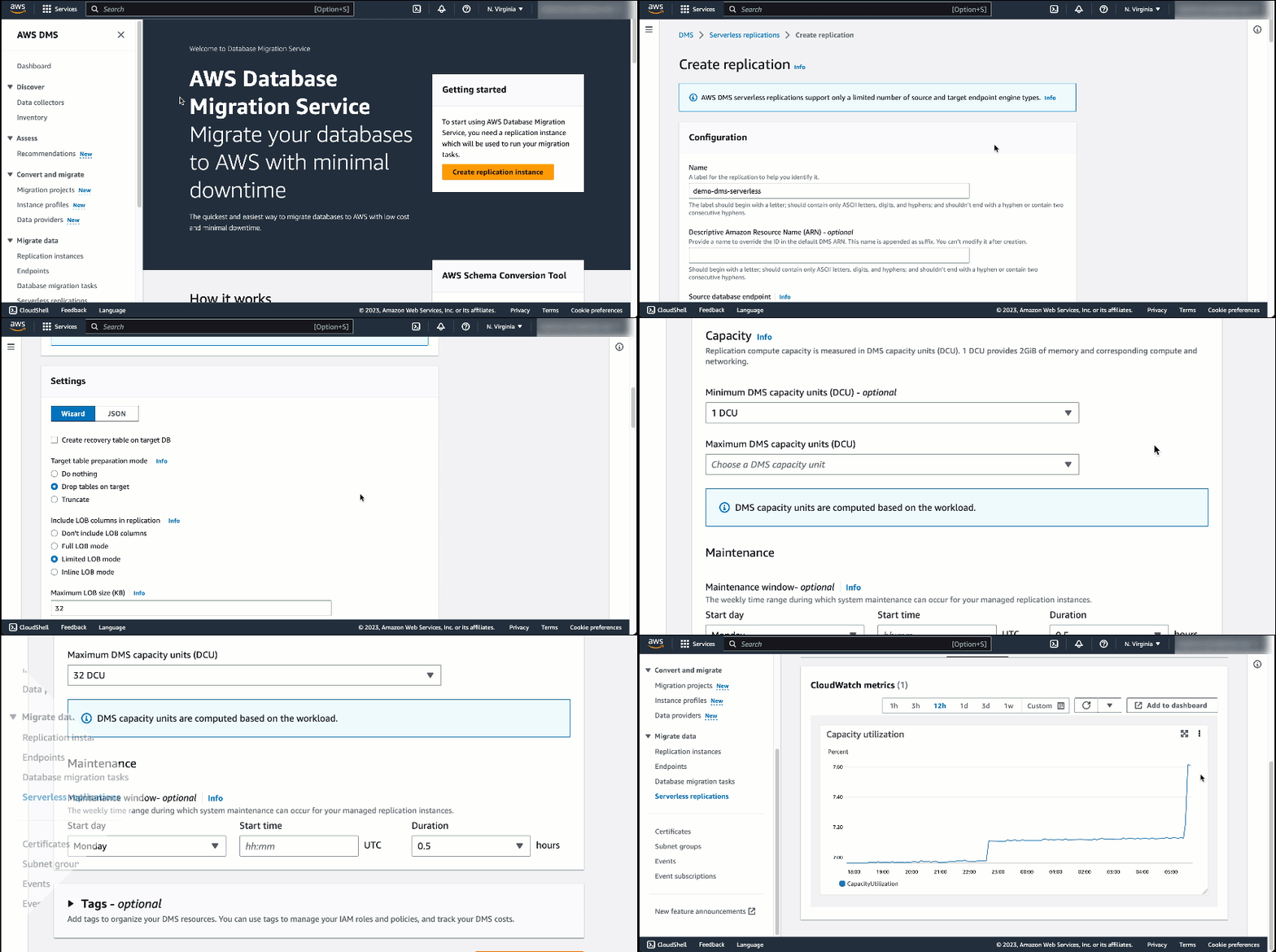
AWS DMS Serverless removes the guesswork of figuring out required compute resources and handling the operational burden needed to ensure a high-performance, uninterrupted migration. It performs automatic capacity provisioning, scaling, and capacity optimization of migrations, allowing you to quickly begin migrations with minimal oversight.
At launch, AWS DMS Serverless supports Microsoft SQL Server, PostgreSQL, MySQL, and Oracle as data sources. As for data targets, AWS DMS Serverless supports a wide range of databases and analytics services, from Amazon Aurora, Amazon Relational Database Service (Amazon RDS), Amazon Simple Storage Service (Amazon S3), Amazon Redshift, Amazon DynamoDB, and more. AWS DMS Serverless continues to add support for new data sources and targets. Visit Supported Engine Versions to stay updated.
With a variety of sources and targets supported by AWS DMS Serverless, many scenarios become possible. You can use AWS DMS Serverless to migrate databases and help to build modern data strategies by synchronizing ongoing data replications into data lakes (e.g., Amazon S3) or data warehouses (e.g., Amazon Redshift) from multiple, perhaps disparate data sources.
How AWS DMS Serverless Works
Let me show you how you can get started with AWS DMS Serverless. In this post, I migrate my data from a source database running on PostgreSQL to a target MySQL database running on Amazon RDS. The following screenshot shows my source database with dummy data:

As for the target, I’ve set up a MySQL database running in Amazon RDS. The following screenshot shows my target database:
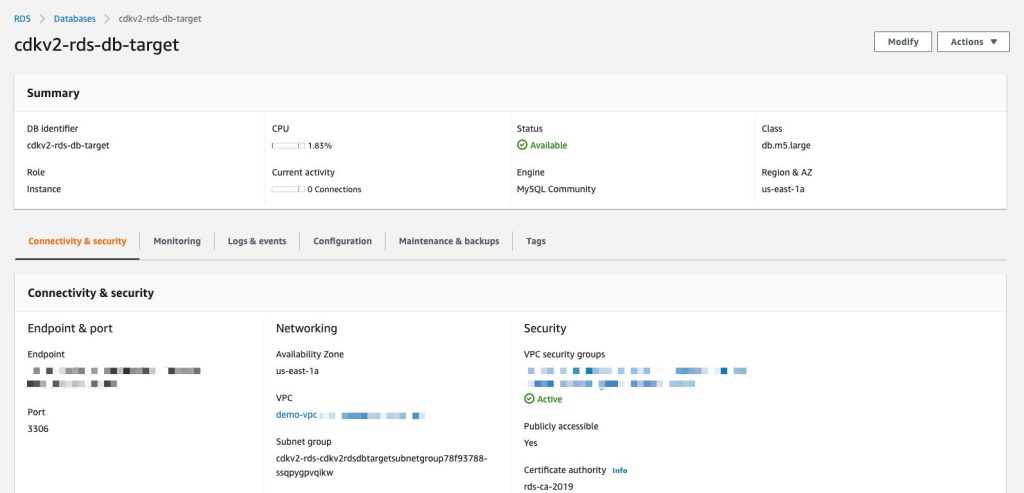
Getting starting with AWS DMS Serverless is similar to how AWS DMS works today. AWS DMS Serverless requires me to complete the setup tasks such as creating a virtual private cloud (VPC) to defining source and target endpoints. If this is your first time working with AWS DMS, you can learn more by visiting Prerequisites for AWS Database Migration Service.
To connect to a data store, AWS DMS needs endpoints for both source and target data stores. An endpoint provides all necessary information including connection, data store type, and location to my data stores. The following image shows an endpoint I’ve created for my target database:
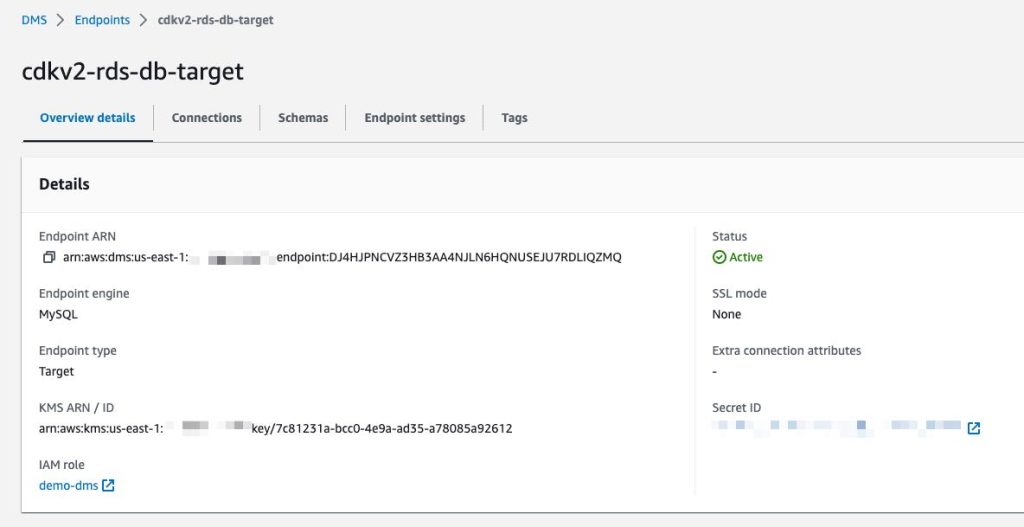
When I have finished setting up the endpoints, I can begin to create a replication by selecting the Create replication button on the Serverless replications page. Replication is a new concept introduced in AWS DMS Serverless to abstract instances and tasks that we normally have in standard AWS DMS. Additionally, the capacity resources are managed independently for each replication.

On the Create replication page, I need to define some configurations. This starts with defining Name, then specifying Source database endpoint and Target database endpoint. If you don’t find your endpoints, make sure you’re selecting database engines supported by AWS DMS Serverless.
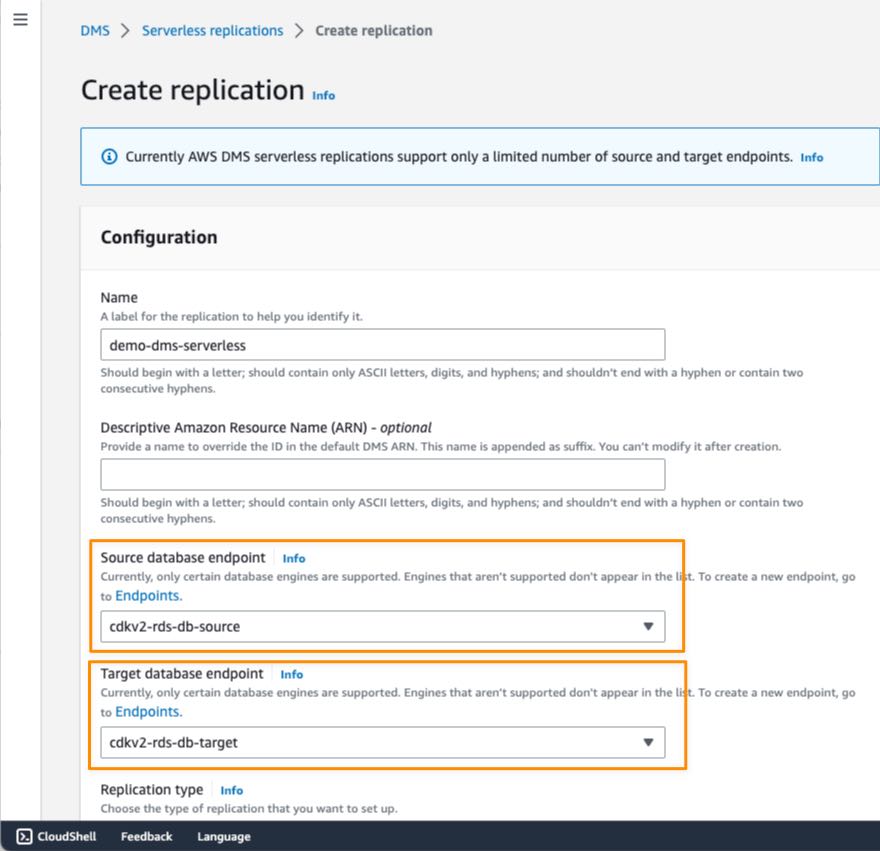
After that, I need to specify the Replication type. There are three types of replication available in AWS DMS Serverless:
- Full load — If I need to migrate all existing data in source database
- Change data capture (CDC) — If I have to replicate data changes from source to target database.
- Full load and change data capture (CDC) — If I need to migrate existing data and replicate data changes from source to target database.
In this example, I chose Full load and change data capture (CDC) because I need to migrate existing data and continuously update the target database for ongoing changes on the source database.
In the Settings section, I can also enable logging with Amazon CloudWatch, which makes it easier for me to monitor replication progress over time.
As with standard AWS DMS, in AWS DMS Serverless, I can also configure Selection rules in Table mappings to define filters that I need to replicate from table columns in the source data store.
I can also use Transformation rules if I need to rename a schema or table or add a prefix or suffix to a schema or table.

In the Capacity section, I can set the range for required capacity to perform replication by defining the minimum and maximum DCU (DMS capacity units). The minimum DCU setting is optional because AWS DMS Serverless determines the minimum DCU based on an assessment of the replication workload. During replication process, AWS DMS uses this range to scale up and down based on CPU utilization, connections, and available memory.
Setting the maximum capacity allows you to manage costs by making sure that AWS DMS Serverless never consumes more resources than you have budgeted for. When you define the maximum DCU, make sure that you choose a reasonable capacity so that AWS DMS Serverless can handle large bursts of data transaction volumes. If traffic volume decreases, AWS DMS Serverless scales capacity down again, and you only pay for what you need. For cases in which you want to change the minimum and maximum DCU settings, you have to stop the replication process first, make the changes, and run the replication again.
When I’m finished with configuring replication, I select Create replication.


When my replication is created, I can view more details of my replication and start the process by selecting Start.

After my replication runs for around 40 minutes, I can monitor replication progress in the Monitoring tab. AWS DMS Serverless also has a CloudWatch metric called Capacity utilization, which indicates the use of capacity to run replication according to the range defined as minimum and maximum DCU. The following screenshot shows the capacity scales up in the CloudWatch metrics chart.
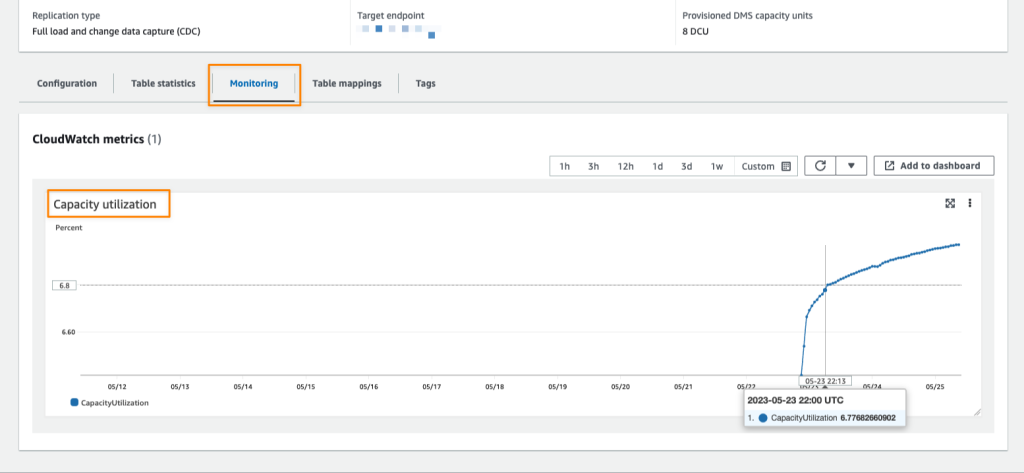
When the replication finishes its process, I see the capacity starting to decrease. This indicates that in addition to AWS DMS Serverless successfully scaling up to the required capacity, it can also scale down within the range I have defined.
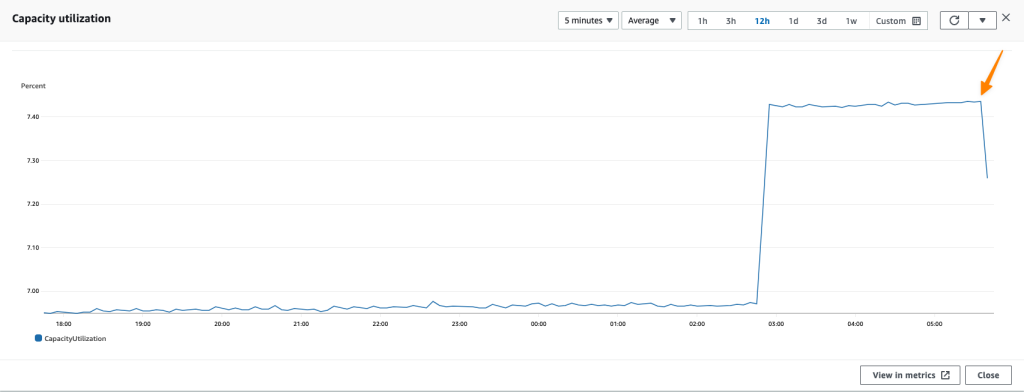
Finally, all I need to do is verify whether my data has been successfully replicated into the target data store. I need to connect to the target, run a select query, and check if all data has been successfully replicated from the source.
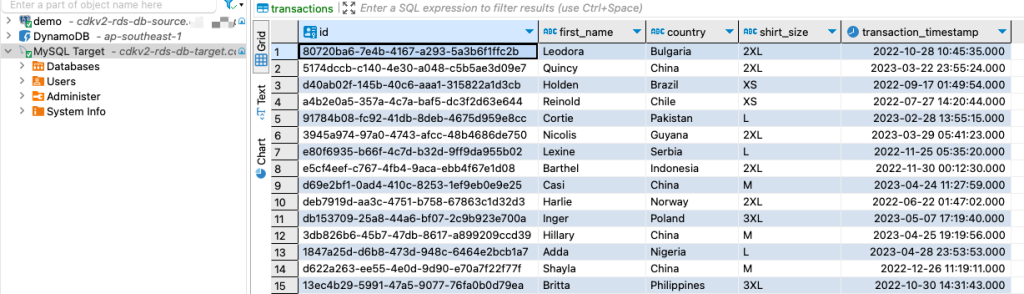
Now Available
AWS DMS Serverless is now available in all commercial regions where standard AWS DMS is available, and you can start using it today. For more information about benefits, use cases, how to get started, and pricing details, refer to AWS DMS Serverless.
Happy migrating!
—Donnie
AWS Snow Family family devices are used to cost-effectively move data to the cloud and to process data at the edge. The enhanced Snowball Edge Storage Optimized devices are designed for your petabyte-scale data migration projects, with 210 terabytes of NVMe storage and the ability to transfer up to 1.5 gigabytes of data per second. […]
This edition of Week in Review marks the end of the month of May. In addition, we just finished all of the in-person AWS Summits in Asia-Pacific and Japan starting from AWS Summit Sydney and AWS Summit Tokyo in April to AWS Summit ASEAN, AWS Summit Seoul, and AWS Summit Mumbai in May.

Thank you to everyone who attended our AWS Summits in APJ, especially the AWS Heroes, AWS Community Builders, and AWS User Group leaders, for your collaboration in supporting activities at AWS Summit events.
Last Week’s Launches
Here are some launches that caught my attention last week:
AWS Wickr is now HIPAA eligible — AWS Wickr is an end-to-end encrypted enterprise messaging and collaboration tool that enables one-to-one and group messaging, voice and video calling, file sharing, screen sharing, and location sharing, without increasing organizational risk. With this announcement, you can now use AWS Wickr for workloads that are within the scope of HIPAA. Visit AWS Wickr to get started.
Amazon Redshift announces support for auto-commit statements in stored procedure — If you’re using stored procedures in Amazon Redshift, you now have enhanced transaction controls that enable you to automatically commit the statements inside the procedure. This new NONATOMIC mode can be used to handle exceptions inside a stored procedure. You can also use the new PL/pgSQL statement RAISE to programmatically raise the exception, which helps prevent disruptions in applications due to an error inside a stored procedure. For more information on using this feature, refer to Managing transactions.
AWS Chatbot supports access to Amazon CloudWatch dashboards and logs insights in chat channels — With this launch, you now can receive Amazon CloudWatch alarm notifications for an incident directly in your chat channel, analyze the diagnostic data from the dashboards, and remediate directly from the chat channel without switching context. Visit the AWS Chatbot page to learn more.
For a full list of AWS announcements, be sure to keep an eye on the What's New at AWS page.
AWS Open Source Updates
As always, my colleague Ricardo has curated the latest updates for open source news at AWS. Here are some of the highlights:
OpenEMR on AWS Fargate — OpenEMR is a popular Electronic Health and Medical Practice management solution. If you’re looking to deploy OpenEMR on AWS, then this repo will help you to get your OpenEMR up and running on AWS Fargate using Amazon ECS.

Cloud-Radar — If you’re working with AWS Cloudformation and looking for performing unit tests, then you might want to try Cloud-Radar. You can also perform functional testing with Cloud-Radar as this tool also acts a wrapper around Taskcat.
Amazon and Generative AI
Using generative AI to improve extreme multilabel classification — In their research on extreme multilabel classification (XMC), Amazon scientists explored a generative approach, in which a model generates a sequence of labels for input sequences of words. The generative models with clustering consistently outperformed them. This demonstrates the effectiveness of incorporating hierarchical clustering in improving XMC performance.

Upcoming AWS Events
Don’t miss upcoming AWS-led events happening soon:
- AWS Silicon Innovation Day (June 21)
- AWS Summit London (June 7)
- AWS Summit in Washington, DC (June 7 & 8)
- AWS Summit Toronto (June 14)
Also, let’s learn from our fellow builders and give them support by attending AWS Community Days:
- AWS Community Day Warsaw in Poland (June 1),
- AWS Community Day Midwest in Chicago, USA (June 15),
- AWS Community Day Security Edition in Chile (July 1),
- AWS Community Day Philippines (July 29-30).
That’s all for this week. Check back next Monday for another Week in Review!
Happy building
— Donnie
 Here are your AWS updates from the previous 7 days. Last week I was in Turin, Italy for CloudConf, a conference I’ve had the pleasure to participate in for the last 10 years. AWS Hero Anahit Pogosova was also there sharing a few serverless tips in front of a full house. Here’s a picture I took from the last row during her keynote.
On Thursday, May 25, I’ll be at the AWS Community Day in Dublin to celebrate the 10 years of the local AWS User Group. Say hi if you’re there!
Last Week’s Launches
Last week was packed with announcements! Here are the launches that got my attention:
Amazon SageMaker – Geospatial capabilities are now generally available with security updates and more use case samples.
Amazon Detective – Simplify the investigation of AWS Security Findings coming from new sources such as AWS IAM Access Analyzer, Amazon Inspector, and Amazon Macie.
Amazon EventBridge – EventBridge now delivers events up to 80% faster than before, as measured by the time an event is ingested to the first invocation attempt. No change is required on your side.
AWS Control Tower – The service has launched 28 new proactive controls that allow you to block non-compliant resources before they are provisioned for services such as AWS OpenSearch Service, AWS Auto Scaling, Amazon SageMaker, Amazon API Gateway, and Amazon Relational Database Service (Amazon RDS). Check out the original posts from when proactive controls were launched.
Amazon CloudFront – CloudFront now supports two new control directives to help improve performance and availability: stale-while-revalidate (to immediately deliver stale responses to users while it revalidates caches in the background) and the stale-if-error cache (to define how long stale responses should be reused if there’s an error).
Amazon Timestream – Timestream now enables to export query results to Amazon S3 in a cost-effective and secure manner using the new UNLOAD statement.
AWS Distro for OpenTelemetry – The tail sampling and the group-by-trace processors are now generally available in the AWS Distro for OpenTelemetry (ADOT) collector. For example, with tail sampling, you can define sampling policies such as “ingest 100% of all error cases and 5% of all success cases.”
AWS DataSync – You can now use DataSync to copy data to and from Amazon S3 compatible storage on AWS Snowball Edge Compute Optimized devices.
AWS Device Farm – Device Farm now supports VPC integration for private devices, for example, when an unreleased version of an app is accessing a staging environment and tests are accessing internal packages only accessible via private networking. Read more at Access your private network from real mobile devices using AWS Device Farm.
Amazon Kendra – Amazon Kendra now helps you search across different content repositories with new connectors for Gmail, Adobe Experience Manager Cloud, Adobe Experience Manager On-Premise, Alfresco PaaS, and Alfresco Enterprise. There is also an updated Microsoft SharePoint connector.
Amazon Omics – Omics now offers pre-built bioinformatic workflows, synchronous upload capability, integration with Amazon EventBridge, and support for Graphical Processing Units (GPUs). For more information, check out New capabilities make it easier for healthcare and life science customers to get started, build applications, and scale-up on Amazon Omics.
Amazon Braket – Braket now supports Aria, IonQ’s largest and highest fidelity publicly available quantum computing device to date. To learn more, read Amazon Braket launches IonQ Aria whith built-in error mitigation.
For a full list of AWS announcements, be sure to keep an eye on the What's New at AWS page.
Other AWS News
A few more news items and blog posts you might have missed:
 AWS Documentation – The AWS Documentation home page has been redesigned. Leave your feedback there to let us know what you think or to suggest future improvements. Last week we also announced that we are retiring the AWS Documentation GitHub repo to focus our resources to directly improve the documentation and the website.
Peloton case study – Peloton embraces Amazon Redshift to unlock the power of data during changing times.
Zoom case study – Learn how Zoom implemented streaming log ingestion and efficient GDPR deletes using Apache Hudi on Amazon EMR.
Nice solution – Introducing an image-to-speech Generative AI application using SageMaker and Hugging Face.
For AWS open-source news and updates, check out the latest newsletter curated by Ricardo to bring you the most recent updates on open-source projects, posts, events, and more.
Upcoming AWS Events
Here are some opportunities to meet and learn:
AWS Data Insights Day (May 24) – A virtual event to discover how to innovate faster and more cost-effectively with data. This event focuses on customer voices, deep-dive sessions, and best practices of Amazon Redshift. You can register here.
AWS Silicon Innovation Day (June 21) – AWS has designed and developed purpose-built silicon specifically for the cloud. Join to learn AWS innovations in custom-designed Amazon EC2 chips built for high performance and scale in the cloud. Register here.
AWS re:Inforce (June 13–14) – You can still register for AWS re:Inforce. This year it is taking place in Anaheim, California.
AWS Global Summits – Sign up for the AWS Summit closest to where you live: Hong Kong (May 23), India (May 25), Amsterdam (June 1), London (June 7), Washington, DC (June 7-8), Toronto (June 14), Madrid (June 15), and Milano (June 22). If you want to meet, I’ll be at the one in London.
AWS Community Days – Join these community-led conferences where event logistics and content is planned, sourced, and delivered by community leaders: Dublin, Ireland (May 25), Shenzhen, China (May 28), Warsaw, Poland (June 1), Chicago, USA (June 15), and Chile (July 1).
That’s all from me for this week. Come back next Monday for another Week in Review!
— Danilo
At AWS re:Invent 2022, we previewed Amazon SageMaker geospatial capabilities, allowing data scientists and machine learning (ML) engineers to build, train, and deploy ML models using geospatial data. Geospatial ML with Amazon SageMaker supports access to readily available geospatial data, purpose-built processing operations and open source libraries, pre-trained ML models, and built-in visualization tools with Amazon SageMaker’s geospatial capabilities.
 During the preview, we had lots of interest and great feedback from customers. Today, Amazon SageMaker geospatial capabilities are generally available with new security updates and additional sample use cases.
Introducing Geospatial ML features with SageMaker Studio
To get started, use the quick setup to launch Amazon SageMaker Studio in the US West (Oregon) Region. Make sure to use the default Jupyter Lab 3 version when you create a new user in the Studio. Now you can navigate to the homepage in SageMaker Studio. Then select the Data menu and click on Geospatial.
Here is an overview of three key Amazon SageMaker geospatial capabilities:
- Earth Observation jobs – Acquire, transform, and visualize satellite imagery data using purpose-built geospatial operations or pre-trained ML models to make predictions and get useful insights.
- Vector Enrichment jobs – Enrich your data with operations, such as converting geographical coordinates to readable addresses.
- Map Visualization – Visualize satellite images or map data uploaded from a CSV, JSON, or GeoJSON file.
You can create all Earth Observation Jobs (EOJ) in the SageMaker Studio notebook to process satellite data using purpose-built geospatial operations. Here is a list of purpose-built geospatial operations that are supported by the SageMaker Studio notebook:
- Band Stacking – Combine multiple spectral properties to create a single image.
- Cloud Masking – Identify cloud and cloud-free pixels to get improved and accurate satellite imagery.
- Cloud Removal – Remove pixels containing parts of a cloud from satellite imagery.
- Geomosaic – Combine multiple images for greater fidelity.
- Land Cover Segmentation – Identify land cover types such as vegetation and water in satellite imagery.
- Resampling – Scale images to different resolutions.
- Spectral Index – Obtain a combination of spectral bands that indicate the abundance of features of interest.
- Temporal Statistics – Calculate statistics through time for multiple GeoTIFFs in the same area.
- Zonal Statistics – Calculate statistics on user-defined regions.
A Vector Enrichment Job (VEJ) enriches your location data through purpose-built operations for reverse geocoding and map matching. While you need to use a SageMaker Studio notebook to execute a VEJ, you can view all the jobs you create using the user interface. To use the visualization in the notebook, you first need to export your output to your Amazon S3 bucket.
- Reverse Geocoding – Convert coordinates (latitude and longitude) to human-readable addresses.
- Map Matching – Snap inaccurate GPS coordinates to road segments.
Using the Map Visualization, you can visualize geospatial data, the inputs to your EOJ or VEJ jobs as well as the outputs exported from your Amazon Simple Storage Service (Amazon S3) bucket.
Security Updates
At GA, we have two major security updates—AWS Key Management Service (AWS KMS) for customer managed AWS KMS key support and Amazon Virtual Private Cloud (Amazon VPC) for geospatial operations in the customer Amazon VPC environment.
AWS KMS customer managed keys offer increased flexibility and control by enabling customers to use their own keys to encrypt geospatial workloads.
You can use KmsKeyId to specify your own key in StartEarthObservationJob and StartVectorEnrichmentJob as an optional parameter. If the customer doesn’t provide KmsKeyId, a service owned key will be used to encrypt the customer content. To learn more, see SageMaker geospatial capabilities AWS KMS Support in the AWS documentation.
Using Amazon VPC, you have full control over your network environment and can more securely connect to your geospatial workloads on AWS. You can use SageMaker Studio or Notebook in your Amazon VPC environment for SageMaker geospatial operations and execute SageMaker geospatial API operations through an interface VPC endpoint in SageMaker geospatial operations.
To get started with Amazon VPC support, configure Amazon VPC on SageMaker Studio Domain and create a SageMaker geospatial VPC endpoint in your VPC in the Amazon VPC console. Choose the service name as com.amazonaws.us-west-2.sagemaker-geospatial and select the VPC in which to create the VPC endpoint.
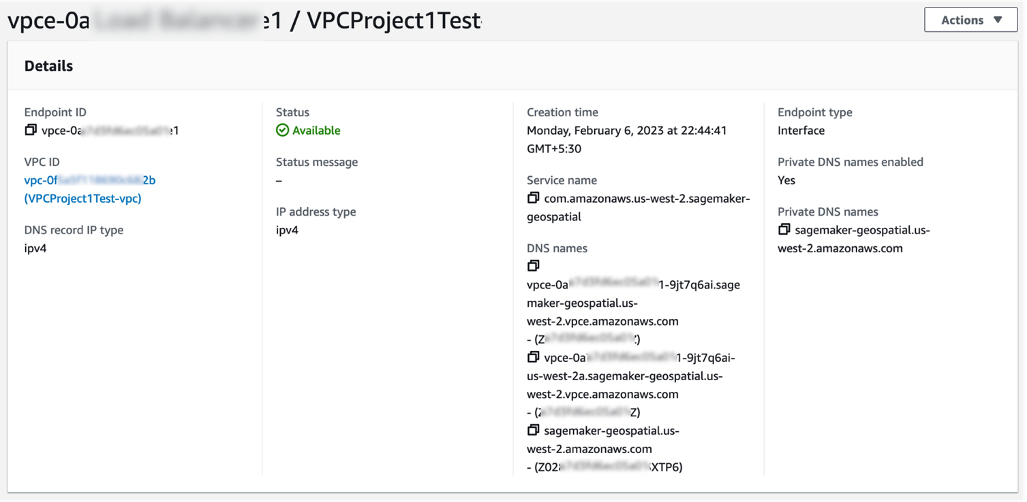
All Amazon S3 resources that are used for input or output in EOJ and VEJ operations should have internet access enabled. If you have no direct access to those Amazon S3 resources via the internet, you can grant SageMaker geospatial VPC endpoint ID access to it by changing the corresponding S3 bucket policy. To learn more, see SageMaker geospatial capabilities Amazon VPC Support in the AWS documentation.
Example Use Case for Geospatial ML
Customers across various industries use Amazon SageMaker geospatial capabilities for real-world applications.
Maximize Harvest Yield and Food Security
Digital farming consists of applying digital solutions to help farmers optimize crop production in agriculture through the use of advanced analytics and machine learning. Digital farming applications require working with geospatial data, including satellite imagery of the areas where farmers have their fields located.

You can use SageMaker to identify farm field boundaries in satellite imagery through pre-trained models for land cover classification. Learn about How Xarvio accelerated pipelines of spatial data for digital farming with Amazon SageMaker Geospatial in the AWS Machine Learning Blog. You can find an end-to-end digital farming example notebook via the GitHub repository.
Damage Assessment
As the frequency and severity of natural disasters increase, it’s important that we equip decision-makers and first responders with fast and accurate damage assessment. You can use geospatial imagery to predict natural disaster damage and geospatial data in the immediate aftermath of a natural disaster to rapidly identify damage to buildings, roads, or other critical infrastructure.
From an example notebook, you can train, deploy, and predict natural disaster damage from the floods in Rochester, Australia, in mid-October 2022. We use images from before and after the disaster as input to its trained ML model. The results of the segmentation mask for the Rochester floods are shown in the following images. Here we can see that the model has identified locations within the flooded region as likely damaged.

You can train and deploy a geospatial segmentation model to assess wildfire damages using multi-temporal Sentinel-2 satellite data via GitHub repository. The area of interest for this example is located in Northern California, from a region that was affected by the Dixie Wildfire in 2021.
Monitor Climate Change
Earth’s climate change increases the risk of drought due to global warming. You can see how to acquire data, perform analysis, and visualize the changes with SageMaker geospatial capabilities to monitor shrinking shoreline caused by climate change in the Lake Mead example, the largest reservoir in the US.

You can find the notebook code for this example in the GitHub repository.
Predict Retail Demand
The new notebook example demonstrates how to use SageMaker geospatial capabilities to perform a vector-based map-matching operation and visualize the results. Map matching allows you to snap noisy GPS coordinates to road segments. With Amazon SageMaker geospatial capabilities, it is possible to perform a VEJ for map matching. This type of job takes a CSV file with route information (such as longitude, latitude, and timestamps of GPS measurements) as input and produces a GeoJSON file that contains the predicted route.
Support Sustainable Urban Development
Arup, one of our customers, uses digital technologies like machine learning to explore the impact of heat on urban areas and the factors that influence local temperatures to deliver better design and support sustainable outcomes. Urban Heat Islands and the associated risks and discomforts are one of the biggest challenges cities are facing today.
Using Amazon SageMaker geospatial capabilities, Arup identifies and measures urban heat factors with earth observation data, which significantly accelerated their ability to counsel clients. It enabled its engineering teams to carry out analytics that weren’t possible previously by providing access to increased volumes, types, and analysis of larger datasets. To learn more, see Facilitating Sustainable City Design Using Amazon SageMaker with Arup in AWS customer stories.
Now Available
Amazon SageMaker geospatial capabilities are now generally available in the US West (Oregon) Region. As part of the AWS Free Tier, you can get started with SageMaker geospatial capabilities for free. The Free Tier lasts 30 days and includes 10 free ml.geospatial.interactive compute hours, up to 10 GB of free storage, and no $150 monthly user fee.
After the 30-day free trial period is complete, or if you exceed the Free Tier limits defined above, you pay for the components outlined on the pricing page.
To learn more, see Amazon SageMaker geospatial capabilities and the Developer Guide. Give it a try and send feedback to AWS re:Post for Amazon SageMaker or through your usual AWS support contacts.
– Channy
With Amazon Detective, you can analyze and visualize security data to investigate potential security issues. Detective collects and analyzes events that describe IP traffic, AWS management operations, and malicious or unauthorized activity from AWS CloudTrail logs, Amazon Virtual Private Cloud (Amazon VPC) Flow Logs, Amazon GuardDuty findings, and, since last year, Amazon Elastic Kubernetes Service (EKS) audit logs. Using this data, Detective constructs a graph model that distills log data using machine learning, statistical analysis, and graph theory to build a linked set of data for your security investigations.
Starting today, Detective offers investigation support for findings in AWS Security Hub in addition to those detected by GuardDuty. Security Hub is a service that provides you with a view of your security state in AWS and helps you check your environment against security industry standards and best practices. If you’ve turned on Security Hub and another integrated AWS security services, those services will begin sending findings to Security Hub.
With this new capability, it is easier to use Detective to determine the cause and impact of findings coming from new sources such as AWS Identity and Access Management (IAM) Access Analyzer, Amazon Inspector, and Amazon Macie. All AWS services that send findings to Security Hub are now supported.
Let’s see how this works in practice.
Enabling AWS Security Findings in the Amazon Detective Console
When you enable Detective for the first time, Detective now identifies findings coming from both GuardDuty and Security Hub, and automatically starts ingesting them along with other data sources. Note that you don’t need to enable or publish these log sources for Detective to start its analysis because this is managed directly by Detective.
If you are an existing Detective customer, you can enable investigation of AWS Security Findings as a data source with one click in the Detective Management Console. I already have Detective enabled, so I add the source package.
In the Detective console, in the Settings section of the navigation pane, I choose General. There, I choose Edit in the Optional source packages section to enable Detective for AWS Security Findings.
Once enabled, Detective starts analyzing all the relevant data to identify connections between disparate events and activities. To start your investigation process, you can get a visualization of these connections, including resource behavior and activities. Historical baselines, which you can use to provide comparisons against recent activity, are established after two weeks.
Investigating AWS Security Findings in the Amazon Detective Console
I start in the Security Hub console and choose Findings in the navigation pane. There, I filter findings to only see those where the Product name is Inspector and Severity label is HIGH.

The first one looks suspicious, so I choose its Title (CVE-2020-36223 – openldap). The Security Hub console provides me with information about the corresponding Common Vulnerabilities and Exposures (CVE) ID and where and how it was found. At the bottom, I have the option to Investigate in Amazon Detective. I follow the Investigate finding link, and the Detective console opens in another browser tab.

Here, I see the entities related to this Inspector finding. First, I open the profile of the AWS account to see all the findings associated with this resource, the overall API call volume issued by this resource, and the container clusters in this account.
For example, I look at the successful and failed API calls to have a better understanding of the impact of this finding.
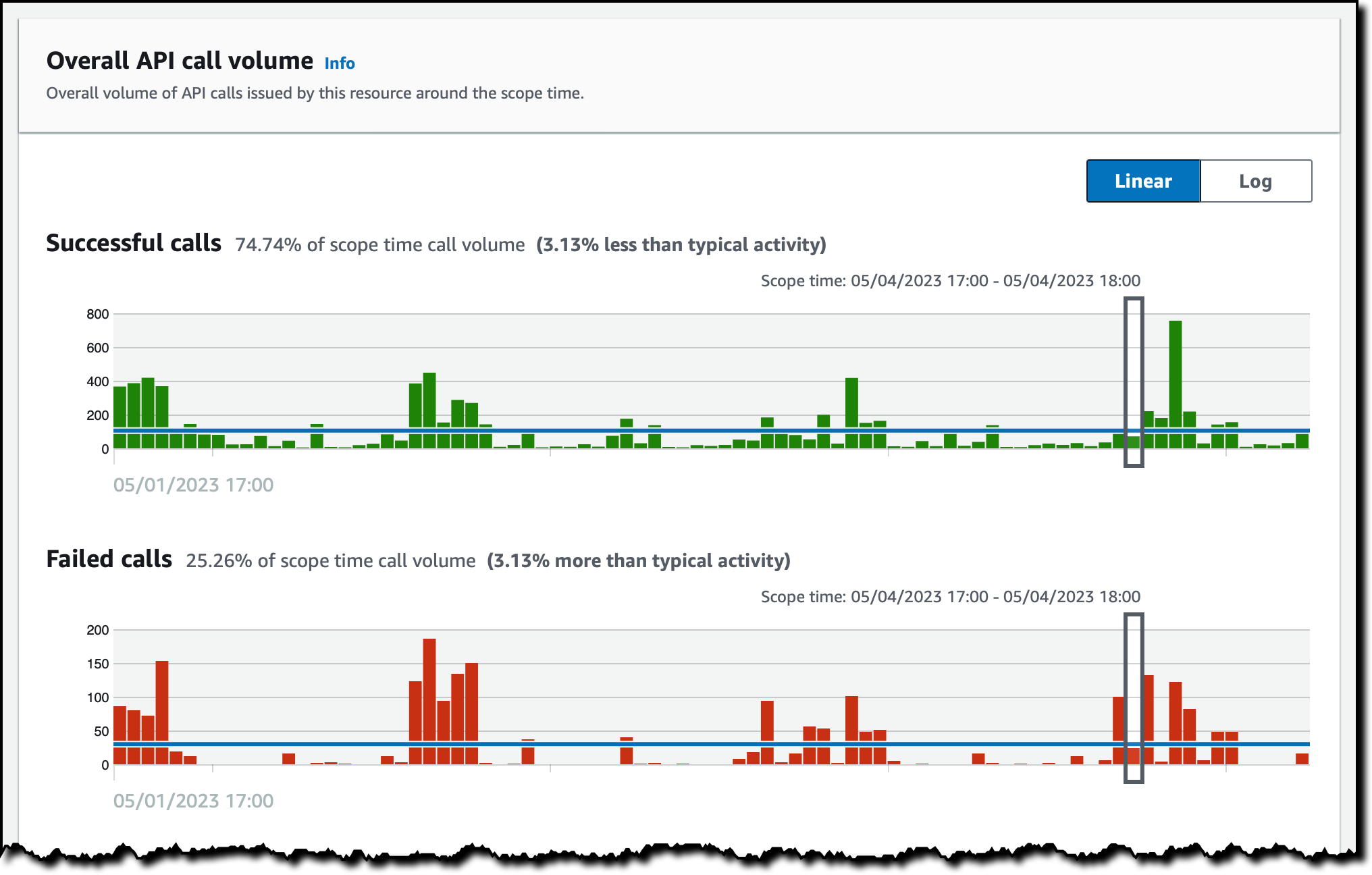
Then, I open the profile for the container image. There, I see the images that are related to this image (because they have the same repository or registry as this image), the containers running from this image during the scope time (managed by Amazon EKS), and the findings associated with this resource.
Depending on the finding, Detective helps me correlate information from different sources such as CloudTrail logs, VPC Flow Logs, and EKS audit logs. This information makes it easier to understand the impact of the finding and if the risk has become an incident. For Security Hub, Detective only ingests findings for configuration checks that failed. Because configuration checks that passed have little security value, we’re filtering these outs.
Availability and Pricing
Amazon Detective investigation support for AWS Security Findings is available today for all existing and new Detective customers in all AWS Regions where Detective is available, including the AWS GovCloud (US) Regions. For more information, see the AWS Regional Services List.
Amazon Detective is priced based on the volume of data ingested. By enabling investigation of AWS Security Findings, you can increase the volume of ingested data. For more information, see Amazon Detective pricing.
When GuardDuty and Security Hub provide a finding, they also suggest the remediation. On top of that, Detective helps me investigate if the vulnerability has been exploited, for example, using logs and network traffic as proof.
Currently, findings coming from Security Hub are not included in the Finding groups section of the Detective console. Our plan is to expand Finding groups to cover the newly integrated AWS security services. Stay tuned!
Start using Amazon Detective to investigate potential security issues.
— Danilo
About five years ago I announced that AWS Documentation is Now Open Source and on GitHub. After a prolonged period of experimentation we will archive most of the repos starting the week of June 5th, and will devote all of our resources to directly improving the AWS documentation and website.
The primary source for most of the AWS documentation is on internal systems that we had to manually sync with the GitHub repos. Despite the best efforts of our documentation team, keeping the public repos in sync with our internal ones has proven to be very difficult and time consuming, with several manual steps and some parallel editing. With 262 separate repos and thousands of feature launches every year, the overhead was very high and actually consumed precious time that could have been put to use in ways that more directly improved the quality of the documentation.
Our intent was to increase value to our customers through openness and collaboration, but we learned through customer feedback that this wasn’t necessarily the case. After carefully considering many options we decided to retire the repos and to invest all of our resources in making the content better.
Repos containing code samples, sample apps, CloudFormation templates, configuration files, and other supplementary resources will remain as-is since those repos are primary sources and get a high level of engagement.
To help us improve the documentation, we’re also focusing more resources on your feedback:

We watch the thumbs-up and thumbs-down metrics on a weekly basis, and use the metrics as top-level pointers to areas of the documentation that could be improved. The incoming feedback creates tickets that are routed directly to the person or the team that is responsible for the page. I strongly encourage you to make frequent use of both feedback mechanisms.
— Jeff;
A new week has begun. Last week, there was a lot of news related to AWS. I have compiled a few announcements you need to know. Let’s get started right away!
Last Week’s Launches
Let’s take a look at some launches from the last week that I want to remind you of:
New Amazon EC2 I4g Instances – Powered by AWS Graviton2 processors, Amazon Elastic Compute Cloud (Amazon EC2) I4g instances improve real-time storage performance up to 2x compared to prior generation storage-optimized instances. Based on AWS Nitro SSDs that are custom-built by AWS and reduce both latency and latency variability, I4g instances are optimized for workloads that perform a high mix of random read/write and require very low I/O latency, such as transactional databases and real-time analytics. To learn more, see Jeff’s post.
Amazon Aurora I/O-Optimized – You can now choose between two storage configurations for Amazon Aurora DB clusters: Aurora Standard or Aurora I/O-Optimized. For applications with low-to-moderate I/Os, Aurora Standard is a cost-effective option.
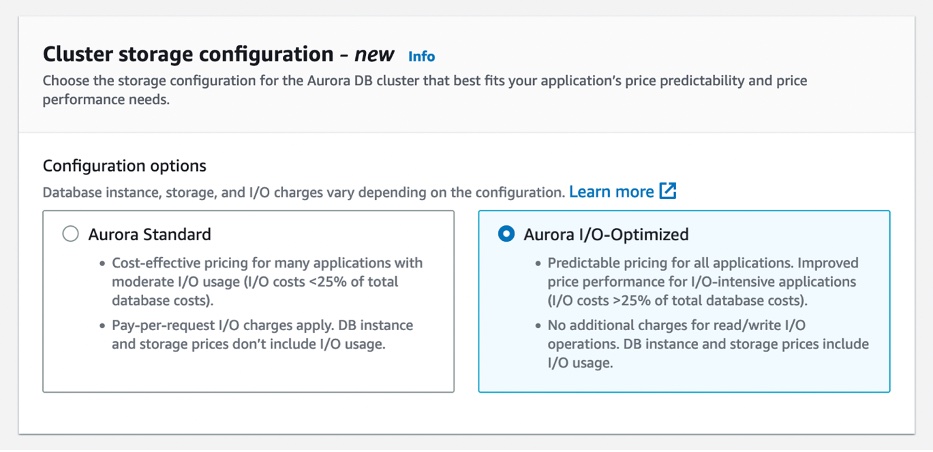
For applications with high I/Os, Aurora I/O-Optimized provides improved price performance, predictable pricing, and up to 40 percent costs savings. To learn more, see my full blog post.
AWS Management Console Private Access – This is a new security feature that allows you to limit access to the AWS Management Console from your Virtual Private Cloud (VPC) or connected networks to a set of trusted AWS accounts and organizations. It is built on VPC endpoints, which use AWS PrivateLink to establish a private connection between your VPC and the console.

AWS Management Console Private Access is useful when you want to prevent users from signing in to unexpected AWS accounts from within your network. To learn more, see the AWS Management Console getting started guide.
One-Click Security Protection on the Amazon CloudFront Console – You can now secure your web applications and APIs with AWS WAF with a single click on the Amazon CloudFront console. CloudFront handles creating and configuring AWS WAF for you with out-of-the-box protections recommended by AWS and this simple and convenient way to protect applications at the time you create or edit your distribution.
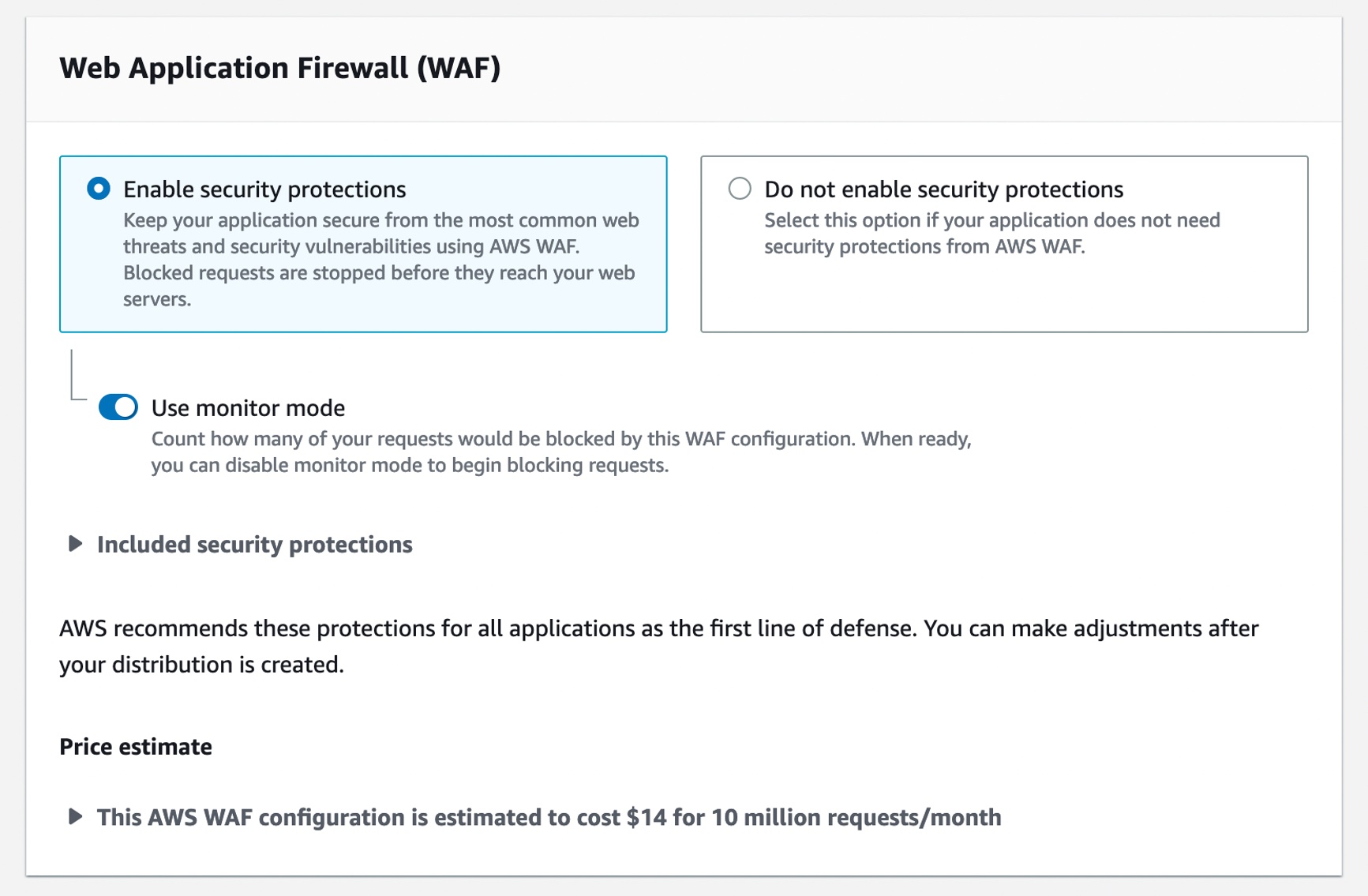
You may continue to select a preconfigured AWS WAF web access control list (ACL) when you prefer to use an existing web ACL. To learn more, see Using AWS WAF to control access to your content in the AWS documentation.
Tracing AWS Lambda SnapStart Functions with AWS X-Ray – You can use AWS X-Ray traces to gain deeper visibility into your function’s performance and execution lifecycle, helping you identify errors and performance bottlenecks for your latency-sensitive Java applications built using SnapStart-enabled functions.
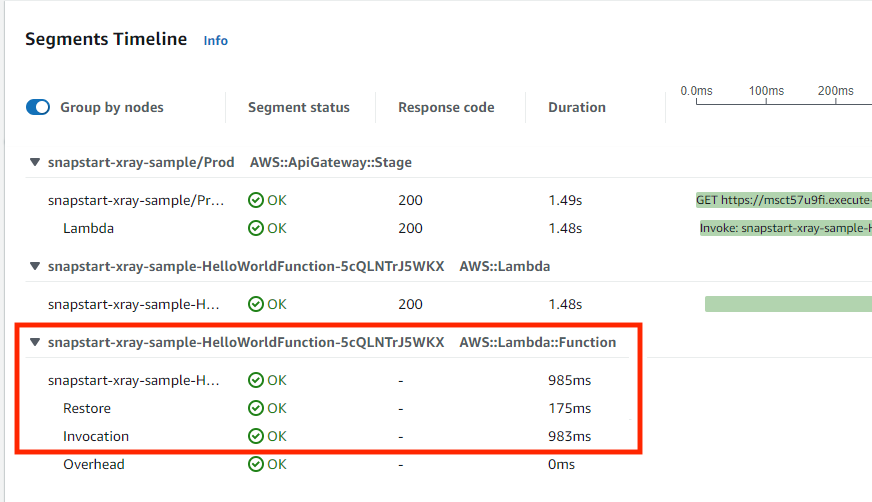
With X-Ray support for SnapStart-enabled functions, you can now see trace data about the restoration of the execution environment and execution of your function code. You can enable X-Ray for Java-based SnapStart-enabled Lambda functions running on Amazon Corretto 11 or 17. To learn more about X-Ray for SnapStart-enabled functions, visit the Lambda Developer Guide or read Marcia’s blog post.
For a full list of AWS announcements, be sure to keep an eye on the What’s New at AWS page.
Open Source Updates
Last week, we introduced new open-source projects and significant roadmap contributions to the Jupyter community.
Snapchange – Snapchange is a new open-source project to make fuzzing of a memory snapshot easier using KVM written by Rust. Snapchange enables a target binary to be fuzzed with minimal modifications, providing useful introspection that aids in fuzzing. Snapchange utilizes the features of the Linux kernel’s built-in virtual machine manager known as kernel virtual machine or KVM. To learn more, see the announcement post and GitHub repository.
Cedar – Cedar is a new open-source language for defining permissions as policies, which describes who should have access to what, and evaluating those policies. You can use Cedar to control access to resources such as photos in a photo-sharing app, compute nodes in a microservices cluster, or components in a workflow automation system. Cedar is also authorization-policy language used by the Amazon Verified Permissions, a scalable, fine-grained permissions management and authorization service for custom applications and AWS Verified Access managed services to validate each application request before granting access. To learn more, see the announcement post , Amazon Science blog post and Cedar playground to test sample policies.
Jupyter Community Contributions – We announced new contributions to Jupyter community to democratize generative artificial intelligence (AI) and scale machine learning (ML) workloads. We contributed two Jupyter extensions – Jupyter AI to bring generative AI to Jupyter notebooks and Amazon CodeWhisperer Jupyter extension to generate code suggestions for Python notebooks in JupyterLab. We also contributed three new capabilities to help you scale ML development faster: notebooks scheduling, SageMaker open-source distribution, and Amazon CodeGuru Jupyter extension. To learn more, see the announcement post and Jupyter on AWS.
To learn about weekly updates for open source at AWS, check out the latest AWS open source newsletter by Ricardo.
Upcoming AWS Events
Check your calendars and sign up for these AWS-led events:
AWS Serverless Innovation Day on May 17 – Join us for a free full-day virtual event to learn about AWS Serverless technologies and event-driven architectures from customers, experts, and leaders. Marcia outlined the agenda and main topics of this event in her post. You can register on the event page.
AWS Data Insights Day on May 24 – Join us for another virtual event to discover ways to innovate faster and more cost-effectively with data. Whether your data is stored in operational data stores, data lakes, streaming engines, or within your data warehouse, Amazon Redshift helps you achieve the best performance with the lowest spend. This event focuses on customer voices, deep-dive sessions, and best practices of Amazon Redshift. You can register on the event page.
AWS Silicon Innovation Day on June 21 – Join AWS leaders and experts showcasing AWS innovations in custom-designed EC2 chips built for high performance and scale in the cloud. AWS has designed and developed purpose-built silicon specifically for the cloud. You can understand AWS Silicons and how they can use AWS’s unique EC2 chip offerings to their benefit. You can register on the event page.
AWS re:Inforce 2023 – You can still register for AWS re:Inforce, in Anaheim, California, June 13–14.
AWS Global Summits – Sign up for the AWS Summit closest to your city: Hong Kong (May 23), India (May 25), Amsterdam (June 1), London (June 7), Washington DC (June 7-8), Toronto (June 14), Madrid (June 15), and Milano (June 22).
AWS Community Day – Join community-led conferences driven by AWS user group leaders closest to your city: Chicago (June 15), and Philippines (June 29–30).
You can browse all upcoming AWS-led in-person and virtual events, and developer-focused events such as AWS DevDay.
That’s all for this week. Check back next Monday for another Week in Review!
— Channy
This post is part of our Week in Review series. Check back each week for a quick roundup of interesting news and announcements from AWS!
Join us on Wednesday, May 17, for AWS Serverless Innovation Day, a free full-day virtual event. You will learn about AWS Serverless technologies and event-driven architectures from customers, experts, and leaders.
AWS Serverless Innovation Day is an event to empower builders and technical decision-makers with different AWS Serverless technologies, including AWS Lambda, Amazon Elastic Container Service (Amazon ECS) with AWS Fargate, Amazon EventBridge, and AWS Step Functions. The talks of the day will cover three key topics: event-driven architectures, serverless containers, and serverless functions, and how they can be utilized to build and modernize applications. Application modernization is a priority for organizations this year, and serverless helps to increase the software delivery speed and reduce the total cost of ownership.

Eric Johnson and Jessica Deen will be the hosts for the event. Holly Mesrobian, VP of Serverless Compute at AWS, will deliver the welcome keynote and share AWS’s vision for Serverless. The day ends with closing remarks from James Beswick and Usman Khalid, Events and Workflows Director at AWS.
The event is split into three groups of talks: event-driven architecture, serverless containers, and Lambda-based applications. Each group kicks off with a fireside chat between AWS customers and an AWS leader. You can learn how organizations, such as Capital One, PostNL, Pentasoft, Delta Air Lines, and Smartsheets, are using AWS Serverless technologies to solve their most challenging problems and continue to innovate.
During the day, all the sessions include demos and use cases, where you can learn the best practices and how to build applications. If you cannot attend all day, here are some of my favorite sessions to watch:
- Building with serverless workflows at scale – Ben Smith will show you how to unleash the power of AWS Step Functions.
- Event design and event-first development – In this session, David Boyne will show you a robust approach to event design with Amazon EventBridge.
- Best practices for AWS Lambda – You will learn from Julian Wood how to get the most out of your functions.
- Optimizing for cost using Amazon ECS – Scott Coulton will show you how to reduce operational overhead from the control plane with Amazon ECS.
There is no up-front registration required to join the AWS Serverless Innovation Day, but if you want to be notified before the event starts, get in-depth news, articles, and event updates, and get a notification when the on-demand videos are available, you can register on the event page. The event will be streamed on Twitch, LinkedIn Live, YouTube, and Twitter.
See you there.
— Marcia
Since Amazon Aurora launched in 2014, hundreds of thousands of customers have chosen Aurora to run their most demanding applications. Aurora provides unparalleled high performance and availability at global scale with full MySQL and PostgreSQL compatibility at up to one-tenth the cost of commercial databases.
Many customers benefit from the cost-effectiveness of Aurora’s current simple, pay-per-request pricing for input/output (I/O) usage, removing the need to provision I/Os in advance. Customers also benefit from additional cost-saving innovations such as Amazon Aurora Serverless v2 (ASv2), which provides seamless scaling in fine-grained increments based on the application’s demands. For workloads with spikes in demand, you can save up to 90 percent in costs vs. provisioning capacity for peak load with ASv2.
Today, we are announcing the general availability of Amazon Aurora I/O-Optimized, a new cluster configuration that offers improved price performance and predictable pricing for customers with I/O-intensive applications, such as e-commerce applications, payment processing systems, and more. Aurora I/O-Optimized offers improved performance, increasing throughput and reducing latency to support your most demanding workloads.
You can now confidently predict costs for your most I/O-intensive workloads, with up to 40 percent cost savings when your I/O spend exceeds 25 percent of your current Aurora database spend. If you are using Reserved Instances, you will see even greater cost savings.
Now you have the flexibility to choose between the existing configuration newly called Aurora Standard, which is the existing pay-per-request pricing model that is cost-effective for applications with low-to-moderate I/O usage or the new Aurora I/O-Optimized configuration for I/O-intensive applications.
Getting Started with Aurora I/O-Optimized
You can create a new database cluster using the Aurora I/O-Optimized configuration or convert your existing database clusters with a few clicks in the AWS Management Console, AWS Command Line Interface (AWS CLI), or AWS SDKs.

For the Aurora MySQL-Compatible Edition and Aurora PostgreSQL-Compatible Edition, you can choose either the Aurora Standard or Aurora I/O-Optimized configuration.
Aurora I/O-Optimized configuration is available in the latest version of Aurora MySQL version 3.03.1 and higher, Aurora PostgreSQL v15.2 and higher, v14.7 and higher, and v13.10 and higher.
This configuration supports Intel-based Aurora database instance types such as t3, r5, and r6i, Graviton-based database instance types such as t4g, r6g, r7g, and x2g, Aurora Serverless v2, Aurora Global Database, on-demand Aurora database instances, and reserved instances.
R7g instances for Amazon Aurora are powered by the latest generation AWS Graviton3 processors, delivering up to 30 percent performance gains and up to 20 percent improved price performance for Aurora, as compared to R6g instances.
In your existing Aurora clusters, you can switch the storage configuration to Aurora I/O-Optimized once every 30 days or switch back to Aurora Standard at any time. You can change the cluster storage configuration only at the cluster level. The change applies to all instances in the cluster.
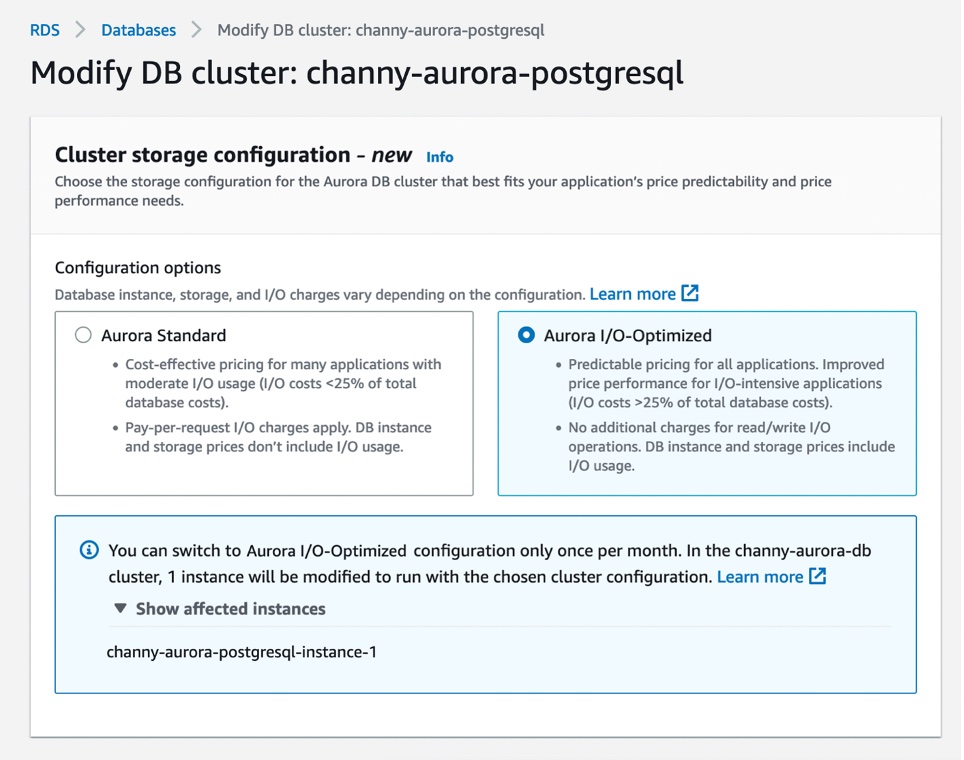
After changing the configuration, you don’t need to reboot the database instances within the cluster to take advantage of the price-performance benefits of Aurora I/O-Optimized.
Now Available
Amazon Aurora I/O-Optimized configuration is now generally available for Amazon Aurora MySQL-Compatible Edition and Aurora PostgreSQL-Compatible Edition in most AWS Regions where Aurora is available, with China (Beijing), China (Ningxia), AWS GovCloud (US-East), and AWS GovCloud (US-West) Regions coming soon.
Aurora is billed differently for the two configurations: Aurora Standard or Aurora I/O-Optimized. The latter doesn’t charge for I/Os, charging a set price for compute and storage relative to the former. For I/O-intensive applications, its price/performance will be better, and you can save up to 40 percent on costs. To see pricing examples, visit the Aurora Pricing page.
To learn more, read Amazon Aurora storage and reliability in the AWS documentation. Give it a try, and please send feedback to AWS re:Post for Amazon Aurora or through your usual AWS support contacts.
– Channy
Today we are launching I4g instances powered by AWS Graviton2 processors that deliver up to 15% better compute performance than our other storage-optimized instances.
With up to 64 vCPUs, 512 GiB of memory, and 15 TB of NVMe storage, one of the six instance sizes is bound to be a great fit for your storage-intensive workloads: relational and non-relational databases, search engines, file systems, in-memory analytics, batch processing, streaming, and so forth. These workloads are generally very sensitive to I/O latency, and require plenty of random read/write IOPS along with high CPU performance.
Here are the specs:
| Instance Name | vCPUs | Memory | Storage | Network Bandwidth | EBS Bandwidth |
| i4g.large | 2 | 16 GiB | 468 GB | up to 10 Gbps | up to 40 Gbps |
| i4g.xlarge | 4 | 32GiB | 937 GB | up to 10 Gbps | up to 40 Gbps |
| i4g.2xlarge | 8 | 64 GiB | 1.875 TB | up to 12 Gbps | up to 40 Gbps |
| i4g.4xlarge | 16 | 128 GiB | 3.750 TB | up to 25 Gbps | up to 40 Gbps |
| i4g.8xlarge | 32 | 256 GiB | 7.500 TB (2 x 3.750 TB) | 18.750 Gbps | 40 Gbps |
| i4g.16xlarge | 64 | 512 GiB | 15.000 TB (4 x 3.750 TB) | 37.500 Gbps | 80 Gbps |
The I4g instances make use of AWS Nitro SSDs (read AWS Nitro SSD – High Performance Storage for your I/O-Intensive Applications to learn more) for NVMe storage. Each storage volume can deliver the following performance (all measured using 4 KiB blocks):
- Up to 800K random write IOPS
- Up to 1 million random read IOPS
- Up to 5600 MB/second of sequential writes
- Up to 8000 MB/second of sequential reads
Torn Write Protection is supported for 4 KiB, 8 KiB, and 16 KiB blocks.
Available Now
I4g instances are available today in the US East (Ohio, N. Virginia), US West (Oregon), and Europe (Ireland) AWS Regions in On-Demand, Spot, Reserved Instance, and Savings Plan form.
— Jeff;
At the end of this week, I’m flying to Seattle to take part in the AWS Serverless Innovation Day. Along with many customers and colleagues from AWS, we are going to be live on May 17 at a virtual free event. During the AWS Serverless Innovation Day we will share best practices related to building event-driven applications and using serverless functions and containers. Get a calendar reminder and check the full agenda at the event site.

Last Week’s Launches
Here are some launches that got my attention during the previous week.
New Local Zones in Auckland – AWS Local Zones allow you to deliver applications that require single-digit millisecond latency or local data processing. Starting last week, AWS Local Zones is available in Auckland, New Zealand.
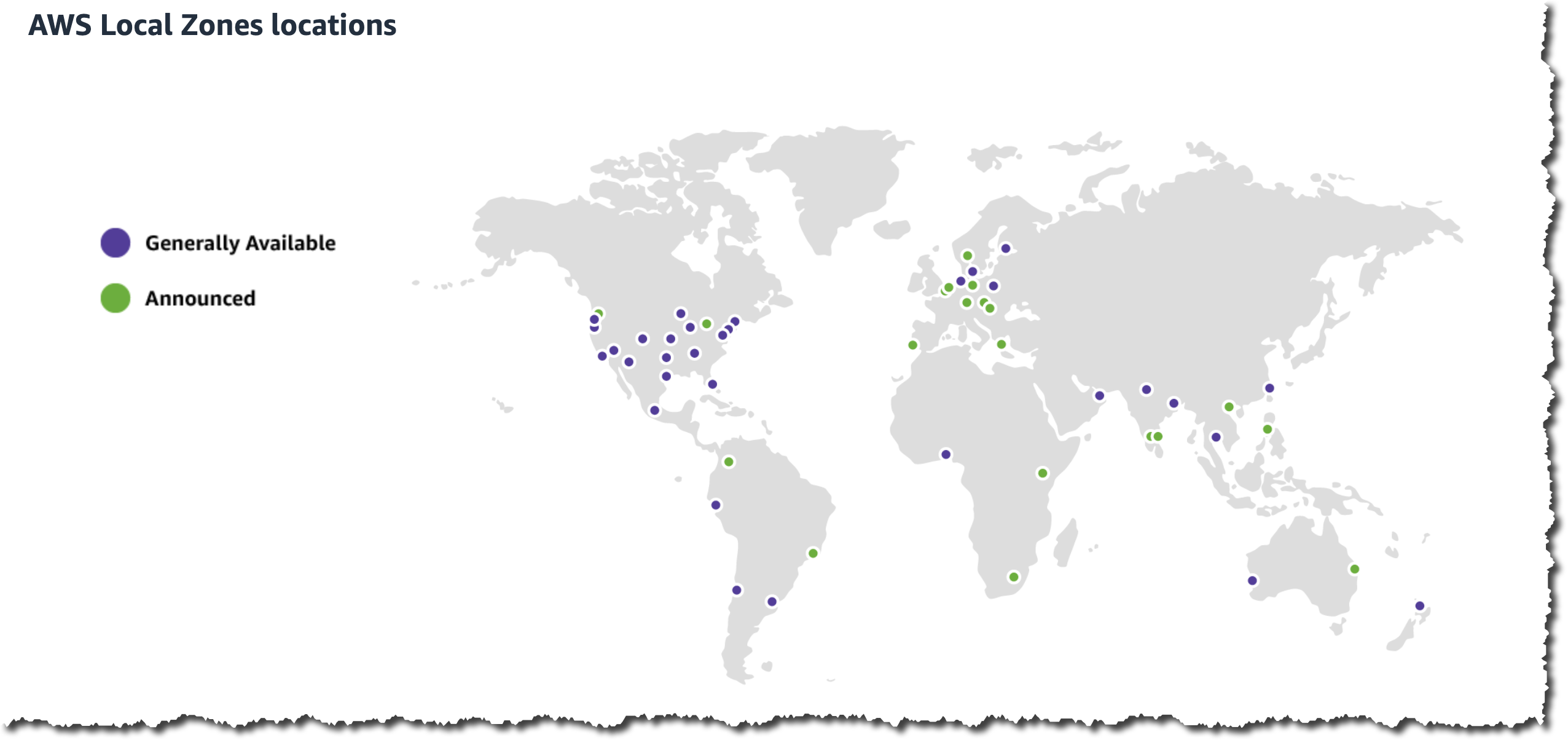
AWS Notifications – Channy wrote an article explaining how you can view and configure notifications for your AWS account. In addition to the AWS Management Console notifications, the AWS Console Mobile Application now allows you to create and receive actionable push notifications when a resource requires your attention.
AWS SimSpace Weaver – Last reInvent, we launched AWS SimSpace Weaver, a fully managed compute service that helps you deploy large spatial simulations in the cloud. Starting last week, AWS SimSpace Weaver allows you to save the state of the simulations at a specific point in time.
AWS Security Hub – Added four new integration partners to help customers with their cloud security posture monitoring, and now it provides detailed tracking of finding changes with the finding history feature. This last feature provides an immutable trail of changes to get more visibility into the changes made to your findings.
AWS Compute Optimizer – AWS Compute Optimizer supports inferred workload type filtering on Amazon EC2 instance recommendations and automatically detects the applications that might run on your AWS resources. Now AWS Compute Optimizer supports filtering your rightsizing recommendation by tags and identifies and filters Microsoft SQL Server workloads as an inferred workload type.
AWS AppSync– Now AWS AppSync GraphQL APIs support Private API. With Private APIs, you can now create GraphQL APIs that can only be accessed from your Amazon Virtual Private Cloud (Amazon VPC).
For a full list of AWS announcements, be sure to keep an eye on the What's New at AWS page.
Other AWS News
Some other updates and news that you may have missed:
- Responsible AI in the Generative Era – Amazon Science published a very interesting blog post this week about the special challenges raised by building a responsible generative AI and the different things builders of applications can do in order to solve these challenges.
- Patterns for Building an API to Upload Files to Amazon S3 – Amazon S3 is one of the most used services by our customers, and applications often require a way for users to upload files. In this article, Thomas Moore shows different ways to do this in a secure way.
- The Official AWS Podcast – Listen each week for updates on the latest AWS news and deep dives into exciting use cases. There are also official AWS podcasts in your local languages. Check out the ones in French, German, Italian, and Spanish.
- AWS Open-Source News and Updates – This is a newsletter curated by my colleague Ricardo to bring you the latest open-source projects, posts, events, and more.
Upcoming AWS Events
Check your calendars and sign up for these AWS events:
- AWS Serverless Innovation Day – Join us on May 17 for a virtual and free event about AWS Serverless. We will have talks and fireside chats with customers related to AWS Lambda, Amazon ECS with Fargate, AWS Step Functions, and Amazon EventBridge.
- AWS re:Inforce 2023 – You can now register for AWS re:Inforce, happening in Anaheim, California, on June 13–14.
- AWS Global Summits – There are many summits going on right now around the world: Stockholm (May 11), Hong Kong (May 23), India (May 25), Amsterdam (June 1), London (June 7), Washington, DC (June 7–8), Toronto (June 14), Madrid (June 15), and Milano (June 22).
- AWS Community Day – Join a community-led conference run by AWS user group leaders in your region: Warsaw (June 1), Chicago (June 15), Manila (June 29–30), and Munich (September 14).
- AWS User Group Peru Conference – The local AWS User Group announced a one-day cloud event in Spanish and English in Lima on September 23. Seb, Jeff, and I will be attending the event from the AWS News blog team. Register today!
That’s all for this week. Check back next Monday for another Week in Review!
— Marcia
Today, I’m happy to announce that a new open-source sample application, a fictitious used books eCommerce store we call Bob’s Used Books, is available for .NET developers working with AWS. The .NET advocacy and development teams at AWS talk to customers regularly and, during those conversations, often receive requests for more in-depth samples. Customers tell us that, while small code snippets serve well to illustrate the mechanics of an API, their development teams also need and want to make use of fuller, more real-world samples to understand better how to construct modern applications for the cloud. Today’s sample application release is in response to those requests.
Bob’s Used Books is a sample eCommerce application built using ASP.NET Core version 6 and represents an initial modernization of a typical on-premises custom application. Representing a first stage of modernization, the application uses modern cross-platform .NET, enabling it to run on both Windows and Linux systems in the cloud. It’s typical of what many .NET developers are just now going through, porting their own applications from .NET Framework to .NET using freely available tools from AWS such as the Toolkit for .NET Refactoring and the Porting Assistant for .NET.

Sample application features
Customers of our fictional bookstore can browse and search on the store for used books and view details on selected books such as price, condition, genre, and more:


Just like a real e-commerce store, customers can add books to a shopping cart, pending subsequent checkout, or to a personal wish list. When the time comes to purchase, the customer can start the checkout process, which will encourage them to sign in if they are an existing customer or sign up during the process.

In this sample application, the bookstore’s staff uses the same web application to manage inventory and customer orders. Role-based authentication is used to determine whether it’s a staff member signing in, in which case they can view an administrative portal, or a regular store customer. For staff, having accessed the admin portal, they start with a dashboard view that summarizes pending, in-process, or completed orders and the state of the store’s inventory:

Staff can edit inventory to add new books, complete with cover images, or adjust stock levels. From the same dashboard, staff can also view and process pending orders.

Not shown here, but something I think is pretty cool, is a simulated workflow where customers can re-sell their books through the store. This involves the customer submitting an application, the store admin evaluating and deciding whether to purchase from the customer, the customer “posting” the book to the store if accepted, and finally the admin adding the book into inventory and reimbursing the customer. Remember, this is all fictional, however—no actual financial transactions take place!
Application architecture
The bookstore sample didn’t start as a .NET Framework-based application that needed porting to .NET, but it does use a monolithic MVC (model-view-controller) application design, typical of the .NET Framework development era (and still in use today). It also uses a single Microsoft SQL Server database to contain inventory, shopping cart, user data, and more.

When fully deployed to AWS, the application makes use of several services. These provide resources to host the application, provide configuration to the running application, and also provide useful functionality to the running code, such as image verification:
- Amazon Cognito – used for customer and bookstore staff authentication. The application uses Cognito‘s Hosted UI to provide sign-in and sign-up functionality.
- Amazon Relational Database Service (RDS) – manages a single Microsoft SQL Server Express instance containing inventory, customer, and other typical data for an e-commerce application.
- Amazon Simple Storage Service (Amazon S3) – an S3 bucket is used to store cover images for books.
- AWS Systems Manager Parameter Store – contains runtime configuration data, including the name of the S3 bucket for cover images, and Cognito user pool details.
- AWS Secrets Manager – holds the user and password details for the underlying SQL Server database in RDS.
- Amazon CloudFront – provides a domain for accessing the cover images in the S3 bucket, which means the bucket does not need to be publicly available.
- Amazon Rekognition – used to verify that cover images uploaded for a book do not contain objectionable content.
The application is a starting point to showcase further modernization opportunities in the future, such as adopting purpose-built databases instead of using a single relational database, decomposing the monolith to use microservices (for the latter, AWS provides the Microservice Extractor for .NET), and more. The .NET development, advocacy, and solution architect teams here at AWS are quite excited at the opportunities for new content, using this sample, to illustrate those modernization opportunities in the upcoming months. And, as the sample is open-source, we’re also interested to see where the .NET development community takes it regarding modernization.
Running the application
My colleague Brad Webber, a Solutions Architect at AWS, has written the first in a series of technical blog posts we’ll be publishing about the sample. You’ll find these on the new .NET on AWS blog channel. In his first post, you’ll learn more about how to run or debug the application on your own machine as well as deploy it completely to the AWS cloud.
The application uses SQL Server Express localdb instance for its database needs when running outside the cloud, which means you do currently need to be using a Windows machine to run or debug. Launch profiles, accessible from Visual Studio, Visual Studio Code, or JetBrains Rider (all on Windows), are used to select how the application runs (for example, with no or some cloud resources):
- Local – When you select this launch profile, the application runs completely on your machine, using no cloud resources, and doesn’t need an AWS account. This enables you to investigate and experiment with the code incurring no charges for cloud resources.
- Integrated – When you use this profile, the application still runs locally on your Windows machine and continues to use the localdb database instance, but now also uses some AWS resources, such as an S3 bucket, Rekognition, Cognito, and others. This profile enables you to learn how you can use AWS services within your application code, using the AWS SDK for .NET and various extension libraries that we distribute on NuGet (for a full list of all available libraries you can use when developing your applications, see the .NET on AWS repository on GitHub). To enable you to set up the cloud resources needed by the application when using this profile, an AWS Cloud Development Kit (AWS CDK) project is provided in the sample repository, making it easy to set up and tear down those resources on demand.
Deploying the Sample to AWS
You can also deploy the entire application to the AWS Cloud, in this case, to virtual machines in Amazon Elastic Compute Cloud (Amazon EC2) with a SQL Server Express database instance in Amazon Relational Database Service (RDS). The deployment uses resources compatible with the AWS Free Tier but do note, however, that you may still incur charges if you exceed the Free Tier limits. Unlike running the application on your own machine, which requires Windows because of the localdb dependency, you can deploy the application to AWS from any machine, including those running macOS and Linux. Once again, a CDK project is included in the repository to get you started, and Brad’s blog post goes into more detail on these steps so I won’t repeat them here.
Using virtual machines in the cloud is often a first step in modernizing on-premises applications because of similarity with an on-premises server setup, hence the reason for supporting Amazon EC2 deployments out-of-the-box. In the future, we’ll be adding content showing how to deploy the application to container services on AWS, such as AWS App Runner, Amazon Elastic Container Service (Amazon ECS), and Amazon Elastic Kubernetes Service (EKS).
Next steps
The Bob’s Used Books sample application is available now on GitHub. We encourage you, if you’re a .NET developer working on AWS and looking for a deeper, more real-world sample, to clone the repository and take the application for a spin. We’re also curious about what modernization journeys you would decide to take with the application, which will help us create future content for the sample. Let us know in the issues section of the repository. And if you want to contribute to the sample, we welcome contributions!
Today we are launching AWS User Notifications, a single place in the AWS console to set up and view AWS notifications across multiple AWS accounts, Regions, and services.
You can centrally set up and view notifications from over 100 AWS services, such as Amazon Simple Storage Service (Amazon S3) objects events, Amazon Elastic Compute Cloud (Amazon EC2) instance state changes, AWS Health Dashboard events, Amazon CloudWatch alarms, or AWS Support case updates in a consistent, human-friendly format. You can also configure delivery channels—email, chat, and push notifications to the AWS console mobile app, where you can receive these notifications.
Alternatively, you can view notifications in the AWS Management Console by clicking the bell icon!

Choose See all notifications to find all your configured notifications in the Notification Center. You can filter notifications in your accounts by services, display a detailed notification view with human-readable messages, and access deep links to the relevant console resource pages.

Configure Notifications the Way You Want
To receive your notifications, set up notification configurations. If this is your first time using the service, you will be prompted to first set up at least one notification hub.
Notification hubs are the Regions your notifications are stored and processed in or replicated to. You are required to select at least one notification hub before you can create notification configurations. You can also edit notification hubs from Notification hubs in the navigation pane.
Currently, you can select up to three Regions.

Next, choose Notification configurations and Create notification configuration to specify what event will generate a notification. You can select the services, create event rules that you want to be notified about, and set up how often you are notified in your communication channels.

Next, enter a name and description for your configuration. Here is an example to get all notifications for Amazon EC2 instance state changes.

In the Event rules section, use the Pattern builder to create one or more event rules to specify which events generate notifications. Choose your AWS service name as the event source, the type of events as the source of the matching pattern, and the Regions the events will be sourced from.

You can select any Amazon EventBridge events, like CloudWatch alarm state change, and configure them to generate notifications. Currently, more than 100 AWS services emit events to Amazon EventBridge.
Optionally, use the Advanced filter to further customize the event rules using a JSON format with EventBridge event patterns. For example, you can create a rule to only generate notifications for EC2 instances with the production tag.
{ "detail": { "tag": ["production"] }}You can also define the cadence of when you want to receive the notifications. Choose either Receive fewer notifications only to receive a few daily notifications or Reduce notification delivery time to get high-priority notifications.

Configure delivery channels where you want the notifications to be sent, such as specific email addresses or AWS Chatbot. You can get notifications in chat clients like Slack and Amazon Chime via AWS Chatbot. Also, you can enable push notifications in the AWS Console Mobile Application as one of the delivery channels.

Choose Create notification configuration after reviewing your configuration and confirming the details.

If you would like to receive notifications from multiple accounts, see the instructions for Sending and receiving Amazon EventBridge events between AWS accounts in the Amazon EventBridge User Guide. Once you’ve completed setting up a receiver account, create a notification configuration that reacts to events.
Now Available
AWS User Notifications are now available in US East (Ohio), US East (N. Virginia), US West (N. California), US West (Oregon), Asia Pacific (Mumbai), Asia Pacific (Osaka), Asia Pacific (Seoul), Asia Pacific (Singapore), Asia Pacific (Sydney), Asia Pacific (Tokyo), Canada (Central), Europe (Frankfurt), Europe (Ireland), Europe (London), Europe (Paris), Europe (Stockholm), and South America (São Paulo) Regions, and you can start using it today.
To use User Notifications in Regions added after March 2019, such as Africa (Cape Town), Asia Pacific (Hong Kong), Asia Pacific (Hyderabad), Asia Pacific (Jakarta), Asia Pacific (Melbourne), Europe (Milan), Europe (Spain), Europe (Zurich), Middle East (Bahrain), and Middle East (UAE), enable them in your account. To learn more, see Managing AWS Regions in the AWS Reference guide.
For more information, see the AWS User Notifications Guide, and please send feedback to AWS re:Post for AWS User Notifications or through your usual AWS support contacts.
– Channy
Conference season has started and I was happy to meet and talk with iOS and Swift developers at the New York Swifty conference last week. I will travel again to Turino (Italy), Amsterdam (Netherlands), Frankfurt (Germany), and London (UK) in the coming weeks. Feel free to stop by and say hi if you are around. But, while I was queuing for passport control at JFK airport, AWS teams continued to listen to your feedback and innovate on your behalf.
What happened on AWS last week ? I counted 26 new capabilities since last Monday (not counting last Friday, since I am writing these lines before the start of the day in the US). Here are the eight that caught my attention.
Last Week on AWS
Amplify Flutter now supports web and desktop apps. You can now write Flutter applications that target six platforms, including iOS, Android, Web, Linux, MacOS, and Windows with a single codebase. This update encompasses not only the Amplify libraries but also the Flutter Authenticator UI library, which has been entirely rewritten in Dart. As a result, you can now deliver a consistent experience across all targeted platforms.
AWS Lambda adds support for Java 17. AWS Lambda now supports Java 17 as both a managed runtime and a container base image. Developers creating serverless applications in Lambda with Java 17 can take advantage of new language features including Java records, sealed classes, and multi-line strings. The Lambda Java 17 runtime also has numerous performance improvements, including optimizations when running Lambda functions on Graviton 2 processors. It supports AWS Lambda Snap Start (in supported Regions) for fast cold starts, and the latest versions of the popular Spring Boot 3 and Micronaut 4 application frameworks
AWS Verified Access is now generally available. I first wrote about Verified Access when we announced the preview at the re:Invent conference last year. AWS Verified Access is now available. This new service helps you provide secure access to your corporate applications without using a VPN. Built based on AWS Zero Trust principles, you can use Verified Access to implement a work-from-anywhere model with added security and scalability.
AWS Support is now available in Korean. As the number of customers speaking Korean grows, AWS Support is invested in providing the best support experience possible. You can now communicate with AWS Support engineers and agents in Korean when you create a support case at the AWS Support Center.
AWS DataSync Discovery is now generally available. DataSync Discovery enables you to understand your on-premises storage performance and capacity through automated data collection and analysis. It helps you quickly identify data to be migrated and evaluate suggested AWS Storage services that align with your performance and capacity needs. Capabilities added since preview include support for NetApp ONTAP 9.7, recommendations at cluster and storage virtual machine (SVM) levels, and discovery job events in Amazon EventBridge.
Amazon Location Service adds support for long-distance matrix routing. This makes it easier for you to quickly calculate driving time and driving distance between multiple origins and destinations, no matter how far apart they are. Developers can now make a single API request to calculate up to 122,500 routes (350 origins and 350 destinations) within a 180 km region or up to 100 routes without any distance limitation.
AWS Firewall Manager adds support for multiple administrators. You can now create up to 10 AWS Firewall Manager administrator accounts from AWS Organizations to manage your firewall policies. You can delegate responsibility for firewall administration at a granular scope by restricting access based on OU, account, policy type, and Region, thereby enabling policy management tasks to be implemented faster and more effectively.
AWS AppSync supports TypeScript and source maps in JavaScript resolvers. With this update, you can take advantage of TypeScript features when you write JavaScript resolvers. With the updated libraries, you get improved support for types and generics in AppSync’s utility functions. The updated AppSync documentation provides guidance on how to get started and how to bundle your code when you want to use TypeScript.
Amazon Athena Provisioned Capacity. Athena is a query service that makes it simple to analyze data in S3 data lakes and 30 different data sources, including on-premises data sources or other cloud systems, using standard SQL queries. Athena is serverless, so there is no infrastructure to manage, and–until today–you pay only for the queries that you run. Starting last week, you can now get dedicated capacity for your queries and use new workload management features to prioritize, control, and scale your most important queries, paying only for the capacity you provision.
X in Y – We made existing services available in additional Regions and locations:
- Amazon EC2 High Memory instances are now available in the Europe (Zurich) Region.
- Amazon EC2 T4g instances are now available in Africa (Cape Town) Region.
- AWS Global Accelerator launches two new edge locations in Lima, Peru, and Nashville, Tennessee (United States).
- AWS Systems Manager Fleet Manager console based access to Windows instances now available in AWS GovCloud (US) Regions.
- AWS Network Firewall ingress TLS inspection is now available in 8 additional Regions. This capability is now available in 10 AWS Regions: US East (N. Virginia), Asia Pacific (Jakarta, Mumbai, Singapore, Sydney, Tokyo), Europe (Ireland, Frankfurt, Stockholm), and South America (São-Paulo).
- Amazon CloudWatch Logs data protection is now available in all AWS Commercial Regions.
Upcoming AWS Events
And to finish this post, I recommend you check your calendars and sign up for these AWS events:
AWS Serverless Innovation Day – Join us on May 17, 2023, for a virtual event hosted on the Twitch AWS channel. We will showcase AWS serverless technology choices such as AWS Lambda, Amazon ECS with AWS Fargate, Amazon EventBridge, and AWS Step Functions. In addition, we will share serverless modernization success stories, use cases, and best practices.
 AWS re:Inforce 2023 – Now register for AWS re:Inforce, in Anaheim, California, June 13–14. AWS Chief Information Security Officer CJ Moses will share the latest innovations in cloud security and what AWS Security is focused on. The breakout sessions will provide real-world examples of how security is embedded into the way businesses operate. To learn more and get the limited discount code to register, see CJ’s blog post Gain insights and knowledge at AWS re:Inforce 2023 in the AWS Security Blog.
 AWS Global Summits – Check your calendars and sign up for the AWS Summit close to where you live or work: Seoul (May 3–4), Berlin and Singapore (May 4), Stockholm (May 11), Hong Kong (May 23), Amsterdam (June 1), London (June 7), Madrid (June 15), and Milano (June 22).
 AWS Community Day – Join community-led conferences driven by AWS user group leaders close to your city: Chicago (June 15), Manila (June 29–30), and Munich (September 14). Recently, we have been bringing together AWS user groups from around the world into Meetup Pro accounts. Find your group and its meetups in your city!
AWS User Group Peru Conference – There is more than a new edge location opening in Lima. The local AWS User Group announced a one-day cloud event in Spanish and English in Lima on September 23. Three of us from the AWS News blog team will attend. I will be joined by my colleagues Marcia and Jeff. Save the date and register today!
You can browse all upcoming AWS-led in-person and virtual events and developer-focused events such as AWS DevDay.
Stay Informed
That was my selection for this week! To better keep up with all of this news, don’t forget to check out the following resources:
- What’s New with AWS – All AWS announcements. You might want to add the RSS feed to your news reader.
- The Official AWS Podcast – Listen each week for updates on the latest AWS news and deep dives into exciting use cases. There are also official AWS podcasts in your local languages. Check out the ones in French, German, Italian, and Spanish.
- AWS News Blog – This blog.
- And subscribe to the open-source newsletter brought to you by my most excellent colleague Ricardo.
That’s all for this week. Check back next Monday for another Week in Review!
Today we launch the ability to provision capacity to run your Athena queries.
Athena is a query service that makes it simple to analyze data in Amazon Simple Storage Service (Amazon S3) data lakes and 30 different data sources, including on-premises data sources or other cloud systems, using standard SQL queries. Athena is serverless, so there is no infrastructure to manage, and–until today–you pay only for the queries that you run. Starting today, you can get dedicated capacity for your queries and use new workload management features to prioritize, control, and scale your most important queries, paying only for the capacity you provision.
At AWS, 90 percent of the new services and features are driven by your direct feedback. Many of you Athena customers told us that, when running a large volume of queries, you sometimes experience queuing, which might slow down some applications or business processes. To work around this, you typically create a query prioritization mechanism to prioritize mission-critical queries over less critical, interactive, or exploratory queries. This prioritization mechanism helps to get the highest priority queries run first, at the price of building and maintaining code or business processes outside of Athena itself. You also told us it is difficult to forecast your Athena costs. Athena charges by the volume of data scanned, which is often difficult to predict as it depends on the size of your data set, the construction of the user queries, and the storage format for the data.
We heard this feedback, and today, we introduce the capability to provision dedicated query processing capacity at scale. With provisioned capacity, you provision a dedicated set of compute resources to run your queries. This always-on capacity can serve your business-critical queries with near-zero latency and no queuing. It gives you control over workload performance characteristics such as cost, concurrency, and query prioritization. Similar to provisioned capacity for other AWS services, you pay only for the capacity provisioned, not for the actual usage. With provisioned capacity, your Athena bills are predictable, and you do not have to limit user queries to stay within your monthly budget. I’ll share more about the billing model down below.
Behind the scenes, Athena maintains a large pool of compute in each AWS Region that it operates in. You can think of this as one large pool of compute, divided logically across customers. When you reserve capacity in Athena, the capacity is held for your exclusive use. You can choose which queries run on the capacity you provisioned and which run on Athena’s multi-tenant, on-demand capacity. Multiple queries can share the capacity you provisioned. You may add additional capacity units at any time, based on your evolving business requirements. You may also adjust the provisioned capacity down after a minimum period of time of 8 hours.
The unit of capacity is a Data Processing Unit (DPU). A single DPU is equivalent to four vCPU and 16 Gb RAM. The minimum capacity you may provision is 24 DPU for 8 hours. This new provisioned capacity for Athena is ideal for those of you running any volume of queries, but the sweet spot to start using provisioned capacity is when you spend $100 or more per month on Athena.
The number of DPUs you need depends on your goals and analysis patterns. For example, if you need queries to start immediately and without queuing, you should provision enough DPUs to meet your peak concurrent query demand. Provisioning fewer DPUs than your peak demand is allowed, but may result in queuing. When this occurs, queries are held in a queue and executed when capacity is available. If your goal is to run queries within a fixed budget, you can use the AWS Pricing Calculator to determine the number of DPUs that meets your budget. Lastly, remember that data size, storage format, and query construction influence the number of DPU a query requires. You can increase query performance by compressing, partitioning, and converting your data into columnar formats. Athena’s documentation provides you with guidelines to determine how much capacity you might require to run multiple queries at the same time.
How Does It Work?
Getting started is a three-step process. I navigate to the Athena page in the AWS Management Console and select Capacity Reservations on the left-side navigation menu.
(The console you see on this demo is based on the new Cloudscape open-source design system, yours might still see the traditional design on your AWS account.)

I select the Create capacity reservation button at the top right of the page.
On the Create capacity reservation page, I enter a Capacity reservation name and the number of DPUs I want to provision.

I select Review to review my choices, and I select Create capacity reservation to create my reservation. After a brief period of time, the capacity reservation status becomes  Active.

The third and last step is to create a workgroup and assign the workgroup to the provisioned capacity. A workgroup is an Athena mechanism allowing you to separate users, teams, applications, or workloads to set limits on the amount of data each query or the entire workgroup can process and to track costs.
Queries belonging to the assigned workgroup will run on the capacity you provisioned. Capacity may be shared with multiple workgroups as long as they all use the same Athena engine version. This concept, depicted in the diagram below, is surfaced through a capacity allocation policy, which defines how capacity is assigned over workgroups. This gives you the flexibility to run queries with more or less capacity, depending on your business needs.

To create a workgroup, I navigate to the Workgroups section of the Athena page. Then, I select Create workgroup.

I make sure the analytics engine selected in the reservation matches the one in the workgroup.
 Then, I go back to the capacity reservation I just created, and I select Add workgroups to add the workgroup I just created.

That’s it! Now that the configuration is ready, I can run my queries. Existing queries will run on the provisioned capacity unmodified. I make sure to select the workgroup I just created when I run queries. I choose a workgroup on the top right side of the query editor, or use the --work-group argument on the AWS command line, such as:
aws athena start-query-execution --work-group AWSNewsBlog
Availability and Pricing
As I explained in the introduction, we charge for the number of DPUs you provisioned and the duration. The minimum duration is 8 hours, and after that, billing is per minute. You can release the provisioned capacity at any time. Cancellations within the minimum duration period are billed for the full term, and capacity is deallocated as soon as all currently running queries are terminated.
Queries run from a workgroup assigned to a provisioned capacity are not billed for the amount of data scanned. You effectively pay a flat rate depending on the provisioned capacity, not the usage. If you have excess capacity, you can reduce the number of DPUs you provisioned or add workgroups to consume the excess capacity.
As usual, the Athena pricing page has all the details.
Athena provisioned capacity is available today in US East (Ohio, N. Virginia), US West (Oregon), Asia Pacific (Singapore, Sydney, Tokyo), and Europe (Ireland, Stockholm) AWS Regions.
Last December, Sébastien Stormacq wrote about the availability of a distributed map state for AWS Step Functions, a new feature that allows you to orchestrate large-scale parallel workloads in the cloud. That’s when Charles Burton, a data systems engineer for a company called CyberGRX, found out about it and refactored his workflow, reducing the processing time for his machine learning (ML) processing job from 8 days to 56 minutes. Before, running the job required an engineer to constantly monitor it; now, it runs in less than an hour with no support needed. In addition, the new implementation with AWS Step Functions Distributed Map costs less than what it did originally.
What CyberGRX achieved with this solution is a perfect example of what serverless technologies embrace: letting the cloud do as much of the undifferentiated heavy lifting as possible so the engineers and data scientists have more time to focus on what’s important for the business. In this case, that means continuing to improve the model and the processes for one of the key offerings from CyberGRX, a cyber risk assessment of third parties using ML insights from its large and growing database.
What’s the business challenge?
CyberGRX shares third-party cyber risk (TPCRM) data with their customers. They predict, with high confidence, how a third-party company will respond to a risk assessment questionnaire. To do this, they have to run their predictive model on every company in their platform; they currently have predictive data on more than 225,000 companies. Whenever there’s a new company or the data changes for a company, they regenerate their predictive model by processing their entire dataset. Over time, CyberGRX data scientists improve the model or add new features to it, which also requires the model to be regenerated.
The challenge is running this job for 225,000 companies in a timely manner, with as few hands-on resources as possible. The job runs a set of operations for each company, and every company calculation is independent of other companies. This means that in the ideal case, every company can be processed at the same time. However, implementing such a massive parallelization is a challenging problem to solve.
First iteration
With that in mind, the company built their first iteration of the pipeline using Kubernetes and Argo Workflows, an open-source container-native workflow engine for orchestrating parallel jobs on Kubernetes. These were tools they were familiar with, as they were already using them in their infrastructure.
But as soon as they tried to run the job for all the companies on the platform, they ran up against the limits of what their system could handle efficiently. Because the solution depended on a centralized controller, Argo Workflows, it was not robust, and the controller was scaled to its maximum capacity during this time. At that time, they only had 150,000 companies. And running the job with all of the companies took around 8 days, during which the system would crash and need to be restarted. It was very labor intensive, and it always required an engineer on call to monitor and troubleshoot the job.
The tipping point came when Charles joined the Analytics team at the beginning of 2022. One of his first tasks was to do a full model run on approximately 170,000 companies at that time. The model run lasted the whole week and ended at 2:00 AM on a Sunday. That’s when he decided their system needed to evolve.
Second iteration
With the pain of the last time he ran the model fresh in his mind, Charles thought through how he could rewrite the workflow. His first thought was to use AWS Lambda and SQS, but he realized that he needed an orchestrator in that solution. That’s why he chose Step Functions, a serverless service that helps you automate processes, orchestrate microservices, and create data and ML pipelines; plus, it scales as needed.
Charles got the new version of the workflow with Step Functions working in about 2 weeks. The first step he took was adapting his existing Docker image to run in Lambda using Lambda’s container image packaging format. Because the container already worked for his data processing tasks, this update was simple. He scheduled Lambda provisioned concurrency to make sure that all functions he needed were ready when he started the job. He also configured reserved concurrency to make sure that Lambda would be able to handle this maximum number of concurrent executions at a time. In order to support so many functions executing at the same time, he raised the concurrent execution quota for Lambda per account.
And to make sure that the steps were run in parallel, he used Step Functions and the map state. The map state allowed Charles to run a set of workflow steps for each item in a dataset. The iterations run in parallel. Because Step Functions map state offers 40 concurrent executions and CyberGRX needed more parallelization, they created a solution that launched multiple state machines in parallel; in this way, they were able to iterate fast across all the companies. Creating this complex solution, required a preprocessor that handled the heuristics of the concurrency of the system and split the input data across multiple state machines.
This second iteration was already better than the first one, as now it was able to finish the execution with no problems, and it could iterate over 200,000 companies in 90 minutes. However, the preprocessor was a very complex part of the system, and it was hitting the limits of the Lambda and Step Functions APIs due to the amount of parallelization.

Third and final iteration
Then, during AWS re:Invent 2022, AWS announced a distributed map for Step Functions, a new type of map state that allows you to write Step Functions to coordinate large-scale parallel workloads. Using this new feature, you can easily iterate over millions of objects stored in Amazon Simple Storage Service (Amazon S3), and then the distributed map can launch up to 10,000 parallel sub-workflows to process the data.
When Charles read in the News Blog article about the 10,000 parallel workflow executions, he immediately thought about trying this new state. In a couple of weeks, Charles built the new iteration of the workflow.
Because the distributed map state split the input into different processors and handled the concurrency of the different executions, Charles was able to drop the complex preprocessor code.
The new process was the simplest that it’s ever been; now whenever they want to run the job, they just upload a file to Amazon S3 with the input data. This action triggers an Amazon EventBridge rule that targets the state machine with the distributed map. The state machine then executes with that file as an input and publishes the results to an Amazon Simple Notification Service (Amazon SNS) topic.
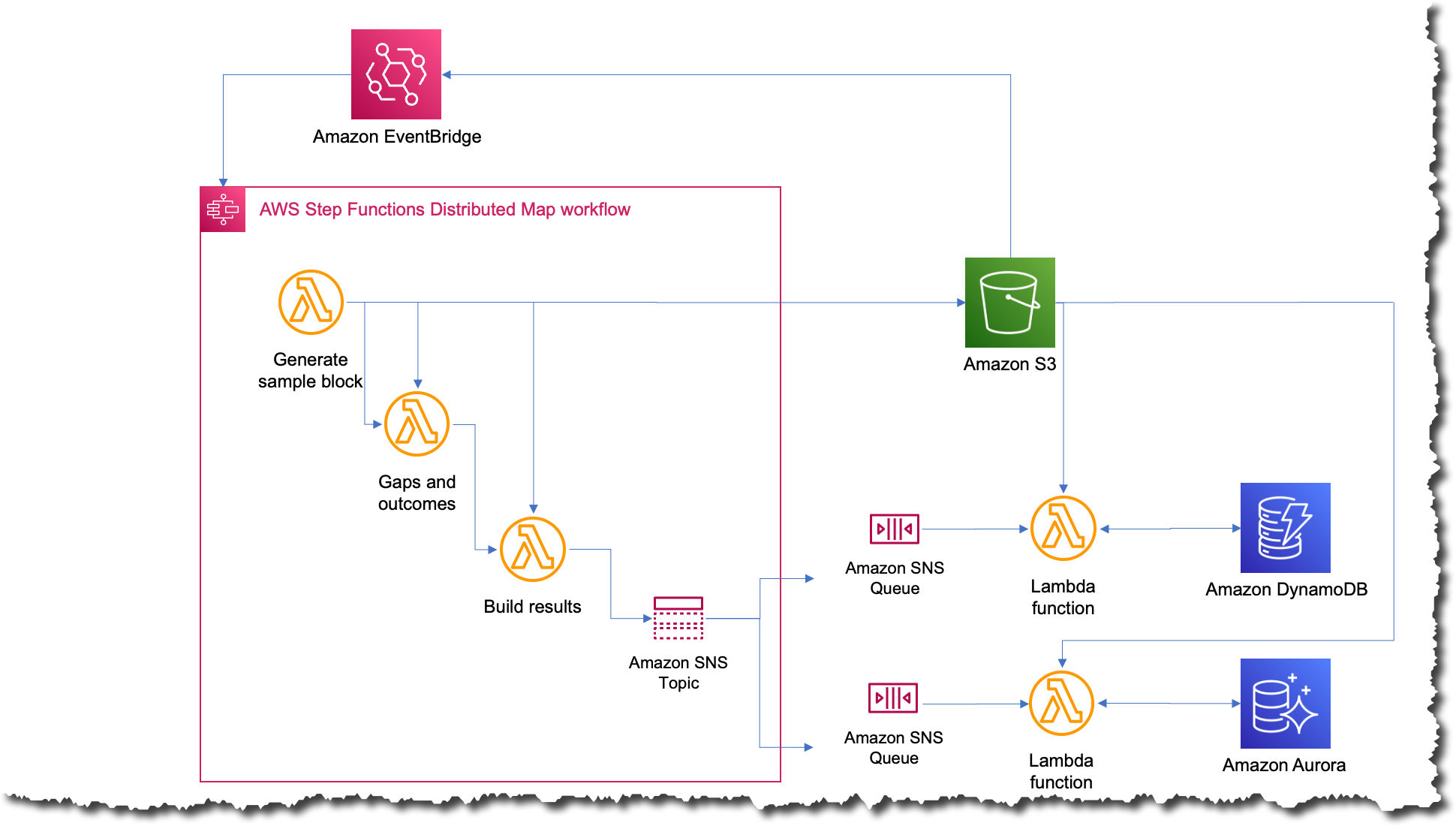
What was the impact?
A few weeks after completing the third iteration, they had to run the job on all 227,000 companies in their platform. When the job finished, Charles’ team was blown away; the whole process took only 56 minutes to complete. They estimated that during those 56 minutes, the job ran more than 57 billion calculations.

The following image shows an Amazon CloudWatch graph of the concurrent executions for one Lambda function during the time that the workflow was running. There are almost 10,000 functions running in parallel during this time.

Simplifying and shortening the time to run the job opens a lot of possibilities for CyberGRX and the data science team. The benefits started right away the moment one of the data scientists wanted to run the job to test some improvements they had made for the model. They were able to run it independently without requiring an engineer to help them.
And, because the predictive model itself is one of the key offerings from CyberGRX, the company now has a more competitive product since the predictive analysis can be refined on a daily basis.
Learn more about using AWS Step Functions:
You can also check the Serverless Workflows Collection that we have available in Serverless Land for you to test and learn more about this new capability.
— Marcia
As always, there’s plenty to share this week: Amazon CodeCatalyst is now generally available, Amazon S3 is now available on Snowball Edge devices, version 1.0.0 of AWS Amplify Flutter is here, and a lot more. Let’s dive in!
Last Week’s Launches
Here are some of the launches that caught my eye this past week:
Amazon CodeCatalyst – First announced at re:Invent in preview form (Announcing Amazon CodeCatalyst, a Unified Software Development Service), this unified software development and delivery service is now generally available. As Steve notes in the post that he wrote for the preview, “Amazon CodeCatalyst enables software development teams to quickly and easily plan, develop, collaborate on, build, and deliver applications on AWS, reducing friction throughout the development lifecycle.” During the preview we added the ability to use AWS Graviton2 for CI/CD workflows and deployment environments, along with other new features, as detailed in the What’s New.
Amazon S3 on Snowball Edge – You have had the power to create S3 buckets on AWS Snow Family devices for a couple of years, and to PUT and GET object. With this new launch you can, as Channy says, “…use an expanded set of Amazon S3 APIs to easily build applications on AWS and deploy them on Snowball Edge Compute Optimized devices.” This launch allows you to manage the storage using AWS OpsHub, and to address multiple Denied, Disrupted, Intermittent, and Limited Impact (DDIL) use cases. To learn more, read Amazon S3 Compatible Storage on AWS Snowball Edge Compute Optimized Devices Now Generally Available.
Amazon Redshift Updates – We announced multiple updates to Amazon Redshift including the MERGE SQL command so that you can combine a series of DML statements into a single statement, dynamic data masking to simplify the process of protecting sensitive data in your Amazon Redshift data warehouse, and centralized access control for data sharing with AWS Lake Formation.
AWS Amplify – You can now build cross-platform Flutter apps that target iOS, Android, Web, and desktop using a single codebase and with a consistent user experience. To learn more and to see how to get started, read Amplify Flutter announces general availability for web and desktop support. In addition to the GA, we also announced that AWS Amplify supports Push Notifications for Android, Swift, React Native, and Flutter apps.
X in Y – We made existing services available in additional regions and locations:
- Direct Connect location in Querétaro, Mexico.
- Migration Hub Refactor Spaces in 7 additional regions.
- AWS Backup for Amazon S3 in South America (São Paulo) and GovCloud (US) Regions.
- AWS Backup in Asia Pacific (Melbourne).
- Amazon ECS Service Connect in Europe (Zurich) and Middle East (UAE).
- Amazon GuardDuty in Asia Pacific (Melbourne).
- Amazon VPC Prefix Lists in Asia Pacific (Hyderabad, Melbourne) and Europe (Spain).
- AWS Control Tower in 7 additional regions.
- Amazon WorkSpaces Web Access with WSP in AWS GovCloud (US-West).
For a full list of AWS announcements, take a look at the What’s New at AWS page and consider subscribing to the page’s RSS feed. If you want even more detail, you can Subscribe to AWS Daily Feature Updates via Amazon SNS.
Interesting Blog Posts
Other AWS Blogs – Here are some fresh posts from a few of the other AWS Blogs:
- Increased visibility of your carbon emissions data with AWS Customer Carbon Footprint Tool.
- Identify objections in customer conversations using Amazon Comprehend to enhance customer experience without ML expertise.
- Create a CI/CD pipeline for .NET Lambda functions with AWS CDK Pipelines.
- Exploring new ETL and ELT capabilities for Amazon Redshift from the AWS Glue Studio visual editor.
- Analyze customer satisfaction scores with post-contact surveys using Amazon Connect Tasks.
- Understanding techniques to reduce AWS Lambda costs in serverless applications.
- Power microservices architectures with Amazon MemoryDB for Redis.
- Amazon SageMaker Data Wrangler for dimensionality reduction.
- Efficient truck routing with Amazon Location Service.
- Use IAM roles to connect GitHub Actions to actions in AWS
- Protect Your Web Applications with AWS WAF Ready Partners.
AWS Open Source – My colleague Ricardo writes a weekly newsletter to highlight new open source projects, tools, and demos from the AWS Community. Read edition 154 to learn more.
AWS Graviton Weekly – Marcos Ortiz writes a weekly newsletter to highlight the latest developments in AWS custom silicon. Read AWS Graviton weekly #33 to see what’s up.
Upcoming Events
Here are some upcoming live and online events that may be of interest to you:
AWS Community Day Turkey will take place in Istanbul on May 6, and I will be there to deliver the keynote. Get your tickets and I will see you there!
AWS Summits are coming to Berlin (May 4), Washington, DC (June 7 and 8), London (June 7), and Toronto (June 14). These events are free but I highly recommend that you register ahead of time.
.NET Enterprise Developer Day EMEA is a free one-day virtual conference on April 25; register now.
AWS Developer Innovation Day is also virtual, and takes place on April 26 (read Discover Building without Limits at AWS Developer Innovation Day for more info). I’ll be watching all day and sharing a live recap at the end; learn more and see you there.
And that’s all for today!
— Jeff;
Today, we are announcing the general availability of AWS Support in Korean as your preferred language, in addition to English, Japanese, and Chinese.
As the number of customers speaking Korean grows, AWS Support is invested in providing the best support experience possible. You can now communicate with AWS Support engineers and agents in Korean when you create a support case at the AWS Support Center.
Now all customers can receive account and billing support in Korean by email, phone, and live chat at no additional cost during the supported hours. Per your Support plan, customers subscribed to Enterprise, Enterprise On-Ramp, or Business Support plans can receive personalized technical support 24 hours a day and 7 days a week in Korean. Customers subscribed to the Developer Support plan can receive technical support during business hours generally defined as 9:00 AM to 6:00 PM in the customer country as set in My Account console, excluding holidays and weekends. These times may vary in countries with multiple time zones.
We also added the localized user interface of the AWS Support Center in Korean, in addition to Japanese and Chinese. AWS Support Center will be displayed in the language you select from the dropdown of available languages in Unified Settings of your AWS Account.
Here is a new AWS Support Center page in Korean:

You can also access customer service, AWS documentation, technical papers, and support forums in Korean.
Getting Started with Your Supported Language in AWS Support
To get started with AWS Support in your supported language, create a Support case in AWS Support Center. In the final step in creating a Support case, you can choose a supported language, such as English, Chinese (中文), Korean (한국어), or Japanese (日本語) as your Preferred contact language.

When you choose Korean, the customized contact options will be shown by your support plan.
For example, in the case of Basic Support plan customers, you can choose Web to get support via email, Phone, or Live Chat when available. AWS customers with account and billing inquiries can receive support in Korean from our customer service representatives with proficiency in Korean at no additional cost during business hours defined as 09:00 AM to 06:00 PM Korean Standard Time (GMT+9), excluding holidays and weekends.
If you get technical support per your Support plan, you may choose Web, Phone, or Live Chat depending on your Support plan to get in touch with support staff with proficiency in Korean, in addition to English, Japanese, and Chinese.
Here is a screen in Korean to get technical support in the Enterprise Support plan:

When you create a support case in your preferred language, the case will be routed to support staff with proficiency in the language indicated in your preferred language selection. To learn more, see Getting started with AWS Support in the AWS documentation.
Now Available
AWS Support in Korean is now available today, in addition to English, Japanese, and Chinese. Give it a try, learn more about AWS Support, and send feedback to your usual AWS Support contacts.
– Channy
This article was translated into Korean (한국어) in the AWS Korea Blog.
We have added a collection of purpose-built services to the AWS Snow Family for customers, such as Snowball Edge in 2016 and Snowcone in 2020. These services run compute intensive workloads and stores data in edge locations with denied, disrupted, intermittent, or limited network connectivity and for transferring large amounts of data from on-premises and rugged or mobile environments.
 Each new service is optimized for space- or weight-constrained environments, portability, and flexible networking options. For example, Snowball Edge devices have three options for device configurations. AWS Snowball Edge Compute Optimized provides a suitcase-sized, secure, and rugged device that customers can deploy in rugged and tactical edge locations to run their compute applications. Customers modernize their edge applications in the cloud use AWS compute services and storage services such as Amazon Simple Storage Service (Amazon S3), and then deploy these applications on Snow devices at the edge.
We heard from customers that they also needed access to local object store to run applications at the edge, such as 5G mobile core and real-time data analytics, to process end-user transactions, and they had limited storage infrastructure availability in these environments. Although the Amazon S3 Adapter for Snowball enables the basic storage and retrieval of objects on a Snow device, customers wanted access to a broader set of Amazon S3 APIs, including flexibility at scale, local bucket management, object tagging, and S3 event notifications.
Today, we’re announcing the general availability of Amazon S3 compatible storage on Snow for our Snowball Edge Compute Optimized devices. This makes it easy for you to store data and run applications with local S3 buckets that require low latency processing at the edge.
With Amazon S3 compatible storage on Snow, you can use an expanded set of Amazon S3 APIs to easily build applications on AWS and deploy them on Snowball Edge Compute Optimized devices. This eliminates the need to re-architect applications for each deployment. You can manage applications requiring Amazon S3 compatible storage across the cloud, on-premises, and at the edge in connected and disconnected environments with a consistent experience.
Moreover, you can use AWS OpsHub, a graphical user interface, to manage your Snow Family services and Amazon S3 compatible storage on the devices at the edge or remotely from a central location. You can also use Amazon S3 SDK or AWS Command Line Interface (AWS CLI) to create and manage S3 buckets, get S3 event notifications using MQTT, and local service notifications using SMTP, just as you do in AWS Regions.
With Amazon S3 compatible storage on Snow, we are now able to address various use cases in limited network environments, giving customers secure, durable local object storage. For example, customers in the intelligence community and in industrial IoT deploy applications such as video analytics in rugged and mobile edge locations.
Getting Started with S3 Compatible Storage on Snowball Edge Compute Optimized
To order new Amazon S3 enabled Snowball Edge devices, create a job in the AWS Snow Family console. You can replace an existing Snow device or cluster with new replacement devices that support S3 compatible storage.
In Step 1 – Job type, input your job name and choose Local compute and storage only. In Step 2 – Compute and storage, choose your preferred Snowball Edge Compute Optimized device.
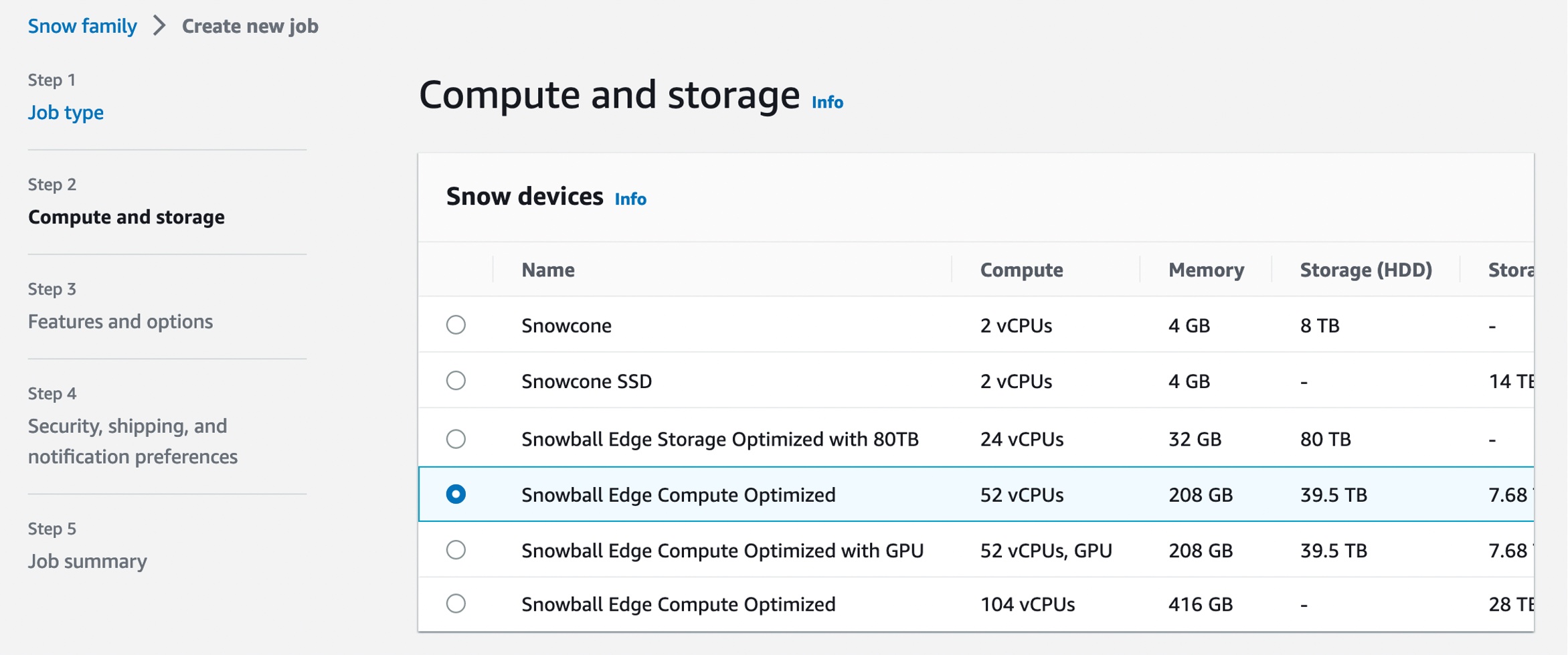
Select Amazon S3 compatible storage, a new option for S3 compatible storage. The current S3 Adapter solution is on deprecation path, and we recommend migrating workloads to use Amazon S3 compatible storage on Snow.

When you select Amazon S3 compatible storage, you can configure Amazon S3 compatible storage capacity for a single device or for a cluster. The Amazon S3 storage capacity depends on the quantity and type of Snowball Edge device.
- For single-device deployment, you can provision granular Amazon S3 capacity up to a maximum of 31 TB on a Snowball Edge Compute Optimized device.
- For a cluster setup, all storage capacity on a device is allocated to Amazon S3 compatible storage on Snow. You can provision a maximum of 500 TB on a 16 node cluster of Snowball Edge Compute Optimized devices.
When you provide all necessary job details and create your job, you can see the status of the delivery of your device in the job status section.
Manage S3 Compatible Storage on Snow with OpsHub
Once your device arrives at your site, power it on, and connect it to your network. To manage your device, download, install, and launch the OpsHub application in your laptop. After installation, you can unlock the device and start managing it and using supported AWS services locally.
OpsHub provides a dashboard that summarizes key metrics, such as storage capacity and active instances on your device. It also provides a selection of AWS services that are supported on the Snow Family devices.
Log in to OpsHub, then choose Manage Storage. This takes you to the Amazon S3 compatible storage on Snow landing page.
For Start service setup type, choose Simple if your network uses dynamic host configuration protocol (DHCP). With this option, the virtual network interface cards (VNICs) are created automatically on each device when you start the service. When your network uses static IP addresses, you need to create VNICs for each device manually, so choose the Advanced option.
Once the service starts, you’ll see its status is active with a list of endpoints. The following example shows the service activated in a single device:
Choose Create bucket if you want the new S3 bucket in your device. Otherwise, you can upload files to your selected bucket. New uploaded objects have destination URLs such as s3-snow://test123/test\_file with the unique bucket name in the device or cluster.
You can also use the bucket lifecycle rule to define when to trigger object deletion based on age or date. Choose Create lifecycle rule in the Management tab to add a new lifecycle rule.

You can select either Delete objects or Delete incomplete multipart uploads as a rule action. Configure the rule trigger that schedules deletion based on a specific date or object’s age. In this example, I set two days to delete objects after being uploaded.

You can also use the Amazon S3 SDK/CLI for all API operations supported by S3 for Snowball Edge. To learn more, see API Operations Supported on Amazon S3 for Snowball Edge in the AWS documentation.
Things to know
Keep these things in mind regarding additional features and considerations when you use Amazon S3 compatible storage on Snow:
- Capacity: If you fully utilize Amazon S3 capacity on your device or cluster, your write (
PUT) requests return an insufficient capacity error. Read (GET) operations continue to function normally. To monitor the available Amazon S3 capacity, you can use the OpsHub S3 on the Snow page or use thedescribe-serviceCLI command. Upon detecting insufficient capacity on the Snow device or cluster, you must free up space by deleting data or transferring data to an S3 bucket in the Region or another on-premises device. - Resiliency: Amazon S3 compatible storage on Snow stores data redundantly across multiple disks on each Snow device and multiple devices in your cluster, with built-in protection against correlated hardware failures. In the event of a disk or device failure within the quorum range, Amazon S3 compatible storage on Snow continues to operate until hardware is replaced. Additionally, Amazon S3 compatible storage on Snow continuously scrubs data on the device to make sure of data integrity and recover any corrupted data. For workloads that require local storage, the best practice is to back up your data to further protect your data stored on Snow devices.
- Notifications: Amazon S3 compatible storage on Snow continuously monitors the health status of the device or cluster. Background processes respond to data inconsistencies and temporary failures to heal and recover data to make sure of resiliency. In the case of nonrecoverable hardware failures, Amazon S3 compatible storage on Snow can continue operations and provides proactive notifications through emails, prompting you to work with AWS to replace failed devices. For connected devices, you have the option to enable the “Remote Monitoring” feature, which will allow AWS to monitor service health online and proactively notify you of any service issues.
- Security: Amazon S3 compatible storage on Snow supports encryption using server-side encryption with Amazon S3 managed encryption keys (SSE-S3) or customer-provided keys (SSE-C) and authentication and authorization using Snow IAM actions namespace (
s3:*) to provide you with distinct controls for data stored on your Snow devices. Amazon S3 compatible storage on Snow doesn’t support object-level access control list and bucket policies. Amazon S3 compatible storage on Snow defaults to Bucket Owner is Object Owner, making sure that the bucket owner has control over objects in the bucket.
Now Available
Amazon S3 compatible storage on Snow is now generally available for AWS Snowball Edge Compute Optimized devices in all AWS Commercial and GovCloud Regions where AWS Snow is available.
To learn more, see the AWS Snowball Edge Developer Guide and send feedback to AWS re:Post for AWS Snowball or through your usual AWS support contacts.
– Channy
We hope you can join us on Wednesday, April 26, for a free-to-attend online event, AWS Developer Innovation Day. AWS will stream the event simultaneously across multiple platforms, including LinkedIn Live, Twitter, YouTube, and Twitch.
Developer Innovation Day is a brand-new event designed specifically for developers and development teams. In the event, sessions throughout the day will show how you can improve productivity and collaboration, provide a first look at new product updates, and go deep on AWS tools for development and delivery. Topics to be addressed include how you can speed up web and mobile application development and how you can build and deliver faster by taking advantage of modern infrastructure, DevOps, and generative AI-enabled tools.
We’ll be starting the day with a keynote from Adam Seligman, Vice President of Developer Experience at AWS. And, to wrap up the event, there are closing sessions from Dr. Werner Vogels, CTO at Amazon, Harry Mower, Director, AWS Code Suite, and Doug Seven, Director of Software Development, Amazon CodeWhisperer. A panel of experts will join Werner to discuss the latest trends in generative AI and what it all means for developers. Harry and Doug will discuss trends in developer and team productivity. Of course, no event would be complete without our own Jeff Barr, VP of AWS Evangelism, who’ll be sharing a “Best practices and key takeaways” session with a recap of key stories, announcements, and moments from the day!
AWS staff will present the technical breakout sessions during the day, and AWS Heroes and Community Builders will also be involved, presenting community spotlights, which are an excellent chance to get involved with the global AWS community. During and after the event there’s also a chance to sign up for an AWS Amplify hackathon that will be held in May and also an Amazon CodeCatalyst immersion day. Other fun events are also in the works—watch the event details page for more information.
There’s no up-front registration required to join AWS Developer Innovation Day, which, I’ll remind you, is also free to attend. Simply head on over to the event page and select Add to calendar. I’m excited to be joined by colleagues from the AWS on Air team to host the event, and we all hope you’ll choose to join in the fun and learning opportunities at this brand-new event!
I could almost title this blog post the “AWS AI/ML Week in Review.” This past week, we announced several new innovations and tools for building with generative AI on AWS. Let’s dive right into it.
Last Week’s Launches
Here are some launches that got my attention during the previous week:
Announcing Amazon Bedrock and Amazon Titan models – Amazon Bedrock is a new service to accelerate your development of generative AI applications using foundation models through an API without managing infrastructure. You can choose from a wide range of foundation models built by leading AI startups and Amazon. The new Amazon Titan foundation models are pre-trained on large datasets, making them powerful, general-purpose models. You can use them as-is or privately to customize them with your own data for a particular task without annotating large volumes of data. Amazon Bedrock is currently in limited preview. Sign up here to learn more.
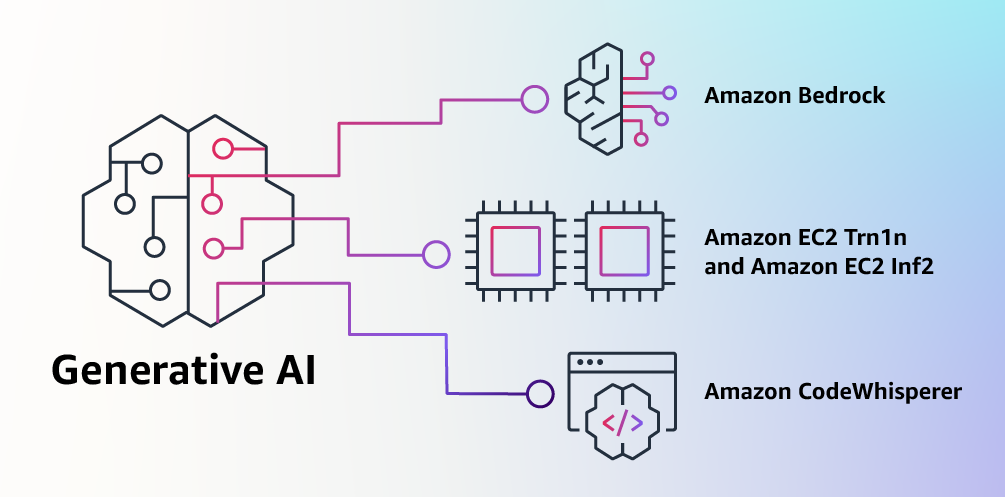
Amazon EC2 Trn1n and Inf2 instances are now generally available – Trn1n instances, powered by AWS Trainium accelerators, double the network bandwidth (compared to Trn1 instances) to 1,600 Gbps of Elastic Fabric Adapter (EFAv2). The increased bandwidth delivers even higher performance for training network-intensive generative AI models such as large language models (LLMs) and mixture of experts (MoE). Inf2 instances, powered by AWS Inferentia2 accelerators, deliver high performance at the lowest cost in Amazon EC2 for generative AI models, including LLMs and vision transformers. They are the first inference-optimized instances in Amazon EC2 to support scale-out distributed inference with ultra-high-speed connectivity between accelerators. Compared to Inf1 instances, Inf2 instances deliver up to 4x higher throughput and up to 10x lower latency. Check out my blog posts on Trn1 instances and Inf2 instances for more details.
Amazon CodeWhisperer, free for individual use, is now generally available – Amazon CodeWhisperer is an AI coding companion that generates real-time single-line or full-function code suggestions in your IDE to help you build applications faster. With GA, we introduce two tiers: CodeWhisperer Individual and CodeWhisperer Professional. CodeWhisperer Individual is free to use for generating code. You can sign up with an AWS Builder ID based on your email address. The Individual Tier provides code recommendations, reference tracking, and security scans. CodeWhisperer Professional—priced at $19 per user, per month—offers additional enterprise administration capabilities. Steve’s blog post has all the details.
Amazon GameLift adds support for Unreal Engine 5 – Amazon GameLift is a fully managed solution that allows you to manage and scale dedicated game servers for session-based multiplayer games. The latest version of the Amazon GameLift Server SDK 5.0 lets you integrate your Unreal 5-based game servers with the Amazon GameLift service. In addition, the latest Amazon GameLift Server SDK with Unreal 5 plugin is built to work with Amazon GameLift Anywhere so that you can test and iterate Unreal game builds faster and manage game sessions across any server hosting infrastructure. Check out the release notes to learn more.
Amazon Rekognition launches Face Liveness to deter fraud in facial verification – Face Liveness verifies that only real users, not bad actors using spoofs, can access your services. Amazon Rekognition Face Liveness analyzes a short selfie video to detect spoofs presented to the camera, such as printed photos, digital photos, digital videos, or 3D masks, as well as spoofs that bypass the camera, such as pre-recorded or deepfake videos. This AWS Machine Learning Blog post walks you through the details and shows how you can add Face Liveness to your web and mobile applications.
For a full list of AWS announcements, be sure to keep an eye on the What's New at AWS page.
Other AWS News
Here are some additional news items and blog posts that you may find interesting:
Updates to the AWS Well-Architected Framework – The most recent content updates and improvements focus on providing expanded guidance across the AWS service portfolio to help you make more informed decisions when developing implementation plans. Services that were added or expanded in coverage include AWS Elastic Disaster Recovery, AWS Trusted Advisor, AWS Resilience Hub, AWS Config, AWS Security Hub, Amazon GuardDuty, AWS Organizations, AWS Control Tower, AWS Compute Optimizer, AWS Budgets, Amazon CodeWhisperer, and Amazon CodeGuru. This AWS Architecture Blog post has all the details.
Amazon releases largest dataset for training “pick and place” robots – In an effort to improve the performance of robots that pick, sort, and pack products in warehouses, Amazon has publicly released the largest dataset of images captured in an industrial product-sorting setting. Where the largest previous dataset of industrial images featured on the order of 100 objects, the Amazon dataset, called ARMBench, features more than 190,000 objects. Check out this Amazon Science Blog post to learn more.
AWS open-source news and updates – My colleague Ricardo writes this weekly open-source newsletter in which he highlights new open-source projects, tools, and demos from the AWS Community. Read edition #153 here.
Upcoming AWS Events
Check your calendars and sign up for these AWS events:
 #BuildOn Generative AI – Join our weekly live Build On Generative AI Twitch show. Every Monday morning, 9:00 US PT, my colleagues Emily and Darko take a look at aspects of generative AI. They host developers, scientists, startup founders, and AI leaders and discuss how to build generative AI applications on AWS.
In today’s episode, Emily walks us through the latest AWS generative AI announcements. You can watch the video here.
 .NET Developer Day – .NET Enterprise Developer Day EMEA 2023 (April 25) is a free, one-day virtual event providing enterprise developers with the most relevant information to swiftly and efficiently migrate and modernize their .NET applications and workloads on AWS.
 AWS Developer Innovation Day – AWS Developer Innovation Day (April 26) is a new, free, one-day virtual event designed to help developers and teams be productive and collaborate from discovery to delivery, to running software and building applications. Get a first look at exciting product updates, technical deep dives, and keynotes.
AWS Global Summits – Check your calendars and sign up for the AWS Summit close to where you live or work: Tokyo (April 20–21), Singapore (May 4), Stockholm (May 11), Hong Kong (May 23), Tel Aviv (May 31), Amsterdam (June 1), London (June 7), Washington, DC (June 7–8), Toronto (June 14), Madrid (June 15), and Milano (June 22).
You can browse all upcoming AWS-led in-person and virtual events and developer-focused events such as Community Days.
That’s all for this week. Check back next Monday for another Week in Review!
— Antje
This post is part of our Week in Review series. Check back each week for a quick roundup of interesting news and announcements from AWS!
Innovations in deep learning (DL), especially the rapid growth of large language models (LLMs), have taken the industry by storm. DL models have grown from millions to billions of parameters and are demonstrating exciting new capabilities. They are fueling new applications such as generative AI or advanced research in healthcare and life sciences. AWS has been innovating across chips, servers, data center connectivity, and software to accelerate such DL workloads at scale.
At AWS re:Invent 2022, we announced the preview of Amazon EC2 Inf2 instances powered by AWS Inferentia2, the latest AWS-designed ML chip. Inf2 instances are designed to run high-performance DL inference applications at scale globally. They are the most cost-effective and energy-efficient option on Amazon EC2 for deploying the latest innovations in generative AI, such as GPT-J or Open Pre-trained Transformer (OPT) language models.
Today, I’m excited to announce that Amazon EC2 Inf2 instances are now generally available!
Inf2 instances are the first inference-optimized instances in Amazon EC2 to support scale-out distributed inference with ultra-high-speed connectivity between accelerators. You can now efficiently deploy models with hundreds of billions of parameters across multiple accelerators on Inf2 instances. Compared to Amazon EC2 Inf1 instances, Inf2 instances deliver up to 4x higher throughput and up to 10x lower latency. Here’s an infographic that highlights the key performance improvements that we have made available with the new Inf2 instances:

New Inf2 Instance Highlights
Inf2 instances are available today in four sizes and are powered by up to 12 AWS Inferentia2 chips with 192 vCPUs. They offer a combined compute power of 2.3 petaFLOPS at BF16 or FP16 data types and feature an ultra-high-speed NeuronLink interconnect between chips. NeuronLink scales large models across multiple Inferentia2 chips, avoids communication bottlenecks, and enables higher-performance inference.
Inf2 instances offer up to 384 GB of shared accelerator memory, with 32 GB high-bandwidth memory (HBM) in every Inferentia2 chip and 9.8 TB/s of total memory bandwidth. This type of bandwidth is particularly important to support inference for large language models that are memory bound.
Since the underlying AWS Inferentia2 chips are purpose-built for DL workloads, Inf2 instances offer up to 50 percent better performance per watt than other comparable Amazon EC2 instances. I’ll cover the AWS Inferentia2 silicon innovations in more detail later in this blog post.
The following table lists the sizes and specs of Inf2 instances in detail.
| Instance Name | vCPUs | AWS Inferentia2 Chips | Accelerator Memory | NeuronLink | Instance Memory | Instance Networking |
| inf2.xlarge | 4 | 1 | 32 GB | N/A | 16 GB | Up to 15 Gbps |
| inf2.8xlarge | 32 | 1 | 32 GB | N/A | 128 GB | Up to 25 Gbps |
| inf2.24xlarge | 96 | 6 | 192 GB | Yes | 384 GB | 50 Gbps |
| inf2.48xlarge | 192 | 12 | 384 GB | Yes | 768 GB | 100 Gbps |
AWS Inferentia2 Innovation
Similar to AWS Trainium chips, each AWS Inferentia2 chip has two improved NeuronCore-v2 engines, HBM stacks, and dedicated collective compute engines to parallelize computation and communication operations when performing multi-accelerator inference.
Each NeuronCore-v2 has dedicated scalar, vector, and tensor engines that are purpose-built for DL algorithms. The tensor engine is optimized for matrix operations. The scalar engine is optimized for element-wise operations like ReLU (rectified linear unit) functions. The vector engine is optimized for non-element-wise vector operations, including batch normalization or pooling.
Here is a short summary of additional AWS Inferentia2 chip and server hardware innovations:
- Data Types – AWS Inferentia2 supports a wide range of data types, including FP32, TF32, BF16, FP16, and UINT8, so you can choose the most suitable data type for your workloads. It also supports the new configurable FP8 (cFP8) data type, which is especially relevant for large models because it reduces the memory footprint and I/O requirements of the model. The following image compares the supported data types.

- Dynamic Execution, Dynamic Input Shapes – AWS Inferentia2 has embedded general-purpose digital signal processors (DSPs) that enable dynamic execution, so control flow operators don’t need to be unrolled or executed on the host. AWS Inferentia2 also supports dynamic input shapes that are key for models with unknown input tensor sizes, such as models processing text.
- Custom Operators – AWS Inferentia2 supports custom operators written in C++. Neuron Custom C++ Operators enable you to write C++ custom operators that natively run on NeuronCores. You can use standard PyTorch custom operator programming interfaces to migrate CPU custom operators to Neuron and implement new experimental operators, all without any intimate knowledge of the NeuronCore hardware.
- NeuronLink v2 – Inf2 instances are the first inference-optimized instance on Amazon EC2 to support distributed inference with direct ultra-high-speed connectivity—NeuronLink v2—between chips. NeuronLink v2 uses collective communications (CC) operators such as all-reduce to run high-performance inference pipelines across all chips.
The following Inf2 distributed inference benchmarks show throughput and cost improvements for OPT-30B and OPT-66B models over comparable inference-optimized Amazon EC2 instances.

Now, let me show you how to get started with Amazon EC2 Inf2 instances.
Get Started with Inf2 Instances
The AWS Neuron SDK integrates AWS Inferentia2 into popular machine learning (ML) frameworks like PyTorch. The Neuron SDK includes a compiler, runtime, and profiling tools and is constantly being updated with new features and performance optimizations.
In this example, I will compile and deploy a pre-trained BERT model from Hugging Face on an EC2 Inf2 instance using the available PyTorch Neuron packages. PyTorch Neuron is based on the PyTorch XLA software package and enables the conversion of PyTorch operations to AWS Inferentia2 instructions.
SSH into your Inf2 instance and activate a Python virtual environment that includes the PyTorch Neuron packages. If you’re using a Neuron-provided AMI, you can activate the preinstalled environment by running the following command:
source aws\_neuron\_venv\_pytorch\_p37/bin/activateNow, with only a few changes to your code, you can compile your PyTorch model into an AWS Neuron-optimized TorchScript. Let’s start with importing torch, the PyTorch Neuron package torch\_neuronx, and the Hugging Face transformers library.
import torchimport torch\_neuronx from transformers import AutoTokenizer, AutoModelForSequenceClassificationimport transformers...Next, let’s build the tokenizer and model.
name = "bert-base-cased-finetuned-mrpc"tokenizer = AutoTokenizer.from\_pretrained(name)model = AutoModelForSequenceClassification.from\_pretrained(name, torchscript=True)We can test the model with example inputs. The model expects two sentences as input, and its output is whether or not those sentences are a paraphrase of each other.
def encode(tokenizer, *inputs, max\_length=128, batch\_size=1): tokens = tokenizer.encode\_plus( *inputs, max\_length=max\_length, padding='max\_length', truncation=True, return\_tensors="pt" ) return ( torch.repeat\_interleave(tokens['input\_ids'], batch\_size, 0), torch.repeat\_interleave(tokens['attention\_mask'], batch\_size, 0), torch.repeat\_interleave(tokens['token\_type\_ids'], batch\_size, 0), )# Example inputssequence\_0 = "The company Hugging Face is based in New York City"sequence\_1 = "Apples are especially bad for your health"sequence\_2 = "Hugging Face's headquarters are situated in Manhattan"paraphrase = encode(tokenizer, sequence\_0, sequence\_2)not\_paraphrase = encode(tokenizer, sequence\_0, sequence\_1)# Run the original PyTorch model on examplesparaphrase\_reference\_logits = model(*paraphrase)[0]not\_paraphrase\_reference\_logits = model(*not\_paraphrase)[0]print('Paraphrase Reference Logits: ', paraphrase\_reference\_logits.detach().numpy())print('Not-Paraphrase Reference Logits:', not\_paraphrase\_reference\_logits.detach().numpy())The output should look similar to this:
Paraphrase Reference Logits: [[-0.34945598 1.9003887 ]]Not-Paraphrase Reference Logits: [[ 0.5386365 -2.2197142]]Now, the torch\_neuronx.trace() method sends operations to the Neuron Compiler (neuron-cc) for compilation and embeds the compiled artifacts in a TorchScript graph. The method expects the model and a tuple of example inputs as arguments.
neuron\_model = torch\_neuronx.trace(model, paraphrase)Let’s test the Neuron-compiled model with our example inputs:
paraphrase\_neuron\_logits = neuron\_model(*paraphrase)[0]not\_paraphrase\_neuron\_logits = neuron\_model(*not\_paraphrase)[0]print('Paraphrase Neuron Logits: ', paraphrase\_neuron\_logits.detach().numpy())print('Not-Paraphrase Neuron Logits: ', not\_paraphrase\_neuron\_logits.detach().numpy())The output should look similar to this:
Paraphrase Neuron Logits: [[-0.34915772 1.8981738 ]]Not-Paraphrase Neuron Logits: [[ 0.5374032 -2.2180378]]That’s it. With just a few lines of code changes, we compiled and ran a PyTorch model on an Amazon EC2 Inf2 instance. To learn more about which DL model architectures are a good fit for AWS Inferentia2 and the current model support matrix, visit the AWS Neuron Documentation.
Available Now
You can launch Inf2 instances today in the AWS US East (Ohio) and US East (N. Virginia) Regions as On-Demand, Reserved, and Spot Instances or as part of a Savings Plan. As usual with Amazon EC2, you pay only for what you use. For more information, see Amazon EC2 pricing.
Inf2 instances can be deployed using AWS Deep Learning AMIs, and container images are available via managed services such as Amazon SageMaker, Amazon Elastic Kubernetes Service (Amazon EKS), Amazon Elastic Container Service (Amazon ECS), and AWS ParallelCluster.
To learn more, visit our Amazon EC2 Inf2 instances page, and please send feedback to AWS re:Post for EC2 or through your usual AWS Support contacts.
— Antje
Today, Amazon CodeWhisperer, a real-time AI coding companion, is generally available and also includes a CodeWhisperer Individual tier that’s free to use for all developers. Originally launched in preview last year, CodeWhisperer keeps developers in the zone and productive, helping them write code quickly and securely and without needing to break their flow by leaving their IDE to research something. Faced with creating code for complex and ever-changing environments, developers can improve their productivity and simplify their work by making use of CodeWhisperer inside their favorite IDEs, including Visual Studio Code, IntelliJ IDEA, and others. CodeWhisperer helps with creating code for routine or time-consuming, undifferentiated tasks, working with unfamiliar APIs or SDKs, making correct and effective use of AWS APIs, and other common coding scenarios such as reading and writing files, image processing, writing unit tests, and lots more.
Using just an email account, you can sign up and, in just a few minutes, become more productive writing code—and you don’t even need to be an AWS customer. For business users, CodeWhisperer offers a Professional tier that adds administrative features, like SSO and IAM Identity Center integration, policy control for referenced code suggestions, and higher limits on security scanning. And in addition to generating code suggestions for Python, Java, JavaScript, TypeScript, and C#, the generally available release also now supports Go, Rust, PHP, Ruby, Kotlin, C, C++, Shell scripting, SQL, and Scala. CodeWhisperer is available to developers working in Visual Studio Code, IntelliJ IDEA, CLion, GoLand, WebStorm, Rider, PhpStorm, PyCharm, RubyMine, and DataGrip IDEs (when the appropriate AWS extensions for those IDEs are installed), or natively in AWS Cloud9 or AWS Lambda console.
Helping to keep developers in their flow is increasingly important as, facing increasing time pressure to get their work done, developers are often forced to break that flow to turn to an internet search, sites such as StackOverflow, or their colleagues for help in completing tasks. While this can help them obtain the starter code they need, it’s disruptive as they’ve had to leave their IDE environment to search or ask questions in a forum or find and ask a colleague—further adding to the disruption. Instead, CodeWhisperer meets developers where they are most productive, providing recommendations in real time as they write code or comments in their IDE. During the preview we ran a productivity challenge, and participants who used CodeWhisperer were 27% more likely to complete tasks successfully and did so an average of 57% faster than those who didn’t use CodeWhisperer.

Code generation from a comment
The code developers eventually locate may, however, contain issues such as hidden security vulnerabilities, be biased or unfair, or fail to handle open source responsibly. These issues won’t improve the developer’s productivity when they later have to resolve them. CodeWhisperer is the best coding companion when it comes to coding securely and using AI responsibly. To help you code responsibly, CodeWhisperer filters out code suggestions that might be considered biased or unfair, and it’s the only coding companion that can filter or flag code suggestions that may resemble particular open-source training data. It provides additional data for suggestions—for example, the repository URL and license—when code similar to training data is generated, helping lower the risk of using the code and enabling developers to reuse it with confidence.

Open-source reference tracking
CodeWhisperer is also the only AI coding companion to have security scanning for finding and suggesting remediations for hard-to-detect vulnerabilities, scanning both generated and developer-written code looking for vulnerabilities such as those in the top ten listed in the Open Web Application Security Project (OWASP). If it finds a vulnerability, CodeWhisperer provides suggestions to help remediate the issue.

Scanning for vulnerabilities
Code suggestions provided by CodeWhisperer are not specific to working with AWS. However, CodeWhisperer is optimized for the most-used AWS APIs, for example AWS Lambda, or Amazon Simple Storage Service (Amazon S3), making it the best coding companion for those building applications on AWS. While CodeWhisperer provides suggestions for general-purpose use cases across a variety of languages, the tuning performed using additional data on AWS APIs means you can be confident it is the highest quality, most accurate code generation you can get for working with AWS.
Meet Your new AI Code Companion Today
Amazon CodeWhisperer is generally available today to all developers—not just those with an AWS account or working with AWS—writing code in Python, Java, JavaScript, TypeScript, C#, Go, Rust, PHP, Ruby, Kotlin, C, C++, Shell scripting, SQL, and Scala. You can sign up with just an email address, and, as I mentioned at the top of this post, CodeWhisperer offers an Individual tier that’s freely available to all developers. More information on the Individual tier, and pricing for the Professional tier, can be found at https://aws.amazon.com/codewhisperer/pricing.
The AWS Summit season has started. AWS Summits are free technical and business conferences happening in large cities across the planet. This week, we were happy to welcome our customers and partners in Sydney and Paris. In France, 9,973 customers and partners joined us for the day to meet and exchange ideas but also to attend one of the more than 145 technical breakout sessions and the keynote. This is the largest cloud computing event in France, and I can’t resist sharing a picture from the main room during the opening keynote.

There are AWS Summits on all continents ; you can find the list and the links for registration here https://aws.amazon.com/events/summits. The next on my agenda are listed at the end of this post.
These two Summits did not slow down our services teams. I counted 44 new capabilities since last Monday. Here are the few that caught my attention.
Last Week on AWS
AWS Lambda response streaming – Response streaming is a new invocation pattern that lets functions progressively stream response payloads back to clients. You can use Lambda response payload streaming to send response data to callers as it becomes available. Response streaming also allows you to build functions that return larger payloads and perform long-running operations while reporting incremental progress (within the 15 minutes execution period). My colleague Julian wrote an incredibly detailed blog post to help you to get started.
AWS Supply Chain Now Generally Available – AWS Supply Chain is a cloud application that mitigates risk and lowers costs with unified data and built-in contextual collaboration. It connects to your existing enterprise resource planning (ERP) and supply chain management systems to bring you ML-powered actionable insights into your supply chain.
AWS Service Catalog Supports Terraform Templates – With AWS Service Catalog, you can create, govern, and manage a catalog of infrastructure as code (IaC) templates that are approved for use on AWS. You can now define AWS Service Catalog products and their resources using either AWS CloudFormation or Hashicorp Terraform and choose the tool that better aligns with your processes and expertise.
Amazon S3 enforces two security best practices and brings new visibility into object replication status – As announced on December 13, 2022, Amazon S3 is now deploying two new default bucket security settings by automatically enabling S3 Block Public Access and disabling S3 access control lists (ACLs) for all new S3 buckets. Amazon S3 also adds a new Amazon CloudWatch metric that can be used to diagnose and correct S3 Replication configuration issues more quickly. The OperationFailedReplication metric, available in both the Amazon S3 console and in Amazon CloudWatch, gives you per-minute visibility into the number of objects that did not replicate to the destination bucket for each of your replication rules.
AWS Security Hub launches four security best practices – AWS Security Hub has released 4 new controls for its National Institute of Standards and Technology (NIST) SP 800-53 Rev. 5 standard. These controls conduct fully-automatic security checks against Elastic Load Balancing (ELB), Amazon Elastic Kubernetes Service (Amazon EKS), Amazon Redshift, and Amazon Simple Storage Service (Amazon S3). To use these controls, you should first turn on the NIST standard.
AWS Cloud Operation Competency Partners – AWS Cloud Operations covers five fundamental solution areas: Cloud Governance, Cloud Financial Management, Monitoring and Observability, Compliance and Auditing, and Operations Management. The new competency enables customers to select validated AWS Partners who offer comprehensive solutions with an integrated approach across multiple areas.
Amplify Library for Swift on macOS – Amplify is an open-source, client-side library making it easier to access a cloud backend from your front-end application code. It provides language-specific constructs to abstract low-level details of the cloud API. It helps you to integrate services such as analytics, object storage, REST or GraphQL APIs, user authentication, geolocation and mapping, and push notifications. You can now write beautiful macOS applications that connect to the same cloud backend as their iOS counterparts.
X in Y Jeff started this section a while ago to list the expansion of new services and capabilities to additional Regions. I noticed 11 Regional expansions this week:
- New Direct Connect location in Mumbai, India.
- AWS Codebuild is available in three additional Regions: Asia Pacific (Hyderabad) and Europe (Spain, Zurich)
- AWS CodePipeline is available in three additional Regions: Africa (Cape Town), Europe (Zurich), and Middle East (Bahrain)
- Amplify Studio is available in Europe (Milan)
- Amazon HealthLake is available in Asia Pacific (Mumbai)
- Amazon Polly offers full support in Asia Pacific (Osaka)
- Amazon CloudFormation StackSets is available in Asia Pacific (Hyderabad) and Middle East (UAE)
- Amazon Kinesis Data Analytics is available in three additional Regions: Asia Pacific (Hyderabad) and Europe (Spain, Zurich)
- Amazon SageMaker is available in Asia Pacific (Hyderabad)
- Amazon Glue is available in Europe (Spain, Zurich)
- Amazon Appstream 2.0 is available in AWS GovCloud (US-East)
Upcoming AWS Events
And to finish this post, I recommend you check your calendars and sign up for these AWS-led events:
.Net Developer Day – .NET Enterprise Developer Day EMEA 2023 (April 25) is a free, one-day virtual conference providing enterprise developers with the most relevant information to swiftly and efficiently migrate and modernize their .NET applications and workloads on AWS.
AWS re:Inforce 2023 – Now register AWS re:Inforce, in Anaheim, California, June 13–14. AWS Chief Information Security Officer CJ Moses will share the latest innovations in cloud security and what AWS Security is focused on. The breakout sessions will provide real-world examples of how security is embedded into the way businesses operate. To learn more and get the limited discount code to register, see CJ’s blog post of Gain insights and knowledge at AWS re:Inforce 2023 in the AWS Security Blog.
AWS Global Summits – Check your calendars and sign up for the AWS Summit close to where you live or work: Seoul (May 3–4), Berlin and Singapore (May 4), Stockholm (May 11), Hong Kong (May 23), Amsterdam (June 1), London (June 7), Madrid (June 15), and Milano (June 22).
AWS Community Day – Join community-led conferences driven by AWS user group leaders close to your city: Lima (April 15), Helsinki (April 20), Chicago (June 15), Manila (June 29–30), and Munich (September 14). Recently, we have been bringing together AWS user groups from around the world into Meetup Pro accounts. Find your group and its meetups in your city!
You can browse all upcoming AWS-led in-person and virtual events, and developer-focused events such as AWS DevDay.
Stay Informed
That was my selection for this week! To better keep up with all of this news, don’t forget to check out the following resources:
- What’s New with AWS – All AWS announcements. You might want to add the RSS feed to your news reader.
- The Official AWS Podcast – Listen each week for updates on the latest AWS news and deep dives into exciting use cases. There are also official AWS podcasts in your local languages. Check out the ones in French, German, Italian, and Spanish.
- AWS News Blog – This blog.
- And subscribe to the open-source newsletter brought to you by my most excellent colleague Ricardo.
That’s all for this week. Check back next Monday for another Week in Review!
With AWS Service Catalog, you can create, govern, and manage a catalog of infrastructure as code (IaC) templates that are approved for use on AWS. These IaC templates can include everything from virtual machine images, servers, software, and databases to complete multi-tier application architectures. You can control which IaC templates and versions are available, what is configured by each version, and who can access each template based on individual, group, department, or cost center. End users such as engineers, database administrators, and data scientists can then quickly discover and self-service provision approved AWS resources that they need to use to perform their daily job functions.
When using Service Catalog, the first step is to create products based on your IaC templates. You can then collect products, together with configuration information, in a portfolio.
Starting today, you can define Service Catalog products and their resources using either AWS CloudFormation or Hashicorp Terraform and choose the tool that better aligns with your processes and expertise. You can now integrate your existing Terraform configurations into Service Catalog to have them part of a centrally approved portfolio of products and share it with the AWS accounts used by your end users. In this way, you can prevent inconsistencies and mitigate the risk of noncompliance.
When resources are deployed by Service Catalog, you can maintain least privilege access during provisioning and govern tagging on the deployed resources. End users of Service Catalog pick and choose what they need from the list of products and versions they have access to. Then, they can provision products in a single action regardless of the technology (CloudFormation or Terraform) used for the deployment.
The Service Catalog hub-and-spoke model that enables organizations to govern at scale can now be extended to include Terraform configurations. With the Service Catalog hub and spoke model, you can centrally manage deployments using a management/user account relationship:
- One management account – Used to create Service Catalog products, organize them into portfolios, and share portfolios with user accounts
- Multiple user accounts (up to thousands) – A user account is any AWS account in which the end users of Service Catalog are provisioning resources.
Let’s see how this works in practice.
Creating an AWS Service Catalog Product Using Terraform
To get started, I install the Terraform Reference Engine (provided by AWS on GitHub) that configures the code and infrastructure required for the Terraform open-source engine to work with AWS Service Catalog. I only need to do this once, in the management account for Service Catalog, and the setup takes just minutes. I use the automated installation script:
./deploy-tre.sh -r us-east-1To keep things simple for this post, I create a product deploying a single EC2 instance using AWS Graviton processors and the Amazon Linux 2023 operating system. Here’s the content of my main.tf file:
I sign in to the AWS Management Console in the management account for Service Catalog. In the Service Catalog console, I choose Product list in the Administration section of the navigation pane. There, I choose Create product.
In Product details, I select Terraform open source as Product type. I enter a product name and description and the name of the owner.

In the Version details, I choose to Upload a template file (using a tar.gz archive). Optionally, I can specify the template using an S3 URL or an external code repository (on GitHub, GitHub Enterprise Server, or Bitbucket) using an AWS CodeStar provider.

I enter support details and custom tags. Note that tags can be used to categorize your resources and also to check permissions to create a resource. Then, I complete the creation of the product.
Adding an AWS Service Catalog Product Using Terraform to a Portfolio
Now that the Terraform product is ready, I add it to my portfolio. A portfolio can include both Terraform and CloudFormation products. I choose Portfolios from the Administrator section of the navigation pane. There, I search for my portfolio by name and open it. I choose Add product to portfolio. I search for the Terraform product by name and select it.

Terraform products require a launch constraint. The launch constraint specifies the name of an AWS Identity and Access Management (IAM) role that is used to deploy the product. I need to separately ensure that this role is created in every account with which the product is shared.
The launch role is assumed by the Terraform open-source engine in the management account when an end user launches, updates, or terminates a product. The launch role also contains permissions to describe, create, and update a resource group for the provisioned product and tag the product resources. In this way, Service Catalog keeps the resource group up-to-date and tags the resources associated with the product.
The launch role enables least privilege access for end users. With this feature, end users don’t need permission to directly provision the product’s underlying resources because your Terraform open-source engine assumes the launch role to provision those resources, such as an approved configuration of an Amazon Elastic Compute Cloud (Amazon EC2) instance.
In the Launch constraint section, I choose Enter role name to use a role I created before for this product:
- The trust relationship of the role defines the entities that can assume the role. For this role, the trust relationship includes Service Catalog and the management account that contains the Terraform Reference Engine.
- For permissions, the role allows to provision, update, and terminate the resources required by my product and to manage resource groups and tags on those resources.

I complete the addition of the product to my portfolio. Now the product is available to the end users who have access to this portfolio.
Launching an AWS Service Catalog Product Using Terraform
End users see the list of products and versions they have access to and can deploy them in a single action. If you already use Service Catalog, the experience is the same as with CloudFormation products.
I sign in to the AWS Console in the user account for Service Catalog. The portfolio I used before has been shared by the management account with this user account. In the Service Catalog console, I choose Products from the Provisioning group in the navigation pane. I search for the product by name and choose Launch product.
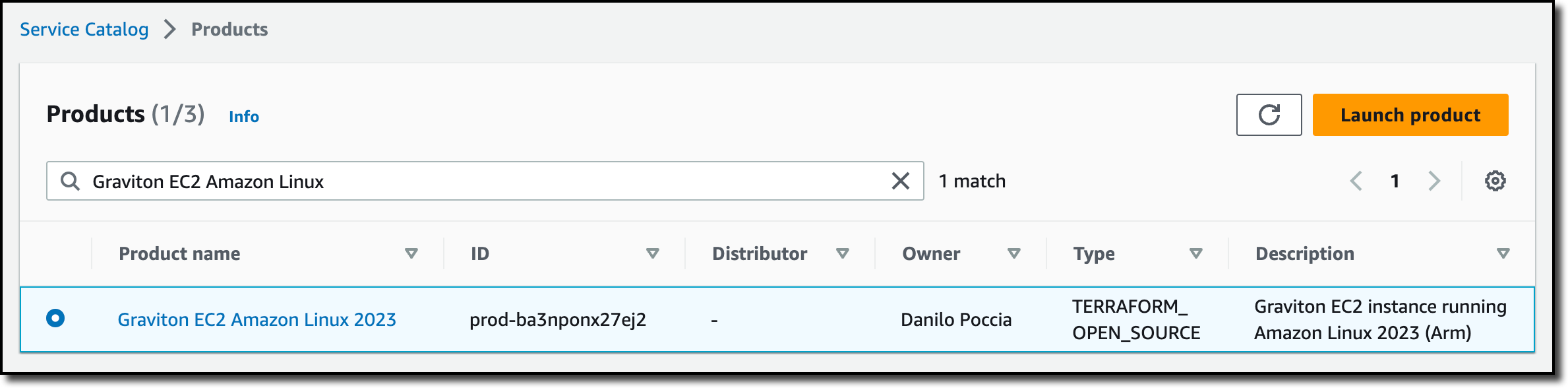
I let Service Catalog generate a unique name for the provisioned product and select the product version to deploy. Then, I launch the product.

After a few minutes, the product has been deployed and is available. The deployment has been managed by the Terraform Reference Engine.
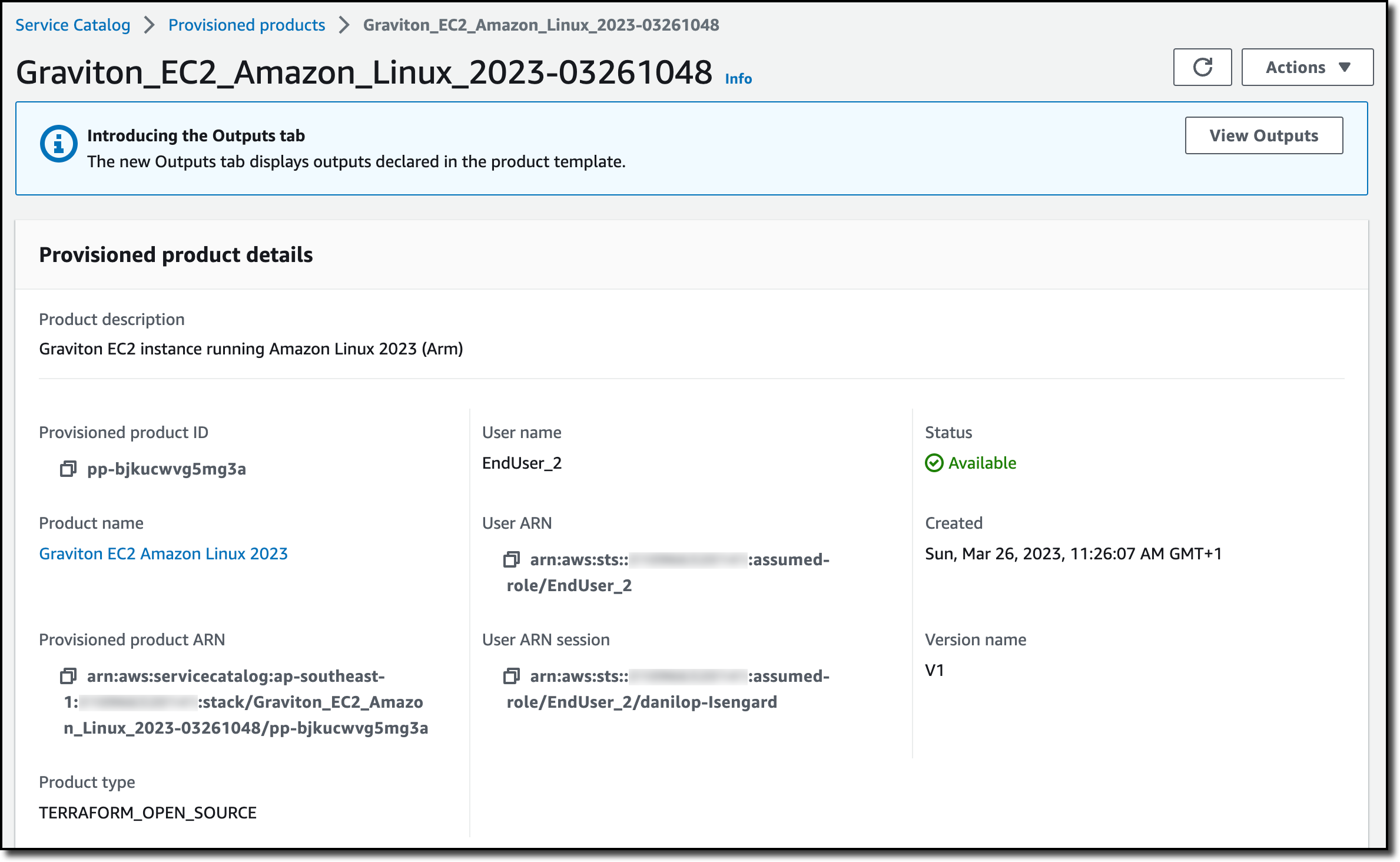
In the Associated tags tab, I see that Service Catalog automatically added information on the portfolio and the product.

In the Resources tab, I see the resources created by the provisioned product. As expected, it’s an EC2 instance, and I can follow the link to open the Amazon EC2 console and get more information.

End users such as engineers, database administrators, and data scientists can continue to use Service Catalog and launch the products they need without having to consider if they are provisioned using Terraform or CloudFormation.
Availability and Pricing
AWS Service Catalog support for Terraform open-source configurations is available today in all AWS Regions where it is offered. There is no change in pricing when using Terraform. With Service Catalog, you pay for the API calls you make to the service, and you can start for free with the free tier. You also pay for the resources used and created by the Terraform Reference Engine. For more information, see Service Catalog Pricing.
Enable self-service provisioning at scale for your Terraform open-source configurations.
— Danilo
Like many of you, I experienced the disrupting effects introduced by external forces such as weather, geopolitical instability, and the COVID-19 pandemic. To improve supply chain resilience, organizations need visibility across their supply chain so that they can quickly find and respond to risks. This is increasingly complex as their customers’ preferences are rapidly changing, and historical demand assumptions are not valid anymore.
To add to that, supply chain data is often spread out across disconnected systems, and existing tools lack the elastic processing power and specialized machine learning (ML) models needed to create meaningful insights. Without real-time insights, organizations cannot detect variations in demand patterns, unexpected trends, or supply disruptions. And failing to react quickly can impact their customers and operational costs.
Today, I am happy to share that AWS Supply Chain is generally available. AWS Supply Chain is a cloud application that mitigates risk and lowers costs with unified data, ML-powered actionable insights, and built-in contextual collaboration. Let’s see how it can help your organization before taking a look at how you can use it.
How AWS Supply Chain Works
AWS Supply Chain connects to your existing enterprise resource planning (ERP) and supply chain management systems. When those connections are in place, you can benefit from the following capabilities:
- A data lake is set up using ML models that have been pre-trained for supply chains to understand, extract, and transform data from different sources into a unified data model. The data lake can ingest data from a variety of data sources, including your existing ERP systems (such as SAP S4/HANA) and supply chain management systems.
- Your data is represented in a real-time visual map using a set of interactive visual end-user interfaces built on a micro front-end architecture. This map highlights current inventory selection, quantity, and health at each location (for example, inventory that is at risk for stock out). Inventory managers can drill down into specific facilities and view the current inventory on hand, in transit, and potentially at risk in each location.
- Actionable insights are automatically generated for potential supply chain risks (for example, overstock or stock outs) using the comprehensive supply chain data in the data lake and are shown in the real-time visual map. ML models, built on similar technology that Amazon uses, are used to generate more accurate vendor lead time predictions. Supply planners can use these predicted vendor lead times to update static assumptions built into planning models to reduce stock out or excess inventory risks.
- Rebalancing options are automatically evaluated, ranked, and shared to provide inventory managers and planners with recommended actions to take if a risk is detected. Recommendation options are scored by the percentage of risk resolved, the distance between facilities, and the sustainability impact. Supply chain managers can also drill down to review the impact each option will have on other distribution centers across the network. Recommendations continuously improve by learning from the decisions you make.
- To help you work with remote colleagues and implement rebalancing actions, contextual built-in collaboration capabilities are provided. When teams chat and message each other, the information about the risk and recommended options is shared, reducing errors and delays caused by poor communication so you can resolve issues faster.
- To help remove the manual effort and guesswork around demand planning, ML is used to analyze historical sales data and real-time data (for example, open orders), create forecasts, and continually adjust models to improve accuracy. Demand planning also continuously learns from changing demand patterns and user inputs to offer near real-time forecast updates, allowing organizations to proactively adjust supply chain operations.
Now, let’s see how this works in practice.
Using AWS Supply Chain To Reduce Inventory Risks
The AWS Supply Chain team was kind enough to share an environment connected to an ERP system. When I log in, I choose Inventory and the Network Map from the navigation pane. Here, I have a general overview of the inventory status of the distribution centers (DCs). Using the timeline slider, I am able to fast forward in time and see how the inventory risks change over time. This allows me to predict future risks, not just the current ones.
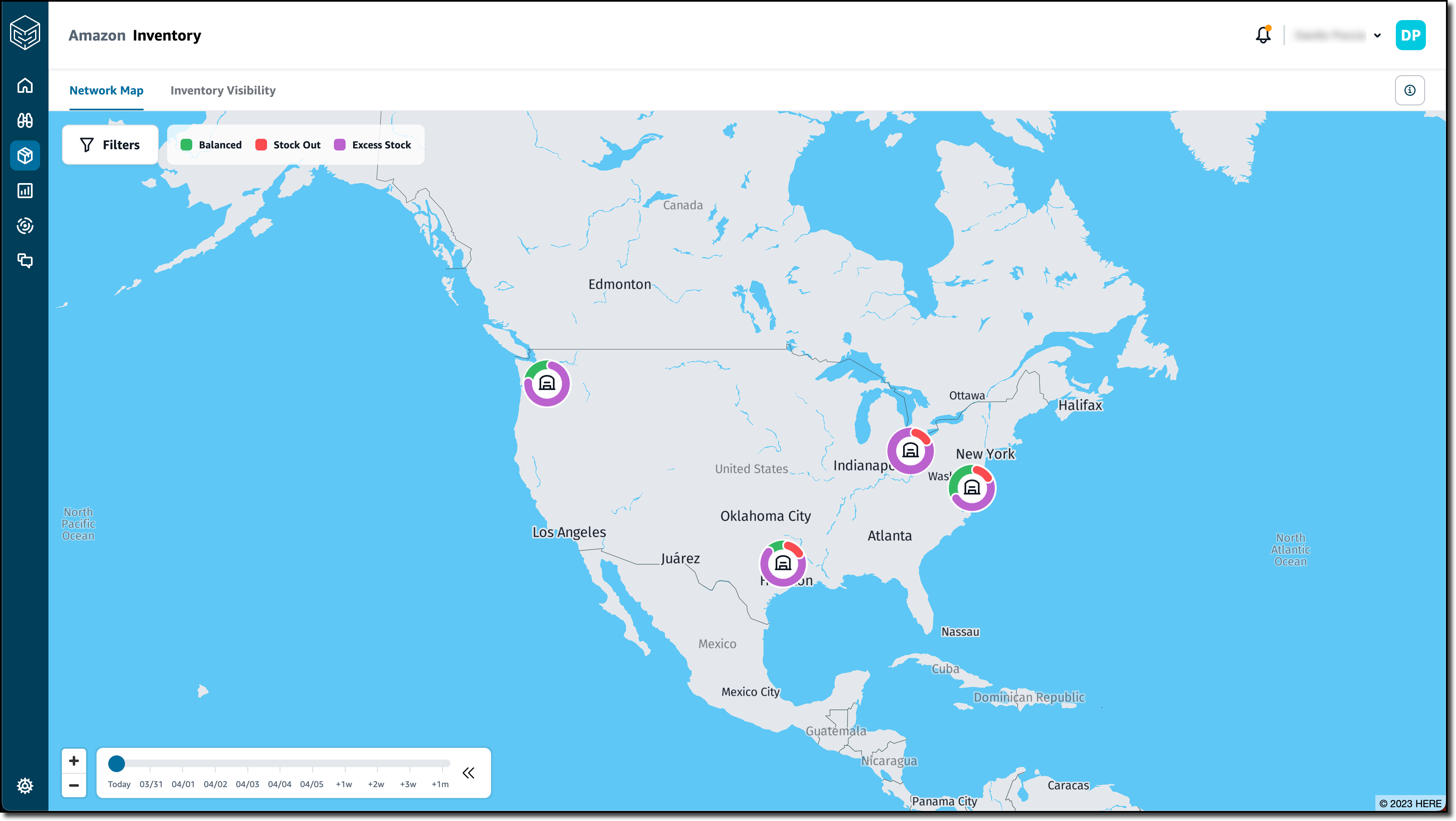
I choose the Seattle DC to have more information on that location.

Instead of looking at each distribution center, I create an insight watchlist that is analyzed by AWS Supply Chain. I choose Insights from the navigation pane and then Inventory Risk to track stock out and inventory excess risks. I enter a name (Shortages) for the insight watchlist and select all locations and products.

In the Tracking parameters, I choose to only track Stock Out Risk. I want to be warned if the inventory level is 10 percent below the minimum inventory target and set my time horizon to two weeks. I save to complete the creation of the insight watchlist.

I choose New Insight Watchlist to create another one. This time, I select the Lead time Deviation insight type. I enter a name (Lead time) for the insight watchlist and, again, all locations and products. This time, I choose to be notified when there is a deviation in the lead time that is 20 percent or more than the planned lead times. I choose to consider one year of historical time.

After a few minutes, I see that new insights are available. In the Insights page, I select Shortages from the dropdown. On the left, I have a series of stacks of insights grouped by week. I expand the first stack and drag one of the insights to put it In Review.

I choose View Details to see the status and the recommendations for this out-of-stock risk for a specific product and location.
Just after the Overview, a list of Resolution Recommendations is sorted by a Score. Score weights are used to rank recommendations by setting the relative importance of distance, emissions (CO2), and percentage of the risk resolved. In the settings, I can also configure a max distance to be considered when proposing recommendations. The first recommendation is the best based on how I configure the score.
The recommendation shows the effect of the rebalance. If I move eight units of this product from the Detroit DC to the Seattle DC, the projected inventory is now balanced (color green) for the next two days in the After Rebalance section instead of being out of stock (red) as in the Before Rebalance section. This also solves the excess stock risk (purple) in the Detroit DC. At the top of the recommendation, I see the probability that this rebalance resolves the inventory risk and the impact on emissions (CO2).
I choose Select to proceed with this recommendation. In the dialog, I enter a comment and choose to message the team to start using the collaboration capabilities of AWS Supply Chain. In this way, all the communication from those involved in solving this inventory issue is stored and linked to the specific issue instead of happening in a separate channel such as emails. I choose Confirm.

Straight from the Stock Out Risk, I can message those that can help me implement the recommendation.

I get the reply here, but I prefer to see it in all its context. I choose Collaboration from the navigation pane. There, I find all the conversations started from insights (one for now) and the Stock Out Risk and Resolution recommendations as proposed before. All those collaborating on solving the issue have a clear view of the problem and the possible resolutions. For future reference, this conversation will be available with its risk and resolution context.

When the risk is resolved, I move the Stock Out Risk card to Resolved.

Now, I look at the Lead time insights. Similar to before, I choose an insight and put it In Review. I choose View Details to have more information. I see that, based on historical purchase orders, the recommended lead time for this specific product and location should be seven days and not one day as found in the connected ERP system. This can have a negative impact on the expectations of my customers.
Without the need of re-platforming or reimplementing the current systems, I was able to connect AWS Supply Chain and get insights on the inventory of the distribution centers and recommendations based on my personal settings. These recommendations help resolve inventory risks such as items being out of stock or having excess stock in a distribution center. By better understanding the lead time, I can set better expectations for end customers.
Availability and Pricing
AWS Supply Chain is available today in the following AWS Regions: US East (N. Virginia), US West (Oregon), and Europe (Frankfurt).
AWS Supply Chain allows your organization to quickly gain visibility across your supply chain, and it helps you make more informed supply chain decisions. You can use AWS Supply Chain to mitigate overstock and stock-out risks. In this way, you can improve your customer experience, and at the same time, AWS Supply Chain can help you lower excess inventory costs. Using contextual chat and messaging, you can improve the way you collaborate with other teams and resolve issues quickly.
With AWS Supply Chain, you only pay for what you use. There are no required upfront licensing fees or long-term contracts. For more information, see AWS Supply Chain pricing.
— Danilo
 Last weekend, I enjoyed the spring vibes at Seoul Forest, a large park in the middle of Seoul city, where cherry blossoms are in full bloom.
Compared to last year, there were crowds of people, so I realized that it was really back to normal after the pandemic. I hope you all enjoy the season of spring or fall with your family.
Last Week’s Launches
Like an April Fool’s Day joke, there were 65 launches last week, far more than usual. AWS product teams are working hard with a customer obsession.
So, I had a lot of trouble choosing the important ones. Other than the ones I’ve picked out, there may be important feature releases that fit your needs. Be sure to take a look at the full launches list in the last week.
First, here is a list of the general availability of AWS services and features treated by AWS News Blog:
- Amazon VPC Lattice Simplifies Service-to-Service Connectivity, Security, and Monitoring
- Amazon SageMaker Canvas Supports Custom Text and Image Classification Models
- Amazon GuardDuty Now Supports Amazon EKS Runtime Monitoring
- Amazon Connect Agent Workspace Step-by-Step Guides
- AWS Application Migration Service Major Updates: Import and Export Feature, Source Server Migration Metrics Dashboard, and Additional Post-Launch Actions
- Amazon Chime SDK Call Analytics: Real-Time Voice Tone Analysis and Speaker Search
Let’s take a look at some launches from the last week that I want to remind you of:
The Preview of Amazon DataZone – At AWS re:Invent 2022, we preannounced Amazon DataZone, a new data management service to catalog, discover, analyze, share, and govern data between data producers and consumers in the organization. You can now try out the public preview of Amazon DataZone.
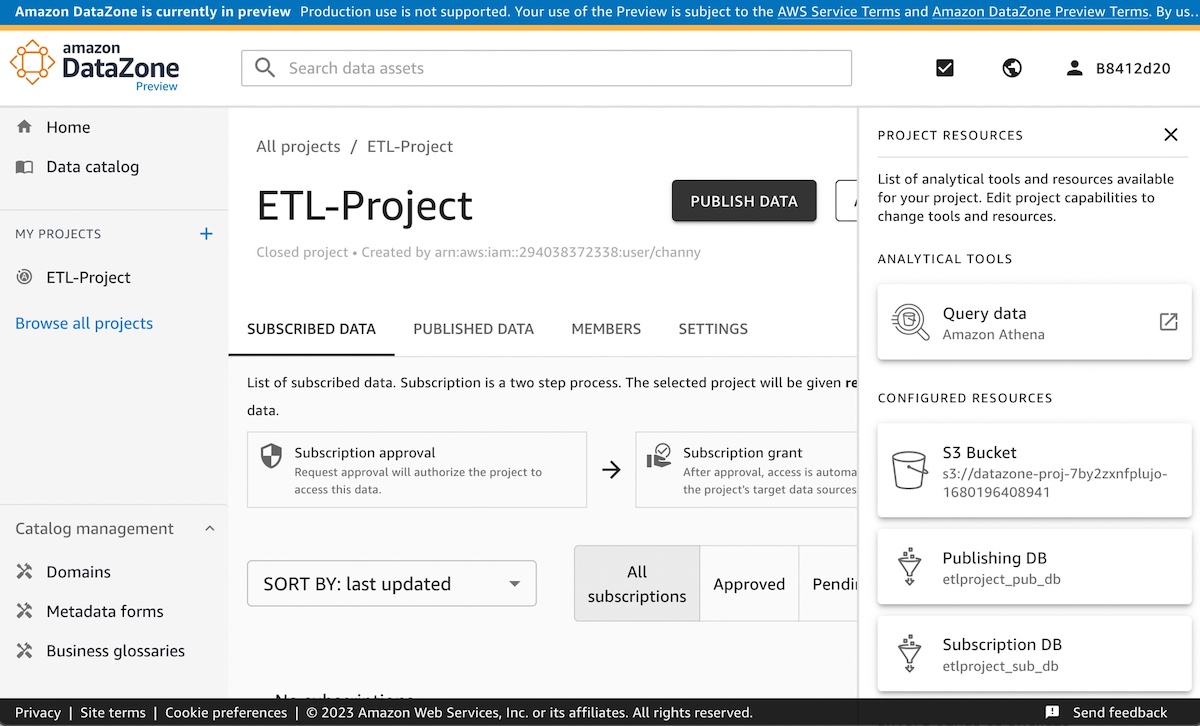
Data producers populate the business data catalog from AWS Glue Data Catalog and Amazon Redshift tables. Data consumers search for and subscribe to data assets in the data catalog and analyze with tools such as Amazon Athena query editors in the Amazon DataZone portal. To get started with Amazon DataZone, see our Quick Start Guide to include sample datasets to implement a complete use case.
AWS DataSync Supports Azure Blob Storage in Preview – AWS DataSync supports copying your object data at scale from Azure Blob Storage to AWS storage services such as Amazon S3. AWS DataSync supports all blob types within Azure Blob Storage and can also be used with Azure Data Lake Storage (ADLS) Gen 2.

In addition to Azure Blob Storage, DataSync supports Google Cloud Storage and Azure Files storage locations as well as various general storage systems and AWS storage services. To learn more, see Migrating Azure Blob Storage to Amazon S3 using AWS DataSync in the AWS Storage Blog.
On-call schedules with AWS Systems Manager Incident Manager – You can now configure or change on-call rotation schedules with a group of contacts and have 24/7 coverage and responsiveness for critical issues in the Incident Manager console.
AWS Incident Manager helps you bring the right people and information together when a critical issue is detected, activating preconfigured response plans to engage responders using SMS, phone calls, and chat channels, as well as to run AWS Systems Manager Automation runbooks. To learn how to get started with an-call schedules in Incident Manager, see our Working with on-call schedules in Incident Manager in the AWS documentation.
AWS CloudShell Colsone Toolbar – You can now use AWS Cloudshell Console Toolbar with AWS Management Console in a single view. The Console Toolbar maintains its state (e.g., open, closed) and commands will continue to run in CloudShell as you navigate between services in the Console. For example, it allows you to run a command in CloudShell and view a CloudWatch alarm in the Console at the same time.
After signing into the Console, you can access CloudShell in the lower left of the Console by selecting the CloudShell icon in the Console Toolbar.
New Features of AWS Well-Architected Tool – The Consolidated Report and Enhanced Search enable customers to quickly identify risk themes across their workloads and scale improvements across their organization. This macro-level view helps executive stakeholders understand where common issues lie and prioritize team resources to drive widespread improvement. To learn more, see AWS Well-Architected Tool Dashboard in the AWS documentation.
For a full list of AWS announcements, be sure to keep an eye on the What’s New at AWS page.
Other AWS News
Here are some other news items that you may find interesting from the last week:
Welcome to the .NET on AWS Blog – We launched a new blog channel for millions of .NET developers across the world. Blog posts will also cover built-for-the-cloud development, modernizing .NET Framework applications, and how to deploy .NET workloads on different AWS services. We will use this channel to share news on the work we’ve done with the .NET open-source community, post follow-ups from important events, and post announcements about upcoming presentations from our .NET developer advocates. To learn more, visit our .NET on AWS website and follow us on Twitter at @dotnetonAWS.
AWS Knowledge Center in AWS re:Post – You can now access trusted, authoritative articles and videos of AWS Knowledge Center on AWS re:Post to get answers to technical questions. Knowledge Center content is produced by an AWS team and covers the most frequent questions and requests from AWS customers. These articles are available in 10 localized languages: English, French, German, Italian, Japanese, Korean, Portuguese, Simplified Chinese, Spanish, and Traditional Chinese.
TF1’s FIFA Worldcup Digital Broadcasting Story – Sébastien shared an awesome story about how the French broadcaster TF1 use AWS Cloud technology and expertise to bring the FIFA World Cup to millions of people. He shared the history of redesigning its digital broadcasting architecture on AWS, testing the new platform on large-scale sporting events. For the preparation of the FIFA Worldcup event, TF1 enhanced monitoring to detect anomalies during the event and established the backup plan in a “war room” for the worst scenario. Even if you’re not a fan of football, I recommend reading the behind-the-scenes of the FIFA Worldcup Finals. It’s long but really fun!
Upcoming AWS Events
Check your calendars and sign up for these AWS-led events:
AWS re:Inforce 2023 – Now register AWS re:Inforce, in Anaheim, California, June 13–14. AWS Chief Information Security Officer CJ Moses will share the latest innovations in cloud security and what AWS Security is focused on. The breakout sessions will provide real-world examples of how security is embedded into the way businesses operate. To learn more and get the limited discount code to register, see CJ’s blog post of Gain insights and knowledge at AWS re:Inforce 2023 in the AWS Security Blog.
AWS Global Summits – Check your calendars and sign up for the AWS Summit closest to your city: Paris and Sydney (April 4), Seoul (May 3-4), Berlin and Singapore (May 4), Stockholm (May 11), Hong Kong (May 23), Amsterdam (June 1), London (June 7), Madrid (June 15), and Milano (June 22).
AWS Community Day – Join community-led conferences driven by AWS user group leaders closest to your city: Peru (April 15), Helsinki (April 20), Chicago (June 15), Philippines (June 29–30), and Munich (September 14). Recently, we are bringing together AWS user groups from around the world into Meetup Pro accounts. Find your group and its meetups in your city!
You can browse all upcoming AWS-led in-person and virtual events, and developer-focused events such as AWS DevDay.
That’s all for this week. Check back next Monday for another Week in Review!
— Channy
This post is part of our Week in Review series. Check back each week for a quick roundup of interesting news and announcements from AWS!
Today AWS announces new features in Amazon SageMaker Canvas that help business analysts generate insights from thousands of documents, images, and lines of text in minutes with machine learning (ML). Starting today, you can access ready-to-use models and create custom text and image classification models alongside previously supported custom models for tabular data, all without requiring ML experience or writing a line of code.
Business analysts across different industries want to apply AI/ML solutions to generate insights from a variety of data and respond to ad-hoc analysis requests coming from business stakeholders. By applying AI/ML in their workflows, analysts can automate manual, time-consuming, and error-prone processes, such as inspection, classification, as well as extraction of insights from raw data, images, or documents. However, applying AI/ML to business problems requires technical expertise and building custom models can take several weeks or even months.
Launched in 2021, Amazon SageMaker Canvas is a visual, point-and-click service that allows business analysts to use a variety of ready-to-use models or create custom models to generate accurate ML predictions on their own.
Ready-to-use Models
Customers can use SageMaker Canvas to access ready-to-use models that can be used to extract information and generate predictions from thousands of documents, images, and lines of text in minutes. These ready-to-use models include sentiment analysis, language detection, entity extraction, personal information detection, object and text detection in images, expense analysis for invoices and receipts, identity document analysis, and more generalized document and form analysis.
For example, you can select the sentiment analysis ready-to-use model and upload product reviews from social media and customer support tickets to quickly understand how your customers feel about your products. Using the personal information detection ready-to-use model, you can detect and redact personally identifiable information (PII) from emails, support tickets, and documents. Using the expense analysis ready-to-use model, you can easily detect and extract data from your scanned invoices and receipts and generate insights about that data.
These ready-to-use models are powered by AWS AI services, including Amazon Rekognition, Amazon Comprehend, and Amazon Textract.

Custom Text and Image Classification Models
Customers that need custom models trained for their business-specific use-case can use SageMaker Canvas to create text and image classification models.
You can use SageMaker Canvas to create custom text classification models to classify data according to your needs. For example, imagine that you work as a business analyst at a company that provides customer support. When a customer support agent engages with a customer, they create a ticket, and they need to record the ticket type, for example, “incident”, “service request”, or “problem”. Many times, this field gets forgotten, and so, when the reporting is done, the data is hard to analyze. Now, using SageMaker Canvas, you can create a custom text classification model, train it with existing customer support ticket information and ticket type, and use it to predict the type of tickets in the future when working on a report with missing data.
You can also use SageMaker Canvas to create custom image classification models using your own image datasets. For instance, imagine you work as a business analyst at a company that manufactures smartphones. As part of your role, you need to prepare reports and respond to questions from business stakeholders related to quality assessment and it’s trends. Every time a phone is assembled, a picture is automatically taken, and at the end of the week, you receive all those images. Now with SageMaker Canvas, you can create a new custom image classification model that is trained to identify common manufacturing defects. Then, every week, you can use the model to analyze the images and predict the quality of the phones produced.
SageMaker Canvas in Action
Let’s imagine that you are a business analyst for an e-commerce company. You have been tasked with understanding the customer sentiment towards all the new products for this season. Your stakeholders require a report that aggregates the results by item category to decide what inventory they should purchase in the following months. For example, they want to know if the new furniture products have received positive sentiment. You have been provided with a spreadsheet containing reviews for the new products, as well as an outdated file that categorizes all the products on your e-commerce platform. However, this file does not yet include the new products.
To solve this problem, you can use SageMaker Canvas. First, you will need to use the sentiment analysis ready-to-use model to understand the sentiment for each review, classifying them as positive, negative, or neutral. Then, you will need to create a custom text classification model that predicts the categories for the new products based on the existing ones.
Ready-to-use Model – Sentiment Analysis
To quickly learn the sentiment of each review, you can do a bulk update of the product reviews and generate a file with all the sentiment predictions.
To get started, locate Sentiment analysis on the Ready-to-use models page, and under Batch prediction, select Import new dataset.
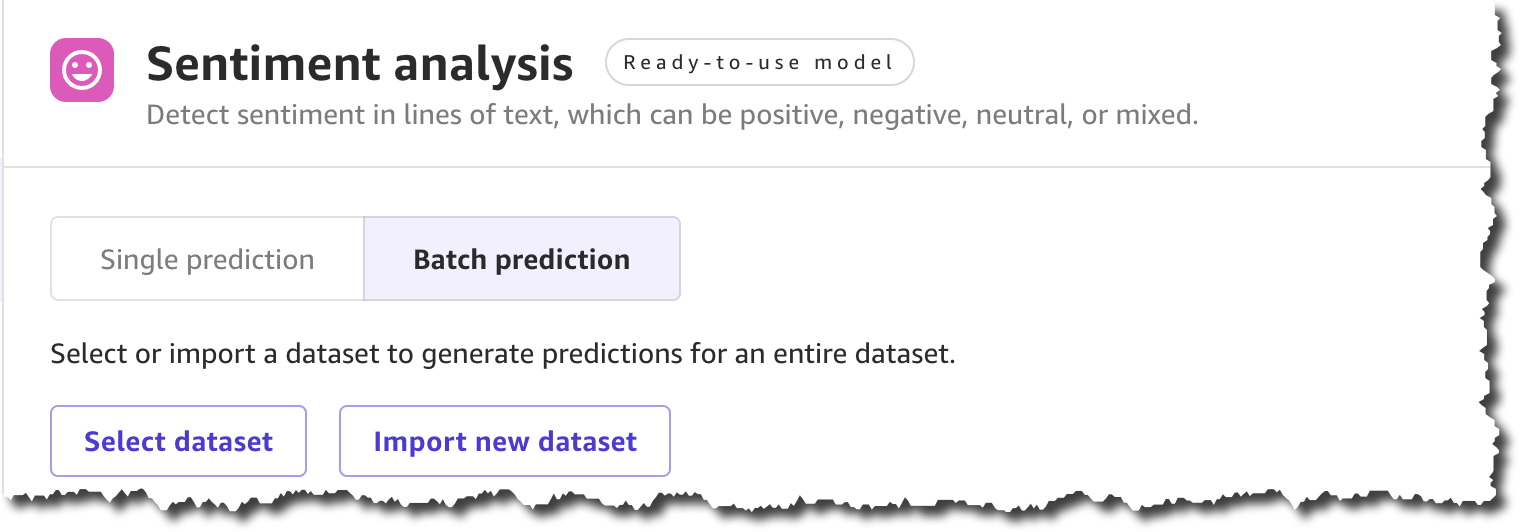
When you create a new dataset, you can upload the dataset from your local machine or use Amazon Simple Storage Service (Amazon S3). For this demo, you will upload the file locally. You can find all the product reviews used in this example in the Amazon Customer Reviews dataset.
After you complete uploading the file and creating the dataset, you can Generate predictions.
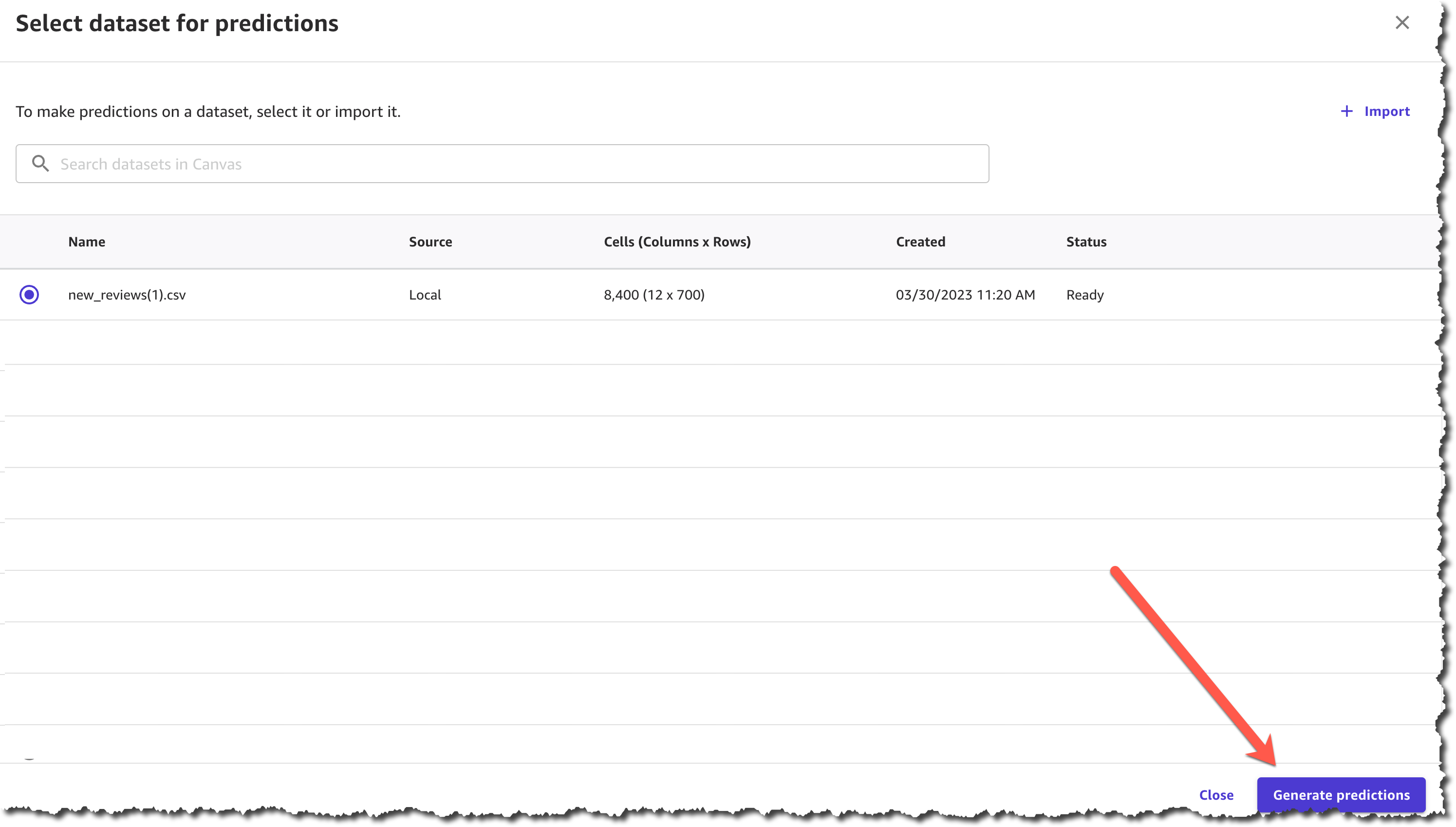
The prediction generation takes less than a minute, depending on the size of the dataset, and then you can view or download the results.

The results from this prediction can be downloaded as a .csv file or viewed from the SageMaker Canvas interface. You can see the sentiment for each of the product reviews.

Now you have the first part of your task ready—you have a .csv file with the sentiment of each review. The next step is to classify those products into categories.
Custom Text Classification Model
To classify the new products into categories based on the product title, you need to train a new text classification model in SageMaker Canvas.
In SageMaker Canvas, create a New model of the type Text analysis.

The first step when creating the model is to select a dataset with which to train the model. You will train this model with a dataset from last season, which contains all the products except for the new collection.
Once the dataset has finished importing, you will need to select the column that contains the data you want to predict, which in this case is the product\_category column, and the column that will be used as the input for the model to make predictions, which is the product\_title column.
After you finish configuring that, you can start to build the model. There are two modes of building:
- Quick build that returns a model in 15–30 minutes.
- Standard build takes 2–5 hours to complete.
To learn more about the differences between the modes of building you can check the documentation. For this demo, pick quick build, as our dataset is smaller than 50,000 rows.

When the model is built, you can analyze how the model performs. SageMaker Canvas uses the 80-20 approach; it trains the model with 80 percent of the data from the dataset and uses 20 percent of the data to validate the model.
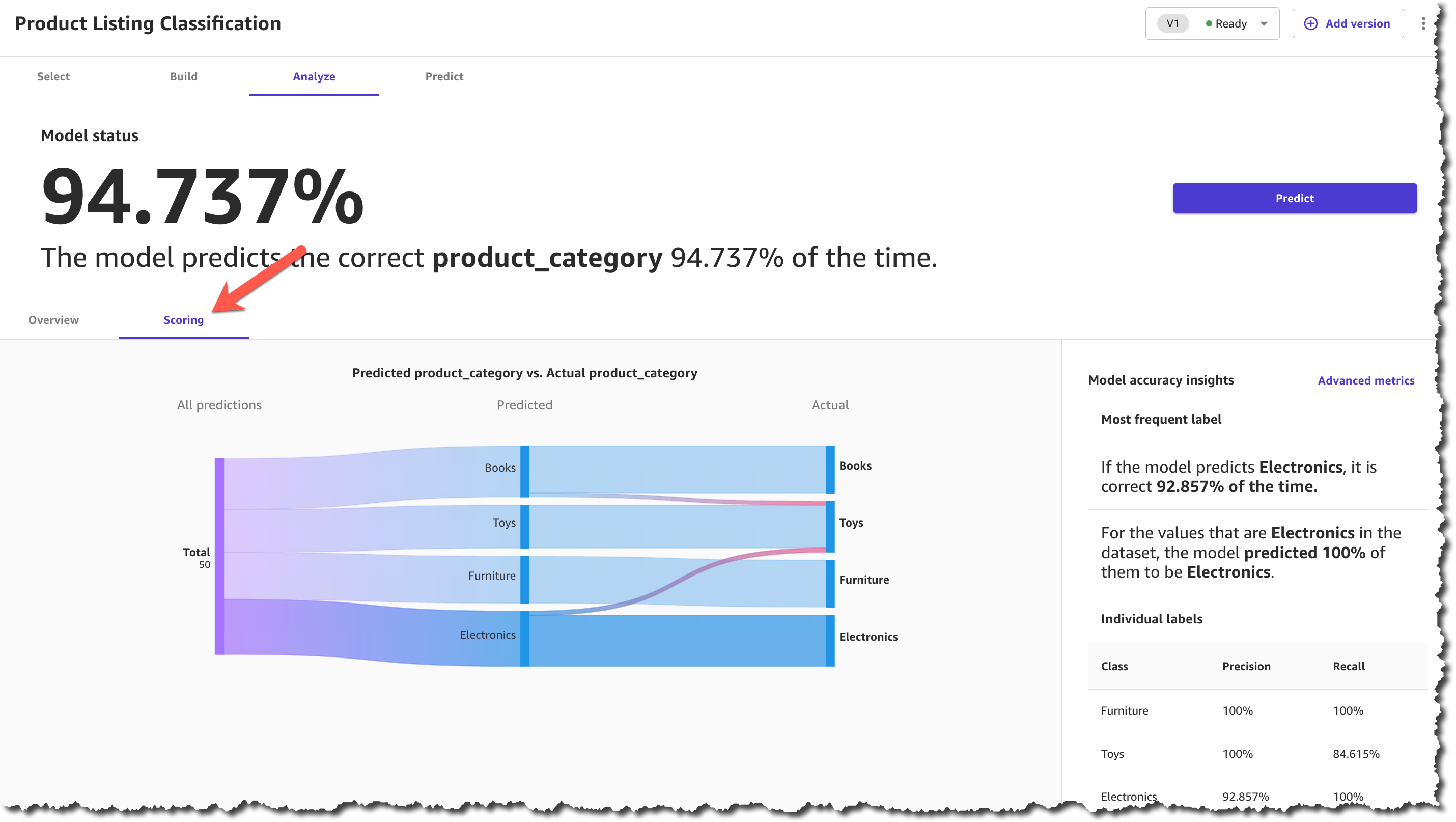
When the model finishes building, you can check the model score. The scoring section gives you a visual sense of how accurate the predictions were for each category. You can learn more about how to evaluate your model’s performance in the documentation.
After you make sure that your model has a high prediction rate, you can move on to generate predictions. This step is similar to the ready-to-use models for sentiment analysis. You can make a prediction on a single product or on a set of products. For a batch prediction, you need to select a dataset and let the model generate the predictions. For this example, you will select the same dataset that you selected in the ready-to-use model, the one with the reviews. This can take a few minutes, depending on the number of products in the dataset.
When the predictions are ready, you can download the results as a .csv file or view how each product was classified. In the prediction results, each product is assigned only one category based on the categories provided during the model-building process.

Now you have all the necessary resources to conduct an analysis and evaluate the performance of each product category with the new collection based on customer reviews. Using SageMaker Canvas, you were able to access a ready-to-use model and create a custom text classification model without having to write a single line of code.
Available Now
Ready-to-use models and support for custom text and image classification models in SageMaker Canvas are available in all AWS Regions where SageMaker Canvas is available. You can learn more about the new features and how they are priced by visiting the SageMaker Canvas product detail page.
— Marcia
At AWS re:Invent 2022, we introduced in preview Amazon VPC Lattice, a new capability of Amazon Virtual Private Cloud (Amazon VPC) that gives you a consistent way to connect, secure, and monitor communication between your services. With VPC Lattice, you can define policies for network access, traffic management, and monitoring to connect compute services across instances, containers, and serverless applications.
Today, I am happy to share that VPC Lattice is now generally available. Compared to the preview, you have access to new capabilities:
- Services can use a custom domain name in addition to the domain name automatically generated by VPC Lattice. When using HTTPS, you can configure an SSL/TLS certificate that matches the custom domain name.
- You can deploy the open-source AWS Gateway API Controller to use VPC Lattice with a Kubernetes-native experience. It uses the Kubernetes Gateway API to let you connect services across multiple Kubernetes clusters and services running on EC2 instances, containers, and serverless functions.
- You can use an Application Load Balancer (ALB) or a Network Load Balancer (NLB) as a target for a service.
- The IP address target type now supports IPv6 connectivity.
Let’s see some of these new features in practice.
Using Amazon VPC Lattice for Service-to-Service Connectivity
In my previous post introducing VPC Lattice, I show how to create a service network, associate multiple VPCs and services, and configure target groups for EC2 instances and Lambda functions. There, I also show how to route traffic based on request characteristics and how to use weighted routing. Weighted routing is really handy for blue/green and canary-style deployments or for migrating from one compute platform to another.
Now, let’s see how to use VPC Lattice to allow the services of an e-commerce application to communicate with each other. For simplicity, I only consider four services:
- The
Orderservice, running as a Lambda function. - The
Inventoryservice, deployed as an Amazon Elastic Container Service (Amazon ECS) service in a dual-stack VPC supporting IPv6. - The
Deliveryservice, deployed as an ECS service using an ALB to distribute traffic to the service tasks. - The
Paymentservice, running on an EC2 instance.
First, I create a service network. The Order service needs to call the Inventory service (to check if an item is available for purchase), the Delivery service (to organize the delivery of the item), and the Payment service (to transfer the funds). The following diagram shows the service-to-service communication from the perspective of the service network.

These services run in different AWS accounts and multiple VPCs. VPC Lattice handles the complexity of setting up connectivity across VPC boundaries and permission across accounts so that service-to-service communication is as simple as an HTTP/HTTPS call.
The following diagram shows how the communication flows from an implementation point of view.

The Order service runs in a Lambda function connected to a VPC. Because all the VPCs in the diagram are associated with the service network, the Order service is able to call the other services (Inventory, Delivery, and Payment) even if they are deployed in different AWS accounts and in VPCs with overlapping IP addresses.
Using a Network Load Balancer (NLB) as Target
The Inventory service runs in a dual-stack VPC. It’s deployed as an ECS service with an NLB to distribute traffic to the tasks in the service. To get the IPv6 addresses of the NLB, I look for the network interfaces used by the NLB in the EC2 console.

When creating the target group for the Inventory service, under Basic configuration, I choose IP addresses as the target type. Then, I select IPv6 for the IP Address type.

In the next step, I enter the IPv6 addresses of the NLB as targets. After the target group is created, the health checks test the targets to see if they are responding as expected.

Using an Application Load Balancer (ALB) as Target
Using an ALB as a target is even easier. When creating a target group for the Delivery service, under Basic configuration, I choose the new Application Load Balancer target type.

I select the VPC in which to look for the ALB and choose the Protocol version.

In the next step, I choose Register now and select the ALB from the dropdown. I use the default port used by the target group. VPC Lattice does not provide additional health checks for ALBs. However, load balancers already have their own health checks configured.

Using Custom Domain Names for Services
To call these services, I use custom domain names. For example, when I create the Payment service in the VPC console, I choose to Specify a custom domain configuration, enter a Custom domain name, and select an SSL/TLS certificate for the HTTPS listener. The Custom SSL/TLS certificate dropdown shows available certificates from AWS Certificate Manager (ACM).

Securing Service-to-Service Communications
Now that the target groups have been created, let’s see how I can secure the way services communicate with each other. To implement zero-trust authentication and authorization, I use AWS Identity and Access Management (IAM). When creating a service, I select the AWS IAM as Auth type.

I select the Allow only authenticated access policy template so that requests to services need to be signed using Signature Version 4, the same signing protocol used by AWS APIs. In this way, requests between services are authenticated by their IAM credentials, and I don’t have to manage secrets to secure their communications.

Optionally, I can be more precise and use an auth policy that only gives access to some services or specific URL paths of a service. For example, I can apply the following auth policy to the Order service to give to the Lambda function these permissions:
- Read-only access (GET method) to the
Inventoryservice/stockURL path. - Full access (any HTTP method) to the
Deliveryservice/deliveryURL path.
{ "Version": "2012-10-17", "Statement": [ { "Effect": "Allow", "Principal": { "AWS": "<Order Service Lambda Function IAM Role ARN>" }, "Action": "vpc-lattice-svcs:Invoke", "Resource": "<Inventory Service ARN>/stock", "Condition": { "StringEquals": { "vpc-lattice-svcs:RequestMethod": "GET" } } }, { "Effect": "Allow", "Principal": { "AWS": "<Order Service Lambda Function IAM Role ARN>" }, "Action": "vpc-lattice-svcs:Invoke", "Resource": "<Delivery Service ARN>/delivery" } ]}Using VPC Lattice, I quickly configured the communication between the services of my e-commerce application, including security and monitoring. Now, I can focus on the business logic instead of managing how services communicate with each other.
Availability and Pricing
Amazon VPC Lattice is available today in the following AWS Regions: US East (Ohio), US East (N. Virginia), US West (Oregon), Asia Pacific (Singapore), Asia Pacific (Sydney), Asia Pacific (Tokyo), and Europe (Ireland).
With VPC Lattice, you pay for the time a service is provisioned, the amount of data transferred through each service, and the number of requests. There is no charge for the first 300,000 requests every hour, and you only pay for requests above this threshold. For more information, see VPC Lattice pricing.
We designed VPC Lattice to allow incremental opt-in over time. Each team in your organization can choose if and when to use VPC Lattice. Other applications can connect to VPC Lattice services using standard protocols such as HTTP and HTTPS. By using VPC Lattice, you can focus on your application logic and improve productivity and deployment flexibility with consistent support for instances, containers, and serverless computing.
Simplify the way you connect, secure, and monitor your services with VPC Lattice.
— Danilo
Since Amazon GuardDuty launched in 2017, GuardDuty has been capable of analyzing tens of billions of events per minute across multiple AWS data sources, such as AWS CloudTrail event logs, Amazon Virtual Private Cloud (Amazon VPC) Flow Logs, and DNS query logs, Amazon Simple Storage Service (Amazon S3) data plane events, Amazon Elastic Kubernetes Service (Amazon EKS) audit logs, and Amazon Relational Database Service (Amazon RDS) login events to protect your AWS accounts and resources.
In 2020, GuardDuty added Amazon S3 protection to continuously monitor and profile S3 data access events and configurations to detect suspicious activities in Amazon S3. Last year, GuardDuty launched Amazon EKS protection to monitor control plane activity by analyzing Kubernetes audit logs from existing and new EKS clusters in your accounts, Amazon EBS malware protection to scan malicious files residing on an EC2 instance or container workload using EBS volumes, and Amazon RDS protection to identify potential threats to data stored in Amazon Aurora databases—recently generally available.
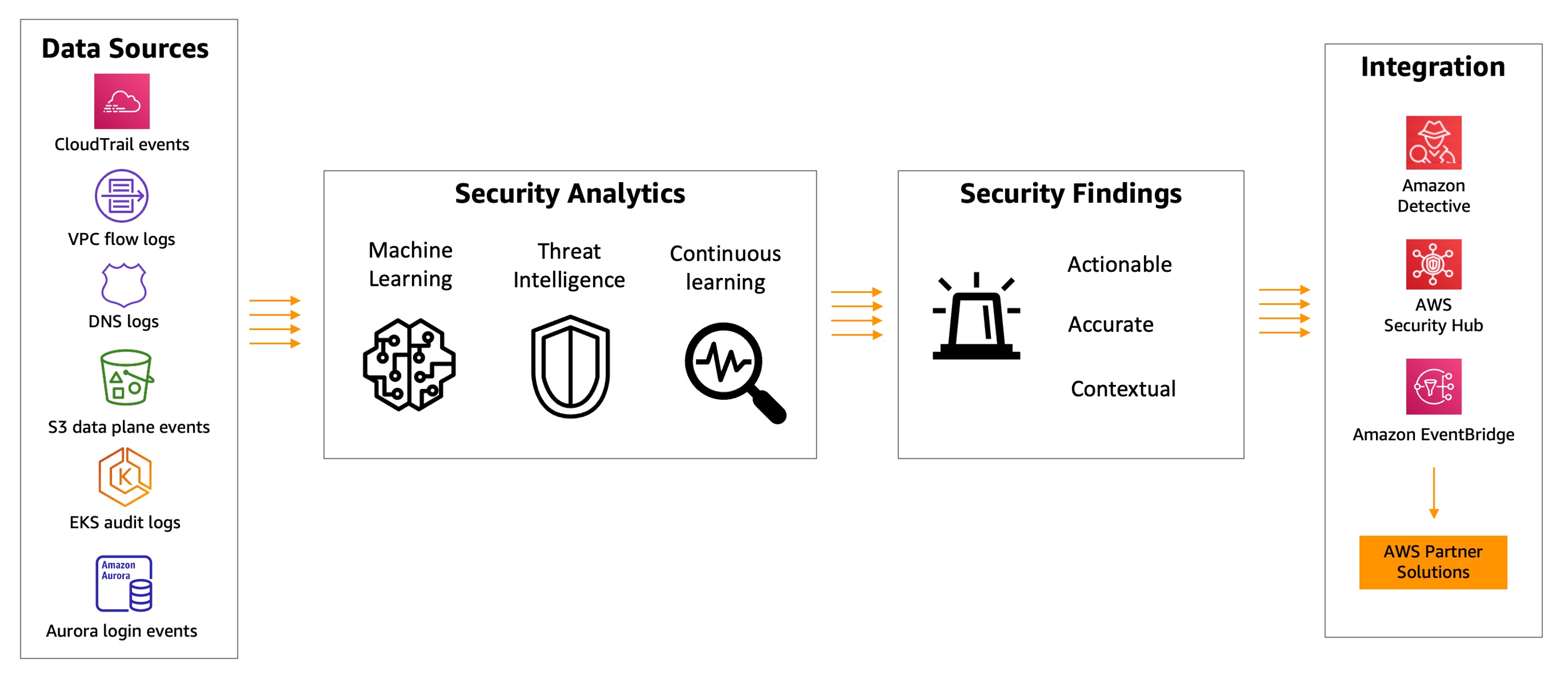
GuardDuty combines machine learning (ML), anomaly detection, network monitoring, and malicious file discovery using various AWS data sources. When threats are detected, GuardDuty automatically sends security findings to AWS Security Hub, Amazon EventBridge, and Amazon Detective. These integrations help centralize monitoring for AWS and partner services, automate responses to malware findings, and perform security investigations from GuardDuty.
Today, we are announcing the general availability of Amazon GuardDuty EKS Runtime Monitoring to detect runtime threats from over 30 security findings to protect your EKS clusters. The new EKS Runtime Monitoring uses a fully managed EKS add-on that adds visibility into individual container runtime activities, such as file access, process execution, and network connections.
GuardDuty can now identify specific containers within your EKS clusters that are potentially compromised and detect attempts to escalate privileges from an individual container to the underlying Amazon EC2 host and the broader AWS environment. GuardDuty EKS Runtime Monitoring findings provide metadata context to identify potential threats and contain them before they escalate.
Configure EKS Runtime Monitoring in GuardDuty
To get started, first enable EKS Runtime Monitoring with just a few clicks in the GuardDuty console.

Once you enable EKS Runtime Monitoring, GuardDuty can start monitoring and analyzing the runtime-activity events for all the existing and new EKS clusters for your accounts. If you want GuardDuty to deploy and update the required EKS-managed add-on for all the existing and new EKS clusters in your account, choose Manage agent automatically. This will also create a VPC endpoint through which the security agent delivers the runtime events to GuardDuty.
If you configure EKS Audit Log Monitoring and runtime monitoring together, you can achieve optimal EKS protection both at the cluster control plane level, and down to the individual pod or container operating system level. When used together, threat detection will be more contextual to allow quick prioritization and response. For example, a runtime-based detection on a pod exhibiting suspicious behavior can be augmented by an audit log-based detection, indicating the pod was unusually launched with elevated privileges.
These options are default, but they are configurable, and you can uncheck one of the boxes in order to disable EKS Runtime Monitoring. When you disable EKS Runtime Monitoring, GuardDuty immediately stops monitoring and analyzing the runtime-activity events for all the existing EKS clusters. If you had configured automated agent management through GuardDuty, this action also removes the security agent that GuardDuty had deployed.
To learn more, see Configuring EKS Runtime Monitoring in the AWS documentation.
Manage GuardDuty Agent Manually
If you want to manually deploy and update the EKS managed add-on, including the GuardDuty agent, per cluster in your account, uncheck Manage agent automatically in the EKS protection configuration.
When managing the add-on manually, you are also responsible for creating the VPC endpoint through which the security agent delivers the runtime events to GuardDuty. In the VPC endpoint console, choose Create endpoint. In the step, choose Other endpoint services for Service category, enter com.amazonaws.us-east-1.guardduty-data for Service name in the US East (N. Virginia) Region, and choose Verify service.
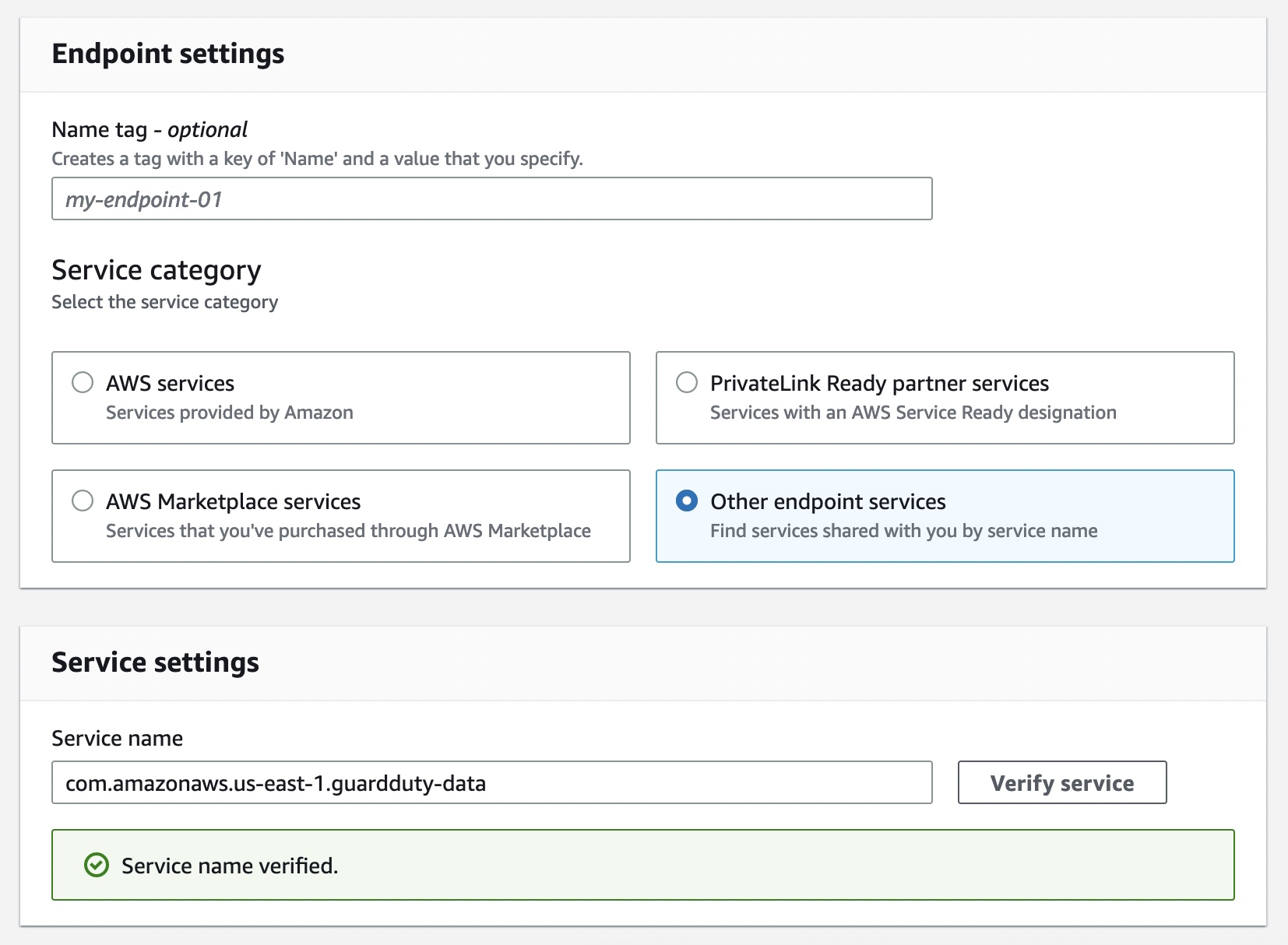
After the service name is successfully verified, choose VPC and subnets where your EKS cluster resides. Under Additional settings, choose Enable DNS name. Under Security groups, choose a security group that has the in-bound port 443 enabled from your VPC (or your EKS cluster).
Add the following policy to restrict VPC endpoint usage to the specified account only:
{"Version": "2012-10-17","Statement": [{"Action": "*","Resource": "*","Effect": "Allow","Principal": "*"},{"Condition": {"StringNotEquals": {"aws:PrincipalAccount": "123456789012"}},"Action": "*","Resource": "*","Effect": "Deny","Principal": "*"}]}Now, you can install the Amazon GuardDuty EKS Runtime Monitoring add-on for your EKS clusters. Select this add-on in the Add-ons tab in your EKS cluster profile on the Amazon EKS console.
When you enable EKS Runtime Monitoring in GuardDuty and deploy the Amazon EKS add-on for your EKS cluster, you can view the new pods with the prefix aws-guardduty-agent. GuardDuty now starts to consume runtime-activity events from all EC2 hosts and containers in the cluster. GuardDuty then analyzes these events for potential threats.
These pods collect various event types and send them to the GuardDuty backend for threat detection and analysis. When managing the add-on manually, you need to go through these steps for each EKS cluster that you want to monitor, including new EKS clusters.
To learn more, see Managing GuardDuty agent manually in the AWS documentation.
Checkout EKS Runtime Security Findings
When GuardDuty detects a potential threat and generates a security finding, you can view the details of the corresponding findings. These security findings indicate either a compromised EC2 instance, container workload, an EKS cluster, or a set of compromised credentials in your AWS environment.
If you want to generate EKS Runtime Monitoring sample findings for testing purposes, see Generating sample findings in GuardDuty in the AWS documentation. Here is an example of potential security issues: a newly created or recently modified binary file in an EKS cluster has been executed.

The ResourceType for an EKS Protection finding type could be an Instance, EKSCluster, or Container. If the Resource type in the finding details is EKSCluster, it indicates that either a pod or a container inside an EKS cluster is potentially compromised. Depending on the potentially compromised resource type, the finding details may contain Kubernetes workload details, EKS cluster details, or instance details.

The Runtime details such as process details and any required context describe information about the observed process, and the runtime context describes any additional information about the potentially suspicious activity.

To remediate a compromised pod or container image, see Remediating EKS Runtime Monitoring findings in the AWS documentation. This document describes the recommended remediation steps for each resource type. To learn more about security finding types, see GuardDuty EKS Runtime Monitoring finding types in the AWS documentation.
Now Available
You can now use Amazon GuardDuty for EKS Runtime Monitoring. For a full list of Regions where EKS Runtime Monitoring is available, visit region-specific feature availability.
The first 30 days of GuardDuty for EKS Runtime Monitoring are available at no additional charge for existing GuardDuty accounts. If you enabled GuardDuty for the first time, EKS Runtime Monitoring is not enabled by default, and needs to be enabled as described above. After the trial period ends in the GuardDuty, you can see the estimated cost of EKS Runtime Monitoring. To learn more, see the GuardDuty pricing page.
For more information, see the Amazon GuardDuty User Guide and send feedback to AWS re:Post for Amazon GuardDuty or through your usual AWS support contacts.
– Channy
At AWS re:Invent 2022 we announced the availability of step-by-step guides for Amazon Connect agent workspace in preview. My colleagues who collaborated to write the announcement post wrote about some of the challenges that contact centers face with training new agents to get up to speed with their agent desktop. They also mentioned that until agents become proficient, it takes them longer to address customer needs effectively, resulting in customer dissatisfaction.
Amazon Connect agent workspace was announced in 2021 and is a single, intuitive application that provides contact center agents with the tools that are required to onboard an agent quickly, resolve issues efficiently, and improve the customer experience. With Amazon Connect agent workspace, the agent is provided with all the tools on one screen. To think of the agent workspace, imagine the agent accepting a call, a chat, or a task and being given the necessary information about the customer and the case, plus real-time recommendations, all in one place without the need to switch between applications.
Step-by-step guides enable organizations to provide customizable experiences for their agents within the workspace, enabling them to deliver exceptional service from their first day on the job by surfacing relevant information and actions that the agent requires in order to resolve customer issues faster. This is because the step-by-step experience guides agents by identifying customer issues and then recommending subsequent actions, ensuring that the agent never has to guess or rely on past experience to know what comes next. This is helpful for both new and experienced agents. New agents can learn the system and get acquainted with their job and experienced agents can keep to the organization’s standard operating procedures instead of diverging in how they handle the same type of customer request.
Because of this intuitive experience, onboarding time for agents can be reduced by up to 50 percent, time to proficiency for the agent can be reduced by up to 40 percent, and contact handle time is reduced by up to 35 percent ultimately resulting in an improved and consistent customer experience.
A High-Level Overview of Step-by-Step Guides
During the announcement of step-by-step guides in preview, I was fascinated to learn that the experience was researched and developed in the context of Amazon Customer Service. However, step-by-step guides can also be generalized to apply to other types of organizations and use cases including the following:
- Retail – You can customize guides to suit your retail organization, for example, guides for returning a purchase by a customer.
- Financial Services – An example would be adding an authorized user to a credit card. Using guides, the agent can help the customer capture new user information and handle approvals through a single workflow that is consolidated within the guides.
- Hospitality – A great example here would be creating a new reservation at a hotel by consolidating all the processes involved into a single workflow.
- Embed as a Widget – With this, you can embed guides as a widget in your existing CRM or use APIs to bring guides to a custom workspace that you are already using in your organization.
The preview announcement post provides a deep dive into how to get started with step-by-step guides. It also shows how to deploy a sample guided experience and demonstrates how to customize guides to meet business needs. In this post we look at a high-level overview of what the agent, and the manager, can expect from step-by-step guides.
Agent experience
Step-by-step guides help with onboarding and ramping up of new agents and making them proficient faster by surfacing contextually relevant information and actions needed by agents. The intuitive experience of step-by-step guides provides agents with clear instructions of what they should be doing at any point in time when handling a particular customer case and supports agents in managing complex cases more accurately by automatically identifying issues.
As an example, when a customer calls, the agent workspace automatically presents the agent with the likely issue based on the customer’s history or current context (for instance, making a flight reservation). Then, the step-by-step experience guides the agent through the actions needed to resolve the issue quickly (such as booking a hotel after the flight reservation has been completed).
The following screenshot provides a visual image of how this might look.

In the UI, the agent is provided with a sequence of simple UI pages to let them focus on one thing at a time, whether that’s an input field or a question to ask the customer. They can go step by step, getting the right information that they need to help the customer’s issue. Along the way, the agent receives scripting that they can read to the customer upon successful completion of the process.
The agent can always escape out of this workflow if it turns out that the workspace surfaced the wrong one, and they can find other workflows by searching for the correct one. This allows them to self-serve and find the right solution in case what was predicted by the step-by-step guides based on the context of the contact wasn’t perfectly aligned to what they needed.
Manager experience
Amazon Connect already has a low-code, no-code builder known as Amazon Connect Flows. Flows provide a drag-and-drop experience for building IVRs, chatbots and routing logic for customers. To enable the same low-code, no-code configuration of step-by-step guides, managers are now provided with a new block within Flows known as the Show View block. The drag-and-drop experience of configuring step-by-step guides ensures that the manager no longer needs to have developers write code to build the custom workflows for the agent. Managers also no longer need to rely on static and difficult-to-follow instructions to use later to train agents.
Example of the Show View block within the Contact Flow editor
Step-by-step guides are quickly created within the show view block with the help of five pre-configured views. Views are UI templates that can be used to customize the agent’s workspace, and each view is configurable. For example, you can use views to display contact attributes to an agent, provide forms for entering disposition codes, provide call notes, and present UI pages for walking agents through step-by-step guides.
The following example shows a view that we can use to create a guide for an agent that needs to book a round-trip flight for a customer. Booking this trip requires scheduling a flight to and from the destination, collecting traveler information, and asking about additional add-ons. With the form view, agents don’t have to recall all these specific steps; they can follow the wizard in their agent workspace. For each step, the agent is given form fields to fill in or options to choose from in order to quickly book the customer’s flight.

Example UI (View)
Step-by-step guides also help business operation teams figure out new ways to ensure that their agents are operating well and adjusting to new use cases. Step-by-step guides provide managers with insights into what agents do during a contact. During a workflow, data about what is shown to an agent, the decisions they made, the amount of time they spent on different steps, and what actions they took is captured and stored as a log record. Managers can use this data to improve their workflows and the agent and customer experiences.
Conclusion
In this post we discussed what step-by-step guides offer the agent and the manager of a contact center. Our customers are excited about how the guided experience consolidates actions into workflows and reduces the number of screens for their agents – at times from five screens down to one. In addition to all the benefits we’ve discussed in this post, guides provide you with opportunities to save between 15 – 20 percent on maintenance cost.
Now Available
Step-by-step guides are now generally available in all Regions where Amazon Connect is available, except AWS GovCloud (US-West) and Africa (Cape Town).
To learn more, refer to the Getting started with step-by-step guides for the Amazon Connect agent workspace post, and please send feedback to AWS re:Post for Amazon Connect or through your usual AWS support contacts.
– Veliswa x.
Three years before millions of viewers saw, arguably, one of the most thrilling World Cup Finals ever broadcast, TF1, the leading private TV channel in France, started a project to redefine the foundations of its broadcasting platform, including adopting a new cloud-based architecture.
They, and all other broadcasters, have been observing diminishing audiences for traditional over-the-air broadcasting and increasing popularity of digital platforms, such as smart TVs, and boxes like FireTV, ChromeCast, and AppleTV, as well as laptops, tablets, and mobile phones. According to Thierry Bonhomme, CTO of eTF1 (the group within TF1 in charge of digital platforms) whom I recently interviewed for the AWS French Podcast, digital broadcasting now accounts for 20–25 percent of TF1’s total audience.
 This online and mobile usage drives very specific traffic patterns on IT systems: a huge peak of connections and authentications in the few minutes before the start of a game and millions of video streams that must be delivered reliably over a variety of changing network qualities. In addition to these technical challenges, there is also an economic challenge: to deliver advertisements at key moments, such as before a national anthem or during a 15-minute half-time. The digital platform sells its own set of commercials, which are different from the commercials broadcast over the air, and might also be different from region to region. All these video streams have to be delivered to millions of viewers on a wide range of devices and a variety of network conditions: from 1 Gbs fiber at home down to 3 G networks in remote areas.
TF1’s approach to readiness included redesigning its digital architecture, setting up metrics showing how the new system is performing, and defining processes, roles and responsibilities for people in the team. As part of this preparation, AWS helped TF1 prepare their system to meet their scalability, performance, and security requirements.
In my conversation with Thierry, he described the two main objectives the company had when designing its new technical architecture for the future of broadcasting: first, the scalability of the platform and second, meet the demand for performance. Scalability is key to absorbing the peaks of concurrent viewers. And performance is required to ensure that the video streams start quickly (in less than 3 seconds) and there is no interruption of the video player (known as re-buffering). After all, nobody wants to know their team just scored by hearing their neighbors yelling before seeing it happen on the screen they’re watching.
The Technology
Starting in 2019, TF1 started to redesign its digital broadcasting architecture and to rewrite significant parts of the code, such as the back-end API or the front-end applications running on set-top boxes, on Android, or on iOS devices. They adopted a micro service architecture, deployed on Amazon Elastic Kubernetes Service (EKS) and written in the Go programming language for maximum performance. They designed a set of REST and GraphQL APIs to define the contracts between front and back-end applications, and an event-driven architecture with Apache Kafka for maximum scalability. They adopted multiple content delivery networks, including Amazon CloudFront, to reliably distribute the video streams to client devices. In August 2020, TF1 got a chance to test the new platform on a large-scale sporting event when Bayern Munich beat Paris Saint Germain 1-0 at the UEFA European Champion League.

Here’s a peek at what happens from the moment the action is shot on the field to the moment you see it on your mobile device: The high-quality video stream first lands in the TF1 tower, located in Paris, where hardware encoders create the necessary videos streams adapted to your device. AWS Elemental Live hardware encoders are able to generate up to eight different encodings: 4K for TVs, high-definition (1080), standard definition (720), and a variety of other formats suited to a wide range of mobile devices and network bandwidth. (This extra video encoding step is one of the reasons why you might sometimes observe a extra latency between the video you receive on your traditional TV and the feed you receive on your mobile device.) The system sends the encoded videos to AWS Elemental Media Package for packaging and, finally, to the CDNs where the player applications fetch the video segments. The player applications select the best video encoding depending on your device size and current network bandwidth available.
At the end of 2021, one year before millions watched French player Kylian Mbappé score a hat trick (three goals) for the first time in a World Cup final since 1966, TF1 started preparing for the big event by identifying risks based on previous experiences and areas needing improvement. Thierry described how they built hypotheses of the likely audience size based on different game scenarios: the longer the French national team might stay in the competition, the higher the expected traffic. They classified risks for each phase of the tournament (selection pools, quarter-final, semi-final, and final). Based on these scenarios, they figured that the platform must be able to sustain 4.5 million viewers connecting to the platform 15 minutes before the start of a game (that’s 5,000 new viewers every second).
This level of scalability requires preparation from TF1’s team but also all external systems in use, such as the AWS cloud services, the authentication and authorization service, and the CDN services.
A viewer arrival triggers multiple flows and API calls. The viewer must authenticate, and some must create a new account or reset their passwords. Once authenticated, the viewer sees the homepage that, in turn, triggers multiple API calls, one of them to the catalog service. When the viewer selects a live stream, other API calls are made to receive the video stream URL. Then the video part kicks in. The client-side player connects to the chosen CDN and starts to download video segments. Once the video is playing, the platform must ensure the stream is delivered smoothly, with high quality and no drop that would cause a re-buffering. All these elements are key to ensuring the best possible viewer experience.
The Preparation
Six months before France made it to the final and squared off against Argentina, TF1 started to work closely with their vendors, including AWS, to define requirements, reserve capacity, and start to work on test and execution plans. At this point, TF1 engaged with AWS Infrastructure Event Management, a dedicated program of the AWS enterprise support plan. Our experts offer architecture and guidance and operational support during the preparation and execution of planned events, such as shopping holidays, product launches, migrations – and in this case, the largest football (soccer) event in the world. For these events, AWS helps customers assess operational readiness, identify and mitigate risks, and execute confidently with AWS experts by their side.
Special care was given to test the scalability of the API. The TF1 team developped a load-testing engine to simulate users connecting to the platform, authenticating, selecting a program, and starting a video stream. To closely simulate real traffic, TF1 used another hyperscale cloud provider to send requests to their AWS infrastructure. The testing allowed them to define the correct metrics to observe in their dashboards and the correct values to generate alarms. Thierry said the first time the load simulator ran full speed, simulating 5,000 new connections per second, it crashed the entire back end.
But like any world class team, TF1 used this to their advantage. They took 2–3 weeks to tune the system. They eliminated redundant API calls from client applications and applied aggressive caching strategies. They learned how to scale their back-end platform in response to such traffic. They also learned to identify the value of key metrics under load. After a couple of back-end deployments and new releases for their Android and iOS apps, the system successfully passed the load test. It was a month before the start of the event. At that moment, TF1 decided to freeze all new developments or deployments until the first kickoff in Qatar, unless critical bugs were found.
Monitoring and Planning
The technological platform was only one piece of the project, Thierry told me. They also designed metric dashboards using Datadog and Grafana to monitor key performance indicators and detect anomalies during the event. Thierry noted that when observing average values, they often miss parts of the picture. For example, he said, observing a P95 percentile value instead of an average shows the experience for five percent of your users. When you have three million of them, five percent represents 150K customers, so it is important to know what their experience is. (Incidentally, this percentile technique is used routinely at Amazon and AWS across all service teams, and Amazon CloudWatch has built-in support to measure percentile values.)
TF1 also prepared for the worst, he said, including the specter of having three million people staring at a black screen during a game. TF1 involved community managers and social media owners early on, and they prepared press releases and social media messages for multiple scenarios. The team also planned to gather all key team members together in a “war room” during each game to reduce communication and reaction time if something needed immediate action. This team included the AWS technical account manager, their counterpart from the authentication service, and other CDN vendors. AWS also had on-call engineers from service teams and premium support team monitoring the health of our services and ready to react in case something went wrong.
The Attacks Weren’t Just on the Field
Three key moments at the start of the tournament provided opportunities to test the platform for real: the opening ceremony, the first game, and particularly for TF1’s audience, the first game for the French team. As the tournament played out over the following weeks — with increased intensity, suspense, and load on IT systems as the French team progressed — the TF1 team would reevaluate its traffic estimates and conduct debriefs after each game. But while the intensity of the action was unfolding on the field, TF1’s team had some behind-the-scenes excitement of its own.
Starting in the quarter final, the team noticed unusual activity from a wide range of distributed IP addresses, and they determined that the system was under a large distributed denial of service (DDOS) attack from a network of compromised machines; someone was trying to take down the service and prevent millions of people from watching. TF1 is accustomed to these types of attacks, and their dashboard helped to identify the traffic patterns in real time. Services such as AWS Shield and AWS Web Application Firewall helped to mitigate the incident without impacting the viewer experience. The TF1 security team and AWS experts conducted further analysis to proactively block some patterns of traffic and IP addresses for the next game.
Still, the intensity of the attacks increased during the semi-finals and final game, when it peaked at 40 millions of requests for a ten-minute period. “These attacks are a cat-and-mouse game,” said Thierry: attackers try new strategies and apply new patterns, but the team in the war room detects them and dynamically updates the filtering rules to block them before viewers can even detect a change in the quality of the service. The long and detailed preparation served its purpose, and everybody knew what to do. Thierry reported that the attacks were successfully mitigated with no consequences.
The Thrilling Finale
 By the time France took to the pitch on Dec. 18, 2022, TF1 knew they would break records on the platform. Thierry said the traffic was higher than estimated, but the platform absorbed it. He also described that during the first part of the game, when Argentina was leading, the TF1 team observed a slow decline of connections… that is, until the first goal scored by MBappé 10 minutes before the end of the game. At that point, all dashboards showed a sudden return of viewers for the thrilling last moments of the game. At peak, more than 3.2 million digital players were connected at the same time, delivering 3.6 terabits per second of outgoing bandwidth through all four CDNs.
Across the globe, Amazon CloudFront also helped 18 broadcasters deliver video streams. In all, over 48 million unique client IPs connected to one of 450+ edge locations globally during the tournament, peaking at just under 23 terabits per second across these customer distributions during the final game of the tournament.
The Future
While Argentina ultimately triumphed and Lionel Messi achieved his long-sought World Cup win, the 2022 FIFA World Cup proved to the team at TF1 that their processes, their architecture, and their implementation are able to deliver a high-quality viewing experience to millions. The team is now confident the platform is ready to absorb the next planned large-scale events: the World Cup of Rugby in September 2023 and the next French presidential election in 2027. Thierry concluded our conversation predicting digital broadcasting will eventually attain a larger audience than over-the-air, and having 3+ millions simultaneous viewers will become the new normal.
If your company is also looking to transform its business using the power of cloud computing, consult with one of our AWS Enterprise support advisors today.
AWS Application Migration Service (AWS MGN) can simplify and expedite your migration to AWS by automatically converting your source servers from physical, virtual, or cloud infrastructure to run natively on AWS. In the post, How to Use the New AWS Application Migration Server for Lift-and-Shift Migrations, Channy introduced us to Application Migration Service and how to get started.
By using Application Migration Service for migration, you can minimize time-intensive, error-prone manual processes by automating replication and conversion of your source servers from physical, virtual, or cloud infrastructure to run natively on AWS. Last year, we introduced major improvements such as new migration servers grouping, an account-level launch template, and a post-launch actions template.
Today, I’m pleased to announce three major updates of Application Migration Service. Here’s the quick summary for each feature release:
- Import and export – You can now use Application Migration Service to import your source environment inventory list to the service from a CSV file. You can also export your source server inventory for reporting purposes, offline reviews and updates, integration with other tools and AWS services, and performing bulk configuration changes by reimporting the inventory list.
- Server migration metrics dashboard – This new dashboard can help simplify migration project management by providing an aggregated view of the migration lifecycle status of your source servers
- Additional post-launch modernization actions – In this update, Application Migration Service added eight additional predefined post-launch actions. These actions are applied to your migrated applications when you launch them on AWS.
Let me share how you can use these features for your migration.
Import and Export
Before we go further into the import and export features, let’s discuss two concepts within Application Migration Service: applications and waves, which you can define when migrating with Application Migration Service. Applications represent a group of servers. By using applications, you can define groups of servers and identify them as an application. Within your application, you can perform various activities with Application Migration Service, such as monitoring, specifying tags, and performing bulk operations, for example, launching test instances. Additionally, you can group your applications into waves, which represent a group of servers that are migrated together, as part of your migration plan.
With the import feature, you can now import your inventory list in CSV form into Application Migration Service. This makes it easy for you to manage large scale-migrations, and ingest your inventory of source servers, applications and waves, including their attributes.
To start using the import feature, I need to identify my servers and application inventory. I can do this manually, or using discovery tools. The next thing I need to do is download the import template which I can access from the console.
After I downloaded the import template, I can start mapping from my inventory list into this template. While mapping my inventory, I can group related servers into applications and waves. I can also perform configurations, such as defining Amazon Elastic Compute Cloud (Amazon EC2) launch template settings, and specifying tags for each wave.
The following screenshot is an example of the results of my import template:

The next step is to upload my CSV file to an Amazon Simple Storage Service (Amazon S3) bucket. Then, I can start the import process from the Application Migration Service console by referencing the CSV file containing my inventory list that I’ve uploaded to the S3 bucket.
When the import process is complete, I can see the details of the import results.
I can import inventory for servers that don’t have an agent installed, or haven’t yet been discovered by agentless replication. However, to replicate data, I need to use agentless replication, or install the AWS Replication Agent on my source servers.
Now I can view all my inventory inside the Source servers, Applications and Waves pages on the Application Migration Service console. The following is a screenshot for recently imported waves.
In addition, with the export feature, I can export my source servers, applications, and waves along with all configurations that I’ve defined into a CSV file.
This is helpful if you want to do reporting or offline reviews, or for bulk editing before reimporting the CSV file into Application Migration Service.
Server Migration Metrics Dashboard
We previously supported a migration metrics dashboard for applications and waves. In this release, we have specifically added a migration metrics dashboard for servers. Now you can view aggregated overviews of your server’s migration process on the Application Migration Service dashboard. Three topics are available in the migration metrics dashboard:
- Alerts – Shows associated alerts for respective servers.
- Data replication status – Shows the replication data overview status for source servers. Here, you get a quick overview of the lifecycle status of the replication data process.
- Migration lifecycle – Shows an overview of the migration lifecycle from source servers.
Additional Predefined Post-launch Modernization Actions
Post-launch actions allow you to control and automate actions performed after your servers have been launched in AWS. You can use predefined or use custom post-launch actions.
Application Migration Service now has eight additional predefined post-launch actions to run in your EC2 instances on top of the existing four predefined post-launch actions. These additional post-launch actions provide you with flexibility to maximize your migration experience.
The new additional predefined post-launch actions are as follows:
- Convert MS-SQL license – You can easily convert Windows MS-SQL BYOL to an AWS license using the Windows MS-SQL license conversion action. The launch process includes checking the SQL edition (Enterprise, Standard, or Web) and using the right AMI with the right billing code.
- Create AMI from instance – You can create a new Amazon Machine Image (AMI) from your Application Migration Service launched instance.
- Upgrade Windows version – This feature allows you to easily upgrade your migrated server to Windows Server 2012 R2, 2016, 2019, or 2022. You can see the full list of available OS versions on AWSEC2-CloneInstanceAndUpgradeWindows page.
- Conduct EC2 connectivity checks – You can conduct network connectivity checks to a predefined list of ports and hosts using the EC2 connectivity check feature.
- Validate volume integrity – You can use this feature to ensure that Amazon Elastic Block Store (Amazon EBS) volumes on the launched instance are the same size as the source, properly mounted on the EC2 instance, and accessible.
- Verify process status – You can validate the process status to ensure that processes are in a running state after instance launch. You will need to provide a list of processes that you want to verify and specify how long the service should wait before testing begins. This feature lets you do the needed validations automatically and saves time by not having to do them manually.
- CloudWatch agent installation – Use the Amazon CloudWatch agent installation feature to install and set up the CloudWatch agent and Application Insights features.
- Join Directory Service domain – You can simplify the AWS join domain process by using this feature. If you choose to activate this action, your instance will be managed by the AWS Cloud Directory (instead of on premises).
Things to Know
Keep in mind the following:
- Updated UI/UX – We have updated the user interface with card layout and table layout view for the action list on the Application Migration Service console. This update helps you to determine which post-launch actions are suitable for your use case . We have also added filter options to make it easy to find relevant actions by operating system, category, and more.
- Support for additional OS versions – Application Migration Service now supports CentOS 5.5 and later and Red Hat Enterprise Linux (RHEL) 5.5 and later operating systems.
- Availability – These features are available now, and you can start using them today in all Regions where Application Migration Service is supported.
Get Started Today
Visit the Application Migration Service User Guide page to learn more about these features and understand the pricing. You can also visit Getting started with AWS Application Migration Service to learn more about how to get started to migrate your workloads.
Happy migrating!
— Donnie
Today, I am pleased to announce the availability of Amazon Chime SDK call analytics, a new set of capabilities that helps make it easier and cost effective to record and generate insights on real-time audio calls: transcription, voice tone analysis, and speaker search. We’ve also improved the Amazon Chime SDK section of the AWS Management Console to let you integrate machine learning (ML)-based services, such as these new call analytics capabilities or Amazon Transcribe into your audio applications in just a few steps.
Voice Analytics: Voice Tone Analysis and Speaker Search
Voice analytics delivers real-time insights into audio conversations. It helps detect and classify participants expressing a positive, neutral, or negative tone. Typically, enterprises working in regulated industries have obligations to record or want to analyze conversations between employees and their business partners, customers, or suppliers.
Voice tone analysis uses ML to extract sentiment from a speech signal based on a joint analysis of lexical and linguistic information as well as acoustic and tonal information. Voice tone analysis for live calls are delivered in the data lake of your choice, on top of which you can create your own dashboards to visualize the data.
Let’s take an example from the finance industry. Trading room supervisors are sometimes required to record all the trading conversations occurring on the floor. Voice tone analysis helps them meet their regulatory requirements. They can also deliver these insights to the traders to help to improve their productivity. But finance is not the only industry that needs to record and analyze calls. We have received similar requests from customers in Business Process Outsourcing (BPO), public sector, healthcare, telecom, and insurance industries.
Alongside with voice tone analysis, your applications can now benefit from speaker search to help match speakers to an existing database. It only requires a short sample to recognize a speaker based on their voice stored in a database of known voices. Speaker search helps your applications expedite caller lookup and enrich call records and transcripts with identity attribution. Speaker search delivers a suggested unique internal identifier for the speaker and a confidence score. The decision to match current the speaker with a known speaker from your organization is up to your application. Some of our customers plan to use speaker search for real-time speaker labeling on communication happening over trading turrets, which are shared devices.
Integration with AI Services in the AWS Management Console
We want to make it easier for developers to add these capabilities into existing telephony applications without requiring expertise in telephony, cloud infrastructure, or AI.
This is why we added a easier-to-use graphical configuration in the Amazon Chime SDK section of the console. On the console, you can choose the AWS AI service you want to use to analyze real-time audio data: voice analytics, Amazon Transcribe, or Amazon Transcribe Call Analytics. Whether you choose to use voice analytics or Amazon Transcribe to generate insights, you don’t have to write any integration code. We manage the integrations with AWS AI services and your voice-based or telephony applications. The console helps you define where you want to send the analytics data: an Amazon Kinesis stream or an Amazon Simple Storage Service (Amazon S3) bucket. Voice analytics can send real-time notifications to a function deployed on AWS Lambda, or an SQS queue or Amazon Simple Notification Service (Amazon SNS) topic.
To visualize insights, call analytics also delivers analyses to a data lake of your choice. You can then use Amazon QuickSight or Tableau to build dashboards and get insights from real-time media. These dashboards can be embedded in apps, wikis, and portals. Of course, we don’t leave you alone with your data. You can download prebuilt dashboards as AWS CloudFormation templates to deploy into your own AWS account. The link to download these templates is available on the console.
Finally, call analytics can generate real-time alerts by posting events to Amazon EventBridge. You can route these events to any destination of your choice, on your AWS account or supported third-party applications.
When using call analytics, you can reduce the initial project time to generate insights from real-time audio from months to days.
How It Works
I’d like to show you how it works.
On the Amazon Chime SDK section of the console, I open Configuration under Call Analytics on the left-side menu. Then, I select Create configuration.

I give a name to my configuration. Optionally, I may also associate tags.

Under Configure analytics service, I can choose between Amazon Chime SDK voice analytics or Amazon Transcribe services to analyse calls. For this demo, I select Voice analytics.

I configure where to send the analysis. Voice analytics results are always sent to Kinesis. I specify a Kinesis data stream I created previously. When I want to use a business intelligence tool such as Quicksight to create a dashboard with analytics results, I also specify an S3 bucket to receive the analysis.
The console also gives me the link to the CloudFormation templates I can use to create the voice analytics dashboards.
Finally, I choose a Lambda function, SQS queue, or SNS topic that will receive notifications of events such as when the analytics are available, a new voice enrollment occurs, or the result of a voice verification. In the later case, the payload looks as follow:
{ ...common to all events... "detail-type": "SpeakerSearchStatus", "detail": { "taskId": "uuid", "detailStatus": "IdentificationSuccessful", "speakerSearchDetails" : { "results": [ { "voiceProfileId": "guid", "confidenceScore": "0.94", }, { "voiceProfileId": "guid", "confidenceScore": "0.92", }, { "voiceProfileId": "guid", "confidenceScore": "0.91", }, ... (up to 10) ] }, "isCaller": false, "voiceConnectorId": "guid", "transactionId": "guid" ...details from Voice connector }}For this demo, I choose an existing SQS queue.

Under Consent acknowledgment, I select all the boxes and select Next.

The next step is only available when I didn’t specify any analytics service in the previous step. It allows us to configure voice recordings. Recordings are available when no analytics are selected.
Under Configure access permissions, I choose a previously created AWS Identity and Access Management (IAM) role allowing the Amazon Chime SDK to access the other AWS services I configured: the Kinesis data stream, S3 bucket, and Lambda function, SQS queue, or SNS topic. The console may create an IAM role for me if I don’t have one already.

The next step is available if I selected Amazon Transcribe service under Configure analytics service. It allows me to configure real-time alerts through EventBridge. I may configure rules to send messages based on keyword match, sentiment detected, or issue detection.
The final step is Review and Create my configuration. I review the configuration details and then, I select Create configuration.
Finally, I link this configuration to a voice connector under the Voice Connector section, on the Streaming tab.
That’s it! As I mentioned earlier, no glue between AWS services or AI knowledge is required.
After the data arrives on Kinesis or your S3 bucket, you can point your preferred business reporting solution at it. When you use the QuickSight template we provide, you can get started in minutes with a high-level overview and a deep-dive view, as shown on the following screenshot.

The deep-dive dashboard gives you graphical representations about the distribution of agent and customer sentiments and emotions. You also get a detailed analysis and transcript of the conversation.
Pricing and Availability
Adopting these capabilities in your audio applications requires no up-front infrastructure investment; you will be charged based only on your usage. Pricing is per minute of audio data analyzed. Visit Amazon Chime SDK pricing for details.
Call analytics is available in the following AWS Regions: US East (N. Virginia), US West (Oregon), and Europe (Frankfurt).
In this post, I discussed Amazon Chime SDK call analytics, a new set of capabilities that makes it easier and cost-effective to record and generate insights on real-time audio calls. With their focus on ease of use, these new capabilities are particularly well adapted to customers with minimal knowledge of cloud infrastructure, telephony, and ML.
Start today and configure your first dashboard!
In Finland, where I live, spring has arrived. The snow has melted, and the trees have grown their first buds. But I don’t get my hopes high, as usually around Easter we have what is called takatalvi. Takatalvi is a Finnish world that means that the winter returns unexpectedly in the spring.
Last Week’s Launches
Here are some launches that got my attention during the previous week.
AWS SAM CLI – Now the sam sync command will compare your local Serverless Application Model (AWS SAM) template with your deployed AWS CloudFormation template and skip the deployment if there are no changes. For more information, check the latest version of the AWS SAM CLI.
IAM – AWS Identity and Access Management (IAM) has launched two new global condition context keys. With these new condition keys, you can write service control policies (SCPs) or IAM policies that restrict the VPCs and private IP addresses from which your Amazon Elastic Compute Cloud (Amazon EC2) instance credentials can be used, without hard-coding VPC IDs or IP addresses in the policy. To learn more about this launch and how to get started, see How to use policies to restrict where EC2 instance credentials can be used from.
Amazon SNS – Amazon Simple Notification Service (Amazon SNS) now supports setting context-type request headers for HTTP/S notifications, such as application/json, application/xml, or text/plain. With this new feature, applications can receive their notifications in a more predictable format.
AWS Batch – AWS Batch now allows you to configure ephemeral storage up to 200GiB on AWS Fargate type jobs. With this launch, you no longer need to limit the size of your data sets or the size of the Docker images to run machine learning inference.
Application Load Balancer – Application Load Balancer (ALB) now supports Transport Layer Security (TLS) protocol version 1.3, enabling you to optimize the performance of your application while keeping it secure. TLS 1.3 on ALB works by offloading encryption and decryption of TLS traffic from your application server to the load balancer.
Amazon IVS – Amazon Interactive Video Service (IVS) now supports combining videos from multiple hosts into the source of a live stream. For a demo, refer to Add multiple hosts to live streams with Amazon IVS.
Other AWS News
Some other updates and news that you may have missed:
I read the post Implementing an event-driven serverless story generation application with ChatGPT and DALL-E a few days ago, and since then I have been reading my child a lot of AI-generated stories. In this post, David Boyne, explains step by step how you can create an event-driven serverless story generation application. This application produces a brand-new story every day at bedtime with images, which can be played in audio format.

Podcast Charlas Técnicas de AWS – If you understand Spanish, this podcast is for you. Podcast Charlas Técnicas is one of the official AWS podcasts in Spanish, and every other week there is a new episode. The podcast is meant for builders, and it shares stories about how customers have implemented and learned AWS services, how to architect applications, and how to use new services. You can listen to all the episodes directly from your favorite podcast app or at AWS Podcasts en español.
AWS open-source news and updates – The open source newsletter is curated by my colleague Ricardo Sueiras to bring you the latest open-source projects, posts, events, and more.
Upcoming AWS Events
Check your calendars and sign up for the AWS Summit closest to your city. AWS Summits are free events that bring the local community together, where you can learn about different AWS services.
Here are the ones coming up in the next months:
- March 28 – AWS Public Sector Symposium Brussels
- April 4 – AWS Summit Paris
- April 4 – AWS Summit Sydney
- May 4 – AWS Summit ASEAN, in Singapore
- May 4 – AWS Summit Berlin
- May 11 – AWS Summit Stockholm
- May 23 – AWS Summit Hong Kong
- June 1 – AWS Summit Amsterdam
- June 7 – AWS Summit London
- June 15 – AWS Summit Madrid
- June 22 – AWS Summit Milano
That’s all for this week. Check back next Monday for another Week in Review!
— Marcia
Companies across multiple industries, such as advertising and marketing, retail, consumer packaged goods (CPG), travel and hospitality, media and entertainment, and financial services, increasingly look to supplement their data with data from business partners, to build a complete view of their business.
Let’s take a marketing use case as an example. Brands, publishers, and their partners need to collaborate using datasets that are stored across many channels and applications to improve the relevance of their campaigns and better engage with consumers. At the same time, they also want to protect sensitive consumer information and eliminate the sharing of raw data. Data clean rooms can help solve this challenge by allowing multiple companies to analyze their collective data in a private environment.
However, it’s difficult to build data clean rooms. It requires complex privacy controls, specialized tools to protect each collaborator’s data, and months of development time customizing analytics tools. The effort and complexity grows when a new collaborator is added, or a different type of analysis is needed, as companies have to spend even more development time. Finally, companies prefer to limit data movement as much as possible, usually leading to less collaboration and missed opportunities to generate new business insights.
Introducing AWS Clean Rooms
Today, I’m excited to announce the general availability of AWS Clean Rooms which we first announced at AWS re:Invent 2022 and released the preview of in January 2023. AWS Clean Rooms is an analytics service of AWS Applications that helps companies and their partners more easily and securely analyze and collaborate on their collective datasets without sharing or copying each other’s data. AWS Clean Rooms enables customers to generate unique insights about advertising campaigns, investment decisions, clinical research, and more, while helping them protect data.

Now, with AWS Clean Rooms, companies are able to easily create a secure data clean room on the AWS Cloud in minutes and collaborate with their partners. They can use a broad set of built-in, privacy-enhancing controls for clean rooms. These controls allow companies to customize restrictions on the queries run by each clean room participant, including query controls, query output restrictions, and query logging. AWS Clean Rooms also includes advanced cryptographic computing tools that keep data encrypted—even as queries are processed—to help comply with stringent data handling policies.
Key Features of AWS Clean Rooms
Let me share with you the key features and how easy it is to collaborate with AWS Clean Rooms.
Create Your Own Clean Rooms
AWS Clean Rooms helps you to start a collaboration in minutes and then select the other companies you want to collaborate with. You can collaborate with any of your partners that agree to participate in your clean room collaboration. You can create a collaboration by following several steps.
After creating a collaboration in AWS Clean Rooms, you can select additional collaboration members who can contribute. Currently, AWS Clean Rooms supports up to five collaboration members, including you as the collaboration creator.
The next step is to define which collaboration member can perform a query in collaboration with the member abilities setting.
Then, collaboration members will get notifications in their accounts, see detailed info from a collaboration, and decide whether to join the collaboration by selecting Create membership in their AWS Clean Rooms dashboard.
Collaborate without Moving Data Outside AWS
AWS Clean Rooms works by analyzing Amazon S3 data in place. This eliminates the need for companies to copy and load their data into destinations outside their respective AWS environments of the collaboration members or using third-party services.
Each collaboration member can create configured tables, an AWS Clean Rooms resource that contains reference to the AWS Glue catalog with underlying data that define how that data can be used. The configured table can be used across many collaborations.
Protecting Data
AWS Clean Rooms provides you with a broad set of privacy-enhancing controls to protect your customers’ and partners’ data. Each collaboration member has the flexibility to determine what columns can be accessed in a collaboration.
In addition to column-level privacy controls, as in the example above, AWS Clean Rooms also provides fine-grained query controls called analysis rules. With built-in and flexible analysis rules, customers can tailor queries to specific business needs. AWS Clean Rooms provides two types of analysis rules for customers to use:
- Aggregation analysis rules allows queries that aggregate analysis without revealing user-level information using COUNT, SUM, and AVG functions along optional dimensions.
- List analysis rules allow queries that output user-level attribute analysis of the overlap between the customer’s table and the tables of the member who can query.
Both analysis rule types allow data owners to require a join between their datasets and the datasets of the collaborator running the query. This limits the results to just their intersection of the collaborators datasets.
After defining the analysis rules, the member who can query and receive results can start writing queries according to the restrictions defined by each participating collaboration member. The following is an example query in the collaboration.
Analysis rules allow collaboration members to restrict the types of queries that can be performed against their datasets and the usable output of the query results. The following screenshot is an example of a query that will not be successful because it does not satisfy the analysis rule since the hashed\_email column cannot be used in SELECT queries.
Full Programmatic Access
Any functionality offered by AWS Clean Rooms can also be accessed via the API using AWS SDKs or AWS CLI. This makes it easier for you to integrate AWS Clean Rooms into your products or workflows. This programmatic access also unlocks the opportunity for you to host clean rooms for your customers with your own branding.
Query Logging
This feature allows collaboration members to review and audit the queries that use their datasets to make sure data is being used as intended. With query logging, collaboration members who have query control and other members whose data is part of the query, can receive logs if they enable query logging.
If this feature is enabled, query logs are written to Amazon CloudWatch Logs in each collaboration member’s account. You can access the summary of the log queries in the last 7 days from the collaboration dashboard.
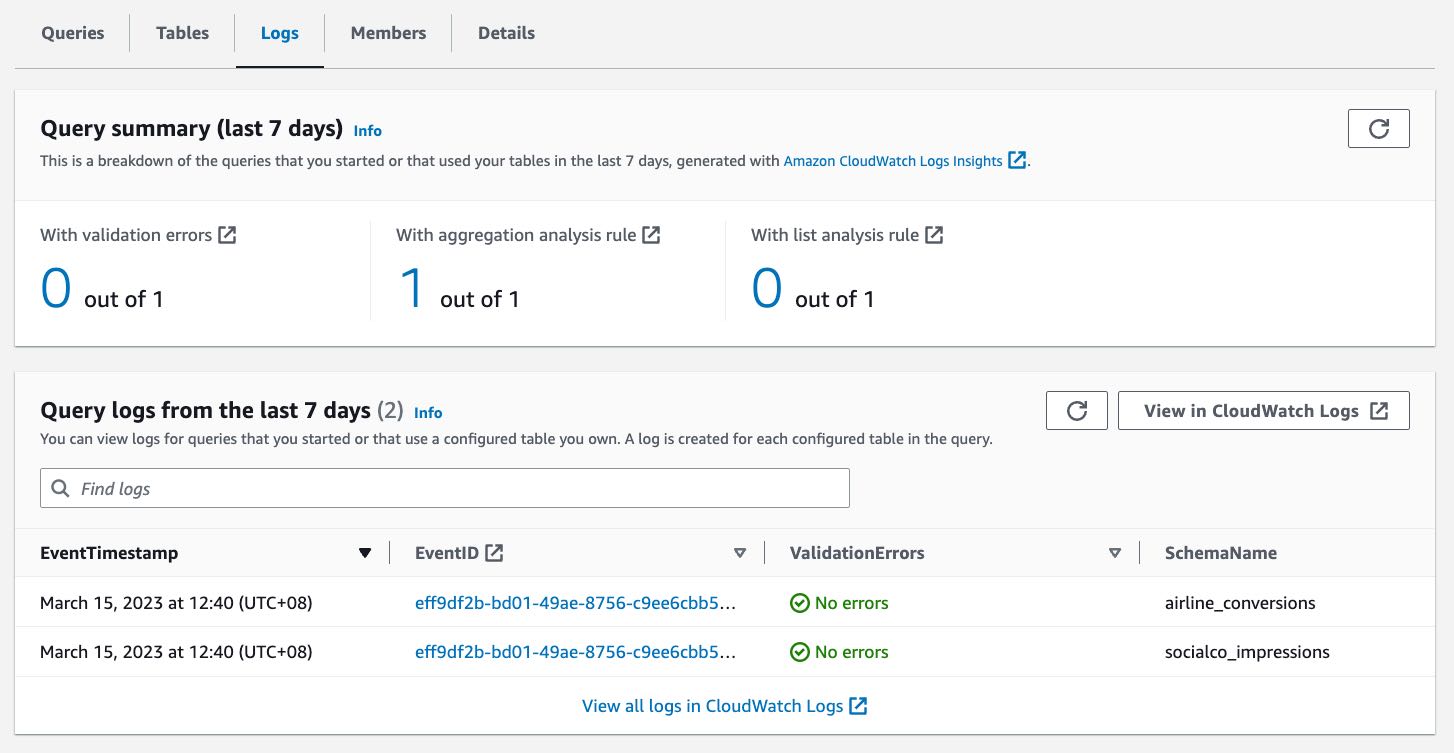
Cryptographic Computing
With this feature, you have the option to perform client-side encryption for sensitive data with cryptographic computing. You can encrypt your dataset to add a protection layer, and the data will use a cryptographic computing protocol called private-set intersection to keep data encrypted even as the query runs.
To use the cryptographic computing feature, you need to download and use the Cryptographic Computing for Clean Rooms (C3R) encryption client to encrypt and decrypt your data. C3R keeps your data cryptographically protected while in use in AWS Clean Rooms. C3R supports a subset of SQL queries, including JOIN, SELECT, GROUP BY, COUNT, and other supported statements on cryptographically protected data.
The following image shows how you can enable cryptographic computing when creating a collaboration:
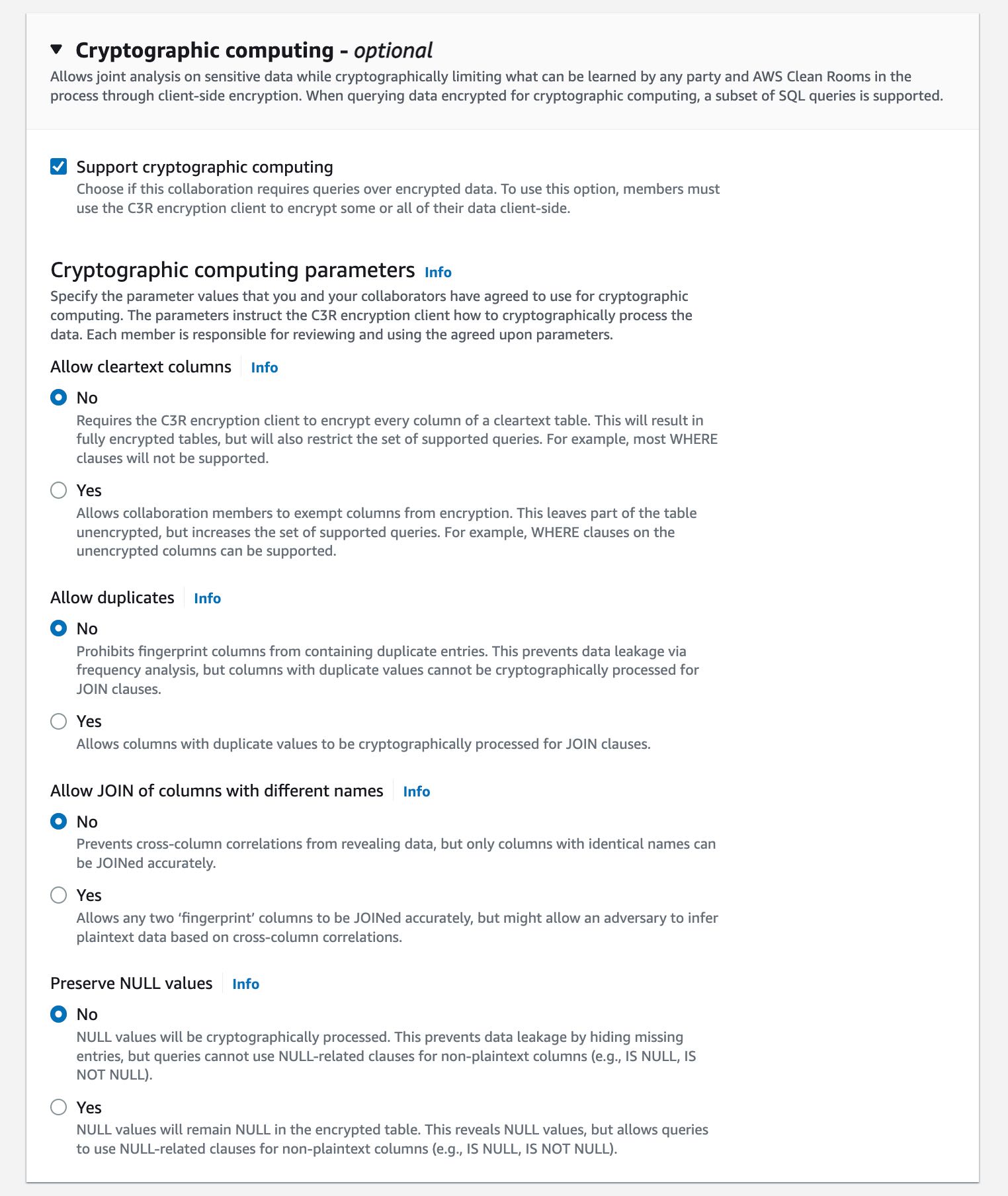
Customer Voices
During the preview period, we heard lots of feedback from our customers about AWS Clean Rooms. Here’s what our customers say:

Comscore is a measurement and analytics company that brings trust and transparency to media. Brian Pugh, Chief Information Officer at Comscore, said, “As advertisers and marketers adapt to deliver relevant campaigns leveraging their combined datasets while protecting consumer data, Comscore’s Media Metrix suite, powered by Unified Digital Measurement 2.0 and Campaign Ratings services, will continue to support critical measurement and planning needs with services like AWS Clean Rooms. AWS Clean Rooms will enable new methods of collaboration among media owners, brands, or agency customers through customized data access controls managed and set by each data owner without needing to share underlying data.”

DISH Media is a leading TV provider that offers over-the-top IPTV service. “At DISH Media, we empower brands and agencies to run their own analyses of prior campaigns to allow for flexibility, visibility, and ease in optimizing future campaigns to reach DISH Media’s 31 million consumers. With AWS Clean Rooms, we believe advertisers will benefit from the ease of use of these services with their analysis, including data access and security controls,” said Kemal Bokhari, Head of Data, Measurement, and Analytics at DISH Media.

Fox Corporation is a leading producer and distributor of ad-supported content through its sports, news, and entertainment brands. Lindsay Silver, Senior Vice President of Data and Commercial Technology at Fox Corporation, said, “It can be challenging for our advertising clients to figure out how to best leverage more data sources to optimize their media spend across their combined portfolio of entertainment, sports, and news brands which reach 200 million monthly viewers. We are excited to use AWS Clean Rooms to enable data collaborations easily and securely in the AWS Cloud that will help our advertising clients unlock new insights across every Fox brand and screen while protecting consumer data.”
Amazon Marketing Cloud (AMC) is a secure, privacy-safe clean room application from Amazon Ads that supports thousands of marketers with custom analytics and cross-channel analysis.
 “Providing marketers with greater control over their own signals while being able to analyze them in conjunction with signals from Amazon Ads is crucial in today’s marketing landscape. By migrating AMC’s compute infrastructure to AWS Clean Rooms under the hood, marketers can use their own signals in AMC without storing or maintaining data outside of their AWS environment. This simplifies how marketers can manage their signals and enables AMC teams to focus on building new capabilities for brands,” said Paula Despins, Vice President of Ads Measurement at Amazon Ads.
Watch this video to learn more about AWS Clean Rooms:
Availability
AWS Clean Rooms is generally available in the following AWS Regions: US East (Ohio), US East (N. Virginia), US West (Oregon), Asia Pacific (Seoul), Asia Pacific (Singapore), Asia Pacific (Sydney), Asia Pacific (Tokyo), Europe (Frankfurt), Europe (Ireland), Europe (London), and Europe (Stockholm).
Pricing & Free Tier
AWS Clean Rooms measures compute capacity in Clean Rooms Processing Units (CRPUs). You only pay the compute capacity of queries that you run in CRPU-hours on a per-second basis (with a 60-second minimum charge). AWS Clean Rooms automatically scales up or down to meet your query workload demands and shuts down during periods of inactivity, saving you administration time and costs. AWS Clean Rooms free tier provides a tier of 9 CRPU-hours per month for the first 12 months per new customer.
AWS Clean Rooms helps companies and their partners more easily and securely analyze and collaborate on their collective datasets without sharing or copying each other’s data. Learn more about benefits, use cases, how to get started, and pricing details on the AWS Clean Rooms page.
Happy collaborating!
— Donnie
A new week starts, and Spring is almost here! If you’re curious about AWS news from the previous seven days, I got you covered.
Last Week’s Launches
Here are the launches that got my attention last week:
 Amazon S3 – Last week there was AWS Pi Day 2023 celebrating 17 years of innovation since Amazon S3 was introduced on March 14, 2006. For the occasion, the team released many new capabilities:
- S3 Object Lambda now provides aliases that are interchangeable with bucket names and can be used with Amazon CloudFront to tailor content for end users.
- S3 now support datasets that are replicated across multiple AWS accounts with cross-account support for S3 Multi-Region Access Points.
- You can now create and configure replication rules to automatically replicate S3 objects from one AWS Outpost to another.
- Amazon S3 has also simplified private connectivity from on-premises networks: with private DNS for S3, on-premises applications can use AWS PrivateLink to access S3 over an interface endpoint, while requests from your in-VPC applications access S3 using gateway endpoints.
- We released Mountpoint for Amazon S3, a high performance open source file client. Read more in the blog. Note that Mountpoint isn’t a general-purpose networked file system, and comes with some restrictions on file operations.
Amazon Linux 2023 – Our new Linux-based operating system is now generally available. Sébastien’s post is full of tips and info.
Application Auto Scaling – Now can use arithmetic operations and mathematical functions to customize the metrics used with Target Tracking policies. You can use it to scale based on your own application-specific metrics. Read how it works with Amazon ECS services.
AWS Data Exchange for Amazon S3 is now generally available – You can now share and find data files directly from S3 buckets, without the need to create or manage copies of the data.
Amazon Neptune – Now offers a graph summary API to help understand important metadata about property graphs (PG) and resource description framework (RDF) graphs. Neptune added support for Slow Query Logs to help identify queries that need performance tuning.
Amazon OpenSearch Service – The team introduced security analytics that provides new threat monitoring, detection, and alerting features. The service now supports OpenSearch version 2.5 that adds several new features such as support for Point in Time Search and improvements to observability and geospatial functionality.
AWS Lake Formation and Apache Hive on Amazon EMR – Introduced fine-grained access controls that allow data administrators to define and enforce fine-grained table and column level security for customers accessing data via Apache Hive running on Amazon EMR.
Amazon EC2 M1 Mac Instances – You can now update guest environments to a specific or the latest macOS version without having to tear down and recreate the existing macOS environments.
AWS Chatbot – Now Integrates With Microsoft Teams to simplify the way you troubleshoot and operate your AWS resources.
Amazon GuardDuty RDS Protection for Amazon Aurora – Now generally available to help profile and monitor access activity to Aurora databases in your AWS account without impacting database performance
AWS Database Migration Service – Now supports validation to ensure that data is migrated accurately to S3 and can now generate an AWS Glue Data Catalog when migrating to S3.
AWS Backup – You can now back up and restore virtual machines running on VMware vSphere 8 and with multiple vNICs.
Amazon Kendra – There are new connectors to index documents and search for information across these new content: Confluence Server, Confluence Cloud, Microsoft SharePoint OnPrem, Microsoft SharePoint Cloud. This post shows how to use the Amazon Kendra connector for Microsoft Teams.
For a full list of AWS announcements, be sure to keep an eye on the What's New at AWS page.Other AWS News
A few more blog posts you might have missed:
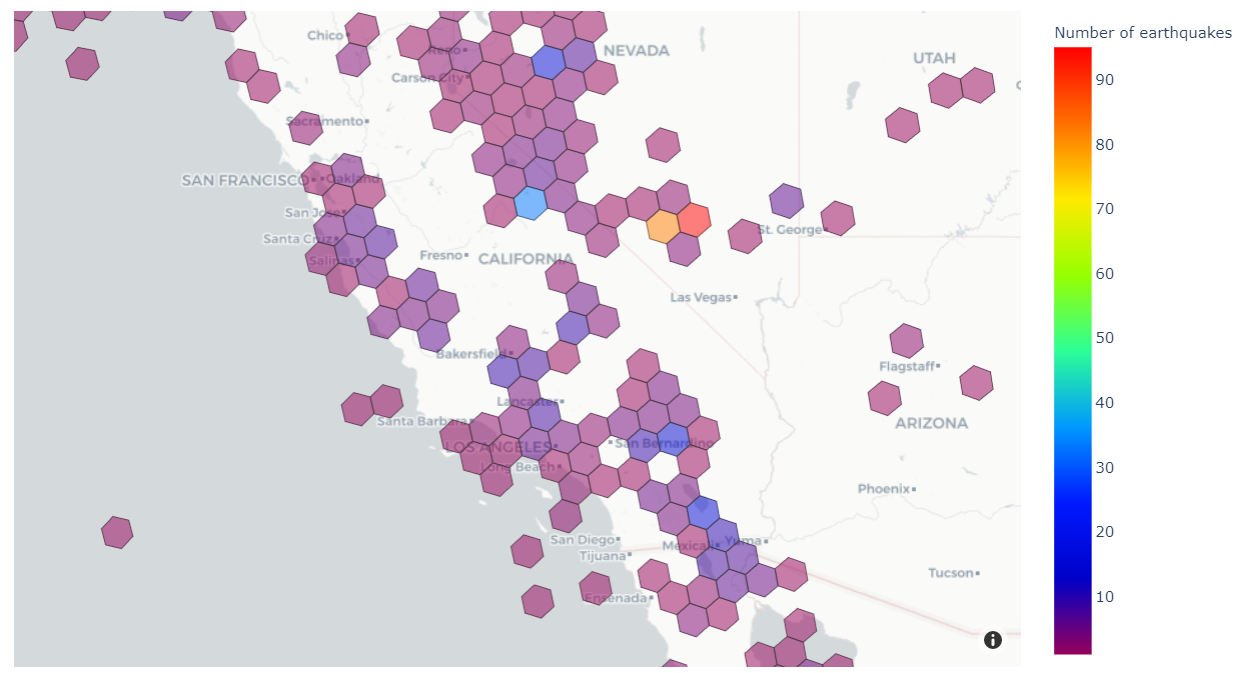 Women founders Q&A – We’re talking to six women founders and leaders about how they’re making impacts in their communities, industries, and beyond.
What you missed at that 2023 IMAGINE: Nonprofit conference – Where hundreds of nonprofit leaders, technologists, and innovators gathered to learn and share how AWS can drive a positive impact for people and the planet.
Monitoring load balancers using Amazon CloudWatch anomaly detection alarms – The metrics emitted by load balancers provide crucial and unique insight into service health, service performance, and end-to-end network performance.
Extend geospatial queries in Amazon Athena with user-defined functions (UDFs) and AWS Lambda – Using a solution based on Uber’s Hexagonal Hierarchical Spatial Index (H3) to divide the globe into equally-sized hexagons.
How cities can use transport data to reduce pollution and increase safety – A guest post by Rikesh Shah, outgoing head of open innovation at Transport for London.
For AWS open-source news and updates, here’s the latest newsletter curated by Ricardo to bring you the most recent updates on open-source projects, posts, events, and more.
Upcoming AWS Events
Here are some opportunities to meet:
AWS Public Sector Day 2023 (March 21, London, UK) – An event dedicated to helping public sector organizations use technology to achieve more with less through the current challenging conditions.
Women in Tech at Skills Center Arlington (March 23, VA, USA) – Let’s celebrate the history and legacy of women in tech.
The AWS Summits season is warming up! You can sign up here to know when registration opens in your area.
That’s all from me for this week. Come back next Monday for another Week in Review!
— Danilo
I am pleased to announce that, starting today, you can use AWS Chatbot to troubleshoot and operate your AWS resources from Microsoft Teams.
Communicating and collaborating on IT operation tasks through chat channels is known as ChatOps. It allows you to centralize the management of infrastructure and applications, as well as to automate and streamline your workflows. It helps to provide a more interactive and collaborative experience, as you can communicate and work with your colleagues in real time through a familiar chat interface to get the job done.
We launched AWS Chatbot in 2020 with Amazon Chime and Slack integrations. Since then, the landscape of chat platforms has evolved rapidly, and many of you are now using Microsoft Teams.
AWS Chatbot Benefits
When using AWS Chatbot for Microsoft Teams or other chat platforms, you receive notifications from AWS services directly in your chat channels, and you can take action on your infrastructure by typing commands without having to switch to another tool.
Typically you want to receive alerts about your system health, your budget, any new security threat or risk, or the status of your CI/CD pipelines. Sending a message to the chat channel is as simple as sending a message on an Amazon Simple Notification Service (Amazon SNS) topic. Thanks to the native integration between Amazon CloudWatch alarms and SNS, alarms are automatically delivered to your chat channels with no additional configuration step required. Similarly, thanks to the integration between Amazon EventBridge and SNS, any system or service that emits events to EventBridge can send information to your chat channels.
But ChatOps is more than the ability to spot problems as they arise. AWS Chatbot allows you to receive predefined CloudWatch dashboards interactively and retrieve Logs Insights logs to troubleshoot issues directly from the chat thread. You can also directly type in the chat channel most AWS Command Line Interface (AWS CLI) commands to retrieve additional telemetry data or resource information or to run runbooks to remediate the issues.
Typing and remembering long commands is difficult. With AWS Chatbot, you can define your own aliases to reference frequently used commands and their parameters. It reduces the number of steps to complete a task. Aliases are flexible and can contain one or more custom parameters injected at the time of the query.
And because chat channels are designed for conversation, you can also ask questions in natural language and have AWS Chatbot answer you with relevant extracts from the AWS documentation or support articles. Natural language understanding also allows you to make queries such as “show me my ec2 instances in eu-west-3.”
Let’s Configure the Integration Between AWS Chatbot and Microsoft Teams
Getting started is a two-step process. First, I configure my team in Microsoft Teams. As a Teams administrator, I add the AWS Chatbot application to the team, and I take note of the URL of the channel I want to use for receiving notifications and operating AWS resources from Microsoft Teams channels.


Second, I register Microsoft Teams channels in AWS Chatbot. I also assign IAM permissions on what channel members can do in this channel and associate SNS topics to receive notifications. I may configure AWS Chatbot with the AWS Management Console, an AWS CloudFormation template, or the AWS Cloud Development Kit (AWS CDK). For this demo, I choose to use the console.
I open the Management Console and navigate to the AWS Chatbot section. On the top right side of the screen, in the Configure a chat client box, I select Microsoft Teams and then Configure client.
 I enter the Microsoft Teams channel URL I noted in the Teams app.
 At this stage, Chatbot redirects my browser to Microsoft Teams for authentication. If I am already authenticated, I will be redirected back to the AWS console immediately. Otherwise, I enter my Microsoft Teams credentials and one-time password and wait to be redirected.
At this stage, my Microsoft Teams team is registered with AWS Chatbot and ready to add Microsoft Teams channels. I select Configure new channel.
 There are four sections to enter the details of the configuration. In the first section, I enter a Configuration name for my channel. Optionally, I also define the Logging details. In the second section, I paste—again—the Microsoft Teams Channel URL.

In the third section, I configure the Permissions. I can choose between the same set of permissions for all Microsoft Teams users in my team, or I can set User-level roles permission to enable user-specific permissions in the channel. In this demo, I select Channel role, and I assign an IAM role to the channel. The role defines the permissions shared by all users in the channel. For example, I can assign a role that allows users to access configuration data from Amazon EC2 but not from Amazon S3. Under Channel role, I select Use an existing IAM role. Under Existing role, I select a role I created for my 2019 re:Invent talk about ChatOps: chatbot-demo. This role gives read-only access to all AWS services, but I could also assign other roles that would allow Chatbot users to take actions on their AWS resources.
To mitigate the risk that another person in your team accidentally grants more than the necessary privileges to the channel or user-level roles, you might also include Channel guardrail policies. These are the maximum permissions your users might have when using the channel. At runtime, the actual permissions are the intersection of the channel or user-level policies and the guardrail policies. Guardrail policies act like a boundary that channel users will never escape. The concept is similar to permission boundaries for IAM entities or service control policies (SCP) for AWS Organizations. In this example, I attach the ReadOnlyAccess managed policy.

The fourth and last section allows you to specify the SNS topic that will be the source for notifications sent to your team’s channel. Your applications or AWS services, such as CloudWatch alarms, can send messages to this topic, and AWS Chatbot will relay all messages to the configured Microsoft Teams channel. Thanks to the integration between Amazon EventBridge and SNS, any application able to send a message to EventBridge is able to send a message to Microsoft Teams.
For this demo, I select an existing SNS topic: alarmme in the us-east-1 Region. You can configure multiple SNS topics to receive alarms from various Regions. I then select Configure.
 Let’s Test the Integration
That’s it. Now I am ready to test my setup.
On the AWS Chatbot configuration page, I first select the Send test message. I also have an alarm defined when my estimated billing goes over $500. On the CloudWatch section of the Management Console, I configure the alarm to post a message on the SNS topic shared with Microsoft Teams.
Within seconds, I receive the test message and the alarm message on the Microsoft Teams channel.

Then I type a command to understand where the billing alarm comes from. I want to understand how many EC2 instances are running.
On the chat client channel, I type @aws to select Chatbot as the destination, then the rest of the CLI command, as I would do in a terminal: ec2 describe-instances --region us-east-1 --filters "Name=architecture,Values=arm64\_mac" --query "Reservations[].Instances[].InstanceId"
Chatbot answers within seconds.

I can create aliases for commands I frequently use. Aliases may have placeholder parameters that I can give at runtime, such as the Region name for example.
I create an alias to get the list of my macOS instance IDs with the command: aws alias create mac ec2 describe-instances --region $region --filters "Name=architecture,Values=arm64\_mac" --query "Reservations[].Instances[].InstanceId"
Now, I can type @aws alias run mac us-east-1 as a shortcut to get the same result as above. I can also manage my aliases with the @aws alias list, @aws alias get, and @aws alias delete commands.
I don’t know about you, but for me it is hard to remember commands. When I use the terminal, I rely on auto-complete to remind me of various commands and their options. AWS Chatbot offers similar command completion and guides me to collect missing parameters.

When using AWS Chatbot, I can also ask questions using natural English language. It can help to find answers from the AWS docs and from support articles by typing questions such as @aws how can I tag my EC2 instances? or @aws how do I configure Lambda concurrency setting?
It can also find resources in my account when AWS Resource Explorer is activated. For example, I asked the bot: @aws what are the tags for my ec2 resources? and @aws what Regions do I have Lambda service?
And I received these responses.

 Thanks to AWS Chatbot, I realized that I had a rogue Lambda function left in
 ca-central-1. I used the AWS console to delete it.
Available Now
You can start to use AWS Chatbot with Microsoft Teams today. AWS Chatbot for Microsoft Teams is available to download from Microsoft Teams app at no additional cost. AWS Chatbot is available in all public AWS Regions, at no additional charge. You pay for the underlying resources that you use. You might incur charges from your chat client.
Get started today and configure your first integration with Microsoft Teams.
I am excited to announce the general availability of Amazon Linux 2023 (AL2023). AWS has provided you with a cloud-optimized Linux distribution since 2010. This is the third generation of our Amazon Linux distributions.
Every generation of Amazon Linux distribution is secured, optimized for the cloud, and receives long-term AWS support. We built Amazon Linux 2023 on these principles, and we go even further. Deploying your workloads on Amazon Linux 2023 gives you three major benefits: a high-security standard, a predictable lifecycle, and a consistent update experience.
Let’s look at security first. Amazon Linux 2023 includes preconfigured security policies that make it easy for you to implement common industry guidelines. You can configure these policies at launch time or run time.
For example, you can configure the system crypto policy to enforce system-wide usage of a specific set of cipher suites, TLS versions, or acceptable parameters in certificates and key exchanges. Also, the Linux kernel has many hardening features enabled by default.
Amazon Linux 2023 makes it easier to plan and manage the operating system lifecycle. New Amazon Linux major versions will be available every two years. Major releases include new features and improvements in security and performance across the stack. The improvements might include major changes to the kernel, toolchain, GLib C, OpenSSL, and any other system libraries and utilities.
During those two years, a major release will receive an update every three months. These updates include security updates, bug fixes, and new features and packages. Each minor version is a cumulative list of updates that includes security and bug fixes in addition to new features and packages. These releases might include the latest language runtimes such as Python or Java. They might also include other popular software packages such as Ansible and Docker. In addition to these quarterly updates, security updates will be provided as soon as they are available.
Each major version, including 2023, will come with five years of long-term support. After the initial two-year period, each major version enters a three-year maintenance period. During the maintenance period, it will continue to receive security bug fixes and patches as soon as they are available. This support commitment gives you the stability you need to manage long project lifecycles.
The following diagram illustrates the lifecycle of Amazon Linux distributions:

Last—and this policy is by far my favorite—Amazon Linux provides you with deterministic updates through versioned repositories, a flexible and consistent update mechanism. The distribution locks to a specific version of the Amazon Linux package repository, giving you control over how and when you absorb updates. By default, and in contrast with Amazon Linux 2, a dnf update command will not update your installed packages (dnf is the successor to yum). This helps to ensure that you are using the same package versions across your fleet. All Amazon Elastic Compute Cloud (Amazon EC2) instances launched from an Amazon Machine Image (AMI) will have the same version of packages. Deterministic updates also promote usage of immutable infrastructure, where no infrastructure is updated after deployment. When an update is required, you update your infrastructure as code scripts and redeploy a new infrastructure. Of course, if you really want to update your distribution in place, you can point dnf to an updated package repository and update your machine as you do today. But did I tell you this is not a good practice for production workloads? I’ll share more technical details later in this blog post.
How to Get Started
Getting started with Amazon Linux 2023 is no different than with other Linux distributions. You can use the EC2 run-instances API, the AWS Command Line Interface (AWS CLI), or the AWS Management Console, and one of the four Amazon Linux 2023 AMIs that we provide. We support two machine architectures (x86\_64 and Arm) and two sizes (standard and minimal). Minimal AMIs contain the most basic tools and utilities to start the OS. The standard version comes with the most commonly used applications and tools installed.
To retrieve the latest AMI ID for a specific Region, you can use AWS Systems Manager get-parameter API and query the /aws/service/ami-amazon-linux-latest/<alias> parameter.
Be sure to replace <alias> with one of the four aliases available:
- For arm64 architecture (standard AMI):
al2023-ami-kernel-default-arm64 - For arm64 architecture (minimal AMI):
al2023-ami-minimal-kernel-default-arm64 - For x86\_64 architecture (standard AMI):
al2023-ami-kernel-default-x86\_64 - For x86\_64 architecture (minimal AMI):
al2023-ami-minimal-kernel-default-x86\_64
For example, to search for the latest Arm64 full distribution AMI ID, I open a terminal and enter:
~ aws ssm get-parameters --region us-east-2 --names /aws/service/ami-amazon-linux-latest/al2023-ami-kernel-default-arm64{ "Parameters": [ { "Name": "/aws/service/ami-amazon-linux-latest/al2023-ami-kernel-default-arm64", "Type": "String", "Value": "ami-02f9b41a7af31dded", "Version": 1, "LastModifiedDate": "2023-02-24T22:54:56.940000+01:00", "ARN": "arn:aws:ssm:us-east-2::parameter/aws/service/ami-amazon-linux-latest/al2023-ami-kernel-default-arm64", "DataType": "text" } ], "InvalidParameters": []}To launch an instance, I use the run-instances API. Notice how I use Systems Manager resolution to dynamically lookup the AMI ID from the CLI.
➜ aws ec2 run-instances \ --image-id resolve:ssm:/aws/service/ami-amazon-linux-latest/al2023-ami-kernel-default-arm64 \ --key-name my\_ssh\_key\_name \ --instance-type c6g.medium \ --region us-east-2 { "Groups": [], "Instances": [ { "AmiLaunchIndex": 0, "ImageId": "ami-02f9b41a7af31dded", "InstanceId": "i-0740fe8e23f903bd2", "InstanceType": "c6g.medium", "KeyName": "my\_ssh\_key\_name", "LaunchTime": "2023-02-28T14:12:34+00:00",...(redacted for brevity)}When the instance is launched, and if the associated security group allows SSH (TCP 22) connections, I can connect to the machine:
~ ssh ec2-user@3.145.19.213Warning: Permanently added '3.145.19.213' (ED25519) to the list of known hosts. , #\_ ~\\_ ####\_ Amazon Linux 2023 ~~ \\_#####\ Preview ~~ \###| ~~ \#/ \_\_\_ https://aws.amazon.com/linux/amazon-linux-2023 ~~ V~' '-> ~~~ / ~~.\_. \_/ \_/ \_/ \_/m/'Last login: Tue Feb 28 14:14:44 2023 from 81.49.148.9[ec2-user@ip-172-31-9-76 ~]$ uname -aLinux ip-172-31-9-76.us-east-2.compute.internal 6.1.12-19.43.amzn2023.aarch64 #1 SMP Thu Feb 23 23:37:18 UTC 2023 aarch64 aarch64 aarch64 GNU/LinuxWe also distribute Amazon Linux 2023 as Docker images. The Amazon Linux 2023 container image is built from the same software components that are included in the Amazon Linux 2023 AMI. The container image is available for use in any environment as a base image for Docker workloads. If you’re using Amazon Linux for applications in EC2, you can containerize your applications with the Amazon Linux container image.
These images are available from Amazon Elastic Container Registry (Amazon ECR) and from Docker Hub. Here is a quick demo to start a Docker container using Amazon Linux 2023 from Elastic Container Registry.
$ aws ecr-public get-login-password --region us-east-1 | docker login --username AWS --password-stdin public.ecr.awsLogin Succeeded~ docker run --rm -it public.ecr.aws/amazonlinux/amazonlinux:2023 /bin/bashUnable to find image 'public.ecr.aws/amazonlinux/amazonlinux:2023' locally2023: Pulling from amazonlinux/amazonlinuxb4265814d5cf: Pull complete Digest: sha256:bbd7a578cff9d2aeaaedf75eb66d99176311b8e3930c0430a22e0a2d6c47d823Status: Downloaded newer image for public.ecr.aws/amazonlinux/amazonlinux:2023bash-5.2# uname -a Linux 9d5b45e9f895 5.15.49-linuxkit #1 SMP PREEMPT Tue Sep 13 07:51:32 UTC 2022 aarch64 aarch64 aarch64 GNU/Linuxbash-5.2# exit When pulling from Docker Hub, you can use this command to pull the image: docker pull amazonlinux:2023.
What Are the Main Differences Compared to Amazon Linux 2?
Amazon Linux 2023 has some differences compared to Amazon Linux 2. The documentation explains these differences in detail. The two differences I would like to focus on are dnf and the package management policies.
AL2023 comes with Fedora’s dnf, the successor to yum. But don’t worry, dnf provides similar commands as yum to search, install, or remove packages. Where you used to run the commands yum list or yum install httpd, you may now run dnf list or dnf install httpd. For convenience, we create a symlink for /usr/bin/yum, so you can run your scripts unmodified.
$ which yum/usr/bin/yum$ ls -al /usr/bin/yumlrwxrwxrwx. 1 root root 5 Jun 19 18:06 /usr/bin/yum -> dnf-3The biggest difference, in my opinion, is the deterministic updates through versioned repositories. By default, the software repository is locked to the AMI version. This means that a dnf update command will not return any new packages to install. Versioned repositories give you the assurance that all machines started from the same AMI ID are identical. Your infrastructure will not deviate from the baseline.
$ sudo dnf update Last metadata expiration check: 0:14:10 ago on Tue Feb 28 14:12:50 2023.Dependencies resolved.Nothing to do.Complete!Yes, but what if you want to update a machine? You have two options to update an existing machine. The cleanest one for your production environment is to create duplicate infrastructure based on new AMIs. As I mentioned earlier, we publish updates for every security fix and a consolidated update every three months for two years after the initial release. Each update is provided as a set of AMIs and their corresponding software repository.
For smaller infrastructure, such as test or development machines, you might choose to update the operating system or individual packages in place as well. This is a three-step process:
- first, list the available updated software repositories;
- second, point
dnfto a specific software repository; - and third, update your packages.
To show you how it works, I purposely launched an EC2 instance with an “old” version of Amazon Linux 2023 from February 2023. I first run dnf check-release-update to list the available updated software repositories.
$ dnf check-release-updateWARNING: A newer release of "Amazon Linux" is available. Available Versions: Version 2023.0.20230308: Run the following command to upgrade to 2023.0.20230308: dnf upgrade --releasever=2023.0.20230308 Release notes: https://docs.aws.amazon.com/linux/al2023/release-notes/relnotes.htmlThen, I might either update the full distribution using dnf upgrade --releasever=2023.0.20230308 or point dnf to the updated repository to select individual packages.
$ dnf check-update --releasever=2023.0.20230308Amazon Linux 2023 repository 28 MB/s | 11 MB 00:00Amazon Linux 2023 Kernel Livepatch repository 1.2 kB/s | 243 B 00:00amazon-linux-repo-s3.noarch 2023.0.20230308-0.amzn2023 amazonlinuxbinutils.aarch64 2.39-6.amzn2023.0.5 amazonlinuxca-certificates.noarch 2023.2.60-1.0.amzn2023.0.1 amazonlinux(redacted for brevity)util-linux-core.aarch64 2.37.4-1.amzn2022.0.1 amazonlinuxFinally, I might run a dnf update <package\_name> command to update a specific package.
This might look like overkill for a simple machine, but when managing enterprise infrastructure or large-scale fleets of instances, this facilitates the management of your fleet by ensuring that all instances run the same version of software packages. It also means that the AMI ID is now something that you can fully run through your CI/CD pipelines for deployment and that you have a way to roll AMI versions forward and backward according to your schedule.
Where is Fedora?
When looking for a base to serve as a starting point for Amazon Linux 2023, Fedora was the best choice. We found that Fedora’s core tenets (Freedom, Friends, Features, First) resonate well with our vision for Amazon Linux. However, Amazon Linux focuses on a long-term, stable OS for the cloud, which is a notable different release cycle and lifecycle than Fedora. Amazon Linux 2023 provides updated versions of open-source software, a larger variety of packages, and frequent releases.
Amazon Linux 2023 isn’t directly comparable to any specific Fedora release. The Amazon Linux 2023 GA version includes components from Fedora 34, 35, and 36. Some of the components are the same as the components in Fedora, and some are modified. Other components more closely resemble the components in CentOS Stream 9 or were developed independently. The Amazon Linux kernel, on its side, is sourced from the long-term support options that are on kernel.org, chosen independently from the kernel provided by Fedora.
Like every good citizen in the open-source community, we give back and contribute our changes to upstream distributions and sources for the benefit of the entire community. Amazon Linux 2023 itself is open source. The source code for all RPM packages that are used to build the binaries that we ship are available through the SRPM yum repository (sudo dnf install -y 'dnf-command(download)' && dnf download --source bash)
One More Thing: Amazon EBS Gp3 Volumes
Amazon Linux 2023 AMIs use gp3 volumes by default.
Gp3 is the latest generation general-purpose solid-state drive (SSD) volume for Amazon Elastic Block Store (Amazon EBS). Gp3 provides 20 percent lower storage costs compared to gp2. Gp3 volumes deliver a baseline performance of 3,000 IOPS and 125MB/s at any volume size. What I particularly like about gp3 volumes is that I can now provision performance independently of capacity. When using gp3 volumes, I can now increase IOPS and throughput without incurring charges for extra capacity that I don’t actually need.
With the availability of gp3-backed AL2023 AMIs, this is the first time a gp3-backed Amazon Linux AMI is available. Gp3-backed AMIs have been a common customer request since gp3 was launched in 2020. It is now available by default.
Price and Availability
Amazon Linux 2023 is provided at no additional charge. Standard Amazon EC2 and AWS charges apply for running EC2 instances and other services. This distribution includes full support for five years. When deploying on AWS, our support engineers will provide technical support according to the terms and conditions of your AWS Support plan. AMIs are available in all AWS Regions.
Amazon Linux is the most used Linux distribution on AWS, with hundreds of thousands of customers using Amazon Linux 2. Dozens of Independent Software Vendors (ISVs) and hardware partners are supporting Amazon Linux 2023 today. You can adopt this new version with the confidence that the partner tools you rely on are likely to be supported. We are excited about this release, which brings you an even higher level of security, a predictable release lifecycle, and a consistent update experience.
Now go build and deploy your workload on Amazon Linux 2023 today.
AWS Pi Day 2023 is live today starting at 13:00 PDT; join us on the AWS on Air channel on Twitch.
On this day 17 years ago, we launched a very simple object storage service. It allowed developers to create, list, and delete private storage spaces (known as buckets), upload and download files, and manage their access permissions. The service was available only through a REST and SOAP API. It was designed to provide highly durable data storage with 99.999999999 percent data durability (that’s 11 nines!).
Fast forward to 2023, Amazon Simple Storage Service (Amazon S3) holds more than 280 trillion objects and averages over 100 million requests per second. To protect data integrity, Amazon S3 performs over four billion checksum computations per second. Over the years, we added many capabilities, such as a range of storage classes, to store your colder data cost effectively. Every day, you restore on average more than 1 petabyte from the S3 Glacier Flexible Retrieval and S3 Glacier Deep Archive storage classes. Since launch, you have saved $1 billion from using Amazon S3 Intelligent-Tiering. In 2015, we added the possibility of replicating your data across Regions. Every week, Amazon S3 Replication moves more than 100 petabytes of data. Amazon S3 is also at the core of hundreds of thousands of data lakes. It also has become a critical component of a growing ecosystem of serverless applications. Every day, Amazon S3 sends over 125 billion event notifications to serverless applications. Altogether, Amazon S3 is helping people around the world securely store and extract value from their data.
To celebrate Amazon S3‘s birthday AWS is hosting the AWS Pi Day event for the third consecutive year. This live online event starts at 13:00 PDT today (March 14, 2023) on the AWS On Air channel on Twitch and will feature four hours of fresh educational content from AWS experts. We will discuss not only Amazon S3 best practices, we will also dive into the latest innovations across AWS data services, from storage to analytics and AI/ML. Tune in to learn how to get the most out of your data by making it more secure, available, accessible, and connected, and to help you respond to rapid growth and changing demand. You will also learn how to optimize your data costs, automate your cost savings, eliminate operational complexity, and get new insights from your data. Have a look at the full agenda on the registration page.
At AWS, we innovate on your behalf. During the last few weeks, we announced a 99.99 percent SLA for Amazon MemoryDB for Redis, enhanced I/O multiplexing for Amazon ElastiCache for Redis, and encryption by default for new objects on Amazon S3.
But we are not stopping there, and today we take the occasion of this celebration to announce seven new capabilities across our data services.
Mountpoint for Amazon S3 (alpha release): an open-source file client for Amazon S3
Mountpoint for Amazon S3 is an open-source file client for Amazon S3 that you can install on your compute instance. It translates local file storage API calls to REST API calls on objects in Amazon S3. When using Mountpoint for Amazon S3, data lake applications that access objects using file APIs can achieve high single-instance transfer rates, saving on compute costs.
You can get started with Mountpoint for Amazon S3 by mounting an Amazon S3 bucket at a local mount point on your compute instance. Once mounted, applications read objects as files available locally. Mountpoint for Amazon S3 supports sequential and random read operations on existing S3 objects. It is available to download for Linux operating systems as an alpha release and is not yet intended for production workloads. Instead, we want to collect your feedback early and incorporate your input into the design and implementation. To get started, visit the Mountpoint for Amazon S3 GitHub repo, read the technical launch blog, and share your feedback.
Now Generally Available: AWS Data Exchange for Amazon S3
AWS Data Exchange for Amazon S3 enables you to easily find, subscribe to, and use third-party data files for faster time to insight, storage cost optimization, simplified data licensing management, and more. Data Exchange subscribers can directly use files from data providers’ Amazon S3 buckets for their analysis with AWS services without needing to create or manage copies to their account. Data providers can license in-place access to data hosted in their Amazon S3 buckets.
To learn more about how data providers can simplify and scale access management to multiple data subscribers, you can read this blog.
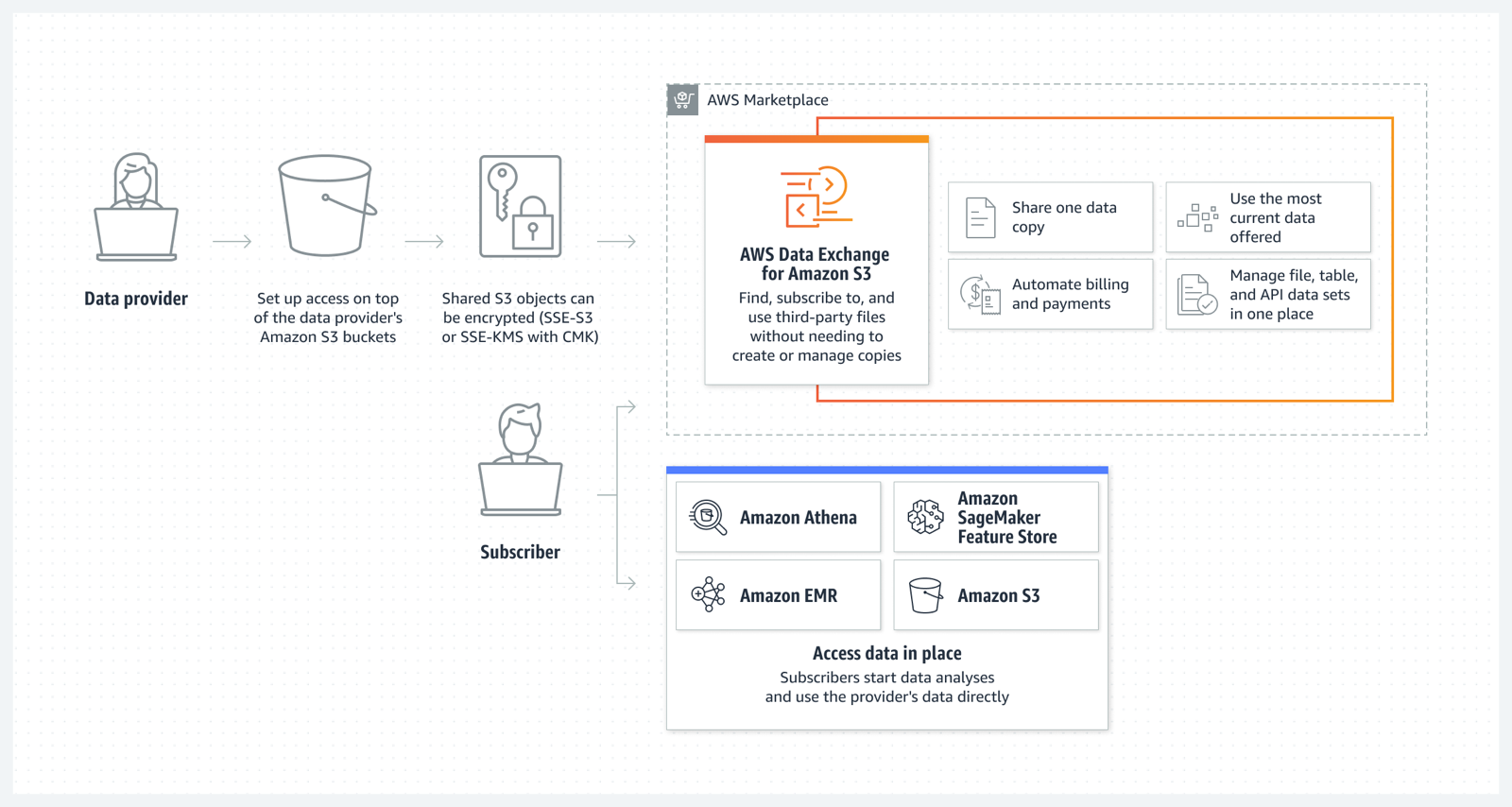
Amazon S3 Multi-Region Access Points now support replicated datasets that span multiple AWS accounts
We launched Amazon S3 Multi-Region Access Points in September 2021. We added failover control in November 2022. Amazon S3 Multi-Region Access Points now support datasets that are replicated across multiple AWS accounts. Cross-account Multi-Region Access Points simplify object storage access for applications that span both AWS Regions and accounts, avoiding the need for complex request routing logic in your application. They provide a single global endpoint for your multi-Region applications and dynamically route S3 requests based on policies that you define. This helps you to easily implement multi-Region resilience, latency-based routing, and active/passive failover, even when your data is stored in multiple AWS accounts.
You can learn more about S3 Multi-Region Access Points on the Amazon S3 FAQs.
Aliases for S3 Object Lambda Access Points as CloudFront origin
Amazon S3 Object Lambda, launched in March 2021, lets you add your own code to S3 GET, HEAD, and LIST API requests to modify data as it is returned to an application. With today’s launch of aliases for S3 Object Lambda Access Points any application that requires an S3 bucket name can easily present different views of data depending on the requester. You can now use an S3 Object Lambda Access Point alias as an origin for your Amazon CloudFront distribution to modify the data requested. For example, you can dynamically transform an image depending on the device that a user is visiting from, such as a desktop or a smartphone.
If you want to learn more, my colleague Danilo wrote a blog post with more details and code examples.
Simplify private connectivity from on-premises networks
Amazon Virtual Private Cloud (Amazon VPC) interface endpoints for Amazon S3 now offer private DNS options that can help you more easily route Amazon S3 requests to the lowest-cost endpoint in your VPC. With private DNS for Amazon S3, your on-premises applications can use AWS PrivateLink to access Amazon S3 over an interface endpoint, while requests from your in-VPC applications access Amazon S3 using gateway endpoints. Routing requests like this helps you take advantage of the lowest-cost private network path without having to make code or configuration changes to your clients.
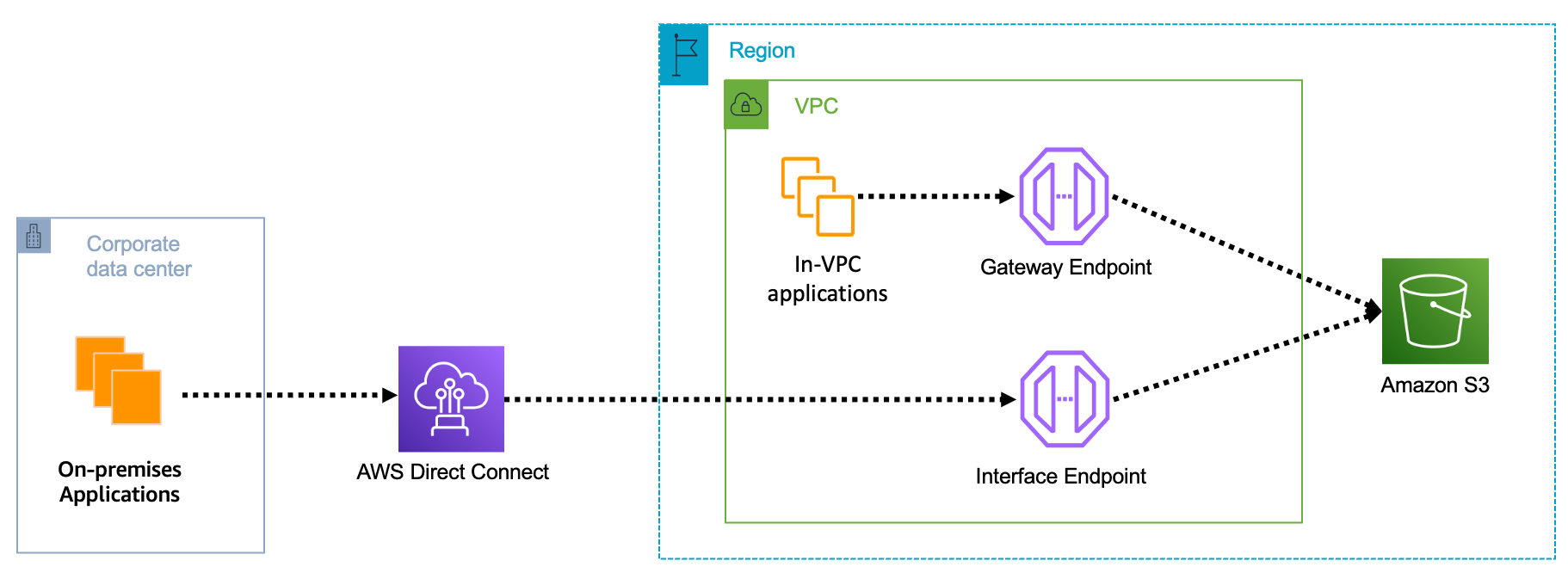
You can learn more on the AWS PrivateLink for Amazon S3 documentation.
Local Amazon S3 Replication on Outposts
Amazon S3 on Outposts now supports S3 replication on Outposts. This extends S3’s fully managed approach to replication to S3 on Outposts buckets. It helps you meet your data residency and data redundancy requirements. With local S3 Replication on Outposts, you can create and configure replication rules to automatically replicate your S3 objects to another Outpost or to another bucket on the same Outpost. During replication, your S3 on Outposts objects are always sent over your local gateway, and objects do not travel back to the AWS Region. S3 Replication on Outposts provides an easy and flexible way to automatically replicate data within a specific data perimeter to address your data redundancy and compliance requirements.
Amazon OpenSearch Security Analytics
The new Amazon OpenSearch Service’s security analytics capability enables your Security Operations (SecOps) teams to detect potential threats quickly while having the tools to help with security investigations on historical data—all with lower data storage costs. Like many other advanced capabilities of Amazon OpenSearch Service, there is no additional charge for security analytics.
You can learn more about Amazon OpenSearch security analytics by reading this blog post.
Join Us Online Today
You will learn more about these launches and about AWS data services in general. We have also prepared some live demos. We designed the AWS Pi Day event for system administrators, engineers, developers, and architects. Our sessions will bring you the latest and greatest information on storage, security, backup, archiving, training and certification, and more.
And to dive deeper, get Pi Day started early by attending AWS Innovate: Data and AI/ML Edition to learn about cutting-edge machine learning tools, strategies for building future-proof applications, and making data-driven decisions for your organization. Don’t miss Swami Sivasubramanian‘s keynote, starting at 9:00 PDT.
Join us today on the AWS Pi Day live stream. Kevin Miller, VP and GM of Amazon S3, will kick off the event with a keynote at 13:00 PDT.
See you there!
With S3 Object Lambda, you can use your own code to process data retrieved from Amazon S3 as it is returned to an application. Over time, we added new capabilities to S3 Object Lambda, like the ability to add your own code to S3 HEAD and LIST API requests, in addition to the support for S3 GET requests that was available at launch.
Today, we are launching aliases for S3 Object Lambda Access Points. Aliases are now automatically generated when S3 Object Lambda Access Points are created and are interchangeable with bucket names anywhere you use a bucket name to access data stored in Amazon S3. Therefore, your applications don’t need to know about S3 Object Lambda and can consider the alias to be a bucket name.
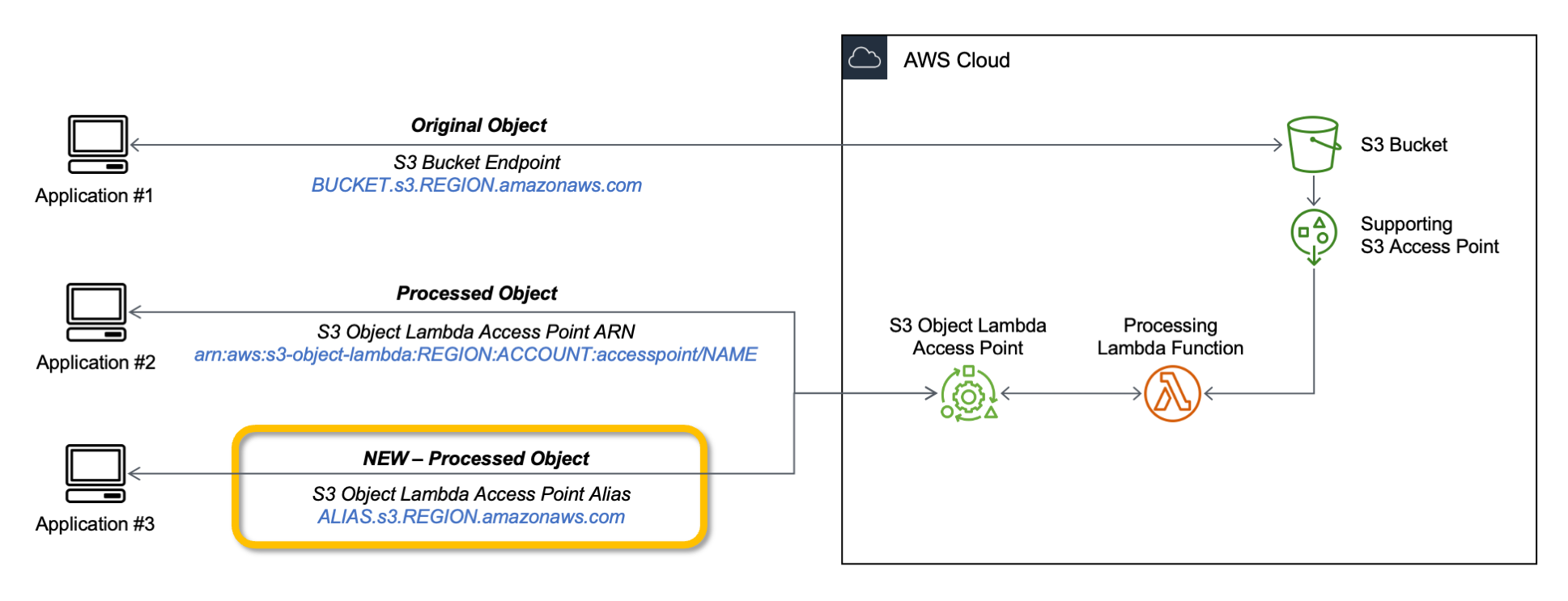
You can now use an S3 Object Lambda Access Point alias as an origin for your Amazon CloudFront distribution to tailor or customize data for end users. You can use this to implement automatic image resizing or to tag or annotate content as it is downloaded. Many images still use older formats like JPEG or PNG, and you can use a transcoding function to deliver images in more efficient formats like WebP, BPG, or HEIC. Digital images contain metadata, and you can implement a function that strips metadata to help satisfy data privacy requirements.
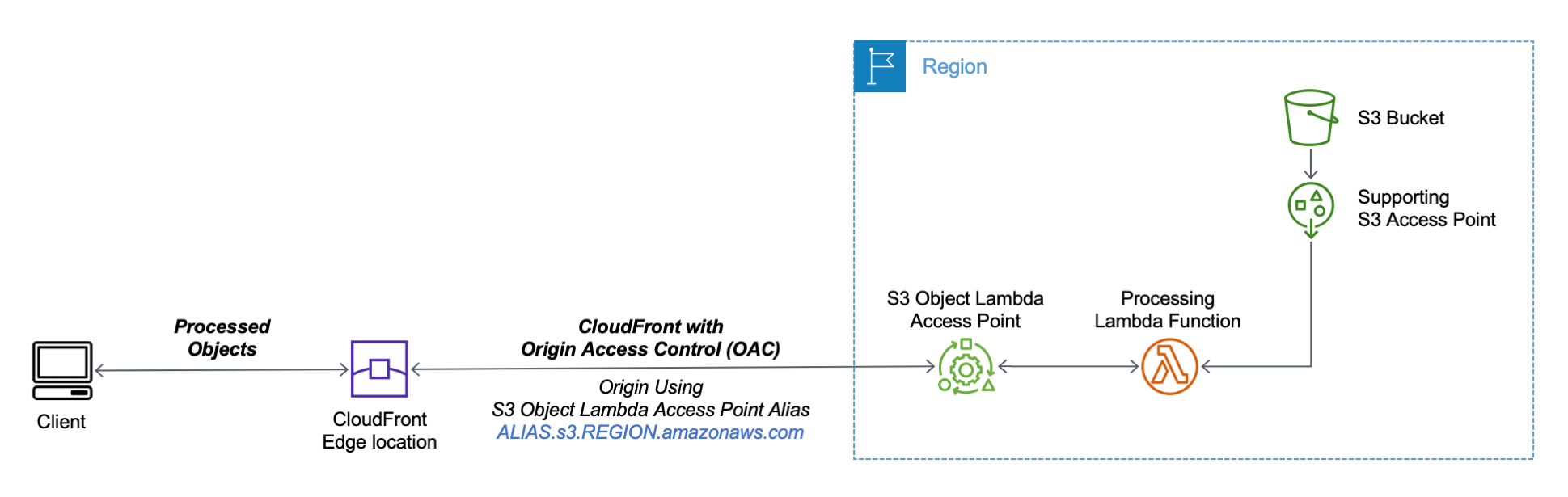
Let’s see how this works in practice. First, I’ll show a simple example using text that you can follow along by just using the AWS Management Console. After that, I’ll implement a more advanced use case processing images.
Using an S3 Object Lambda Access Point as the Origin of a CloudFront Distribution
For simplicity, I am using the same application in the launch post that changes all text in the original file to uppercase. This time, I use the S3 Object Lambda Access Point alias to set up a public distribution with CloudFront.
I follow the same steps as in the launch post to create the S3 Object Lambda Access Point and the Lambda function. Because the Lambda runtimes for Python 3.8 and later do not include the requests module, I update the function code to use urlopen from the Python Standard Library:
import boto3from urllib.request import urlopens3 = boto3.client('s3')def lambda\_handler(event, context): print(event) object\_get\_context = event['getObjectContext'] request\_route = object\_get\_context['outputRoute'] request\_token = object\_get\_context['outputToken'] s3\_url = object\_get\_context['inputS3Url'] # Get object from S3 response = urlopen(s3\_url) original\_object = response.read().decode('utf-8') # Transform object transformed\_object = original\_object.upper() # Write object back to S3 Object Lambda s3.write\_get\_object\_response( Body=transformed\_object, RequestRoute=request\_route, RequestToken=request\_token) returnTo test that this is working, I open the same file from the bucket and through the S3 Object Lambda Access Point. In the S3 console, I select the bucket and a sample file (called s3.txt) that I uploaded earlier and choose Open.

A new browser tab is opened (you might need to disable the pop-up blocker in your browser), and its content is the original file with mixed-case text:
Amazon Simple Storage Service (Amazon S3) is an object storage service that offers...
I choose Object Lambda Access Points from the navigation pane and select the AWS Region I used before from the dropdown. Then, I search for the S3 Object Lambda Access Point that I just created. I select the same file as before and choose Open.

In the new tab, the text has been processed by the Lambda function and is now all in uppercase:
AMAZON SIMPLE STORAGE SERVICE (AMAZON S3) IS AN OBJECT STORAGE SERVICE THAT OFFERS...
Now that the S3 Object Lambda Access Point is correctly configured, I can create the CloudFront distribution. Before I do that, in the list of S3 Object Lambda Access Points in the S3 console, I copy the Object Lambda Access Point alias that has been automatically created:

In the CloudFront console, I choose Distributions in the navigation pane and then Create distribution. In the Origin domain, I use the S3 Object Lambda Access Point alias and the Region. The full syntax of the domain is:
ALIAS.s3.REGION.amazonaws.com
S3 Object Lambda Access Points cannot be public, and I use CloudFront origin access control (OAC) to authenticate requests to the origin. For Origin access, I select Origin access control settings and choose Create control setting. I write a name for the control setting and select Sign requests and S3 in the Origin type dropdown.

Now, my Origin access control settings use the configuration I just created.

To reduce the number of requests going through S3 Object Lambda, I enable Origin Shield and choose the closest Origin Shield Region to the Region I am using. Then, I select the CachingOptimized cache policy and create the distribution. As the distribution is being deployed, I update permissions for the resources used by the distribution.
Setting Up Permissions to Use an S3 Object Lambda Access Point as the Origin of a CloudFront Distribution
First, the S3 Object Lambda Access Point needs to give access to the CloudFront distribution. In the S3 console, I select the S3 Object Lambda Access Point and, in the Permissions tab, I update the policy with the following:
{ "Version": "2012-10-17", "Statement": [ { "Effect": "Allow", "Principal": { "Service": "cloudfront.amazonaws.com" }, "Action": "s3-object-lambda:Get*", "Resource": "arn:aws:s3-object-lambda:REGION:ACCOUNT:accesspoint/NAME", "Condition": { "StringEquals": { "aws:SourceArn": "arn:aws:cloudfront::ACCOUNT:distribution/DISTRIBUTION-ID" } } } ]}The supporting access point also needs to allow access to CloudFront when called via S3 Object Lambda. I select the access point and update the policy in the Permissions tab:
{ "Version": "2012-10-17", "Id": "default", "Statement": [ { "Sid": "s3objlambda", "Effect": "Allow", "Principal": { "Service": "cloudfront.amazonaws.com" }, "Action": "s3:*", "Resource": [ "arn:aws:s3:REGION:ACCOUNT:accesspoint/NAME", "arn:aws:s3:REGION:ACCOUNT:accesspoint/NAME/object/*" ], "Condition": { "ForAnyValue:StringEquals": { "aws:CalledVia": "s3-object-lambda.amazonaws.com" } } } ]}The S3 bucket needs to allow access to the supporting access point. I select the bucket and update the policy in the Permissions tab:
{ "Version": "2012-10-17", "Statement": [ { "Effect": "Allow", "Principal": { "AWS": "*" }, "Action": "*", "Resource": [ "arn:aws:s3:::BUCKET", "arn:aws:s3:::BUCKET/*" ], "Condition": { "StringEquals": { "s3:DataAccessPointAccount": "ACCOUNT" } } } ]}Finally, CloudFront needs to be able to invoke the Lambda function. In the Lambda console, I choose the Lambda function used by S3 Object Lambda, and then, in the Configuration tab, I choose Permissions. In the Resource-based policy statements section, I choose Add permissions and select AWS Account. I enter a unique Statement ID. Then, I enter cloudfront.amazonaws.com as Principal and select lambda:InvokeFunction from the Action dropdown and Save. We are working to simplify this step in the future. I’ll update this post when that’s available.
Testing the CloudFront Distribution
When the distribution has been deployed, I test that the setup is working with the same sample file I used before. In the CloudFront console, I select the distribution and copy the Distribution domain name. I can use the browser and enter https://DISTRIBUTION\_DOMAIN\_NAME/s3.txt in the navigation bar to send a request to CloudFront and get the file processed by S3 Object Lambda. To quickly get all the info, I use curl with the -i option to see the HTTP status and the headers in the response:
It works! As expected, the content processed by the Lambda function is all uppercase. Because this is the first invocation for the distribution, it has not been returned from the cache (x-cache: Miss from cloudfront). The request went through S3 Object Lambda to process the file using the Lambda function I provided.
Let’s try the same request again:
This time the content is returned from the CloudFront cache (x-cache: Hit from cloudfront), and there was no further processing by S3 Object Lambda. By using S3 Object Lambda as the origin, the CloudFront distribution serves content that has been processed by a Lambda function and can be cached to reduce latency and optimize costs.
Resizing Images Using S3 Object Lambda and CloudFront
As I mentioned at the beginning of this post, one of the use cases that can be implemented using S3 Object Lambda and CloudFront is image transformation. Let’s create a CloudFront distribution that can dynamically resize an image by passing the desired width and height as query parameters (w and h respectively). For example:
For this setup to work, I need to make two changes to the CloudFront distribution. First, I create a new cache policy to include query parameters in the cache key. In the CloudFront console, I choose Policies in the navigation pane. In the Cache tab, I choose Create cache policy. Then, I enter a name for the cache policy.

In the Query settings of the Cache key settings, I select the option to Include the following query parameters and add w (for the width) and h (for the height).
Then, in the Behaviors tab of the distribution, I select the default behavior and choose Edit.
There, I update the Cache key and origin requests section:
- In the Cache policy, I use the new cache policy to include the
wandhquery parameters in the cache key. - In the Origin request policy, use the
AllViewerExceptHostHeadermanaged policy to forward query parameters to the origin.

Now I can update the Lambda function code. To resize images, this function uses the Pillow module that needs to be packaged with the function when it is uploaded to Lambda. You can deploy the function using a tool like the AWS SAM CLI or the AWS CDK. Compared to the previous example, this function also handles and returns HTTP errors, such as when content is not found in the bucket.
import ioimport boto3from urllib.request import urlopen, HTTPErrorfrom PIL import Imagefrom urllib.parse import urlparse, parse\_qss3 = boto3.client('s3')def lambda\_handler(event, context): print(event) object\_get\_context = event['getObjectContext'] request\_route = object\_get\_context['outputRoute'] request\_token = object\_get\_context['outputToken'] s3\_url = object\_get\_context['inputS3Url'] # Get object from S3 try: original\_image = Image.open(urlopen(s3\_url)) except HTTPError as err: s3.write\_get\_object\_response( StatusCode=err.code, ErrorCode='HTTPError', ErrorMessage=err.reason, RequestRoute=request\_route, RequestToken=request\_token) return # Get width and height from query parameters user\_request = event['userRequest'] url = user\_request['url'] parsed\_url = urlparse(url) query\_parameters = parse\_qs(parsed\_url.query) try: width, height = int(query\_parameters['w'][0]), int(query\_parameters['h'][0]) except (KeyError, ValueError): width, height = 0, 0 # Transform object if width > 0 and height > 0: transformed\_image = original\_image.resize((width, height), Image.ANTIALIAS) else: transformed\_image = original\_image transformed\_bytes = io.BytesIO() transformed\_image.save(transformed\_bytes, format='JPEG') # Write object back to S3 Object Lambda s3.write\_get\_object\_response( Body=transformed\_bytes.getvalue(), RequestRoute=request\_route, RequestToken=request\_token) returnI upload a picture I took of the Trevi Fountain in the source bucket. To start, I generate a small thumbnail (200 by 150 pixels).
https://DISTRIBUTION\_DOMAIN\_NAME/trevi-fountain.jpeg?w=200&h=150

Now, I ask for a slightly larger version (400 by 300 pixels):

It works as expected. The first invocation with a specific size is processed by the Lambda function. Further requests with the same width and height are served from the CloudFront cache.
Availability and Pricing
Aliases for S3 Object Lambda Access Points are available today in all commercial AWS Regions. There is no additional cost for aliases. With S3 Object Lambda, you pay for the Lambda compute and request charges required to process the data, and for the data S3 Object Lambda returns to your application. You also pay for the S3 requests that are invoked by your Lambda function. For more information, see Amazon S3 Pricing.
Aliases are now automatically generated when an S3 Object Lambda Access Point is created. For existing S3 Object Lambda Access Points, aliases are automatically assigned and ready for use.
It’s now easier to use S3 Object Lambda with existing applications, and aliases open many new possibilities. For example, you can use aliases with CloudFront to create a website that converts content in Markdown to HTML, resizes and watermarks images, or masks personally identifiable information (PII) from text, images, and documents.
Customize content for your end users using S3 Object Lambda with CloudFront.
— Danilo
It seems like only yesterday I was last writing the Week in Review post, at the end of January, and now here we are almost mid-way through March, almost into spring in the northern hemisphere, and close to a quarter way through 2023. Where does time fly?!
Last Week’s Launches
Here’s some of the launches and other news from the past week that I want to bring to your attention:
New AWS Heroes: At the center of the AWS Community around the globe, Heroes share their knowledge and enthusiasm. Welcome to Ananda in Indonesia, and Aidan and Wendy in Australia, our newly announced Heroes!
General Availability of AWS Application Composer: Launched in preview during Dr. Werner Vogel’s re:Invent 2022 keynote, AWS Application Composer is a tool enabling the composition and configuration of serverless applications using a visual design surface. The visual design is backed by an AWS CloudFormation template, making it deployment ready.
What I find particularly cool about Application Composer is that it also works on existing serverless application templates, and round-trips changes to the template made in either a code editor or the visual designer. This makes it ideal for both new developers, and experienced serverless developers with existing applications.
My colleague Channy’s post provides an introduction, and Application Composer is also featured in last Friday’s AWS on Air show, available to watch on-demand.
Get daily feature updates via Amazon SNS: One thing I’ve learned since joining AWS is that the service teams don’t stand still, and are releasing something new pretty much every day. Sometimes, multiple things! This can, however, make it hard to keep up. So, I was interested to read that you can now receive daily feature updates, in email, by subscribing to an Amazon Simple Notification Service (Amazon SNS) topic. As usual, Jeff’s post has all the details you need to get started.
Using up to 10GB of ephemeral storage for AWS Lambda functions: If you use Lambda for Extract-Transform-Load (ETL) jobs, or any data-intensive jobs that require temporary storage of data during processing, you can now configure up to 10GB of ephemeral storage, mounted at /tmp, for your functions in six additional Regions – Asia Pacific (Hyderabad), Asia Pacific (Jakarta), Asia Pacific (Melbourne), Europe (Spain), Europe (Zurich), and Middle East (UAE). More information on using ephemeral storage with Lambda functions can be found in this blog post.
Increased table counts for Amazon Redshift: workloads that require large numbers of tables can now take advantage of using up to 200K tables, avoiding the need to split tables across multiple data warehouses. The updated limit is available to workloads using the ra3.4xlarge, ra3.16xlarge, and dc2.8xlarge node types with Redshift Serverless and data warehouse clusters.
Faster, simpler permissions setup for AWS Glue: Glue is a serverless data integration and ETL service for discovering, preparing, moving, and integrating data intended for use in analytics and machine learning (ML) workloads. A new guided permissions setup process, available in the AWS Management Console, makes it simpler and easier to grant access to AWS Identity and Access Management (IAM) Roles and users to Glue, and use a default role for running jobs and working with notebooks. This simpler, guided approach helps users start authoring jobs, and work with the Data Catalog, without further setup.
Microsoft Active Directory authentication for the MySQL-Compatible Edition of Amazon Aurora: You can now use Active Directory, either with an existing on-premises directory or with AWS Directory Service for Microsoft Active Directory, to authenticate database users when accessing Amazon Aurora MySQL-Compatible Edition instances, helping reduce operational overhead. It also enables you to make use of native Active Directory credential management capabilities to manage password complexities and rotation, helping you stay in step with your compliance and security requirements.
Launch of the 2023 AWS DeepRacer League and new competition structure: The DeepRacer tracks are one of my favorite things to visit and watch at AWS events, so I was happy to learn the new 2023 league is now underway. If you’ve not heard of DeepRacer, it’s the world’s first global racing league featuring autonomous vehicles, enabling developers of all skill levels to not only compete to complete the track in the shortest time but also to advance their knowledge of machine learning (ML) in the process. Along with the new league, there are now more chances to earn achievements and prizes using an all new three-tier competition spanning national and regional races. Racers compete for a chance to win a spot in the World Championship, held at AWS re:Invent, and a $43,000 prize purse. What are you waiting for, start your (ML) engines today!
AWS open-source news and updates: The latest newsletter highlighting open-source projects, tools, and demos from the AWS Community is now available. The newsletter is published weekly, and you can find edition 148 here.
For a full list of AWS announcements, be sure to keep an eye on the What's New at AWS page.
Upcoming AWS Events
Here’s some upcoming events you may be interested in checking out:
AWS Pi Day: March 14th is the third annual AWS Pi Day. Join in with the celebrations of the 17th birthday of Amazon Simple Storage Service (Amazon S3) and the cloud in a live virtual event hosted on the AWS on Air channel. There’ll also be news and discussions on the latest innovations across Data services on AWS, including storage, analytics, AI/ML, and more.
.NET developers and architects looking to modernize their applications will be interested in an upcoming webinar, Modernize and Optimize by Containerizing .NET Applications on AWS, scheduled for March 22nd. In this webinar, you’ll find demonstrations on how you can enhance the security of legacy .NET applications through modernizing to containers, update to a modern version of .NET, and run them on the latest versions of Windows. Registration for the online event is open now.
You can find details on all upcoming events, in-person and virtual, here.
New Livestream Shows
There’s some new livestream shows that launched recently I’d like to bring to your attention:
My colleague Isaac has started a new .NET on AWS show, streaming on Twitch. The second episode was live last week; catch up here on demand. Episode 1 is also available here.
I mentioned AWS on Air earlier in this post, and hopefully you’ve caught our weekly Friday show streaming on Twitch, Twitter, YouTube, and LinkedIn. Or, maybe you’ve seen us broadcasting live from AWS events such as Summits or AWS re:Invent. But did you know that some of the hosts of the shows have recently started their own individual shows too? Check out these new shows below:
- AWS on Air: Startup! – hosted by Jillian Forde, this show focuses on learning technical and business strategies from startup experts to build and scale your startup in AWS. The show runs every Tuesday at 10am PT/1pm ET.
- AWS On Air: Under the Hood with AWS – in this show, host Art Baudo chats with guests, including AWS technical leaders and customers, about Cloud infrastructure. In last week’s show, the discussion centered around Amazon Elastic Compute Cloud (Amazon EC2) Mac Instances. Watch live every Tuesday at 2pm PT/5pm ET.
- AWS on Air: Lockdown! – join host Kyle Dickinson each Tuesday at 11am PT/2pm ET for this show, covering a breadth of AWS security topics in an approachable way that’s suitable for all levels of AWS experience. You’ll encounter demos, guest speakers from AWS, AWS Heroes, and AWS Community Builders.
- AWS on Air: Step up your GameDay – hosts AM Grobelny and James Spencer are joined by special guests to strategize and navigate through an AWS GameDay, a fun and challenge-oriented way to learn about AWS. You’ll find this show every second Wednesday at 11am PT/2pm ET.
- AWS on Air: AMster & the Brit’s Code Corner – join AM Grobelny and myself as we chat about and illustrate cloud development. In Beginners Corner, we answer your questions and try to demystify this strange thing called “coding”, and in Project Corner we tackle slightly larger projects of interest to more experienced developers. There’s something for everyone in Code Corner, live on the 3rd Thursday of each month at 11am PT/2pm ET.
You’ll find all these AWS on Air shows in the published schedule. We hope you can join us!
That’s all for this week – check back next Monday for another AWS Week in Review.
The AWS Heroes are passionate AWS experts who are dedicated to sharing their in-depth knowledge within the community. They inspire, uplift, and motivate the global AWS community, and today, we’re excited to announce and recognize the newest Heroes in 2023!
Aidan Steele – Melbourne, Australia
 Serverless Hero Aidan Steele is a Senior Engineer at Nightvision. He is an avid AWS user, and has been using the first platform and EC2 since 2008. Fifteen years later, EC2 still has a special place in his heart, but his interests are in containers and serverless functions, and blurring the distinction between them wherever possible. He enjoys finding novel uses for AWS services, especially when they have a security or network focus. This is best demonstrated through his open source contributions on GitHub, where he shares interesting use cases via hands-on projects.
Ananda Dwi Rahmawati – Yogyakarta, Indonesia
 Container Hero Ananda Dwi Rahmawati is a Sr. Cloud Infrastructure Engineer, specializing in system integration between cloud infrastructure, CI/CD workflows, and application modernization. She implements solutions using powerful services provided by AWS, such as Amazon Elastic Kubernetes Service (EKS), combined with open source tools to achieve the goal of creating reliable, highly available, and scalable systems. She is a regular technical speaker who delivers presentations using real-world case studies at several local community meetups and conferences, such as Kubernetes and OpenInfra Days Indonesia, AWS Community Day Indonesia, AWS Summit ASEAN, and many more.
Wendy Wong – Sydney, Australia
 Data Hero Wendy Wong is a Business Performance Analyst at Service NSW, building data pipelines with AWS Analytics and agile projects in AI. As a teacher at heart, she enjoys sharing her passion as a Data Analytics Lead Instructor for General Assembly Sydney, writing technical blogs on dev.to. She is both an active speaker for AWS analytics and an advocate of diversity and inclusion, presenting at a number of events: AWS User Group Malaysia, Women Who Code, AWS Summit Australia 2022, AWS BuildHers, AWS Innovate Modern Applications, and many more.
Learn More
If you’d like to learn more about the new Heroes or connect with a Hero near you, please visit the AWS Heroes website or browse the AWS Heroes Content Library.
— Taylor
At AWS re:Invent 2022, we previewed AWS Application Composer, a visual builder for you to compose and configure serverless applications from AWS services backed by deployment-ready infrastructure as code (IaC).
In the keynote, Dr. Werner Vogels, CTO of Amazon.com said:
Developers that never used serverless before. How do they know where to start? Which services do they need? How do they work together? We really wanted to make this easier. AWS Application Composer simplifies and accelerates the architecting, configuring, and building of serverless applications.

During the preview, we had lots of interest and great feedback from customers. Today, I am happy to announce the general availability of AWS Application Composer with new improvements based on customer feedback. I want to quickly review its features and introduce some improvements.
Introduction to AWS Application Composer
To get started with AWS Application Composer, choose Open demo in the AWS Management Console. This demo shows a simple cart application with Amazon API Gateway, AWS Lambda, and Amazon DynamoDB resources.
You can easily browse and search for AWS services in the left Resources panel and drag and drop them onto the canvas to expand your architecture.
In the middle Canvas panel, you can connect resources together by clicking and dragging from one resource port to another. Permissions are automatically composed for these resources to interact with each other using policy template, environment variables, and event subscriptions. Grouping resources is very useful to select one visual organization. For above example, API Compute group is compsite of Lambda functions. When you double-click on a specific resource, you can name and configure your properties in the right Resource properties panel.
As well as featured resources available in the visual resource palette, you can use hidden and read-only resources will populate on the canvas when you load an existing template that includes them.

In this example, the MyHttpApi resource is a hidden resource. It is not available from the resource palette but does appear on the canvas in color. The resource named MyHttpApiRole (in this case, an AWS::IAM::Role resource) is read-only. It grayed out on the canvas greyed out. To learn more about all supported resources, see AWS Application Composer featured resources in the AWS documentation.
When you select the Template menu, you can view, edit or manually download your IaC, such as AWS Serverless Application Model (AWS SAM). Your changes are automatically synced with your canvas.
When you start Connected mode, you can use Application Composer with local tools such as an integrated development environment (IDE). Any changes activate the automatic synchronization of your project template and files between Application Composer and your local project directory.
It is useful to incorporate into your existing team processes, such as local testing with AWS SAM Command Line Interface (CLI), peer review through version control, or deployment through AWS CloudFormation and continuous integration and delivery (CI/CD) pipelines.
This mode is supported on Chrome and Edge browsers and requires you to grant temporary local file system access to your browser.
AWS Application Composer can be used in real-world scenarios such as:
- Building a prototype of serverless applications
- Reviewing and collaboratively evolving existing serverless projects
- Generating diagrams for documentation or Wikis
- Onboarding new team members to a project
- Reducing the first steps to deploy something in an AWS account
To learn more real-world examples, see Visualize and create your serverless workloads with AWS Application Composer in the AWS Compute Blog, How I Used AWS Application Composer to Make Analyzing My Meetup Data Easy in BuildOn.AWS, or watch a breakout session video (SVS211) from AWS re:Invent 2022.
Improvements Since Preview Launch
Here is a new feature to improve how you work with Amazon Simple Queue Service (Amazon SQS) queues.
You can now directly connect Amazon API Gateway resources to Amazon SQS without routing requests through AWS Lambda function. You can remove the complexity of the Lambda function’s execution and increase the reliability while reducing lines of code.
For example, you can drag API Gateway and Amazon SQS onto the canvas and connect the two resources. When the user drags the connector from API route to SQS, Send message appears. You can connect the API route to the SQS queue via their choice of integration target.
The new Change Inspector provides a visual diff of template changes made when you connect two resources on the canvas. This information is available as a notification when you make the connection, which helps you understand how Composer manages integration configuration in your IaC template as you build.

Here are some more improvements to your experience in the user interface!
First, we reduced the size of resource cards. The larger cards made it difficult for the users to read and view their template on the canvas. Now, you can arrange more resource cards easily and save space on the canvas.
Also, we added zoom in and out and zoom to fit buttons so that users can quickly view the entire screen or zoom to the desired level. When you load a large template onto the canvas, you can easily see all the resource cards in any size.
Now Available
AWS Application Composer is now generally available in the US East (Ohio), US East (N. Virginia), US West (Oregon), Asia Pacific (Singapore), Asia Pacific (Sydney), Asia Pacific (Tokyo), Europe (Frankfurt), Europe (Ireland), and Europe (Stockholm) Regions, adding three more Regions to the six Regions available during preview. There is no additional cost, and you can start using it today.
To learn more, see the AWS Application Composer Developer Guide and send feedback to AWS re:Post for AWS Application Composer or through your usual AWS support contacts.
– Channy
Way back in 2015 I showed you how to Subscribe to AWS Public IP Address Changes via Amazon SNS. Today I am happy to tell you that you can now receive timely, detailed information about releases and updates to AWS via the same, simple mechanism.
Daily Feature Updates
Simply subscribe to topic arn:aws:sns:us-east-1:692768080016:aws-new-feature-updates using the email protocol and confirm the subscription in the usual way:

You will receive daily emails that start off like this, with an introduction and a summary of the update:

After the introduction, the email contains a JSON representation of the daily feature updates:

As noted in the message, the JSON content is also available online at URLs that look like https://aws-new-features.s3.us-east-1.amazonaws.com/update/2023-02-27.json . You can also edit the date in the URL to access historical data going back up to six months.
The email message also includes detailed information about changes and additions to managed policies that will be of particular interest to AWS customers who currently manually track and then verify the impact that these changes may have on their security profile. Here’s a sample list of changes (additional permissions) to existing managed policies:

And here’s a new managed policy:

Even More Information
The header of the email contains a link to a treasure trove of additional information. Here are some examples:
AWS Regions and AWS Services – A pair of tables. The first one includes a row for each AWS Region and a column for each service, and the second one contains the transposed version:

AWS Regions and EC2 Instance Types – Again, a pair of tables. The first one includes a row for each AWS Region and a column for each EC2 instance type, and the second one contains the transposed version:

The EC2 Instance Types Configuration link leads to detailed information about each instance type:

Each page also includes a link to the same information in JSON form. For example (EC2 Instance Types Configuration), starts like this:
Other information includes:
- VPC Endpoints
- AWS Services Integrated with Service Quotas
- Amazon SageMaker Instance Types
- RDS DB Engine Versions
- Amazon Nimble Instance Types
- Amazon MSK Apache Kafka Versions
Information Sources
The information is pulled from multiple public sources, cross-checked, and then issued. Here are some of the things that we look for:
- New Amazon Elastic Compute Cloud (Amazon EC2) instance types
- New Amazon Relational Database Service (RDS) releases
- New Amazon EMR releases
- New Security Bulletins
- Updates to AWS CLI v1 including new commands
- Updates to AWS CLI v2 including new commands
- New commands for AWS Tools for PowerShell
- Services that have started to publish Amazon CloudWatch Metrics
- New AWS service topics for AWS CloudTrail
- New AWS managed policies
- Updates to existing managed policies
- New IAM permissions added to existing managed policies
- IP range prefix updates
- New AWS Trusted Advisor checks
- New service quotas
- New VPC endpoint services
- New release notes for Amazon Elasticsearch Service and AWS Identity and Access Management (IAM)
- New FIPS endpoints by service
- New FIPS endpoints that support at least TLS 1.2
- New Amazon ElastiCache engines
- New AWS Config Managed Rules
- New AWS Security Hub FSBP Controls and PCI Controls
- New Amazon GuardDuty finding types
- New releases of AWS SDK for .NET
Things to Know
Here are a couple of things that you should keep in mind about the AWS Daily Feature Updates:
Content – The content provided in the Daily Feature Updates and in the treasure trove of additional information will continue to grow as new features are added to AWS.
Region Coverage – The Daily Feature Updates cover all AWS Regions in the public partition. Where possible, it also provides information about GovCloud regions; this currently includes EC2 Instance Types, SageMaker Instance Types, and Amazon Nimble Instance Types.
Region Mappings – The internal data that drives all of the information related to AWS Regions is updated once a day if there are applicable new features, and also when new AWS Regions are enabled.
Updates – On days when there are no updates, there will not be an email notification.
Usage – Similar to the updates on the What’s New page and the associated RSS feed, the updates are provided for informational purposes, and you still need to do your own evaluation and testing before deploying to production.
— Jeff;
It has been a week full of interesting launches and I am thrilled to be able to share them with you today. We’ve got a new region in the works, a new tool for researchers, updates to Amazon Timestream, Control Tower, and Amazon Inspector, Lambda Powertools for .NET, existing services in new locations, lots of posts from other AWS blogs, upcoming events, and more.
Last Week’s Launches
Here are some of the launches that caught my eye this past week:
AWS Region in Malaysia – We are working on an AWS Region in Malaysia, bringing the number of regions that are currently in the works to five. The upcoming region will include three Availability Zones, and represents our commitment to invest at least $6 Billion in Malaysia by 2037. You can read my post to learn about how our enterprise, startup, and public sector customers are already using AWS.
Amazon Lightsail for Research – You can get access to analytical applications such as Scilab, RStudio, and Jupyter with just a couple of couple of clicks. Instead of processing large data sets on your laptop, you can get to work quickly without having to deal with hardware setup, software setup, or tech support.
Batch Loading of Data into Amazon Timestream – You can now batch-load time series data into Amazon Timestream. You upload the data to an Amazon Simple Storage Service (Amazon S3) bucket in CSV form, specify a target database and table, and a data model. The ingestion happens automatically and reliably, with parallel processes at work for efficiency.
Control Tower Progress Tracker – AWS Control Tower now includes a progress tracker that shows you the milestones (and their status) of the landing zone setup and upgrade process. Milestones such as updating shared accounts for logging, configuring Account Factory, and enabling mandatory controls are tracked so that you have additional visibility into the status of your setup or upgrade process.
Kinesis Data Streams Throughput Increase – Each Amazon Kinesis Data Stream now supports up to 1 GB/second of write throughput and 2 GB/second of read throughput, both in On-Demand capacity mode. To reach this level of throughput for your data streams you will need to submit a Support Ticket, as described in the What’s New.
Lambda Powertools for .NET – This open source developer library is now generally available. It helps you to incorporate Well-Architected serverless best practices into your code, with a focus on observability features including distributed tracing, structured logging, and asynchronous metrics (both business and applications).
Amazon Inspector Code Scans for Lambda Functions – This preview launch gives Amazon Inspector the power to scan your AWS Lambda functions for vulnerabilities such as injection flaws, data leaks, weak cryptography, or missing encryption. Findings are aggregated in the Amazon Inspector console, routed to AWS Security Hub, and pushed to Amazon EventBridge.
X in Y – We made existing services and features available in additional regions and locations:
- New AWS Direct Connect location in Hamburg, Germany.
- AWS Network Firewall in the Middle East (UAE) Region.
- Amazon OpenSearch Service on Graviton2 instances in the Asia Pacific (Hyderabad, Jakarta, Melbourne) and Europe (Milan) Regions.
- AWS Step Functions Distributed Map in Asia Pacific (Hyderabad, Melbourne), Europe (Spain), and Middle East (UAE) Regions.
- Amazon RDS Blue/Green Deployments in Asia Pacific (Hyderabad, Melbourne) Regions.
- AWS App Runner in Asia Pacific (Singapore, Sydney) and Europe (Frankfurt) Regions.
- VMware Cloud on AWS in Middle East (Bahrain) Region.
For a full list of AWS announcements, take a look at the What’s New at AWS page, and consider subscribing to the page’s RSS feed.
Interesting Blog Posts
Other AWS Blogs – Here are some fresh posts from a few of the other AWS Blogs:
- How to send web push notifications using Amazon Pinpoint.
- Demystifying Natural Language Processing and Machine Learning with Amazon Comprehend.
- Proactive Insights with Amazon DevOps Guru for RDS.
- Boosting Resiliency with an ML-based Telemetry Analytics Architecture.
- Build incremental data pipelines to load transactional data changes using AWS DMS, Delta 2.0, and Amazon EMR Serverless.
- Enable management of your Amazon EC2 instances in AWS Systems Manager using Default Host Management Configuration.
- Introducing a new client in the AWS SDK for Java 2.x for retrieving EC2 Instance Metadata.
- Proactive Insights with Amazon DevOps Guru for RDS.
- Achieve rapid time-to-value business outcomes with faster ML model training using Amazon SageMaker Canvas.
- IAM Identity Center for AWS environments spanning AWS GovCloud (US) and standard Regions.
- How to use policies to restrict where EC2 instance credentials can be used from.
- Automatically compress and archive satellite imagery for Amazon S3.
AWS Open Source – My colleague Ricardo writes a weekly newsletter to highlight new open source projects, tools, and demos from the AWS Community. Read edition #147 to learn more.
Upcoming AWS Events
Check your calendar and be sure to attend these upcoming events:
AWSome Women Community Summit LATAM 2023 – Organized by members of the woman-led AWS communities in Perú, Chile, Argentina, Guatemala, Colombia, this event will take place in Bogotá, Colombia with an online option as well.
AWS Pi Day – Join us on March 14th for the third annual AWS Pi Day live, virtual event hosted on the AWS On Air channel on Twitch as we celebrate the 17th birthday of Amazon S3 and the cloud.
We will discuss the latest innovations across AWS Data services, from storage to analytics and AI/ML. If you are curious about how AI can transform your business, register here and join my session.
AWS Innovate Data and AI/ML edition – AWS Innovate is a free online event to learn the latest from AWS experts and get step-by-step guidance on using AI/ML to drive fast, efficient, and measurable results. Register now for EMEA (March 9) and the Americas (March 14th).
You can browse all upcoming AWS-led in-person, virtual events and developer focused events such as Community Days.
And that’s all for today!
Jeff;
We launched an AWS Region in Australia earlier this year, four more (Switzerland, Spain, the United Arab Emirates, and India) in 2022, and are working on regions in Canada, Israel, New Zealand, and Thailand. All told, we now have 99 Availability Zones spread across 31 geographic regions.
Malaysia in the Works
Today I am happy to announce that we are working on an AWS region in Malaysia. This region will give AWS customers the ability to run workloads and store data that must remain in-country.
The region will include three Availability Zones (AZs), each one physically independent of the others in the region yet far enough apart to minimize the risk that an AZ-level event will have on business continuity. The AZs will be connected to each other by high-bandwidth, low-latency network connections over dedicated, fully-redundant fiber.
AWS in Malaysia
We are planning to invest at least $6 Billion (25.5 billion Malaysian ringgit) in Malaysia by 2037.
Many organizations in Malaysia are already making use of the existing AWS Regions. This includes enterprise and public sector organizations such as Axiata Group, Baba Products, Bank Islam Malaysia, Celcom Digi, PayNet, PETRONAS, Tenaga Nasional Berhad (TNB), Asia Pacific University of Technology & Innovation, Cybersecurity Malaysia, Department of Statistics Malaysia, Ministry of Higher Education Malaysia, and Pos Malaysia, and startups like Baba’s, BeEDucation Adventures, CARSOME, and StoreHub.
Here’s a small sample of some of the exciting and innovative work that our customers are doing in Malaysia:
Johor Corporation (JCorp) is the principal development institution that drives the growth of the state of Johor’s economy through its operations in the agribusiness, wellness, food and restaurants, and real estate and infrastructure sectors. To power JCorp’s digital transformation and achieve the JCorp 3.0 reinvention plan goals, the company is leveraging the AWS cloud to manage its data and applications, serving as a single source of truth for its business and operational knowledge, and paving the way for the company to tap on artificial intelligence, machine learning and blockchain technologies in the future.
Radio Televisyen Malaysia (RTM), established in 1946, is the national public broadcaster of Malaysia, bringing news, information, and entertainment programs through its six free-to-air channels and 34 radio stations to millions of Malaysians daily. Bringing cutting-edge AWS technologies closer to RTM in Malaysia will accelerate the time it takes to develop new media services, while delivering a better viewer experience with lower latency.
Bank Islam, Malaysia’s first listed Islamic banking institution, provides end-to-end financial solutions that meet the diverse needs of their customers. The bank taps AWS’ expertise to power its digital transformation and the development of Be U digital bank through its Centre of Digital Experience, a stand-alone division that creates cutting-edge financial services on AWS to enhance customer experiences.
Malaysian Administrative Modernization Management Planning Unit (MAMPU) encourages public sector agencies to adopt cloud in all ICT projects in order to accelerate emerging technologies application and increase the efficiency of public service. MAMPU believes the establishment of the AWS Region in Malaysia will further accelerate digitalization of the public sector, and bolster efforts for public sector agencies to deliver advanced citizen services seamlessly.
Malaysia is also home to both Independent Software Vendors (ISVs) and Systems Integrators that are members of the AWS Partner Network (APN). The ISV partners build innovative solutions on AWS and the SIs provide business, technical, marketing, and go-to-market support to customers. AWS Partners based in Malaysia include Axrail, eCloudvalley, Exabytes, G-AsiaPacific, GHL, Maxis, Radmik Solutions Sdn Bhd, Silverlake, Tapway, Fourtitude, and Wavelet.
New Explainer Video
To learn more about our global infrastructure, be sure to watch our new AWS Global Infrastructure Explainer video:
Stay Tuned
As usual, subscribe to this blog so that you will be among the first to know when the new region is open!
— Jeff;
Today we are announcing the general availability of Amazon Lightsail for Research, a new offering that makes it easy for researchers and students to create and manage a high-performance CPU or a GPU research computer in just a few clicks on the cloud. You can use your preferred integrated development environments (IDEs) like preinstalled Jupyter, RStudio, Scilab, VSCodium, or native Ubuntu operating system on your research computer.
You no longer need to use your own research laptop or shared school computers for analyzing larger datasets or running complex simulations. You can create your own research environments and directly access the application running on the research computer remotely via a web browser. Also, you can easily upload data to and download from your research computer via a simple web interface.
You pay only for the duration the computers are in use and can delete them at any time. You can also use budgeting controls that can automatically stop your computer when it’s not in use. Lightsail for Research also includes all-inclusive prices of compute, storage, and data transfer, so you know exactly how much you will pay for the duration you use the research computer.
Get Started with Amazon Lightsail for Research
To get started, navigate to the Lightsail for Research console, and choose Virtual computers in the left menu. You can see my research computers naming “channy-jupyter” or “channy-rstudio” already created.
Choose Create virtual computer to create a new research computer, and select which software you’d like preinstalled on your computer and what type of research computer you’d like to create.
In the first step, choose the application you want installed on your computer and the AWS Region to be located in. We support Jupyter, RStudio, Scilab, and VSCodium. You can install additional packages and extensions through the interface of these IDE applications.
Next, choose the desired virtual hardware type, including a fixed amount of compute (vCPUs or GPUs), memory (RAM), SSD-based storage volume (disk) space, and a monthly data transfer allowance. Bundles are charged on an hourly and on-demand basis.
Standard types are compute-optimized and ideal for compute-bound applications that benefit from high-performance processors.
| Name | vCPUs | Memory | Storage | Monthly data transfer allowance* |
| Standard XL | 4 | 8 GB | 50 GB | 0.5TB |
| Standard 2XL | 8 | 16 GB | 50 GB | 0.5TB |
| Standard 4XL | 16 | 32 GB | 50 GB | 0.5TB |
GPU types provide a high-performance platform for general-purpose GPU computing. You can use these bundles to accelerate scientific, engineering, and rendering applications and workloads.
| Name | GPU | vCPUs | Memory | Storage | Monthly data transfer allowance* |
| GPU XL | 1 | 4 | 16 GB | 50 GB | 1 TB |
| GPU 2XL | 1 | 8 | 32 GB | 50 GB | 1 TB |
| GPU 4XL | 1 | 16 | 64 GB | 50 GB | 1 TB |
* AWS created the Global Data Egress Waiver (GDEW) program to help eligible researchers and academic institutions use AWS services by waiving data egress fees. To learn more, see the blog post.
After making your selections, name your computer and choose Create virtual computer to create your research computer. Once your computer is created and running, choose the Launch application button to open a new window that will display the preinstalled application you selected.
Lightsail for Research Features
As with existing Lightsail instances, you can create additional block-level storage volumes (disks) that you can attach to a running Lightsail for Research virtual computer. You can use a disk as a primary storage device for data that requires frequent and granular updates. To create your own storage, choose Storage and Create disk.
You can also create Snapshots, a point-in-time copy of your data. You can create a snapshot of your Lightsail for Research virtual computers and use it as baselines to create new computers or for data backup. A snapshot contains all of the data that is needed to restore your computer from the moment when the snapshot was taken.
When you restore a computer by creating it from a snapshot, you can easily create a new one or upgrade your computer to a larger size using a snapshot backup. Create snapshots frequently to protect your data from corrupt applications or user errors.
You can use Cost control rules that you define to help manage the usage and cost of your Lightsail for Research virtual computers. You can create rules that stop running computers when average CPU utilization over a selected time period falls below a prescribed level.
For example, you can configure a rule that automatically stops a specific computer when its CPU utilization is equal to or less than 1 percent for a 30-minute period. Lightsail for Research will then automatically stop the computer so that you don’t incur charges for running computers.
In the Usage menu, you can view the cost estimate and usage hours for your resources during a specified time period.
Now Available
Amazon Lightsail for Research is now available in the US East (Ohio), US West (Oregon), Asia Pacific (Mumbai), Asia Pacific (Seoul), Asia Pacific (Singapore), Asia Pacific (Sydney), Asia Pacific (Tokyo), Canada (Central), Europe (Frankfurt), Europe (Ireland), Europe (London), Europe (Paris), Europe (Stockholm), and Europe (Sweden) Regions.
Now you can start using it today. To learn more, see the Amazon Lightsail for Research User Guide, and please send feedback to AWS re:Post for Amazon Lightsail or through your usual AWS support contacts.
– Channy
A couple days ago, I had the honor of doing a live stream on generative AI, discussing recent innovations and concepts behind the current generation of large language and vision models and how we got there. In today’s roundup of news and announcements, I will share some additional information—including an expanded partnership to make generative AI more accessible, a blog post about diffusion models, and our weekly Twitch show on Generative AI. Let’s dive right into it!
Last Week’s Launches
Here are some launches that got my attention during the previous week:
Integrated Private Wireless on AWS – The Integrated Private Wireless on AWS program is designed to provide enterprises with managed and validated private wireless offerings from leading communications service providers (CSPs). The offerings integrate CSPs’ private 5G and 4G LTE wireless networks with AWS services across AWS Regions, AWS Local Zones, AWS Outposts, and AWS Snow Family. For more details, read this Industries Blog post and check out this eBook. And, if you’re attending the Mobile World Congress Barcelona this week, stop by the AWS booth at the Upper Walkway, South Entrance, at the Fira Barcelona Gran Via, to learn more.
AWS Glue Crawlers – Now integrate with Lake Formation. AWS Glue Crawlers are used to discover datasets, extract schema information, and populate the AWS Glue Data Catalog. With this Glue Crawler and Lake Formation integration, you can configure a crawler to use Lake Formation permissions to access an S3 data store or a Data Catalog table with an underlying S3 location within the same AWS account or another AWS account. You can configure an existing Data Catalog table as a crawler’s target if the crawler and the Data Catalog table reside in the same account. To learn more, check out this Big Data Blog post.

Amazon SageMaker Model Monitor – You can now launch and configure Amazon SageMaker Model Monitor from the SageMaker Model Dashboard using a code-free point-and-click setup experience. SageMaker Model Dashboard gives you unified monitoring across all your models by providing insights into deviations from expected behavior, automated alerts, and troubleshooting to improve model performance. Model Monitor can detect drift in data quality, model quality, bias, and feature attribution and alert you to take remedial actions when such changes occur.
Amazon EKS – Now supports Kubernetes version 1.25. Kubernetes 1.25 introduced several new features and bug fixes, and you can now use Amazon EKS and Amazon EKS Distro to run Kubernetes version 1.25. You can create new 1.25 clusters or upgrade your existing clusters to 1.25 using the Amazon EKS console, the eksctl command line interface, or through an infrastructure-as-code tool. To learn more about this release named “Combiner,” check out this Containers Blog post.
Amazon Detective – New self-paced workshop available. You can now learn to use Amazon Detective with a new self-paced workshop in AWS Workshop Studio. AWS Workshop Studio is a collection of self-paced tutorials designed to teach practical skills and techniques to solve business problems. The Amazon Detective workshop is designed to teach you how to use the primary features of Detective through a series of interactive modules that cover topics such as security alert triage, security incident investigation, and threat hunting. Get started with the Amazon Detective Workshop.
For a full list of AWS announcements, be sure to keep an eye on the What's New at AWS page.
Other AWS News
Here are some additional news items and blog posts that you may find interesting:


 AWS and Hugging Face collaborate to make generative AI more accessible and cost-efficient – This previous week, we announced an expanded collaboration between AWS and Hugging Face to accelerate the training, fine-tuning, and deployment of large language and vision models used to create generative AI applications. Generative AI applications can perform a variety of tasks, including text summarization, answering questions, code generation, image creation, and writing essays and articles. For more details, read this Machine Learning Blog post.
If you are interested in generative AI, I also recommend reading this blog post on how to Fine-tune text-to-image Stable Diffusion models with Amazon SageMaker JumpStart. Stable Diffusion is a deep learning model that allows you to generate realistic, high-quality images and stunning art in just a few seconds. This blog post discusses how to make design choices, including dataset quality, size of training dataset, choice of hyperparameter values, and applicability to multiple datasets.
AWS open-source news and updates – My colleague Ricardo writes this weekly open-source newsletter in which he highlights new open-source projects, tools, and demos from the AWS Community. Read edition #146 here.
Upcoming AWS Events
Check your calendars and sign up for these AWS events:
#BuildOn Generative AI – Join our weekly live Build On Generative AI Twitch show. Every Monday morning, 9:00 US PT, my colleagues Emily and Darko take a look at aspects of generative AI. They host developers, scientists, startup founders, and AI leaders and discuss how to build generative AI applications on AWS.
In today’s episode, my colleague Chris walked us through an end-to-end ML pipeline from data ingestion to fine-tuning and deployment of generative AI models. You can watch the video here.
AWS Pi Day – Join me on March 14 for the third annual AWS Pi Day live, virtual event hosted on the AWS On Air channel on Twitch as we celebrate the 17th birthday of Amazon S3 and the cloud.
We will discuss the latest innovations across AWS Data services, from storage to analytics and AI/ML. If you are curious about how AI can transform your business, register here and join my session.
AWS Innovate Data and AI/ML edition – AWS Innovate is a free online event to learn the latest from AWS experts and get step-by-step guidance on using AI/ML to drive fast, efficient, and measurable results. Register now for EMEA (March 9) and the Americas (March 14).
You can browse all upcoming AWS-led in-person, virtual events and developer focused events such as Community Days.
That’s all for this week. Check back next Monday for another Week in Review!
— Antje
This post is part of our Week in Review series. Check back each week for a quick roundup of interesting news and announcements from AWS!
Over the course of more than one hundred years, the telecom industry has become standardized and regulated, and has developed methods, technologies, and an entire vocabulary (chock full of interesting acronyms) along the way. As an industry, they need to honor this tremendous legacy while also taking advantage of new technology, all in the name of delivering the best possible voice and data services to their customers.
Today I would like to tell you about AWS Telco Network Builder (TNB). This new service is designed to help Communications Service Providers (CSPs) deploy and manage public and private telco networks on AWS. It uses existing standards, practices, and data formats, and makes it easier for CSPs to take advantage of the power, scale, and flexibility of AWS.
Today, CSPs often deploy their code to virtual machines. However, as they look to the future they are looking for additional flexibility and are increasingly making use of containers. AWS TNB is intended to be a part of this transition, and makes use of Kubernetes and Amazon Elastic Kubernetes Service (EKS) for packaging and deployment.
Concepts and Vocabulary
Before we dive in to the service, let’s take a look some concepts and vocabulary that are unique to this industry, and are relevant to AWS TNB:
European Telecommunications Standards Institute (ETSI) – A European organization that defines specifications suitable for global use. AWS TNB supports multiple ETSI specifications including ETSI SOL001 through ETSI SOL005, and ETSI SOL007.
Communications Service Provider (CSP) – An organization that offers telecommunications services.
Topology and Orchestration Specification for Cloud Applications (TOSCA) – A standardized grammar that is used to describe service templates for telecommunications applications.
Network Function (NF) – A software component that performs a specific core or value-added function within a telco network.
Virtual Network Function Descriptor (VNFD) – A specification of the metadata needed to onboard and manage a Network Function.
Cloud Service Archive (CSAR) – A ZIP file that contains a VNFD, references to container images that hold Network Functions, and any additional files needed to support and manage the Network Function.
Network Service Descriptor (NSD) – A specification of the compute, storage, networking, and location requirements for a set of Network Functions along with the information needed to assemble them to form a telco network.
Network Core – The heart of a network. It uses control plane and data plane operations to manage authentication, authorization, data, and policies.
Service Orchestrator (SO) – An external, high-level network management tool.
Radio Access Network (RAN) – The components (base stations, antennas, and so forth) that provide wireless coverage over a specific geographic area.
Using AWS Telco Network Builder (TNB)
I don’t happen to be a CSP, but I will do my best to walk you through the getting-started experience anyway! The primary steps are:
- Creating a function package for each Network Function by uploading a CSAR.
- Creating a network package for the network by uploading a Network Service Descriptor (NSD).
- Creating a network by selecting and instantiating an NSD.
To begin, I open the AWS TNB Console and click Get started:

Initially, I have no networks, no function packages, and no network packages:

My colleagues supplied me with sample CSARs and an NSD for use in this blog post (the network functions are from Free 5G Core):

Each CSAR is a fairly simple ZIP file with a VNFD and other items inside. For example, the VNFD for the Free 5G Core Session Management Function (smf) looks like this:
The final section (HelmImage) of the VNFD points to the Kubernetes Helm Chart that defines the implementation.
I click Function packages in the console, then click Create function package. Then I upload the first CSAR and click Next:

I review the details and click Create function package (each VNFD can include a set of parameters that have default values which can be overwritten with values that are specific to a particular deployment):

I repeat this process for the nine remaining CSARs, and all ten function packages are ready to use:

Now I am ready to create a Network Package. The Network Service Descriptor is also fairly simple, and I will show you several excerpts. First, the NSD establishes a mapping from descriptor\_id to namespace for each Network Function so that the functions can be referenced by name:
Then it defines the input variables, including default values (this reminds me of a AWS CloudFormation template):
Next, it uses the variables to create a mapping to the desired AWS resources (a VPC and a subnet in this case):
Then it defines an AWS Internet Gateway within the VPC:
Finally, it specifies deployment of the Network Functions to an EKS cluster; the functions are deployed in the specified order:
I click Create network package, select the NSD, and click Next to proceed. AWS TNB asks me to review the list of function packages and the NSD parameters. I do so, and click Create network package:

My network package is created and ready to use within seconds:

Now I am ready to create my network instance! I select the network package and choose Create network instance from the Actions menu:

I give my network a name and a description, then click Next:

I make sure that I have selected the desired network package, review the list of functions packages that will be deployed, and click Next:

Then I do one final review, and click Create network instance:

I select the new network instance and choose Instantiate from the Actions menu:

I review the parameters, and enter any desired overrides, then click Instantiate network:

AWS Telco Network Builder (TNB) begins to instantiate my network (behind the scenes, the service creates a AWS CloudFormation template, uses the template to create a stack, and executes other tasks including Helm charts and custom scripts). When the instantiation step is complete, my network is ready to go. Instantiating a network creates a deployment, and the same network (perhaps with some parameters overridden) can be deployed more than once. I can see all of the deployments at a glance:

I can return to the dashboard to see my networks, function packages, network packages, and recent deployments:

Inside an AWS TNB Deployment
Let’s take a quick look inside my deployment. Here’s what AWS TNB set up for me:
Network – An Amazon Virtual Private Cloud (Amazon VPC) with three subnets, a route table, a route, and an Internet Gateway.
Compute – An Amazon Elastic Kubernetes Service (EKS) cluster.
CI/CD – An AWS CodeBuild project that is triggered every time a node is added to the cluster.
Things to Know
Here are a couple of things to know about AWS Telco Network Builder (TNB):
Access – In addition to the console access that I showed you above, you can access AWS TNB from the AWS Command Line Interface (AWS CLI) and the AWS SDKs.
Deployment Options – We are launching with the ability to create a network that spans multiple Availability Zones in a single AWS Region. Over time we expect to add additional deployment options such as Local Zones and Outposts.
Pricing – Pricing is based on the number of Network Functions that are managed by AWS TNB and on calls to the AWS TNB APIs, but the first 45,000 API requests per month in each AWS Region are not charged. There are also additional charges for the AWS resources that are created as part of the deployment. To learn more, read the TNB Pricing page.
Getting Started
To learn more and to get started, visit the AWS Telco Network Builder (TNB) home page.
— Jeff;
 Since the devastating earthquake in Türkiye and Syria, Amazon has activated disaster relief services to quickly provide relief items to impacted areas. The company and Amazon customers have donated nearly 100,000 relief items so far, and donations continue to come in.
The AWS Disaster Preparedness and Response team is providing trained technical volunteers and solutions to Help.NGO, a United Nations standby partner assisting in the region.
We continue to support field requests for winter survival equipment, clothing, hygiene products, and other items. If you wish to donate, check out our blog post to find your local donation site and to learn more about how we’ve supported relief efforts so far. Thank you for your support!
Last Week’s Launches
As usual, let’s take a look at some launches from the last week that I want to remind you of:
New Amazon EC2 M7g and R7g instances – Since we launched C7g instances in May 2022, the General Purpose (M7g) and the Memory-Optimized (R7g) instances are generally available. Both types are powered by the latest generation AWS Graviton3 processors, and are designed to deliver up to 25 percent better performance than the equivalent sixth-generation (M6g and R6g) instances, making them the best performers in Amazon EC2.
Here is my infographic to highlight the principal performance and capacity improvements that we have made available with the new instances:
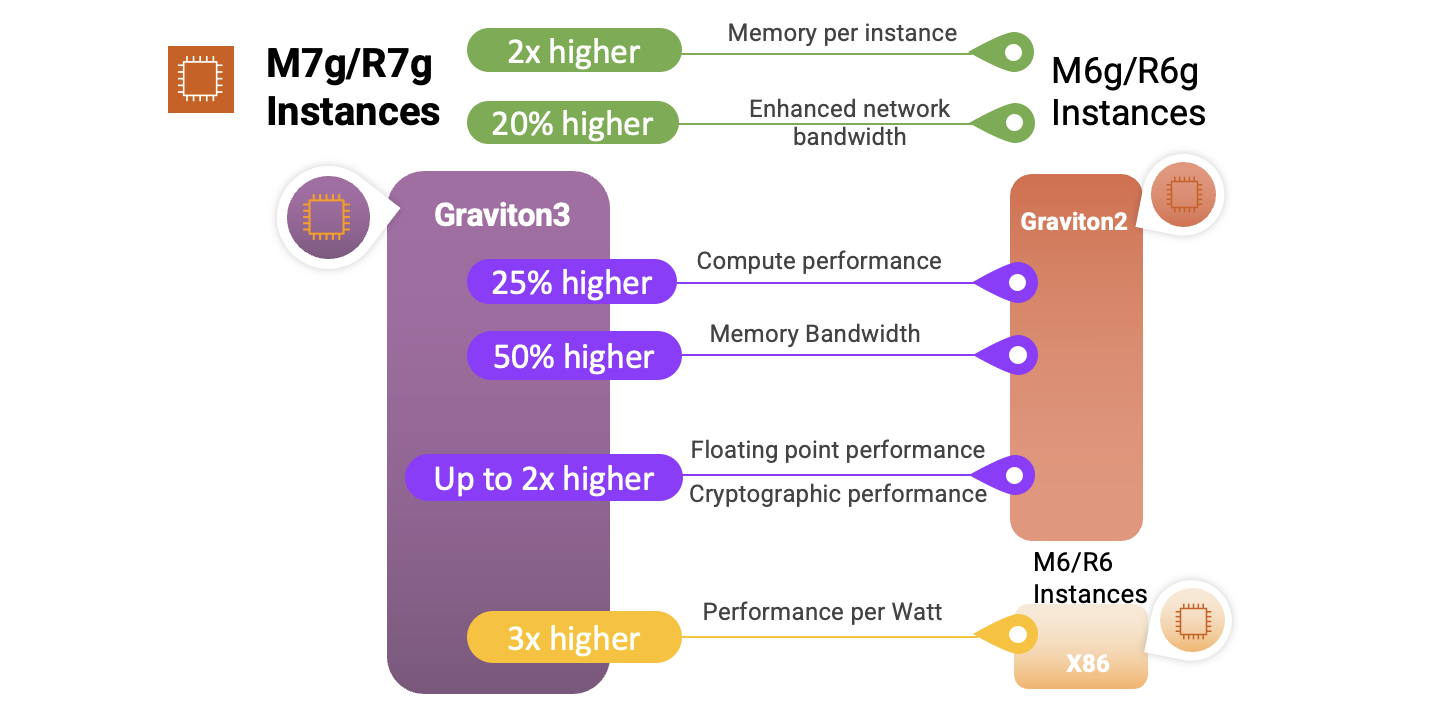
Enable AWS Systems Manager across all Amazon EC2 instances – All EC2 instances in your account become managed instances, with a single action using the Default Host Management Configuration (DHMC) Agent without changing existing instance profile roles. DHMC is ideal for all EC2 users, and offers a simple, scalable process to standardize the availability of System Manager tools for users who manage many instances. To learn more, see Default Host Management Configuration in the AWS documentation.
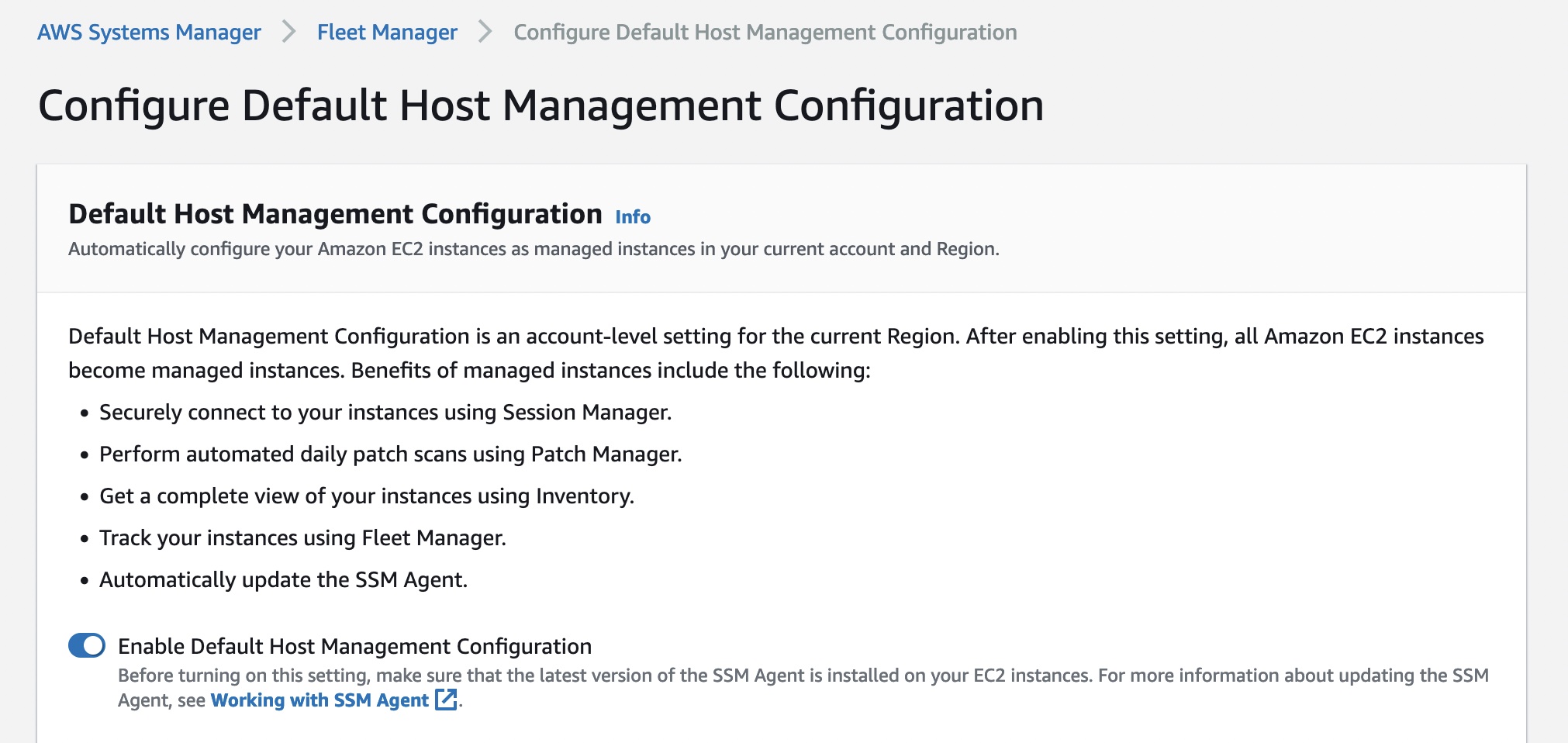
Programmatically manage opt-in AWS Regions – You can now view and manage enabled and disabled opt-in AWS Regions on your AWS accounts using AWS APIs. You can enable, disable, read, and list Region opt status by using the following AWS CLI commands in case of enabling Africa (Cape Town) Region:
$ aws account enable-region --region-name af-south-1$ aws account get-region-opt-status --region-name af-south-1 { "RegionName": "af-south-1", "RegionOptStatus": "ENABLING" }It will save you the time and effort of doing it through the AWS Management Console. To learn more, see Specifying which AWS Regions your account can use in the AWS documentation.
 AWS Modular Data Center (AWS MDC) – AWS MDC is available as a self-contained modular data center unit: an environmentally controlled physical enclosure that can host racks of AWS Outposts or AWS Snow Family devices. AWS MDC lets defense customers run low-latency applications in infrastructure-limited environments for scenarios like large-scale military operations, crisis response, and security cooperation.
At this time, AWS MDC is now available in the AWS GovCloud Regions, and this service can only be purchased by the U.S. Department of Defense under the Joint Warfighting Cloud Capability (JWCC) contract. To learn more, read the AWS Public Sector Blog post.
 Amazon EKS Anywhere on Snow – This is a new deployment option that helps you create and operate Kubernetes clusters on AWS Snowball Edge devices for provisioning and familiar operational visibility tooling of container applications deployed at the edge.
Amazon EKS Anywhere on Snow is ideal for customers who run their operations using secure and durable AWS Snow Family devices in unconditioned or mobile environments such as construction sites, ships, and rapidly deployed military forces. To learn more, read the AWS Container Blog post.
For a full list of AWS announcements, be sure to keep an eye on the What’s New at AWS page.
Other AWS News
Here are some other news items that you may find interesting in the last week:
- Now Go Build with Werner Vogels – Digital Humans: The new episode is about how AWS helps Soul Machines create digital people and what makes digital people so human-like. Dr. Werner Vogels visits Soul Machines, an AI company that uses the cloud to deliver meaningful connections between human and machine. Watch full episodes of Now Go Build if you are interested in the future of technology on the cloud.
- This Is My Architecture Special with Scuderia Ferrari: Scuderia Ferrari has launched a new fan app that innovates fan engagement through personalization. Utilizing AWS analytics and event-driven architecture, the app provides a unique look behind the scenes of the most successful Formula 1 team. Join builder Adrian De Luca in Maranello, Italy to learn about the app’s architecture and meet with Ferrari leadership to understand the future of fan engagement in the sport.
- Sustainability at AWS re:Invent 2022: Adrian Cockcroft, ex-VP of Amazon Sustainability, picked out the most relevant and his watched videos related to this topic from AWS re:Invent 2022. You can read the summary of them and find the latest information on progress to Sustainability in the Cloud and Amazon’s 100% renewable energy by 2025.
- AWS Spatial Computing Blog: Spatial computing is about potential digitization (or virtualization, or digital twin) of all objects, systems, machines, people, and their interactions and environments. This new area treats extended reality(XR), digital twin, and three-dimensional simulations, as the future of technology. Read the latest interesting blog posts such as Metaverse Building Blocks and From 3D to Simulation.
Upcoming AWS Events
Check your calendars and sign up for these AWS-led events:
AWS at MWC 2023 – Join AWS at MWC23 in Barcelona, Spain, February 27 – March 2, and interact with upcoming innovative new service demonstrations, be inspired at one of our many sessions, or request a more personal meeting with us onsite.
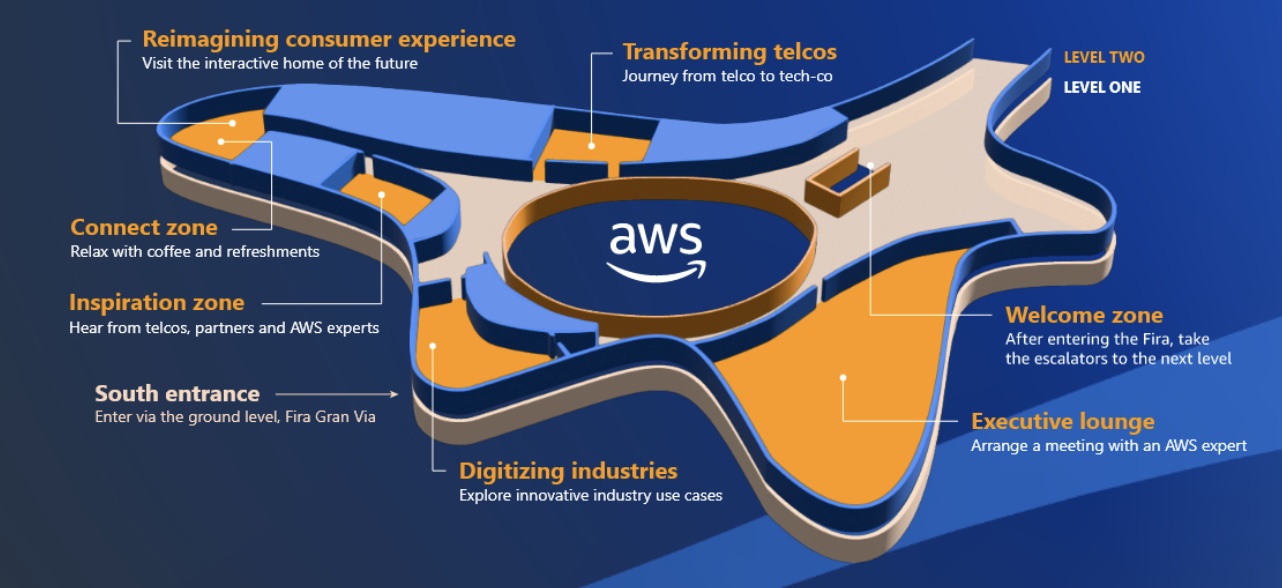
AWS Innovate Data and AI/ML edition – AWS Innovate is a free online event to learn the latest from AWS experts and get step-by-step guidance on using AI/ML to drive fast, efficient, and measurable results. Register now for Asia Pacific & Japan (February 22, 2023), EMEA (March 9), and the Americas (March 14).
AWS Summits – AWS Global Summits are free events that bring the cloud computing community together to connect, collaborate, and learn about AWS. We kick off Paris and Sydney on April 4th and schedule most other Summits from April to June. Please stay tuned and watch for the dates and locations to be announced.
You can browse all upcoming AWS-led in-person, virtual events, and developer focused events such as Community Days.
That’s all for this week. Check back next Monday for another Week in Review!
— Channy
This post is part of our Week in Review series. Check back each week for a quick roundup of interesting news and announcements from AWS!
We often talk about the Pace of Innovation at AWS, and share the results in this blog, in the AWS What’s New page, and in our weekly AWS on Air streams. Today I would like to talk about a slightly different kind of innovation, the kind that happens behind the scenes.
Each AWS customer uses a different mix of services, and uses those services in unique ways. Every service is instrumented and monitored, and the team responsible for designing, building, running, scaling, and evolving the service pays continuous attention to all of the resulting metrics. The metrics provide insights into how the service is being used, how it performs under load, and in many cases highlights areas for optimization in pursuit of higher availability, better performance, and lower costs.
Once an area for improvement has been identified, a plan is put in to place, changes are made and tested in pre-production environments, then deployed to multiple AWS regions. This happens routinely, and (to date) without fanfare. Each part of AWS gets better and better, with no action on your part.
DynamoDB UpdateTable
 In late 2021 we announced the Standard-Infrequent Access table class for Amazon DynamoDB. As Marcia noted in her post, using this class can reduce your storage costs by 60% compared to the existing (Standard) class. She also showed you how you could modify a table to use the new class. The modification operation calls the
 UpdateTable function, and that function is the topic of this post!
As is the case with just about every AWS launch, customers began to make use of the new table class right away. They created new tables and modified existing ones, benefiting from the lower pricing as soon as the modification was complete.
DynamoDB uses a highly distributed storage architecture. Each table is split into multiple partitions; operations such as changing the storage class are done in parallel across the partitions. After looking at a lot of metrics, the DynamoDB team found ways to increase parallelism and to reduce the amount of time spent managing the parallel operations.
This change had a dramatic effect for Amazon DynamoDB tables over 500 GB in size, reducing the time to update the table class by up to 97%.
Each time we make a change like this, we capture the “before” and “after” metrics, and share the results internally so that other teams can learn from the experience while they are in the process of making similar improvements of their own. Even better, each change that we make opens the door to other ones, creating a positive feedback loop that (once again) benefits everyone that uses a particular service or feature.
Every DynamoDB user can take advantage of this increased performance right away without the need for a version upgrade or downtime for maintenance (DynamoDB does not even have maintenance windows).
Incremental performance and operational improvements like this one are done routinely and without much fanfare. However it is always good to hear back from our customers when their own measurements indicate that some part of AWS became better or faster.
Leadership Principles
As I was thinking about this change while getting ready to write this post, several Amazon Leadership Principles came to mind. The DynamoDB team showed Customer Obsession by implementing a change that would benefit any DynamoDB user with tables over 500 GB in size. To do this they had to Invent and Simplify, coming up with a better way to implement the UpdateTable function.
While you, as an AWS customer, get the benefits with no action needed on your part, this does not mean that you have to wait until we decide to pay special attention to your particular use case. If you are pushing any aspect of AWS to the limit (or want to), I recommend that you make contact with the appropriate service team and let them know what’s going on. You might be running into a quota or other limit, or pushing bandwidth, memory, or other resources to extremes. Whatever the case, the team would love to hear from you!
Stay Tuned
I have a long list of other internal improvements that we have made, and will be working with the teams to share more of them throughout the year.
— Jeff;
Book Review
The Value Flywheel Effect: Power the Future and Accelerate Your Organization to the Modern Cloud
by David Anderson with Mark McCann and Michael O’Reilly
Recently, a new book came to my attention that explores the intersection of business, technology, and people. This is a great read for anyone who wants to understand how organizations can evolve to maximize the business impact of new technologies and speed up their internal processes.

Last year at re:Invent, I had the opportunity to meet David Anderson. As Director of Technology at Liberty Mutual, he drove the technology change when the global insurance company, founded in 1912, moved its services to the cloud and adopted a serverless-first strategy. He created an environment where experimentation was normal, and software engineers had time and space to learn. This worked so well that, at some point, he had four AWS Heroes in his extended team.
A few months before, I heard that David was writing a book with Mark McCann and Michael O’Reilly. They all worked together at Liberty Mutual, and they were distilling their learnings to help other organizations implement a similar approach. The book was just out when we met, and I was curious to learn more, starting from the title. We met in the expo area, and David was kind enough to give me a signed copy of the book.
The book is published by IT Revolution, the same publisher behind some of my favorite books such as The Phoenix Project, Team Topologies, and Accelerate. The book is titled The Value Flywheel Effect because when you connect business and technology in an organization, you start to turn a flywheel that builds momentum with each small win.
The Value Flywheel
The author describes four phases of the Value Flywheel:
- Clarity of Purpose – This is the part where you look at what is really important for your organization, what makes your company different, and define your North Star and how to measure your distance from it. In this phase, you look at the company through the eyes of the CEO.
- Challenge & Landscape – Here you prepare the organization and set up the environment for the teams. We often forget the social aspect of technical teams and great focus is given here on how to set up the right level of psychological safety for teams to operate. This phase is for engineers.
- Next Best Action – In this phase, you think like a product leader and plan the next steps with a focus on how to improve the developer experience. One of the key aspects is that “code is a liability” and the less code you write to solve a business problem, the better it is for speed and maintenance. For example, you can avoid some custom implementations and offload their requirements to capabilities offered by cloud providers.
- Long-Term Value – This is the CTO perspective, looking at how to set up a problem-preventing culture with well-architected systems and a focus on observability and sustainability. Sustainability here is not just considering the global environment but also the teams and the people working for the organization.
As you would expect from a flywheel, you should iterate on these four phases so that every new spin gets easier and faster.
Wardley Mapping
One thing that I really appreciate from the book is how it made it easy for me to use Wardley mapping (usually applied to a business context) in a technical scenario. Wardley maps, invented by Simon Wardley, provide a visual representation of the landscape in which a business operates.
Each map consists of a value chain, where you draw the components that your customers need. The components are connected to show how they depend on each other. The position of the components is based on how visible they are to customers (vertical) and their evolution status from genesis to being a product or a commodity (horizontal). Over time, some components evolve from being custom-built to becoming a product or being commoditized. This displays on the map with a natural movement to the right as things evolve. For example, data centers were custom-built in the past, but then they became a standard product, and cloud computing made them available as a commodity.

Basic elements of a map – Provided courtesy of Simon Wardley, CC BY-SA 4.0.
With mapping, you can more easily understand what improvements you need and what gaps you have in your technical solution. In this way, engineers can identify which components they should focus on to maximize their impact and what parts are not strategic and can be offloaded to a SaaS solution. It’s a sort of evolutionary architecture where mapping gives a way to look ahead at how the system should evolve over time and where inertia can slow down the evolution of part of the system.
Sometimes it seems the same best practices apply everywhere but this is not true. An advantage of mapping is that it helps identify the best team and methodology to use based on a component evolution status as described by its horizontal position on a map. For example, an “explorer” attitude is best suited for components in their genesis or being custom built, a “villager” works best on products, and when something becomes a commodity you need a “town planner.”
More Tools and Less Code
The authors look at many available tools and frameworks. For example, the book introduces the North Star Framework, a way to manage products by first identifying their most important metric (the North Star), and Gojko Adzic‘s Impact Mapping, a collaborative planning technique that focuses on leading indicators to help teams make a big impact with their software products. By the way, Gojko is also an AWS Serverless Hero.
Another interesting point is how to provide engineers with the necessary time and space to learn. I specifically like how internal events are called out and compared to public conferences. In internal events, engineers have a chance to use a new technology within their company environment, making it easier to demonstrate what can be done with all the limits of an actual scenario.
Finally, I’d like to highlight this part that clearly defines what the book intends by the statements, “code is a liability”:
“When you ask a software team to build something, they deliver a system, not lines of code. The asset is not the code; the asset is the system. The less code in the system, the less overhead you have bought. Some developers may brag about how much code they’ve written, but this isn’t something to brag about.”
This is not a programming book, and serverless technologies are used as examples of how you can speed up the flywheel. If you are looking for a technical deep dive on serverless technologies, you can find more on Serverless Land, a site that brings together the latest information and learning resources for serverless computing, or have a look at the Serverless Architectures on AWS book.
Now that every business is a technology business, The Value Flywheel Effect is about how to accelerate and transform an organization. It helps set the right environment, purpose, and stage to modernize your applications as you adopt cloud computing and get the benefit of it.
You can meet David, Mark, and Michael at the Serverless Edge, where a team of engineers, tech enthusiasts, marketers, and thought leaders obsessed with technology help learn and communicate how serverless can transform a business model.
And of course, if you’re ready to go serverless, we have experts who can help you get started with AWS on your cloud computing journey.
— Danilo
We’ve come a long way since the launch of the m1.small instance in 2006, adding instances with additional memory, compute power, and your choice of Intel, AMD, or Graviton processors. The original general-purpose “one size fits all” instance has evolved into six families, each one optimized for specific uses cases, with over 600 generally available instances in all.
New M7g and R7g
Today I am happy to tell you about the newest Amazon EC2 instance types, the M7g and the R7g. Both types are powered by the latest generation AWS Graviton3 processors, and are designed to deliver up to 25% better performance than the equivalent sixth-generation (M6g and R6g) instances, making them the best performers in EC2.
The M7g instances are for general purpose workloads such as application servers, microservices, gaming servers, mid-sized data stores, and caching fleets. The R7g instances are a great fit for memory-intensive workloads such as open-source databases, in-memory caches, and real-time big data analytics.
Here are the specs for the M7g instances:
| Instance Name | vCPUs | Memory | Network Bandwidth | EBS Bandwidth |
| m7g.medium | 1 | 4 GiB | up to 12.5 Gbps | up to 10 Gbps |
| m7g.large | 2 | 8 GiB | up to 12.5 Gbps | up to 10 Gbps |
| m7g.xlarge | 4 | 16 GiB | up to 12.5 Gbps | up to 10 Gbps |
| m7g.2xlarge | 8 | 32 GiB | up to 15 Gbps | up to 10 Gbps |
| m7g.4xlarge | 16 | 64 GiB | up to 15 Gbps | up to 10 Gbps |
| m7g.8xlarge | 32 | 128 GiB | 15 Gbps | 10 Gbps |
| m7g.12xlarge | 48 | 192 GiB | 22.5 Gbps | 15 Gbps |
| m7g.16xlarge | 64 | 256 GiB | 30 Gbps | 20 Gbps |
| m7g.metal | 64 | 256 GiB | 30 Gbps | 20 Gbps |
And here are the specs for the R7g instances:
| Instance Name | vCPUs | Memory | Network Bandwidth | EBS Bandwidth |
| r7g.medium | 1 | 8 GiB | up to 12.5 Gbps | up to 10 Gbps |
| r7g.large | 2 | 16 GiB | up to 12.5 Gbps | up to 10 Gbps |
| r7g.xlarge | 4 | 32 GiB | up to 12.5 Gbps | up to 10 Gbps |
| r7g.2xlarge | 8 | 64 GiB | up to 15 Gbps | up to 10 Gbps |
| r7g.4xlarge | 16 | 128 GiB | up to 15 Gbps | up to 10 Gbps |
| r7g.8xlarge | 32 | 256 GiB | 15 Gbps | 10 Gbps |
| r7g.12xlarge | 48 | 384 GiB | 22.5 Gbps | 15 Gbps |
| r7g.16xlarge | 64 | 512 GiB | 30 Gbps | 20 Gbps |
| r7g.metal | 64 | 512 GiB | 30 Gbps | 20 Gbps |
Both types of instances are equipped with DDR5 memory, which provides up to 50% higher memory bandwidth than the DDR4 memory used in previous generations. Here’s an infographic that I created to highlight the principal performance and capacity improvements that we have made available with the new instances:
If you are not yet running your application on Graviton instances, be sure to take advantage of the AWS Graviton Ready Program. The partners in this program provide services and solutions that will help you to migrate your application and to take full advantage of all that the Graviton instances have to offer. Other helpful resources include the Porting Advisor for Graviton and the Graviton Fast Start program.
The instances are built on the AWS Nitro System, and benefit from multiple features that enhance security: always-on memory encryption, a dedicated cache for each vCPU, and support for pointer authentication. They also support encrypted EBS volumes, which protect data at rest on the volume, data moving between the instance and the volume, snapshots created from the volume, and volumes created from those snapshots. To learn more about these and other Nitro-powered security features, be sure to read The Security Design of the AWS Nitro System.
On the network side the instances are EBS-Optimized with dedicated networking between the instances and the EBS volumes, and also support Enhanced Networking (read How do I enable and configure enhanced networking on my EC2 instances? for more info). The 16xlarge and metal instances also support Elastic Fabric Adapter (EFA) for applications that need a high level of inter-node communication.
Pricing and Regions
M7g and R7g instances are available today in the US East (N. Virginia), US East (Ohio), US West (Oregon), and Europe (Ireland) AWS Regions in On-Demand, Spot, Reserved Instance, and Savings Plan form.
— Jeff;
PS – Launch one today and let me know what you think!
AWS announced 32 capabilities since we published the last Week in Review blog post a week ago. I also read a couple of other news and blog posts.
Here is my summary.
The VPC section of the AWS Management Console now allows you to visualize your VPC resources, such as the relationships between a VPC and its subnets, routing tables, and gateways. This visualization was available at VPC creation time only, and now you can go back to it using the Resource Map tab in the console. You can read the details in Channy’s blog post.

CloudTrail Lake now gives you the ability to ingest activity events from non-AWS sources. This lets you immutably store and then process activity events without regard to their origin–AWS, on-premises servers, and so forth. All of this power is available to you with a single API call: PutAuditEvents. We launched AWS CloudTrail Lake about a year ago. It is a managed organization-scale data lake that aggregates, immutably stores, and allows querying of events recorded by CloudTrail. You can use it for auditing, security investigation, and troubleshooting. Again, my colleague Channy wrote a post with the details.
There are three new Amazon CloudWatch metrics for asynchronous AWS Lambda function invocations: AsyncEventsReceived, AsyncEventAge, and AsyncEventsDropped. These metrics provide visibility for asynchronous Lambda function invocations. They help you to identify the root cause of processing issues such as throttling, concurrency limit, function errors, processing latency because of retries, or missing events. You can learn more and have access to a sample application in this blog post.
Amazon Simple Notification Service (Amazon SNS) now supports AWS X-Ray to visualize, analyze, and debug applications. Developers can now trace messages going through Amazon SNS, making it easier to understand or debug microservices or serverless applications.
Amazon EC2 Mac instances now support replacing root volumes for quick instance restoration. Stopping and starting EC2 Mac instances trigger a scrubbing workflow that can take up to one hour to complete. Now you can swap the root volume of the instance with an EBS snapshot or an AMI. It helps to reset your instance to a previous known state in 10–15 minutes only. This significantly speeds up your CI and CD pipelines.
Amazon Polly launches two new Japanese NTTS voices. Neural Text To Speech (NTTS) produces the most natural and human-like text-to-speech voices possible. You can try these voices in the Polly section of the AWS Management Console. With this addition, according to my count, you can now choose among 52 NTTS voices in 28 languages or language variants (French from France or from Quebec, for example).
The AWS SDK for Java now includes the AWS CRT HTTP Client. The HTTP client is the center-piece powering our SDKs. Every single AWS API call triggers a network call to our API endpoints. It is therefore important to use a low-footprint and low-latency HTTP client library in our SDKs. AWS created a common HTTP client for all SDKs using the C programming language. We also offer 11 wrappers for 11 programming languages, from C++ to Swift. When you develop in Java, you now have the option to use this common HTTP client. It provides up to 76 percent cold start time reduction on AWS Lambda functions and up to 14 percent less memory usage compared to the Netty-based HTTP client provided by default. My colleague Zoe has more details in her blog post.
X in Y Jeff started this section a while ago to list the expansion of new services and capabilities to additional Regions. I noticed 10 Regional expansions this week:
- Amazon Kendra now available in Asia Pacific (Tokyo) AWS Region
- AWS DataSync is now available in 3 additional AWS Regions (Asia Pacific (Hyderabad) and Europe (Spain, Zurich))
- AWS announces new AWS Direct Connect location in Kolkata, India
- Amazon EC2 R6gd instances now available in AWS Europe (London) Region
- Amazon GuardDuty now available in AWS Europe (Spain) Region
- Amazon ElastiCache for Redis now supports auto scaling in six new regions (Asia Pacific (Hyderabad, Jakarta, Melbourne), Europe (Spain, Zurich), and Middle East (UAE))
- Amazon EC2 X2idn instances now available in Europe (Zurich) Region
- AWS Mainframe Modernization service is now available in 3 new Regions (US East (Ohio), US West (N. California), and Asia Pacific (Seoul))
- Amazon EC2 M6i instances now available in AWS Asia Pacific (Jakarta)
- AWS Console Mobile Application adds support for new AWS Regions (Asia Pacific (Hyderabad, Melbourne) and Europe (Spain, Zurich))
Other AWS News
This week, I also noticed these AWS news items:
My colleague Mai-Lan shared some impressive customer stories and metrics related to the use and scale of Amazon S3 Glacier. Check it out to learn how to put your cold data to work.
Space is the final (edge) frontier. I read this blog post published on avionweek.com. It explains how AWS helps to deploy AIML models on observation satellites to analyze image quality before sending them to earth, saving up to 40 percent satellite bandwidth. Interestingly, the main cause for unusable satellite images is…clouds.
Upcoming AWS Events
Check your calendars and sign up for these AWS events:
AWS re:Invent recaps in your area. During the re:Invent week, we had lots of new announcements, and in the next weeks, you can find in your area a recap of all these launches. All the events are posted on this site, so check it regularly to find an event nearby.
AWS re:Invent keynotes, leadership sessions, and breakout sessions are available on demand. I recommend that you check the playlists and find the talks about your favorite topics in one collection.
AWS Summits season will restart in Q2 2023. The dates and locations will be announced here. Paris and Sidney are kicking off the season on April 4th. You can register today to attend these in-person, free events (Paris, Sidney).
Stay Informed
That was my selection for this week! To better keep up with all of this news, do not forget to check out the following resources:
- What’s New with AWS – All AWS announcements. You might want to add the RSS feed to your news reader.
- The Official AWS Podcast – Listen each week for updates on the latest AWS news and deep dives into exciting use cases. There are also official AWS podcasts in your local languages. Check out the ones in French, German, Italian, and Spanish.
- AWS News Blog – This blog.
-- seb This post is part of our Week in Review series. Check back each week for a quick roundup of interesting news and announcements from AWS!
Today we are announcing Amazon Virtual Private Cloud (Amazon VPC) resource map, a new feature that simplifies the VPC creation experience in the AWS Management Console. This feature displays your existing VPC resources and their routing visually on a single page, allowing you to quickly understand the architectural layout of the VPC.
A year ago, in March 2022, we launched a new VPC creation experience that streamlines the process of creating and connecting VPC resources. With just one click, even across multiple Availability Zones (AZs), you can create and connect VPC resources, eliminating more than 90 percent of the manual steps required in the past. The new creation experience is centered around an interactive diagram that displays a preview of the VPC architecture and updates as options are selected, providing a visual representation of the resources and their relationships within the VPC that you are about to create.
However, after the creation of the VPC, the diagram that was available during the creation experience that many of our customers loved was no longer available. Today we are changing that! With VPC resource map, you can quickly understand the architectural layout of the VPC, including the number of subnets, which subnets are associated with the public route table, and which route tables have routes to the NAT Gateway.
You can also get to the specific resource details by clicking on the resource. This eliminates the need for you to map out resource relationships mentally and hold the information in your head while working with your VPC, making the process much more efficient and less prone to mistakes.
Getting Started with VPC Resource Map
To get started, choose an existing VPC in the VPC console. In the details section, select the Resource map tab. Here, you can see the resources in your VPC and the relationships between those resources.
As you hover over a resource, you can see the related resources and the connected lines highlighted. If you click to select the resource, you can see a few lines of details and a link to see the details of the selected resource.
Getting Started with VPC Creation Experience
I want to explain how to use the VPC creation experience to improve your workflow to create a new VPC to make a high-availability three-tier VPC easily.
Choose Create VPC and select VPC and more in the VPC console. You can preview the VPC resources that you are about to create all on the same page.

In Name tag auto-generation, you can specify a prefix value for Name tags. This value is used to generate Name tags for all VPC resources in the preview. If I change the default value, which is project to channy, the Name tag in the preview changes to channy- something, such as channy-vpc. You can customize a Name tag per resource in the preview by clicking each resource and making changes.
You can easily change the default CIDR value (10.0.0.0/16) when you click the IPv4 CIDR block field to reveal the CIDR joystick. Use the left or right arrow to move to the previous (9.255.0.0/16) or next (10.0.1.0/16) CIDR block within the /16 network mask. You can also change the subnet mask to /17 by using the down arrow, or go back to /16 using the up arrow.
Choose the number of Availability Zones (AZs) up to 3. The number of public and private subnet types changes based on the number of AZs and shows the total number of each subnet type it will create.

I want a high-availability VPC in three AZs and select 6 for the number of private subnets. In the preview panel, you can see that there are 9 subnets. When I hover over channy-rtb-public, I can visually confirm that this route table is connected to three public subnets and also routed to the internet gateway (channy-igw). The dotted lines indicate routes to network node, and the solid lines indicate relationships such as implicit or explicit associations.
Adding NAT gateways and VPC endpoints is easy. You can simply change the number of NAT gateways in or per Availability Zone (AZ). Note that there is a charge for each NAT gateway. We always recommend having one NAT gateway per AZ and route traffic from subnets in an AZ to the NAT gateway in the same AZ for high availability and to avoid inter-AZ data charges.
To route traffic to Amazon Simple Storage Service (Amazon S3) buckets more securely, you can choose the S3 Gateway endpoint by default. The S3 Gateway endpoint is free of charge and does not use NAT gateways when moving data from private subnets.
You can create additional tags and assign them to all resources in the VPC in no time. I select Add new tag and enter environment for the Key and test for the Value. This key-value pair will be added to every resource here.

Choose Create VPC at the bottom of the page and see the resources and the IDs of those resources that are being created. Before creating, please validate resources from the preview.

Once all the resources are created, choose View VPC at the bottom. The button takes you directly to the VPC resource map, where you can see a visual representation of what you created.

Now Available
Amazon VPC resource map is now available in all AWS Regions where Amazon VPC is available, and you can start using it today.
The VPC resource map and creation experience now only displays VPC, subnets, route tables, internet gateway, NAT gateways, and Amazon S3 gateway. The Amazon VPC console teams and user experience teams will continue to improve the console experience using customer feedback.
To learn more, see the Amazon VPC User Guide, and please send feedback to AWS re:Post for Amazon VPC or through your usual AWS support contacts.
– Channy
If you are looking for a new year challenge, the Serverless Developer Advocate team launched the 30 days of Serverless. You can follow the hashtag #30DaysServerless on LinkedIn, Twitter, or Instagram or visit the challenge page and learn a new Serverless concept every day.
Last Week’s Launches
Here are some launches that got my attention during the previous week.
AWS SAM CLI – v1.72 added the capability to list important information from your deployments.
- List the URLs of the Amazon API Gateway or AWS Lambda function URL.
$ sam list endpoints - List the outputs of the deployed stack.
$ sam list outputs - List the resources in the local stack. If a stack name is provided, it also shows the corresponding deployed resources and the ids.
$ sam list resources
Amazon RDS – Now supports increasing the allocated storage size when creating read replicas or when restoring a database from snapshots. This is very useful when your primary instances are near their maximum allocated storage capacity.
Amazon QuickSight – Allows you to create Radar charts. Radar charts are a way to visualize multivariable data that are used to plot one or more groups of values over multiple common variables.
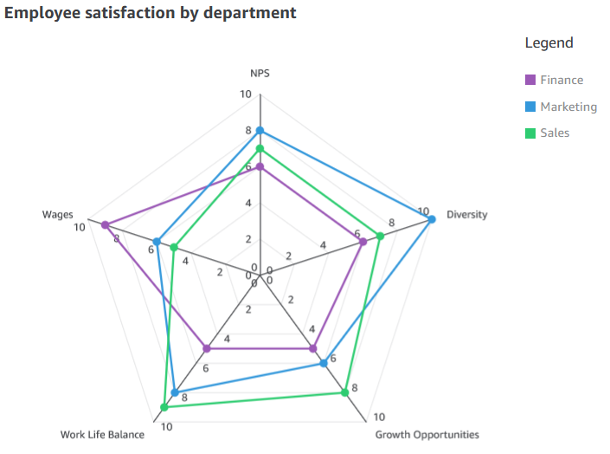
AWS Systems Manager Automation – Now integrates with Systems Manager Change Calendar. Now you can reduce the risks associated with changes in your production environment by allowing Automation runbooks to run during an allowed time window configured in the Change Calendar.
AWS AppConfig – It announced its integration with AWS Secrets Manager and AWS Key Management Service (AWS KMS). All sensitive data retrieved from Secrets Manager via AWS AppConfig can be encrypted at deployment time using an AWS KMS customer managed key (CMK).
For a full list of AWS announcements, be sure to keep an eye on the What's New at AWS page.Other AWS News
Some other updates and news that you may have missed:
AWS Cloud Clubs – Cloud Clubs are peer-to-peer user groups for students and young people aged 18–28. In these clubs, you can network, attend career-building events, earn benefits like AWS credits, and more. Learn more about the clubs in your region in the AWS student portal.
Get AWS Certified: Profesional challenge – You can register now for the certification challenge. Prepare for your AWS Professional Certification exam and get a 50 percent discount for the certification exam. Learn more about the challenge on the official page.
Podcast Charlas Técnicas de AWS – If you understand Spanish, this podcast is for you. Podcast Charlas Técnicas is one of the official AWS podcasts in Spanish, and every other week, there is a new episode. The podcast is for builders, and it shares stories about how customers implemented and learned AWS services, how to architect applications, and how to use new services. You can listen to all the episodes directly from your favorite podcast app or at AWS Podcasts en Español.
AWS Open-Source News and Updates – This is a newsletter curated by my colleague Ricardo to bring you the latest open-source projects, posts, events, and more.
Upcoming AWS Events
Check your calendars and sign up for these AWS events:
AWS re:Invent recaps – We had a lot of announcements during re:Invent. If you want to learn them all in your language and in your area, check the re: Invent recaps. All the upcoming ones are posted on this site, so check it regularly to find an event nearby.
AWS Innovate Data and AI/ML edition – AWS Innovate is a free online event to learn the latest from AWS experts and get step-by-step guidance on using AI/ML to drive fast, efficient, and measurable results.
- AWS Innovate Data and AI/ML edition for Asia Pacific and Japan is taking place on February 22, 2023. Register here.
- Registrations for AWS Innovate EMEA (March 9, 2023) and the Americas (March 14, 2023) will open soon. Check the AWS Innovate page for updates.
You can find details on all upcoming events, in-person or virtual, here.
That’s all for this week. Check back next Monday for another Week in Review!
— Marcia
In November 2013, we announced AWS CloudTrail to track user activity and API usage. AWS CloudTrail enables auditing, security monitoring, and operational troubleshooting. CloudTrail records user activity and API calls across AWS services as events. CloudTrail events help you answer the questions of “who did what, where, and when?”.
Recently we have improved the ability for you to simplify your auditing and security analysis by using AWS CloudTrail Lake. CloudTrail Lake is a managed data lake for capturing, storing, accessing, and analyzing user and API activity on AWS for audit, security, and operational purposes. You can aggregate and immutably store your activity events, and run SQL-based queries for search and analysis.
We have heard your feedback that aggregating activity information from diverse applications across hybrid environments is complex and costly, but important for a comprehensive picture of your organization’s security and compliance posture.
Today we are announcing support of ingestion for activity events from non-AWS sources using CloudTrail Lake, making it a single location of immutable user and API activity events for auditing and security investigations. Now you can consolidate, immutably store, search, and analyze activity events from AWS and non-AWS sources, such as in-house or SaaS applications, in one place.
Using the new PutAuditEvents API in CloudTrail Lake, you can centralize user activity information from disparate sources into CloudTrail Lake, enabling you to analyze, troubleshoot and diagnose issues using this data. CloudTrail Lake records all events in standardized schema, making it easier for users to consume this information to comprehensively and quickly respond to security incidents or audit requests.
CloudTrail Lake is also integrated with selected AWS Partners, such as Cloud Storage Security, Clumio, CrowdStrike, CyberArk, GitHub, Kong Inc, LaunchDarkly, MontyCloud, Netskope, Nordcloud, Okta, One Identity, Shoreline.io, Snyk, and Wiz, allowing you to easily enable audit logging through the CloudTrail console.
Getting Started to Integrate External Sources
You can start to ingest activity events from your own data sources or partner applications by choosing Integrations under the Lake menu in the AWS CloudTrail console.
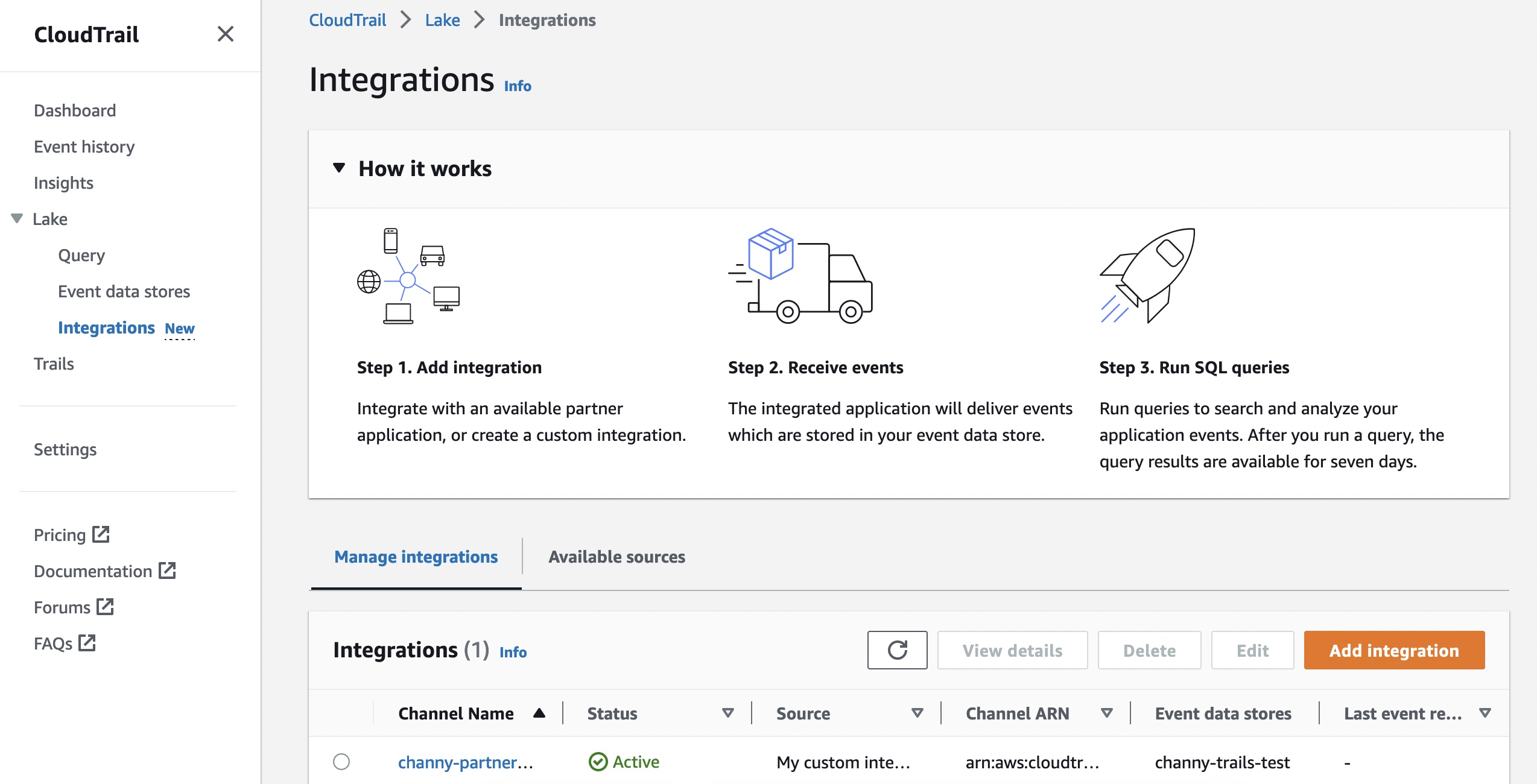
To create a new integration, choose Add integration and enter your channel name. You can choose the partner application source from which you want to get events. If you’re integrating with events from your own applications hosted on-premises or in the cloud, choose My custom integration.
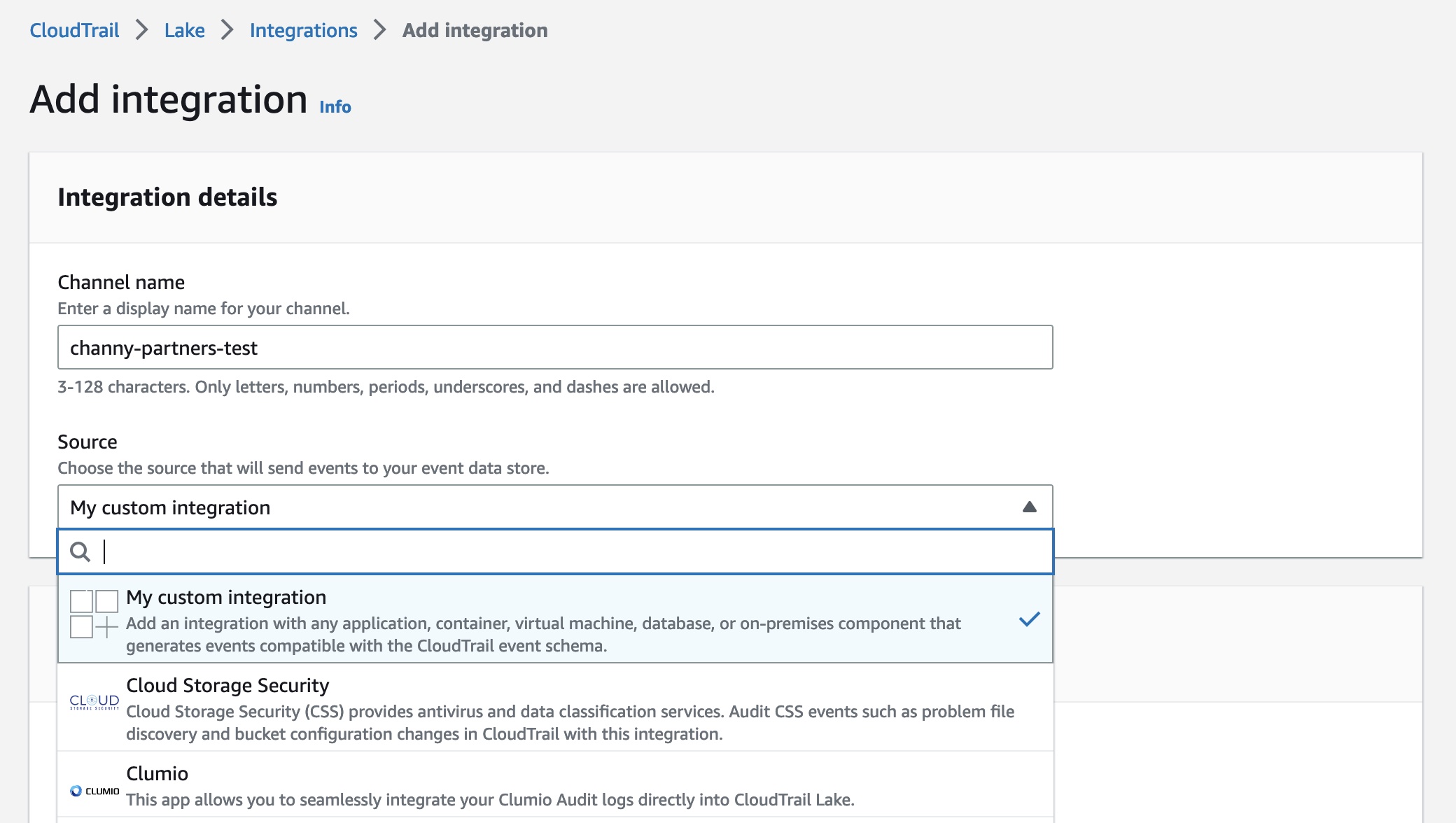
For Event delivery location, you can choose destinations for your events from this integration. This allows your application or partners to deliver events to your event data store of CloudTrail Lake. An event data store can retain your activity events for a week to up to seven years. Then you can run queries on the event data store.
Choose either Use existing event data stores or Create new event data store—to receive events from integrations. To learn more about event data store, see Create an event data store in the AWS documentation.
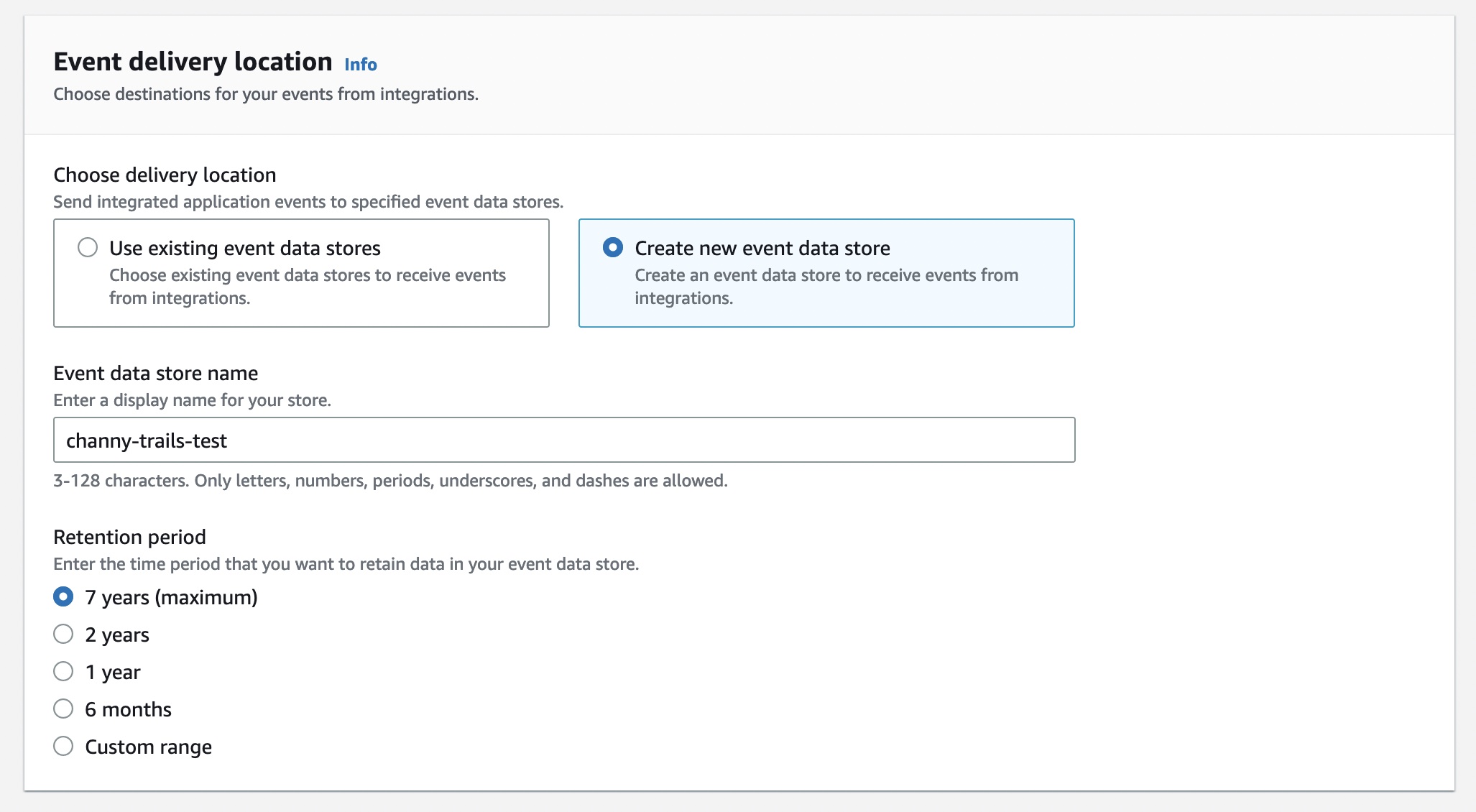
You can also set up the permissions policy for the channel resource created with this integration. The information required for the policy is dependent on the integration type of each partner applications.
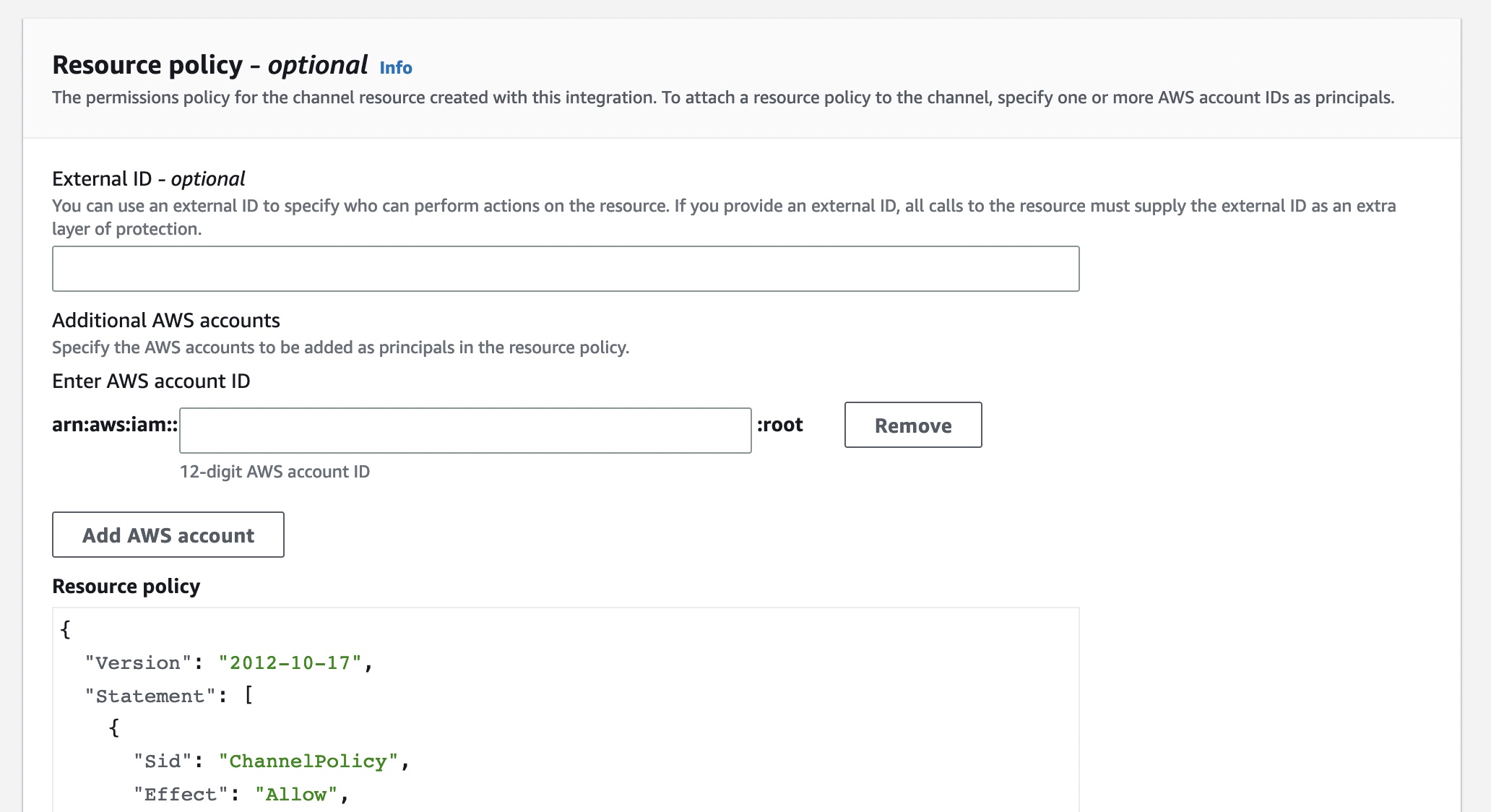
There are two types of integrations: direct and solution. With direct integrations, the partner calls the PutAuditEvents API to deliver events to the event data store for your AWS account. In this case, you need to provide External ID, the unique account identifier provided by the partner. You can see a link to partner website for the step-by-step guide. With solution integrations, the application runs in your AWS account and the application calls the PutAuditEvents API to deliver events to the event data store for your AWS account.
To find the Integration type for your partner, choose the Available sources tab from the integrations page.
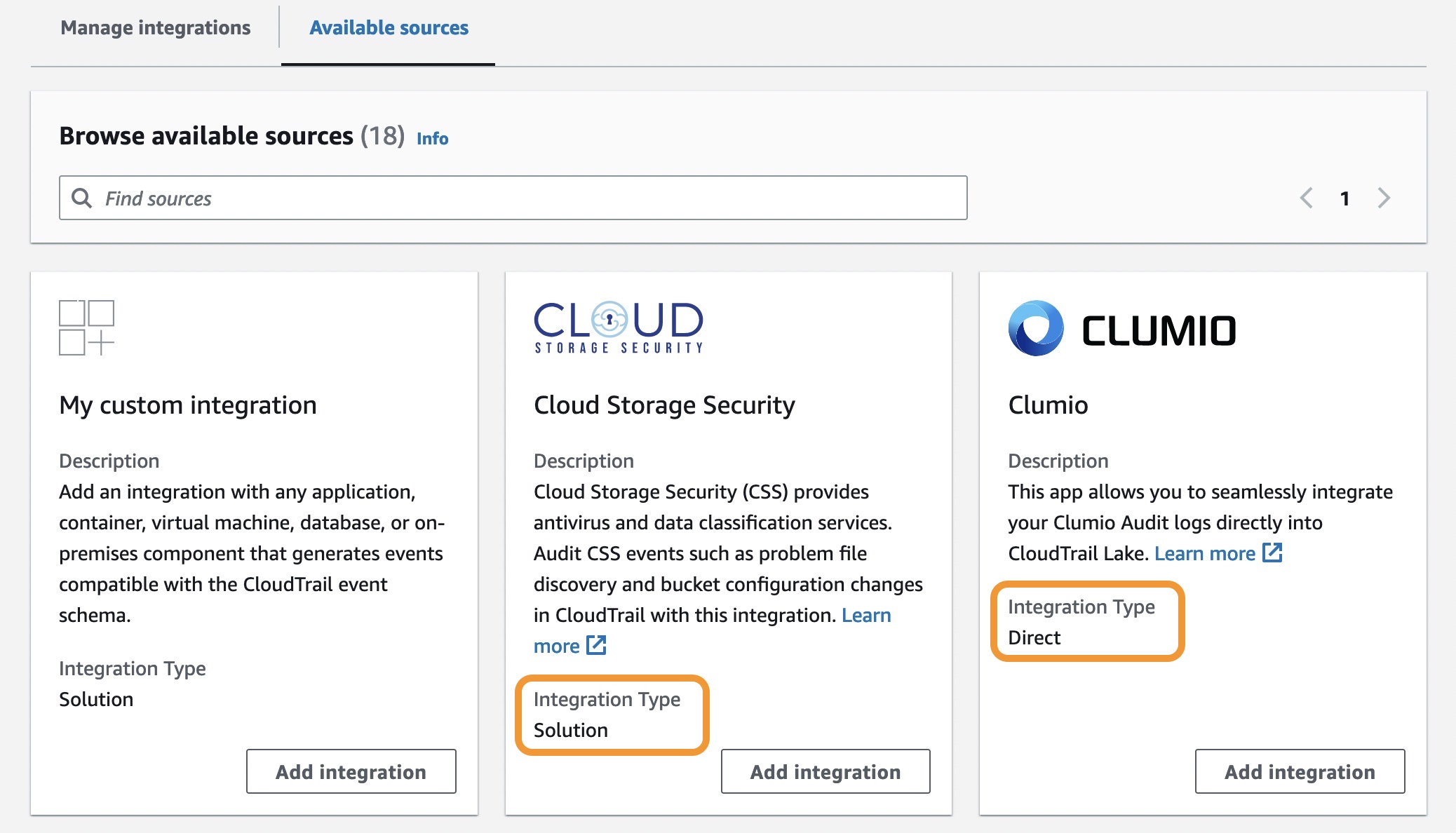
After creating an integration, you will need to provide this Channel ARN to the source or partner application. Until these steps are finished, the status will remain as incomplete. Once CloudTrail Lake starts receiving events for the integrated partner or application, the status field will be updated to reflect the current state.
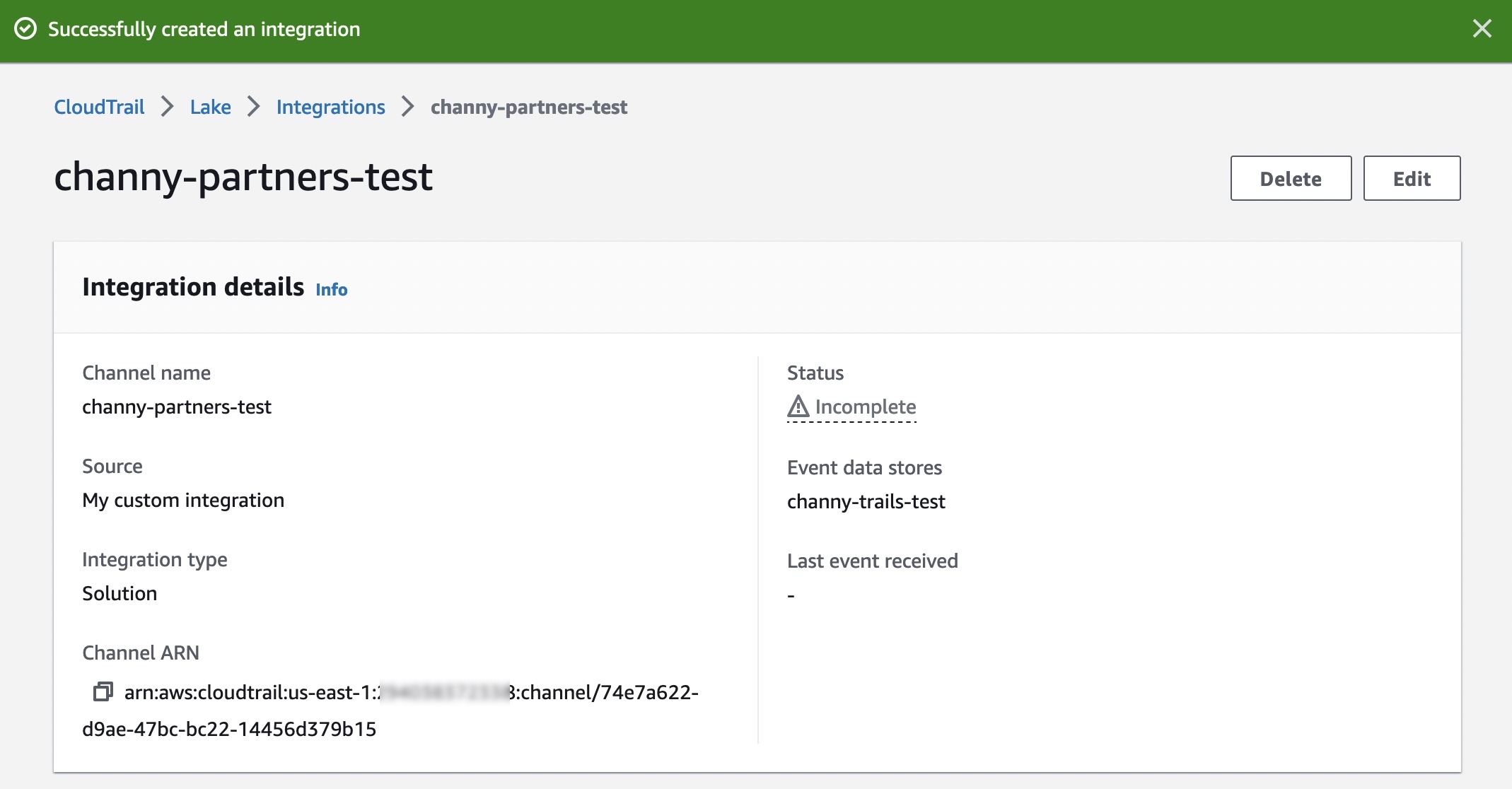
To ingest your application’s activity events into your integration, call the PutAuditEvents API to add the payload of events. Be sure that there is no sensitive or personally identifying information in the event payload before ingesting it into CloudTrail Lake.
You can make a JSON array of event objects, which includes a required user-generated ID from the event, the required payload of the event as the value of EventData, and an optional checksum to help validate the integrity of the event after ingestion into CloudTrail Lake.
{ "AuditEvents": [ { "Id": "event\_ID", "EventData": "{event\_payload}", "EventDataChecksum": "optional\_checksum", }, ... ]}The following example shows how to use the put-audit-events AWS CLI command.
$ aws cloudtrail-data put-audit-events \--channel-arn $ChannelArn \--external-id $UniqueExternalIDFromPartner \--audit-events \{ "Id": "87f22433-0f1f-4a85-9664-d50a3545baef", "EventData":"{\"eventVersion\":\0.01\",\"eventSource\":\"MyCustomLog2\", ...\}",},{ "Id": "7e5966e7-a999-486d-b241-b33a1671aa74", "EventData":"{\"eventVersion\":\0.02\",\"eventSource\":\"MyCustomLog1\", ...\}","EventDataChecksum":"848df986e7dd61f3eadb3ae278e61272xxxx",}On the Editor tab in the CloudTrail Lake, write your own queries for a new integrated event data store to check delivered events.
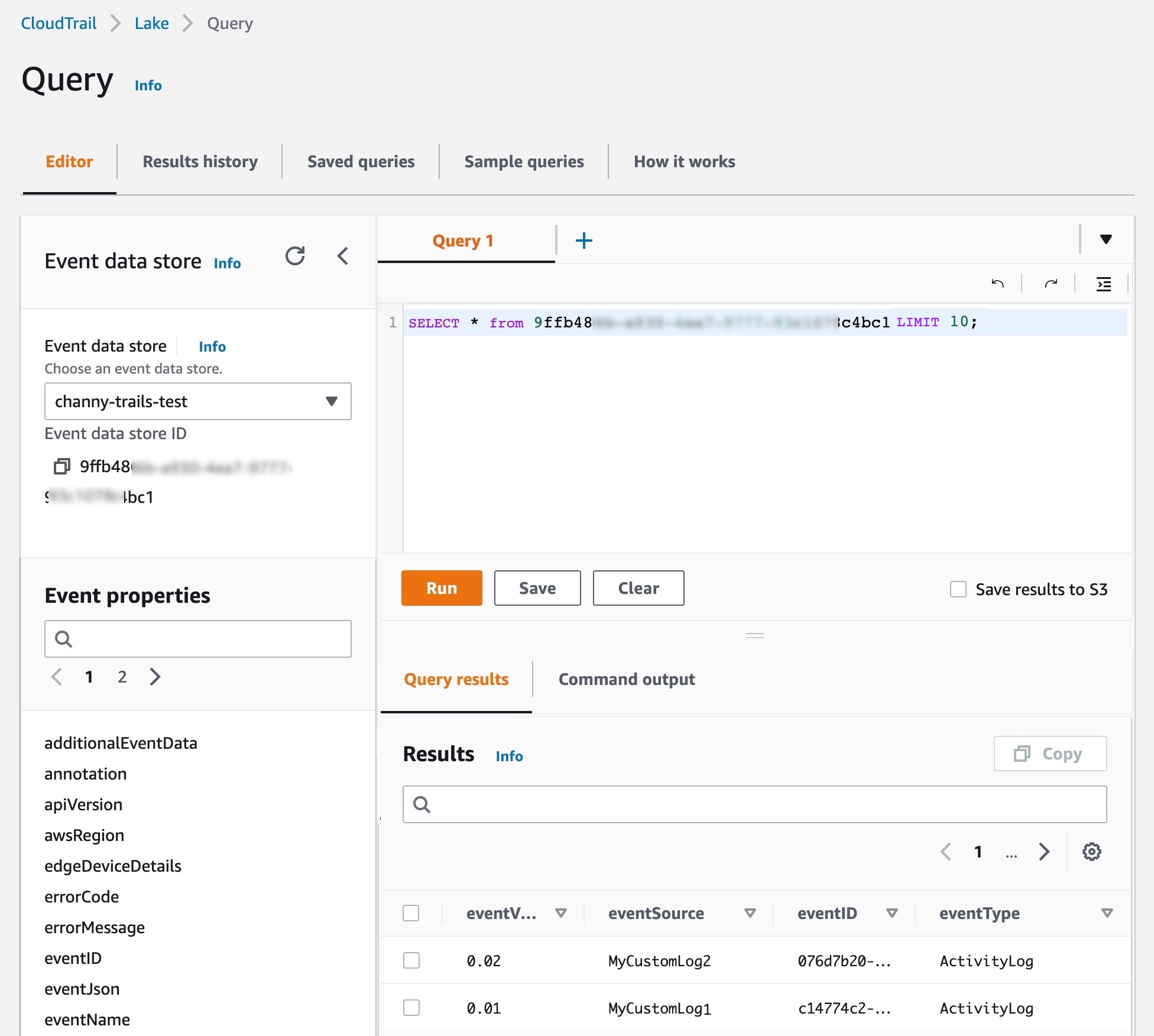
You can make your own integration query, like getting all principals across AWS and external resources that have made API calls after a particular date:
SELECT userIdentity.principalId FROM $AWS\_EVENT\_DATA\_STORE\_ID WHERE eventTime > '2022-09-24 00:00:00'UNION ALLSELECT eventData.userIdentity.principalId FROM $PARTNER\_EVENT\_DATA\_STORE\_IDWHRERE eventData.eventTime > '2022-09-24 00:00:00'To learn more, see CloudTrail Lake event schema and sample queries to help you get started.
Launch Partners
You can see the list of our launch partners to support a CloudTrail Lake integration option in the Available applications tab. Here are blog posts and announcements from our partners who collaborated on this launch (some will be added in the next few days).
- Cloud Storage Security – AWS and CSS Teamed to Deliver Integration for AWS CloudTrail Lake
- Clumio – Introducing Clumio’s integration with AWS CloudTrail Lake
- CrowdStrike – AWS CloudTrail Lake Integration
- CyberArk – CyberArk Identity Security Intelligence Activity Logs in AWS CloudTrail Lake for Enhanced Visibility and Troubleshooting
- GitHub – Audit log streaming to AWS S3 integration with AWS CloudTrail Lake
- Kong Inc
- LaunchDarkly – Simplify Audits with AWS CloudTrail Lake and LaunchDarkly
- MontyCloud
- Netskope – An Overview of the Netskope AWS CloudTrail Lake Integration
- Nordcloud
- Okta
- One Identity
- Shoreline.io – Shoreline Audit Integration with AWS CloudTrail Lake
- Snyk
- Wiz – Wiz and AWS CloudTrail Lake: Cloud security and compliance posture audits made easy
Now Available
AWS CloudTrail Lake now supports ingesting activity events from external sources in all AWS Regions where CloudTrail Lake is available today. To learn more, see the AWS documentation and each partner’s getting started guides.
If you are interested in becoming an AWS CloudTrail Partner, you can contact your usual partner contacts.
– Channy
Today, we are launching a new reference architecture and a set of reference implementations for enterprise-grade deployment pipelines. A deployment pipeline automates the building, testing, and deploying of applications or infrastructures into your AWS environments. When you deploy your workloads to the cloud, having deployment pipelines is key to gaining agility and lowering time to market.
When I talk with you at conferences or on social media, I frequently hear that our documentation and tutorials are good resources to get started with a new service or a new concept. However, when you want to scale your usage or when you have complex or enterprise-grade use cases, you often lack resources to dive deeper.
This is why we have created over the years hundreds of reference architectures based on real-life use cases and also the security reference architecture. Today, we are adding a new reference architecture to this collection.
We used the best practices and lessons learned at Amazon and with hundreds of customer projects to create this deployment pipeline reference architecture and implementations. They go well beyond the typical “Hello World” example: They document how to architect and how to implement complex deployment pipelines with multiple environments, multiple AWS accounts, multiple Regions, manual approval, automated testing, automated code analysis, etc. When you want to increase the speed at which you deliver software to your customers through DevOps and continuous delivery, this new reference architecture shows you how to combine AWS services to work together. They document the mandatory and optional components of the architecture.
Having an architecture document and diagram is great, but having an implementation is even better. Each pipeline type in the reference architecture has at least one reference implementation. One of the reference implementations uses an AWS Cloud Development Kit (AWS CDK) application to deploy the reference architecture on your accounts. It is a good starting point to study or customize the reference architecture to fit your specific requirements.
You will find this reference architecture and its implementations at https://pipelines.devops.aws.dev.

Let’s Deploy a Reference Implementation
The new deployment pipeline reference architecture demonstrates how to build a pipeline to deploy a Java containerized application and a database. It comes with two reference implementations. We are working on additional pipeline types to deploy Amazon EC2 AMIs, manage a fleet of accounts, and manage dynamic configuration for your applications.
The sample application is developed with SpringBoot. It runs on top of Corretto, the Amazon-provided distribution of the OpenJDK. The application is packaged with the CDK and is deployed on AWS Fargate. But the application is not important here; you can substitute your own application. The important parts are the infrastructure components and the pipeline to deploy an application. For this pipeline type, we provide two reference implementations. One deploys the application using Amazon CodeCatalyst, the new service that we announced at re:Invent 2022, and one uses AWS CodePipeline. This is the one I choose to deploy for this blog post.
The pipeline starts building the applications with AWS CodeBuild. It runs the unit tests and also runs Amazon CodeGuru to review code quality and security. Finally, it runs Trivy to detect additional security concerns, such as known vulnerabilities in the application dependencies. When the build is successful, the pipeline deploys the application in three environments: beta, gamma, and production. It deploys the application in the beta environment in a single Region. The pipeline runs end-to-end tests in the beta environment. All the tests must succeed before the deployment continues to the gamma environment. The gamma environment uses two Regions to host the application. After deployment in the gamma environment, the deployment into production is subject to manual approval. Finally, the pipeline deploys the application in the production environment in six Regions, with three waves of deployments made of two Regions each.
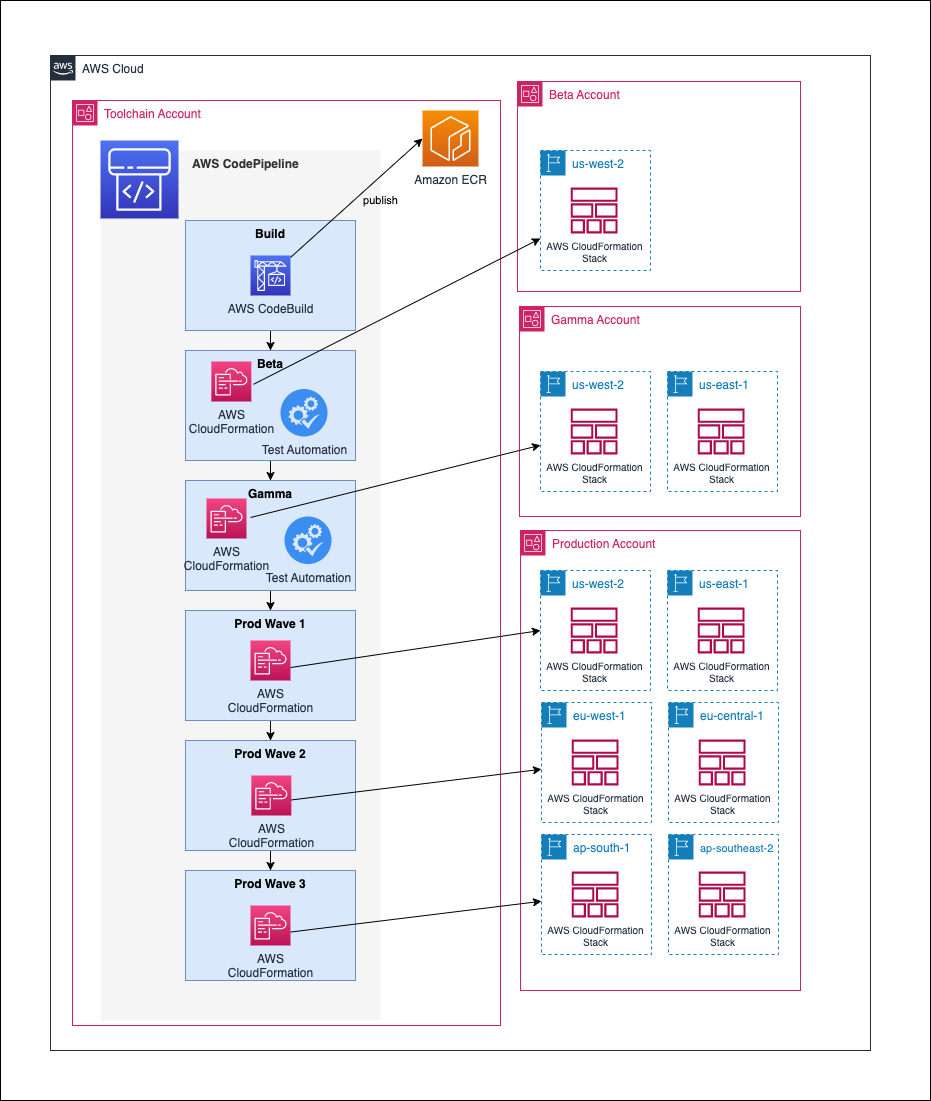
I need four AWS accounts to deploy this reference implementation: one to deploy the pipeline and tooling and one for each environment (beta, gamma, and production). At a high level, there are two deployment steps: first, I bootstrap the CDK for all four accounts, and then I create the pipeline itself in the toolchain account. You must plan for 2-3 hours of your time to prepare your accounts, create the pipeline, and go through a first deployment.
Once the pipeline is created, it builds, tests, and deploys the sample application from its source in AWS CodeCommit. You can commit and push changes to the application source code and see it going through the pipeline steps again.
My colleague Irshad Buch helped me try the pipeline on my account. He wrote a detailed README with step-by-step instructions to let you do the same on your side. The reference architecture that describes this implementation in detail is available on this new web page. The application source code, the AWS CDK scripts to deploy the application, and the AWS CDK scripts to create the pipeline itself are all available on AWS’s GitHub. Feel free to contribute, report issues or suggest improvements.
Available Now
The deployment pipeline reference architecture and its reference implementations are available today, free of charge. If you decide to deploy a reference implementation, we will charge you for the resources it creates on your accounts. You can use the provided AWS CDK code and the detailed instructions to deploy this pipeline on your AWS accounts. Try them today!
This week’s review post comes to you from the road, having just wrapped up sponsorship of NDC London. While there we got to speak to many .NET developers, both new and experienced with AWS, and all eager to learn more. Thanks to everyone who stopped by our expo booth to chat or ask questions to the team!
Last Week’s Launches
My team will be back on the road to our next events soon, but first, here are just some launches that caught my attention while I was at the expo booth last week:
General availability of Porting Advisor for Graviton: AWS Graviton2 processors are custom designed, Arm64, processors, that deliver increased price performance over comparable x86-64 processors. They’re suitable for a wide range of compute workloads on Amazon Elastic Compute Cloud (Amazon EC2) including application servers, microservices, high-performance computing (HPC), CPU-based ML inference, gaming, any many more. They’re also available in other AWS services such as AWS Lambda, AWS Fargate, to name just a few. The new Porting Advisor for Graviton is a freely available, open-source command line tool for analyzing compatibility of applications you want to run on Graviton-based compute environments. It provides a report that highlights missing or outdated libraries, and code, that you may need to update in order to port your application to run on Graviton processors.
Runtime management controls for AWS Lambda: Automated feature updates, performance improvements, and security patches to runtime environments for Lambda functions is popular with many customers. However, some customers have asked for increased visibility into when these updates occur, and control over when they’re applied. The new runtime management controls for Lambda provide optional capabilities for those customers that require more control over runtime changes. The new controls are optional; by default, all your Lambda functions will continue to receive automatic updates. But, if you wish, you can now apply a runtime management configuration with your functions that specifies how you want updates to be applied. You can find full details on the new runtime management controls in this blog post on the AWS Compute Blog.
General availability of Amazon OpenSearch Serverless: OpenSearch Serverless was one of the livestream segments in the recent AWS on Air re:Invent Recap of previews that were announced at the conference last December. OpenSearch Serverless is now generally available. As a serverless option for Amazon OpenSearch Service, it removes the need to configure, manage, or scale OpenSearch clusters, offering automatic provisioning and scaling of resources to enable fast ingestion and query responses.
Additional connectors for Amazon AppFlow: At AWS re:Invent 2023, I blogged about a release of new data connectors enabling data transfer from a variety of Software-as-a-Service (SaaS) applications to Amazon AppFlow. An additional set of 10 connectors, enabling connectivity from Asana, Google Calendar, JDBC, PayPal, and more, are also now available. Check out the full list of additional connectors launched this past week in this What’s New post.
AWS open-source news and updates: As usual, there’s a new edition of the weekly open-source newsletter highlighting new open-source projects, tools, and demos from the AWS Community. Read edition #143 here.
For a full list of AWS announcements, be sure to keep an eye on the What's New at AWS page.
Upcoming AWS Events
Check your calendars and sign up for these AWS events:
AWS Innovate Data and AI/ML edition: AWS Innovate is a free online event to learn the latest from AWS experts and get step-by-step guidance on using AI/ML to drive fast, efficient, and measurable results.
- AWS Innovate Data and AI/ML edition for Asia Pacific and Japan is taking place on February 22, 2023. Register here.
- Registrations for AWS Innovate EMEA (March 9, 2023) and the Americas (March 14, 2023) will open soon. Check the AWS Innovate page for updates.
You can find details on all upcoming events, in-person or virtual, here.
And finally, if you’re a .NET developer, my team will be at Swetugg, in Sweden, February 8-9, and DeveloperWeek, Oakland, California, February 15-17. If you’re in the vicinity at these events, be sure to stop by and say hello!
That’s all for this week. Check back next Monday for another Week in Review!
Following up on Jeff’s post on the announcement of the Melbourne Region, today I’m pleased to share the general availability of the AWS Asia Pacific (Melbourne) Region with three Availability Zones and API name ap-southeast-4.
The AWS Asia Pacific (Melbourne) Region is the second infrastructure Region in Australia, in addition to the Asia Pacific (Sydney) Region, and 12th the twelfth Region in Asia Pacific, joining existing Rregions in Singapore, Tokyo, Seoul, Mumbai, Hong Kong, Osaka, Jakarta, Hyderabad, Sydney, and Mainland China Beijing and Ningxia Regions.

Melbourne city historic building: Flinders Street Station built of yellow sandstone
AWS in Australia: Long-Standing History
In November 2012, AWS established a presence in Australia with the AWS Asia Pacific (Sydney) Region. Since then, AWS has provided continuous investments in infrastructure and technology to help drive digital transformations in Australia, to support hundreds of thousands of active customers each month.
Amazon CloudFront — Amazon CloudFront is a content delivery network (CDN) service built for high performance, security, and developer convenience that was first launched in Australia alongside Asia Pacific (Sydney) Region in 2012. To further accelerate the delivery of static and dynamic web content to end users in Australia, AWS announced additional CloudFront locations for Sydney and Melbourne in 2014. In addition, AWS also announced a Regional Edge Cache in 2016 and an additional CloudFront point of presence (PoP) in Perth in 2018. CloudFront points of presence ensure popular content can be served quickly to your viewers. Regional Edge Caches are positioned (network-wise) between the CloudFront locations and the origin and further help to improve content performance. AWS currently has seven edge locations and one Regional Edge Cache location in Australia.
AWS Direct Connect — As with CloudFront, the first AWS Direct Connect location was made available with Asia Pacific (Sydney) Region launch in 2012. To continue helping our customers in Australia improve application performance, secure data, and reduce networking costs, AWS announced the opening of additional Direct Connect locations in Sydney (2014), Melbourne (2016), Canberra (2017), Perth (2017), and an additional location in Sydney (2022), totaling six locations.
AWS Local Zones — To help customers run applications that require single-digit millisecond latency or local data processing, customers can use AWS Local Zones. They bring AWS infrastructure (compute, storage, database, and other select AWS services) closer to end users and business centers. AWS customers can run workloads with low latency requirements on the AWS Local Zones location in Perth while seamlessly connecting to the rest of their workloads running in AWS Regions.
Upskilling Local Developers, Students, and Future IT Leaders
Digital transformation will not happen on its own. AWS runs various programs and has trained more than 200,000 people across Australia with cloud skills since 2017. There is an additional goal to train more than 29 million people globally with free cloud skills by 2025. Here’s a brief description of related programs from AWS:
- AWS re/Start is a digital skills training program that prepares unemployed, underemployed, and transitioning individuals for careers in cloud computing and connects students to potential employers.
- AWS Academy provides higher education institutions with a free, ready-to-teach cloud computing curriculum that prepares students to pursue industry-recognized certifications and in-demand cloud jobs.
- AWS Educate provides students with access to AWS services. AWS is also collaborating with governments, educators, and the industry to help individuals, both tech and nontech workers, build and deepen their digital skills to nurture a workforce that can harness the power of cloud computing and advanced technologies.
- AWS Industry Quest is a game-based training initiative designed to help professionals and teams learn and build vital cloud skills and solutions. At re:Invent 2022, AWS announced the first iteration of the program for the financial services sector. National Australia Bank (NAB) is AWS Industry Quest: Financial Services’ first beta customer globally. Through AWS Industry Quest, NAB has trained thousands of colleagues in cloud skills since 2018, resulting in more than 4,500 industry-recognized certifications.
In addition to the above programs, AWS is also committed to supporting Victoria’s local tech community through digital upskilling, community initiatives, and partnerships. The Victorian Digital Skills is a new program from the Victorian Government that helps create a new pipeline of talent to meet the digital skills needs of Victorian employers. AWS has taken steps to help solve the retraining challenge by supporting the Victorian Digital Skills Program, which enables mid-career Victorians to reskill on technology and gain access to higher-paying jobs.
The Climate Pledge
Amazon is committed to investing and innovating across its businesses to help create a more sustainable future. With The Climate Pledge, Amazon is committed to reaching net-zero carbon across its business by 2040 and is on a path to powering its operations with 100 percent renewable energy by 2025.
As of May 2022, two projects in Australia are operational. Amazon Solar Farm Australia – Gunnedah and Amazon Solar Farm Australia – Suntop will aim to generate 392,000 MWh of renewable energy each year, equal to the annual electricity consumption of 63,000 Australian homes. Once Amazon Wind Farm Australia – Hawkesdale also becomes operational, it will boost the projects’ combined yearly renewable energy generation to 717,000 MWh, or enough for nearly 115,000 Australian homes.
AWS Customers in Australia
We have customers in Australia that are doing incredible things with AWS, for example:
National Australia Bank Limited (NAB)
NAB is one of Australia’s largest banks and Australia’s largest business bank. “We have been exploring the potential use cases with AWS since the announcement of the AWS Asia Pacific (Melbourne) Region,” said Steve Day, Chief Technology Officer at NAB.
Locating key banking applications and critical workloads geographically close to their compute platform and the bulk of their corporate workforce will provide lower latency benefits. Moreover, it will simplify their disaster recovery plans. With AWS Asia Pacific (Melbourne) Region, it will also accelerate their strategy to move 80 percent of applications to the cloud by 2025.
Littlepay
This Melbourne-based financial technology company works with more than 250 transport and mobility providers to enable contactless payments on local buses, city networks, and national public transport systems.
“Our mission is to create a universal payment experience around the world, which requires world-class global infrastructure that can grow with us,” said Amin Shayan, CEO at Littlepay. “To drive a seamless experience for our customers, we ingest and process over 1 million monthly transactions in real time using AWS, which enables us to generate insights that help us improve our services. We are excited about the launch of a second AWS Region in Australia, as it gives us access to advanced technologies, like machine learning and artificial intelligence, at a lower latency to help make commuting a simpler and more enjoyable experience.”
Royal Melbourne Institute of Technology (RMIT)
RMIT is a global university of technology, design, and enterprise with more than 91,000 students and 11,000 staff around the world.
“Today’s launch of the AWS Region in Melbourne will open up new ways for our researchers to drive computational engineering and maximize the scientific return,” said Professor Calum Drummond, Deputy Vice-Chancellor and Vice-President, Research and Innovation, and Interim DVC, STEM College, at RMIT.
“We recently launched RMIT University’s AWS Cloud Supercomputing facility (RACE) for RMIT researchers, who are now using it to power advances into battery technologies, photonics, and geospatial science. The low latency and high throughput delivered by the new AWS Region in Melbourne, combined with our 400 Gbps-capable private fiber network, will drive new ways of innovation and collaboration yet to be discovered. We fundamentally believe RACE will help truly democratize high-performance computing capabilities for researchers to run their datasets and make faster discoveries.”
Australian Bureau of Statistics (ABS)
ABS holds the Census of Population and Housing every five years. It is the most comprehensive snapshot of Australia, collecting data from around 10 million households and more than 25 million people.
“In this day and age, people expect a fast and simple online experience when using government services,” said Bindi Kindermann, program manager for 2021 Census Field Operations at ABS. “Using AWS, the ABS was able to scale and securely deliver services to people across the country, making it possible for them to quickly and easily participate in this nationwide event.”
With the success of the 2021 Census, the ABS is continuing to expand its use of AWS into broader areas of its business, making use of the security, reliability, and scalability of the cloud.
You can find more inspiring stories from our customers in Australia by visiting Customer Success Stories page.
Things to Know
AWS User Groups in Australia — Australia is also home to 9 AWS Heroes, 43 AWS Community Builders and community members of 17 AWS User Groups in various cities in Australia. Find an AWS User Group near you to meet and collaborate with fellow developers, participate in community activities and share your AWS knowledge.
AWS Global Footprint — With this launch, AWS now spans 99 Availability Zones within 31 geographic Regions around the world. We have also announced plans for 12 more Availability Zones and 4 more AWS Regions in Canada, Israel, New Zealand, and Thailand.
Available Now — The new Asia Pacific (Melbourne) Region is ready to support your business, and you can find a detailed list of the services available in this Region on the AWS Regional Services List.
To learn more, please visit the Global Infrastructure page, and start building on ap-southeast-4!
Happy building!
— Donnie
Welcome to my first AWS Week in Review of 2023. As usual, it has been a busy week, so let’s dive right in:
Last Week’s Launches
Here are some launches that caught my eye last week:
Amazon Connect – You can now deliver long lasting, persistent chat experiences for your customers, with the ability to resume previous conversations including context, metadata, and transcripts. Learn more.
Amazon RDS for MariaDB – You can now enforce the use of encrypted (SSL/TLS) connections to your databases instances that are running Amazon RDS for MariaDB. Learn more.
Amazon CloudWatch – You can now use Metric Streams to send metrics across AWS accounts on a continuous, near real-time basis, within a single AWS Region. Learn more.
AWS Serverless Application Model – You can now run CloudFormation Linter from the SAM CLI to validate your SAM templates. The default rules check template size, Fn:GetAtt parameters, Fn:If syntax, and more. Learn more.
EC2 Auto Scaling – You can now see (and take advantage of) recommendations for activating a predictive scaling policy to optimize the capacity of your Auto Scaling groups. Recommendations can make use of up to 8 weeks of past date; learn more.
Service Limit Increases – Service limits for several AWS services were raised, and other services now have additional quotas that can be raised upon request:
- Amazon S3 File Gateway – Up to 50 file shares per gateway
- AWS Fault Injection Simulator (FIS) – Quota adjustment and higher resource quotas
- Amazon EMR Serverless – New vCPU-based quota
- Amazon Chime SDK – Up to 250 webcam video streams
- Amazon Elastic File System (Amazon EFS) – Up to 1,000 access points per file system
X In Y – Existing AWS services became available in additional regions:
- Amazon FSx for Lustre in Middle East (UAE)
- Amazon FSx for Windows File Server in Middle East (UAE)
- X2idn and X2iden Instances in US West (N. California)
- AWS Shield Advanced in Middle East (UAE)
- Amazon Elastic File System in Europe (Spain)
- AWS CodeBuild in Middle East (UAE)
- AWS Elemental MediaTailor in Africa (Cape Town), Asia Pacific (Mumbai), and US East (Ohio)
- AWS Managed Services (AMS) in Africa (Cape Town)
Other AWS News
Here are some other news items and blog posts that may be of interest to you:
AWS Open Source News and Updates – My colleague Ricardo Sueiras highlights the latest open source projects, tools, and demos from the open source community around AWS. Read edition #142 here.
AWS Fundamentals – This new book is designed to teach you about AWS in a real-world context. It covers the fundamental AWS services (compute, database, networking, and so forth), and helps you to make use of Infrastructure as Code using AWS CloudFormation, CDK, and Serverless Framework. As an add-on purchase you can also get access to a set of gorgeous, high-resolution infographics.
Upcoming AWS Events
Check your calendars and sign up for these AWS events:
AWS on Air – Every Friday at Noon PT we discuss the latest news and go in-depth on several of the most recent launches. Learn more.
#BuildOnLive – Build On AWS Live events are a series of technical streams on twitch.tv/aws that focus on technology topics related to challenges hands-on practitioners face today:
- Join the Build On Live Weekly show about the cloud, the community, the code, and everything in between, hosted by AWS Developer Advocates. The show streams every Thursday at 9:00 PT on twitch.tv/aws.
- Join the new The Big Dev Theory show, co-hosted with AWS partners, discussing various topics such as data and AI, AIOps, integration, and security. The show streams every Tuesday at 8:00 PT on twitch.tv/aws.
Check the AWS Twitch schedule for all shows.
AWS Community Days – AWS Community Day events are community-led conferences that deliver a peer-to-peer learning experience, providing developers with a venue to acquire AWS knowledge in their preferred way: from one another.
- In January, the AWS community will host in-person events in Singapore (January 28) and in Tel Aviv, Israel (January 30).
AWS Innovate Data and AI/ML edition – AWS Innovate is a free online event to learn the latest from AWS experts and get step-by-step guidance on using AI/ML to drive fast, efficient, and measurable results.
- AWS Innovate Data and AI/ML edition for Asia Pacific and Japan is taking place on February 22, 2023. Register here.
- Registrations for AWS Innovate EMEA (March 9, 2023) and the Americas (March 14, 2023) will open soon. Check the AWS Innovate page for updates.
You can browse all upcoming in-person and virtual events.
And that’s all for this week!
— Jeff;
Today, we celebrate Martin Luther King Jr. Day in the US to honor the late civil rights leader’s life, legacy, and achievements. In this article, Amazon employees share what MLK Day means to them and how diversity makes us stronger.
Coming back to our AWS Week in Review—it’s been a busy week!
Last Week’s Launches
Here are some launches that got my attention during the previous week:
AWS Local Zones in Perth and Santiago now generally available – AWS Local Zones help you run latency-sensitive applications closer to end users. AWS now has a total of 29 Local Zones; 12 outside of the US (Bangkok, Buenos Aires, Copenhagen, Delhi, Hamburg, Helsinki, Kolkata, Muscat, Perth, Santiago, Taipei, and Warsaw) and 17 in the US. See the full list of available and announced AWS Local Zones and learn how to get started.
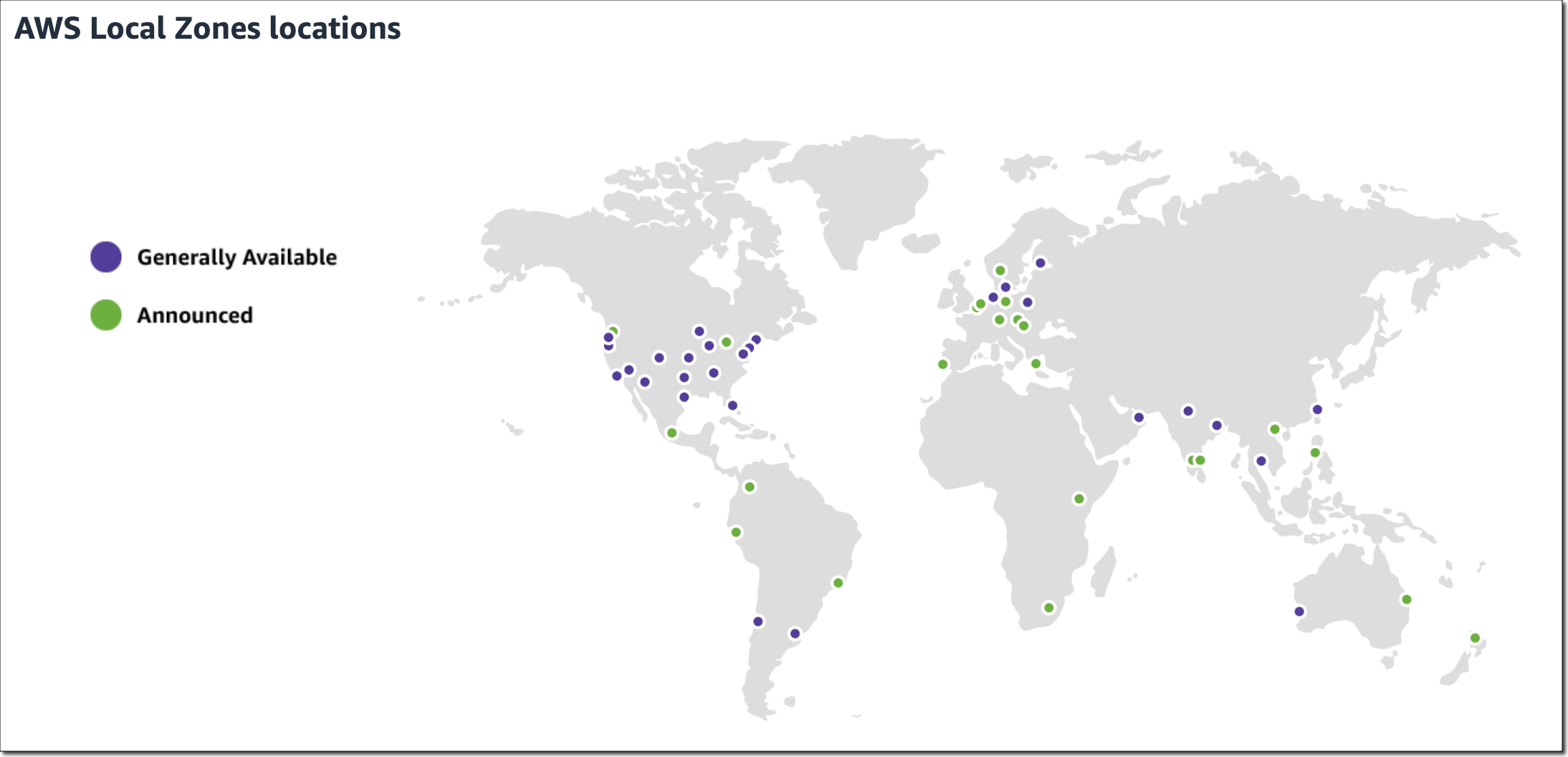
AWS Clean Rooms now available in preview – During AWS re:Invent this past November, we announced AWS Clean Rooms, a new analytics service that helps companies across industries easily and securely analyze and collaborate on their combined datasets—without sharing or revealing underlying data. You can now start using AWS Clean Rooms (Preview).
Amazon Kendra updates – Amazon Kendra is an intelligent search service powered by machine learning (ML) that helps you search across different content repositories with built-in connectors. With the new Amazon Kendra Intelligent Ranking for self-managed OpenSearch, you can now improve the quality of your OpenSearch search results using Amazon Kendra’s ML-powered semantic ranking technology.
Amazon Kendra also released an Amazon S3 connector with VPC support to index and search documents from Amazon S3 hosted in your VPC, a new Google Drive Connector to index and search documents from Google Drive, a Microsoft Teams Connector to enable Microsoft Teams messaging search, and a Microsoft Exchange Connector to enable email-messaging search.
Amazon Personalize updates – Amazon Personalize helps you improve customer engagement through personalized product and content recommendations. Using the new Trending-Now recipe, you can now generate recommendations for items that are rapidly becoming more popular with your users. Amazon Personalize now also supports tag-based resource authorization. Tags are labels in the form of key-value pairs that can be attached to individual Amazon Personalize resources to manage resources or allocate costs.
Amazon SageMaker Canvas now delivers up to 3x faster ML model training time – SageMaker Canvas is a visual interface that enables business analysts to generate accurate ML predictions on their own—without having to write a single line of code. The accelerated model training times help you prototype and experiment more rapidly, shortening the time to generate predictions and turn data into valuable insights.
For a full list of AWS announcements, be sure to keep an eye on the What's New at AWS page.
Other AWS News
Here are some additional news items and blog posts that you may find interesting:
AWS open-source news and updates – My colleague Ricardo writes this weekly open-source newsletter in which he highlights new open-source projects, tools, and demos from the AWS Community. Read edition #141 here.
ML model hosting best practices in Amazon SageMaker – This seven-part blog series discusses best practices for ML model hosting in SageMaker to help you identify which hosting design pattern meets your needs best. The blog series also covers advanced concepts such as multi-model endpoints (MME), multi-container endpoints (MCE), serial inference pipelines, and model ensembles. Read part one here.
I would also like to recommend this really interesting Amazon Science article about differential privacy for end-to-end speech recognition. The data used to train AI models is protected by differential privacy (DP), which adds noise during training. In this article, Amazon researchers show how ensembles of teacher models can meet DP constraints while reducing error by more than 26 percent relative to standard DP methods.
Upcoming AWS Events
Check your calendars and sign up for these AWS events:
#BuildOnLive – Build On AWS Live events are a series of technical streams on twitch.tv/aws that focus on technology topics related to challenges hands-on practitioners face today.
- Join the Build On Live Weekly show about the cloud, the community, the code, and everything in between, hosted by AWS Developer Advocates. The show streams every Thursday at 09:00 US PT on twitch.tv/aws.
- Join the new The Big Dev Theory show, co-hosted with AWS partners, discussing various topics such as data and AI, AIOps, integration, and security. The show streams every Tuesday at 08:00 US PT on twitch.tv/aws.
Check the AWS Twitch schedule for all shows.
AWS Community Days – AWS Community Day events are community-led conferences that deliver a peer-to-peer learning experience, providing developers with a venue to acquire AWS knowledge in their preferred way: from one another.
- In January, the AWS community will host in-person events in Singapore (January 28) and in Tel Aviv, Israel (January 30).
AWS Innovate Data and AI/ML edition – AWS Innovate is a free online event to learn the latest from AWS experts and get step-by-step guidance on using AI/ML to drive fast, efficient, and measurable results.
- AWS Innovate Data and AI/ML edition for Asia Pacific and Japan is taking place on February 22, 2023. Register here.
- Registrations for AWS Innovate EMEA (March 9, 2023) and the Americas (March 14, 2023) will open soon. Check the AWS Innovate page for updates.
You can browse all upcoming in-person and virtual events.
That’s all for this week. Check back next Monday for another Week in Review!
— Antje
Happy New Year! As we kick off 2023, I wanted to take a moment to remind you of some 2023 predictions by AWS leaders for you to help prepare for the new year.
- Five Tech Predictions for 2023 and Beyond by Dr. Wener Vogels, CTO of Amazon.com – Read how these technologies and trends will converge to help solve some of the hardest human problems.
- Six Security Predictions in 2023 and Beyond by CJ Moses, CISO of Amazon Web Services – Learn about what we think is next for the security industry and some high-level pointers on how you can stay ahead.
You can also read the nine best things Amazon announced and AWS for Automotive at the Consumer Electronics Show (CES) 2023 in the last week to see the latest offerings from Amazon and AWS that are helping innovate at speed and create new customer experiences at the forefront of technology.
Last Year-End Launches
We skipped two weeks since the last week in review on December 19, 2022. I want to pick some important launches from them.
- AWS IoT Core support for Protocol Protobuf – You can now decode Protobuf encoded messages, a popular messaging format among IoT customers in industries to JavaScript Object Notation (JSON) format using the AWS IoT Core Rules Engine without the need to invoke a Lambda function to decode them.
- Reserved Nodes for Amazon MemoryDB for Redis – Reserved nodes allow you to save up to 55 percent over On-Demand node prices in exchange for a usage commitment over a one- or three-year term. Reserved nodes are complementary to MemoryDB On-Demand nodes and give businesses flexibility to help reduce costs.
- Amazon Connect Updates – We added lots of features such as supporting Microsoft Edge Chromium browser and JSON content-type in chat messages, allowing contact center managers to join ongoing calls, setting up chat timeouts for auto close of idle chats, showing message receipts within the chat experience, and expanding DID and Toll-free numbers available in six more countries.
Last Week’s Launches
As usual, let’s take a look at some launches from the last week that I want to remind you of:
- Amazon S3 Encrypts New Objects by Default – Amazon S3 encrypts all new objects by default. Now, S3 automatically applies server-side encryption (SSE-S3) for each new object, unless you specify a different encryption option. There is no additional cost for default object-level encryption.
- Amazon Aurora MySQL Version 3 Backtrack Support – Backtrack allows you to move your MySQL 8.0 compatible Aurora database to a prior point in time without needing to restore from a backup, and it completes within seconds, even for large databases.
- Amazon EMR Serverless Custom Images – Amazon EMR Serverless now allows you to customize images for Apache Spark and Hive. This means that you can package application dependencies or custom code in the image, simplifying running Spark and Hive workloads.
- The Graph Explorer, Open-Source Low-Code Visual Exploration Tool – Amazon Neptune announced the graph-explorer, a React-based web application that enables users to visualize both property graph and Resource Description Framework (RDF) data and explore connections between data without having to write graph queries. To learn more about open source updates at AWS, see Ricardo’s OSS newsletter.
For a full list of AWS announcements, be sure to keep an eye on the What’s New at AWS page.
Other AWS News
Here are some other news items that you may find interesting in the new year:
- AWS Collective on Stack Overflow – Please join the AWS Collective on Stack Overflow, which provides builders a curated space to engage and learn from this large developer’s community.
- AWS Fundamentals Book – This upcoming AWS online book is intended to focus on AWS usage in the real world, and goes deeper with amazing per-service infographics.
- AWS Security Events Workshops – AWS Customer Incident Response Team (CIRT) release five real-world workshops that simulate security events, such as server-side request forgery, ransomware, and cryptominer-based security events, to help you learn the tools and procedures that AWS CIRT uses.
Upcoming AWS Events
Check your calendars and sign up for these AWS events in the new year:
- AWS Builders Online Series on January 18 – This online conference is designed for you to learn core AWS concepts, and step-by-step architectural best practices, including demonstrations to help you get started and accelerate your success on AWS.
- AWS Community Day Singapore on January 28 – Come and join AWS User Group Singapore’s first AWS Community Day, a community-led conference for AWS users. See Events for Developers to learn about developer events hosted by AWS and the AWS Community.
- AWS Cloud Practitioner Essentials Day in January and February – This online workshop provides a detailed overview of cloud concepts, AWS services, security, architecture, pricing, and support. This course also helps you prepare for the AWS Certified Cloud Practitioner examination.
You can browse all upcoming in-person, and virtual events.
That’s all for this week. Check back next Monday for another Week in Review!
— Channy
At AWS, security is job zero. Starting today, Amazon Simple Storage Service (Amazon S3) encrypts all new objects by default. Now, S3 automatically applies server-side encryption (SSE-S3) for each new object, unless you specify a different encryption option. SSE-S3 was first launched in 2011. As Jeff wrote at the time: “Amazon S3 server-side encryption handles all encryption, decryption, and key management in a totally transparent fashion. When you PUT an object, we generate a unique key, encrypt your data with the key, and then encrypt the key with a [root] key.”
This change puts another security best practice into effect automatically—with no impact on performance and no action required on your side. S3 buckets that do not use default encryption will now automatically apply SSE-S3 as the default setting. Existing buckets currently using S3 default encryption will not change.
As always, you can choose to encrypt your objects using one of the three encryption options we provide: S3 default encryption (SSE-S3, the new default), customer-provided encryption keys (SSE-C), or AWS Key Management Service keys (SSE-KMS). To have an additional layer of encryption, you might also encrypt objects on the client side, using client libraries such as the Amazon S3 encryption client.
While it was simple to enable, the opt-in nature of SSE-S3 meant that you had to be certain that it was always configured on new buckets and verify that it remained configured properly over time. For organizations that require all their objects to remain encrypted at rest with SSE-S3, this update helps meet their encryption compliance requirements without any additional tools or client configuration changes.
With today’s announcement, we have now made it “zero click” for you to apply this base level of encryption on every S3 bucket.
Verify Your Objects Are Encrypted
The change is visible today in AWS CloudTrail data event logs. You will see the changes in the S3 section of the AWS Management Console, Amazon S3 Inventory, Amazon S3 Storage Lens, and as an additional header in the AWS CLI and in the AWS SDKs over the next few weeks. We will update this blog post and documentation when the encryption status is available in these tools in all AWS Regions.
To verify the change is effective on your buckets today, you can configure CloudTrail to log data events. By default, trails do not log data events, and there is an extra cost to enable it. Data events show the resource operations performed on or within a resource, such as when a user uploads a file to an S3 bucket. You can log data events for Amazon S3 buckets, AWS Lambda functions, Amazon DynamoDB tables, or a combination of those.
Once enabled, search for PutObject API for file uploads or InitiateMultipartUpload for multipart uploads. When Amazon S3 automatically encrypts an object using the default encryption settings, the log includes the following field as the name-value pair: "SSEApplied":"Default\_SSE\_S3". Here is an example of a CloudTrail log (with data event logging enabled) when I uploaded a file to one of my buckets using the AWS CLI command aws s3 cp backup.sh s3://private-sst.

Amazon S3 Encryption Options
As I wrote earlier, SSE-S3 is now the new base level of encryption when no other encryption-type is specified. SSE-S3 uses Advanced Encryption Standard (AES) encryption with 256-bit keys managed by AWS.
You can choose to encrypt your objects using SSE-C or SSE-KMS rather than with SSE-S3, either as “one click” default encryption settings on the bucket, or for individual objects in PUT requests.
SSE-C lets Amazon S3 perform the encryption and decryption of your objects while you retain control of the keys used to encrypt objects. With SSE-C, you don’t need to implement or use a client-side library to perform the encryption and decryption of objects you store in Amazon S3, but you do need to manage the keys that you send to Amazon S3 to encrypt and decrypt objects.
With SSE-KMS, AWS Key Management Service (AWS KMS) manages your encryption keys. Using AWS KMS to manage your keys provides several additional benefits. With AWS KMS, there are separate permissions for the use of the KMS key, providing an additional layer of control as well as protection against unauthorized access to your objects stored in Amazon S3. AWS KMS provides an audit trail so you can see who used your key to access which object and when, as well as view failed attempts to access data from users without permission to decrypt the data.
When using an encryption client library, such as the Amazon S3 encryption client, you retain control of the keys and complete the encryption and decryption of objects client-side using an encryption library of your choice. You encrypt the objects before they are sent to Amazon S3 for storage. The Java, .Net, Ruby, PHP, Go, and C++ AWS SDKs support client-side encryption.
You can follow the instructions in this blog post if you want to retroactively encrypt existing objects in your buckets.
Available Now
This change is effective now, in all AWS Regions, including on AWS GovCloud (US) and AWS China Regions. There is no additional cost for default object-level encryption.
We are half way between the re:Invent conference and the end-of-year holidays, and I did expect the cadence of releases and news to slow down a bit, but nothing is further away from reality. Our teams continue to listen to your feedback and release new capabilities and incremental improvements.
This week, many items caught my attention. Here is my summary.
The AWS Pricing Calculator for Amazon EC2 is getting a redesign to provide you with a simplified, consistent, and efficient calculator to estimate costs. It also added a way to bulk estimate costs for EC2 instances, EC2 Dedicated Hosts, and Amazon EBS services. Try it for yourself today.

Amazon CloudWatch Metrics Insights alarms now enables you to trigger alarms on entire fleets of dynamically changing resources (such as automatically scaling EC2 instances) with a single alarm using standard SQL queries. For example, you can now write a query like this to collect data about CPU utilization over your entire dynamic fleet of EC2 instances.
SELECT AVG(CPUUtilization) FROM SCHEMA("AWS/EC2", InstanceId)AWS Amplify is a command line tool and a set of libraries to help you to build web and mobile applications connected to a cloud backend. We released Amplify Library for Android 2.0, with improvements and simplifications for user authentication. The team also released Amplify JavaScript library version 5, with improvements for React and React Native developers, such as a new notifications channel, also known as in-app messaging, that developers can use to display contextual messages to their users based on their behavior. The Amplify JavaScript library has also received improvements to reduce the overall bundle size and installation size.
Amazon Connect added granular access control based on resource tags for routing profiles, security profiles, users, and queues. It also adds bulk import for user hierarchy tags. This allows you to use attribute-based access control policies for Amazon Connect resources.
Amazon RDS Proxy now supports PostgreSQL major version 14. RDS Proxy is a fully managed, highly available database proxy for Amazon Relational Database Service (Amazon RDS) that makes applications more scalable, more resilient to database failures, and more secure. It is typically used by serverless applications that can have a large number of open connections to the database server and may open and close database connections at a high rate, exhausting database memory and compute resources.
AWS Gateway Load Balancer endpoints now support Ipv6 addresses. You can now send IPv6 traffic through Gateway Load Balancers and its endpoints to distribute traffic flows to dual stack appliance targets.
Amazon Location Service now provides Open Data Maps maps, in addition to ESRI and Here maps. I also noticed that Amazon is a core member of the new Overture Maps Foundation, officially hosted by the Linux Foundation. The mission of the Overture Maps Foundation is to power new map products through openly available datasets that can be used and reused across applications and businesses. The program is driven by Amazon Web Services (AWS), Facebook’s parent company Meta, Microsoft, and Dutch mapping company TomTom.
AWS Mainframe Modernization is a set of managed tools providing infrastructure and software for migrating, modernizing, and running mainframe applications. It is now available in three additional AWS Regions and supports AWS CloudFormation, AWS PrivateLink, AWS Key Management Service.
X in Y. Jeff started this section a while ago to list the expansion of new services and capabilities to additional Regions. I noticed 11 Regional expansions this week:
- Amazon AppStream 2.0 is now available in the South America (São Paulo) Region
- Amazon Neptune Serverless is now available in 5 additional AWS Regions
- Amazon Location Service now available in Asia Pacific (Mumbai), Canada (Central), Europe (London), and South America (São Paulo)
- Amazon Elastic File System (Amazon EFS) is now available in the AWS Europe (Zurich) Region
- Amazon QuickSight is now available in Stockholm and Paris Regions
- Amazon EC2 C6id, M6id, and R6id on one side, and M6a and C6a on the other side are now available in more Regions
- Amazon Kendra now available in Asia-Pacific (Mumbai) AWS Region
- Amazon MQ is now available in the Middle East (UAE) Region
- Contact Lens for Amazon Connect now provides conversational analytics in Africa (Cape Town) Region
- Amazon ECS Service Connect now available in the AWS China (Beijing) and AWS China (Ningxia) Regions
- Amazon GuardDuty now available in AWS Europe (Zurich) Region
Other AWS News
This week, I also noticed these AWS news items:
Amazon SageMaker turned 5 years old 
 . You can read the initial blog post we published at the time. To celebrate the event, the Amazon Science published this article where AWS’s Vice President Bratin Saha reflects on the past and future of AWS’s machine learning tools and AI services.
The security blog published a great post about the Cedar policy language. It explains how Amazon Verified Permissions provides a pre-built, flexible permissions system that you can use to build permissions based on both ABAC and RBAC in your applications. Cedar policy language is also at the heart of Amazon Verified Access I blogged about during re:Invent.
And just like every week, my most excellent colleague Ricardo published the open source newsletter.
Upcoming AWS Events
Check your calendars and sign up for these AWS events:
AWS re:Invent recaps in your area. During the re:Invent week, we had lots of new announcements, and in the next weeks, you can find in your area a recap of all these launches. All the events will be posted on this site, so check it regularly to find an event nearby.
AWS re:Invent keynotes, leadership sessions, and breakout sessions are available on demand. I recommend that you check the playlists and find the talks about your favorite topics in one collection.
AWS Summits season will restart in Q2 2023. The dates and locations will be announced here.
Stay Informed
That is my selection for this week! Heads up – the Week in Review will be taking a short break for the end of the year, but we’ll be back with regular updates starting on January 9, 2023. To better keep up with all of this news, do not forget to check out the following resources:
- What’s New with AWS – All AWS announcements. Add the RSS feed to your news reader.
- The Official AWS Podcast – Listen each week for updates on the latest AWS news and deep dives into exciting use cases. There are also official AWS podcasts in your local languages. Check the ones in French, German, Italian, and Spanish.
- AWS News Blog – This blog.
-- seb This post is part of our Week in Review series. Check back each week for a quick roundup of interesting news and announcements from AWS!
Amazon SageMaker Canvas provides business analysts with a visual interface to solve business problems using machine learning (ML) without writing a single line of code. Since we introduced SageMaker Canvas in 2021, many users have asked us for an enhanced, seamless collaboration experience that enables data scientists to share trained models with their business analysts with a few simple clicks.
Today, I’m excited to announce that you can now bring ML models built anywhere into SageMaker Canvas and generate predictions.
New – Bring Your Own Model into SageMaker Canvas
As a data scientist or ML practitioner, you can now seamlessly share models built anywhere, within or outside Amazon SageMaker, with your business teams. This removes the heavy lifting for your engineering teams to build a separate tool or user interface to share ML models and collaborate between the different parts of your organization. As a business analyst, you can now leverage ML models shared by your data scientists within minutes to generate predictions.
Let me show you how this works in practice!
In this example, I share an ML model that has been trained to identify customers that are potentially at risk of churning with my marketing analyst. First, I register the model in the SageMaker model registry. SageMaker model registry lets you catalog models and manage model versions. I create a model group called 2022-customer-churn-model-group and then select Create model version to register my model.
To register your model, provide the location of the inference image in Amazon ECR, as well as the location of your model.tar.gz file in Amazon S3. You can also add model endpoint recommendations and additional model information. Once you’ve registered your model, select the model version and select Share.
You can now choose the SageMaker Canvas user profile(s) within the same SageMaker domain you want to share your model with. Then, provide additional model details, such as information about training and validation datasets, the ML problem type, and model output information. You can also add a note for the SageMaker Canvas users you share the model with.
Similarly, you can now also share models trained in SageMaker Autopilot and models available in SageMaker JumpStart with SageMaker Canvas users.
The business analysts will receive an in-app notification in SageMaker Canvas that a model has been shared with them, along with any notes you added.
My marketing analyst can now open, analyze, and start using the model to generate ML predictions in SageMaker Canvas.
Select Batch prediction to generate ML predictions for an entire dataset or Single prediction to create predictions for a single input. You can download the results in a .csv file.
New – Improved Model Sharing and Collaboration from SageMaker Canvas with SageMaker Studio Users
We also improved the sharing and collaboration capabilities from SageMaker Canvas with data science and ML teams. As a business analyst, you can now select which SageMaker Studio user profile(s) you want to share your standard-build models with.
Your data scientists or ML practitioners will receive a similar in-app notification in SageMaker Studio once a model has been shared with them, along with any notes from you. In addition to just reviewing the model, SageMaker Studio users can now also, if needed, update the data transformations in SageMaker Data Wrangler, retrain the model in SageMaker Autopilot, and share back the updated model. SageMaker Studio users can also recommend an alternate model from the list of models in SageMaker Autopilot.
Once SageMaker Studio users share back a model, you receive another notification in SageMaker Canvas that an updated model has been shared back with you. This collaboration between business analysts and data scientists will help democratize ML across organizations by bringing transparency to automated decisions, building trust, and accelerating ML deployments.
Now Available
The enhanced, seamless collaboration capabilities for Amazon SageMaker Canvas, including the ability to bring your ML models built anywhere, are available today in all AWS Regions where SageMaker Canvas is available with no changes to the existing SageMaker Canvas pricing.
Start collaborating and bring your ML model to Amazon SageMaker Canvas today!
— Antje
Starting in April of 2023 we will be making two changes to Amazon Simple Storage Service (Amazon S3) to put our latest best practices for bucket security into effect automatically. The changes will begin to go into effect in April and will be rolled out to all AWS Regions within weeks.
Once the changes are in effect for a target Region, all newly created buckets in the Region will by default have S3 Block Public Access enabled and access control lists (ACLs) disabled. Both of these options are already console defaults and have long been recommended as best practices. The options will become the default for buckets that are created using the S3 API, S3 CLI, the AWS SDKs, or AWS CloudFormation templates.
As a bit of history, S3 buckets and objects have always been private by default. We added Block Public Access in 2018 and the ability to disable ACLs in 2021 in order to give you more control, and have long been recommending the use of AWS Identity and Access Management (IAM) policies as a modern and more flexible alternative.
In light of this change, we recommend a deliberate and thoughtful approach to the creation of new buckets that rely on public buckets or ACLs, and believe that most applications do not need either one. If your application turns out be one that does, then you will need to make the changes that I outline below (be sure to review your code, scripts, AWS CloudFormation templates, and any other automation).
What’s Changing
Let’s take a closer look at the changes that we are making:
S3 Block Public Access – All four of the bucket-level settings described in this post will be enabled for newly created buckets:

A subsequent attempt to set a bucket policy or an access point policy that grants public access will be rejected with a 403 Access Denied error. If you need public access for a new bucket you can create it as usual and then delete the public access block by calling DeletePublicAccessBlock (you will need s3:PutBucketPublicAccessBlock permission in order to call this function; read Block Public Access to learn more about the functions and the permissions).
ACLs Disabled – The Bucket owner enforced setting will be enabled for newly created buckets, making bucket ACLs and object ACLs ineffective, and ensuring that the bucket owner is the object owner no matter who uploads the object. If you want to enable ACLs for a bucket, you can set the ObjectOwnership parameter to ObjectWriter in your CreateBucket request or you can call DeleteBucketOwnershipControls after you create the bucket. You will need s3:PutBucketOwnershipControls permission in order to use the parameter or to call the function; read Controlling Ownership of Objects and Creating a Bucket to learn more.
Stay Tuned
We will publish an initial What’s New post when we start to deploy this change and another one when the deployment has reached all AWS Regions. You can also run your own tests to detect the change in behavior.
— Jeff;
The world is asynchronous, is what Werner Vogels, Amazon CTO, reminded us during his keynote last week at AWS re:Invent. At the beginning of the keynote, he showed us how weird a synchronous world would be and how everything in nature is asynchronous. One example of an event-driven application he showcased during his keynote is Serverlesspresso, a project my team has been working on for the last year. And last week, we announced Serverlesspresso extensions, a new program that lets you contribute to Serverlesspresso and learn how event-driven applications can be extended.
Last Week’s Launches
Here are some launches that got my attention during the previous week.
Amazon SageMaker Studio now supports fine-grained data access control with AWS LakeFormation when accessing data through Amazon EMR. Now, when you connect to EMR clusters to SageMaker Studio notebooks, you can choose what runtime IAM role you want to connect with, and the notebooks will only access data and resources permitted by the attached runtime role.
Amazon Lex has now added support for Arabic, Cantonese, Norwegian, Swedish, Polish, and Finnish. This opens new possibilities to create chat bots and conversational experiences in more languages.
Amazon RDS Proxy now supports creating proxies in Amazon Aurora Global Database primary and secondary Regions. Now, building multi-Region applications with Amazon Aurora is simpler. RDS proxy sits between your application and the database pool and shares established database connections.
Amazon FSx for NetApp ONTAP launched many new features. First, it added the support for Nitro-based encryption of data in transit. It also extended NVMe read cache support to Single-AZ file systems. And it added four new features to ease the use of the service: easily assign a snapshot policy to your volumes, easily create data protection volumes, configure volumes so their tags are automatically copied to the backups, and finally, add or remove VPC route tables for your existing Multi-AZ file systems.
I would also like to mention two launches that happened before re:Invent but were not covered on the News Blog:
Amazon EventBridge Scheduler is a new capability from Amazon EventBridge that allows you to create, run, and manage scheduled tasks at scale. Using this new capability, you can schedule one-time or recurrent tasks across 270 AWS services.
AWS IoT RoboRunner is now generally available. Last year at re:Invent Channy wrote a blog post introducing the preview for this service. IoT RoboRunner is a robotic service that makes it easier to build and deploy applications for fleets of robots working seamlessly together.
For a full list of AWS announcements, be sure to keep an eye on the What's New at AWS page.
Other AWS News
Some other updates and news that you may have missed:
I would like to recommend this really interesting Amazon Science article about federated learning. This is a framework that allows edge devices to work together to train a global model while keeping customers’ data on-device.
Podcast Charlas Técnicas de AWS – If you understand Spanish, this podcast is for you. Podcast Charlas Técnicas is one of the official AWS podcasts in Spanish, and every other week there is a new episode. Today the final episode for season three launched, and in it, we discussed many of the re:Invent launches. You can listen to all the episodes directly from your favorite podcast app or at AWS Podcasts en español.
AWS open-source news and updates–This is a newsletter curated by my colleague Ricardo to bring you the latest open-source projects, posts, events, and more.
Upcoming AWS Events
Check your calendars and sign up for these AWS events:
AWS Resiliency Hub Activation Day is a half-day technical virtual session to deep dive into the features and functionality of Resiliency Hub. You can register for free here.
AWS re:Invent recaps in your area. During the re:Invent week, we had lots of new announcements, and in the next weeks you can find in your area a recap of all these launches. All the events will be posted on this site, so check it regularly to find an event nearby.
AWS re:Invent keynotes, leadership sessions, and breakout sessions are available on demand. I recommend that you check the playlists and find the talks about your favorite topics in one collection.
That’s all for this week. Check back next Monday for another Week in Review!
— Marcia
Today we are announcing a new Amazon Comprehend feature for intelligent document processing (IDP). This feature allows you to classify and extract entities from PDF documents, Microsoft Word files, and images directly from Amazon Comprehend without you needing to extract the text first. Many customers need to process documents that have a semi-structured format, like […]
In 2016, we launched Amazon GameLift, a dedicated hosting solution that securely deploys and automatically scales fleets of session-based multiplayer game servers to meet worldwide player demand. With Amazon GameLift, you can create and upload a game server build once, replicate, and then deploy across multiple AWS Regions and AWS Local Zones to reach your […]
Today, we announced the preview release of Amazon CodeCatalyst. A unified software development and delivery service, Amazon CodeCatalyst enables software development teams to quickly and easily plan, develop, collaborate on, build, and deliver applications on AWS, reducing friction throughout the development lifecycle. In my time as a developer the biggest excitement—besides shipping software to users—was […]
It is increasingly common to use multiple cloud services as building blocks to assemble a modern event-driven application. Using purpose-built services to accomplish a particular task ensures developers get the best capabilities for their use case. However, communication between services can be difficult if they use different technologies to communicate, meaning that you need to […]
I am excited to announce the availability of a distributed map for AWS Step Functions. This flow extends support for orchestrating large-scale parallel workloads such as the on-demand processing of semi-structured data. Step Function’s map state executes the same processing steps for multiple entries in a dataset. The existing map state is limited to 40 […]
AWS Marketplace Vendor Insights is a new capability of AWS Marketplace. It simplifies third-party software risk assessments when procuring solutions from the AWS Marketplace. It helps you to ensure that the third-party software continuously meets your industry standards by compiling security and compliance information, such as data privacy and residency, application security, and access control, […]
As you move your machine learning (ML) workloads into production, you need to continuously monitor your deployed models and iterate when you observe a deviation in your model performance. When you build a new model, you typically start validating the model offline using historical inference request data. But this data sometimes fails to account for […]
In 2019, we introduced Amazon SageMaker Studio, the first fully integrated development environment (IDE) for data science and machine learning (ML). SageMaker Studio gives you access to fully managed Jupyter Notebooks that integrate with purpose-built tools to perform all ML steps, from preparing data to training and debugging models, tracking experiments, deploying and monitoring models, […]
Amazon SageMaker JumpStart is a machine learning (ML) hub that can help you accelerate your ML journey. SageMaker JumpStart gives you access to built-in algorithms with pre-trained models from popular model hubs, pre-trained foundation models to help you perform tasks such as article summarization and image generation, and end-to-end solutions to solve common use cases. […]
AWS Machine Learning University is now providing a free educator enablement program. This program provides faculty at community colleges, minority-serving institutions (MSIs), and historically Black colleges and universities (HBCUs) with the skills and resources to teach data analytics, artificial intelligence (AI), and machine learning (ML) concepts to build a diverse pipeline for in-demand jobs of […]
When we talk with customers, we hear that they want to be able to harness insights from data in order to make timely, impactful, and actionable business decisions. A common pattern with data-driven organizations is that they have many different data sources they need to ingest into their analytics systems. This requires them to build […]
To build machine learning models, machine learning engineers need to develop a data transformation pipeline to prepare the data. The process of designing this pipeline is time-consuming and requires a cross-team collaboration between machine learning engineers, data engineers, and data scientists to implement the data preparation pipeline into a production environment. The main objective of […]
Data fuels machine learning. In machine learning, data preparation is the process of transforming raw data into a format that is suitable for further processing and analysis. The common process for data preparation starts with collecting data, then cleaning it, labeling it, and finally validating and visualizing it. Getting the data right with high quality […]
Gathering insights from data is a more effective process if that data isn’t fragmented across multiple systems and data stores, whether on premises or in the cloud. Amazon AppFlow provides bidirectional data integration between on-premises systems and applications, SaaS applications, and AWS services. It helps customers break down data silos using a low- or no-code, […]
As companies increasingly adopt machine learning (ML) for their business applications, they are looking for ways to improve governance of their ML projects with simplified access control and enhanced visibility across the ML lifecycle. A common challenge in that effort is managing the right set of user permissions across different groups and ML activities. For […]
Back in 1980, at my second professional programming job, I was working on a project that analyzed driver’s license data from a bunch of US states. At that time data of that type was generally stored in fixed-length records, with values carefully (or not) encoded into each field. Although we were given schemas for the […]
PostgreSQL has become the preferred open-source relational database for many enterprises and start-ups with its extensible design for developers. One of the reasons developers use PostgreSQL is it allows them to add database functionality by building extensions with their preferred programming languages. You can already install and use PostgreSQL extensions in Amazon Aurora PostgreSQL-Compatible Edition […]
You use map apps every day to find your favorite restaurant or travel the fastest route using geospatial data. There are two types of geospatial data: vector data that uses two-dimensional geometries such as a building location (points), roads (lines), or land boundary (polygons), and raster data such as satellite and aerial images. Last year, […]
Today, I’m excited to announce a new, redesigned user interface (UI) for Amazon SageMaker Studio. SageMaker Studio provides a single, web-based visual interface where you can perform all machine learning (ML) development steps with a comprehensive set of ML tools. For example, you can prepare data using SageMaker Data Wrangler, build ML models with fully […]
Amazon DocumentDB (with MongoDB compatibility) is a scalable, highly durable, and fully managed database service for operating mission-critical JSON workloads. It is one of AWS fast-growing services with customers including BBC, Dow Jones, and Samsung relying on Amazon DocumentDB to run their JSON workloads at scale. Today I am excited to announce the general availability […]
When Jeff Barr first announced Amazon Athena in 2016, it changed my perspective on interacting with data. With Amazon Athena, I can interact with my data in just a few steps—starting from creating a table in Athena, loading data using connectors, and querying using the ANSI SQL standard. Over time, various industries, such as financial […]
Today, we announced the preview of AWS Verified Access, a new secure connectivity service that allows enterprises to enable local or remote secure access for their corporate applications without requiring a VPN. Traditionally, remote access to applications when on the road or working from home is granted by a VPN. Once the remote workforce is […]
In this post that was published in September 2021, Jeff Barr announced general availability of Amazon QuickSight Q. To recap, Amazon QuickSight Q is a natural language query capability that lets business users ask simple questions of their data. QuickSight Q is powered by machine learning (ML), providing self-service analytics by allowing you to query […]
Modern applications are built using modular and distributed components. Each component is a service that implements its own subset of functionalities. To make these services communicate with each other, you need a way to let them discover where they are, authorize access, and route traffic. When troubleshooting issues, you need to keep communication configurations under […]
I am excited to announce the availability of AWS Key Management Service (AWS KMS) External Key Store. Customers who have a regulatory need to store and use their encryption keys on premises or outside of the AWS Cloud can now do so. This new capability allows you to store AWS KMS customer managed keys on […]
Ten years ago, just a few months after I joined AWS, Amazon Redshift was launched. Over the years, many features have been added to improve performance and make it easier to use. Amazon Redshift now allows you to analyze structured and semi-structured data across data warehouses, operational databases, and data lakes. More recently, Amazon Redshift […]
AWS VP and Chief Evangelist Jeff Barr, plus a select group of AWS Developer Advocate colleagues, have personally chosen their picks for some of the most impactful and exciting product and service launches to debut at AWS re:Invent 2022. From now through Dec. 1, we’ll update this page daily with links to their AWS News […]
Way back in 2009 I wrote Introducing Amazon RDS – The Amazon Relational Database Service and told you that: RDS makes it easier for you to set up, operate, and scale a relational database in the cloud. You get direct database access without worrying about infrastructure provisioning, software maintenance, or common database management tasks. Since […]
Mortgage loan applications, at least in the United States, comprise around 500 or more pages of diverse documents. In order for applications to be reviewed, all these documents need to be classified, and the data on each form extracted. This isn’t as easy as it might sound! Besides different data structures in each document, the […]
Today we are announcing Amazon CloudWatch Logs data protection, a new set of capabilities for Amazon CloudWatch Logs that leverage pattern matching and machine learning (ML) to detect and protect sensitive log data in transit. While developers try to prevent logging sensitive information such as Social Security numbers, credit card details, email addresses, and passwords, […]
Deploying applications using multiple AWS accounts is a good practice to establish security and billing boundaries between teams and reduce the impact of operational events. When you adopt a multi-account strategy, you have to analyze telemetry data that is scattered across several accounts. To give you the flexibility to monitor all the components of your […]
Since we launched AWS Database Migration Service (AWS DMS) in 2016, customers have securely migrated more than 800,000 databases to AWS with minimal downtime. AWS DMS supports migration between 20+ database and analytics engines, such as Oracle to Amazon Aurora MySQL, MySQL to Amazon Relational Database (Amazon RDS) MySQL, Microsoft SQL Server to Amazon Aurora […]
Last year, we introduced the general availability of AWS Application Migration Service that simplifies and expedites your migration to AWS by automatically converting your source servers from physical, virtual, or cloud infrastructure to run natively on AWS. Since the GA launch, we have made improvements, adding features such as agentless replication, MAP 2.0 auto-tagging and […]
Today, we are announcing the availability of Amazon EFS Elastic Throughput, a new throughput mode for Amazon EFS that is designed to provide your applications with as much throughput as they need with pay-as-you-use pricing. This new throughput mode enables you to further simplify running workloads and applications on AWS by providing shared file storage […]
With Amazon Redshift, you can analyze data in the cloud at any scale. Amazon Redshift offers native data protection capabilities to protect your data using automatic and manual snapshots. This works great by itself, but when you’re using other AWS services, you have to configure more than one tool to manage your data protection policies. […]
When updating databases, using a blue/green deployment technique is an appealing option for users to minimize risk and downtime. This method of making database updates requires two database environments—your current production environment, or blue environment, and a staging environment, or green environment. You must then keep these two environments in sync with each other so […]
To define the data protection policy of an application, you have to look at its components and find which ones store data that needs to be protected. Those are the stateful components of your application, such as databases and file systems. Other components don’t store data but need to be restored as well in case […]
How many times have you had monitoring dashboards show you a normal situation, and at the same time, you have received customer tickets reporting your app is “slow” or unavailable to them? How much time did it take to diagnose these customer reports? You told us one of your challenges when monitoring internet-facing applications is […]
The experience customers have when interacting with a contact center can have a profound impact on them. For this reason, we launched Amazon Transcribe Call Analytics last year to help you analyze customer call recordings and get insights into issues and trends related to customer satisfaction and agent performance. To assist agents in resolving live […]
I first covered AWS Elastic Disaster Recovery (DRS) in a 2021 blog post. In that post, I described how DRS “enables customers to use AWS as an elastic recovery site for their on-premises applications without needing to invest in on-premises DR infrastructure that lies idle until needed. Once enabled, DRS maintains a constant replication posture […]
Microservices architectures are a well-known software development approach to make applications composed of small independent services that communicate over well-defined application programming interfaces (APIs). Customers faced challenges when they started breaking down their monolith applications into microservices, as it required specialized networking knowledge to communicate internally with other microservices. Amazon Elastic Container Services (Amazon ECS) […]
In November 2020, Jeff announced the upcoming AWS Asia Pacific (Hyderabad) as the second Region in India. Yes! Today we are announcing the general availability of the 30th AWS Region, Asia Pacific (Hyderabad) Region, with three Availability Zones and the ap-south-2 API name. The Asia Pacific (Hyderabad) Region is located in the state of Telangana. […]
This post is part of our Week in Review series. Check back each week for a quick roundup of interesting news and announcements from AWS! A new week starts, and the News Blog team is getting ready for AWS re:Invent! Many of us will be there next week and it would be great to meet […]
Starting today, AWS AppSync supports JavaScript resolvers and provides a resolver evaluation engine to test them before publishing them to the cloud. AWS AppSync, launched in 2017, is a service that allows you to build, manage, and host GraphQL APIs in the cloud. AWS AppSync connects your GraphQL schema to different data sources using resolvers. […]
The AWS Region in Aragón, Spain, is now open. The official name is Europe (Spain), and the API name is eu-south-2. You can start using it today to deploy workloads and store your data in Spain. The AWS Europe (Spain) Region has three Availability Zones (AZ) that you can use to reliably spread your applications […]
The AWS Heroes program celebrates and recognizes builders who are making an impact within the global AWS community. As we come to the end of 2022, the program is recognizing seven individuals who are passionate about AWS, and focused on organizing and speaking at community events, mentoring, authoring content, and even preserving wildlife. Please meet […]
It’s now just two weeks to AWS re:Invent in Las Vegas, and the pace is picking up, both here on the News Blog, and throughout AWS as everyone get ready for the big event! I hope you get the chance to join us, and have shared links and other information at the bottom of this […]
I am pleased to announce today the opening of our 28th AWS Region: Europe (Zurich), also known by its API name: eu-central-2. An AWS Region allows you to deploy your most demanding workloads and replicate your applications and data across distinct groups of data centers called Availability Zones. This new Region has three fully redundant […]
Looking for a specific Amazon Elastic Compute Cloud (Amazon EC2) instance, Amazon Elastic Container Service (Amazon ECS) task, or Amazon CloudWatch log group can take some time, especially if you have many resources and use multiple AWS Regions. Today, we’re making that easier. Using the new AWS Resource Explorer, you can search through the AWS […]
With three weeks to go until AWS re:Invent opens in Las Vegas, the AWS News Blog Team is hard at work creating blog posts to share the latest launches and previews with you. As usual, we have a strong mix of new services, new features, and a surprise or two. Last Week’s Launches Here are […]
No tricks, just treats in this weekly roundup of news and announcements. Let’s switch our AWS Management Console into dark mode and dive right into it. Last Week’s Launches Here are some launches that got my attention during the previous week: AWS Local Zones in Hamburg and Warsaw now generally available – AWS Local Zones help […]
This year, and for the twelfth consecutive year, AWS has been named as a Leader in the 2022 Magic Quadrant for Cloud Infrastructure and Platform Services (CIPS). Per Gartner, AWS is the longest-running CIPS Magic Quadrant Leader. AWS was among the first cloud providers when we launched Amazon Elastic Compute Cloud (Amazon EC2) and Amazon […]
Amazon Neptune is a fully managed graph database service that makes it easy to build and run applications that work with highly connected datasets. With Neptune, you can use open and popular graph query languages to execute powerful queries that are easy to write and perform well on connected data. You can use Neptune for […]
Today I’m pleased to announce AWS Batch for Amazon Elastic Kubernetes Service (Amazon EKS). AWS Batch for Amazon EKS is ideal for customers who no longer want to shoulder the burden of configuring, fine-tuning, and managing Kubernetes clusters and pods to use with their batch processing workflows. Furthermore, there is no charge for this service. […]
Last week, we announced plans to launch the AWS Asia Pacific (Bangkok) Region, which will become our third AWS Region in Southeast Asia. This Region will have three Availability Zones and will give AWS customers in Thailand the ability to run workloads and store data that must remain in-country. In the Works – AWS Region […]
This post is part of our Week in Review series. Check back each week for a quick roundup of interesting news and announcements from AWS! Monday means it’s time for another Week in Review post, so, without further ado, let’s dive right in! Last Week’s Launches Here’s some launch announcements from last week you may […]
Deep learning (DL) models have been increasing in size and complexity over the last few years, pushing the time to train from days to weeks. Training large language models the size of GPT-3 can take months, leading to an exponential growth in training cost. To reduce model training times and enable machine learning (ML) practitioners […]
This post is part of our Week in Review series. Check back each week for a quick roundup of interesting news and announcements from AWS! I had an amazing start to the week last week as I was speaking at the AWS Community Day NL. This event had 500 attendees and over 70 speakers, and […]
In late 2019 I told you about the AWS Local Zone in Los Angeles, California. In that post I described Local Zones as a new type of AWS infrastructure deployment that brings select AWS services very close to a particular geographic area. A year after that launch, I announced our plans to add 3 more […]
In June 2022 AWS announced a preview of Amazon Connect Cases, a feature of Amazon Connect that simplifies these customer interactions and reduces the average handle times of issues. Today I am excited to announce the general availability of Amazon Connect Cases. Cases, a feature of Amazon Connect, makes it easy for your contact center […]
This post is part of our Week in Review series. Check back each week for a quick roundup of interesting news and announcements from AWS! A new week and a new month just started. Curious which were the most significant AWS news from the previous seven days? I got you covered with this post. Last […]
Artificial intelligence (AI) is all around us. AI sends certain emails to our spam folders. It powers autocorrect, which helps us fix typos when we text. And now we can use it to solve business problems. In business, data-driven insights have become increasingly valuable. These insights are often discovered with the help of machine learning […]
I am pleased to announce today the availability of Amazon File Cache, a new high-speed cache service on AWS designed for processing file data stored in disparate locations—including on premises. File Cache accelerates and simplifies your most demanding cloud bursting and hybrid workflows by giving your applications access to files using a fast and familiar […]
At AWS, we love to give our customers choices: the choice of infrastructure to deploy your workloads, to store your most important data, or the operating systems for your virtual desktops. Many of you choose Amazon Workspaces to provision and distribute virtual desktops securely and at scale to your workforce. Our customers choose Workspaces when […]
Today we announce the general availability of AWS IoT FleetWise, a fully managed AWS service that makes it easier to collect, transform, and transfer vehicle data to the cloud. Last AWS re:Invent 2021, we previewed AWS IoT FleetWise, heard customer feedback, and improved features for various use cases of near-real-time vehicle data processing. With AWS […]
It looks like my travel schedule is coupled with this Week In Review series of blog posts. This week, I am traveling to Fort-de-France in the French Caribbean islands to meet our customers and partners. I enjoy the travel time when I am offline. It gives me the opportunity to reflect on the past or […]
I am pleased to announce the availability of local clusters for Amazon Elastic Kubernetes Service (Amazon EKS) on AWS Outposts. It means that starting today, you can deploy your Amazon EKS cluster entirely on Outposts: both the Kubernetes control plane and the nodes. Amazon EKS is a managed Kubernetes service that makes it easy for […]
Things are heating up in Seattle, with preparation for AWS re:Invent 2022 well underway. Later this month the entire News Blog team will participate in our now-legendary “speed storming” event. Over the course of three or four days, each of the AWS service teams with a launch in the works for re:Invent will give us […]
Today, we announced direct VPC routing for AWS Outposts rack. This enables you to connect Outposts racks and on-premises networks using simplified IP address management. Direct VPC routing automatically advertises Amazon Virtual Private Cloud (Amazon VPC) subnet CIDR addresses to on-premises networks. This enables you to use the private IP addresses of resources in your […]
I am working from London, UK, this week to record sessions for the upcoming Innovate EMEA online conference—more about this in a future Week In Review. While I was crossing the channel, I took the time to review what happened on AWS last week. Last Week’s Launches Here are some launches that got my attention: […]
This post is part of our Week in Review series. Check back each week for a quick roundup of interesting news and announcements from AWS! As a new week begins, let’s quickly look back at the most significant AWS news from the previous seven days. Last Week’s Launches Here are the launches that got my […]
Our customers are looking for cost-effective ways to continue to migrate their applications to the cloud. VMware Cloud on AWS is a fully managed, jointly engineered service that brings VMware’s enterprise-class, software-defined data center architecture to the cloud. VMware Cloud on AWS offers our customers the ability to run applications across operationally consistent VMware vSphere-based […]
The AWS Region in the United Arab Emirates is now open. The official name is Middle East (UAE), and the API name is me-central-1. You can start using it today to deploy workloads and store your data in the United Arab Emirates. The AWS Middle East (UAE) Region is the second Region in the Middle […]
I’ve just returned from data and machine learning (ML) conferences in Los Angeles and San Francisco, California. It’s been great to chat with customers and developers about the latest technology trends and use cases. This past week has also been packed with launches at AWS. Last Week’s Launches Here are some launches that got my […]
The global AWS community is filled with passionate builders, eager to learn and explore ways to build better and faster on AWS. Within the AWS community, a select few individuals truly go above and beyond to share their knowledge and inspire others through content creation, event organization, open source contributions, and more. These community leaders […]
Today, we are announcing a new feature, Fine-Grained Visual Embedding Powered by Amazon QuickSight. With this feature, individual visualizations from Amazon QuickSight dashboards can now be embedded in high-traffic webpages and applications. Additionally, this feature enables you to provide rich insights for your end-users where they need them the most, without server or software setup […]
ChatOps speeds up software development and operations by enabling DevOps teams to use chat clients and chatbots to communicate and run tasks. DevOps engineers have increasingly moved their monitoring, system management, continuous integration (CI), and continuous delivery (CD) workflows to chat applications in order to streamline activities in a single place and enable better collaboration […]
This post is part of our Week in Review series. Check back each week for a quick roundup of interesting news and announcements from AWS! I’m back from my summer holidays and ready to get up to date with the latest AWS news from last week! Last Week’s Launches Here are some launches that got […]
Ten years ago, on August 20, 2012, AWS announced the general availability of Amazon Glacier, secure, reliable, and extremely low-cost storage designed for data archiving and backup. At the time, I was working as an AWS customer and it felt like an April Fools’ joke, offering long-term, secure, and durable cloud storage that allowed me […]
AWS Trusted Advisor is a service that continuously analyzes your AWS accounts and provides recommendations to help you to follow AWS best practices and AWS Well-Architected guidelines. Trusted Advisor implements a series of checks. These checks identify ways to optimize your AWS infrastructure, improve security and performance, reduce costs, and monitor service quotas. Today, we […]
It is estimated that 50 percent of the injuries caused when a high magnitude earthquake affects an area are because of falls or falling hazards. This means that most of these injuries could have been prevented if the population had a few seconds of warning to take cover. Grillo, a social impact enterprise focused on seismology, […]
Progress is often best appreciated in retrospect. It is often the case that a steady stream of incremental improvements over a long period of time ultimately adds up to a significant level of change. Today, ten years after we first launched the Provisioned IOPS feature for Amazon Elastic Block Store (EBS), I strongly believe that […]
Amazon CloudFront is a content delivery network (CDN) service, a network of interconnected servers that is geographically closer to the users and reaches their computers much faster. Amazon CloudFront reduces latency by delivering data through 410+ globally dispersed Points of Presence (PoPs) with automated network mapping and intelligent routing. With Amazon CloudFront, content, API requests […]
I love the AWS Twitch channel for watching interesting online live shows such as AWS On Air, Containers from the Couch, and Serverless Office Hours. Last week, AWS Storage Day 2022 was hosted virtually on the AWS Twitch channel and covered recent announcements and insights that address customers’ needs to reduce and optimize storage costs and build data resiliency […]
Back in the mid-1990’s, I had a young family and 5 or 6 PCs in the basement. One day my son Stephen and I bought a single box that contained a bunch of 3COM network cards, a hub, some drivers, and some cables, and spent a pleasant weekend setting up our first home LAN. Introducing […]
We are on the fourth year of our annual AWS Storage Day! Do you remember our first Storage Day 2019 and the subsequent Storage Day 2020? I watched Storage Day 2021, which was streamed live from downtown Seattle. We continue to hear from our customers about how powerful the Storage Day announcements and educational sessions […]
As an ex-.NET developer, and now Developer Advocate for .NET at AWS, I’m excited to bring you this week’s Week in Review post, for reasons that will quickly become apparent! There are several updates, customer stories, and events I want to bring to your attention, so let’s dive straight in! Last Week’s launches .NET developers, […]
With the Graviton Challenge last year, we helped customers migrate to Graviton-based EC2 instances and get up to 40 percent price performance benefit in as little as 4 days. Tens of thousands of customers, including 48 of the top 50 Amazon Elastic Compute Cloud (Amazon EC2) customers, use AWS Graviton processors for their workloads. In […]
Today we are announcing the general availability of license-included Visual Studio software on Amazon Elastic Cloud Compute (Amazon EC2) instances. You can now purchase fully compliant AWS-provided licenses of Visual Studio with a per-user subscription fee. Amazon EC2 provides preconfigured Amazon Machine Images (AMIs) of Visual Studio Enterprise 2022 and Visual Studio Professional 2022. You […]
Today, I am excited to announce AWS Skill Builder Individual and Team subscriptions. This is a new way for you to learn about cloud technologies and get practical experience with hands-on training. Between 2013 and 2016, I spent three years delivering AWS Training classes to customers in Europe, North America, and Asia. At the time, […]